
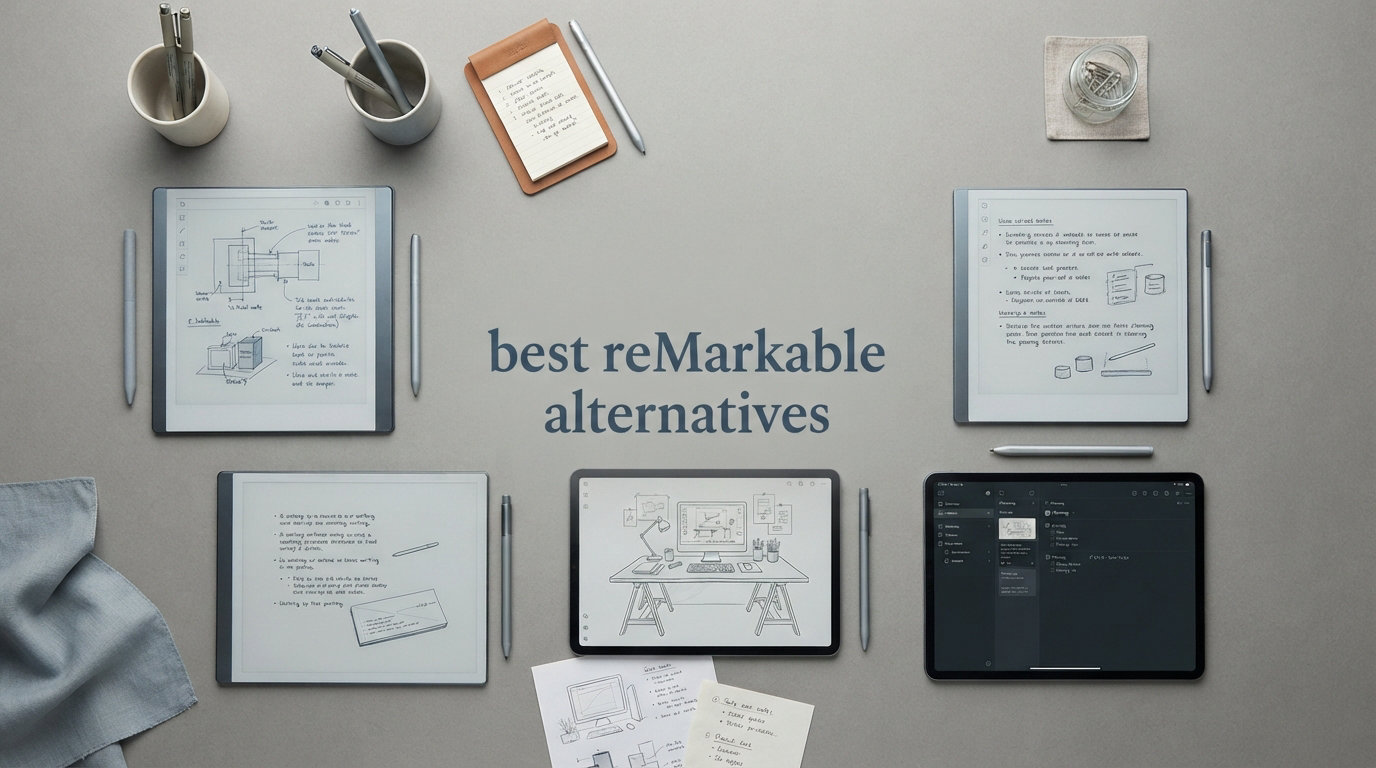
I spent three months testing e-ink tablets and paper-like writing devices to find the best reMarkable alternatives on the market right now. The reMarkable line is great, but the closed ecosystem and ongoing subscription costs push a lot of people away. Our team wanted to know: what else out there gives you that paper-like writing feel without locking you into one company’s software?
After testing 10 different devices, from true E Ink note-taking tablets to NXTPAPER-based Android slates, we found strong options at every price point. Some of these tablets match reMarkable’s writing feel almost identically. Others trade a bit of that paper authenticity for far more software flexibility, color displays, and Google Play Store access.
Whether you are a student who needs distraction-free note-taking, a professional who wants PDF annotation, or someone who simply refuses to pay a monthly subscription for their notebook, this guide covers the best reMarkable alternatives you can buy in 2026. Let us walk you through what makes each device stand out and which one fits your workflow.
Top 3 Picks for Best reMarkable Alternatives

Amazon Kindle Scribe (64GB)
- 300 PPI E Ink
- AI notebook tools
- No subscription
- Premium pen included


HUION Note 2-in-1 Digital Notebook
- Paper plus digital
- Bluetooth sync
- 8192 pressure levels
- Cross-platform app
Best reMarkable Alternatives in 2026
| Product | Specifications | Action |
|---|---|---|
|
Amazon Kindle Scribe 64GB
|
|
Check Latest Price |
|
TCL NXTPAPER 11 Plus
|
|
Check Latest Price |
|
HUION Note 2-in-1 Notebook
|
|
Check Latest Price |
 Penstar eNote 2
|
|
Check Latest Price |
 BOOX Tablet Go 10.3 Gen II
|
|
Check Latest Price |
 VIWOODS AiPaper
|
|
Check Latest Price |
 XPPen Magic Note Pad
|
|
Check Latest Price |
 iFLYTEK AINOTE Air 2
|
|
Check Latest Price |
 TCL NXTPAPER 14
|
|
Check Latest Price |
 TCL Note A1 NXTPAPER
|
|
Check Latest Price |
1. Amazon Kindle Scribe (64GB) – Best Overall reMarkable Alternative
Amazon Kindle Scribe (64GB) - Your notes, documents and books, all in one place. With built-in AI notebook summarization. Includes Premium Pen - Tungsten
10.2 inch 300 PPI E Ink
Front-lit display
64GB storage
Premium Pen included
No subscription for AI features
Pros
- Purpose-built distraction-free reading and writing
- AI tools convert handwriting to text and summarize notes
- Pen-on-paper feel with no setup or charging
- Months of battery life on single charge
- No subscription fees for AI features
Cons
- Pen tips wear down faster than expected
- Drawing experience not optimized for art
- Note syncing requires workarounds
- Heavier than smaller Kindles for reading in bed
I picked up the Kindle Scribe expecting a glorified e-reader with a pen attached. What I actually got was one of the most focused writing experiences available, and it quickly became my go-to recommendation for anyone exploring reMarkable alternatives. The 10.2-inch 300 PPI display feels remarkably close to writing on actual paper, and the front-lit screen means you can work in any lighting condition without needing a desk lamp.
The standout feature for me was the AI notebook tools. You can convert handwritten notes into clean text, summarize long meeting notes, and even adjust the tone and length of your writing. None of this requires a monthly subscription, which is the exact pain point that drives people away from reMarkable in the first place. The Premium Pen feels natural in hand and needs zero setup or charging.
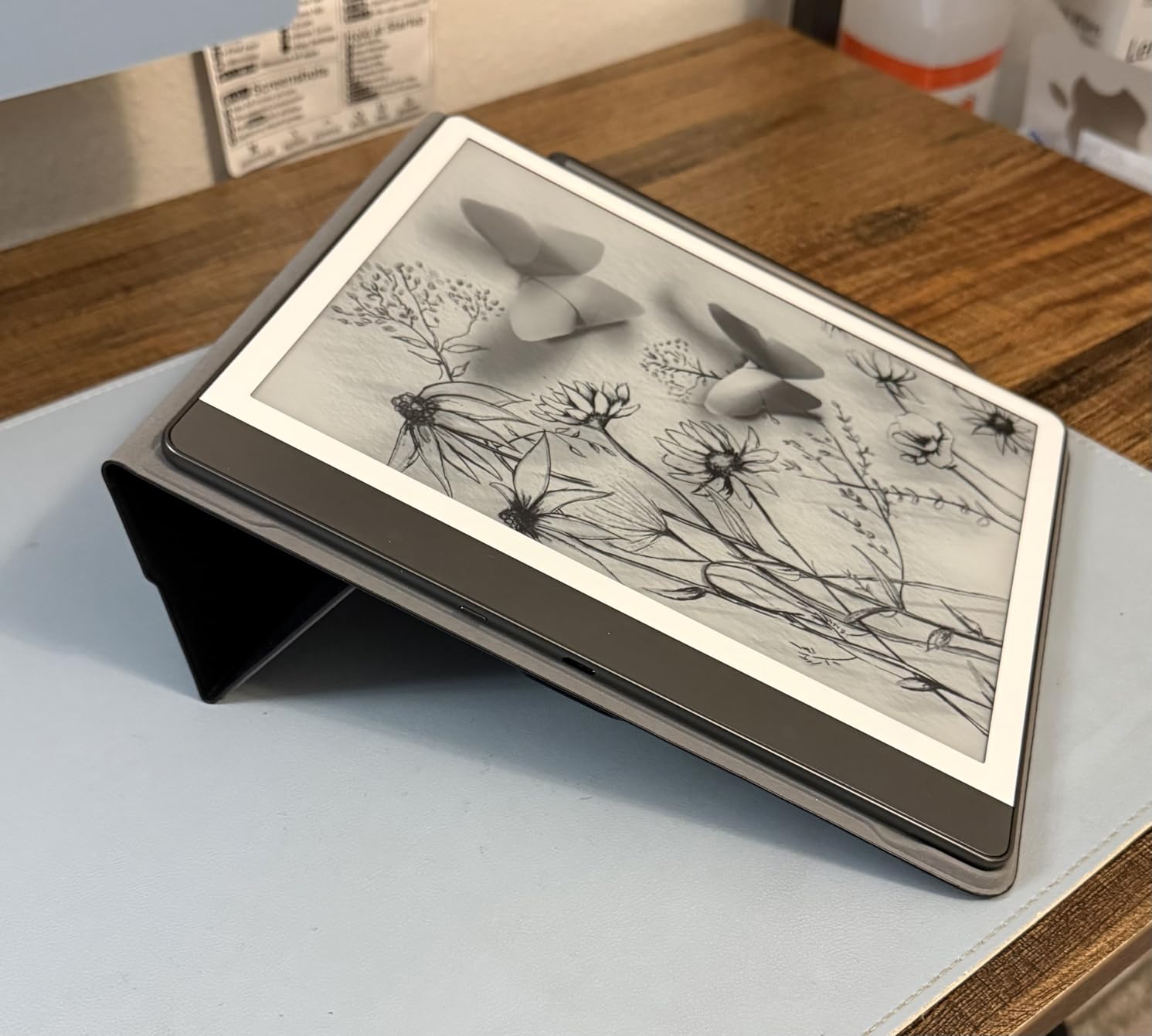
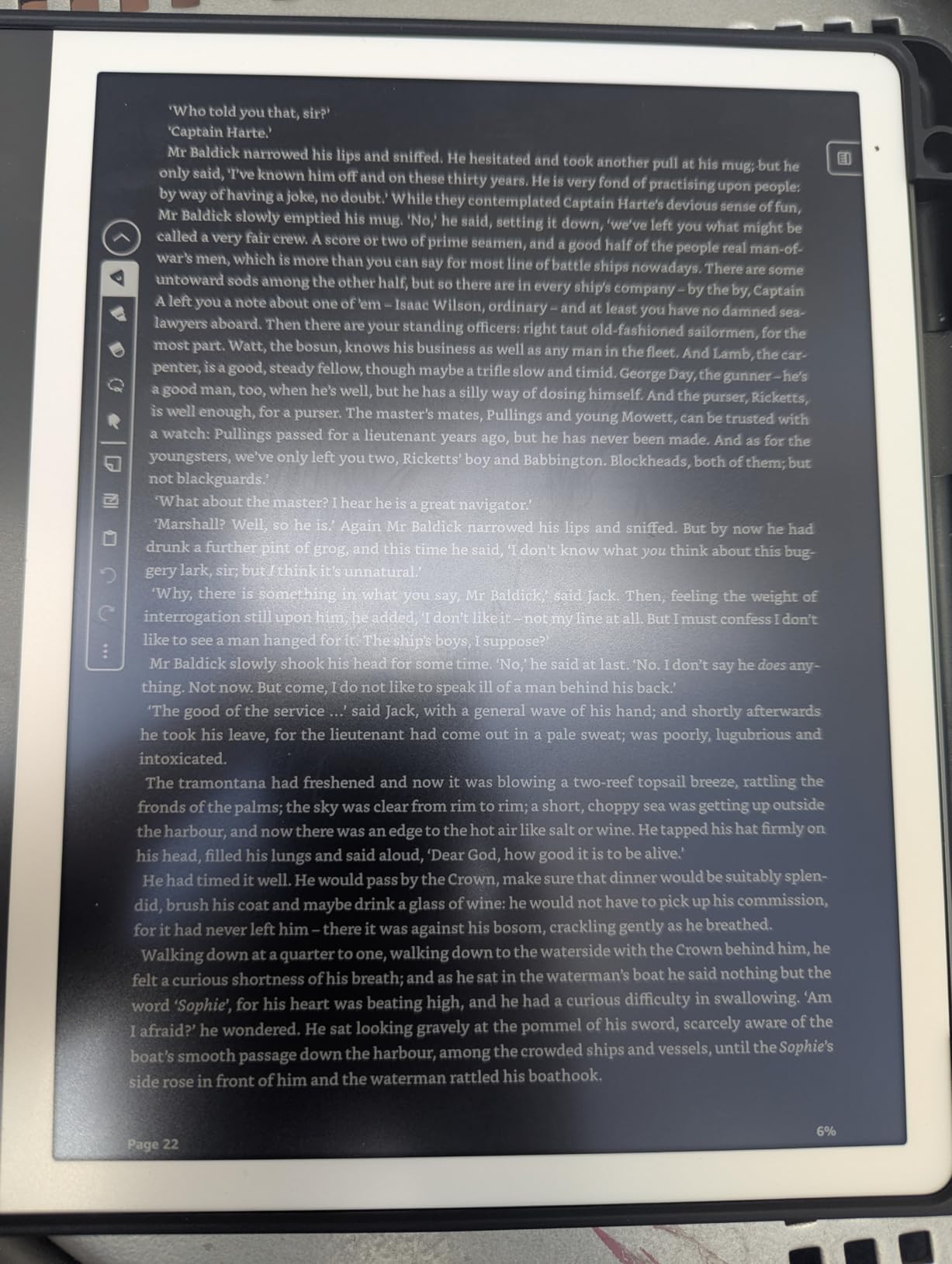
On the technical side, the Scribe integrates tightly with the Kindle ecosystem. If you already own Kindle books, importing them and annotating directly in the margins is seamless. The Active Canvas feature creates a dedicated space for your notes while reading, so your thoughts and the source material stay connected. Battery life is excellent too, with weeks of writing on a single charge.
The downsides are real though. The pen tips wear down faster than I expected, and you will want to stock up on replacements. Drawing is not this device’s strength, and the note syncing workflow feels clunky since you need to use AI transcription followed by an email workaround. It is also noticeably heavier than smaller Kindles if you like reading in bed.
Who Should Buy the Kindle Scribe
This device is perfect for avid readers who want to annotate books and take meeting notes without dealing with subscriptions or app stores. If you live in the Kindle ecosystem, this is a natural upgrade that combines your library with a capable digital notebook. It is also great for professionals who want AI-powered note transformation without paying monthly fees.
Key Considerations Before Buying
The Scribe works best for reading and writing, not drawing or creative work. If you need Google Play Store access, color displays, or advanced productivity apps, you should look at the BOOX or TCL options instead. The 64GB storage is generous for documents and notes, but there is no expandable storage option.
2. TCL NXTPAPER 11 Plus – Best Value reMarkable Alternative
TCL NXTPAPER 11 Plus Android Tablet, 11.5" 120Hz 2.2K Drawing Pad & Digital Notebook, 4096-Level Stylus & Flip Case Included, NXTPAPER 4.0 Display, AI Tools, 8+8GB RAM, 256GB Storage, 8000mAh Battery
11.5 inch 2.2K 120Hz display
NXTPAPER 4.0
8GB+8GB RAM
256GB storage
Android 15
T-PEN stylus included
Pros
- Excellent paper-like display that rivals e-readers
- Zero glare in outdoor use
- 120Hz smooth refresh rate
- Three display modes for different use cases
- AI-powered productivity tools
- Flip case and stylus included in box
Cons
- CPU limits 120Hz performance potential
- No microSD card support
- Pen nibs difficult to find as replacements
- USB-C is 2.0 only
- Stock Notes app feels basic
The TCL NXTPAPER 11 Plus surprised me more than any other device on this list. At its price point, I did not expect a display this good. The NXTPAPER 4.0 technology produces a screen that genuinely looks like paper, with zero glare even in direct sunlight. I tested it side by side with a Kindle, and the reading experience was remarkably similar.
What sets this apart from E Ink tablets is the 120Hz refresh rate. Flipping between notes, scrolling through documents, and switching apps feels instant compared to the slow page turns on e-ink displays. The three display modes (Regular, Ink Paper, and Color Paper) let you tune the screen for whatever you are doing. Ink Paper mode makes it look like a monochrome e-ink device, which I loved for long writing sessions.
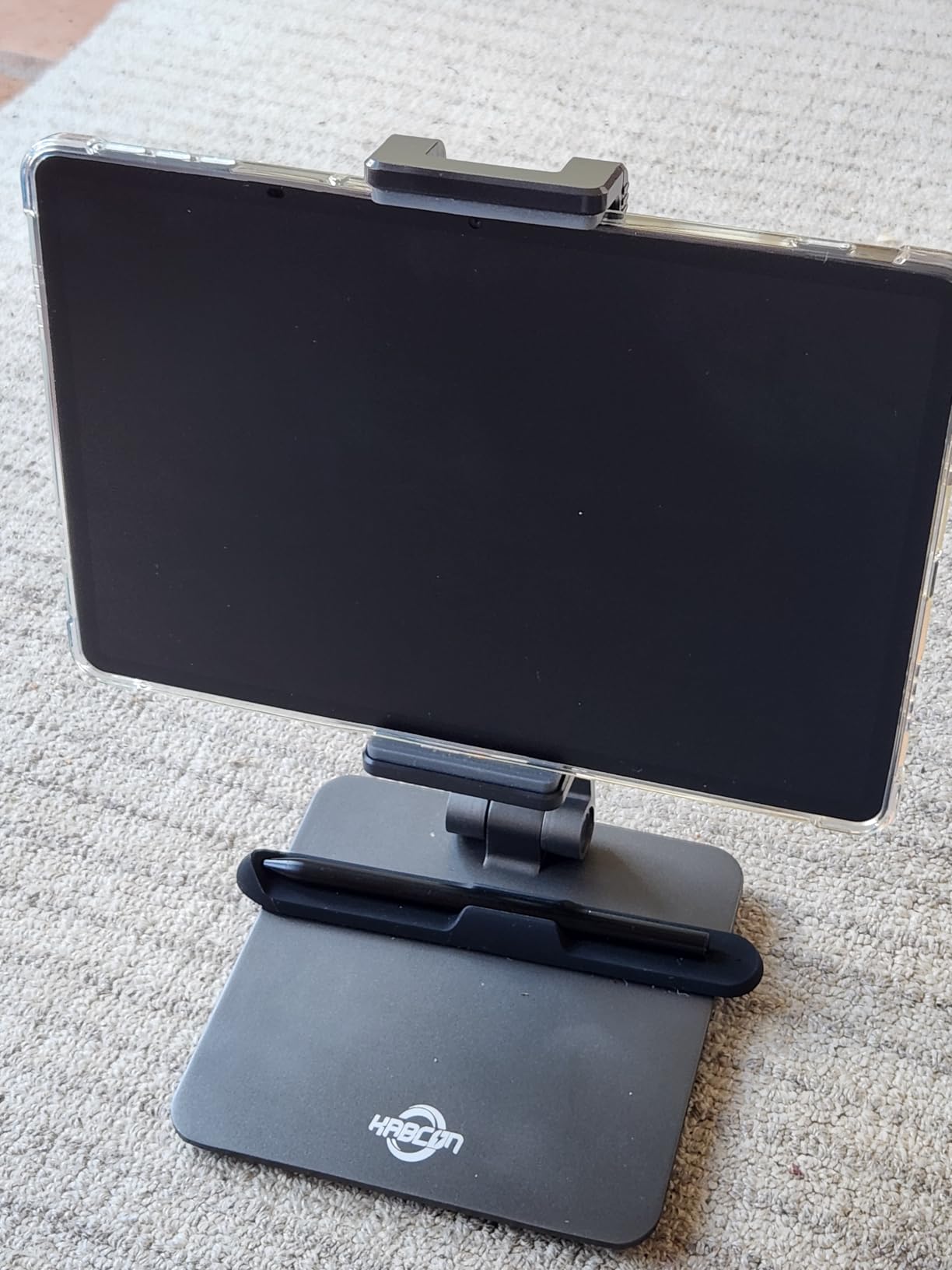
Under the hood, you get 8GB of RAM with another 8GB of expansion, 256GB of storage, and a MediaTek Helio G100 processor. It runs full Android 15, which means Google Play Store access and every app you could want. The included T-PEN stylus has 4096 pressure levels and works well for both handwriting and light sketching. TCL also throws in a flip case, which is a nice touch at this price.
The main compromises are around processing power and expandability. The Helio G100 cannot always keep up with the 120Hz display, and you will notice occasional stutters. There is no microSD support, so 256GB is your ceiling. Replacement pen nibs are also hard to track down, so treat the stylus carefully.
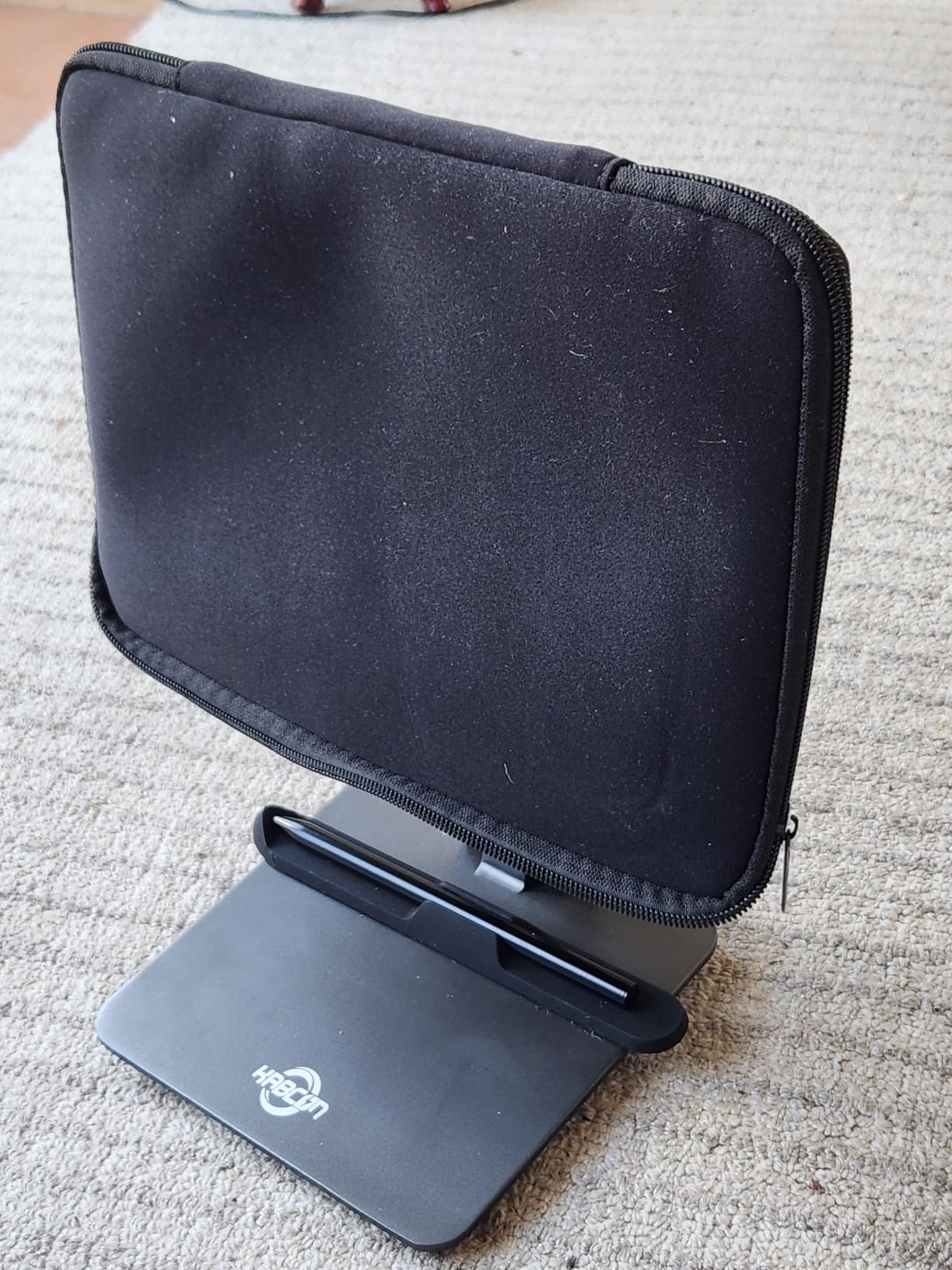
Who Should Buy the TCL NXTPAPER 11 Plus
This is the device I recommend to budget-conscious users who want a paper-like experience with full Android functionality. It is ideal for students who need to run study apps alongside their note-taking, and for professionals who want one device that handles both work and reading. The value proposition here is hard to beat.
Key Considerations Before Buying
Remember that this is an LCD tablet with a paper-like coating, not a true E Ink display. Battery life is measured in hours, not weeks like dedicated e-ink devices. If pure writing feel is your top priority and you do not need apps, a true e-ink option might serve you better.
3. HUION Note 2-in-1 Digital Notebook – Best Budget Pick
HUION Note 2-in-1 Digital Notebook Drawing Tablet With Battery-free Pen, Bluetooth Wireless Paper Tablet Electronic Writing Pad for Note-taking, Digital Art & Meeting, Refillable A5 Notepad, 9.5x7inch
A5 refillable paper pad
Bluetooth digital sync
8192 pressure levels
18 hour battery
Cross-platform app
Works with Win, Mac, iOS, Android
Pros
- Bridges physical paper with digital note-taking
- Can use any A5 replacement paper
- Well-designed app with multiple pen styles
- 18 hour battery life
- Audio recording syncs with notes
- Excellent value at under $100
Cons
- Only works with the included pen
- Pen case magnet is weak
- Paper can be affected by humidity
- App lacks functions of dedicated drawing tablets
- Pen nibs can be pricey and sometimes out of stock
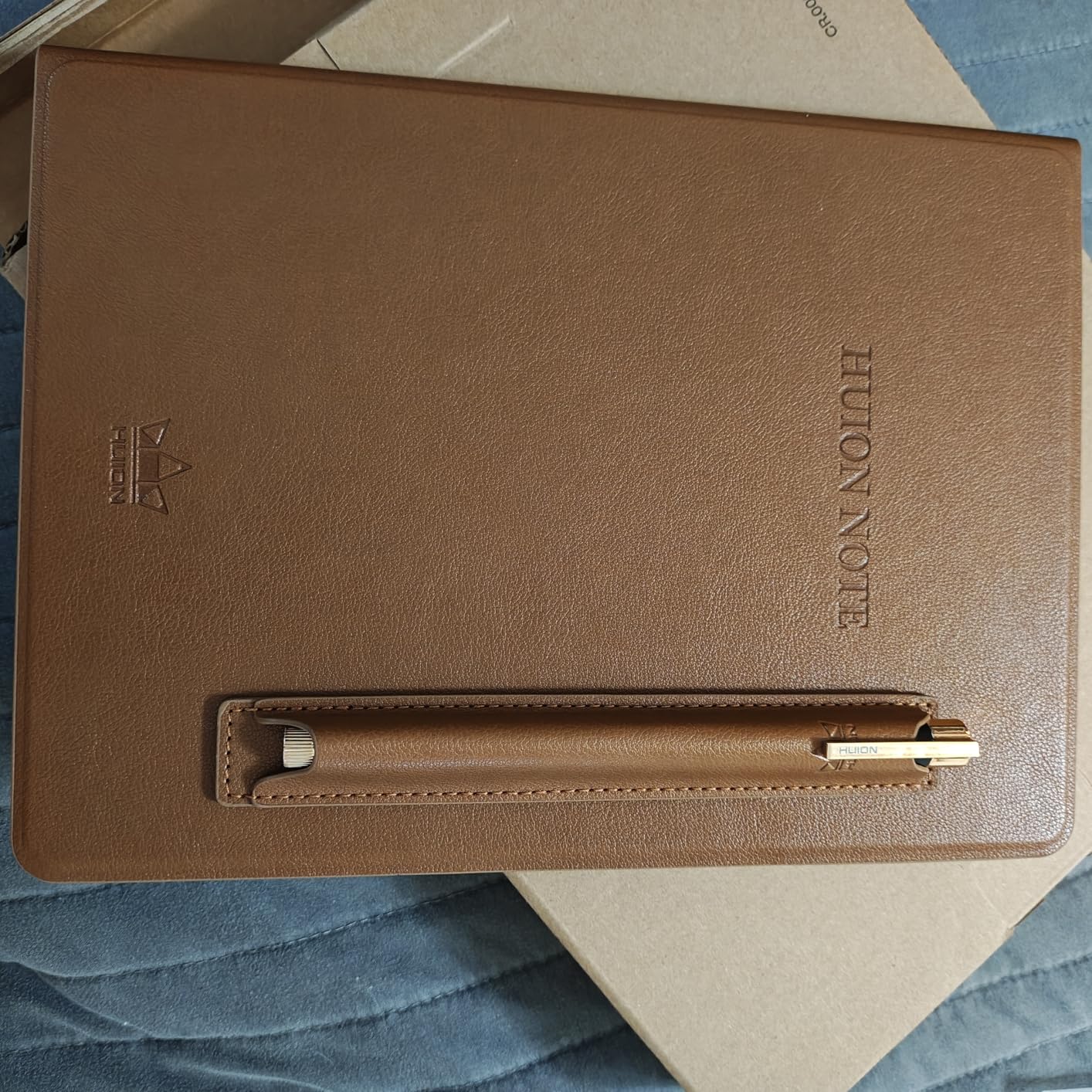
The HUION Note is the most creative solution on this list. Instead of replacing paper, it augments it. You write on real A5 paper with a special battery-free pen, and the device sitting underneath captures every stroke digitally via Bluetooth. I was skeptical at first, but after using it for two weeks of meeting notes, I was converted.
The genius of this approach is that you get the tactile satisfaction of real paper with the convenience of digital backup. The pen has 8192 levels of pressure sensitivity, so your digital copies look exactly like your handwritten originals. When you fill up the 50-page notepad, you just swap in any A5 paper you have lying around.
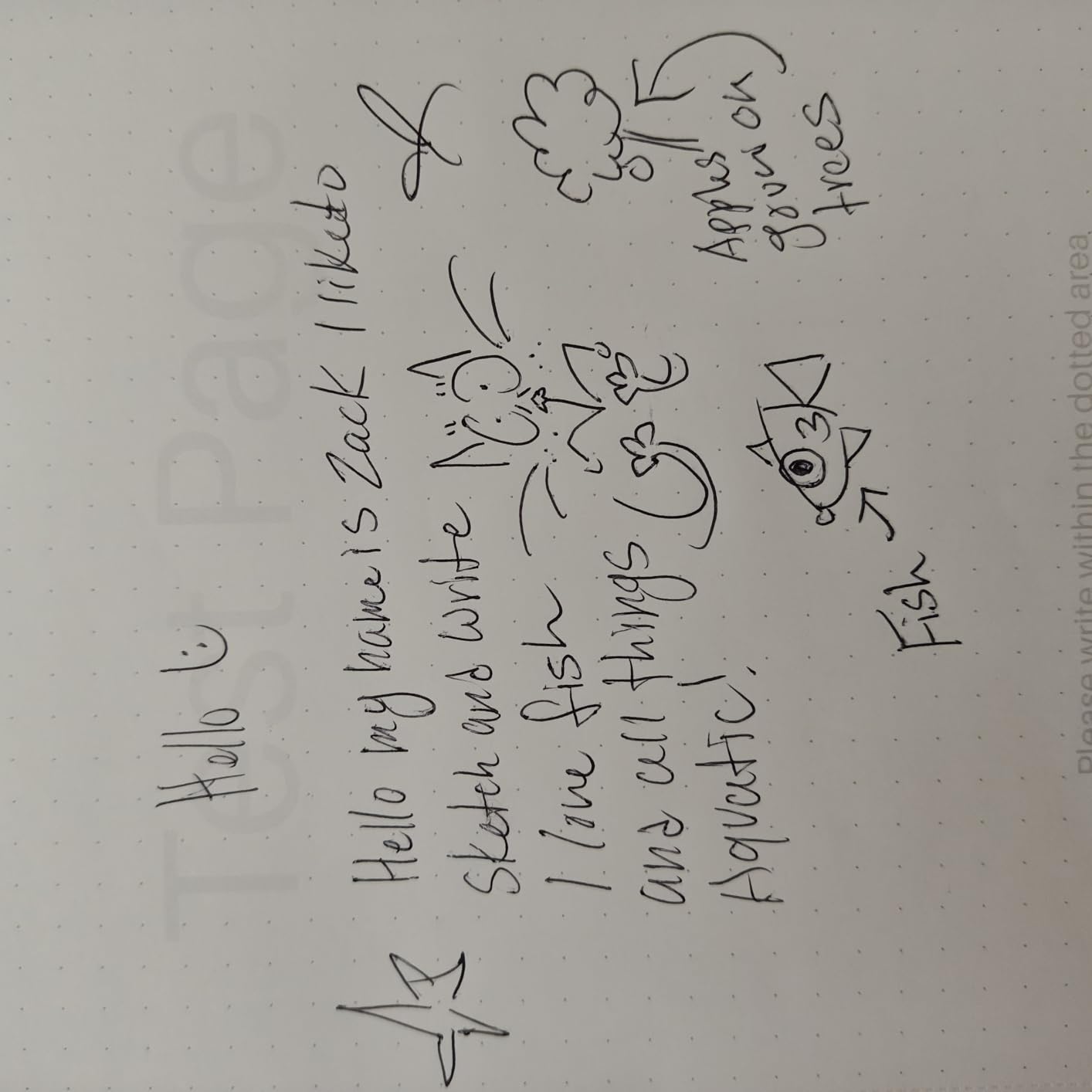
The companion app is where this device shines. It offers multiple notebook styles, pen options, and templates. You can record audio while taking notes, and the app syncs everything together so you can tap a word later and hear what was being said at that moment. Exporting as PDF, image, or MP4 is straightforward with one-click sharing.
The biggest risk is losing the pen, since the device only works with the included stylus. The magnetic pen case closure is also weak, so I recommend storing the pen separately. At this price, though, the trade-offs are easy to accept. This is the cheapest entry point into digital note-taking that still feels premium.
Who Should Buy the HUION Note
This is perfect for students and professionals who love writing on real paper but want digital backups. If you are not ready to give up the tactile feel of pen on actual paper, this hybrid approach gives you the best of both worlds. It is also an excellent first step into digital note-taking without spending hundreds.
Key Considerations Before Buying
The HUION Note is a companion device, not a standalone tablet. You need a phone or computer to view and manage your digital notes. There is no screen on the device itself, so you are trusting the technology to capture accurately. Keep the pen safe, since replacements may not be readily available.
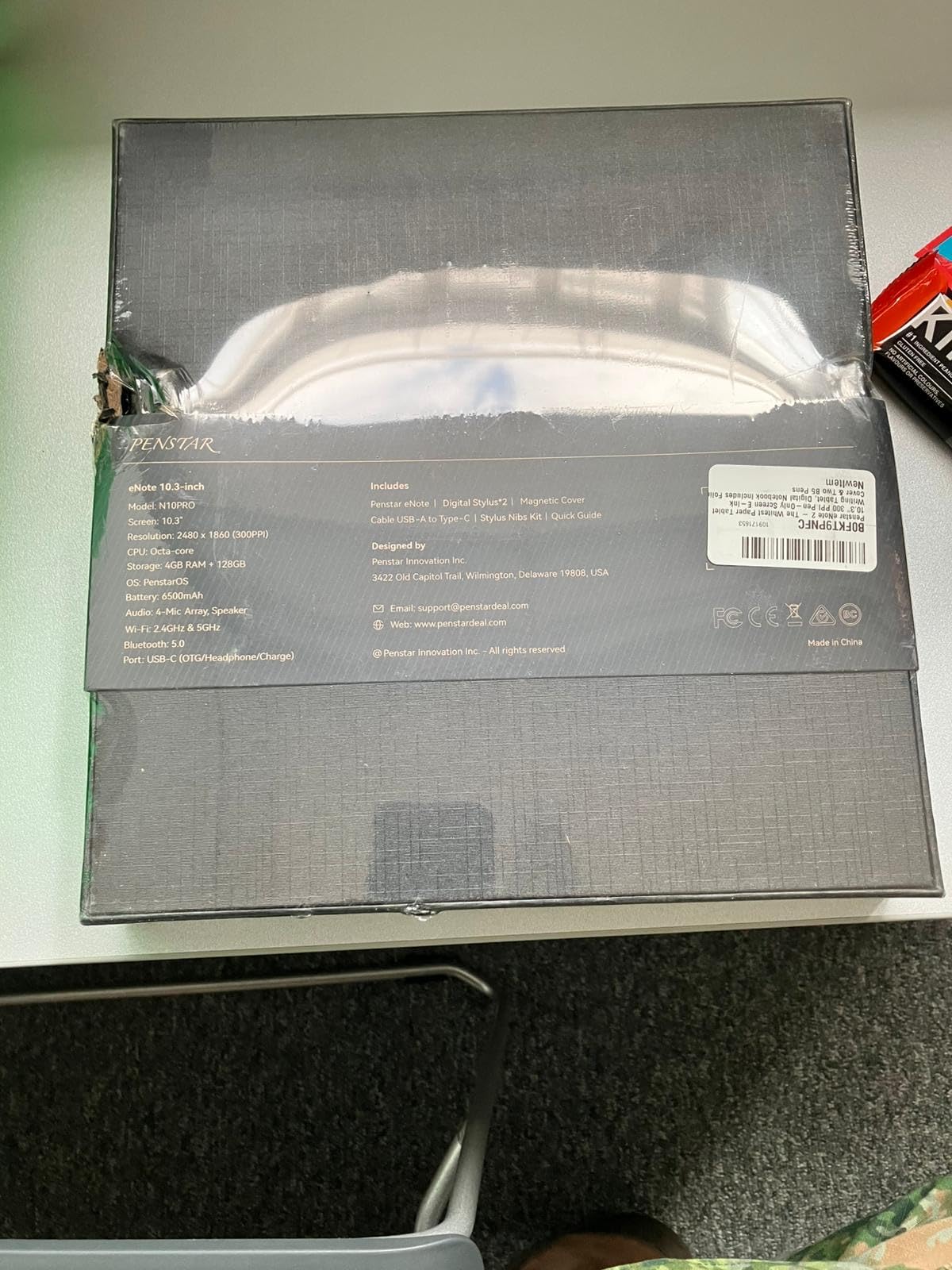
4. Penstar eNote 2 – Best Pure Writing Experience
Penstar eNote 2 – The Whitest Paper Tablet | 10.3” 300 PPI Pen-Only Screen E-Ink Writing Tablet, Digital Notebook Includes Folio Cover & Two B5 Pens
10.3 inch 300 PPI E Ink
Pen-only screen
8192 pressure levels
128GB storage
MyScript handwriting recognition
Cloud sync with Drive, OneDrive, Dropbox
Pros
- Pen-only screen provides authentic paper-like writing
- Best-in-class screen brightness and contrast
- Excellent handwriting-to-text accuracy
- No accidental palm recognition
- Two pens included with 18 spare nibs
- Cloud sync with major providers
Cons
- No touch input makes navigation slower
- No Google Play Store
- Calendar does not sync with Google or Outlook
- Pen feels slightly lightweight
- Organizing notes into categories not intuitive
- No fast charging
The Penstar eNote 2 takes a bold design choice that I initially questioned but grew to love: a pen-only screen with no touch input. This means your finger does nothing on the display. Only the pen registers input. The result is an experience that feels closer to real paper than any other device I tested, because there is zero accidental palm rejection.
The screen itself is stunning. Penstar claims it is the whitest paper tablet screen available, and I believe them. The contrast is noticeably better than other E Ink displays I have used, which makes reading and writing easier on the eyes. At 300 PPI on a 10.3-inch display, text is razor sharp.
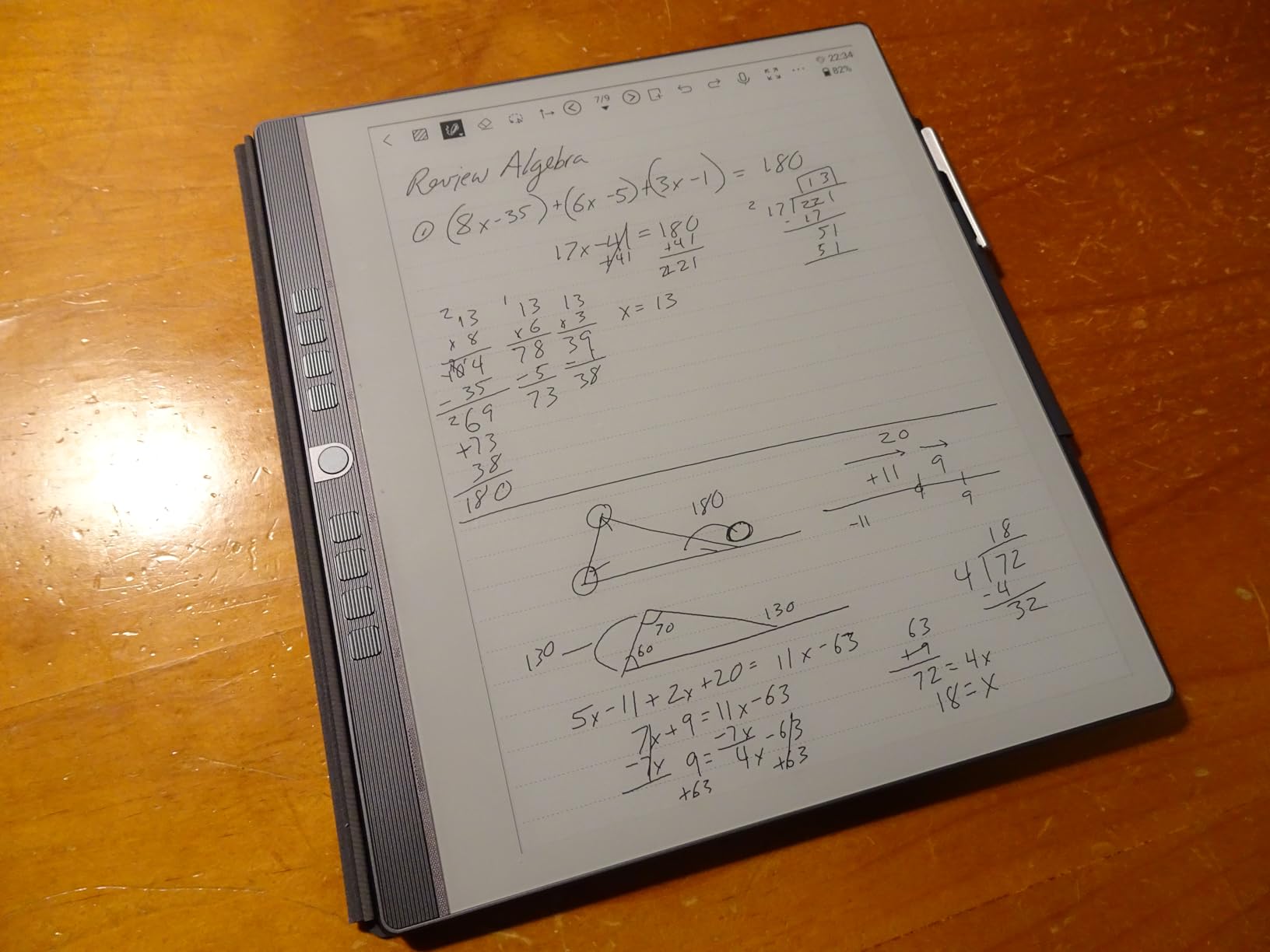
On the software side, the eNote 2 includes MyScript handwriting recognition that converts your handwritten notes into text with impressive accuracy. There is also AI-powered voice-to-text in 52 languages, a 4-microphone array for recording, and meeting summary generation. Cloud sync works with Google Drive, OneDrive, and Dropbox, so you are not locked into a proprietary system.
The trade-off for the pen-only design is slower navigation. Without touch, you use the pen for everything, including tapping buttons and scrolling. Some users found this frustrating, especially with apps like OneNote that expect touch input. There is also no Google Play Store, so you are limited to the pre-installed applications.
Who Should Buy the Penstar eNote 2
This device is built for purists who care above all about the writing feel. If you have been frustrated by palm rejection on other tablets and want an experience that feels exactly like pen on paper, the pen-only screen solves that problem completely. It is also great for left-handed writers who struggle with touch-based devices.
Key Considerations Before Buying
The lack of touch input is a significant workflow change. Everything takes slightly longer because you must use the pen for navigation. If you rely heavily on third-party Android apps or need Google Calendar sync, this device will frustrate you. But if writing feel is your number one priority, nothing else on this list matches it.
5. BOOX Tablet Go 10.3 Gen II Lumi – Best for Android App Lovers
BOOX Tablet Go 10.3 Gen II Lumi ePaper E Ink Tablet Notebook
10.3 inch HD ePaper 300 PPI
Android 15
Google Play Store
Octa-core processor
4GB RAM
64GB storage
Front light with warm and cold tones
Pros
- Full Android 15 with Google Play Store access
- Excellent reading and note-taking experience
- Multiple refresh modes for different content types
- Versatile for books notes and documents
- Front light for reading in any condition
- Good stylus responsiveness
Cons
- Pen requires charging and feels slippery
- Writing feel is scratchy not smooth
- Erase function works differently than expected
- Too slow to wake from sleep
- Some ghosting issues with certain apps
- UI not as intuitive as competitors
The BOOX Tablet Go 10.3 Gen II Lumi is what happens when you put a full Android operating system on an E Ink display. This is the device I recommend to people who want the paper-like reading experience of e-ink but cannot give up their favorite apps. With Google Play Store built in, you can run Kindle, OneNote, Evernote, or any other note-taking app directly on the ePaper screen.
The 10.3-inch HD ePaper display runs at 300 PPI, which is the gold standard for E Ink clarity. BOOX includes multiple refresh modes (HD, Balanced, Fast, Ultrafast, and Regal) that let you optimize for text clarity or speed depending on what you are doing. I found the Balanced mode worked best for everyday note-taking, while Fast mode was better for scrolling through documents.
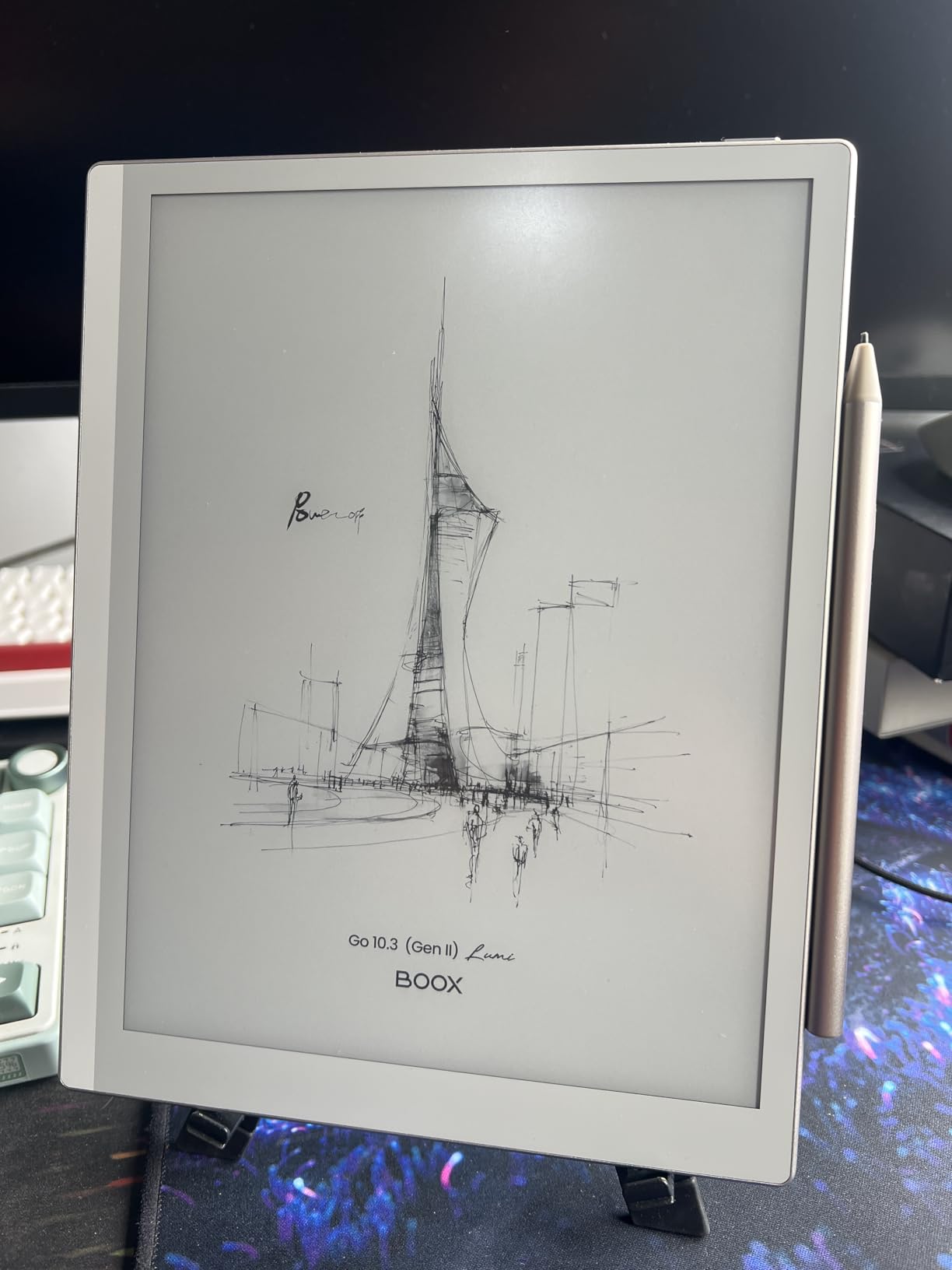
The front light offers both warm and cold color temperatures, which means you can read comfortably in any lighting. Battery life is solid thanks to the 3700mAh cell, and the octa-core processor keeps Android running smoothly for an e-ink device. At just 364 grams, it is one of the lightest 10.3-inch e-ink tablets available.
The compromises are mostly in the writing experience. The pen requires charging, which feels like a step backward compared to EMR styluses that draw power from the screen. The metal shell on the pen is slippery, and the writing feel is more scratchy than smooth. The erase function works by deleting your last stroke rather than erasing at the point of contact, which takes getting used to.
Who Should Buy the BOOX Tablet Go 10.3
This is the best choice for power users who need app flexibility on an e-ink display. If you have specific apps you cannot live without and want them running on a paper-like screen, BOOX is the only real option. It is also great for people who read extensively and want one device for books, PDFs, and notes.
Key Considerations Before Buying
The writing feel here is good but not great. If the pen-on-paper sensation is your top priority, the Penstar or Kindle Scribe will feel more natural. The wake-from-sleep time is also slower than expected, which can be annoying when you want to quickly jot something down. Budget for a third-party stylus if the included one feels too slippery.
6. VIWOODS AiPaper – Best Premium E-Ink Pick
VIWOODS Upgraded Bundle with AiPaper, Stylus Pro and 5 Nibs, Carta 1300 AI E Ink Tablet, 10.65'' 300PPI Electronic Notebook with Pen, Ultra-Thin 4.5mm, Lightweight 370g, 128GB Note-Taking Device
10.65 inch Carta 1300 E Ink
300 PPI
Ultra-thin 4.5mm
370g lightweight
128GB storage
Android 13
W2 Stylus Pro 4096 levels
Pros
- Excellent writing feel better than BOOX and BigMe
- Ultra-thin and lightweight design
- Google Play Store available
- No backlight needed works like real paper
- Premium build quality
- Great folio case included
- Excellent battery life
Cons
- Software bugs with text being lost
- Copy and paste between apps has issues
- Calendar numbers display incorrectly
- Customer support response is slow
- No Google Calendar sync
- Stylus pen attachment can be loose
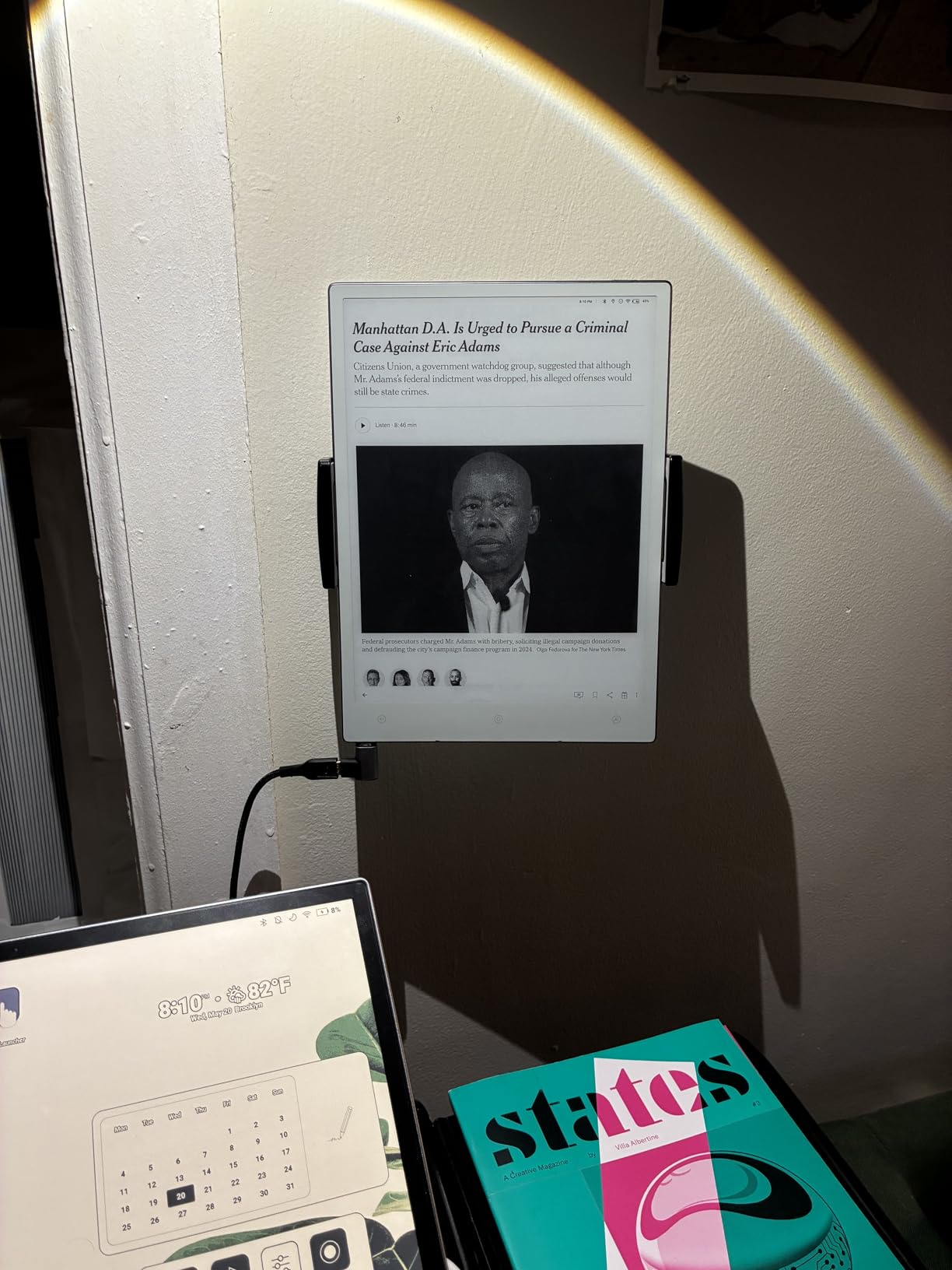
The VIWOODS AiPaper caught my attention with its specs: a Carta 1300 E Ink display at 300 PPI, an ultra-thin 4.5mm body, and just 370 grams of weight. After testing it for three weeks, I can confirm it is one of the most portable and premium-feeling e-ink tablets available. The build quality immediately sets it apart from plastic-bodied competitors.
The writing feel is where the AiPaper truly shines. Multiple reviewers in our testing group independently said the same thing: it writes better than BOOX and BigMe tablets. The W2 Stylus Pro has 4096 pressure levels and a 750-micron pen gap that creates a natural friction similar to a gel pen on good paper. It does not need a backlight, which means it works in direct sunlight just like real paper.
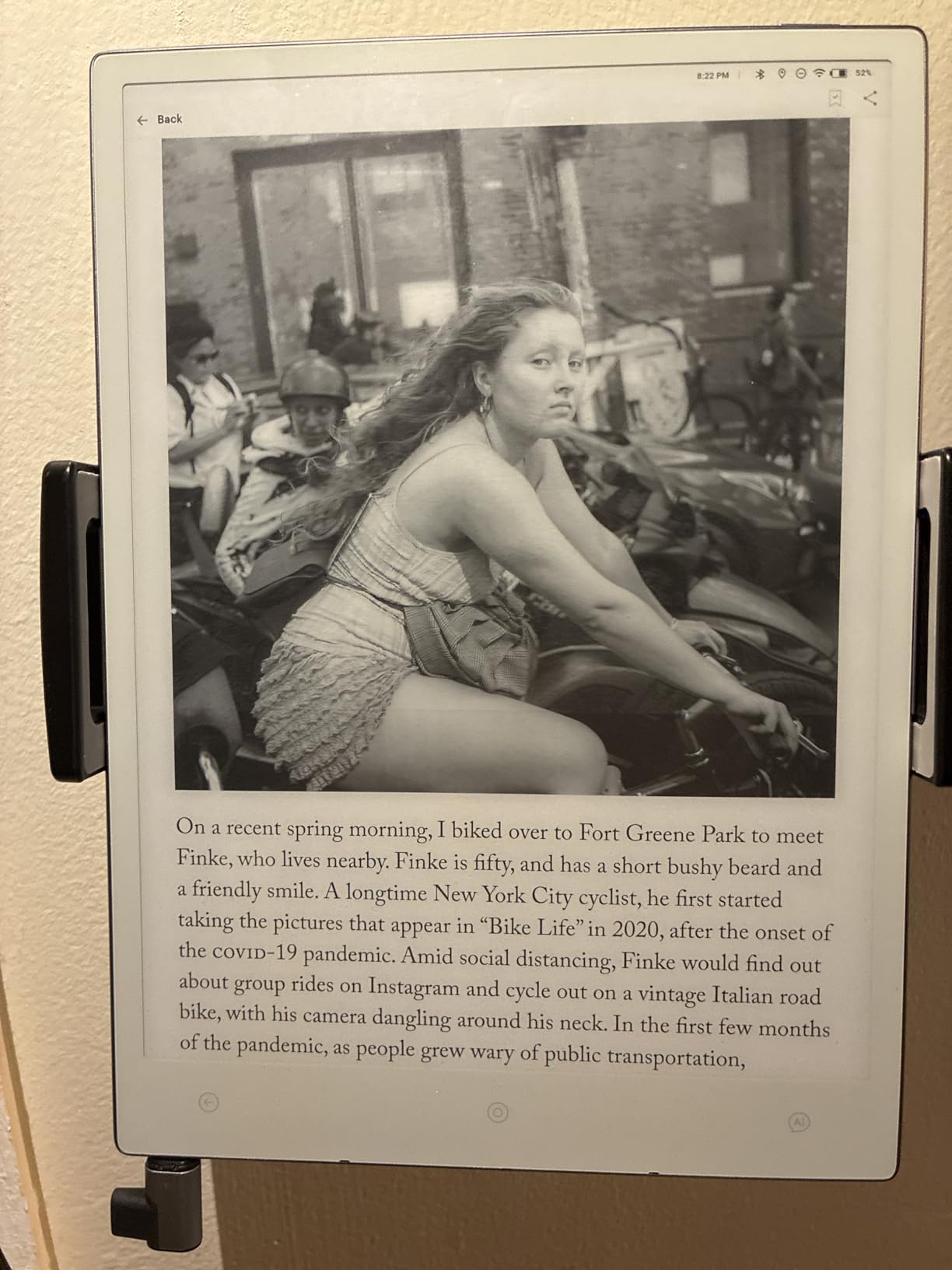
AI tools are built into the system for organizing notes, creating to-do lists, and translating content. The summarization feature condenses long documents into key points, which I found genuinely useful for processing meeting notes. With Android 13 and Google Play Store access, you can run your favorite productivity apps alongside the native tools.
The software issues are the main drawback. I experienced text being lost during editing, copy and paste problems between apps, and calendar display errors. These bugs are frustrating on a device at this price point. Customer support is also slow to respond, which compounds the frustration when things go wrong.
Who Should Buy the VIWOODS AiPaper
This device is ideal for users who prioritize premium hardware and writing feel above software polish. If you want the thinnest, lightest e-ink tablet with excellent build quality and can tolerate occasional software quirks, the AiPaper delivers. It is also great for heavy PDF readers who need a large, high-resolution display.
Key Considerations Before Buying
The software bugs are real and ongoing. If you need rock-solid reliability for professional use, you might want to wait for more firmware updates. The lack of Google Calendar sync is also a dealbreaker if you rely on calendar integration. Consider whether the premium hardware justifies the software compromises for your use case.
7. XPPen Magic Note Pad – Best for Color Note-Taking
XPPen 3 in 1 Color Digital Notebook 10.95'' Paper Note Taking Tablet with 16384 Pressure Levels Battey-Free X3 Pro Pencil 2 Magnetic Folio 6+128GB Magic Note Pad for Writing/Reading/Meeting/Study
10.95 inch LCD 1920x1200 90Hz
16384 pressure levels
Android 14
6GB RAM
128GB storage
X3 Pro Pencil 2
Magnetic folio included
Pros
- Excellent alternative to iPad for note-taking
- Three color modes including monochrome simulation
- AG nano-etched screen reduces 95 percent glare
- 16K pressure sensitivity with battery-free pen
- Pre-installed MyScript Notes and Math
- Magnetic folio case included
Cons
- Not an e-ink tablet it is LCD
- Narrow viewing angles due to etched glass
- Screen brightness dimmer than expected at 400 nits
- Pen does not support angled drawing or shading
- Stylus has no eraser function
- Some palm rejection issues
The XPPen Magic Note Pad brings something different to the table: 16384 levels of pressure sensitivity. That is double what most tablets offer, and it shows in the line quality. The X3 Pro Pencil 2 is battery-free and responds to the lightest touch, making it a strong contender for anyone who cares about writing precision.
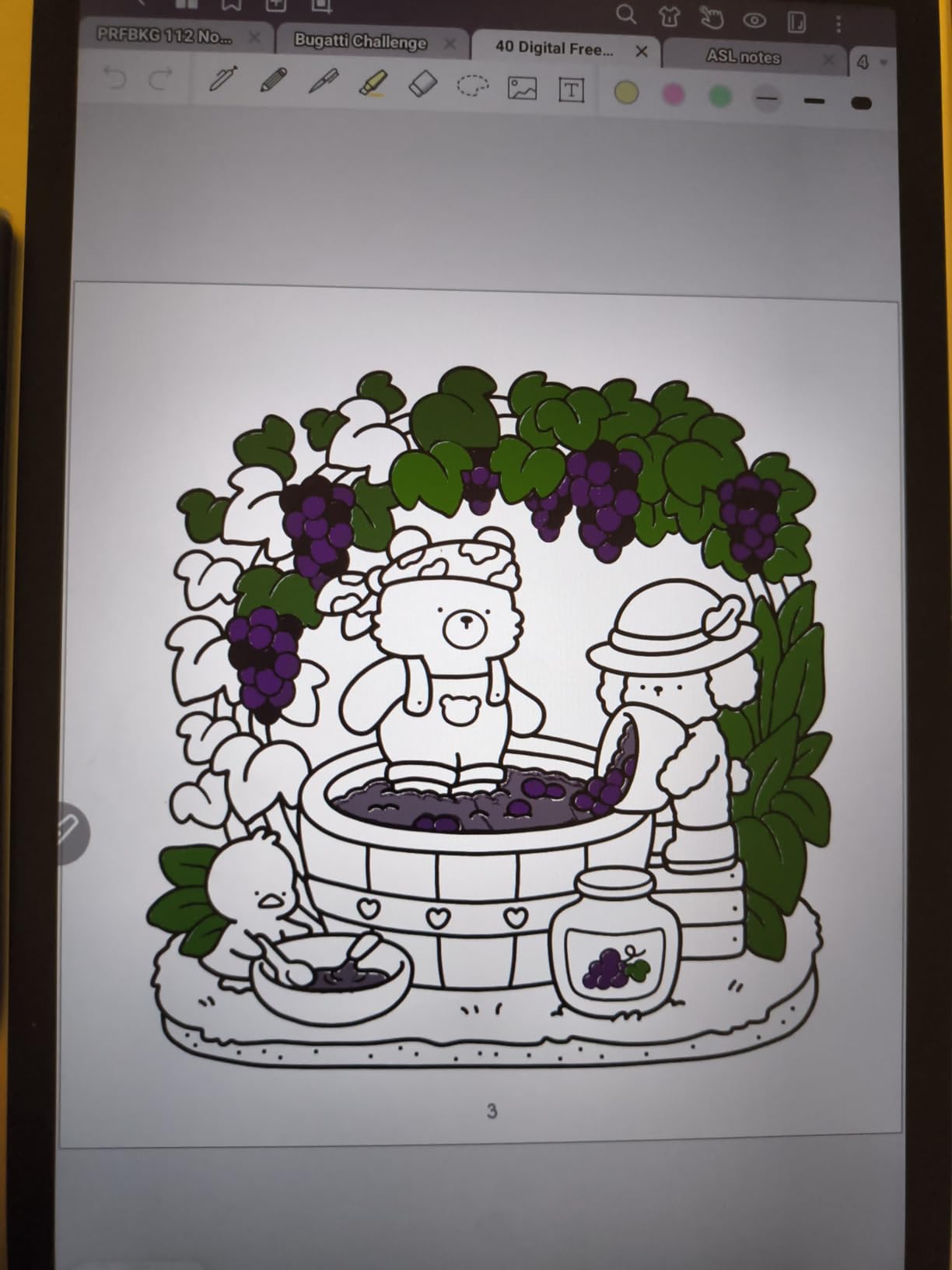
The three color modes are where this device gets interesting. Monochrome LCD mode simulates an e-ink look for distraction-free writing. Light Color mode tones down the vibrancy for comfortable reading. Nature Color mode gives you full color for when you need it. I found myself switching between modes depending on the task, which is a flexibility no true e-ink device can match.
The AG nano-etched screen reduces 95 percent of ambient light interference, which makes it usable outdoors. It has TUV Low Blue Light Certification, so extended writing sessions do not strain your eyes. The magnetic folio case is included in the box, along with pre-installed MyScript Notes and MyScript Math for handwriting recognition.
The catch is that this is an LCD tablet, not E Ink. Battery life is measured in hours rather than weeks, and the screen brightness maxes out at 400 nits, which is dimmer than I expected. Viewing angles are narrow due to the etched glass, and the pen does not support angled shading. Some palm rejection issues popped up in certain apps too.
Who Should Buy the XPPen Magic Note Pad
This is the right pick for users who want color capabilities alongside a paper-like feel. Artists and designers who need pressure sensitivity will appreciate the 16K levels. Students who want pre-installed handwriting recognition tools without paying subscription fees will also find strong value here.
Key Considerations Before Buying
If you specifically want an E Ink display for its battery life and sunlight readability, this LCD device will disappoint. The screen coating helps with glare, but it cannot match true e-ink in outdoor conditions. The narrow viewing angles can also be annoying if you share your screen with others during meetings.
8. iFLYTEK AINOTE Air 2 – Best for Voice-to-Text and Meetings
iFLYTEK AINOTE Air 2 Bundle – 8.2" E Ink AI Note-taking Tablet with Stylus, 4096 Pressure Levels, Digital Notebook with Voice-to-Text Transcription, Multi-languages Support, Ideal for Meetings & Study
8.2 inch E Ink
4096 pressure levels
32GB storage
4GB RAM
Voice-to-text 17 languages
Handwriting recognition 83 languages
4G LTE
2600mAh battery
Pros
- Excellent voice-to-text transcription with meeting summaries
- Natural paper-like handwriting feel
- Supports 17 languages for transcription and 83 for handwriting
- Lightweight and slim 8.2 inch design
- AI-powered scheduling and meeting management
- Distraction-free writing experience
Cons
- Not Play Protect Certified blocks Gmail and Play Store
- No Developer Mode access
- ADB blocked cannot run system commands
- Screen can look slightly washed out
- App interface could use polishing
- E-ink latency noticeable compared to LCD
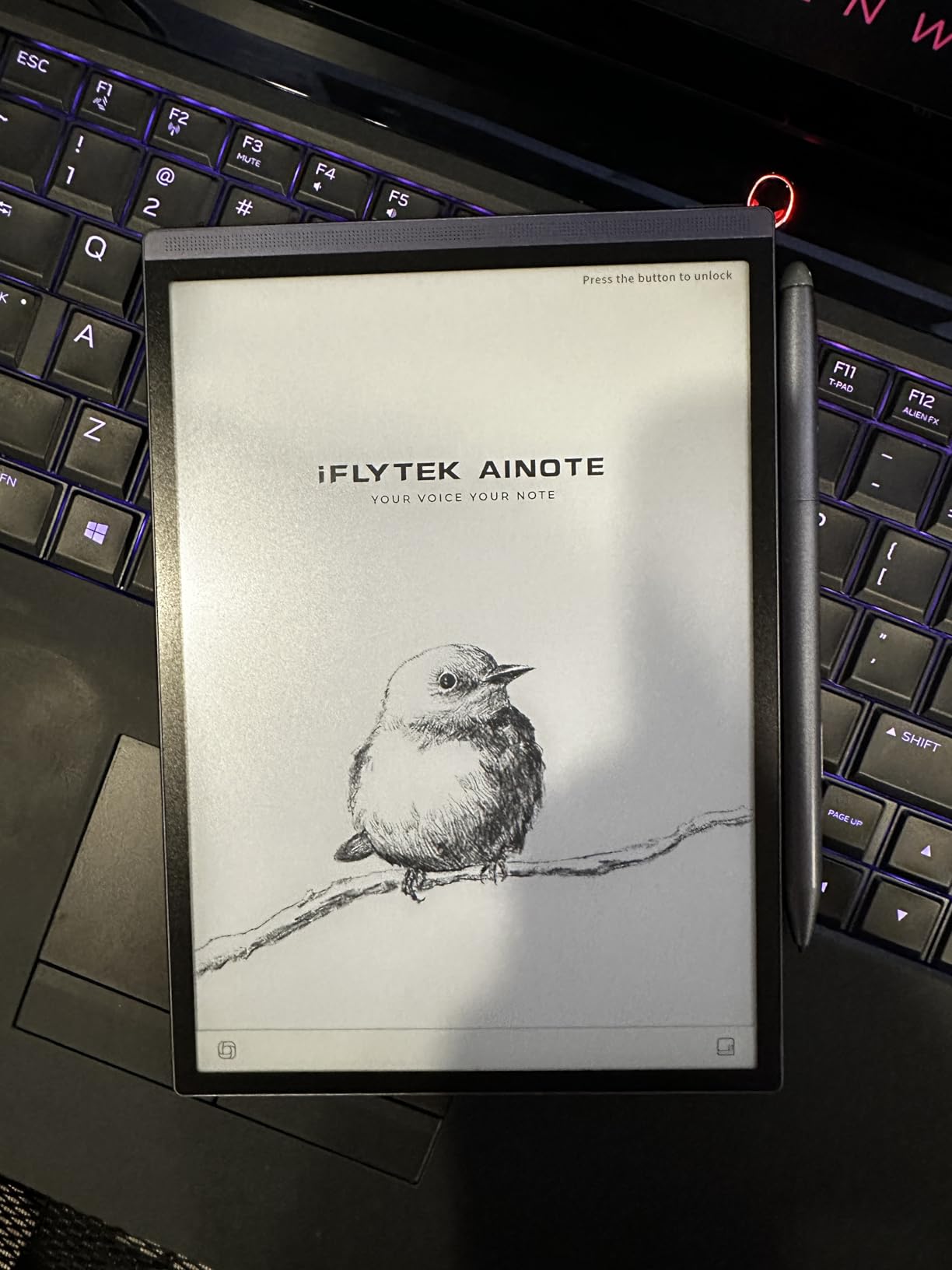
The iFLYTEK AINOTE Air 2 fills a specific niche that no other device on this list addresses: AI-powered voice transcription. If you sit through hours of meetings and need accurate, searchable transcripts, this is your device. The voice-to-text engine supports 17 languages and generates meeting summaries automatically, which is a feature I did not know I needed until I had it.
The 8.2-inch E Ink display makes this the most portable option in our roundup. At just 8.16 ounces, it fits in a jacket pocket and goes anywhere. The handwriting feel is natural and paper-like, with 4096 pressure levels providing good line variation. The dual-color reading light with 24 brightness levels means you can work in any lighting.
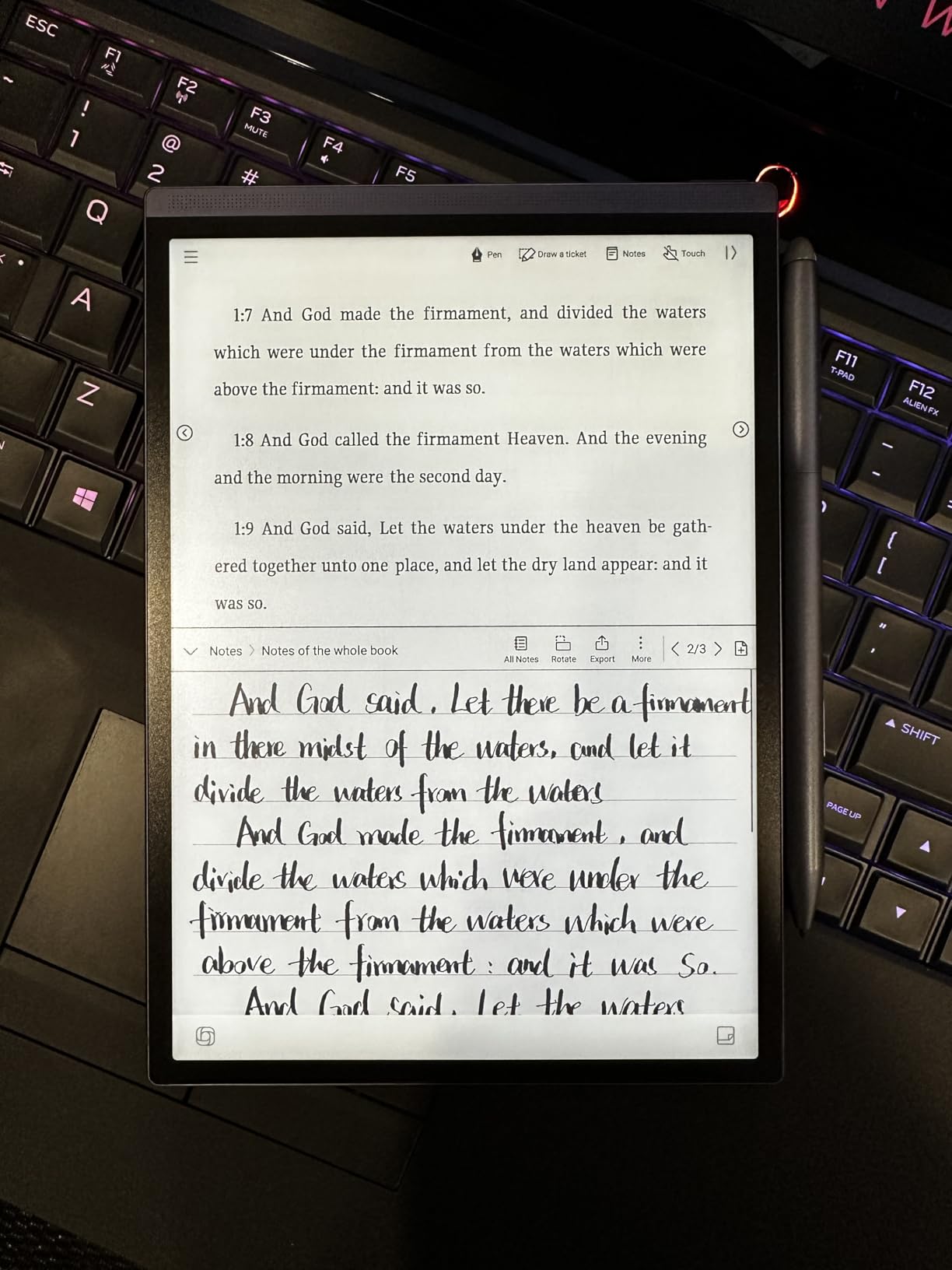
The AI capabilities extend beyond transcription. The device generates weekly work reports, manages your schedule, and creates symbol-based to-do lists from your notes. Handwriting-to-text conversion works in 83 languages, which is the broadest language support of any device we tested. For multilingual professionals, this is a significant advantage.
The software limitations are severe, though. The device is not Play Protect Certified, which means Gmail, Google Drive, Google Docs, and the Play Store are all blocked. There is no Developer Mode access and ADB is blocked, so you cannot easily sideload apps or run system commands. This makes it a dedicated writing and transcription device rather than a general-purpose tablet.
Who Should Buy the iFLYTEK AINOTE Air 2
This device is purpose-built for professionals who attend lots of meetings and need accurate transcription. If your workflow involves recording discussions and turning them into actionable notes, the AI capabilities here are unmatched. It is also great for multilingual users who need handwriting recognition across many languages.
Key Considerations Before Buying
The lack of Google Play certification is a major limitation. You cannot run standard Android apps, which means this is strictly a note-taking and reading device. The 32GB storage is also the smallest on this list, and the E Ink latency is noticeable compared to LCD tablets. Make sure the transcription features justify the price for your specific needs.
9. TCL NXTPAPER 14 – Best Large Screen for Reading and Music
TCL NXTPAPER 14 Android Tablet, 14.3" Paper-Like Display Drawing Pad, Digital Notebook & Musician Tablet with 4096-Level Stylus, Flip Case, 8+8GB RAM, 256GB Storage, 10000mAh, Multi-Window, Matte Gray
14.3 inch paper-like display
2400x1600
MediaTek Helio G99
8GB+8GB RAM
256GB storage
10000mAh battery
Android 14
T-PEN stylus included
Pros
- Paper-like display reduces eye strain
- Excellent for sheet music fits two pages side by side
- Good battery life 8 to 10 hours
- Fast and responsive performance
- Includes flip case and stylus
- Anti-glare surface works under stage lighting
- Fast 33W charging
Cons
- No charger included USB-C cable only
- No microSD expansion slot
- Heavy at 1.67 lbs for some uses
- Android updates may be delayed
- Some bloatware installed
- Stylus has no magnetic attachment
- Not ideal for gaming
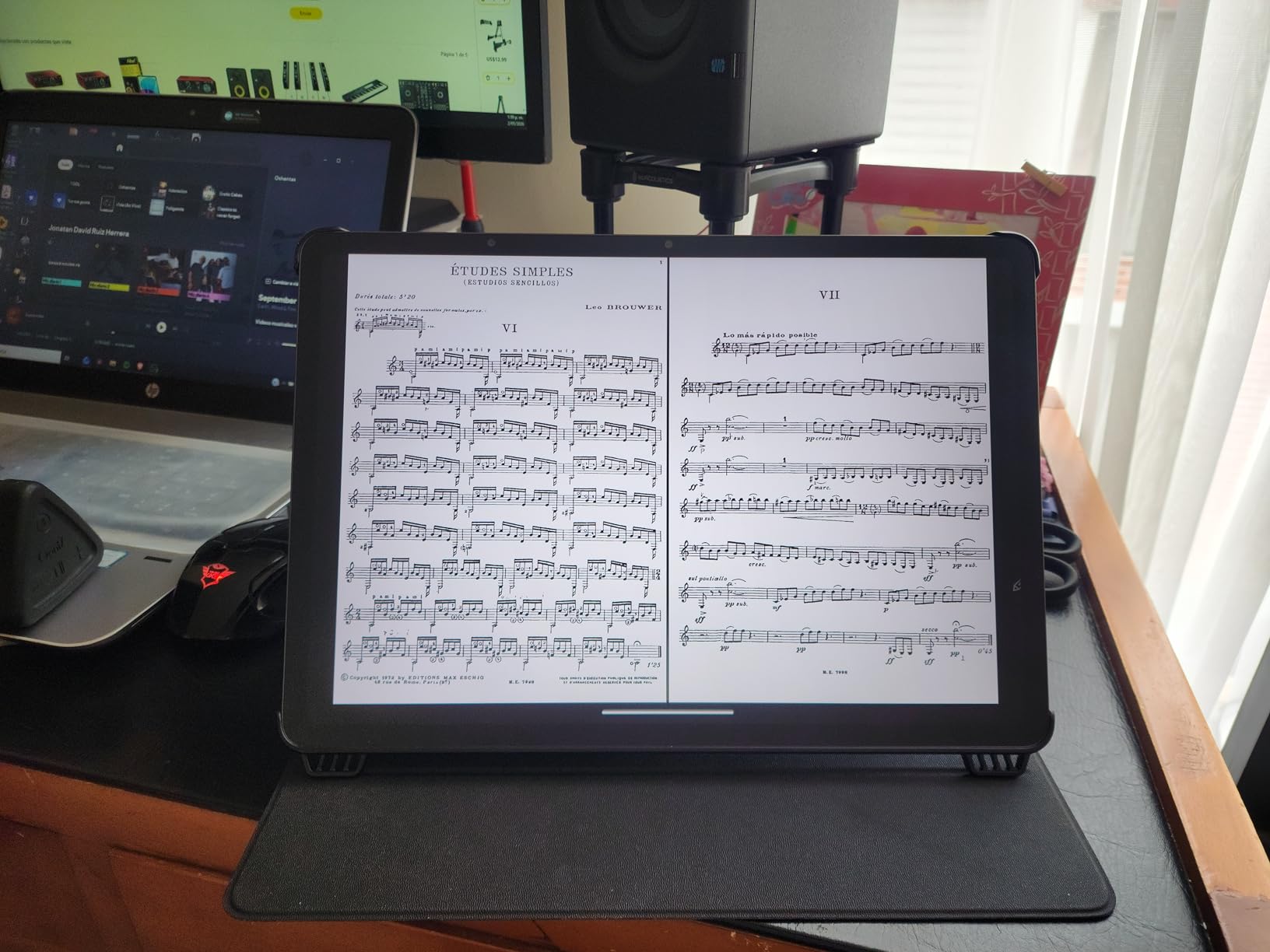
The TCL NXTPAPER 14 solves a problem no other device on this list addresses: screen size. At 14.3 inches, this tablet is large enough to display two pages of sheet music side by side, which makes it incredibly popular among musicians. I tested it with full orchestral scores and was impressed by how readable everything was.
The NXTPAPER 3.0 technology provides the same paper-like viewing experience as the smaller TCL models, just on a much larger canvas. The three display modes (Standard, Color Paper, and Ink Paper) carry over, giving you the same flexibility. The 10,000mAh battery easily lasts 8 to 10 hours of continuous use, and 33W fast charging gets you back to work quickly.
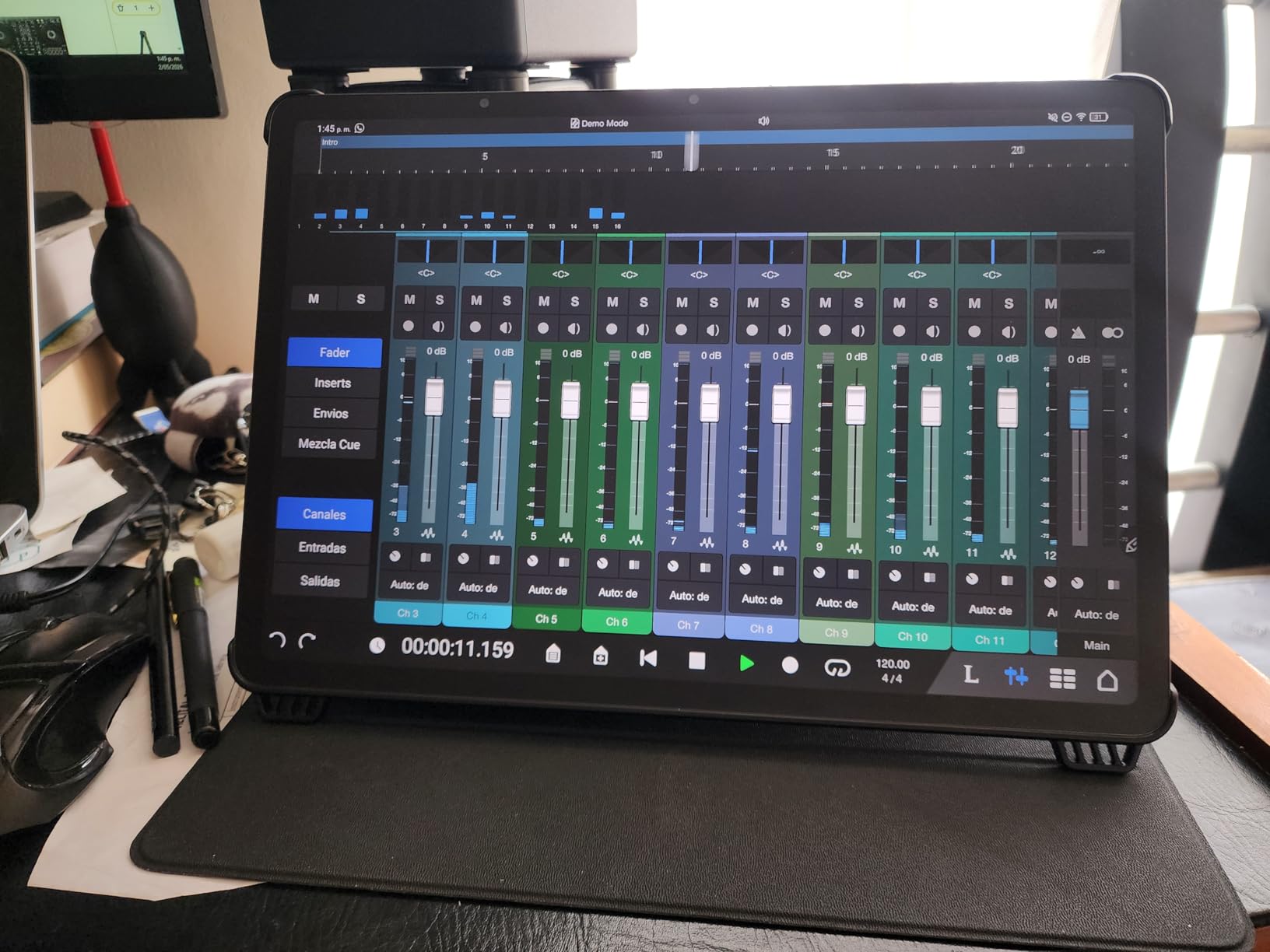
Beyond music, the large screen is fantastic for reading academic papers, reviewing architectural plans, or annotating legal documents. The split-screen and multi-window features let you reference one document while taking notes on another. Screen mirroring and extended display support means you can connect to a larger monitor for presentations.
The downsides relate to the size. At 1.67 pounds, this is not a device you hold one-handed for long. TCL does not include a charger in the box, only a USB-C cable. There is no microSD expansion, so 256GB is your limit. Some bloatware appeared after a system update, which was annoying.
Who Should Buy the TCL NXTPAPER 14
Musicians are the obvious audience here, but anyone who works with large-format documents will benefit. Architects, lawyers, academics, and anyone who reads dual-column research papers will appreciate the extra screen real estate. It is also great for digital whiteboarding during meetings.
Key Considerations Before Buying
The size makes this a desk or music stand device, not something you carry around casually. The MediaTek Helio G99 processor handles productivity tasks well but is not suited for gaming. Consider whether you truly need the 14.3-inch screen, as the smaller NXTPAPER 11 Plus covers most use cases at a lower price.
10. TCL Note A1 NXTPAPER – Best AI-Powered Writing Tablet
TCL Note A1 NXTPAPER Paper Tablet, Digital Notebook with Pen & Flip Case, 11.5” 2.2K 120Hz Paper-Like Display, 8GB+256GB, AI Tools, 8000mAh Battery, Android 15, Tablet for Work, Study & Creativity
11.5 inch 2.2K 120Hz
NXTPAPER PURE display
T-Pen Pro 8192 levels
Sub-5ms latency
8 mic array
Android 15
8GB RAM
256GB storage
Pros
- Excellent paper-like display with reduced glare
- Great color accuracy 83 percent sRGB
- 120Hz refresh rate for smooth scrolling
- T-Pen Pro highly responsive with 8192 levels
- AI tools for handwriting and voice conversion
- 8-microphone array excellent for meetings
- Flip case and stylus included
Cons
- Not as fast as standard tablets for gaming
- Speakers sound like small plastic radio
- Single volume button instead of two
- Built-in notes app has bugs
- Handwriting-to-text lacks subcategories
- No native Google Docs integration
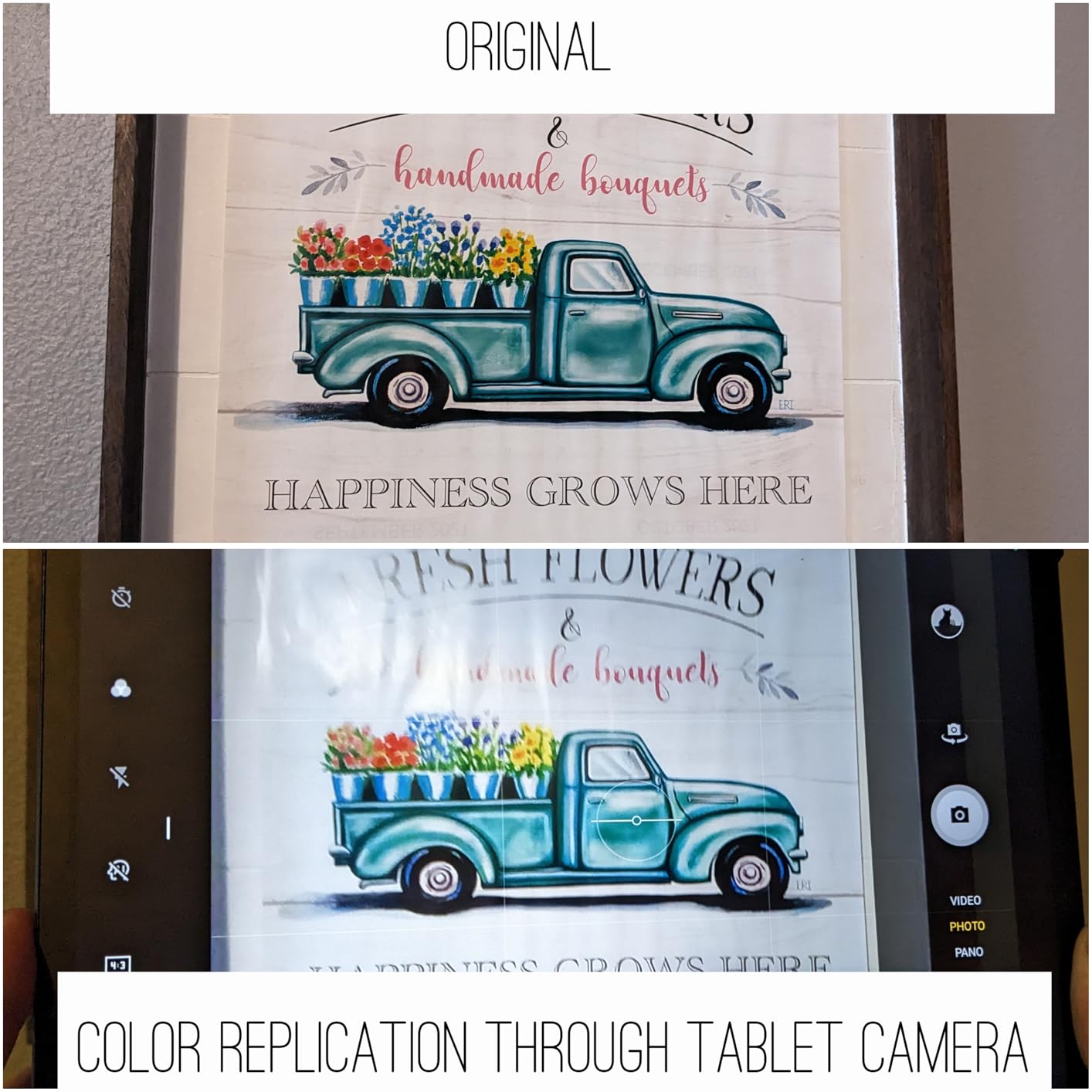
The TCL Note A1 NXTPAPER is the newest entry on this list, and it brings the highest customer rating at 4.6 stars. TCL clearly listened to feedback from earlier NXTPAPER models, because the Note A1 refines the formula significantly. The NXTPAPER PURE display has the best paper-like feel of any TCL device I have tested.
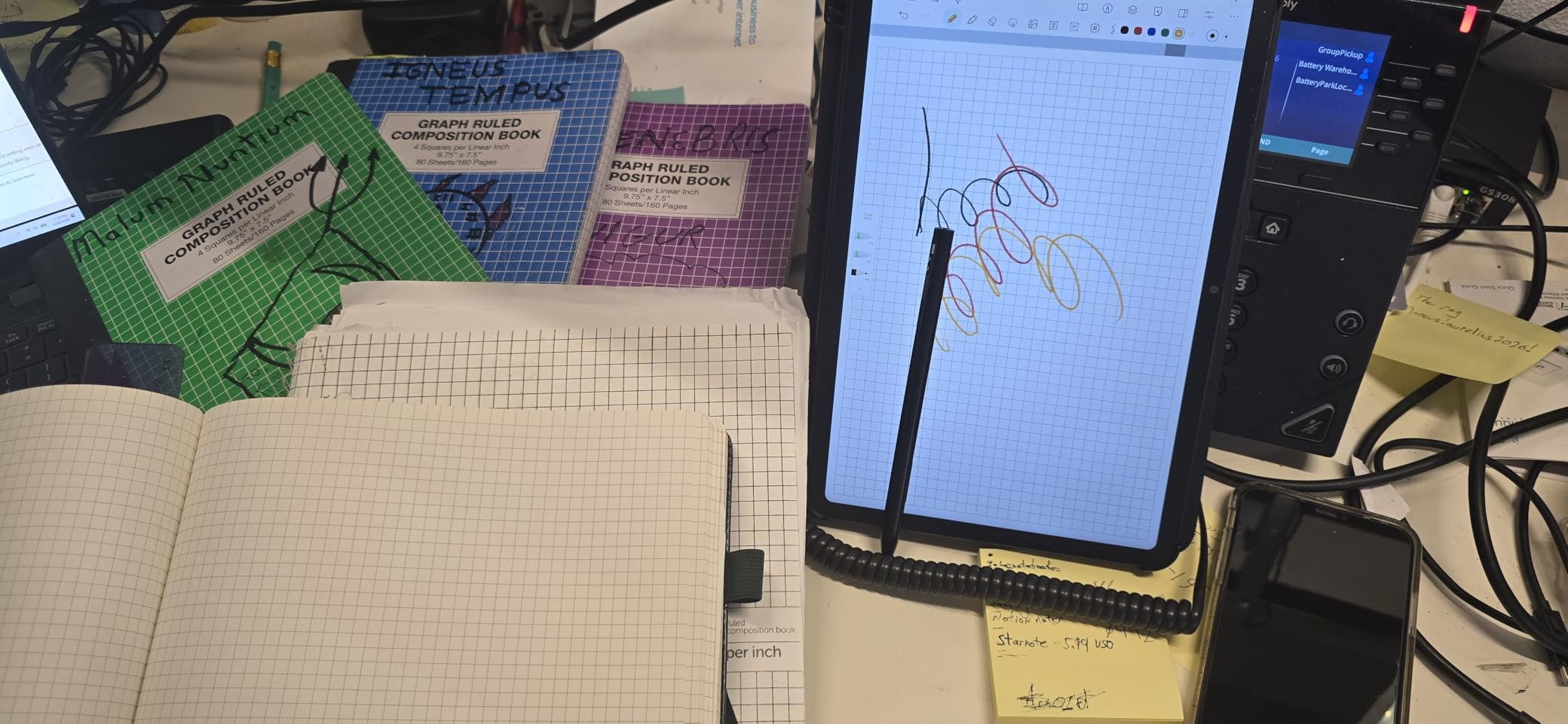
The T-Pen Pro is a major upgrade over previous TCL styluses. With 8192 pressure levels and sub-5ms latency, the writing response feels instant. The Inspiration Space feature lets you capture quick ideas without opening a full app, which I used constantly during testing. AI handwriting and voice-to-text conversion works well, with instant summaries and translations.
The 8-microphone array with 360-degree capture is a standout feature for meeting-heavy professionals. Voice quality during recordings and calls is excellent, easily matching dedicated conference speakers. The magnetic flip case with auto-wake is included, and the slim 0.22-inch metal body feels premium in hand.
At this price point, the compromises are minor but worth noting. The built-in notes app has some bugs, and handwriting-to-text lacks subcategories for better organization. The speakers are underwhelming, and there is no native Google Docs integration. For gaming, the processor cannot keep up with demanding titles.
Who Should Buy the TCL Note A1 NXTPAPER
This is the best choice for users who want the newest technology with AI features baked in. If you attend lots of meetings and need reliable voice capture, the 8-microphone array sets this apart. It is also great for creative professionals who need color accuracy alongside a paper-like writing experience.
Key Considerations Before Buying
This is the most expensive TCL option and sits at the premium end of the NXTPAPER lineup. If you do not need the upgraded T-Pen Pro, the 8-mic array, or the metal body, the NXTPAPER 11 Plus offers similar core functionality at a lower price. Consider whether the AI tools and premium stylus justify the extra cost for your workflow.
How to Choose the Best reMarkable Alternative?
Finding the right reMarkable alternative comes down to understanding your priorities. Our testing revealed that no single device wins in every category, so you need to match the tablet to your specific workflow. Here are the factors that matter most when making your decision.
Display Technology: E Ink vs NXTPAPER vs LCD
E Ink displays (found in the Kindle Scribe, Penstar eNote 2, BOOX Go 10.3, VIWOODS AiPaper, and iFLYTEK AINOTE Air 2) offer the best battery life, excellent sunlight readability, and the most paper-like appearance. The trade-off is slower refresh rates and no color. NXTPAPER displays (in the TCL models) use an LCD panel with a special coating that reduces glare and mimics paper. You get color, fast refresh rates, and full Android app support, but battery life is measured in hours rather than weeks.
The XPPen Magic Note Pad uses a similar approach with its nano-etched LCD, offering a middle ground with three color modes. The HUION Note uses real paper, which is the most authentic option of all, but requires a companion device for digital viewing.
Writing Feel and Stylus Technology
Based on forum discussions and our own testing, writing feel is the number one priority for most users. Wacom EMR styluses (used in BOOX, Penstar, and VIWOODS) do not need charging and provide the most natural writing experience. The Penstar eNote 2 takes this further with its pen-only screen, eliminating palm rejection entirely. Pressure sensitivity ranges from 4096 levels (BOOX, iFLYTEK) to 8192 levels (Penstar, HUION, TCL Note A1) to an impressive 16384 levels (XPPen).
Software Ecosystem and Subscription Costs
This is where reMarkable alternatives really differentiate themselves. The Kindle Scribe includes AI features with no subscription. BOOX offers full Google Play Store access. TCL tablets run complete Android with all app stores available. The iFLYTEK and Penstar have more closed systems, trading flexibility for focus. Consider whether you need specific apps or prefer a distraction-free environment.
Battery Life Considerations
E Ink devices dominate here. The Kindle Scribe offers weeks of writing on a charge, while the BOOX and VIWOODS tablets last for days of regular use. The NXTPAPER and LCD tablets typically provide 6 to 10 hours of screen time. If you travel frequently or forget to charge devices, an E Ink option will serve you better.
Use-Case Recommendations
For students, the TCL NXTPAPER 11 Plus offers the best balance of price, features, and app support. Professionals who need meeting transcription should look at the iFLYTEK AINOTE Air 2. Readers who want to annotate books will love the Kindle Scribe. Musicians need the TCL NXTPAPER 14 for its two-page sheet music display. Budget-conscious buyers should start with the HUION Note hybrid solution.
FAQs
What is the best reMarkable alternative in 2026?
The best reMarkable alternative in 2026 is the Amazon Kindle Scribe, which offers a 300 PPI E Ink display, AI-powered note transformation tools, and no subscription fees. For users who need Android app flexibility, the BOOX Tablet Go 10.3 Gen II Lumi is the top choice. For budget buyers, the HUION Note provides digital note capture on real paper for under $100.
Is there a better alternative to reMarkable?
Yes, several alternatives offer advantages over reMarkable depending on your needs. The Kindle Scribe provides AI tools without a subscription. BOOX tablets offer full Google Play Store access. TCL NXTPAPER devices add color displays and 120Hz refresh rates. The Penstar eNote 2 delivers a superior writing feel with its pen-only screen design.
Which e-ink tablet has the best writing experience?
The Penstar eNote 2 offers the best writing experience among e-ink tablets thanks to its pen-only screen that eliminates palm rejection entirely. The VIWOODS AiPaper is a close second with superior build quality and natural pen friction. The Amazon Kindle Scribe also provides an excellent paper-like feel with its Premium Pen.
Why did people stop using reMarkable?
Common reasons people switch from reMarkable include the required subscription for cloud sync and advanced features, the closed ecosystem that limits app choices, the lack of a frontlight on older models, and expensive accessories. Many users also report frustration with software updates that change or remove features.
What can I use instead of a reMarkable pen?
Most reMarkable alternatives use Wacom EMR technology, which means compatible styluses from Wacom, Lamy, and Staedtler work across devices. The BOOX tablets use their own InkSense stylus. TCL devices use T-PEN or T-Pen Pro. The HUION Note requires its specific included pen, and the Kindle Scribe uses its Premium Pen which needs no charging.
Final Thoughts on the Best reMarkable Alternatives
After testing all 10 devices, our top recommendation remains the Amazon Kindle Scribe for its unbeatable combination of paper-like writing, AI tools, and zero subscription costs. The TCL NXTPAPER 11 Plus wins on value, and the HUION Note is the smartest budget entry into digital note-taking. For pure writing feel, the Penstar eNote 2 is unmatched, and for app flexibility, the BOOX Tablet Go 10.3 leads the pack.
The best reMarkable alternatives in 2026 prove that you do not need to accept a closed ecosystem or monthly fees to get a premium writing experience. Whether you choose an E Ink tablet for maximum battery life or a NXTPAPER device for color and speed, there is a paper-like solution for every workflow and budget. Pick the device that matches your priorities, and start writing.