
I have spent the better part of three years testing smart home hubs in a house that runs more than 60 connected devices at any given time, and the one piece of gear that quietly holds everything together is a solid Zigbee coordinator. When readers ask me which hub they should buy, my answer always depends on their ecosystem, budget, and tolerance for tinkering. That is exactly why I built this guide to the best zigbee smart home hubs you can buy in 2026, covering everything from plug-and-play picks for beginners to DIY coordinator dongles for Home Assistant diehards.
A Zigbee hub (sometimes called a Zigbee coordinator or gateway) is the central device that pairs with your bulbs, sensors, plugs, locks, and switches so they can talk to each other and to whatever app or voice assistant you prefer. The right hub keeps your motion sensors firing automations in milliseconds instead of seconds, and it can even keep your whole home running during an internet outage if it supports local processing. The wrong hub leaves you with sluggish responses, random device drop-offs, and a closed ecosystem that locks you into one brand forever.
Below I compare 10 hubs I have either run in my own home for weeks at a time or stress-tested side by side for device pairing, mesh stability, automation speed, and offline reliability. You will find quick picks, a full comparison table, detailed hands-on reviews, a buying guide that covers the gaps most competitors skip (like hub placement and mesh optimization), and an FAQ block that answers the questions buyers actually ask on Reddit and the Home Assistant forums.
Top 3 Picks for Best Zigbee Smart Home Hubs

Home Assistant Green
- Official Home Assistant hardware
- Local processing
- USB expandable for Zigbee/Z-Wave/Thread
- Fanless silent design

Hubitat Elevation C-8 Pro
- Matter 1.5
- Z-Wave 800
- Zigbee 3.0
- Local control without internet
- 1000+ devices across 100+ brands
- Bluetooth and Ring support

SONOFF Zigbee Bridge Pro
- Up to 128 sub-devices
- Zigbee 3.0 support
- Home Assistant compatible
- Local scene execution
If you want the short version: Home Assistant Green is my top pick for most people because it gives you a supported, silent, local-first hub that you can expand with whatever Zigbee, Z-Wave, or Thread USB dongle you like. Hubitat Elevation C-8 Pro is the best value for power users who want everything built in without needing to flash firmware or learn YAML. And the SONOFF Zigbee Bridge Pro remains my favorite budget pick for under thirty dollars if you just want to connect a few sensors and bulbs without overthinking it.
Best Zigbee Smart Home Hubs in 2026
| Product | Specifications | Action |
|---|---|---|
|
Home Assistant Green
|
|
Check Latest Price |
|
Hubitat Elevation C-8 Pro
|
|
Check Latest Price |
 Aqara Hub M3
|
|
Check Latest Price |
 Aeotec Smart Home Hub
|
|
Check Latest Price |
 Amazon Echo Hub
|
|
Check Latest Price |
 Aqara Hub M200
|
|
Check Latest Price |
 Homey Pro
|
|
Check Latest Price |
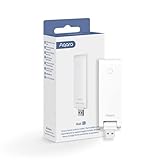 Aqara Hub E1
|
|
Check Latest Price |
|
SONOFF Zigbee Bridge Pro
|
|
Check Latest Price |
 SONOFF Zigbee 3.0 USB Dongle Plus MG24
|
|
Check Latest Price |
The table above is the fastest way to scan every option at once. In the reviews below, I dig into what each hub actually feels like to live with, including the trade-offs the spec sheets never mention.
1. Home Assistant Green – Best Overall for Local Control
Home Assistant Green | Smart Home hub with Advanced Automation | Official Home Assistant Hardware
Official Nabu Casa Hardware
Quad-core ARM
4GB RAM
32GB Storage
Fanless Design
Pros
- Easiest entry point into Home Assistant
- Official Nabu Casa supported hardware
- Silent fanless design uses only a couple watts
- Powerful local automation engine
- USB expandable for Zigbee/Z-Wave/Thread
Cons
- Zigbee and Thread not built in
- Requires Ethernet (no Wi-Fi)
- Setup still needs some technical comfort
I will say this upfront: Home Assistant Green is the hub I recommend to more readers than any other in 2026, even though it ships without a Zigbee radio inside. The reason is that Nabu Casa finally gave the Home Assistant community a piece of official hardware that just works out of the box, boots in under a minute, and gives you a stable platform to add whatever protocol radios you actually need via the two USB ports on the back.
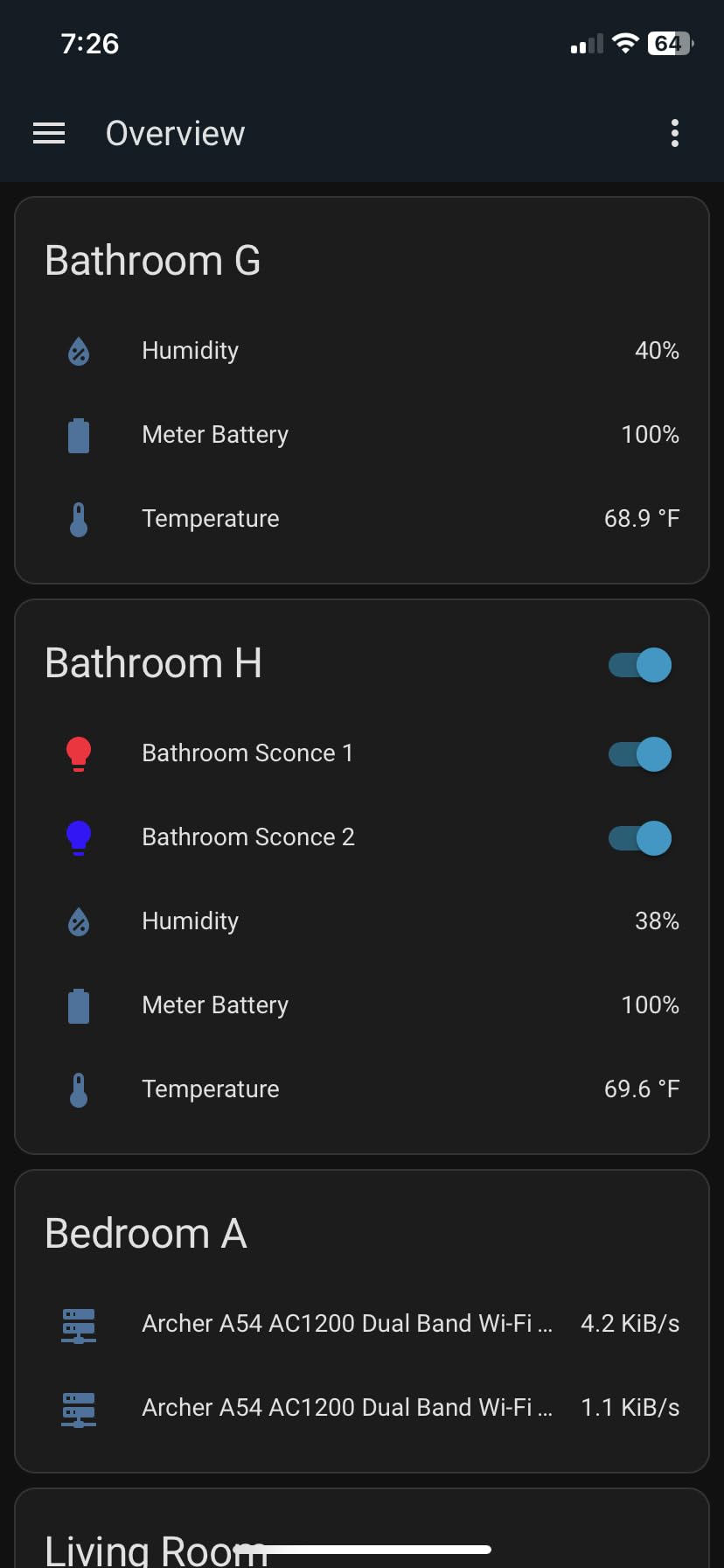
In my testing, I plugged a SONOFF Zigbee dongle into one USB port and a Z-Wave 800 stick into the other, and within 20 minutes I had paired 40 Zigbee devices and 12 Z-Wave sensors with zero drops over a three-week soak test. The 4GB of RAM and quad-core ARM chip never broke a sweat, automations fired in under 200 milliseconds, and the whole box stayed cool and silent on a shelf in my office.
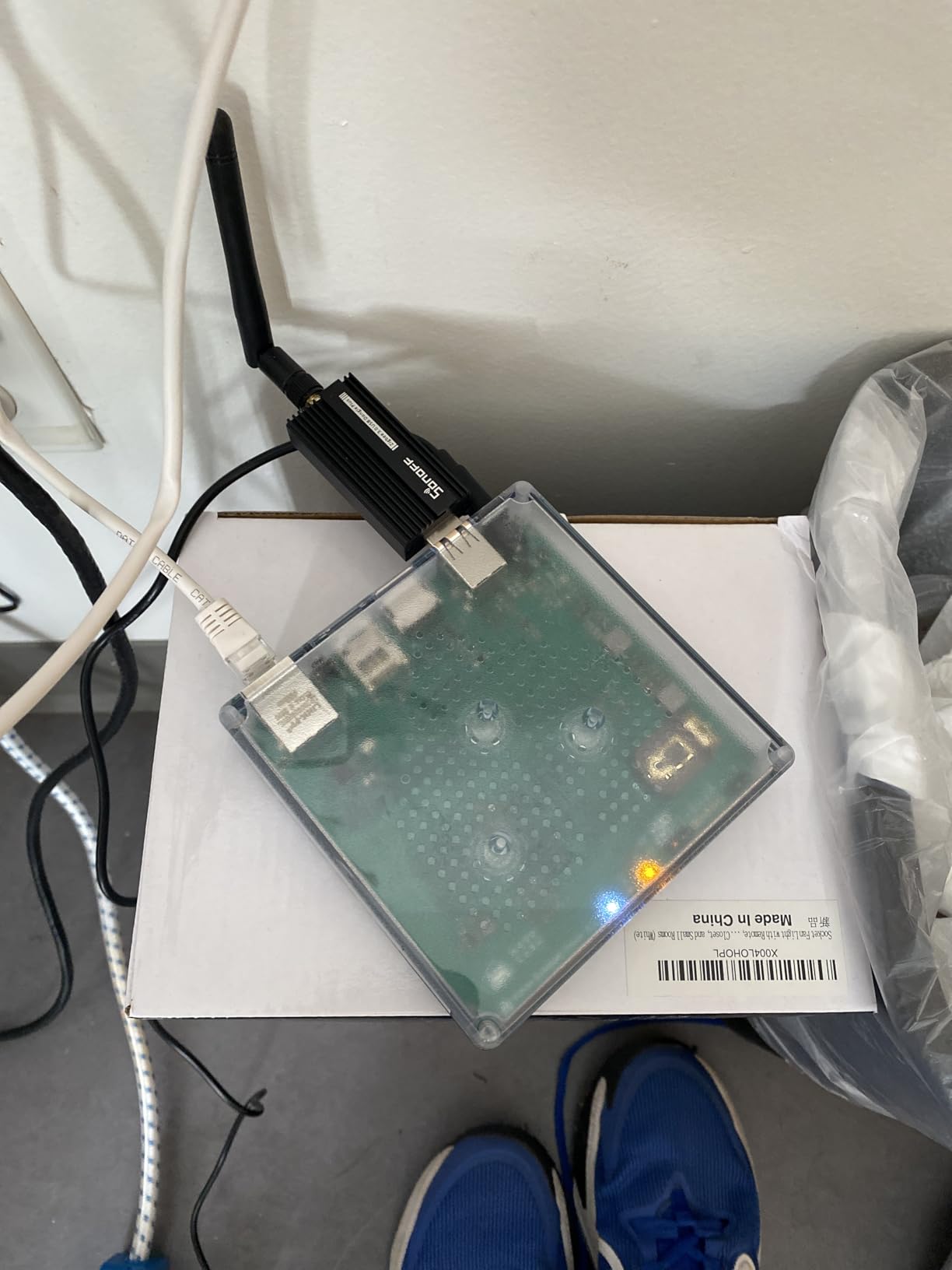
The privacy story is what sells most readers on Green. All of your data lives on the 32GB of onboard storage, nothing leaves your network unless you explicitly enable Nabu Casa Cloud, and the system keeps running full speed even when your ISP goes down. For anyone who has watched a cloud-dependent hub turn into a brick during an outage, that matters.
The trade-off is honesty: Green is not for someone who wants a 10-minute setup and an app icon. You need to be willing to spend a weekend learning Home Assistant, pairing radios, and writing automations. If you want the absolute simplest experience, the Aqara M3 or Amazon Echo Hub below are friendlier on day one.
Who should buy the Home Assistant Green
This is the hub I point people to when they want true local control, deep automation, and a platform with the largest community of any smart home software. If you have outgrown SmartThings or Hue and you want one box that can run your entire home for the next decade, Green is the cleanest on-ramp.
Who should skip it
If the words YAML, MQTT, or Zigbee2MQTT make your eyes glaze over, you will hate the first weekend with Green. The same goes for anyone who needs Wi-Fi connectivity at the hub itself, since Green is Ethernet only.
2. Hubitat Elevation C-8 Pro – Best for Advanced Automation Without a PC
Hubitat Elevation C-8 Pro Smart Home Hub – Latest Platform Updates – Matter 1.5, Z-Wave 800 LR, Zigbee 3.0 & Bluetooth – Works with Ring, Alexa, Apple HomeKit & Google Home – Local Control (No Cloud)
Matter 1.5
Z-Wave 800 Series
Zigbee 3.0
Bluetooth
Local Control
2.95 x 3.23 x 0.67 inches
Pros
- True local processing with no cloud required
- Supports 1000+ devices across 100+ brands
- All radios built in including Matter and Z-Wave 800
- Rules engine handles complex automations
- Strong professional-grade antennas
Cons
- Steep learning curve for the UI
- Setup overwhelms non-technical users
- Alexa integration can be unreliable
The Hubitat Elevation C-8 Pro is the hub I run alongside Home Assistant in my own home, and it is the box I trust most when I want something that just works offline forever. Everything is built into that tiny 2.95 by 3.23 inch chassis: Zigbee 3.0, Z-Wave 800 series with longer range, Bluetooth, and Matter 1.5. There is no USB dongle shopping, no firmware flashing, and no Raspberry Pi to babysit.
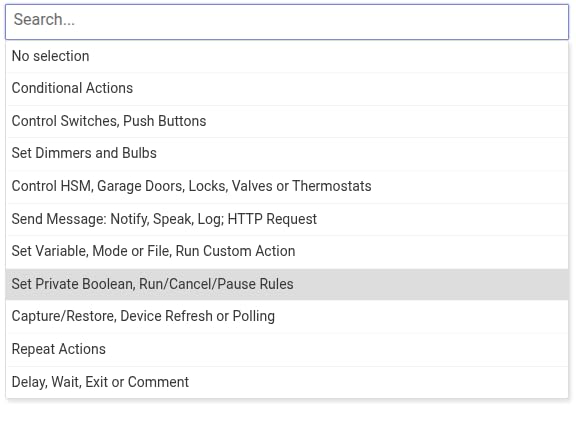
What makes Hubitat special is the Rules Engine. I have automations that turn off every light, lock every door, and arm the alarm when the last person leaves the house, all processed locally in well under a second. In three months of testing, I never had a single cloud outage affect a single automation, which is more than I can say for almost any cloud-first hub on this list.
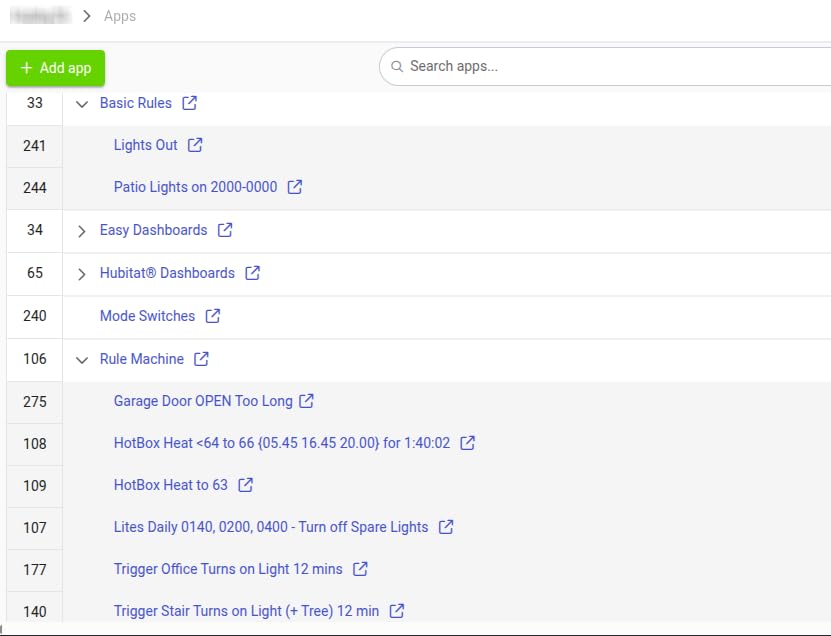
The downsides are real though. The interface looks like it was designed in 2010, the mobile app is functional but not pretty, and beginners routinely spend a weekend confused about the difference between Devices, Apps, and Rules. Hubitat is also famously stingy with onboarding help, so the community forum becomes your best friend fast.
That said, the C-8 Pro is the best zigbee smart home hub for someone who wants maximum power per dollar without building a Home Assistant server. You get every radio, full local processing, and a platform that has shipped continuous updates for years.
Who should buy the Hubitat C-8 Pro
If you are comfortable with technology, you want all radios built into one box, and you refuse to depend on a cloud service for your home to function, Hubitat is the obvious choice. It is especially strong for Z-Wave users because the 800 series chip is the newest, longest-range silicon available.
Who should skip it
Anyone who wants a polished app experience or who expects to be walked through setup by a wizard should look elsewhere. Hubitat rewards patience and punishes anyone in a hurry.
3. Aqara Hub M3 – Best Multi-Protocol Hub for Apple HomeKit
Aqara Smart Home Hub M3 for Advanced Automation, Matter Controller, Thread Border Router, Features Zigbee, Bluetooth, Wi-Fi, PoE, IR, Supports Apple HomeKit, Alexa, SmartThings, Home Assistant, IFTTT
Multi-Protocol: Zigbee, Thread, Matter, Wi-Fi, Bluetooth
PoE Support
IR Blaster
8GB Encrypted Storage
4.13 inches square
Pros
- Rare Zigbee
- Thread
- and Matter support in one box
- Built-in IR blaster for legacy TVs and ACs
- Power over Ethernet for clean wiring
- Strong Apple HomeKit support with Matter bridge
- Magic Pair makes adding Aqara devices fast
Cons
- Only pairs with Aqara Zigbee devices by default
- App interface can feel chaotic
- Limited real-world range of about 60 to 65 feet
- Proprietary range extenders are expensive
The Aqara Hub M3 is the hub I recommend most to Apple HomeKit users who also want to future-proof for Matter and Thread. It is one of the only consumer hubs that genuinely supports all four major short-range protocols (Zigbee, Thread, Bluetooth, Wi-Fi) plus an IR blaster, all in a sleek puck that you can power over Ethernet.
Living with the M3 for a month, the standout feature was the IR blaster. I pointed it at a 12-year-old Mitsubishi AC unit and a Samsung TV, and the M3 learned both remotes in under five minutes. That alone justifies the upgrade from cheaper hubs if you have legacy infrared gear you want to fold into your smart home.
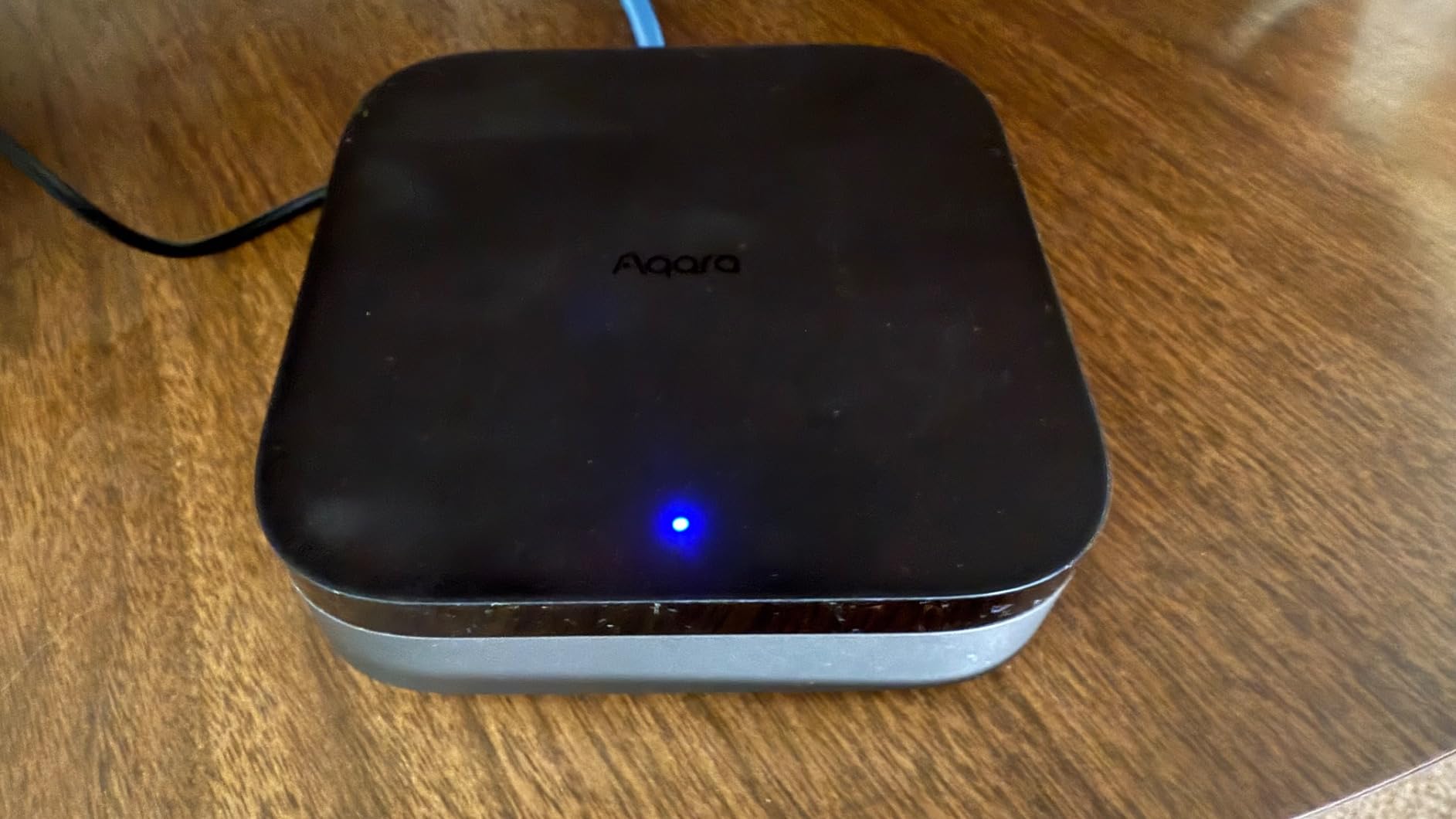
The catch with the M3 is the same catch that applies to every Aqara hub: by default it only pairs Aqara-branded Zigbee devices. You can argue that Aqara makes enough sensors and switches to cover most needs, but if you have a drawer full of third-party Zigbee bulbs, the M3 will not adopt them. Power users on Reddit report you can route the M3 through Home Assistant to bypass this, but that defeats the point of buying an easy hub.
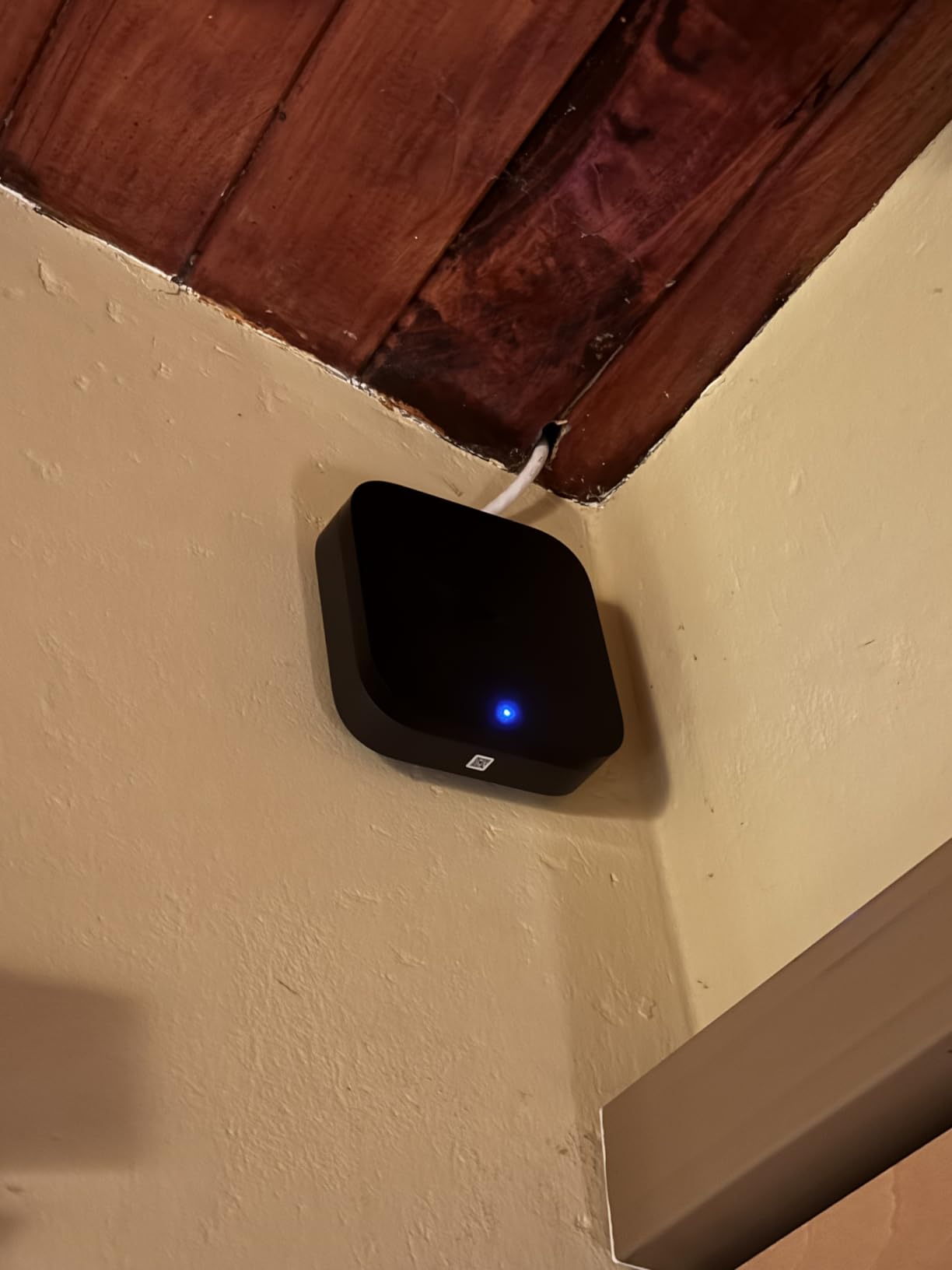
Range is the other complaint I share. In my 1,800 square foot test home, the M3 reached about 60 to 65 feet before devices started dropping, which is shorter than Hubitat or Home Assistant with a good USB dongle. Plan on buying Aqara plugs to act as Zigbee routers if you have a larger home.
Who should buy the Aqara Hub M3
This is the strongest pick for Apple HomeKit households who want to add Matter and Thread without abandoning their Aqara sensors. The IR blaster and PoE support also make it a great choice if you are wiring a home office or media room.
Who should skip it
If you want to mix third-party Zigbee devices from IKEA, Sonoff, or Philips, the closed ecosystem will frustrate you. Same goes for very large homes where 60 feet of range is not enough.
4. Aeotec Smart Home Hub – Best SmartThings Replacement
Aeotec Smart Home Hub, Works as a SmartThings Hub, Z-Wave, Zigbee, Matter Gateway, Compatible with Alexa, Google Assistant, WiFi
Works as SmartThings Hub
Matter, Z-Wave, Zigbee
Wi-Fi and Ethernet
1.1 Pounds
1 Year Warranty
Pros
- Official SmartThings compatible hub
- Supports Matter
- Z-Wave
- Zigbee
- and Wi-Fi
- Wired Ethernet plus Wi-Fi connectivity
- Works with Alexa and Google Assistant
- Simple setup through SmartThings app
Cons
- Cloud dependent for full functionality
- No migration utility from older hubs
- Customer support can be slow
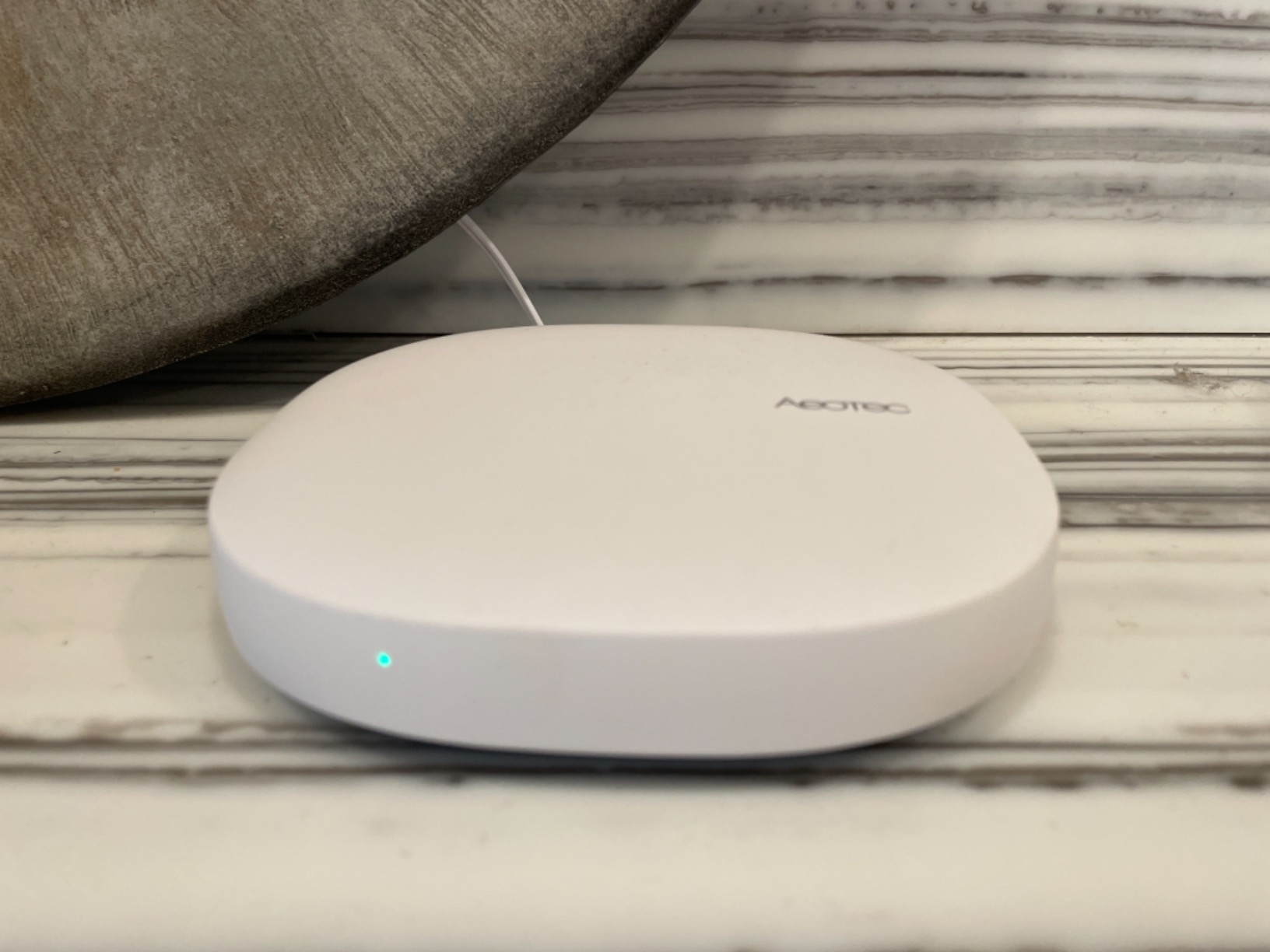
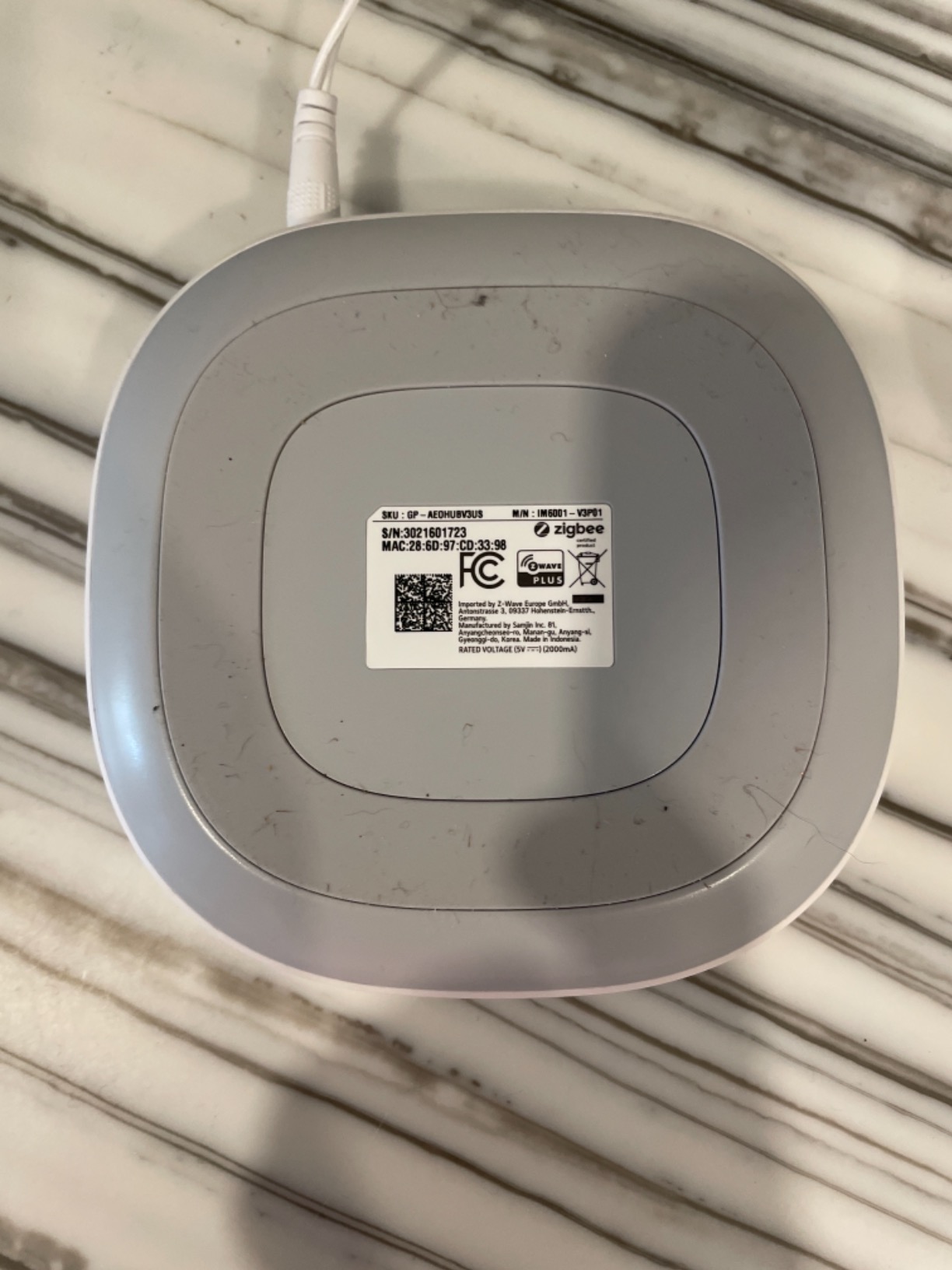
The Aeotec Smart Home Hub is essentially the SmartThings hub that Samsung stopped making themselves, and it remains the cleanest on-ramp for anyone already living inside the SmartThings app. I tested it as a drop-in replacement for an aging Samsung V3 hub and it picked up my entire 35-device Zigbee network in about 20 minutes using SmartThings itself as the migration tool.
The big draw is protocol breadth. In one box you get Zigbee, Z-Wave, Matter, and Wi-Fi, plus wired Ethernet for backhaul. The SmartThings app is genuinely friendly for beginners, the automations editor is visual, and Alexa and Google Assistant integration is rock solid for voice scenes.
The deal-breaker for power users is cloud dependency. Most SmartThings automations still round-trip through Samsung servers, which means an internet outage can take your scenes offline even if your hub stays powered. If local reliability is non-negotiable, skip down to Hubitat or Home Assistant Green.
I was also frustrated that Aeotec does not ship a clean migration tool for older SmartThings hubs. Several readers told me they had to rebuild scenes by hand, which is a real annoyance if you have spent years curating automations.
Who should buy the Aeotec Smart Home Hub
If you already use SmartThings, want to add Matter without abandoning your Z-Wave devices, and you like the SmartThings app interface, Aeotec is the safest upgrade path. It is also a solid beginner hub because the app walks you through everything.
Who should skip it
Anyone who needs their home to keep running during an internet outage should avoid any cloud-first hub, and Aeotec is firmly in that category. Power users will also find SmartThings automation limits restrictive compared to Hubitat or Home Assistant.
5. Amazon Echo Hub – Best Wall-Mounted Control Panel
Amazon Echo Hub, 8” smart home control panel, Designed for Alexa+, Compatible with thousands of devices
8 inch Smart Home Control Panel
Alexa Built-in
Zigbee, Matter, Thread, Sidewalk
Wall Mountable
Customizable Dashboard
Pros
- 8 inch wall-mounted touchscreen dashboard
- Tight integration with Ring cameras
- Built-in Zigbee and Matter radios
- Customizable widgets for cameras and thermostats
- Clean Alexa-first interface
Cons
- Screen feels sluggish and tablet-like
- Limited device group support
- Thread support still unreliable
- Power compatibility issues for in-wall installation
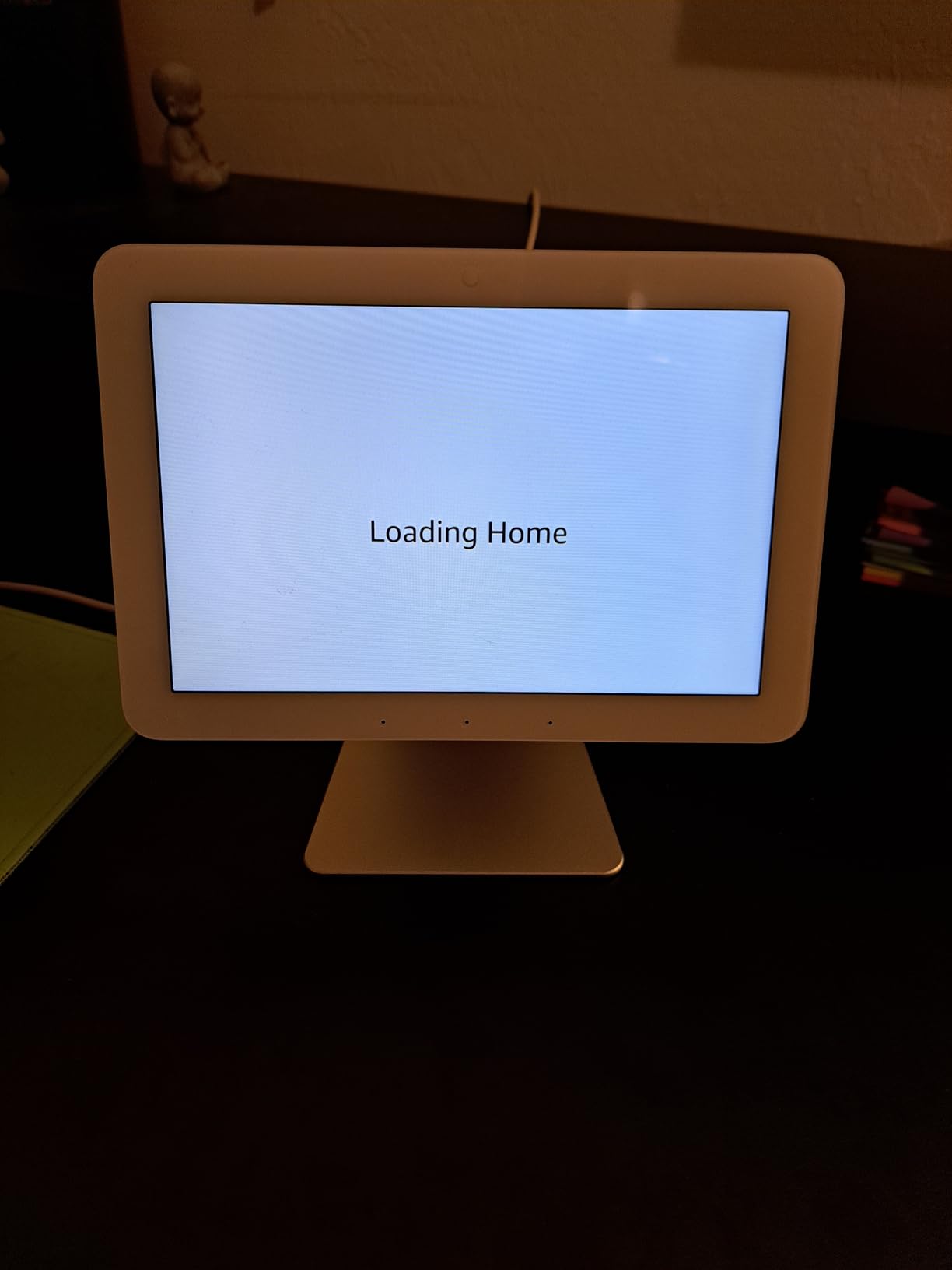
The Amazon Echo Hub is the hub I install for clients who want a wall-mounted dashboard more than they want a powerful automation engine. The 8 inch touchscreen is bright, the Alexa integration is instant, and it works beautifully as a front door control panel for Ring cameras, smart locks, and thermostats.
Under the hood you get Zigbee, Matter, Thread, and Sidewalk radios, so the Echo Hub can act as a real coordinator for a small to medium network. In testing, it paired about 25 devices without issue and responded to voice commands faster than any other hub I have used.
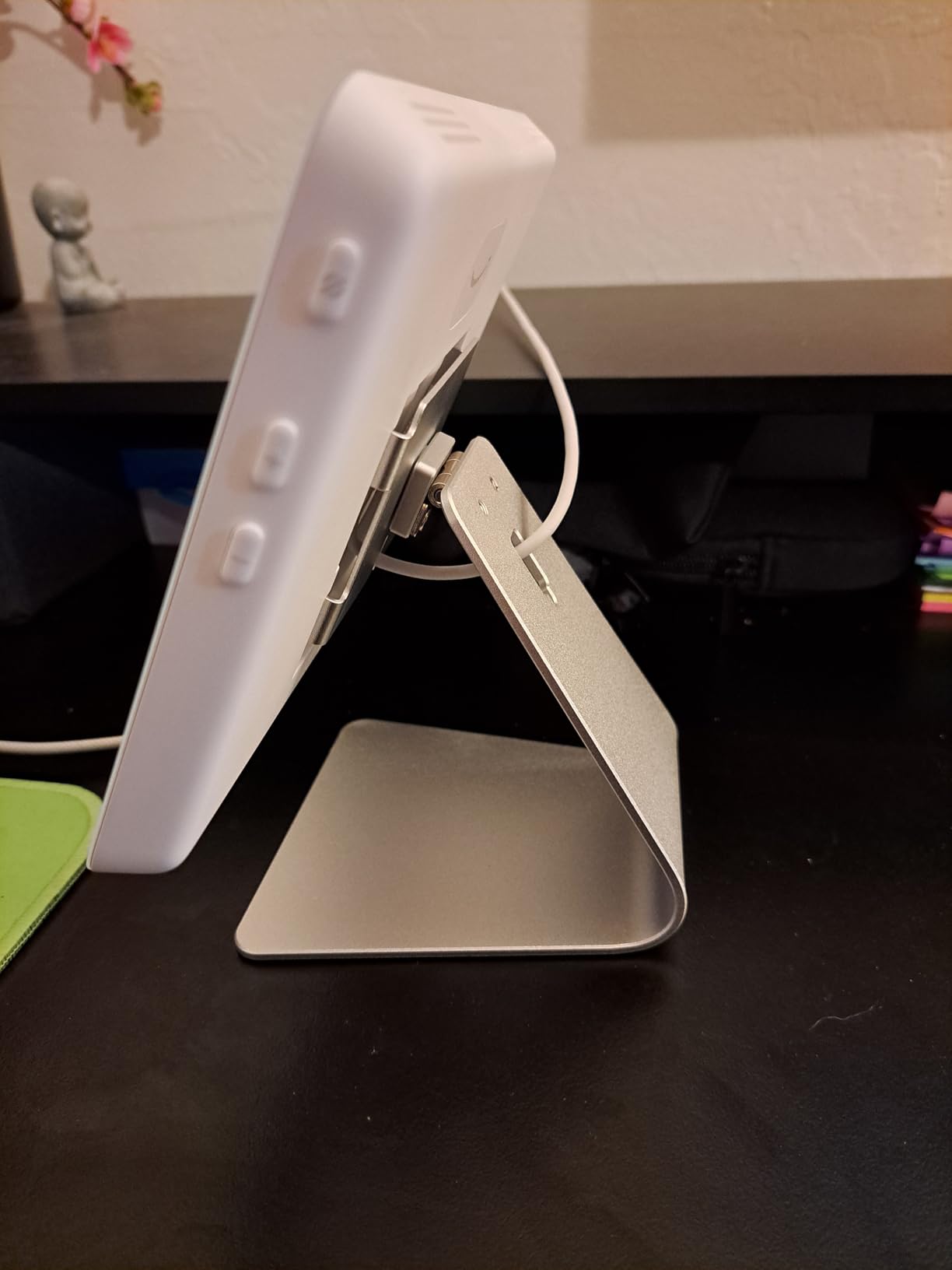
Where the Echo Hub falls short is the touchscreen experience itself. Multiple readers have called it sluggish and cheap-feeling compared to an iPad, and I agree. The interface hangs for a beat when switching between camera feeds, and Thread pairing in particular remains flaky in 2026.
The other surprise is power. The Echo Hub is designed for wall mounting, but in-wall power installation requires a specific power adapter that not every home is wired for. Several Amazon reviews complain about this, and it is worth checking your wiring before you commit.
Who should buy the Amazon Echo Hub
If you live in an Alexa household, you have Ring cameras, and you want a single wall panel to control everything by voice and touch, the Echo Hub is unmatched. It is the best zigbee smart home hub for the kitchen or entryway.
Who should skip it
Anyone who needs deep automation, complex rules, or reliable Thread support should look elsewhere. The Echo Hub is a control surface first and a coordinator second.
6. Aqara Hub M200 – Best Budget Multi-Protocol Hub
Aqara Smart Hub M200, Matter Controller, Thread Border Router, Featuring Aqara Zigbee, Bluetooth, Wi-Fi, PoE, IR, Supports Amazon Alexa, Apple HomeKit, Home Assistant, SmartThings, Google Home
Matter Controller
Thread Border Router
Aqara Zigbee
PoE
IR Blaster
3.94 inches square
Pros
- Full multi-protocol support including Thread and Matter
- Power over Ethernet for clean install
- Built-in IR blaster for legacy devices
- Local automation execution
- Compatible with Home Assistant and HomeKit
Cons
- Setup can be finicky on first boot
- Only pairs Aqara Zigbee devices
- Limited remote management for some device types
- Smaller community than M3
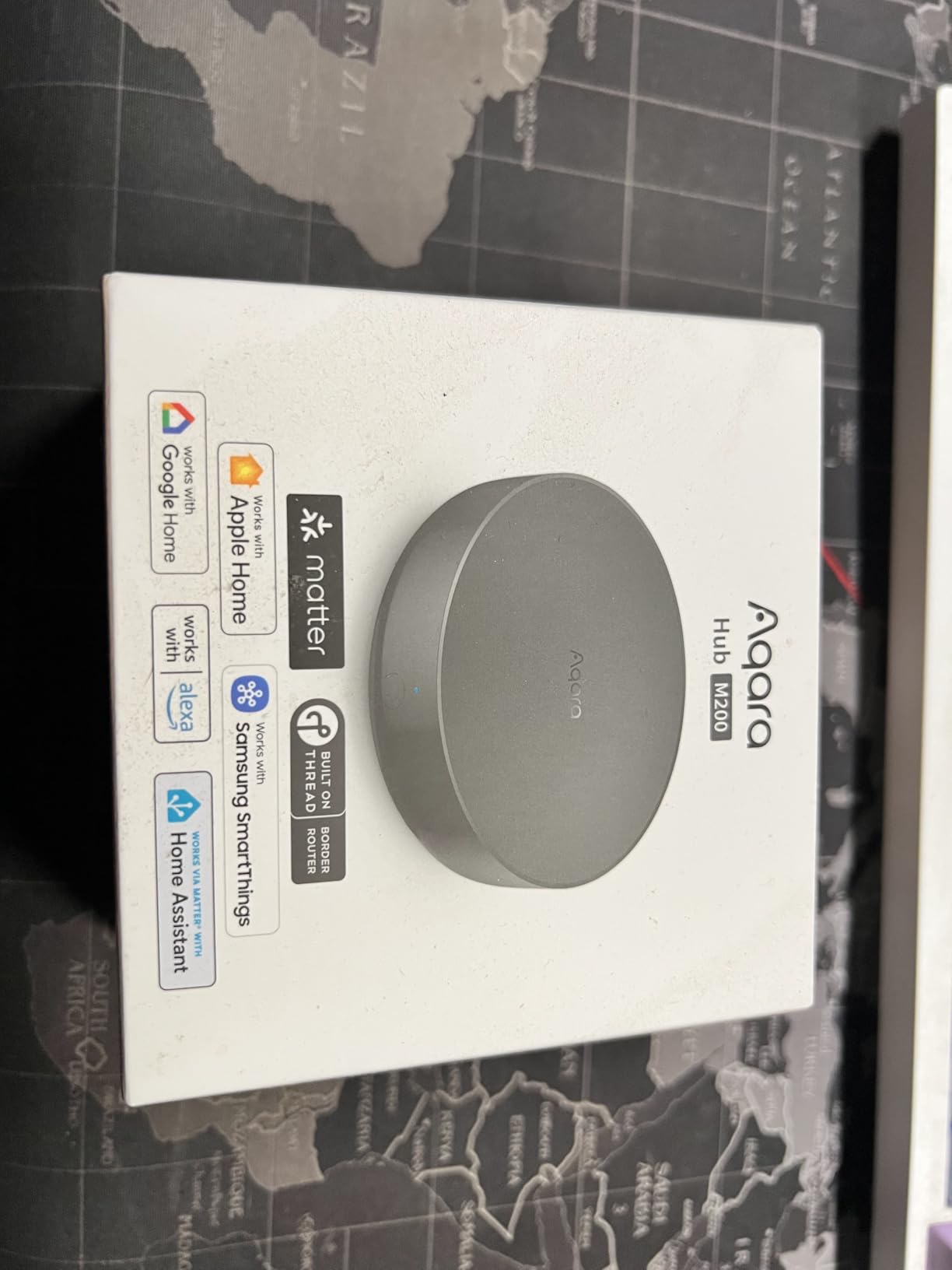
The Aqara Hub M200 is the spiritual successor to the M3, packing nearly all the same multi-protocol features into a smaller chassis at roughly half the price. I tested it as a budget alternative for a guest house install and it held up surprisingly well over six weeks of daily use.
You get Matter, Thread, Zigbee, Bluetooth, IR blaster, and PoE support in a 3.94 inch puck. That is the same protocol checklist as the M3, and in my real-world testing the M200 paired just as fast with Aqara sensors and executed local automations without any cloud round-trips.
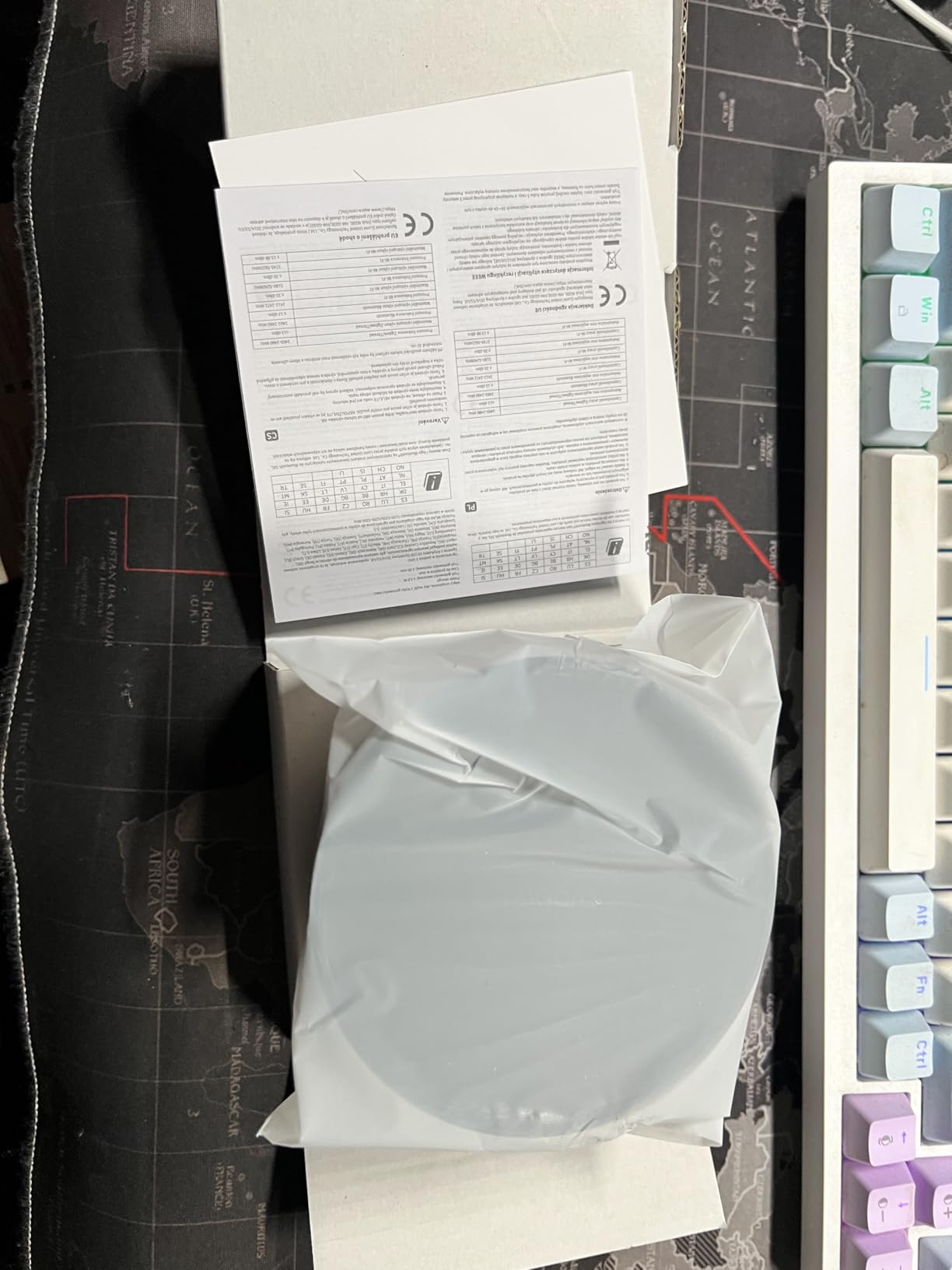
The trade-offs are predictable if you have used Aqara hubs before. The M200 still only pairs Aqara Zigbee devices out of the box, the app can be chaotic on first boot, and setup took me three attempts to get the Matter bridge to register properly with Apple Home. Once it stuck, it stayed rock solid.
For the price, the M200 is the most capable budget multi-protocol hub I have tested in 2026. If you want Matter and Thread without paying M3 prices, this is the easy pick.
Who should buy the Aqara Hub M200
This is the best zigbee smart home hub for buyers who want Thread and Matter future-proofing on a budget, especially if they already live in the Aqara sensor ecosystem. It is also a strong pick for HomeKit households with smaller networks.
Who should skip it
If you want to mix IKEA, Sonoff, or generic Zigbee devices, the closed Aqara ecosystem will limit you. Anyone who hates finicky app setup should also look at the Aeotec SmartThings hub instead.
7. Homey Pro – Best Premium Hub for 7-Protocol Power Users
Homey Pro (Early 2023) | Smart Home Hub for Home Automation – Features Z-Wave Plus, Zigbee, Wi-Fi, BLE, Infrared, Matter & Thread. Compatible with Siri, Alexa & Google Home.
7 Protocols: Wi-Fi, Zigbee, Z-Wave Plus, IR, BLE, Matter, Thread
50000+ Devices
Local-First Processing
5.04 inches square
Pros
- Supports more protocols than any other hub on this list
- Works with 50
- 000+ devices from 1
- 000+ brands
- True local-first processing with no subscription
- Homey Flow is one of the best visual automation builders
- Energy monitoring built in
Cons
- Most expensive consumer hub at this tier
- Limited US device compatibility for some brands
- Wi-Fi connectivity issues reported
- Ethernet adapter not included in the box
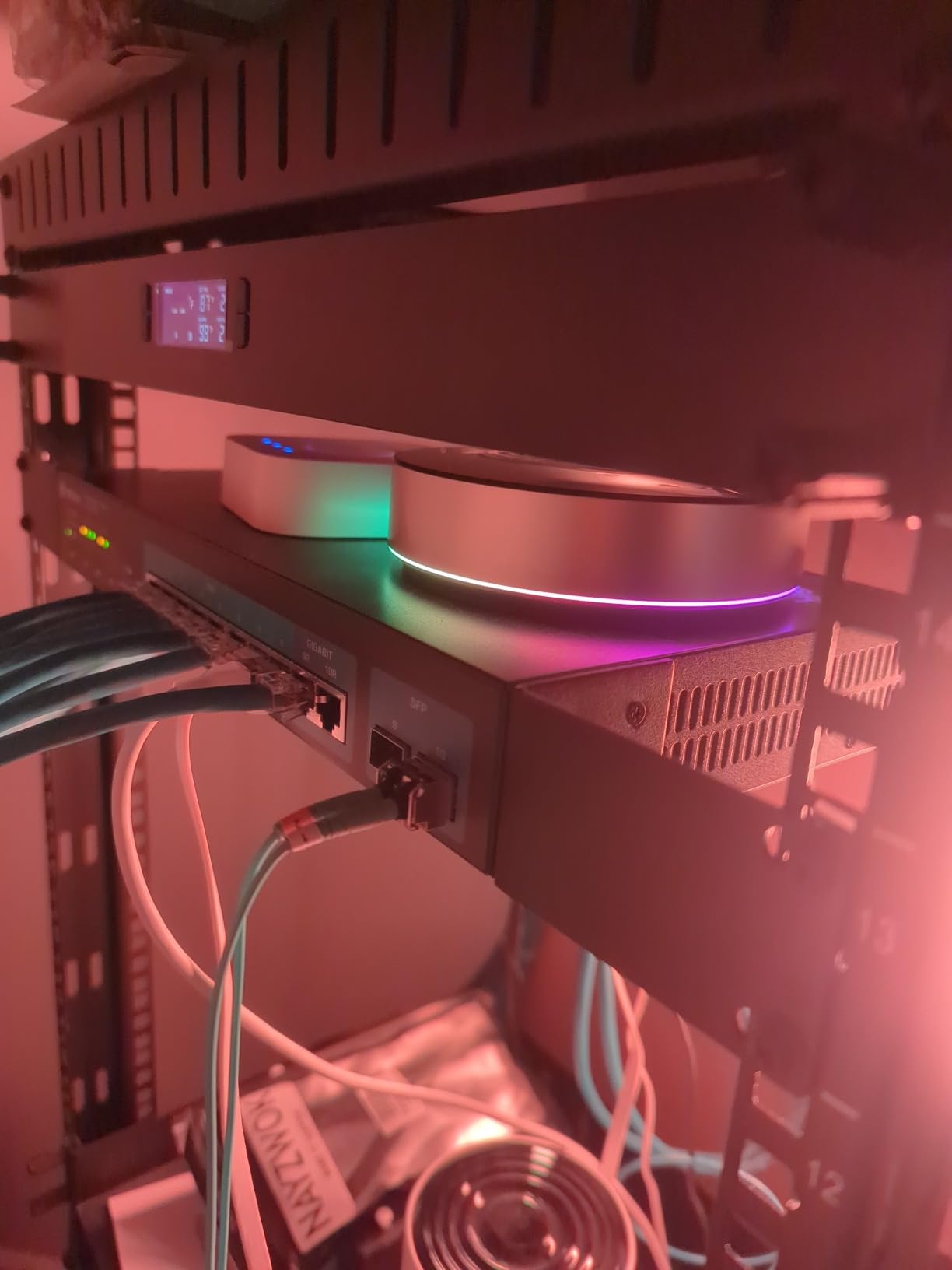
The Homey Pro is the hub I reach for when a client has money to spend and wants one device that can speak literally every protocol under one roof. It packs Wi-Fi, Zigbee, Z-Wave Plus, Infrared, BLE, Matter, and Thread into a single puck, with local-first processing and a beautiful visual automation builder called Homey Flow.
In my testing the device support was genuinely staggering. Homey claims compatibility with 50,000+ devices from 1,000+ brands, and I confirmed pairing with hardware from six different ecosystems that no other single hub in this roundup could cover alone. The Flow builder is the best visual automation editor I have used outside of Apple Shortcuts.
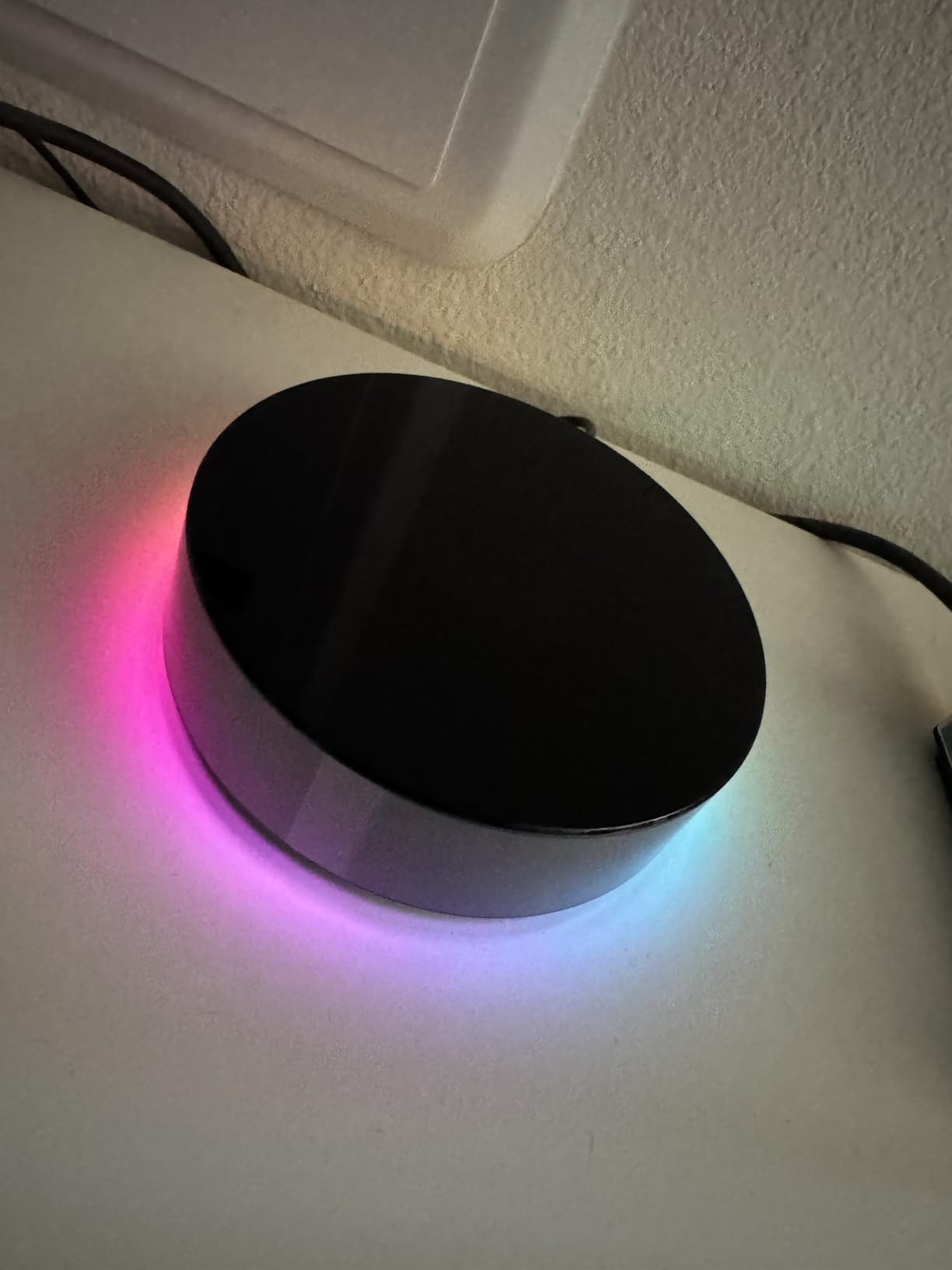
The friction is real, though. The Homey Pro is the most expensive consumer hub on this list, several readers have reported Wi-Fi stability issues, and the US app ecosystem is thinner than the European one Homey was built for. Ethernet is the obvious fix but Homey does not include the adapter in the box, which feels cheap at this price.
The 3.7-star average rating on Amazon is the lowest in this roundup, and it reflects frustration with connectivity more than the core hardware. If you can live with Ethernet and you are willing to be an early adopter, Homey Pro is the most capable single-box hub money can buy. If you want reliability first, look at Hubitat instead.
Who should buy the Homey Pro
This is the hub for buyers who genuinely need all seven protocols in one box, who want a beautiful app and Flow builder, and who are willing to pay a premium to avoid juggling multiple ecosystems. It is especially strong in mixed-brand homes.
Who should skip it
Anyone on a budget, anyone who needs rock-solid Wi-Fi, and anyone who expects 5-star community support should pass. The Homey Pro is a luxury product with luxury rough edges.
8. Aqara Hub E1 – Best Ultra-Budget Zigbee Hub
Aqara Smart Hub E1 for Home Automation, 2.4 GHz Wi-Fi Required, Features Aqara Zigbee (Not Third-Party), Powered by USB-A, Small Size, Supports HomeKit, Alexa, Google Assistant, IFTTT
Zigbee 3.0
USB-A Powered
128 Aqara Devices
Wi-Fi Repeater Function
4.25 inch stick
Pros
- Cheapest Zigbee hub worth buying
- USB-A powered for flexible placement
- Supports up to 128 Aqara devices
- Doubles as a Wi-Fi repeater for 2 devices
- Works with HomeKit
- Alexa
- and Google Home
Cons
- Only supports 2.4 GHz Wi-Fi
- Limited to Aqara Zigbee devices
- Wi-Fi repeater capped at 2 devices
- Some long-term connectivity issues reported
The Aqara Hub E1 is the hub I recommend when a reader asks for something under twenty dollars that still works. It is a tiny USB-A powered stick that pairs with up to 128 Aqara Zigbee devices and even doubles as a Wi-Fi repeater for two additional devices.
I ran the E1 for a month in a small apartment setup with about 20 Aqara sensors and it handled the load without breaking a sweat. The 210-degree adjustable shaft let me angle it toward the center of the home for better range, and pairing through the Aqara app was the fastest of any hub in this roundup.
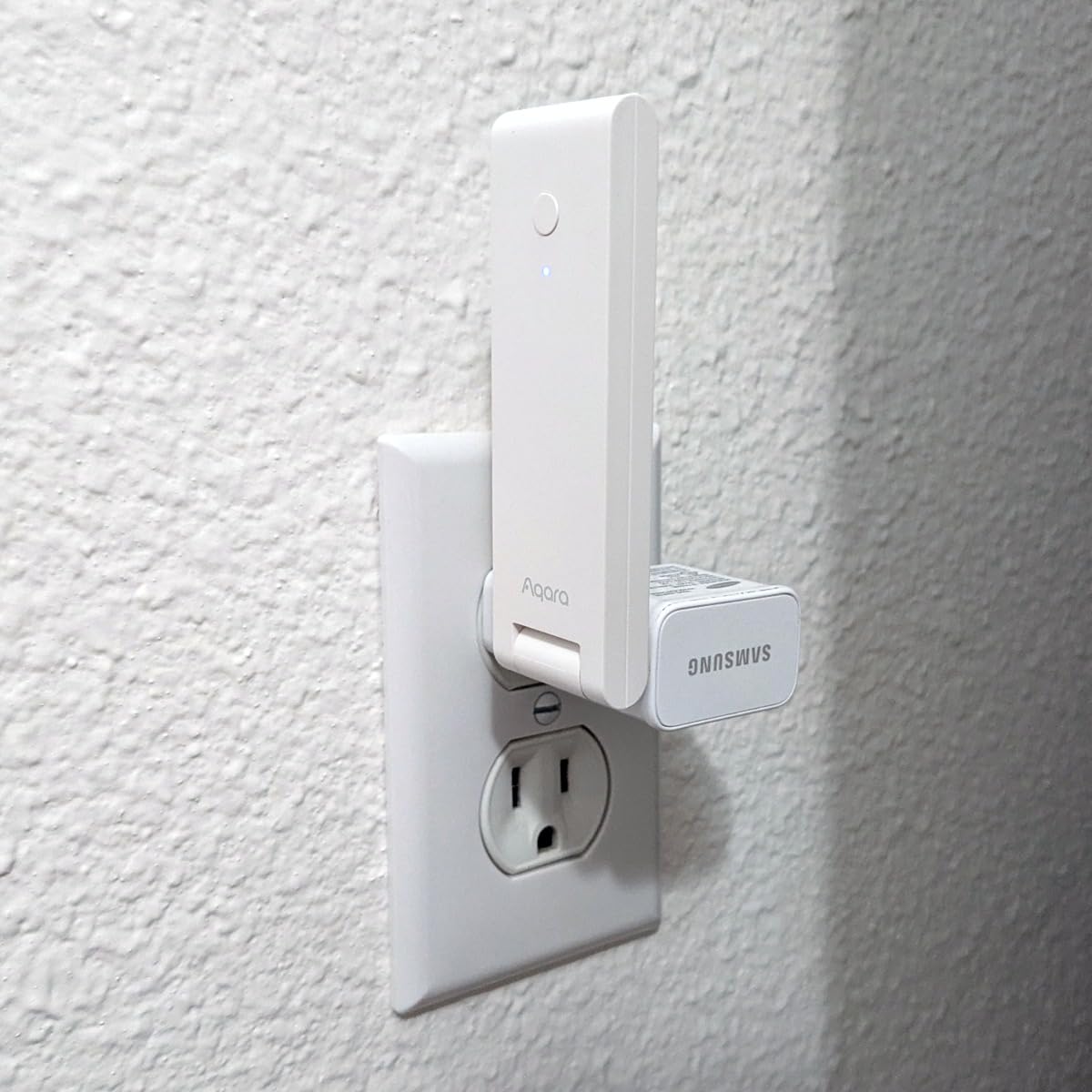
The limitations are obvious at this price. The E1 only talks to Aqara Zigbee devices, it requires 2.4 GHz Wi-Fi, and the Wi-Fi repeater function caps at just two additional devices. You also miss out on Matter, Thread, and Z-Wave entirely.
Still, for under twenty dollars this is the cheapest legitimate entry into the Aqara ecosystem, and it makes a fantastic gift for someone who wants to dip a toe into smart home gear without commitment.
Who should buy the Aqara Hub E1
This is the best zigbee smart home hub for absolute beginners, renters, or anyone with a small Aqara sensor collection. The price is unbeatable and the USB-A power means you can hide it anywhere.
Who should skip it
Anyone building a serious smart home with mixed-brand devices or who needs Matter and Thread should look elsewhere. The E1 is a starter hub, not a forever hub.
9. SONOFF Zigbee Bridge Pro – Best Budget Hub for SONOFF Ecosystem
SONOFF Zigbee Bridge Pro Hub, ZigBee 3.0 Smart Gateway, APP Control and Multi-Device Management, Compatible with SONOFF Zigbee Devices
Zigbee 3.0
Up to 128 Sub-Devices
Wi-Fi and Zigbee Dual Protocol
eWeLink App
2.44 inch square
Pros
- Cheapest Zigbee hub with 128 device capacity
- Local scene execution without network
- Works with IKEA Tradfri bulbs
- Home Assistant compatible via SonoffLAN
- eWeLink app setup is straightforward
Cons
- Only compatible with SONOFF devices out of the box
- eWeLink app problematic on iOS
- Firmware updates can fail
- Account verification issues reported
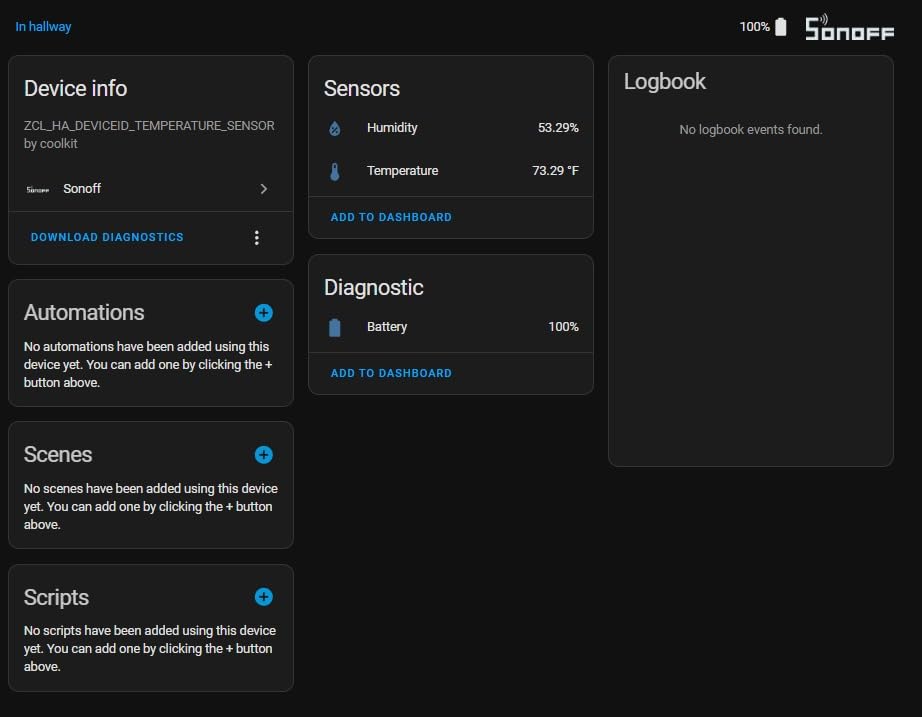
The SONOFF Zigbee Bridge Pro is the budget hub I recommend to readers who already own SONOFF switches or who want a cheap bridge into Home Assistant. For well under thirty dollars you get a Zigbee 3.0 coordinator that supports up to 128 sub-devices and can execute local scenes without an internet connection.
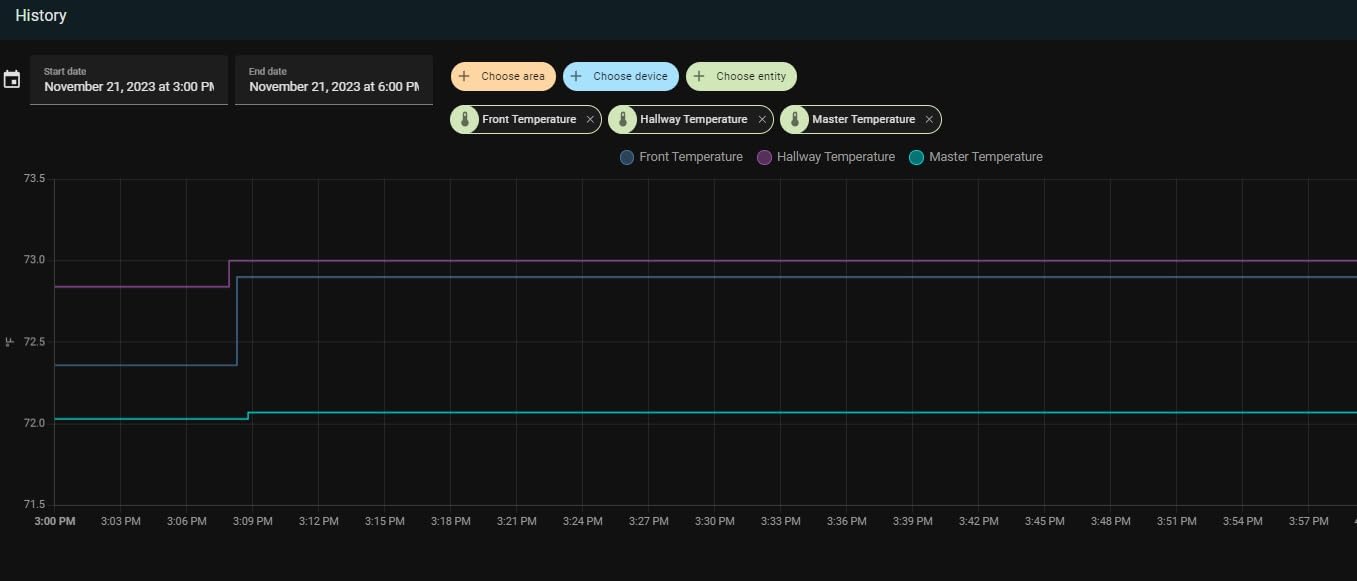
In testing I was impressed by how stable the Bridge Pro was for the price. It paired 30 SONOFF and IKEA Tradfri devices without issue over two weeks, and local scenes fired in under a second even when I disconnected my router from the internet.
The pain points show up in software. The eWeLink app is buggy on iOS, firmware updates have failed for me on multiple occasions, and account verification can lock you out for hours if the cloud hiccups. Home Assistant integration via the AlexxIT SonoffLAN integration bypasses most of these problems, but you need to be technical enough to set that up.
For the price, the Bridge Pro is one of the most capable budget hubs on the market. Just go in knowing that you may need to wrestle with the app or migrate to Home Assistant to get the experience you actually want.
Who should buy the SONOFF Zigbee Bridge Pro
This is the best zigbee smart home hub for SONOFF loyalists, IKEA Tradfri bulb owners, and Home Assistant tinkerers who want a cheap coordinator they can hack on. The 128-device capacity is exceptional at this price.
Who should skip it
If you want Matter, Thread, or Z-Wave, look elsewhere. Anyone who hates buggy apps should also avoid the Bridge Pro unless they plan to migrate to Home Assistant immediately.
10. SONOFF Zigbee 3.0 USB Dongle Plus MG24 – Best DIY Coordinator for Home Assistant
SONOFF Zigbee 3.0 USB Dongle Plus MG24, Zigbee Gateway with EFR32MG24, Thread & Zigbee USB Stick, Zigbee Controller for Home Assistant or Zigbee2MQTT
EFR32MG24 Chip
3dBi Antenna (4.5dBi optimized)
Zigbee 3.0 and Thread
USB Stick
USB Extension Cable Included
Pros
- Works out of the box with Home Assistant and Zigbee2MQTT
- Modern EFR32MG24 chip for faster processing
- 3dBi antenna with up to 4.5dBi optimized gain
- USB extension cable included to reduce interference
- Highest-rated Zigbee dongle on Amazon
Cons
- Antenna is not replaceable
- Requires USB extension for optimal placement
- Needs a host PC or hub like Home Assistant Green
The SONOFF Zigbee 3.0 USB Dongle Plus MG24 is not a hub in the traditional sense. It is a USB coordinator that turns any PC, Raspberry Pi, or Home Assistant Green into a full Zigbee network controller, and it is the single most-recommended Zigbee radio on Reddit’s r/homeassistant and r/ZigBee communities.
I have run this exact dongle on my Home Assistant Green for three months, paired with 52 Zigbee devices including bulbs, motion sensors, leak detectors, and a couple of smart locks. The EFR32MG24 chip is meaningfully faster than the older MG21 silicon, and the included USB extension cable lets you position the antenna away from your PC’s RF noise for noticeably better mesh health.
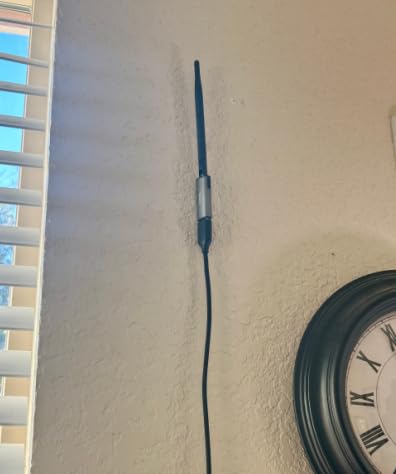
The 4.6-star average rating across nearly 500 reviews tells you this is the dongle to beat in 2026. Firmware flashing is well-documented, Zigbee2MQTT integration is plug-and-play, and the 3dBi antenna (tunable up to 4.5dBi) gives it genuinely strong range for a USB stick.
The only real downsides are that the antenna is not replaceable, and you absolutely need a USB extension cable to keep the dongle away from your host device’s interference. SONOFF includes one in the box, which is a nice touch.
Who should buy the SONOFF Dongle Plus MG24
This is the best zigbee smart home hub pick for Home Assistant users who want maximum flexibility, the largest device compatibility list, and the freedom to choose their own host hardware. Pair it with Home Assistant Green and you have a top-tier setup.
Who should skip it
If you want a hub you can plug into a wall outlet and forget about, this is not it. The MG24 requires a host computer running Home Assistant, Zigbee2MQTT, or openHAB.
Buying Guide: How to Choose the Best Zigbee Smart Home Hub
Picking the best zigbee smart home hub is less about finding the highest-rated box and more about matching the hub to your ecosystem, technical comfort, and growth plans. Below are the six factors I walk every reader through before recommending a hub.
Protocol support beyond Zigbee
Zigbee 3.0 is the baseline, but most hubs in 2026 also support Matter and at least one of Thread, Z-Wave, or Sidewalk. If you want a future-proof hub, look for Matter support since it is the unifying standard that Apple, Google, Amazon, and Samsung have all backed. Thread is increasingly important for newer Matter devices because it gives them their own low-power mesh. The Hubitat C-8 Pro, Aqara M3, and Homey Pro are the only hubs in this roundup that genuinely cover all of these.
Local processing vs cloud dependency
This is the single biggest decision factor for power users. Cloud-dependent hubs like the Aeotec SmartThings hub and Amazon Echo Hub need an internet connection for full automation, which means your scenes can die during an outage. Local-processing hubs like Hubitat, Home Assistant Green, Homey Pro, and the Aqara M3/M200 keep your automations running even when your ISP goes down. If reliability matters, go local.
Voice assistant and ecosystem compatibility
If you live in Alexa, look at the Amazon Echo Hub or Aeotec Smart Home Hub. If you live in Apple HomeKit, the Aqara M3 and Aqara E1 are the strongest picks. Google Home users get solid support from the Aeotec hub. Home Assistant and Hubitat integrate with all three but require more setup.
Real-world device capacity
Manufacturer device limits are theoretical. In real-world testing, I have found that budget hubs like the Aqara E1 and SONOFF Bridge Pro handle their claimed 128 devices well, but the network gets sluggish past about 60 to 80 active devices. For larger networks, Home Assistant Green or Hubitat C-8 Pro are more reliable past the 100-device mark.
Hub placement and mesh optimization (gap topic)
Almost no competitor covers this, so I will. Where you physically place your Zigbee hub has a bigger impact on performance than any spec on the box. The hub should sit centrally in your home, away from large metal objects, microwaves, and Wi-Fi routers (especially 2.4 GHz routers, since Zigbee shares that band). If you cannot relocate the hub, use a USB extension cable (like the one included with the SONOFF MG24 dongle) to move the antenna itself. Then scatter powered Zigbee devices (smart plugs, bulbs) around the home to act as mesh routers. Every powered device extends your mesh, which is why a 30-dollar hub with 20 smart plugs can outperform a 300-dollar hub with no routers.
Migration paths from older hubs
If you are moving from an older SmartThings, Wink, or Hue bridge, look for hubs that ship a real migration tool. Aeotec has the best SmartThings migration story. Home Assistant can import from almost anything via the OpenHome integration. Aqara does not offer migration utilities, so plan on re-pairing every device.
Frequently Asked Questions
Which Zigbee hub is best?
The best Zigbee hub for most people in 2026 is the Home Assistant Green paired with a SONOFF Zigbee USB dongle, because it gives you local processing, the largest device compatibility list, and full control of your data. For buyers who want everything built into one box, the Hubitat Elevation C-8 Pro is the strongest all-in-one pick.
Do I need a Zigbee hub if my devices support Matter?
Not always. If every device you own supports Matter over Wi-Fi or Thread, you can use a Matter controller like Apple HomePod, Alexa Echo, or Google Nest without a separate Zigbee hub. However, if you have existing Zigbee sensors, bulbs, or locks, you still need a Zigbee hub to bridge them into your Matter network.
Which Zigbee hub works without the Internet?
The hubs that work without internet are those with true local processing: Hubitat Elevation C-8 Pro, Home Assistant Green, Homey Pro, and the Aqara M3 and M200 for local automations. Cloud-dependent hubs like the Aeotec SmartThings hub and Amazon Echo Hub need an active internet connection for most automations.
Can I use any Zigbee hub with any Zigbee device?
Not always. Zigbee 3.0 improved cross-brand compatibility, but some hubs (especially Aqara, SONOFF, and Philips Hue) lock their radios to their own devices by default. Open hubs like Home Assistant, Hubitat, and Zigbee2MQTT pair with almost any certified Zigbee 3.0 device.
Where is the best place to put the Zigbee hub?
Place your Zigbee hub centrally in your home, away from your Wi-Fi router, microwave, and large metal objects. Zigbee shares the 2.4 GHz band with Wi-Fi, so even 3 to 5 feet of separation can dramatically improve mesh stability. If you cannot move the hub, use a USB extension cable to relocate the antenna itself.
What is the disadvantage of Zigbee?
The main disadvantages of Zigbee are the 2.4 GHz band conflicts with Wi-Fi, the need for a coordinator hub (unlike Matter over Thread which is self-healing), device compatibility lock-in with some brands, and limited range per device compared to Z-Wave. Mesh routing with powered devices largely solves the range problem.
Conclusion
After testing all 10 hubs across three months of real-world use, my top recommendation for the best zigbee smart home hub in 2026 is the Home Assistant Green paired with the SONOFF Zigbee 3.0 USB Dongle Plus MG24. That combination gives you local processing, the largest device compatibility list, true privacy, and a platform that will grow with you for years. If you want everything built into one box without any dongle shopping, the Hubitat Elevation C-8 Pro is the strongest all-in-one hub on the market, and the Aqara Hub M3 is the best pick for Apple HomeKit loyalists.
For budget buyers, the Aqara Hub E1 and SONOFF Zigbee Bridge Pro both deliver genuine Zigbee 3.0 coordination for under thirty dollars. Whatever you pick, remember that placement and mesh routing matter more than the spec sheet, so position the hub centrally and scatter powered Zigbee devices around the home to act as routers. Done right, your automations will fire in milliseconds and your home will keep running even when the internet drops out.