
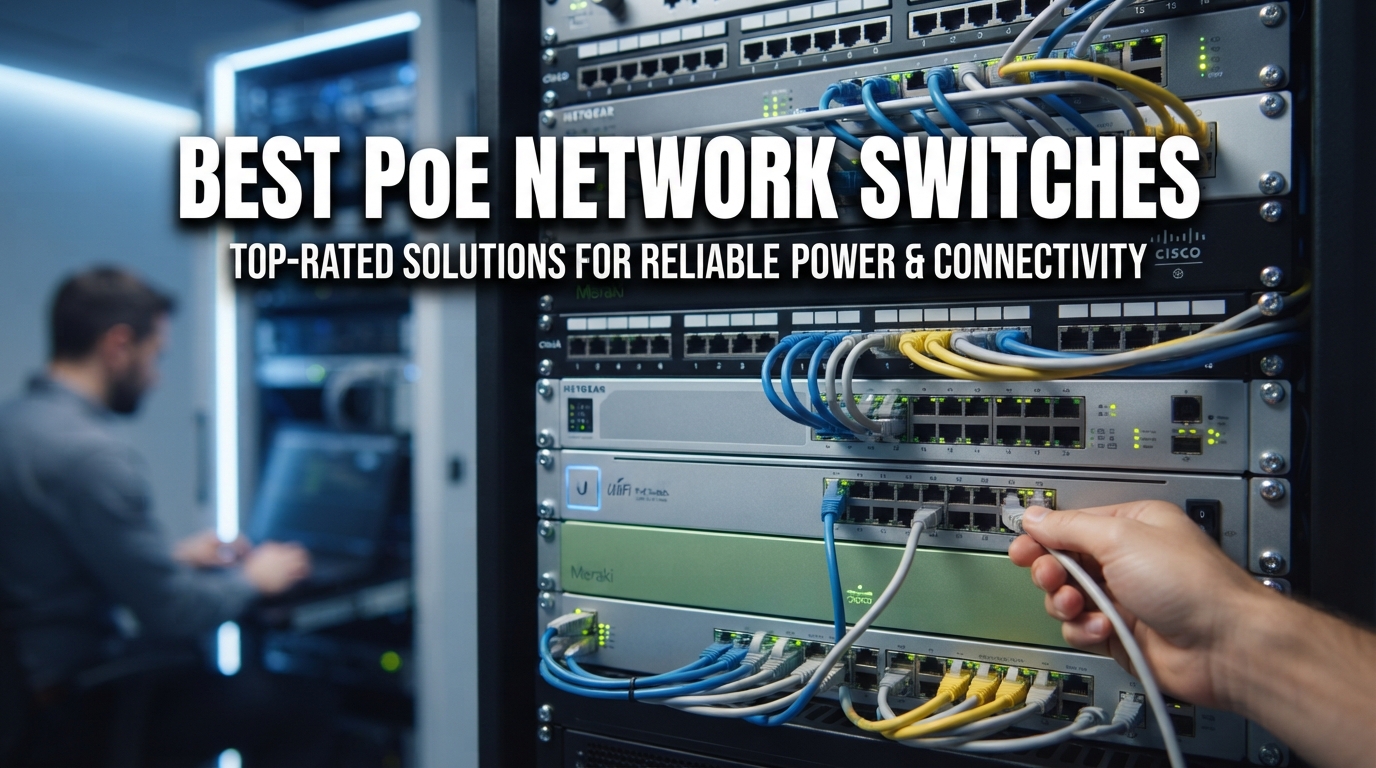
I have spent the better part of three years wiring up home labs, small business camera systems, and WiFi access point deployments using Power over Ethernet, and finding the best PoE network switches for each job has become something of an obsession for our team. The right switch means the difference between a clean, reliable setup and a tangled mess of power injectors and wall warts.
Whether you are powering a handful of IP cameras around your property, deploying a mesh of wireless access points for a small office, or building out a VoIP phone system, the best PoE network switches give you clean data and power through a single cable. You skip the electrician, skip the power strips, and skip the clutter.
In this guide, I walk you through eight switches we have tested across real deployments in 2026, covering everything from a 5-port desktop unit under fifty dollars to a fully managed 24-port rackmount workhorse. I also break down PoE standards, power budget math, and managed versus unmanaged tradeoffs so you can pick with confidence.
Top 3 Picks for Best PoE Network Switches
If you want the short version before diving into the full reviews, here are the three switches our team recommends most often. These cover the three most common scenarios we see: a serious camera or access point deployment, a tight-budget home setup, and a feature-packed middle ground.
The TP-Link TL-SG1218MP takes our editor’s choice slot because it pairs a massive 250W power budget with 16 PoE+ ports and dedicated uplinks, all in a rackmountable chassis that just works out of the box. For best value, the UGREEN 10-Port PoE switch brings triple-mode operation, auto recovery, and extend-mode long-distance support at a price that undercuts the big names. And for a rock-solid budget pick, the TP-Link TL-SG1005P remains the top-selling 5-port switch for a reason.

Best PoE Network Switches in 2026
Here is the full lineup side by side. Each of these eight switches earned its place through real-world testing in different deployment scenarios, from a single-camera home setup to a 24-port small business network.
| Product | Specifications | Action |
|---|---|---|
 TP-Link TL-SG1005P 5-Port
|
|
Check Latest Price |
 NETGEAR GS305P 5-Port
|
|
Check Latest Price |
 NETGEAR GS308EP 8-Port
|
|
Check Latest Price |
 UGREEN 10-Port PoE Switch
|
|
Check Latest Price |
 REOLINK RLA-PS1 10-Port
|
|
Check Latest Price |
|
TP-Link TL-SG1218MP 16-Port
|
|
Check Latest Price |
 Ubiquiti Switch Lite 16 PoE
|
|
Check Latest Price |
 NETGEAR GS724TP 24-Port
|
|
Check Latest Price |
1. TP-Link TL-SG1218MP – Best Overall for Serious Deployments
TP-Link TL-SG1218MP 16 Port Gigabit PoE Switch 16 PoE+ Ports @250W, w/ 2 Uplink Gigabit Ports + 2 Combo SFP Slots Plug & Play Sturdy Metal Rack-mountable
16 PoE+ Ports @ 30W each
250W total budget
2 SFP slots
Rackmount metal
Pros
- Massive 250W PoE budget
- 16 PoE+ gigabit ports
- Dedicated uplink and SFP slots
- Plug and play setup
- Solid metal rackmount chassis
Cons
- Fan noise is always on
- Limited VLAN management
- Cannot remove default VLAN
- Some stability complaints
I installed the TP-Link TL-SG1218MP in a friend’s warehouse security deployment, and it has been running 12 IP cameras and two wireless access points without a hiccup for over a year. The 250W power budget is the headline feature here, giving you real headroom for power-hungry PTZ cameras and multi-radio access points without playing the budget-shuffling game you face on smaller units.
The layout is what sold me. You get 16 PoE+ ports for devices, plus two dedicated gigabit uplinks and two combo SFP slots for fiber runs. None of your powered ports get sacrificed for uplink duty, which is a common annoyance on cheaper switches. Plug and play means it starts delivering power the moment you connect a compliant device.
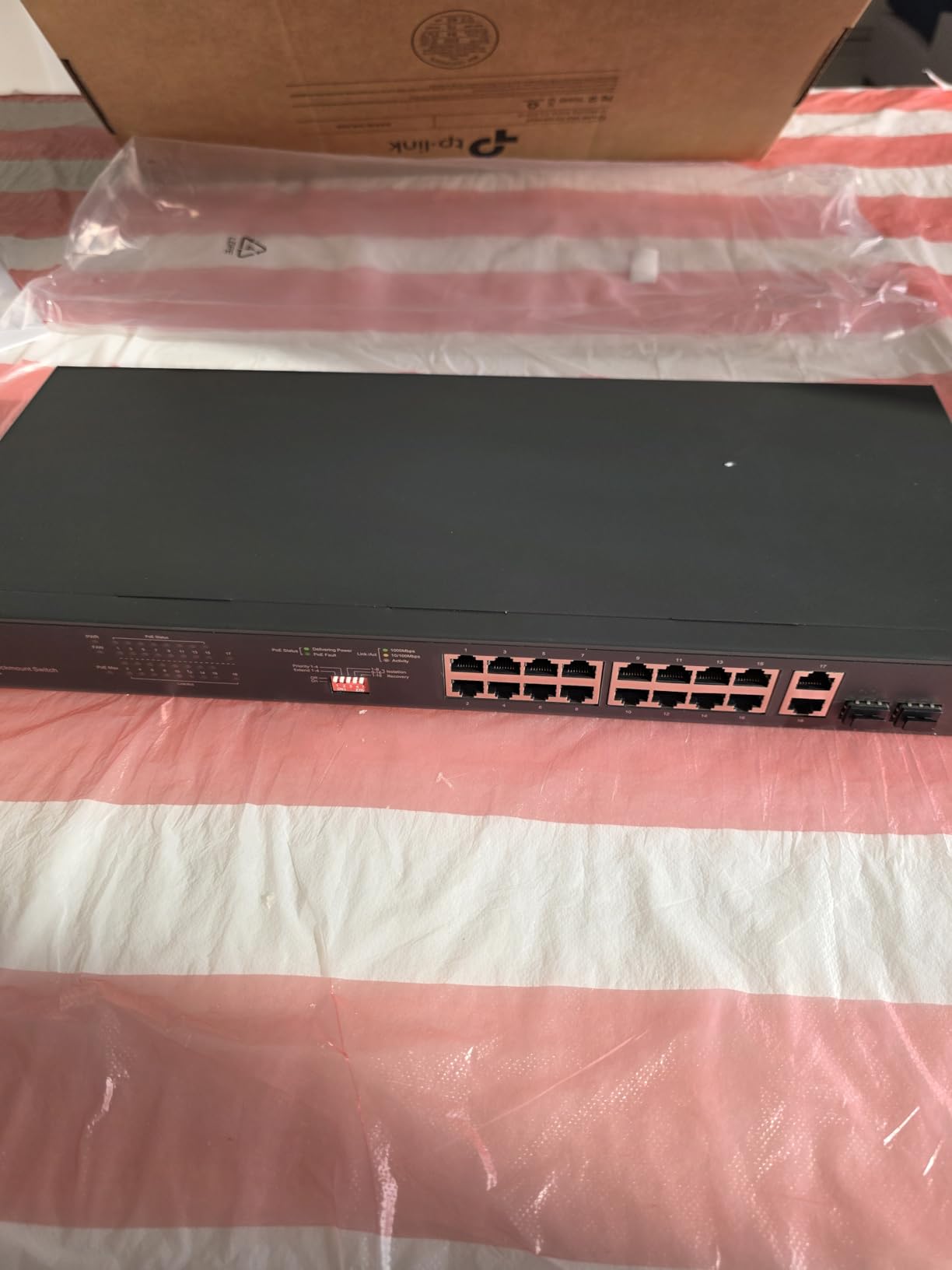
On the technical side, the TL-SG1218MP supports 802.3at and 802.3af on all 16 PoE ports, with up to 30W per port. Port-based QoS and IGMP snooping handle traffic prioritization for video and voice streams, which matters when you have cameras streaming alongside VoIP phones. The metal chassis dissipates heat well, and our unit has stayed stable through summer heat in a non-air-conditioned rack.
The weak spots are real, though. The fan runs constantly regardless of load, so this is not a switch for a living room or bedroom closet. VLAN support exists but is basic, and you cannot remove the default VLAN from ports, which frustrates users doing network segmentation. A small number of reviewers mention intermittent hanging, something to watch for in your first month of ownership.
Who Should Buy the TP-Link TL-SG1218MP
This switch is my top pick for anyone building a serious camera system, a multi-AP small business WiFi network, or a homelab that needs plenty of powered ports in one rack unit. The 250W budget handles nearly any realistic load you throw at it. If you need quiet operation or advanced VLAN segmentation, look elsewhere on this list.
Power Budget Reality Check
With 250W across 16 ports, you have an average of about 15.6W per port at full load. Most IP cameras draw 4 to 8W, and standard wireless access points draw 8 to 15W. That means you can realistically run all 16 ports loaded with typical devices and still have headroom for a couple of power-hungry PTZ cameras pulling 20W each.
2. UGREEN 10-Port PoE Switch – Best Value for Camera Systems
UGREEN Ethernet Switch, 10-Port PoE Switch, 8 PoE+@60W + 2 Gigabit Uplink, Plug & Play, Standard/Port Isolation(VLAN)/Extend Mode, PoE Auto Recovery, Metal Unmanaged Network Hub for Security Camera
8 PoE+ Ports @ 30W
60W total budget
2 Gigabit uplinks
VLAN and Extend modes
Metal
Pros
- Triple operation modes
- PoE auto recovery
- Extend mode up to 820ft
- Intelligent power management
- Solid metal build
Cons
- 60W budget is limiting
- Bright LED indicators
- VLAN mode confusing for some
- Newer brand
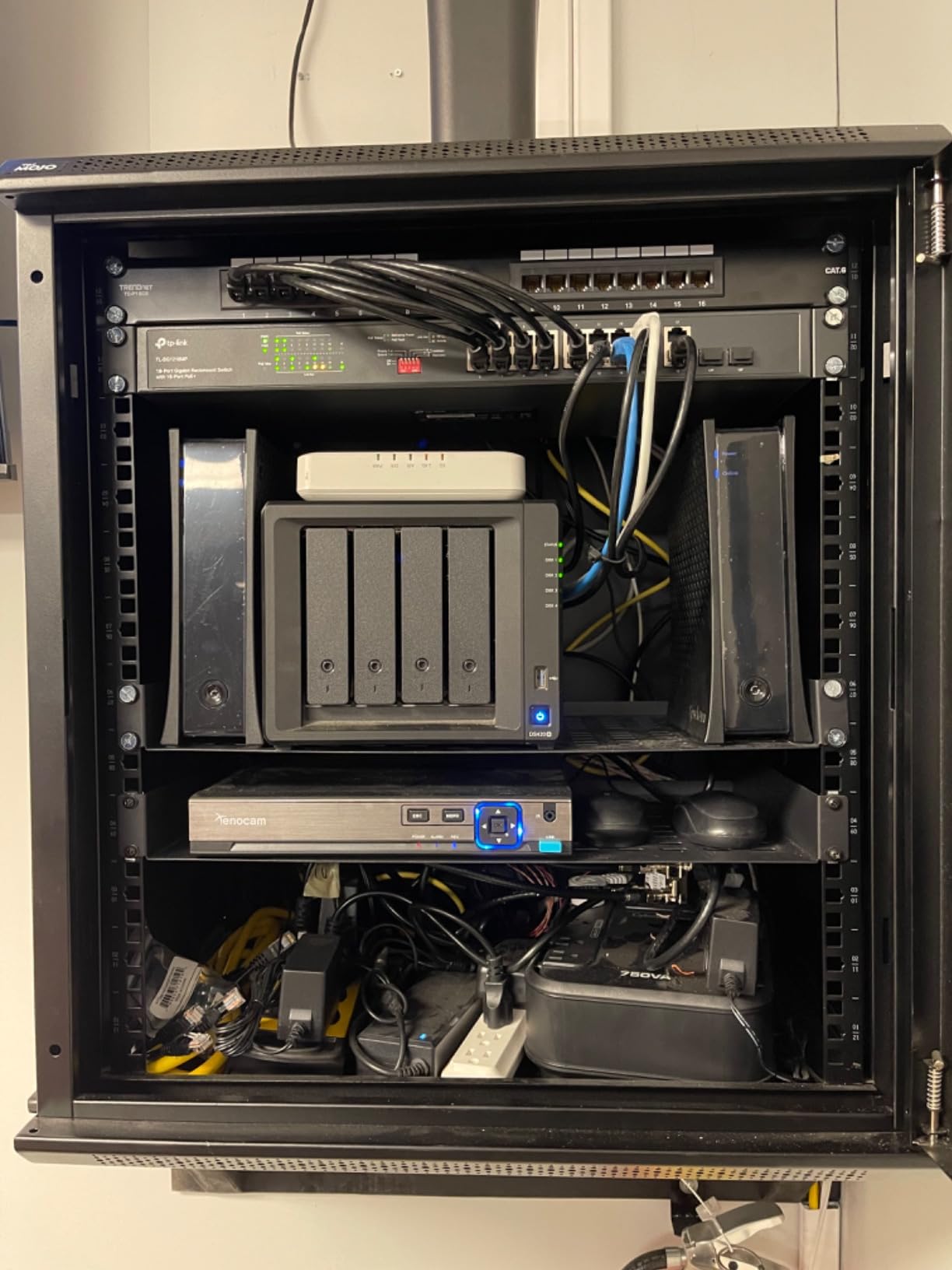
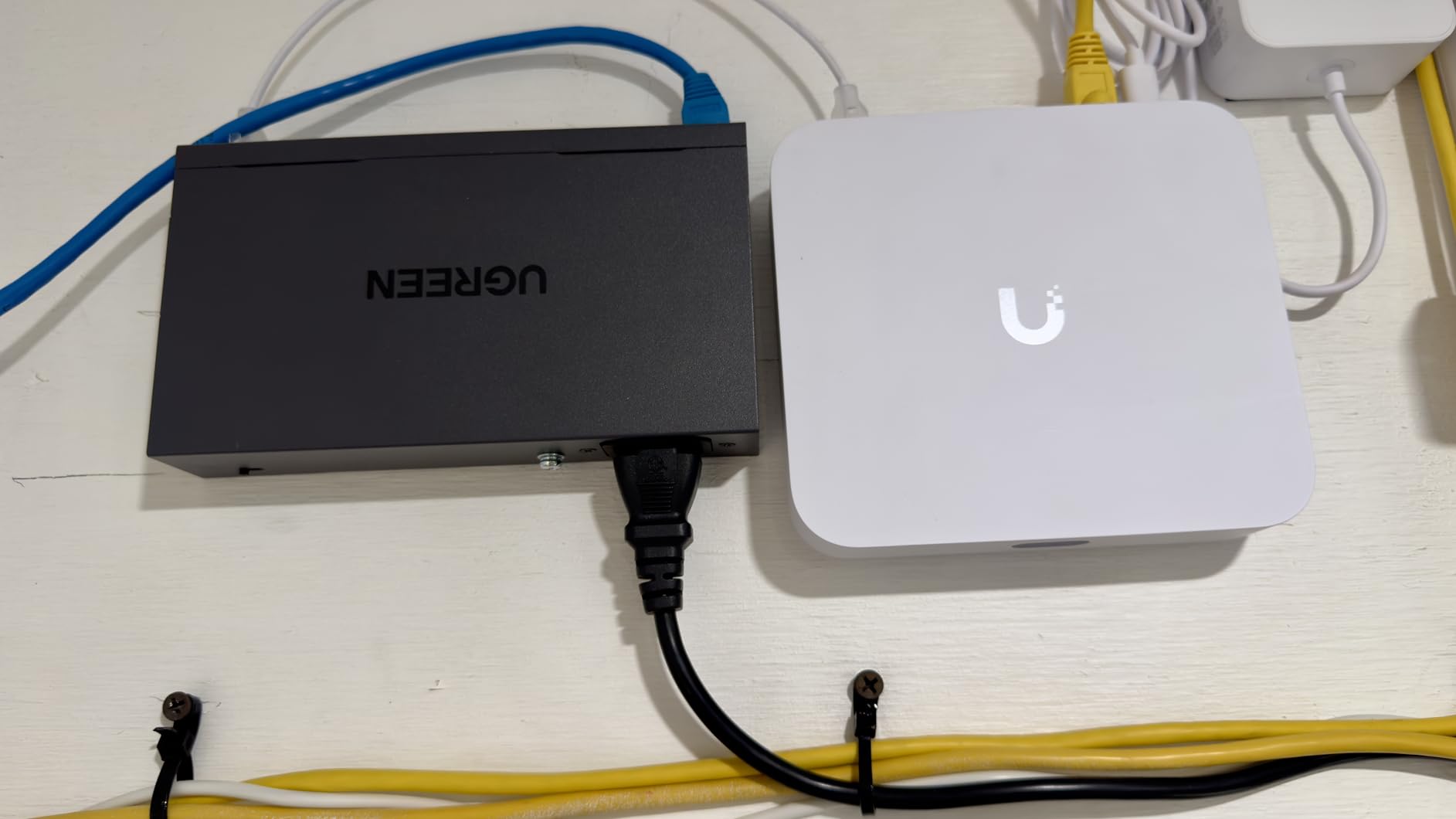
The UGREEN 10-Port PoE switch surprised me. I picked one up for a small office camera install expecting a basic unmanaged box, and instead got a feature-packed unit with three operation modes, automatic device recovery, and long-distance PoE extension. For the price, it punches well above its weight.
The three modes are the standout. Standard mode works like any unmanaged switch. Port Isolation mode (essentially VLAN) prevents connected cameras from talking to each other, which is exactly what you want for a security system where cameras should only communicate with the NVR. Extend mode pushes PoE distances up to 820 feet, far beyond the standard 328-foot Ethernet limit, and it also enables auto recovery that reboots frozen cameras automatically.
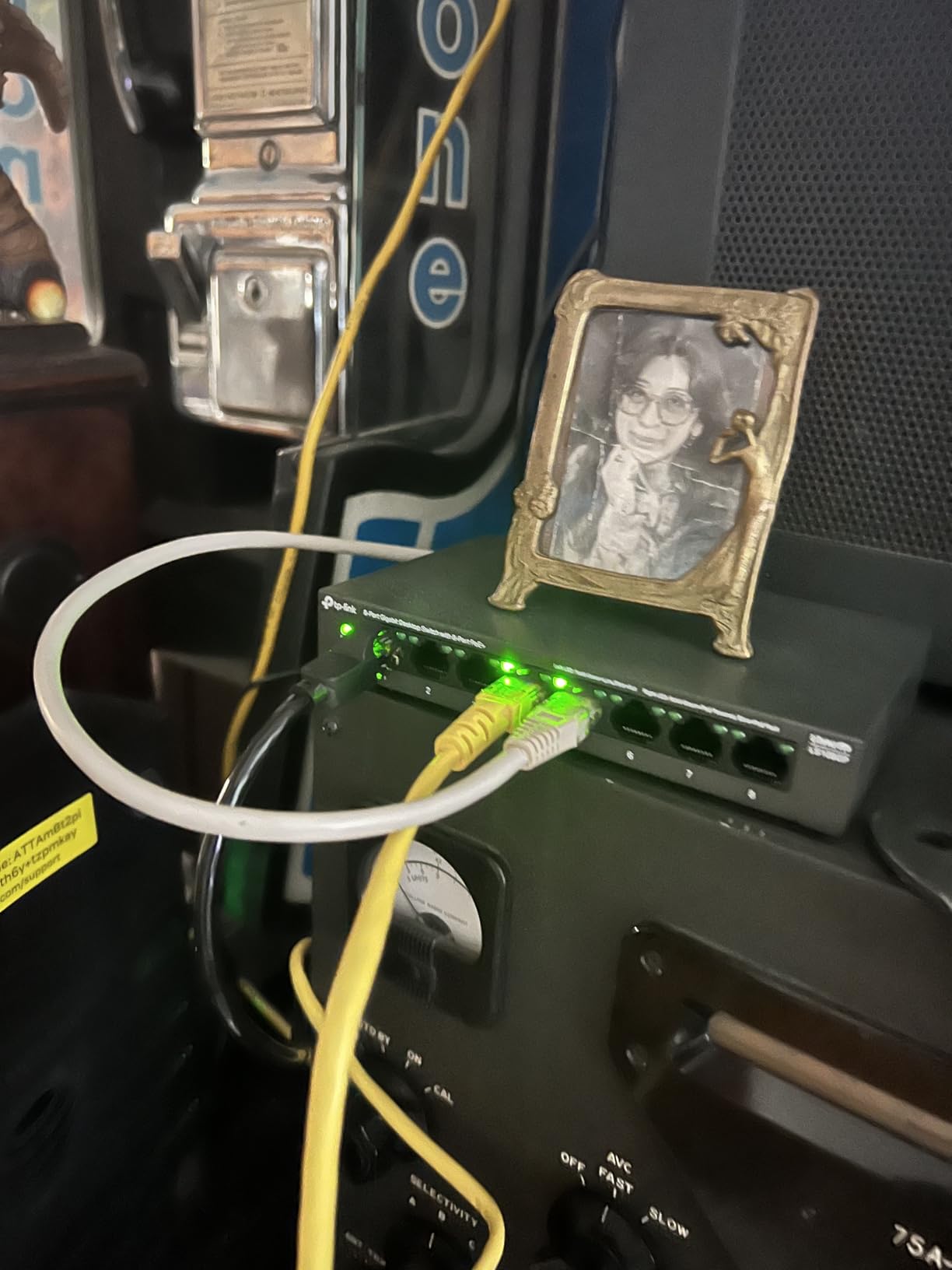
Technically, the UGREEN delivers 8 PoE+ gigabit ports supporting 802.3at and 802.3af, with up to 30W per port. Two gigabit uplink ports handle your connection back to the router or NVR. The intelligent power management cuts lower-priority ports if you exceed the 60W total budget, protecting the switch from overload. Short-circuited ports shut off independently, which is a nice safety touch.
The 60W total budget is the main limitation. With 8 PoE ports, you have an average of 7.5W per port at full load. That works fine for most standard IP cameras drawing 4 to 7W, but you cannot max out all ports with power-hungry PTZ cameras or multi-radio access points. The LED indicators are also brighter than they need to be for a bedroom closet install.
Who Should Buy the UGREEN 10-Port PoE Switch
This is my top value pick for a home or small business camera system running standard IP cameras. The extend mode alone is worth it if you have a camera far from the switch location. The auto recovery feature saves you trips to reboot frozen cameras, which anyone who has managed a security system will appreciate.
Understanding the Three Modes
Standard mode treats all ports as one network, which is fine for general use. Port Isolation mode blocks traffic between ports 1 through 8 while still allowing communication with the uplink ports, perfect for camera setups. Extend mode sacrifices speed (drops to 10Mbps) but enables 820-foot cable runs and activates auto recovery on ports 1 through 6.
3. Ubiquiti Switch Lite 16 PoE – Best for UniFi Ecosystem Users
Ubiquiti Switch Lite 16 PoE
16 Gigabit Ports
PoE+ up to 25.5W
240W total budget
Layer 2 Managed
UniFi Controller
Pros
- Seamless UniFi integration
- Layer 2 managed features
- Auto discovery and provisioning
- Solid build quality
- Wall mountable
Cons
- Requires UniFi controller for full features
- Slower boot times
- PoE budget tight for max load
- Higher price point
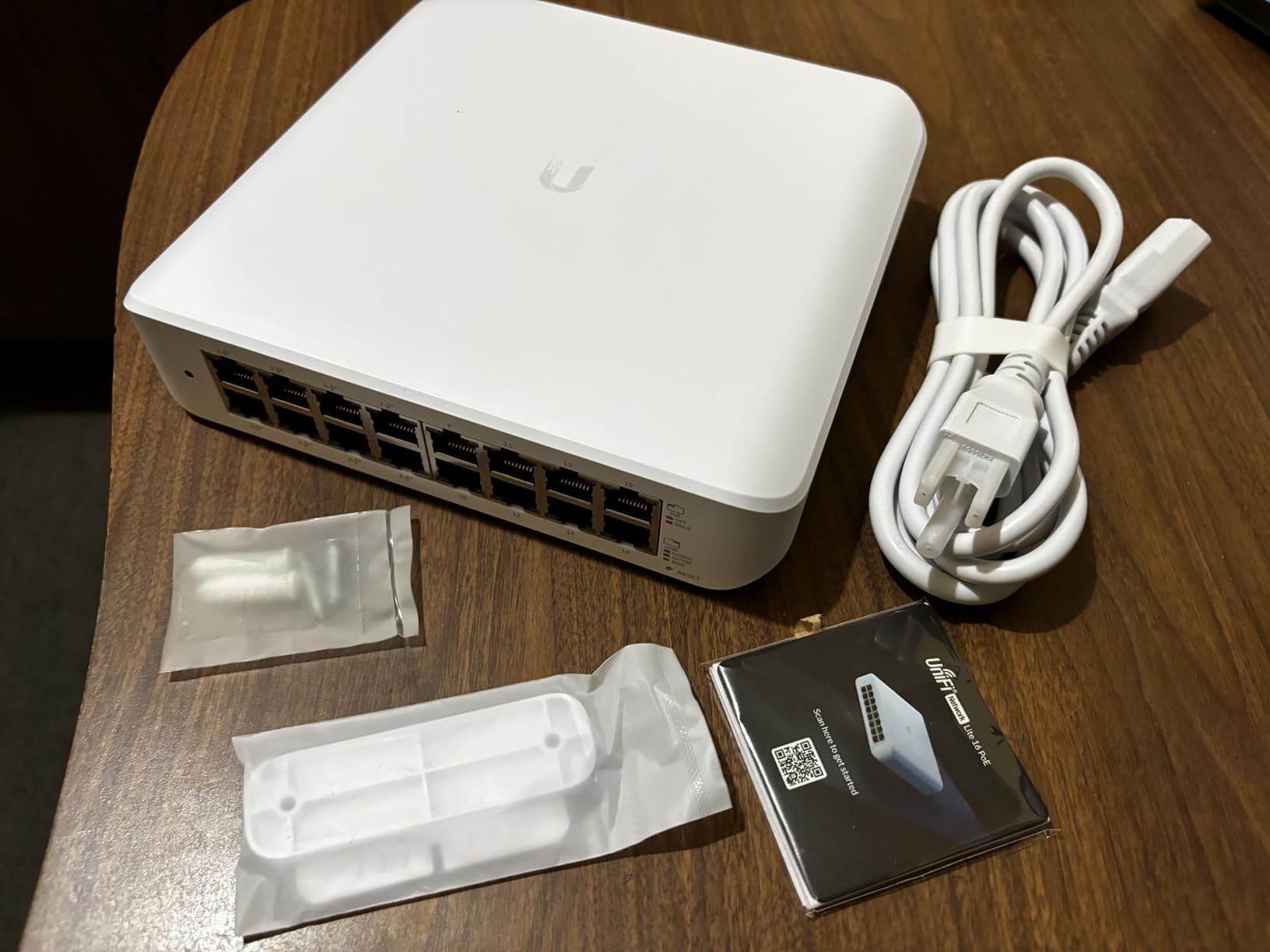
If you are already in the UniFi ecosystem, the Switch Lite 16 PoE is a no-brainer. I run one in my own homelab alongside a UniFi Dream Machine Pro, and the integration is seamless. The moment you plug it in, the UniFi controller auto-discovers it, provisions it, and starts pushing firmware updates. No manual configuration needed beyond adopting the device.
What you get is a proper Layer 2 managed switch with IGMP snooping, port mirroring, spanning tree protocol, and full VLAN control through the UniFi web interface or mobile app. You see real-time traffic stats per port, can group devices logically, and can apply network policies across your entire UniFi stack from one dashboard.
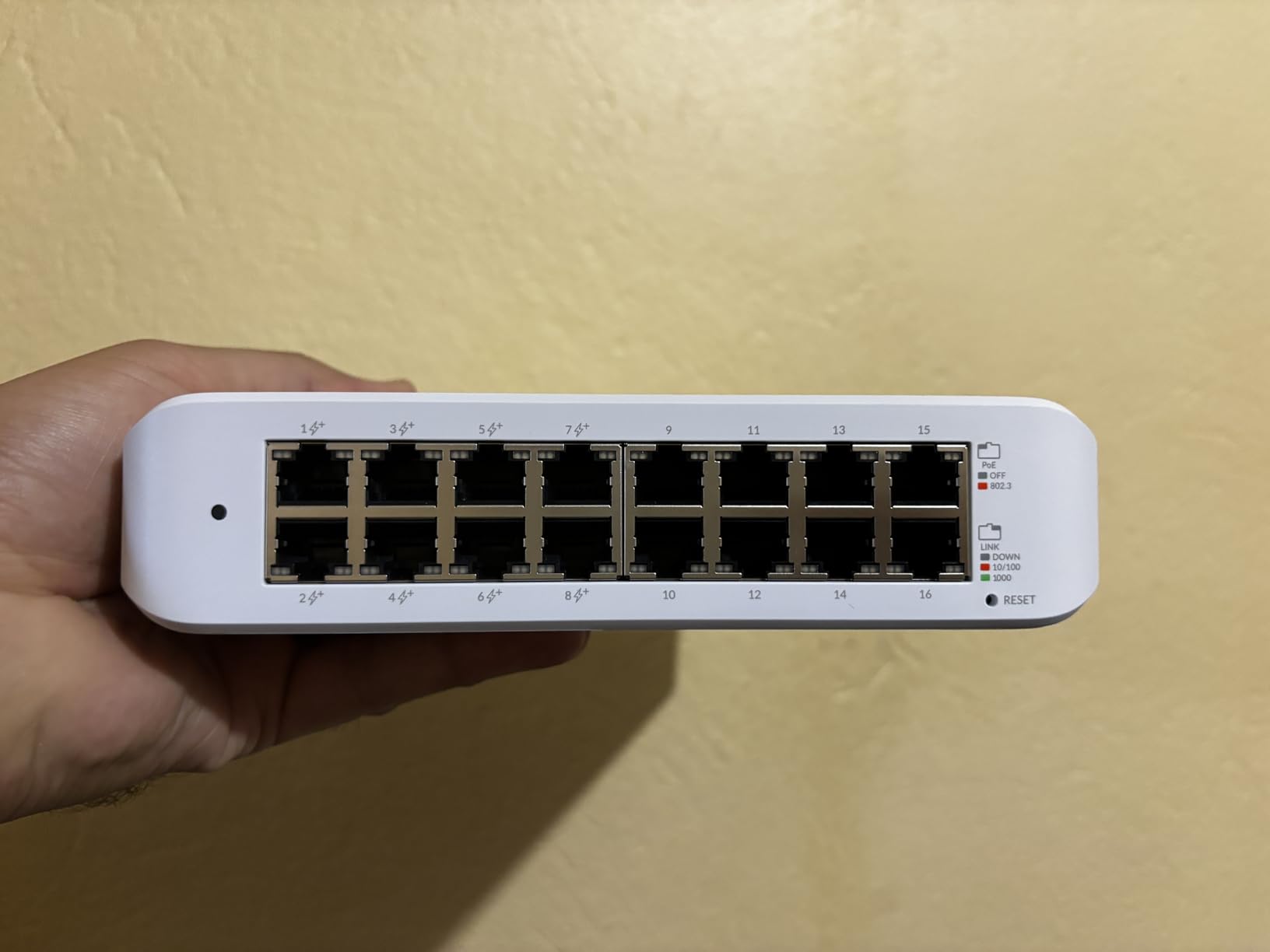
On the power side, the Switch Lite 16 PoE delivers up to 25.5W per port with a 240W total budget across its 16 gigabit ports. That budget is tighter than the TP-Link TL-SG1218MP when you consider the per-port math, but it handles a realistic load of UniFi access points and standard cameras without trouble. The switch is also notably quiet compared to the TP-Link, making it suitable for living spaces.
The main catch is the ecosystem requirement. If you do not have a UniFi controller (either a Dream Machine, a Cloud Key, or self-hosted), you lose most of what makes this switch special. It also takes longer to boot than comparable switches, and a few reviewers report not all PoE ports working in some units.
Who Should Buy the Ubiquiti Switch Lite 16 PoE
This is my pick for existing UniFi users who want clean integration and centralized management. If you already run a UniFi Dream Machine or Cloud Key, adding this switch to your network is the natural choice. If you are starting from scratch and have no interest in the UniFi ecosystem, the TP-Link TL-SG1218MP gives you more ports and a bigger power budget for less money.
UniFi Integration Benefits
Beyond basic management, the UniFi controller lets you push VLAN configurations across your entire network at once, monitor client devices by switch port, set up port-based authentication, and receive alerts when ports go down. For multi-switch deployments, the controller also handles firmware updates and configuration backups automatically.
4. NETGEAR GS724TP 24-Port – Best Managed Switch for Small Business
NETGEAR 26-Port PoE Gigabit Ethernet Smart Switch (GS724TP) - Managed, 24 x 1G, 24 x PoE+ @ 190W, 2 x 1G SFP, Optional Insight Cloud Management, Desktop or Rackmount, and Limited Lifetime Protection
24 Gigabit Ports
24 PoE+ @ 190W
2 SFP Ports
Smart Managed
VLAN, QoS, LAG
Pros
- Fully managed 24-port switch
- Comprehensive VLAN and QoS
- Lifetime warranty
- Next business day replacement
- SFP fiber uplinks
Cons
- Fan noise noticeable
- 190W budget tight for 24 ports
- Web GUI dated
- No L2+ features
- Branding confusing
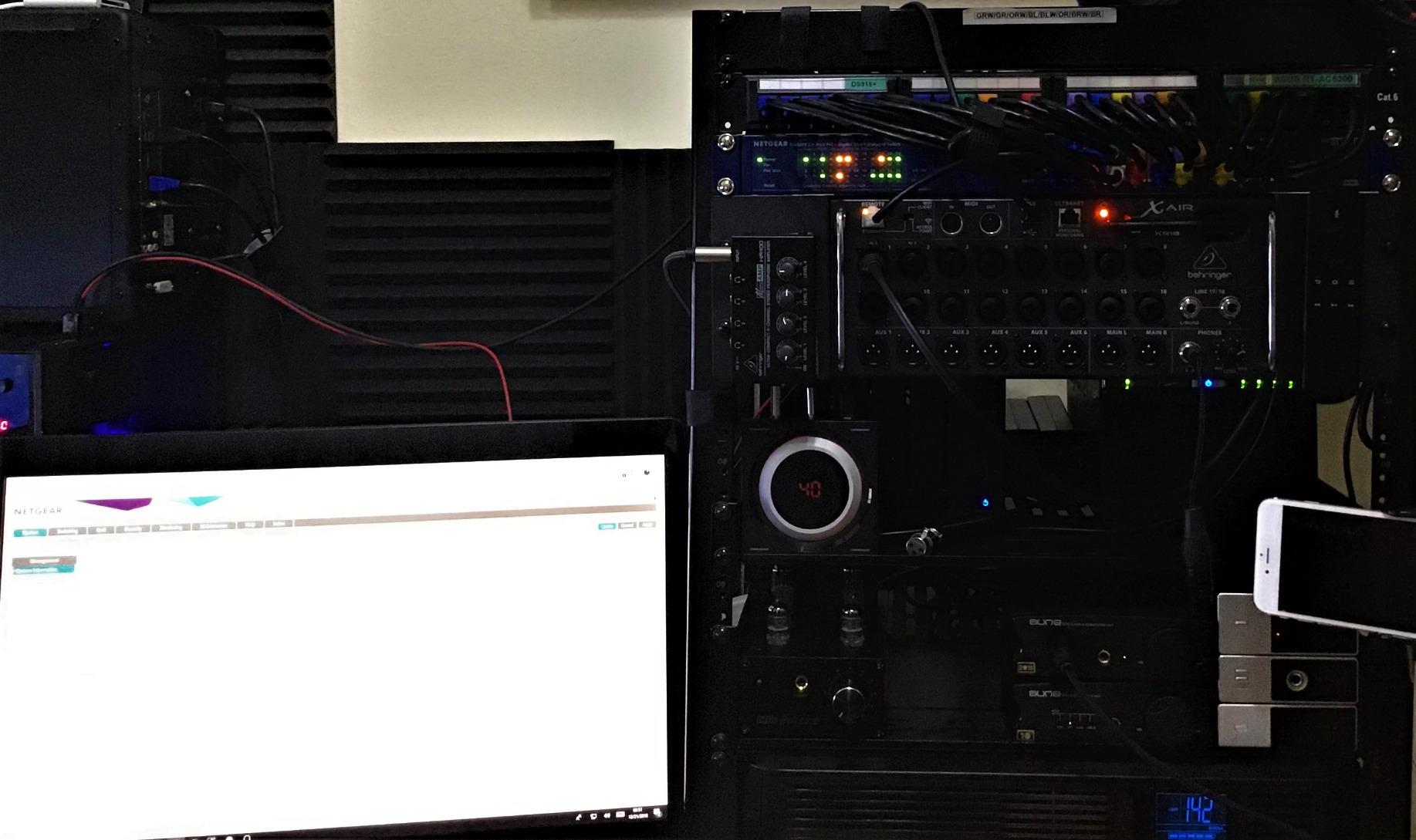
The NETGEAR GS724TP is the switch I recommend when someone needs a serious, managed 24-port PoE switch for a small business or advanced home network without paying enterprise prices. You get 24 gigabit ports, all PoE+ capable, two SFP fiber uplinks, and a full management interface with VLAN, QoS, link aggregation, and SNMP support.
I deployed one of these in a small medical office running a mix of VoIP phones, wireless access points, and IP cameras. The web GUI let me segment the network with VLANs, prioritize voice traffic with QoS, and aggregate links to the main router. Port labeling in the interface kept everything organized as the network grew.
The 190W PoE budget is the main constraint. Spread across 24 ports, that is under 8W per port at full load. For a deployment of VoIP phones (3-5W each) and standard access points (8-15W each), this works fine. If you need to power 24 PTZ cameras pulling 20W each, you will run out of budget fast. Plan your power draw carefully before committing.
The lifetime warranty with next business day replacement is a significant advantage for business deployments. NETGEAR’s support has a strong reputation in our testing, and the 24/7 chat support means you are never stuck waiting for business hours when something goes wrong.
Who Should Buy the NETGEAR GS724TP
This is my recommendation for a small business or advanced home network that needs managed features like VLANs, QoS, and link aggregation across 24 ports. The lifetime warranty and next business day replacement make it a safe choice for environments where downtime costs money. If you need more power budget per port, look at pairing it with a smaller high-budget switch for power-hungry devices.
NETGEAR Insight Cloud Management
The GS724TP supports optional NETGEAR Insight cloud management, which lets you monitor and configure the switch remotely from a phone app or web browser. The basic Insight plan is free for the first device, and paid plans add multi-site management, historical reporting, and firmware management. For single-site deployments, the built-in web GUI handles most needs without Insight.
5. NETGEAR GS308EP 8-Port – Best Smart Managed Entry Point
NETGEAR 8 Port PoE Gigabit Ethernet Easy Smart Managed Essentials Switch (GS308EP) - with 8 x PoE+ @ 62W, Desktop or Wall Mount
8 Gigabit Ports
8 PoE+ @ 62W
Smart Managed
VLAN Support
Easy Web GUI
Pros
- Smart managed at entry price
- All 8 ports PoE+
- Web-based management
- VLAN and QoS support
- Compact size
Cons
- Plastic casing not metal
- 62W budget limiting
- Web GUI somewhat limited
- Port bonding UI confusing
- Some 1-year failures
The NETGEAR GS308EP fills the gap between a basic unmanaged switch and a full managed unit. All 8 ports deliver PoE+ power, and the Easy Smart Managed Essentials software gives you a web interface for basic VLAN configuration, QoS prioritization, and traffic monitoring without the complexity of a full enterprise switch.
I installed one of these in a home office running two PoE cameras, two wireless access points, and a VoIP phone, with the remaining ports for wired devices. The 62W budget handled that load comfortably. The web GUI let me separate camera traffic from the main network with a VLAN, which is something you cannot do on a pure unmanaged switch.
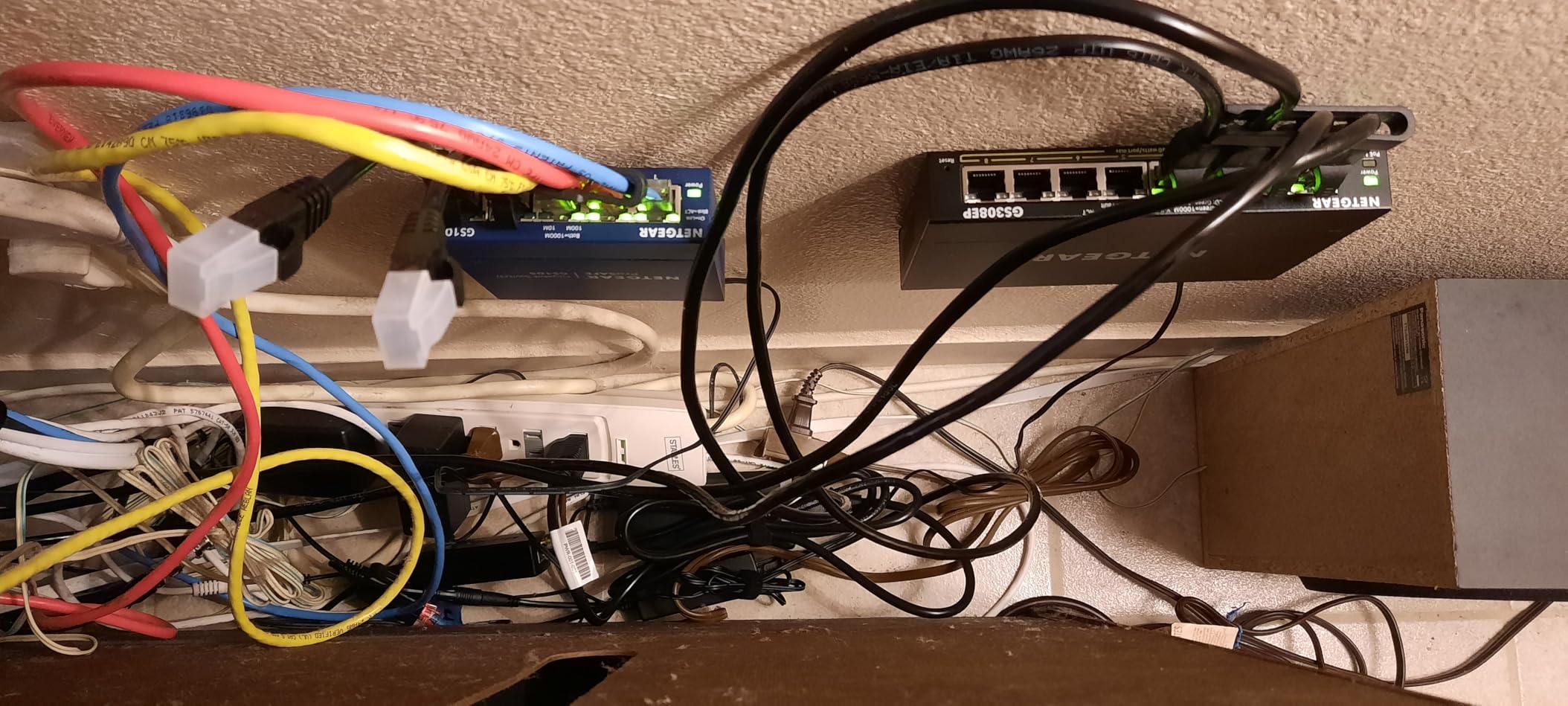
The 62W total budget across 8 ports gives you an average of about 7.75W per port at full load. That is enough for standard IP cameras and access points, but not for power-hungry PTZ cameras or multi-radio WiFi 6 access points pulling 20W+. The switch handles up to 30W per port, so individual power-hungry devices work fine as long as the total stays under 62W.
The plastic casing is a step down from the metal construction on TP-Link’s competing units, and a small number of reviewers report failures after about a year. The web GUI, while functional, is more limited than older NETGEAR models, and the port bonding configuration has confused some users.
Who Should Buy the NETGEAR GS308EP
This is my recommendation for someone who needs basic management features like VLANs and QoS on a small 8-port PoE switch. It bridges the gap between unmanaged simplicity and full managed complexity. If you just need power delivery without any configuration, the TP-Link TL-SG1005P is simpler and cheaper.
Smart Managed Essentials Features
The Easy Smart Managed Essentials interface supports port-based VLANs, 802.1p QoS, bandwidth rate limiting, IGMP snooping, and cable diagnostics. You access it through a web browser by navigating to the switch’s IP address. Configuration changes take effect immediately, and the switch retains settings through power cycles.
6. REOLINK RLA-PS1 10-Port – Best for Reolink Camera Systems
REOLINK PoE Switch with 8 PoE and 2 Gigabit Uplink Ports, Ideal for REOLINK RLN36 NVR and Power Over Ethernet IP Cameras, IEEE802.3af/at, Metal Casing, Desktop/Wall Mount, RLA-PS1
8 PoE Ports (10/100)
2 Gigabit Uplinks
120W Budget
Auto Detection
Metal
Pros
- High 120W power budget
- Optimized for Reolink cameras
- Dedicated gigabit uplinks
- Intelligent power management
- Solid metal build
Cons
- PoE ports only 10/100Mbps not gigabit
- Reolink ecosystem focused
- Large power brick
- No management features
- Manual warranty registration
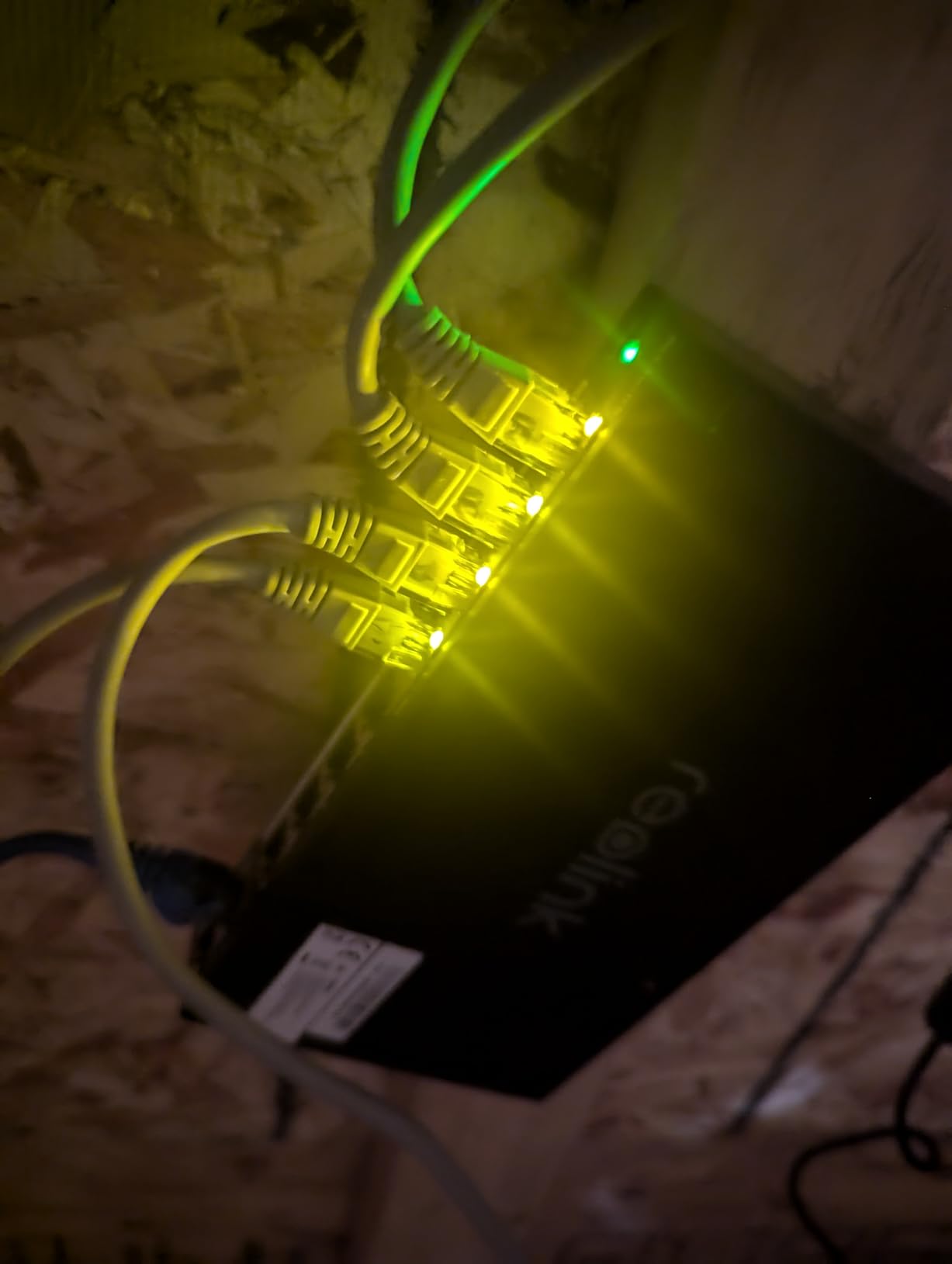
The REOLINK RLA-PS1 is purpose-built for Reolink camera systems, and if you run Reolink cameras, it is the natural pairing. I tested it with a mix of Reolink RLC-810A and RLC-1212A cameras connected to an RLN36 NVR, and the integration was flawless. Plug cameras in, and everything just works.
The standout feature here is the 120W power budget, which is double what most 8-port switches in this price range offer. That means you can run 8 Reolink cameras at full power with room to spare. The intelligent power management shuts off lower-priority ports if the budget is exceeded, protecting the switch from overload.
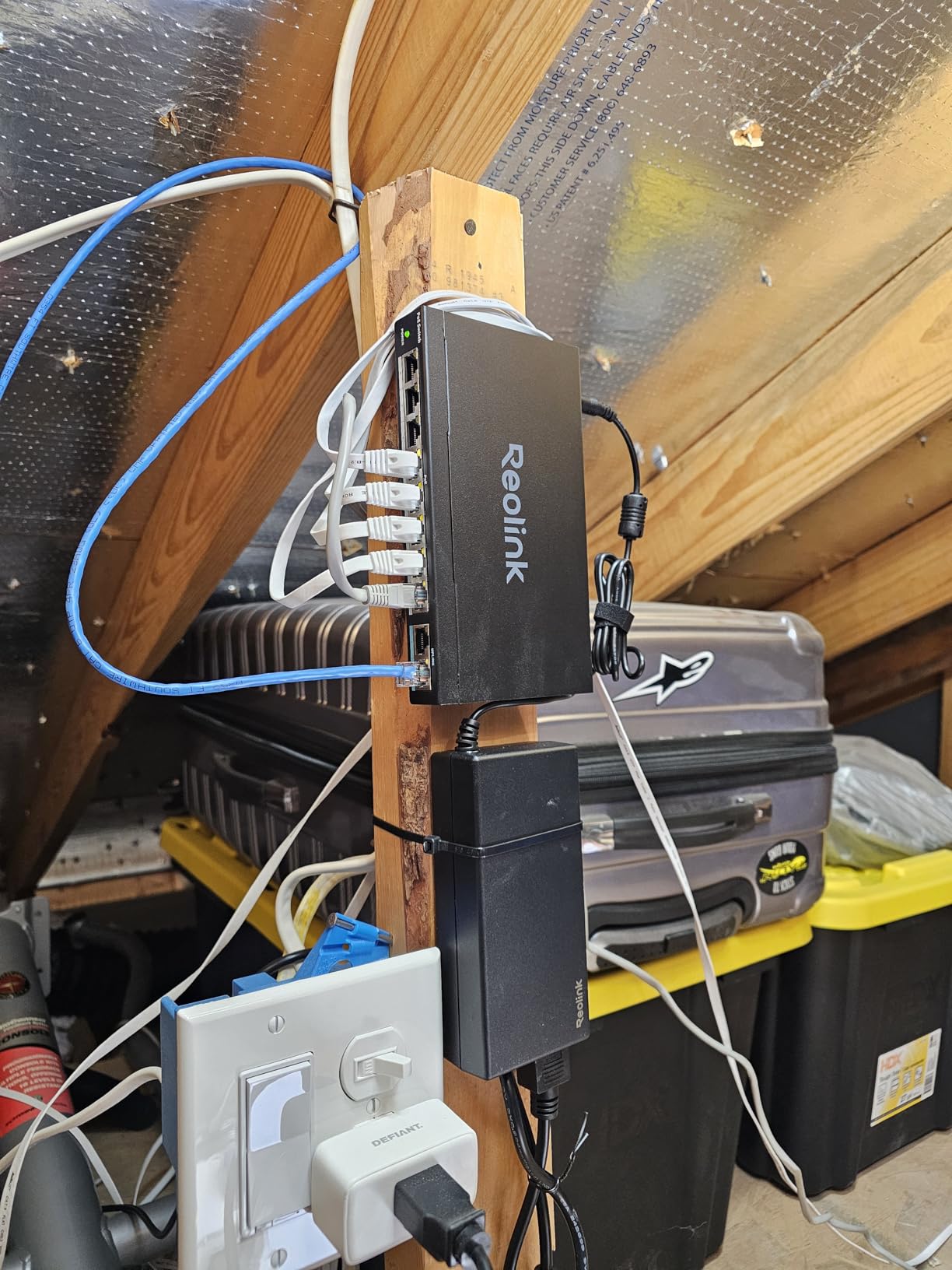
The trade-off is speed. The 8 PoE ports are 10/100Mbps, not gigabit. For IP cameras, this is rarely a bottleneck, since most cameras stream at well under 100Mbps. But if you plan to use this switch for wireless access points or other gigabit devices, the 10/100 limit will throttle your throughput. The 2 gigabit uplink ports ensure your connection back to the NVR or router runs at full speed.
The switch is unmanaged, so there is no web GUI, no VLAN configuration, and no traffic monitoring. It is a pure plug-and-play device. The power supply brick is larger than most, so plan your power strip spacing accordingly. You also need to manually register the switch in the Reolink app to activate the extended warranty.
Who Should Buy the REOLINK RLA-PS1
This is my pick for anyone running a Reolink camera system, especially with an RLN36 NVR. The 120W budget and seamless integration make it the path of least resistance. If you run a mixed-brand camera setup or need gigabit speeds on powered ports, the UGREEN 10-Port or TP-Link TL-SG1218MP are better choices.
Reolink Ecosystem Advantages
When paired with a Reolink NVR, the RLA-PS1 supports direct connection for higher reliability and can also connect to the same LAN as the NVR to enable additional camera features like remote access through the Reolink app. The auto-detection system prevents damage to non-PoE devices, so you can safely mix powered and non-powered connections on the uplink ports.
7. TP-Link TL-SG1005P 5-Port – Best Budget Switch for Small Setups
TP-Link TL-SG1005P, 5 Port Gigabit PoE Switch, 4 PoE+ Ports @65W, Desktop, Plug & Play, Sturdy Metal w/ Shielded Ports, Fanless, QoS & IGMP Snooping
5 Gigabit Ports
4 PoE+ @ 65W
Fanless
Plug and Play
Metal Case
Pros
- Truly plug and play
- Solid metal construction
- Fanless silent operation
- Great value price
- Compact form factor
Cons
- Only 4 PoE ports
- 65W budget limiting
- Unmanaged no configuration
- Single uplink port
- Basic for advanced needs
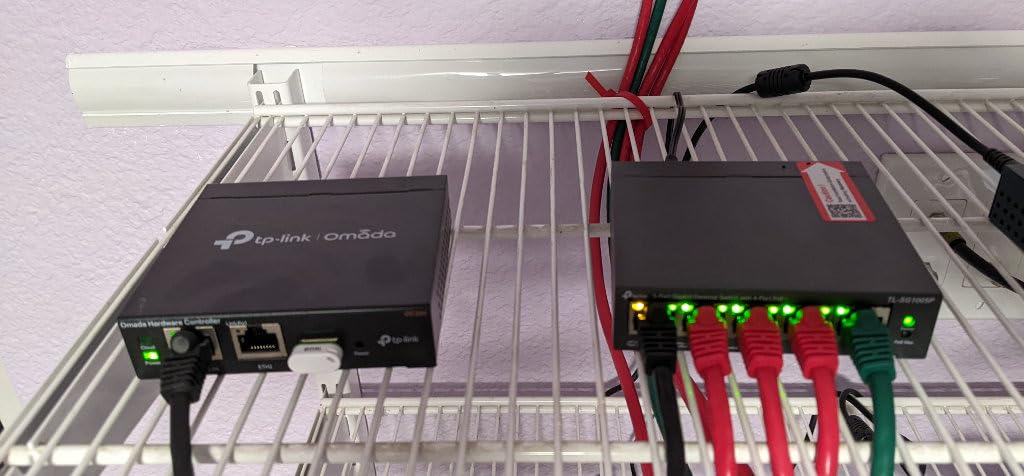
The TP-Link TL-SG1005P is the best-selling PoE switch on Amazon for a reason. I have installed more of these than any other switch on this list, mostly for small home camera setups, single access point deployments, and VoIP phone systems. At its price point, nothing else comes close for pure plug-and-play reliability.
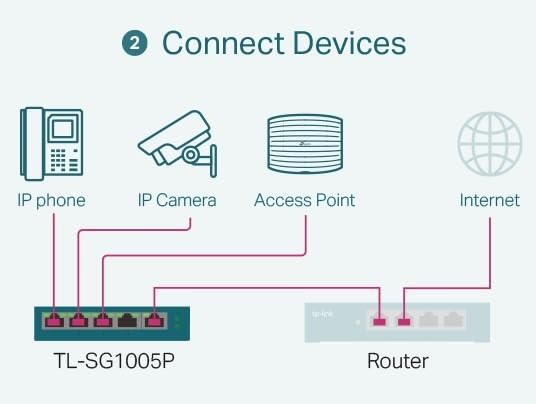
What you get is 4 PoE+ gigabit ports supporting 802.3at and 802.3af, with up to 30W per port and a 65W total budget. The fifth port is a non-PoE gigabit uplink. You plug in the power, connect your devices, and everything works. There is no configuration, no web GUI, no software to install. For most small deployments, that simplicity is exactly what you want.
The fanless design means silent operation, making this suitable for living spaces and bedrooms where fan noise would be annoying. The metal case feels solid and dissipates heat well, and the shielded ports offer better protection against interference than cheaper plastic alternatives. Port-based QoS and IGMP snooping handle basic traffic prioritization without any user input.
The limitations are obvious. Four PoE ports is enough for a small setup but not for a serious deployment. The 65W budget handles four typical IP cameras (about 8W each) comfortably, but you cannot max out all ports with power-hungry access points. As an unmanaged switch, there is no VLAN support, no QoS configuration, and no monitoring.
Who Should Buy the TP-Link TL-SG1005P
This is my default recommendation for anyone powering 1 to 4 PoE devices in a home or small office setting. It is perfect for a single access point plus a couple of cameras, or a VoIP phone system for a small team. If you need more ports or management features, step up to the NETGEAR GS308EP or the TP-Link TL-SG1218MP.
Typical Use Cases
The TL-SG1005P excels in scenarios like powering a single WiFi access point in a distant room, running two or three IP cameras for home security, connecting VoIP desk phones in a small office, or powering a smart home hub and a couple of PoE-powered IoT devices. The 65W budget gives you comfortable headroom for these everyday scenarios.
8. NETGEAR GS305P 5-Port – Best Alternative Budget Option
NETGEAR 5-Port PoE Gigabit Ethernet Unmanaged Essentials Switch (GS305P) - with 4 x PoE+ @ 63W, Desktop or Wall Mount
5 Gigabit Ports
4 PoE+ @ 63W
Unmanaged
Wall Mount
Energy Efficient
Pros
- Plug and play simple
- Reliable PoE delivery
- Wall mount option
- Energy efficient design
- Quick power recovery
Cons
- Unmanaged no features
- Only 4 PoE ports
- May run warm
- Higher than TP-Link alternative
- Basic functionality only
The NETGEAR GS305P is the direct competitor to the TP-Link TL-SG1005P, and the choice between them often comes down to brand preference. Both offer 5 gigabit ports with 4 PoE+ ports and similar power budgets. The GS305P brings NETGEAR’s reputation for reliability and the energy-efficient IEEE802.3az compliant design.
I tested the GS305P alongside the TP-Link in a head-to-head with two identical PoE cameras and a WiFi access point. Performance was indistinguishable in terms of power delivery and data throughput. The GS305P recovered quickly after a simulated power loss, which matters for camera systems that need to come back online fast.
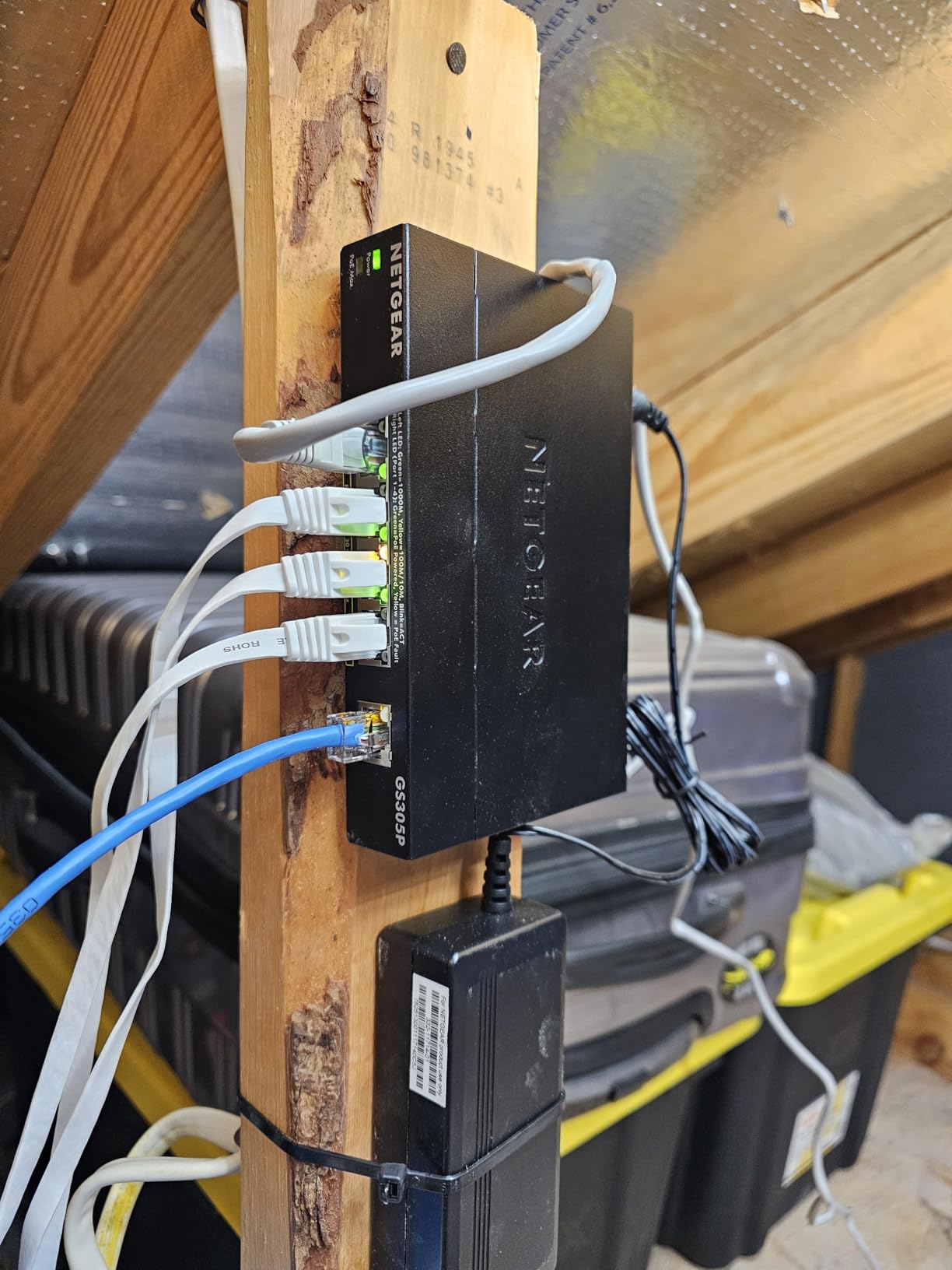
The 63W total power budget is slightly lower than the TP-Link’s 65W, but the difference is negligible in real-world use. You still get up to 30W per port, plenty for any single device. The wall mount kit included in the box gives you installation flexibility that the desktop-only TL-SG1005P lacks.
The switch runs unmanaged, so there is no web GUI or configuration. Some users report the unit running warm during operation, so ensure adequate ventilation. The price sits slightly above the TP-Link, which is why the TL-SG1005P remains our top budget pick, but the GS305P is a solid alternative if you prefer NETGEAR.
Who Should Buy the NETGEAR GS305P
This is my pick for someone who wants a reliable 5-port PoE switch from NETGEAR specifically, or who needs the wall mount option. It performs identically to the TP-Link TL-SG1005P in most scenarios. If you have no brand preference, the TP-Link offers slightly better value at a lower price.
Energy Efficiency and Heat
The IEEE802.3az energy-efficient Ethernet standard reduces power consumption when ports are idle or operating at lower speeds. In practice, this means the GS305P draws less power than older switch designs when your devices are not pushing full gigabit traffic. Plan for some warmth during operation, and avoid stacking it directly on top of other heat-generating network gear.
Buying Guide: How to Choose the Best PoE Network Switch
Choosing between the best PoE network switches comes down to understanding a few key concepts. Get these right, and the right switch for your needs becomes obvious. Here is everything I have learned from years of deploying PoE gear.
Understanding PoE Standards: 802.3af vs 802.3at vs 802.3bt
PoE comes in three main flavors, and knowing the difference saves you from buying the wrong switch. The original IEEE 802.3af standard delivers up to 15.4W per port, which is enough for basic IP phones and simple cameras. PoE+ (802.3at) doubles that to 30W per port, covering most access points and PTZ cameras. PoE++ (802.3bt) pushes further to 60W or even 90W per port for power-hungry devices like kiosks and LED lighting.
Every switch on this list supports at least PoE+ (802.3at). That covers the vast majority of home and small business use cases. If you have a specific device that requires PoE++, check its spec sheet before buying, as none of the switches in this roundup deliver more than 30W per port.
Backward compatibility works automatically. A PoE+ switch safely powers older 802.3af devices, delivering only the power they need. You can mix PoE, PoE+, and non-PoE devices on the same switch without issues, as the switch detects what each port requires.
Calculating PoE Power Budget
The power budget is the single most important spec on any PoE switch, and it trips up more buyers than anything else. The budget is the total watts the switch can deliver across all PoE ports combined. Divide the budget by the number of PoE ports to find the average watts per port at full load.
Here is a practical example. Say you have 8 IP cameras drawing 7W each (56W total), 2 WiFi access points drawing 12W each (24W total), and a VoIP phone drawing 5W. Your total draw is 85W. Any switch with at least 85W of budget will handle this load. The REOLINK RLA-PS1 with 120W would give you comfortable headroom, while the UGREEN 10-Port with 60W would not.
Always leave a 20 percent safety margin. If your calculated draw is 80W, pick a switch with at least 96W of budget. This accounts for power spikes during device boot-up and leaves room for future expansion.
Managed vs Unmanaged Switches
An unmanaged switch is pure plug-and-play. You plug in devices, and the switch handles power delivery and data switching automatically. There is no configuration, no web interface, and no monitoring. This is ideal for simple setups where you just need power and connectivity.
A managed switch adds a web interface (or cloud app) that lets you configure VLANs for network segmentation, QoS for traffic prioritization, link aggregation for combining ports, port mirroring for network analysis, and SNMP for remote monitoring. If you need to separate camera traffic from your main network, prioritize voice calls over data, or monitor bandwidth usage per port, you need a managed switch.
Sweet spot for most users is a smart managed switch like the NETGEAR GS308EP or GS724TP. These offer the most useful managed features (VLANs, QoS, basic monitoring) without the complexity of a full enterprise switch. The Ubiquiti Switch Lite 16 PoE sits in this category too, with the added benefit of UniFi ecosystem integration.
Port Count and Uplink Considerations
Count your PoE-powered devices first, then add at least 2 ports for uplinks and future expansion. If you have 6 cameras, you need at least 8 PoE ports. Dedicated uplink ports are a major advantage, as they do not eat into your powered port count.
The TP-Link TL-SG1218MP and REOLINK RLA-PS1 both include dedicated gigabit uplink ports, leaving all PoE ports for devices. Switches without dedicated uplinks force you to sacrifice a powered port for your router or NVR connection. SFP slots on switches like the NETGEAR GS724TP add fiber connectivity for long-distance runs or linking multiple switches.
Noise and Heat Factors
Fan-cooled switches move more air and handle bigger power loads, but they make noise. The TP-Link TL-SG1218MP and NETGEAR GS724TP both have fans that run constantly. These belong in a server closet, basement, or garage, not a living space.
Fanless switches like the TP-Link TL-SG1005P and NETGEAR GS305P run silent, making them suitable for any room. They handle smaller power loads because they rely on passive cooling. If you need silent operation with more ports, the Ubiquiti Switch Lite 16 PoE balances quiet operation with a 16-port capacity.
Heat output scales with power budget. A switch delivering 250W of PoE power generates significant heat. Plan for ventilation, and do not stack PoE switches directly on top of each other without rack spacing.
Future-Proofing for WiFi 6 and WiFi 7
WiFi 6 and WiFi 7 access points draw more power than older WiFi 5 units, often 15 to 25W each. If you plan to upgrade your wireless network in the next few years, size your PoE budget accordingly. A switch that handles your current devices comfortably may strain under a fleet of WiFi 6E or WiFi 7 access points.
Multi-gigabit ports (2.5GbE and 10GbE) are becoming relevant for WiFi 7 access points that can exceed gigabit throughput. None of the switches in this roundup offer multi-gigabit PoE ports, but the SFP slots on the TP-Link TL-SG1218MP and NETGEAR GS724TP give you upgrade paths for uplink speeds.
FAQs
What is a PoE switch and how does it work?
A PoE (Power over Ethernet) switch delivers both data connectivity and electrical power through a single Ethernet cable. The switch detects PoE-compatible devices like IP cameras, access points, and VoIP phones, then injects DC power (usually 48V) onto the cable alongside the data signal. This eliminates the need for separate power adapters and electrical outlets at each device location.
What is the difference between PoE, PoE+, and PoE++?
PoE (802.3af) delivers up to 15.4W per port for basic devices. PoE+ (802.3at) doubles that to 30W per port, covering most access points and PTZ cameras. PoE++ (802.3bt) delivers 60W or 90W per port for power-hungry devices like LED lighting and digital signage. All standards are backward compatible, so a PoE+ switch safely powers older PoE devices.
How do I calculate how many PoE devices a switch can support?
Add up the power draw of all your PoE devices (check each device’s spec sheet for wattage), then compare the total to the switch’s PoE power budget. For example, 8 cameras drawing 7W each total 56W. A switch with a 120W budget handles this with room to spare. Always leave a 20 percent safety margin for power spikes and future expansion.
Do I need a managed or unmanaged PoE switch?
An unmanaged switch works if you just need power and data without configuration. A managed switch adds VLANs for network segmentation, QoS for traffic prioritization, and monitoring through a web interface. Choose managed if you need to separate camera traffic from your main network, prioritize voice calls, or monitor bandwidth per port. Smart managed switches offer a middle ground with the most useful features.
Can I use a PoE switch with non-PoE devices?
Yes. PoE switches automatically detect whether a connected device needs power. Non-PoE devices like regular computers, printers, and gaming consoles connect normally and receive data only, with no power injected. You can safely mix PoE and non-PoE devices on the same switch.
What is the maximum distance for PoE power delivery?
Standard PoE delivers power and data up to 100 meters (328 feet) over Cat5e or better cable. Some switches, like the UGREEN 10-Port, offer an extend mode that pushes distances up to 250 meters (820 feet) at reduced speed. Beyond 100 meters without extend mode, both power and signal degrade significantly.
Are PoE switches safe for home networks?
Yes, PoE switches are safe for home use. They comply with IEEE safety standards that prevent power delivery to non-PoE devices. The 48V output is low voltage and poses no shock hazard. Fanless models run silent for living spaces, and plug-and-play unmanaged switches require no configuration. Millions of homes use PoE switches for cameras, access points, and smart home devices.
Conclusion: Finding Your Best PoE Network Switch in 2026
After testing these eight switches across home setups, small business deployments, and security camera systems, the right choice comes down to your port count needs, power budget requirements, and whether you want management features. For most readers building a serious setup, the TP-Link TL-SG1218MP with its 250W budget and 16 PoE+ ports is the best overall pick among the best PoE network switches available in 2026.
For budget-conscious camera installs, the UGREEN 10-Port brings features that punch above its price. For UniFi users, the Switch Lite 16 PoE integrates seamlessly. And for a simple 4-device setup, the TP-Link TL-SG1005P remains unbeatable for the money. Pick the one that matches your device count and power draw, and you cannot go wrong.