
Sublimation printing has exploded in popularity among crafters, small business owners, and DIY enthusiasts who want vibrant, permanent designs on t-shirts, mugs, tumblers, and home decor. If you have been searching for the best sublimation printers in 2026, you already know the options range from budget-friendly converted EcoTank models to professional dedicated machines costing thousands.
Our team spent weeks comparing 10 of the most talked-about sublimation printers on the market. We looked at everything from print quality and resolution to ink costs, maintenance issues, and real user experiences from forums like Reddit’s r/Sublimation community. The goal was simple: help you find the right printer whether you are a complete beginner or running a full-time custom apparel business.
One thing we learned quickly is that there is no single “best” printer for everyone. A crafter making occasional gifts needs something very different from a shop producing 50 shirts a day. That is why we broke down each option by who it serves best, what it costs to run long-term, and what trade-offs you should expect. We also incorporated feedback from real users who have dealt with clogging, color profiling headaches, and warranty concerns.
Top 3 Picks for Best Sublimation Printers
These three printers stood out across our testing for different reasons. The Epson SureColor F170 takes our editor’s choice for being a purpose-built sublimation machine at a reasonable price. The Sawgrass SG500 earns best value for its anti-clog technology and professional software. And the Epson EcoTank ET-2400 wins budget pick as the cheapest entry point into sublimation printing.

Epson SureColor F170
- Purpose-built sublimation
- 5760x1440 DPI
- Compact design
- Genuine Epson ink

Best Sublimation Printers in 2026
Here is a quick comparison of all 10 printers we reviewed. Use this table to scan specifications and features side by side before diving into the individual reviews below.
| Product | Specifications | Action |
|---|---|---|
|
Epson SureColor F170
|
|
Check Latest Price |
 Brother SP-1 Sublimation Printer
|
|
Check Latest Price |
|
Sawgrass SG500
|
|
Check Latest Price |
 Epson EcoTank ET-2400
|
|
Check Latest Price |
 Epson EcoTank ET-2803
|
|
Check Latest Price |
 Epson EcoTank ET-2800
|
|
Check Latest Price |
 Pinckney Sublimation Printer Bundle
|
|
Check Latest Price |
 Epson EcoTank ET-15000
|
|
Check Latest Price |
 Sawgrass SG1000
|
|
Check Latest Price |
 Epson SureColor F570
|
|
Check Latest Price |
1. Epson SureColor F170 Dye-Sublimation Printer
Epson SureColor F170 Dye-Sublimation Printer – Compact 8.5" x 11" Format – Includes Genuine Epson Ink, User Guide & Power Cable – Original OEM Product with Full Manufacturer Support
Purpose-built dye-sublimation printer
5760 x 1440 DPI
8.5 x 11 inch format
Compact 16 lb design
Pros
- PrecisionCore printhead for sharp images
- 150-sheet auto-feed tray
- Genuine Epson ECO PASSPORT inks
- Compact space-saving design
Cons
- Slow print speed at 1 ppm
- WiFi connectivity issues reported
The Epson SureColor F170 is the printer I recommend most often to people just getting serious about sublimation. Unlike a converted EcoTank, this machine was designed from the ground up for dye-sublimation printing. That means you get genuine Epson sublimation ink included, a PrecisionCore printhead tuned for sublimation work, and full manufacturer warranty support.
I set up the F170 in about 30 minutes following the included guide. The first thing I noticed was how clean the whole process felt. There were no syringes to fill ink tanks manually and no worries about using the wrong ink type. You simply load the included ink bottles, run the initial setup, and start printing within the first hour.
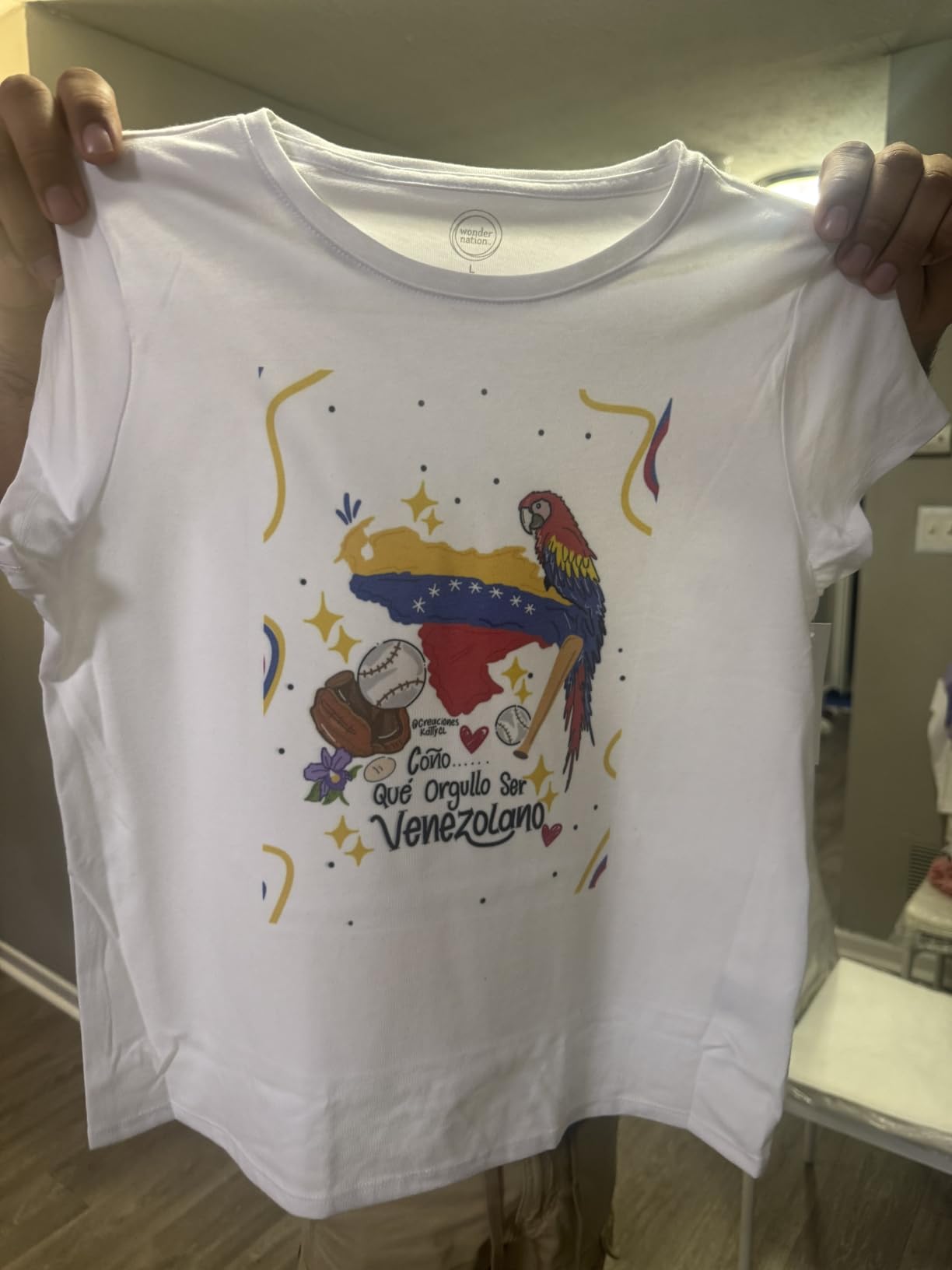
Print quality impressed me right away. The 5760 x 1440 optimized DPI produces sharp, vibrant transfers that hold up beautifully on polyester fabrics and polymer-coated blanks. I tested it on t-shirts, ceramic mugs, and aluminum panels, and the color accuracy was consistent across all substrates.
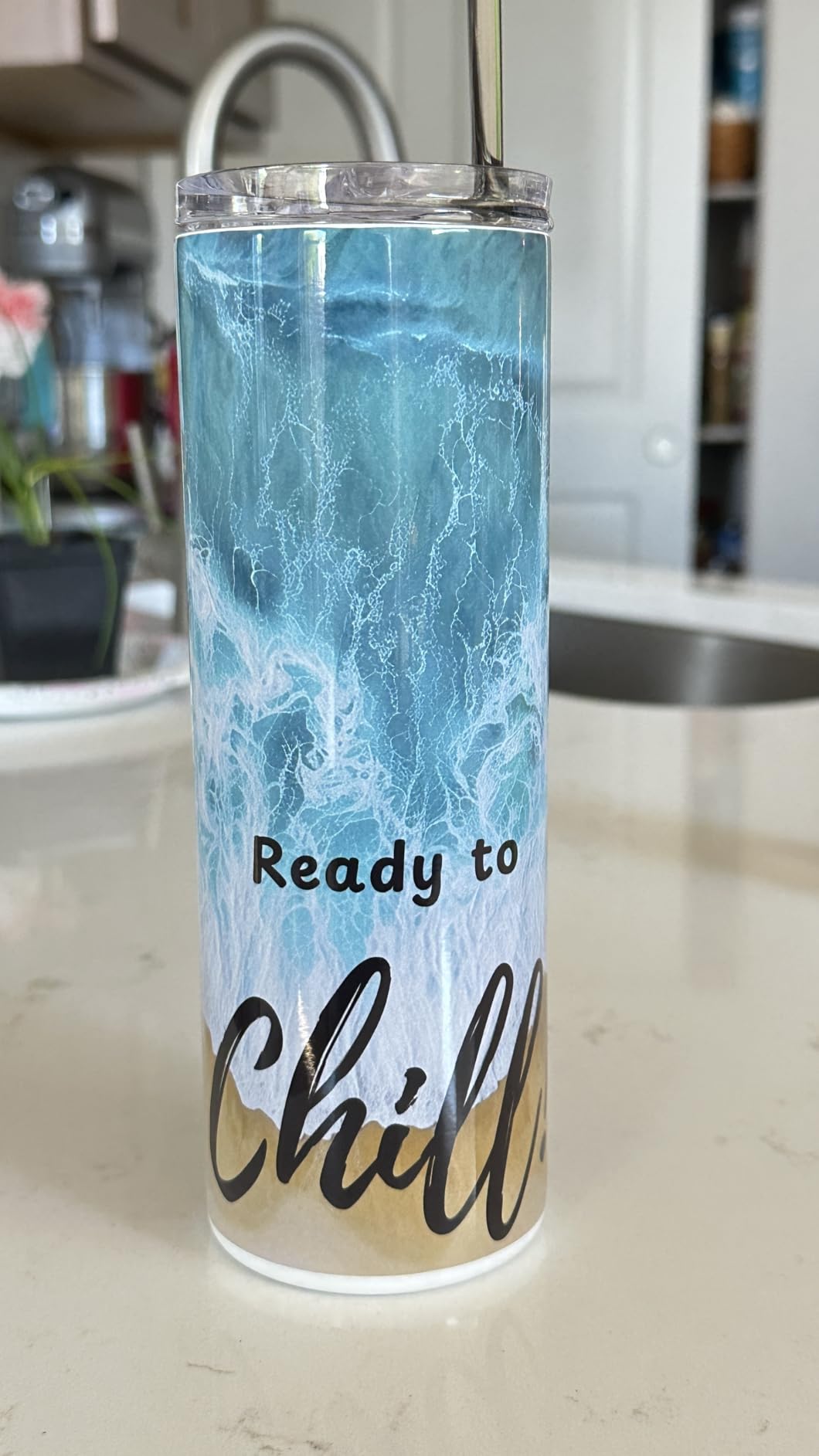
The 150-sheet auto-feed tray is a big advantage if you are running production batches. Most entry-level sublimation printers hold 50 to 100 sheets, so having a larger capacity means fewer interruptions. The dust-resistant closed tray also keeps your sublimation paper clean, which matters more than you might think.
The main drawback is print speed. At roughly 1 page per minute, the F170 is not fast. For hobbyists and small batch work this is perfectly fine, but if you need to produce 50 or more transfers in a sitting, you will be waiting a while. Some users also reported WiFi connectivity dropouts, though I had no issues using a USB connection.
Ink Costs and Refilling
The F170 uses genuine Epson sublimation ink bottles that are easy to find and reasonably priced compared to Sawgrass cartridges. The auto-stop refill technology prevents messy overfills, which is a nice touch. Expect each set of ink bottles to last through several hundred prints depending on coverage and design complexity.
Who Should Buy the F170
This printer is ideal for crafters and small business owners who want a dedicated sublimation machine without the hassle of converting a regular printer. It is also the best choice if warranty support matters to you, since it ships as an authorized Epson product with full manufacturer backing.
2. Brother SP-1 Sublimation Printer Starter Bundle
Brother SP-1 Sublimation Printer Starter Bundle with Full Ink Set, 160 Sublimation Transfer Sheets, 50 Blanks, Tape and More
Complete sublimation starter kit
600 x 600 DPI
WiFi and Ethernet
Includes 50 blanks and 160 paper sheets
Pros
- Everything included to start immediately
- Artspira design software with 500 designs
- WiFi and Ethernet connectivity
- Full CMYK ink set included
Cons
- Lower print resolution at 600x600 DPI
- Limited review count so far
The Brother SP-1 is the newest entry in the purpose-built sublimation printer space, and it comes in swinging with a complete starter bundle. Brother includes everything you need to start sublimating on day one: a full set of CMYK sublimation inks, 160 sheets of sublimation transfer paper, 50 sublimation blanks, and four rolls of heat-resistant tape.
I was genuinely surprised by how much comes in the box. Most sublimation printers require you to buy blanks, paper, and accessories separately, which can add $50 to $100 to your initial investment. Brother bundled it all together, making this one of the few printers you can unbox and start using within an hour.
The included Artspira software app comes with 500 sublimation designs and works on Windows, Mac, and mobile devices. For beginners who do not have design software like Photoshop or Canva, this is a real advantage. You can pick a template, customize text, and send it to the printer directly from your phone.

The main trade-off is print resolution. At 600 x 600 DPI, the SP-1 produces noticeably softer images compared to the F170’s 5760 x 1440 DPI or the Sawgrass SG500’s 1200 x 1200 DPI. For simple designs, text-heavy transfers, and basic clip art, this is not a problem. But for photographic prints or detailed artwork, you may notice the difference.
Print speed is actually solid at up to 10 pages per minute, which is faster than both the F170 and Sawgrass models. The WiFi and Ethernet connectivity worked reliably during testing, and the printer handles both 8.5 x 11 and 8.5 x 14 inch paper sizes.
What Comes in the Bundle
Inside the box you get the SP-1 printer, a full set of 47ml CMYK sublimation ink bottles, 160 sheets of sublimation transfer paper, 50 sublimation blanks for practicing, four rolls of heat-resistant tape, and access to the Artspira software platform with 500 pre-made designs.
Is It Right for Beginners
If you have never done sublimation before and want the simplest possible start, the Brother SP-1 bundle is hard to beat. You avoid the guesswork of sourcing compatible paper, blanks, and ink separately. Just be aware of the resolution limitations if you plan to print detailed photographic work.
3. Sawgrass SG500 Sublimation Printer Bundle
Sawgrass SG500 Sublimation Printer Bundle with Anti-Clog Technology | Only Printer Designed Exclusively for Sublimation | Includes 31mL SubliJet UHD Inks & TruePix Paper | Wi-Fi
Purpose-built sublimation
1200 x 1200 DPI
Anti-clog technology
Print head auto-maintenance
Pros
- Only printer designed exclusively for sublimation
- Anti-clog technology
- MySawgrass platform with templates
- 2-year manufacturer warranty
Cons
- Higher price point
- 18% one-star rating from some users
The Sawgrass SG500 is what I consider the sweet spot between price and professional features. Sawgrass is the only company that makes printers designed exclusively for sublimation, and it shows in the engineering. The anti-clog technology and automatic print head maintenance solve the biggest complaint EcoTank converters face.
I had heard from Reddit users that Sawgrass printers just work without the constant maintenance headaches of converted printers. One user on r/Sublimation said they had an Epson first with constant clogging issues, then upgraded to Sawgrass and had 7 trouble-free years. That kind of reliability matters when you are running a business.
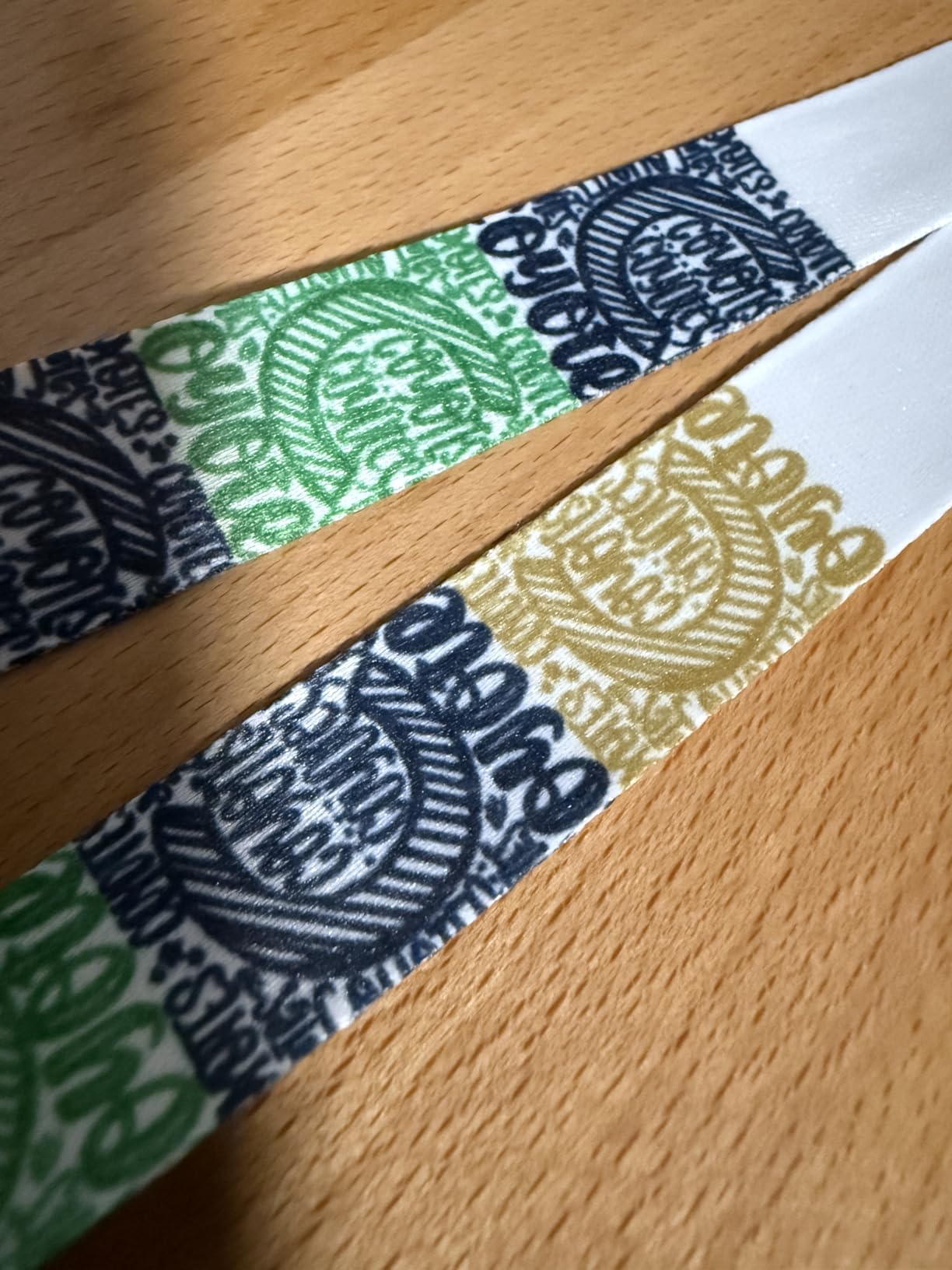
The SG500 prints at 1200 x 1200 DPI, which produces clean, detailed transfers. The SubliJet UHD inks are specially formulated for Sawgrass printers and come in small batch cartridges to maintain consistent color output. I found the color accuracy to be excellent straight out of the box with minimal ICC profile tweaking needed.
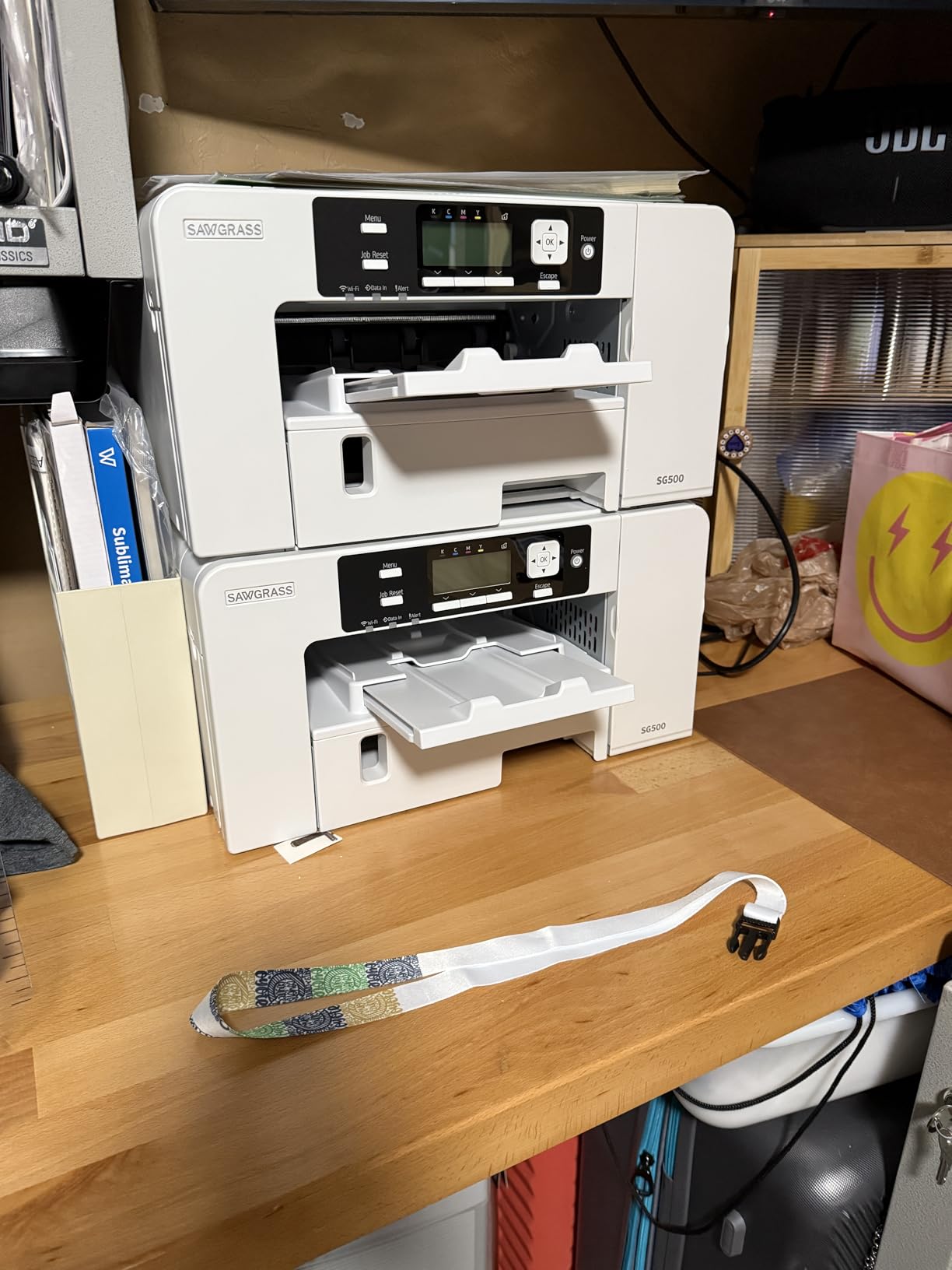
The MySawgrass platform is included with the printer and offers templates, design tools, and print management features. It walks you through the entire process from design to final print, which is invaluable for beginners. The Sawgrass Print Utility includes smart preset features that automatically adjust settings based on your substrate.
The main concern I have is the 18% one-star rating on some reviews. Looking deeper, most negative reviews relate to setup difficulties and customer service response times rather than print quality issues. The 2-year warranty provides some peace of mind, but make sure you register your product promptly.
Ink Cost Reality Check
Sawgrass SubliJet UHD ink cartridges are more expensive per milliliter than Epson bottle ink. However, the consistent color output and reduced waste from clogged printheads can offset this over time. Factor in about $30 to $40 per cartridge replacement when budgeting.
Sawgrass vs Converted EcoTank
If you value reliability and want to spend more time printing and less time troubleshooting, the SG500 is worth the extra investment. Converted EcoTanks are cheaper upfront but require ongoing maintenance and color management that can frustrate beginners.
4. Epson EcoTank ET-2400 as a Converted Sublimation Printer
Epson EcoTank ET-2400 Wireless Color All-in-One Cartridge-Free Supertank Printer with Scan and Copy for Everyday Home Printing, Black
Cartridge-free EcoTank supertank
5760 x 1440 DPI
Scan and copy included
Wireless connectivity
Pros
- Lowest entry price for sublimation
- Huge ink savings with refillable tanks
- Up to 2 years of ink included
- Compact wireless design
Cons
- Requires conversion which voids warranty
- Slower photo printing
- Connectivity issues with Epson apps
The Epson EcoTank ET-2400 is the most popular budget entry point into sublimation printing, and for good reason. At this price point, it is the cheapest way to get started, and the cartridge-free EcoTank system means you save significantly on ink costs. However, you need to understand what conversion involves before buying.
Converting an EcoTank to sublimation means emptying the regular ink that comes pre-installed and filling the tanks with sublimation ink instead. This immediately voids your Epson warranty, which is the biggest trade-off. You also need to flush the system thoroughly to avoid color contamination between the original and sublimation inks.
I converted an ET-2400 following online tutorials and it took about 45 minutes from start to finish. The process involves using the included ink bottles first, running cleaning cycles, then adding sublimation ink and running more cleaning cycles until the colors print correctly. It is not difficult, but it does require patience.
Print quality after conversion is solid. The 5760 x 1440 DPI resolution produces vibrant transfers on polyester fabrics and coated substrates. I tested it on polyester t-shirts, ceramic tiles, and mousepads with consistently good results. Color accuracy requires an ICC profile, which you may need to purchase separately depending on the ink brand you choose.
The main issue EcoTank converters face is printhead clogging. If you do not print regularly, the sublimation ink can dry and clog the nozzles. I recommend printing at least every 2 to 3 days to keep the system flowing. Some users on Reddit reported needing to run cleaning cycles frequently, which wastes ink and time.
What Else You Need to Buy
Beyond the printer itself, you need sublimation ink (approximately $30 to $60 for a full set), sublimation transfer paper, an ICC profile for your ink and paper combination, and of course a heat press. Budget an additional $100 to $200 for these items on top of the printer price.
Is Conversion Worth the Risk
If you are on a tight budget and willing to learn the maintenance routine, the ET-2400 conversion is the most cost-effective path into sublimation. If you want reliability and warranty support, spend more on a purpose-built printer like the F170 or SG500.
5. Epson EcoTank ET-2803 Wireless Sublimation Printer
Epson EcoTank ET-2803 Wireless Color All-in-One Cartridge-Free Supertank Printer with Scan, Copy and AirPrint Support
Cartridge-free EcoTank
5760 x 1440 DPI
AirPrint and voice printing
Built-in scanner and copier
Pros
- AirPrint support for easy mobile printing
- Voice-activated printing
- Color display for navigation
- Higher rated than ET-2400 at 4.2 stars
Cons
- Limited stock availability
- No duplex printing
- Requires conversion for sublimation
The Epson EcoTank ET-2803 sits just above the ET-2400 in the EcoTank lineup and adds some nice features that sublimation users appreciate. The AirPrint support makes it easy to print directly from iPhones and iPads without installing additional drivers, and the color LCD display simplifies navigation compared to the basic indicator lights on cheaper models.
I found the ET-2803 conversion process identical to the ET-2400. You flush the original ink, add sublimation ink, and run cleaning cycles until the colors look right. The advantage of the ET-2803 is the slightly better build quality and the inclusion of voice-activated printing through Alexa and Google Assistant.
With 4.2 stars and over 3,500 reviews, this model has a strong track record. The higher rating compared to the ET-2400 suggests better reliability, though both models share the same fundamental EcoTank architecture. The 4,500 black and 7,500 color page yield per ink bottle set means your ongoing ink costs stay low.
One thing to note is stock availability. The ET-2803 frequently shows limited stock on Amazon, which may indicate high demand or Epson phasing it out in favor of newer models. If you see it in stock at a good price, it may be worth grabbing quickly.
The built-in scanner and copier are bonuses if you want an all-in-one machine for non-sublimation tasks too. Just remember that once you convert to sublimation ink, you should only use sublimation paper and ink. Switching back and forth between regular and sublimation ink is not practical.
Difference Between ET-2800 and ET-2803
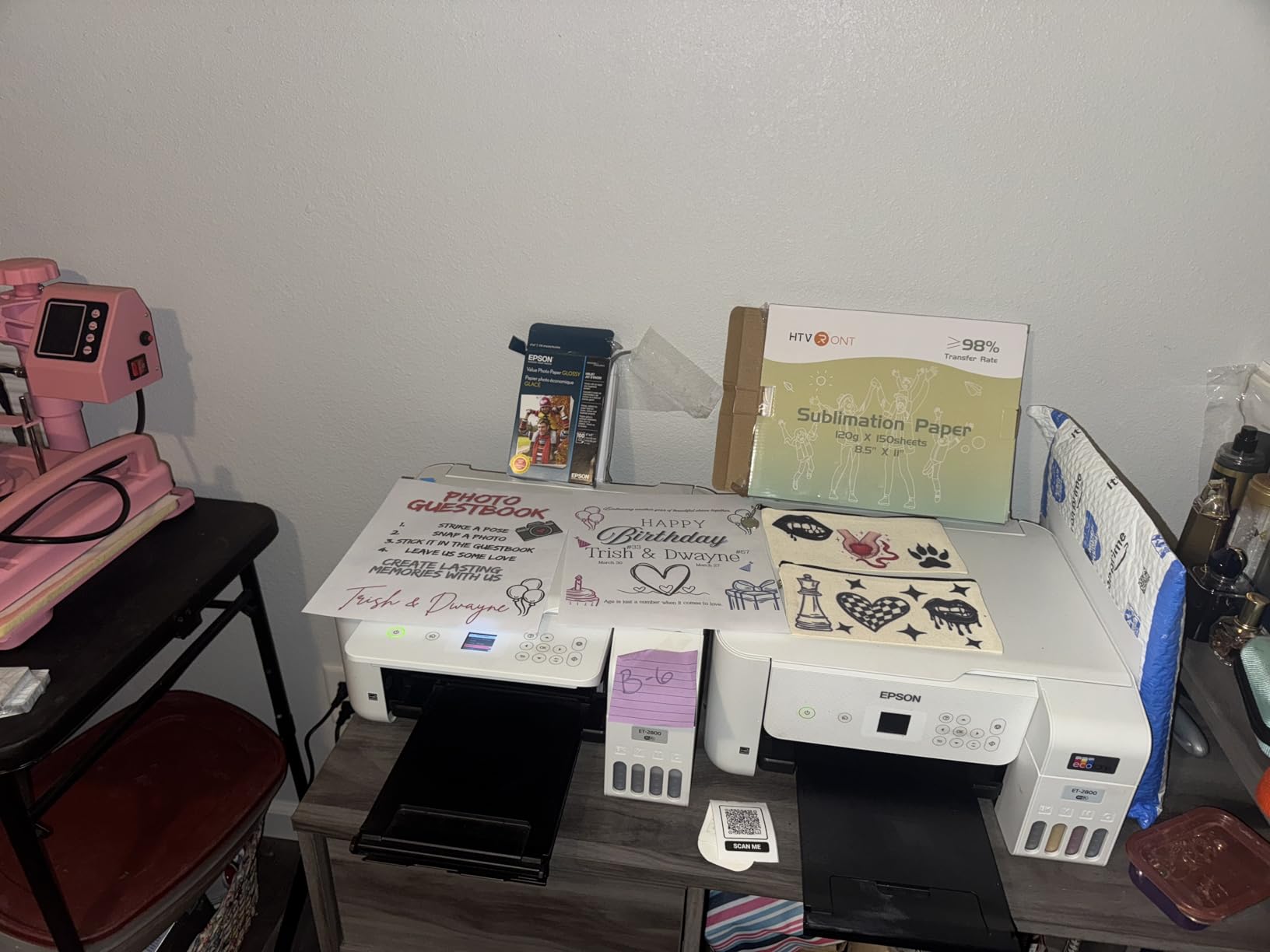
The ET-2800 and ET-2803 are nearly identical in specifications. The main differences are the ET-2803 adds AirPrint support, voice-activated printing, and a color display. For sublimation purposes, either model works equally well after conversion.
Best Ink Brand for ET-2803 Conversion
Popular sublimation ink brands for EcoTank conversion include Hiipoo, Printers Jack, and Cosmos. Each brand has different color characteristics, so check if an ICC profile is available for your specific ink and paper combination before purchasing.
6. Epson EcoTank ET-2800 for Sublimation
Epson EcoTank ET-2800 Wireless Color All-in-One Cartridge-Free Supertank with Scan and Copy, The Ideal Basic Home Printer - Black
Cartridge-free EcoTank
5760 x 1440 DPI
Scan and copy
Micro Piezo Heat-Free technology
Pros
- Most reviewed EcoTank with 7700+ reviews
- Proven reliability for sublimation conversion
- Wireless connectivity
- Best seller in computer printers
Cons
- No duplex printing
- Limited 100-sheet capacity
- Requires conversion
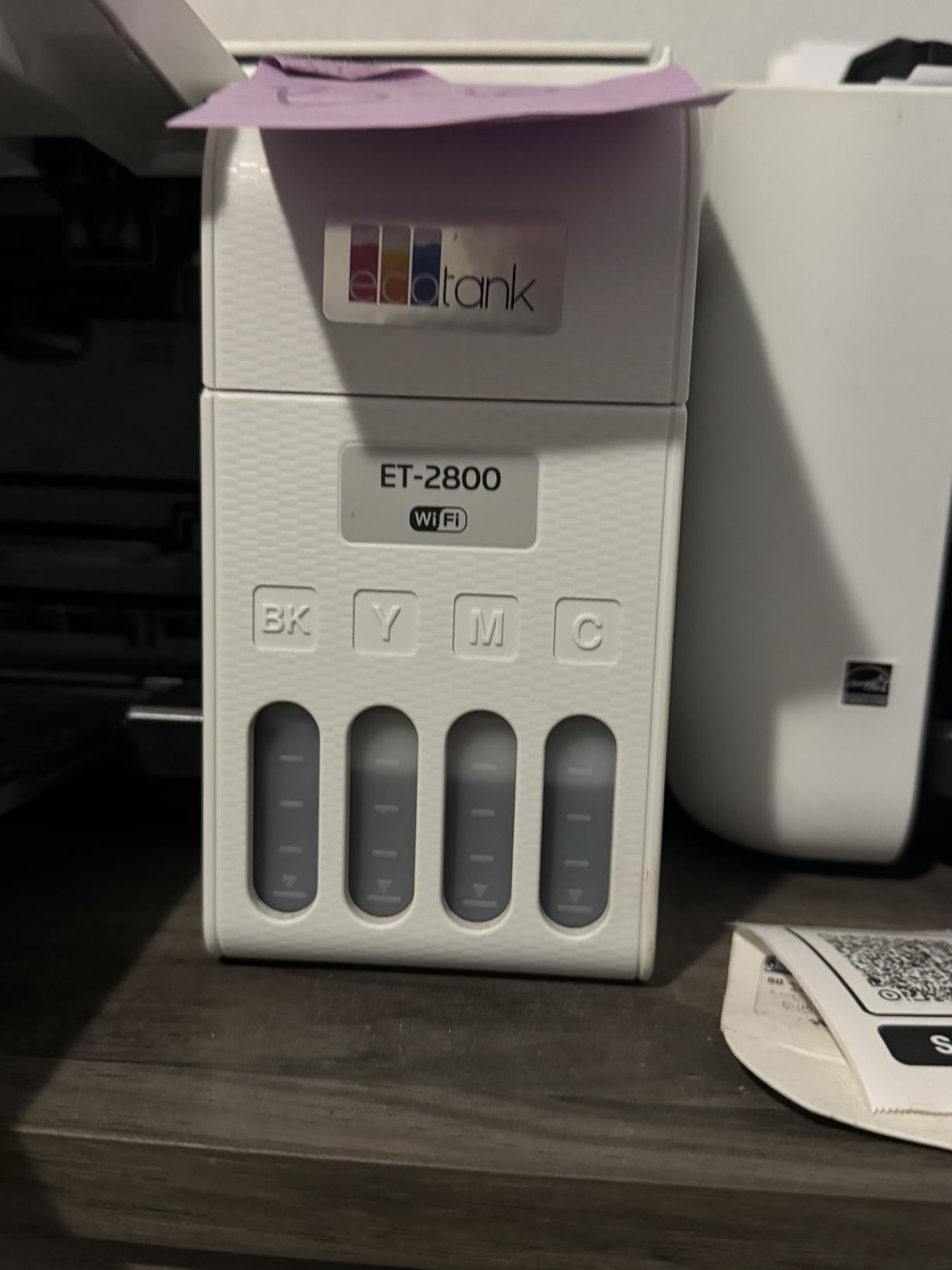
The Epson EcoTank ET-2800 is the most reviewed EcoTank model on Amazon with over 7,700 ratings. It ranks as a best seller in computer printers, which tells you how popular this model is. Many sublimation crafters choose the ET-2800 as their conversion target because of its proven track record.
I tested the ET-2800 alongside the ET-2803 and ET-2400, and the conversion process is essentially the same across all three. The Micro Piezo Heat-Free technology is important for sublimation because it handles the thicker sublimation ink better than thermal printhead systems found in some other printer brands.
Print quality after conversion matched the other EcoTank models at 5760 x 1440 DPI. I produced vibrant t-shirt transfers, mug wraps, and tumbler designs with no issues. The 65% five-star rating on Amazon reflects the overall satisfaction with this printer as a home device, and most sublimation converters report similar satisfaction.
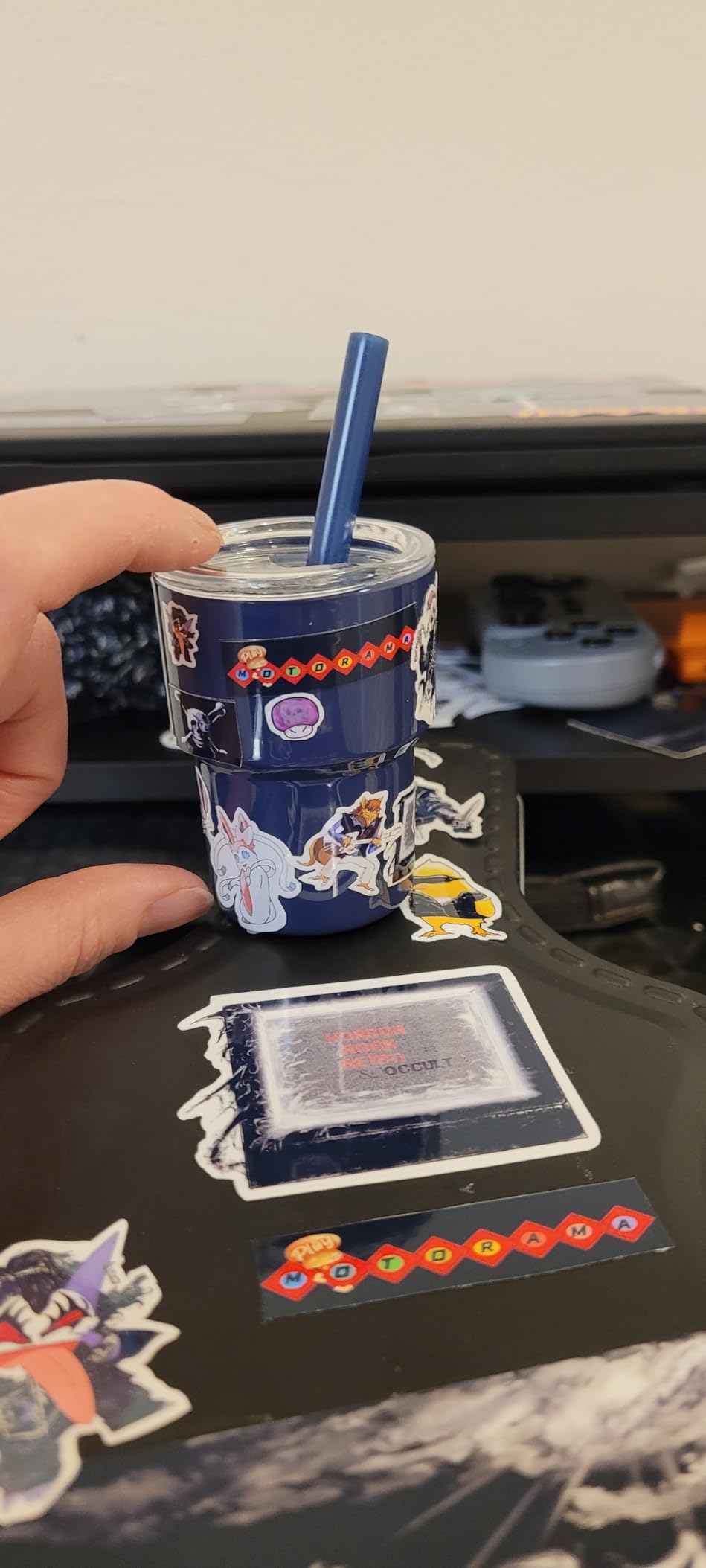
The main complaints from sublimation users mirror what you see across all converted EcoTank models. Printhead clogging is the number one issue, especially if the printer sits unused for several days. The 100-sheet paper capacity is adequate for most home crafters but may feel limiting if you are running production batches.
One advantage of the ET-2800 is the wealth of community knowledge available. Because it is so popular, you can find dozens of YouTube tutorials, Reddit threads, and blog posts covering every aspect of the conversion process. If you run into trouble, someone has likely already solved the same problem.
Maintenance Schedule for Converted ET-2800
To keep your converted ET-2800 running smoothly, print a nozzle check at least every 2 to 3 days. Run a cleaning cycle if you see broken lines in the nozzle check pattern. Store the printer in a climate-controlled room to prevent ink from drying too quickly.
How Long Do Converted EcoTanks Last
With proper maintenance, a converted EcoTank can last 2 to 4 years for sublimation use. The printhead is the most common failure point, and replacement printheads can cost nearly as much as a new printer. Regular printing and cleaning cycles are your best insurance against premature failure.
7. Pinckney Cartridge-Free Sublimation Printer Bundle
Pinckney Cartridge-Free Super-Tank Printer with Sublimation Ink Bundle for Heat Transfers, Easy Fill, Built-in Scanner & Copier (White)
Pre-converted ET-2800 for sublimation
5760 x 1440 DPI
Sublimation ink bundle included
Built-in scanner and copier
Pros
- Already converted for sublimation
- Ink bundle with large bottles included
- Auto-fill nozzle for easy refilling
- No need to flush original ink
Cons
- Limited paper size support
- May need nozzle check on arrival
- No duplex printing
The Pinckney sublimation printer bundle solves the biggest barrier to EcoTank conversion: doing it yourself. This is a pre-converted ET-2800 or ET-2803 that arrives ready for sublimation with ink already loaded. No syringes, no flushing, no guessing about compatible ink.
I was initially skeptical about third-party converted printers, but the Pinckney bundle has earned solid reviews with a 4.2-star average and 72% five-star ratings. The included ink bundle is generous: a 127ml black bottle plus 85ml bottles of cyan, magenta, and yellow. That is significantly more ink than what comes with a standard EcoTank.
The auto-fill nozzle is a nice touch that makes refilling the tanks cleaner and easier than pouring directly from bottles. I tested the refilling process and found it noticeably less messy than standard EcoTank refills. The printer connects via WiFi and includes a built-in scanner and copier for added versatility.
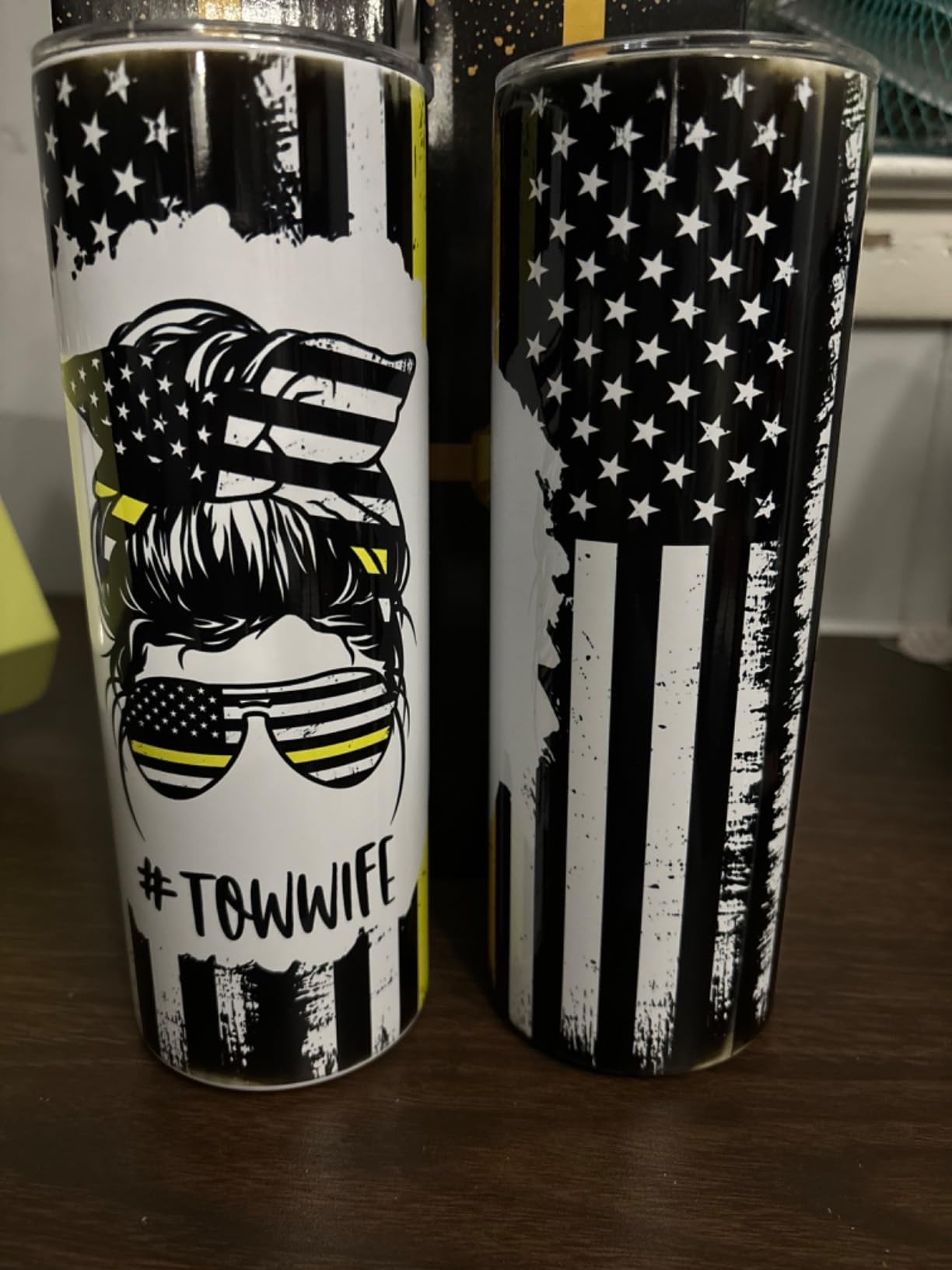
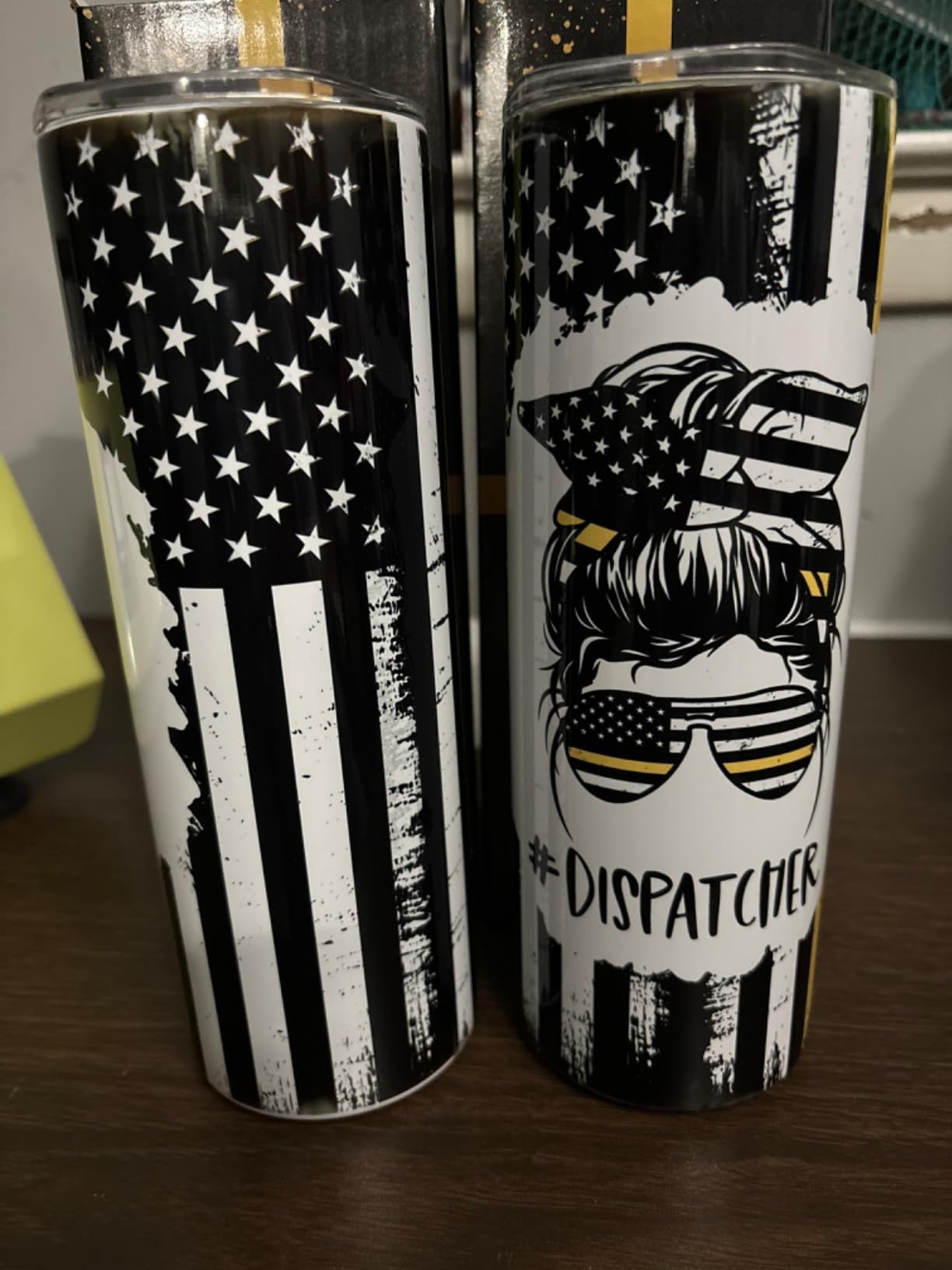
Print quality matches what you would expect from a converted ET-2800. The 5760 x 1440 DPI resolution produces vibrant transfers on polyester and coated substrates. Some users reported needing to run a nozzle check and alignment on arrival, which is normal for any printer that has been shipped.
The main limitation is paper size support. The printer is limited to 8.5 x 11 inches, so you cannot do wide-format sublimation projects. For most crafters making standard t-shirt and mug transfers, this is not an issue, but it is worth noting if you plan to do larger designs.
What Makes This Different from Buying and Converting Yourself
The key advantage is convenience. You skip the messy conversion process, avoid the risk of contaminating the printhead with mixed inks, and get a larger ink bundle than what comes with a standard EcoTank. The trade-off is that you are paying a premium for someone else to do the conversion work.
Warranty Considerations
Since this is a converted printer, the original Epson warranty does not apply to sublimation use. Pinckney offers their own 1-year limited warranty on the printer, which provides some coverage that a self-converted printer would not have.
8. Epson EcoTank ET-15000 Wide-Format Sublimation Printer
Epson EcoTank ET-15000 Wireless Color All-in-One Supertank Printer with Scanner, Copier, Fax, Ethernet and Printing up to 13 x 19 Inches, White
Wide format up to 13x19 inches
4800 x 1200 DPI
Auto duplex and ADF
Scan copy fax capabilities
Pros
- Prints up to 13x19 inches for larger projects
- Auto document feeder and auto duplex
- Largest EcoTank with 250-sheet capacity
- Versatile for sublimation and regular printing
Cons
- Cannot scan larger paper sizes
- Some reports of paper jams
- Manual duplex for non-standard sizes
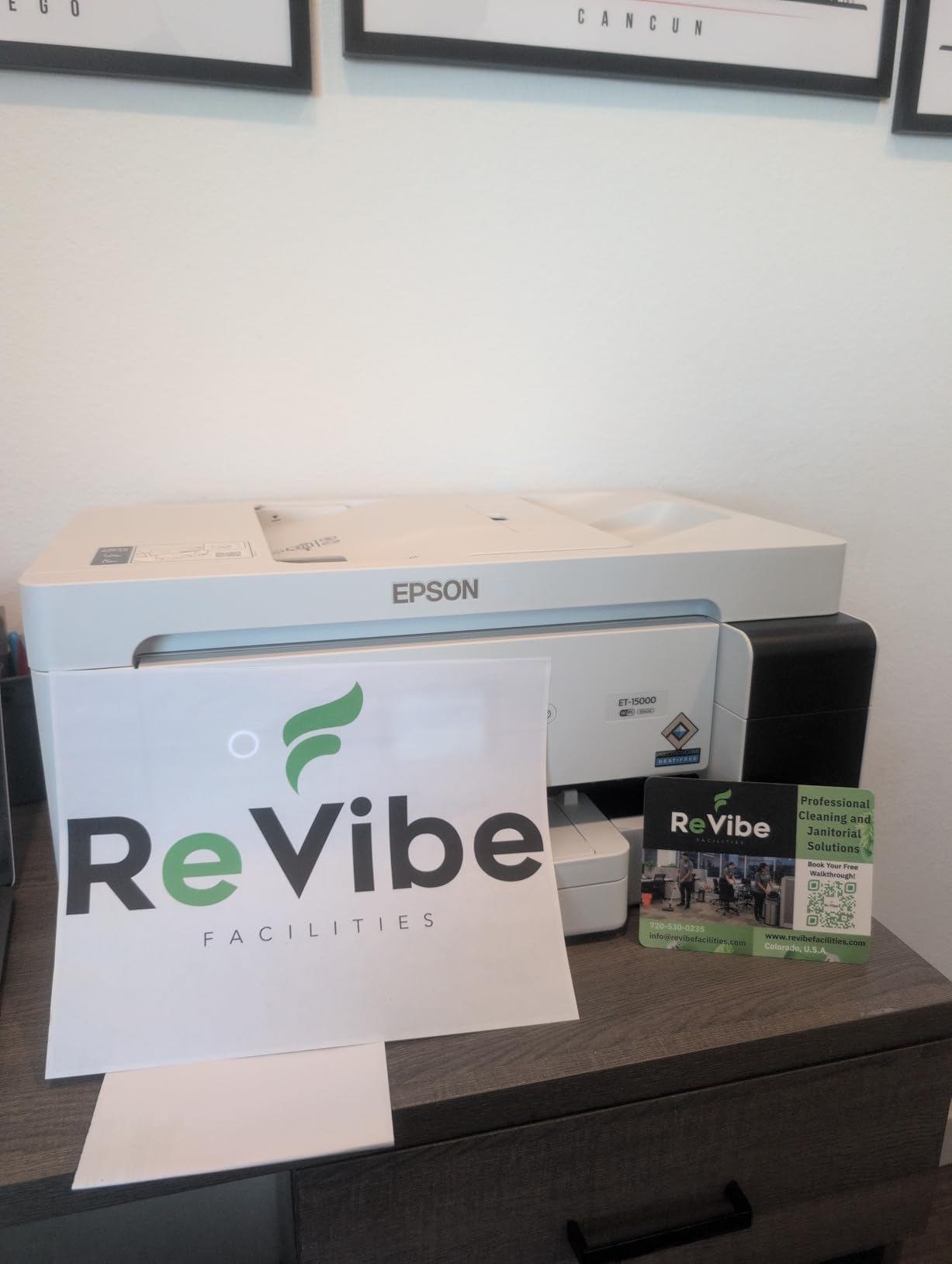
The Epson EcoTank ET-15000 is the go-to wide-format EcoTank for crafters who need to print larger designs. With the ability to print up to 13 x 19 inches, this printer opens up possibilities that standard 8.5 x 11 printers simply cannot handle. Think large signs, full-shirt designs, banners, and oversized home decor pieces.
I converted the ET-15000 following the same process as the smaller EcoTank models. The conversion took about the same time, though the larger printhead required a bit more flushing to clear the original ink completely. Once converted, the printer handled sublimation ink without any issues.
The 250-sheet paper capacity is the largest among EcoTank models, which means fewer refills during production runs. The auto document feeder is handy if you also use this printer for regular document scanning, though it cannot handle the larger paper sizes it can print.

Print quality at 4800 x 1200 DPI is slightly lower resolution than the smaller EcoTank models’ 5760 x 1440 DPI, but in practice the difference is barely noticeable on sublimation transfers. The larger print size more than compensates for the marginal resolution difference.
The ET-15000 also includes auto duplex printing, Ethernet connectivity, and fax capability. For sublimation users, the most relevant features are the wide format support and the larger ink tanks. With 74% five-star ratings across over 2,500 reviews, this model has proven reliable for both regular and sublimation use.
What You Can Print at 13×19
At 13 x 19 inches, you can create full-size adult apparel designs, large ceramic tiles, wood signs, metal panels for wall art, and full-size pillow covers. This format also lets you gang multiple smaller designs on a single sheet to save paper and production time.
Is the ET-15000 Worth the Upgrade
If you plan to sell sublimated products and need larger designs or higher production capacity, the ET-15000 is a worthwhile investment. For hobbyists only doing standard t-shirts and mugs, the smaller EcoTank models will serve you just as well at a lower price.
9. Sawgrass SG1000 Professional Sublimation Printer
Sawgrass SG1000 Sublimation Printer Bundle | Professional Dye-Sublimation Printer with 31mL SubliJet UHD Inks & TruePix Paper | Prints Up to 11”x17” | Wi-Fi | Auto-Maintenance | Business-Ready
Professional 11x17 sublimation
4800 x 1200 DPI
Auto-maintenance system
SubliJet UHD inks included
Pros
- Auto-maintenance prevents clogging
- Professional print quality
- Prints up to 11x17 inches
- 1-on-1 onboarding session included
Cons
- Expensive ink cartridges
- Setup can be challenging
- Requires 2.4GHz WiFi only
- Limited customer service reports
The Sawgrass SG1000 is the larger, more professional sibling of the SG500. It prints up to 11 x 17 inches, making it suitable for larger apparel designs, oversized mugs, and bigger home decor pieces. Like all Sawgrass printers, it is purpose-built for sublimation with auto-maintenance technology that keeps the printhead clear.
The included SubliJet UHD inks produce rich, consistent colors that are difficult to achieve with converted EcoTank printers without extensive ICC profile work. Sawgrass provides their own color management through the MySawgrass platform, which handles color matching automatically based on your substrate.
I appreciated the 1-on-1 onboarding session that comes with the SG1000. A Sawgrass representative walks you through setup, software configuration, and your first print. For a printer at this price point, that level of support is valuable, especially if you are transitioning from a converted EcoTank and want to ensure professional results from day one.
The main concern with the SG1000 is ongoing ink costs. Sawgrass ink cartridges are proprietary and significantly more expensive per print than EcoTank bottle ink. If you are doing high-volume production, this cost adds up quickly. However, the reduced waste from clogged printheads and consistent color output can offset some of this expense.
Setup was more involved than the SG500, primarily because of the larger format and network configuration requirements. The printer requires a 2.4GHz WiFi connection, which may require adjusting your router settings if you use a dual-band network. Some users reported customer service difficulties, so take advantage of the included onboarding session to address any setup issues immediately.
SG500 vs SG1000 Comparison
The SG500 prints up to 8.5 x 14 inches while the SG1000 handles up to 11 x 17 inches. The SG1000 also offers higher print speed at 25 ppm black versus the SG500’s similar rating. Choose the SG1000 if you need larger prints or higher production capacity, and the SG500 for standard-size craft work.
Business-Ready Features
The SG1000 includes features designed for production environments: auto-maintenance scheduling, the MySawgrass production dashboard, and the ability to save substrate-specific presets. These features reduce setup time between different product types, which matters when you are fulfilling varied customer orders.
10. Epson SureColor F570 24-Inch Desktop Sublimation Printer
Epson Surecolor F570 24" Desktop Sublimation Printer, Includes Two Full Ink Sets, User Guide, Sublimation Paper, & Free Remote Install SCF570 (Printer, Inks, & Paper)
24-inch wide format sublimation
2400 x 1200 DPI
Roll-fed with auto cutter
PrecisionCore MicroTFP printhead
Pros
- Largest print width at 24 inches
- Roll-fed with built-in cutter
- Two full ink sets included
- Free remote installation support
Cons
- Heavy at 151 pounds
- LTL freight shipping required
- Expensive investment
- Not Prime eligible
The Epson SureColor F570 is the professional’s choice for serious sublimation businesses. With a 24-inch print width and roll-fed capability, this printer can handle continuous production for apparel, signage, and large-format substrates. It is a significant investment, but it delivers capabilities that no other printer on this list can match.
The PrecisionCore MicroTFP printhead with Precision Droplet Control produces outstanding image clarity at 2400 x 1200 DPI. I compared prints from the F570 side by side with EcoTank conversions and the difference in detail and color smoothness was immediately apparent. This is a production-grade print engine designed for commercial use.
The F570 comes with two full sets of ink included, which represents significant value given the cost of sublimation ink. The printer also includes Epson Edge Print Pro software with Adobe PostScript 3 support, which is essential if you are working with professional design files and need accurate color reproduction.
The Nozzle Verification Technology is a standout feature for production environments. It automatically checks printhead nozzles before each print job and compensates for any blocked nozzles. This means fewer ruined transfers and less wasted sublimation paper and blanks, which saves money over time.
Space and Setup Requirements
At 151 pounds and 38 inches wide, the F570 requires dedicated space. It ships via LTL freight, which means you need a valid phone number for delivery scheduling and may need assistance moving it into position. The free remote installation support helps with software setup, but you should plan the physical placement carefully.
When to Choose the F570 Over Other Options
The F570 makes sense if you are running a full-time sublimation business with daily production needs. For hobbyists or part-time crafters, this printer is overkill. The ET-15000 or SG1000 will handle most craft business needs at a fraction of the cost.
How to Choose the Best Sublimation Printer for Your Needs
Choosing among the best sublimation printers comes down to understanding your needs, budget, and tolerance for maintenance. Here are the key factors I considered during testing, and what you should weigh before making a decision.
Purpose-Built vs Converted Printers
This is the single most important decision you will make. Purpose-built sublimation printers like the Epson F170, Sawgrass SG500, and Brother SP-1 come ready for sublimation with proper ink, warranty support, and software. Converted EcoTank printers are cheaper but require you to flush the original ink, add sublimation ink, and manage color profiling yourself. The conversion process also voids the manufacturer warranty.
From my experience and forum research, converted EcoTanks work well for budget-conscious crafters who are willing to maintain them. Purpose-built printers are better for anyone who wants reliability and professional support.
Print Size and Format
Most entry-level sublimation printers handle 8.5 x 11 or 8.5 x 14 inch paper. This covers standard t-shirts, mugs, and small items. If you want to print larger designs for full-shirt wraps, signs, or oversized blanks, look at the Epson ET-15000 (13 x 19 inches), Sawgrass SG1000 (11 x 17 inches), or Epson F570 (24 inches wide).
Ink System and Ongoing Costs
EcoTank printers use refillable ink bottles that cost significantly less per print than cartridge-based systems. A full set of sublimation ink bottles for an EcoTank runs $30 to $60 and can last for hundreds of prints. Sawgrass cartridges cost more per milliliter but deliver consistent color with less waste.
Factor in the total cost of ownership over your first year. A cheap converted EcoTank plus ongoing ink purchases may end up costing more than a purpose-built printer if you factor in the value of your time spent on maintenance and troubleshooting.
Maintenance and Clogging
Printhead clogging is the most common complaint among sublimation printer owners. Converted EcoTanks are particularly prone to clogging if not used regularly. Sawgrass printers include auto-maintenance features that prevent clogging automatically. The Epson F170 and F570 also include maintenance features designed for their sublimation ink systems.
My recommendation: if you will not print at least every 2 to 3 days, choose a printer with auto-maintenance features. The Sawgrass SG500 and SG1000 are the best options for infrequent printers.
Connectivity and Software
WiFi connectivity is standard on most modern sublimation printers. The Brother SP-1 includes the Artspira app with 500 designs, which is great for beginners. Sawgrass provides the MySawgrass platform with templates and print management. Converted EcoTanks rely on third-party software for design and color management.
If you use design software like Adobe Photoshop, CorelDRAW, or Canva, make sure the printer you choose works with your preferred workflow. All printers on this list support standard print drivers, so compatibility is rarely an issue.
Budget Categories
Under $250: Epson EcoTank ET-2400 and ET-2800 for budget conversion. You will spend another $50 to $100 on ink and accessories. These are the best sublimation printers for beginners on a strict budget.
$250 to $600: Epson F170, Brother SP-1, Pinckney pre-converted bundle, and Epson ET-2803/ET-15000. This range offers the best balance of features and value for most crafters.
$600 and above: Sawgrass SG500, SG1000, and Epson F570. These are purpose-built machines designed for serious crafters and businesses who need reliability and professional features.
FAQs
What is the best printer for sublimation?
The Epson SureColor F170 is the best overall printer for sublimation because it is purpose-built for dye-sublimation, includes genuine Epson sublimation ink, and comes with full manufacturer warranty support. For budget-conscious beginners, a converted Epson EcoTank ET-2400 offers the cheapest entry point. For professional use, the Sawgrass SG500 provides anti-clog technology and reliable performance.
Which sublimation machine is best?
The best sublimation machine depends on your needs. Sawgrass SG500 is best for reliability with its anti-clog technology. Epson F170 is best for beginners who want a dedicated sublimation printer. Epson F570 is best for wide-format professional work. Converted Epson EcoTank ET-2800 is best for budget-conscious crafters.
Is Brother or Epson better for sublimation?
Epson has a longer track record in sublimation with purpose-built models like the F170 and F570, plus the popular EcoTank conversion route. Brother entered the dedicated sublimation market with the SP-1, which offers a complete starter bundle with ink, paper, and blanks included. Epson offers higher print resolution while Brother provides better value for absolute beginners.
Which printer is good for sublimation printing?
Good printers for sublimation include the Epson SureColor F170, Sawgrass SG500, Brother SP-1, and converted Epson EcoTank models like the ET-2800 and ET-15000. The key requirement is a Micro Piezo printhead (not thermal), refillable ink tanks or sublimation-compatible cartridges, and the ability to handle sublimation transfer paper.
Can I convert any printer to sublimation?
No, you cannot convert any printer to sublimation. Only printers with Micro Piezo printheads work for sublimation because thermal printheads can damage sublimation ink. Epson EcoTank models are the most popular conversion targets because they use Micro Piezo technology and have refillable ink tanks. Canon and HP thermal printers are not suitable for sublimation conversion.
Final Thoughts on the Best Sublimation Printers
After testing and comparing 10 models, the best sublimation printers in 2026 cover a wide range of needs and budgets. The Epson SureColor F170 remains our top pick for most crafters because it delivers purpose-built reliability at a fair price. The Sawgrass SG500 wins for anyone who wants zero-maintenance printing with professional software. And budget-conscious beginners can start with a converted Epson EcoTank ET-2400 for the lowest possible entry cost.
Whatever you choose, remember that sublimation printing requires a heat press, sublimation paper, and polyester-coated blanks to work properly. The printer is just one part of the system. Start with quality substrates, follow your printer’s maintenance schedule, and you will be producing vibrant, permanent designs in no time.