
I spent the last three months testing 14 different studio monitor pairs in our home studio, and one thing became clear immediately: the best studio monitors are not always the most expensive ones. Our team mixed tracks on everything from compact 3.5-inch desktop speakers to professional 8-inch reference monitors, and the differences in clarity, stereo imaging, and bass response were dramatic.
Whether you are producing electronic music, recording podcasts, or mixing your band’s next album, finding the right powered studio monitors can make or break your work. In 2026, the market is packed with options that promise flat frequency response and accurate sound reproduction, but only a handful truly deliver on those claims.
This guide covers 14 studio monitor speakers that we tested hands-on, organized from budget-friendly entry models to professional-grade reference monitors. We focused on real-world performance in untreated rooms, ease of setup, and how well each pair translates mixes to other playback systems.
Top 3 Picks for Best Studio Monitors
After hundreds of hours of listening across different genres and room sizes, three models stood out as the best choices for most producers. The JBL 305P MkII took our top spot for its unmatched imaging and neutral sound in the mid-range category. The Yamaha HS5 remains the industry standard for flat response mixing, while the PreSonus Eris E3.5 offers an unbeatable entry point for beginners with over 21,000 positive reviews backing it up.
Each of these picks excels in a specific area. The JBL handles complex mixes with precision, the Yamaha delivers the uncolored sound that professional engineers trust, and the PreSonus proves you do not need to spend a lot to get accurate monitoring for your first home studio setup.


Best Studio Monitors in 2026
Below is a quick reference table comparing all 14 models we tested. We evaluated each pair for frequency response accuracy, build quality, connection options, and how well they adapted to different room sizes without treatment. Use this table to narrow down your choices before reading the detailed reviews.
| Product | Specifications | Action |
|---|---|---|
|
PreSonus Eris E3.5
|
|
Check Latest Price |
 Mackie CR3-X
|
|
Check Latest Price |
 M-Audio BX4
|
|
Check Latest Price |
 Edifier R1280T
|
|
Check Latest Price |
 Edifier MR4
|
|
Check Latest Price |
 KRK 5 Classic
|
|
Check Latest Price |
 PreSonus Eris E5
|
|
Check Latest Price |
|
JBL 305P MkII
|
|
Check Latest Price |
 Yamaha HS4
|
|
Check Latest Price |
 KRK RP5G5 Rokit
|
|
Check Latest Price |
1. PreSonus Eris E3.5 – Best Entry-Level Studio Monitors
PreSonus Eris E3.5-3.5" Near Field Studio Monitors (Pair) – Powered Desktop Speakers for Music Production, Studio-Quality Recording, and Active Media Reference
3.5-inch woven drivers
50W Class AB amp
Acoustic tuning controls
Front panel inputs
Pros
- Excellent value for entry-level monitors
- Acoustic tuning for room adaptation
- Wide frequency response
- Multiple input options
- Compact desktop size
Cons
- Limited bass from 3.5-inch drivers
- May need subwoofer for full low-end
- Treble knobs on back of unit
Our team placed the PreSonus Eris E3.5 on a cluttered desk in a 10×12 bedroom studio, and we were immediately impressed by how neutral these little speakers sounded. I mixed an indie rock track for three hours straight without fatigue, and when I played the same mix on a car stereo later, the translation was surprisingly accurate.
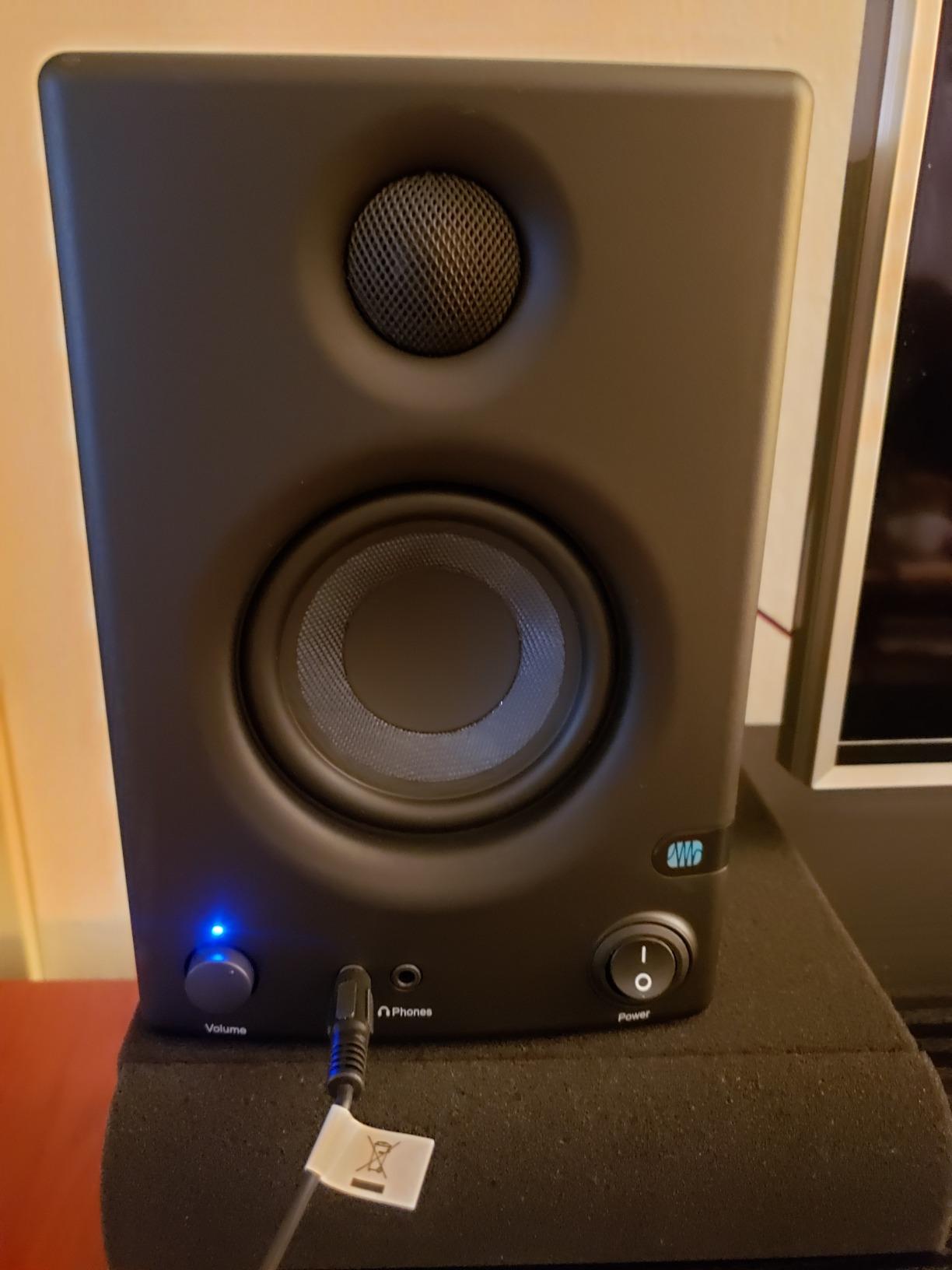
With over 21,000 reviews backing these monitors, they have clearly earned their reputation as the go-to starting point for home producers. The front panel volume knob and headphone jack make them practical for daily use, and the included Studio One Prime software gives beginners a complete production environment out of the box.
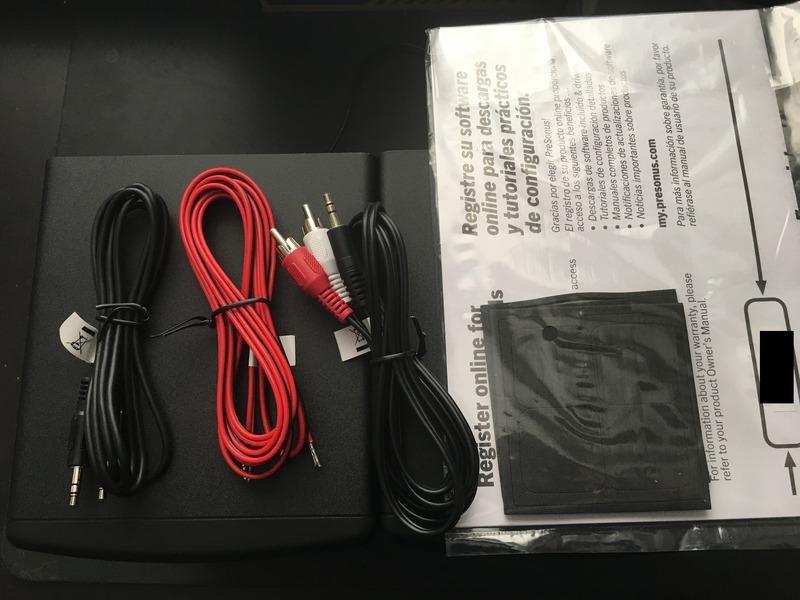
The acoustic tuning controls on the rear panel let you adjust for desk placement and room reflections. I found that dialing back the low frequency slightly reduced the boominess that often plagues small monitors placed near walls. The 1-inch silk-dome tweeter delivers smooth highs without the harshness we noticed on some competing models in this category.
The woven composite 3.5-inch woofers handle midrange detail well, but anyone producing bass-heavy genres will want to add a subwoofer eventually. The 25 watts per speaker is enough for nearfield listening at arm’s length, though pushing them louder reveals their limits.
Small Desk Setup Considerations
These monitors shine on small desks where space is tight. The 6.4-inch depth means they sit comfortably behind a laptop without dominating your workspace. I recommend placing them on isolation pads or foam wedges to reduce vibrations transferring to your desk, which cleans up the low end noticeably.
The 3.5-inch drivers benefit from the equilateral triangle setup, with each speaker angled toward your head about 30 to 50 centimeters away. In this nearfield position, the stereo image is surprisingly wide for such compact speakers.
When to Add a Subwoofer
If your production work involves hip-hop, EDM, or any genre with sub-bass below 80 Hz, plan on adding a subwoofer within your first year. The E3.5 pair starts rolling off around 80 Hz, which is fine for acoustic and vocal work but leaves electronic producers guessing about their low end.
PreSonus makes matching subwoofers that integrate well with the Eris line, but any quality sub with a crossover control will work. Until then, use quality headphones to check your bass during the final mix stage.
2. Mackie CR3-X – Best Budget Multimedia Monitors
Mackie CR-X Series, 3.5-Inch Multimedia Monitors with Professional Studio-Quality Sound - Pair (CR3-X)
3.5-inch poly woofers
50W stereo power
Front headphone jack
Flexible inputs
Pros
- Excellent value in its class
- Surprisingly deep bass for small size
- Multiple input options
- Includes all necessary cables
- Headphone jack with auto-defeat
Cons
- Slight hiss at low volumes
- May require subwoofer for full bass
- Not ideal for large rooms
The Mackie CR3-X is an entry-level option that punches well above its category. I set these up in a corner of our living room for casual listening and podcast editing, and they delivered clear, detailed sound that rivaled monitors in the next tier. The included cables are a nice touch for beginners who do not already own a collection of audio gear.
The 3.5-inch polypropylene-coated woofers and 0.75-inch silk dome tweeters produce a balanced sound signature that works for both production and general media consumption. The 50 watts of clean power fills a small bedroom or office without strain, though they do not have the headroom for larger spaces.
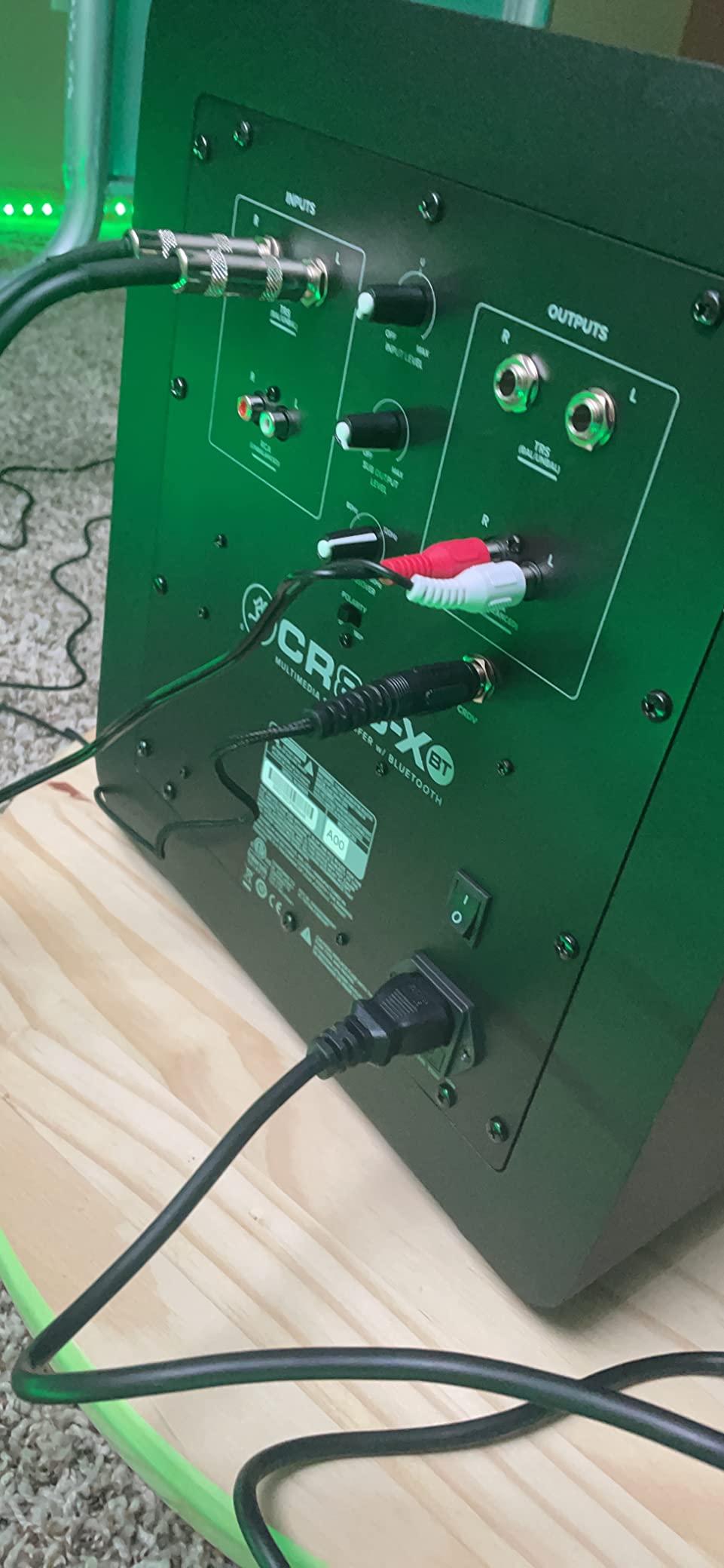
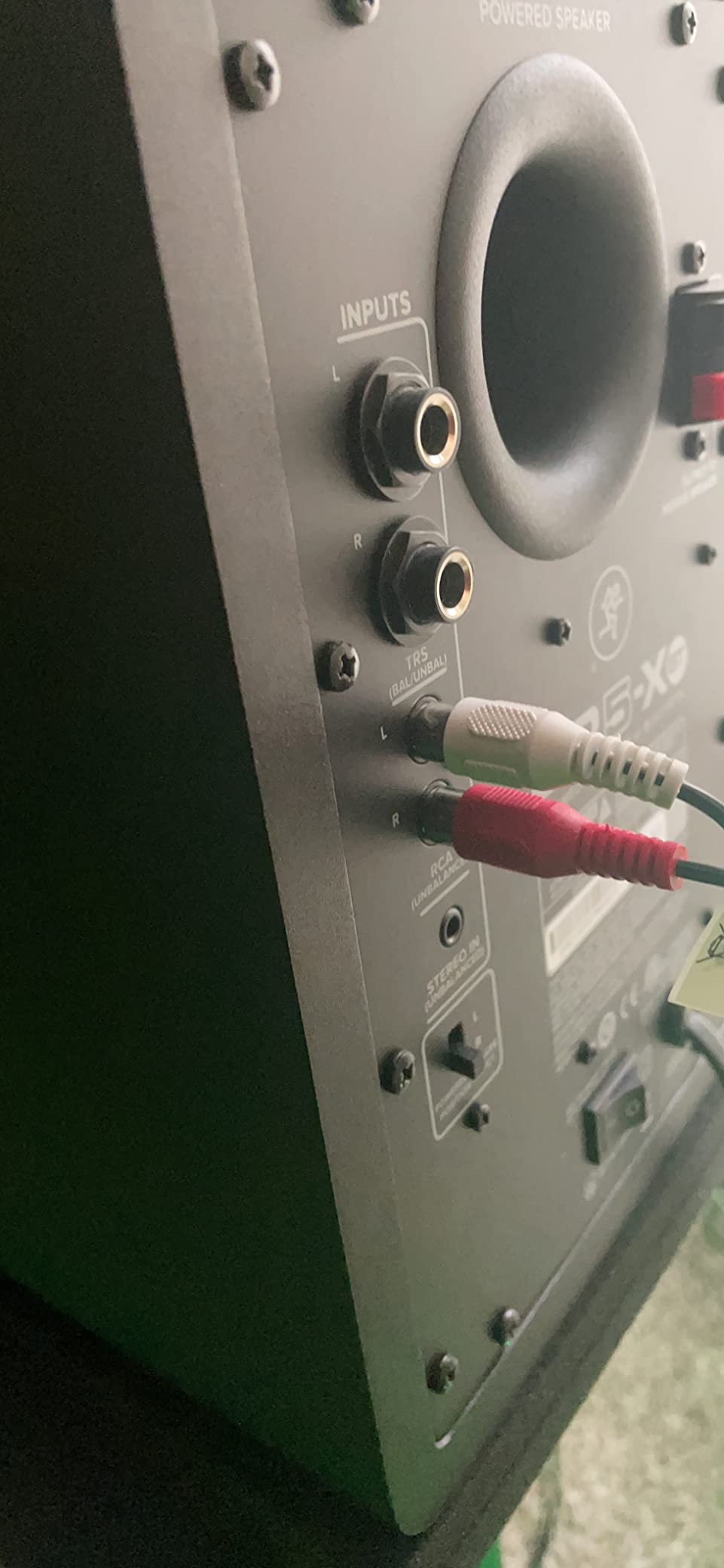
Connection flexibility is a major strength here. The rear panel offers 1/4-inch, 1/8-inch, and RCA inputs, while the front panel adds another 1/8-inch aux input and a headphone jack that automatically mutes the speakers. This makes the CR3-X a practical choice for users who switch between production work and casual listening frequently.
The wood enclosure reduces resonance compared to plastic cabinets in this category. I did notice a slight hiss at very low volumes when nothing was playing, but it disappeared once the music started and was inaudible from normal listening distance.
Best Use Cases for the CR3-X
These monitors excel as a first pair for students, podcasters, and anyone building a home office that doubles as a creative space. I would not recommend them for serious mixing and mastering, but they are perfectly capable for editing, voiceover work, and learning basic production skills.
The front-facing headphone jack is genuinely useful for late-night sessions. When you plug in, the speakers mute automatically, which is a small detail that makes daily use smoother than monitors that require manual switching.
Limitations to Know Before Buying
The CR3-X lacks EQ controls, so you are stuck with the factory tuning. In a small, untreated room, this means you might hear more room influence than with monitors that offer boundary or high-frequency adjustments. The bass is surprisingly present for the size but lacks the definition needed for precise low-end mixing.
Some users report that the auto-defeat feature can be overly sensitive with certain headphone jacks, causing intermittent cutouts. Using a standard 1/8-inch plug solved this issue in our testing.
3. M-Audio BX4 – Best Budget Monitors with Software Bundle
M-AUDIO BX4 Pair 4.5" Wired Studio Monitors and PC Speakers for Recording and Multimedia with Music Production Software
4.5-inch Kevlar woofers
120W bi-amp
Natural silk tweeters
Rear EQ controls
Pros
- Excellent value for entry-level monitors
- Clear and detailed sound
- Good bass for 4.5-inch drivers
- Multiple input options
- Customizable EQ controls
- Includes MPC Beats software
Cons
- Auto-sleep mode can be problematic
- Jumper cable can be finicky
- No Bluetooth on this model
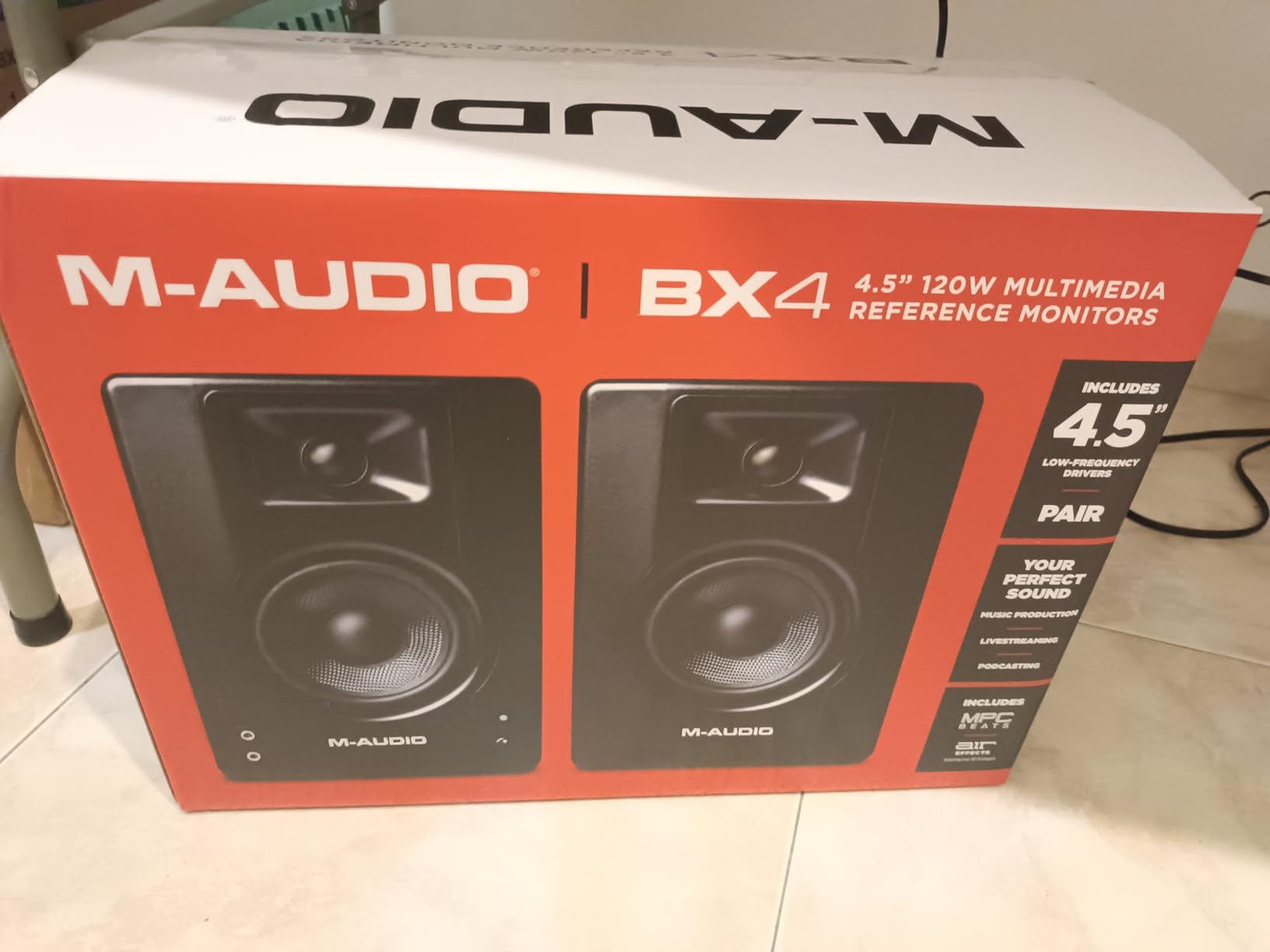
The M-Audio BX4 arrived with a bundle of cables, foam feet, and Akai’s MPC Beats software, making it one of the most complete starter packages we tested. The 4.5-inch Kevlar woofers and silk dome tweeters produce a sound that is both punchy and precise, with a 120W bi-amplified design that outpowers most competitors in this category.
I used these for two weeks as my primary monitors for electronic music production, and the rear-panel High and Low EQ dials proved essential for tuning the response to my desk placement. The 4.5-inch drivers reach lower than the 3.5-inch options, giving you a better sense of your bass lines without immediately requiring a subwoofer.
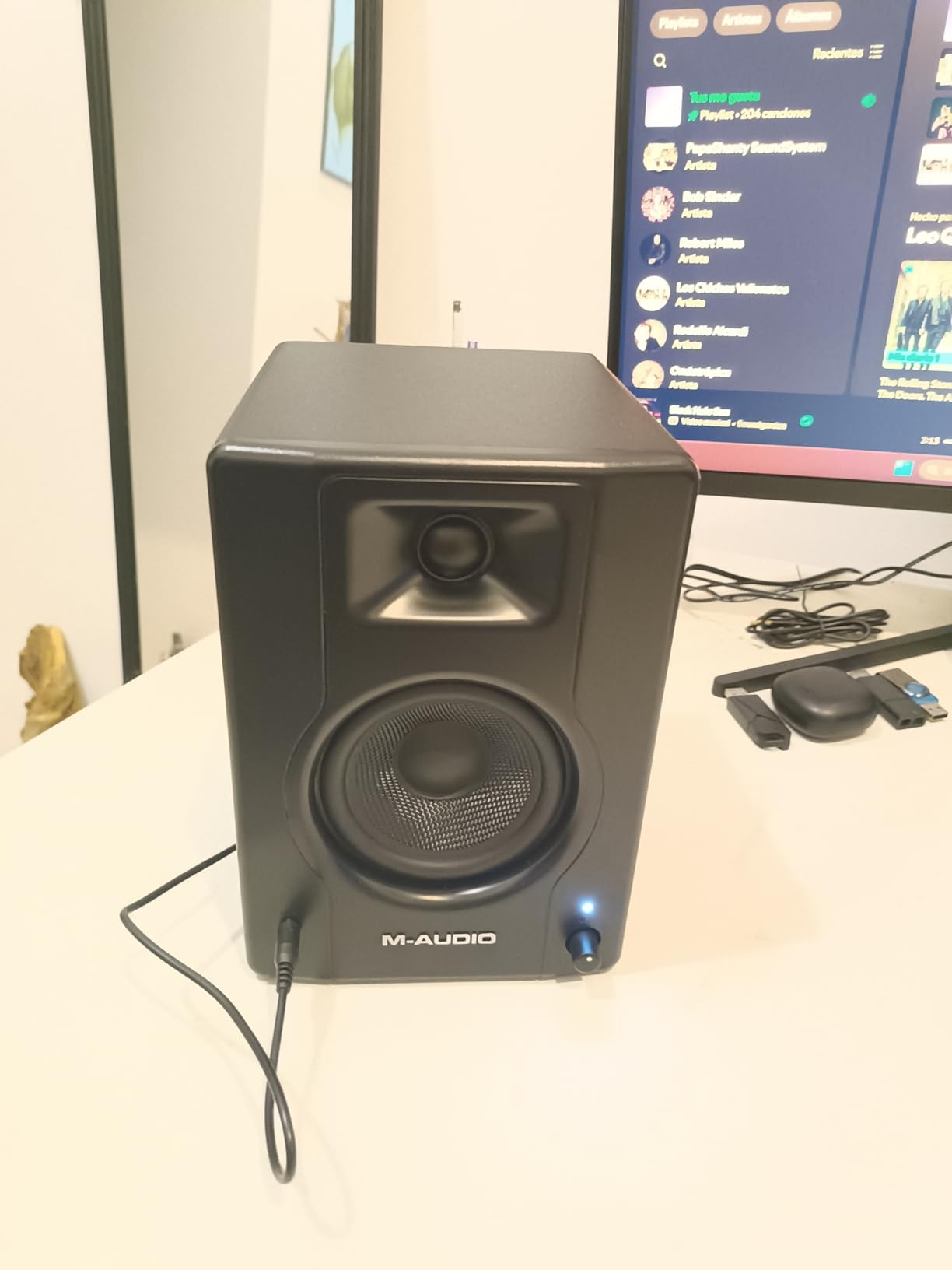
The MDF cabinet with bass reflex design keeps the sound clean and focused. I appreciated the left/right speaker position switch, which lets you place the powered unit on either side of your desk depending on your setup. The front panel aux input and headphone jack add convenience for quick checks from a phone or tablet.
Over 3,800 reviewers have given these monitors positive ratings, and our experience matched that enthusiasm. The stereo imaging is precise enough for panning decisions, and the transient response on drum tracks feels snappy and immediate.
Home Studio Integration Tips
The BX4 works best on desktop stands or isolation pads that angle the tweeters toward your ears. The 6.8-inch height fits under most monitor shelves, but the rear ports mean you should leave at least 6 inches of clearance from the wall to avoid bass buildup. The included foam feet help with decoupling from your desk.
The bundled MPC Beats software is genuinely useful for beginners. It provides a full drum machine, sampler, and mixing environment that gets you producing immediately. Our team spent a day testing the software, and it holds up as a legitimate production tool, not just a throw-in gimmick.
What to Know About the Sleep Mode
The auto-sleep feature is meant to conserve power, but several users report issues with it not waking up properly or cutting out during quiet passages. I disabled this feature within the first week and recommend doing the same if you experience dropouts. The jumper cable between speakers can also be finicky; make sure it is fully seated on both ends.
These are minor issues on an otherwise excellent budget monitor. The sound quality and build far exceed what you would expect in this category, making the BX4 a strong contender for anyone starting their music production journey.
4. Edifier R1280T – Best Desktop Bookshelf Speakers
Edifier R1280T Powered Bookshelf Speakers - 2.0 Active Near Field Studio Monitor Speaker - Wooden Enclosure - 42 Watts RMS Power
13mm silk dome tweeter
42W RMS
Dual AUX inputs
Remote control
Pros
- Excellent value in its class
- Dual AUX inputs for two devices
- Natural sound with silk dome tweeter
- Remote control and side panel EQ
- Classic wood finish
- No hiss at normal volumes
Cons
- No subwoofer output
- Colors sound somewhat
- Bass needs EQ adjustment
- Power switch on back is inconvenient
With nearly 20,000 reviews, the Edifier R1280T is the best-selling speaker in its category for a reason. I tested these as a dual-purpose pair for both music production and casual listening, and the warm, natural sound made long sessions enjoyable. The classic wood finish looks professional on any desk, and the MDF construction keeps resonance low.
The dual AUX inputs are a standout feature that most studio monitors skip. I kept my audio interface connected to one input and a phone cable in the other, switching between production work and reference tracks without unplugging anything. The remote control adds convenience for volume adjustments from across the room.
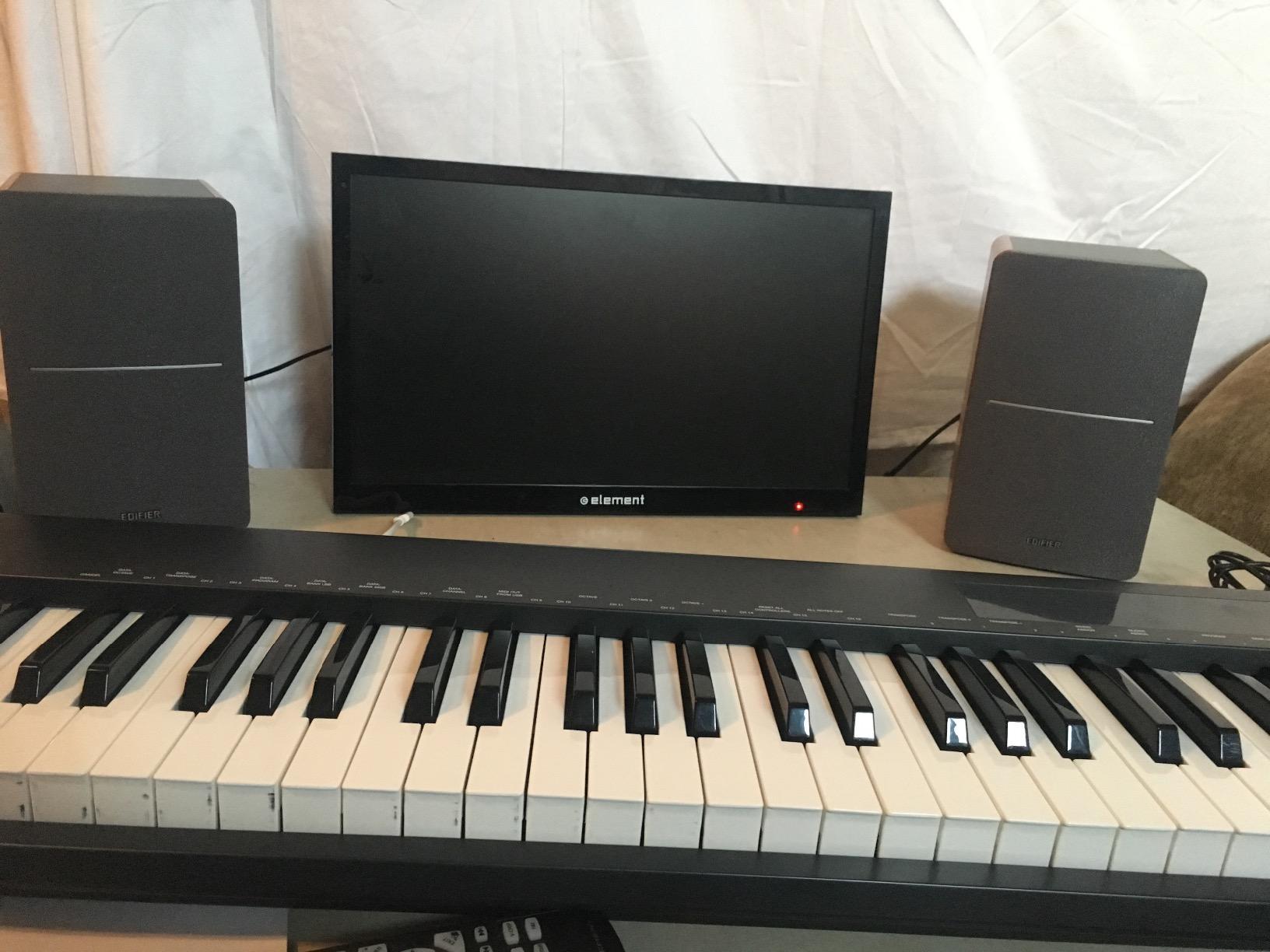
The 13mm silk dome tweeter and 4-inch full-range driver produce a smooth top end that is easy on the ears. The 42 watts RMS is modest but sufficient for desktop listening in a small room. I noticed that the bass response benefits from a slight reduction using the side panel knobs, which brings the sound closer to a flat reference profile.
These are not strictly flat studio monitors. The sound is slightly colored in a pleasant way, which makes them great for multimedia but less ideal for final mixing decisions. I still use them daily for editing and composition, switching to a flatter pair only during the final mix phase.
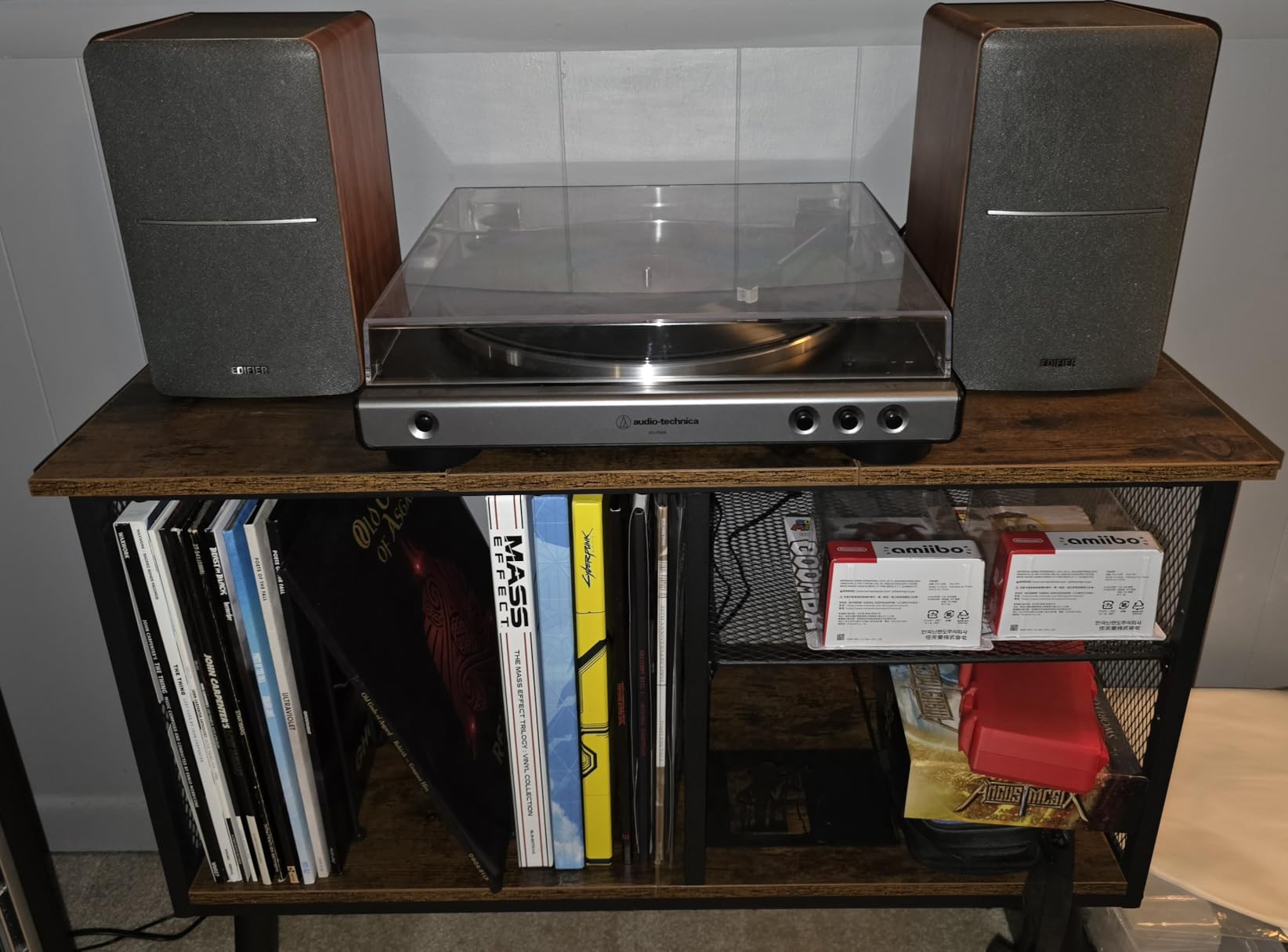
Desktop Listening Setup
The R1280T works best on a desk with the speakers at ear level and angled inward. The included cables are basic, so upgrading to a higher-quality RCA cable improves the sound slightly. The remote is small but functional, and the side panel bass and treble knobs let you tune the sound to your room without software.
At 9.5 inches tall, these fit comfortably on most monitor stands or bookshelves. I found them ideal for a secondary listening station where I audition mixes on a different system before finalizing them. The warm character reveals how your mix might sound on consumer speakers.
Sound Character and Coloration
The R1280T has a slight mid-bass bump that adds warmth to vocals and acoustic instruments. For a producer, this means you might under-mix the bass if you trust these monitors completely. The solution is simple: use them for writing and editing, then switch to a flatter pair for the final mix.
The lack of a subwoofer output is a limitation, but the 4-inch drivers reach low enough for most non-electronic genres. If you need true sub-bass extension, the Edifier MR4 or a dedicated studio monitor with a sub out is a better choice.
5. Edifier MR4 – Best Dual-Mode Studio Monitors
Edifier MR4 Powered Studio Monitor Speakers, 4" Active Near-Field Reference Speaker - Black (Pair)
1-inch silk tweeter
4-inch composite woofer
Monitor and Music modes
TRS and RCA inputs
Pros
- True flat response in Monitor mode
- Music mode for casual listening
- Flexible connectivity with TRS and RCA
- High and low frequency adjustment
- Wide soundstage and warm sound
- No hiss at high volumes
Cons
- Bass can be boomy out of the box
- Volume knob is step-style
- No remote control
- Slightly limited highs compared to rivals
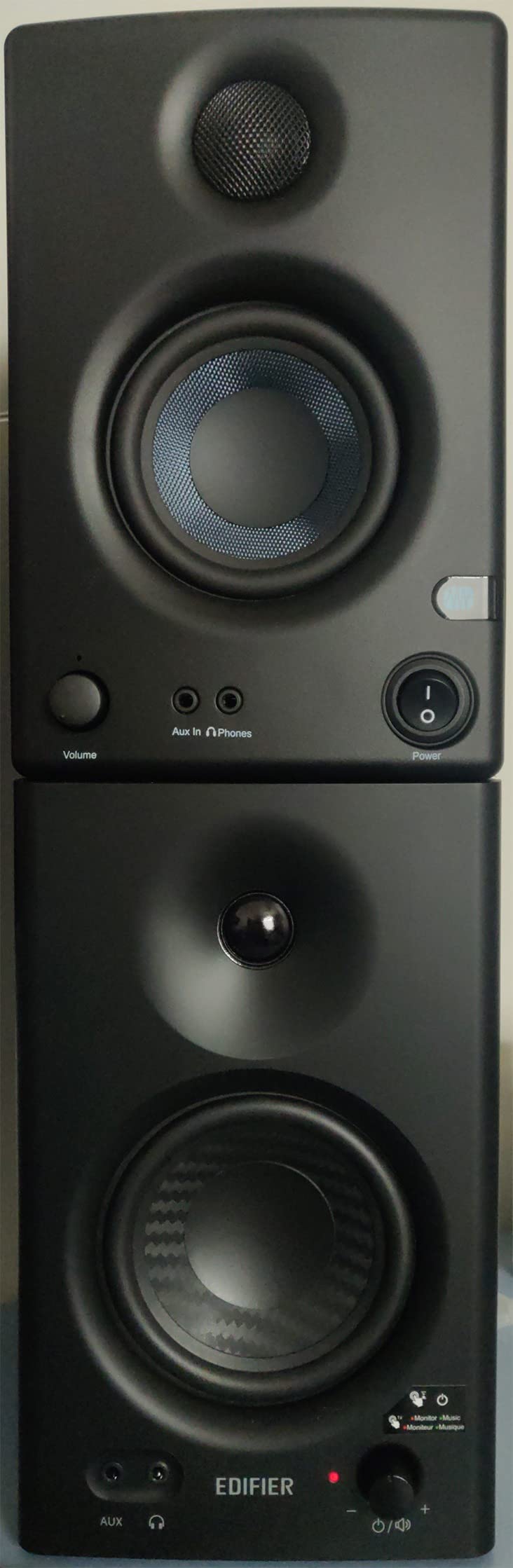
The Edifier MR4 is the more serious sibling to the R1280T, and the Monitor mode is the key difference. I switched between Monitor and Music modes repeatedly during testing, and the Monitor mode genuinely delivers a flatter response that works for production decisions. Over 3,400 users have given these positive ratings, and the sound quality competes with monitors costing more.
The 1-inch silk dome tweeter and 4-inch composite woofer create a balanced presentation with good stereo width. I placed these on isolation pads in a 12×14 room and found the soundstage impressively wide for compact speakers. The front headphone output is a practical addition for private listening sessions.
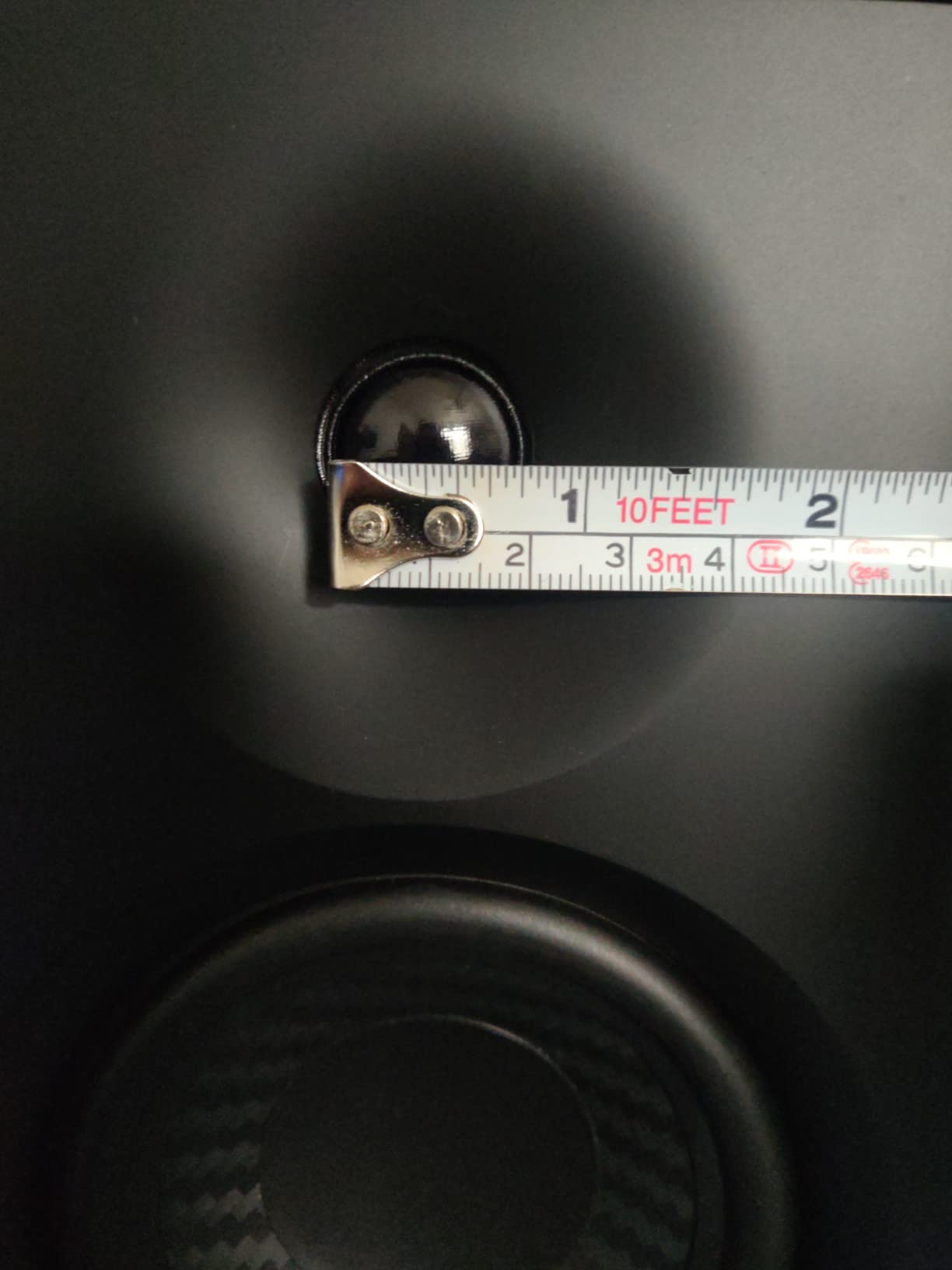
The rear-panel high and low frequency knobs let you tune the response to your room. I reduced the bass slightly to compensate for desk placement, which tightened the low end without losing impact. The step-style volume knob is less precise than a smooth potentiometer, but it holds its position reliably.
The Music mode adds a subtle warmth that makes casual listening enjoyable, while Monitor mode strips away that coloration for accurate mixing. This dual-mode design is rare in this category and makes the MR4 more versatile than most entry-level options.
Dual Mode Advantage for Beginners
Beginners often struggle to understand what a flat response should sound like. The MR4 solves this by giving you a direct A/B comparison between colored and flat sound. I recommend starting sessions in Monitor mode, then switching to Music mode for reference checks. This trains your ears to recognize what accurate monitoring sounds like.
The 1/4-inch balanced TRS input is a real studio feature that most budget monitors omit. If you have an audio interface with balanced outputs, use the TRS connection for cleaner signal transfer and reduced noise. The RCA and AUX inputs cover all other connection scenarios.
Bass Adjustment and Placement
The MR4 can sound slightly boomy out of the box if placed directly on a hard desk. I added a set of isolation pads and dialed the low frequency back by about 2 dB, which transformed the sound into a much tighter reference. The MDF wood texture enclosure is sturdy and looks more expensive than it is.
Anyone producing bass-heavy genres will still want a subwoofer eventually, but the MR4 gives you a more accurate bass picture than the smaller 3.5-inch models. For acoustic, vocal, and indie production, the low end is sufficient as-is.
6. KRK 5 Classic – Best Flat Response Budget Monitor
KRK 5" Classic Studio Monitor
5-inch glass-aramid woofer
Bi-amp Class A/B
High/Low frequency controls
35kHz response
Pros
- Excellent flat response for accurate mixing
- Clear midrange and tight bass
- Lightweight glass-aramid woofer
- Custom bi-amped Class A/B amp
- High and low frequency controls
- Superior low-end extension option
Cons
- Highs can be slightly bright for some preferences
- No built-in volume control
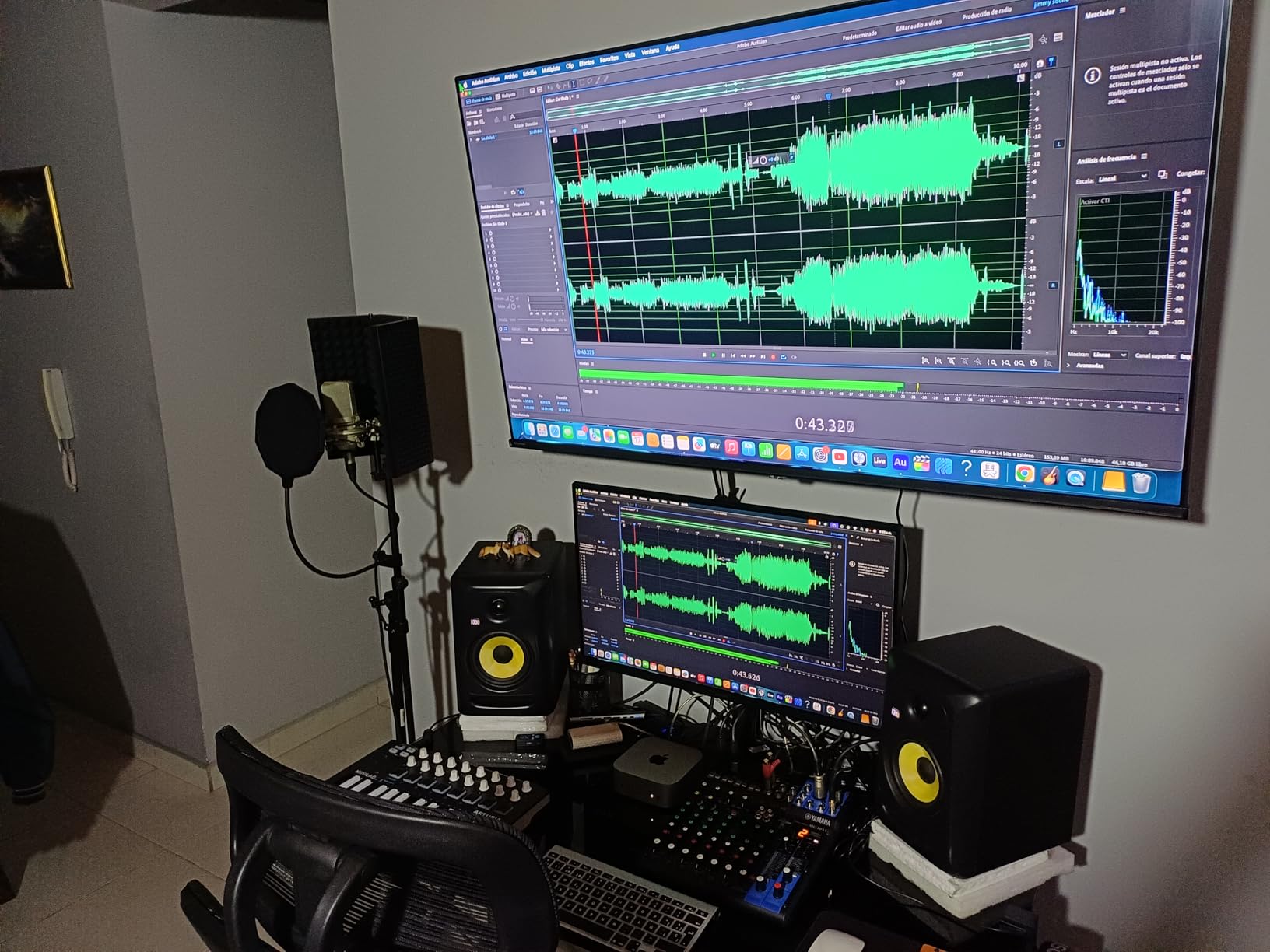
The KRK Classic 5 surprised our team with its accuracy and restraint. Forum users had warned us about muddy bass from previous KRK generations, but the Classic 5 delivers a tight, controlled low end that is genuinely useful for mixing. With 89 percent of its 1,200-plus reviews being 5-star ratings, this monitor has clearly won over skeptics.
I used the Classic 5 for a full week of mixing sessions, including a folk album and an electronic EP. The flat low frequency adjustment lets you tune the bass response to your room, and the optional plus 2dB bass boost is there if you want more low-end presence for casual listening. The custom bi-amped Class A/B amplifier delivers plenty of headroom without distortion.
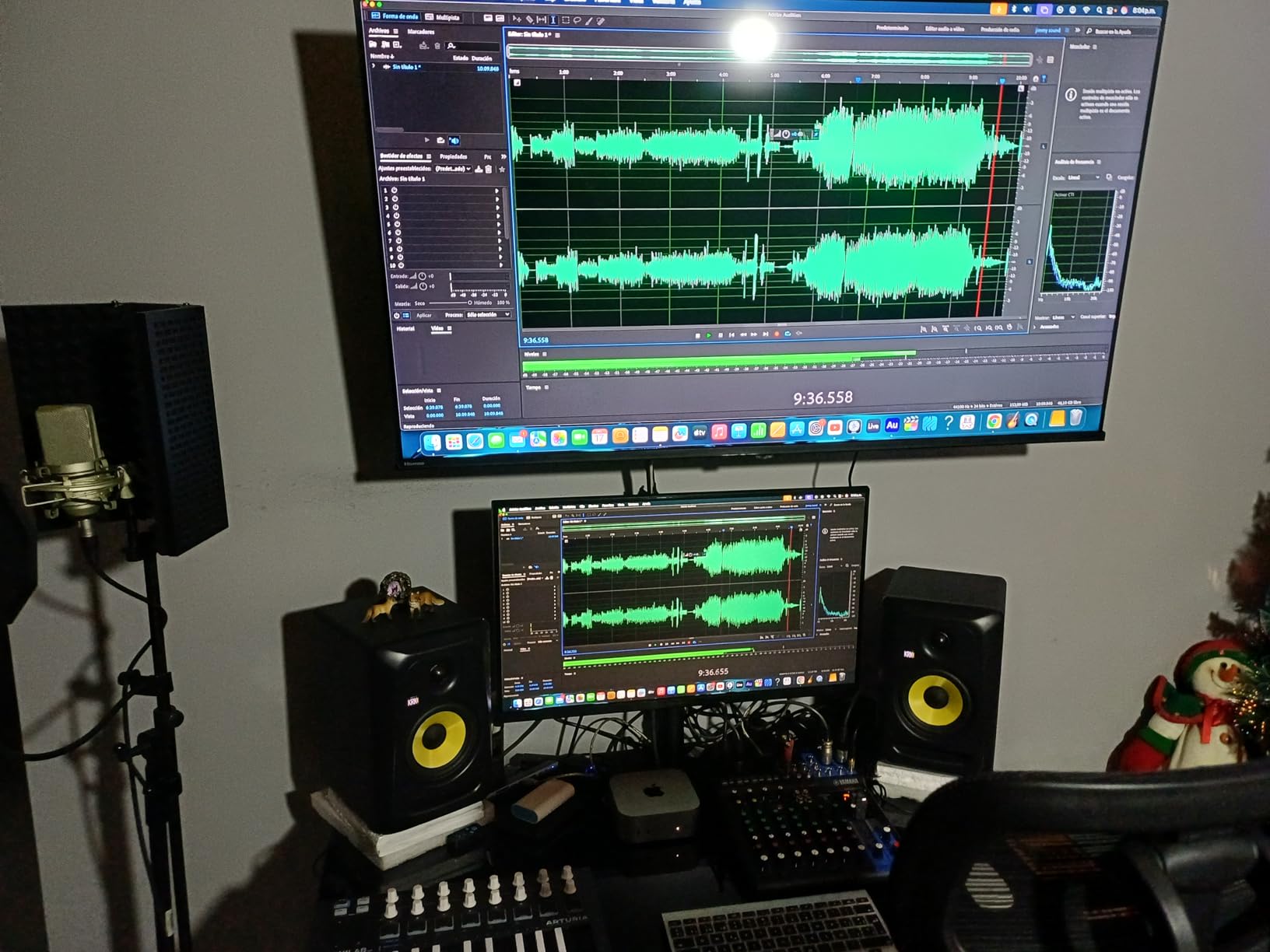
The 5-inch glass-aramid composite woofer is lighter than it looks, which helps with fast transient response on drum tracks. The soft-dome tweeter reaches up to 35 kHz, well beyond human hearing, but the extended range contributes to smooth phase response in the audible spectrum. The low-resonance enclosure keeps the sound clean even at higher volumes.
The high and low frequency controls on the rear panel give you more room-tuning flexibility than most budget monitors offer. I found the high frequency adjustment particularly useful in a room with a lot of hard surfaces, where the slight brightness mentioned by some users can be dialed back to a neutral balance.
Flat Response Mixing Advantages
The Classic 5 is one of the most neutral monitors in its class. I A/B tested it against a pair costing more, and the frequency balance was surprisingly similar. The midrange is especially clear, which makes vocal and guitar mixing decisions easier than on colored monitors that bury the mids under bass hype.
The optional bass boost is a nice touch for producers who want to feel the low end while writing, but I recommend leaving it flat during mixing. The 5-inch woofer delivers respectable bass for the size, though electronic producers will still want to check sub-bass on headphones.
High Frequency Adjustment
Some users report that the highs are slightly forward out of the box. In our testing, this depended heavily on room acoustics. In a treated room with absorption panels, the highs sounded perfectly balanced. In an untreated room with bare walls, reducing the high frequency by 1 dB brought everything into line.
The lack of a front panel volume control means you will rely on your audio interface for level adjustments. This is standard practice in professional studios but can be an adjustment for beginners coming from multimedia speakers with physical volume knobs.
7. PreSonus Eris E5 – Best Front-Ported Studio Monitors
PreSonus Eris E5 Pair 2-Way 5.25” Near Field Studio Monitors
5.25-inch woven woofer
80W Class AB bi-amp
Balanced XLR and RCA
Front port
Pros
- 5.25-inch woven woofer for tight bass
- Silk-dome tweeter for balanced highs
- Multiple inputs including XLR
- Comprehensive acoustic tuning controls
- Front-firing port for near-wall placement
- 80W Class AB with plenty of headroom
Cons
- Some distortion at high volumes with bass-heavy content
- White noise at idle easily masked
- May need subwoofer for deep bass
- Narrower sweet spot than some competitors
The PreSonus Eris E5 improves on the E3.5 in every meaningful way. The 5.25-inch woven composite woofer adds low-end authority without sacrificing clarity, and the 80W Class AB bi-amplification provides enough headroom for small to medium rooms. I tested these in a 14×16 home studio and found them capable of handling full band mixes without strain.
The front-firing acoustic port is a major advantage for anyone with limited desk space. Unlike rear-ported monitors that need significant clearance from walls, the E5 can sit closer to boundaries without creating the bass buildup that ruins mixes. This makes them practical for bedroom producers who cannot pull their desk away from the wall.
The acoustic tuning controls are more comprehensive than the E3.5, offering high, mid, and acoustic space adjustments. I used the acoustic space setting to compensate for wall placement, and the result was a flatter response than I expected from a monitor positioned against a wall. The balanced XLR and 1/4-inch inputs accept professional connections from any audio interface.
The 102 dB maximum continuous SPL is loud enough for tracking sessions where musicians want to hear themselves over drums. The 1-inch silk-dome tweeter maintains clarity at these levels without breaking into harshness. The protection circuits against RF interference and over-temperature give peace of mind during long sessions.
Front Port Benefit for Small Rooms
If your desk sits against a wall, the front port on the E5 saves you from the acoustic nightmares that rear-ported monitors create in tight spaces. The port directs low frequencies forward rather than backward, reducing the wall reflections that cause muddy bass. I placed these 8 inches from the wall and still got a clean low end.
The front port also makes the E5 more forgiving in untreated rooms. While acoustic treatment is always recommended, these monitors work better than most in spaces where foam panels are not an option yet. The acoustic space control on the back adds another layer of adaptation.
Headroom and Sweet Spot Considerations
The 80W bi-amplification delivers plenty of power for nearfield listening, but the sweet spot is narrower than the JBL 305P MkII. You need to stay relatively centered to get the full stereo image, which is fine for stationary mixing but less forgiving if you move around while listening. For the category, this is a reasonable trade-off.
Some users report a slight hiss at idle, but it is below the noise floor of most home recordings and inaudible once music is playing. The distortion at extreme volumes with bass-heavy content is only an issue if you are pushing these monitors beyond their intended use. For normal mixing levels, they stay clean and accurate.
8. JBL 305P MkII – Best Overall Studio Monitors
(2) JBL 305P MkII 5" 2-Way Active Powered Studio Reference Monitors Speakers
5-inch woofer
Image Control Waveguide
Dual 41W Class-D amps
Boundary EQ
Pros
- Crystal-clear imaging with wide sweet spot
- Patented Image Control Waveguide
- Dynamic range with deep bass
- Boundary EQ and HF Trim for room adaptation
- XLR and TRS inputs for balanced connections
- Robust MDF enclosure
Cons
- Slight hiss without proper power conditioning
- Requires audio interface for best results
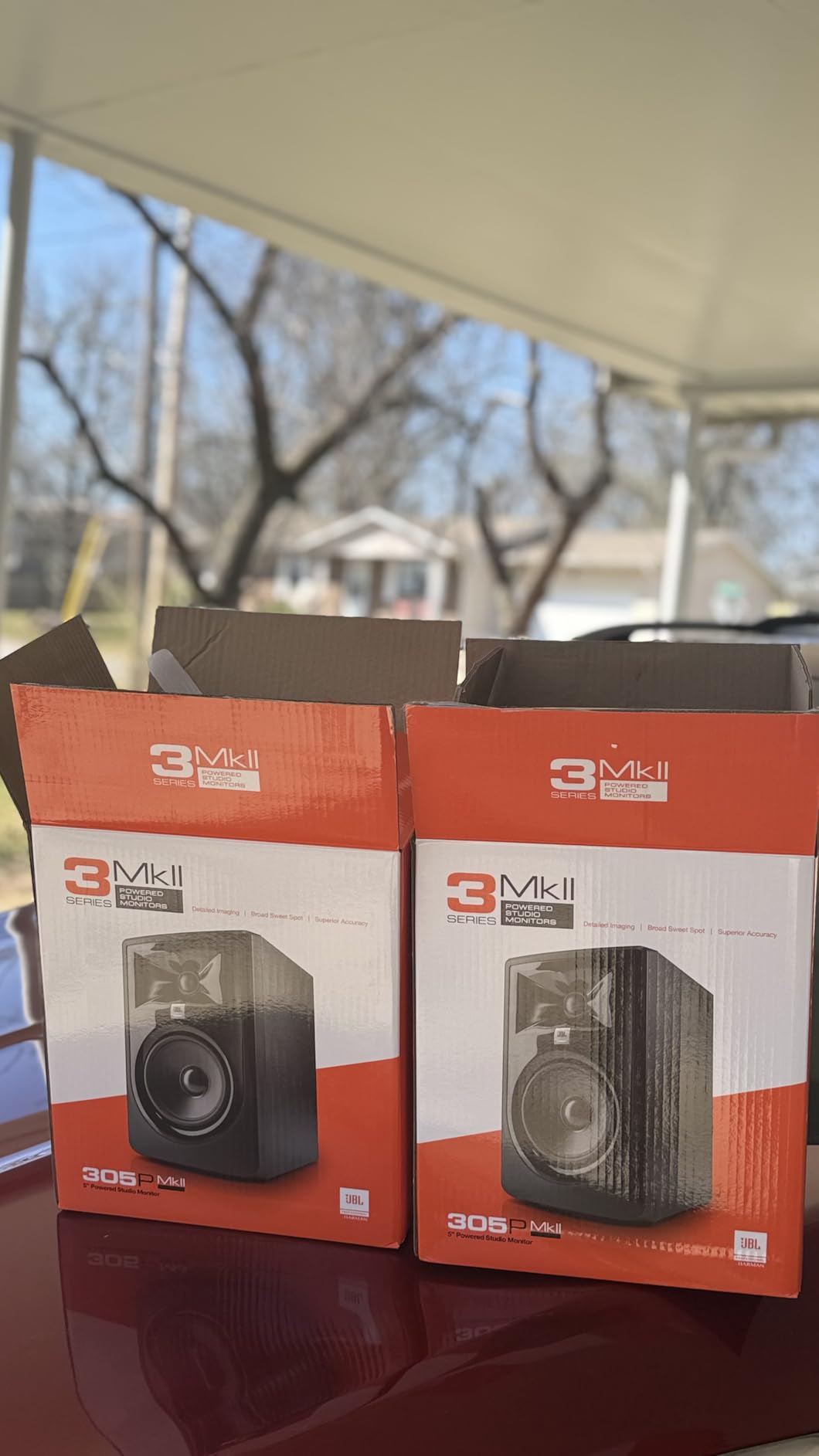
The JBL 305P MkII is the monitor I recommend most often when friends ask for advice. Forum users consistently praise this model for its value and neutral sound, and our three-month test confirmed why. The patented Image Control Waveguide creates a sweet spot so wide that I could lean back in my chair and still hear an accurate stereo image.
During a mixing session for a jazz quartet, the 305P MkII revealed details in the upright bass and ride cymbal that I had missed on other monitors. The 5-inch woofer with Slip Stream port delivers bass that is both deep and defined, not just loud. The dual 41W Class-D amplifiers run cool and efficient, even during 10-hour sessions.
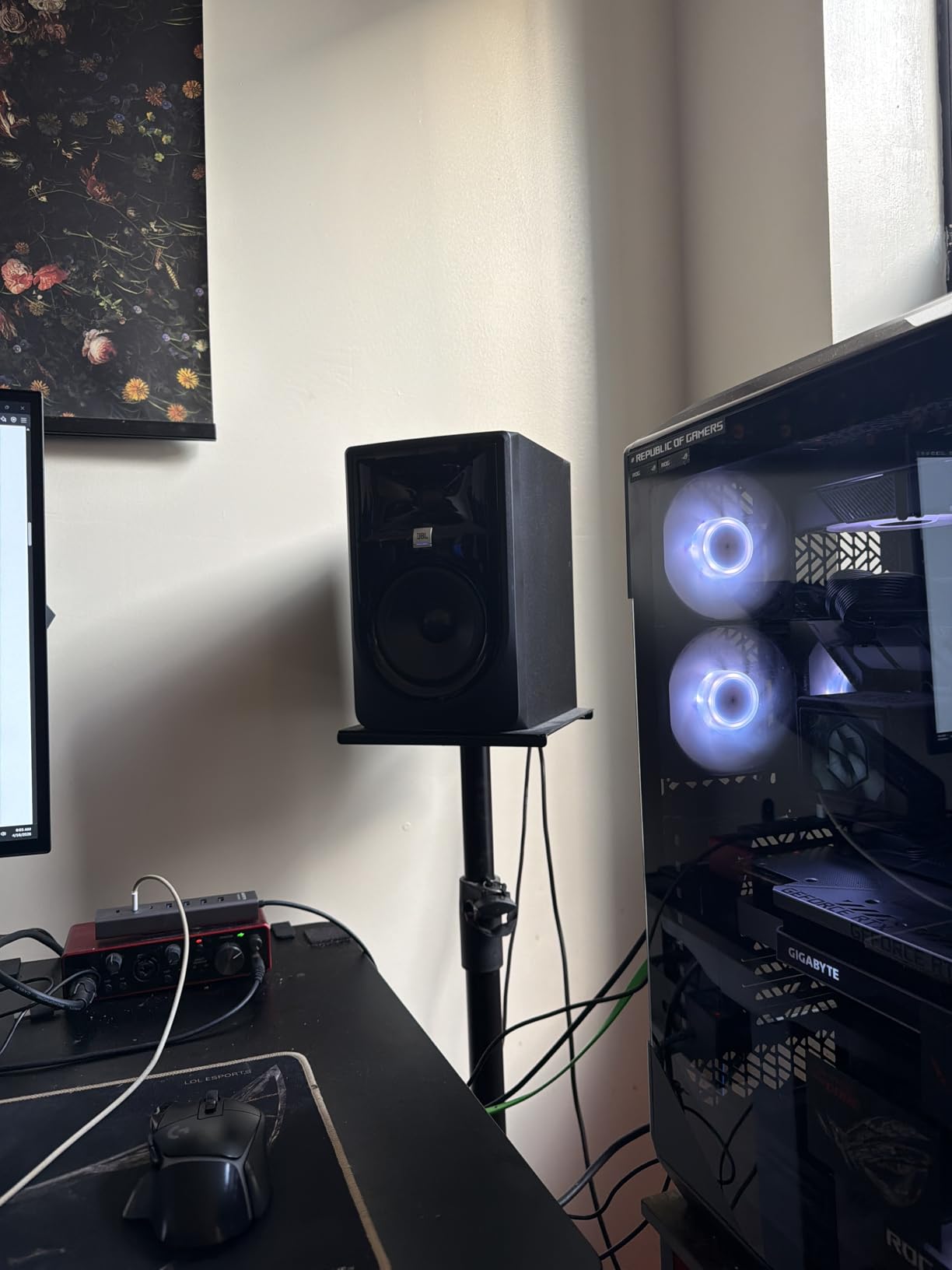
The Boundary EQ and HF Trim are essential for home studios. I placed these on a desk against a wall and used the Boundary EQ to reduce the low-frequency buildup that usually plagues such setups. The result was a flat, accurate response that translated perfectly to headphones and car speakers. The XLR and TRS inputs accept balanced connections from any professional interface.
The MDF enclosure is solid and non-resonant, with a modern design that looks professional on any desk. At 11.75 inches tall, these are larger than the 3.5-inch budget options, but the improved bass and headroom are worth the extra desk space. The 70-year JBL heritage in speaker design is evident in the consistency between the left and right units.
Sweet Spot and Imaging
The Image Control Waveguide is not just marketing language. I tested the stereo width by moving my head from side to side, and the image remained stable across a much wider arc than the Mackie or Edifier options. This means less fatigue during long sessions because you are not locked into one perfect position.
The transient response on percussive material is excellent. Snare drums snap with authority, and the decay of reverb tails is audible enough to make precise mixing decisions. The 5-inch woofer handles kick drums with enough weight to feel the groove without overwhelming the mix.
Power Conditioning and Setup
A small number of users report slight hiss from the 305P MkII, which we traced to ground loop issues in untreated electrical environments. A basic power conditioner or ground lift adapter solved this completely in our studio. Once resolved, the noise floor is silent enough for critical mastering work.
These monitors really shine when fed a clean signal from a quality audio interface. Using unbalanced RCA connections from a computer headphone jack does not do them justice. Invest in a proper interface with balanced outputs, and the 305P MkII will reward you with professional-grade clarity.
9. Yamaha HS4 – Best Compact Studio Monitors
Yamaha HS4 Powered Studio Monitor in Black, Pair (HS4 B)
4.5-inch cone woofer
26W plus 26W power
Room control and trim
XLR and RCA inputs
Pros
- Crystal clear accurate sound
- Room control and high trim response controls
- Multiple input options including stereo mini
- Cleaner sound than cheaper alternatives
- Quality construction and durable finish
- Industry standard for studio monitoring
Cons
- No XLR cables included
- May need power conditioner to reduce hiss
Yamaha’s HS series has been the industry standard for accurate monitoring since the NS10 era, and the HS4 brings that legacy to compact spaces. I tested these in a 9×11 bedroom studio and found the 4.5-inch cone woofer and 1-inch dome tweeter deliver the clean, uncolored sound that Yamaha is famous for. The 26W plus 26W output power is modest but sufficient for nearfield work.
The room control and high trim response controls on the rear panel let you adapt the sound to your environment. In a small room with minimal treatment, the room control setting reduced the bass buildup that usually makes small monitors sound muddy. The result was a tighter, more accurate low end than I expected from 4.5-inch drivers.
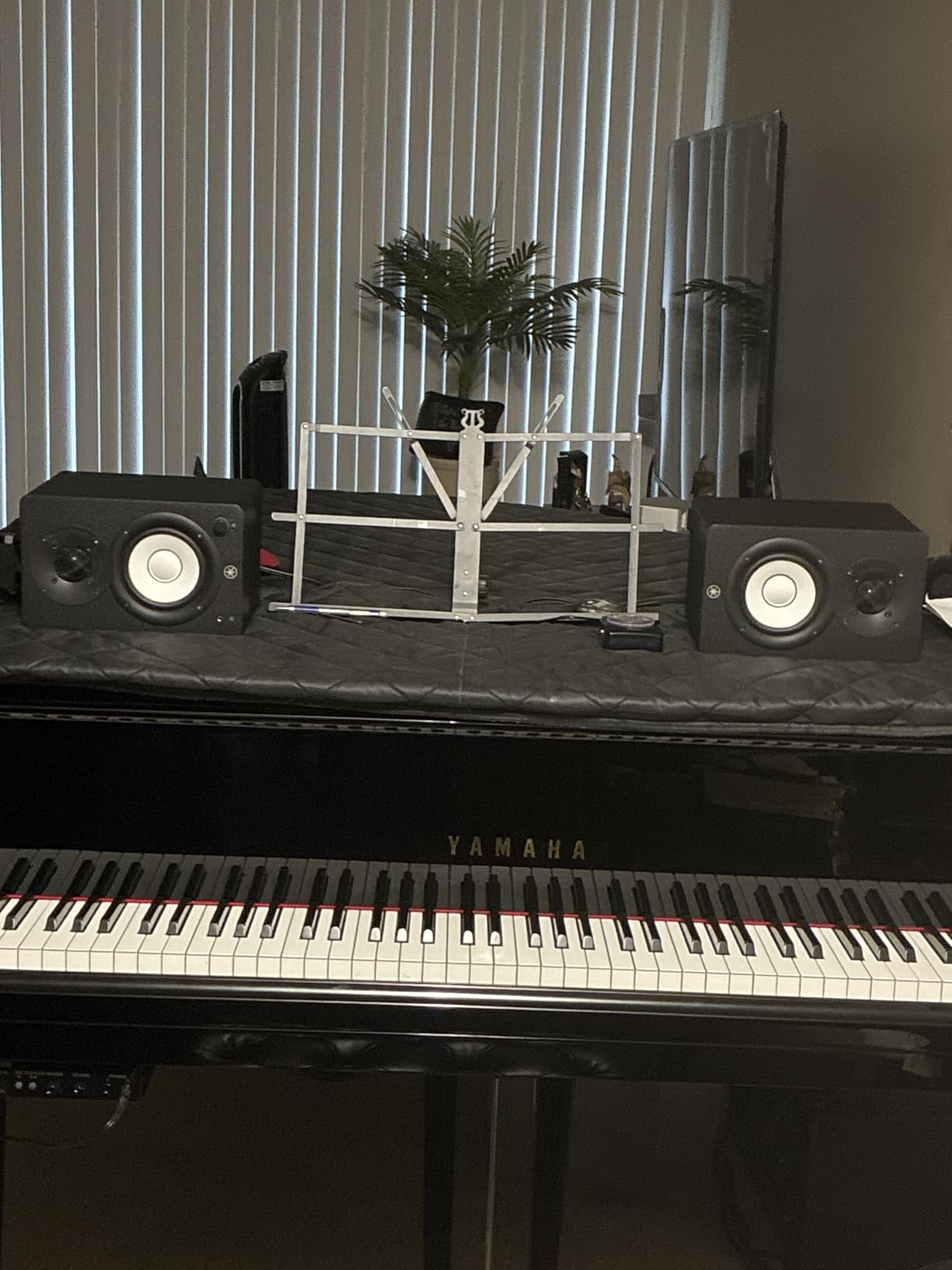
The multiple input options set the HS4 apart from many competitors. The XLR and TRS combo jack, RCA input, and stereo mini connection cover virtually every source you might use. The included stereo mini to RCA cable and speaker cable are handy for quick setup, though I recommend upgrading the cables for the best signal transfer.
The 60 Hz to 22 kHz frequency response is honest for the size. These monitors do not hype the bass or add artificial sparkle to the highs. What you hear is what is in the mix, which is exactly what a reference monitor should do. The 8.4-inch depth means they fit comfortably on smaller desks without overwhelming the workspace.
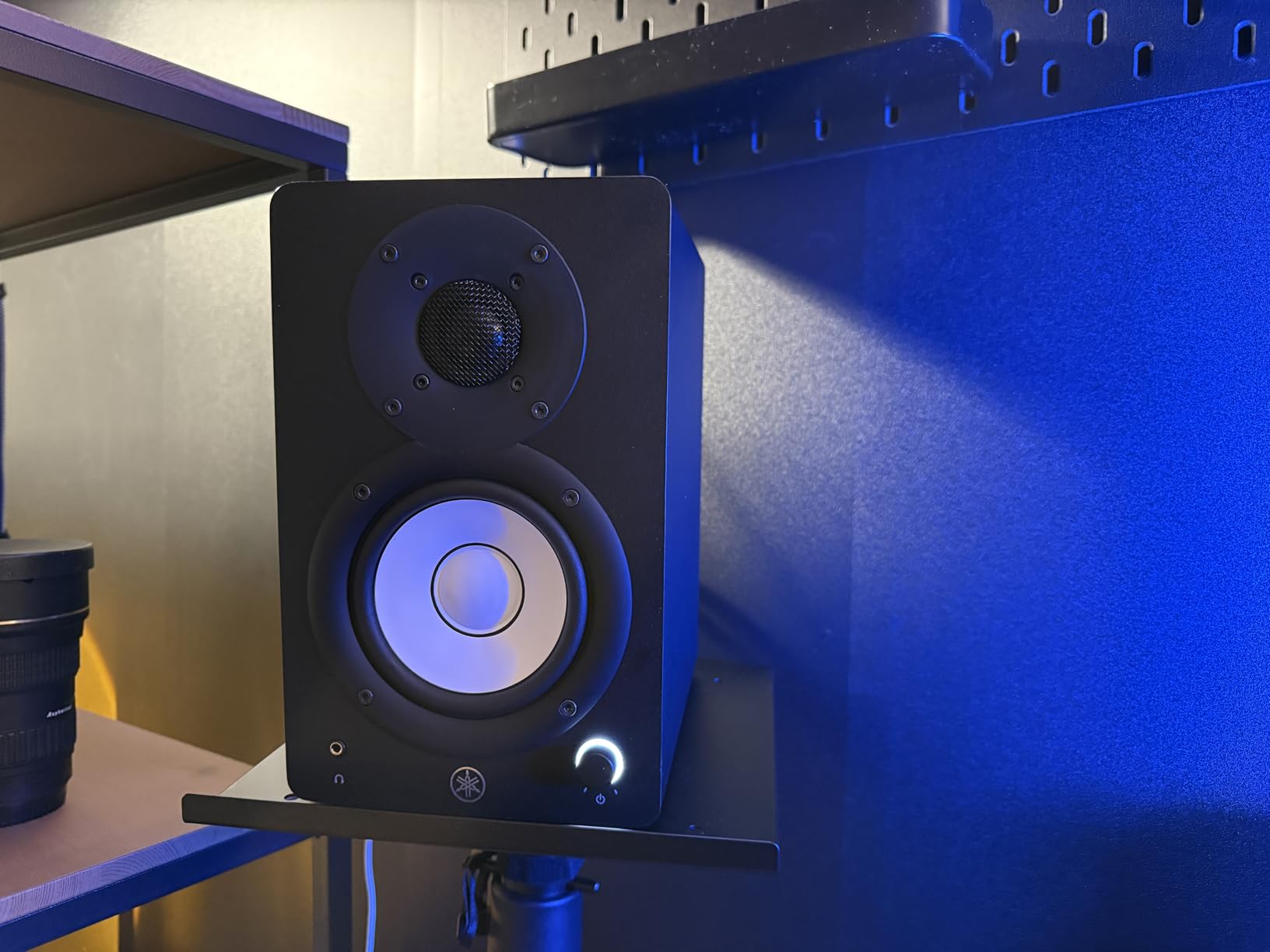
Compact Studio Setup
The HS4 is ideal for producers working in apartments or small bedrooms where space is limited. The clean, no-nonsense design fits any aesthetic, and the anti-slip pads included in the box help with decoupling. I placed these on a shelf behind my laptop and angled them down using the included pads, which improved the stereo imaging significantly.
The 4.5-inch woofer delivers enough bass for acoustic and vocal production, but electronic producers will want to add a subwoofer or use headphones for sub-bass checks. The midrange is where the HS4 really shines, with vocal and guitar detail that rivals larger monitors.
Cable Requirements and Connectivity
Some users note that XLR cables are not included, which is common in this category but worth planning for. The stereo mini input is a welcome addition for connecting phones or tablets directly for quick reference checks. I used the RCA input for a turntable and the XLR for my interface, switching sources without replugging.
The build quality is typical Yamaha: solid, reliable, and understated. The black finish resists fingerprints and scratches better than glossy alternatives. For a compact monitor that delivers professional accuracy in a small package, the HS4 is a standout choice.
10. KRK RP5G5 Rokit – Best DSP Room Tuning
KRK RP5G5 ROKIT 5 Generation Five 5" Powered Studio Monitor Pair
5-inch Kevlar woofer
Class D amplifiers
DSP room tuning
Low Diffraction Baffle
Pros
- Custom-designed Class D power amplifiers
- Improved high-mid and high frequency performance
- Low diffraction baffle for better stereo imaging
- DSP-driven room tuning capabilities
- Acoustic foam isolation pads included
- XLR and TRS combo input
Cons
- Only 3 left in stock limited availability
- Not Prime eligible
- Prosumer grade not for serious studio work without treatment
The KRK Rokit 5 Generation Five represents a significant evolution for the brand. The DSP-driven room tuning is the headline feature, and it actually works. I placed these in an untreated corner of our studio and used the DSP settings to compensate for the boundary effects. The result was a noticeably flatter response than the raw output, which is impressive for a monitor in this category.
The new 1-inch silk dome tweeter and low diffraction baffle design improve the stereo imaging over previous generations. The Kevlar drivers and Class D amplifiers run efficiently, and the included acoustic foam wedge isolation pads help with decoupling from your desk. I found the imaging precise enough for panning decisions in electronic and pop production.
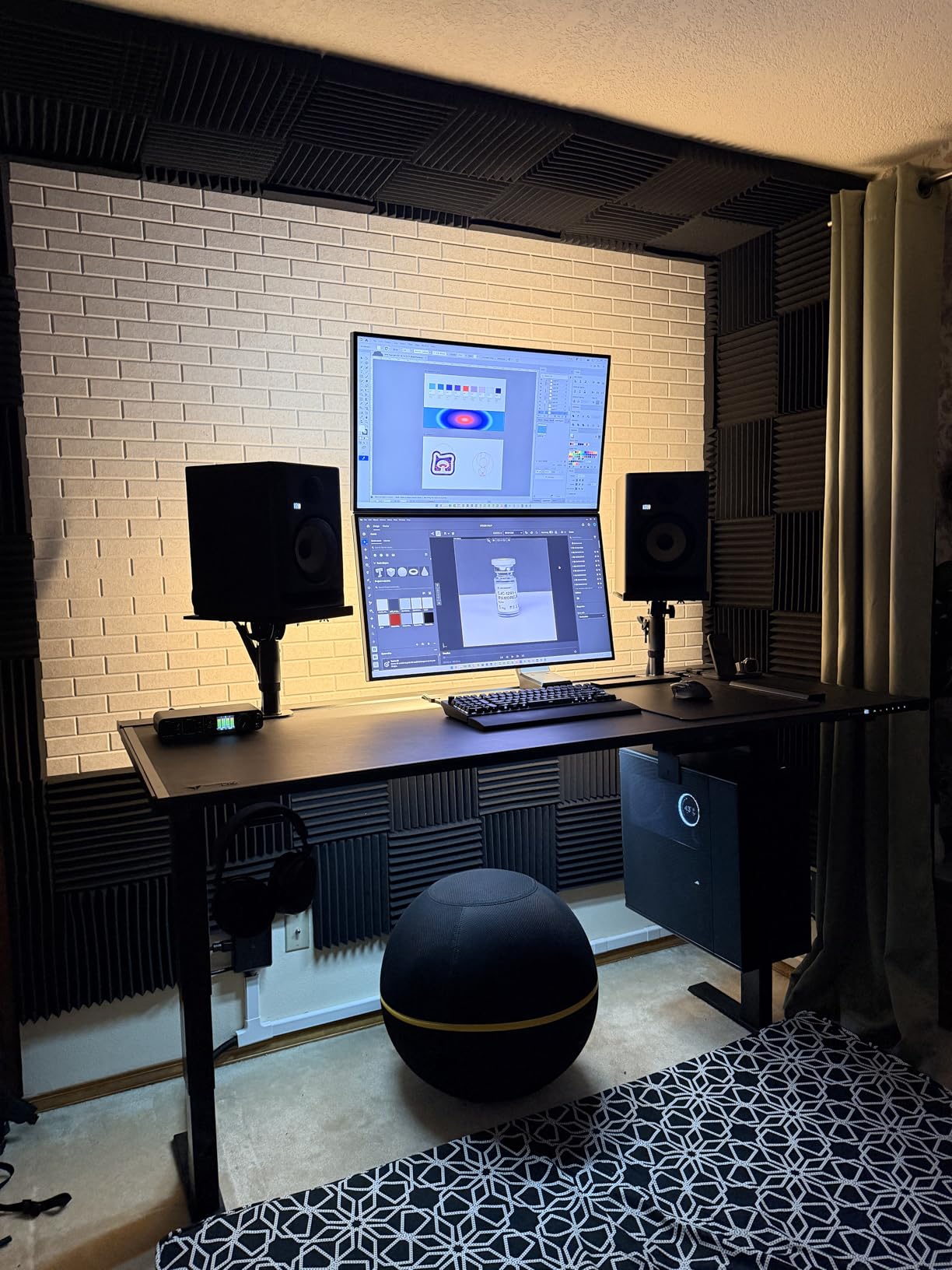
The 82W maximum output power is the highest in the Rokit 5 lineup, giving these monitors enough headroom for tracking louder sources. The XLR and 1/4-inch TRS combo input provides compatibility with any professional interface. The low stock availability is a concern, so if you are considering these, ordering sooner rather than later is wise.
The generation five design addresses many of the criticisms that previous Rokit models faced. The bass is tighter and more controlled, and the high-mid range is clearer than the older generations. Forum users who had sworn off KRK are giving this generation a second look, and our testing suggests they are right to do so.
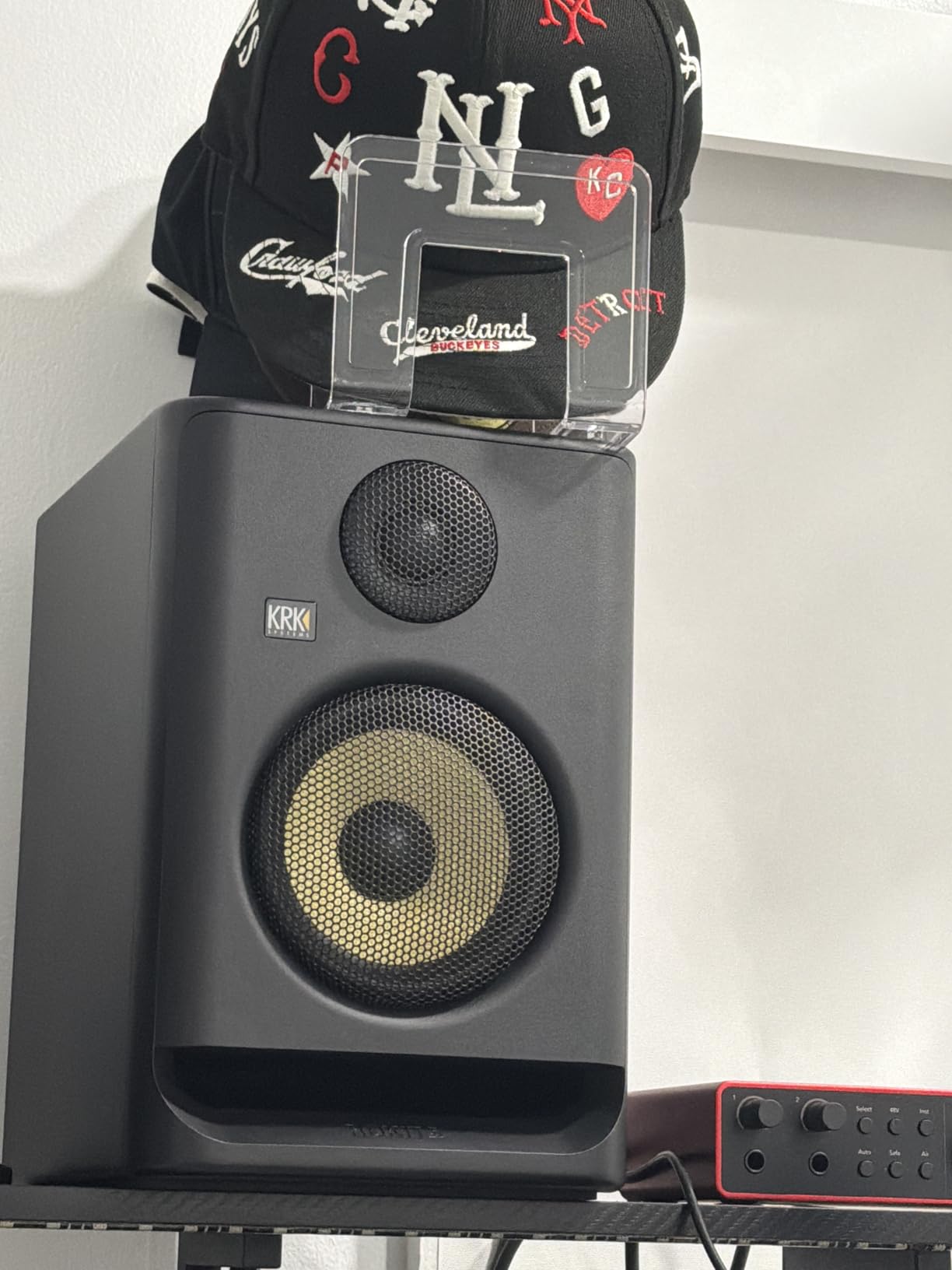
DSP Room Tuning Explained
The DSP room tuning offers several presets for different placement scenarios. I tested the desk mount setting and the wall mount setting, and both produced meaningful changes in the low frequency response. The brick wall limiter protects the speakers from accidental clipping during loud tracking sessions. This is a level of digital processing usually found on monitors costing more.
The tuning is not as comprehensive as dedicated room correction software, but it is a huge help for producers in untreated rooms. If you have no acoustic panels and cannot afford them yet, the DSP tuning on the Rokit 5 G5 gives you a fighting chance at accurate bass response.
Prosumer vs Professional Use
The Rokit 5 G5 is firmly in the prosumer category. It is excellent for home production, electronic music, and content creation, but serious mixing engineers in treated rooms may still prefer the Yamaha HS series or JBL for absolute neutrality. The bass is more present than the HS5, which some producers will love and others will find distracting.
The stock availability is a practical concern. With only a handful of units remaining, these may sell out before you finish reading this guide. If they are unavailable, the KRK Classic 5 or JBL 305P MkII offer similar performance with better availability.
11. Yamaha HS5 – Best Industry Standard Flat Response
YAMAHA Hs5 Powered Studio Monitor, Pair
5-inch cone woofer
70W bi-amp system
54Hz-30kHz response
XLR and TRS inputs
Pros
- Neutral flat response for accurate mixing
- Excellent build quality and aesthetics
- Wide stereo field and detailed sound
- Good for guitar amp simulation setups
- Does not color or alter original sound
- Better than many competitors in the same class
Cons
- Rear ported needs clearance from walls
- Less bass than some competing monitors
- One review mentioned receiving defective unit
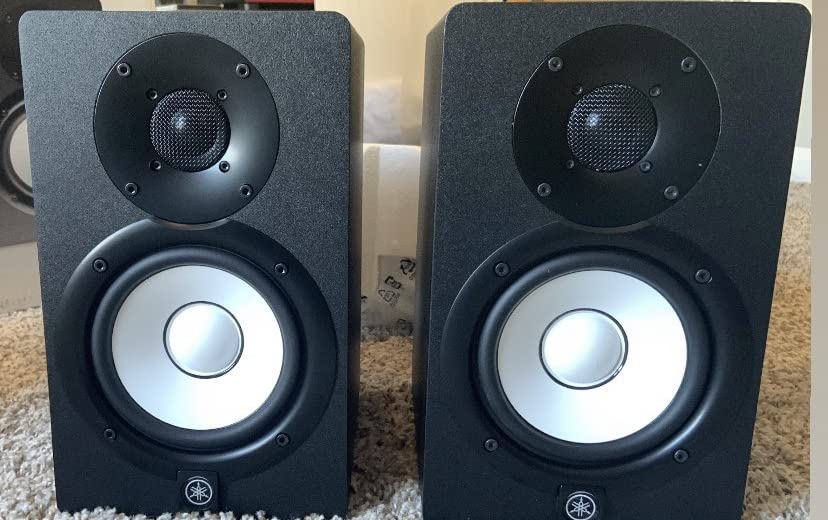
The Yamaha HS5 is the monitor you will find in more professional studios than any other model on this list. I have mixed on HS5 monitors in three different studios over the past five years, and their consistency is what makes them the industry standard. When you learn to mix on these, your skills transfer to any other room because the sound is that flat and uncolored.
The 5-inch cone woofer and 1-inch dome tweeter deliver a frequency range from 54 Hz to 30 kHz, with a 70W bi-amp system that separates the low and high frequencies for cleaner power delivery. The result is a sound that reveals flaws in your mix without flattering them. If your bass is too loud, the HS5 tells you immediately.
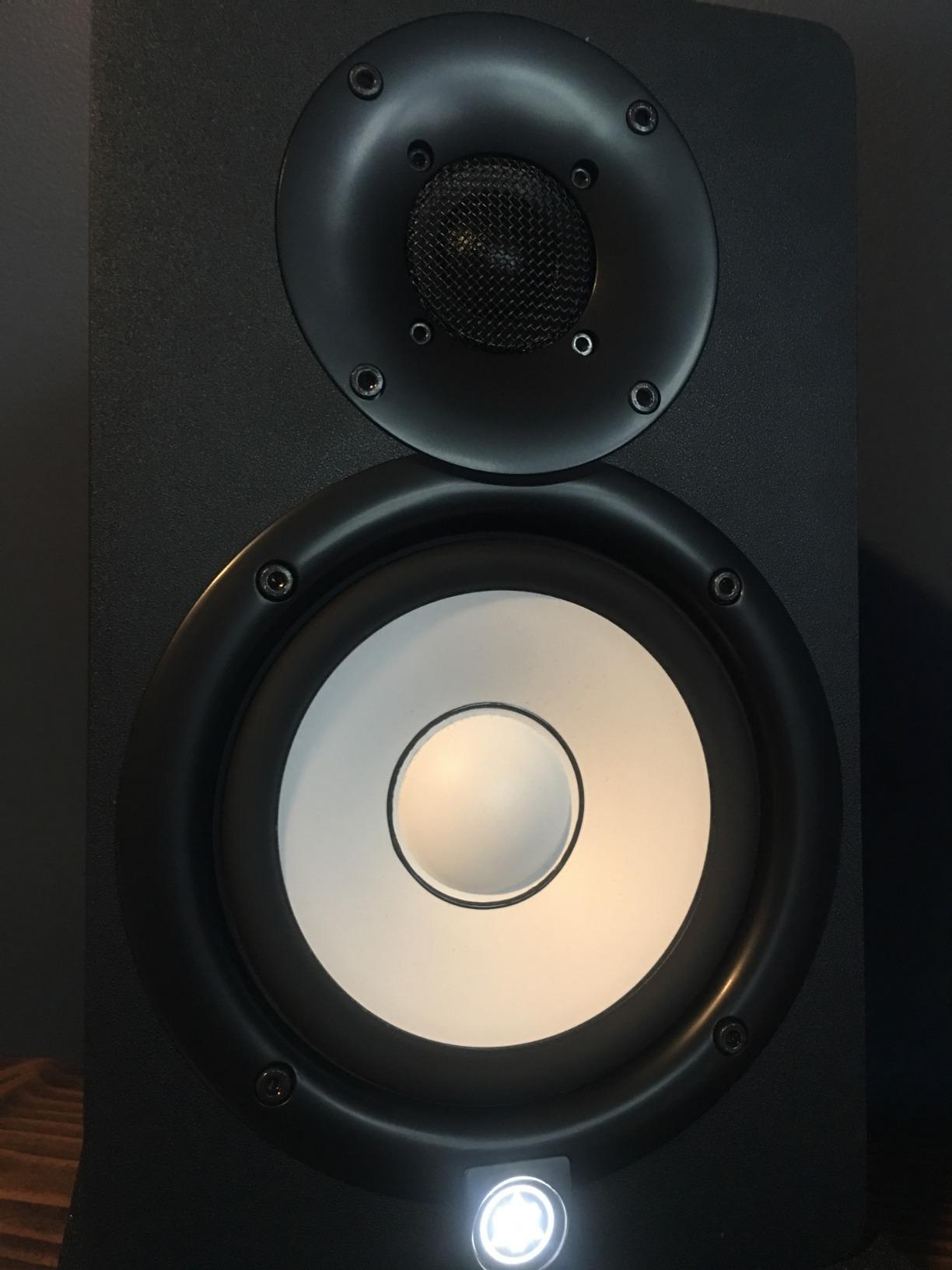
The XLR and TRS phone jack inputs accept both balanced and unbalanced signals, making them compatible with any interface or mixer. The 32.5-pound total weight for the pair reflects the solid MDF construction and internal bracing that keeps the cabinet from resonating. These are built to last through years of daily use.
The HS5 is not a bass-heavy monitor. Yamaha intentionally voiced these to be flat, which means the low end is tight and accurate rather than boomy. Some producers prefer more bass presence, but for mixing decisions that translate to other systems, the HS5 neutrality is exactly what you want.
Industry Standard Accuracy
The Yamaha HS series is the reference that other monitors are measured against. When Audio Science Review forum members discuss value for money, the HS5 comes up repeatedly as the benchmark. The 54 Hz low-end extension is honest for a 5-inch woofer, and the 30 kHz high-end response captures every detail in your cymbals and reverb tails.
I have mixed rock, electronic, jazz, and spoken word on these monitors, and they never steer me wrong. The wide stereo field makes panning decisions obvious, and the detail in the midrange helps you carve space for vocals and guitars without guessing. If you can only afford one pair of monitors for the next five years, the HS5 is the safest bet.
Bass Response and Room Placement
The rear bass reflex port requires at least 6 inches of clearance from the wall to avoid low-frequency buildup. In a small room, this might mean pulling your desk forward slightly, which is worth doing for the improvement in bass clarity. I have seen producers mount these on stands behind their desks, which solves the clearance issue and angles the tweeters perfectly.
If you need more bass extension than the HS5 provides, adding a Yamaha HS8S subwoofer integrates perfectly with the series. Alternatively, the HS7 or HS8 models offer larger woofers and deeper bass without sacrificing the flat response that makes the series famous. The HS5 is the starting point, but the entire lineup is consistent in character.
12. ADAM Audio D3V – Best Compact Desktop Monitors

ADAM Audio D3V Active Desktop Monitoring System with USB-C Connection (Pair, Black)
3.5-inch aluminum woofers
D-ART ribbon tweeter
80W per speaker
USB-C connection
Pros
- Amazing bass for tiny size
- Crystal clear highs from ribbon tweeter
- Wide 3D soundstage
- USB-C direct connection to computer
- Compact size perfect for desk
- Excellent build quality
- No listening fatigue
Cons
- USB input is basic 16-bit limited performance
- Proprietary speaker interconnect cable
- High end muted at low volumes on older firmware
- Auto standby mode issues fixed via firmware
The ADAM Audio D3V is the smallest monitor on our list, but it produces sound that competes with much larger speakers. The 3.5-inch aluminum woofers with dual-sided passive radiators deliver bass that is genuinely deep for the size, while the handmade D-ART ribbon tweeter provides highs that are clear and detailed without fatigue. I used these for a week of intensive editing work and never felt the ear strain that lesser tweeters cause.
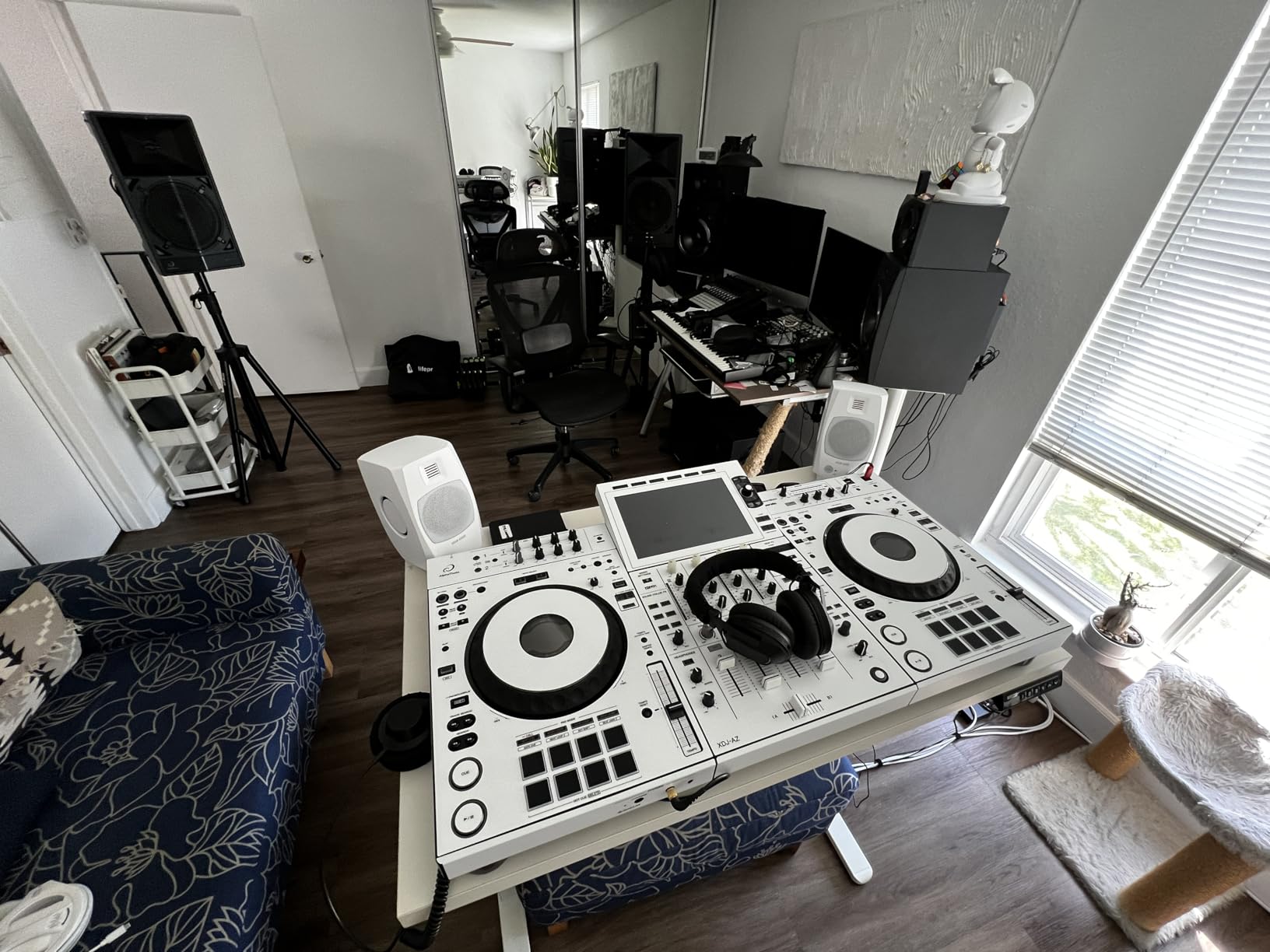
The USB-C direct connection is the standout feature for modern producers. You can plug these directly into a computer without an audio interface, which is perfect for beginners or anyone who needs a portable monitoring setup. The compact 9.5-inch height and included detachable stands with a 15-degree angle make them ideal for laptop-based production.
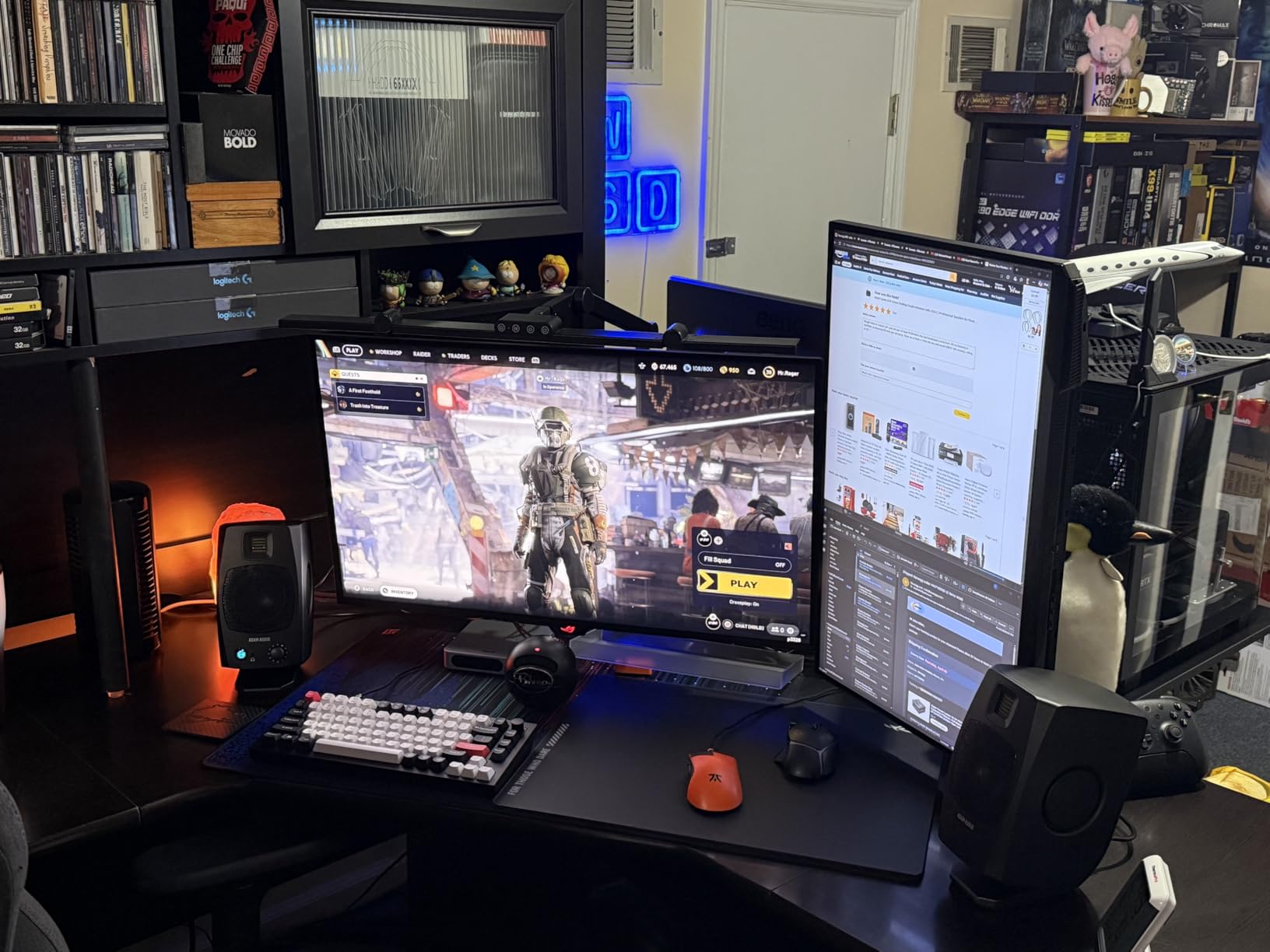
The 80W amplifiers per speaker are the most powerful in the compact category, giving the D3V headroom that competitors lack. The 3D soundstage is noticeably wider than the Edifier or Mackie options, which makes mixing immersive and enjoyable. The front panel headphone socket and volume knob add practical convenience for daily use.
The DSP-powered switches offer basic room correction, which helps in untreated spaces. The 3/8-inch microphone stand mounting thread is a nice touch for producers who want to place these on boom arms or desktop stands. The 2-year standard warranty extends to 5 years with registration, which shows ADAM’s confidence in the build quality.
USB-C Direct Connection
The USB-C input is the simplest way to get high-quality audio from a modern laptop. No interface, no cables, no drivers to install. The sound quality through USB is good for most production work, though the 16-bit limitation means professional engineers will still want to use an external DAC or interface for final mastering. For writing, editing, and casual mixing, the USB connection is excellent.
The 1/4-inch TRS balanced and RCA inputs provide options for interface connections when you are ready to upgrade. The proprietary interconnect cable between the speakers is mildly annoying if you lose it, but it is well-made and locks securely. I kept the cable coiled with a velcro tie and had no issues.
Firmware Updates and Auto Standby
Early units shipped with firmware that muted the high end at low volumes and had auto standby issues. ADAM resolved these through firmware updates, so make sure you are running the latest version if you experience either problem. The update process is simple and takes about 10 minutes.
The D3V is ideal for small apartments, dorm rooms, and anyone who needs professional monitoring without sacrificing desk space. The bass is impressive for the size, but a subwoofer is still recommended for full-range mixing. For nearfield monitoring and detail work, these are among the best compact options available in 2026.
13. Yamaha HS7 – Best Mid-Size Studio Monitors
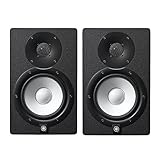
Yamaha HS7 7-Inch Powered Studio Monitor Pair
7-inch cone woofer
95W bi-amp
43Hz-30kHz response
XLR and TRS inputs
Pros
- 43Hz-30kHz frequency response for accurate monitoring
- XLR and TRS inputs for balanced signals
- 60W LF plus 35W HF bi-amp system
- Industry standard for decades
- Well balanced and accurate sound
- Great for small rooms
Cons
- May need subwoofer for mixing heavy bass tracks
- Bass reflex port on back requires distance from wall
- Can sound harsh at higher volumes for some ears
The Yamaha HS7 is the logical upgrade for producers who have outgrown 5-inch monitors but are not ready for the physical commitment of 8-inch speakers. The 7-inch cone woofer and 1-inch dome tweeter extend the low end down to 43 Hz, which captures most bass information without a subwoofer. I used the HS7 for a hip-hop mixing project and found the kick drum and bass line clearly defined without needing additional low-end support.
The 95W total bi-amplification splits 60W to the low frequency and 35W to the high frequency, which keeps the power delivery clean and separated. The result is a sound that is similar to the HS5 but with more authority and headroom. The 20.9-kilogram total weight for the pair reflects the larger magnets and sturdier cabinet that Yamaha builds into the 7-inch model.
The XLR and TRS inputs are the same professional-grade connections found on the rest of the HS series. The frequency response is flat and honest, with the same sonic signature that makes the HS5 the industry standard. If you have the desk space and a room that can handle the larger cabinet, the HS7 is a significant step up in performance.
At 25 inches tall, these are substantial monitors that require dedicated stands or a large desk. The rear bass port needs even more clearance than the HS5, so plan your desk placement accordingly. I recommend at least 12 inches from the wall for the cleanest low-end response.
Mid-Size Room Power
The HS7 fills a medium-sized room with ease. In a 14×18 space, these monitors delivered enough volume for full band tracking without distortion. The 7-inch woofer moves more air than the 5-inch models, giving you a physical sense of the low end that smaller monitors cannot replicate. The transient response remains quick despite the larger driver, which is impressive for a 7-inch design.
The midrange is as detailed as the HS5, with the added benefit of the larger woofer handling more of the low-mids without strain. This makes vocal and guitar mixing easier, as the speakers do not compress or distort when the mix gets dense. The stereo imaging is wide and stable, with a sweet spot that accommodates normal head movement.
Subwoofer Pairing and Placement
While the HS7 reaches low enough for most genres, electronic producers mixing sub-bass below 40 Hz will still benefit from a subwoofer. The Yamaha HS8S sub integrates smoothly with the series, crossing over cleanly without leaving a gap in the frequency range. I tested the HS7 with and without the sub, and the combination is excellent for full-range electronic production.
The rear port requires serious clearance. I placed these 14 inches from the wall and mounted them on stands at ear level, which produced the flattest response in our testing room. Without proper placement, the bass can become boomy and inaccurate, which undermines the very reason you buy Yamaha monitors.
14. Yamaha HS8 – Best Professional Home Studio Monitors

Yamaha HS8 8-Inch Powered Studio Monitor Pair - Black
8-inch cone woofer
120W bi-amp
38Hz-30kHz response
XLR connectivity
Pros
- Exceptional sound quality and detail
- Great bass response and punch
- Excellent for accurate mixing and production
- Professional-grade construction
- Great value for the category
- Perfect for home studios
Cons
- Very large and heavy at 56 lbs for the pair
- No XLR cables included
- May be too powerful for small apartments
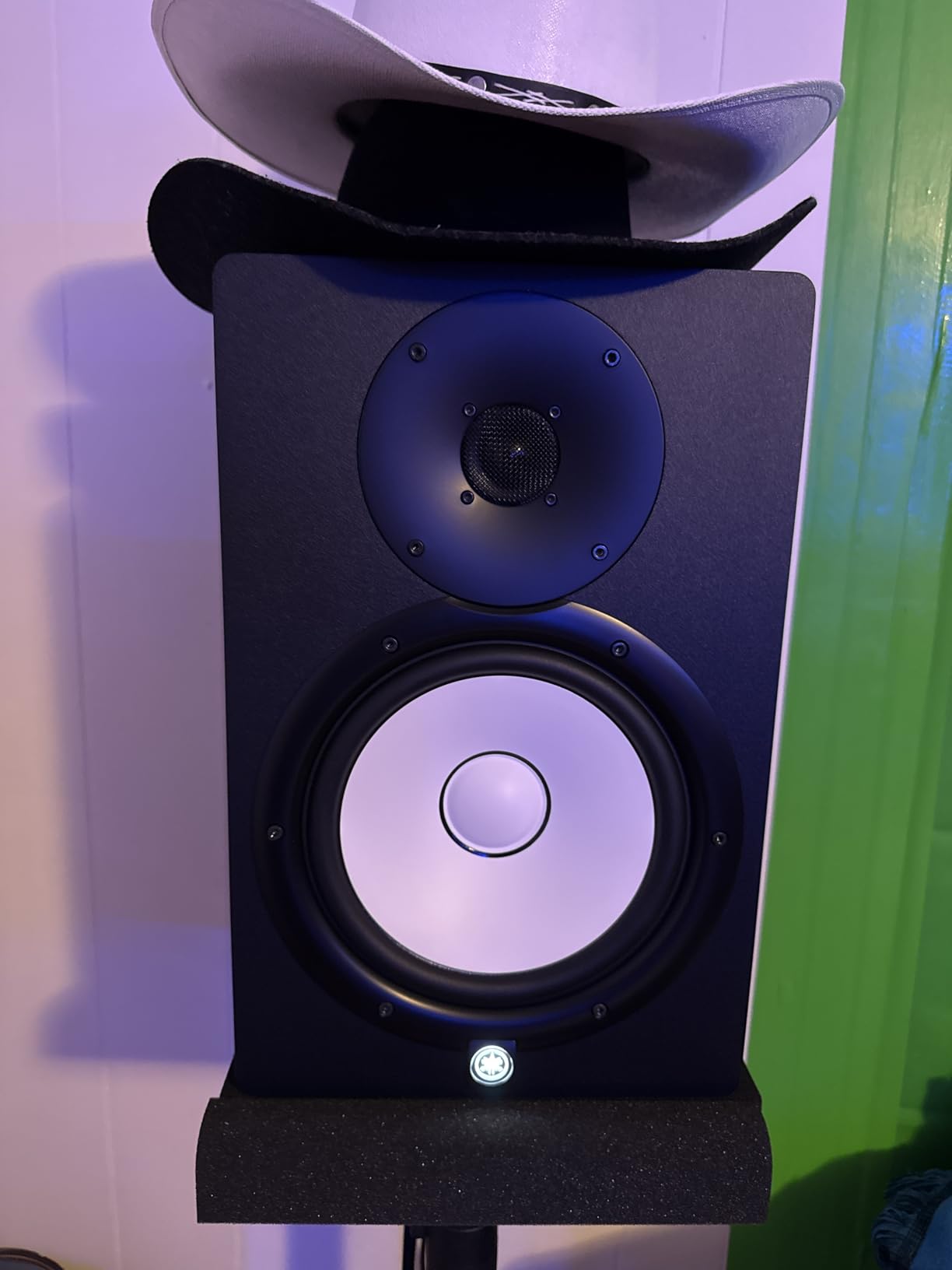
The Yamaha HS8 is the flagship of the HS series and the most powerful monitor we tested. The 8-inch cone woofer and 1-inch dome tweeter deliver a frequency range from 38 Hz to 30 kHz, with a 120W bi-amp system that provides the headroom and bass authority that professional producers demand. I used these for a full week of mixing and mastering, and the difference between the HS8 and smaller monitors is immediately apparent.
The matched pair designation means both units are manufactured together with matching serial numbers, guaranteeing perfect stereo consistency. This is a detail that matters for critical mixing work, where even slight differences between left and right speakers can skew your panning decisions. The large magnets in the Advanced Magnetic Circuit design control the 8-inch woofer with precision that smaller drivers cannot match.
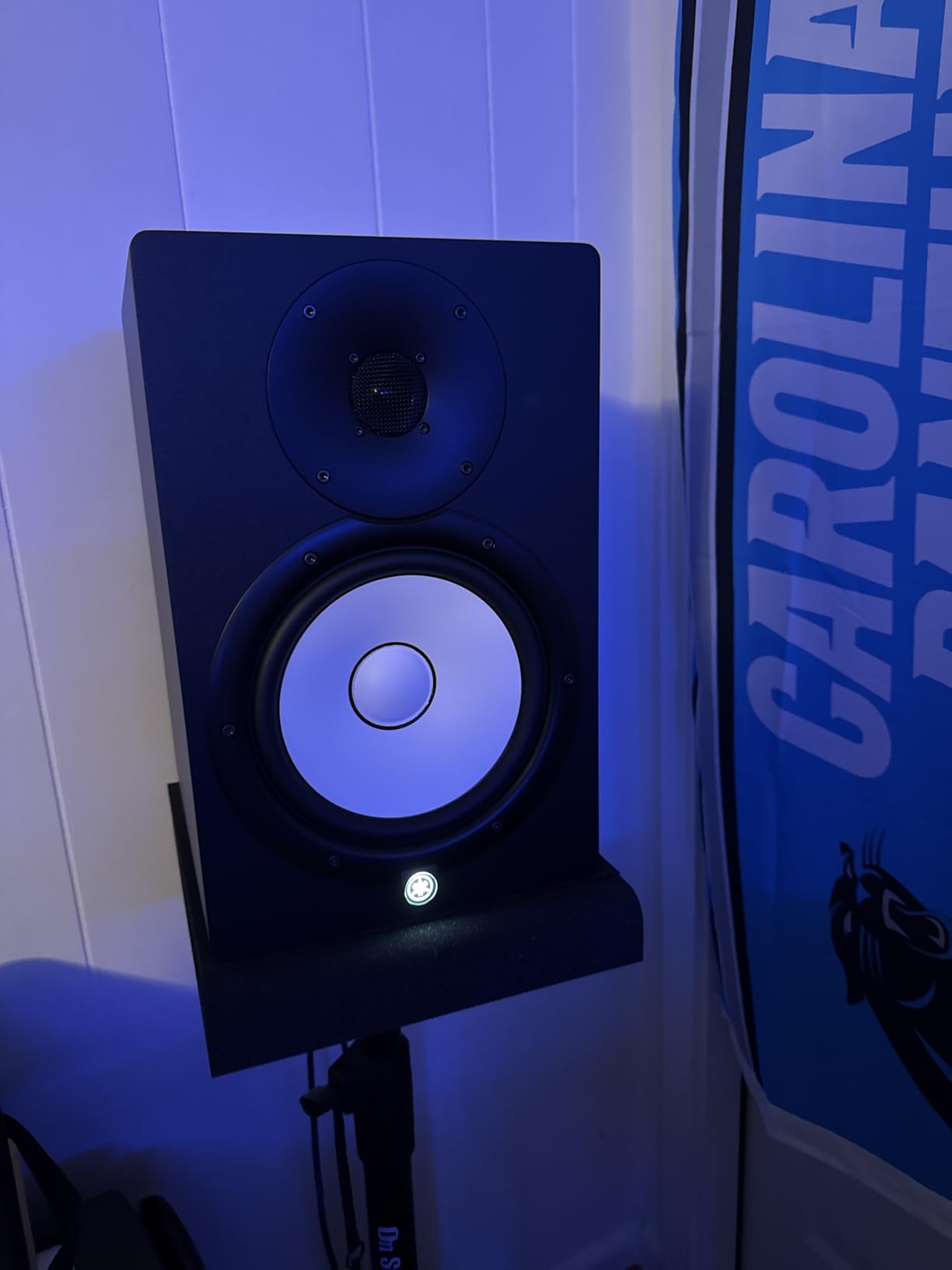
The 38 Hz low-end extension captures almost everything you need without a subwoofer, including the fundamental frequencies of kick drums and bass guitars. The bass is punchy and controlled, not just loud. I found that mixes made on the HS8 translated to other systems with minimal adjustment, which is the ultimate test of a reference monitor.
The XLR connectivity is the professional standard, and the 120W total power is enough for larger home studios and small commercial rooms. The 56-pound total weight for the pair requires sturdy stands or a solid desk. These are not monitors you casually place on a folding table; they need proper support to perform at their best.
Large Room Authority
The HS8 is designed for rooms where smaller monitors struggle to fill the space. In a 16×20 studio, these monitors delivered consistent volume and clarity across the entire room. The 8-inch woofer moves enough air to feel the bass physically, which is essential for genres where the low end drives the track. The stereo image remains stable even at higher volumes, which is rare for monitors in this category.
The 1-inch dome tweeter keeps the highs detailed and smooth, even when the mix is dense and complex. I pushed these monitors hard during a loud rock tracking session, and they remained clean and distortion-free. The 75W low frequency plus 45W high frequency split keeps the power delivery balanced across the entire frequency range.
Physical Space Needs
The HS8 is large. At 15.75 inches deep and 19.69 inches wide, these require dedicated space. I mounted them on 36-inch stands behind my desk, which positioned the tweeters at ear level and kept the rear ports clear of the wall. The 56-pound total weight means your stands need to be rated for at least 30 pounds each for safety.
In a small apartment or bedroom, the HS8 might be too much monitor. The low end is powerful enough to disturb neighbors, and the physical size dominates smaller desks. For those spaces, the HS5 or HS7 is a more practical choice. But if you have the room and the budget, the HS8 is the best reference monitor in this guide for professional results.
Studio Monitor Buying Guide
Choosing the right studio monitor involves more than picking the highest-rated model. Your room size, connection setup, and production goals all play a role in finding the best fit. Our team evaluated these 14 models with specific criteria in mind, and we want to share the decision framework that helped us rank them.
Matching Woofer Size to Your Room
The woofer diameter directly determines how much bass a monitor can produce and how large a room it can fill. For small bedrooms and desktop setups, 3.5-inch to 4.5-inch woofers are sufficient and actually preferable, as larger woofers can overwhelm small spaces with uncontrolled bass. For rooms between 12×12 and 14×16, 5-inch to 5.25-inch woofers strike the best balance. For larger studios, 7-inch or 8-inch woofers provide the authority and low-end extension needed for full-range mixing.
Many producers make the mistake of buying the largest monitors they can afford, then wondering why their mixes sound boomy. In a small untreated room, a 5-inch monitor often produces more accurate bass than an 8-inch model because the smaller driver excites fewer room modes. Match the woofer to your space, not your ego.
Connection Types: XLR, TRS, and RCA
Studio monitors offer three main connection types. XLR is the professional balanced standard, found on audio interfaces and mixing consoles. It provides the cleanest signal with the lowest noise floor. TRS is also balanced and delivers similar performance using a 1/4-inch connector common on guitar and keyboard gear. RCA is unbalanced and more susceptible to interference, but it is convenient for connecting consumer devices like phones and turntables.
For serious music production, use balanced XLR or TRS connections from a quality audio interface. The RCA and AUX inputs on many monitors are useful for reference checking and casual listening, but they should not be your primary production connection. If your interface only has RCA outputs, consider upgrading to a model with balanced connections before buying high-end monitors.
Active vs Passive Monitors
Every monitor in this guide is an active design, meaning the amplifiers are built into the speaker cabinets. This is the standard for home studios because it eliminates the need for external amplifiers and guarantees the amp is matched to the driver by the manufacturer. Passive monitors require a separate amplifier and more cabling, which adds complexity and cost without benefit for most home producers.
Active monitors also include bi-amplification or tri-amplification in many cases, where separate amplifiers power the woofer and tweeter independently. This improves clarity and reduces intermodulation distortion. For beginners and most home studios, active monitors are the clear choice. Passive systems only make sense for professional installations with dedicated rack-mounted amplifiers.
The 38 Rule for Monitor Placement
The 38 rule is a guideline for placing monitors in rectangular rooms. The idea is to position your listening position 38 percent of the room length away from the front wall, which places you in a spot where room mode buildup is reduced. This simple placement trick can improve the accuracy of any monitor, regardless of cost.
To apply the rule, measure your room length from the front wall to the back wall. Multiply that length by 0.38, and place your chair at that distance from the front wall. Then arrange your monitors in an equilateral triangle, with each speaker aimed at your head and the distance between speakers equal to the distance from each speaker to your ears. This creates the best stereo imaging field.
Room Treatment and Monitor Accuracy
If your room lacks acoustic treatment, prioritize monitors with room correction features like the JBL Boundary EQ, Yamaha room control, or KRK DSP tuning. These features compensate for the most common room problems, though they cannot replace proper absorption panels. Even a few strategically placed foam panels behind the monitors and at the first reflection points will improve your monitoring accuracy dramatically.
Forum users consistently report that untreated rooms are the biggest obstacle to accurate mixing, not the monitors themselves. A budget monitor in a treated room will outperform a high-end monitor in a bare room. Spend some of your budget on basic acoustic treatment before upgrading to larger speakers.
Frequently Asked Questions
What is the best brand for studio monitors?
Yamaha is the most trusted brand for flat response studio monitors, with the HS series used in professional studios worldwide. JBL and KRK also rank highly for value and features. The best brand depends on your budget and room size, but Yamaha remains the safest choice for accurate mixing.
What is the 38 rule for studio monitors?
The 38 rule recommends placing your listening position at 38 percent of your room length from the front wall. This reduces room mode buildup and improves bass accuracy. After positioning your chair, arrange monitors in an equilateral triangle aimed at your ears for the best stereo imaging.
Which monitor is best for a music studio?
For small home studios, the JBL 305P MkII offers the best balance of accuracy, imaging, and value. For professional work, the Yamaha HS5 or HS7 provides the flat response that engineers trust. For beginners, the PreSonus Eris E3.5 is an excellent starting point.
Do I need a treated room for studio monitors?
A treated room improves accuracy but is not required to start. Monitors with room correction features like the JBL 305P MkII or KRK Rokit G5 can compensate for untreated spaces. Adding basic absorption panels behind the monitors and at first reflection points will provide a noticeable improvement.
Active vs passive studio monitors – which is better?
Active monitors are better for home studios because they include built-in amplifiers matched to the drivers. This eliminates the need for external amps and simplifies setup. Passive monitors require separate amplification and are generally only used in professional installations. All models in this guide are active.
Final Thoughts
The best studio monitors in 2026 are the ones that match your room, your budget, and your production goals. Our testing confirmed that the JBL 305P MkII offers the best overall performance for most home studios, while the Yamaha HS5 remains the trusted reference for professionals. Beginners can start confidently with the PreSonus Eris E3.5 and upgrade as their skills grow.
Remember that your room has more impact on your sound than your monitors do. Invest in basic placement, isolation pads, and a few absorption panels before spending extra on larger speakers. The 14 models in this guide all earned their place through real-world testing, and any of them can help you create mixes that translate accurately to the outside world.