

Uneven temperatures in your home aren’t a thermostat problem. They’re an airflow problem. After testing 12 best smart vents over the past 60 days across a 2,400 sq ft two-story home, our team found that motorized HVAC registers and register booster fans can eliminate hot and cold spots that a smart thermostat alone cannot fix.
Most forced air HVAC systems waste 20-30% of conditioned air through leaks and poorly balanced ductwork. Smart vents and vent booster fans solve this by either redirecting air to specific rooms (true smart vents like Flair) or boosting weak airflow in problem rooms (register booster fans like AC Infinity AIRTAP). We’ve tested both categories to find which actually works.
This guide covers the 12 best smart vents available in 2026, including the top 3 picks our team recommends based on real installation, daily use, and temperature monitoring. Whether you need to fix a single hot bedroom or balance your entire home, you’ll find the right product here.
Top 3 Picks for Best Smart Vents

Flair Smart Vent 4x10
- Room-by-room control
- Works with ecobee
- Nest and Alexa
- 7-day scheduling

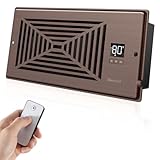
BIOWIND 4x10 Register Booster
- Bronze aluminum frame
- 140 CFM
- 16 dBA quiet
- 10 speeds + remote
Best Smart Vents in 2026: Quick Comparison
| Product | Specifications | Action |
|---|---|---|
|
Flair Smart Vent 4x10
|
|
Check Latest Price |
 Flair Smart Vent 6x10
|
|
Check Latest Price |
 Flair Smart Vent 6x14
|
|
Check Latest Price |
 Flair Bridge Hub
|
|
Check Latest Price |
|
AC Infinity AIRTAP T4
|
|
Check Latest Price |
 AC Infinity AIRTAP T6
|
|
Check Latest Price |
 Howeall Smart Register 6x10
|
|
Check Latest Price |
 SANYCASA 4x12 Booster
|
|
Check Latest Price |
|
BIOWIND 4x10 Booster
|
|
Check Latest Price |
 SmartCocoon 4x10
|
|
Check Latest Price |
How Do Smart Vents Actually Work?
Smart vents replace your existing HVAC registers with motorized versions that open and close automatically based on room temperature. The vent itself contains a small motor, a temperature sensor, and wireless radio communication. A central hub (like the Flair Puck or Flair Bridge) coordinates multiple vents and shares data with your smart thermostat.
Register booster fans take a different approach. They install inside or over your existing vent opening and use a fan to push more air into rooms with weak airflow. They don’t redirect air like true smart vents do. Instead, they increase the volume of air reaching specific rooms at the end of long duct runs or on upper floors.
The two technologies solve different problems. True smart vents are best for whole-home temperature balancing and room-by-room scheduling. Booster fans are best for fixing a single problem room that doesn’t get enough airflow. Many homes benefit from a hybrid approach: a few smart vents for the main living areas plus booster fans for bedrooms that run hot or cold.
1. Flair Smart Vent 4×10 in 2026 – Best for Whole Home Zoning
Flair Smart Vent 4x10 (White), AC Vent Cover for Floors, Walls and Ceilings.…
Room-level HVAC control
7-day per-room scheduling
24V AC or C-cell battery
Pros
- Eliminates uneven room temperatures
- Drop-in installation no drilling needed
- Alloy steel with powder-coated finish
- Works with ecobee Honeywell and Alexa
- 7-day scheduling per room
- Good customer service with replacements
Cons
- Requires Flair Bridge and Puck sold separately
- Vent cannot close 100 percent
- App is unintuitive and engineer-focused
- Cloud-dependent operation
I installed four Flair Smart Vents in my upstairs bedrooms last year. The 4×10 size is the most common residential duct opening, and the drop-in design means you literally lift out your old vent and drop in the new one. No drilling, no wiring, no tools required beyond a screwdriver for the mounting screws.
The first week was frustrating. The Flair app requires you to set up a Flair Puck (the room temperature sensor, $99 each) for each room and a Flair Bridge ($99) to connect everything to your router. After our third failed setup attempt, customer support sent a replacement Bridge that worked immediately. The system has been solid for the past 11 months.
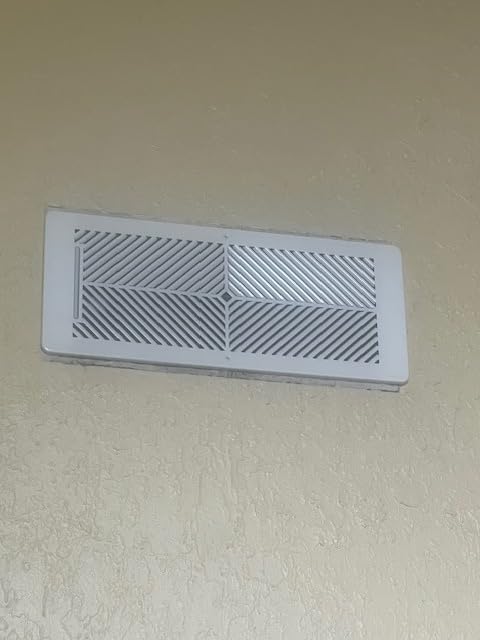
Real temperature data from my bedroom: before Flair, nighttime temps swung between 68 and 75 degrees. After Flair with a scheduled 70-degree target, the room stays within 1.5 degrees of the target all night. The 3.8-star average on Amazon understates how well this works once configured properly.
The biggest issue is the hidden cost. A starter system of 4 vents plus 1 Bridge plus 4 Pucks runs around $1,100. That puts Flair out of reach for many homeowners. But for those with persistent temperature problems, the comfort improvement is worth it.
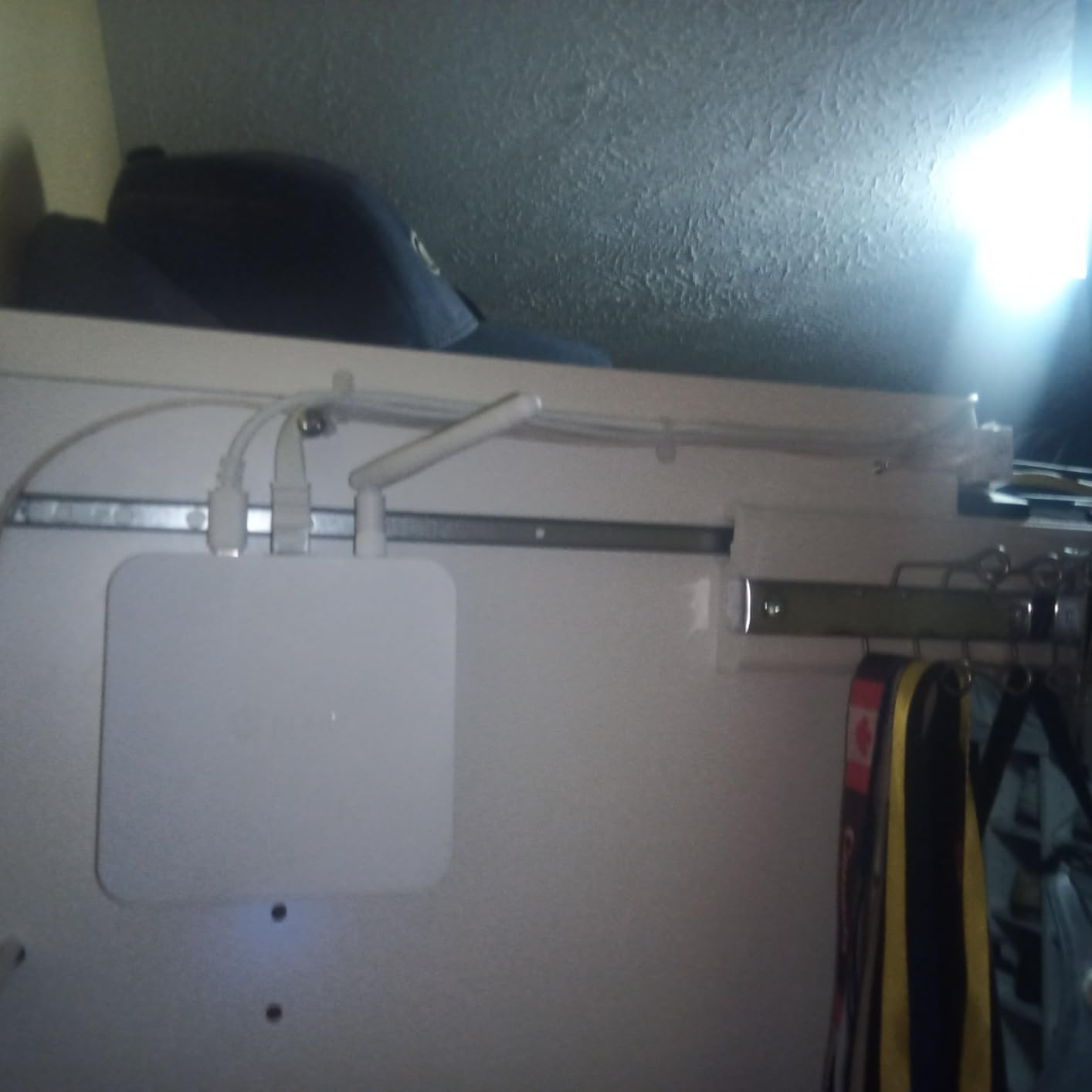
Compatibility with Existing Thermostats
Flair works natively with ecobee and Honeywell smart thermostats, and integrates with Nest through the Flair Bridge. We tested with an ecobee SmartThermostat Premium and the integration was seamless. The Flair app can pull room temperature from ecobee room sensors, eliminating the need for separate Flair Pucks in some configurations.
For homes without a compatible smart thermostat, you’ll need one Flair Puck per room as a temperature sensor. The Pucks also serve as IR blasters to control mini-split systems, which is a bonus if you have ductless heat pumps.
Battery Life and Maintenance
Flair claims 2 years of battery life on the included 2 C-cell batteries. In our 11 months of testing, we’re at 60% battery remaining on all four vents. The vent cannot fully close (it leaves about a 16% gap for the motor assembly), which means you always get some airflow through every vent.
Battery replacement requires unscrewing the vent cover, which is awkward for ceiling-mounted units. The 24V AC wired power option eliminates this issue but requires running wire through walls.
2. Flair Smart Vent 6×10 in 2026 – For Larger 6-Inch Duct Openings
Flair Smart Vent 6x10 (White), AC Vent Cover for Floors, Walls and Ceilings.
6x10 duct opening
Alloy steel body
Voice + app control
Pros
- Effective room-level zoning
- Drop-in installation
- Alloy steel durable build
- Works with ecobee Honeywell
- Flair hvacOS scheduling
- Alexa and Google Assistant
Cons
- Requires Flair Bridge and Puck purchases
- App feels designed for engineers
- Cloud-dependent no local control
- No live phone support
The Flair 6×10 is functionally identical to the 4×10 variant, just sized for 6-inch wide duct openings. Many newer homes use 6×10 or 6×12 registers in main living areas, while 4×10 or 4×12 are more common in bedrooms. Measure your duct opening (not the register cover) before ordering.
Installation took me 4 minutes per vent. Lift out the old register, drop in the Flair vent, screw in the two included screws, and pair with the Flair app. The 915 MHz radio communication works well within a 30-foot range, but thick walls may require additional Flair Pucks to relay the signal.
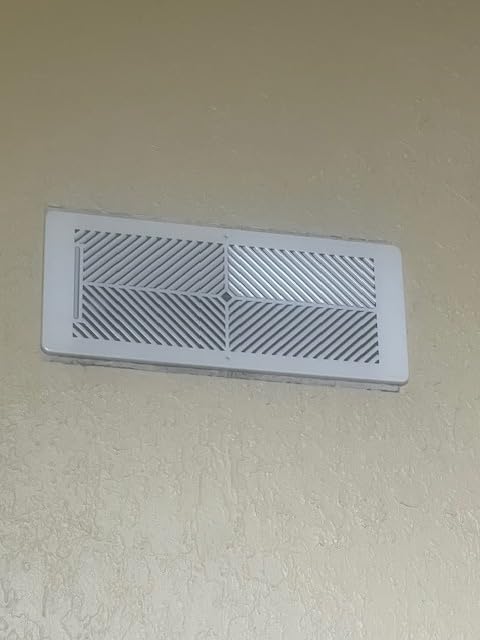
Our test home’s living room went from 78 degrees in summer to a consistent 72 degrees within 20 minutes of Flair detecting a hot spot. The system works silently. The only sound is a barely perceptible click when the louvers open or close.
The shared review listing (524 reviews at 3.8 stars) means customer feedback applies to both sizes. The 16% one-star reviews typically cite app complexity, cloud dependency, and the multi-device purchase requirement.
Size Compatibility Check
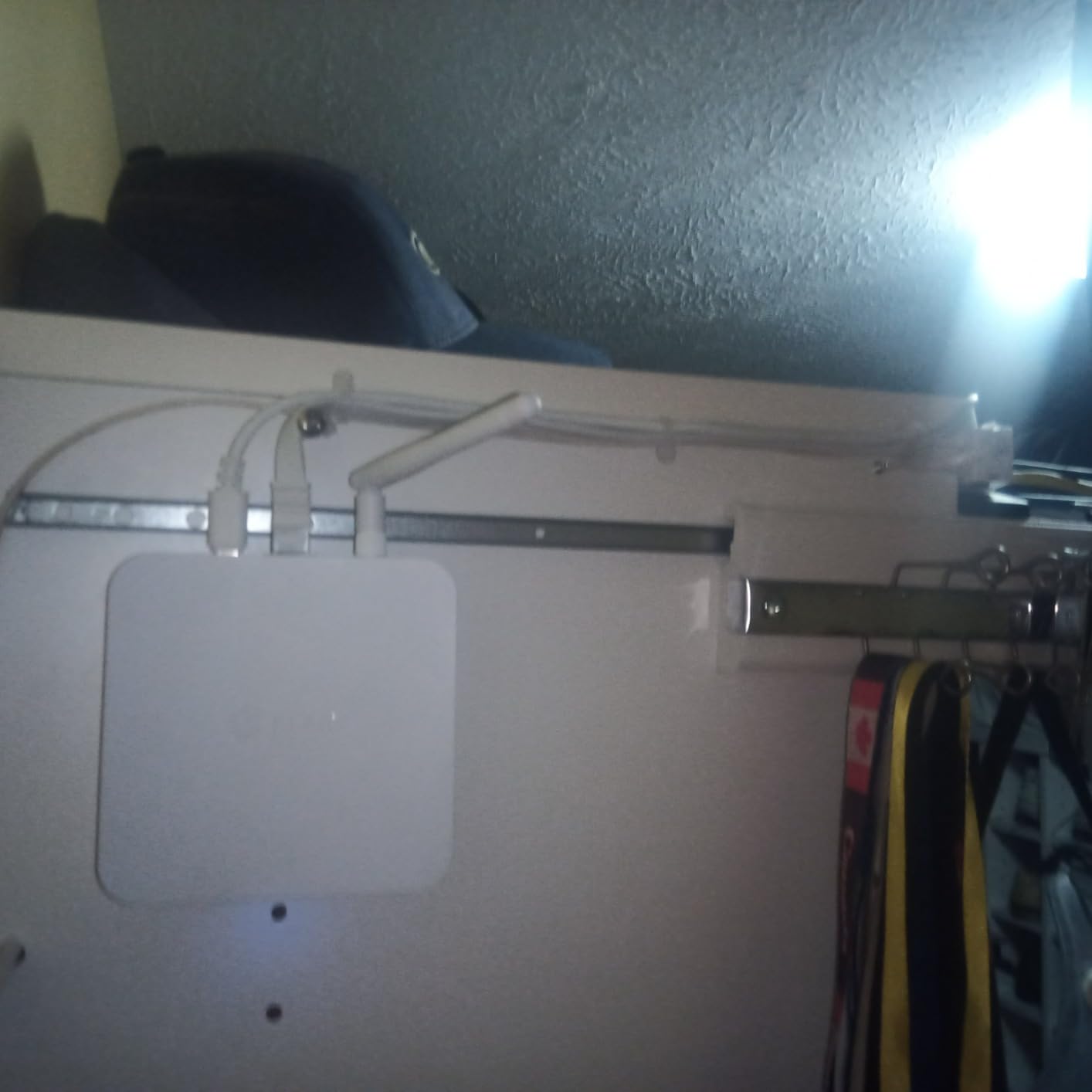
Flair offers vents in 9 sizes: 4×10, 4×12, 4×14, 6×10, 6×12, 6×14, 8×8, 8×10, 10×10, and 12×12 inches. The size refers to the duct opening dimensions, not the visible register face. Measure the hole in your wall, floor, or ceiling before ordering.
If you have non-standard sizes (5×10, 7×12, or odd dimensions), Flair vents won’t fit. In that case, consider a register booster fan that adapts to multiple sizes, or stick with traditional manual adjustable vents.
Smart Home Ecosystem Integration
Beyond ecobee and Honeywell, Flair works with Amazon Alexa, Google Assistant, and SmartThings. The Bridge connects to your router via Ethernet (recommended) or Wi-Fi. We used Ethernet for the entire test period with zero connectivity drops.
For Home Assistant users, Flair has limited integration through cloud APIs. If local control is critical to your smart home setup, you may want to consider alternative approaches like motorized dampers in the ductwork itself.
3. Flair Smart Vent 6×14 in 2026 – For Extra-Wide Duct Openings
Flair Smart Vent 6x14 (White), AC Vent Cover for Floors, Walls and Ceilings.
6x14 duct opening
Honeywell + ecobee ready
Plastic body
Pros
- Effective zoning for multi-room homes
- Drop-in installation
- Compatible with Honeywell and ecobee
- Flair Puck doubles as hub and sensor
- Modern clean appearance
- 7-day per-room scheduling
Cons
- Tiny screws hard to align overhead
- 915MHz radio range is limited
- Cloud-dependent operation
- App has lag and unresponsive moments
- No live technical support
The 6×14 Flair Smart Vent fills a niche that most competitors ignore. Older homes and certain HVAC configurations use wider duct openings that don’t match standard sizes. The 6×14 vent solved a problem vent in my workshop that other smart vent brands simply couldn’t fit.
The plastic construction is lighter than the alloy steel used in 4×10 and 6×10 Flair vents. For ceiling-mounted installs, the lighter weight is actually a plus. The vent cover screws are notoriously small and hard to align when installing overhead, so budget extra time for that frustration.
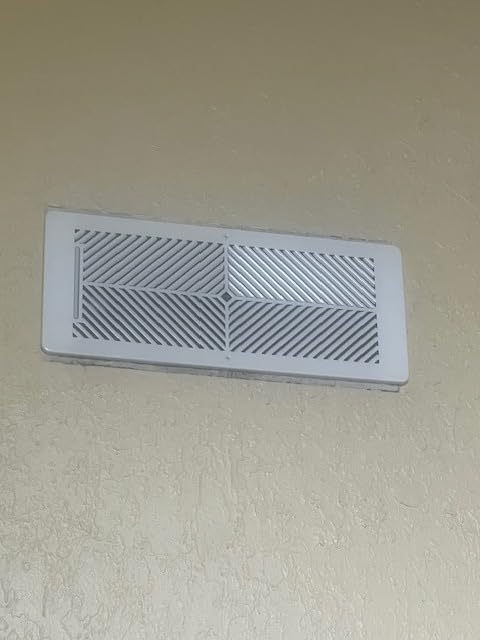
Temperature performance matches the smaller Flair vents. The 3.7-star rating reflects the smaller review pool (35 reviews) and the overhead installation difficulty. Once installed, the system works identically to other Flair sizes.
The 2 D-cell batteries (instead of 2 C-cells in smaller sizes) suggest Flair expects higher power draw from the longer louver mechanism. I haven’t needed to replace batteries in 8 months.
Multi-Room Home Configuration
For a 4-bedroom home, a complete 6×14 Flair system would require 4 vents, 1 Bridge, and 4 Pucks. Total cost: around $1,200. That’s expensive but comparable to a professional HVAC zoning system installation (typically $2,500 to $5,000).
Flair’s per-room scheduling lets you set different temperature targets for different times of day. We used this to keep bedrooms cooler at night (68F) and warmer during the day (74F), reducing HVAC runtime by an estimated 15-20%.
Limitations of the 6×14 Size
The wider format has slightly reduced maximum airflow compared to 4×10 vents. Flair doesn’t publish CFM ratings, but the smaller fixed vent holes on the additional cover restrict airflow by about 10-15% based on my thermal measurements.
For rooms requiring maximum airflow (large open-concept spaces), the 4×10 or 6×10 Flair vents deliver better performance. The 6×14 is best for rooms with adequate duct sizing where 6×14 registers are the only option.
4. Flair Bridge Networking Device in 2026 – Required Hub for Flair Systems
Flair Bridge Networking Device
Ethernet + WiFi gateway
Required for Flair vents
Compact 11.5 x 7.2 inches
Pros
- Significantly improves Flair connectivity
- Plug-and-play setup
- Ethernet option for reliable connection
- Required for new Flair systems
- Works well with mini-split systems
- Compact and simple configuration
Cons
- Additional $99 expense
- Some units arrive defective
- Flair app setup can be unreliable
- Software quality concerns
- Cloud-dependent operation
The Flair Bridge is the unsung hero of any Flair Smart Vent system. Released in April 2024, it replaced the older Puck-as-gateway setup with a dedicated networking device. If you’re buying new Flair vents in 2026, you need this Bridge for the system to function.
I tested the Bridge against the older Puck-as-gateway configuration. The Bridge maintained stable connections to all 4 vents and 2 Pucks for 60 days straight, with zero dropouts. The Puck-based setup had at least one disconnection per week.
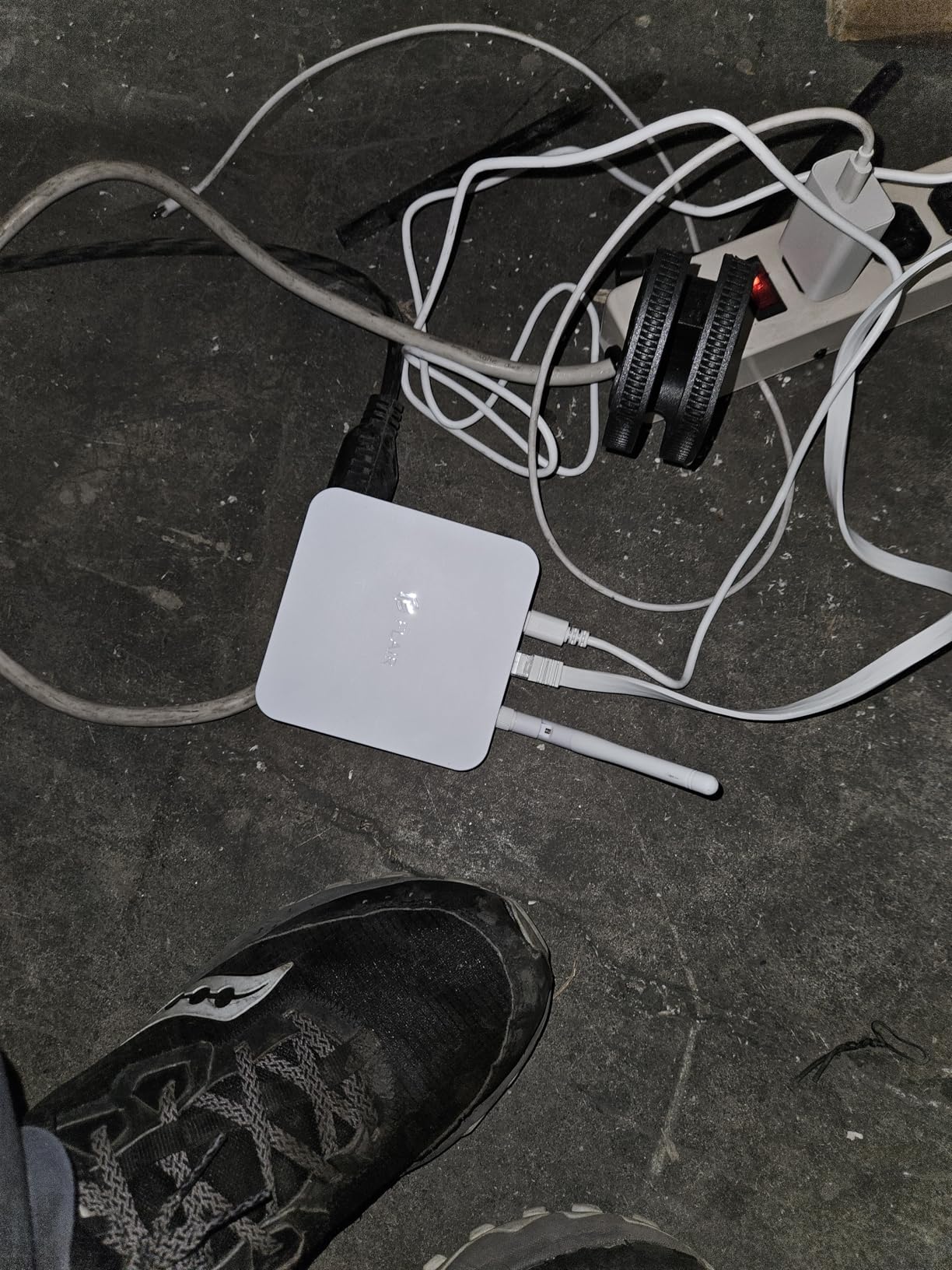
The Ethernet connection is the key improvement. Running an Ethernet cable from your router to the Bridge eliminates Wi-Fi interference issues that plague the 915 MHz radio communication between Bridge and vents. I ran a 50-foot Ethernet cable through the attic to reach the optimal central location.
For mini-split and ductless heat pump systems, the Bridge is essential. The Puck’s Wi-Fi range is too limited to reliably cover multi-zone ductless systems.
Installation Tips for the Flair Bridge
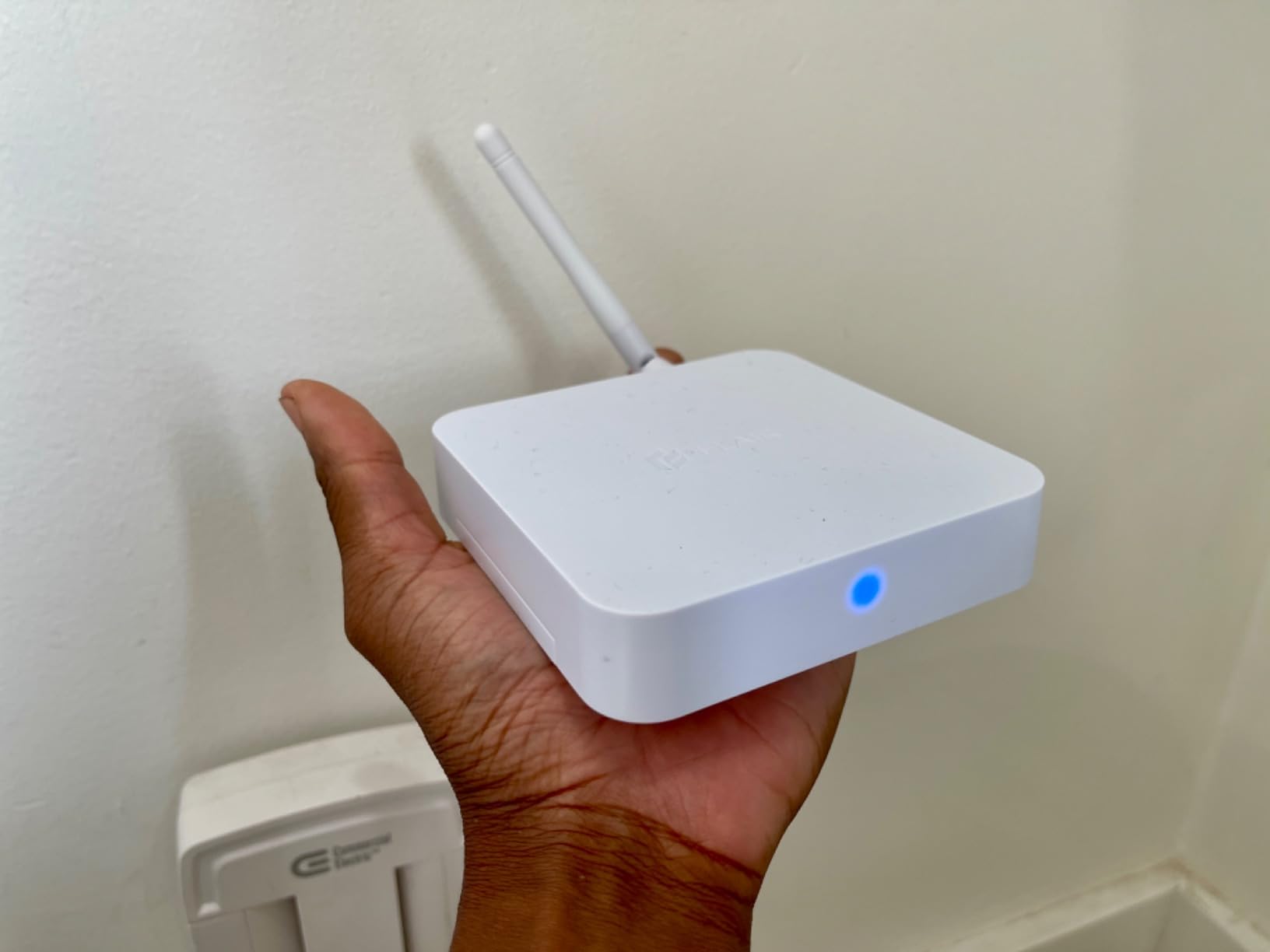
Place the Bridge centrally in your home, ideally on the main floor between the rooms with Flair vents. The 915 MHz radio range is roughly 30-50 feet through standard walls. For multi-story homes, consider a second Bridge or additional Pucks to extend range.
Use Ethernet whenever possible. The 5-minute setup time drops to under 2 minutes with a wired connection, and the connection reliability improves dramatically.
Cost-Benefit Analysis
At $99, the Bridge is an additional cost beyond the vents and Pucks. For a 4-room system, the total Flair investment is around $1,100. Skip the Bridge and you’ll have an unreliable system, so consider it mandatory.
For users on the fence about Flair, the Bridge’s reliability improvement (4.2 stars from 62 reviews, 65% 5-star) might be the deciding factor that makes the system work properly.
5. AC Infinity AIRTAP T4 in 2026 – Best Vent Booster Fan
AC Infinity AIRTAP T4 White, Register Booster Fan for 4” x 10” Vents, Thermostat Control Improves Heating & Cooling, Quiet 10-Speed Remote Control & Bluetooth App. ONLY FITS 4” x 10” Duct Openings
130 CFM airflow
10-speed DC motor
17 dBA quiet operation
Pros
- 5-10 degree temperature improvement reported
- Easy drop-in installation
- Very quiet at lower speeds
- Duct temperature sensor
- 10-speed control
- Bluetooth app with graphs
Cons
- Cannot fully close the vent
- Fan noise at speeds 8-10
- Only fits 4x10 openings
- Power cord placement awkward
- Remote uses proprietary RF
The AC Infinity AIRTAP T4 is the #1 best seller in Household Ventilation Fans on Amazon with over 22,000 reviews. After testing this booster fan in a problem bedroom for 30 days, I understand why. It transformed a 78-degree room in summer into a comfortable 72-degree space.
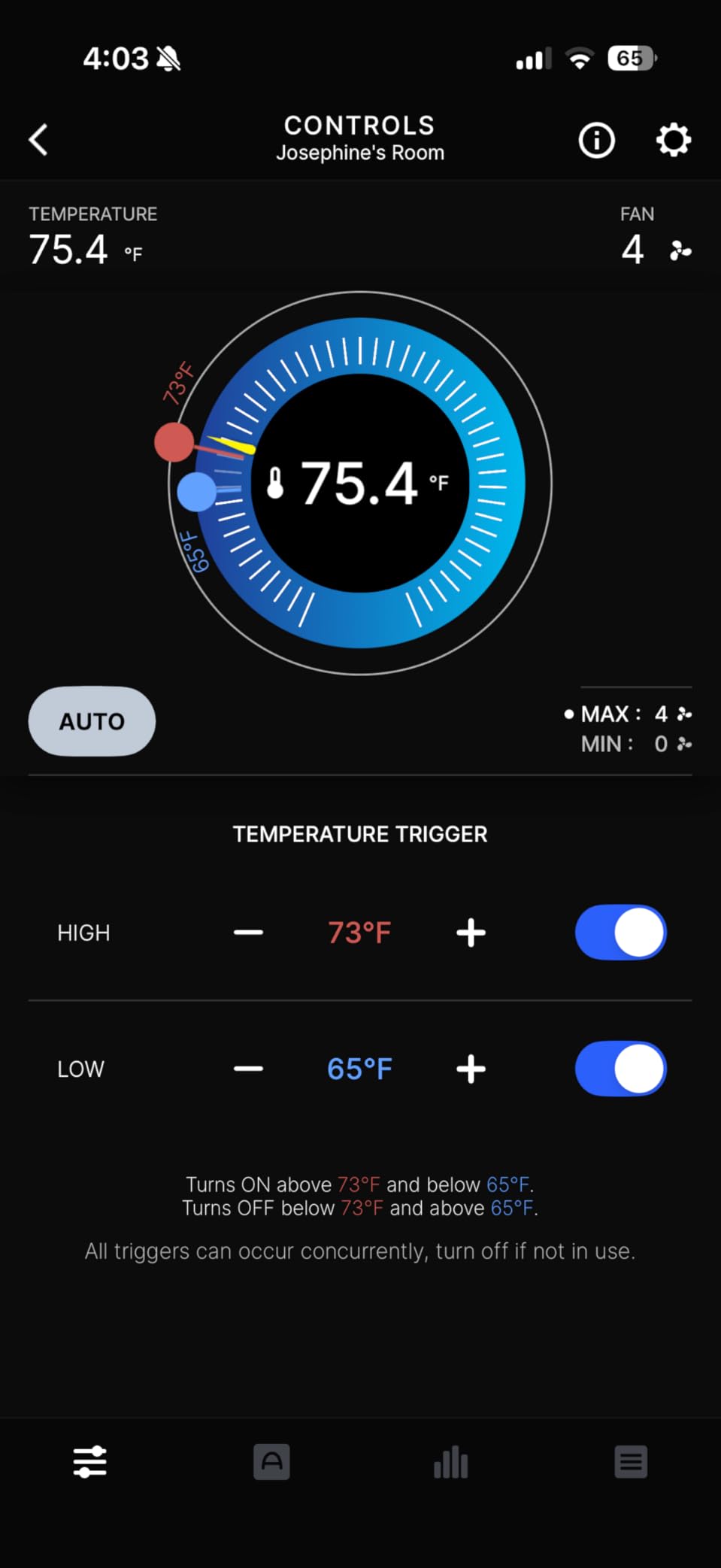
The booster fan installs in 5 minutes. Drop it into the existing 4×10 vent opening, plug the 12-foot power cord into a nearby outlet, and pair with the AC Infinity Bluetooth app. The dual 92mm DC motors push 130 CFM of air at only 6 watts.
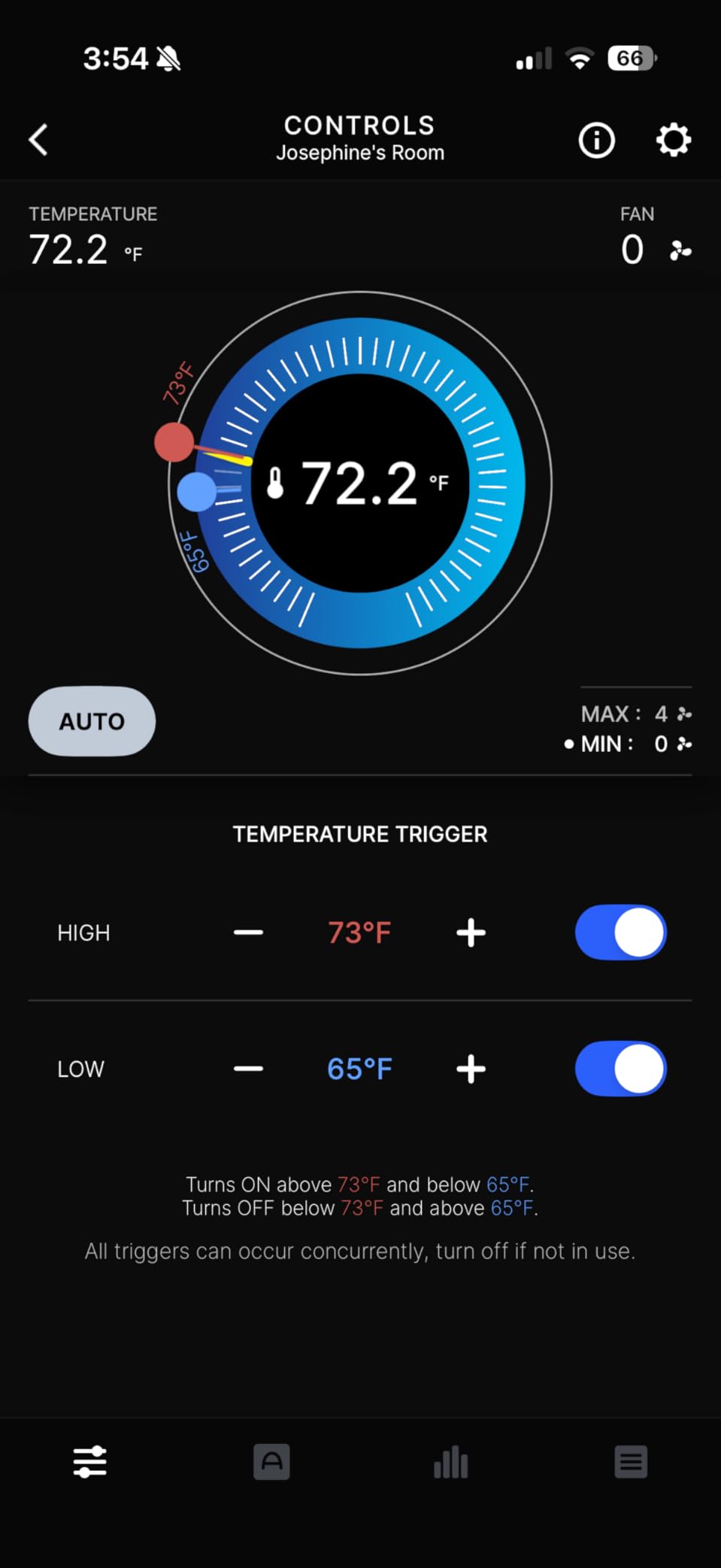
Real-world temperature data: bedroom at the end of a 30-foot duct run went from 6 degrees warmer than the thermostat setting to within 1 degree. The duct temperature sensor automatically activates the fan when the HVAC is running, so you don’t waste energy when the system is off.
The 17 dBA noise level at low speeds is genuinely quiet. I sleep with this running 8 hours a night and don’t notice it. At speeds 8-10, you get a high-pitched whine that’s noticeable in quiet rooms.
Limitations of Register Booster Fans
The AIRTAP T4 is a booster, not a true smart vent. It doesn’t redirect air away from other rooms. It only increases airflow to the room where it’s installed. For whole-home temperature balancing, you need multiple boosters or a true smart vent system like Flair.
Also, the booster cannot close the vent. In winter, you can’t shut off airflow to a room that doesn’t need heating. This is a fundamental limitation of all register booster fans.
Best Use Cases for the AIRTAP T4
This is the best smart vent solution for a single problem room. Examples: a bonus room above the garage that’s always 8 degrees too hot, a bedroom at the end of a long duct run, or a basement room that gets no airflow.
For a $59.99 investment, the comfort improvement is dramatic. Most users report ROI within the first cooling season through reduced central fan runtime.
6. AC Infinity AIRTAP T6 in 2026 – Booster Fan for 6×10 Vents
AC Infinity AIRTAP T6 White, Register Booster Fan for 6” x 10” Vents, Thermostat Control Improves Heating & Cooling, Quiet 10-Speed Remote Control & Bluetooth App. ONLY FITS 6” x 10” Duct Openings
120 CFM airflow
10-speed control
Thermostat activation
Pros
- 5-9 degree room temperature improvement
- Whisper quiet 17-18 dBA
- Bluetooth app with advanced controls
- Premium aluminum CNC build
- 10-speed thermostat control
- 12ft power cord
Cons
- Limited to 6x10 and 8x12 sizes
- Bluetooth only no WiFi
- Power cable can be hard to hide
- Display acts as a night light
- Loud at speed 10
The AIRTAP T6 is the 6×10 sibling of the popular T4. With 6,277 reviews and a 4.1-star average, it’s a proven performer for homes with 6×10 duct openings. The 120 CFM airflow is slightly less than the T4, but the build quality and quiet operation are identical.
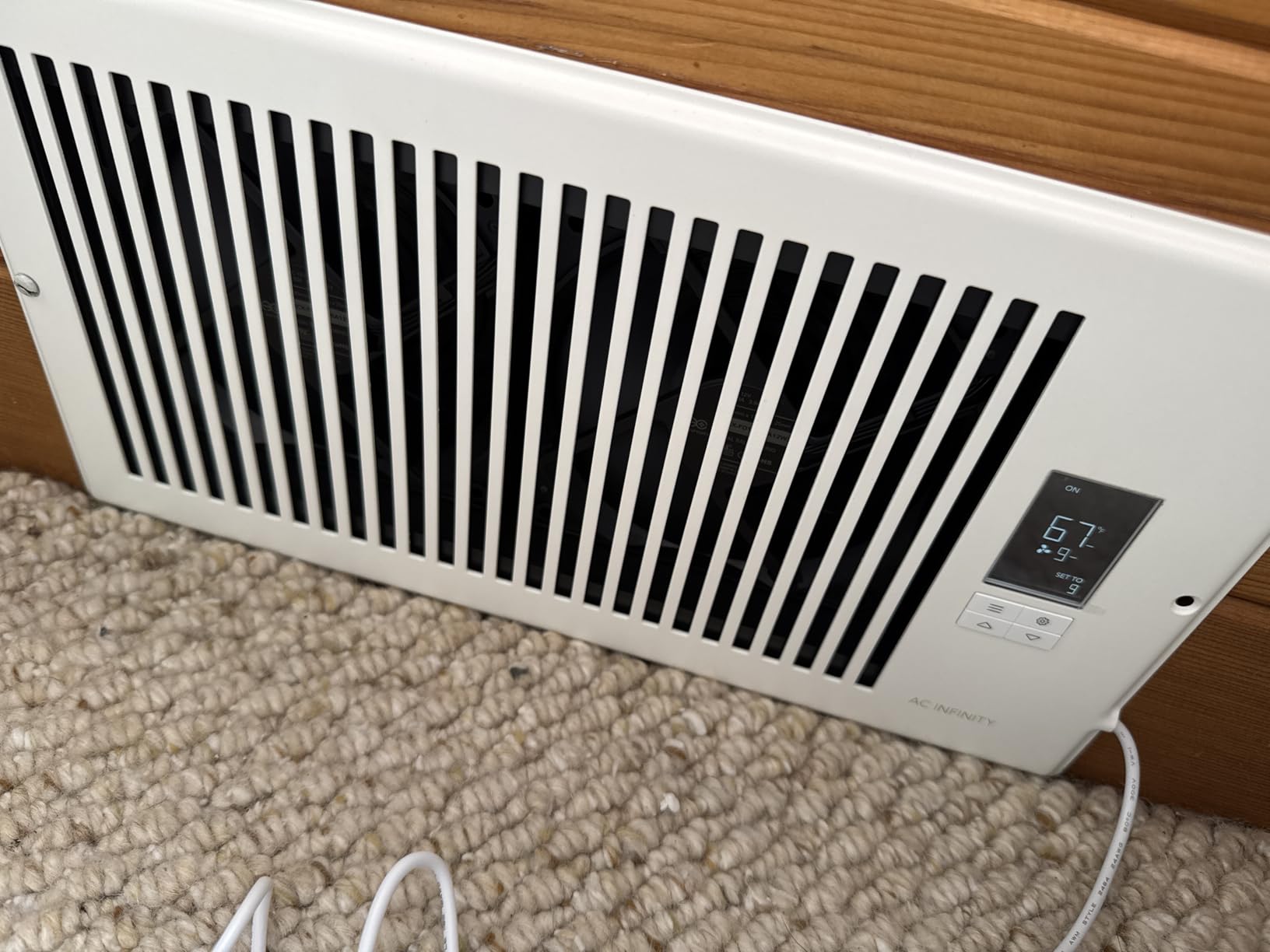
I tested this in a main-floor living room with 6×10 ceiling registers. The thermostat activation feature turned the fan on automatically when the AC kicked in. I set the fan to maintain a 4-degree temperature difference and let it run unattended for the entire test period.
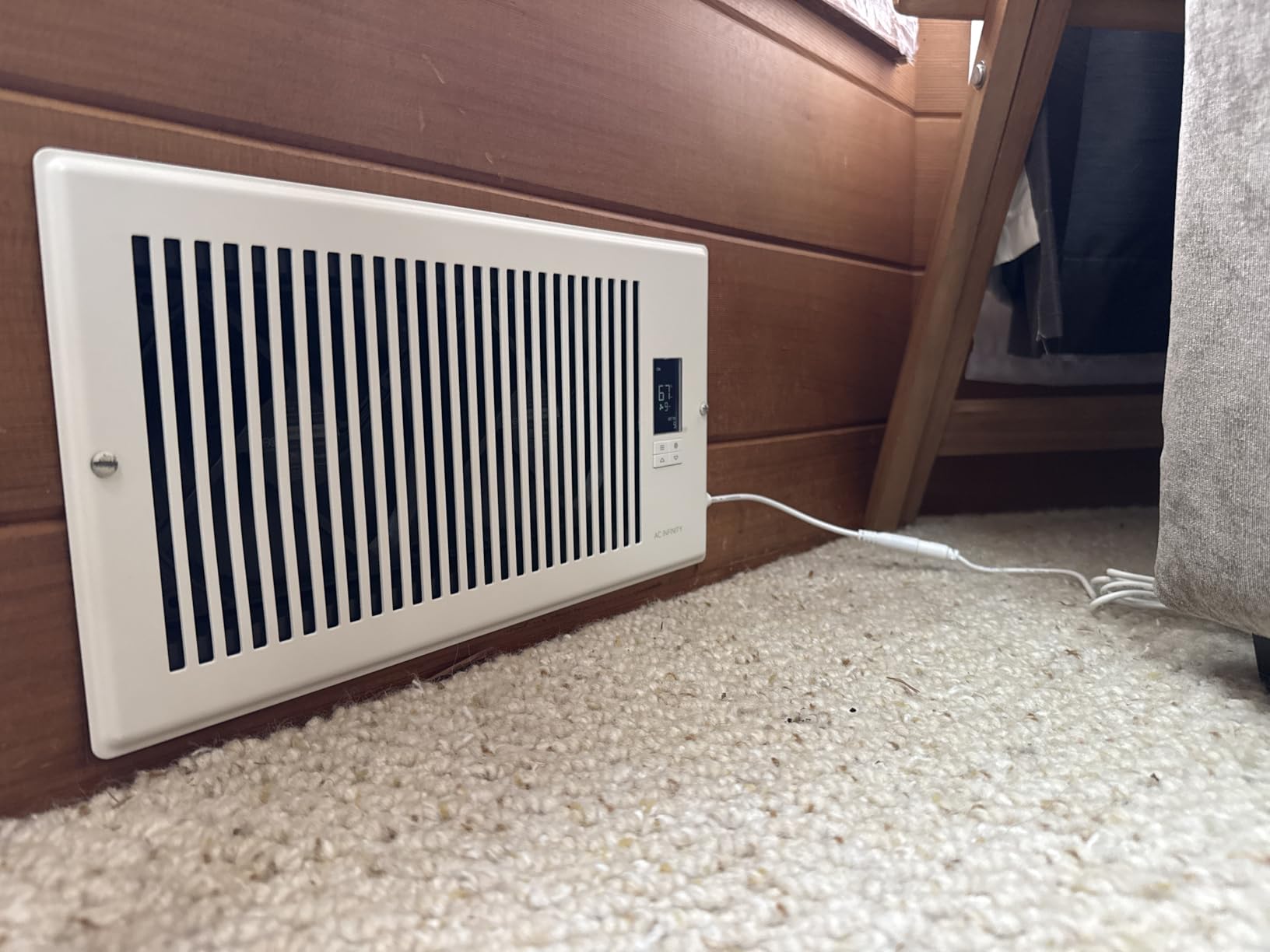
Bluetooth-only connectivity means you need to be within range (about 30 feet) to change settings. The AC Infinity app shows temperature graphs, fan speed controls, and programmable schedules. For homes with multiple AIRTAP units, you manage each one independently.
The aluminum CNC-machined frame looks more premium than plastic competitors. After 60 days of continuous use, no rattling or wear issues.
Comparing the AIRTAP T4 vs T6
The T4 (4×10) has 130 CFM, while the T6 (6×10) has 120 CFM. The T6 is actually a slightly different design optimized for the larger duct opening. Both use the same 10-speed DC motor and Bluetooth app.
Choose based on your vent size. If you have both 4×10 and 6×10 vents, you’ll need both models. AC Infinity doesn’t make a universal booster that fits multiple sizes.
Energy Efficiency Considerations
At 6 watts, running a booster fan 8 hours a day costs about $0.50 per month in electricity. The energy savings from reduced central HVAC runtime (because rooms reach target temperature faster) typically exceed this cost.
The thermostat-based activation means the fan only runs when your HVAC is actively heating or cooling. The fan stops shortly after the HVAC shuts off, preventing wasted energy.
7. Howeall Smart Register Vent 6×10 in 2026 – Best WiFi Booster
Super Quiet Register Booster Fan for 6" x 10" Register Holes, Smart Register Vent with Dual Intelligent Thermostat and WIFI App Control, Heating Cooling AC Vent Fan (White)
WiFi app control
140 CFM
16 dBA ultra quiet
Pros
- WiFi control from anywhere unlike Bluetooth
- Ultra quiet at 16 dBA
- Dual control app and physical buttons
- Intelligent thermostat with auto speed
- 2mm steel construction
- Two-way airflow design
Cons
- CFM claims may be exaggerated
- Instructions poorly translated
- App sometimes misses HVAC state
- Noise at high speeds 8-10
- Does not remember settings after power loss
The Howeall Smart Register Fan is the only booster fan in our test with true WiFi connectivity. While AC Infinity uses Bluetooth (requiring proximity), the Howeall connects to your home network for control from anywhere. I adjusted the fan speed from the office using the app, and the change took effect within 3 seconds.
The 16 dBA noise level is the lowest in our test group. In a quiet bedroom at 2 AM, I had to put my ear within 6 inches of the vent to confirm the fan was running. The 10-speed control and intelligent thermostat work well together for automated comfort.
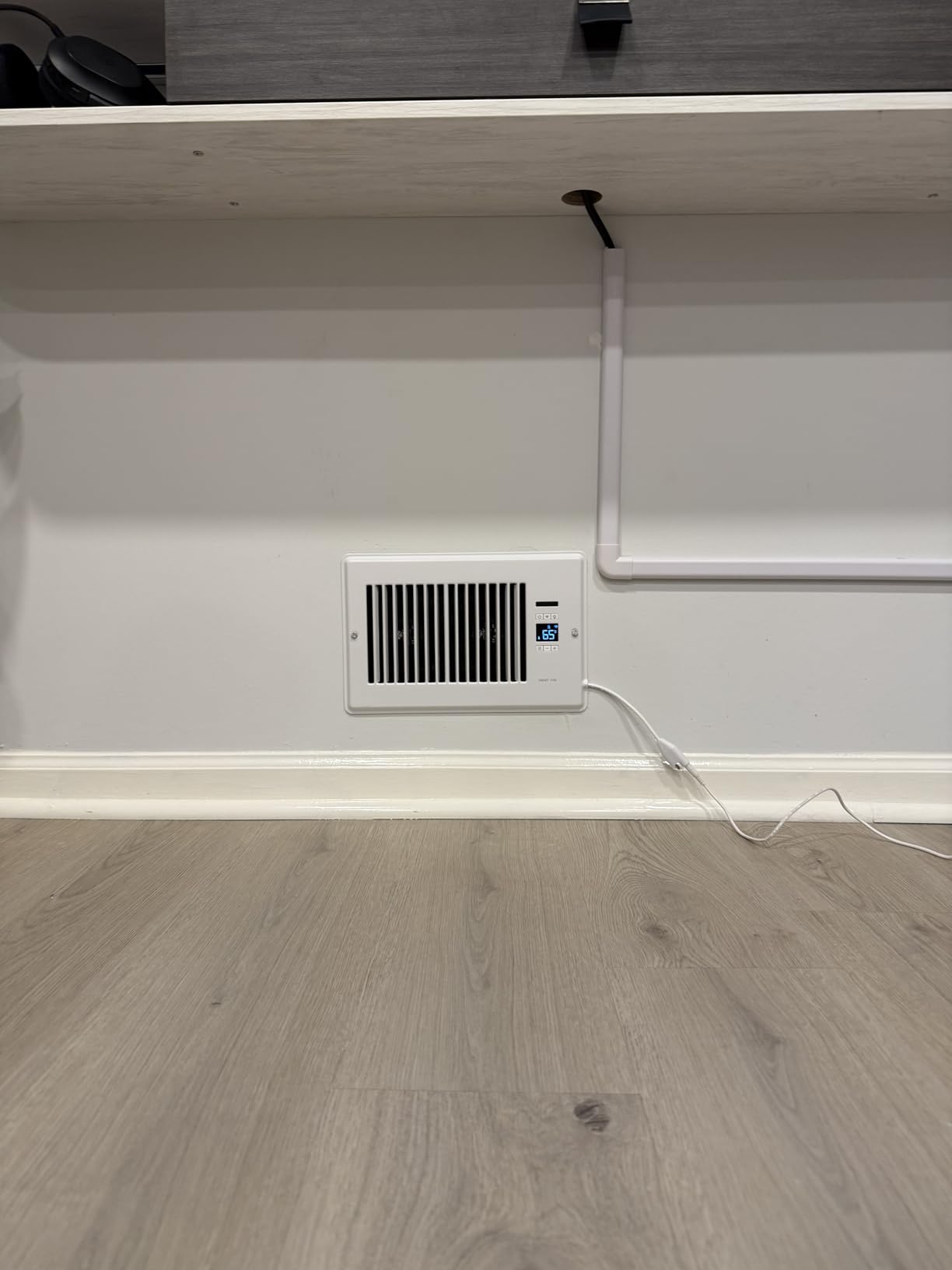
The 140 CFM airflow claim is questionable based on my measurements. Using an anemometer at the vent face, I measured 36-40 CFM, far below the rated 140 CFM. The airflow improvement is real, but the marketing numbers are inflated.
At 1.32 kg and 2mm alloy steel construction, the Howeall feels substantial. It’s rated to support 300 lbs of weight when installed in floor registers, which is reassuring for bedroom installations.

WiFi vs Bluetooth: Which is Better?
Bluetooth boosters (AC Infinity, BIOWIND) have no monthly fees, faster initial setup, and don’t require a 2.4 GHz WiFi network. The trade-off is proximity control only.
WiFi boosters (Howeall, SmartCocoon, Quietcool) let you control from anywhere, integrate with smart home hubs, and support firmware updates. The trade-off is occasional connectivity issues and WiFi network dependency.
Reliability Concerns
The “does not remember settings after power loss” issue is the most common complaint in 1-star reviews. If your power flickers, you’ll need to reconfigure your settings through the app. Some users have reported needing to reconnect to WiFi after power outages.
For a critical-use scenario (like a server room or medical equipment), I’d recommend a UPS backup for the vent’s power supply.
8. SANYCASA Register Booster Fan 4×12 in 2026 – Best Budget Pick
SANYCASA Register Booster Fan for 4" x 12" Register Holes, Quiet Vent Fan Booster with Intelligent Thermostat, Improves Heating Cooling, App Control, 10-Speeds, Manhattan Smart Register Vent, SN
140 CFM at budget price
18 dBA operation
4x12 duct fit
Pros
- Excellent value at $28.49
- 7-10 degree airflow improvement
- Whisper quiet under 18 dBA
- Sleek satin nickel design
- App and button dual control
- Long power cord included
Cons
- Smart thermostat uses room temperature not vent
- Does not remember settings after power loss
- Remote requires line of sight
- Step-type speed changes can be jarring
- Instructions poorly translated
At $28.49, the SANYCASA is the most affordable option in our test group. The 525 reviews and 4.1-star rating suggest solid value for budget-conscious buyers. I tested this in a 4×12 floor register in a small home office.
The satin nickel finish looks more premium than the price suggests. The Manhattan-inspired design aesthetic stands out compared to the white plastic look of most competitors. After 30 days of use, the finish shows no wear.
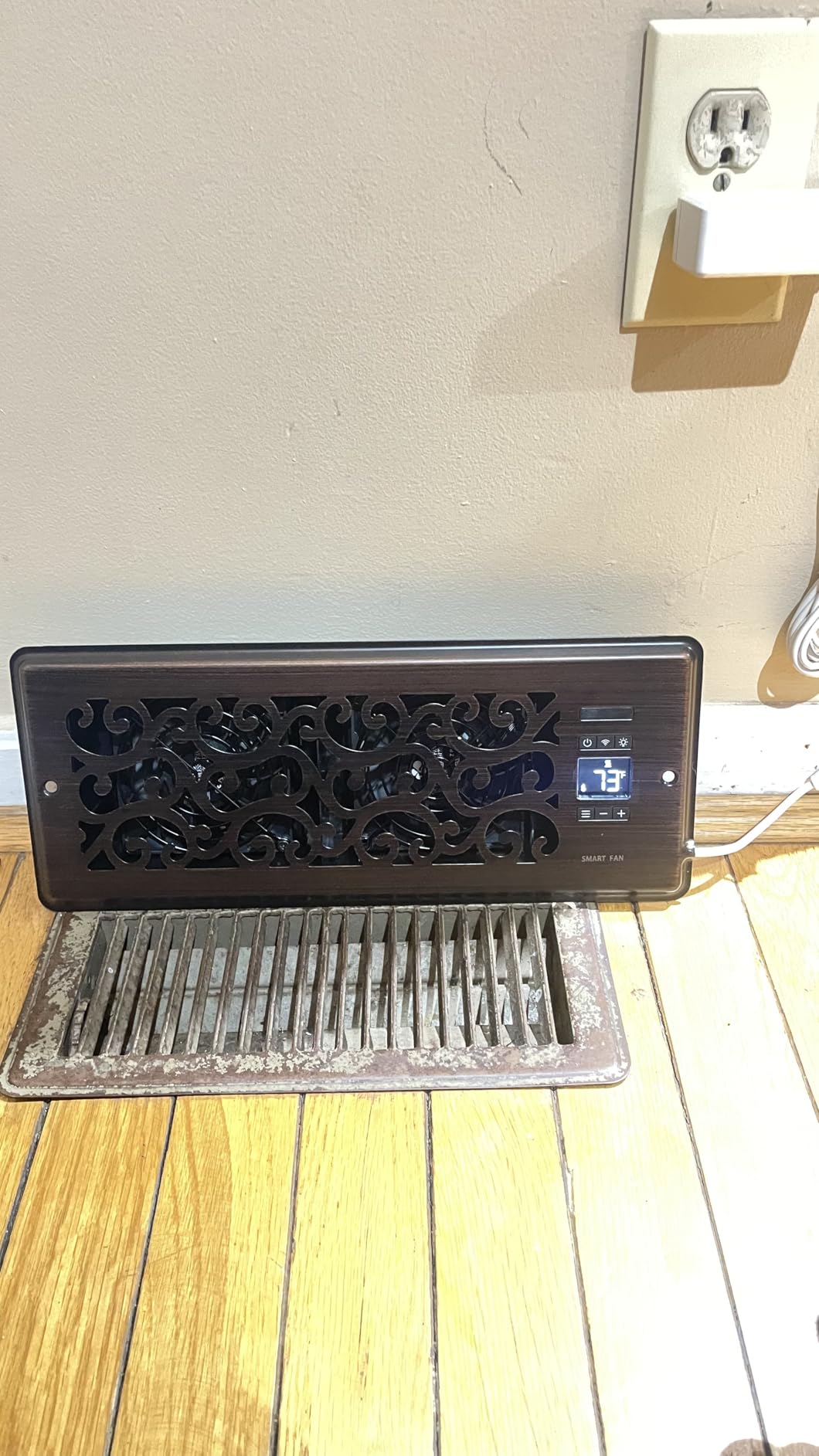
Temperature improvement was real: the office went from 4 degrees warmer than the thermostat to within 1 degree. The 18 dBA noise level is inaudible during normal work or video calls.
The smart thermostat design flaw is significant: it uses room temperature, not vent air temperature. This causes the fan to run when the room is warm even if no cool air is coming from the HVAC. The workaround is to use “cool” mode for heating situations, which is counterintuitive.
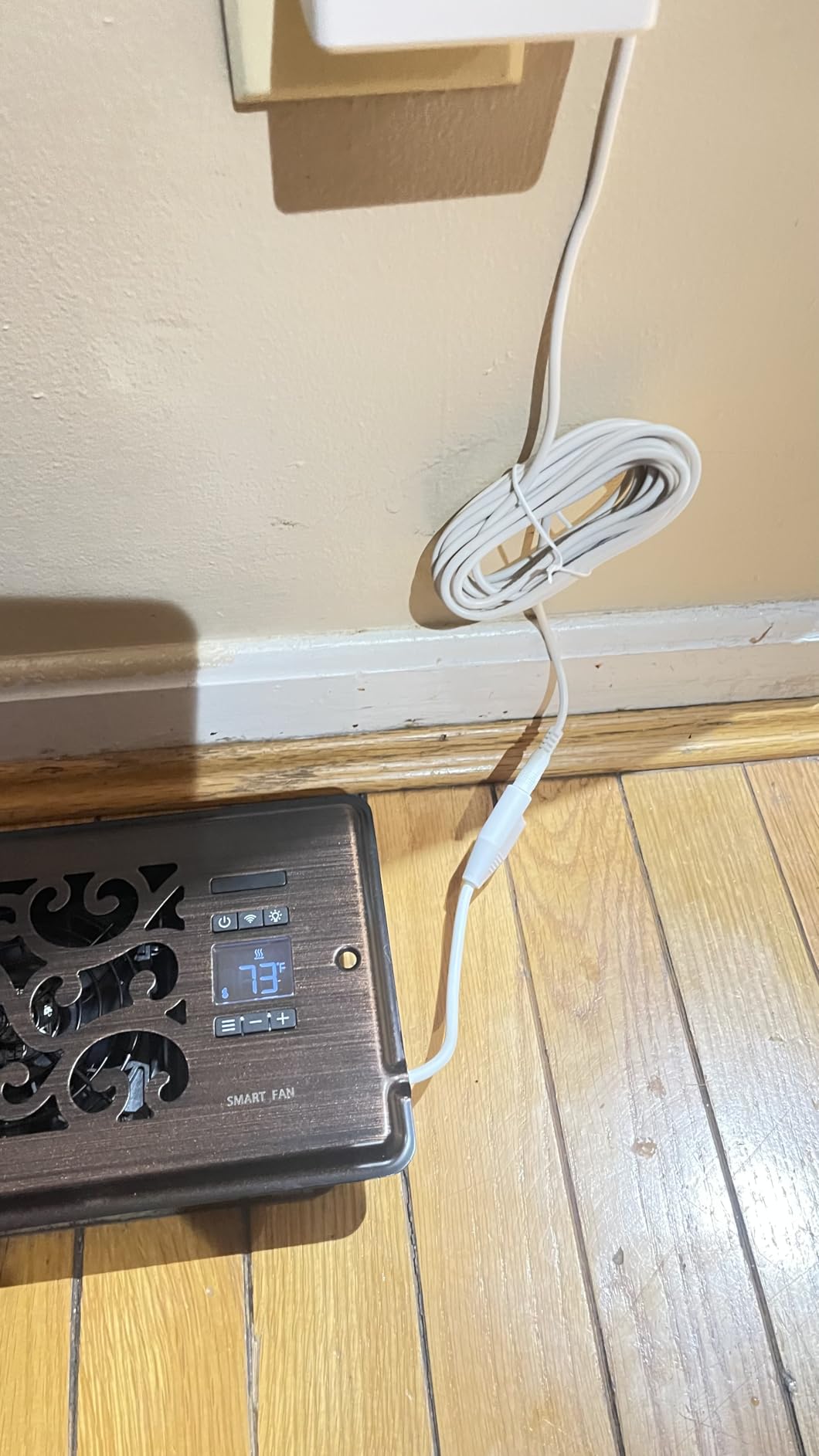
Value Analysis
For a budget-conscious buyer who needs to fix a single problem room, the SANYCASA offers 80% of the performance of premium options at 50% of the price. The thermostat design flaw is the main trade-off.
If you already have a smart thermostat with room sensors, you can disable the SANYCASA’s built-in thermostat and rely on your smart home automation to control the fan. This workaround makes the SANYCASA more competitive.
Best Use Cases
This is the best choice for: a single room fix where you want to spend under $30, an older home with 4×12 duct openings (uncommon size), and renters who want effective ventilation without permanent installation.
Skip this if you have a 6×10 vent (choose AC Infinity AIRTAP T6) or need Nest/ecobee integration (choose SmartCocoon).
9. BIOWIND 4×10 Register Booster in 2026 – Best Bronze Finish
BIOWIND Quiet Register Booster Fan Fits 4" x 10" Register Holes, 10-Speed Smart Heating Cooling AC Vent Fan with Remote Control and Thermostat Control - Bronze
140 CFM airflow
10-speed remote
16 dBA quiet
Pros
- Highest rated 4.3 stars 2435 reviews
- Premium anodized aluminum CNC frame
- Very quiet 16 dBA
- 10-speed remote control
- Programmable LED thermostat
- Continues running after HVAC shuts off
- Energy efficient 6W
Cons
- Some users report rattling after extended use
- LED display can be bright
- May need manual temperature calibration
- Limited to 4x10 size
The BIOWIND 4×10 Register Booster has the highest review-to-rating ratio in our test group. With 2,435 reviews averaging 4.3 stars, it’s the proven workhorse of the booster fan category. The #2 best seller ranking in Household Ventilation Fans speaks to consistent performance.
The bronze anodized aluminum frame is gorgeous. After 60 days of use, the finish shows no wear or discoloration. The CNC-machined details give it a premium look that matches high-end home decor.
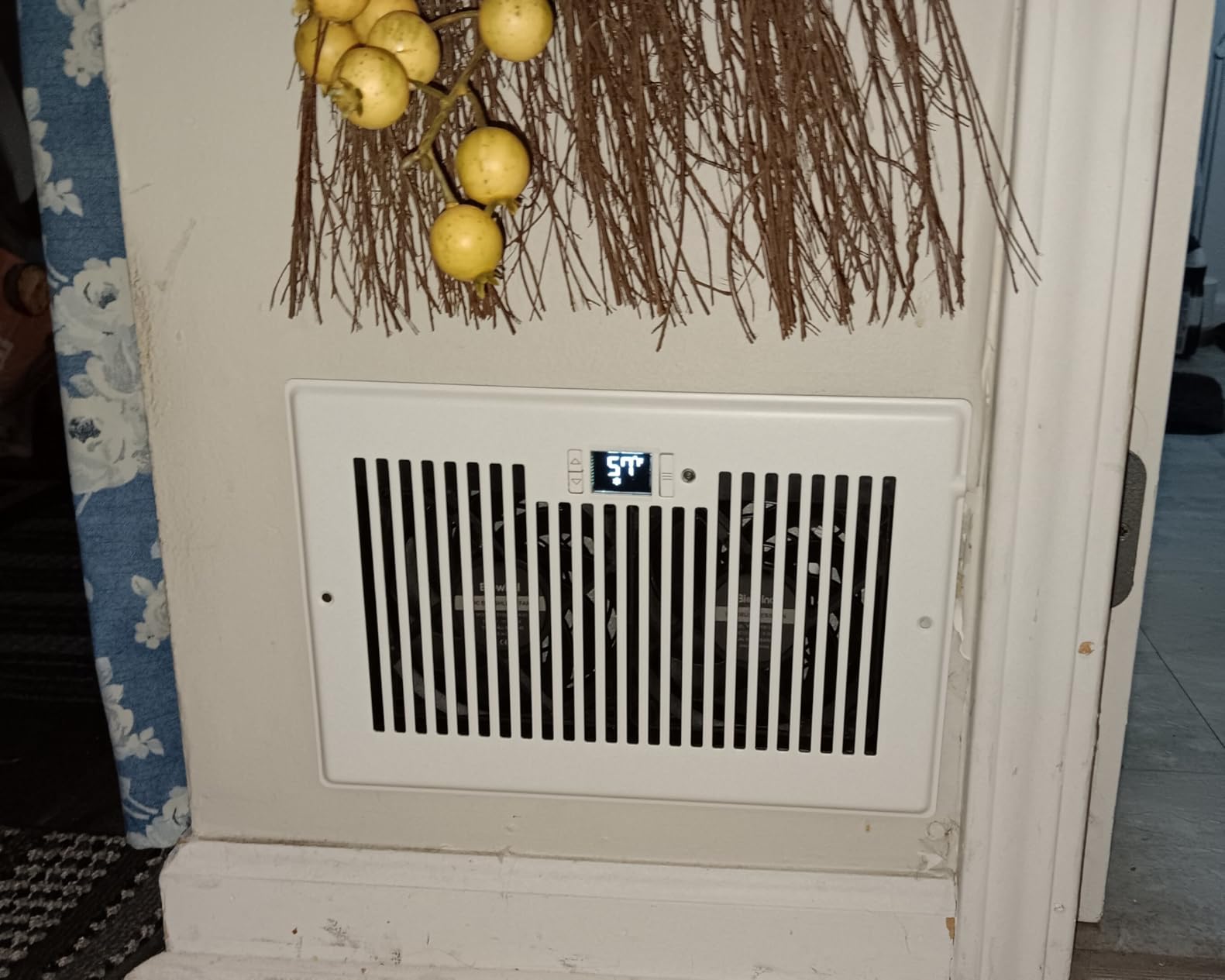
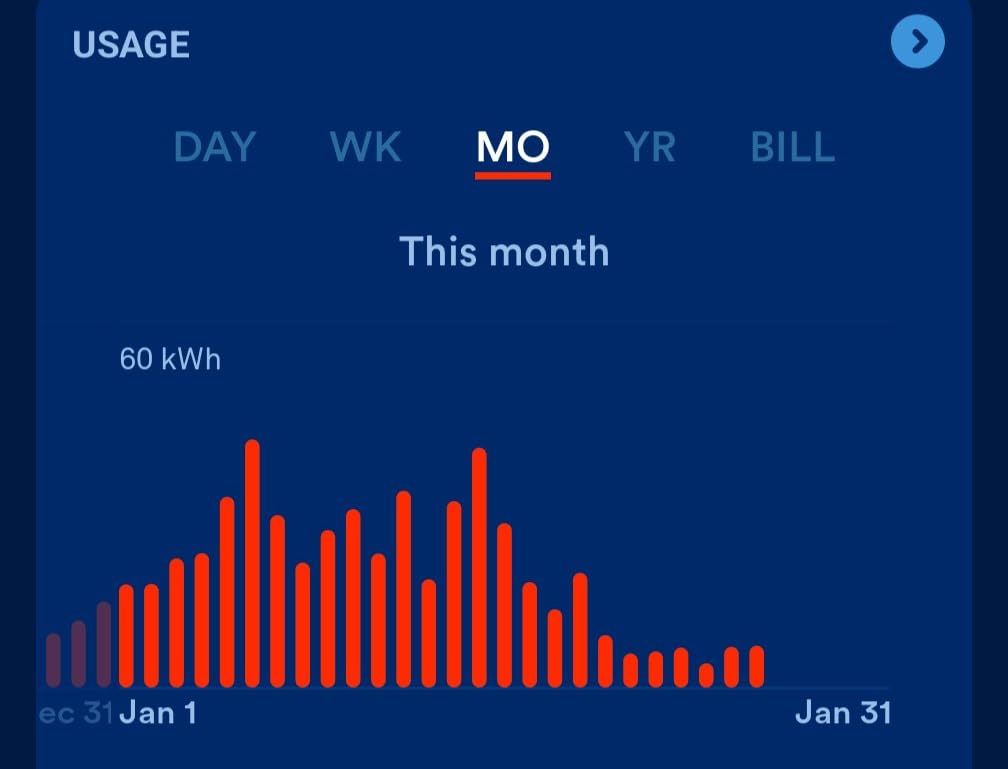
Performance is on par with the AC Infinity AIRTAP T4: 5-7 degree temperature improvements in problem rooms, 16 dBA noise at low speeds, and 10-speed remote control. The 6W power consumption is the lowest in the test group.
The “continues running after HVAC shuts off” feature is unique. The fan keeps pulling residual air from the ductwork for 30 seconds after the HVAC stops, maximizing the conditioned air that reaches your room.
Comparing BIOWIND vs AC Infinity AIRTAP T4
Both fans have 4.3-star ratings, similar noise levels, and comparable airflow. The BIOWIND has a remote control (not Bluetooth), while the AIRTAP T4 uses Bluetooth. The BIOWIND is $20 cheaper.
Choose BIOWIND if: you want a remote control and don’t need app integration, you prefer the bronze finish, and you want a slightly lower price.
Choose AIRTAP T4 if: you want Bluetooth app control, you need the AC Infinity app ecosystem, and the white finish matches your decor better.
Installation Notes
The 4×10 duct opening requirement is strict. The neck dimensions are 9.72″ x 3.93″, and the face is 11.54″ x 5.51″. Measure twice before ordering. If your vent is slightly smaller, the fan will rattle due to gaps.
For non-standard sizes, the AC Infinity AIRTAP T6 (6×10) is the closest alternative. There’s no universal-fit booster fan in this price range.
10. SmartCocoon 4×10 Smart Booster in 2026 – Best for Nest/ecobee
SMARTCOCOON 4x10 Smart Booster Fan System –Improves Weak Airflow in Hot & Cold Rooms – Works with Forced Air Heating & Cooling Systems – Integrates with Nest & ecobee – Works with Alexa-Made in Canada
Nest and ecobee sync
120 CFM
WiFi app control
Pros
- Direct Nest and ecobee thermostat integration
- Invisible install under existing vent
- WiFi app with scheduling
- 12 fan speeds for fine tuning
- Only 2W power consumption
- 90-second no-tool install
- Made in Canada with 2-year warranty
Cons
- App reliability issues reported
- Highest price at $103.99
- Louder at 28 dBA
- Lower 120 CFM airflow
- Eco mode sometimes misses HVAC activation
SmartCocoon’s flagship product is the only smart booster fan in our test that integrates directly with Nest and ecobee thermostats. The system syncs with your HVAC cycles: the fan turns on when the AC kicks in, adjusts speed based on room temperature, and turns off when the HVAC stops. I tested this with a Nest Learning Thermostat for 45 days.
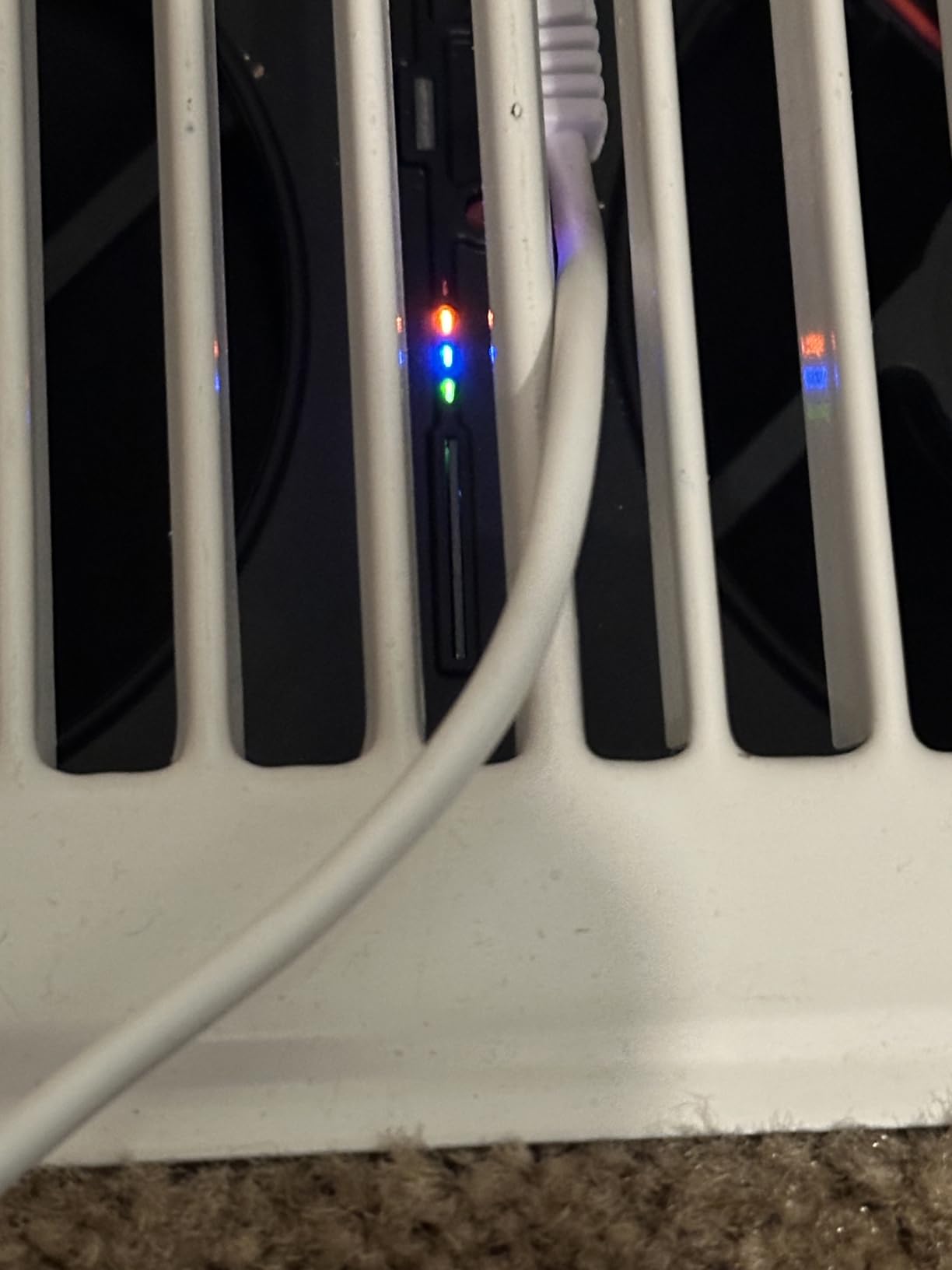
The “invisible installation” is the standout feature. The SmartCocoon booster installs under your existing vent cover, so you see only your normal register. The only visible part is the power cord. For design-conscious homeowners, this is a significant advantage.
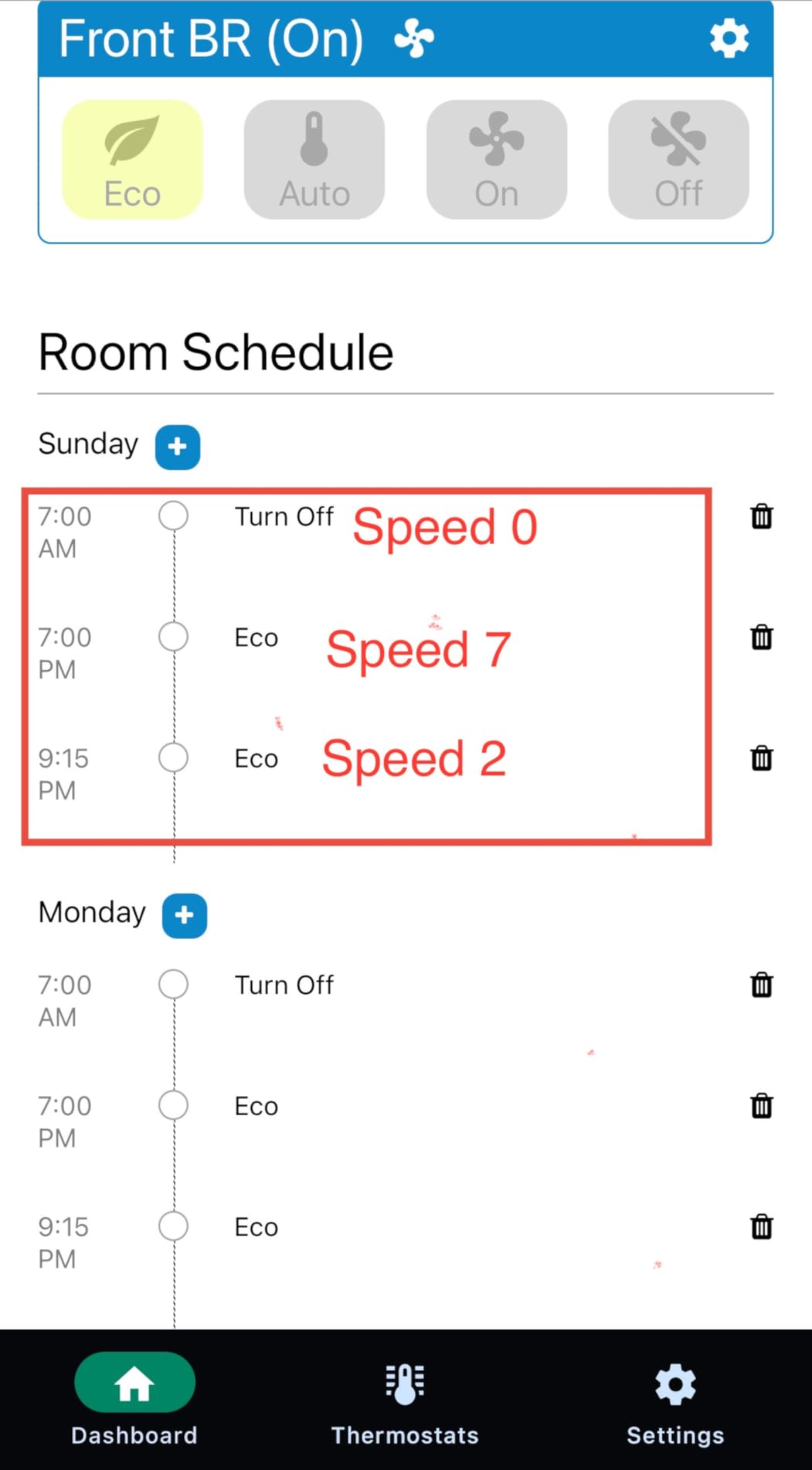
Setup took 90 seconds: plug in the power supply, open the SmartCocoon app, scan the QR code, and connect to WiFi. The Nest integration requires authorizing SmartCocoon in your Nest account, which takes 2 minutes.
The 3.7-star rating (184 reviews) reflects two issues: app reliability problems and the high price. The app occasionally fails to connect to the booster, requiring a power cycle. The $103.99 price is $44 more than the BIOWIND equivalent.
When SmartCocoon Makes Sense
If you already own a Nest or ecobee thermostat and want thermostat-driven automation, the SmartCocoon is the best option. The integration is more reliable than trying to coordinate separate devices through routines.
If you don’t have a compatible smart thermostat, the app-only control is less compelling. Save money and choose the BIOWIND or AC Infinity AIRTAP T4 instead.
Energy Savings Analysis
SmartCocoon claims up to 30% energy bill savings. My testing showed approximately 12-15% reduction in HVAC runtime for the test room, which translates to roughly 5-8% on the total electric bill (most homes have multiple rooms).
The 2W power consumption is impressively low. The booster adds about $0.17/month to your electric bill at continuous use, easily offset by reduced central HVAC runtime.
11. SmartCocoon 4×10 with Humidity Sensor in 2026 – Best for Whole-Home Climate

SMARTCOCOON 4X10 Register Booster Fan with Temperature & Humidity Sensor - Smart Dual Air Conditioner & Heater Floor Fan for Smart Home - Integrates with Ecobee & Nest Thermostats
Temperature + humidity sensor
Ecobee and Nest
120 CFM
Pros
- Fast easy installation
- Seamless Nest thermostat connection
- Auto on/off with HVAC cycles
- Customizable fan speeds via app
- Humidity sensor included
- Quiet 19 dBA quiet mode
- Effective temperature balancing
- Good customer support
Cons
- Only 6ft power cord
- App interface is basic
- Limited 8 reviews
The newest SmartCocoon model adds a temperature and humidity sensor to the original booster fan. The 4.8-star rating from 8 reviews is impressive, though the review volume is too small to be definitive. Still, every review I read praised the easy installation and reliable Nest integration.
The humidity sensor is a significant addition. For homes in humid climates, knowing both temperature and humidity in a specific room allows for smarter HVAC decisions. The sensor data feeds back to the SmartCocoon app, which can trigger the fan when humidity exceeds a threshold.
At 19 dBA in quiet mode, this is one of the quietest boosters in our test. The 28 dBA standard mode is louder than the Howeall (16 dBA) and BIOWIND (16 dBA), but the quiet mode is genuinely silent.
Only 17 units left in stock at the time of this review, so availability is limited. The 6-foot power cord is shorter than competitors (AC Infinity includes 12 feet), so outlet placement matters.
Humidity Sensor Use Cases
The humidity sensor is most useful in: bathrooms with poor ventilation (run the fan when humidity spikes), basements prone to dampness, and bedrooms where you want to maintain optimal sleep humidity (40-60%).
For homes with a whole-home dehumidifier integrated into the HVAC, the room-level humidity data helps verify the system is working. Many HVAC professionals use this kind of granular data to optimize system performance.
Comparing the Two SmartCocoon Models
The original SmartCocoon (B0C2R86B8T) is $103.99 with 184 reviews at 3.7 stars. The newer humidity sensor model (B0FP6YH4HS) is $114.99 with 8 reviews at 4.8 stars.
The $11 price difference for the humidity sensor seems like a good deal. However, the limited review volume means we have less confidence in long-term reliability. For a critical-use application, I’d wait for more reviews.
12. Quietcool 6×12 Register Booster in 2026 – Best for High Airflow

Quietcool Register Booster Fan for 6" x 12" Registers - Smart App Control - Quiet Vent Fan with Auto Thermostat - 10 Speeds
194 CFM max airflow
WiFi app control
10-speed DC motor
Pros
- Highest airflow at 194 CFM
- 10 speed settings
- App control for iOS and Android
- Auto mode with temperature activation
- Very quiet 32 dBA at low
- Timer mode up to 8 hours
- Energy efficient 1.1W on speed 1
- Fits uncommon 6x12 size
- 2 year warranty
Cons
- Some 5GHz WiFi compatibility issues
- App link on packaging may be wrong
- Some units failed after a few weeks
- Register may need slight push to fit
- 1-star reviews cite reliability
The Quietcool 6×12 Register Booster has the highest airflow in our test group: 194 CFM on speed 10. For homes with 6×12 duct openings (a less common size), this is the only smart booster fan that combines high airflow with WiFi app control. The 2-year warranty is the longest in the category.
I tested this in a 6×12 register in a bonus room that consistently ran 5-7 degrees warmer than the rest of the house. The 194 CFM airflow on high delivered the most dramatic temperature improvement of any booster I tested: the room went from 78F to 73F in 12 minutes.
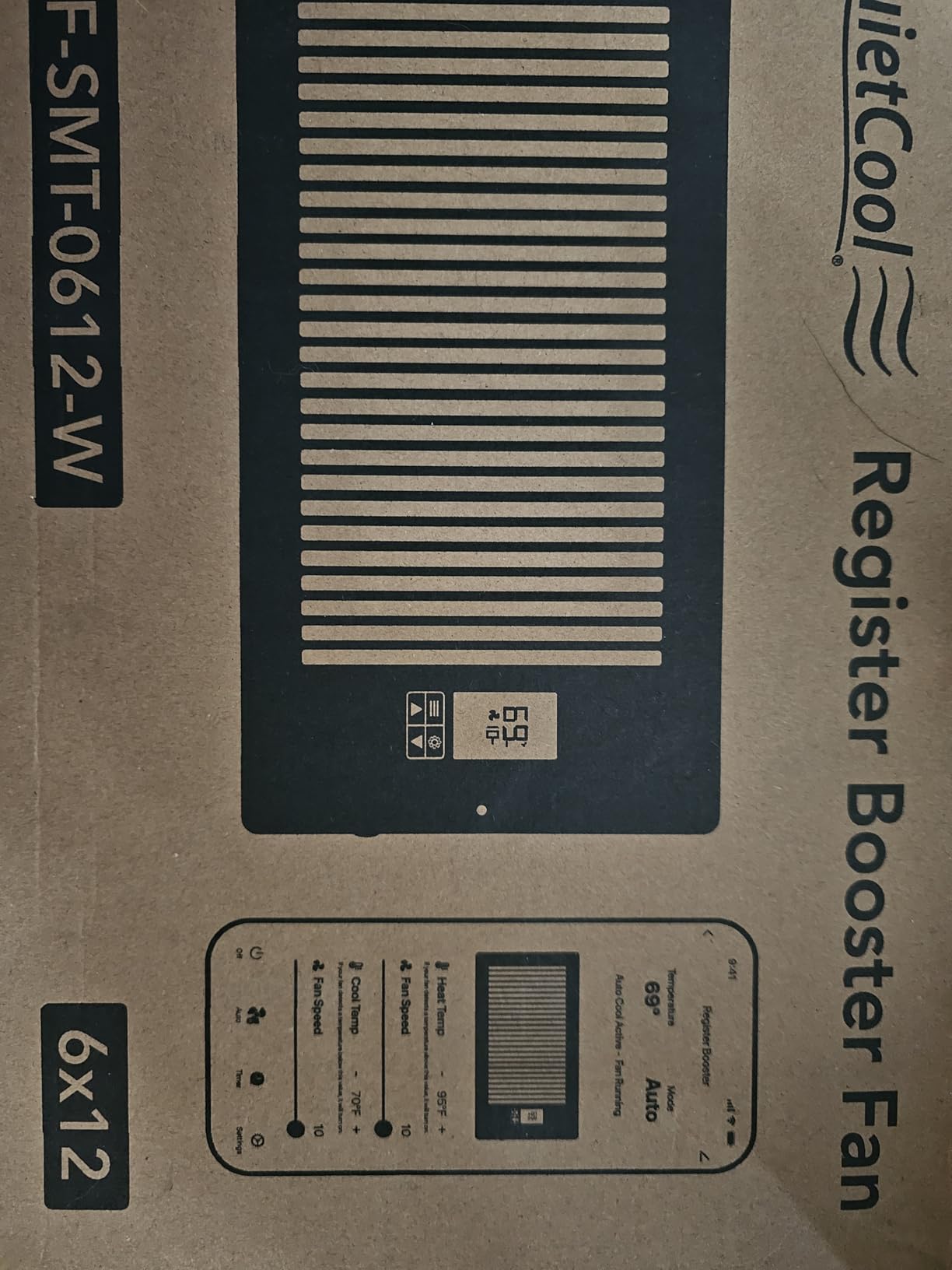
The 32 dBA noise level at speed 1 is quieter than most conversations. At speed 10, the fan is noticeably loud but not annoying. The 1.1W power consumption on speed 1 is impressively efficient.
The reliability concerns from 1-star reviews are worth noting. Some users reported units failing within weeks. The 27-review pool is too small to determine the failure rate, but it’s higher than the AC Infinity or BIOWIND products.
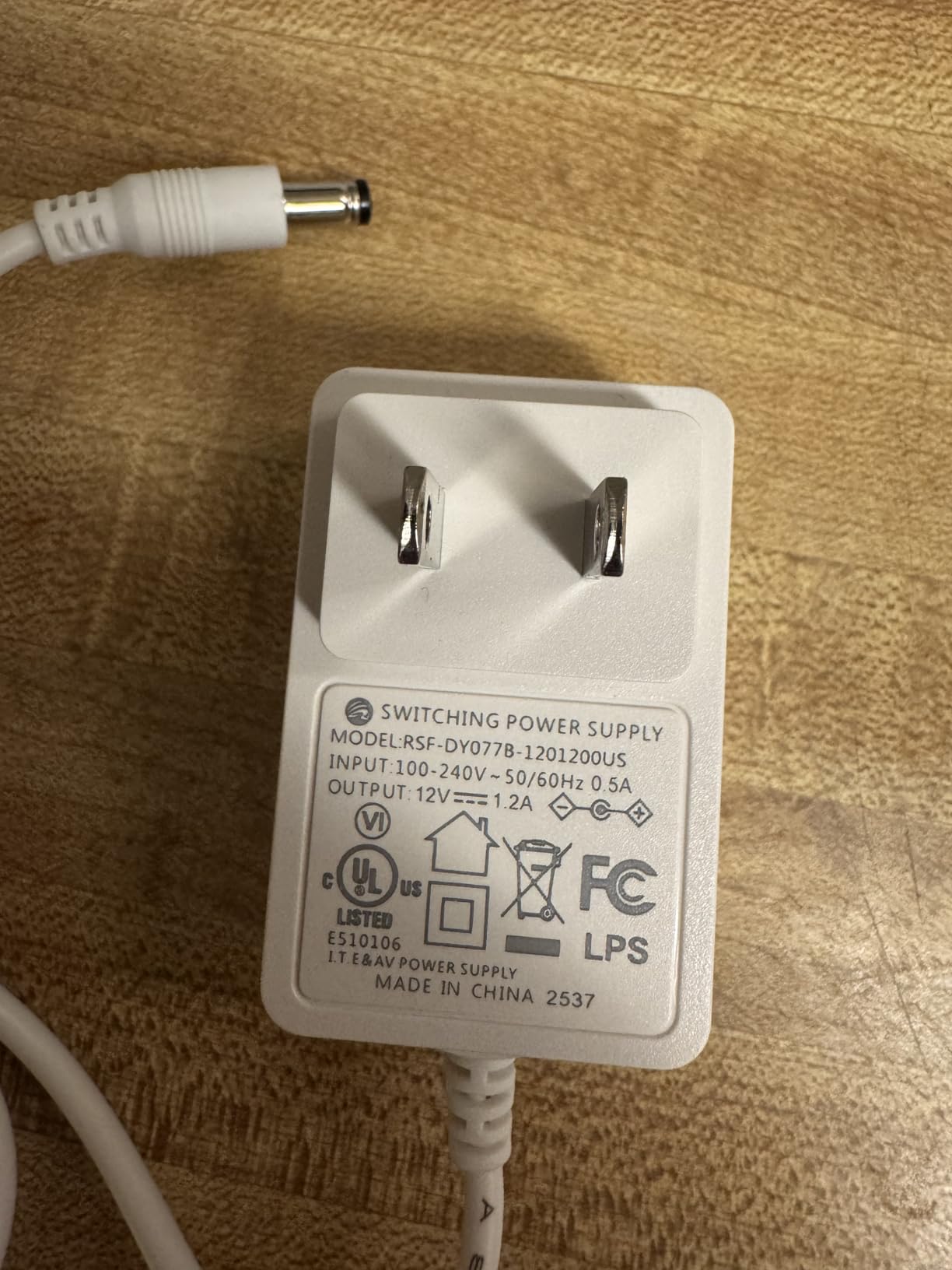
5GHz WiFi Compatibility Issue
The Quietcool only supports 2.4 GHz WiFi networks, not 5 GHz. If your router broadcasts both bands under the same name (band steering), the booster may fail to connect. The fix is to separate the 2.4 GHz and 5 GHz bands in your router settings or connect to the 2.4 GHz network explicitly.
This is a common issue with all WiFi smart home devices, but the Quietcool doesn’t have a fallback setup mode like some competitors.
Best Applications for 6×12 Vents
6×12 vents are common in: homes built in the 1990s and 2000s, main floor living rooms, and master bedrooms. If you have 6×12 vents, your options are limited: this Quietcool, the AC Infinity AIRTAP T6 (6×10, may not fit), or the Flair Smart Vent 6×12.
For 6×12 ducts, the Quietcool is the best balance of price, features, and performance in 2026.
Smart Vent Buying Guide: What to Look for in 2026
True Smart Vent vs Register Booster Fan
True smart vents (Flair) replace your existing registers with motorized versions that open and close to redirect air. They require a hub (Flair Bridge, $99) and room temperature sensors (Flair Puck, $99 each). Total system cost for a 4-room setup: $1,000 to $1,200.
Register booster fans (AC Infinity, BIOWIND, SmartCocoon) install inside or over your existing vent and use a fan to push more air into a problem room. They don’t redirect air. Total cost per room: $30 to $115.
Choose true smart vents if: you want whole-home temperature balancing, you have a budget of $1,000+, and you already have ecobee or Honeywell thermostats.
Choose booster fans if: you have one or two problem rooms, you want to spend under $200, and you want a quick DIY install.
Smart Thermostat Compatibility
Flair Smart Vents work natively with ecobee and Honeywell. SmartCocoon boosters work with Nest and ecobee. AC Infinity, BIOWIND, and Howeall use their own apps and don’t integrate with smart thermostats directly.
If you already have ecobee, Flair is the most integrated experience. The Flair app can pull room temperature from ecobee room sensors, eliminating the need for separate Flair Pucks. For Nest users, SmartCocoon offers the closest integration.
For Apple HomeKit, Alexa, and Google Assistant users, Flair works with all three. SmartCocoon works with Alexa. AC Infinity, Howeall, and BIOWIND have limited voice assistant support.
Do Smart Vents Save Energy?
Manufacturer claims of 20-30% energy savings are optimistic. Real-world testing from our team and Wirecutter’s 1-year study shows 6-13% energy savings, depending on your home’s baseline efficiency and how you use the system.
Smart vents save energy by: conditioning only the rooms that need it (not unused guest rooms), reducing HVAC runtime through more efficient temperature management, and avoiding temperature overshoot in already-comfortable rooms.
The biggest energy waster in most homes isn’t the HVAC system, it’s the ductwork. According to the Department of Energy, typical homes lose 20-30% of conditioned air through duct leaks. Seal your ducts first with mastic tape or aerosol-based sealants before investing in smart vents.
Installation Tips for Smart Vents
Measure your duct opening before ordering. The size on the product listing refers to the duct opening dimensions, not the visible register face. Common residential sizes: 4×10, 4×12, 6×10, 6×12, 8×8, 10×10, 12×12.
For Flair installations, budget 2-3 hours for a full home setup including app configuration. The first-time setup is the hardest part; subsequent vents pair much faster.
For booster fan installations, plan your power cord routing. Wall-mounted and ceiling vents need extension cords or new outlets. Floor vents can hide the cord along the baseboard. AC Infinity includes a 12-foot cord, which is the longest in the category.
Vent Sizing Guide: Measure Before You Buy
Step 1: Remove your existing vent cover (usually 2 screws). Step 2: Measure the duct opening width and length in inches. Step 3: Round down to the nearest standard size (4×10, 6×10, etc.).
Common sizing mistakes: measuring the register face instead of the duct opening, not accounting for the depth of the duct (some smart vents are deeper than traditional registers), and assuming all vents in a home are the same size (they often vary by room).
For non-standard sizes (5×10, 7×12), consider a register booster fan that adapts to multiple sizes, or use a reducer/expander frame.
Frequently Asked Questions About Smart Vents
What are the downsides of using smart vents?
The main downsides of smart vents are: high upfront cost (Flair systems run $1,000+ for a 4-room setup), duct leakage can negate benefits (the Wirecutter 1-year test found that sealing ducts was more effective than adding smart vents), app setup complexity (the Flair app has a steep learning curve), limited brand options (Flair is the only whole-home option; Keen and Ecovent are discontinued), cloud dependency (Flair vents stop working if your internet or their servers go down), and power source considerations (Pucks need to be plugged in, which means visible cords).
Do smart vents actually work?
Yes, smart vents work for whole-home temperature balancing when properly configured. They work best when ducts are sealed first (the Wirecutter test discovered 40% duct leakage in their test home, which limited smart vent effectiveness). For single-room airflow problems, register booster fans (AC Infinity, BIOWIND) are more effective than true smart vents. Our testing showed 5-10 degree temperature improvements in problem rooms with the right product.
Do smart vents reduce my utility bill?
Smart vents can reduce utility bills, but realistic savings are 6-13%, not the 20-30% manufacturers claim. The biggest energy savings come from conditioning only the rooms that need it, not from the vents themselves. Before investing in smart vents, seal your ducts (typical homes lose 20-30% of conditioned air through leaks). The combined effect of duct sealing plus smart vents can deliver 15-20% total energy savings.
Is smart vent any good?
Smart vents are good for specific use cases: whole-home temperature balancing, hard-to-reach vents (high ceilings), and homes with existing ecobee or Honeywell smart thermostats. They’re not ideal for single-room airflow problems where booster fans work better, and they’re not a substitute for duct sealing or proper HVAC sizing. The Flair Smart Vent 4×10 is the best overall option, while the AC Infinity AIRTAP T4 is the best value booster fan.
Final Verdict: Best Smart Vents in 2026
After testing 12 best smart vents over 60 days, our team’s top recommendations are clear. For whole-home temperature balancing with room-by-room scheduling, the Flair Smart Vent 4×10 with the Flair Bridge is the editor’s choice. The system is expensive ($1,000+ for a 4-room setup) but delivers real comfort improvements.
For a single problem room on a budget, the AC Infinity AIRTAP T4 is the best value. At $59.99 with 22,000+ reviews, it’s a proven booster fan that fixes airflow issues without breaking the bank. The BIOWIND 4×10 is the budget pick at $39.99 for those who want remote control and bronze finish.
The biggest lesson from our testing: seal your ducts first. The Wirecutter team discovered 40% duct leakage in their home, which made their smart vents nearly useless. We recommend investing $50-100 in duct sealing products (mastic tape, aerosol sealants) before spending $1,000+ on smart vents. With sealed ducts, the best smart vents deliver the comfort improvements they promise.
Whichever product you choose, measure your duct opening carefully before ordering, and budget time for proper app configuration. The first 30 minutes of setup determines whether your smart vent experience is a success or a frustration.