Managing receipts is one of the most time-consuming tasks for bookkeepers. Whether you’re handling five clients or fifty, the difference between a reliable receipt scanner and a frustrating one can save you hours every week. After analyzing the top options on the market, we’ve found the best receipt scanners designed specifically for bookkeeping workflows—featuring fast OCR, reliable batch processing, and seamless accounting software integration.
Top 3 Picks: Best Receipt Scanners for Bookkeepers
We earn a commission, at no additional cost to you.
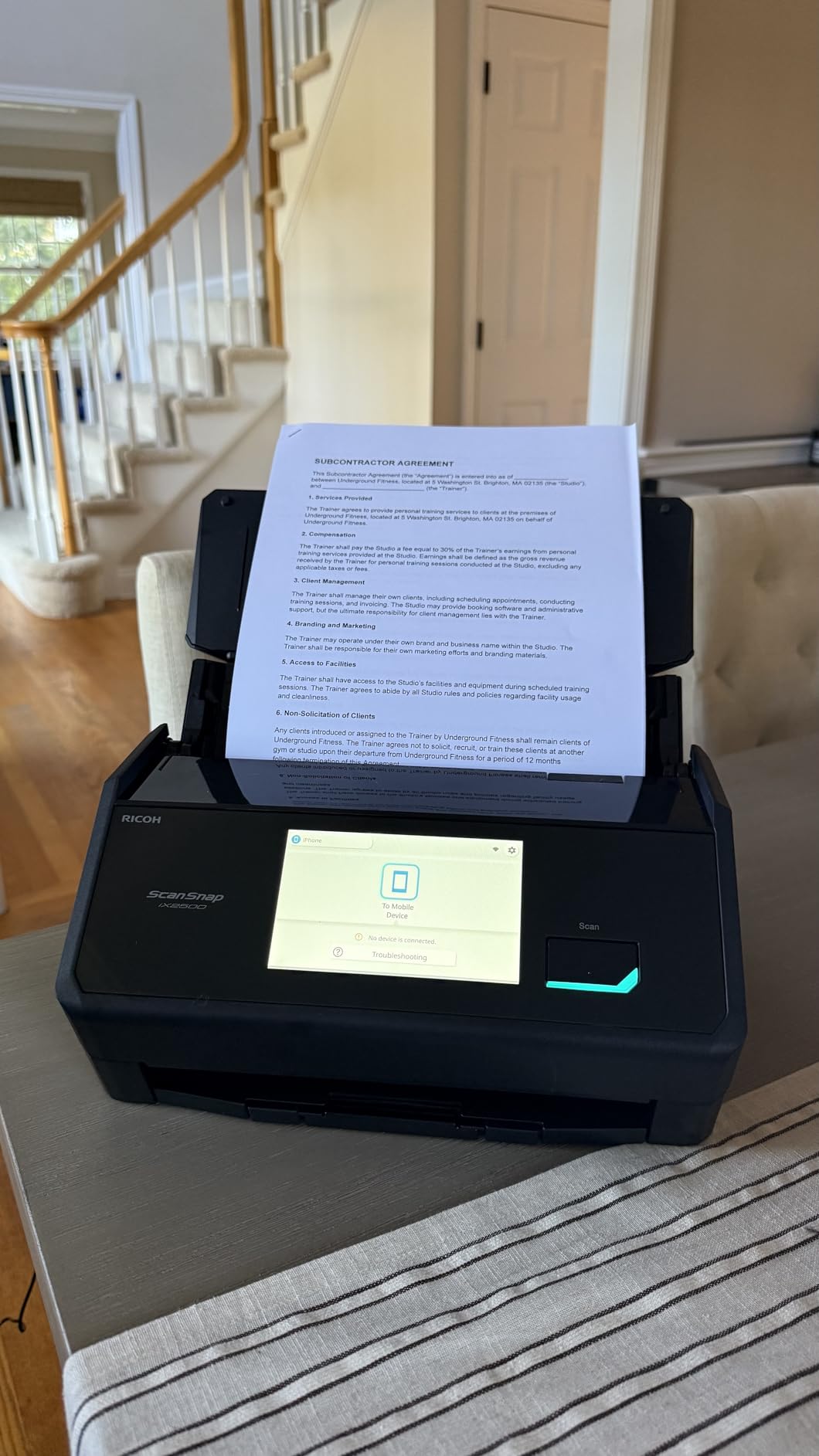
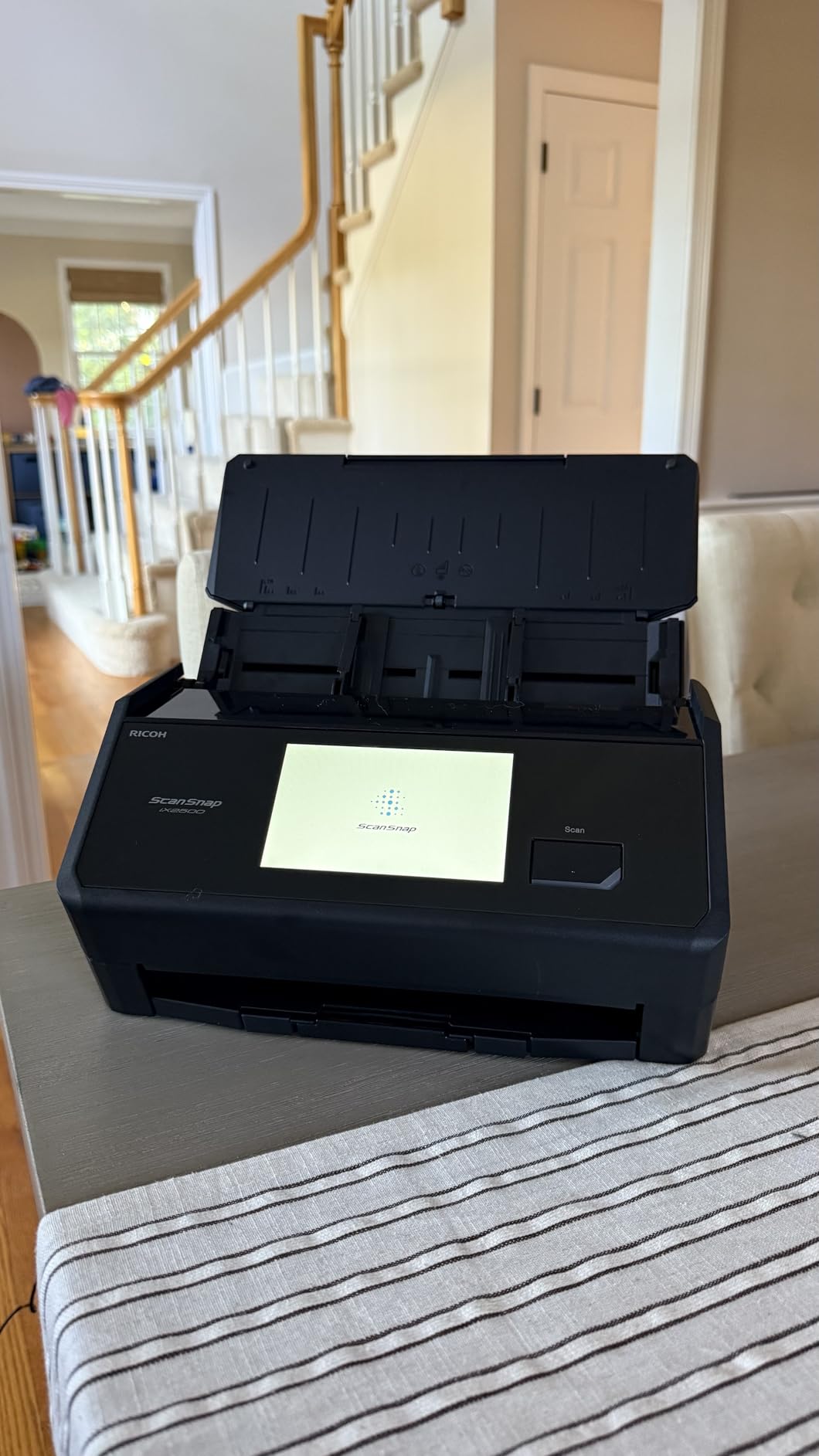
The ScanSnap iX2500 stands out as the premier choice for bookkeepers handling high-volume scanning workloads. With its impressive 100-sheet auto document feeder and 45 pages-per-minute duplex scanning capability, it can process large batches of receipts and documents in minutes rather than hours. The built-in Wi-Fi connectivity is a game-changer for shared office spaces, allowing multiple team members to access the scanner from different workstations.
What makes this scanner particularly valuable for bookkeeping professionals is its intelligent software that automatically optimizes scanned images, removes blank pages, and corrects orientation—all critical features when processing hundreds of receipts with varying quality. The 5-inch touchscreen interface lets you create customized scan profiles for different clients, so you can quickly switch between category structures without reconfiguring settings each time.
The receipt OCR accuracy is excellent for standard thermal paper receipts, though as with most scanners, faded ink on older receipts may require manual verification. The ScanSnap Home software organizes your scans effectively and includes robust search functionality, making it easy to locate specific receipts when clients request documentation during tax season or audits.
Volume and Batch Processing
The 100-sheet auto document feeder handles entire stacks of receipts without manual feeding, and the 45ppm duplex scanning ensures batches complete in minutes. Bookkeeping firms processing 100+ receipts daily will appreciate how this scanner disappears into the workflow—quietly handling large volumes while you focus on analysis.
Software and Integration
ScanSnap Home software organizes scans into logical folder structures with automatic naming conventions. Cloud integration connects directly to QuickBooks, Dropbox, Google Drive, and other storage solutions bookkeepers commonly use.
We earn a commission, at no additional cost to you.
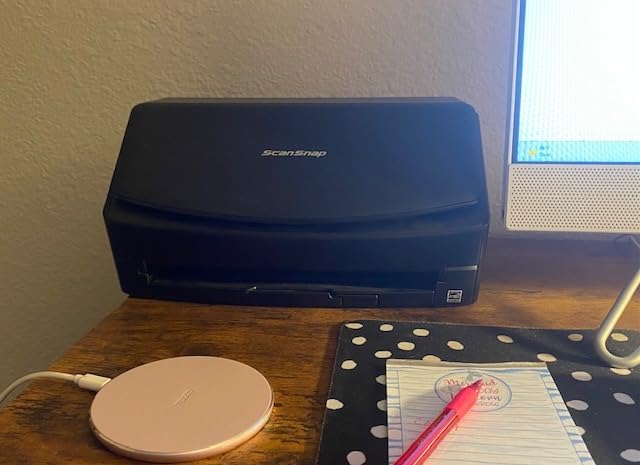
The ScanSnap iX2400 delivers the same exceptional scanning speed as its sibling—the impressive 45 pages per minute—at a slightly lower price point. With 969 reviews and a 4.5-star rating, this model has proven itself as a reliable workhorse for professional bookkeeping environments. The one-touch button operation simplifies workflows considerably, allowing you to train staff quickly on scanning procedures.
Like the iX2500, this scanner includes the 100-sheet auto document feeder, making batch processing straightforward. Automatic color detection, de-skewing, and blank page removal work seamlessly to produce clean, organized PDFs ready for accounting software import. The receipt and document organization features in ScanSnap Home make it simple to maintain client-specific file structures.
While it lacks the Wi-Fi capability of the iX2500, the reliable USB connection means fewer technical issues and more predictable performance—something busy bookkeepers genuinely appreciate. The trade-off is worthwhile for single-user setups or offices where the scanner stays connected to one workstation.
Value for Solo Bookkeepers
The ScanSnap iX2400 offers nearly identical performance to the iX2500 at a lower price point. For solo bookkeepers or single-workstation offices, the reliable USB connection provides faster, more predictable performance without the complexity of wireless setup.
Setup and Training
The one-touch button operation simplifies staff training. New bookkeepers can learn scanning procedures in minutes rather than hours, reducing onboarding time for accounting firms with high turnover or frequent training needs.
We earn a commission, at no additional cost to you.
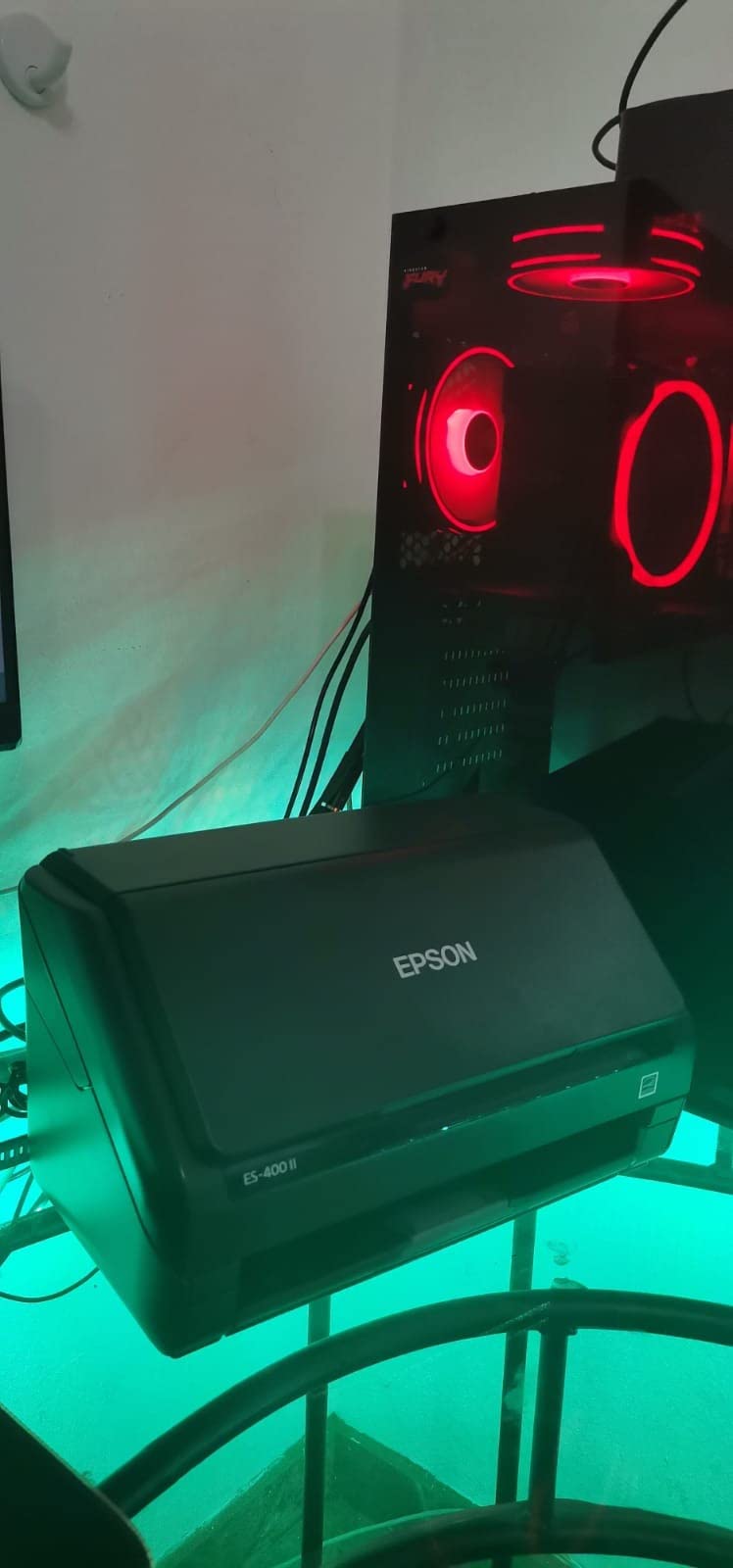
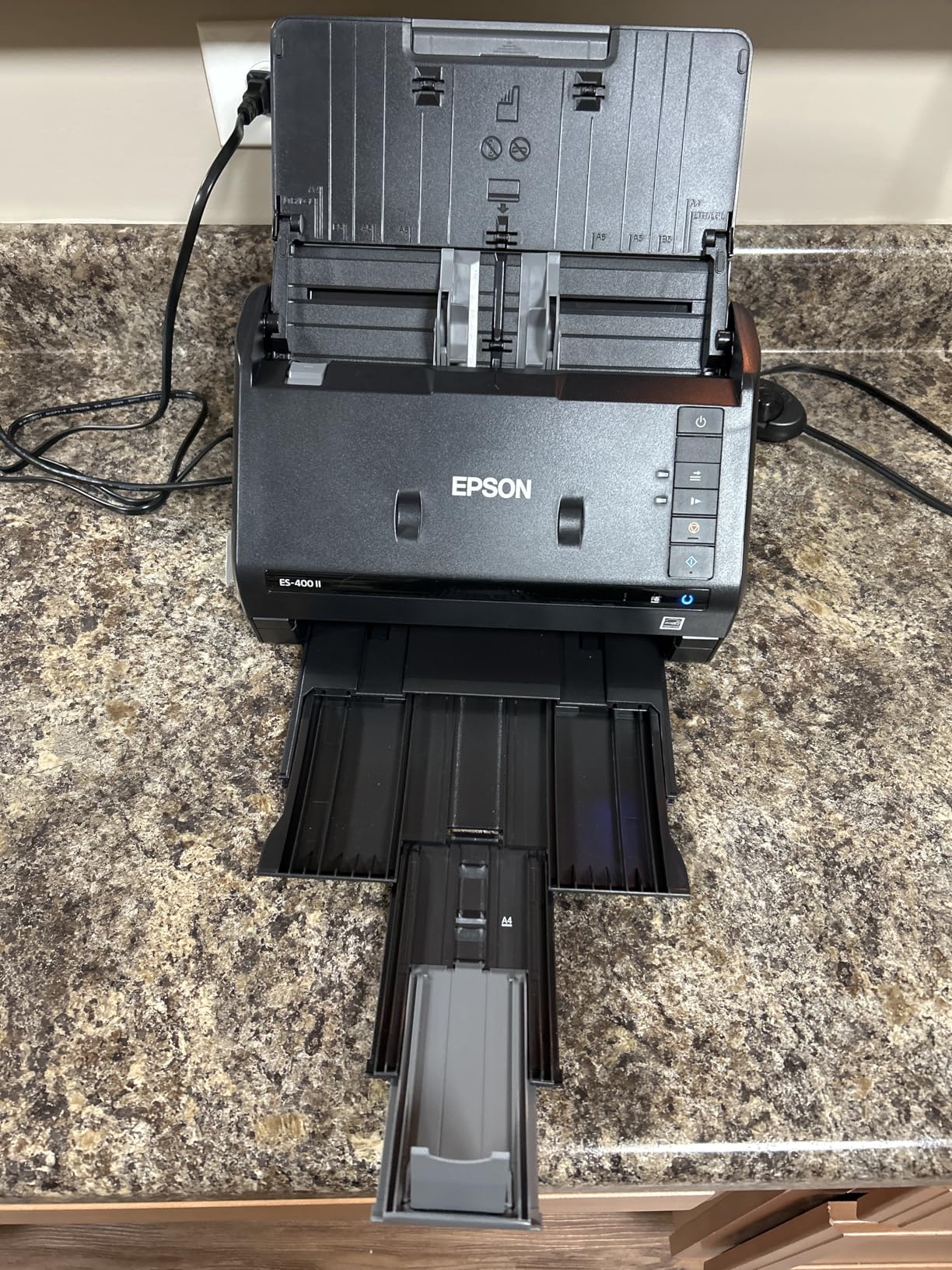
The Epson Workforce ES-400 II is a solid choice for bookkeepers who prioritize seamless software integration. Its TWAIN driver support means it works directly with most accounting software without requiring export/import workarounds. The included Epson ScanSmart software provides an intuitive workflow for previewing scans, applying adjustments, and sending files to cloud storage or accounting platforms.
With a 50-sheet auto document feeder and duplex scanning capability, this scanner handles moderate-volume workloads efficiently. The searchable PDF creation with built-in OCR allows you to find text within scanned receipts—a valuable feature when you’re searching for a specific vendor or amount across thousands of archived documents. The ability to convert scans to editable Word or Excel files adds flexibility for clients who need spreadsheet exports.
Bookkeepers appreciate the automatic file naming feature, which can be configured to include dates, vendors, or custom fields extracted during scanning. This reduces manual organization time significantly when processing large batches of receipts from multiple clients.
TWAIN Driver Compatibility
The TWAIN driver provides broad compatibility with most accounting software, including older desktop applications that don’t support cloud-based imports. Bookkeepers using legacy systems will appreciate the direct scanner-to-software workflow.
OCR and Searchability
Built-in OCR creates searchable PDFs that make locating specific receipts fast. When a client asks about a particular vendor or amount from three years ago, the searchable archive delivers answers in seconds rather than minutes.
We earn a commission, at no additional cost to you.
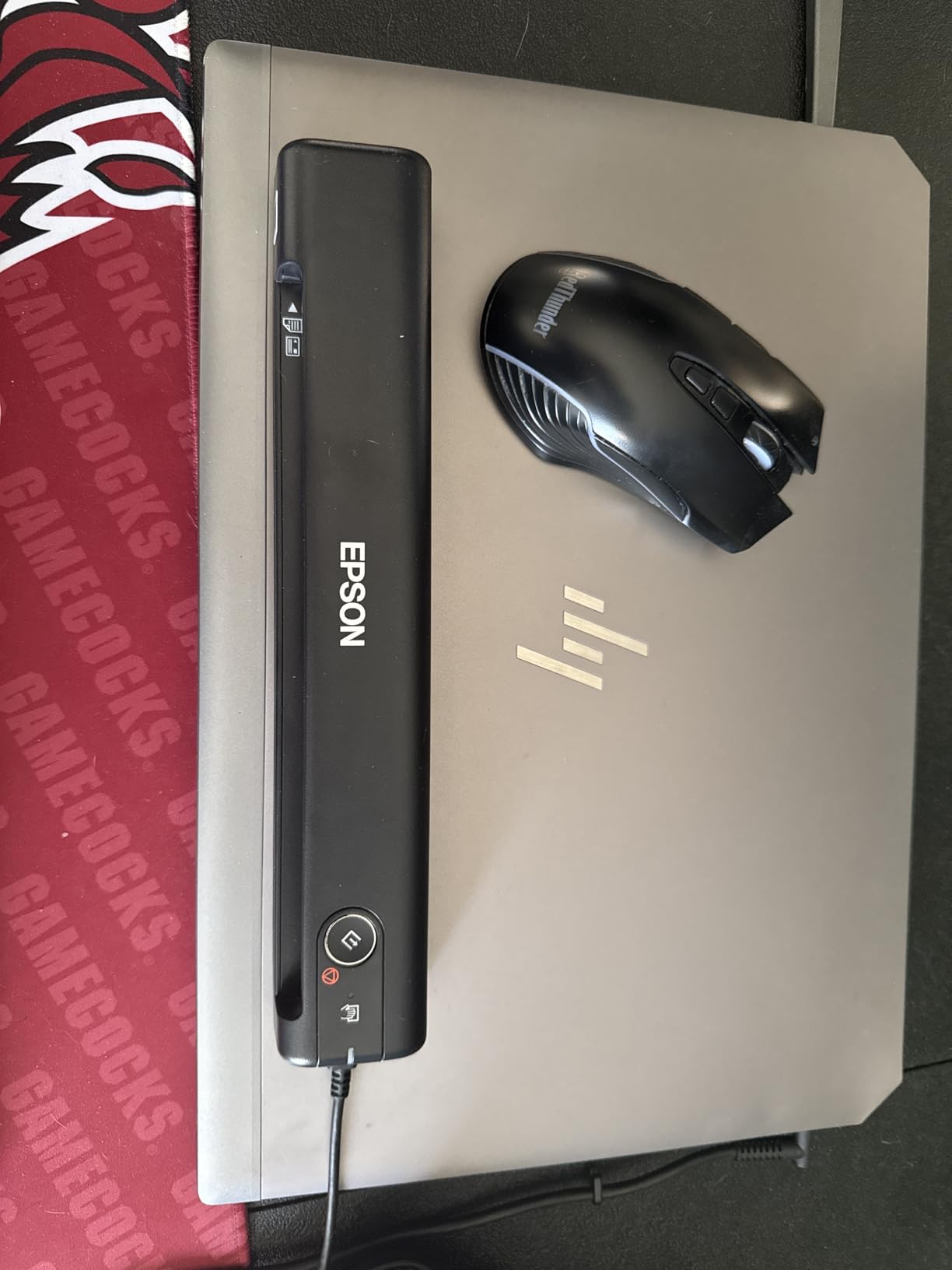
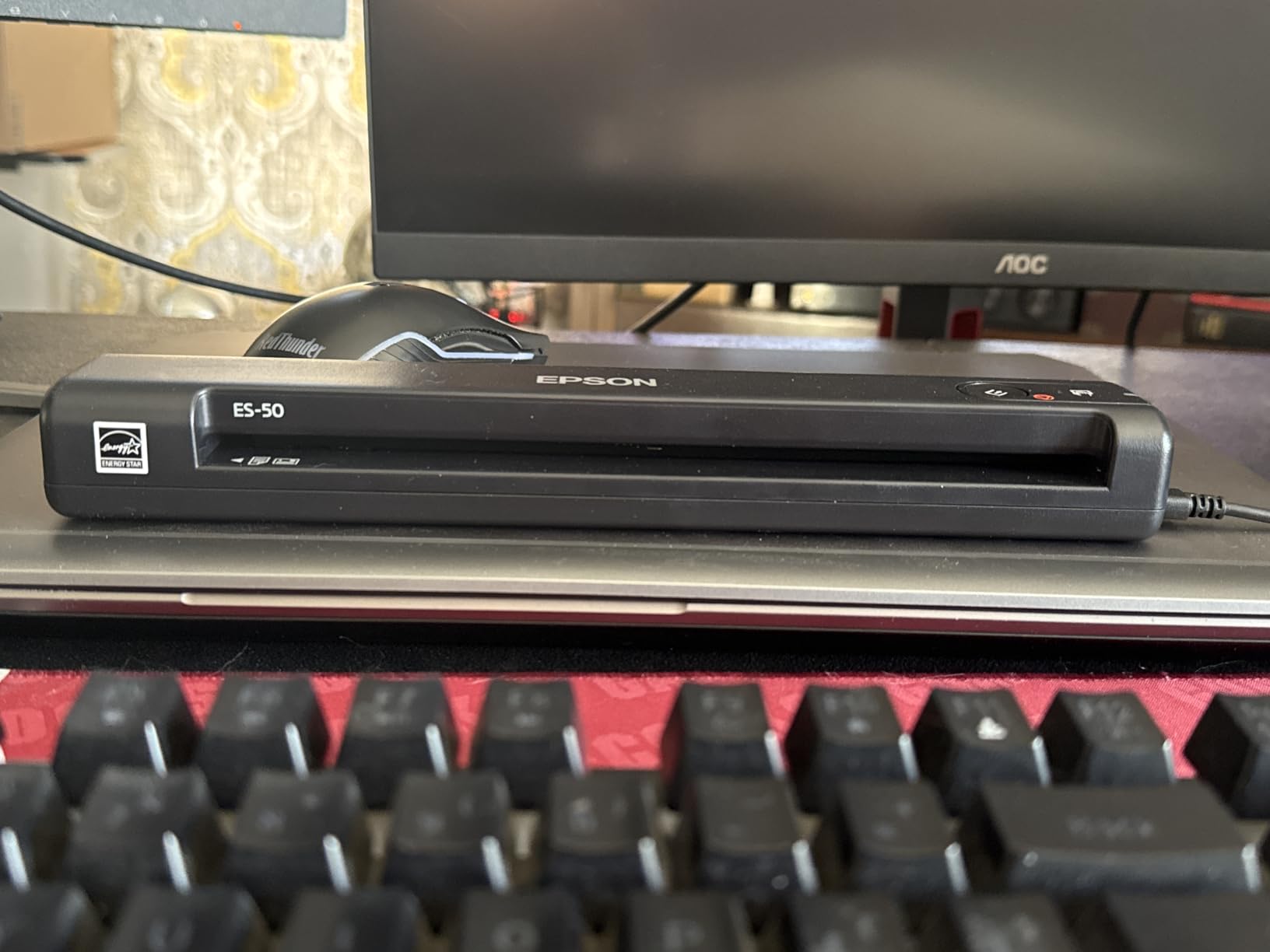
The Epson Workforce ES-50 is the ideal solution for bookkeepers who work remotely or visit client locations. Its ultra-compact design and USB-powered operation mean you can slip it into a laptop bag without noticing the weight. With over 5,800 reviews, this portable scanner has proven its reliability among professionals who need scanning capability on the road.
Despite its small size, the ES-50 delivers respectable performance with 5.5-second per-page scan speeds and 1200 dpi optical resolution—higher than many desktop scanners. The included Nuance OCR software creates searchable PDFs, and the free companion app extends functionality for mobile workflow management. It handles documents up to 8.5 x 72 inches, making it suitable for longer receipts and multi-page contracts.
The single-sheet feed design requires more manual involvement than autofeed models, so it’s best suited for light daily scanning volumes rather than bulk processing. If you’re visiting clients and need to digitize a shoebox of receipts during an on-site visit, this scanner handles the task without requiring a power outlet.
Mobile Bookkeepers
Weighing just 0.59 pounds, the ES-50 fits easily in laptop bags for daily transport. USB power means no hunting for outlets during client visits—the scanner draws power directly from your laptop.
Long Receipt Handling
The 72-inch scan length accommodates longer receipts and multi-page contracts that would jam or not fit in standard desktop scanners. This makes the ES-50 particularly valuable for bookkeepers working with retail clients who save long receipts.
We earn a commission, at no additional cost to you.
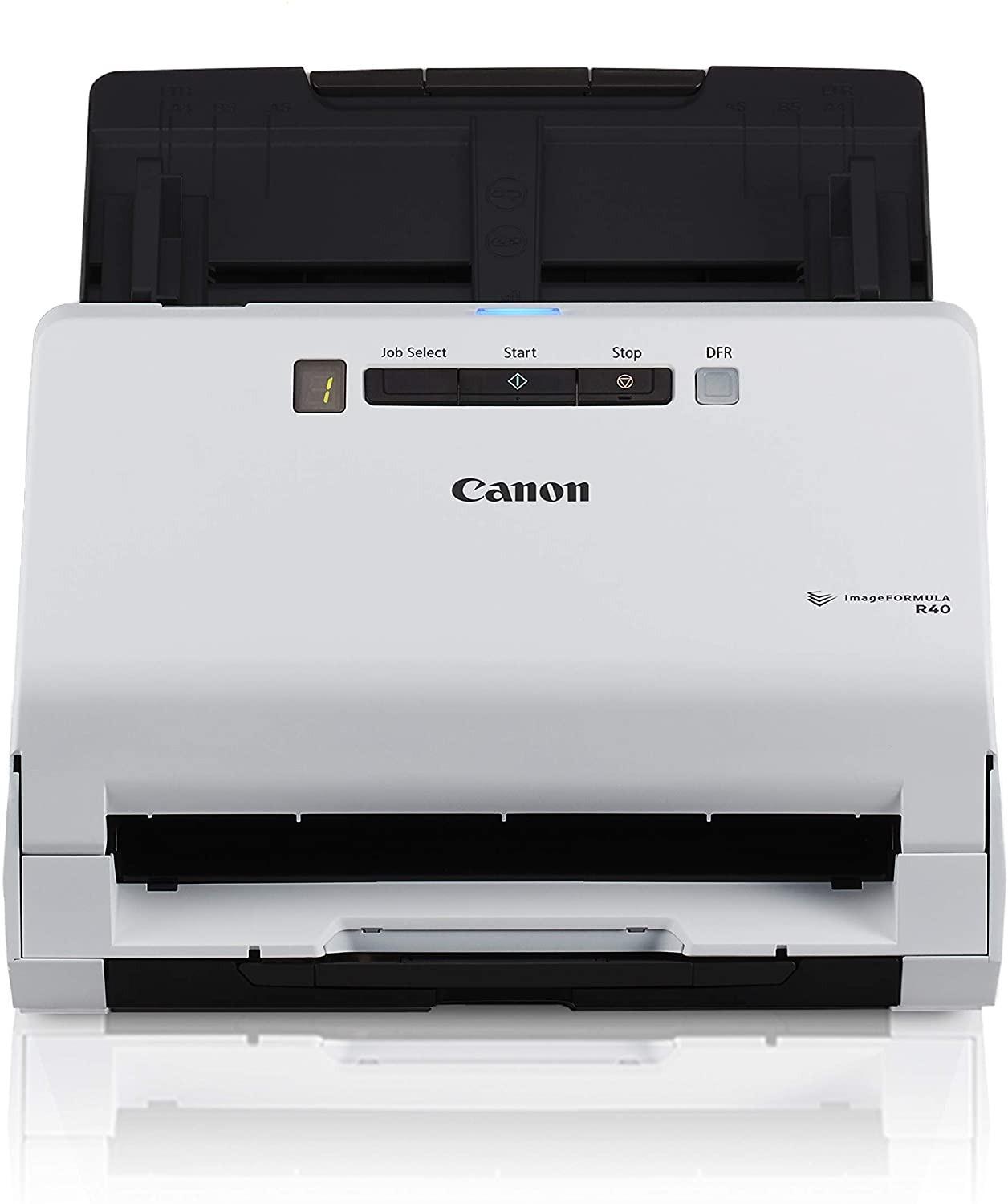
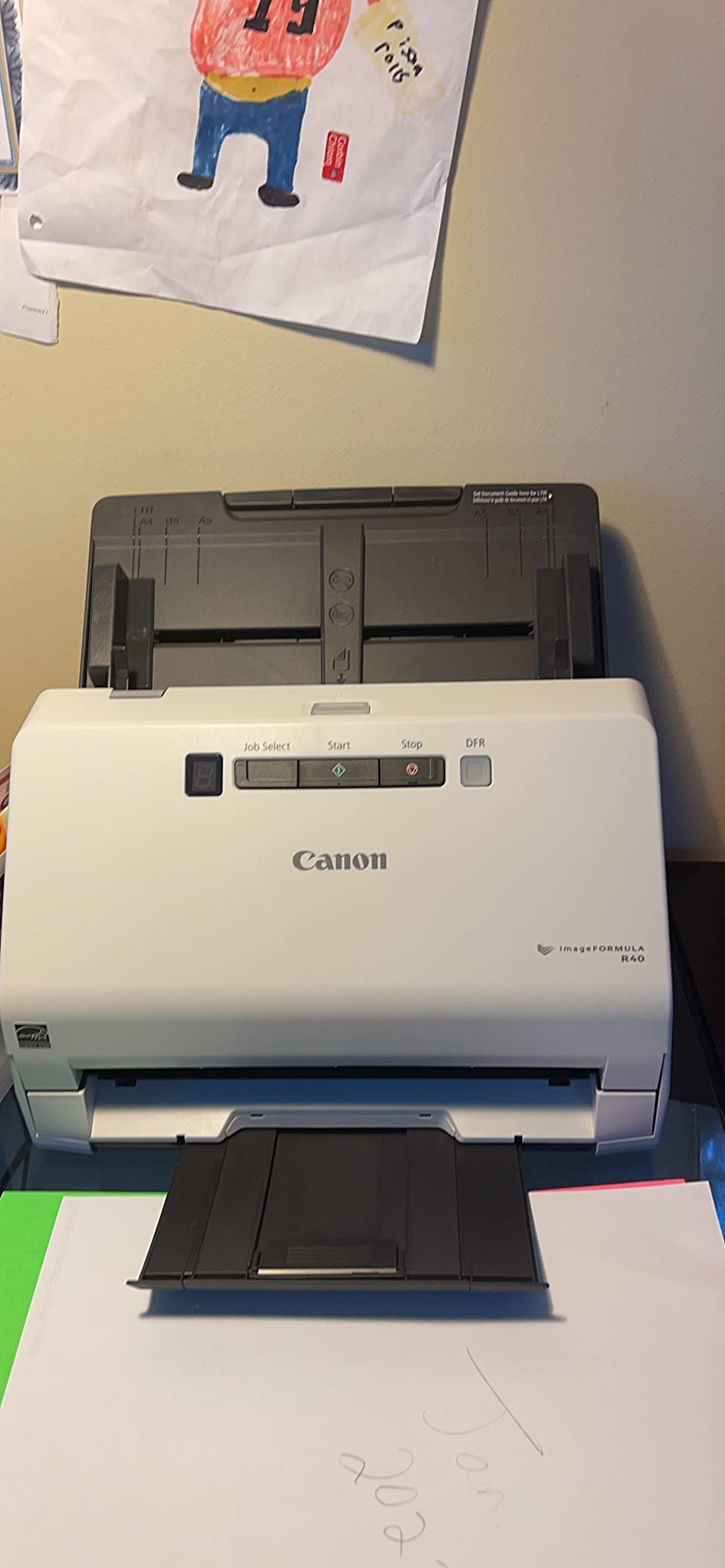
The Canon imageFORMULA R40 Receipt Edition is specifically designed for bookkeeping and accounting workflows, with direct QuickBooks Online integration being its standout feature. This scanner can extract receipt data and push it directly to QuickBooks, eliminating manual data entry for transaction recording. For bookkeepers managing multiple QuickBooks clients, this integration alone can save several hours per week.
The 40-page auto document feeder and 40 pages-per-minute scanning speed provide respectable throughput for medium-volume environments. Color duplex scanning ensures both sides of receipts are captured in a single pass, and the automatic data extraction pulls vendor names, dates, and amounts from captured images. The included Readiris OCR software (though showing its age) provides searchable PDF creation.
One consideration: the bundled Readiris software has some reported issues with bugs and outdated interface. However, since the primary value lies in the QuickBooks integration, this limitation is manageable for bookkeepers who primarily use QuickBooks for their accounting workflow.
QuickBooks Integration Benefits
Direct integration eliminates the export/import dance between scanner software and QuickBooks. Receipt data flows automatically into client files, reducing data entry errors and saving several hours per week for multi-client practices.
Data Extraction Accuracy
Automatic extraction pulls vendor names, dates, and amounts from captured images. For bookkeepers processing hundreds of receipts weekly, this feature alone can reduce reconciliation time by 50% or more.
We earn a commission, at no additional cost to you.
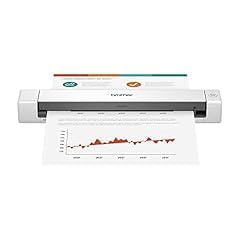
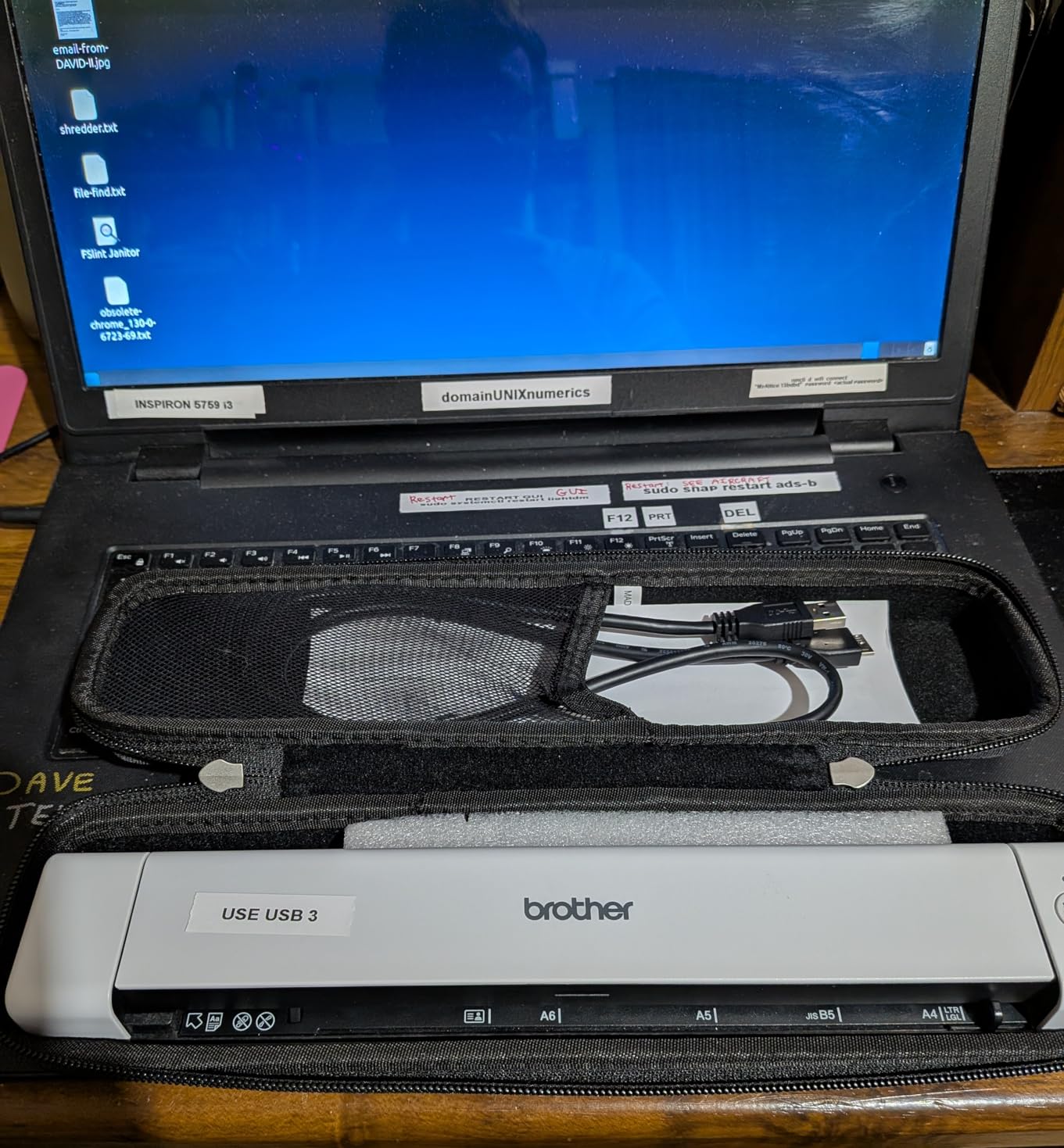
The Brother DS-640 offers the most affordable entry point among our recommendations while still delivering professional-grade scanning for bookkeeping purposes. Its ultra-compact 1.03-pound design makes it the lightest option reviewed, ideal for bookkeepers who travel frequently or have limited desk space. Despite the low price, it includes the Brother iPrint&Scan desktop application and TWAIN/WIA driver support for broad software compatibility.
Scanning at 16ppm in color, this portable scanner handles standard bookkeeping workloads without issue. USB 3.0 powered operation means no power adapter is required—just connect to any USB port and you’re ready to scan. The automatic color detection and adjustment, along with text enhancement features, produce clean, legible documents suitable for OCR processing.
The single-sheet feed mechanism limits its use for batch processing, and scan length is capped at approximately 14 inches—meaning longer receipts may need to be scanned in sections. For basic receipt capture and occasional document scanning, however, the DS-640 provides exceptional value.
Linux and Cross-Platform Compatibility
The Brother DS-640 supports TWAIN/WIA for PC, ICA for Mac, and SANE drivers for Linux. Bookkeepers working in mixed-OS environments or preferring Linux-based accounting software will find this scanner uniquely compatible where others fail.
Budget Considerations
At $134.99, the DS-640 provides the lowest entry cost while maintaining professional-grade scan quality. For bookkeepers starting out or those with light scanning needs, this scanner delivers essential functionality without overcommitting budget.
Buying Guide: How to Choose the Best Receipt Scanner for Bookkeeping
Understanding Your Volume Requirements
Before selecting a receipt scanner, honestly assess your daily scanning volume. Are you processing 20 receipts per week or 200 per day? High-volume bookkeepers should prioritize scanners with large auto document feeders (50-100 sheet capacity) and fast scanning speeds (25-45 pages per minute). The ScanSnap iX2500 and iX2400 excel in these scenarios with their 100-sheet ADFs and 45ppm speeds.
For lighter workloads or mobile requirements, portable single-sheet scanners like the Epson ES-50 or Brother DS-640 are more appropriate. These compact models slip easily into laptop bags and handle occasional scanning without taking up valuable desk space.
OCR Accuracy Considerations
Optical Character Recognition (OCR) accuracy directly impacts how much manual correction you’ll need to perform after scanning. Most modern scanners include OCR capabilities, but quality varies significantly—especially when scanning thermal receipts with faded ink. The ScanSnap series consistently delivers reliable OCR for standard receipts, while the Canon R40’s accounting-focused extraction works well for QuickBooks integration.
Thermal receipts—common from retail and restaurant vendors—present a particular challenge because the ink can fade over time. If you’re archiving older receipts, consider scanners with higher resolution capabilities (600+ dpi) and always verify extracted amounts against original documents for audit compliance.
Accounting Software Integration
Direct integration with your accounting software eliminates export/import steps and reduces data entry errors. The Canon imageFORMULA R40 Receipt Edition offers the most seamless QuickBooks Online integration among our recommendations, pushing extracted receipt data directly into your client files. The Epson ES-400 II’s TWAIN driver provides broad compatibility with most accounting software, including older desktop applications.
For bookkeepers managing multiple clients with different accounting platforms, look for scanners that create clean, organized PDF files that can be easily imported into any system. ScanSnap Home and Epson ScanSmart both excel at organizing scanned documents into logical folder structures.
Multi-Client Management Features
If you manage multiple client accounts, consider how the scanner’s software handles separate file structures. Some scanners support customizable profiles that remember settings per client—extremely useful when clients use different category structures or expense coding systems. The ScanSnap touchscreen profiles allow quick switching between client configurations without manual reconfiguration.
Connectivity and Workflow
USB-only scanners offer reliable direct connections but require physical proximity to the host computer. If your office has multiple team members who need scanner access, consider the ScanSnap iX2500’s Wi-Fi capability, which allows shared wireless access. Alternatively, the TWAIN driver support in models like the Epson ES-400 II enables network scanning configurations for shared office environments.
Thermal Receipt Handling
Receipt paper is typically thermal stock, which presents unique scanning challenges. Thermal paper can be heat-sensitive and the ink may fade over time. For bookkeepers archiving receipts for long periods, scan promptly and ensure proper document storage after digitization. Avoid scanners with heating elements (some LED units are cooler-running) and consider higher resolution settings when capturing receipts that will need to remain legible for potential audits spanning several years.
Frequently Asked Questions
What is the best receipt scanner for high-volume bookkeeping?
For high-volume workloads exceeding 100 receipts daily, the ScanSnap iX2500 or iX2400 are the top recommendations. Their 100-sheet auto document feeders can process entire stacks of receipts without manual feeding, and the 45ppm scanning speed ensures batches complete quickly.
Do receipt scanners include OCR software?
Most modern receipt scanners include OCR capabilities, though the quality and included features vary by manufacturer. ScanSnap includes ScanSnap Home with good OCR, Epson bundles Nuance OCR with the ES-50 and ScanSmart with the ES-400 II, and Canon includes Readiris with the R40.
Can I connect a receipt scanner wirelessly?
Wireless connectivity is available on select models. The ScanSnap iX2500 features built-in Wi-Fi, making it the primary option for wireless scanning. Most other scanners require USB connection, which provides faster, more predictable performance.
What resolution do I need for receipt scanning?
For standard receipt scanning, 300-600 dpi provides sufficient detail for OCR and archival purposes. The Epson Workforce ES-50 stands out with 1200 dpi optical resolution for users requiring higher detail capture.
Are portable scanners good for bookkeepers who travel?
Portable options like the Epson ES-50 (0.59 lbs) and Brother DS-640 (1.03 lbs) are excellent choices for bookkeepers who visit clients on-site. They’re lightweight enough for daily laptop carry and USB-powered so they don’t require external power adapters.
Conclusion
Choosing the right receipt scanner fundamentally impacts your bookkeeping efficiency. For high-volume professional environments, the ScanSnap iX2500 delivers unmatched batch processing capability with its 100-sheet feeder and wireless flexibility. The ScanSnap iX2400 offers nearly identical performance at a lower price point for USB-only setups.
Bookkeepers heavily invested in QuickBooks will find the Canon imageFORMULA R40 Receipt Edition invaluable for its direct integration, while the Epson Workforce ES-400 II provides the TWAIN driver compatibility needed for broader accounting software support.
Mobile bookkeepers should not overlook the portable Epson Workforce ES-50—its combination of high resolution (1200 dpi), USB power, and compact design makes it the go-to choice for on-site visits. Finally, the Brother DS-640 serves budget-conscious bookkeepers with light scanning needs exceptionally well.
Invest in the scanner that matches your actual volume and workflow requirements. The best receipt scanner for bookkeeping is the one that disappears into your routine—quietly processing hundreds of receipts so you can focus on the financial insights that matter to your clients.




 Epson Workforce ES-50
 Canon imageFORMULA R40
 Brother DS-640