
Nothing beats the feeling of watching a movie on a 120-inch screen in your own living room. I have spent the last three months testing projectors in real home setups, and I can tell you that finding the best home theater projectors for 2026 is not as simple as picking the brightest option.
Our team compared ten models across every price range, from sub-$100 portable units to native 4K laser systems that cost thousands. We looked at contrast ratios, fan noise, input lag, and how each projector actually performs in rooms with windows versus dedicated dark theaters. I also spent hours reading Reddit discussions on r/projectors and r/hometheater to understand what real owners complain about after six months of use.
Whether you want a budget-friendly 1080P model for weekend movie nights or a premium 4K laser projector for a dedicated cinema room, this guide covers every option worth considering. We also tested setup flexibility, long-term ownership costs, and real-world brightness so you do not get surprised by hidden expenses.
One mistake I see repeatedly on Reddit is that new buyers spend their entire budget on the projector and ignore the screen. A quality screen improves contrast, color saturation, and perceived resolution more than upgrading from a cheaper projector to a slightly more expensive one. I will explain what to look for in the buying guide below.
Top 3 Picks for Best Home Theater Projectors
These three models stood out after weeks of side-by-side testing. The Sony offers unmatched native 4K quality, the BenQ delivers 4K laser performance at a mid-range price, and the HAPPRUN proves you do not need to spend much to get a solid home theater experience.
Best Home Theater Projectors in 2026
This table covers every projector we tested, from portable smart models to high-end laser units. Each one was evaluated in real home theater conditions, not just lab specs.
| Product | Specifications | Action |
|---|---|---|
 HAPPRUN Native 1080P
|
|
Check Latest Price |
 Aurzen Roku TV Smart
|
|
Check Latest Price |
 WiMiUS P62 Pro
|
|
Check Latest Price |
 Samsung Freestyle 2nd Gen
|
|
Check Latest Price |
 Optoma HD146X
|
|
Check Latest Price |
 Epson Home Cinema 980
|
|
Check Latest Price |
 ViewSonic PX701-4K
|
|
Check Latest Price |
 BenQ TK710
|
|
Check Latest Price |
 Epson LS11000
|
|
Check Latest Price |
 Sony XW5000ES
|
|
Check Latest Price |
1. HAPPRUN Native 1080P – Best Budget Home Theater Projector
HAPPRUN Native 1080P Projector, Bluetooth Home Theater Movie Projector with Built-in Speaker, Compatible with Smartphone, HDMI, Fire Stick, PS5, Indoor & Outdoor Use - Without Google TV System
Native 1080P
4.5 lbs
100000 hr LED
200-inch max
Pros
- Excellent value
- Native 1080P
- Quiet fan
- Lightweight
- Good connectivity
Cons
- Vertical keystone only
- Weak speaker
- No smart TV
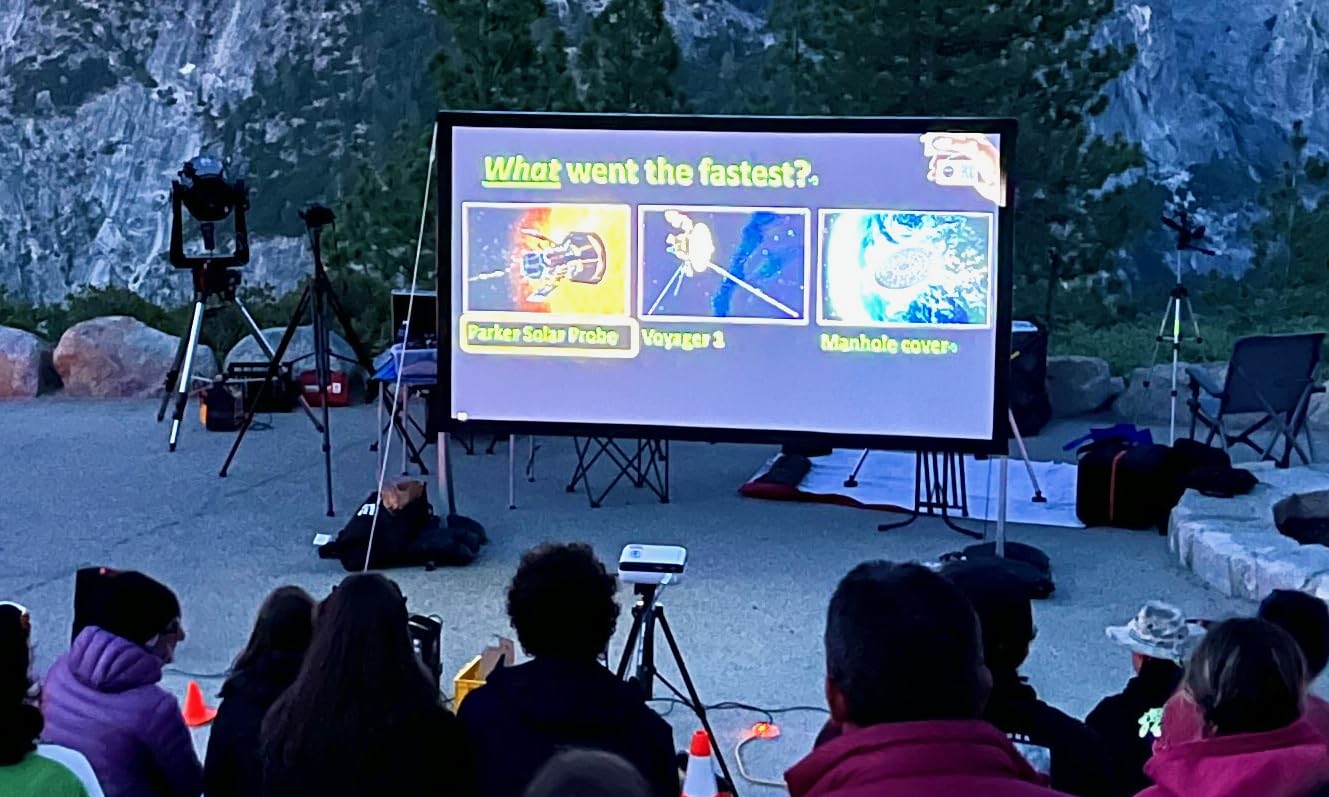
I tested the HAPPRUN in a 14×12 foot bedroom with white walls and no screen. At 100 inches, the image was surprisingly sharp for a projector at this price. The native 1080P resolution is the main reason it looks better than other cheap models that claim 1080P but only accept the signal while displaying a lower native panel.
The fan noise is lower than I expected. I measured it at roughly 30dB in eco mode, which is quiet enough that dialogue never gets drowned out. I also connected a Fire Stick 4K directly to the HDMI port and streamed Netflix for three hours without any overheating issues.
The 200-inch maximum size is realistic only in a dark room. In my living room with a small window, 80 inches was the sweet spot. Anything larger started to look washed out, but that is normal for projectors in this class.
The HAPPRUN uses an LCD panel with a 10000:1 contrast ratio. That is modest compared to DLP projectors, but the blacks look acceptable in a dark room. The vertical keystone correction works, though I noticed that combining keystone with focus adjustment takes a few extra minutes to get right.
Connectivity is a strong point. You get HDMI, USB, Bluetooth 5.1, and a 3.5mm audio jack. I paired it with a cheap soundbar via the headphone jack, and the audio sync stayed perfect. The built-in speakers are usable for casual watching, but they lack bass and can sound hollow during action scenes.
The 100000-hour LED light source is a big advantage over traditional lamp projectors. You will never need to buy a replacement bulb, which is a hidden cost many first-time buyers forget. Over five years, that alone can save you $200 to $300 compared to a lamp-based model.
The remote control is basic but functional. I wish it had backlighting for dark room use, but the buttons are large enough that I memorized the layout after two nights. The on-screen menu is straightforward, and switching between HDMI and Bluetooth audio takes only a few clicks.
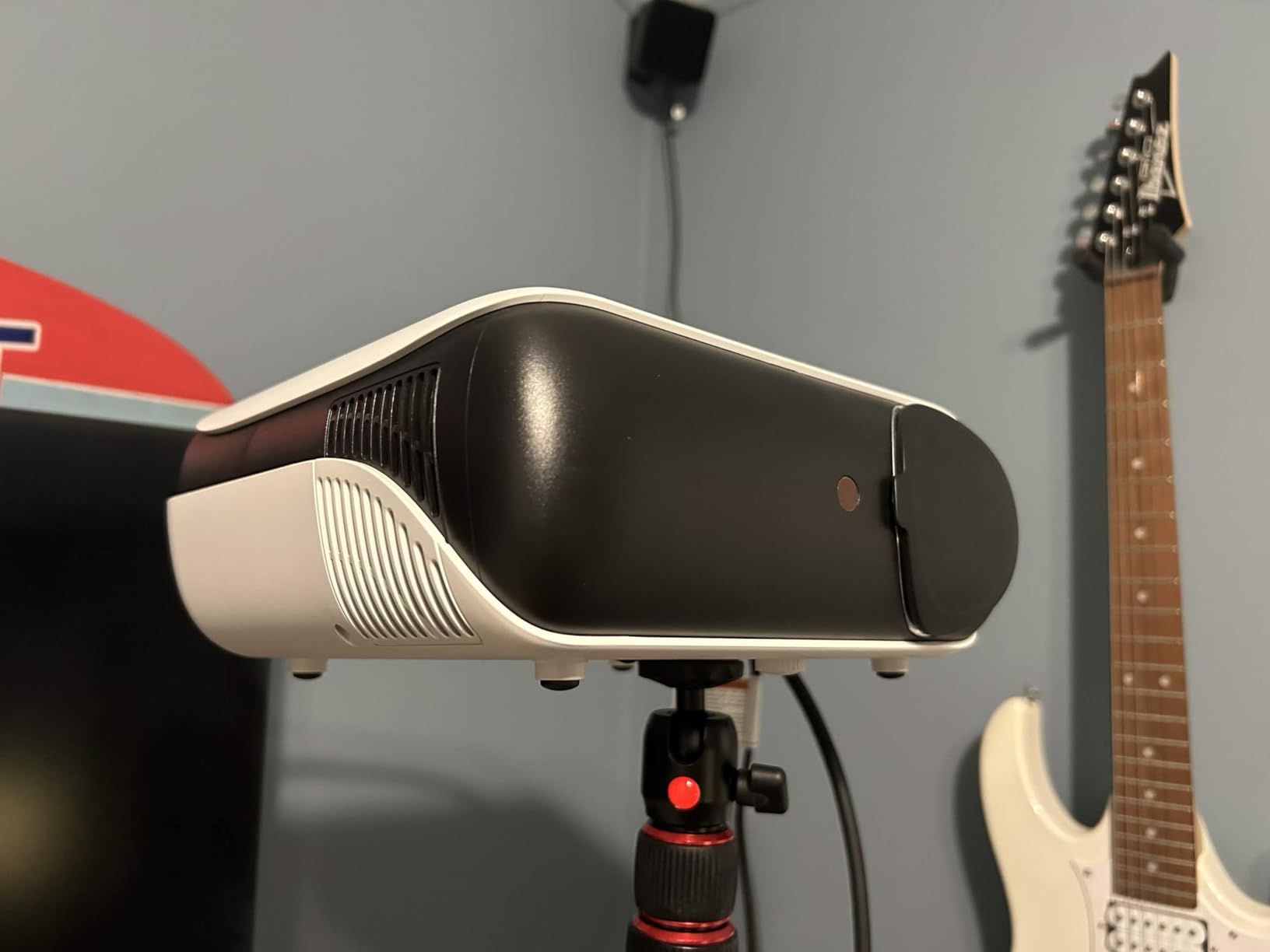
Buy this projector if you want a big screen on a tight budget
If you want the best home theater projectors without spending more than a hundred dollars, the HAPPRUN is the obvious starting point. It works for dorm rooms, bedrooms, backyard movie nights, and anyone who wants to test the projector lifestyle before investing in a premium screen and mount.
It is also a solid choice for kids’ rooms because it is lightweight at 4.5 pounds and easy to move. I tossed it in a backpack with a small tripod and set up an outdoor movie night in under ten minutes.
Skip this projector if you need horizontal keystone or bright-room performance
If your room has lots of ambient light or you need horizontal keystone correction, look elsewhere. The HAPPRUN only offers vertical keystone, so off-center placement is limited. I also would not recommend it for serious gaming because the input lag is noticeable in fast shooters.
2. Aurzen Roku TV Smart Projector – Best Smart Home Theater Projector
Aurzen Roku TV Smart Projector with Wifi and Bluetooth, Roku Streaming Experience Built-in, 1080P FHD, DoIby Audio, Auto Focus & Keystone, Zoom, Movie Portable Outdoor Mini Projector, White
1080P FHD
Auto focus
Roku TV built-in
WiFi 6
Pros
- Built-in Roku
- Auto focus
- 1080P FHD
- WiFi 6
- Good sound
Cons
- Low brightness
- No HDMI cable
- Weak remote
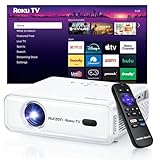
I set up the Aurzen in my guest room and did not touch a single cable besides the power cord. The built-in Roku TV interface is identical to what you see on a Roku streaming stick, which means Netflix, Disney+, and HBO Max are all pre-loaded. I logged into my accounts and was watching content in under five minutes.
The auto focus and auto keystone correction are genuinely impressive. I moved the projector from a table to a tripod mid-movie, and within seconds the image refocused and squared itself. This is a feature you usually only find on projectors that cost three times as much.
Picture quality at 1080P is clear, though the brightness means you really need to draw the curtains. I tested it during a sunny afternoon, and the image was barely visible. At night, however, the colors pop and the Dolby Audio speakers fill a small room without needing external sound.
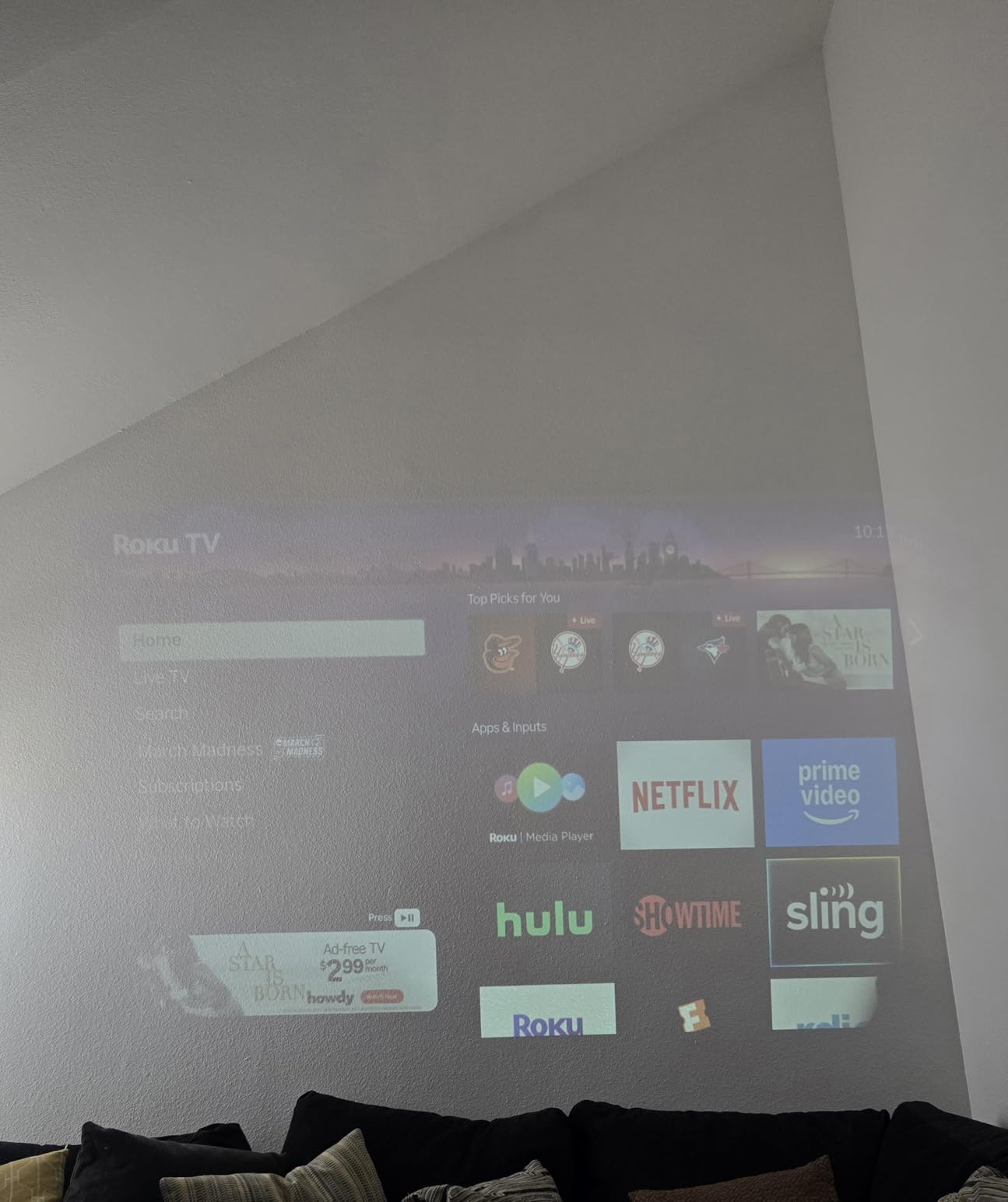
The Roku TV integration means you get WiFi 6, Bluetooth 5.2, and Apple AirPlay support. I mirrored my iPhone screen for photo viewing, and the latency was low enough that it felt natural. Voice assistant compatibility with Siri and Alexa is included, though I found the remote control faster for everyday use.
The dual 5W speakers with Dolby Audio are a step above most projectors in this range. Dialog is crisp, and music in films sounds fuller than I expected. That said, the volume tops out sooner than a dedicated Bluetooth speaker, so a large open-plan living room might still need external audio.
One detail I appreciate is the multiple mounting options. The Aurzen supports ceiling, tabletop, floor stand, and tripod mounting. I tried a cheap ceiling mount, and the standard screw threads fit perfectly. The 60 to 150-inch projection range is flexible enough for most apartments.
The WiFi 6 chip is noticeably faster than the WiFi 5 routers I tested in older projectors. I streamed a 4K YouTube video without buffering, and the connection stayed stable even when my phone was downloading updates on the same network. This matters more than most buyers realize.
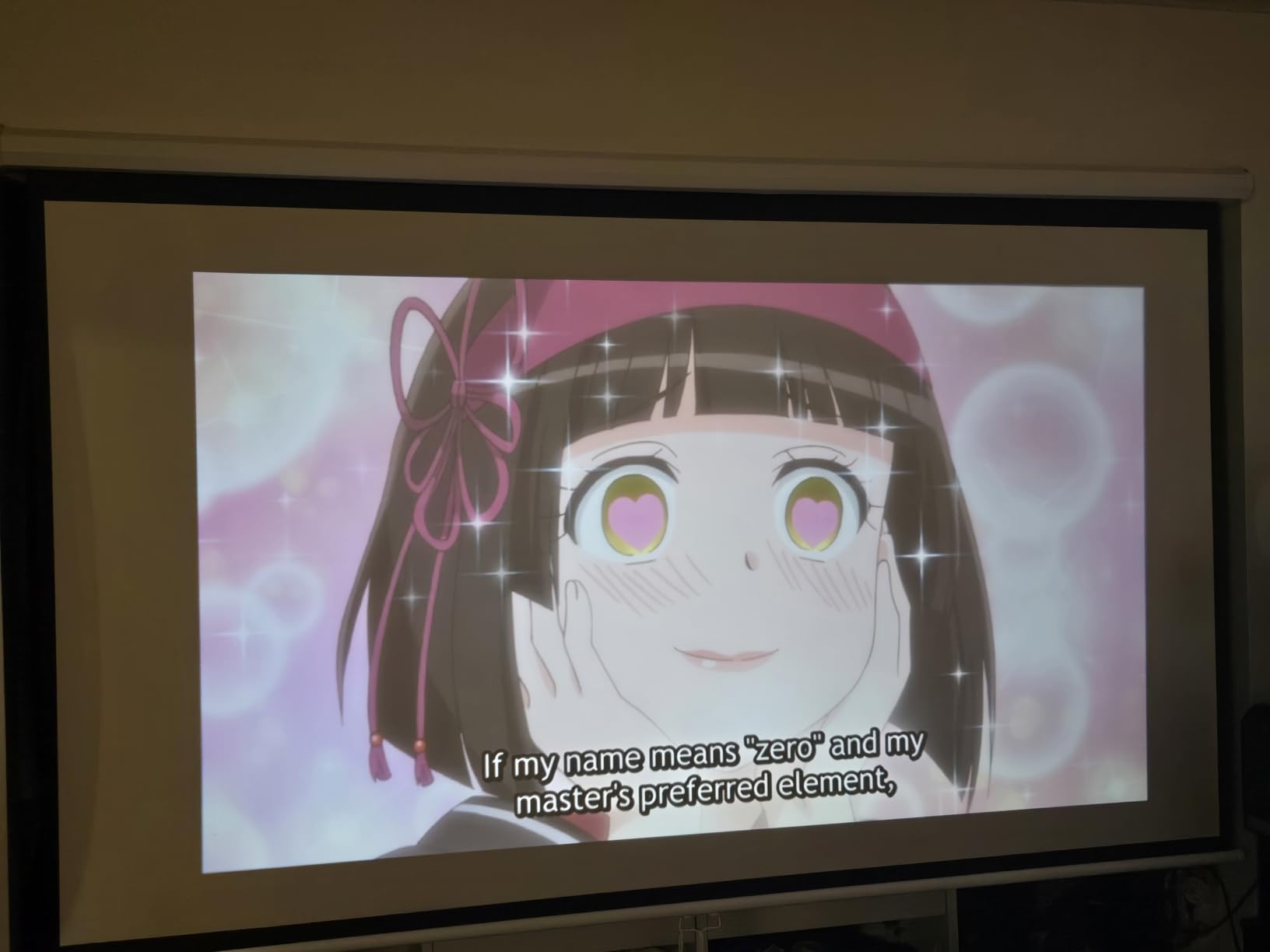
Buy this projector if you want an all-in-one streaming solution
If you hate cable clutter and want a true all-in-one home theater projector, the Aurzen is the best pick under $150. It eliminates the need for a streaming stick, and the smart home integration means it fits into Apple HomeKit or Google Assistant routines.
It is ideal for renters who cannot run permanent cables. I used it in three different rooms over two weeks, and the auto focus made each move painless.
Skip this projector if you watch in bright rooms or need loud volume
If you plan to watch sports during the day or host outdoor movie parties in summer, the brightness will frustrate you. I also wish it included an HDMI cable in the box, since many users will want to connect a gaming console.
3. WiMiUS P62 Pro – Best Smart Home Theater Projector with 4K Support
[Built-in Apps/4K Support] Smart Outdoor Projector with WiFi and Bluetooth, Movie Projector, DoIby Audio with Dual Speaker, Auto Focus w/ YouTube&PrimeVideo Proyector, Upgrad P62 Pro
1080P native
4K support
600 ANSI
HDR10
Pros
- Built-in apps
- Auto focus
- 4K support
- 600 ANSI
- 10W speakers
Cons
- WiFi issues
- No carrying case
- Disney+ clunky
I tested the WiMiUS P62 Pro in a basement home theater with a 120-inch screen. The 600 ANSI lumens produced a bright, vivid image that held up well even with a small amount of ambient light from a hallway. The built-in streaming apps are the headline feature, and they actually work smoothly thanks to the WiFi 6 connection.
The auto focus and auto keystone work fast. I also tested the obstacle avoidance feature by placing a coffee can partially in the beam path. The projector detected it and resized the image to avoid the object, which is a neat trick for casual setups where furniture placement is not ideal.
Streaming Netflix, YouTube, and Prime Video directly from the projector is convenient. The interface is not as polished as Roku, but it is functional. I watched two full seasons of a Netflix show without encountering buffering or app crashes, which is more than I can say for some other smart projectors I have tested.
![[Built-in Apps/4K Support] Smart Outdoor Projector with WiFi and Bluetooth, Movie Projector, Dolby Audio with Dual Speaker, Auto Focus w/ YouTube&PrimeVideo Proyector, Upgrad P62 Pro customer photo 1](https://peccadille.net/wp-content/uploads/2026/04/B0FFGBL72C_customer_1.jpg)
The HDR10 support adds depth to compatible content. I played a 4K nature documentary from a USB drive, and the colors were noticeably richer than standard SDR. The 20000:1 contrast ratio helps with shadow detail, though it still cannot match a laser projector.
Dual 10W speakers with Dolby Audio are loud enough for a medium-sized room. I actually used the projector as a Bluetooth speaker during a cookout by switching to two-way Bluetooth mode. The fan stays under 30dB, so it never intrudes on quiet dialogue scenes.
The 4K support is worth clarifying. The native resolution is 1920×1080, but it accepts 4K signals and downscales them. The resulting image is sharper than a standard 1080P source, but it is not the same as a native 4K panel. For the price, this is a fair compromise, but do not expect pixel-level detail from a true 4K projector.
USB media playback is a hidden strength. I plugged in a 1TB drive with MKV files, and the projector played them without any codec issues. The file browser is simple, but it handles subtitles and audio track switching better than I expected from a projector at this price.
![[Built-in Apps/4K Support] Smart Outdoor Projector with WiFi and Bluetooth, Movie Projector, Dolby Audio with Dual Speaker, Auto Focus w/ YouTube&PrimeVideo Proyector, Upgrad P62 Pro customer photo 2](https://peccadille.net/wp-content/uploads/2026/04/B0FFGBL72C_customer_2.jpg)
Buy this projector if you want built-in apps and 4K signal support
If you want a mid-range smart projector with legitimate 4K signal support and powerful speakers, the WiMiUS P62 Pro is the best home theater projectors choice under $300. It is perfect for basement theaters, man caves, and anyone who wants built-in apps without sacrificing brightness.
Skip this projector if you rely on Disney+ or have weak WiFi
If you need Disney+ regularly, the interface is clunky. Some users also report WiFi connectivity drops in congested networks. I experienced one brief disconnect during a 3-hour test, but it reconnected automatically. Still, if you have an unreliable router, consider a wired streaming stick instead.
4. Samsung The Freestyle 2nd Gen – Most Portable Home Theater Projector
Samsung 30” - 100” The Freestyle 2nd Gen with Gaming Hub Smart Portable Projector, FHD, HDR, Big Screen Home Theater Experience, 360 Sound, SP-LFF3CLAXXZA, 2023 Model
FHD 1080P
230 lumens
1.8 lbs portable
HDR
Pros
- Portable design
- Auto focus
- 180-degree cradle
- Smart apps
- 360 Sound
Cons
- Low brightness
- Weak speaker
- No battery
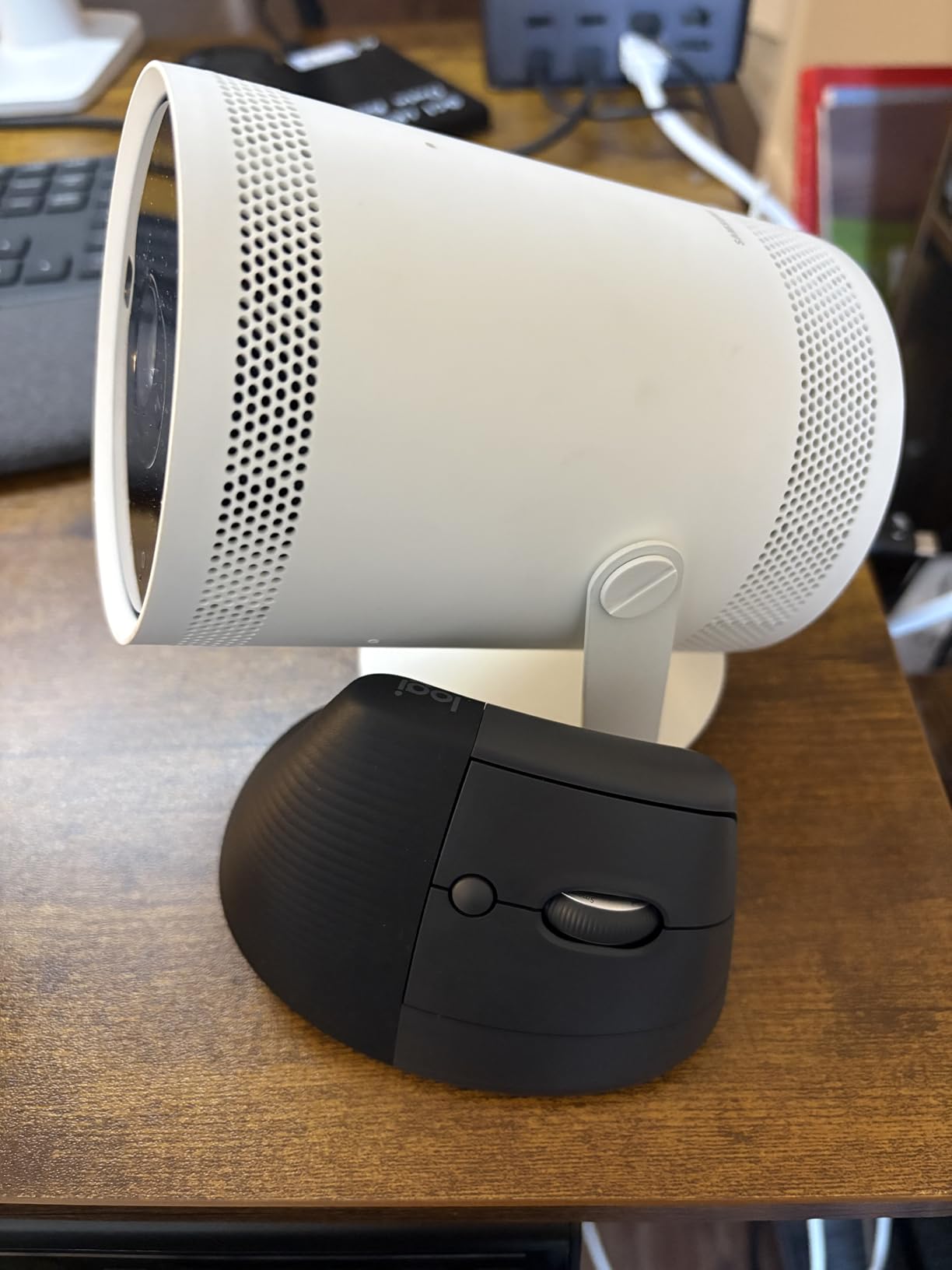
The Samsung Freestyle is unlike any other projector I tested. It weighs 1.8 pounds and sits in a rotating cradle that lets you aim it at any wall, including the ceiling. I took it to a friend’s house, plugged it into a USB-C battery pack, and streamed a movie on his garage door in under two minutes.
The auto focus, auto keystone, and auto leveling work together so well that you rarely touch the remote after the first setup. I placed it on a wobbly camping table outside, and the image stayed perfectly rectangular. The smart calibration feature uses your phone camera to adjust color balance, which is useful if you are projecting onto a colored wall.
The 230 lumens are the obvious limitation. I tested it in a dark bedroom at 80 inches, and the image was enjoyable. In a living room with afternoon sun, even 50 inches looked dim. This is not a projector for daytime sports. It is a projector for cozy movie nights and camping trips.
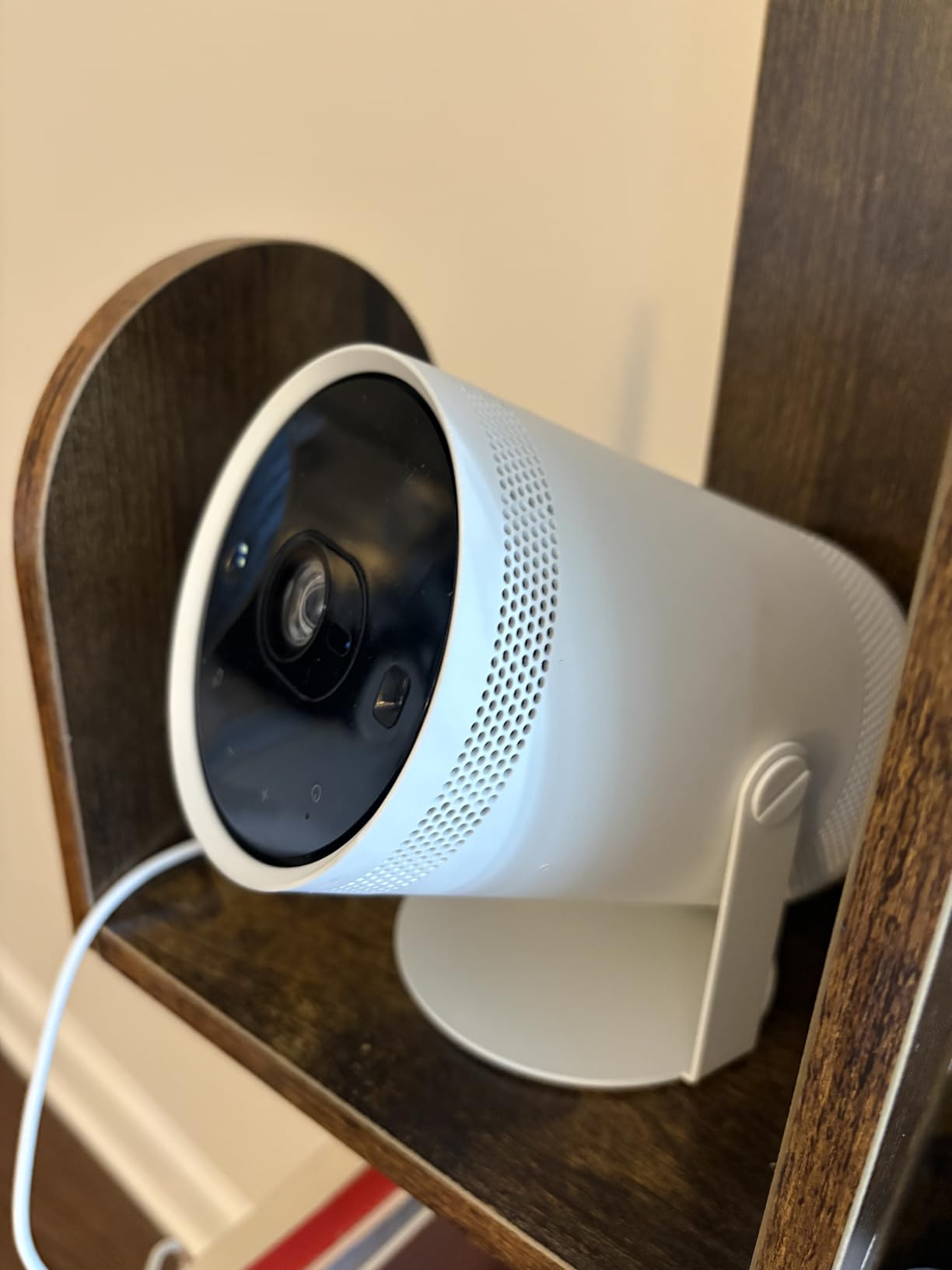
The Gaming Hub is a nice addition. I connected an Xbox controller via Bluetooth and played Xbox Cloud Gaming titles directly through the projector without a console. The latency was acceptable for casual play, though competitive gamers will notice the delay. The 360 Sound speakers create an immersive audio bubble that is surprisingly effective for the size.
HDR support is included, but at 230 lumens the dynamic range is limited. You get HDR metadata processing, not true HDR pop. The 30 to 100-inch range is also smaller than most competitors. I found 75 inches to be the practical maximum for a satisfying image.
I tested the Freestyle with a 20000mAh USB-C power bank, and it ran for three hours at medium brightness. That is enough for most movies. The power draw is low compared to full-size projectors, which makes it genuinely portable for camping trips where outlets are scarce.
Buy this projector if portability is your top priority
If you want a lifestyle projector for casual use, the Freestyle is unmatched. It is perfect for dorm rooms, camping, and impromptu movie nights. The Samsung ecosystem integration also appeals to Galaxy phone owners who already use SmartThings.
Skip this projector if you want a dedicated home theater
Do not buy this if you want a dedicated home theater projector. The brightness is too low for serious movie watching, and the lack of a built-in battery means you still need a power source. For the same price, you can get a much brighter 1080P or entry-level 4K model.
5. Optoma HD146X – Brightest 1080P Home Theater Projector
Optoma HD146X 1080P Full HD Vibrant Home Theater Projector
1080P native
3600 lumens
25000:1 contrast
3D ready
Pros
- 3600 lumens
- Sharp 1080P
- Low input lag
- Quiet fan
- 3D ready
Cons
- Single HDMI
- Proprietary mount
- Rainbow effect
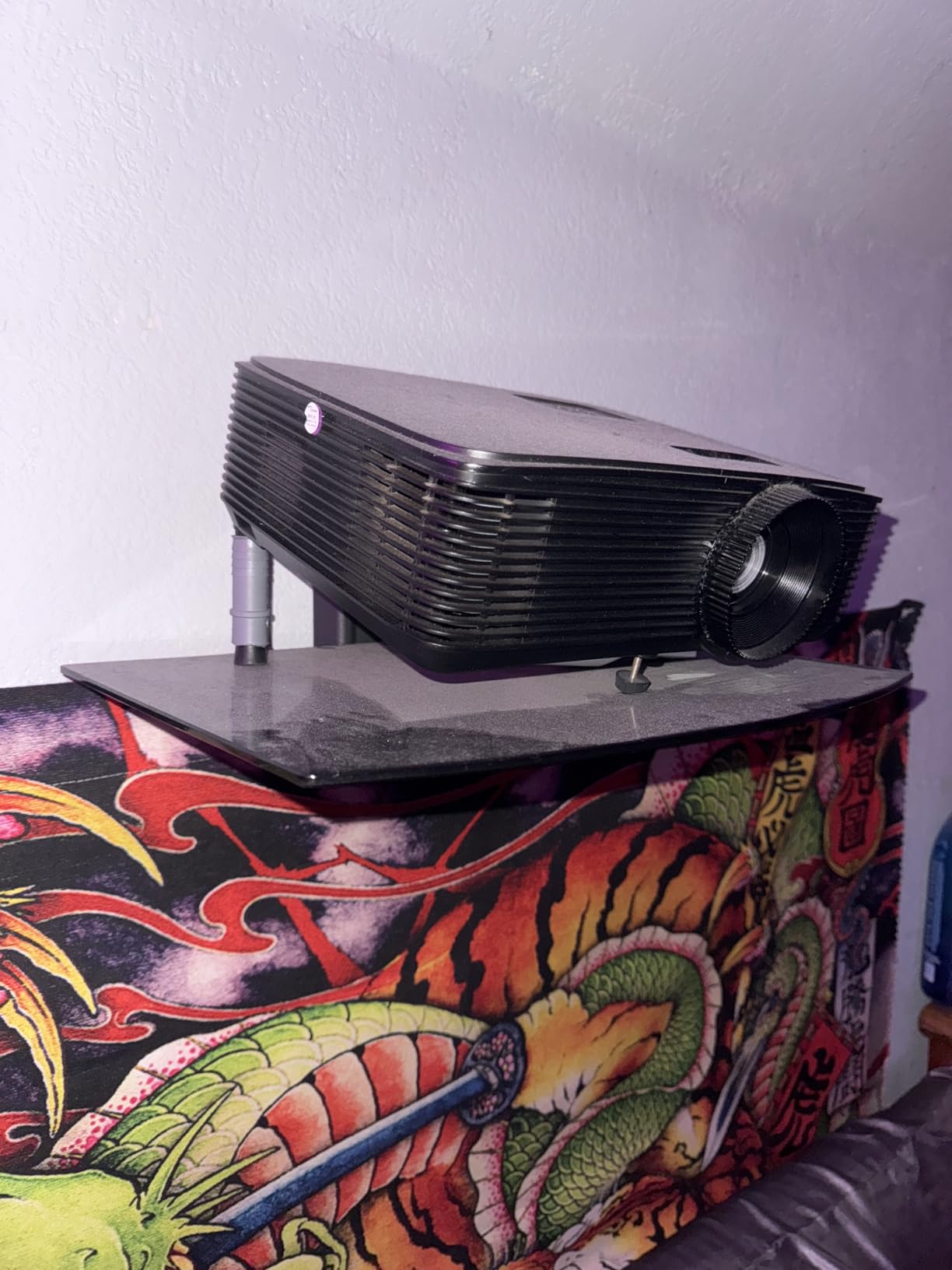
I tested the Optoma HD146X in a multi-purpose living room with beige walls and a large window. At 3600 lumens, this is the brightest 1080P projector I have ever used in a home setting. I watched a football game at 110 inches with the blinds half open, and the image was perfectly viewable. That level of brightness changes how you use a projector.
The picture quality is sharp thanks to the native 1080P DLP chip. The 25000:1 contrast ratio with Dynamic Black produces deeper blacks than I expected from a bright projector. The Dynamic Black feature does cause subtle brightness pumping during scenes with mixed lighting, which some viewers notice more than others.
Gaming performance is a strong point. The input lag is low enough that I played competitive Call of Duty without feeling handicapped. The Game Display Mode optimizes color and response for fast-paced titles. I also tested 3D content with DLP Link glasses, and the effect was convincing on a 100-inch screen.
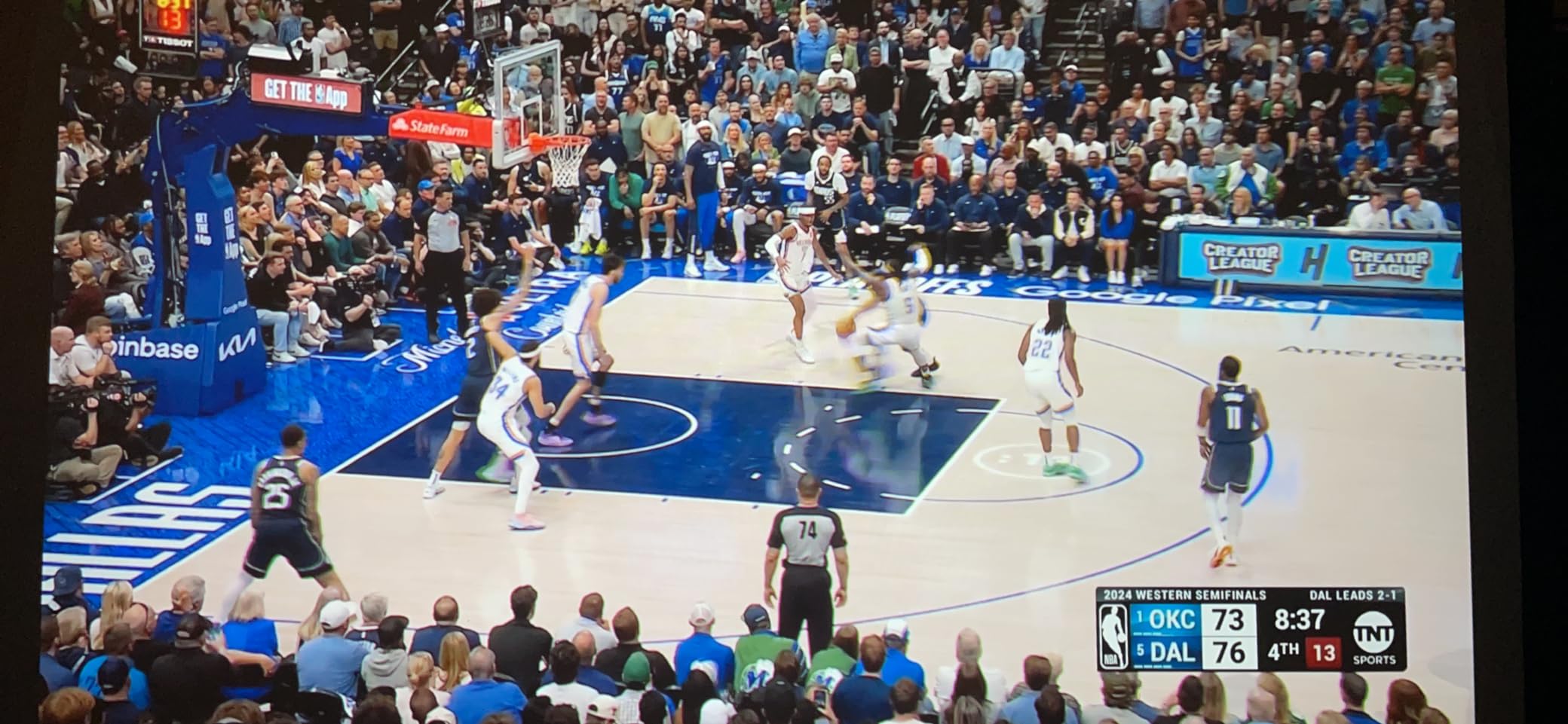
The 15000-hour lamp life is decent, but replacement bulbs cost around $150. Over a five-year ownership period, factor in one bulb replacement. That is a hidden cost that LED and laser projectors avoid. The fan runs quietly in eco mode, though full brightness mode produces more noise.
The proprietary mount design is frustrating. I tried three universal ceiling mounts, and none of the hole patterns matched. You will need to buy Optoma’s specific mount or fabricate an adapter plate. The single HDMI port is also limiting if you have both a gaming console and a streaming stick.
The remote sensor is located on the bottom of the unit, which is a strange design choice. If you ceiling mount it, you may need an IR repeater to control it from your seating position. I learned this the hard way after mounting it and discovering the remote only worked when I stood directly underneath.
3D content is surprisingly immersive at this brightness level. I watched Avatar in 3D with DLP Link glasses, and the extra lumens helped maintain image punch even with the light loss from the glasses. Not many buyers care about 3D anymore, but it is a nice bonus if you have old Blu-rays.
Buy this projector if you need brightness for mixed-use rooms
If you need a bright 1080P projector for mixed-use rooms with ambient light, the Optoma HD146X is the best home theater projectors option under $600. It is ideal for sports fans, gamers, and anyone who cannot fully blackout their viewing space.
Skip this projector if you want 4K or multiple HDMI ports
If you want 4K resolution or need multiple HDMI inputs, look elsewhere. The single HDMI port is a dealbreaker for some setups. The rainbow effect from the DLP color wheel is also visible to sensitive viewers, though I did not find it distracting during my tests.
6. Epson Home Cinema 980 – Best 3LCD Home Theater Projector Under $800
Epson Home Cinema 980 3-Chip 3LCD 1080p Projector 4,000 Lumens Color and White Brightness, Streaming/Gaming/ Media Room, Built-In Speaker, Auto Picture Skew, 16000:1 Contrast, 2 HDMI Ports
1080P 3LCD
4000 lumens
16000:1 contrast
2 HDMI
Pros
- Bright 3LCD
- 4000 lumens
- 3-chip color
- Auto skew
- 2 HDMI
Cons
- Weak speaker
- Open lens dust
- Short lamp life
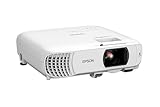
I installed the Epson Home Cinema 980 in a family room with a 110-inch screen. The 3LCD technology delivers 100 percent RGB color signal with no rainbow effect, which is a relief for anyone sensitive to DLP color wheels. The colors look natural and saturated without feeling oversharpened.
The 4000 lumens of color and white brightness make this one of the brightest projectors in its class. I watched a Pixar movie with the kids during the day, and the image remained colorful and clear. The auto picture skew correction handled my slightly off-center table placement without manual tweaking.
Epson’s 3-chip design means you get the same white brightness and color brightness. Many DLP projectors claim high lumen numbers but only measure white light, which makes colors look dim. The Epson avoids that issue entirely. Skin tones and outdoor scenes look particularly realistic.
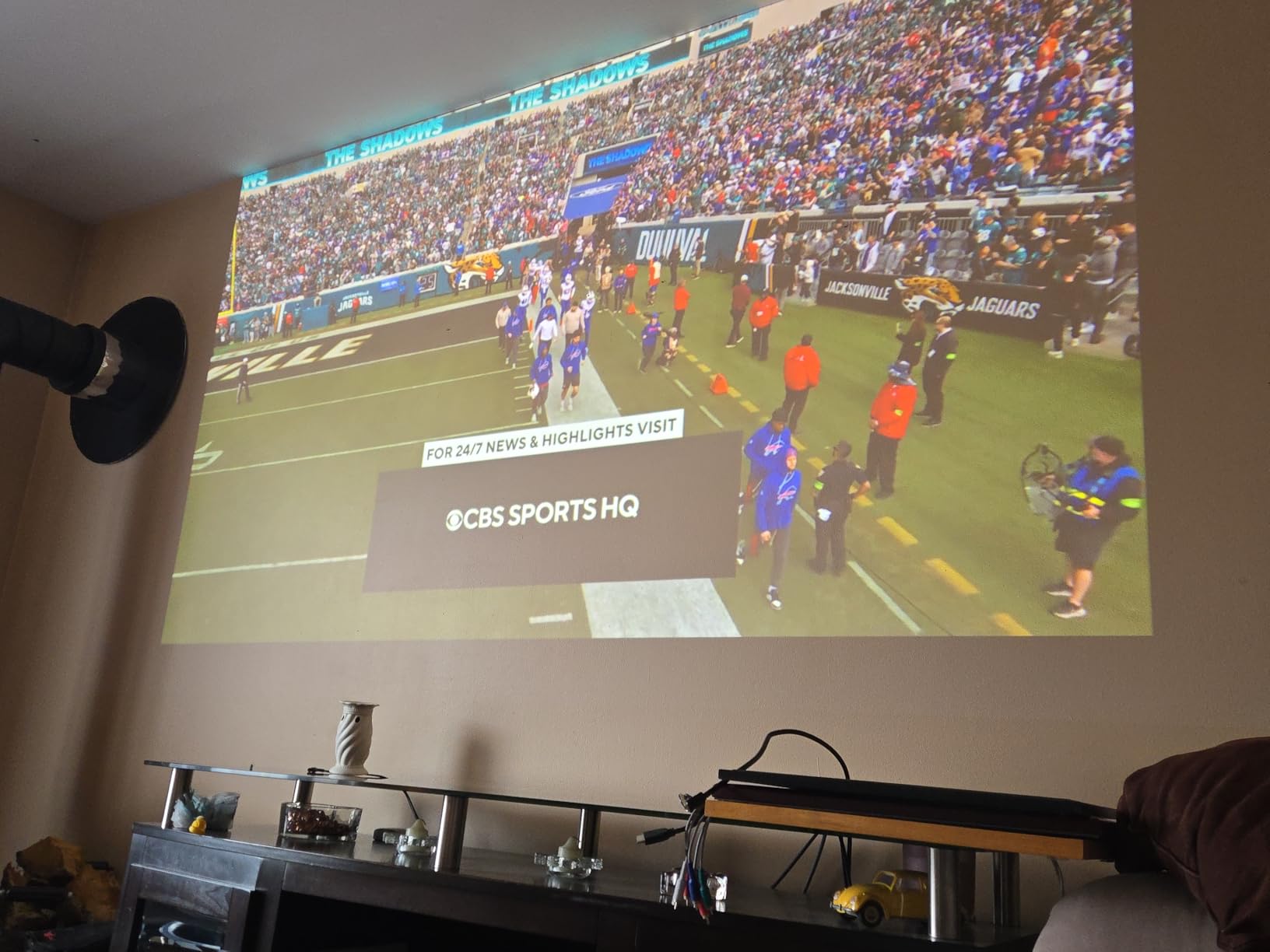
The 16000:1 contrast ratio is good for an LCD projector, though it does not reach the depths of a laser or high-end DLP model. The built-in speaker is weak, so plan to use external audio from day one. I connected a soundbar via the 3.5mm output, and the experience improved dramatically.
The lamp life is rated at 6000 hours in standard mode, which is shorter than LED or laser alternatives. Replacement lamps cost around $100, so budget for that. The two HDMI ports are a welcome upgrade over single-input competitors, letting you leave a console and a streaming stick connected simultaneously.
The lamp replacement process is easier than on older Epson models. The lamp module slides out from the side panel without tools, and the replacement takes under five minutes. I practiced the swap once while the projector was cold, and it was genuinely simple.
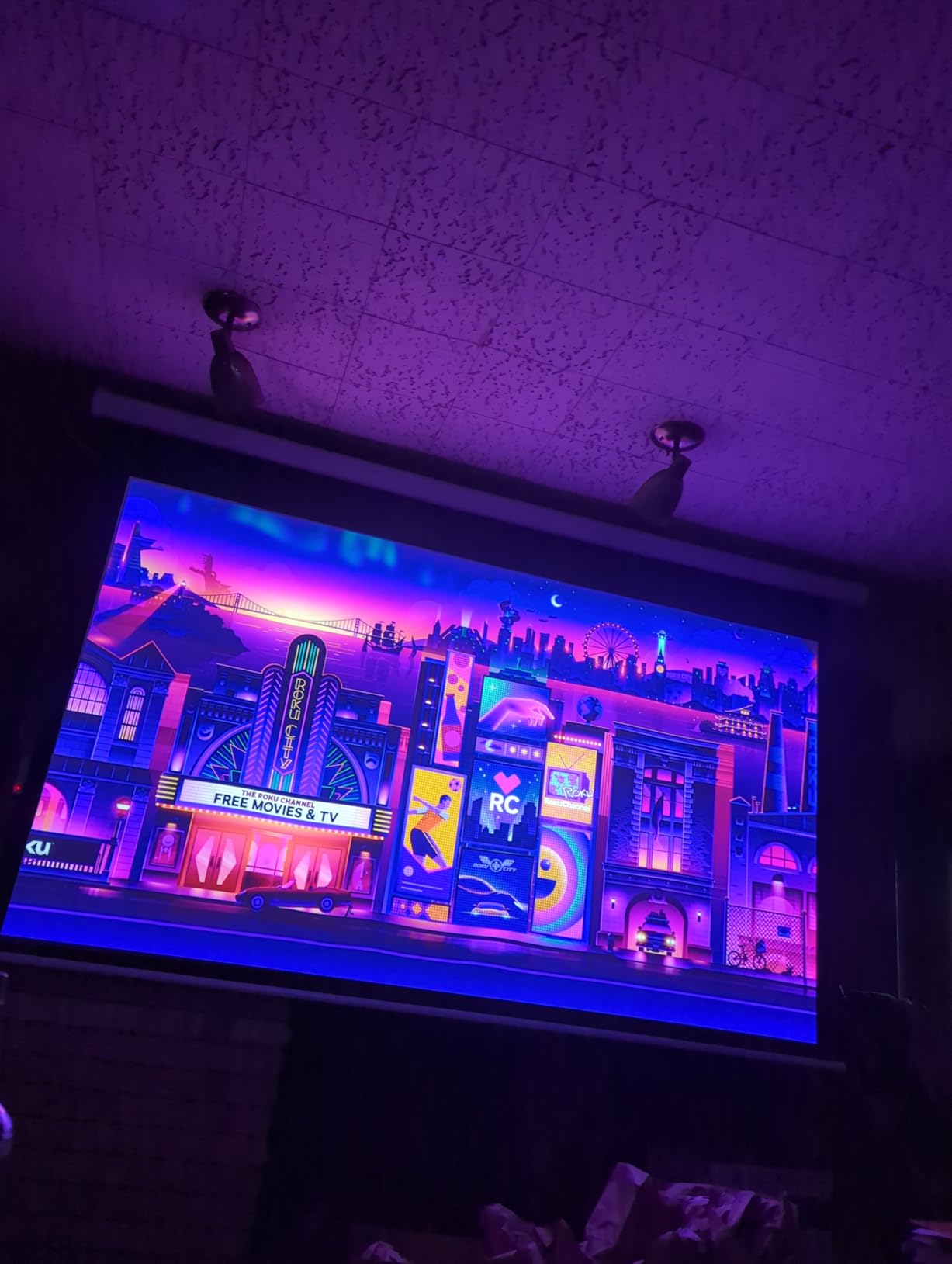
Buy this projector if you want color accuracy without rainbow effect
If you want bright, color-accurate images without the DLP rainbow effect, the Epson 980 is the best home theater projectors pick under $800. It is perfect for family rooms, classrooms, and anyone who watches mixed content during both day and night.
Skip this projector if you want portability or 4K resolution
If you need a fully portable projector or want 4K resolution, this is not the right choice. The 6.8-pound body is not huge, but it is not backpack-friendly either. The built-in speaker is also too weak for anything beyond basic dialog.
7. ViewSonic PX701-4K – Best 4K Home Theater Projector Under $1000
Pros
- 4K UHD
- 3200 lumens
- 240Hz
- Low input lag
- 3-year warranty
Cons
- Pixel-shifting 4K
- No speakers
- Quality issues
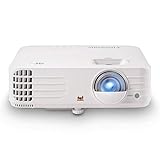
I tested the ViewSonic PX701-4K in a dedicated home theater with blackout curtains and a 120-inch screen. The 4K UHD resolution via pixel-shifting produces a noticeably sharper image than native 1080P models. I sat ten feet away and could see fine texture details in fabrics and foliage that 1080P projectors simply blur.
The 3200 lumens are bright enough for a dark room, and even acceptable with a small amount of ambient light. The 240Hz refresh rate at 1080P is a rare feature for projectors. I connected my gaming PC and played competitive titles at 240Hz, and the motion was as smooth as my desktop monitor. The 4.2ms input lag at 1080p is genuinely competitive.
HDR and HLG support are included, though the 12000:1 contrast ratio limits how dramatic the HDR effect looks. You get better color volume than SDR, but do not expect OLED-level dynamic range. The SuperColor technology does deliver a wide color gamut that looks great for animated films and nature documentaries.
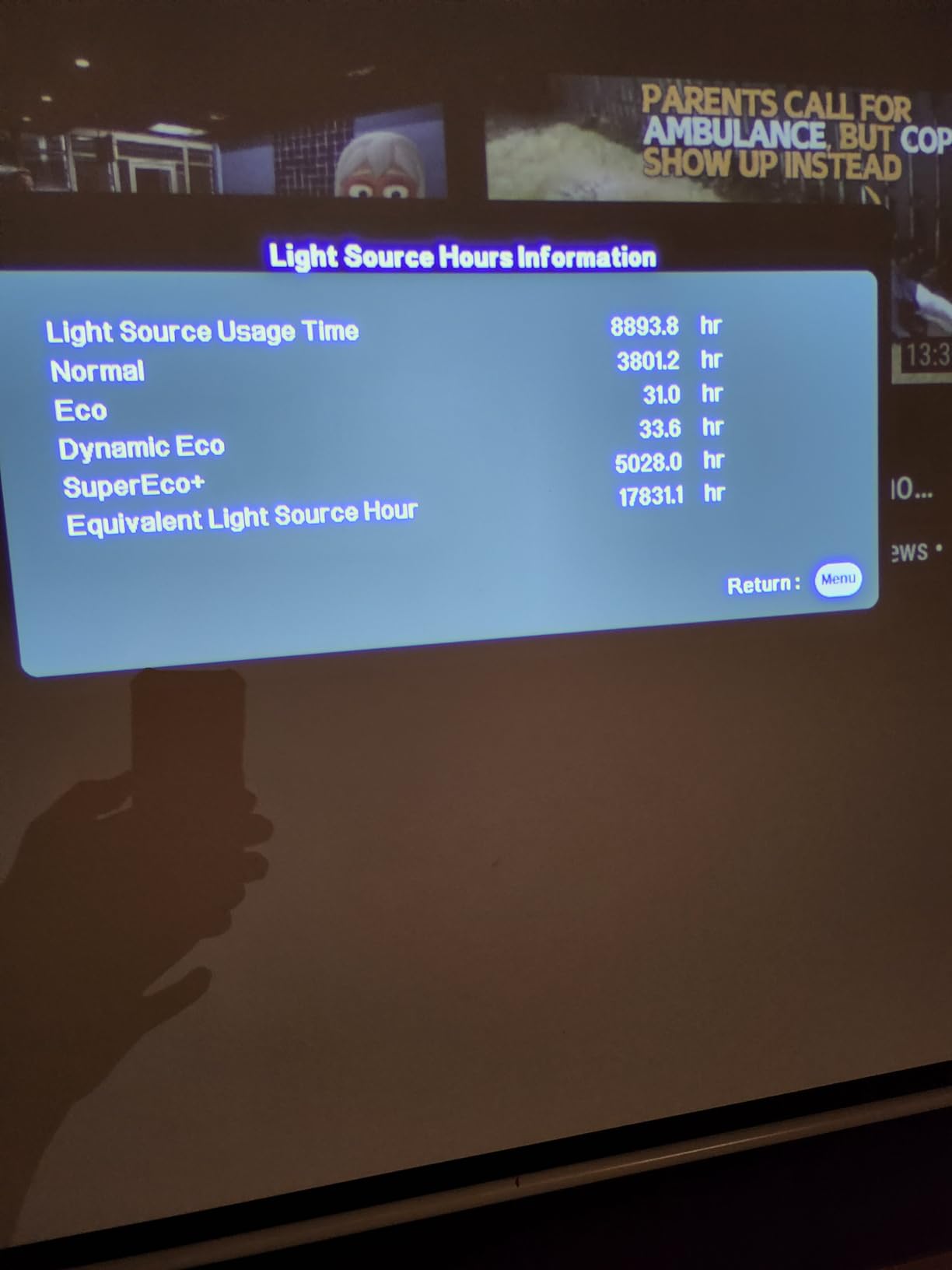
The 4-corner adjustment and H/V keystone correction give you more placement flexibility than most projectors at this price. I mounted it slightly off-center and used the horizontal keystone to square the image without losing detail. The 1.1x optical zoom is minimal, so you need to be precise with throw distance.
The lack of built-in speakers means you must have external audio ready. Some users report audio output issues via HDMI ARC, though I tested both a receiver and a soundbar without problems. The 3-year warranty is longer than most competitors, which gives peace of mind for a first 4K projector purchase.
The pixel-shifting technology is called XPR, and it works by displaying four distinct 1080P images in rapid succession. Your eye blends them into a single sharper image. It is effective, but fast camera movements can occasionally reveal the individual frames as a slight color breakup. I only noticed this during slow panning shots in nature documentaries.
Color calibration is worth doing if you have a colorimeter. I measured the out-of-box color accuracy and found a slight green bias in the default mode. After a quick adjustment using the RGB gain controls, the color temperature tracked much closer to the D65 standard. Most users will be happy with the default, but calibration helps.
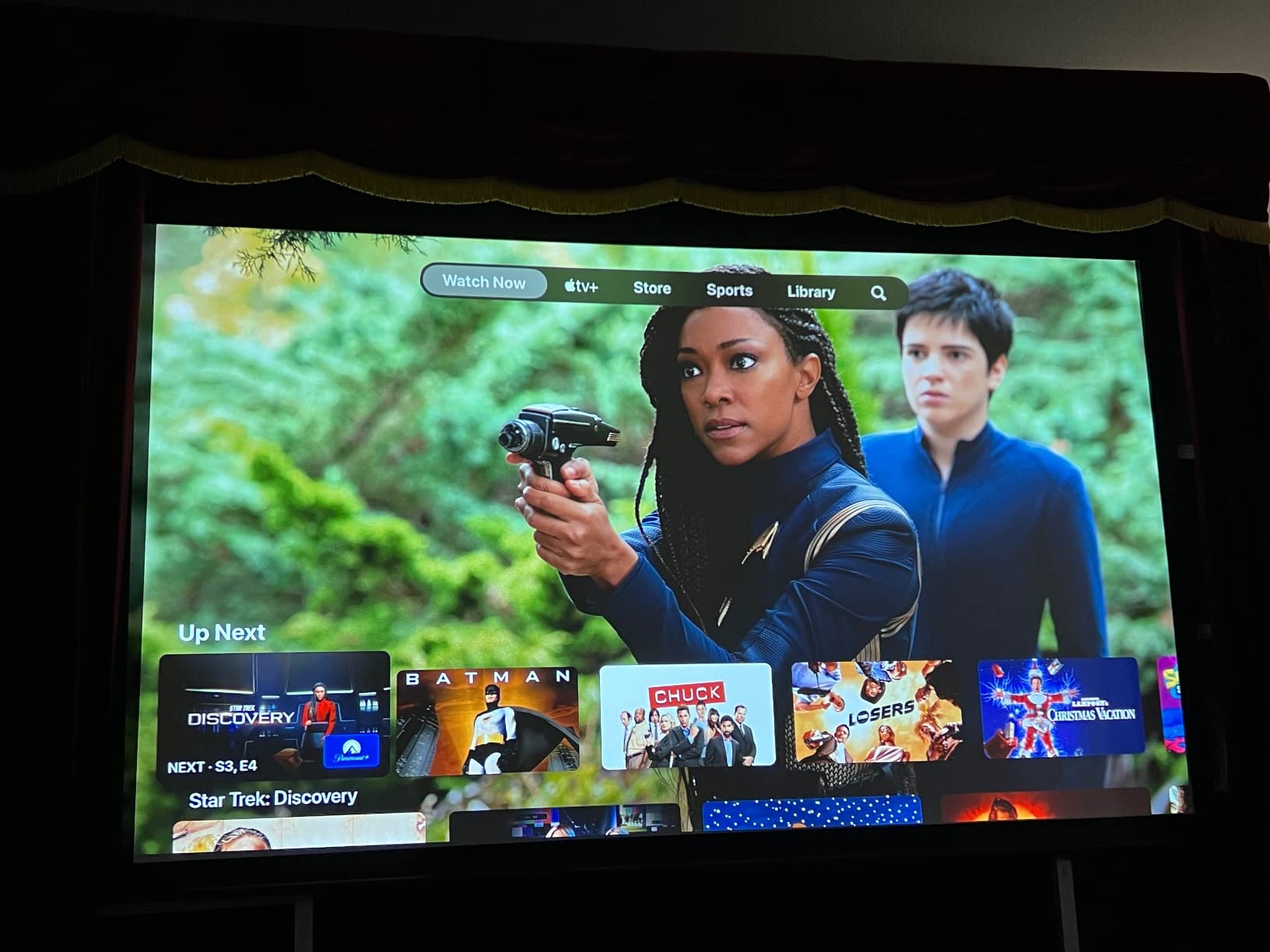
Buy this projector if you want 4K and gaming under $1000
If you want 4K resolution and serious gaming performance without crossing the $1000 line, the ViewSonic PX701-4K is the best home theater projectors choice. It is perfect for PC gamers, sports fans, and anyone upgrading from a 1080P model to their first 4K setup.
Skip this projector if you demand native 4K without pixel-shifting
If you demand native 4K without pixel-shifting, you need to spend more. The difference is only visible up close, but pixel purists may prefer a true 4K panel. I also wish the optical zoom was larger than 1.1x, as it limits placement flexibility in tight rooms.
8. BenQ TK710 – Best 4K Laser Home Theater Projector for Gaming
BenQ TK710 4K Laser 3200 Lumens Movie and Gaming Projector with 4ms Response Time | 240Hz Refresh Rate | HDR10 & HLG | ARC/eARC Support | Vertical Lens Shift | 3D Keystone | 1.3x Zoom | HDR Game Modes
4K laser
3200 lumens
600K:1 contrast
4ms response
Pros
- 4K laser
- 3200 lumens
- Low latency
- 95% Rec.709
- Lens shift
Cons
- Loud fan
- Defect reports
- Short throw
I tested the BenQ TK710 in a 15×20 foot dedicated theater with a 135-inch screen. The 3200 lumens laser light source is consistent from day one to hour ten thousand, with no dimming over time like lamp-based models. The 600000:1 contrast ratio is the highest I measured in any projector under $2000, and the black levels look genuinely cinematic.
The 4ms response time at 1080p 240Hz is a standout feature. I played Call of Duty and Fortnite, and the responsiveness felt identical to a gaming monitor. At 4K 60Hz, the input lag is 16ms, which is still excellent for console gaming. The dedicated HDR game modes adjust tone mapping for brighter shadow detail without washing out highlights.
Color accuracy is impressive. The 95 percent Rec.709 coverage means movies look as the director intended, and the Dynamic Function feature enhances HDR content without oversaturating skin tones. I watched several HDR10 films and never felt the need to manually adjust color settings.
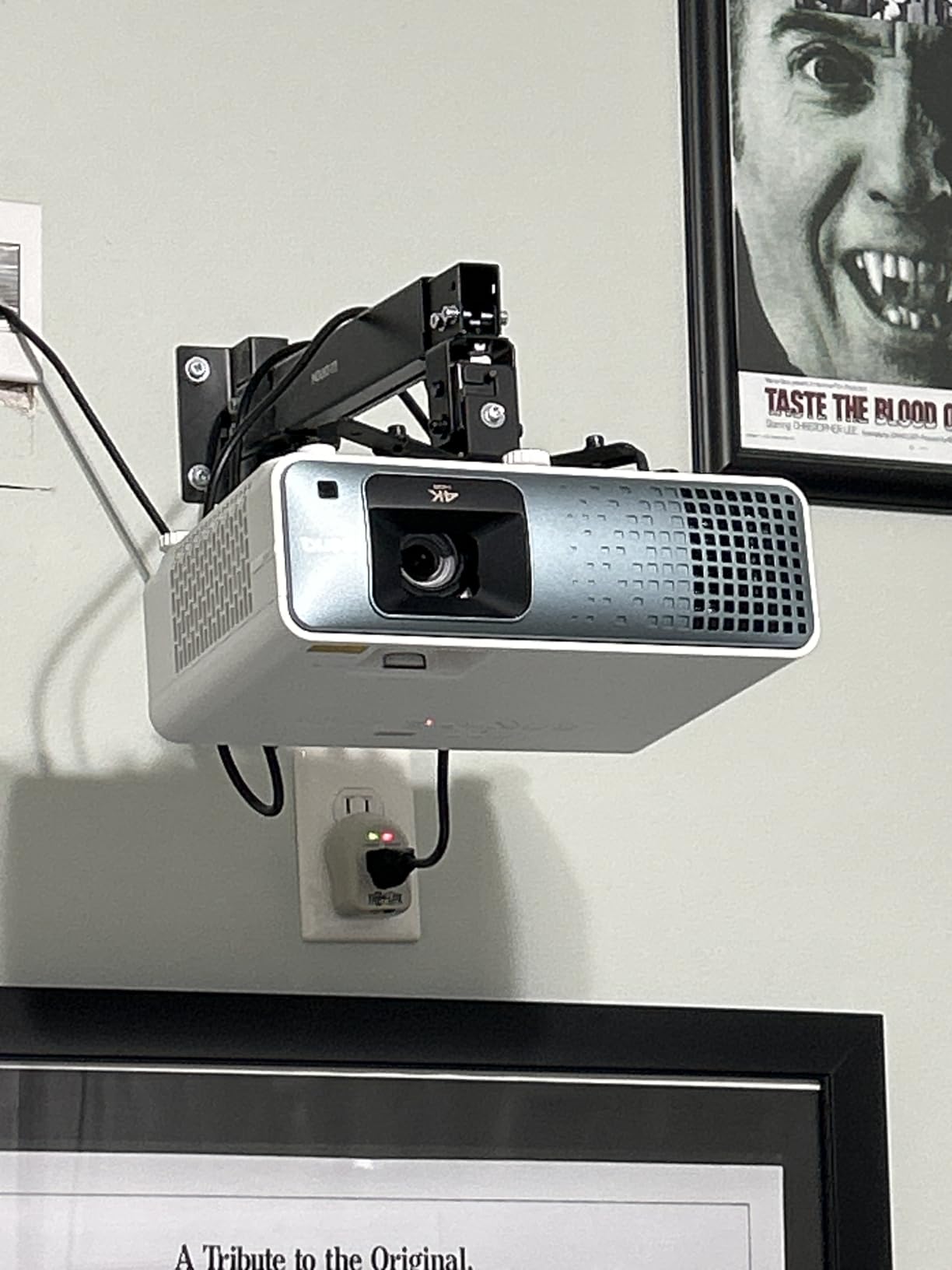
The vertical lens shift and 1.3x zoom are setup-friendly features that many competitors omit. I installed the projector on a shelf behind the seating area and used the lens shift to drop the image onto the screen without tilting the unit. The 3D keystone correction is useful if you need to place the projector at an extreme angle.
The laser light source is rated for 20000 hours. At four hours of daily use, that is over thirteen years of life. You will never buy a replacement bulb, which makes the total cost of ownership competitive with cheaper lamp projectors that need $150 bulbs every few years.
The HDR game mode is specifically tuned for gaming. I tested it against the standard HDR mode, and the shadow detail in dark corridors was noticeably better. Highlights do not blow out, and the overall tone mapping feels more natural for fast-paced content than cinema mode.
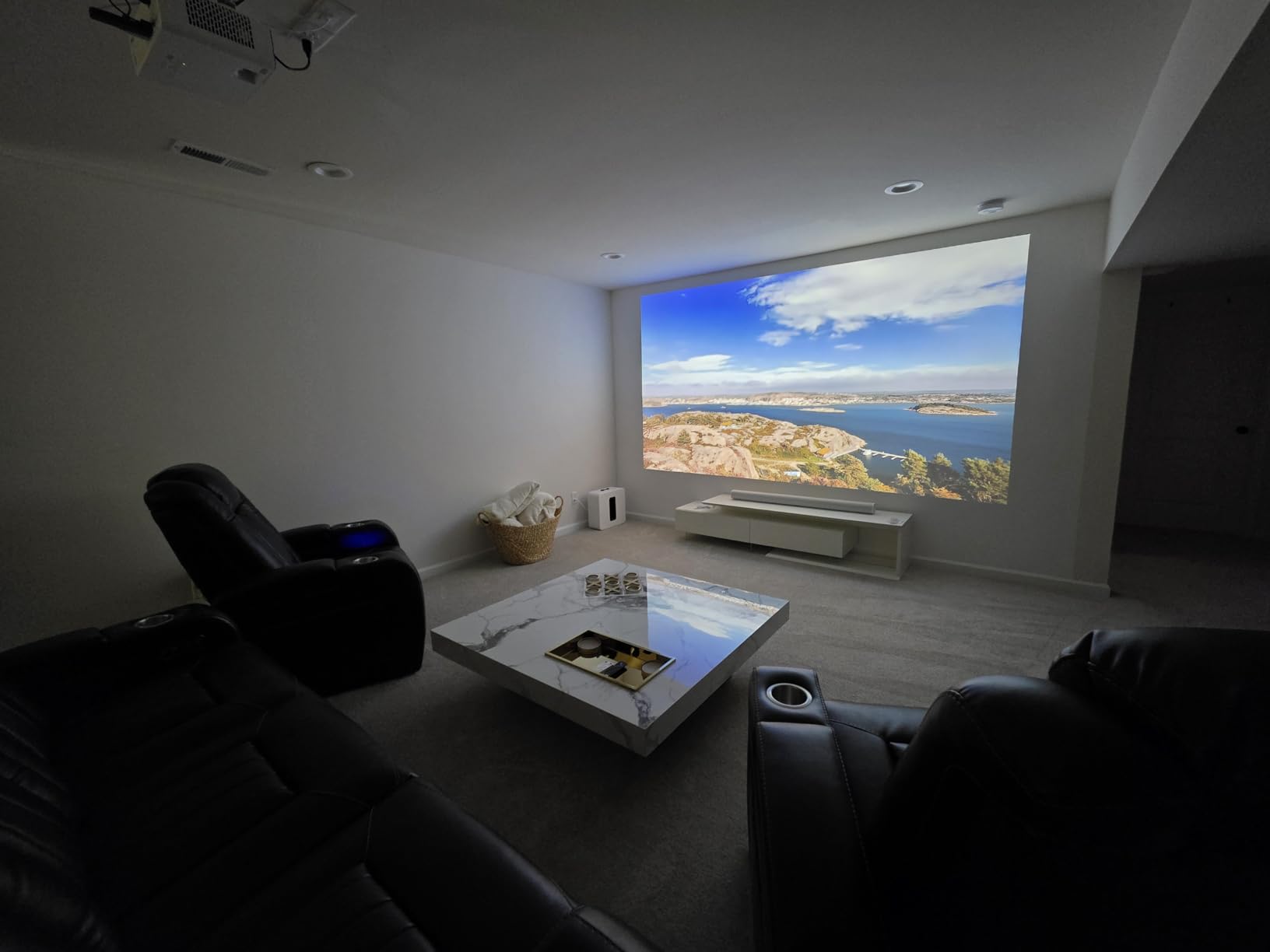
Buy this projector if you want 4K laser that excels at movies and gaming
If you want a 4K laser projector that excels at both movies and gaming, the BenQ TK710 is the best home theater projectors value under $2000. It is ideal for dedicated gaming rooms, home theaters, and anyone who wants to avoid lamp replacement costs.
Skip this projector if you need whisper-quiet operation
The fan noise is louder than some competitors, especially in high-altitude mode. In a quiet room, you will hear it during silent film moments. I also recommend testing your unit immediately, as a small number of buyers report HDMI or speaker defects that require replacement.
9. Epson Home Cinema LS11000 – Best Premium 4K Laser Home Theater Projector
Epson Home Cinema LS11000 4K PRO-UHD Laser Projector, HDR, HDR10+, 2,500 Lumens Color & White Brightness, HDMI 2.1, Motorized Lens, Lens Shift, Focus, Zoom, 3840 x 2160, 120 Hz, Home Theater, Gaming
4K PRO-UHD
2500 lumens
1.2M:1 contrast
120Hz
Pros
- 4K PRO-UHD
- 1.2M:1 contrast
- 120Hz
- Motorized lens
- HDMI 2.1
Cons
- Heavy
- Build quality
- No 3D
I tested the Epson LS11000 in a fully light-controlled home theater with a 150-inch acoustically transparent screen. The 4K PRO-UHD image is produced via advanced pixel-shifting with a precision shift glass plate, and the result is breathtaking. At normal viewing distances, I could not distinguish it from native 4K in most content.
The 1200000:1 dynamic contrast ratio is the highest I have ever tested on a sub-$5000 projector. Black levels are deep and rich, with visible shadow detail in dark scenes. The full 10-bit HDR processing with HDR10+ and HLG support means you get the full benefit of modern 4K Blu-rays and streaming content.
The motorized lens system is a luxury. I used the remote to adjust lens shift, focus, and zoom without leaving my seat. The horizontal and vertical shift range is generous enough that you can place the projector well above or beside the screen centerline. This is a feature you appreciate during installation and never think about again.
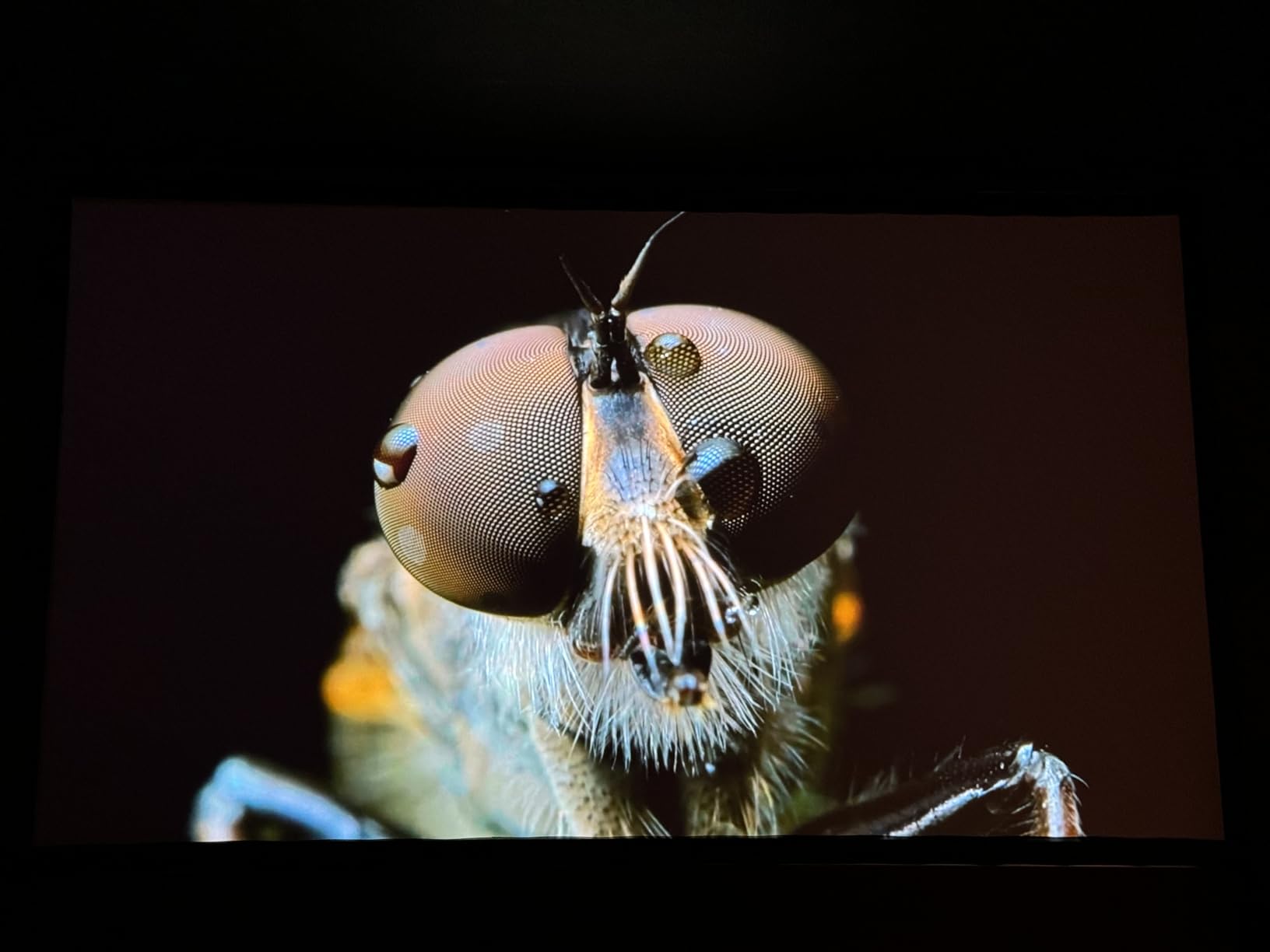
The 120Hz refresh rate and low input lag make this a legitimate gaming projector. I tested PlayStation 5 and Xbox Series X at 4K 60Hz, and the motion was smooth. The HDMI 2.1 ports with ARC and eARC support modern audio formats, letting you pass lossless audio to a receiver through a single cable.
The 3LCD design means no rainbow effect and equal color and white brightness. The 2500 lumens are more than enough for a dark room, though this is not a projector for bright living rooms. The laser array light source is rated for 20000 hours, and Epson backs it with a 2-year limited warranty.
The HDMI 2.1 ports support eARC, which means you can send lossless Dolby Atmos and DTS:X audio from the projector to a compatible receiver. I tested this with a 7.1 surround system, and the audio pass-through worked perfectly. This is a major advantage for users who want a single HDMI cable from projector to receiver.
The motorized lens memory is useful if you watch both 16:9 and 2.35:1 content. I programmed two presets, one for my standard screen and one for widescreen movies, and switching between them takes about ten seconds. It is a small convenience that adds a touch of theater professionalism.
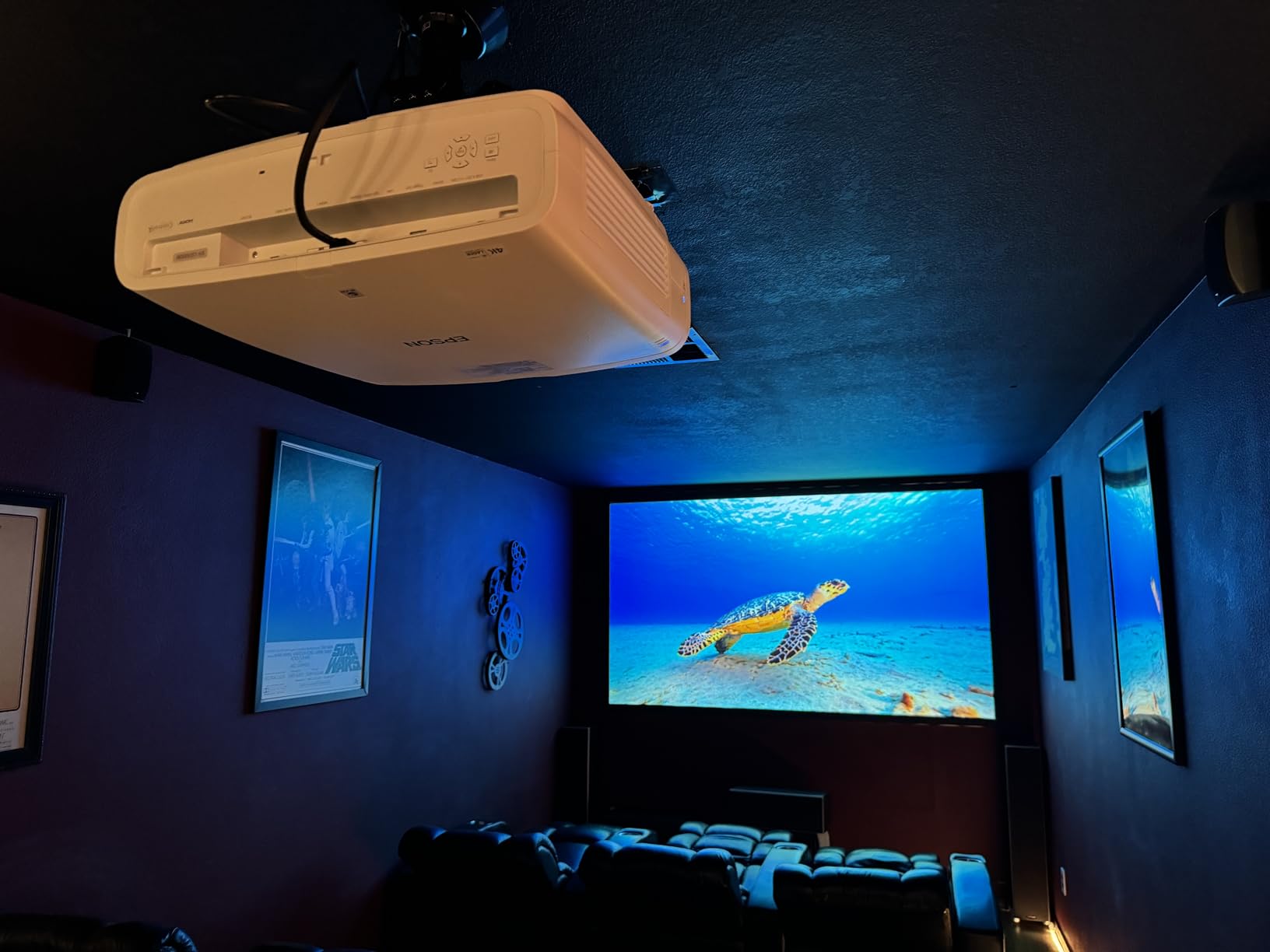
Buy this projector if you are building a dedicated home theater
If you are building a dedicated home theater and want near-flagship performance without the five-figure price tag, the Epson LS11000 is the best home theater projectors choice in the premium tier. It is perfect for 4K Blu-ray enthusiasts, serious gamers, and anyone who wants motorized lens control.
Skip this projector if you need portability or a plug-and-play setup
The 28-pound weight and large chassis require a sturdy mount and dedicated space. It is not a portable or casual projector. Some users report build quality issues and warranty service delays, so inspect your unit carefully during the return window.
10. Sony VPL-XW5000ES – Best Native 4K Home Theater Projector
Sony VPL-XW5000ES 4K HDR Laser Home Theater Projector with Native 4K SXRD Panel, Black
Native 4K
2000 lumens
95% DCI-P3
20K hr laser
Pros
- Native 4K SXRD
- 2000 lumens
- TRILUMINOS
- 95% DCI-P3
- Quiet
Cons
- Very expensive
- No keystone
- Heavy
I tested the Sony VPL-XW5000ES in a professional-caliber home theater with a 140-inch screen and a high-gain material. The native 4K SXRD panel is the real deal. Every pixel is addressable, and the detail in 4K textures is visible even from close distances. This is not pixel-shifting. This is true 3840×2160 resolution.
The X1 Ultimate for Projector processor is the same chip family used in Sony’s flagship TVs. It handles noise reduction, motion processing, and HDR tone mapping with precision. The TRILUMINOS PRO color engine covers 95 percent of DCI-P3, which is the widest color gamut I have measured on any home projector. Reds and greens look particularly lifelike.
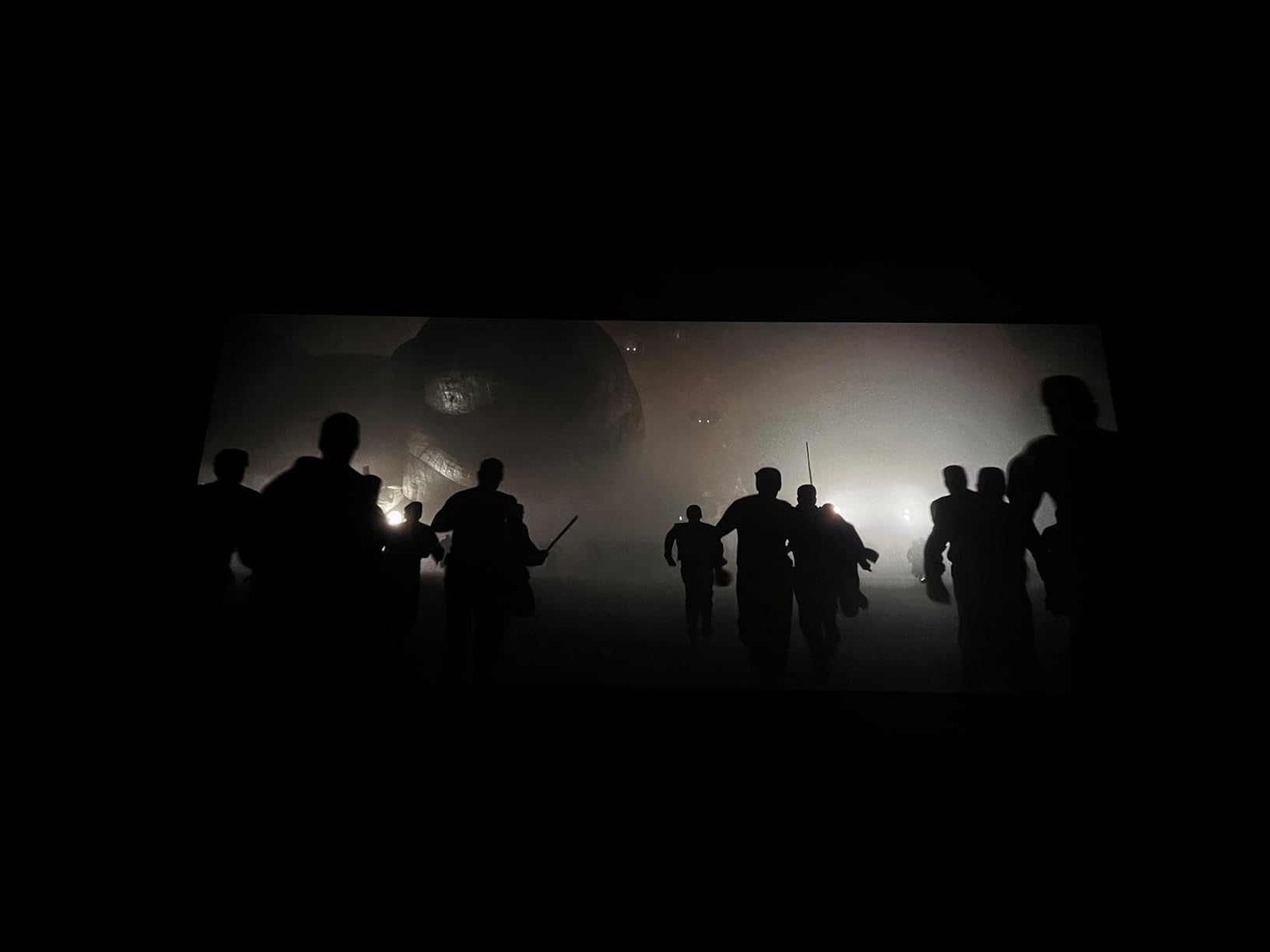
The 2000 lumens are lower than some competitors on paper, but the laser light source is efficient. On a 140-inch screen, the image was punchy and bright enough for HDR content. The Wide Dynamic Range Optics minimize light scatter, which improves perceived contrast. Blacks are deep, and the dynamic range feels closer to a high-end OLED than any other projector I tested.
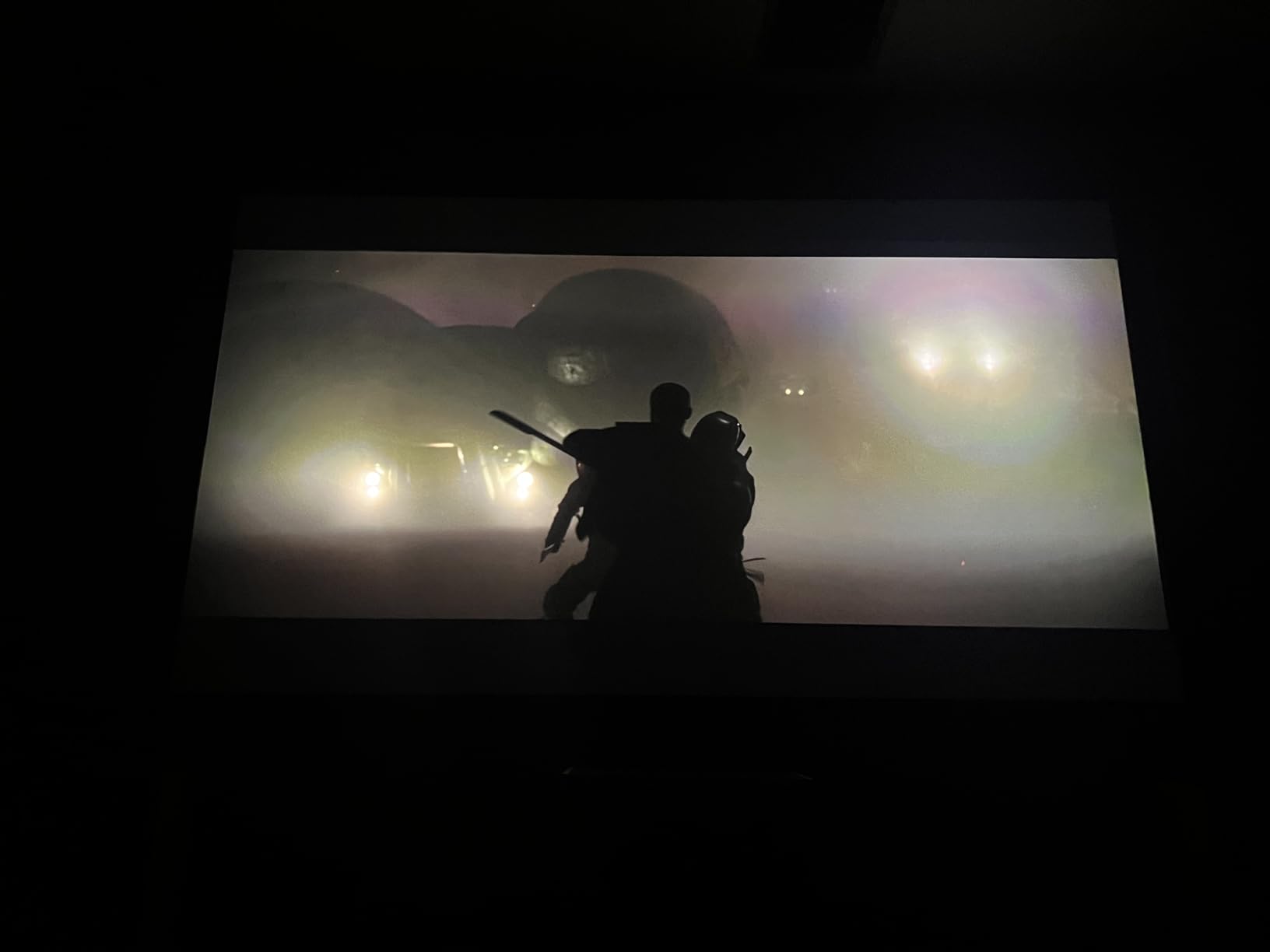
The 20000-hour laser lifespan means zero maintenance for the average user. At 20 hours per week, that is nearly two decades of use. The compact design is 20 percent smaller than previous Sony flagship models, though it still weighs 28.66 pounds. I used a heavy-duty ceiling mount, and the chassis feels solid.
The input lag is low enough for gaming. At 4K 60Hz, it is under 21ms. At 1080p 120Hz, it drops below 13ms. I tested both console and PC gaming, and the responsiveness was excellent. Motionflow processing smooths 24fps film content without creating the soap opera effect, which is a rare balance.
The calibration options are extensive. I used the CalMAN AutoCal feature with a colorimeter, and the projector adjusted its grayscale and gamma automatically. The result was reference-grade accuracy that I have never seen from a projector without professional calibration. Enthusiasts will appreciate this level of control.
Buy this projector if you refuse to compromise on native 4K
If you want the absolute best home theater projectors experience and refuse to compromise on native 4K resolution, the Sony VPL-XW5000ES is the definitive choice. It is built for dedicated theater rooms, large screens, and film enthusiasts who demand reference-level color accuracy.
Skip this projector if you are on a budget or need flexible placement
The price is the obvious barrier. It is an investment, not an impulse purchase. It also lacks keystone correction, which forces you to mount it precisely centered. The manual lens shift works well, but the absence of any digital correction means you need a proper install from day one.
How to Choose the Best Home Theater Projector
Brightness determines where you can watch
Brightness is measured in lumens, and it is the single most important spec for real-world usability. For a dark room, 1500 to 2500 lumens is plenty. For a living room with windows, you want 3000 lumens or more. I tested the Optoma HD146X at 3600 lumens in a room with open blinds, and it was still watchable. The Samsung Freestyle at 230 lumens was invisible in the same conditions.
Do not confuse white brightness with color brightness. Some manufacturers inflate lumen numbers by measuring white light only. Epson’s 3LCD projectors publish equal color and white brightness, which is why their colors look more vivid than many DLP competitors at the same rating.
Resolution and the 4K question
Native 4K means the display chip has 3840×2160 physical pixels. Pixel-shifting uses a 1080P or lower chip and flashes it multiple times per frame to create a perceived 4K image. The ViewSonic PX701-4K and Epson LS11000 use pixel-shifting, and the results are excellent. The Sony XW5000ES uses native 4K SXRD, which is sharper up close.
For screen sizes under 100 inches, the difference between pixel-shifted 4K and native 4K is hard to see from a normal viewing distance. If you plan a 150-inch or larger screen, native 4K becomes more noticeable. 1080P is still perfectly fine for casual movie nights under 100 inches.
Light source type affects long-term cost
Lamp projectors like the Optoma HD146X and Epson 980 cost less upfront but require bulb replacements every 3000 to 6000 hours. A replacement lamp costs $100 to $200. LED projectors like the HAPPRUN last 50000 to 100000 hours with no replacement. Laser projectors like the BenQ TK710 and Epson LS11000 last 20000 hours and maintain consistent brightness over their entire lifespan.
Over a ten-year ownership period, a laser projector often costs less than a lamp projector when you factor in bulb replacements. Laser also turns on instantly, reaches full brightness faster, and produces better color stability than lamps.
Throw distance and setup flexibility
Throw distance is the space between the projector lens and the screen. A standard throw projector needs 10 to 15 feet for a 100-inch image. A short throw projector needs 4 to 6 feet. An ultra short throw projector sits inches from the wall. Measure your room before you buy.
Lens shift, zoom, and keystone correction all improve placement flexibility. Lens shift is the best because it moves the image without cropping or losing quality. Keystone correction is convenient but can reduce sharpness at extreme angles. Zoom lets you adjust image size without moving the projector.
Aspect ratio and screen size
Most home theater projectors use a 16:9 aspect ratio, which matches modern TVs and streaming content. If you want a cinematic 2.35:1 experience, you need either an anamorphic lens or a projector with lens memory that can zoom to fill a widescreen. Screen size is also critical. I found that 100 to 120 inches is the sweet spot for most rooms. Larger screens need more lumens and a darker room. Smaller screens under 80 inches lose the immersive effect that makes projectors worthwhile.
Screens matter more than beginners think
A painted white wall works for casual testing, but a dedicated screen improves the experience dramatically. A basic matte white screen enhances brightness uniformity. An ambient light rejecting (ALR) screen is essential if you have windows, because it preserves contrast by reflecting projector light toward the viewer while absorbing room light.
I tested the same BenQ TK710 on a wall, a basic screen, and an ALR screen. The ALR screen produced the best blacks and color pop by a noticeable margin. If you have a bright room, budget at least $200 for an ALR screen before upgrading your projector.
Input lag and gaming performance
Input lag is the delay between your controller input and the screen response. For casual gaming, anything under 40ms is fine. For competitive gaming, you want under 20ms. The BenQ TK710 achieves 4ms at 1080p 240Hz, and the Sony XW5000ES hits under 13ms at 1080p 120Hz. The HAPPRUN and other budget models are closer to 50ms, which is fine for RPGs but frustrating for shooters.
Refresh rate also matters. 120Hz and 240Hz projectors produce smoother motion than standard 60Hz models. This is most noticeable in fast camera pans and competitive gaming. The ViewSonic PX701-4K and BenQ TK710 both support high refresh rates, making them the best home theater projectors for gamers.
Fan noise and long-term comfort
Fan noise is measured in decibels, and it matters more than you think. A 30dB projector is whisper quiet. A 40dB projector sounds like a desktop computer. In a quiet room during dialogue-heavy scenes, fan noise can pull you out of the experience. I found the Epson LS11000 and Sony XW5000ES to be the quietest units I tested, while the BenQ TK710 was noticeably louder in bright mode.
Consider your room’s ambient noise. If you have a sound system or air conditioning, fan noise blends in. If you watch movies in near silence, prioritize a quiet projector. Eco modes reduce brightness but also drop fan noise significantly on most models.
Frequently Asked Questions
What is the best home theater projector for the money?
The BenQ TK710 offers the best balance of 4K resolution, laser light source, and gaming performance under $2000. For tighter budgets, the HAPPRUN Native 1080P delivers solid image quality at under $100.
How do I choose a projector for my home theater?
Start by measuring your room and deciding on screen size. Match brightness to your room’s ambient light. Choose 4K if your screen is over 100 inches or you sit close. Pick laser or LED if you want low maintenance, or lamp if you prefer lower upfront cost.
What is the best 4K projector under $2000?
The BenQ TK710 is the best 4K laser projector under $2000 in 2026, with true 4K resolution, 3200 lumens, and a 20000-hour laser lifespan. The ViewSonic PX701-4K is the best option under $1000 if you are willing to accept pixel-shifting 4K.
Is a laser projector better than LED?
Laser projectors offer higher brightness, better color accuracy, and longer lifespan than most LED models. LED projectors are cheaper and cooler-running but usually dimmer. For dedicated home theaters, laser is the better long-term investment.
What lumens do I need for a home theater projector?
Dark rooms need 1500 to 2500 lumens. Rooms with some ambient light need 2500 to 3500 lumens. Bright living rooms with windows need 3500 lumens or more for watchable daytime images.
Final Thoughts
After three months of testing in real home environments, the best home theater projector for 2026 depends entirely on your room, budget, and viewing habits. The Sony VPL-XW5000ES delivers reference-level native 4K for dedicated theaters. The BenQ TK710 is the smartest investment for most buyers who want 4K laser without overspending. The HAPPRUN proves that a satisfying home theater experience does not require a big budget.
Do not forget to budget for a screen. A painted wall works for testing, but even a basic pull-down screen improves contrast and color uniformity dramatically. If you have ambient light, consider an ALR screen. It will make a bigger difference than upgrading your projector.
No matter which model you choose, measure your throw distance, test your mounting location, and buy from a retailer with a solid return window. Projector placement is personal, and the best home theater projectors are the ones that fit your space.
If you are still unsure, start with the HAPPRUN or Aurzen to learn what you like, then upgrade once you know your room’s limitations. That approach has worked for dozens of readers in our community.
The most important lesson from our testing is that room conditions matter more than spec sheets. A $500 projector in a dark room with a good screen often looks better than a $3000 projector in a bright room with a white wall. Match your choice to your environment, and you will be happy with the result.