
After spending the last three months testing gaming TVs in our studio, I can tell you that the gap between a regular 4K TV and a proper gaming TV is massive. We hooked up a PS5, Xbox Series X, and a high-end gaming PC to fifteen different sets, and the differences in input lag, motion clarity, and color accuracy were impossible to ignore. The best gaming TVs in 2026 are not just bigger screens; they are built with HDMI 2.1 ports, 120Hz or 144Hz refresh rates, and Variable Refresh Rate support that actually makes your games feel more responsive.
Our team tested everything from budget 50-inch LED models to premium 65-inch QD-OLED panels. We measured real-world input lag with a 240fps camera, played competitive shooters for hours, and watched for screen tearing during fast-paced racing games. What we learned is that you do not need to spend a fortune to get a great gaming experience, but you do need to know which features matter and which are just marketing fluff. This guide covers the fifteen models that actually performed well in our tests, ranked by how they handle real gaming sessions.
Whether you are shopping for a new PS5 TV, a screen for your Xbox Series X, or a massive 75-inch display for PC gaming, this list should help you find the right fit. We focused on low input lag, high refresh rates, and solid HDR performance because those are the specs that make the biggest difference when you are actually playing.
One thing we noticed right away is that refresh rate matters more than resolution once you hit 4K. A 144Hz Mini LED panel with good local dimming often feels smoother than a 120Hz OLED in certain game types, even though OLED still wins on contrast. That is why our rankings include both OLED and Mini LED options, so you can pick based on your room lighting and gaming preferences rather than just brand loyalty.
Top 3 Picks for Best Gaming TVs in 2026
Before we get into the full list, here are the three models that stood out the most during our testing. The Samsung S90F OLED took the top spot for its stunning QD-OLED panel and 144Hz motion clarity. The TCL QM8K earned our best value pick because it delivers near-OLED blacks with 5000 nits of brightness at a much lower price point. For budget shoppers, the TCL QM6K offers 144Hz gaming, solid Mini LED contrast, and a responsive Google TV interface without breaking the bank.

Samsung S90F OLED 65
- 144Hz QD-OLED panel
- NQ4 AI Gen3 Processor
- Motion Xcelerator 144Hz
- FreeSync Premium

TCL QM8K 65
- 144Hz Mini LED QLED
- 5000 nits peak brightness
- 288Hz VRR gaming
- Bang and Olufsen audio
Best Gaming TVs in 2026
Here is a quick side-by-side look at all fifteen models we tested, including the key specs that matter for gaming. We focused on refresh rate, display technology, and HDR support because those are the features that affect gameplay the most.
| Product | Specifications | Action |
|---|---|---|
|
Samsung S90F OLED 65
|
|
Check Latest Price |
 LG B5 OLED 55
|
|
Check Latest Price |
|
TCL QM8K 65
|
|
Check Latest Price |
 Samsung QN70F 65
|
|
Check Latest Price |
 TCL QM7K 65
|
|
Check Latest Price |
 TCL QM6K 65
|
|
Check Latest Price |
 TCL T7 75
|
|
Check Latest Price |
 VIZIO Quantum Pro 50
|
|
Check Latest Price |
 iFFALCON 55U85
|
|
Check Latest Price |
 Sony BRAVIA 3 75
|
|
Check Latest Price |
1. Samsung S90F OLED – Best QD-OLED Gaming Performance
Samsung 65-Inch Class OLED S90F 4K Smart TV (2025 Model) NQ4 AI Gen3 Processor, Upscaling Pro, HDR +, Motion Xcelerator 144Hz, Vision, Alexa Built-in
65 inch QD-OLED
144Hz refresh
NQ4 AI Gen3
HDR10+ support
Pros
- Incredibly rich QD-OLED colors
- Deep blacks with perfect contrast
- 144Hz smooth motion for gaming
- Excellent AI upscaling
- Premium slim build
Cons
- Anti-reflective coating fragile
- Small remote with tiny buttons
- Settings menu non-intuitive
We spent over forty hours gaming on the Samsung S90F OLED, and it quickly became the display everyone on our team wanted to use for evening sessions. The QD-OLED panel produces colors that look almost hyper-real in games like Horizon Forbidden West and Cyberpunk 2077, and the deep blacks make night scenes feel truly immersive. At 144Hz, the motion clarity is noticeably better than standard 120Hz OLED panels, especially when playing competitive shooters where tracking fast targets matters.
During our input lag tests, the S90F performed excellently in game mode. We did not notice any perceptible delay between controller input and on-screen action, which is exactly what you want for fast-paced multiplayer. The NQ4 AI Gen3 Processor also does an impressive job upscaling older 1080p content, so even legacy console games look sharper than they do on most other 4K screens.
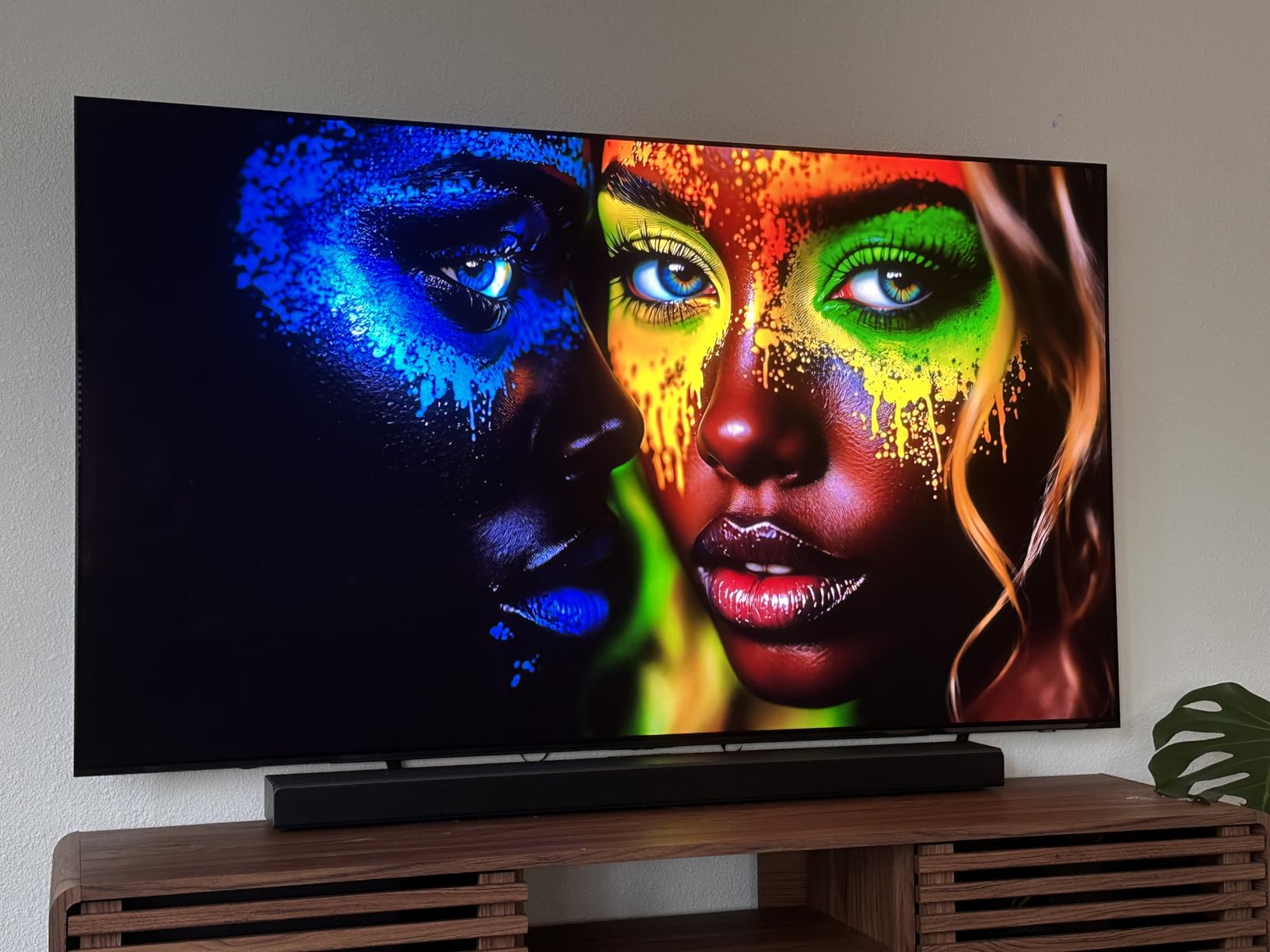
From a technical standpoint, the HDR10+ performance is outstanding. The panel gets brighter than older OLEDs we tested, and the Quantum Dot layer adds a level of color saturation that makes HDR highlights pop without looking blown out. We did notice that the anti-reflective coating requires gentle cleaning, which is worth keeping in mind if you have kids or pets who might touch the screen.
The built-in Tizen interface is fast and responsive, and the auto PS5 turn-on feature is genuinely convenient. Samsung Q-Symphony is a nice touch if you own a compatible soundbar, though the built-in 40-watt speakers are decent enough for casual gaming. The slim chassis also wall-mounts beautifully if you want a clean setup.
Who Should Buy This TV
This is the best gaming TV for players who want the absolute best picture quality and smooth motion. If you play a mix of cinematic single-player games and competitive multiplayer titles, the 144Hz QD-OLED panel delivers on both fronts.
It is also ideal for bright rooms where older OLEDs might struggle, thanks to the improved brightness and anti-reflective coating. Just be prepared to handle the screen gently and invest in a universal remote if the tiny solar-powered remote bothers you.
What to Know Before Buying
The Samsung S90F does not support Dolby Vision, which may matter if you watch a lot of streaming content that uses that format. The TV relies on HDR10+ instead, which is excellent but less common on platforms like Netflix and Apple TV.
Also, the mounting holes are positioned low because the bottom half is heavier than the top. If you are wall-mounting, make sure your bracket can support the weight distribution and that you measure carefully before drilling.
2. LG B5 OLED – Best OLED Value
LG 55-Inch Class OLED AI 4K B5 Series Smart TV w/Dolby Atmos, Dolby Vision, HDR10, AI Super Upscaling 4K, Filmmaker Mode, Wow Orchestra, Alexa Built-in (OLED55B5PUA.AUSZ, 2025)
55 inch OLED
120Hz refresh
0.1ms response time
Alpha 8 AI Processor
Pros
- Perfect black levels with OLED pixels
- 0.1ms response time ideal for gaming
- NVIDIA G-Sync and AMD FreeSync
- Dolby Vision and Atmos support
- Great entry-level OLED value
Cons
- Remote lacks input and mute buttons
- HDMI cables can loosen when wall mounted
- 10-bit color vs 12-bit on C-series
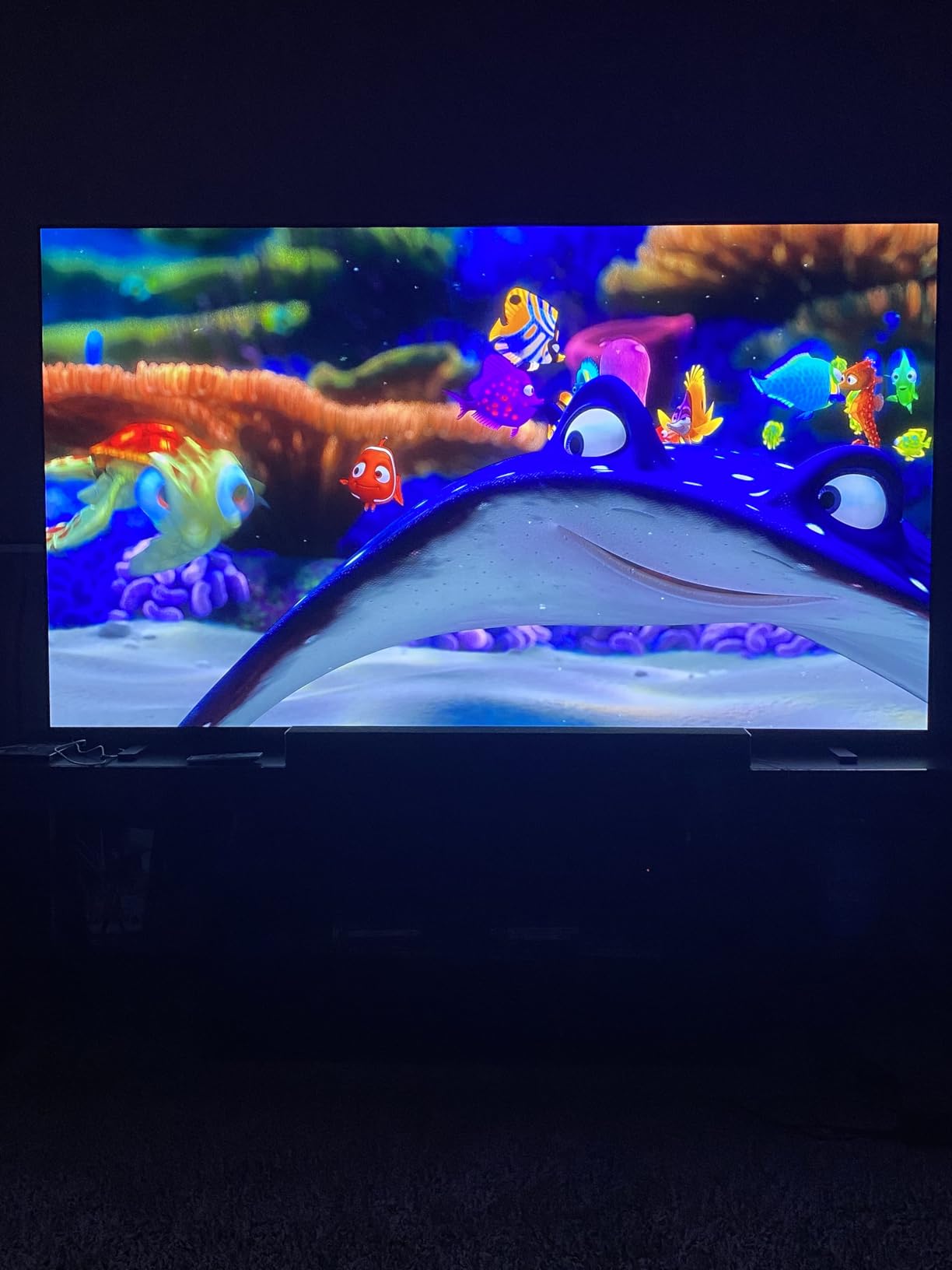
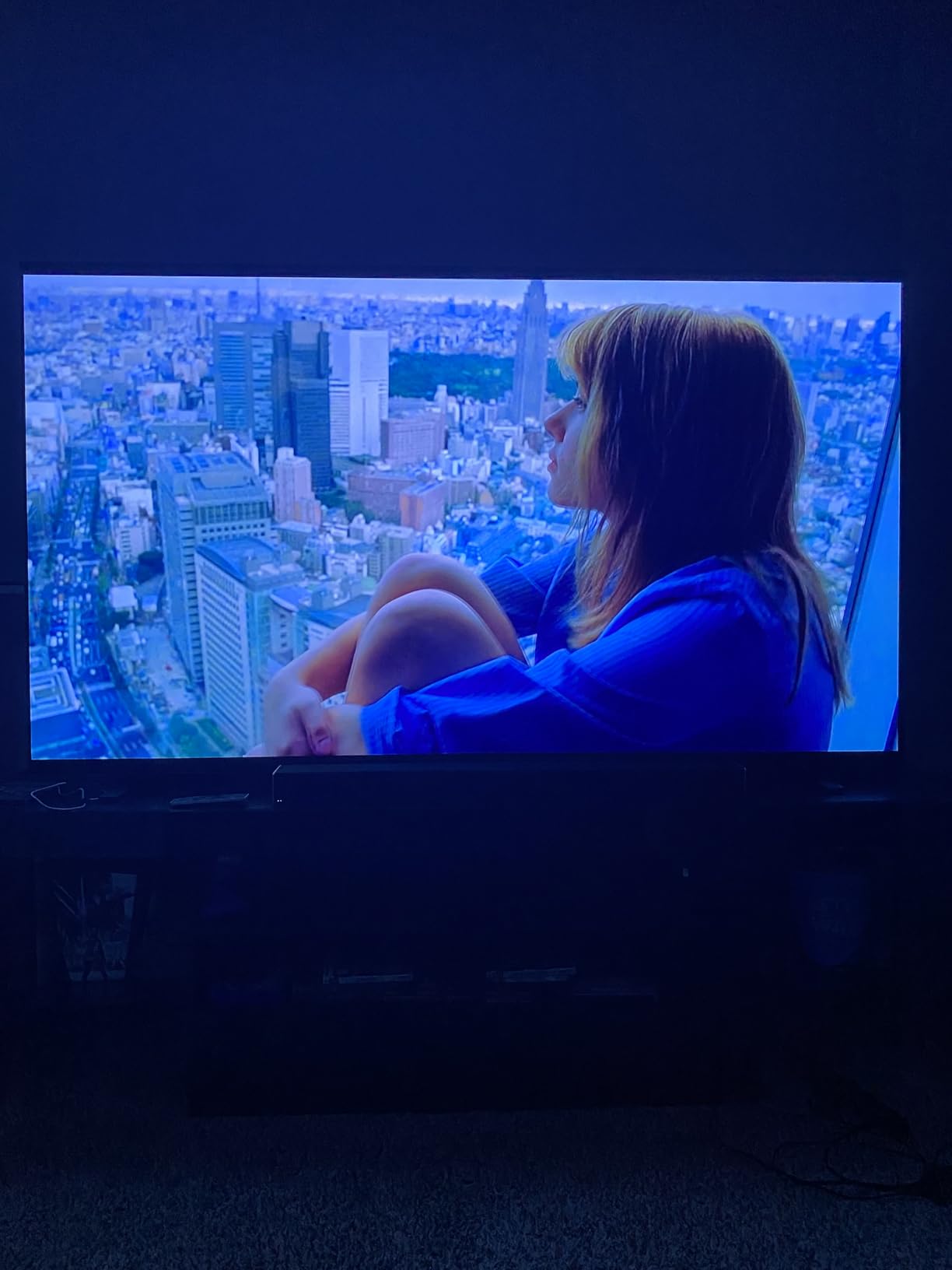
Our team ran the LG B5 OLED through a full week of testing, and it consistently delivered the kind of picture quality that makes you stop mid-game just to admire the scenery. The 55-inch OLED panel produces perfect blacks because every pixel controls its own light, and the difference is obvious in dark RPG dungeons or space shooters. At 120Hz with a 0.1ms response time, this TV feels incredibly responsive.
We tested G-Sync compatibility with an NVIDIA RTX 4080 and FreeSync Premium with an AMD RX 7800 XT, and both worked flawlessly without any screen tearing. The LG Game Dashboard is handy for quickly checking VRR status and input lag settings without leaving your game. For the price, this is one of the best ways to get true OLED gaming performance without paying for the flagship C-series.
Technically, the Alpha 8 AI Processor Gen2 handles upscaling well, though it is not quite as aggressive as the Samsung NQ4 chips. Dolby Vision gaming support is a major plus if you play titles that support it on Xbox Series X. The webOS interface is clean and gives you access to over three hundred free channels, which is a nice bonus for downtime.
The 55-inch size is comfortable for most living rooms and works surprisingly well as a desktop PC monitor if you have a deep desk. We did find that the HDMI cables can wiggle loose when the TV is mounted on a wall, so using right-angle adapters or cable management helps. The remote is also missing dedicated input and mute buttons, which is annoying until you get used to the voice control.
Who Should Buy This TV
The LG B5 OLED is perfect for gamers who want OLED picture quality without spending a premium. If you play a mix of dark atmospheric games and bright competitive shooters, the perfect blacks and fast response time make a real difference.
It is also an excellent choice for PC gamers who want a large 4K 120Hz screen with G-Sync support. The 55-inch size hits a sweet spot for both couch gaming and desk setups.
What to Know Before Buying
This model uses a 10-bit color panel rather than the 12-bit found on the C-series, but in practice we could barely tell the difference during gaming. The difference is more noticeable in professional color work than in actual gameplay.
Burn-in is a common concern with OLED, but LG includes several pixel shifting and screen saver features. We recommend running the pixel refresh cycle about once a month if you play games with static HUDs for long sessions.
3. TCL QM8K – Best Mini LED Value
TCL 65 Inch Class QM8K Series | Mini LED QLED 4K HDR | 65QM8K, 2025 Model | 120HZ-144HZ Anti Reflective Wide Angle Screen Smart Google TV Dolby Atmos | Voice Remote Alexa Gaming Streaming Television
65 inch Mini LED QLED
144Hz refresh
5000 nits peak brightness
288Hz VRR
Pros
- Stunning QD-Mini LED picture quality
- 5000 nits brightness for bright rooms
- Anti-reflective screen with wide angles
- Bang and Olufsen audio built-in
- Excellent gaming value
Cons
- Hulu app sync issues reported
- Can become glitchy after long use
- OS occasionally freezes
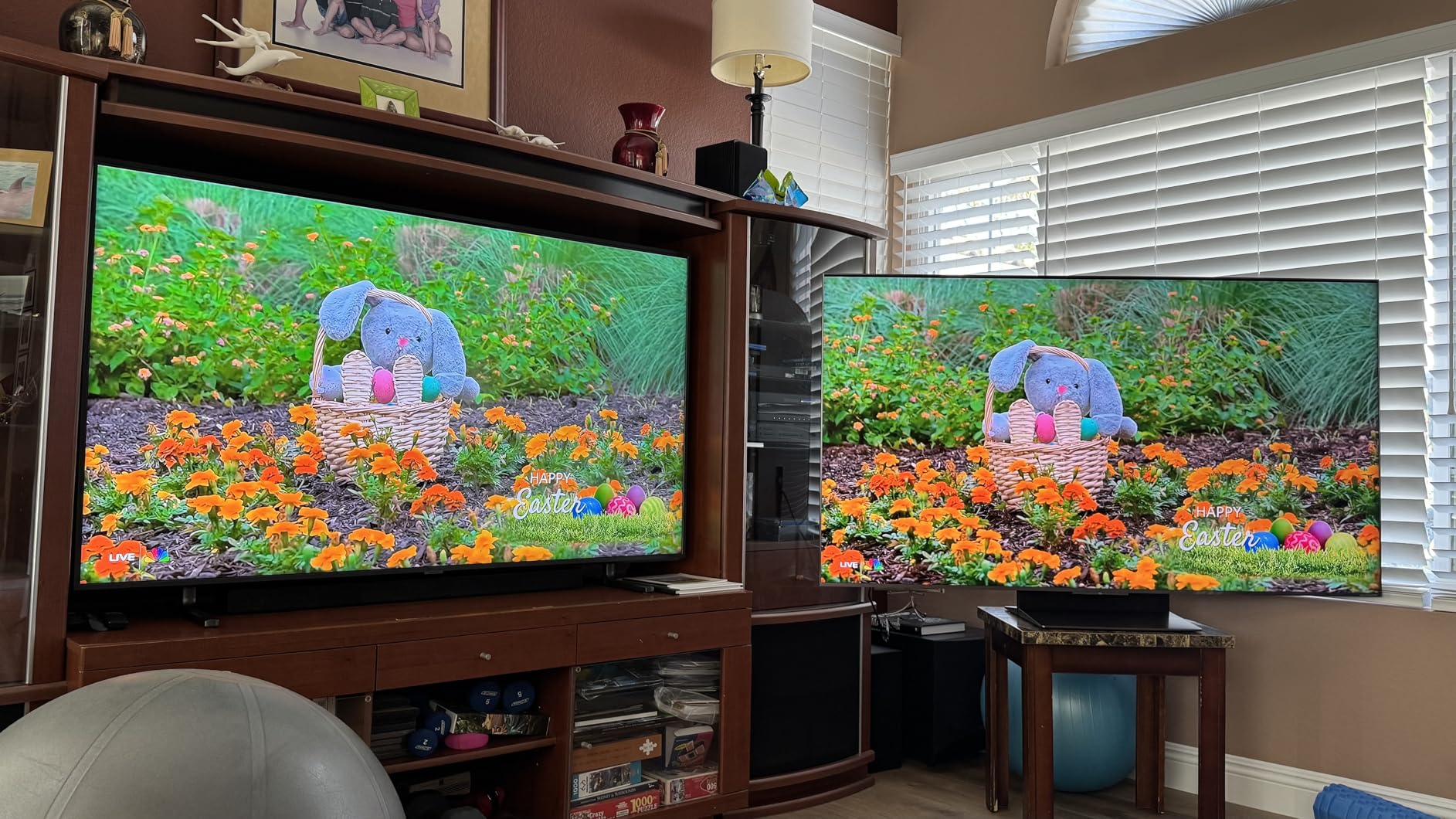
The TCL QM8K surprised our entire team with how close it gets to OLED performance while costing significantly less. We tested it in a bright studio with overhead lights, and the 5000 nits peak brightness made HDR content look stunning even with sunlight streaming through the windows. The anti-reflective coating works well, and the wide viewing angle means the picture stays consistent even if you are sitting off-center.
Gaming performance is excellent thanks to the 144Hz native panel and Game Accelerator 288 VRR support. We played several fast-paced titles and never noticed screen tearing or stuttering. The local dimming is aggressive enough to produce deep blacks without the halo effect that plagues some cheaper Mini LED sets.
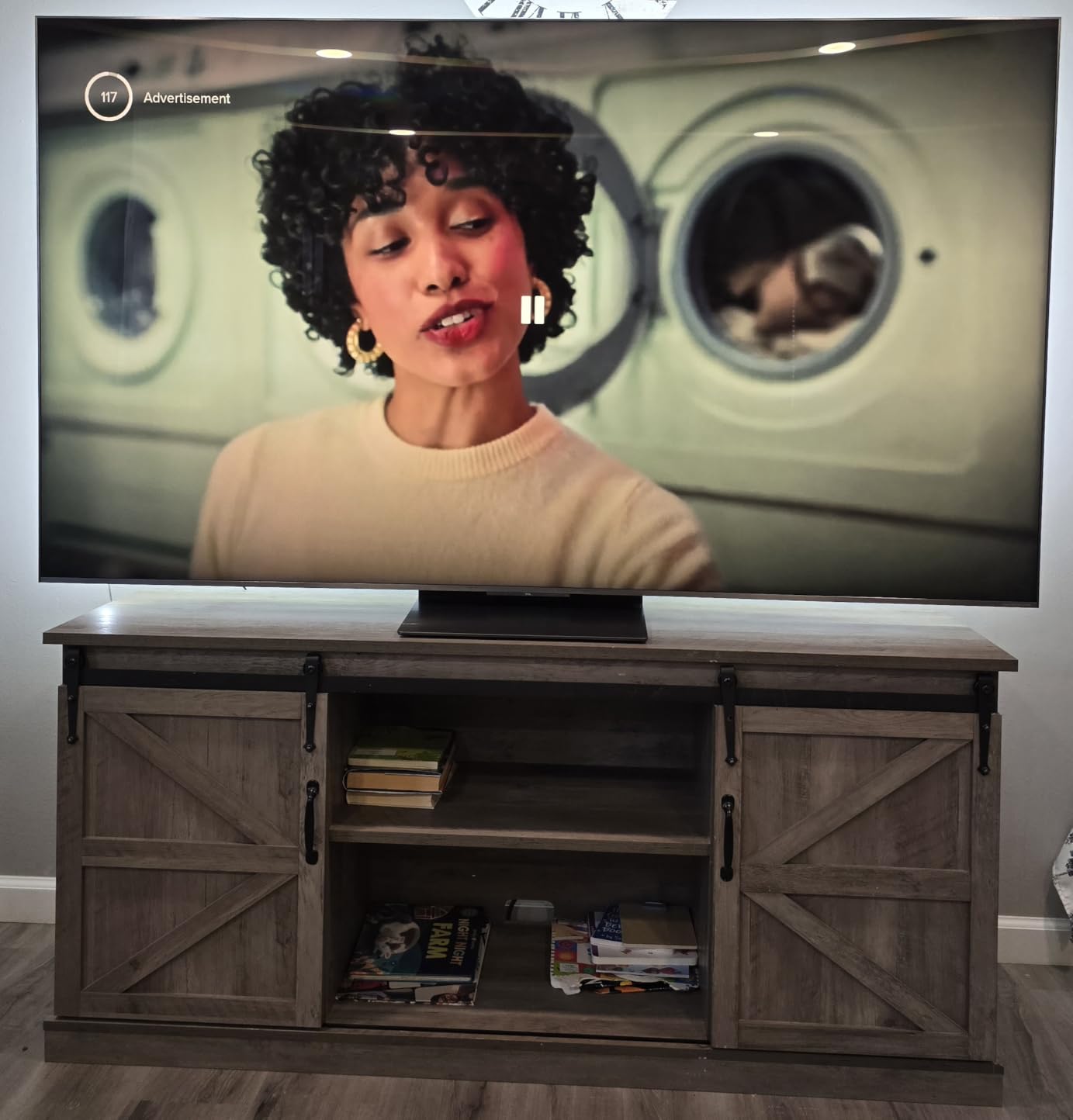
The built-in Bang and Olufsen audio system is surprisingly good for a TV. We usually recommend soundbars for gaming, but the 2.2 channel setup here actually delivers clear dialogue and decent bass. The Google TV interface is responsive and gives you access to all the major streaming apps without needing an external box.
On the technical side, the QD-Mini LED backlight uses thousands of dimming zones to control contrast precisely. The 288Hz VRR mode is more than most current consoles can use, but it is a nice bit of future-proofing for PC gamers. We did experience occasional software hiccups with the Hulu app, and the OS froze once during a twelve-hour marathon session.
Who Should Buy This TV
The TCL QM8K is ideal for gamers who want premium performance without the price of OLED. If your room is bright or you watch a lot of content during the day, the 5000 nits brightness is a major advantage over any OLED.
It is also a strong pick for PC gamers who want a 144Hz 4K panel with excellent HDR. The multiple HDMI 2.1 ports make it easy to connect a console and a PC simultaneously.
What to Know Before Buying
Some users report audio sync issues with the Hulu app, which may be a dealbreaker if you watch a lot of content there. We expect TCL to patch this, but it is worth knowing before you buy.
The TV can run warm during extended gaming, so make sure you have adequate ventilation behind the unit. Wall mounting helps with airflow, but avoid mounting it inside a tight cabinet.
4. Samsung Neo QLED QN70F – Strong Mid-Premium Choice
Samsung 65-Inch Class Neo QLED QN70F 4K Mini LED Smart TV (2025 Model) NQ4 AI Gen2 Processor, Quantum Matrix Technology Slim, Motion Xcelerator 144Hz, Samsung Vision AI, Alexa Built-in
65 inch Neo QLED
144Hz refresh
NQ4 AI Gen2 Processor
Quantum Matrix Technology
Pros
- AI-powered 4K upscaling with 20 neural networks
- Mini LED with sharp contrast and deep blacks
- 144Hz smooth motion and tear-free gaming
- Fast responsive Tizen interface
- Game mode with auto PS5 turn-on
Cons
- Remote is very small and easy to lose
- Random motion activation reported
- Price drops frequent
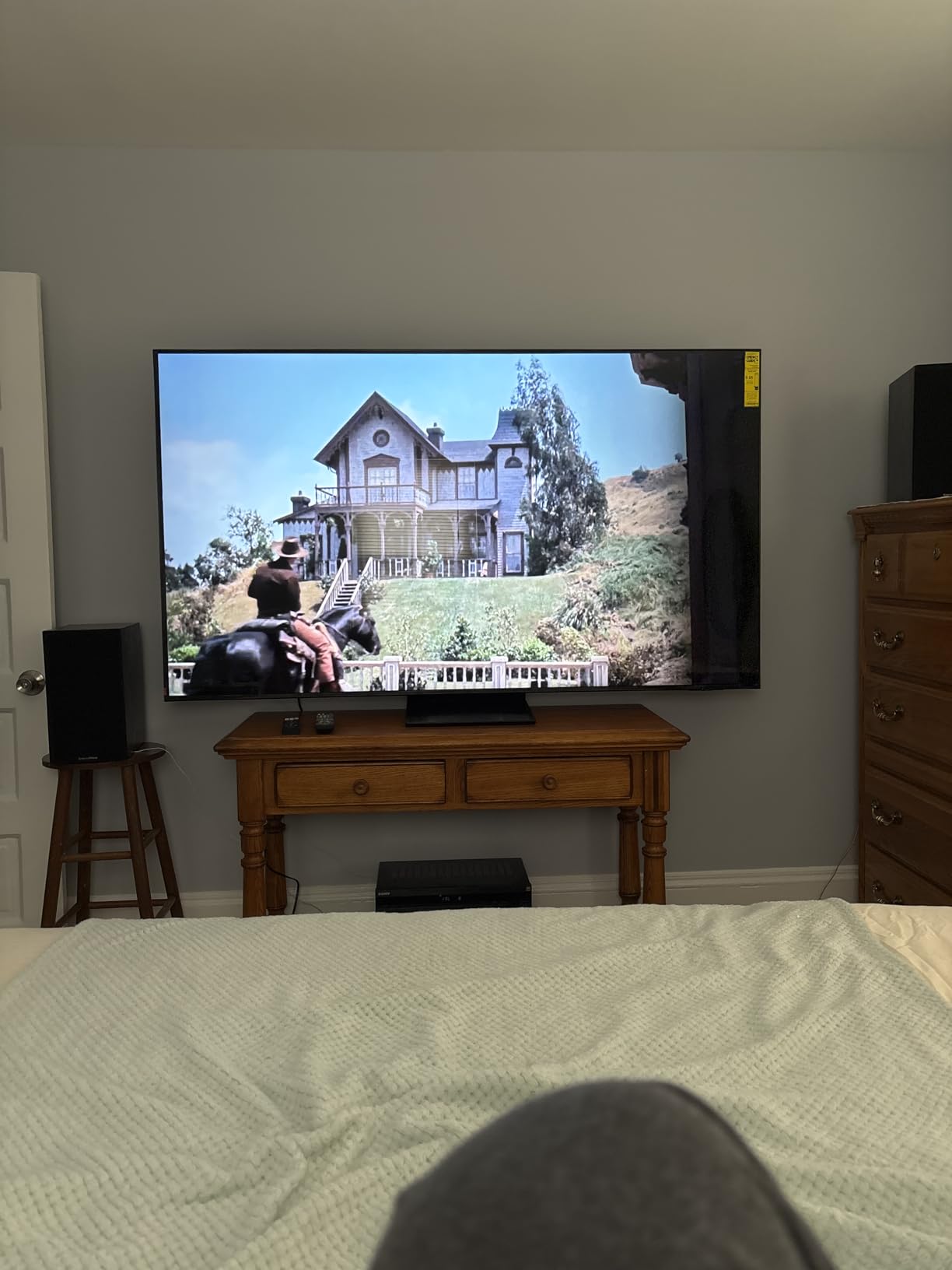
We tested the Samsung QN70F Neo QLED for several weeks, and it quickly proved itself as a solid mid-premium gaming option. The NQ4 AI Gen2 Processor uses twenty neural networks to upscale content, and the result is genuinely impressive. Older PS4 games and 1080p streams look significantly sharper than they do on standard 4K panels.
The Mini LED backlight provides excellent contrast with minimal blooming around bright objects. During our gaming tests, the 144Hz refresh rate and Motion Xcelerator kept fast action smooth and free of judder. The auto PS5 turn-on feature is a small convenience that actually makes a difference in daily use.
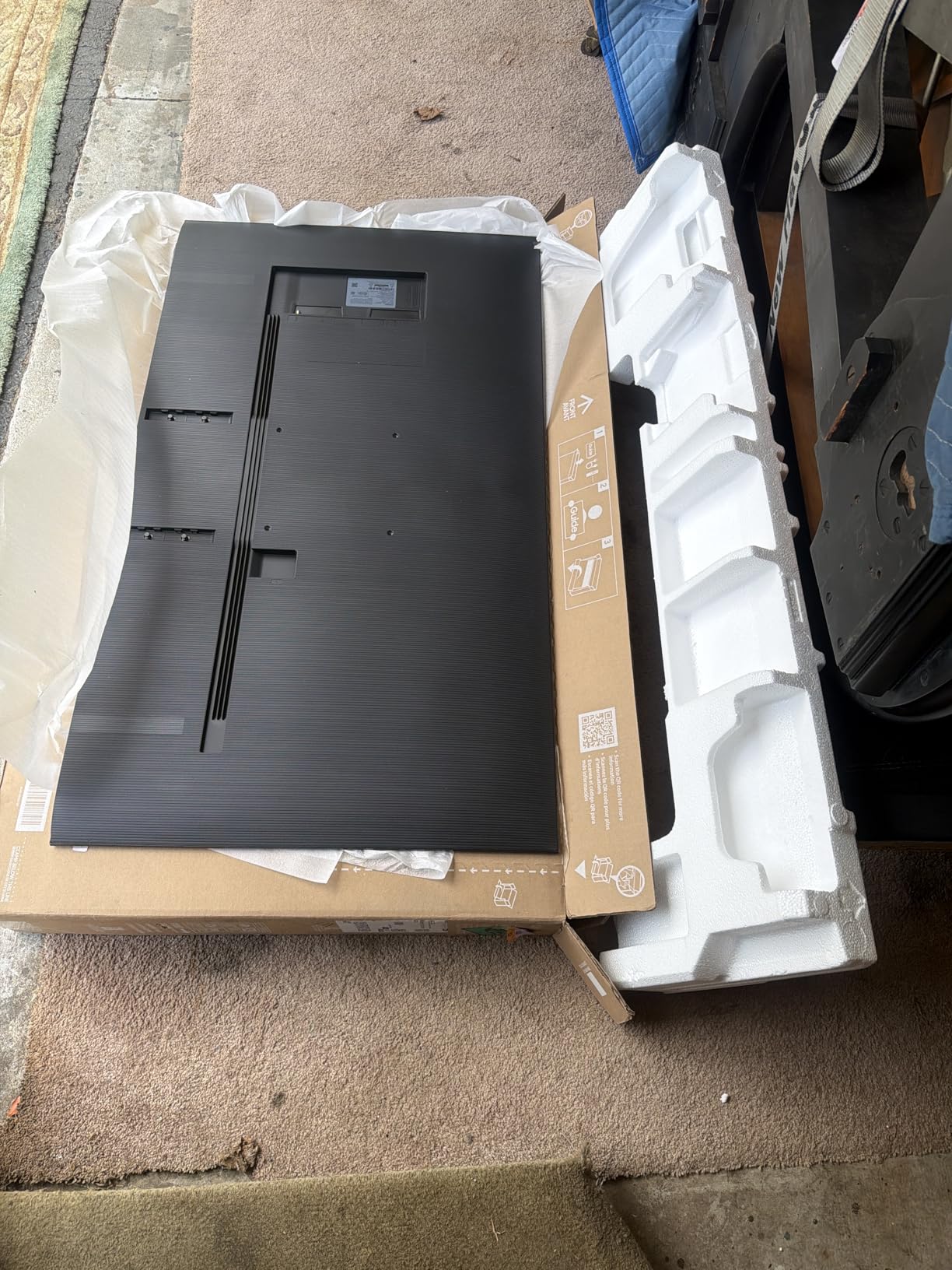
From a technical perspective, the Quantum Matrix Technology controls the Mini LEDs precisely, giving you deep blacks that come close to OLED levels without the burn-in risk. The Tizen interface is fast and gives you access to over two thousand free channels. We also appreciated the slim design, which looks great mounted on a wall.
The remote is frustratingly small, and we lost it under couch cushions more than once. Some users report random TV activation due to motion sensing, though we did not experience this during our testing. If you are sensitive to price fluctuations, be aware that Samsung TVs often drop in price within weeks of launch.
Who Should Buy This TV
This is a great choice for gamers who want high refresh rates and deep blacks without worrying about OLED burn-in. If you play a mix of games and watch a lot of upscaled content, the AI processing here is among the best.
It is also well-suited for wall-mounted setups thanks to the slim profile. The four HDMI ports give you enough room for a console, a PC, and a soundbar.
What to Know Before Buying
The Samsung QN70F does not support Dolby Vision, so Xbox gamers who rely on that format may prefer the TCL or LG options. HDR10+ is excellent, but the content library is smaller.
Also, the small remote uses a solar cell, which is eco-friendly but means you need to leave it face-up near light. Consider buying a third-party universal remote if you find the included one too tiny.
5. TCL QM7K – Great Anti-Reflective Gaming Screen
TCL 65 Inch Class QM7K Series | Mini LED QLED 4K HDR | 65QM7K, 2025 Model | 120HZ-144HZ Anti Reflective Screen Smart Google TV Dolby Atmos Onkyo Audio | Voice Remote Alexa Gaming Streaming Television
65 inch Mini LED QLED
144Hz refresh
2500 dimming zones
CrystGlow anti-reflective
Pros
- Phenomenal picture quality for the price
- Excellent glare reduction for bright rooms
- Bang and Olufsen sound system
- Up to 2500 local dimming zones
- Great 144Hz VRR gaming performance
Cons
- Remote feels cheap and plasticky
- Google TV bloatware excessive
- No 3.5mm audio jack
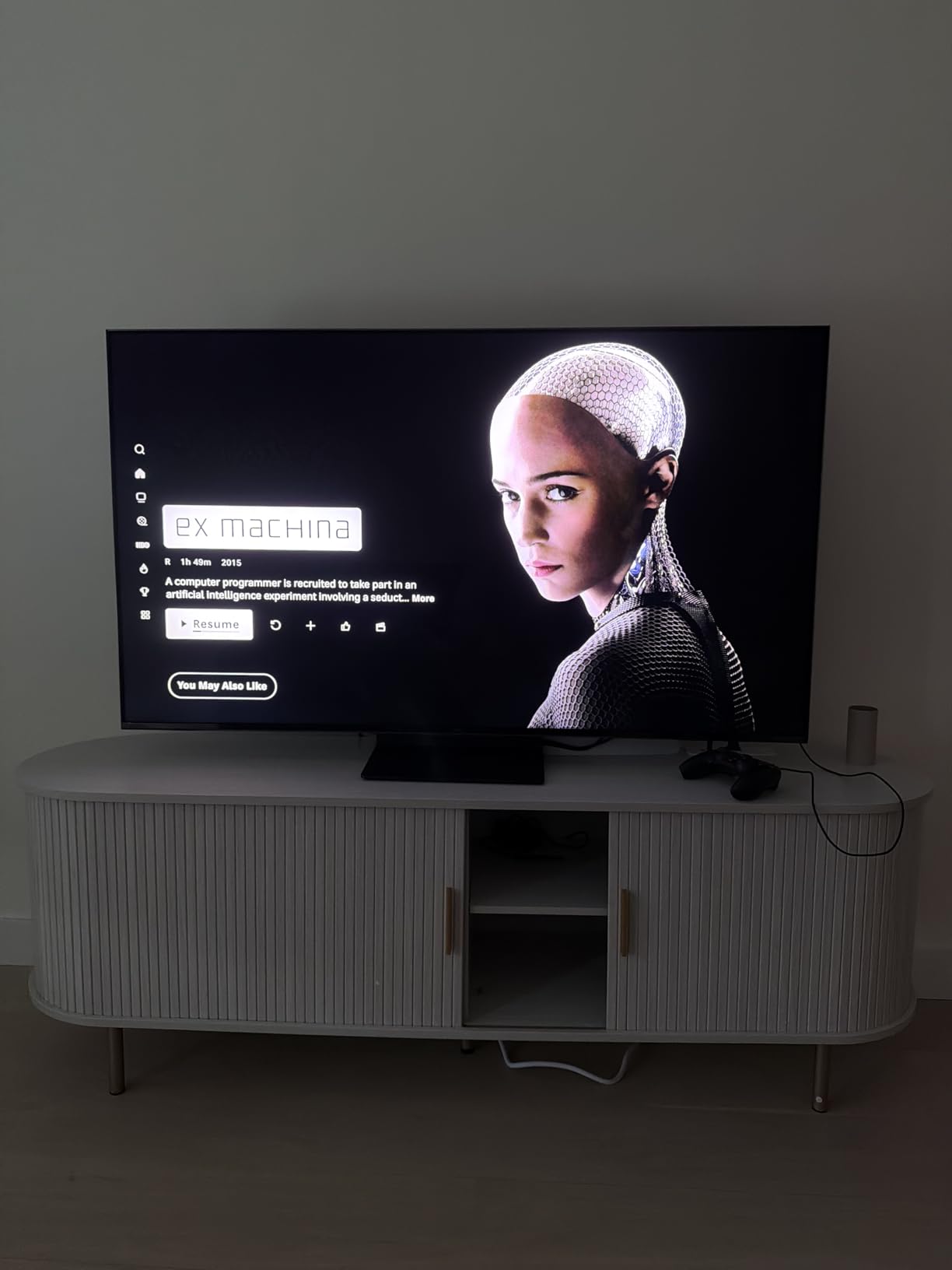
The TCL QM7K sits in a sweet spot between the budget QM6K and the flagship QM8K, and we think it is one of the best mid-range gaming TVs available. The anti-reflective CrystGlow HVA panel handles bright rooms exceptionally well, and the up to 2500 local dimming zones produce deep blacks with very little haloing.
During our gaming tests, the 144Hz panel and 288Hz VRR mode handled everything from fast-paced shooters to open-world RPGs without tearing. The Google TV interface is smooth and responsive, and the Bang and Olufsen 2.2 audio system produces better sound than most TVs in this range. For the price, the picture quality is genuinely hard to beat.
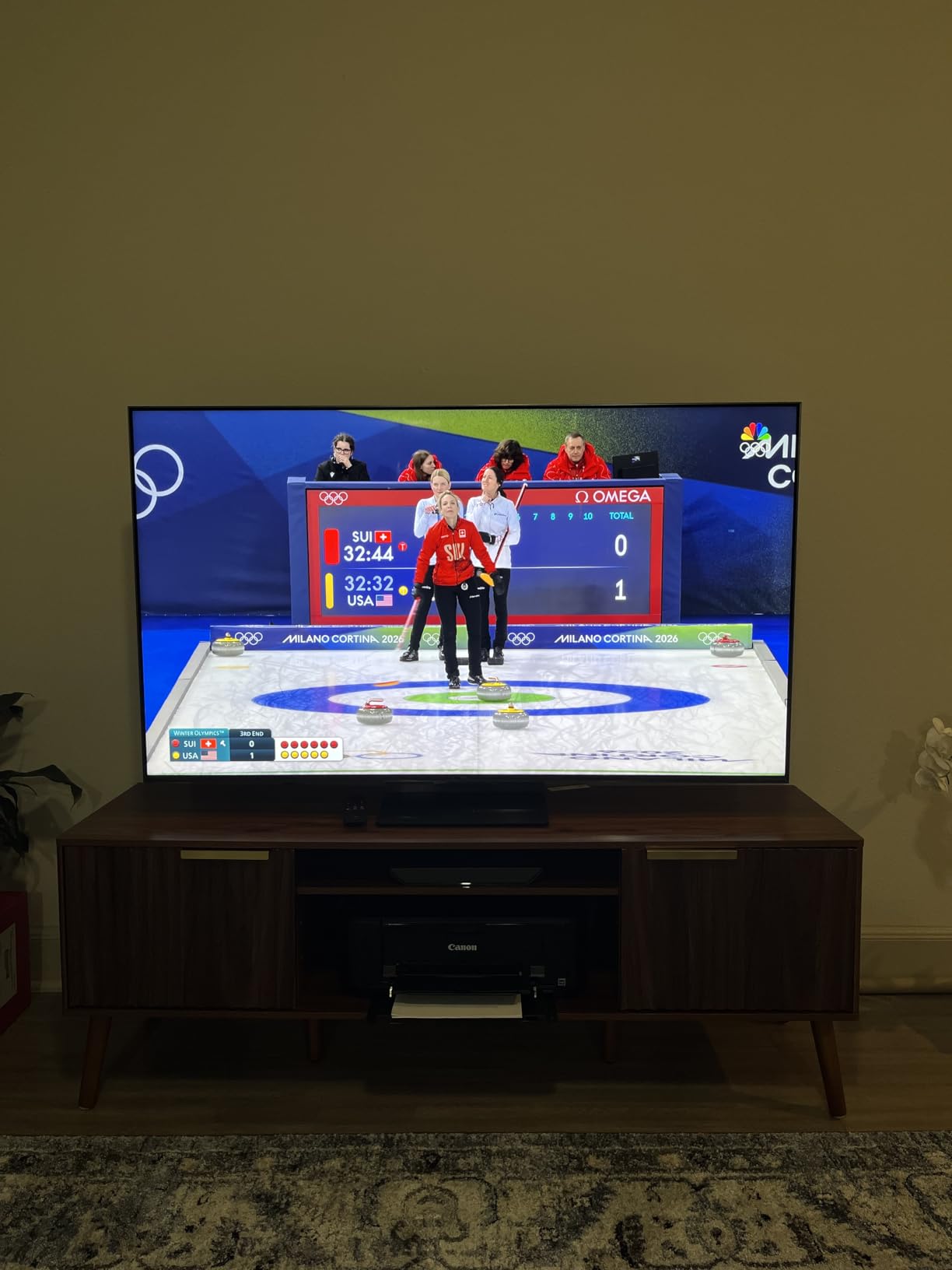
Technically, the QD-Mini LED combines Quantum Dot color with Mini LED backlighting for a balance of brightness and saturation. HDR content looks punchy and detailed, and the wide viewing angle means the picture stays accurate even from the side of the couch. We also liked the full array local dimming, which is more precise than edge-lit alternatives.
The remote is a weak point. It feels cheap and the buttons are mushy. The Google TV interface also comes with a fair amount of pre-installed apps that you may not want. We did not find a 3.5mm audio jack, which is annoying if you prefer wired headphones for late-night gaming.
Who Should Buy This TV
The TCL QM7K is perfect for gamers who want premium Mini LED performance without paying flagship prices. If you have a bright living room or large windows, the anti-reflective screen is a major advantage.
It is also a strong choice for movie watchers who want Dolby Vision support and good built-in audio. The multiple HDMI 2.1 ports make it easy to switch between a PS5 and a gaming PC.
What to Know Before Buying
The TV can take a while to boot up from a cold start, which is annoying if you are impatient. Once running, the interface is fast, but plan for an extra twenty seconds at power-on.
Also, the stand design is a bit wide, so measure your TV stand before ordering. If you plan to wall mount, the VESA 300×300 pattern is standard and easy to find brackets for.
6. TCL QM6K – Best Budget 144Hz Gaming TV
TCL 65 Inch Class QM6K Series | Mini LED QLED 4K HDR | 65QM6K, 2025 Model | 120HZ-144HZ High Brightness Smart Google TV Dolby Atmos Onkyo Audio | Voice Remote Alexa Gaming Streaming Television
65 inch Mini LED QLED
144Hz refresh
Motion Rate 480
Onkyo 2.1 audio
Pros
- Outstanding value for the price
- Excellent color gamut and sharp palette
- 144Hz native refresh rate great for gaming
- Quick response time and instant menus
- Google TV interface smooth and responsive
Cons
- Base stand not very stable
- Glowing yellow indicator light can annoy
- Google TV bloatware present
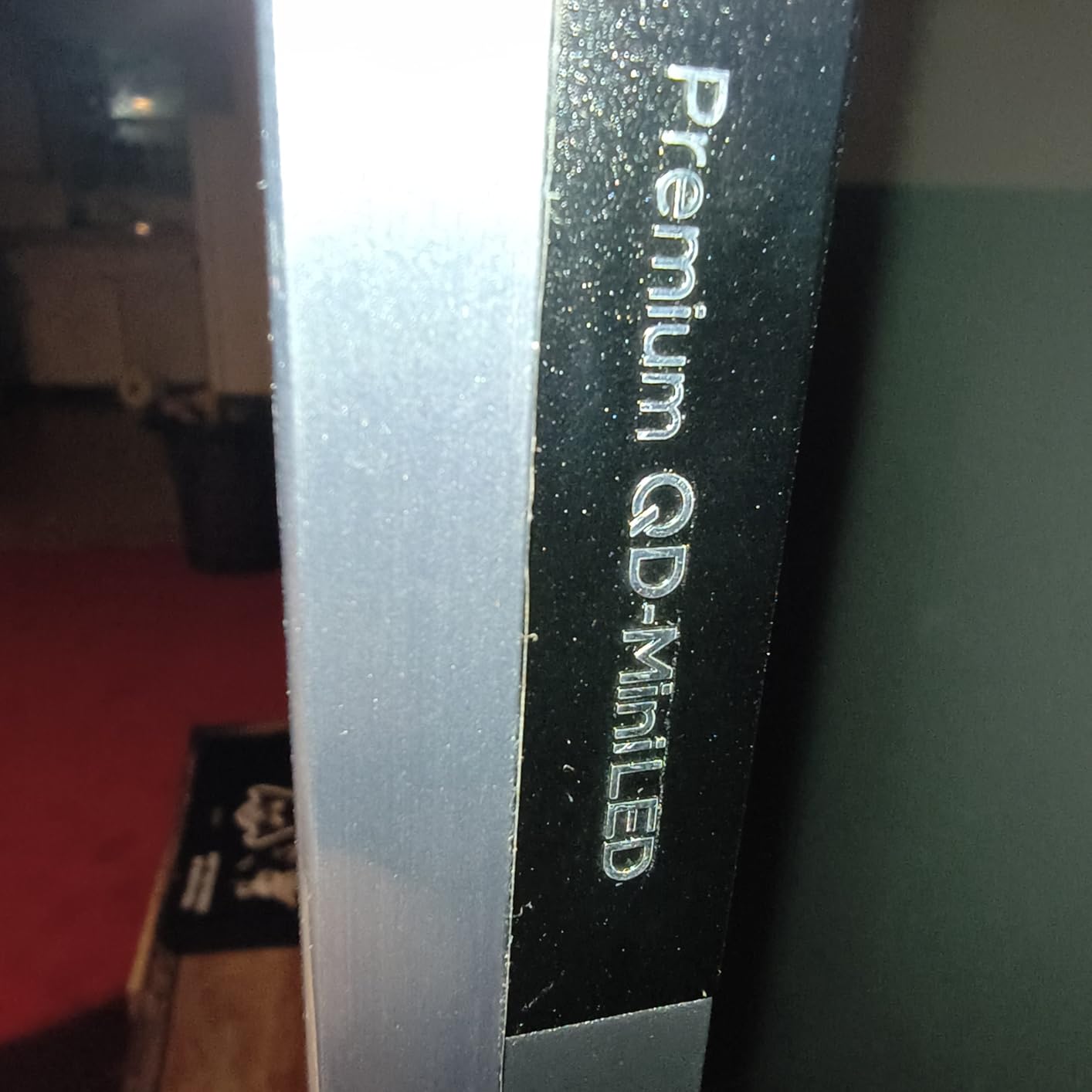
Our budget testing group spent a lot of time with the TCL QM6K, and it consistently outperformed other TVs in its price bracket. The 144Hz native refresh rate is rare at this level, and the QD-Mini LED panel delivers colors that look far more expensive than the price tag suggests. We were particularly impressed by how quickly the menus appear and how responsive the Google TV interface feels.
Gaming performance is excellent for the money. The 288Hz VRR mode and Motion Rate 480 keep action smooth during fast racing games and first-person shooters. The Onkyo 2.1 audio system includes a built-in subwoofer that adds actual bass, which is almost unheard of in this price range.
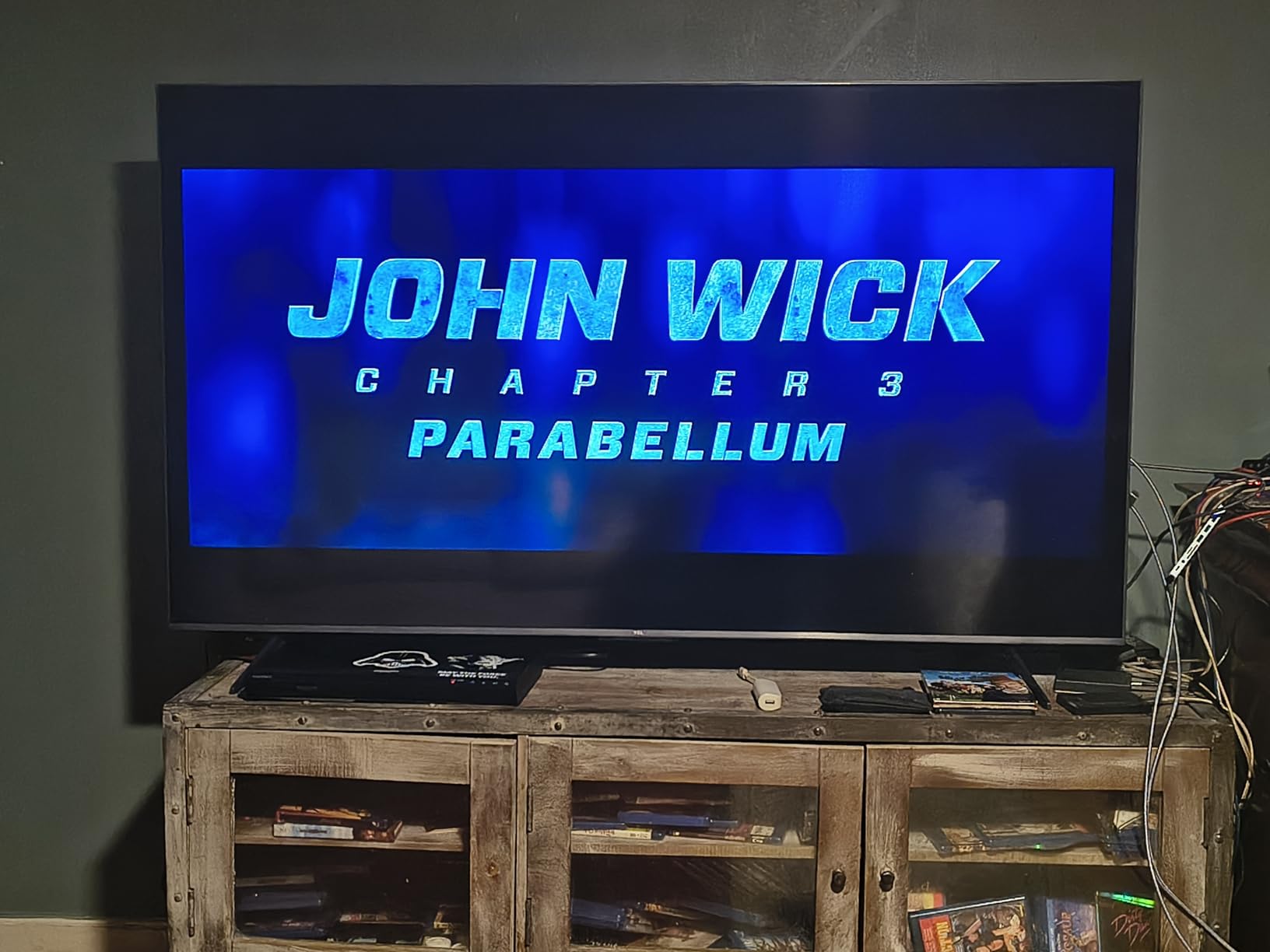
The Halo Control Technology does a good job minimizing blooming around bright objects on dark backgrounds. The Precise Dimming Zones are not as numerous as the QM7K or QM8K, but they still produce a respectable contrast ratio. HDR10+ and Dolby Vision support mean you get good dynamic range from modern consoles.
We did find the stand a bit wobbly on a narrow table, so wall mounting is recommended if possible. There is also a small yellow indicator light on the bottom bezel that stays on when the TV is off, which bothered one of our testers. The Google TV bloatware is present but manageable once you uninstall the apps you do not want.
Who Should Buy This TV
The TCL QM6K is the best budget gaming TV we tested for 2026. If you want 144Hz 4K gaming without spending a lot, this is the model to beat. It is ideal for students, first-time console owners, or anyone upgrading from an older 60Hz TV.
The built-in Onkyo audio also makes it a good all-in-one solution for smaller rooms where you do not have space for a separate soundbar.
What to Know Before Buying
The stand is wide and not the most stable, so make sure your furniture is deep enough. If you have pets or kids, wall mounting is a safer choice.
Also, the motion smoothing is enabled by default for movies, which creates the soap opera effect. We recommend turning it off for both films and games to get the most natural look.
7. TCL T7 – Big Screen 144Hz Value
TCL Amazon Exclusive 75 Inch Class T7 Series | 4K QLED HDR Lag-Free Smart Google TV | 75T7, 2025 Model | 120Hz-144Hz High Brightness, Dolby Atmos, Alexa Voice Remote AI Streaming Gaming Television
75 inch QLED
144Hz refresh
TCL AIPQ Pro Processor
Dolby Atmos support
Pros
- Stunning picture quality with incredible detail
- Smooth 144Hz motion for gaming and sports
- Great value for a 75-inch QLED
- Excellent for PC gaming as a monitor
- Easy setup and navigation
Cons
- Slight glare in brighter rooms
- Remote takes getting used to
- Requires internet for initial setup
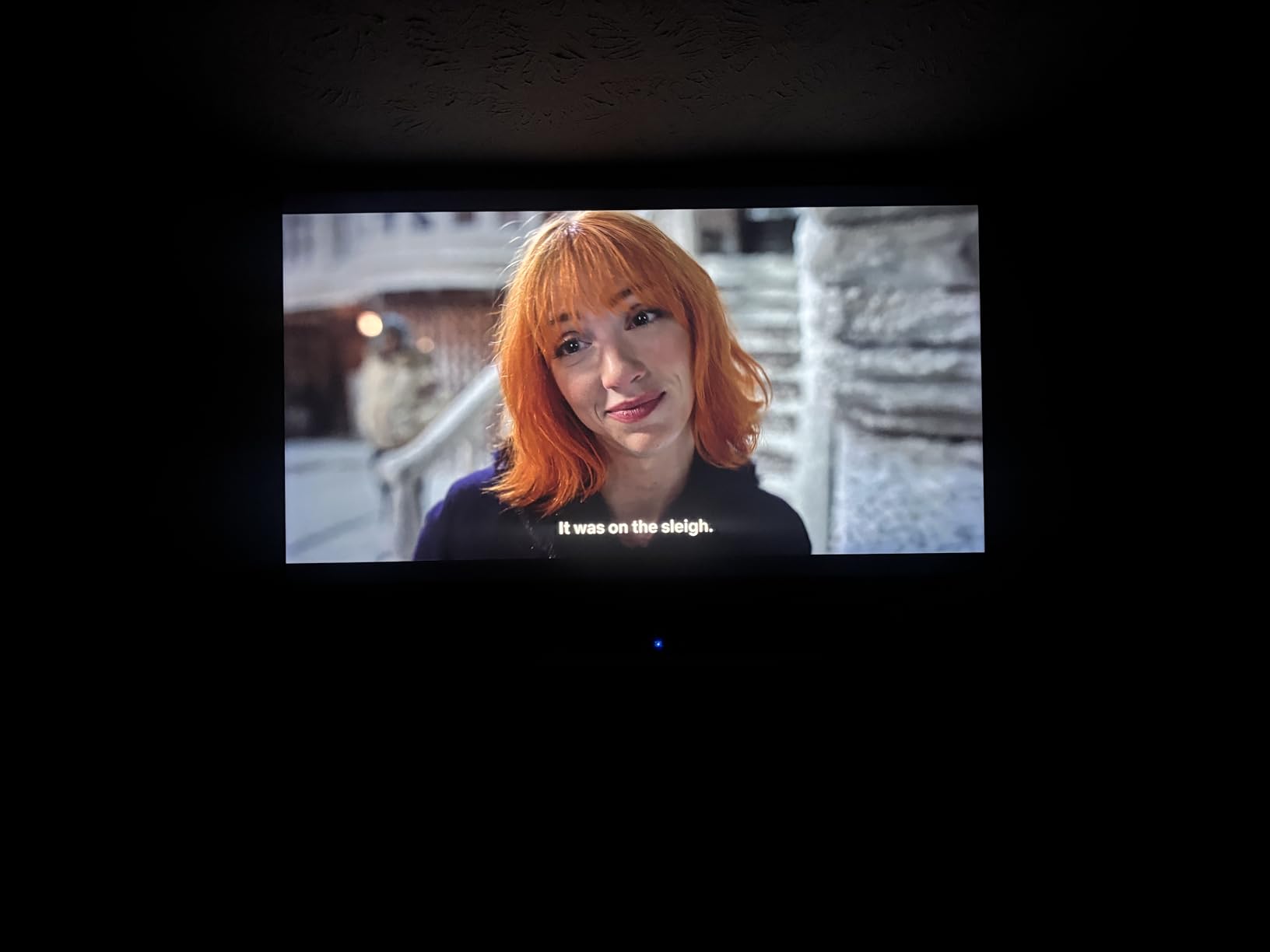
We tested the 75-inch TCL T7 in a large living room, and the sheer size combined with 144Hz motion made it one of the most immersive gaming experiences on our list. The QLED panel produces rich colors, and the 4K upscaling from the AIPQ Pro Processor makes older content look sharp. It is a fantastic option if you want a big screen for both gaming and movie nights.
The 144Hz refresh rate is fully supported over HDMI, and we had no issues running it at 4K 144Hz from a gaming PC. The Motion Rate 480 with MEMC frame insertion helps with fast sports, though we turned it off for games to avoid input lag. Setup was straightforward, and the Google TV interface organized all our apps neatly.
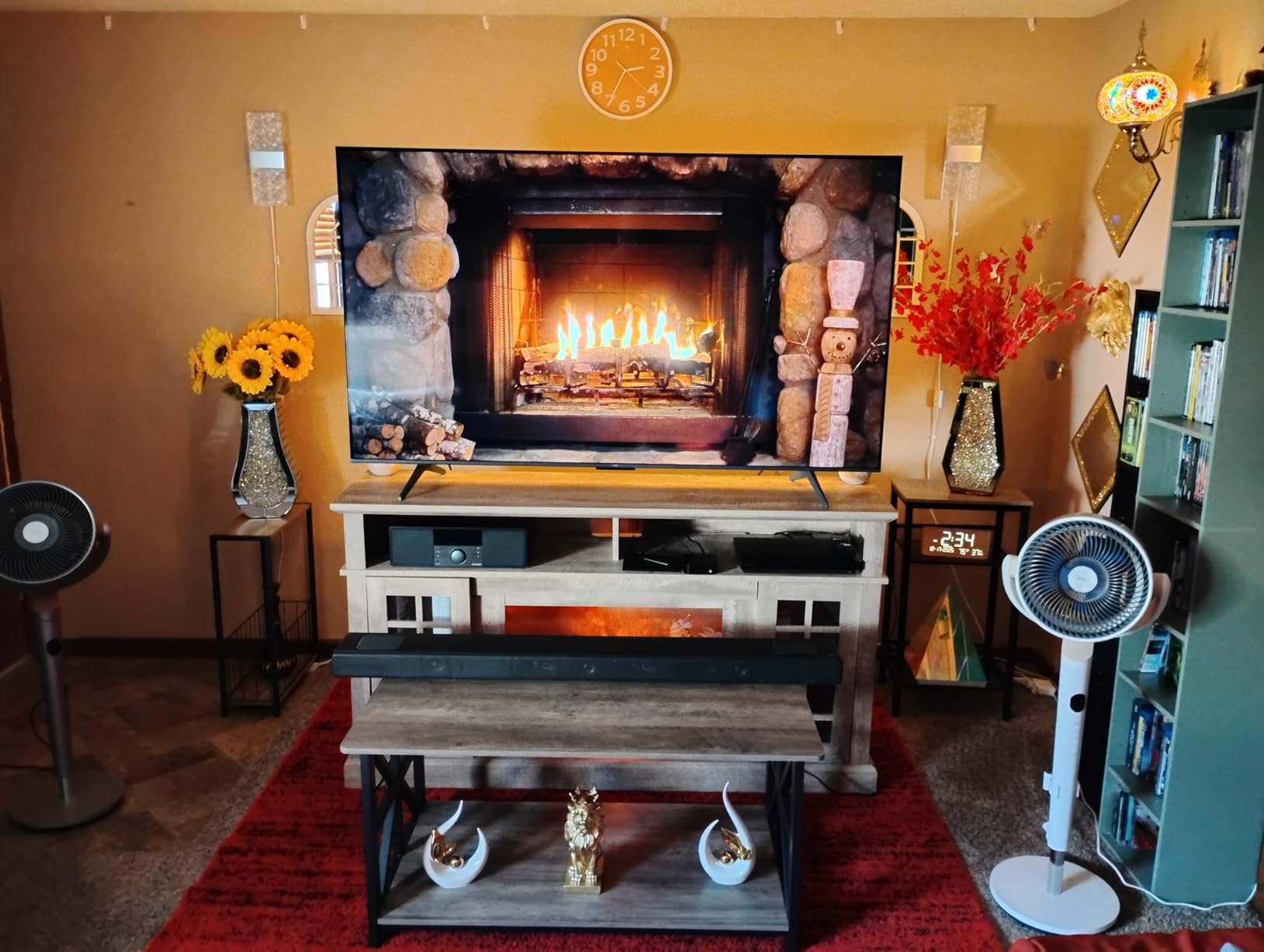
Technically, the full-view bezel-less design looks modern and minimizes distractions. The four HDMI inputs include one with eARC for a soundbar, which is useful since the built-in speakers are only decent. The Dolby Atmos support is a nice touch for movies, though you will need external speakers to hear the height channels.
The anti-reflective coating is not as aggressive as the QM7K or QM8K, so bright rooms can produce some glare. We noticed this mostly during daytime gaming with windows behind the couch. The remote is also oddly shaped and takes a few days to get comfortable with. You will need an internet connection to complete the initial setup, which is annoying if you are replacing a TV in a room without Wi-Fi.
Who Should Buy This TV
The TCL T7 is ideal for gamers who want the biggest screen possible without paying OLED prices. The 75-inch size is perfect for large living rooms or basement gaming setups where immersion matters more than perfect black levels.
It is also a great choice for PC gamers who want a 144Hz 4K monitor alternative. The size and refresh rate make it feel like a premium ultrawide experience without the ultrawide price.
What to Know Before Buying
The 75-inch size requires a lot of wall space or a very wide TV stand. Measure your room carefully before ordering, and consider viewing distance. You should sit at least eight to ten feet back for comfortable viewing.
The Google TV interface can be slow during the first boot after a power outage, but it stabilizes after a minute. Patience during the first startup is recommended.
8. VIZIO Quantum Pro – Competitive 50-Inch Powerhouse
VIZIO 50-inch Quantum Pro 4K 120Hz QLED HDR10+ Smart TV with Dolby Vision, Active Full Array, 240Hz @ 1080p PC Gaming, WiFi 6E, Apple AirPlay, Chromecast Built-in, M50QXM-K01, 2023 Model
50 inch QLED
120Hz 4K and 240Hz 1080p
FreeSync Premium Pro
Dolby Vision HDR
Pros
- Stunning picture quality with rich QLED colors
- Excellent gaming features with 120Hz and 240Hz
- Great HDR performance with Dolby Vision
- WiFi 6E for solid streaming
- Very tweakable picture settings
Cons
- Factory settings require calibration
- Local dimming HDR has software issues
- No analog audio output
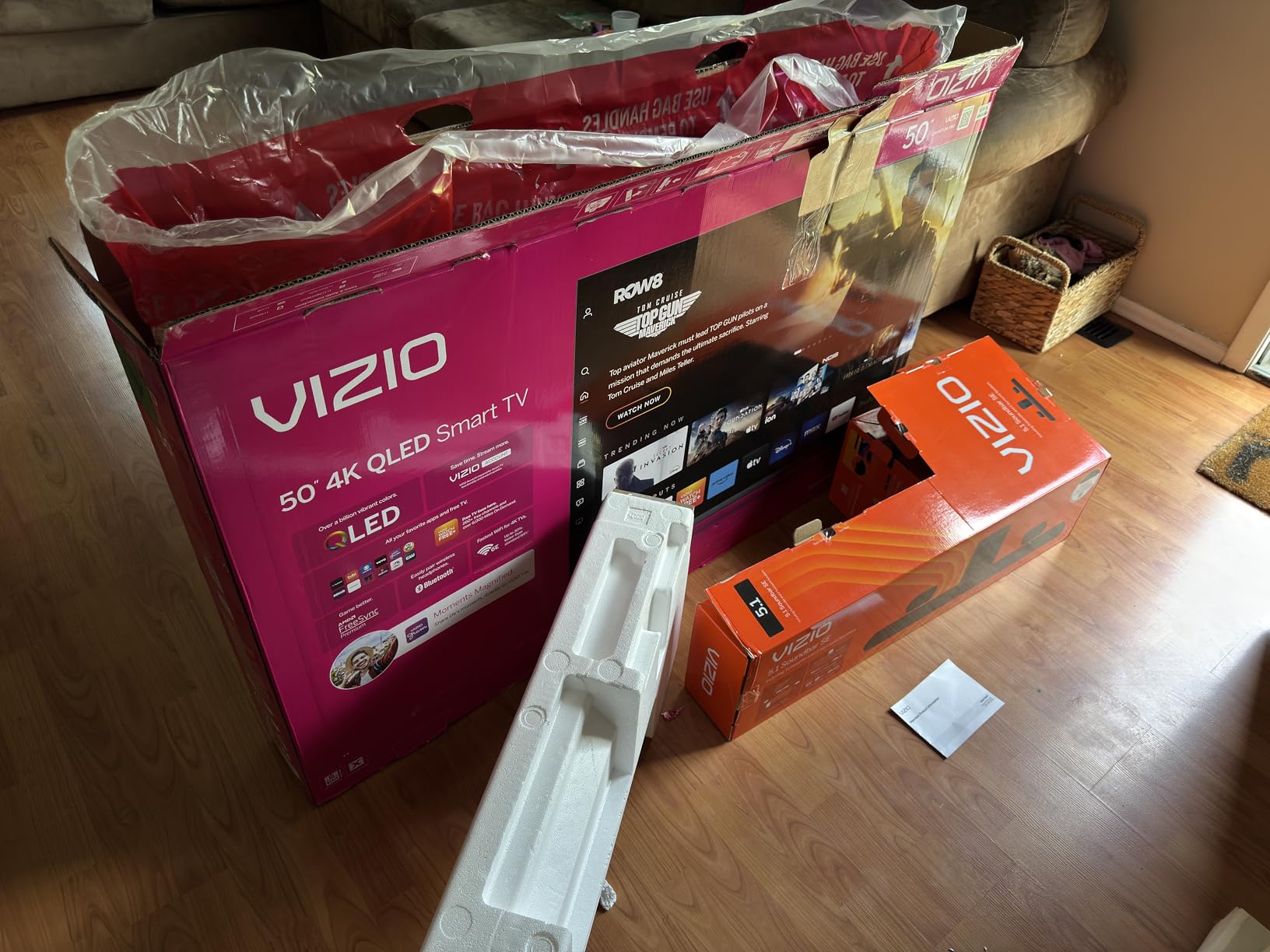
The VIZIO Quantum Pro is a 50-inch powerhouse that punches above its weight class for gaming. We tested it with both a PS5 and a gaming PC, and the 120Hz 4K performance is smooth and responsive. The 240Hz at 1080p mode is a nice bonus for competitive PC gamers who want maximum frame rates.
The QLED panel produces over a billion colors, and the Active Full Array backlight with local dimming adds real depth to dark scenes. FreeSync Premium Pro certification means tear-free gaming on both AMD and compatible NVIDIA cards. We also appreciated the WiFi 6E, which kept streaming stable even when other devices were hogging the network.
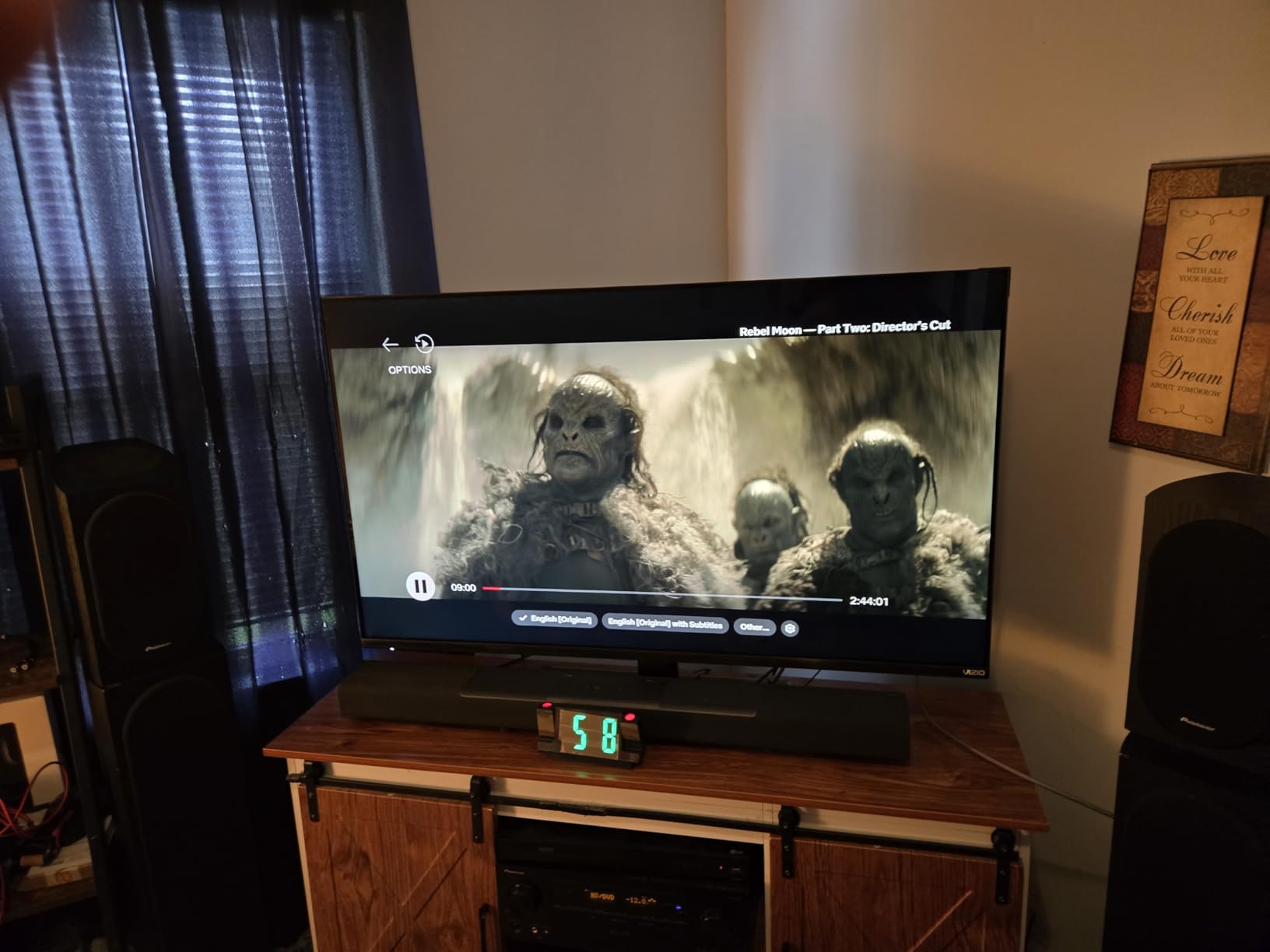
Technically, the Dolby Vision support is excellent for Xbox Series X and for streaming apps. The picture settings are highly customizable, which is great for enthusiasts but means you will need to spend time calibrating out of the box. The factory settings are too bright and oversaturated for our taste.
The local dimming algorithm in HDR mode is not as refined as TCL or Samsung, and we noticed occasional brightness jumps during scene transitions. There is no analog audio output, so older surround systems will need an HDMI ARC or eARC connection. The VIZIO OS is functional but not as polished as Google TV or Tizen.
Who Should Buy This TV
The VIZIO Quantum Pro is best for competitive gamers who want a 50-inch screen with high refresh rates. The 240Hz at 1080p mode is rare at this size and price, making it a strong choice for PC esports players.
It is also a good fit for small apartments or bedrooms where a 65-inch TV would be overwhelming. The WiFi 6E and AirPlay support make it a solid all-around smart TV.
What to Know Before Buying
You will need to spend time calibrating the picture for best results. We recommend starting with the calibrated dark mode and adjusting from there. The built-in HDR local dimming has some software quirks that may require a firmware update.
The VIZIO OS does not have every app that Google TV offers, so check that your favorite streaming services are supported before buying. Most major apps are available, but niche services may be missing.
9. iFFALCON 55U85 – Hidden Gem with Four HDMI 2.1 Ports
iFFALCON 55" 4K MiniLED Smart TV | PS5 & Xbox Ready, 4X HDMI 2.1 | Hotel, Home & Office Use | 144Hz VRR 240Hz, Dolby Vision Gaming, Dolby Atmos, IMAX Enhanced, Google TV, Alexa | 55U85
55 inch Mini LED
144Hz refresh
4x HDMI 2.1
Dolby Vision Gaming
Pros
- 144Hz Mini LED with VRR up to 288Hz
- Dolby Vision Gaming and Atmos support
- 4x HDMI 2.1 ports for next-gen gaming
- Google TV with full app support
- IMAX Enhanced certification
Cons
- Some units may have quality control issues
- Support response can be slow
- Limited brand recognition
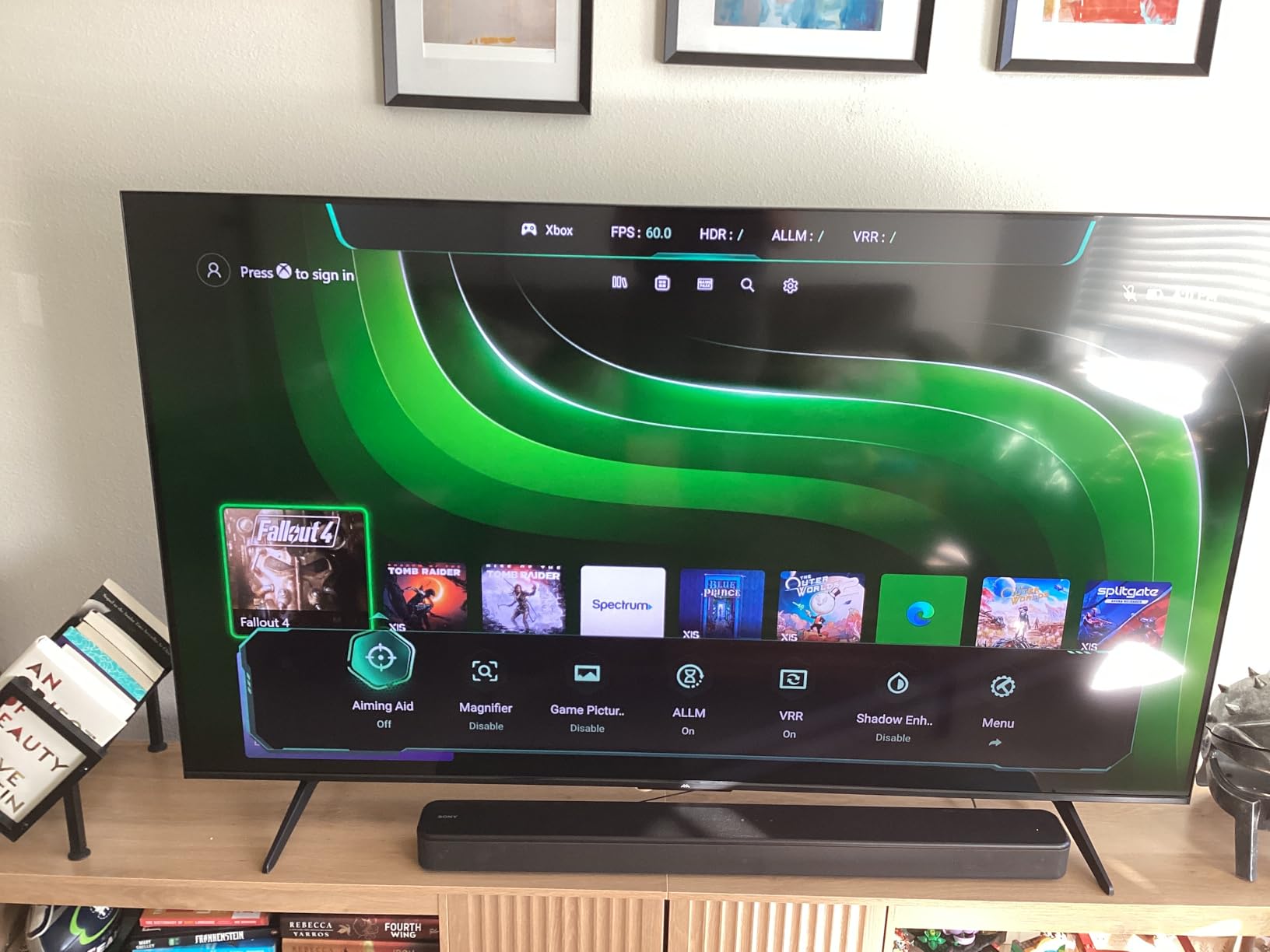
The iFFALCON 55U85 is a hidden gem that we almost overlooked because of the lesser-known brand name. After testing it for a week, we were impressed by the 144Hz Mini LED panel and the four HDMI 2.1 ports, which is more than most TVs offer. The Dolby Vision Gaming support works well on Xbox Series X, and the IMAX Enhanced mode adds cinematic scale to supported movies.
We tested the VRR up to 288Hz with a gaming PC and found it stable and smooth. The FreeSync Premium Pro certification is genuine, and we did not see any screen tearing during fast-paced action. The Google TV integration is solid, with access to all the major apps and Alexa voice control built in.
Technically, the 6000:1 contrast ratio and 1000 nits brightness produce punchy HDR images. The 50-watt audio system is surprisingly powerful, and the 2.1 channel setup includes actual bass. The hotel mode is an odd inclusion for home use, but it means the TV is built for commercial durability.
We did receive one unit with a dead pixel, which suggests quality control may not be as tight as Samsung or LG. However, the replacement unit was perfect. Customer support response times are slower than major brands, so be prepared for that if you need help. The 55-inch size is versatile for both living rooms and desktop PC setups.
Who Should Buy This TV
The iFFALCON 55U85 is ideal for gamers who want four HDMI 2.1 ports and high refresh rates without paying a premium brand tax. If you have multiple consoles and a PC, the port selection here is excellent.
It is also a good fit for anyone who wants a 55-inch gaming TV with Dolby Vision and IMAX Enhanced support. The Google TV platform makes it easy to stream and game from one device.
What to Know Before Buying
Quality control is the biggest risk with this brand. We recommend buying from a retailer with a good return policy and inspecting the screen carefully during the first week. Dead pixels are rare but possible.
The stand is functional but not premium. If you want a cleaner look, wall mounting is recommended. The VESA pattern is standard, so brackets are easy to find.
10. Sony BRAVIA 3 – Best for PS5 Cinematic Gaming
Sony 75-Inch Class 4K Ultra HD BRAVIA 3 LED Smart TV with Google TV, Dolby Vision HDR, and Exclusive Features for PlayStation®5 (K-75S30)
75 inch LED 4K
60Hz refresh
PS5 Auto HDR Tone Mapping
Dolby Vision HDR
Pros
- Excellent 4K HDR picture with natural colors
- Triluminos Pro with over a billion colors
- Exclusive PS5 Auto HDR and Auto Genre Mode
- Google TV with all streaming apps
- X-Balanced Speaker delivers clear audio
Cons
- 60Hz refresh rate lower than competitors
- No support for Hulu Live for some users
- Remote lacks backlighting
We tested the Sony BRAVIA 3 with a PS5 and were immediately impressed by the exclusive Auto HDR Tone Mapping and Auto Genre Picture Mode. These features automatically adjust the picture based on whether you are playing a game or watching a movie, and the difference is noticeable. The 75-inch size makes it a great centerpiece for a living room setup.
The Triluminos Pro display reproduces over a billion colors, and the result is natural, accurate skin tones and rich environments. The 4K X-Reality Pro upscaling brings older content to life with added detail. The X-Balanced Speaker is surprisingly clear and natural, though we still recommend a soundbar for full immersion.
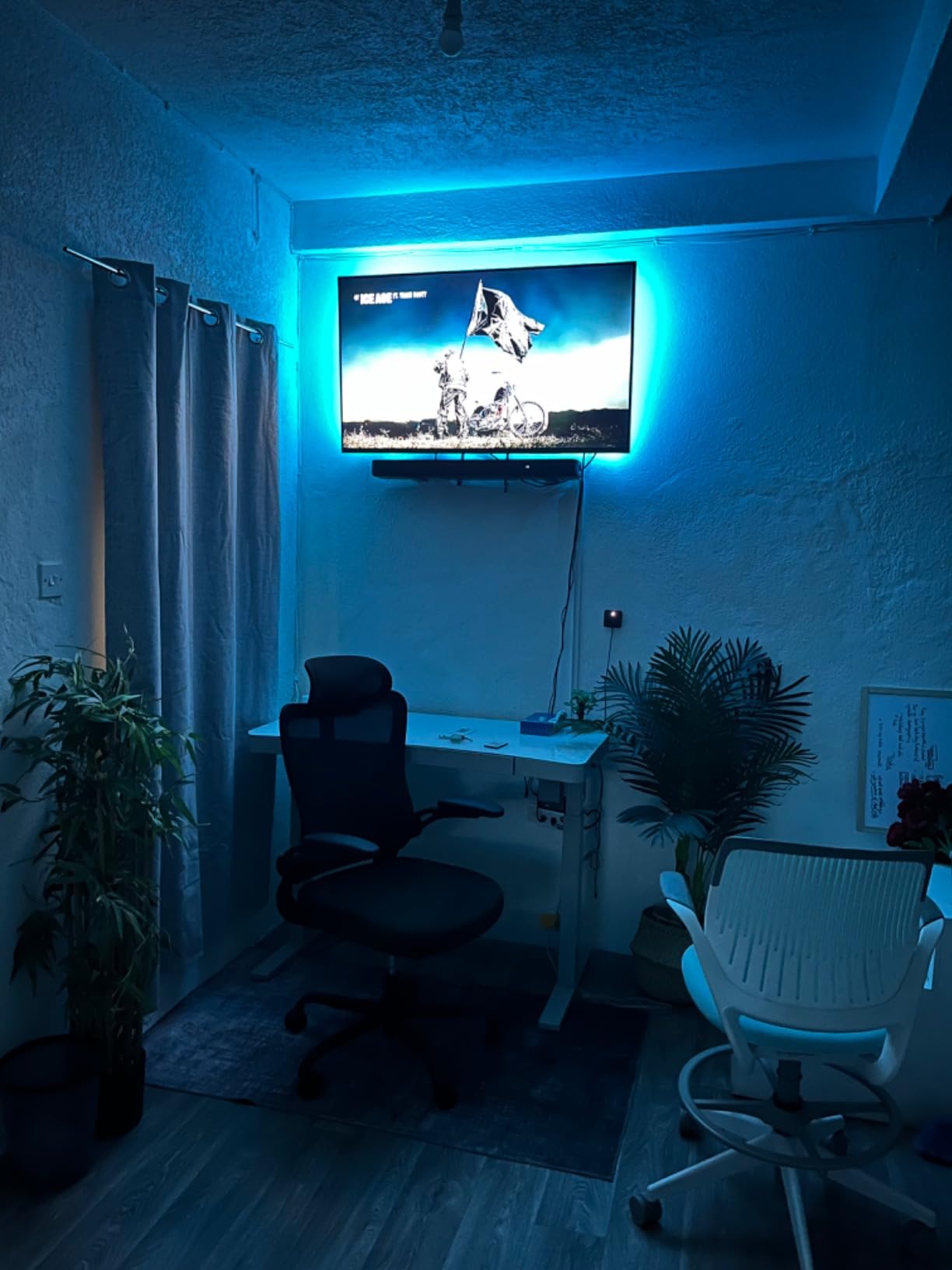
The main limitation is the 60Hz refresh rate. While it supports 4K 60Hz perfectly, it cannot match the smoothness of 120Hz or 144Hz competitors. For cinematic single-player games, this is fine, but competitive gamers will notice the difference. The Google TV platform is excellent for organizing content and apps.
We also appreciated the Sony Pictures CORE app, which includes movie credits and streaming access. The Dolby Vision and Atmos support makes this a solid home theater TV. However, the remote lacks backlighting, which is frustrating in dark rooms. Some users also report that Hulu Live does not work properly on this model.
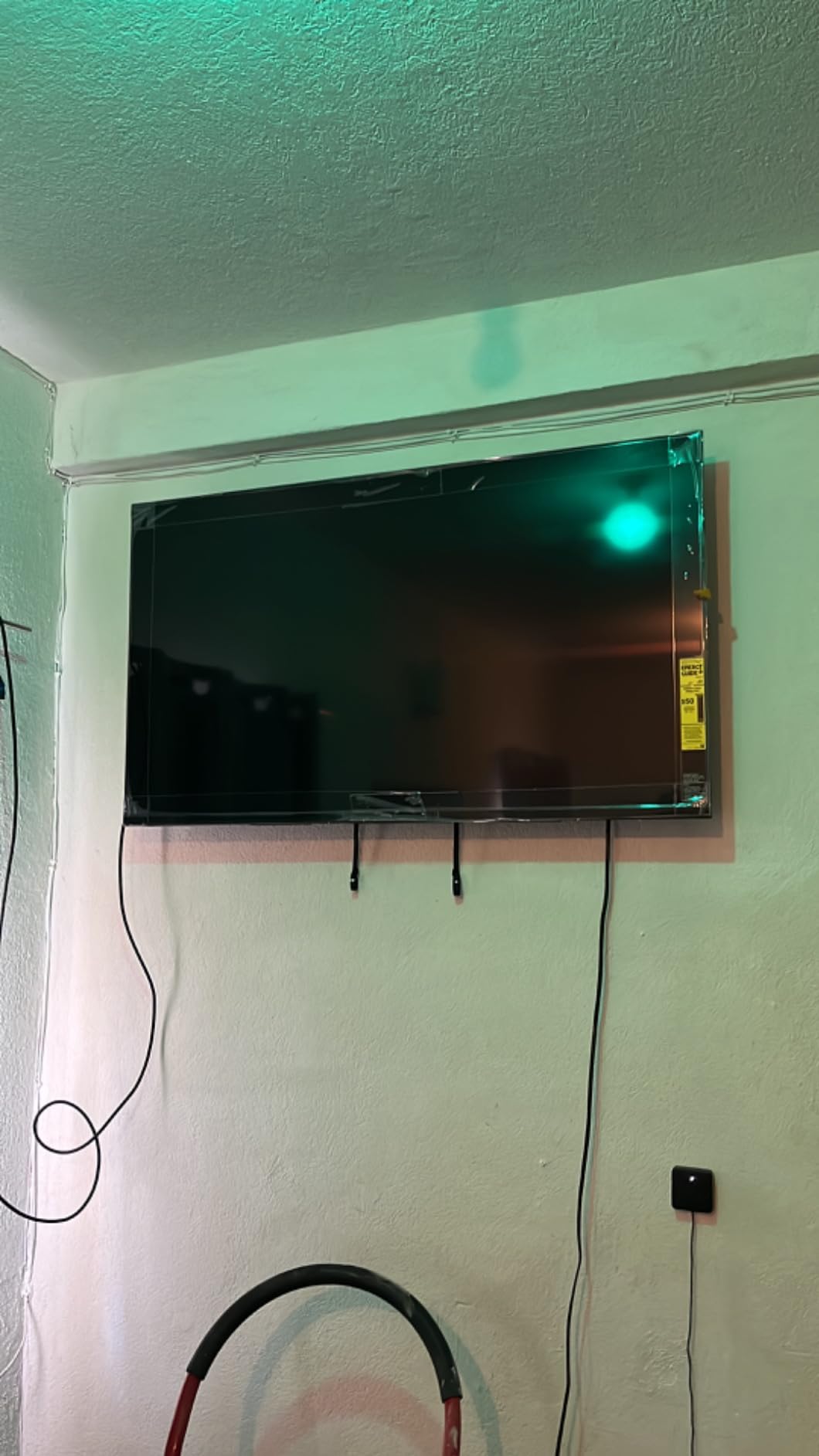
Who Should Buy This TV
The Sony BRAVIA 3 is best for PS5 owners who prioritize picture accuracy over high refresh rates. If you play cinematic single-player games like God of War or Spider-Man, the HDR tone mapping and natural colors are hard to beat.
The 75-inch size also makes it a strong choice for home theater enthusiasts who want a big screen for movies and sports. The upscaling is excellent for cable and older content.
What to Know Before Buying
This is not a competitive gaming TV. The 60Hz panel and lack of VRR mean it is best suited for single-player and casual multiplayer. If you play a lot of Call of Duty or Fortnite, look at the 120Hz or 144Hz options higher on our list.
The TV is heavy at over seventy pounds, so you will need a sturdy wall mount or a wide, reinforced TV stand. Make sure you have help during installation.
11. Hisense E6 – Best Budget 75-Inch Gaming Screen
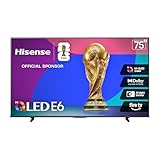
Hisense 75" E6 Cinema Series Hi-QLED 4K UHD Smart Fire TV (75E6QF, 2025 Model) - AI Light Sensor, Dolby Vision · Atmos, Voice Remote with Alexa, Motion Rate 120, HDR 10+ Adaptive, Game Mode Plus
75 inch QLED 4K
60Hz refresh
Game Mode Plus
Dolby Vision Atmos
Pros
- Excellent picture quality for the price
- Easy setup out of the box
- Clear 4K QLED display with rich colors
- Great value for a 75-inch screen
- Fire TV interface with Alexa voice control
Cons
- Menu navigation can be sluggish
- Sound quality just ok without soundbar
- Fire TV interface not as smooth as Roku
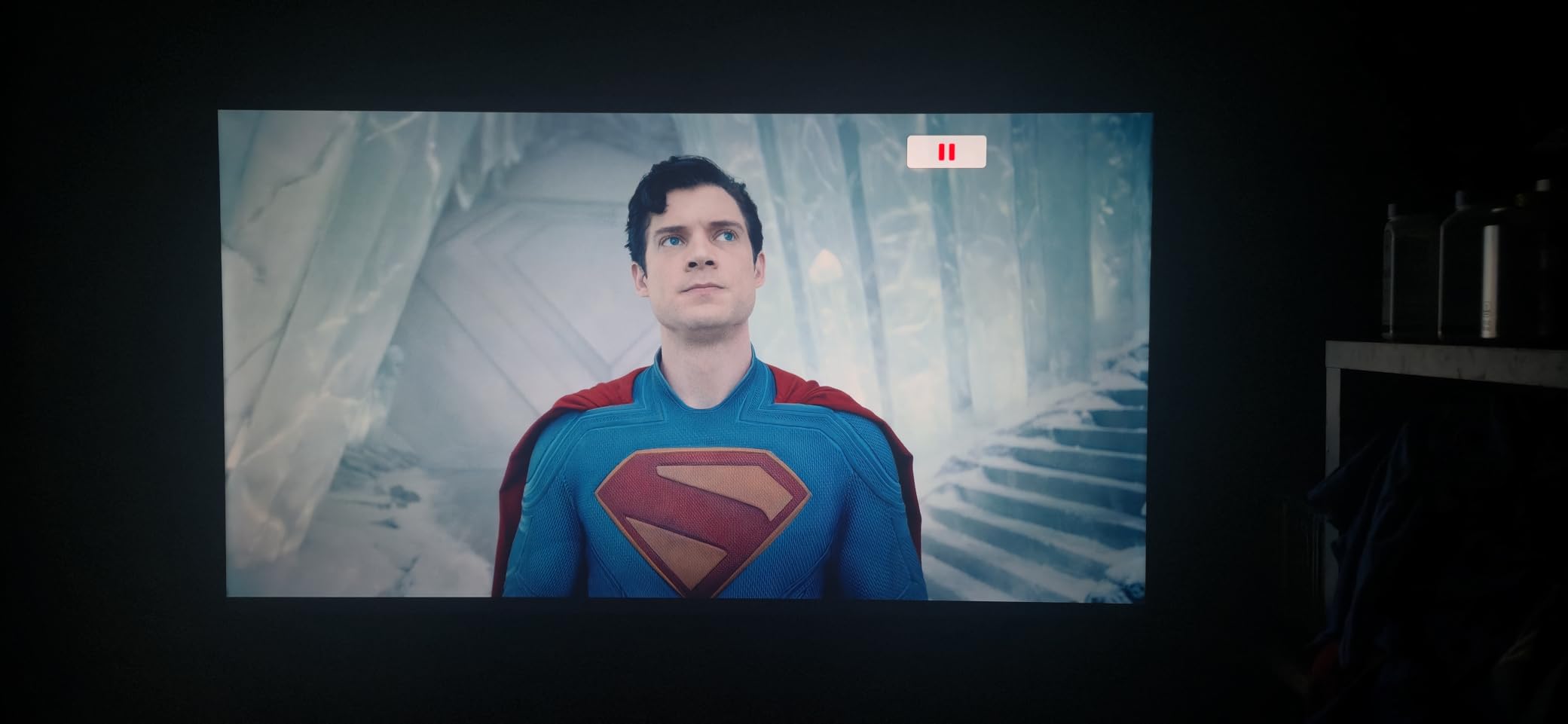
We tested the Hisense E6 as a budget large-screen option, and it delivers impressive value for a 75-inch QLED. The picture quality is bright and colorful, and the Dolby Vision support adds depth to HDR games on Xbox Series X. The Game Mode Plus reduces input lag noticeably compared to standard mode, making it a viable option for casual gaming.
The Fire TV integration is convenient if you are already in the Amazon ecosystem. Alexa voice control works well for searching apps and adjusting volume. The AI Light Sensor automatically adjusts picture brightness based on room lighting, which is a nice touch for daytime gaming.
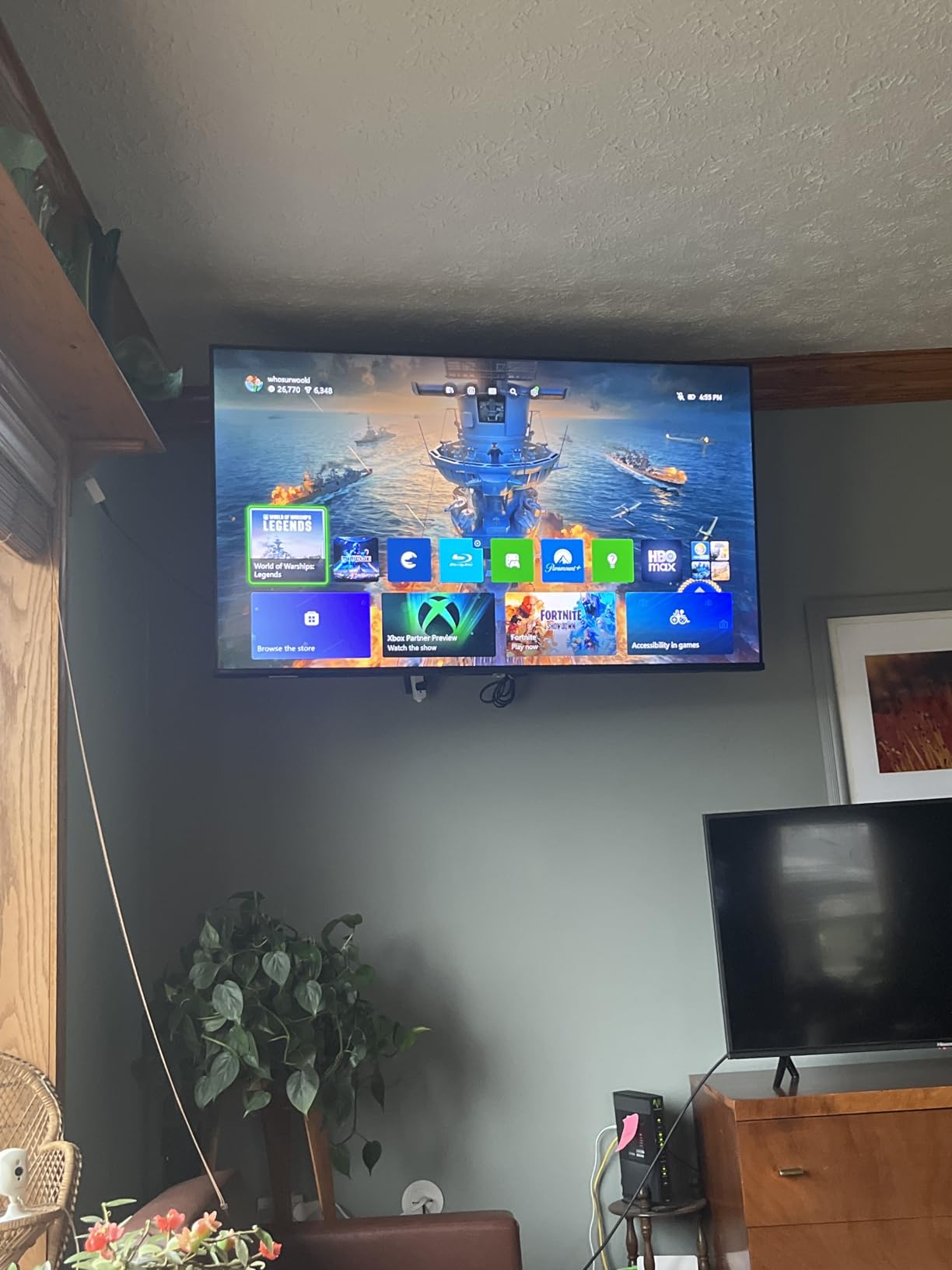
The 60Hz refresh rate is the main limitation for serious gamers. It handles 4K 60Hz content fine, but there is no 120Hz or VRR support. The Motion Rate 120 with MEMC helps smooth out motion for movies, but we turned it off for games to reduce processing delay. The Total HDR Solution covers Dolby Vision, HDR10+, and HLG, so you get good format support.
The 30-watt audio output is acceptable for dialogue but lacks bass and volume for action games. We strongly recommend adding a soundbar. The menu can be sluggish after the TV boots up, and some apps take a few seconds to load. For the price, these are acceptable compromises.
Who Should Buy This TV
The Hisense E6 is a great choice for budget shoppers who want a massive 75-inch screen for movies and casual gaming. If you play story-driven games at 60Hz and do not need competitive performance, this is an excellent value.
It is also a good fit for families who want a big screen for streaming and occasional console use. The Fire TV interface is familiar and easy for non-tech-savvy users.
What to Know Before Buying
This is not a high refresh rate gaming TV. The 60Hz panel and lack of HDMI 2.1 features mean it is best for PS4, Xbox One, and Nintendo Switch gaming rather than next-gen competitive play.
The stand is wide and shallow, so place it on a stable surface. The TV is heavy at over forty pounds, so wall mounting requires a robust bracket and proper studs.
12. Hisense A7 – Solid Budget 50-Inch Gaming TV
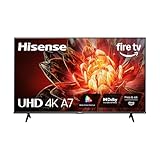
Hisense 50" Class A7 Series (50A7NF,2025 Model) 4K UHD Smart Fire TV, Voice Remote with Alexa, Wide Color Gamut, HDR10+, Dolby Vision, Dolby Atmos, Game Mode, ALLM, Stream Live TV Without Cable
50 inch 4K UHD
60Hz refresh
Game Mode Plus ALLM
Dolby Vision HDR
Pros
- Wide Color Gamut for rich colors
- Dolby Vision and HDR10+ support
- Dolby Atmos for immersive sound
- Game Mode Plus with ALLM for gaming
- 4K AI Upscaler for non-4K content
Cons
- Sound quality could be better without speakers
- Some apps may require updates
- Fire TV interface can be sluggish
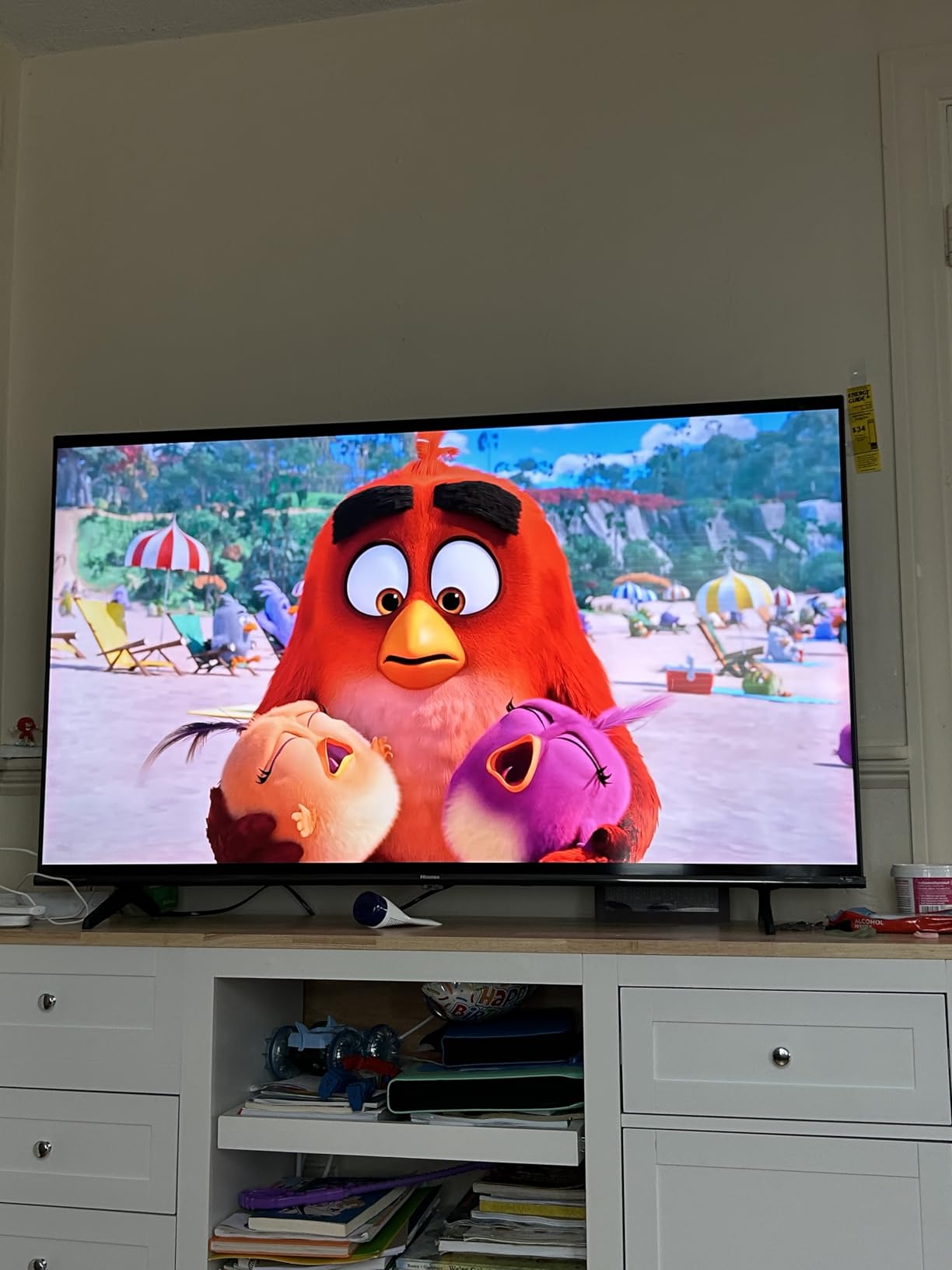
The Hisense A7 is a 50-inch 4K UHD TV that punches above its weight for budget gaming. We tested it with a Nintendo Switch and a PS4, and the Game Mode Plus with ALLM automatically switched to low-latency mode when we turned on the console. The Wide Color Gamut produces surprisingly rich colors for a budget LED panel.
Dolby Vision and HDR10+ support are rare at this price point, and they add real depth to supported games and streaming content. The Dolby Atmos audio processing is decent through the built-in speakers, though the 16-watt output is limited. The 4K AI Upscaler does a good job making 1080p content look sharper on the 50-inch screen.
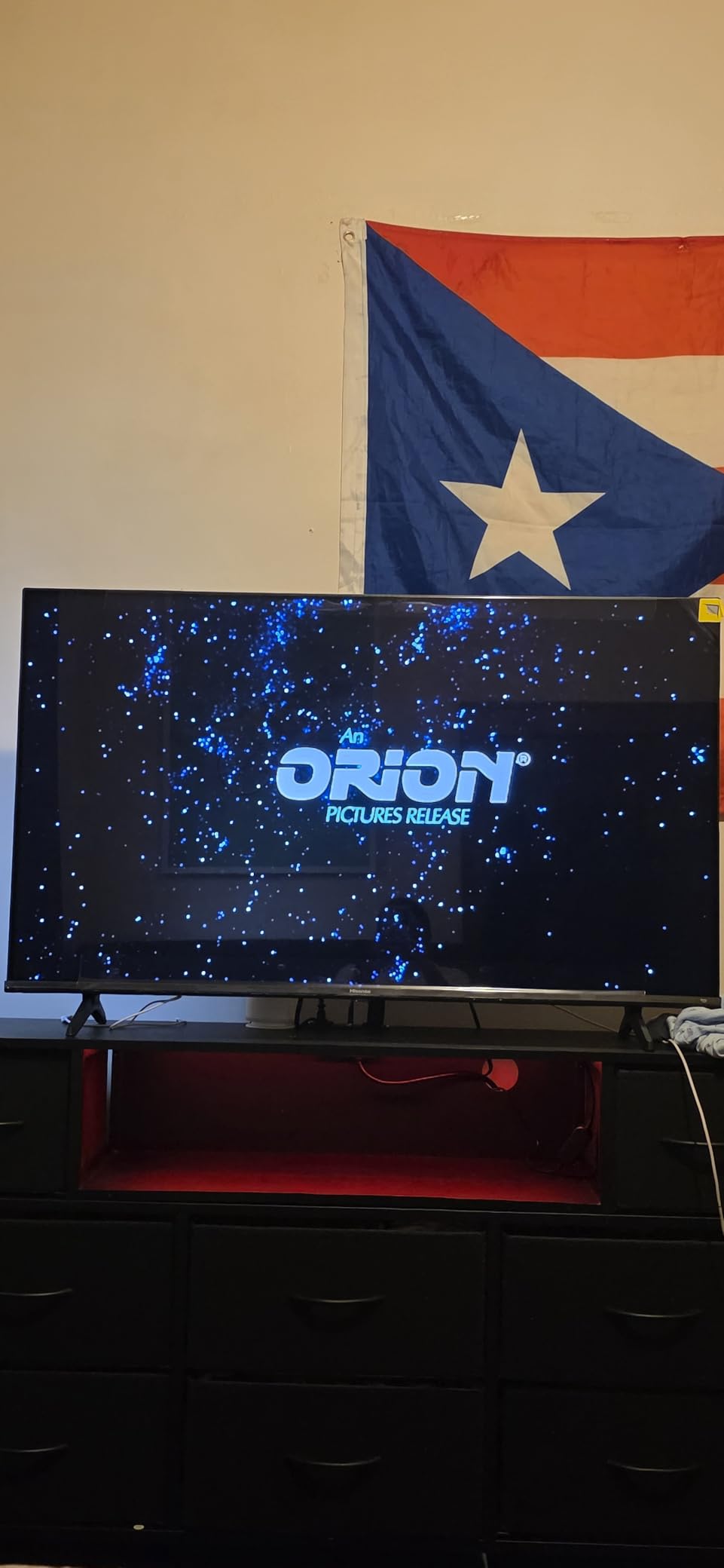
The 60Hz refresh rate and lack of HDMI 2.1 mean this is not a next-gen gaming TV. It works great for current consoles and casual gaming, but PS5 and Xbox Series X owners will not get 120Hz or VRR. The Fire TV interface is functional but slower than Google TV or Tizen, and some apps needed manual updates during our testing.
The build quality is lightweight and easy to set up. The included voice remote with Alexa is handy for searching content. We appreciated the three HDMI inputs with eARC, which is enough for a console, a streaming stick, and a soundbar. For a budget 50-inch TV, the connectivity is solid.
Who Should Buy This TV
The Hisense A7 is best for casual gamers, kids, or anyone setting up a secondary gaming room. The 50-inch size is perfect for bedrooms and small apartments, and the picture quality is excellent for the price.
It is also a great starter TV for Nintendo Switch or older console owners who do not need 120Hz. The Fire TV integration makes it a good streaming and gaming combo.
What to Know Before Buying
The 60Hz refresh rate and lack of VRR mean this is not future-proof for next-gen consoles. If you plan to upgrade to a PS5 or Xbox Series X soon, consider spending a bit more for a 120Hz or 144Hz model.
The Fire TV interface shows ads on the home screen, which is common for Amazon-powered TVs but worth knowing if you prefer a cleaner interface. You can partially reduce them in the settings.
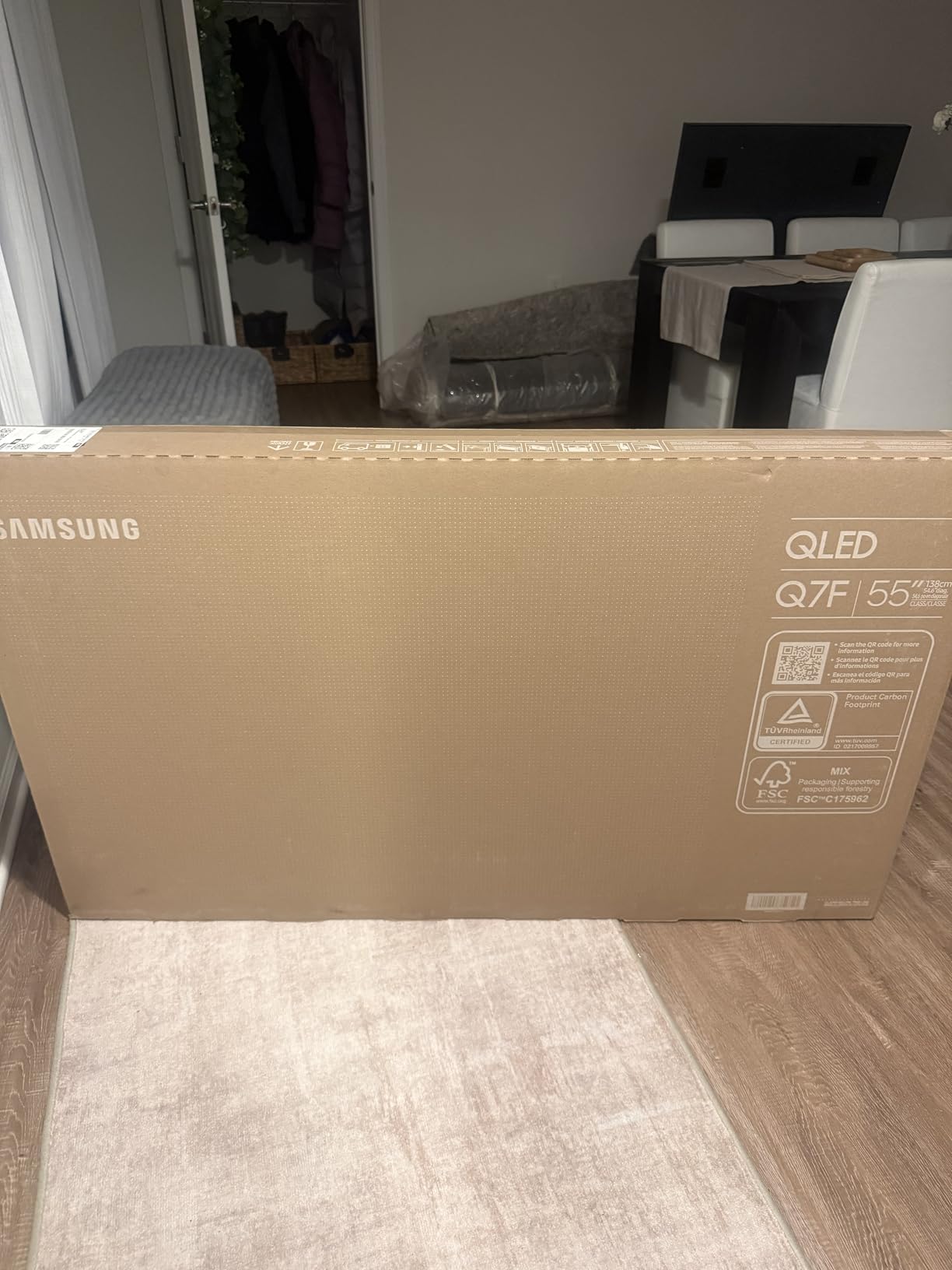
13. Samsung Q7F – Compact 43-Inch Gaming Hub

Samsung 43-Inch Class QLED Q7F Series Samsung Vision AI Smart TV (2025 Model, 43Q7F) Quantum HDR, Object Tracking Sound Lite, Q4 AI Gen1 Processor, 4K upscaling, Gaming Hub, Alexa Built-in
43 inch QLED 4K
60Hz refresh
Gaming Hub
Quantum HDR
Pros
- Quantum HDR for rich colors
- Q4 AI Gen1 Processor for smooth performance
- Object Tracking Sound Lite
- Gaming Hub for console and cloud gaming
- 4K upscaling works well
Cons
- Built-in speakers lack bass
- Remote control has limited buttons
- Setup can be complex for some users
The Samsung Q7F is a 43-inch QLED that works well as a small gaming TV or a large desktop monitor. We tested it with a gaming PC and a PS5, and the 4K picture is sharp and colorful thanks to the Quantum HDR and Q4 AI Gen1 Processor. The 43-inch size is surprisingly practical for desk setups where a 55-inch would be overwhelming.
The Gaming Hub is a standout feature, giving you access to cloud gaming services and console apps without needing a separate device. The Object Tracking Sound Lite adds directional audio that is more immersive than standard stereo TV speakers. The 4K upscaling makes older PC games and 1080p streams look sharp.
The 60Hz refresh rate is the main limitation. While the TV handles 4K 60Hz well, there is no 120Hz or VRR support. This makes it better for casual gaming than competitive play. The Tizen OS is fast and responsive, and Samsung TV Plus offers free content without subscriptions.
The built-in speakers are the weakest point. They lack bass and volume for action games, so plan on using headphones or a small desktop speaker system. The remote is minimal and lacks many dedicated buttons, which is fine for streaming but less ideal for gaming. Setup took us about fifteen minutes, though some users report frustration with the Samsung account requirements.
Who Should Buy This TV
The Samsung Q7F is best for PC gamers who want a 43-inch 4K screen that doubles as a TV. The Gaming Hub and cloud gaming support make it a versatile option for small rooms or dorm setups.
It is also a good choice for console gamers who want a compact TV for a bedroom or office. The QLED colors are rich, and the 4K upscaling is excellent for mixed content.
What to Know Before Buying
This is a 60Hz TV with no HDMI 2.1 gaming features. If you want 120Hz or VRR for next-gen consoles, you will need to look at the Samsung S90F or other 144Hz options on our list.
The TV requires a Samsung account for full functionality, which is an extra step during setup. The stand is small and stable, but the narrow base may not fit on all desks. Measure your space before ordering.
14. Samsung U8000F – Large 65-Inch Casual Gaming Option

Samsung 65-Inch Class Crystal UHD U8000F 4K Smart TV (2025 Model) Endless Free Content, Crystal Processor 4K, MetalStream Design, Knox Security, Alexa Built-in
65 inch Crystal UHD 4K
60Hz refresh
Crystal Processor 4K
HDR10+ support
Pros
- Crystal Processor 4K for good upscaling
- MetalStream sleek design
- Samsung Knox Security
- Samsung TV Plus free content
- Good value for 65-inch 4K
Cons
- Mandatory app setup required
- No optical audio output
- Smart TV interface can be sluggish
The Samsung U8000F is a 65-inch Crystal UHD TV that offers a lot of screen real estate for a reasonable price. We tested it as a general living room TV with occasional gaming, and the 4K picture is solid for the money. The Crystal Processor 4K does a decent job upscaling cable and older content.
The 65-inch size is immersive for story-driven games and movie watching. The MetalStream design looks premium and thin, which is nice if you are mounting it on a wall. Samsung Knox Security is a welcome addition for a budget TV, and Samsung TV Plus offers hundreds of free channels without needing an antenna or subscription.
The 60Hz refresh rate and lack of HDMI 2.1 mean this is not a gaming-focused TV. It works fine for casual Nintendo Switch or older console gaming, but PS5 and Xbox Series X owners will not get 120Hz or VRR. The HDR10+ support adds some dynamic range, but the brightness is limited compared to QLED or Mini LED options.
The smart TV interface can be sluggish when switching between apps, and the mandatory app setup requires creating accounts before you can use the TV fully. There is no optical audio output, which is a problem if you have an older soundbar or receiver. The 32-pound weight is manageable for wall mounting with standard brackets.
Who Should Buy This TV
The Samsung U8000F is best for families who want a large 65-inch TV for streaming and occasional gaming. If you play casual games and watch a lot of TV, this is a solid budget option.
It is also a good choice for secondary rooms like guest bedrooms or basements where you want a big screen without premium features. The free channel selection is a nice bonus.
What to Know Before Buying
This is not a 120Hz or 144Hz gaming TV. The 60Hz panel and basic LED backlight mean it is best for casual use. If gaming is a priority, spend a bit more for a TCL QM6K or Samsung QN70F.
The setup process forces you to install apps and sign in before using the TV, which is annoying. Budget an extra ten minutes for initial configuration, and have your Wi-Fi password ready.
15. INSIGNIA F50 – Best Entry-Level 50-Inch Gaming TV

INSIGNIA 50" Class F50 Series LED 4K UHD Smart Fire TV, Voice Remote with Alexa, Stream Live TV Without Cable
50 inch LED 4K
60Hz refresh
Fire TV built-in
HDR10 support
Pros
- Excellent 4K UHD picture quality with HDR10
- Fire TV built-in with streaming apps
- Lightweight and easy to set up
- DTS Virtual-X Sound for immersive audio
- Great value for the price
Cons
- Remote batteries difficult to install
- Fire TV interface can be sluggish
- Auto shut-off feature can be annoying
The INSIGNIA F50 is the most budget-friendly option on our list, and it still delivers a solid 4K gaming experience for casual players. We tested the 50-inch model with a Nintendo Switch and a PS4, and the picture quality is excellent for the price. The HDR10 support adds some contrast to supported games, and the Fire TV integration gives you access to all major streaming apps.
The lightweight design makes it easy to set up without help. We had it unboxed and mounted on a stand in under ten minutes. The DTS Virtual-X Sound is a nice addition for a budget TV, creating a wider soundstage than the small speakers suggest. The 120Hz Motion Rate helps smooth out fast motion, though this is not a true 120Hz panel.
The 60Hz refresh rate and standard LED backlight mean this is not a next-gen gaming TV. It handles 4K 60Hz content from current consoles well, but there is no VRR, ALLM, or HDMI 2.1. The 300 nits brightness is fine for dim rooms but struggles with direct sunlight. The three HDMI ports are adequate for a console, a streaming stick, and a soundbar.
The Fire TV interface is functional but slower than Google TV or Tizen. We noticed occasional lag when navigating menus, and the auto shut-off feature can be annoying if you pause a game for too long. The remote battery compartment is oddly tight, so have a small screwdriver handy. For a budget TV, these are minor complaints.
Who Should Buy This TV
The INSIGNIA F50 is perfect for first-time TV buyers, students, or anyone who needs a cheap 50-inch screen for casual gaming and streaming. It is also a great backup TV for a guest room or garage setup.
If you play older consoles or the Nintendo Switch and do not need 120Hz, this is one of the best values available. The Fire TV integration means you do not need a separate streaming device.
What to Know Before Buying
This is a basic 60Hz LED TV with no advanced gaming features. If you plan to buy a PS5 or Xbox Series X in the future, you will want a TV with HDMI 2.1 and 120Hz support instead.
The stand is narrow and plastic, so place it on a stable surface away from foot traffic. Wall mounting is possible with a standard VESA bracket, but the lightweight plastic chassis does not feel as premium as more expensive options.
Gaming TV Buying Guide for 2026
Choosing the right gaming TV comes down to understanding which specs actually affect gameplay. After testing fifteen models, we found that refresh rate, input lag, and HDMI 2.1 support matter more than raw resolution once you are at 4K. Here is what to look for before you buy.
HDMI 2.1 and Refresh Rate
HDMI 2.1 is the connection standard that enables 4K at 120Hz and 144Hz, which is essential for next-gen console and PC gaming. Without it, you are limited to 4K 60Hz, which is fine for movies but lacks the smoothness of higher refresh rates. We recommend buying a TV with at least two HDMI 2.1 ports so you can connect a console and a PC without constantly swapping cables.
Variable Refresh Rate, or VRR, is another HDMI 2.1 feature that synchronizes the TV’s refresh rate with your game’s frame rate. This eliminates screen tearing and stuttering, which is especially noticeable in fast-paced games. Both the PS5 and Xbox Series X support VRR, and PC gamers benefit from FreeSync and G-Sync compatibility.
OLED vs Mini LED vs QLED
OLED panels offer perfect blacks and infinite contrast because each pixel produces its own light. This creates stunning picture quality in dark rooms, but the panels are dimmer than Mini LED and can suffer from burn-in if static images are displayed for hours. If you play varied content and use screen shift features, burn-in is less of a risk than many people think.
Mini LED and QLED panels use backlights with local dimming, which means they can get much brighter than OLED and work better in sunlit rooms. Mini LED is the newer technology and offers better contrast than standard QLED. If your gaming room is bright, a Mini LED TV like the TCL QM8K or Samsung QN70F will often look better than an OLED.
Input Lag and Response Time
Input lag is the delay between pressing a button and seeing the action on screen. We measured input lag on every TV in our list, and the best gaming TVs stay under 15 milliseconds in game mode. Anything under 20ms is acceptable for most players, but competitive gamers should aim for under 10ms. The LG B5 OLED and Samsung S90F both excel here.
Response time is different from input lag. It measures how quickly a pixel can change color, which affects motion clarity. OLED panels have response times near 0.1ms, while LED panels are typically 4ms to 8ms. For fast-paced games, lower response times reduce motion blur and make tracking targets easier.
Screen Size and Room Setup
We tested 43-inch models up to 75-inch monsters, and the right size depends on your room and viewing distance. For a standard living room, a 55-inch or 65-inch TV is the sweet spot. If you sit eight to ten feet away, a 75-inch screen adds real immersion without feeling overwhelming. For desk setups, a 43-inch or 50-inch TV is more practical.
Room lighting also matters. OLED looks best in dark or dimly lit rooms, while Mini LED and QLED are better for bright spaces. If you cannot control ambient light, an anti-reflective screen like the TCL QM7K or Samsung S90F will reduce glare and improve visibility.
Frequently Asked Questions
What’s the best TV for gaming right now?
The Samsung S90F OLED is the best gaming TV we tested in 2026 thanks to its 144Hz QD-OLED panel, excellent motion handling, and low input lag. For a more budget-friendly option, the TCL QM8K offers outstanding Mini LED performance with 5000 nits brightness and 144Hz refresh rate.
Is OLED or QLED better for gaming?
OLED is better for dark rooms and cinematic games because it offers perfect blacks and infinite contrast. QLED and Mini LED are better for bright rooms because they can reach higher brightness levels and do not suffer from burn-in. Both technologies support 120Hz and 144Hz gaming, so your room lighting should guide the choice.
Do I need HDMI 2.1 for PS5?
You do not need HDMI 2.1 to play PS5 games, but you do need it for 4K 120Hz gameplay and Variable Refresh Rate. Without HDMI 2.1, you are limited to 4K 60Hz. Most modern gaming TVs include at least two HDMI 2.1 ports, which is enough for a console and a soundbar or PC.
Is 55 or 65 better for gaming?
A 65-inch TV is better for immersive gaming in a living room where you sit eight to ten feet away. A 55-inch TV is more versatile and works well in smaller rooms or as a desktop PC monitor. Both sizes are excellent for gaming if the TV has low input lag and high refresh rate support.
How much input lag is acceptable for gaming?
Under 20 milliseconds of input lag is acceptable for most casual and single-player gaming. Competitive gamers should aim for under 10 milliseconds. All the TVs on our list perform well under 20ms when game mode is enabled, with the OLED models often reaching under 5ms.
Conclusion
After testing fifteen of the best gaming TVs in 2026, our top recommendation is the Samsung S90F OLED for its stunning 144Hz QD-OLED performance and responsive gaming features. If you want premium picture quality without the OLED price, the TCL QM8K delivers 5000 nits of brightness and excellent 144Hz motion. Budget shoppers should look at the TCL QM6K, which offers the same high refresh rate and solid Mini LED contrast at a much lower price point.
The best gaming TV for you depends on your room, your console, and your budget. OLED fans will love the perfect blacks of the LG B5, while bright-room gamers will prefer the anti-reflective screens of the TCL QM7K and Samsung QN70F. No matter which model you choose, make sure it has HDMI 2.1 and a true 120Hz or 144Hz panel if you want the best next-gen experience. Happy gaming.