
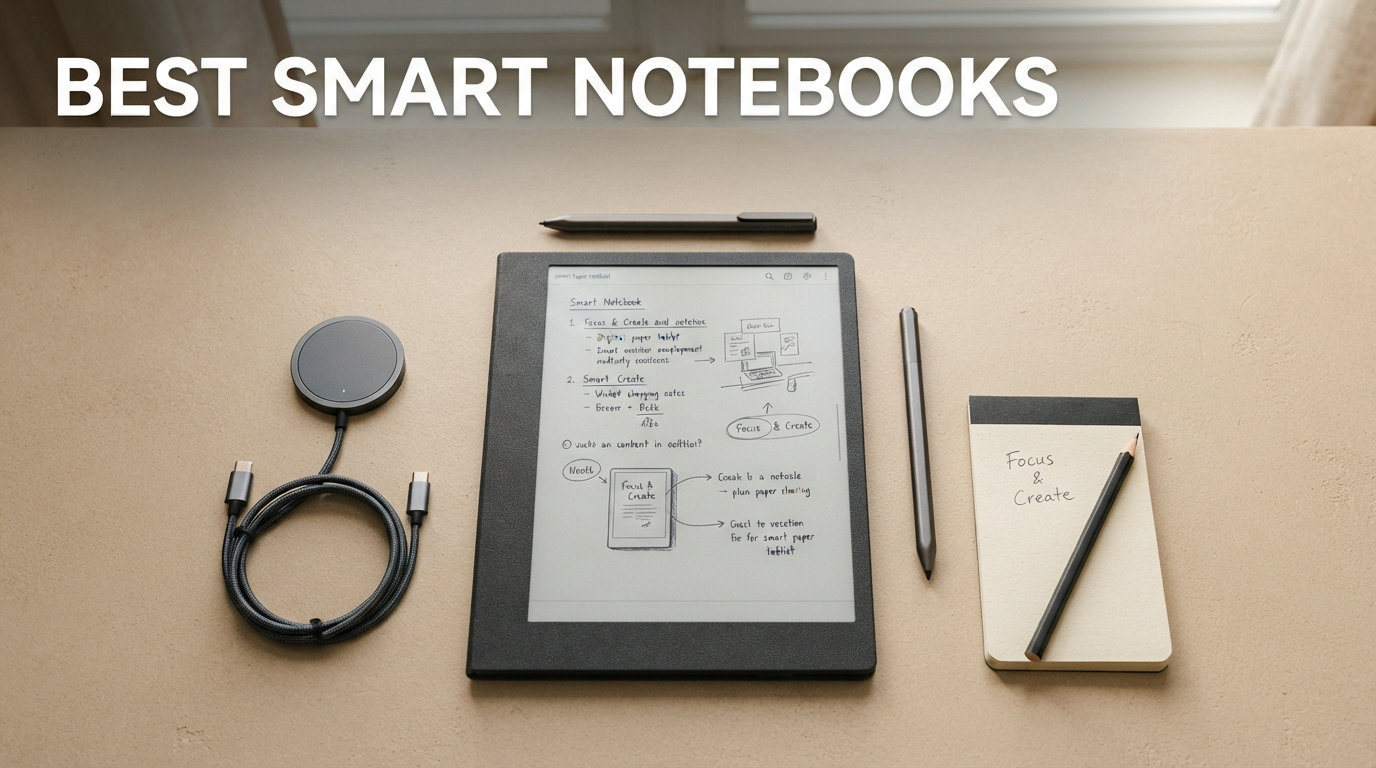
I have spent the better part of two years testing, writing in, and occasionally arguing with smart notebooks. From the $27 reusable Rocketbook Core that started my journey to the $679 reMarkable Paper Pro that now lives on my desk, I have filled pages, wiped them clean, synced notes to the cloud, and compared the writing feel of every major option on the market.
If you are searching for the best smart notebooks in 2026, this guide breaks down 10 options across every price point and category. Whether you want an affordable reusable pad, a distraction-free E Ink writing tablet, or a full-color Android device for notes and art, I have tested them all and ranked them based on real daily use.
My testing process was straightforward. I used each device for at least two weeks of daily note-taking, meeting notes, and journaling. I paid close attention to writing feel, latency, cloud sync reliability, battery life, and whether the device actually improved my workflow or just added friction. I also read through thousands of Amazon reviews and Reddit discussions on r/notebooks, r/eink, and r/RemarkableTablet to cross-reference my experience with long-term user feedback.
Top 3 Smart Notebooks in 2026

reMarkable Paper Pro
- Best paper-like writing feel
- 11.8 inch color E Ink
- Marker Plus with eraser

Amazon Kindle Scribe
- 11 inch paper-like display
- Premium Pen no charging
- AI handwriting recognition
Best Smart Notebooks in 2026
| Product | Specifications | Action |
|---|---|---|
 Rocketbook Core
|
|
Check Latest Price |
 Rocketbook Pro
|
|
Check Latest Price |
 Rocketbook Multi-Subject
|
|
Check Latest Price |
 HUION Note 2-in-1
|
|
Check Latest Price |
 XPPen Magic Note Pad
|
|
Check Latest Price |
 Kobo Elipsa 2E
|
|
Check Latest Price |
 BOOX Note Air 5 C
|
|
Check Latest Price |
|
Amazon Kindle Scribe
|
|
Check Latest Price |
 Kindle Scribe Colorsoft
|
|
Check Latest Price |
|
reMarkable Paper Pro
|
|
Check Latest Price |
1. Rocketbook Core – Best Value Reusable Notebook
Rocketbook Core Reusable Smart Notebook, Lined Pages For School, Work and Creative Projects, Letter Size 8.5x11, Blue - Premium
8.5 x 11 inch
32 reusable pages
Pilot Frixion pen included
Spiral bound
Pros
- Natural writing feel superior to e-ink alternatives
- Reusable saves money and reduces waste
- Excellent cloud integration with Google Drive Dropbox and OneNote
- Affordable at around 30 dollars
- Lightweight and portable
Cons
- Ink takes 15 to 60 seconds to dry
- Special Frixion pens required
- Need damp cloth for erasing on the go
The Rocketbook Core is the notebook that introduced me to the world of smart notebooks, and honestly, it is still the one I recommend most often. At its core, this is a physical spiral-bound notebook with synthetic pages that you write on with the included Pilot FriXion pen. The magic happens when you are done. You open the Rocketbook app, scan the page, and your notes are instantly digitized and sent to your cloud destination of choice.
I carried the Core to meetings for three weeks straight. The writing feel is surprisingly close to real paper, with just a slight smoothness that reminds you it is synthetic. The Smart Titles and Smart Tags feature means I can write a title at the top of each page and assign a hashtag, and the app automatically names and organizes the file based on what I wrote. It felt like having a personal assistant for my meeting notes.
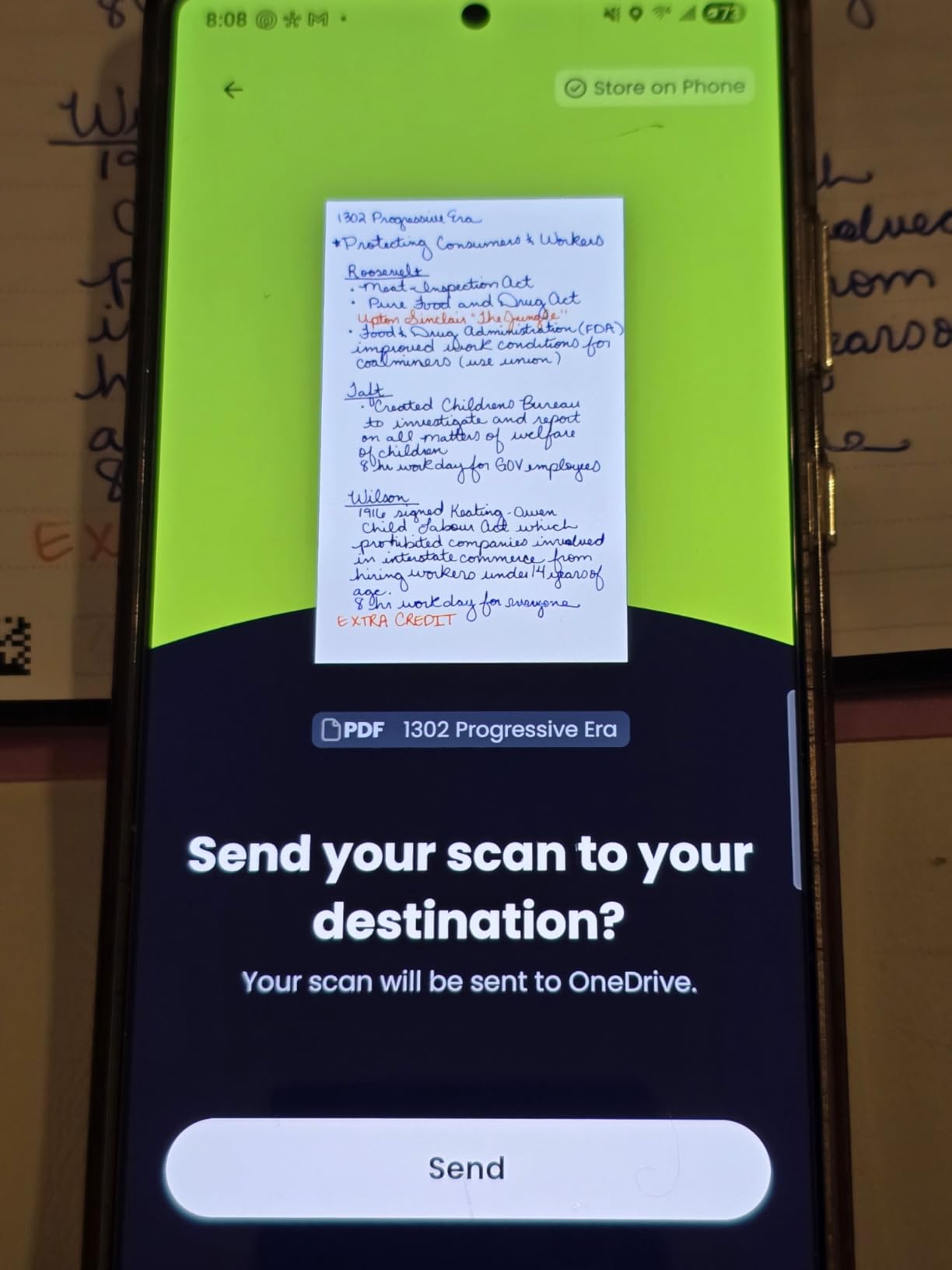
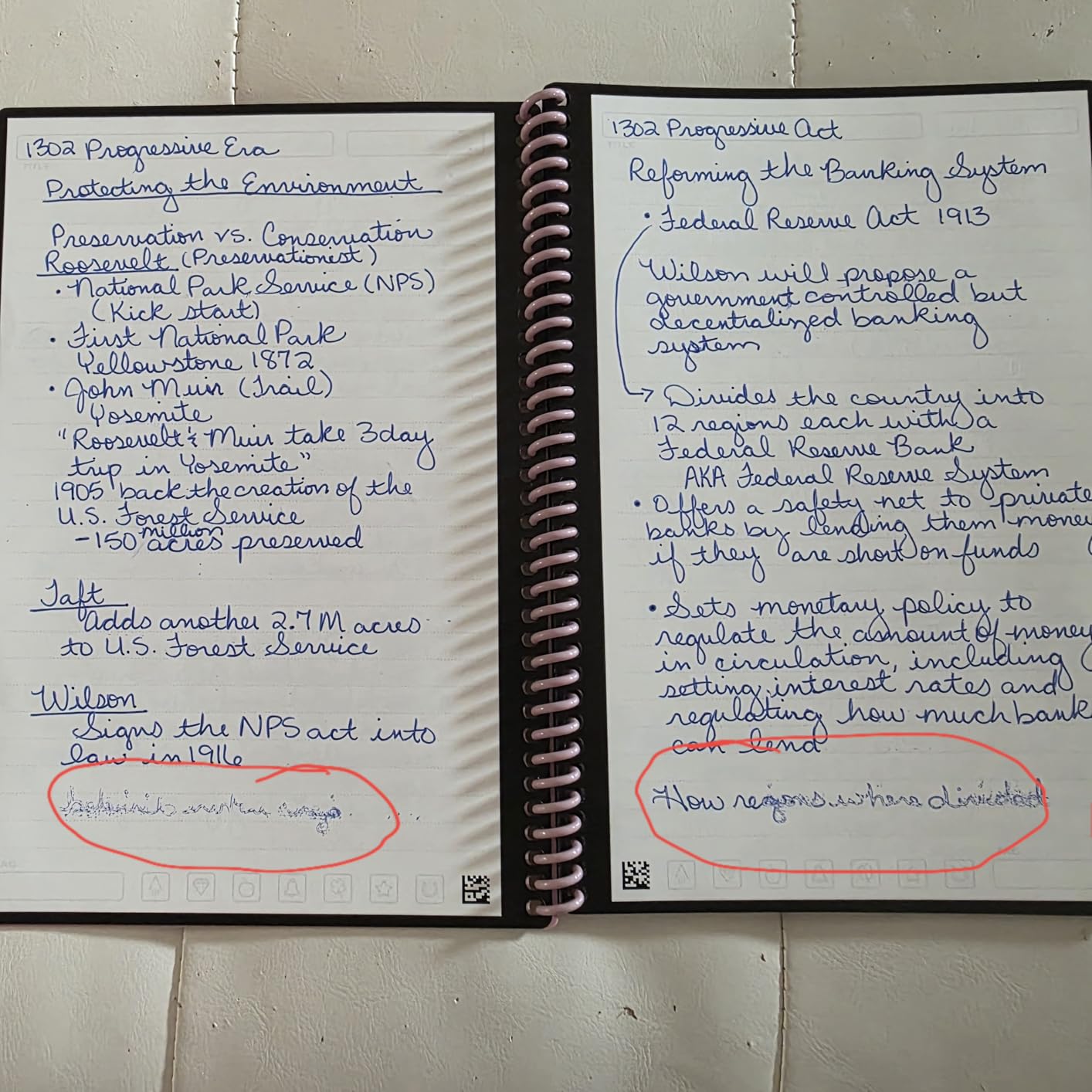
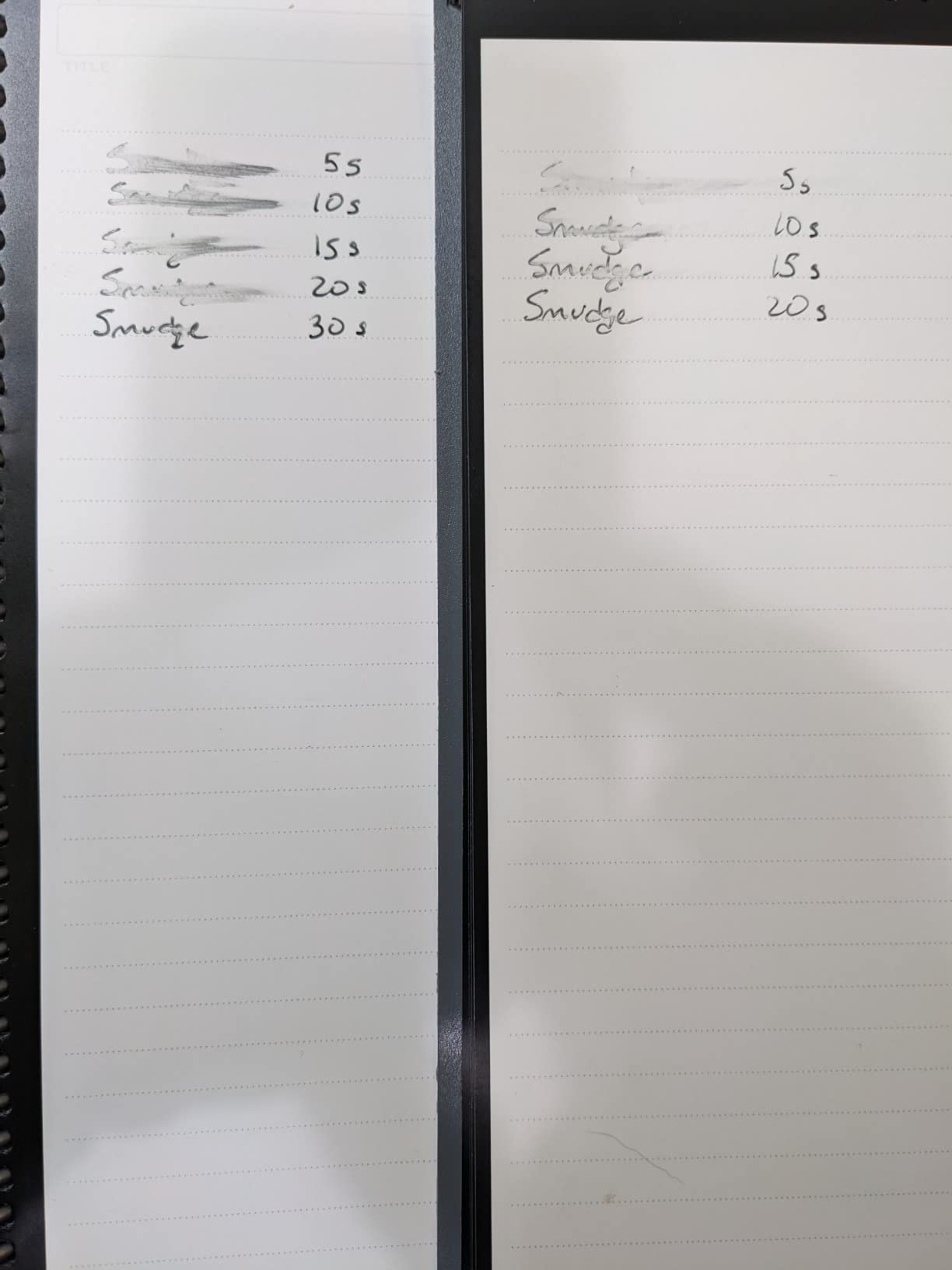
The big tradeoff is the FriXion ink system. The pen writes beautifully, but the ink takes 15 to 60 seconds to dry depending on how much you write. I smudged several pages in my first week before I learned to be patient. You also need to keep a slightly damp microfiber cloth handy if you want to erase and reuse pages on the go. These are small annoyances, but they are real.
What makes the Rocketbook Core one of the best smart notebooks for most people is the value proposition. You get the digitization, cloud sync, and reusability of a smart notebook for about the price of a large pizza. With over 22,000 reviews and a 4.5-star average rating, the user consensus backs up my experience completely.
Who Should Buy the Rocketbook Core
Students and budget-conscious professionals will love this notebook. If your main goal is getting handwritten notes into the cloud without spending hundreds on an E Ink tablet, the Core delivers exactly that. It is also ideal for anyone who wants to reduce paper waste without changing their writing habits.
What to Watch Out For
The drying time is the number one complaint. If you are a fast, heavy-handed writer, you will smudge ink. Also, you are locked into FriXion pens, which are affordable but not as varied as traditional pen options. If losing a pen means you cannot use the notebook until you buy more, stock up.
2. Rocketbook Pro – Premium Reusable Notebook for Professionals
Rocketbook Pro Smart Reusable Notebook, Lined & Dotted Interchangeable Pages, For Work and Business Meetings, Letter Size 8.5x11, Blue
8.5 x 11 inch
40 pages
Vegan leather cover
NFC chip for scanning
Pros
- Interchangeable page packs for customization
- NFC hotspot enables instant scanning
- Premium vegan leather professional look
- Scratch resistant durable construction
Cons
- Page packs frequently out of stock
- Rings holding pages may tear with heavy use
- Pen may dry out quickly
The Rocketbook Pro takes everything great about the Core and wraps it in a professional package. I tested the steel blue version with the faux leather cover, and it looks the part in any boardroom or client meeting. The scratch-resistant vegan leather feels substantial without being heavy, and it survived two weeks in my backpack without a visible mark.
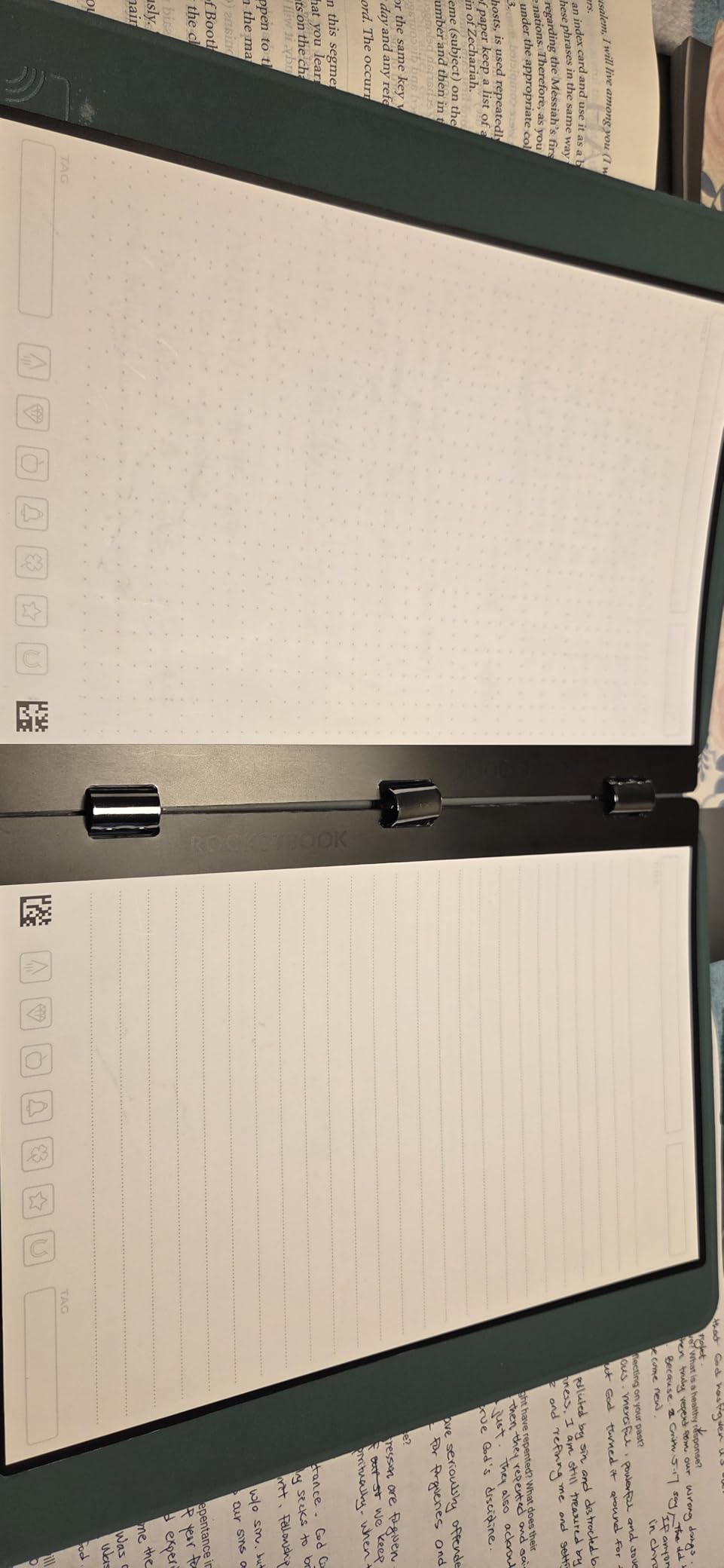
What sets the Pro apart is the interchangeable page system. The notebook ships with 40 pages split between lined and dot grid formats, and you can buy additional page packs for planners, goal trackers, and project management layouts. The NFC chip is a nice touch too. Tap your phone to the cover and the Rocketbook app opens automatically, ready to scan.
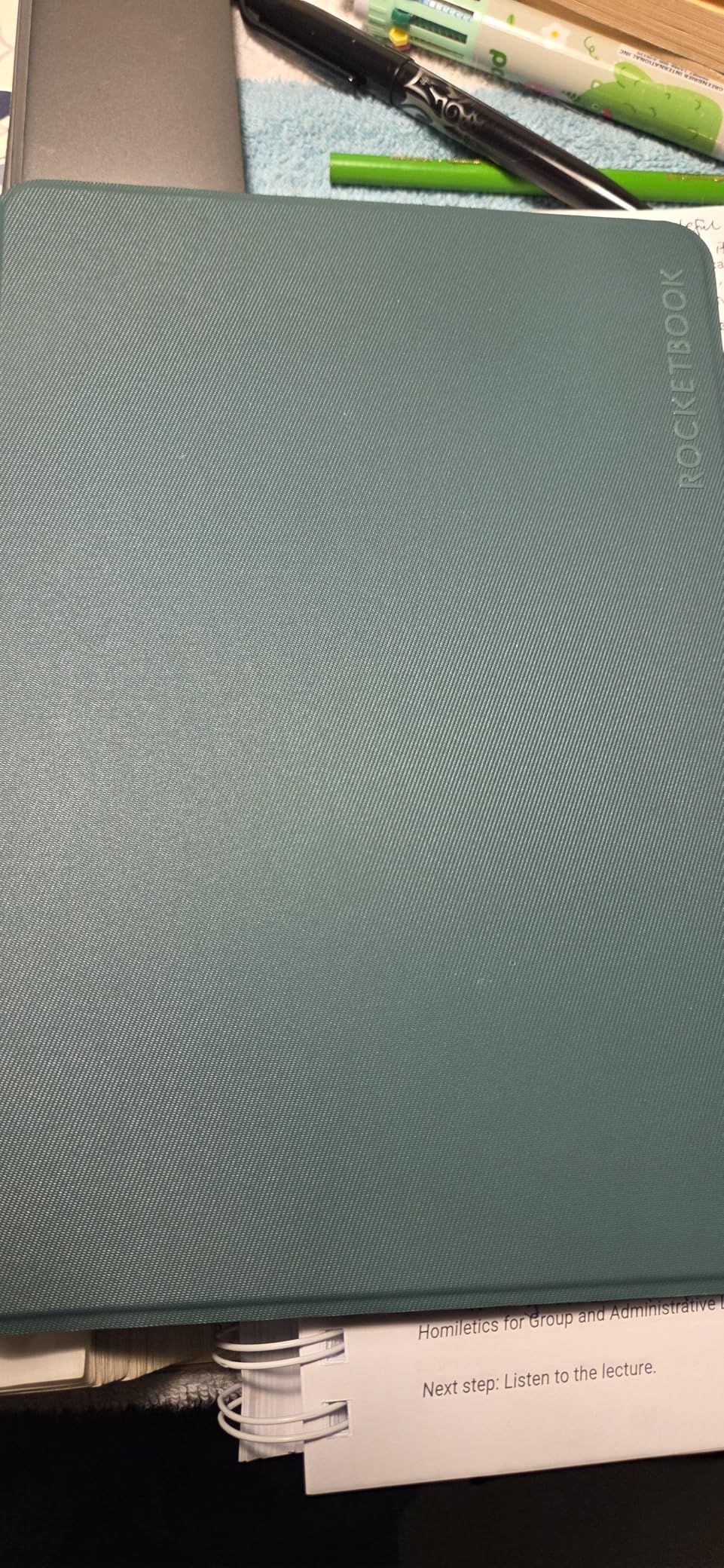
In practice, the interchangeable system has a limitation. You can only use one page pack at a time, which means swapping packs when you want to switch from lined notes to a planner layout. The rings that hold the pages can also show wear if you swap frequently. One Amazon reviewer noted the same issue, mentioning that the holes started tearing after a few months of regular page changes.
For professionals who want the Rocketbook system with a more polished look, the Pro is the clear choice. The 4.3-star rating across over 1,000 reviews reflects a solid product that could be perfect if Rocketbook kept their page pack accessories in stock more consistently.
Who Should Buy the Rocketbook Pro
Business professionals who carry their notebook to meetings and client presentations will appreciate the premium look and feel. The NFC scanning and interchangeable pages add just enough tech convenience without the learning curve of a full digital device.
What to Watch Out For
Accessory availability is frustrating. The planner and specialty page packs are frequently out of stock, which limits the main selling point of the interchangeable system. The included pen also has a reputation for drying out, so consider buying a pack of FriXion pens separately.
3. Rocketbook Multi-Subject – Best for Students and Multi-Taskers
Rocketbook Multi-Subject Reusable Smart Notebook, Notebook For School and Work, 70 Lined Pages Multi-Subject, 4 Adjustable Dividers, Letter Size 8.5x11, Black
8.5 x 11 inch
70 pages
4 adjustable dividers
Up to 5 sections
Pros
- 70 pages most of any Rocketbook
- 4 adjustable dividers for multi-subject
- Improved matte paper texture
- Includes pen and cleaning cloth
Cons
- Dotted ruling may not suit all users
- Tabs on dividers can curl over time
- Spiral binding may break with heavy use
The Rocketbook Multi-Subject solves a problem I did not know I had. When I was juggling three projects at once, I kept flipping between different notebooks. This one gives you 70 reusable pages with four adjustable dividers, so you can create up to five separate sections in a single notebook. I set mine up with sections for project notes, meeting notes, personal journaling, reading notes, and a brainstorming area.
The improved matte paper texture is noticeably better than the standard Core. It feels closer to real paper, and the ink adheres more consistently. Rocketbook includes a Pilot FriXion pen and a microfiber cloth in the box, so you have everything you need to start writing, scanning, erasing, and reusing right away.
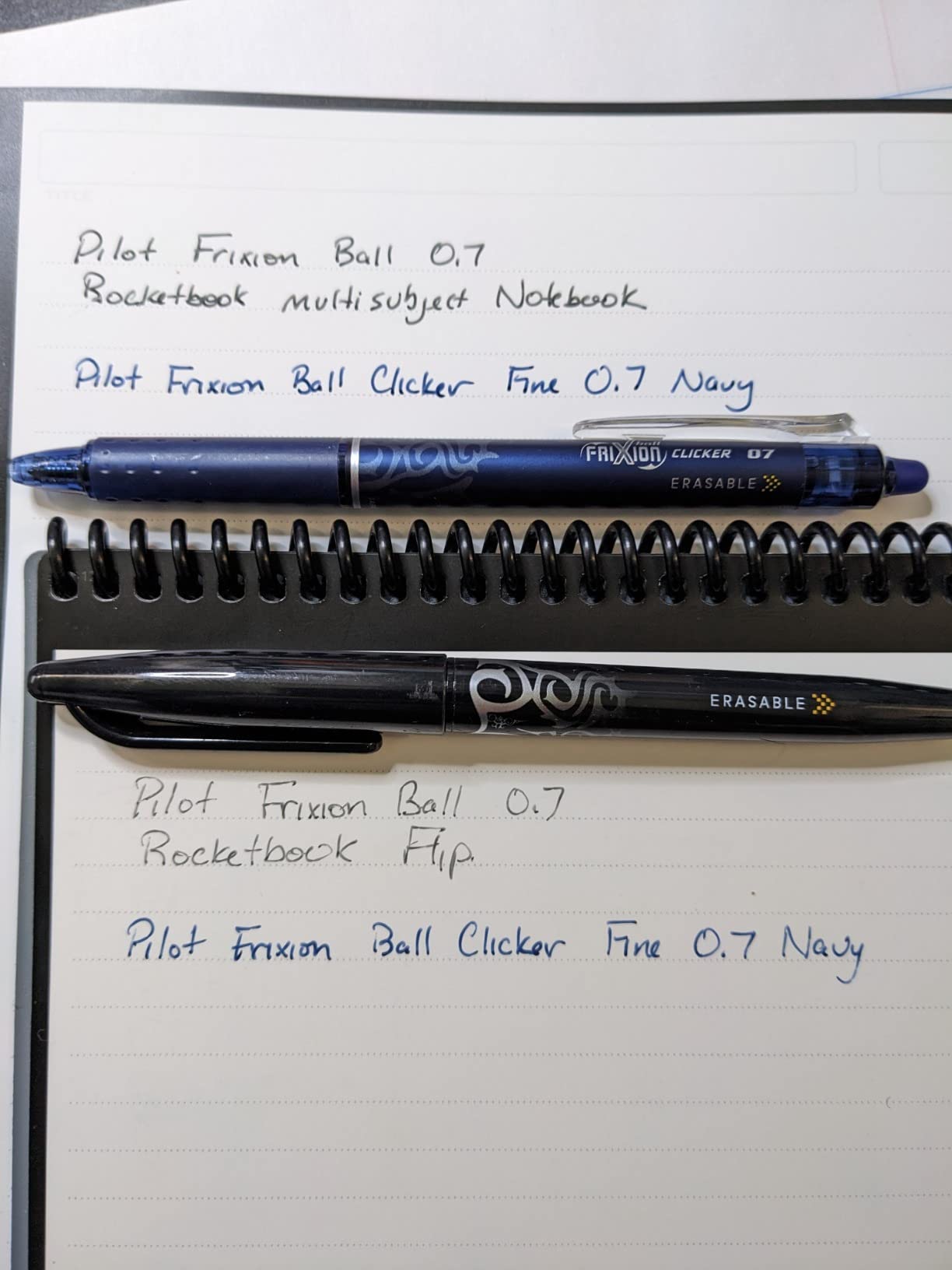
The dividers are repositionable, which I loved. I could shrink my meeting notes section and expand my project section as priorities shifted. The Smart Titles feature works across all sections, and the app keeps everything organized by your assigned hashtags. The scanning and cloud sync experience is identical to the Core and Pro.
The main downside is the dotted ruling. I prefer lined pages for writing, and the dot grid is better suited for diagrams or bullet journaling. Several Amazon reviewers mentioned the same preference. The divider tabs can also curl over time with repeated use, and the spiral binding showed stress after my two-week test period of daily carrying.
Who Should Buy the Rocketbook Multi-Subject
Students juggling multiple classes and professionals managing several projects simultaneously will benefit most. The ability to keep everything in one notebook while maintaining clear section separation is genuinely useful for busy schedules.
What to Watch Out For
Stock seems to fluctuate. When I checked, only 16 units were left, suggesting this model may be phased out or restocked irregularly. The spiral binding durability is also a concern for heavy daily users, so handle it with care if it lives in a stuffed backpack.
4. HUION Note 2-in-1 – Best for Artists and Dual-Use Note-Taking
HUION Note 2-in-1 Digital Notebook Drawing Tablet With Battery-free Pen, Bluetooth Wireless Paper Tablet Electronic Writing Pad for Note-taking, Digital Art & Meeting, Refillable A5 Notepad, 9.5x7inch
A5 9.5 x 7 inches
8192 pressure levels
Bluetooth 5.0
18 hour battery
Pros
- Excellent app with many features
- Simultaneous capture of handwriting
- Can use any standard A5 paper
- Audio recording syncs with notes
- Works as both notepad and graphics tablet
Cons
- Only brand pen works cannot lose it
- Paper can be affected by humidity
- Pen case magnet is weak
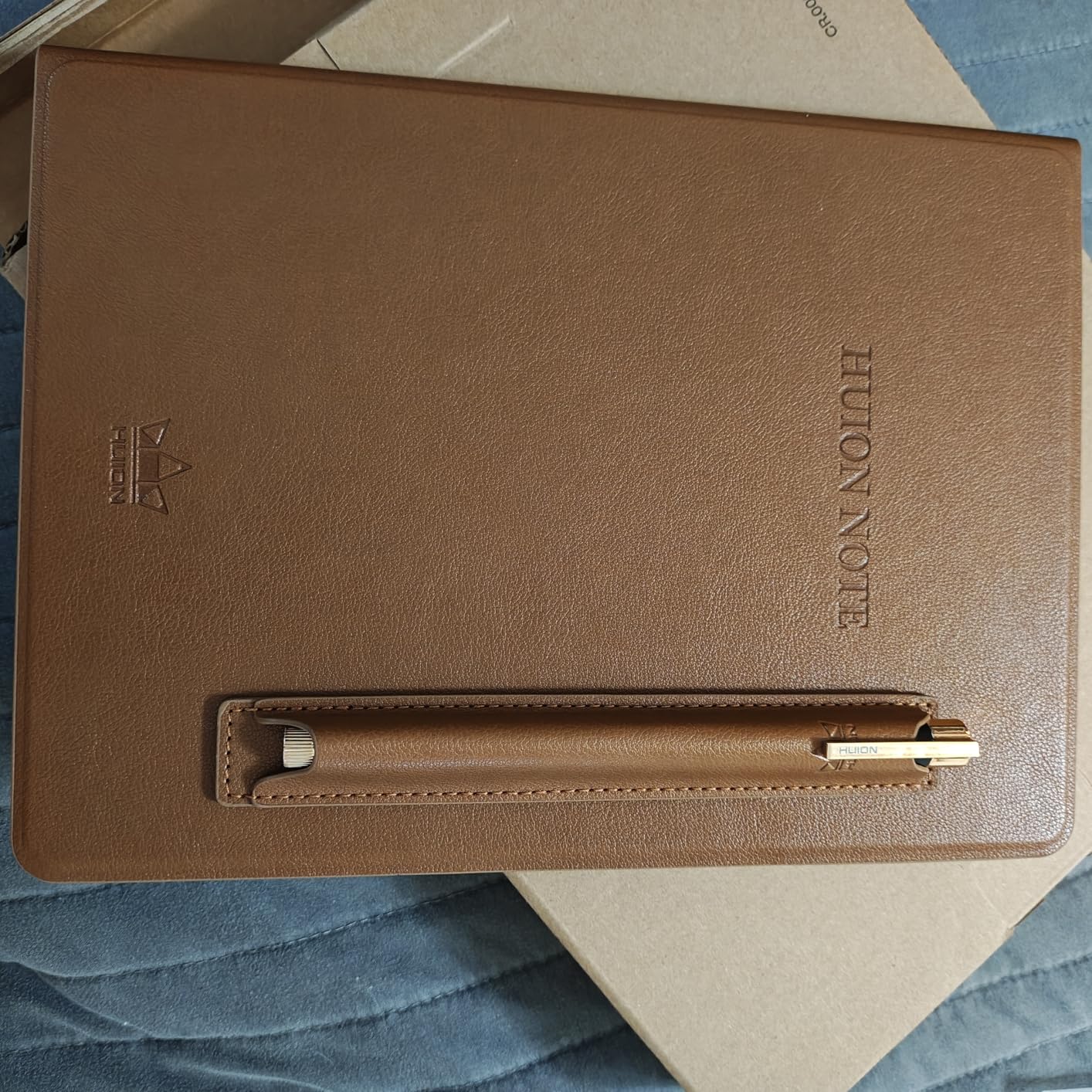
The HUION Note 2-in-1 is a different kind of smart notebook. Instead of synthetic pages or an E Ink display, it uses real A5 paper on top of a digital sensor pad. As you write with the included battery-free pen, the HUION app captures every stroke in real time via Bluetooth. You get the feel of real paper with the convenience of instant digital capture.
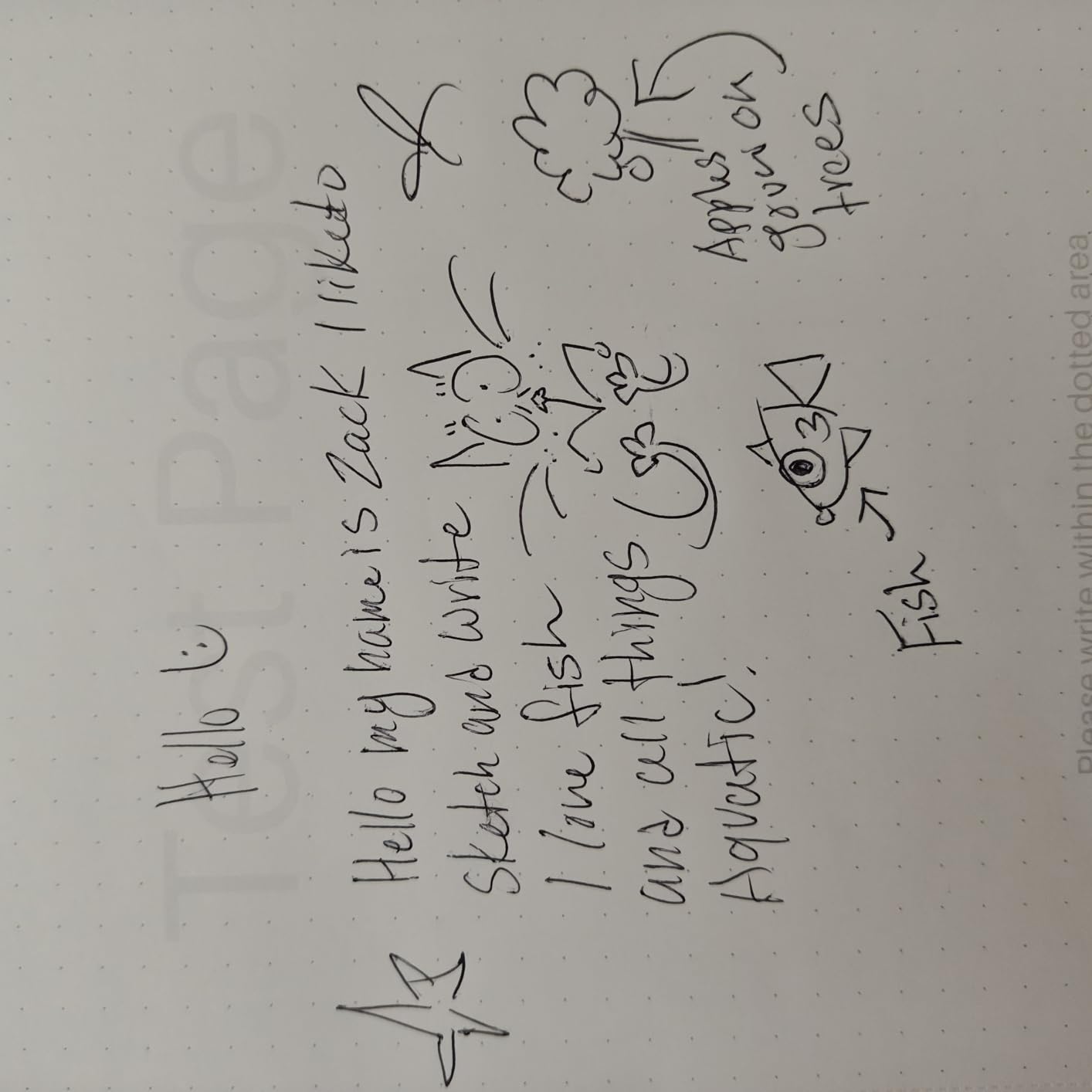
I tested this device for sketching as well as note-taking, and the 8192 levels of pressure sensitivity made a real difference for drawing. The pen responded to light and heavy strokes accurately, and the app recorded everything smoothly. The audio recording feature is surprisingly useful. I recorded a meeting while taking notes, and the app synced my handwriting to the audio timeline so I could tap any word and hear what was being said at that moment.
The 2-in-1 designation means you can connect it to a PC and use it as a standard graphics tablet. This dual functionality makes it one of the most versatile options in this guide, especially for artists who want a single device for both analog note-taking and digital drawing. The 18-hour battery life handled a full day of intermittent use without breaking a sweat.
The catch is that only the HUION brand pen works with the sensor pad. Lose it, and the device becomes a regular paper pad until you get a replacement. The paper itself is standard A5, which is cheap to replace, but it can be affected by humidity. I noticed some page curling during a particularly humid week.
Who Should Buy the HUION Note 2-in-1
Artists, designers, and creative professionals who want real paper feel with digital capture will love this device. The pressure-sensitive pen and graphics tablet mode make it uniquely suited for anyone who sketches or illustrates alongside taking notes.
What to Watch Out For
The proprietary pen dependency is the biggest risk. There is no backup option if you lose it. The app also lacks some of the more advanced features found in dedicated drawing tablets, so professional digital artists may still prefer a dedicated graphics display for serious work.
5. XPPen Magic Note Pad – Best Color LCD Notebook Tablet
XPPen 3 in 1 Color Digital Notebook 10.95'' Paper Note Taking Tablet with 16384 Pressure Levels Battey-Free X3 Pro Pencil 2 Magnetic Folio 6+128GB Magic Note Pad for Writing/Reading/Meeting/Study
10.95 inch LCD
16384 pressure levels
Android 14
6GB RAM 128GB storage
Pros
- Three screen modes full color light color and monochrome
- Exceptional 16K pressure sensitivity pen
- Matte display reduces glare
- TUV certified low blue light
- Full Android tablet with app downloads
Cons
- Narrow viewing angle due to etched glass
- Stylus lacks angled drawing support
- Stylus eraser erases entire sections
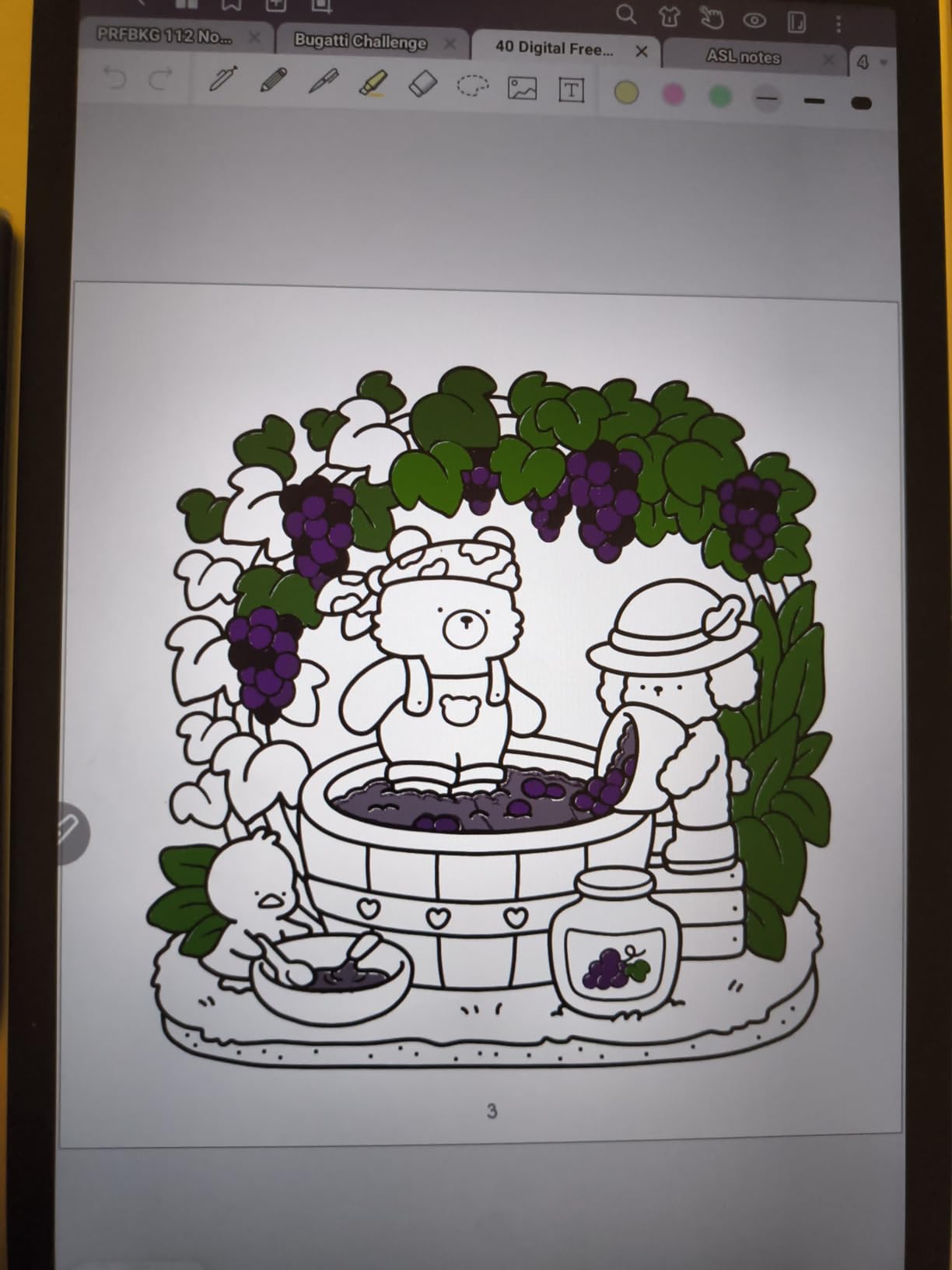
The XPPen Magic Note Pad is the wildcard in this lineup. It is not an E Ink tablet. Instead, it uses TCL NXTpaper 3.0 technology, which is an LCD display with an AG nano-etched surface that reduces glare and mimics the look of paper. The result is a full-color Android tablet that feels more like a notebook than a standard iPad or Android device.
I was skeptical at first, but the writing feel won me over. The matte surface provides just enough friction to feel paper-like, and the X3 Pro Pencil 2 with its 16,384 pressure levels is the most sensitive pen in this entire guide. For handwriting and sketching, the responsiveness is excellent. The three color modes let you switch between full color, a muted light color mode, and a monochrome e-paper-like mode for distraction-free writing.
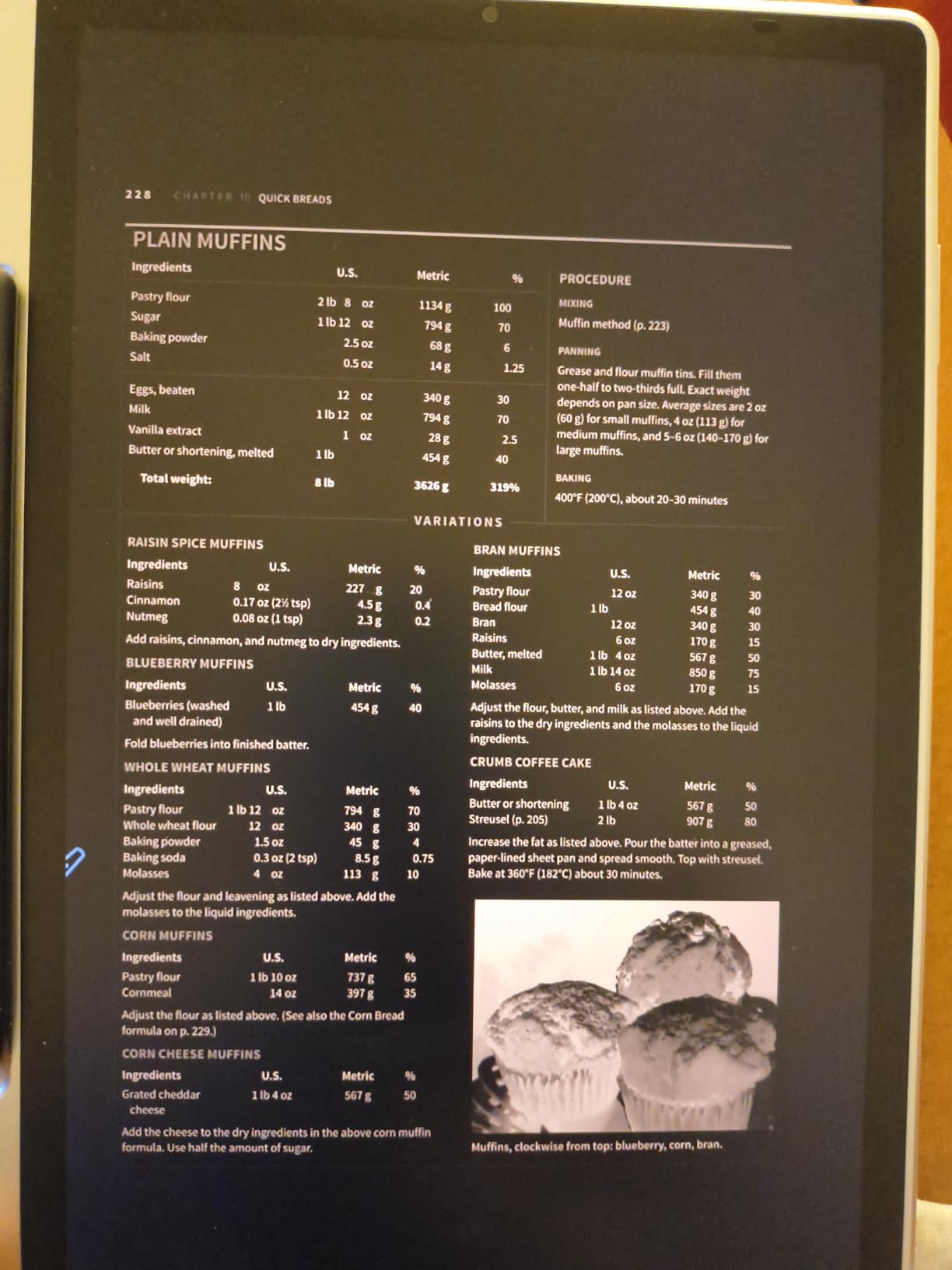
Running Android 14 with Google Play access means you can download any note-taking app you want. I used XPPen Notes, OneNote, and Noteshex during testing, and all worked well. The built-in AI assistant and handwriting-to-text conversion add productivity value, and the included magnetic folio case keeps everything protected.
The tradeoffs are real, though. The etched glass creates a narrow viewing angle, so the screen looks best when you are looking straight at it. The stylus lacks angled drawing support, which limits shading for artists. The eraser function is also aggressive, sometimes erasing entire sections instead of precise marks. Battery life is shorter than E Ink alternatives since it is powering a full LCD panel.
Who Should Buy the XPPen Magic Note Pad
Anyone who wants a versatile tablet for reading, note-taking, light drawing, and general Android app use will find great value here. It bridges the gap between a dedicated E Ink notebook and a full tablet, making it ideal for students and creative professionals.
What to Watch Out For
Purists who want true E Ink will be disappointed. This is an LCD screen with paper-like coating, which means it has backlighting, shorter battery life, and slightly more glare than E Ink in direct sunlight. The stylus limitations for art are also worth noting if sketching is your primary use case.
6. Kobo Elipsa 2E – Best E Ink Notebook for Reading and Writing
Kobo Elipsa 2E | eReader | 10.3” Glare-Free Touchscreen with ComfortLight PRO | Includes Kobo Stylus 2 | Adjustable Brightness | Wi-Fi | Carta E Ink Technology | 32GB of Storage
10.3 inch E Ink Carta 1200
32GB storage
Kobo Stylus 2 included
ComfortLight PRO
Pros
- Large glare-free 10.3 inch E Ink screen
- 32GB holds up to 24000 ebooks
- Eco-friendly recycled materials
- ComfortLight PRO adjustable color temperature
- Weeks of battery life
Cons
- Screen freezes occasionally
- PDF contrast and resize issues
- Writing lag compared to reMarkable
- Palm rejection can be problematic
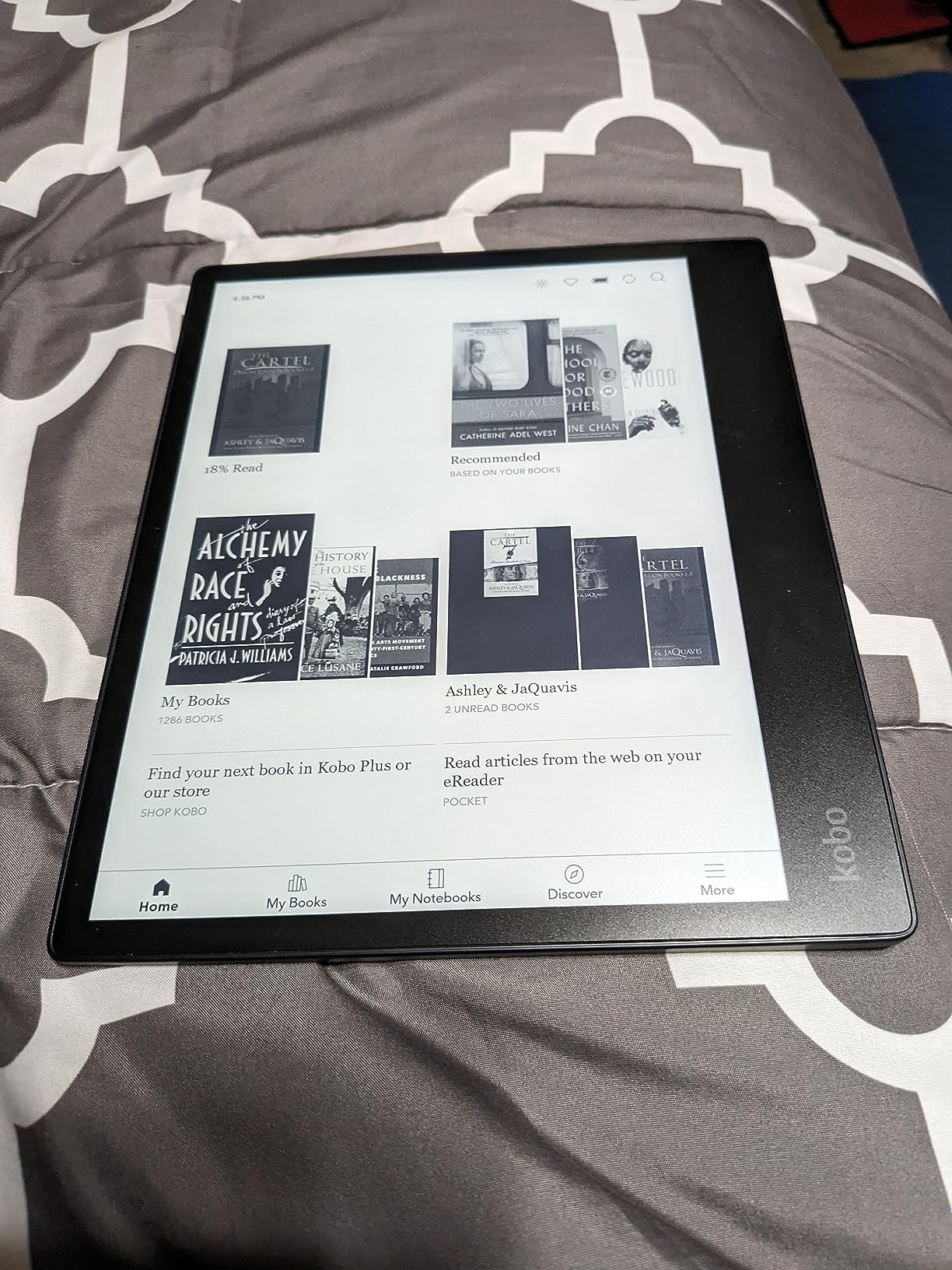
The Kobo Elipsa 2E is the device I reached for when I wanted to read and annotate in equal measure. The 10.3-inch E Ink Carta 1200 display is one of the best reading surfaces I have used outside of a dedicated Kindle, and the ComfortLight PRO front light with adjustable color temperature means I could read and write comfortably at any hour.
The included Kobo Stylus 2 lets you write directly on the screen, create notebooks, and annotate PDFs and ebooks. I found the writing experience good but not great. There is a slight but noticeable lag compared to the reMarkable Paper Pro or Kindle Scribe. For casual notes and annotations, it works fine. For fast, continuous writing, the lag became a minor frustration.
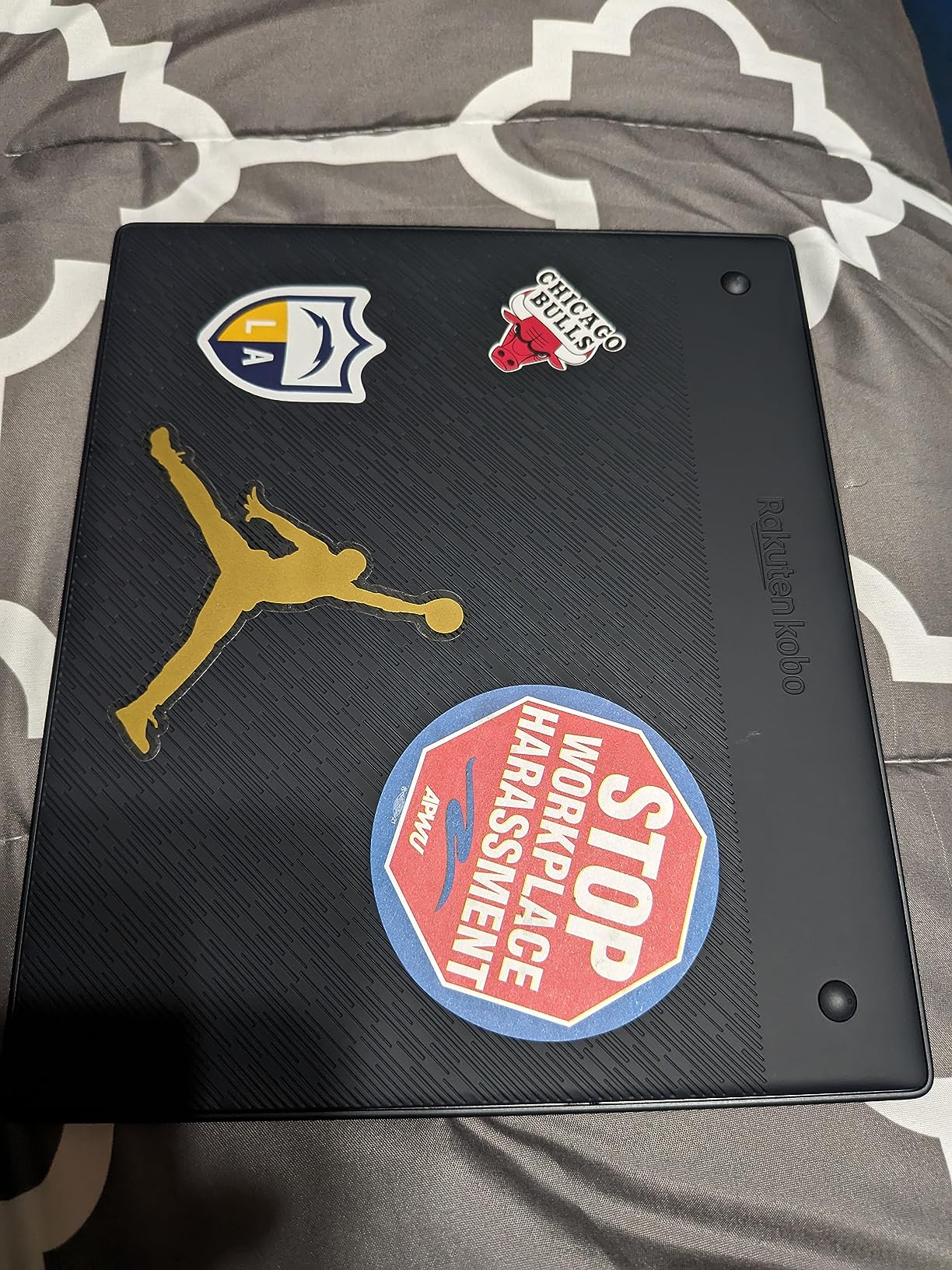
Where the Elipsa 2E shines is the reading experience. With 32GB of storage holding up to 24,000 ebooks, Wi-Fi connectivity to the Kobo Store, and patented markup technology for annotations, it is the best option for anyone whose primary need is reading with secondary note-taking. The eco-friendly design using recycled plastics is a nice bonus that I appreciated.
The palm rejection issue came up several times during my testing. When I rested my hand on the screen while writing, the stylus sometimes registered my palm as input, creating stray marks. The screen also froze twice during my two-week test, requiring a restart. PDF handling is another weak spot, with contrast and resizing issues that make complex documents difficult to work with.
Who Should Buy the Kobo Elipsa 2E
Avid readers who want to annotate books and take occasional notes will get the most value from this device. It is also great for anyone who prefers the Kobo ecosystem over Amazon and wants a single device for reading and writing.
What to Watch Out For
The writing lag and palm rejection issues make this less ideal for heavy note-takers. The expensive sleep cover is sold separately, which adds to the overall cost. If writing is your primary need, consider the Kindle Scribe or reMarkable instead.
7. BOOX Note Air 5 C – Most Versatile E Ink Notebook
BOOX Tablet 10.3" Note Air 5 C 6G 64G E Ink Tablet Color ePaper Notebook
10.3 inch Kaleido 3 color E Ink
Android 15
6GB RAM 64GB storage
300 PPI monochrome
Pros
- Color E Ink Kaleido 3 display with 4096 colors
- Android 15 with full Play Store access
- 6GB RAM and 64GB storage
- Excellent writing feel in native Notes app
- Handwriting to text offline
- No subscription required
Cons
- Dim screen requires front light in most conditions
- Battery drains quickly during active use
- Apps can randomly disappear or be disabled
- Color saturation lower than LCD screens
The BOOX Note Air 5 C is the Swiss Army knife of E Ink notebooks. It runs Android 15 with full Google Play Store access, which means you can install any app you want. I loaded up OneNote, Evernote, Kindle, and several PDF readers during testing, and the flexibility is unmatched by any other device in this guide.
The Kaleido 3 color E Ink display shows 4,096 colors at 150 PPI in color mode and 300 PPI in black and white. For note-taking, the black and white mode is where you will spend most of your time. The native Notes app provides an excellent writing experience with minimal lag, and the BOOX stylus with 4,096 pressure levels feels natural and responsive.
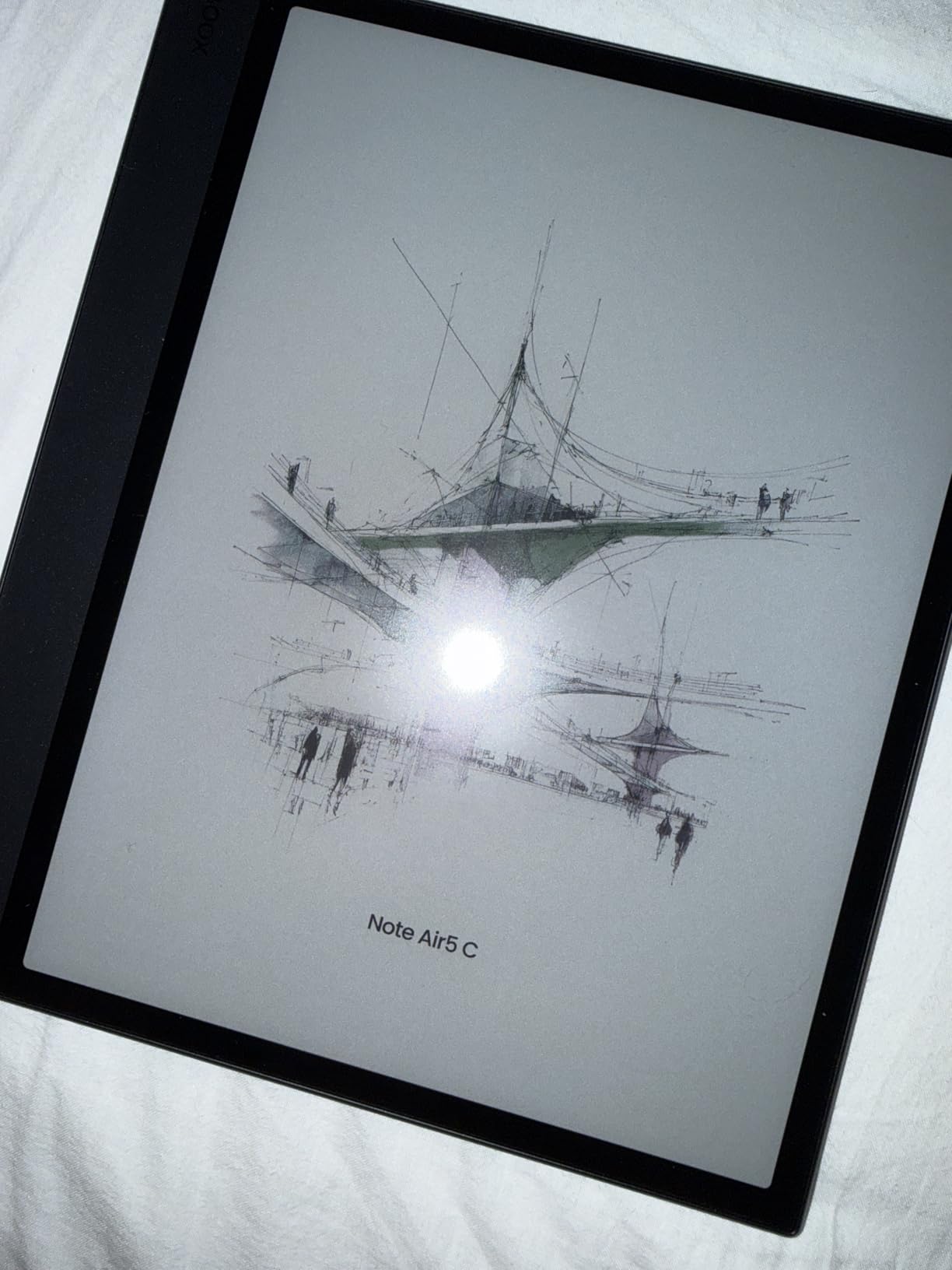
The handwriting-to-text conversion works offline, which I found impressive. No internet connection needed to turn my scrawled notes into searchable text. The 6GB of RAM and octa-core processor keep things responsive, and the BSR (BOOX Super Refresh) technology helps reduce ghosting and improve refresh rates for a smoother experience.
The compromises are significant, though. The color E Ink display is dim by nature, and I found myself needing the front light on in almost all indoor conditions. Battery life drains faster than expected during active note-taking sessions, which is the tradeoff for running a full Android OS on E Ink. I also experienced apps randomly disappearing after a system update, which required reinstallation.
Who Should Buy the BOOX Note Air 5 C
Power users who want maximum app flexibility on an E Ink display will love this device. If you need to run specific Android apps for work or study alongside note-taking, the Note Air 5 C is the only E Ink option that lets you do that without restrictions.
What to Watch Out For
The dim display and battery drain are the biggest day-to-day frustrations. Software stability can also be an issue, with apps occasionally being disabled after updates. At this price point, those rough edges are worth considering carefully before committing.
8. Amazon Kindle Scribe – Best Writing Feel in a Reading Device
Amazon Kindle Scribe 32GB (newest model) — 11” paper-like display with front light — Thinner, lighter, faster — Write in notebooks, documents, and books. Includes Premium Pen - Graphite
11 inch paper-like E Ink
32GB storage
Premium Pen no charging
5.4mm thin
Pros
- Crisp clear 11 inch paper-like display
- Excellent writing feel with virtually no lag
- Premium Pen requires no charging
- AI powered notebook features
- Google Drive and OneDrive integration
- Weeks of battery life
Cons
- Uneven lighting on some units
- Not waterproof
- Limited to Amazon ecosystem
- Official cases are expensive
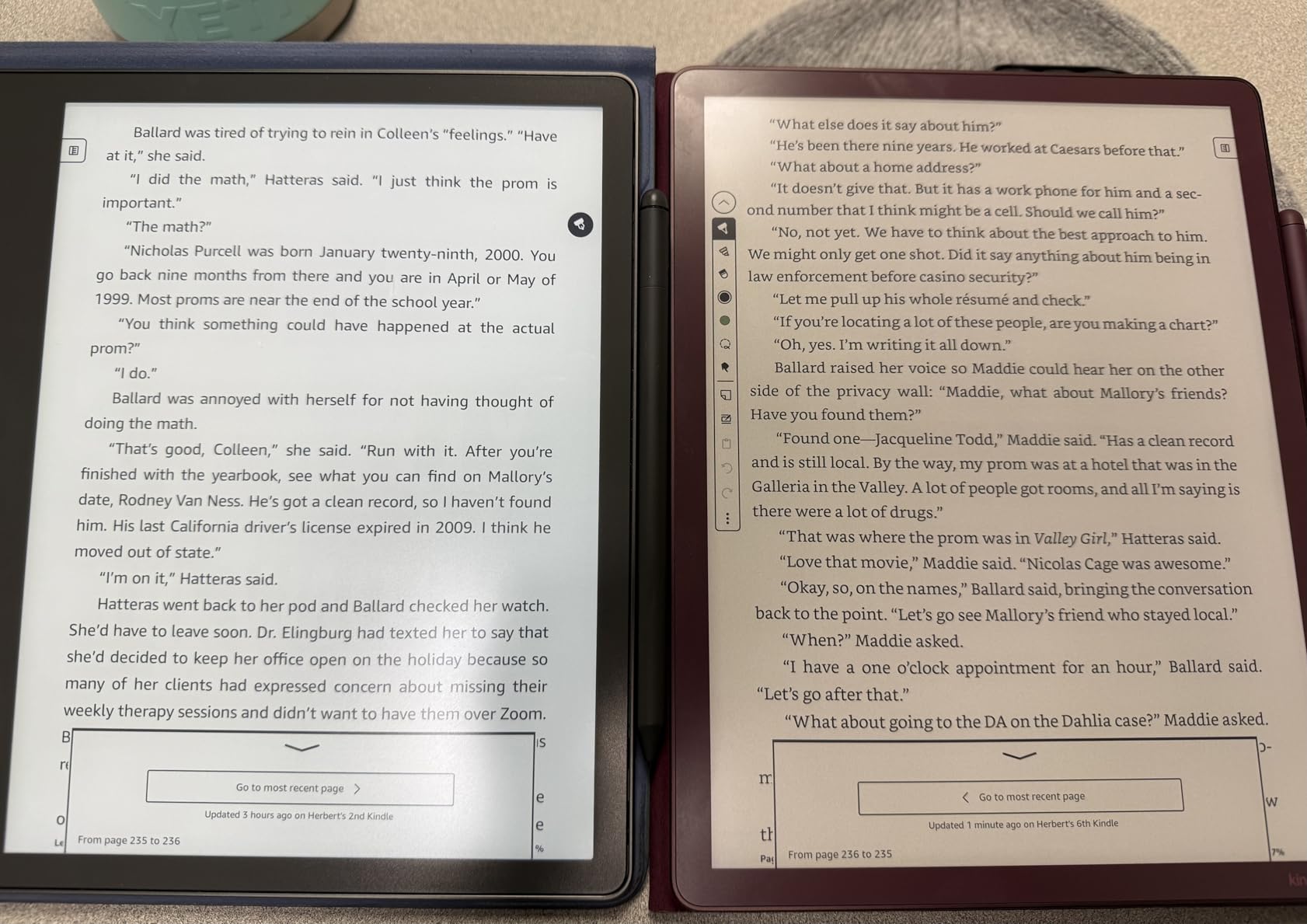
The Amazon Kindle Scribe is the device that surprised me the most. I expected a Kindle with a stylus bolted on. What I got was a genuinely excellent writing tablet with one of the best writing experiences in this entire guide. The 11-inch paper-like E Ink display is crisp and clear, and the textured writing surface provides just enough friction to feel like pen on paper.
The Premium Pen requires no charging, which is a detail I cannot overstate. Every other active stylus in this guide needs periodic charging, and I have lost count of how many times I picked up a stylus only to find it dead. With the Scribe, the pen always works. The writing and page turns are 40 percent faster than the previous model, and the improvement is noticeable during extended writing sessions.
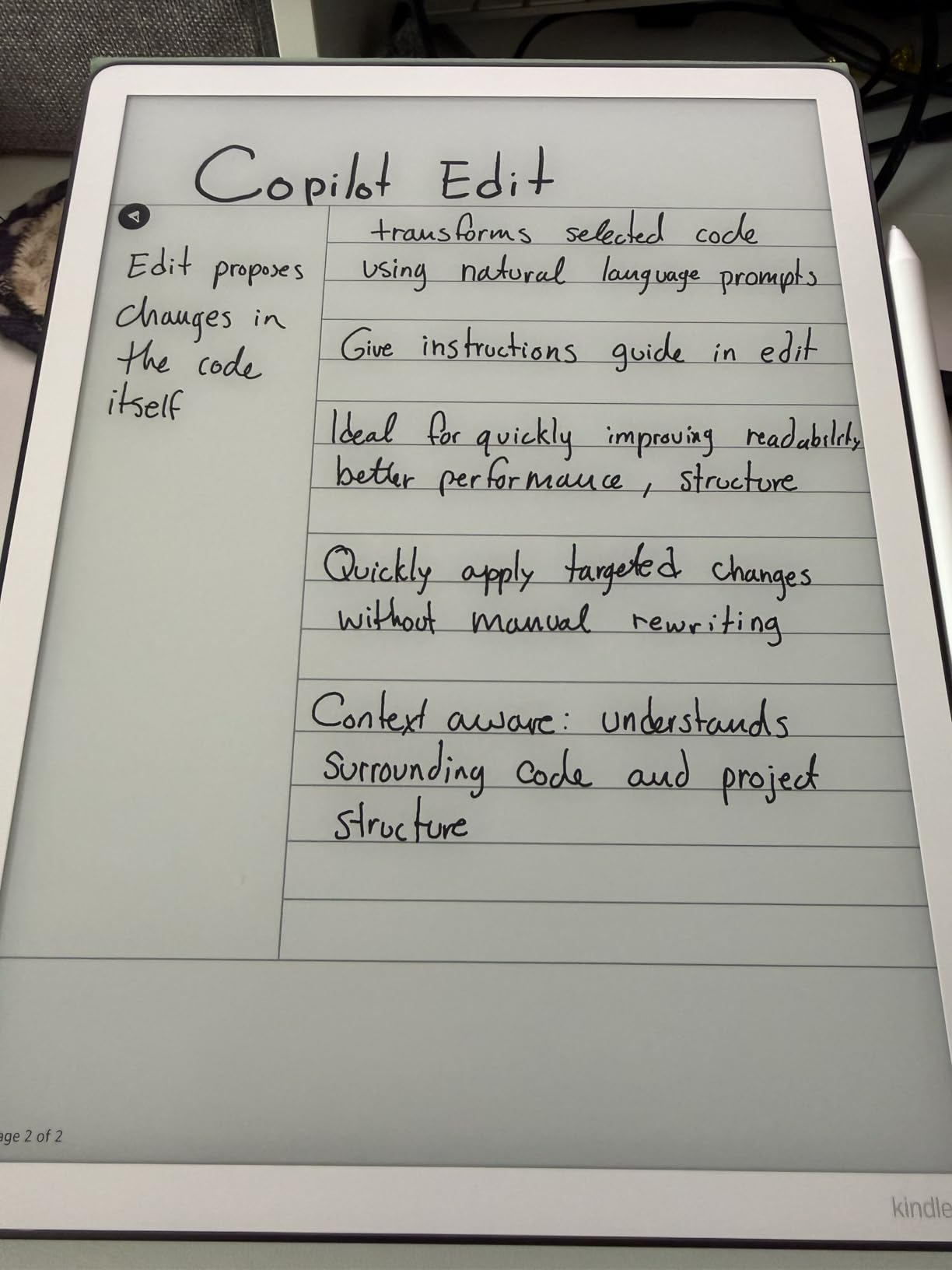
The AI-powered notebook features are genuinely useful. Handwriting recognition converts my notes to text, and the Active Canvas feature lets me write notes directly in ebooks that stay anchored to the text even when I change font sizes. Google Drive and OneDrive import plus OneNote export give me flexibility beyond the Amazon ecosystem, though the device is still fundamentally tied to Amazon’s platform.
The biggest quality control concern is uneven lighting. My test unit had a slight gradient across the display, with the top edge slightly dimmer than the bottom. Several Amazon reviewers reported similar issues. The lack of waterproofing is also a notable omission for a device at this price, and the official cases are expensive accessories that push the total cost higher.
Who Should Buy the Amazon Kindle Scribe
Anyone who wants the best writing feel in a dedicated E Ink device will love the Scribe. It is ideal for avid readers who also want to take notes, annotate books, and journal without carrying a separate notebook and e-reader.
What to Watch Out For
The lighting inconsistency varies by unit, so check your return window. The Amazon ecosystem lock-in means fewer third-party app options compared to the BOOX Note Air 5 C. And budget for a case, because the device feels vulnerable without one.
9. Amazon Kindle Scribe Colorsoft – Premium Color E Ink Notebook
Amazon Kindle Scribe Colorsoft 64GB (newest model) — 11” paper-like color display with front light — One notebook to replace them all — Write in notebooks, docs, and books. Pen included - Fig
11 inch Colorsoft display
64GB storage
Premium Pen included
5.4mm thin
Pros
- Beautiful color display for graphic novels and magazines
- Same excellent writing feel as B and W version
- Premium Pen included no charging needed
- Great for color highlighting and organization
- Weeks of battery life
Cons
- Not ideal for manga due to lower contrast
- Color layer adds slight grain
- Very expensive
- No native speakers or microphone
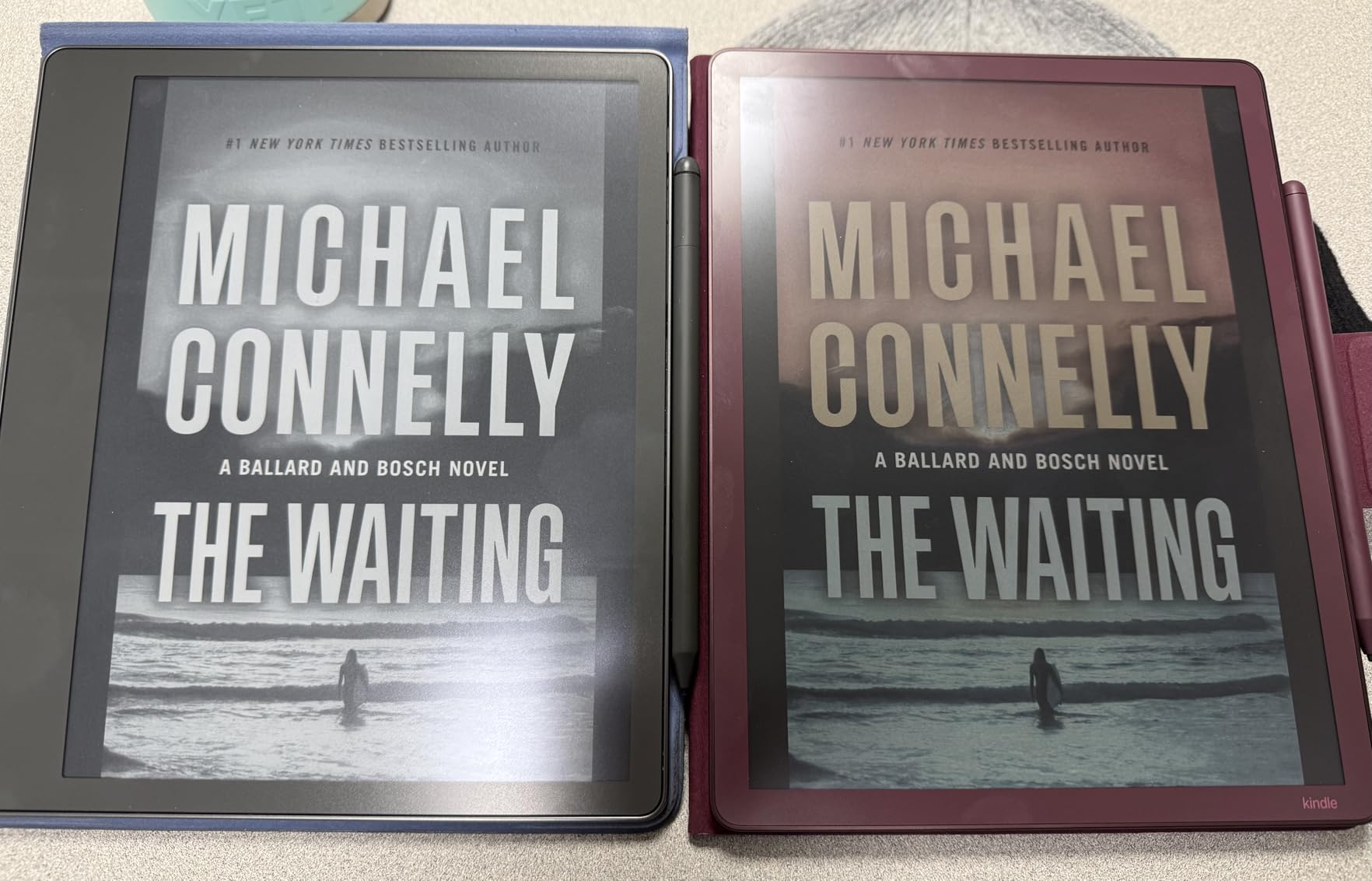
The Kindle Scribe Colorsoft takes everything great about the standard Scribe and adds color. The custom oxide-based Colorsoft display renders colors that look surprisingly good for E Ink, making this the device I would choose for reading graphic novels, magazines, and any color-rich content alongside note-taking.
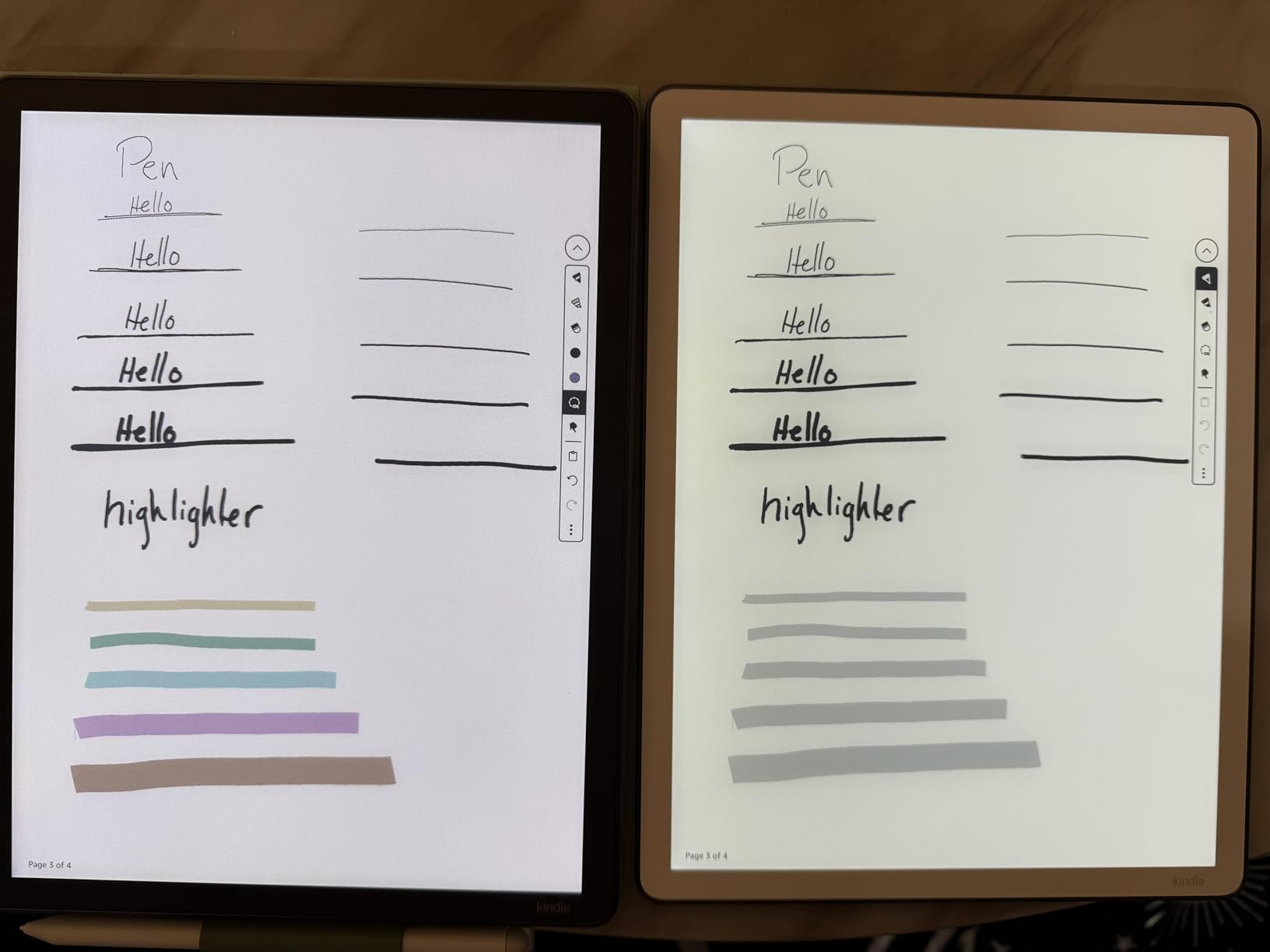
The writing experience is identical to the black and white Scribe, which is to say excellent. The textured surface, the Premium Pen that never needs charging, the AI notebook features, and the Active Canvas for in-book annotation are all here. The difference is that I could use color highlighting to organize my notes visually, which made reviewing complex material much easier.
The 64GB storage is generous, holding a massive library of ebooks, PDFs, and notebooks without anxiety about running out of space. At 5.4mm thin and 400g light, it is one of the thinnest and lightest devices in this guide, making it easy to carry everywhere. The battery still lasts weeks even with the color display, which impressed me given the technology involved.
The color layer does add a slight grain to the display, and contrast is lower than the black and white version. This makes it less ideal for manga or content that depends on high contrast and deep blacks. The price is also the highest of any Amazon device in this guide, which is a significant consideration. For color-highlighting power users, though, it is hard to beat.
Who Should Buy the Kindle Scribe Colorsoft
Readers who consume color content like graphic novels, magazines, and textbooks will get the most value here. It is also ideal for note-takers who use color coding and visual organization systems to manage complex information.
What to Watch Out For
The price is steep, and the color display tradeoffs mean lower contrast and slight grain compared to the black and white Scribe. If you mostly read text-based content and take plain notes, the standard Scribe offers nearly identical functionality for less money.
10. reMarkable Paper Pro – Best Paper-Like Writing Experience
reMarkable Paper Pro Bundle – Includes 11.8” reMarkable Paper Tablet, and Marker Plus Pen with Eraser
11.8 inch Canvas Color E Ink
64GB storage
Marker Plus with eraser
2 week battery
Pros
- Best-in-class paper-like writing feel
- Beautiful 11.8 inch color Canvas display
- Marker Plus pen with built-in eraser
- Low-glare display readable outdoors
- Excellent for PDF annotation
- Premium build quality
Cons
- No internet browsing or apps
- Colors are muted on screen
- Requires subscription for cloud sync and text conversion
- Device can be laggy at times
- Expensive at 679 dollars
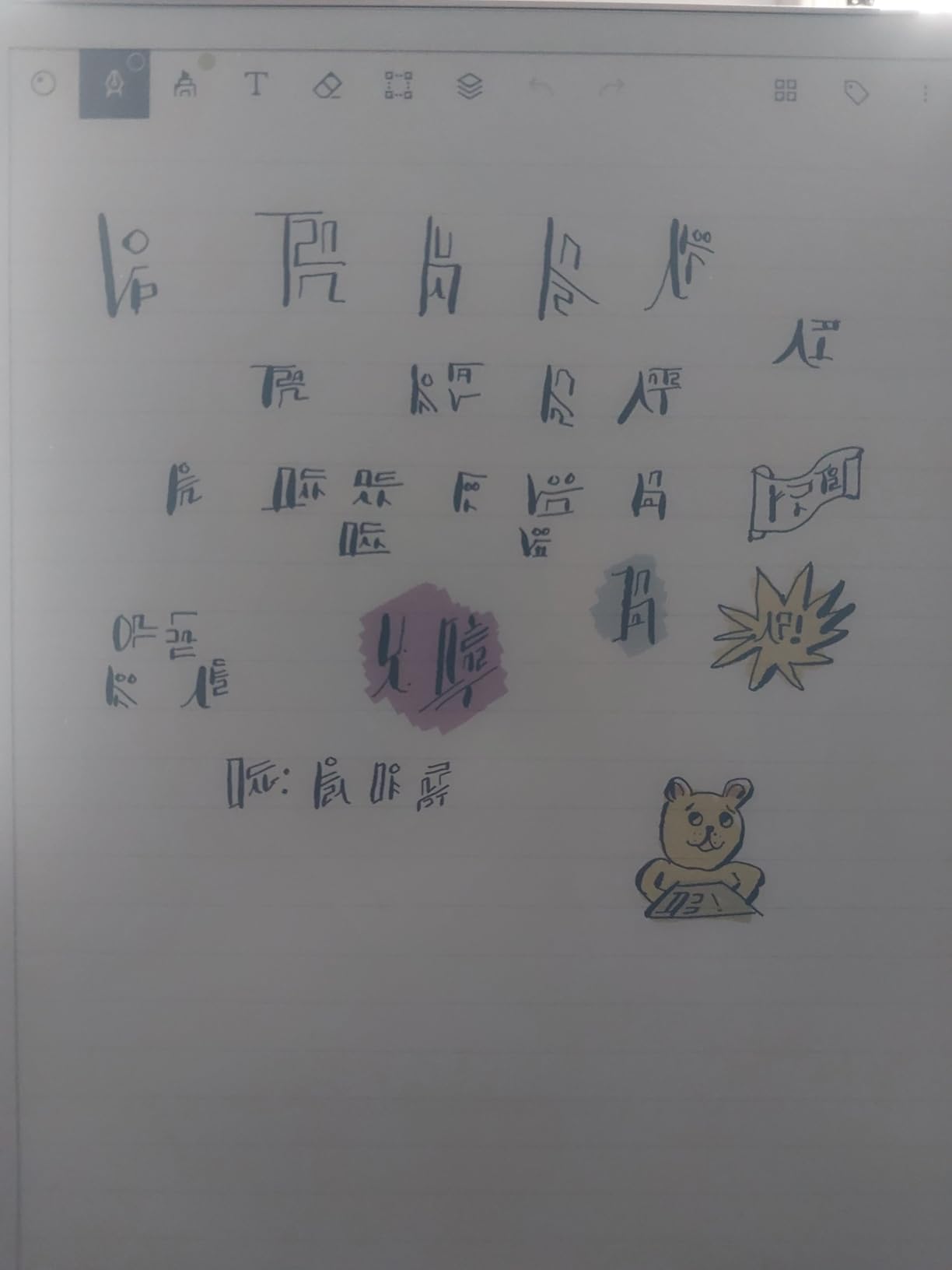
The reMarkable Paper Pro is the device that set the standard for paper-like writing feel, and after testing it extensively, I understand why. The 11.8-inch Canvas Color E Ink display combined with the textured glass surface creates a writing experience that is as close to real paper as any digital device I have ever used. The Marker Plus pen glides across the surface with a satisfying friction that feels natural and grounding.
This is a distraction-free device. It runs a custom Linux operating system with no internet browsing, no app store, and no notifications. When I used the Paper Pro, I was forced to focus on writing and nothing else. For deep work sessions, journaling, and reading long PDFs, this single-purpose design was liberating. The Marker Plus includes a built-in eraser on the back, which feels intuitive and speeds up the editing process.

The 11.8-inch display is the largest in this guide, and it shows. I could fit an entire PDF page comfortably, annotate freely, and still have room for margin notes. The folder and tag organization system is clean and efficient. Sixty-four gigabytes of storage means you will never run out of space for notebooks and documents.
The tradeoffs are the reason this device is not for everyone. The Connect subscription is required for cloud sync and handwriting-to-text conversion, which adds ongoing cost to an already expensive device. Colors are muted compared to LCD displays, and the device can be occasionally laggy when navigating menus or loading large PDFs. There is also no backlight, so you need ambient light to use it, though the adjustable reading light helps.
Who Should Buy the reMarkable Paper Pro
Writers, professionals, and anyone who values the writing experience above all else will find the Paper Pro unmatched. If you want a device that feels like paper, does one thing incredibly well, and removes digital distractions, this is the one.
What to Watch Out For
The subscription requirement for cloud features and text conversion is a real ongoing cost that many users on Reddit have complained about. The lack of apps, browsing, and multimedia means this is purely a writing and reading device. Make sure that single-purpose focus aligns with your needs before investing.
How to Choose the Best Smart Notebook
Choosing the right smart notebook comes down to understanding your needs and matching them to the right technology. After testing all 10 devices in this guide, I can break down the decision into a few key factors that matter most.
Writing Feel and Stylus Quality
The writing feel is the single most important factor for most users, and it varies dramatically between device types. The reMarkable Paper Pro delivers the most paper-like experience thanks to its textured glass surface and Marker Plus pen. The Kindle Scribe follows closely with its own textured E Ink display. On the reusable notebook side, the Rocketbook Core and Pro offer a surprisingly natural feel with FriXion pens on synthetic pages. E Ink displays generally provide better writing feel than LCD alternatives, but the gap is narrowing with devices like the XPPen Magic Note Pad.
Display Technology: E Ink vs LCD vs Reusable Paper
E Ink displays like those on the reMarkable, Kindle Scribe, Kobo Elipsa, and BOOX Note Air offer glare-free viewing, weeks of battery life, and excellent outdoor readability. They are ideal for reading and writing but have slower refresh rates and limited or muted color. LCD devices like the XPPen Magic Note Pad offer full color, fast refresh rates, and app flexibility but sacrifice battery life and outdoor readability. Reusable paper notebooks like the Rocketbook series offer real paper feel at a fraction of the cost but require manual scanning for digitization.
Cloud Sync and App Integration
If cloud integration is important to you, the Rocketbook ecosystem is hard to beat for its simplicity and broad support for Google Drive, Dropbox, and OneNote. The Kindle Scribe supports Google Drive and OneDrive import plus OneNote export. The reMarkable requires a Connect subscription for cloud sync, which is an ongoing cost to factor in. The BOOX Note Air 5 C, running full Android, lets you use any cloud app you want. The HUION Note lets you export to images, PDFs, and MP4s for easy sharing.
Battery Life
E Ink devices dominate in battery life. The Kindle Scribe, reMarkable Paper Pro, and Kobo Elipsa 2E all offer weeks of battery life on a single charge. The BOOX Note Air 5 C drains faster due to its Android OS, typically lasting several days of active use. LCD devices like the XPPen Magic Note Pad have the shortest battery life since they power a full backlit display. The HUION Note offers 18 hours of continuous use with 30 days standby. Reusable notebooks like the Rocketbook require no charging at all.
Budget and Subscription Costs
The price range in this guide spans from about $27 to $679. Reusable notebooks like the Rocketbook Core, Pro, and Multi-Subject offer the lowest entry cost with no ongoing fees. The HUION Note at $89 is the most affordable digital capture device. E Ink tablets represent the highest investment, with the reMarkable Paper Pro and Kindle Scribe Colorsoft both around $679. The reMarkable also requires a Connect subscription for cloud features, adding to the total cost of ownership. Consider both the upfront price and any recurring costs when budgeting.
Use Case: Students vs Professionals vs Artists
Students should look at the Rocketbook Core or Multi-Subject for affordability and multi-subject organization. The XPPen Magic Note Pad is also excellent for students who want a versatile study tablet. Professionals who present to clients may prefer the Rocketbook Pro for its premium look, or the reMarkable Paper Pro for distraction-free deep work. Artists will benefit most from the HUION Note 2-in-1 for its pressure sensitivity and dual graphics tablet mode, or the XPPen Magic Note Pad for its 16K pressure levels and Android app support.
FAQs
Which is the best smart notebook?
The reMarkable Paper Pro offers the best overall writing experience with its paper-like textured display and distraction-free design. For budget-conscious buyers, the Rocketbook Core delivers excellent value with reusable pages and cloud sync at a fraction of the cost. The Amazon Kindle Scribe is the best choice for readers who also want to take notes.
Is a smart notebook worth it?
A smart notebook is worth it if you prefer handwriting but need digital organization, searchability, and backup. E Ink tablets like the reMarkable and Kindle Scribe are ideal for frequent writers and readers. Reusable notebooks like the Rocketbook offer similar digitization benefits at a much lower cost. Consider how often you take notes and whether cloud sync and search would improve your workflow before investing.
What is better than Rocketbook?
If you want a full digital experience beyond what Rocketbook offers, the Amazon Kindle Scribe and reMarkable Paper Pro provide real-time digital writing on E Ink displays without the need for scanning. The BOOX Note Air 5 C adds Android app flexibility. However, for pure value and simplicity, Rocketbook remains difficult to beat at its price point.
Are digital notepads worth it?
Digital notepads are worth it for users who want the tactile experience of writing combined with digital storage and organization. They eliminate paper waste, allow easy searching of handwritten notes, and integrate with cloud services. The main consideration is price, as E Ink models start around $320 and go up to $679, while reusable options like Rocketbook start around $27.
Final Thoughts on the Best Smart Notebooks
After testing all 10 of these devices, my top recommendation for most people remains the reMarkable Paper Pro for its unmatched writing feel and distraction-free focus. For budget-conscious buyers, the Rocketbook Core is the best value smart notebook you can buy, offering real paper feel and cloud digitization for around $30. And for readers who want to combine note-taking with their ebook library, the Amazon Kindle Scribe is the clear winner.
The best smart notebooks in 2026 span a wide range of prices and technologies, which means there is genuinely an option for everyone. Whether you choose a reusable notebook, an E Ink writing tablet, or a versatile Android device, the key is matching the technology to your daily workflow and writing habits.
Take your time, consider how you actually work, and pick the device that will make you want to write more, not less. That is the real test of a great smart notebook.