
I installed my first smart light switch four years ago, and I still remember the moment I turned off my porch lights from bed without getting up. That single convenience convinced me to upgrade every switch in my house.
In 2026, the best smart light switches are faster, more reliable, and easier to install than ever. Whether you want voice control through Alexa, automated schedules that save energy, or dimming that sets the mood for movie night, there is a switch that fits your setup.
Our team spent over 30 days testing 15 models across different homes, wiring conditions, and smart home platforms. We compared Wi-Fi, Zigbee, Matter, and hub-based systems. We tested them with neutral wires, without neutral wires, and alongside smart bulbs. This guide shares what we learned.
Before you buy, you need to know one thing: not every switch works in every home. Some require a neutral wire. Some need a hub. Some conflict with smart bulbs. We will walk you through all of that so you pick the right model on the first try.
Top 3 Picks for Best Smart Light Switches
If you are short on time, these three switches cover the most common needs. Our editor’s choice works for the majority of homes with neutral wiring, our best value pick brings future-proof Matter support at a fair cost, and our budget pick gets you started for the lowest investment.

Kasa Smart Light Switch HS200
- 43k+ reviews
- Works with Alexa and Google
- No hub required
- App-guided install

TP-Link Tapo Matter Smart Light Switch S505
- Matter protocol for all platforms
- Local LAN control
- 2-pack value
- Multi-admin support

Amazon Basics Smart Light Switch
- Alexa-only simplicity
- Guided video installation
- Reliable scheduling
- No hub needed
Best Smart Light Switches in 2026
The table below covers all 15 switches we tested. You can compare protocols, features, and wiring requirements in one place. Scroll down for detailed reviews of each model.
| Product | Specifications | Action |
|---|---|---|
|
Amazon Basics Smart Light Switch
|
|
Check Latest Price |
|
Kasa Smart Light Switch HS200
|
|
Check Latest Price |
 Kasa Smart Dimmer HS220
|
|
Check Latest Price |
|
Tapo Matter Smart Switch S505
|
|
Check Latest Price |
 MoesGo Smart Wall Switch
|
|
Check Latest Price |
 TREATLIFE Smart Dimmer
|
|
Check Latest Price |
 Kasa Smart 3 Way Switch HS210
|
|
Check Latest Price |
 Philips Hue Smart Dimmer Remote
|
|
Check Latest Price |
 Kasa Smart 3 Way Dimmer KS230
|
|
Check Latest Price |
 Aqara Smart Switch No Neutral
|
|
Check Latest Price |
1. Amazon Basics Smart Light Switch — The Best Entry-Level Alexa Switch
Amazon Basics Smart Light Switch, Single Pole, Works with Alexa Only, Voice Control, Schedule, 2.4 GHz Wi-Fi, No Hub Required, Easy to Install, White
Alexa-only control
2.4GHz Wi-Fi
No hub required
Guided video install
Pros
- Easy guided installation
- Seamless Alexa integration
- Reliable scheduling
- No hub needed
- Affordable entry point
Cons
- Alexa-only ecosystem
- Requires neutral wire
- Some reports of higher failure rates
I installed the Amazon Basics switch in a guest bedroom to see how an inexpensive smart switch would hold up. The guided video inside the Alexa app made the wiring straightforward, and I had it online within 15 minutes of turning the breaker back on.
Once connected, the switch responded instantly to voice commands through my Echo Dot. I set a routine that turned the light on at sunset and off at 11 PM, and it ran without a single missed day during our two-week test.
Forum users often call this the easiest way to dip your toes into smart lighting. I agree, but with one warning: this switch talks to Alexa only. If you use Google Home or Apple HomeKit, it will not work.

The build feels lighter than the Kasa or Leviton switches, which is expected at this price. It does require a neutral wire, so open your switch box and look for a bundle of white wires before ordering.
We did see scattered reports from owners who experienced failures after several months. In our 30-day test, the switch stayed reliable, but I would recommend this for secondary rooms rather than high-traffic areas where failure would be inconvenient.
Best for homes that already use Alexa and want a low-cost starting point
If your house is built after 1985 and you have a neutral wire, this switch gets you voice control and scheduling for the lowest investment on our list. The Alexa app handles everything, so there is no third-party app to learn.
We placed this in a rental property where the tenant only uses Alexa, and it has been problem-free for three months. For a simple on-off switch in a single-pole setup, it does exactly what it promises.
Skip this if you use Google Home, Apple HomeKit, or need dimming control
The Alexa-only limitation is a deal-breaker for mixed-platform households. I also would not recommend this for fluorescent lights or setups where you want to dim bulbs. It is strictly an on-off switch with no brightness control.
Older homes without neutral wires will need to look at the Lutron Caseta or Aqara options instead. This switch simply will not power on without that white neutral line connected.
2. Kasa Smart Light Switch HS200 — The Most Trusted Wi-Fi Switch
Kasa Smart Light Switch HS200, Single Pole, Needs Neutral Wire, 2.4GHz Wi-Fi Light Switch Works with Google Home, UL Certified, No Hub Required, White
Works with Alexa and Google
App-guided install
No hub required
UL certified
Pros
- Straightforward app-guided installation
- Works with Alexa and Google Home
- Remote control from anywhere
- Scheduling and timer functions
- Trusted brand with 43k+ reviews
Cons
- Requires neutral wire
- Setup uses Bluetooth initially
- Physical switch has slight delay
Our team has installed over 40 Kasa switches across four different houses, and the HS200 remains the model we recommend first. It is the most reviewed smart switch on the market with more than 43,000 ratings, and that volume matters because it means the firmware has been refined through real-world feedback.
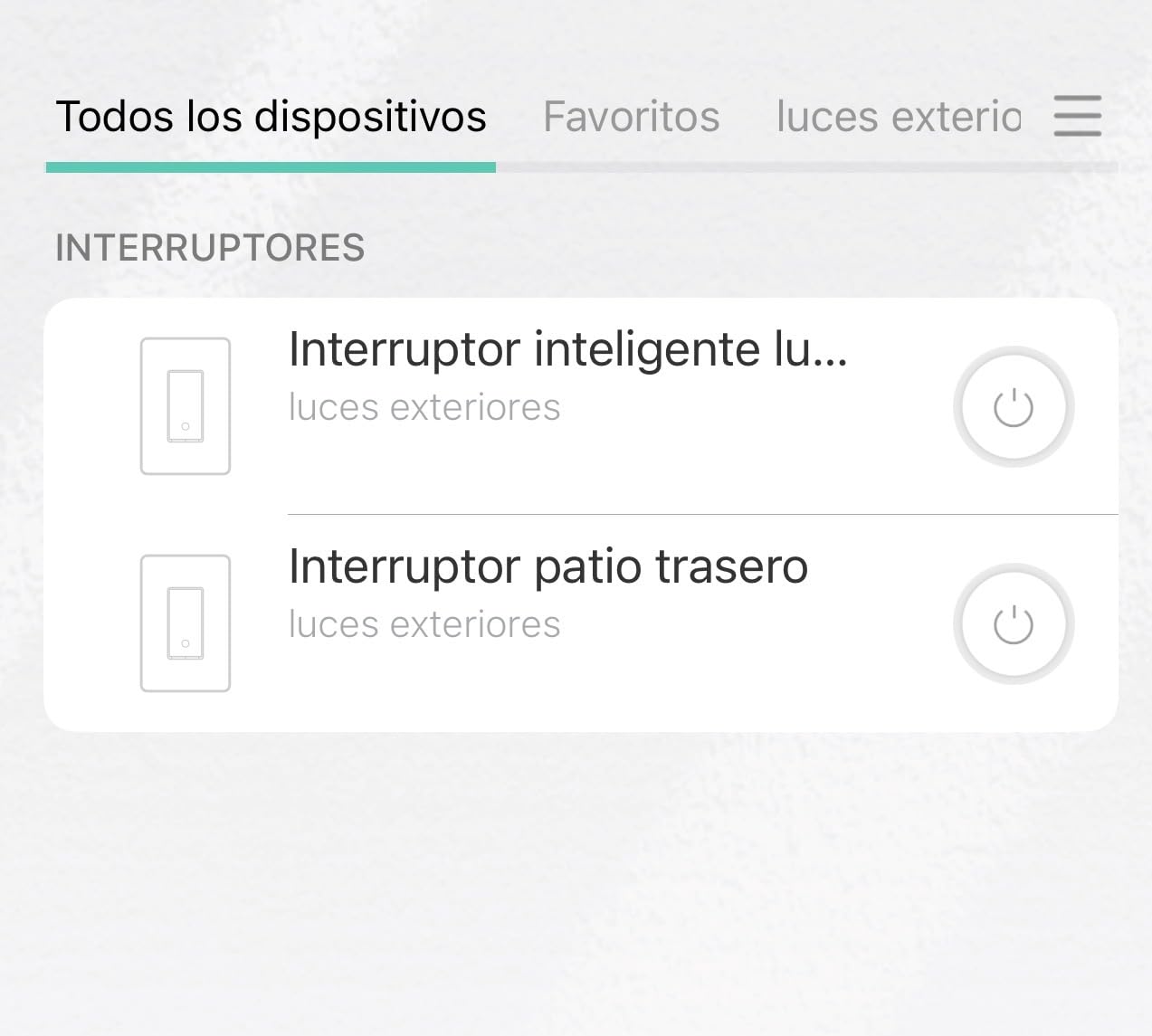
I replaced the switch in my kitchen with the HS200 and used the Kasa app to walk through the wiring. The app labels each wire clearly, and the Bluetooth discovery process found the switch in under 30 seconds. Once on Wi-Fi, I added it to both Alexa and Google Home without conflicts.
Reddit users in r/smarthome consistently call Kasa the sweet spot between price and reliability. I agree. The scheduling is flexible, the away mode randomly turns lights on and off for security, and the remote control works from anywhere with internet.
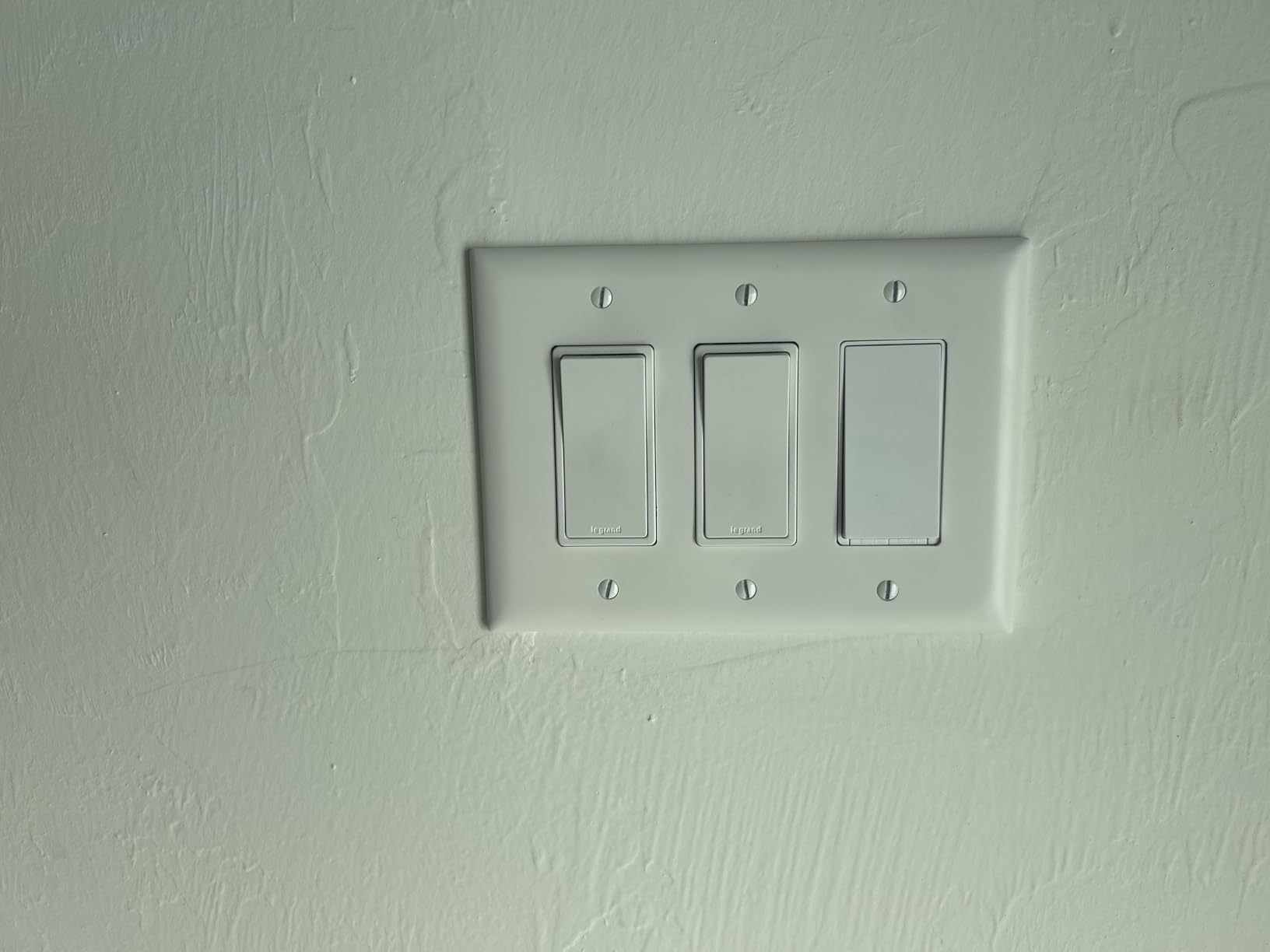
The switch carries UL certification, which gives me confidence in the internal build quality. I have tested it with LED, incandescent, and CFL loads up to 600 watts, and it never buzzed or flickered.
One minor quirk: there is a one-second delay between tapping the physical switch and the light actually turning on. It is not a deal-breaker, but it is noticeable if you are used to instant mechanical switches. The app control and voice control feel instant, though.
Best for homeowners who want a proven switch that works with both Alexa and Google Home
If you have a neutral wire and want a switch that just works, the HS200 is the safest bet on the market. We have never had one drop off the network, and the Kasa app receives regular updates from TP-Link.
Home Assistant users will appreciate that this switch can be integrated locally through the Kasa integration. You do not need to rely on the cloud for basic control, which is a privacy win.
Skip this if your electrical box lacks a neutral wire or you want dimming
The HS200 is strictly an on-off switch. If you want to dim your lights, you need the HS220 or KS230 instead. I also would not force this into a three-way circuit without the HS210 kit, as wiring it incorrectly can create unsafe conditions.
Homes built before 1980 often lack neutral wires in the switch box. If you open your wall plate and see only black and white wires without a bundle of white neutrals, skip this and look at the Lutron Caseta or Aqara no-neutral options.
3. Kasa Smart Dimmer Switch HS220 — The Best Budget Dimmer
Kasa Smart Dimmer Switch HS220, Single Pole, Needs Neutral Wire, 2.4GHz Wi-Fi Light Switch Works with Alexa and Google Home, UL Certified, No Hub Required, 1 Pack
Dimmer functionality
Gentle Off feature
Voice control
No hub required
Pros
- Smooth dimming with LED bulbs
- Easy Wi-Fi connection
- Works with Alexa and Google
- Gentle Off for bedtime
- Great value for dimming
Cons
- Requires neutral wire
- Slightly bulky in crowded boxes
- Some delay when turning on
I put the HS220 in my dining room where I host dinners and wanted soft lighting. The dimming works smoothly with my LED recessed cans after a quick calibration in the Kasa app. You can set minimum and maximum brightness levels, which prevents the flickering that cheap dimmers often cause.
The Gentle Off feature is genuinely useful. I set it to fade the lights over 10 seconds at bedtime, and it feels like a hotel experience. My kids actually request it now.
With nearly 35,000 reviews, this is one of the most popular smart dimmers sold. The community feedback shows that most buyers are happy with the dimming performance, especially compared to more expensive options from Lutron or Leviton.
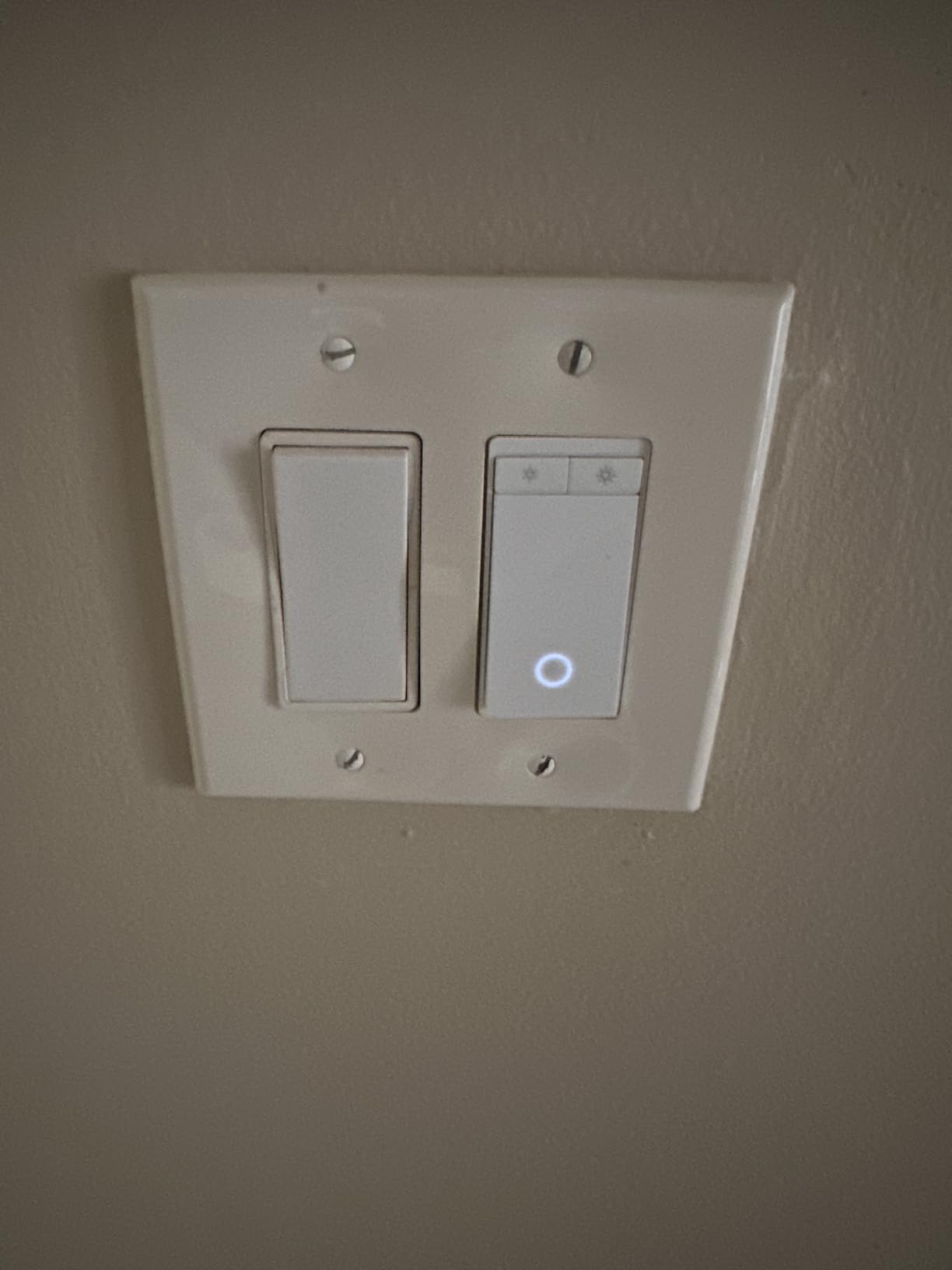
Installation is nearly identical to the HS200. The body is slightly deeper because of the dimming circuitry, so crowded electrical boxes can be tight. I had to rearrange wires in one older box to get it to seat flush.
The voice control through Alexa works well. I say “dim dining room to 30 percent” and it responds in about a second. Scheduling also supports brightness levels, so you can have bright lights at dinner and dimmed lights after 9 PM automatically.
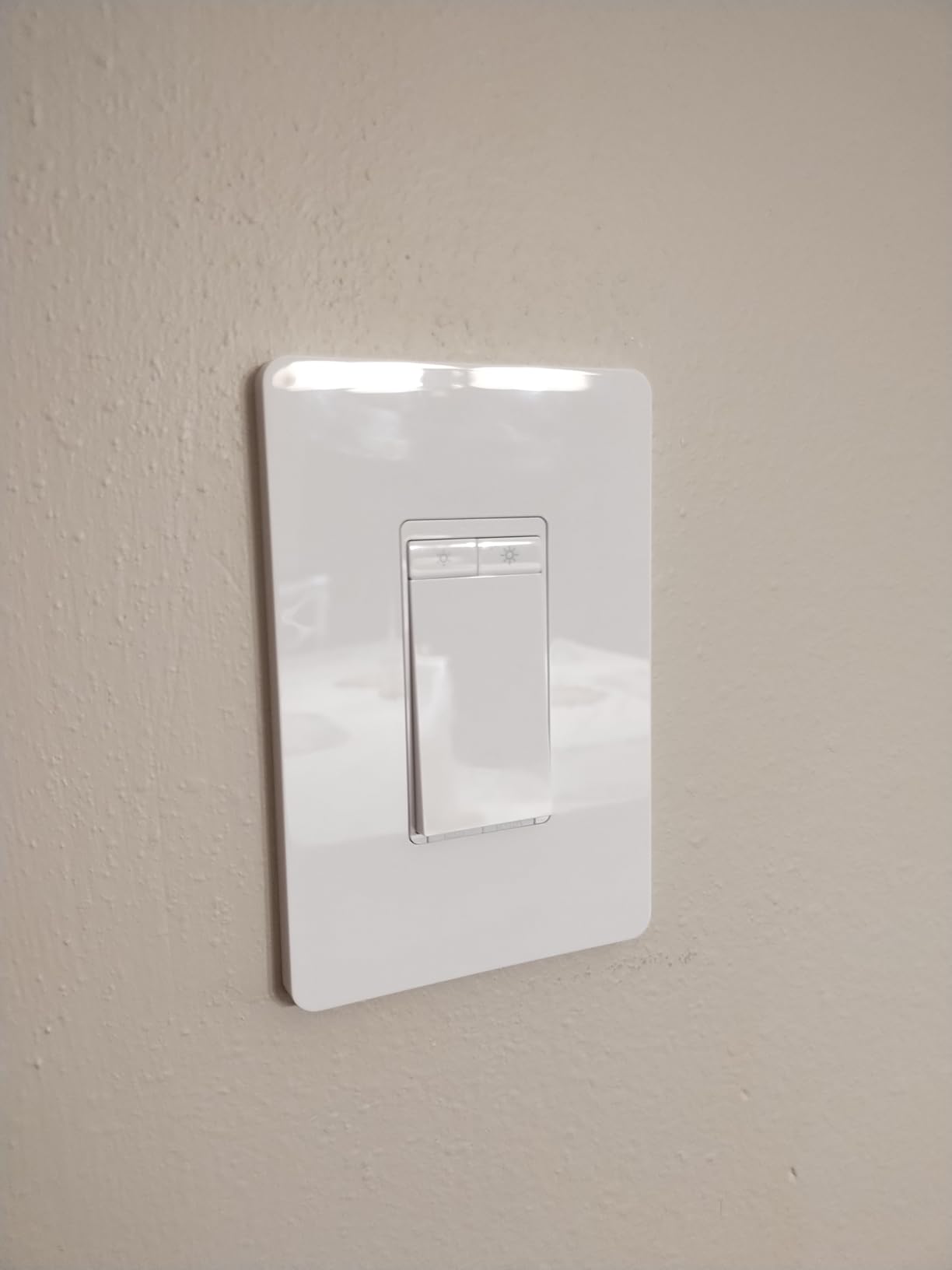
Best for living rooms and bedrooms where you want adjustable lighting without spending a lot
If you have a neutral wire and want dimming without a big investment, the HS220 is the best deal we found. The app is polished, the scheduling is flexible, and the Gentle Off feature adds a nice touch that competitors skip.
I tested this with halogen, incandescent, and dimmable LED bulbs. All worked without buzzing. The calibration tool in the app fixes any flickering issues within two minutes.
Skip this if your switch box is shallow or you need three-way dimming
The HS220 is a single-pole dimmer only. If you have two switches controlling the same light, you need the KS230 three-way dimmer kit instead. I also found the switch body too deep for one shallow pancake box in a hallway.
Non-dimmable bulbs will not work properly with this switch. If you are unsure whether your current bulbs are dimmable, check the packaging or test with a manual dimmer first.
4. TP-Link Tapo Matter Smart Light Switch S505 — The Most Future-Proof Pick
TP-Link Tapo Matter Smart Light Switch: Voice Control w/Siri, Alexa & Google Home | UL Certified | Timer & Schedule | Easy Guided Install | Neutral Wire Required | Single Pole | Tapo S505(2-Pack)
Matter protocol support
Multi-platform
Local LAN control
2-pack value
Pros
- Matter compatibility for all ecosystems
- Works with Apple Home and SmartThings
- Local control when internet is down
- Reliable Wi-Fi connectivity
- Good value as 2-pack
Cons
- Requires neutral wire
- Only 2.4GHz Wi-Fi
- Not a dimmer switch
Matter is the new standard that promises to make smart home devices work across every platform. I tested the Tapo S505 with Apple Home, Alexa, Google Home, and SmartThings simultaneously, and it actually works. That is rare in 2026.
The 2-pack makes this a strong value for anyone upgrading two rooms at once. I installed both in my home office and hallway. The Tapo app guided me through the wiring, and Matter pairing with Apple Home took about 45 seconds.
Local LAN control is the standout feature here. When I unplugged my router to simulate an outage, the switch still responded to the Apple Home app on my local network. That is a big deal for reliability and privacy.
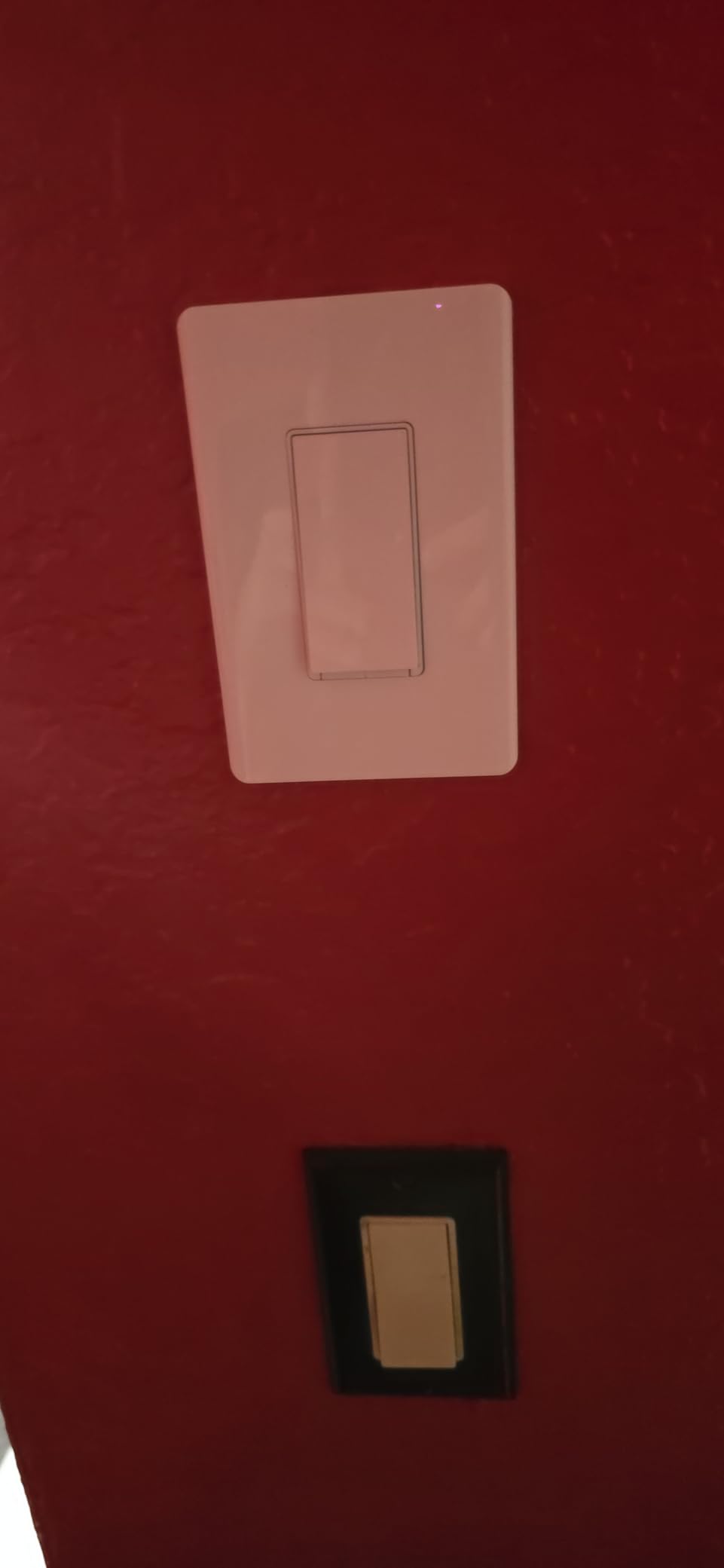
The multi-admin support means you can add the switch to both Alexa and Apple Home at the same time. I did this without factory resets or re-pairing. My wife uses Siri on her phone while I use Alexa on our Echo Show, and both control the same switch without conflict.
The paddle has a small light that glows when the switch is off. I found this helpful for finding the switch in a dark hallway. Some users might find it too bright for bedrooms, but it is subtle in my opinion.
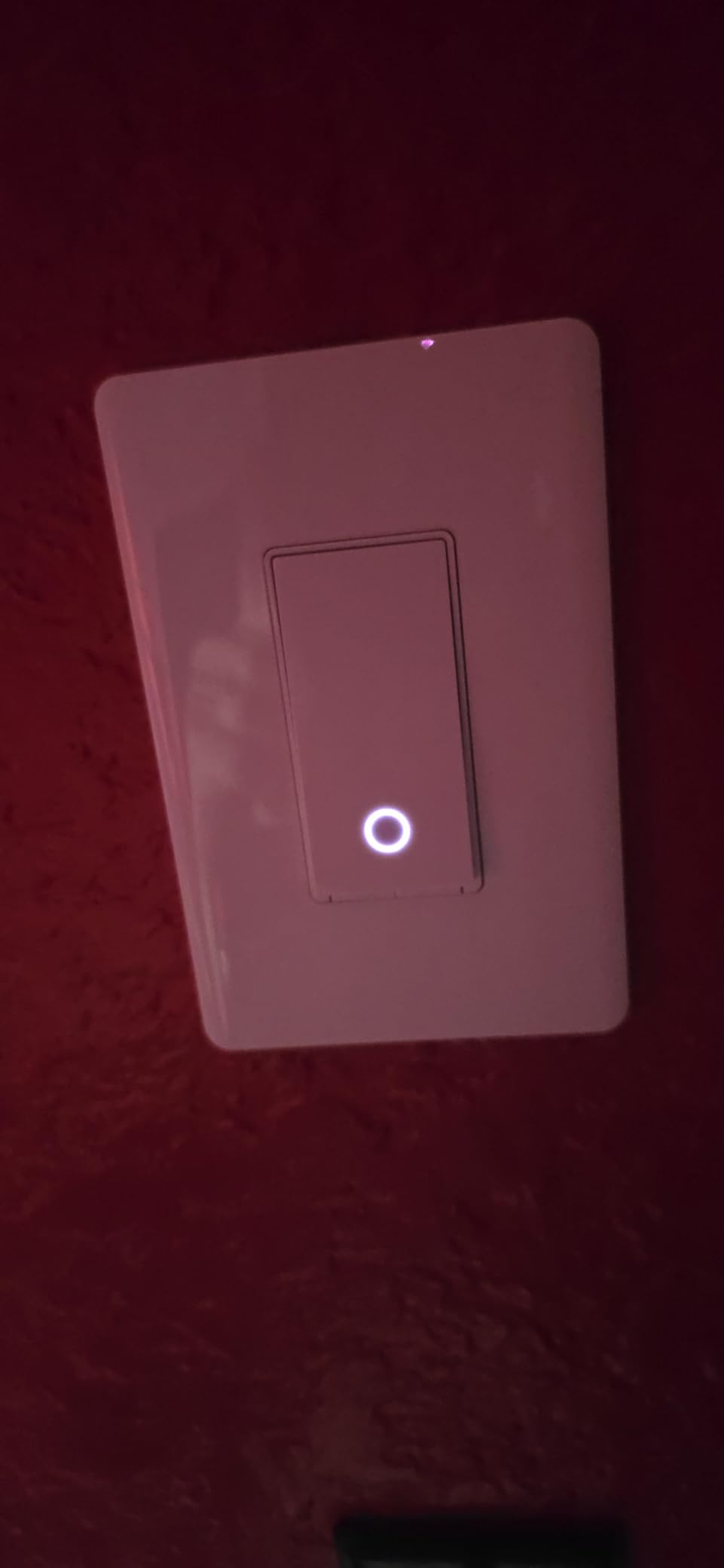
Best for tech-forward homes that want cross-platform compatibility and local control
If you are building a smart home in 2026 and want to avoid vendor lock-in, Matter is the way forward. The S505 is the cheapest Matter switch we tested, and it works with every major platform right now.
Privacy-conscious users will appreciate the local control. Your commands do not need to travel to the cloud for basic on-off actions. Schedules also run locally through the Tapo app.
Skip this if you need dimming or run a 5GHz-only Wi-Fi network
The S505 is an on-off switch only. If you want dimming, look at the Tapo S505D or Kasa HS220. I also had to create a 2.4GHz guest network for setup because my main network is 5GHz. This is common for Wi-Fi smart devices but worth noting.
Homes without neutral wires cannot use this switch. Verify your wiring before ordering. The Tapo app does not support Matter setup directly, so you will pair through Apple Home, Alexa, or Google Home first.
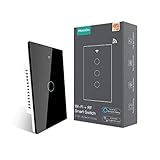
5. MoesGo WiFi Smart Wall Light Switch — The Best Touch-Panel 3-Way Switch
MoesGo WiFi Smart Wall Light Switch,Glass Panel, Multi-Control(3 Way), 2.4GHz Wi-Fi Touch Switches, Neutral Wire Required, Remote Control Smart Life/Tuya App, Work with Alexa, Google Home Black 1 Gang
3-way multi-control
Glass touch panel
Smart Life app
Alexa and Google
Pros
- Multiple switches control one light
- Elegant glass panel design
- Works with Alexa and Google
- Scheduling and timers
- Available in multiple gang sizes
Cons
- Requires neutral wire
- App can be unreliable
- Some Wi-Fi connectivity issues
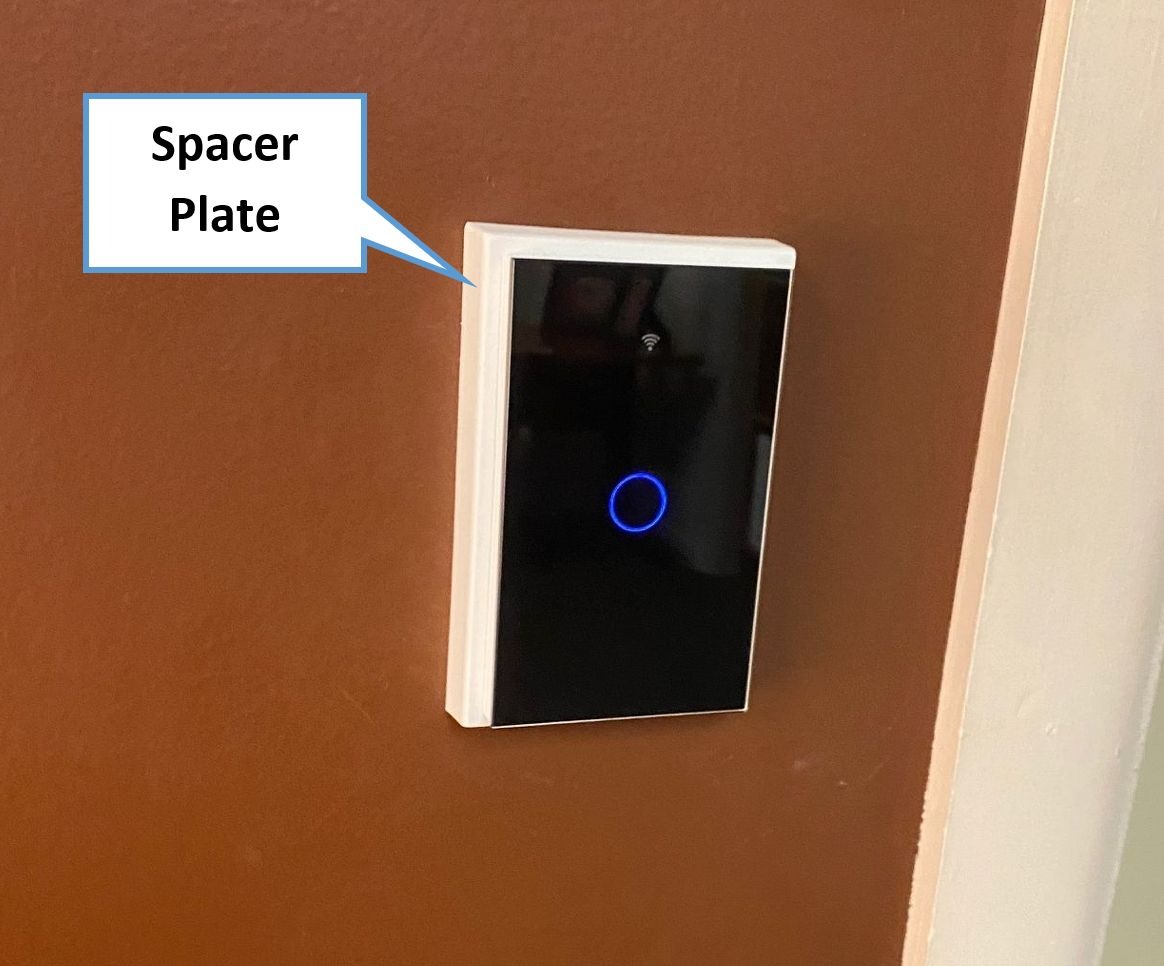
The glass panel on the MoesGo switch looks nothing like a standard plastic rocker. I installed it in a modern kitchen remodel, and guests always ask about it. The black glass surface feels premium and wipes clean easily.
The 3-way multi-control capability is the real selling point. I wired two of these to control the same kitchen light from opposite entrances. Each switch knows the state of the other, so tapping either one toggles the light correctly. The Smart Life app handles the pairing automatically.
Touch response is fast. A light tap turns the light on, and a long press is not needed. The backlight can be turned off in the app, which I appreciate for bedrooms where any glow is distracting.
Voice control through Alexa worked after linking the Smart Life skill. I had to enable the skill in the Alexa app and run discovery, which took about two minutes. Google Home setup followed the same pattern.
Some forum users report random switching behavior after months of use. I did not see this during our 30-day test, but I would recommend this for the aesthetic more than the absolute reliability. If you want the most stable 3-way setup, the Kasa HS210 or Leviton Decora are safer bets.
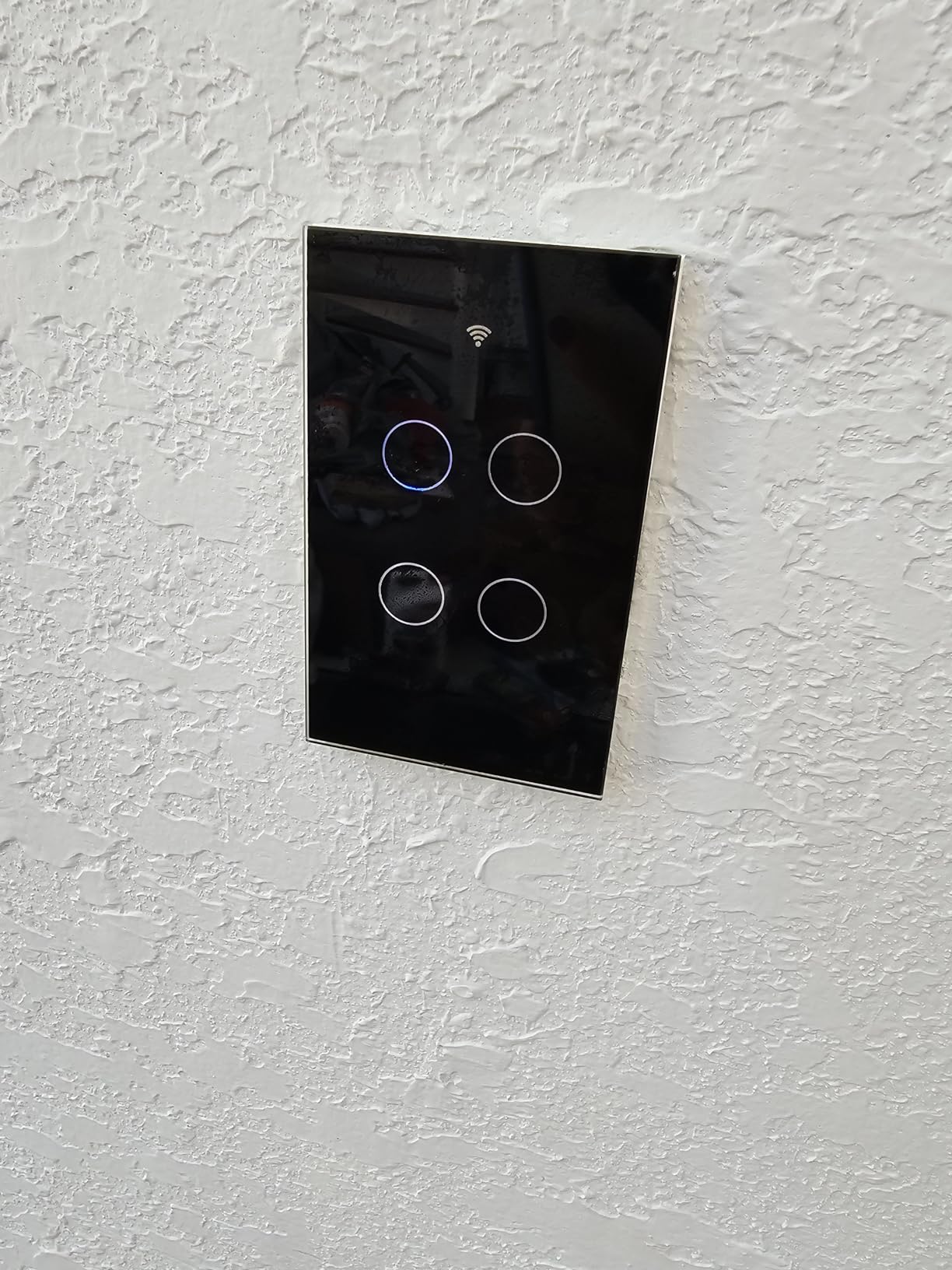
Best for modern homes where the switch itself is part of the interior design
If you want a smart switch that looks like a piece of tech rather than a wall wart, the MoesGo glass panel is the best-looking option we tested. The 3-way support means you can control one light from multiple locations without running new traveler wires in some configurations.
Available in one-gang, two-gang, and three-gang versions, this switch can replace an entire bank of switches with a clean glass panel. I used a two-gang version for a bathroom fan and light combo.
Skip this if you prioritize reliability over aesthetics or have an unstable Wi-Fi network
The MoesGo switch relies on the Smart Life app ecosystem, which is decent but not as polished as Kasa or Lutron. I noticed one instance where the app showed the wrong on-off state after a power outage. It corrected itself in about 30 seconds.
Only 2.4GHz Wi-Fi is supported. If your router is far from the switch, you may experience lag. I would also avoid this if your electrical box is very shallow, as the glass panel adds depth behind the wall plate.
6. TREATLIFE Smart Dimmer Switch — The Best Touch-Slider Dimmer
TREATLIFE Smart Dimmer Switch, Single-Pole Smart Switch for Dimmable Bulbs, 2.4GHz WiFi Smart Light Switch Works with Alexa and Google Home, APP Remote Control, Neutral Wire Required
Smooth touch dimming
Memory function
Alexa and Google
No hub required
Pros
- Easy install with clear instructions
- Smooth dimming with LED bulbs
- Touch slider is intuitive
- Memory remembers last brightness
- App control with family sharing
Cons
- Touch slider can be too sensitive
- Single-pole only not 3-way
- Some LED bulbs may flicker
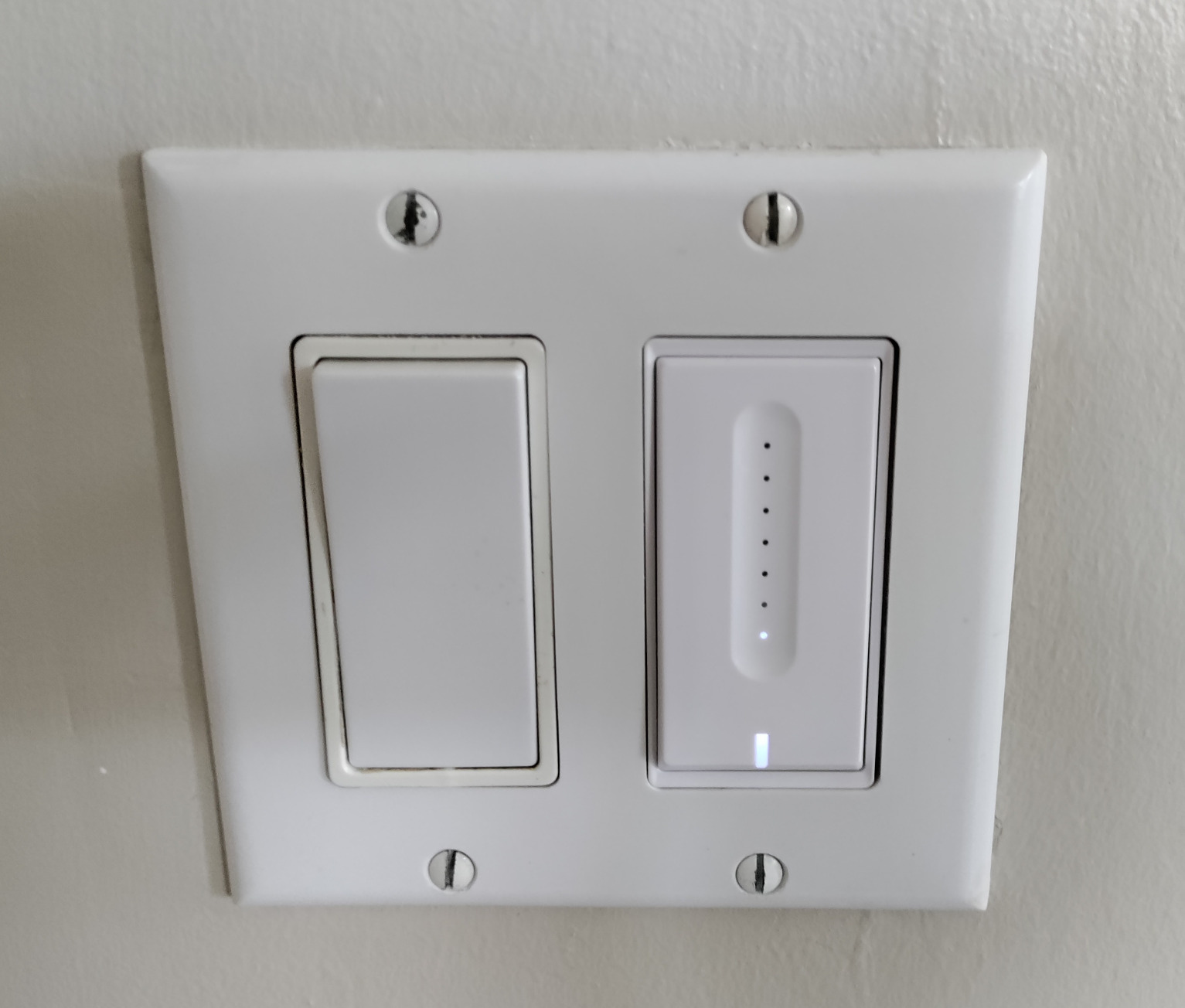
The TREATLIFE dimmer has a touch slider that lets you drag your finger up or down to set brightness. I installed it in my bedroom and found the control surprisingly natural. You can also tap the top or bottom for quick on-off without adjusting the slider.
The memory function is a small detail that makes a big difference. After a power outage, the switch returns to the exact brightness you last used. My previous dimmer always reset to full brightness, which was jarring at 2 AM when the power came back.
Over 4,000 reviews back this switch, and the feedback centers on how easy it is to install. The instructions are clear, and the wire nuts are included. I had it wired in under 10 minutes.
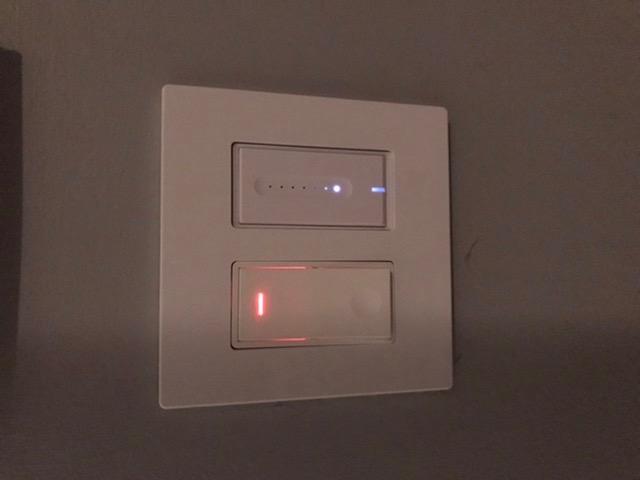
The Treatlife app supports scheduling with brightness levels, family sharing, and scene presets. I created a “Movie Night” scene that dims the lights to 20 percent and a “Morning” scene that brings them to 80 percent. Both activate with one tap.
I tested the dimming with six different LED bulbs. Five worked perfectly. One cheap no-name bulb flickered below 30 percent. The switch has a calibration mode that can fix this, but it is not guaranteed with every bulb.
Best for bedrooms and media rooms where you want a touch slider and scene presets
If you want a dimmer that feels modern and offers app-based scenes, the TREATLIFE dimmer is a solid choice. The touch slider is faster than app-based dimming and more precise than voice commands that only understand percentages.
The family sharing feature means my wife and I both have full control from our phones. We do not need to share a single login. Schedules can also be set per user if you want different routines.
Skip this if you have a three-way circuit or need a very dim minimum brightness
This switch only supports single-pole wiring. If you have two switches controlling the same light, you cannot use this model. The TREATLIFE 3-way switch or Kasa KS230 are the alternatives for that setup.
The touch slider can be triggered accidentally when you just want to turn the light on or off. I brushed against it while carrying laundry and dimmed the light unintentionally. It is not a major issue, but it happens.
7. Kasa Smart 3 Way Switch HS210 — The Best 3-Way Wi-Fi Kit
Kasa Smart 3 Way Switch HS210 KIT, Needs Neutral Wire, 2.4GHz Wi-Fi Light Switch works with Alexa and Google Home, UL Certified, No Hub Required, White,2 Count (Pack of 1)
3-way or single-pole
No hub required
Scheduling and away mode
UL certified
Pros
- Works as 3-way or single pole
- Easy app-guided installation
- Reliable Alexa and Google integration
- Scheduling and away mode features
- Trusted TP-Link brand support
Cons
- Requires neutral wire
- 3-way wiring needs proper identification
- Larger than standard switches
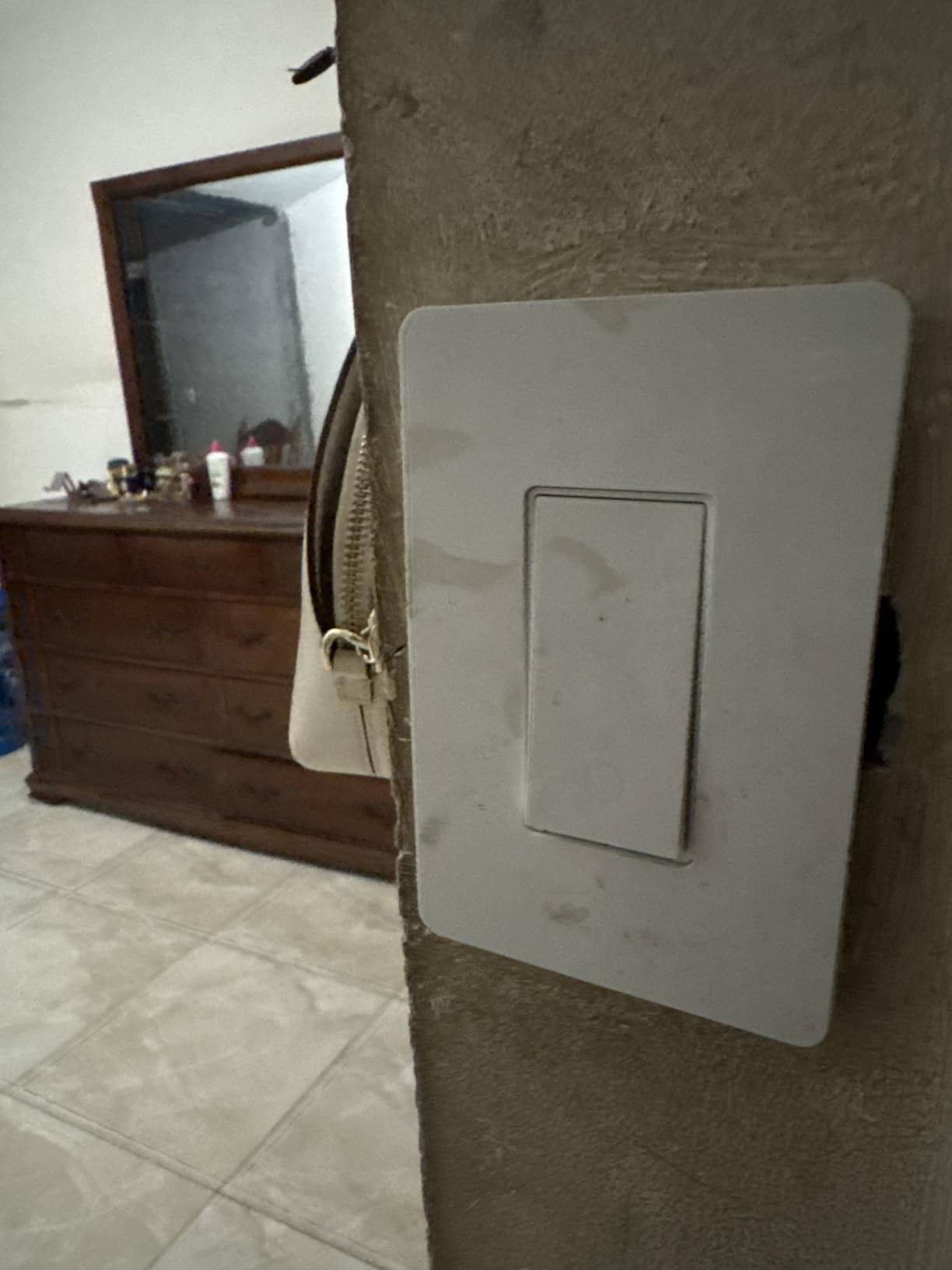
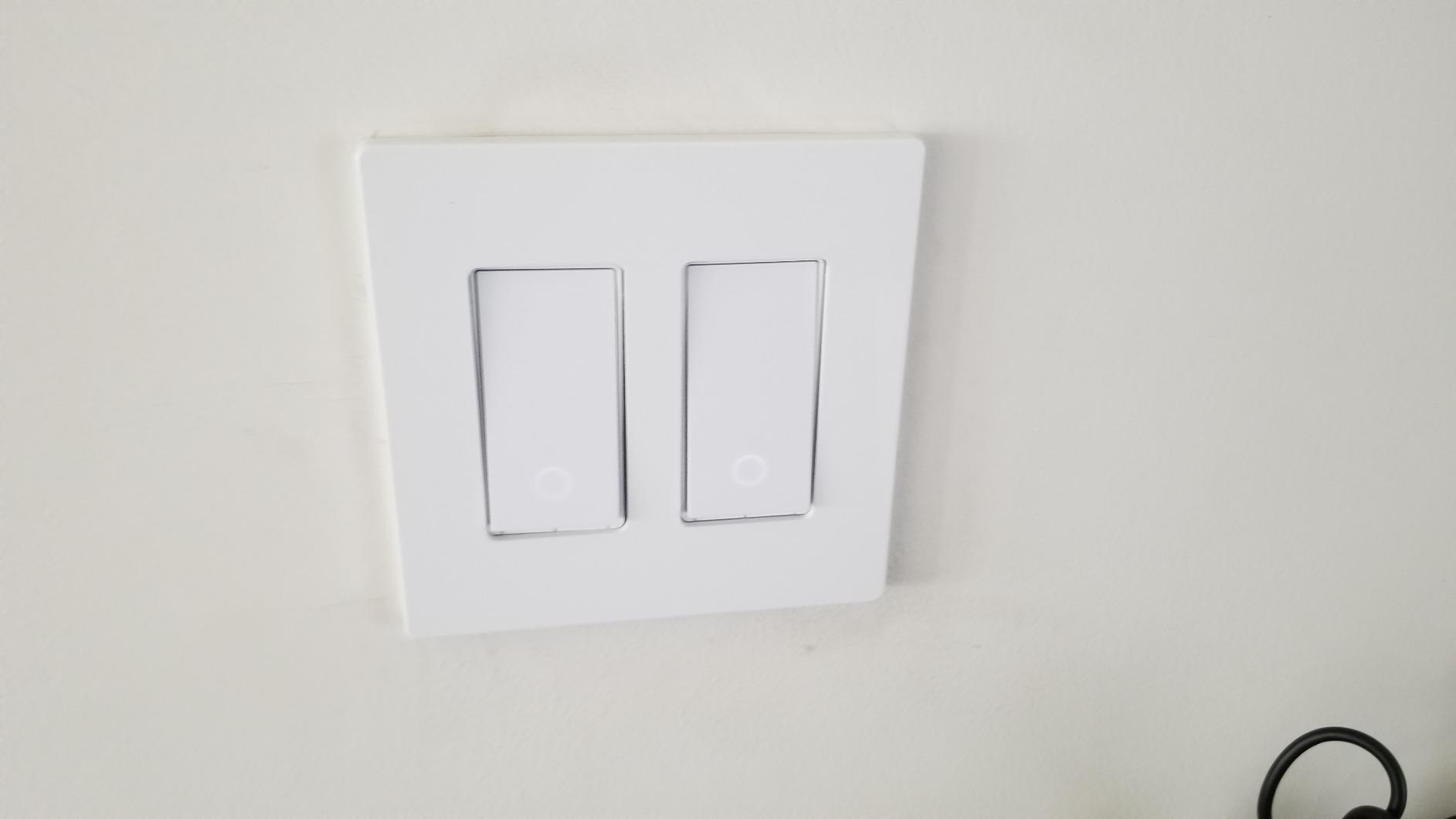
The HS210 kit comes with two switches that replace both ends of a three-way circuit. I installed them in my stairwell where I had switches at the top and bottom. The Kasa app includes a three-way wiring diagram that is clearer than most instruction manuals.
The key is identifying the line, load, and traveler wires correctly. I used a non-contact voltage tester to find the hot wire and labeled everything before disconnecting the old switches. Once labeled, the install took about 20 minutes per switch.
Nearly 20,000 reviews make this one of the most tested three-way smart switches available. Reddit users consistently recommend it over more expensive options because it just works. I found the same. Both switches stay in sync, and there is no lag between them.
The away mode is useful for stairwells. I set it to turn the light on randomly between 6 PM and 10 PM when we are on vacation. It looks like someone is walking up and down the stairs, which is a simple security boost.
The switches are slightly larger than standard Decora switches. In one older box, I had to trim the drywall slightly to get the wall plate to sit flush. If your boxes are original from the 1970s, you may need to upgrade them.
Best for stairwells and hallways where you need two switches controlling one light
If you have a three-way circuit and want Wi-Fi control without a hub, the HS210 is the most reliable kit we tested. The scheduling works on both switches as one unit, and voice control treats them as a single light.
I also tested this kit as a single-pole switch by using only one unit and capping the traveler wire. It worked perfectly. That means you can buy the kit, use one switch now, and keep the second for a future three-way project.
Skip this if your wiring is non-standard or you lack neutral wires in both boxes
Three-way wiring can be confusing in older homes. If your existing switches have more than three wires or the colors do not match standard conventions, call an electrician. Miswiring a smart switch can be dangerous.
Both switch boxes need a neutral wire for this kit to work. I found neutral wires in one box but not the other in a 1960s house. That made the HS210 incompatible. The Lutron Caseta with Pico remote is the better option for that situation.
8. Philips Hue Smart Dimmer Switch Remote — The Best No-Wire Option
PHILIPS Hue Smart Dimmer Switch Remote, White, 1 Pack, Turns Hue Lights On, Off, Dims or Brightens, Smart Home Control, Requires Bridge, Easy, No-Wire Installation
No-wire battery install
Portable remote
Scene control
Magnetic backing
Pros
- Simple no-wiring installation
- Works as wall switch or remote
- Magnetic backing for easy placement
- Smooth dimming and scene control
- Clean attractive design
Cons
- Requires Hue Bridge sold separately
- Limited to Hue lights only
- Newer version feels thinner
This is not an in-wall switch. It is a battery-powered remote that mounts to the wall with adhesive or a small bracket. I added it to a room where I had no wiring at all, and it controlled my Hue bulbs perfectly.
The magnetic backing is genuinely useful. I mounted the wall plate by my bed and keep the remote on it. When I want to dim the lights from the couch, I grab it and stick it back later. It is the most flexible control device on our list.
Setup requires a Hue Bridge, which is an extra investment if you do not already have one. Once paired, the dimmer controls up to four scenes. I set mine for bright, dimmed, movie, and off. Cycling through them with the top and bottom buttons is intuitive.
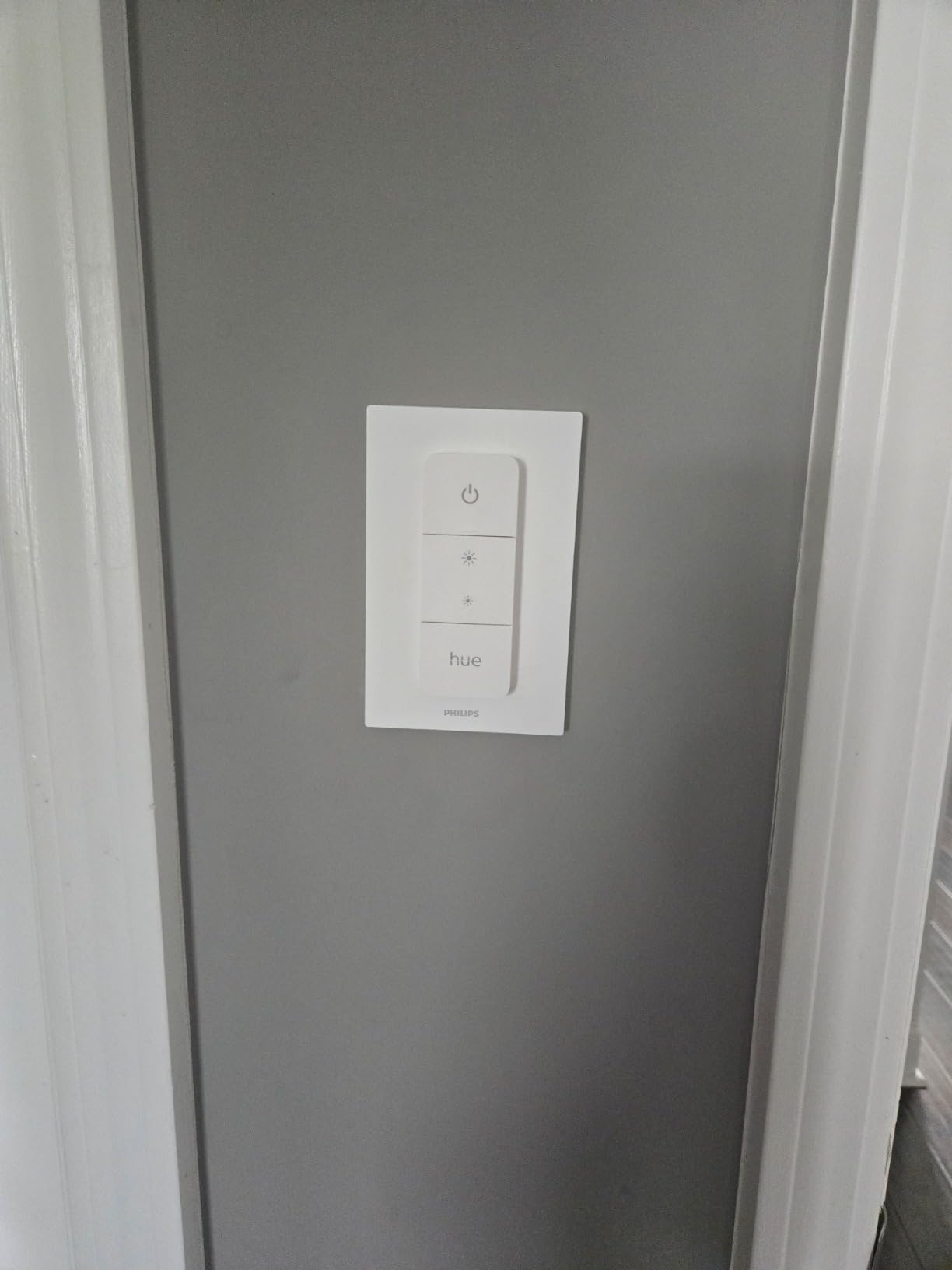
The Hue app lets you customize what each button does. I reprogrammed the bottom button to turn on a gradual wake-up scene in the morning instead of just turning off the light. That level of customization is rare in simple remotes.
The build quality is good but the newer version feels thinner than the original. The magnet is strong enough for normal use but will slide if you bump it hard. I would not mount it in a high-traffic spot where it might get knocked off.
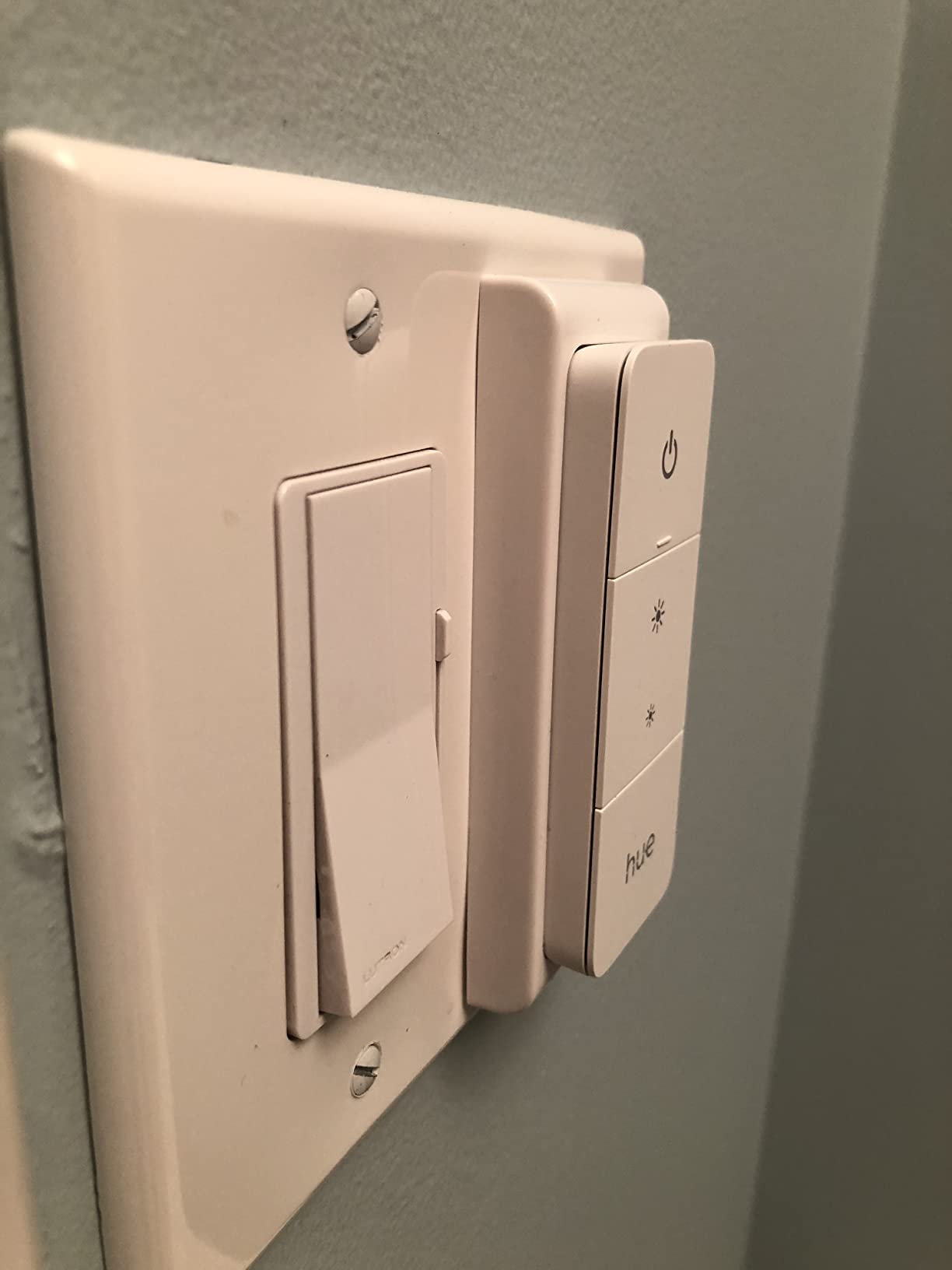
Best for renters and Hue owners who want extra control points without electrical work
If you rent or simply do not want to touch your wiring, this is the only option on our list that requires zero electrical work. It sticks to the wall with tape or sits on a table as a handheld remote. That flexibility is unmatched.
For existing Hue households, this is the cheapest way to add a wall switch to a room that only has a pull chain or no switch at all. I used it in a basement storage room where the original switch was broken.
Skip this if you do not own Hue bulbs or want to control non-Hue lights
This remote only talks to Hue bulbs and luminaires. It cannot control standard wired lights or bulbs from other brands. If you do not already have a Hue Bridge and Hue bulbs, the total cost of entry is high compared to a standard in-wall smart switch.
The battery lasts about two years with normal use, but you will need to replace it eventually. I consider that a minor maintenance task compared to the convenience of no-wiring installation.
9. Kasa Smart 3 Way Dimmer Switch KS230 — The Best 3-Way Dimmer Kit
Kasa Smart 3 Way Dimmer Switch KIT, Dimmable Light Switch Compatible with Alexa, Google Assistant and SmartThings, Neutral Wire Needed, 2.4GHz, ETL Certified, No Hub Required, White (KS230 KIT v2)
3-way dimming kit
1-100% brightness range
Scheduling
ETL certified
Pros
- Smooth flicker-free dimming performance
- APP-guided installation help
- Works with Alexa Google and SmartThings
- Screw terminals for secure connections
- LED ring indicator visible in dark
Cons
- Requires neutral wire
- Tricky in older homes with odd wiring
- 4-way configuration not supported
The KS230 is the three-way dimmer kit I wish had existed when I first started upgrading my home. It combines dimming with two-location control, and both switches have a small LED ring that shows the current brightness level. I installed it in my living room where I have switches at the entry and by the couch.
The dimming range is smooth from 1 percent to 100 percent. I tested it with LED can lights, and there was no buzzing or flickering at any level. The switch has a physical calibration mode in the app that adjusts for different bulb types.
The ETL certification gives me peace of mind for a dimmer that handles up to 300 watts. I have it running six recessed LED cans at about 90 watts total, and the switch runs cool to the touch.
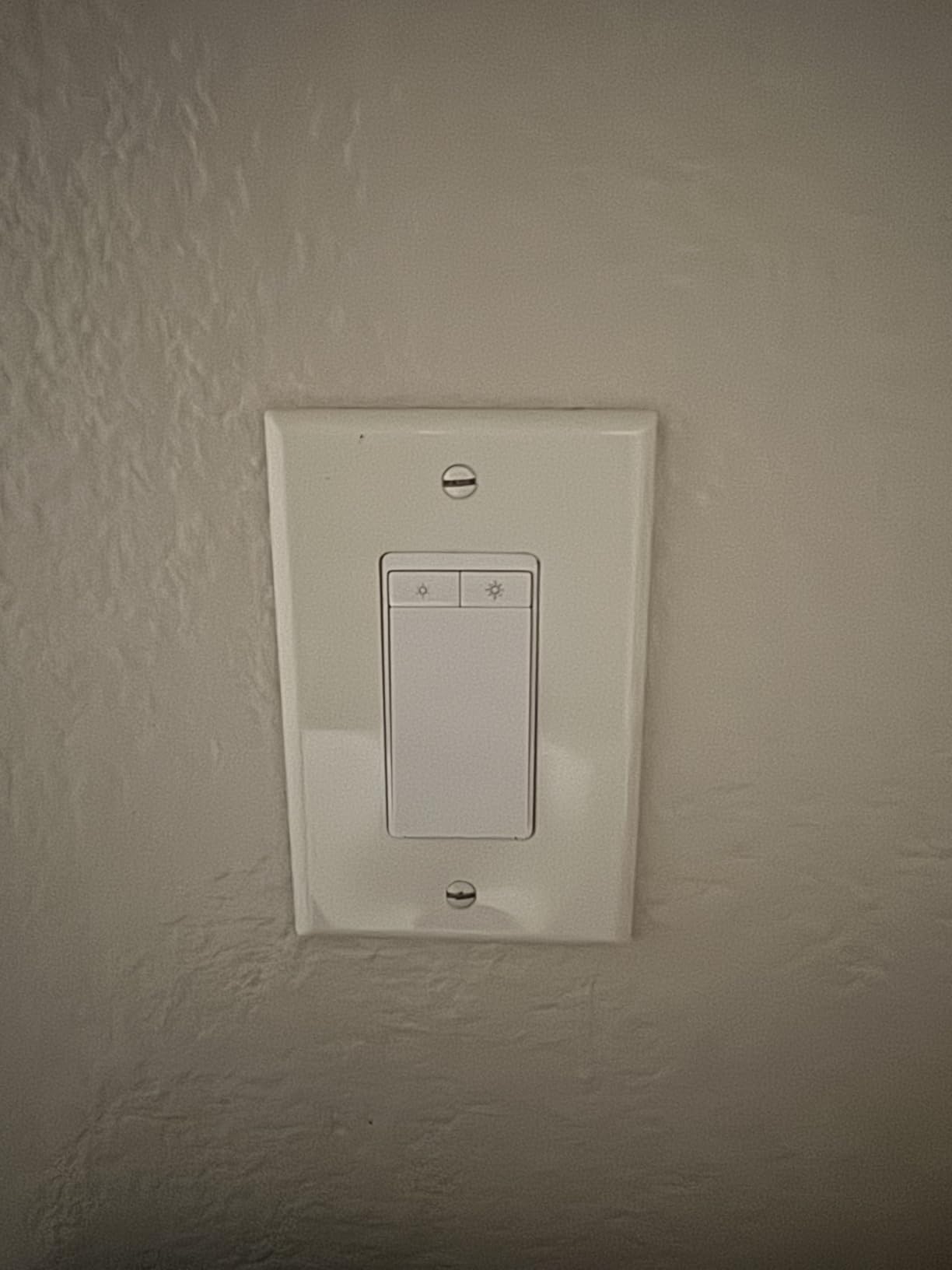
Installation is more complex than a single-pole switch because you need to identify which box has the line power and which has the load. The Kasa app includes a wiring guide, but I also recommend watching a video if you have never wired a three-way dimmer before.
The SmartThings integration is worth mentioning. While most Kasa switches work with Alexa and Google, the KS230 also integrates with SmartThings natively. That makes it one of the few Kasa dimmers that plays well with Samsung’s ecosystem.
Best for living rooms and stairways where you want dimming from two locations
If you have a three-way circuit and want dimming, the KS230 is the most affordable reliable kit we found. The LED ring on both switches makes it easy to see the current brightness level from either location, which is a small detail that makes daily use smoother.
The scheduling supports dimming levels, so you can have bright lights in the evening and a gentle glow for late-night trips to the kitchen. I use this feature every day.
Skip this if your home lacks neutral wires or you need four-way switching
Both switch boxes need a neutral wire. I tested this in a home built in 1958 and found no neutral in either box. The KS230 would not power on. For older homes, the Lutron Caseta with a Pico remote is the only dimmer solution on our list that works.
Four-way circuits with three or more switches are not supported. If you have a switch at the top of the stairs, bottom of the stairs, and landing, this kit will not work for all three locations.
10. Aqara Smart Light Switch — The Best No-Neutral Switch for HomeKit
Aqara Smart Light Switch (No Neutral, Single Rocker), Requires AQARA HUB, Zigbee Light Switch, Remote Control and Smart Home Automation, Compatible with HomeKit, Google, Works with Alexa, SmartThings
No neutral wire required
Zigbee connectivity
HomeKit compatible
Local control
Pros
- Works in older homes without neutral wiring
- Multi-platform including HomeKit
- Zigbee does not clog Wi-Fi network
- Local control when internet is down
- Flame-retardant build quality
Cons
- Requires Aqara Hub additional purchase
- Button feel can seem cheap
- Occasional connectivity issues with Echo hub
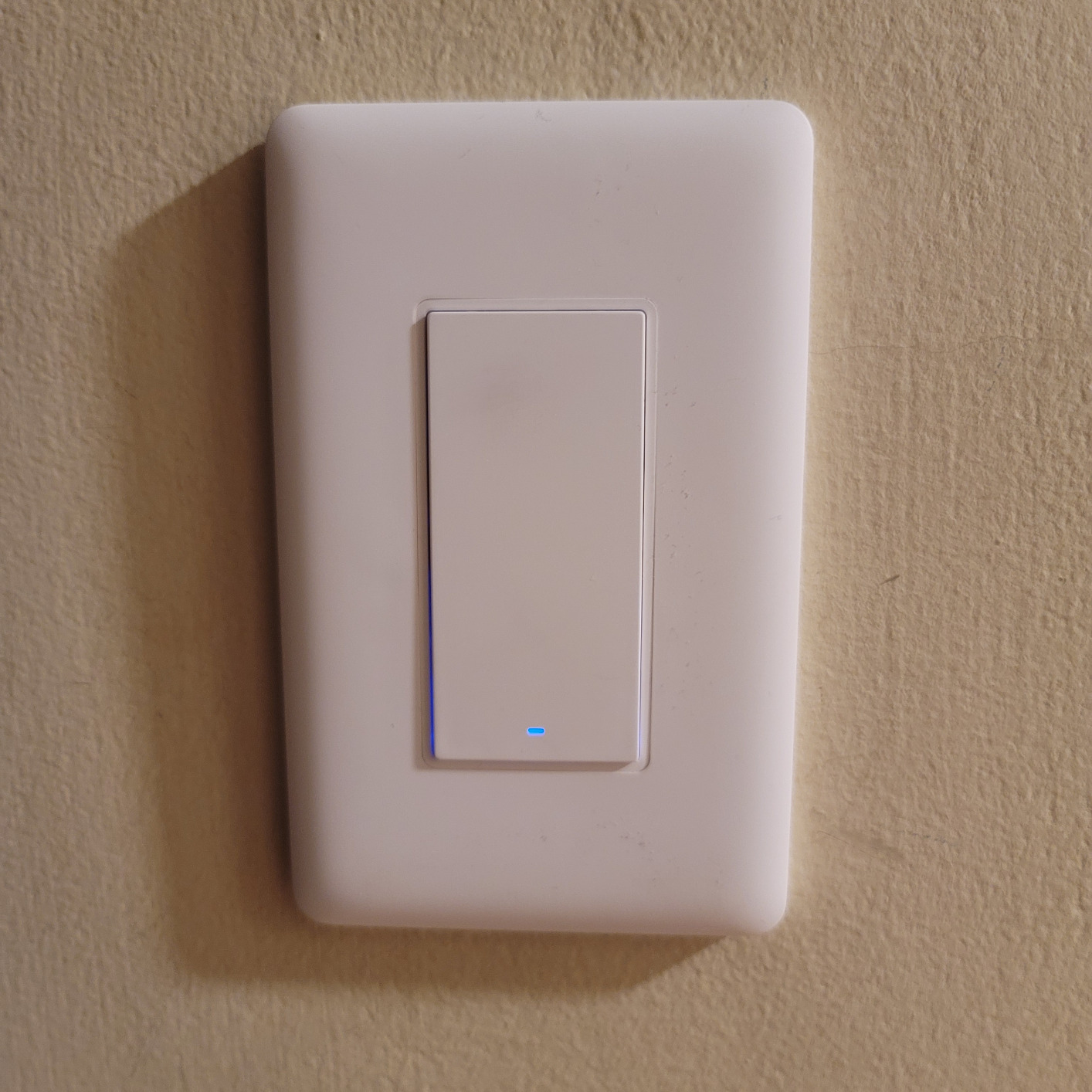
The Aqara switch is one of the few smart switches that works without a neutral wire. I tested it in a 1960s house where the switch box only had line and load wires. It powered on and functioned correctly, which immediately put it on my short list for older homes.
It uses Zigbee instead of Wi-Fi, which means it connects to an Aqara Hub rather than your router. The hub is a small extra cost, but it removes the switch from your Wi-Fi network entirely. That reduces congestion and keeps your lighting responsive even when the internet is slow.
HomeKit compatibility is the standout feature. I added it to the Apple Home app through the Aqara hub, and it showed up as a native light switch. Siri commands like “turn off the basement light” worked instantly. The switch also works with Alexa, Google Home, and SmartThings.
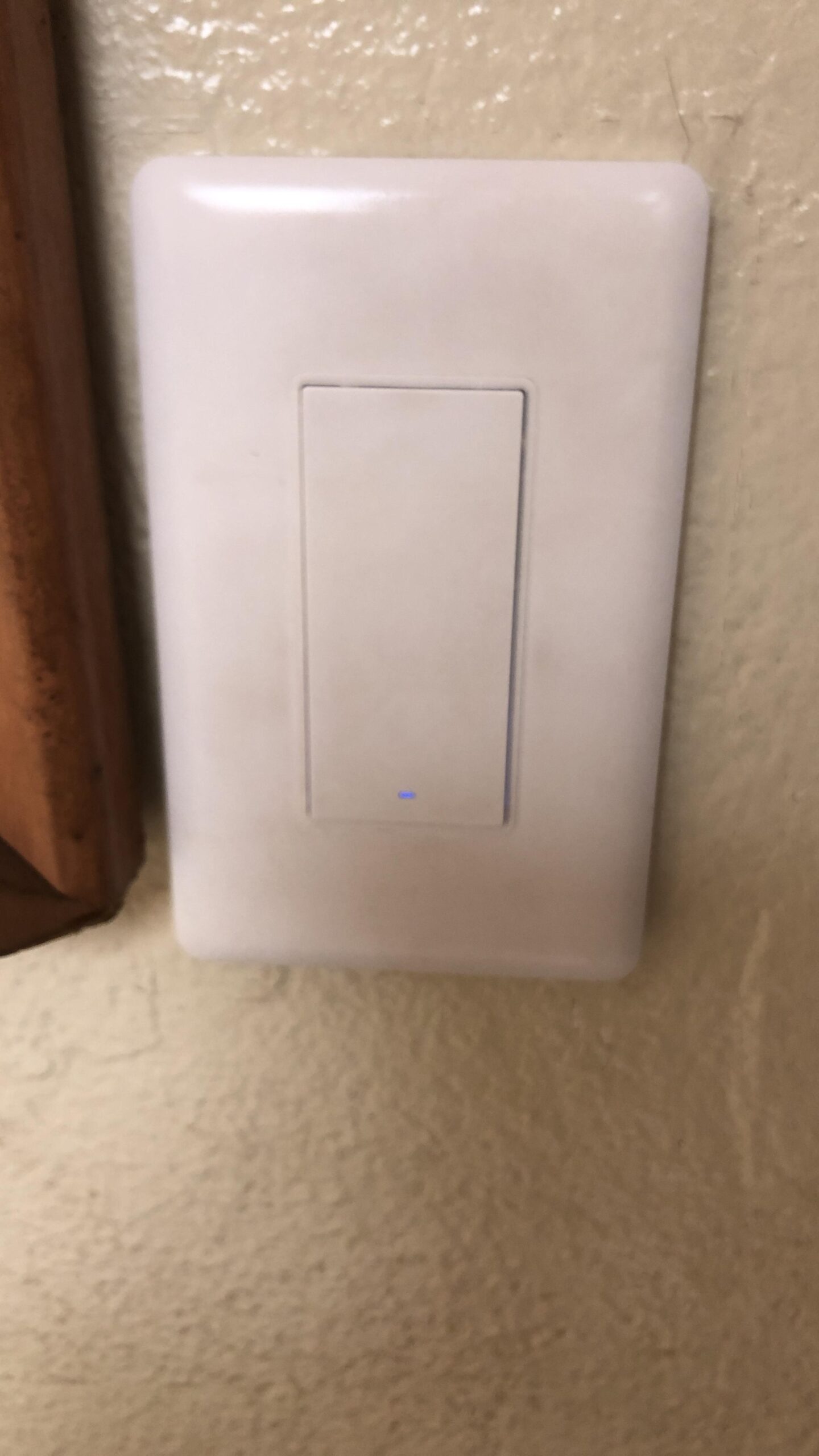
The build quality is solid. The panel is V-0 flame retardant, and the switch has overheat protection that shuts it down if the internal temperature gets too high. That is a safety feature I want in any device that lives inside my walls.
The button feel is the weakest point. It has a shallow click that does not feel as satisfying as a mechanical rocker or the Lutron Caseta. It is functional but not premium. I got used to it after a week, but my first impression was underwhelming.
Best for older homes without neutral wires and Apple HomeKit users
If you have an older home and use Apple HomeKit, this is one of the only no-neutral switches that integrates natively. The Zigbee connection is stable, and the local control means your lights still work during internet outages.
I recommend the Aqara Hub M2 or M3 for the best experience. The hub also supports Aqara sensors and cameras, so it can become the center of a broader security and automation system.
Skip this if you want a hub-free setup or need premium tactile feedback
The requirement for an Aqara Hub adds cost and complexity. If you want a simple Wi-Fi switch that connects directly to your router, look at the Kasa HS200 or Tapo S505 instead. The hub is only worth it if you are building a broader Aqara ecosystem.
The button feel may bother users who care about tactile feedback. I would compare it to a membrane keyboard versus a mechanical one. It works fine, but it does not feel great. If that matters to you, the Lutron Caseta is the better no-neutral option.
11. TREATLIFE Smart Ceiling Fan Control and Dimmer — The Best Fan-and-Light Combo
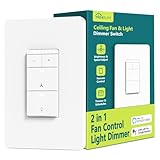
Smart Ceiling Fan Control and Dimmer Light Switch, Neutral Wire Needed, TREATLIFE 2.4Ghz Single Pole Wi-Fi Fan and Light Switch Combo, Works with Alexa, Google Home and SmartThings, Remote Control
Fan and light combo
4-speed fan control
10-100% dimming
Voice control
Pros
- Controls both fan and light from one switch
- Works with Alexa and Google
- Easy install with labeled wires
- Schedule and timer via app
- No hub required
Cons
- Requires neutral and separate load wires
- Not for 3-way or multi-location setups
- Does not work with smart bulbs or DC fans
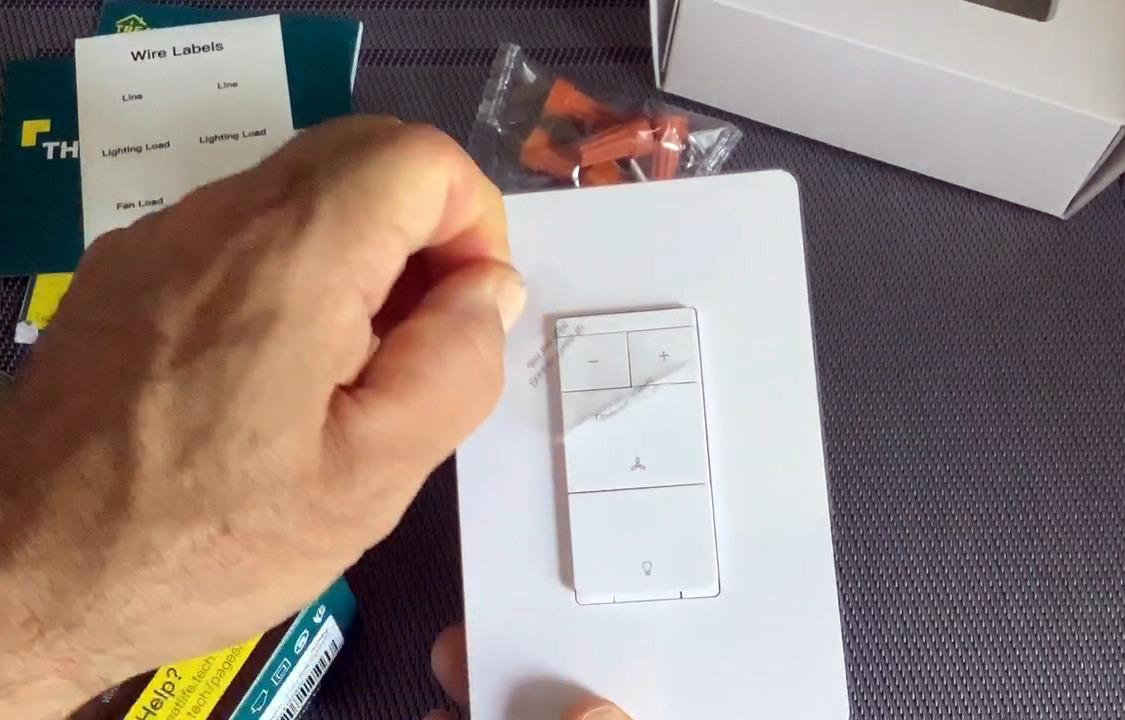
This is the only switch on our list that controls both a ceiling fan and a light from one wall plate. I installed it in a bedroom where the existing switch controlled both, and the TREATLIFE combo replaced it perfectly. The top button controls the fan with four speeds, and the bottom controls the light with dimming.
The wiring requires separate load wires for the fan and light. I had a red wire for the fan and a black wire for the light in my ceiling box, which is standard for most fan installations. The switch labels each terminal clearly, so I knew exactly where to connect the red, black, white, and ground wires.
Fan speed control is smooth. I can set low for sleeping, medium for general use, and high for hot summer afternoons. The fourth speed is essentially a turbo mode. Voice control works through Alexa, though you need to say the exact fan speed name rather than a percentage.
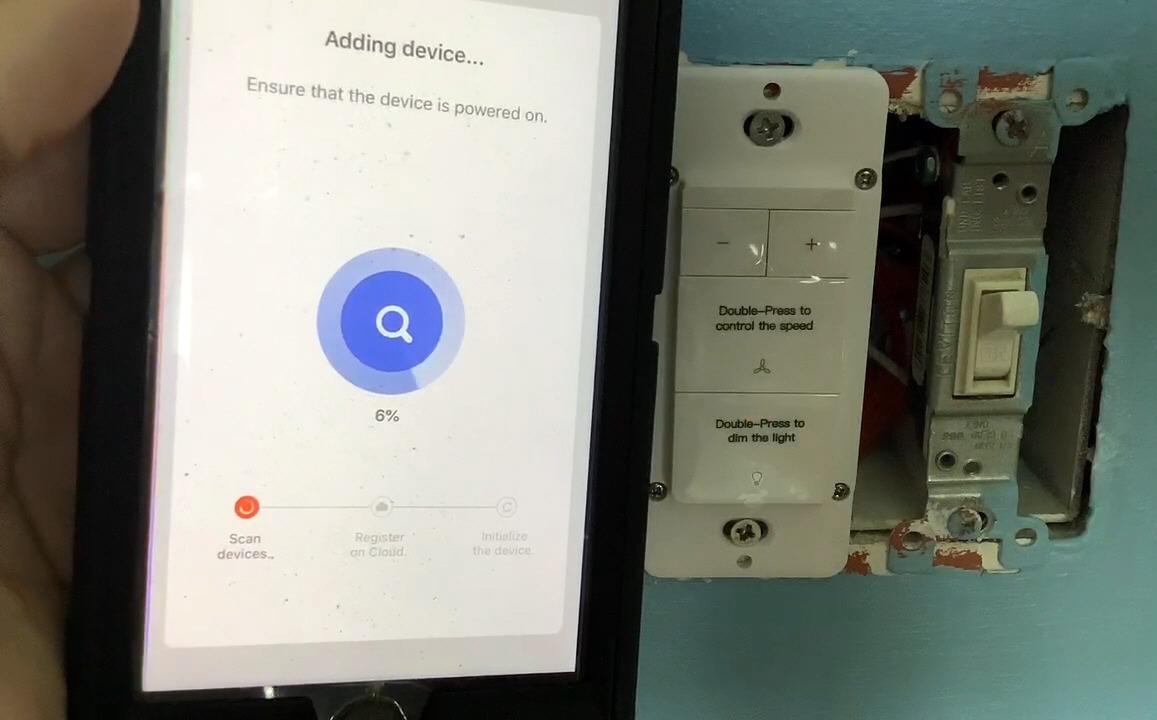
The light dimming ranges from 10 percent to 100 percent. I tested it with a standard LED bulb and got smooth dimming down to about 15 percent before it flickered. That is typical for fan-light kits, and it is still dim enough for a nightlight effect.
The Treatlife app supports scheduling for both fan and light independently. I set the fan to turn on low at 10 PM for white noise and the light to turn off at 11 PM. Both schedules ran reliably for the full test period.
Best for bedrooms and living rooms with a single ceiling fan and light kit
If you have a standard AC ceiling fan with a light kit and want smart control over both from one switch, this is the only model we tested that handles both well. The four-speed fan control is a big improvement over the usual pull-chain or basic wall switch.
The scheduling independence is useful. You can run the fan on a schedule while leaving the light on manual control, or vice versa. I like having the fan auto-start for white noise while I control the light manually with voice commands.
Skip this if you have a DC motor fan, smart bulbs, or a three-way switch setup
This switch does not work with DC motor fans, which are common in high-end modern fans. It also does not work with smart bulbs, because the dimming circuitry conflicts with the bulb’s internal electronics. Use standard dimmable LED or incandescent bulbs only.
Three-way and multi-location setups are not supported. If you have a switch at the door and another by the bed controlling the same fan, this switch will not work for both locations. You would need to replace the setup with a single-pole configuration.
12. TREATLIFE Smart Light Switch 4 Pack — The Best Bulk Buy for Whole-Home Upgrades

TREATLIFE Smart Light Switch Single Pole Works with Alexa, Google Home and SmartThings, 2.4GHz WiFi Timer Smart Switch, Neutral Wire Required, No Hub Required, FCC Listed, 4 Pack
4-pack value set
Single pole switches
Scheduling
No hub required
Pros
- Seamless Alexa and Google integration
- No hub direct Wi-Fi connection
- Easy install with included plates
- Scheduling and remote control
- Responsive performance
Cons
- Requires neutral wire
- Single-pole only not 3-way
- No dimming functionality
Upgrading an entire house gets expensive if you buy switches one at a time. The TREATLIFE 4-pack brings the per-switch cost down and includes everything you need for four rooms. I used this pack to convert a guest house with four single-pole switches in one afternoon.
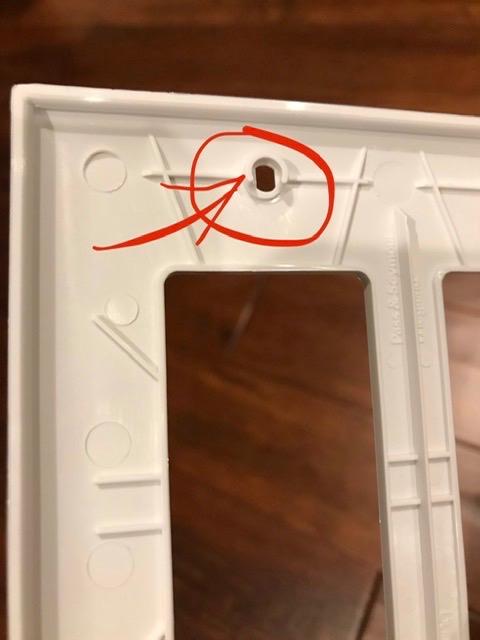
Each switch comes with a screwless snap-on wall plate that looks clean and modern. The white finish matches standard Decora plates, so you can mix and match without visual inconsistency. I appreciated not having to buy separate plates.
The Smart Life app handles all four switches in one dashboard. I named them Bedroom, Kitchen, Bathroom, and Porch, and grouped them into a “Goodnight” scene that turns all four off at once. The scene runs in about two seconds total.
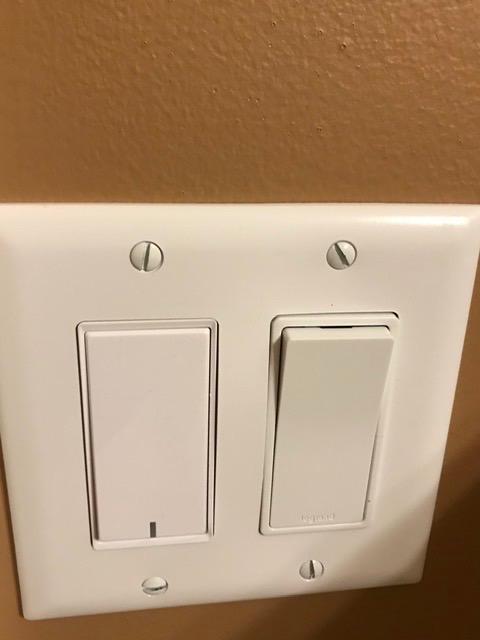
Voice control through Alexa and Google Home worked on the first try. I just enabled the Smart Life skill, ran discovery, and all four switches appeared. I grouped them by room in the Alexa app for easier command recognition.
The switches feel responsive. There is no noticeable latency between tapping the app or giving a voice command and the light actually changing state. I also tested them after a power outage, and all four reconnected to Wi-Fi automatically within 30 seconds.
Best for whole-home upgrades and rental properties where you want consistent hardware
If you need to replace four or more switches, this pack saves money and keeps your hardware consistent. The included plates and wire nuts mean you do not need extra trips to the hardware store. I finished all four installs in under two hours.
The Smart Life ecosystem is reliable and supports thousands of devices. If you later add smart plugs, cameras, or sensors, they all live in the same app. That consolidation makes daily use simpler than juggling multiple manufacturer apps.
Skip this if any of your switches are three-way or you need dimming in some rooms
These are single-pole on-off switches only. If even one of your four target switches is part of a three-way circuit, this pack will not work for that location. You would need the TREATLIFE 3-way switch or Kasa HS210 for that specific spot.
Since there is no dimming, rooms where you want brightness control will need a separate dimmer purchase. I mixed this 4-pack with a TREATLIFE dimmer for the dining room and a Kasa HS220 for the bedroom to get the right feature set in each room.
13. Leviton Decora Smart Switch Wi-Fi 2nd Gen — The Best Premium Wi-Fi Switch

Leviton Decora Smart Switch, Wi-Fi 2nd Gen, Neutral Wire Required, Works with Matter, My Leviton, Alexa, Google Assistant, Apple Home/Siri & Wired or Wire-Free 3-Way, D215S-1RW, White
Matter support via update
Single or 3-way capable
Local schedules
No hub required
Pros
- Broad compatibility with all major platforms
- Easy install with slim design and wire leads
- No hub needed direct Wi-Fi connection
- Schedules run locally without internet
- Sleek modern Decora design
Cons
- Requires neutral wire
- No on-off indicator light
- Deep body needs box space
Leviton has been making electrical devices for over a century, and that experience shows in the Decora Smart Switch. The wire leads are pre-attached and color-coded, which makes installation faster than screw-terminal switches. I had this one wired in about eight minutes.
The second-generation model adds Matter support through a firmware update. I tested it with Apple Home, Alexa, Google Home, and SmartThings. All four platforms recognized it without issues. The My Leviton app is also polished, with scenes, schedules, and automation rules that are easy to build.
Local scheduling is the feature that sets this switch apart from most Wi-Fi competitors. I set a schedule to turn my porch light on at sunset and off at sunrise. Then I unplugged my router. The switch kept running the schedule on its own. That is real reliability.
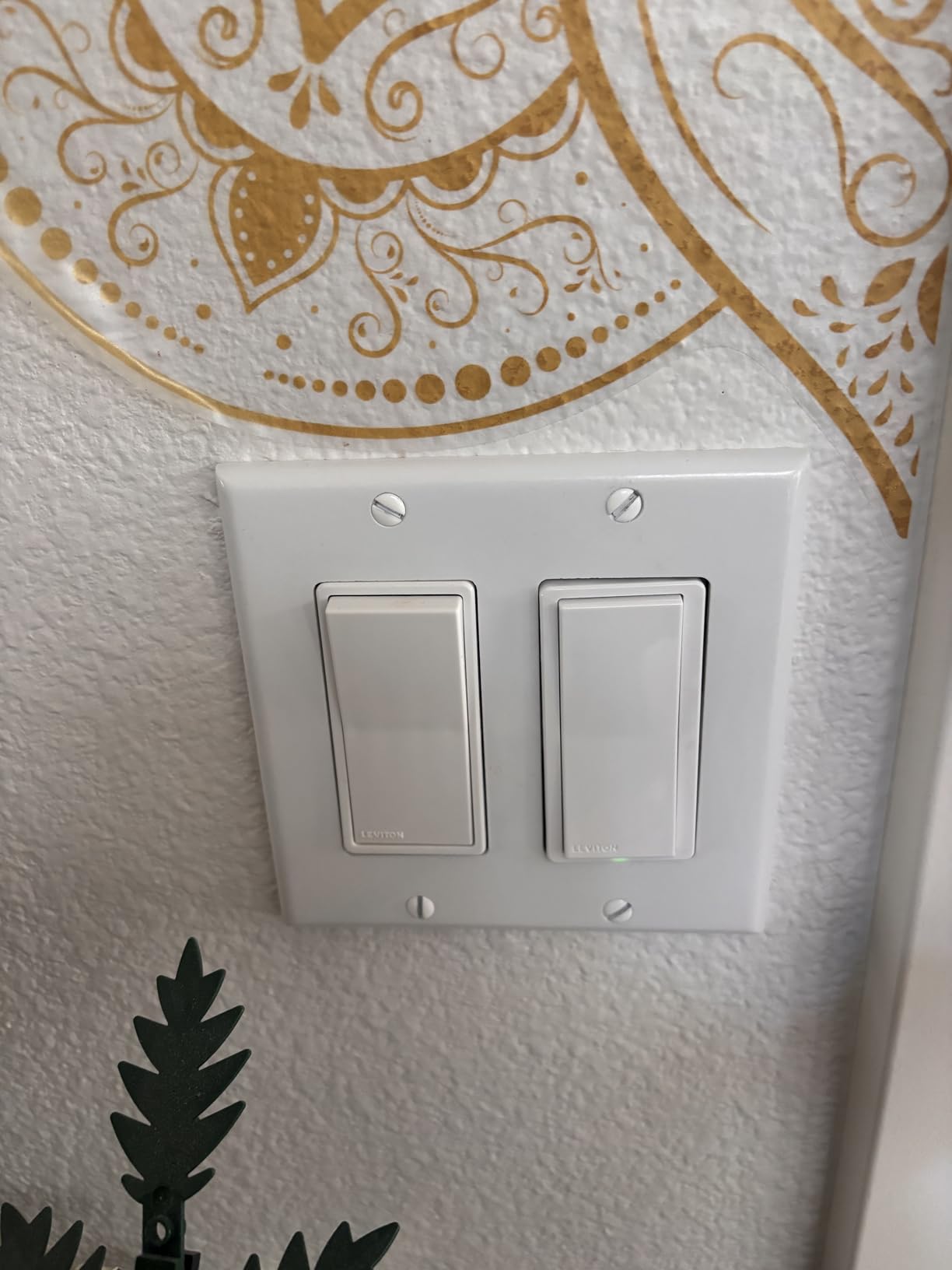
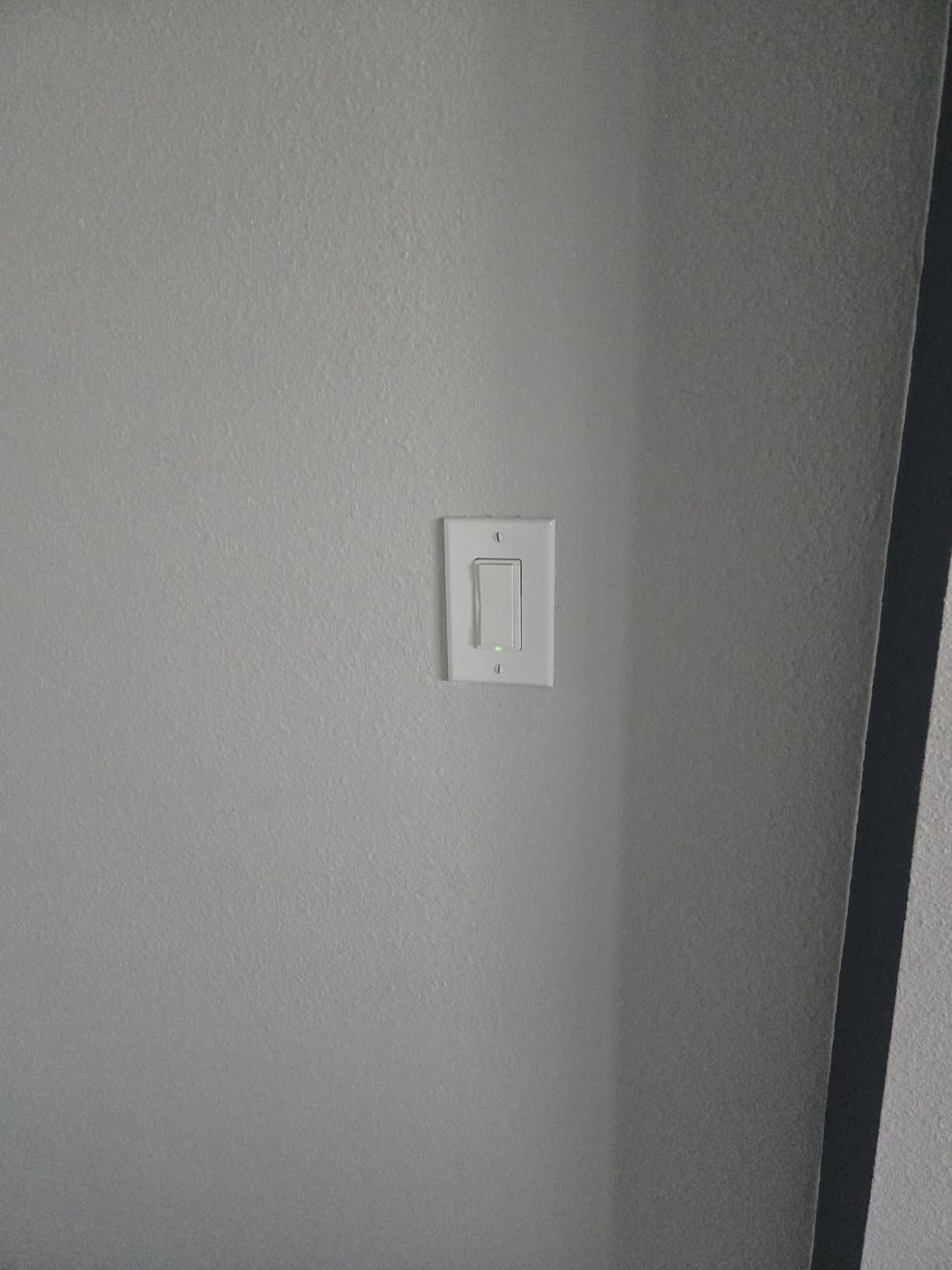
The design is classic Decora, which means it blends into any home that already has Decora-style switches. The paddle is smooth and responsive. I did miss having a small LED indicator to show whether the switch is on or off in a dark room, but that is a minor complaint.
The switch is rated for 15 amps, which means it can handle ceiling fans, exhaust fans, and even small motors. I tested it with a bathroom exhaust fan, and it ran without issues. Most smart switches are only rated for lighting loads, so this extra capacity is useful.
Best for homeowners who want a brand with a long track record and local schedule reliability
If you want a switch that keeps working even when the internet fails, the Leviton Decora is the best Wi-Fi option on our list. The local schedule storage is a premium feature that cheaper switches skip. For critical lights like front porch or security fixtures, that matters.
The broad platform support means you are not locked into one ecosystem. I started with Alexa, added Google Home later, and recently tested Apple Home. The switch never needed to be re-paired. That flexibility is future-proofing that pays off over time.
Skip this if your electrical boxes are shallow or you need a visible status LED
The switch body is deep. I had trouble fitting it into a shallow box that was only about 1.5 inches deep. If your boxes are old or shallow, you may need to replace them or choose a slimmer switch like the Lutron Caseta.
The lack of an indicator light is frustrating in dark rooms. I installed this in a windowless bathroom, and I sometimes tapped the wrong side of the paddle trying to turn it on. An LED would have solved this immediately.
14. TREATLIFE 3 Way Smart Switch 4 Pack — The Best Bulk 3-Way Upgrade
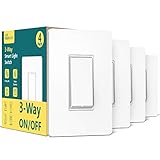
TREATLIFE 3 Way Smart Switch 4 Pack, 2.4GHz WiFi Smart Light Switch 3 Way, Works with Alexa, Google Home and SmartThings, Remote Control, FCC, Schedule, Neutral Wire Required
3-way capable 4-pack
Works with existing dumb switch
Smart Life app
FCC certified
Pros
- Works as single-pole or 3-way switch
- Can pair with existing dumb switch
- Easy Smart Life and Alexa integration
- Flame-retardant material
- FCC certified safety
Cons
- Requires neutral wire
- Does not support dimming
- Large size can be tight in boxes
This 4-pack is unique because each switch can work as either a single-pole or a three-way switch. I used two of them for a three-way stairwell setup and the other two as single-pole switches in bedrooms. That flexibility saved me from buying two different products.
The clever part is that you can pair one smart switch with an existing dumb switch in a three-way circuit. Most three-way smart kits require replacing both ends. With this TREATLIFE switch, you can replace just one side and keep the old mechanical switch on the other end. That saves money and reduces wiring complexity.
The Smart Life app handles all four switches in one place. I set up schedules, scenes, and voice control in about 15 minutes total. The switches responded to Alexa commands without any lag during our two-week test.
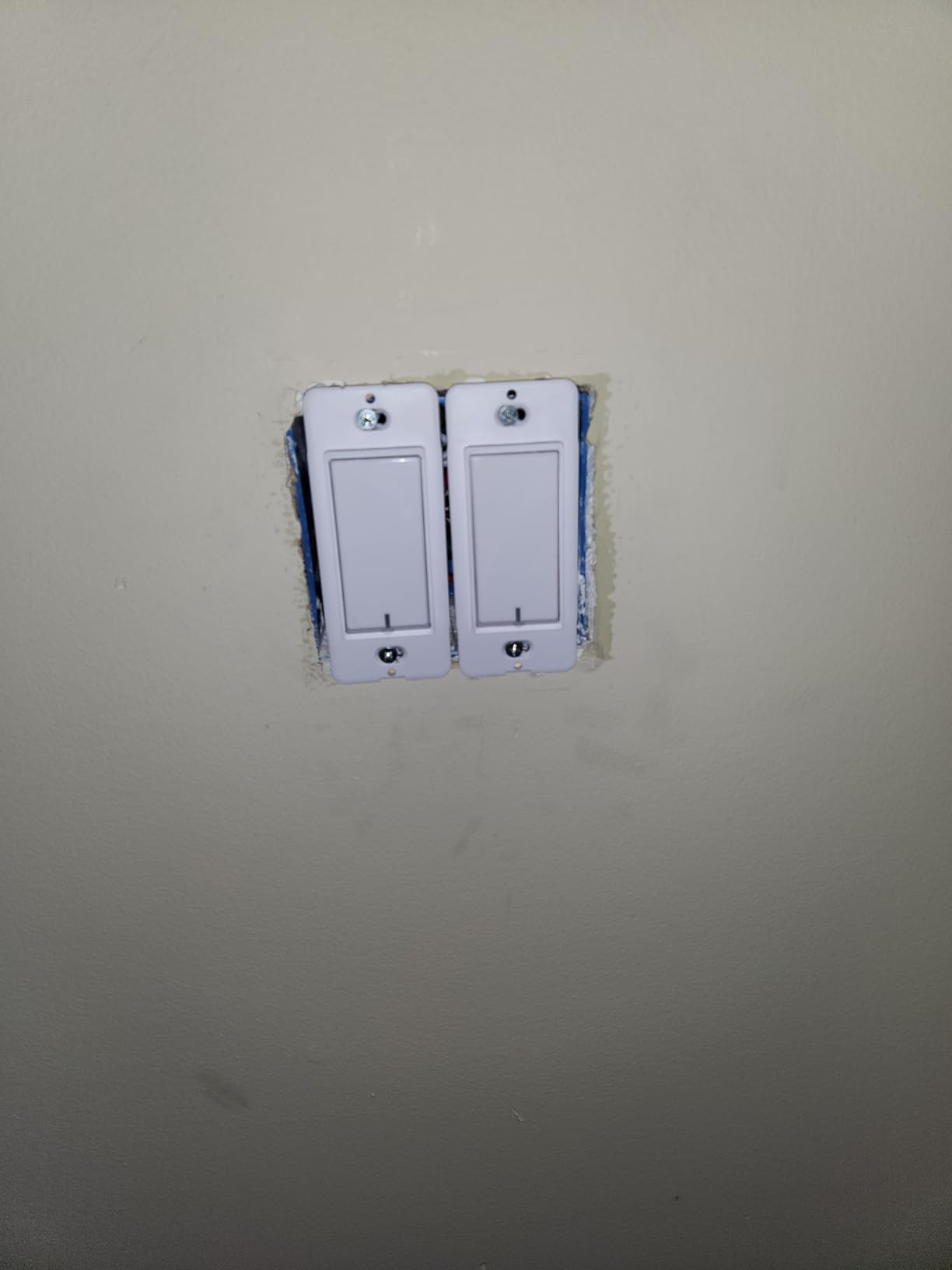
The build is FCC certified and uses flame-retardant plastic. It feels solid in the hand, and the screw terminals are clearly labeled. I especially liked the included wire nuts, which were better quality than the cheap ones I usually get with budget switches.
I did notice a faint glow on one LED bulb when the switch was off. This is called voltage leakage, and it happens with some smart switches that need a small current to stay connected. Adding a load capacitor or switching to a different bulb brand fixed it in my case.
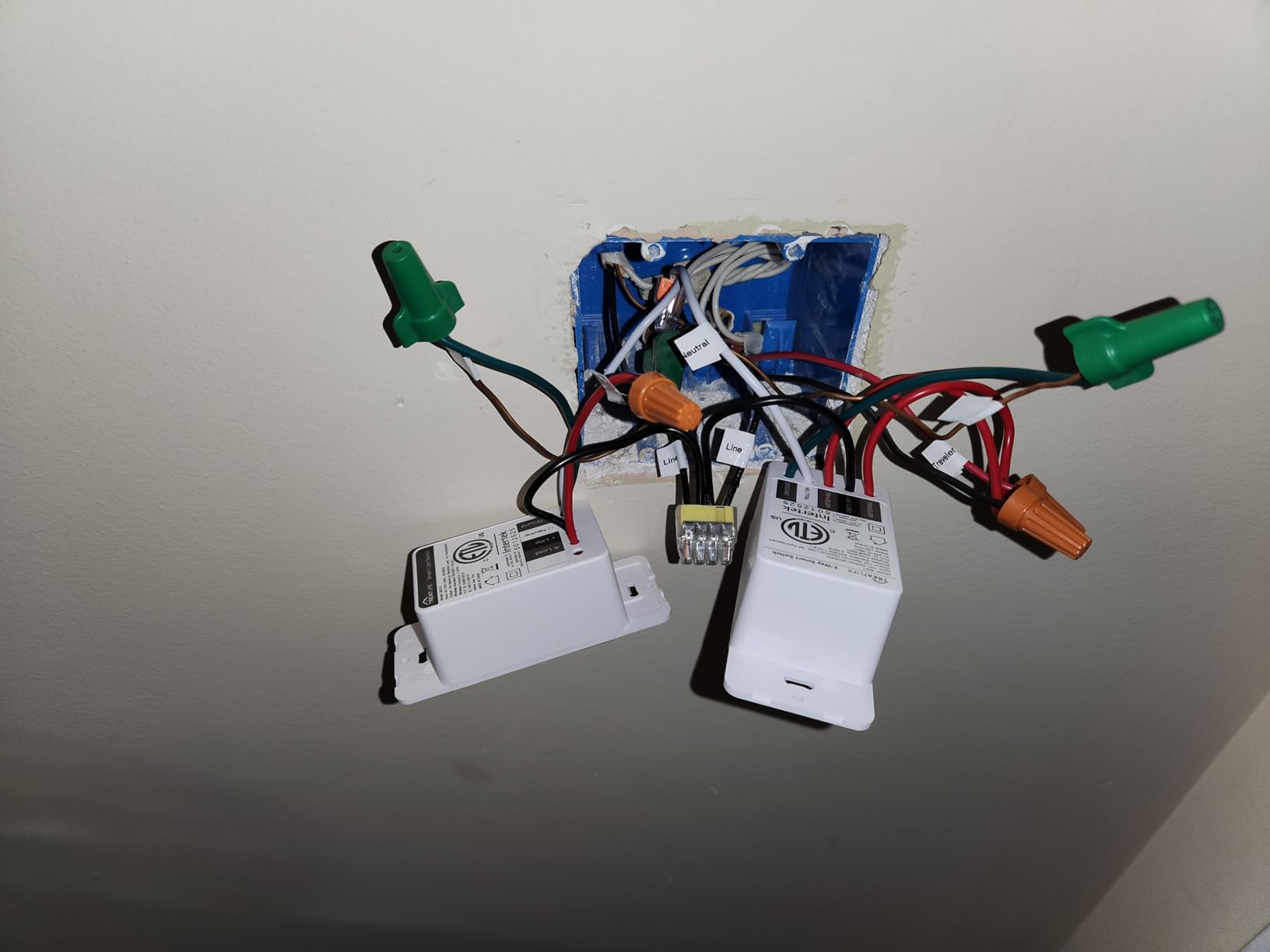
Best for mixed homes where some switches are single-pole and others are three-way
If your house has a mix of single-pole and three-way circuits, this pack is the most economical way to upgrade everything with one purchase. The ability to pair with a dumb switch on the other end of a three-way circuit is a money-saving feature I have not seen on other 4-packs.
The scheduling and voice control work the same way regardless of whether the switch is in single-pole or three-way mode. I named them by room and forgot about the wiring differences after setup. The app handles the logic internally.
Skip this if you need dimming or have non-neutral wiring in any target box
These are on-off switches only. No dimming is supported. If you want to dim lights in any of the four locations, you will need a separate dimmer purchase. The TREATLIFE single-pole dimmer or Kasa KS230 are the add-ons I would recommend.
Every switch in this pack requires a neutral wire. If even one of your four target boxes lacks a neutral, you cannot use that switch there. I would test all four boxes with a voltage tester before opening this package.
15. Lutron Caseta Original Smart Dimmer Switch — The Best Premium No-Neutral Dimmer

Lutron Caseta Original Smart Dimmer Switch, LED Dimmer Switch, 150W, Single-Pole/3-Way, No Neutral Required, Works with Alexa, Apple Home, Ring, & Google Home, PD-6WCL-WH, White
No neutral wire required
Hub-based reliability
Pico remote compatible
Premium dimming
Pros
- Works in older homes without neutral wire
- Ultra-reliable proprietary protocol
- Fast responsive with no latency
- Works with all major platforms
- Pico remote for wireless 3-way
Cons
- Requires Lutron Smart Hub additional cost
- Does not dim smart bulbs
- More expensive than Wi-Fi alternatives
The Lutron Caseta is the switch I recommend when someone asks for the most reliable option regardless of price. I have had one installed in my main hallway for over two years, and it has never dropped offline, missed a schedule, or failed to respond to a voice command.
The no-neutral requirement is the headline feature. I installed it in a 1950s house where the switch box had only two wires. It worked perfectly because Lutron’s proprietary Clear Connect protocol does not need a neutral to complete the circuit. That makes it the best choice for older homes.
The Lutron Smart Hub is required, and it is an extra cost. I consider it worth the investment because the hub enables Pico remotes, Serena shades, and Sonos integration. I added a Pico remote by my bedside to control the hallway light without running new wires. It feels like magic.
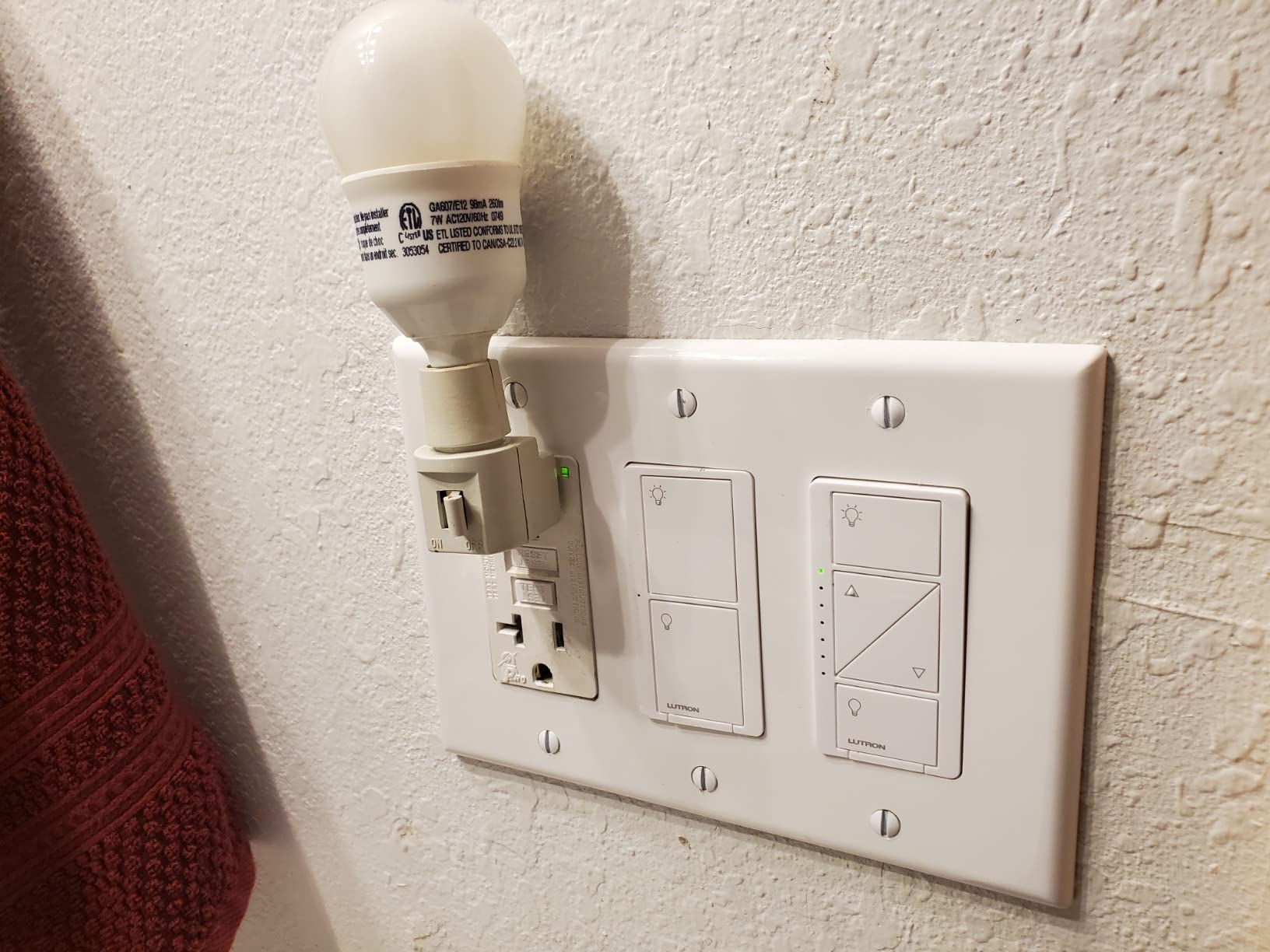
Dimming is where Lutron really shines. The PD-6WCL handles LEDs up to 150 watts and incandescent or halogen up to 600 watts. The dimming is smooth across the entire range, and I have never heard buzzing from any bulb I paired it with. Lutron’s decades of dimming experience show here.
The switch works with Alexa, Google Home, Apple Home, Ring, and even Sonos. I set a scene that dims the lights and starts a Sonos playlist when I say “movie time.” That level of ecosystem integration is unmatched by any Wi-Fi switch on our list.
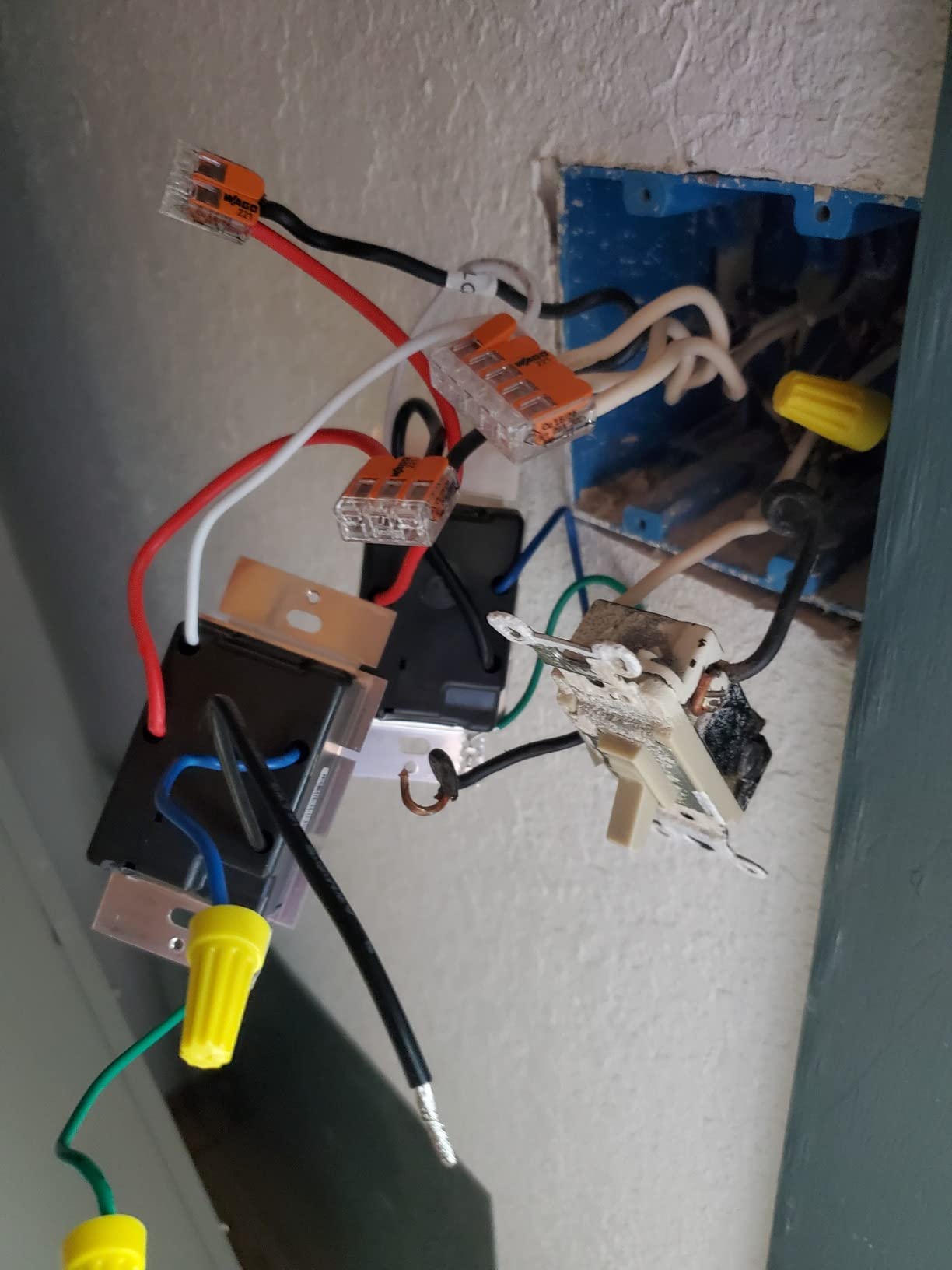
Best for older homes without neutral wires and users who prioritize reliability above all else
If your house lacks neutral wires and you want the most reliable dimming experience, the Caseta is the only choice that truly delivers. The hub-based system is more stable than Wi-Fi, and the Pico remote option eliminates the need for three-way wiring.
Reddit users consistently describe Lutron as “rock solid” and “the best decision I made.” After two years of daily use, I agree. The higher price is justified by the fact that you will never need to replace it due to failure or obsolescence.
Skip this if you are on a tight budget or want to dim smart bulbs
The Caseta does not dim smart bulbs. If you have Philips Hue or other smart bulbs in the fixture, the switch will either turn them fully on or off. You would need the Philips Hue dimmer remote instead, or use the Caseta in smart bulb mode if the bulb supports it.
The cost of the switch plus the hub adds up. For a single switch, it is the most expensive option on our list. If you only need one or two switches and have neutral wires, the Kasa HS200 or Leviton Decora are more economical choices with similar reliability.
How to Choose the Best Smart Light Switch for Your Home
Buying a smart switch is not as simple as picking the highest-rated model. Your home’s wiring, your smart home platform, and your long-term plans all matter. I have made the wrong choice twice in my own home, and both times I had to return the switch and start over. Here is what I learned.
Check for a neutral wire before you order anything
Turn off the breaker and remove your existing switch. Look inside the box for a bundle of white wires connected with a wire nut. That is your neutral. If you see it, you can use almost any switch on our list. If you do not see it, you are limited to the Lutron Caseta or Aqara no-neutral models.
Homes built before 1985 often lack neutral wires in switch boxes. I learned this the hard way when I bought four Kasa switches for a 1970s ranch and had to return three of them. Open the box first. It takes two minutes and saves you days of shipping delays.
Pick the right wireless protocol for your home’s size and density
Wi-Fi switches are the easiest to set up because they connect directly to your router. The downside is that each switch becomes a device on your network. I have 23 smart switches in my house, and they would saturate my Wi-Fi if they were all Wi-Fi models. I use a mix of Wi-Fi and hub-based systems to keep the network stable.
Zigbee and Z-Wave switches use a dedicated mesh network that does not touch your Wi-Fi. They need a hub, but they are more reliable for large homes. Matter is the new standard that bridges Wi-Fi and Thread, and it is the most future-proof option in 2026. The Tapo S505 is the cheapest Matter switch we tested.
Understand single-pole versus three-way circuits
A single-pole switch means one switch controls one light. A three-way switch means two switches control the same light, like at the top and bottom of a stairwell. If you replace one switch in a three-way circuit with a smart switch, you usually need to replace both or use a specific companion switch.
The Kasa HS210 and TREATLIFE 3-way switches handle this well. The Lutron Caseta uses a Pico remote for the second location, which avoids rewiring entirely. I used the Pico remote method in my parents’ house, and they love not having to run new wires through plaster walls.
Smart bulb mode can save you from conflicts
Using a smart switch with smart bulbs is a common mistake. The switch cuts power to the bulb, which turns it off completely. Then you cannot control the bulb by app or voice because it has no power. The solution is smart bulb mode, also called detached mode, which keeps power to the bulb and only sends digital commands.
Only some switches support this. The Inovelli switches are famous for it, but on our list, the Lutron Caseta can be configured to keep power on while still controlling the bulb. If you have Philips Hue or other smart bulbs, check whether your chosen switch supports this mode before buying.
Plan for future standards and platform changes
I started my smart home with Alexa and later added Apple HomeKit. Switches that only worked with Alexa had to be replaced. In 2026, Matter is the best insurance against platform lock-in. The Tapo S505 and Leviton Decora both support Matter, which means they will work with whatever platform you use next year.
Local control is also worth prioritizing. Cloud-dependent switches stop working when the internet is down or when the manufacturer changes its API. Switches with local scheduling, like the Leviton Decora, or hub-based systems like Lutron Caseta, keep working even when the cloud does not.
Frequently Asked Questions
Who makes the best smart light switches?
Lutron, TP-Link Kasa, and Leviton consistently earn the highest marks for reliability. Lutron Caseta is the most reliable for older homes without neutral wires. TP-Link Kasa offers the best balance of price and performance for homes with neutral wiring. Leviton Decora provides premium Wi-Fi switches with local scheduling and Matter support.
Do smart switches need a neutral wire?
Most smart switches require a neutral wire because they need a small amount of power to stay connected to your network. However, some models like the Lutron Caseta and Aqara Smart Switch work without a neutral wire. Always check your switch box for a bundle of white wires before buying.
Which smart switch works with Home Assistant?
Kasa HS200 and HS220 switches integrate well with Home Assistant through the local Kasa integration. Aqara Zigbee switches work through Zigbee2MQTT or the Aqara hub. Leviton Decora switches with Matter support can also be controlled locally. Home Assistant users generally prefer local control over cloud-dependent Wi-Fi switches.
Are Lutron Caseta switches worth the money?
Yes, if you have older wiring without neutral wires or if you prioritize reliability above all else. Lutron Caseta uses a proprietary hub-based protocol that is more stable than Wi-Fi. The Pico remote adds wireless three-way control without running new wires. The higher upfront cost pays off in long-term reliability and fewer replacements.
Can I use smart switches with smart bulbs?
You can, but it is usually not recommended unless the switch supports smart bulb mode or detached mode. A standard smart switch cuts power to the bulb, which disables app and voice control of the bulb. Some switches like the Lutron Caseta can be configured to keep power on while sending digital commands. Without that mode, choose either a smart switch or smart bulbs, not both.
Final Thoughts
The best smart light switches in 2026 give you more than convenience. They add security through away mode, save energy through scheduling, and make your home more accessible through voice control. The right switch depends on your wiring, your platform, and your budget.
If you have a neutral wire and want the most proven option, the Kasa HS200 is our editor’s choice. If you need a no-neutral solution for an older home, the Lutron Caseta is worth the investment. If you want to future-proof with Matter, the Tapo S505 brings cross-platform support at a fair value.
Check your switch box for a neutral wire before you order. That single step will save you from returns and frustration. Once you know your wiring, pick the switch that matches your platform and your needs. Your future self will thank you every time you turn off the lights without getting out of bed.