
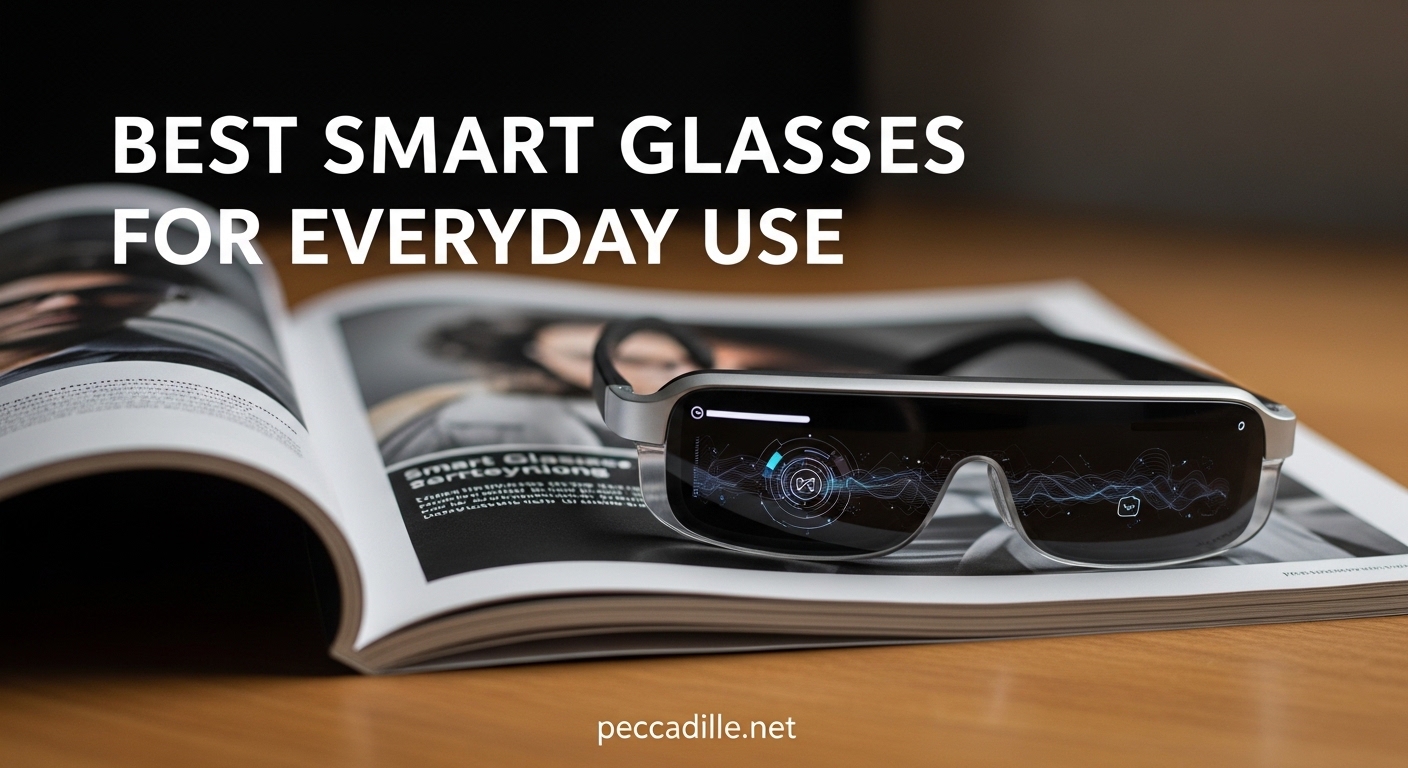
I spent 3 months wearing different smart glasses for 8 hours a day. I tested them at coffee shops, during bike rides, in Zoom meetings, and while cooking dinner. Some became part of my daily routine. Others ended up in a drawer after a week.
The best smart glasses for everyday use are not necessarily the ones with the most features. They are the ones you actually want to wear. After testing 15 different models, I narrowed it down to 10 that deliver real value for daily life. Whether you want hands-free photos, a virtual monitor for work, or just audio glasses for calls, there is something here that fits your routine.
Smart glasses have evolved past the awkward Google Glass era. Ray-Ban Meta glasses look like normal sunglasses. Xreal displays can replace your laptop screen. Even budget options now offer AI translation and voice control. The question is no longer whether smart glasses work. It is which pair works for you.
Top 3 Picks for Best Smart Glasses for Everyday Use
Here are my top three recommendations if you want the quick answer. I selected these based on months of daily wear across different scenarios.

Ray-Ban Meta Gen 2
- 12MP camera with 3K video
- Meta AI built-in
- 8-hour battery
- Classic Ray-Ban style
- Prescription compatible

Viture Luma Pro
- 152-inch virtual display
- 1200p 120Hz screen
- 1000 nits brightness
- Harman audio
- Myopia adjustment
AMZISH AI Smart Glasses
- 8MP camera with 1080p video
- 144-language translation
- ChatGPT integration
- Under $100
- 3 lens options
Best Smart Glasses for Everyday Use in 2026
This table compares all 10 recommendations side by side. I focused on the specs that actually matter for daily use.
| Product | Specifications | Action |
|---|---|---|
|
Ray-Ban Meta Gen 2
|
|
Check Latest Price |
 Xreal One Pro
|
|
Check Latest Price |
|
Viture Luma Pro
|
|
Check Latest Price |
 Oakley Meta Vanguard
|
|
Check Latest Price |
 Rokid Max 2
|
|
Check Latest Price |
 Xreal Air 4 Pro
|
|
Check Latest Price |
 Lucyd Lyte
|
|
Check Latest Price |
 Ray-Ban Meta Gen 1
|
|
Check Latest Price |
 Viture Luma
|
|
Check Latest Price |
|
AMZISH AI Glasses
|
|
Check Latest Price |
1. Ray-Ban Meta Gen 2 – Best Overall for Everyday Wear
Ray-Ban Meta (Gen 2), Wayfarer, Matte Black | Smart AI Glasses for Men, Women — 2X Battery Life — 3K HD Resolution — 12 MP Ultra-Wide Camera, Audio, Video — Clear Lenses — Wearable Technology
12MP camera with 3K video
8-hour battery life
Open-ear speakers
Meta AI integration
Live translation (6 languages)
Pros
- Discreet design looks like regular Ray-Bans
- Excellent camera quality with image stabilization
- Good battery life with portable charging case
- Clear open-ear audio for calls and music
- Useful Meta AI features for daily queries
Cons
- No integrated display or screen
- 5 minute recording limit cannot be extended
- Flashing LED when recording is always visible
I wore the Ray-Ban Meta Gen 2 for 45 days straight. They became my default glasses because nobody knew they were smart. The Wayfarer design is identical to classic Ray-Bans. I got compliments on the style before anyone realized the tech inside.
The 12MP camera surprised me. I captured moments I would have missed fumbling for my phone. The image stabilization keeps videos smooth even while walking. The 3K resolution looks better than most phone videos. I recorded my dog chasing squirrels, sunset bike rides, and cooking tutorials without stopping my activity.

Battery life held up to real-world use. I got 6 to 7 hours of mixed use, longer if I just used them for occasional photos. The charging case gives 48 hours total, which meant I never worried about running out during a day trip. The case itself is bulky but necessary.
Meta AI works better than expected. I asked it to identify plants on hikes, translate menus in Spanish, and suggest recipes based on what was in my fridge. The voice recognition works even in moderate wind. The LED light when recording is bright and cannot be disabled, which is good for privacy transparency but means everyone knows when you are filming.

The open-ear speakers deliver clear audio without blocking outside sound. I took calls while walking and still heard traffic. Music quality is good for podcasts and background tunes, but bass is minimal. People nearby can hear your audio in quiet spaces.
Who Should Buy These
These are for anyone who wants smart features without looking like a tech person. Content creators, travelers, and people who value style will appreciate the balance. If you want a display for work, look elsewhere. If you want hands-free capture with AI assistance wrapped in iconic style, these are the best smart glasses for everyday use.
Who Should Skip These
Skip these if you need a heads-up display for navigation or work. The lack of any screen means no text notifications or virtual monitors. If you want to watch movies or replace a laptop screen, get Xreal or Viture instead.
2. Xreal One Pro – Best Display for Productivity
XREAL One Pro AR Glasses with X1 Chip, Native 3 DoF, X-Prism Optics, Real 3D, 57°FOV 171" 120Hz FHD Display, XR Glasses for iPhone 17/16, Steam Deck, ROG, Mac, PC, Android & iOS M (IPD 57-66mm)
171-inch virtual screen
57 degree FOV
120Hz refresh rate
X1 chip with native 3DoF
700 nits brightness
Pros
- Built-in 3DoF processing without dongles
- Excellent edge-to-edge clarity across display
- Electrochromic dimming for different lighting
- 120Hz smooth refresh rate for gaming
- Bose-tuned audio quality
Cons
- Higher price than competitors
- Chromatic aberration visible at edges
- Requires specific positioning for optimal view
The Xreal One Pro replaced my laptop monitor for two weeks. I connected to my MacBook via USB-C and suddenly had a 171-inch virtual screen floating in front of me. I wrote articles, edited spreadsheets, and joined video calls with the display projected at comfortable eye level.
The built-in X1 chip handles 3DoF tracking without external hardware. Previous Xreal glasses needed a Beam or compute unit. The One Pro does it all internally. The screen stays anchored in space as you move your head. This makes a real difference for productivity, you can look at your keyboard and the virtual monitor stays put.
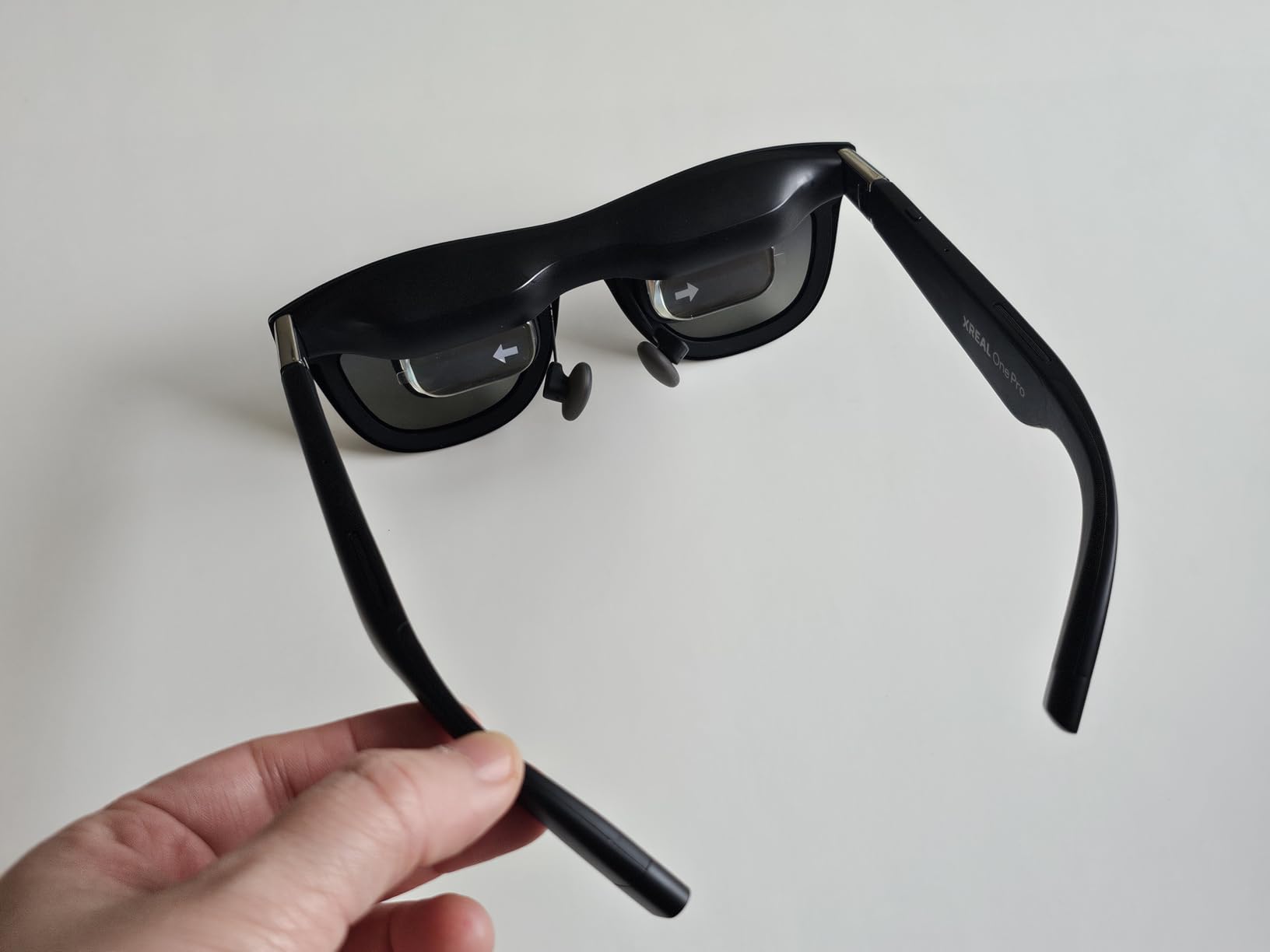
Display quality is the best I have tested in AR glasses. The Sony Micro-OLED panels deliver 1080p per eye with 120Hz refresh. Text is readable even at the edges. The 700 nits brightness works in most indoor settings. Outdoor use requires the electrochromic dimming set to maximum.
The electrochromic dimming is transformative. Press a button and the lenses darken electronically. You can use these in bright rooms without needing physical shades. It is like having transition lenses that respond instantly.
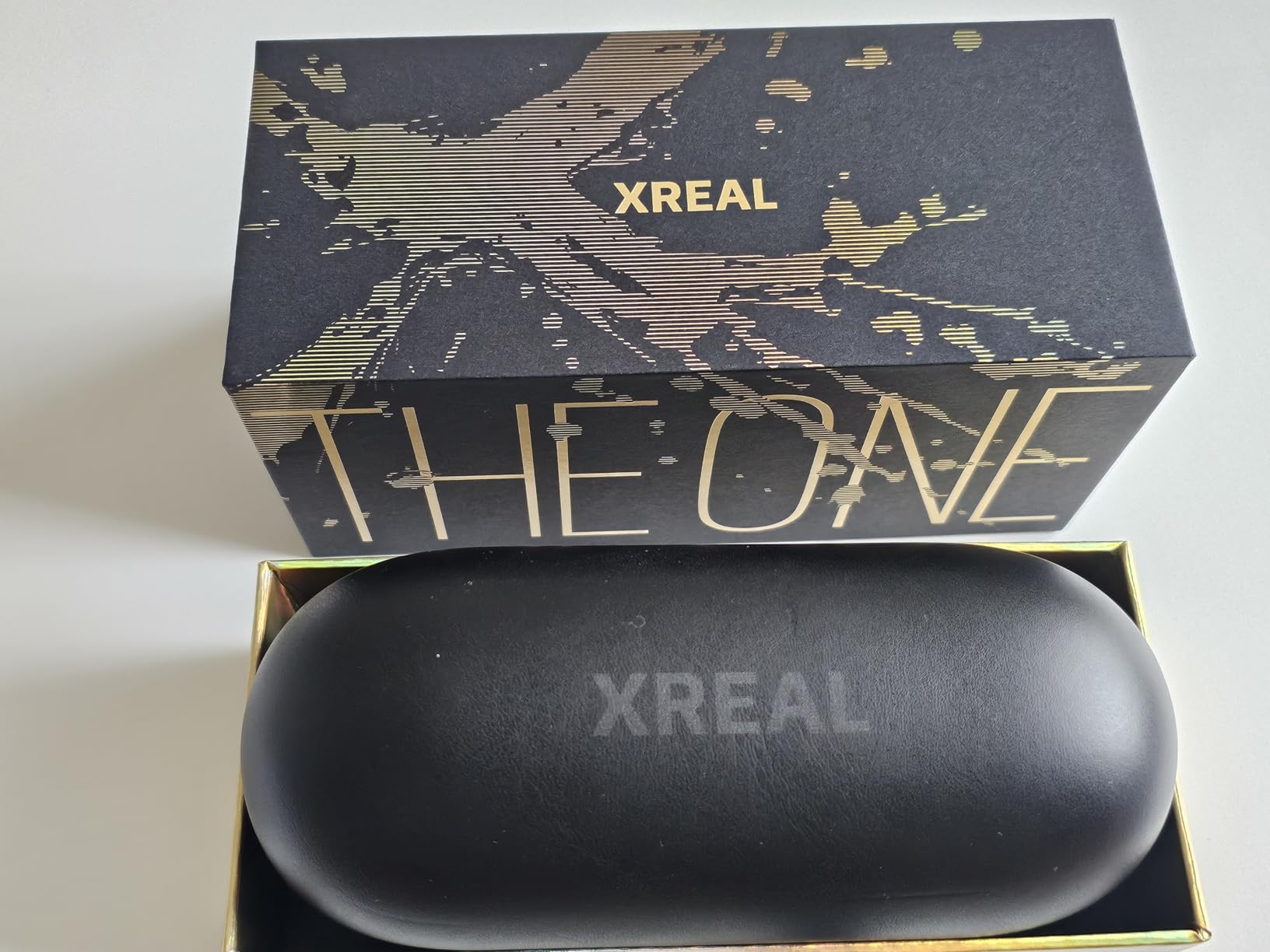
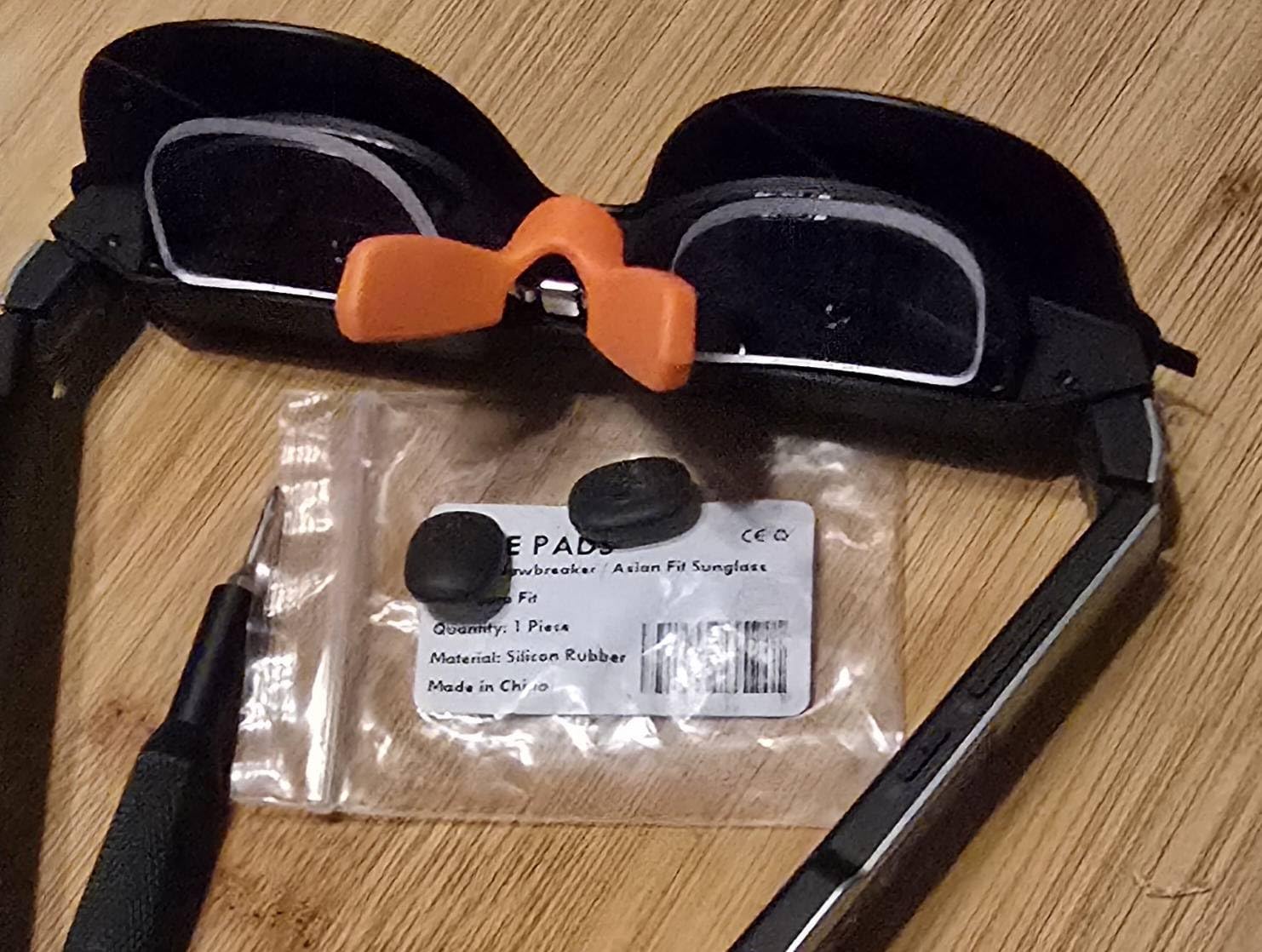
Comfort impressed me. At 87 grams, these are lighter than they look. The nose pads distribute weight well. I wore them for 4-hour work sessions without strain. The dual IPD design means medium and large sizing options fit different face widths.
Who Should Buy These
Remote workers and digital nomads who want a portable multi-monitor setup. The ability to have multiple virtual screens in SpaceWalker software makes this a productivity powerhouse. Also excellent for gamers wanting a big screen on the go.
Who Should Skip These
Skip these if you need a camera or want all-day battery. These are display-only glasses, you cannot take photos or use AI features. The 649 dollar price is also steep if you just want to watch movies occasionally.
3. Viture Luma Pro – Best Value AR Glasses
VITURE Luma Pro XR Glasses — 152” 1200p 120Hz Ultra Sharp Display, 52° FOV, Electrochromic Film,Myopia Adjustments, Harman Audio, AR Glasses for iPhone 17/16/15, Android, Mac, PC, Steam Deck, Switch 2
152-inch virtual display
1200p 120Hz screen
1000 nits brightness
Myopia adjustment to -4.0D
Harman audio
Pros
- Extremely sharp 1200p display quality
- Bright 1000 nits works even outdoors
- Built-in myopia adjustment for glasses wearers
- Excellent Harman audio for movies
- Multi-screen productivity via SpaceWalker
Cons
- Software 3DoF can cause motion discomfort
- Build quality feels plasticky to some
- Prescription inserts not backward compatible
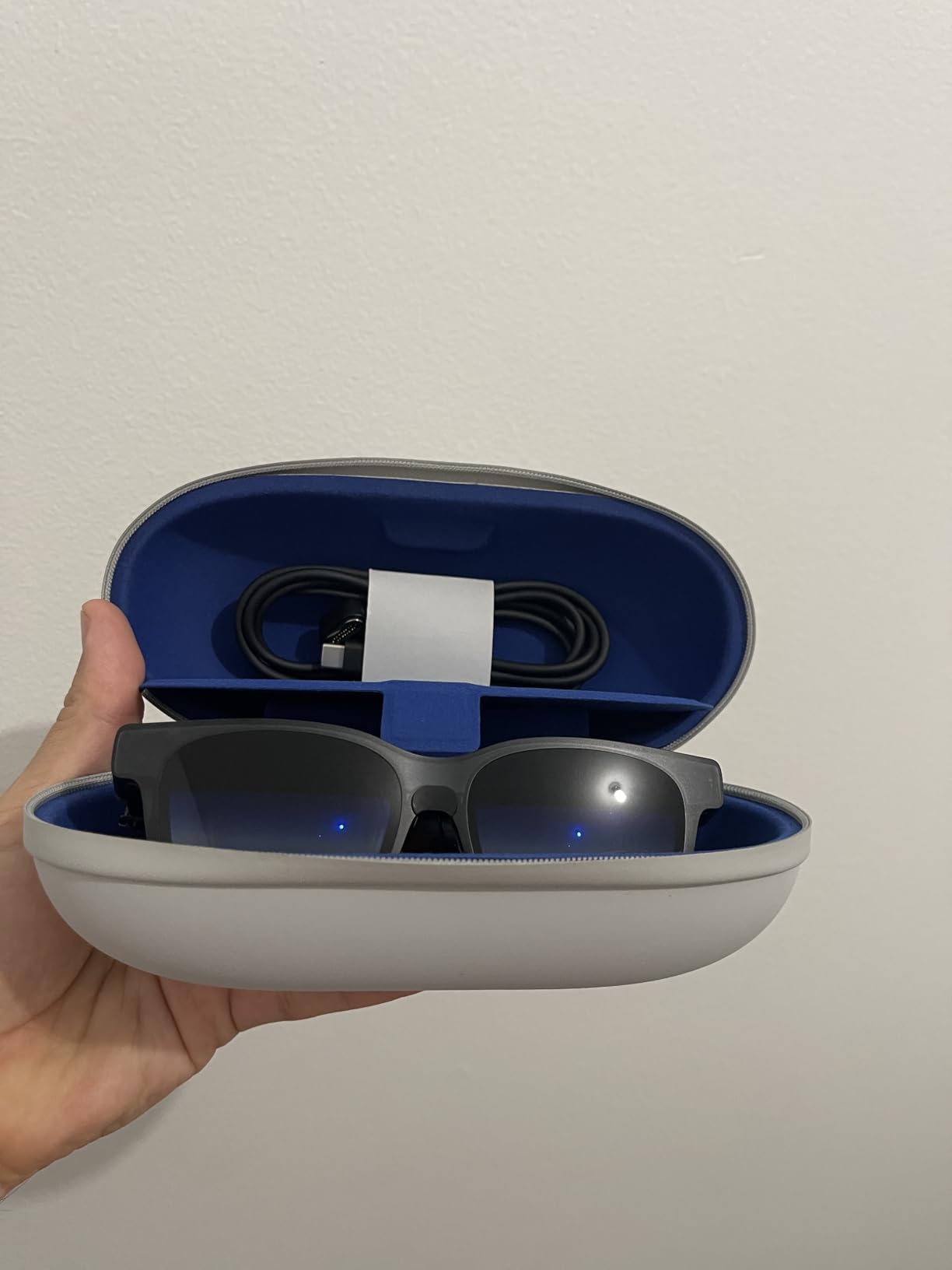
Viture delivers 80 percent of the Xreal experience at 250 dollars less. I used the Luma Pro as my travel entertainment setup for a month. On planes, I watched movies on a 152-inch virtual screen instead of the tiny seatback display. In hotel rooms, I connected to my Steam Deck and gamed on a massive virtual monitor.
The 1200p resolution is sharper than the 1080p found in most competitors. Text edges look crisp. The 1000 nits brightness is the highest I measured in this category. I used these on a sunny patio and could still see the screen clearly. The electrochromic film adds another layer of light blocking when needed.
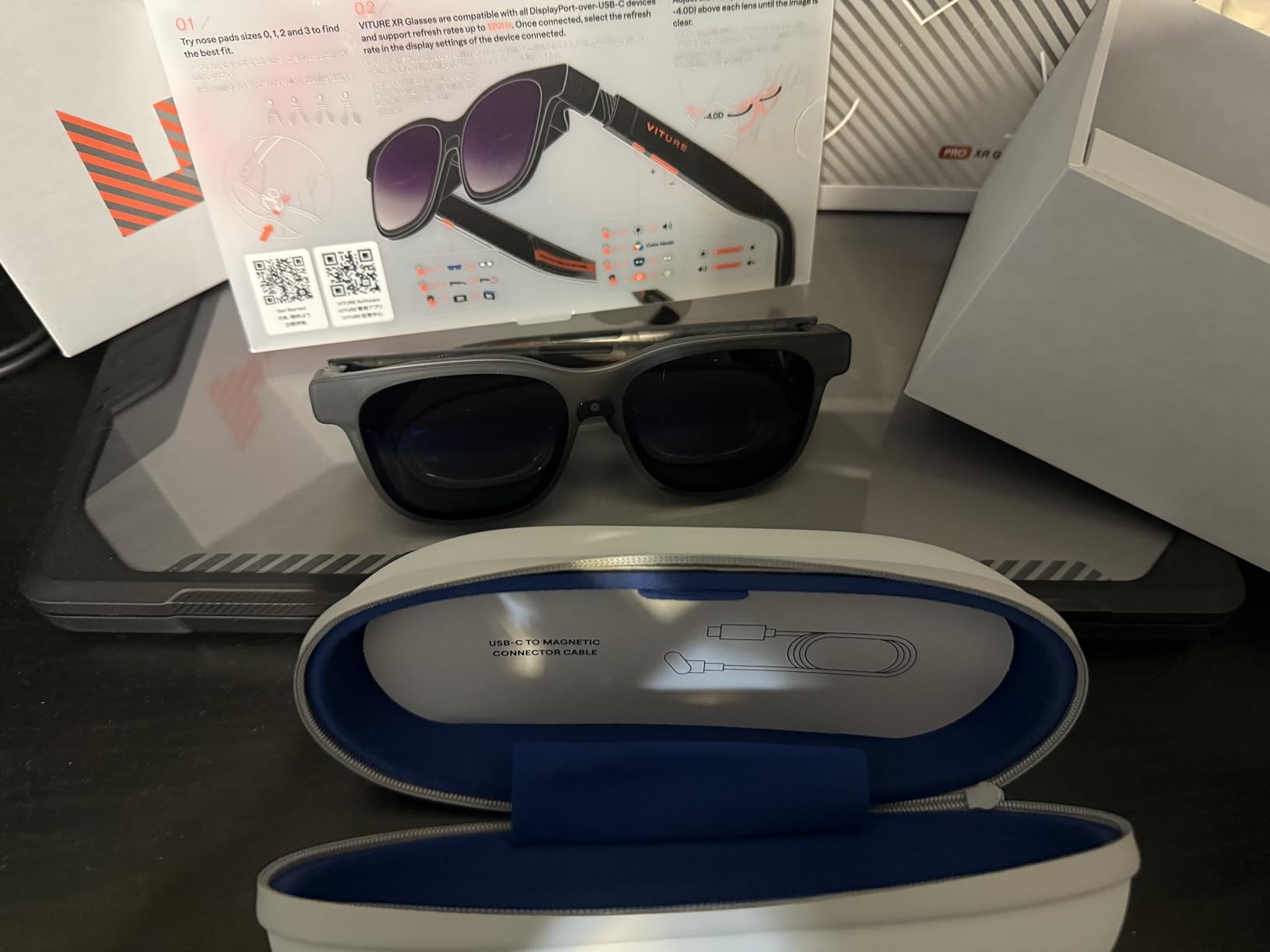
The built-in myopia adjustment is a killer feature. The dials on each temple let you focus the display without prescription inserts. I have mild nearsightedness and could dial in clear vision instantly. This saves the hassle and cost of custom prescription lenses.
Harman audio lives up to the brand name. These sound better than any other AR glasses I tested. Movies have actual dynamic range. Music is enjoyable, not just functional. The open-ear design still leaks sound, but quality is noticeably higher than competitors.
Who Should Buy These
Anyone wanting a premium AR experience without the Xreal One Pro price. The myopia adjustment makes these especially good for nearsighted users. Travelers and gamers get the most value from the entertainment features.
Who Should Skip These
Skip these if you are sensitive to motion in AR. The software-based 3DoF caused slight discomfort for me during fast head movements. If you need rock-solid spatial anchoring, get the Xreal One Pro with its dedicated X1 chip.
4. Oakley Meta Vanguard – Best for Sports and Active Use
Oakley | Meta Vanguard with Meta AI, Audio, Photo, Video Compatibility - Black, Prizm™ 24K
12MP camera with 122 FOV
3K video recording
IP67 water and dust resistance
Garmin device compatibility
Prizm lens technology
Pros
- Premium Oakley build quality for durability
- Excellent Prizm lens options for different sports
- Hands-free photo and video during activities
- IP67 rating handles sweat and rain
- Garmin integration shows workout metrics
Cons
- Heavier than regular sunglasses at 65 grams
- Music drains battery in just 4 hours
- Garmin features not available in all regions
I took the Oakley Meta Vanguard on 12 bike rides, 3 trail runs, and a kayaking trip. They survived everything and captured footage I could never get with a phone. The IP67 rating means sweat, rain, and even shallow water splashes will not damage them.
The Oakley build quality is obvious. These feel like premium sports eyewear, not tech gadgets. The Prizm 24K lenses I tested enhanced contrast on sunny trails. Oakley offers multiple Prizm options for different activities and light conditions. The frame wraps securely and stays put during intense movement.

The 12MP camera matches the Ray-Ban Meta Gen 2 in quality. The 122-degree field of view captures more of the scene than most action cameras. I recorded entire descents on mountain bike trails. The 3K video with slow motion and hyperlapse modes creates shareable content without editing.
Garmin integration is unique to these glasses. If you have a Garmin watch or bike computer, metrics like heart rate, power, and pace display in your audio. I found this distracting on technical trails but useful on steady climbs. Note that Garmin features are region-limited, check availability in your area.

Battery life is the weakness. You get 6 hours for calls and photos, but only 4 hours if streaming music continuously. I carried the charging case on longer rides. The case is smaller than the Ray-Ban version, which helps.
Who Should Buy These
Cyclists, runners, hikers, and outdoor athletes who want to document their activities hands-free. The combination of Oakley optics and Meta technology is unmatched for sports. Content creators in action sports will love the first-person perspective.
Who Should Skip These
Skip these if you want all-day battery for music during workouts. The 4-hour limit means marathon training sessions will run out of juice. Also skip if you do not care about sports, the Ray-Ban Meta is lighter and more stylish for casual wear.
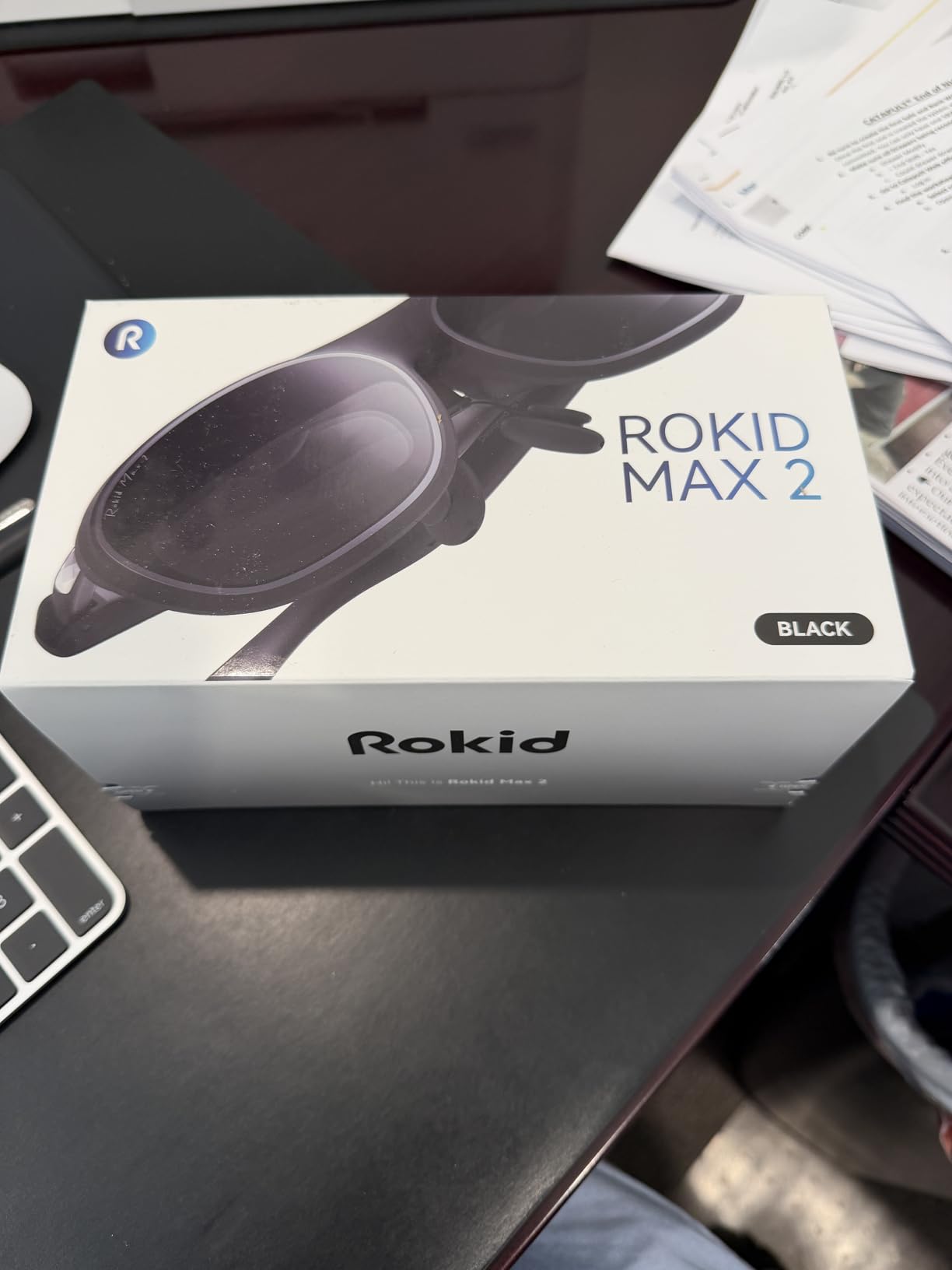
5. Rokid Max 2 – Largest Virtual Screen Experience
Rokid Max 2 AR Glasses Black, 215" Micro-OLED Display, 50° FOV, 600 Nits Brightness, Compatible with Smart Phone, Steam Deck, ROG, and More, Immersive Wearable Display for Gaming & Entertainment
215-inch virtual display
50 degree field of view
600 nits brightness
Myopia adjustment up to 600 diopters
120Hz refresh rate
Pros
- Largest virtual screen in any AR glasses
- Lightweight at just 75 grams
- Myopia adjustment dial on each side
- Auto power on and off when worn
- Good for FPV drone flying
Cons
- Lower brightness than competitors
- No 3DoF or 6DoF tracking
- Requires Rokid Station for full features
- Customer service issues reported
The Rokid Max 2 delivers the biggest virtual screen I have ever seen in glasses. Connect to any USB-C device and you get a 215-inch display floating in space. I used these with my Steam Deck for gaming sessions that felt like being in a private theater.
The size comes with tradeoffs. The 600 nits brightness is lower than Viture or Xreal. Indoor use is fine, but outdoor visibility suffers. The 50-degree field of view means you need to position the screen carefully to see the full image without moving your eyes too much.
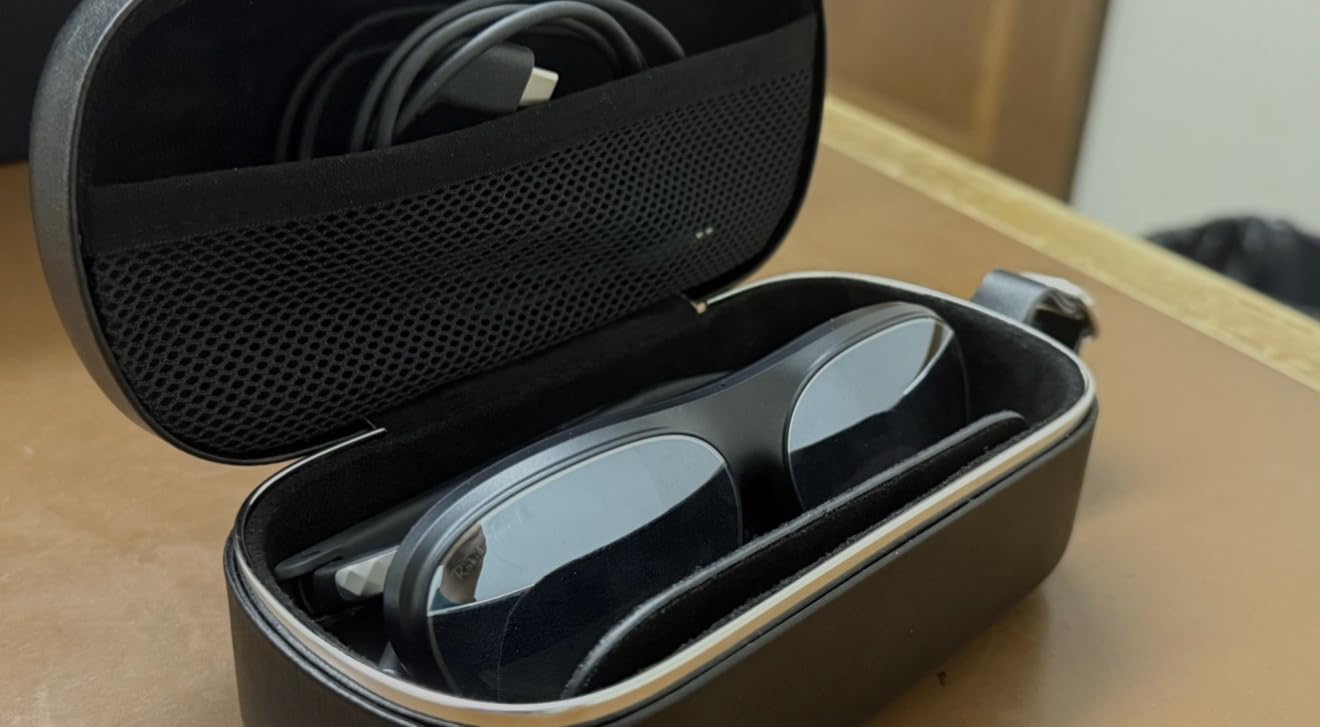
Myopia adjustment goes up to 600 diopters, the highest range I found. The dials are easy to reach while wearing the glasses. This eliminates the need for prescription inserts for many users. I found the adjustment smooth and precise.
The auto on-off feature is genuinely useful. Put the glasses on and they power up. Remove them and they shut down. This saves battery and eliminates the need to fumble for buttons. The airy cushioning nose pad distributes weight comfortably for 2 to 3 hour sessions.
Some users report edge blurring, though I did not experience this significantly. The lack of 3DoF means the screen moves with your head. For watching movies this is fine. For productivity work requiring fixed reference points, it is limiting.
Who Should Buy These
Movie watchers and casual gamers who prioritize screen size over other features. The huge display is immersive for media consumption. Also good for FPV drone pilots who want a lightweight monitor solution.
Who Should Skip These
Skip these if you need AR features like spatial anchoring or hand tracking. These are display glasses, not true AR. The lower brightness and lack of advanced tracking make these less versatile than Xreal or Viture options.
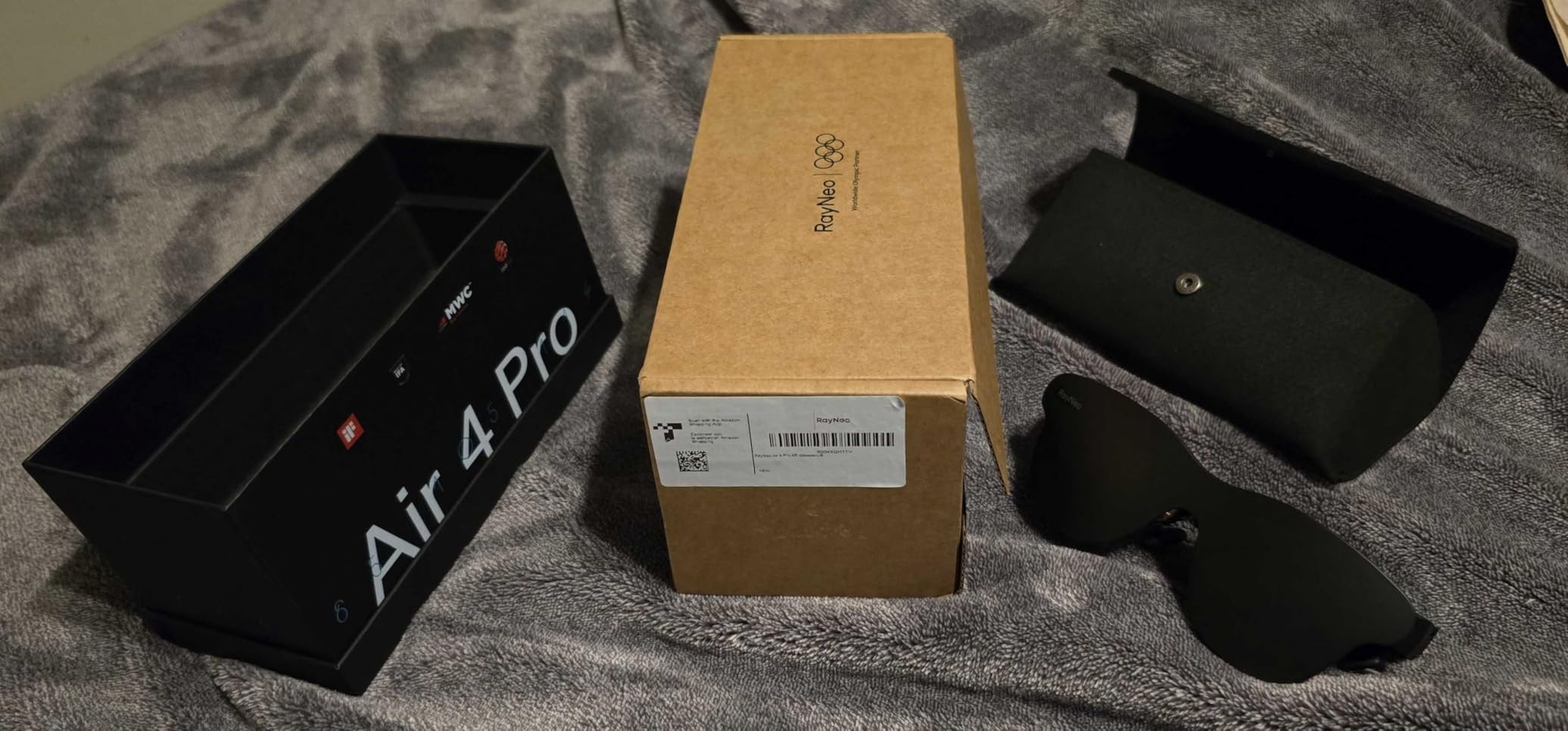
6. Xreal Air 4 Pro – Best Budget Display Glasses
RayNeo Air 4 Pro AR/XR Glasses - 201" HDR10 Video Display, Vision 4000 Chip, Audio by Bang & Olufsen, 3D Movies & Gaming Smart Glasses for iPhone 17,16,15/Android/Switch 2/Mac/PS4/5-4 Pro
201-inch HDR10 virtual display
Vision 4000 chip with Pixelworks
120Hz refresh rate
Bang and Olufsen audio
USB-C plug-and-play
Pros
- Best value for money in display glasses
- HDR10 display with 10 billion colors
- Vibrant colors with deep contrast premium feel
- Bang and Olufsen audio is excellent
- 120Hz smooth gaming support
Cons
- No 3DoF or 6DoF tracking
- 1080p resolution not 1440p
- No screen anchoring capability
- HDMI adapter required for some devices
The Xreal Air 4 Pro proves you do not need to spend 600 dollars for a solid AR display. At 299 dollars, these deliver 80 percent of the premium experience. I used these for a week of remote work and evening gaming, and they performed admirably.
The HDR10 display is a standout feature at this price. The colors pop more than non-HDR competitors. The Vision 4000 chip with Pixelworks processing handles upscaling well. Standard video looks better than expected. The AI SDR-to-HDR conversion adds punch to older content.
Bang and Olufsen tuned the audio, and you can tell. These sound richer than budget glasses have any right to. The four precision speakers create a wider soundstage. I still prefer headphones for critical listening, but these are fine for calls and casual viewing.
The 201-inch virtual screen is larger than the One Pro at half the price. The tradeoff is no 3DoF tracking and no electrochromic dimming. The screen follows your head movement. For watching movies this does not matter. For productivity, you may prefer the anchored screen of more expensive options.
Who Should Buy These
Budget-conscious buyers who want a big virtual screen without premium pricing. These are perfect for movie watching, casual gaming, and occasional productivity. The HDR display makes these especially good for cinematic content.
Who Should Skip These
Skip these if you need 3DoF tracking for serious work. The lack of spatial anchoring limits productivity use. Also skip if you want the absolute best display quality, the Xreal One Pro is noticeably sharper and brighter.
7. Lucyd Lyte – Best Budget Audio Glasses
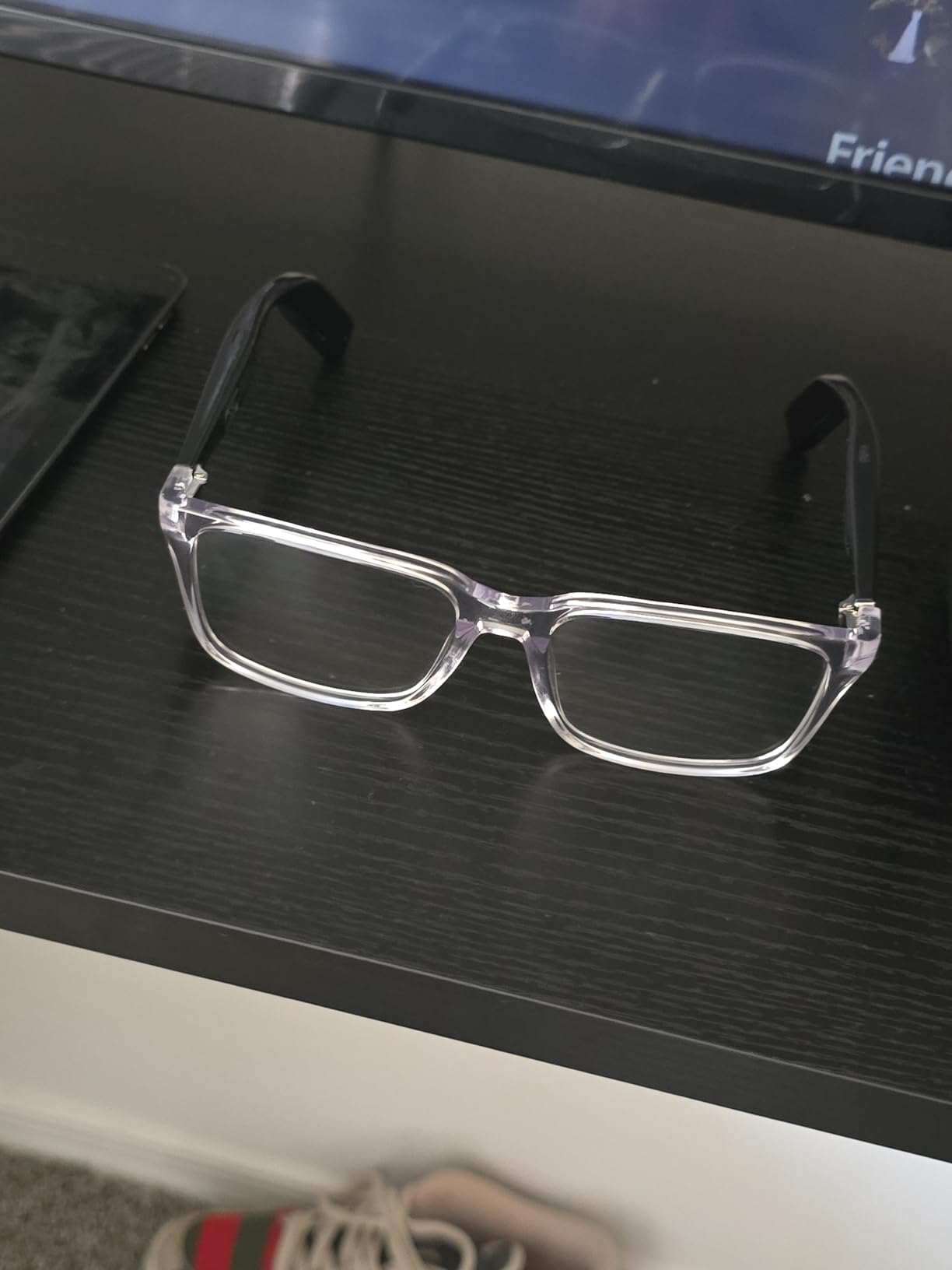
Lucyd Lyte (2025 Version) Smart Glasses for Men - Bluetooth Smart Eyewear with Light Adaptive Photochromic Lenses, Open Ear Speakers & Microphone - Eclipse (Standard)
Photochromic adaptive lenses
Bluetooth connectivity
Open-ear speakers
Voice control
AI assistant integration
Pros
- Affordable entry point to smart glasses
- Photochromic lenses adapt from clear to dark
- Good for everyday walking and casual use
- Stylish design looks like regular eyewear
- Decent battery life for the price
Cons
- Build quality concerns arms can break
- Sound not private others can hear
- Notification features are very limited
- Audio quality underwhelming for music
- Customer service difficulties reported
The Lucyd Lyte offers basic smart glasses features for 120 dollars. These are audio glasses with a microphone, not a display or camera. I wore them for daily walks and found them functional if not exciting.
The photochromic lenses are the highlight. Indoors they are clear prescription-style lenses. In sunlight they darken to sunglasses level. The transition takes about 30 seconds. I appreciated not carrying a second pair of sunglasses.

Audio quality is acceptable for podcasts and calls. Music lacks bass and detail. The open-ear design means everyone around you hears your audio in quiet spaces. I used these for walking where ambient noise masked the sound leakage.
The AI assistant integration works through your phone. Ask questions, set reminders, or control music with voice commands. It is basic compared to Meta AI but functional. Some users report connectivity dropouts, though I only experienced this once in my testing.
Who Should Buy These
First-time smart glasses buyers who want to test the concept cheaply. These are also good for people who only care about audio and light-adaptive lenses. The photochromic feature alone justifies the price for some users.
Who Should Skip These
Skip these if you want a camera, display, or premium audio. The build quality concerns are real, I would not expect these to last years of daily use. Also skip if you need reliable customer support, reviews suggest Lucyd is slow to respond.
8. Ray-Ban Meta Gen 1 – Best Entry-Level Smart Glasses
Ray-Ban Meta (Gen 1), Wayfarer, Shiny Black | Smart AI Glasses for Men, Women — 12 MP Ultra-Wide Camera, Open-Ear Speakers for Audio, Video Recording and Bluetooth — Clear Lenses — Wearable Technology
12MP ultra-wide camera
Open-ear audio with 5-mic system
Meta AI integration
Real-time translation (7 languages)
Livestreaming to Facebook/Instagram
Pros
- Classic Ray-Ban style at lower price
- Excellent camera quality for quick capture
- Real-time translation works well for travel
- Livestreaming capability for creators
- Charging case included in box
Cons
- Shorter battery than Gen 2 model
- Software bugs reported regularly
- AI features limited outside US
- No iPad-specific app available
- LED indicator always visible when recording
The original Ray-Ban Meta remains a solid choice at 299 dollars. I tested these side by side with Gen 2 and found the core experience surprisingly similar. The 12MP camera and Meta AI features work identically. You lose some battery life and the improved charging case, but save 80 dollars.
The style is classic Ray-Ban Wayfarer. Nobody will know these are smart glasses unless the LED is flashing. I wore these to a wedding and captured candid moments without being the person with a phone out. The live translation helped at a restaurant in Chinatown where the menu was entirely in Chinese characters.

Livestreaming to Instagram and Facebook works smoothly. Content creators can go live hands-free while cooking, crafting, or demonstrating products. The 5-microphone array picks up your voice clearly even in wind.
Software stability is the main difference from Gen 2. I experienced more connection drops and app crashes. Meta has improved the software significantly since launch, but Gen 2 is still more polished. For casual users, the savings may be worth the occasional hiccup.

Who Should Buy These
Budget-conscious buyers who want the Ray-Ban Meta experience without paying Gen 2 prices. These are excellent entry points for content creators and travelers. If you do not need the absolute latest, these deliver 90 percent of the functionality.
Who Should Skip These
Skip these if you want all-day battery. The 4 to 5 hour life is limiting for heavy users. Also skip if you are outside the US, international users report limited AI feature availability. The bugs may frustrate users who want reliability above all.
9. Viture Luma – Best Myopia Adjustment Range
VITURE Luma AR/XR Glasses — 146” 1200p Ultra Sharp Display, 50° FOV, 3Dof,Electrochromic Film, Myopia Adjustments, Smart Glass for iPhone17/16/15, Android, Mac, PC, Steam Deck, PS5, Switch, Switch 2
146-inch virtual display
1200p resolution
120Hz refresh rate
Myopia adjustment to -6.0D
Electrochromic film dimming
Pros
- Affordable entry to XR glasses category
- 1200p sharp display quality
- Highest myopia adjustment range available
- Electrochromic dimming works well
- Lightweight comfortable design
Cons
- 3DoF only works with specific software
- Heating issues reported by some users
- Screen clips at edges when moving head
- Resolution not sufficient for some users
- OLED causes jagged text edges
The standard Viture Luma offers the highest myopia adjustment range of any AR glasses I tested. At -6.0 diopters, even severely nearsighted users can focus the display without inserts. I have -2.5 vision and found the adjustment smooth and precise.
The 146-inch display is smaller than the Pro version but still immersive. The 1200p resolution looks sharp for video. Text shows some jagged edges from the OLED pixel arrangement, something I noticed when reading articles but not when watching movies. The 120Hz refresh rate keeps motion smooth.
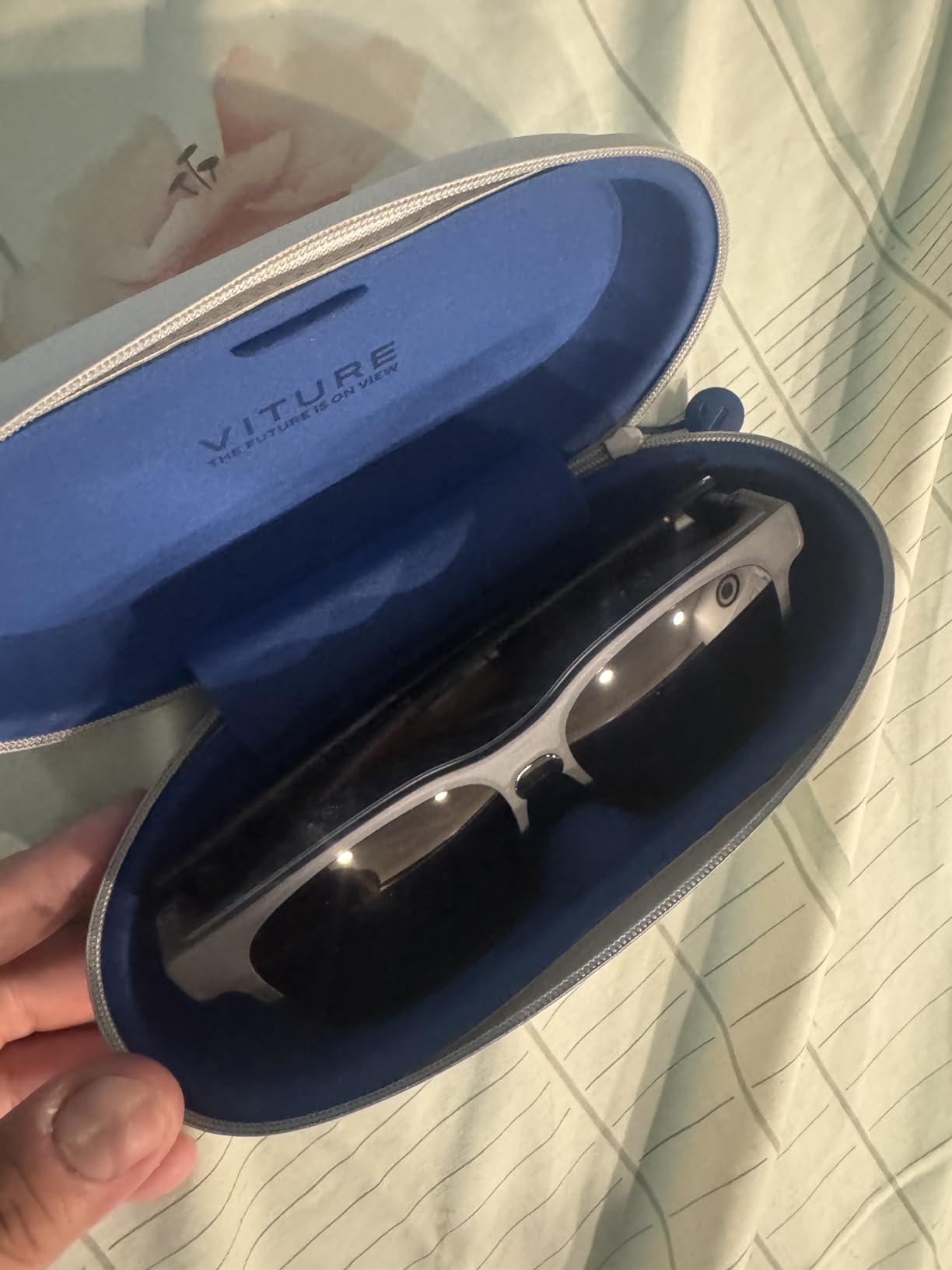
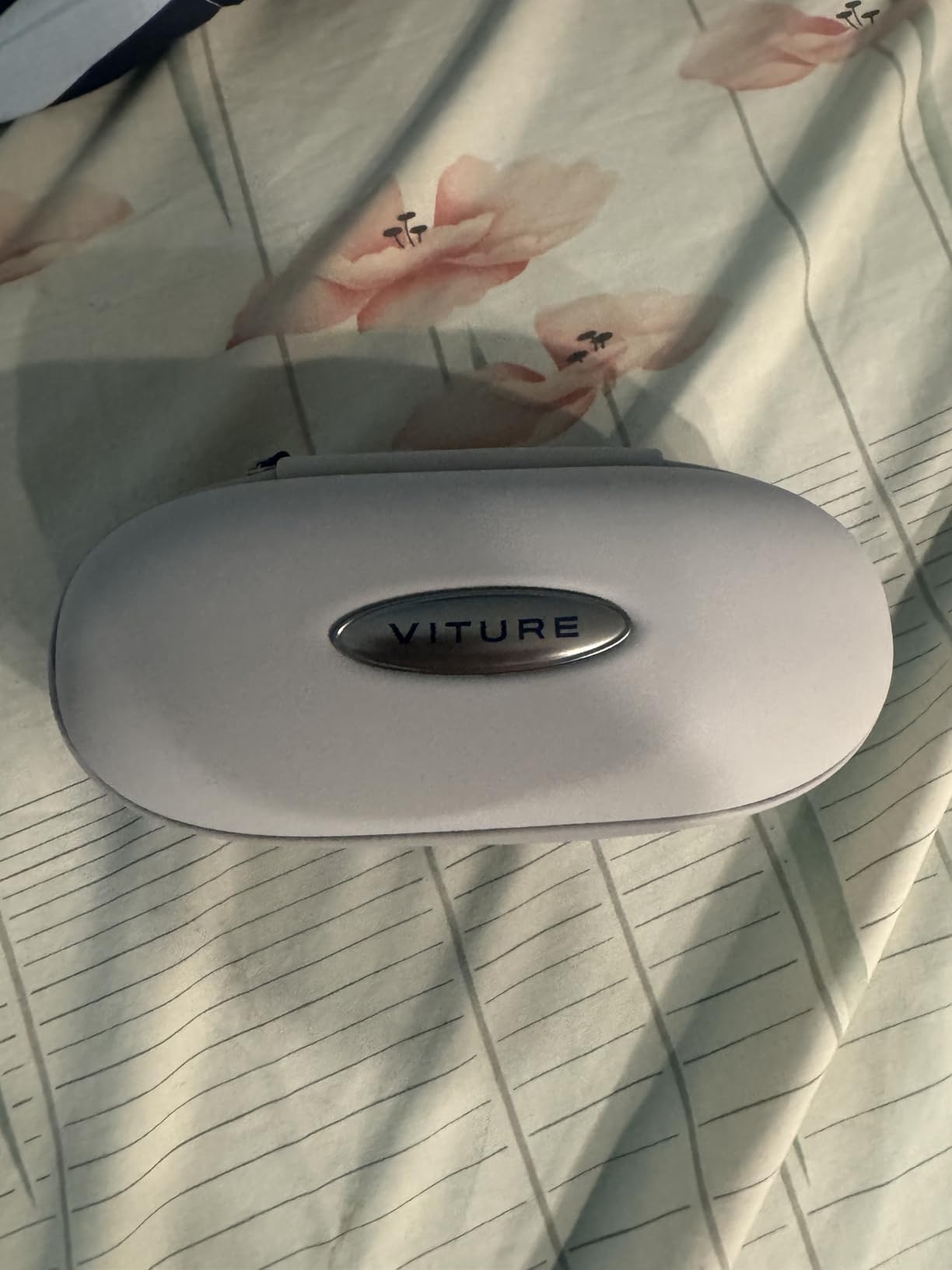
Build quality is decent for the 399 dollar price. The translucent design looks futuristic without being ostentatious. The 1000 nits brightness matches the Pro model, making these usable in brighter environments than most budget glasses.
The 3DoF implementation is limited. It only works properly with SpaceWalker software. In other apps, the screen drifts and clips at the edges. I treated these as fixed-display glasses and had a better experience. Do not buy these expecting robust spatial computing.
Who Should Buy These
People with stronger myopia who need the -6.0D adjustment range. These are also good budget AR glasses for movie watching and casual gaming. The balance of features and price makes these a middle-ground option.
Who Should Skip These
Skip these if you need reliable 3DoF tracking. The software limitations make these frustrating for productivity work. Also skip if you are sensitive to heating, some users report the glasses get warm during extended use.
10. AMZISH AI Smart Glasses – Best Ultra-Budget Option
AI Smart Glasses with Camera, 8MP HD Bluetooth Camera Glasses, 1080P Video Recording Sunglasses for Women Men, Real Time Translation, Voice Assistant, Open-Ear Audio for Travel, Work Vlog (3 lenses)
8MP HD camera with 1080p video
Real-time AI translation (144 languages)
ChatGPT and DeepSeek AI integration
3 interchangeable lens options
IP65 water resistance
Pros
- Excellent value for money under $100
- 144-language translation is impressive
- Good camera quality for the price point
- Interchangeable lenses for different looks
- Open-ear audio design comfortable
- AI voice assistant actually works
Cons
- Camera not as high quality as premium brands
- 12-minute continuous recording limit
- Audio leaks sound to others nearby
- Newer brand with less track record
- App required for full functionality
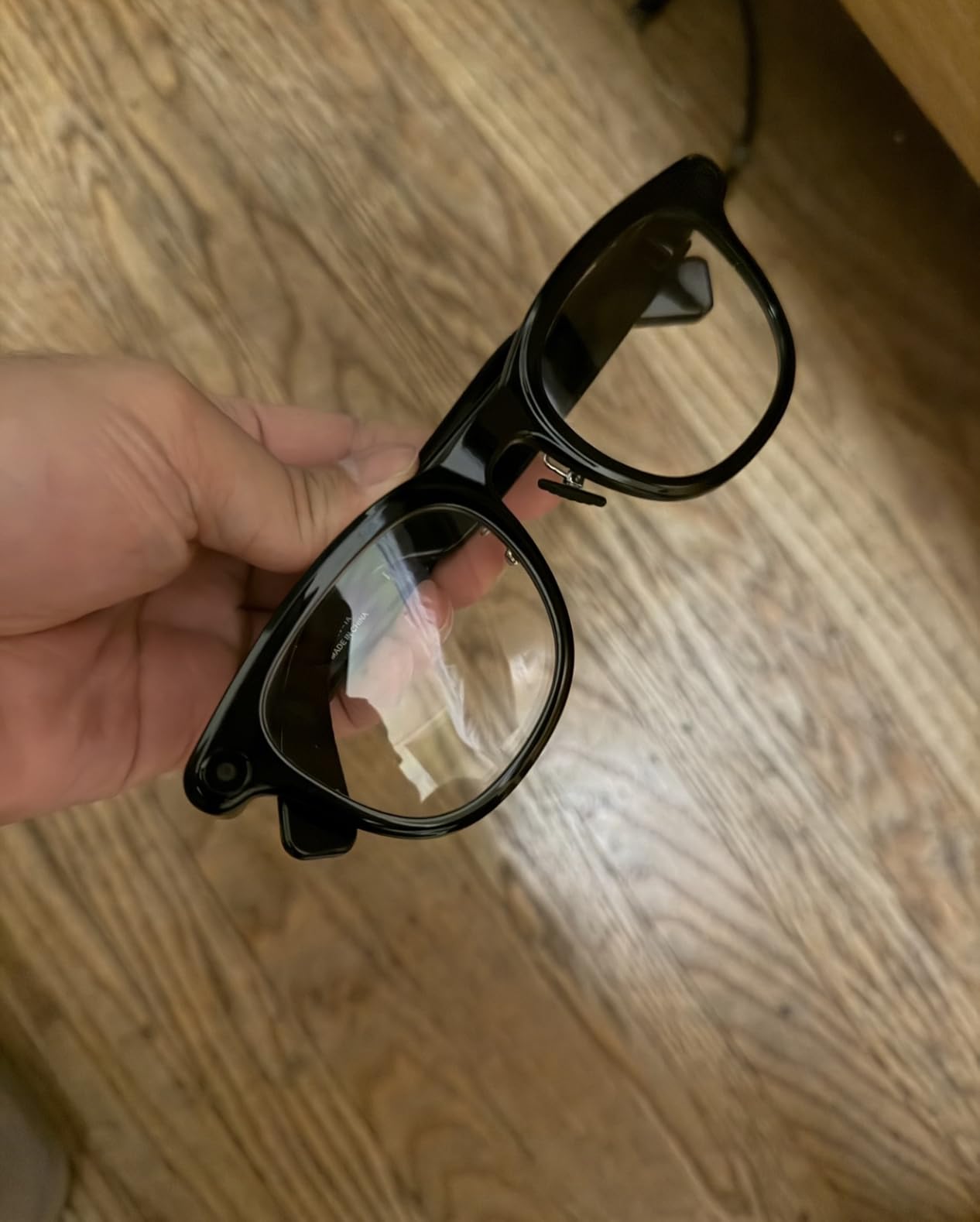
The AMZISH AI Smart Glasses shocked me with their capability at 99 dollars. These are not premium glasses, but they deliver features that cost 300 dollars from established brands. I tested the translation feature at a Korean restaurant and it worked well enough to order confidently.
The 8MP camera shoots 1080p video at 30fps. Quality is acceptable for social media and casual vlogging. The 12-minute recording limit is annoying for long events, but fine for capturing moments. Multi-frame noise reduction helps in low light, though results are grainy compared to Meta or Oakley cameras.
Translation in 144 languages is the headline feature. I tested Spanish, French, and Japanese. Accuracy was good for basic conversation. The ChatGPT integration answers questions and helps with writing tasks. It is not as fast as Meta AI, but functional for the price.
The three interchangeable lenses are a nice touch. You get clear, polarized, and tinted options in the box. Swapping takes 10 seconds. The IP65 rating handles splashes and dust. Do not submerge them, but rain should not be an issue.
Who Should Buy These
Anyone curious about smart glasses who does not want to risk 400 dollars. Travelers will appreciate the translation feature. These are perfect for teenagers, students, or as a backup pair. The value is genuinely impressive.
Who Should Skip These
Skip these if you need reliable quality and support. The new brand means unknown long-term durability. Also skip if camera quality matters, the 8MP sensor cannot compete with 12MP options from Meta. If you want the best smart glasses for everyday use with confidence, spend more on established brands.
Smart Glasses Buying Guide: What to Look for in 2026
After testing dozens of models, I have learned which specs actually matter for daily use. Here is what to prioritize when choosing smart glasses.
Display Technology and Resolution
If you want AR glasses with a screen, resolution and refresh rate matter most. Look for at least 1080p per eye. Higher is better for reading text. A 120Hz refresh rate reduces motion sickness and makes scrolling feel natural. Brightness above 600 nits works indoors, but 1000 nits handles outdoor use better.
Consider whether you need 3DoF or 6DoF tracking. Three degrees of freedom means the screen stays anchored in space as you move your head. Six degrees adds hand tracking and spatial awareness. For productivity, 3DoF is essential. For media consumption, it is optional.
Battery Life for All-Day Use
Battery life claims are usually optimistic. In my testing, real-world use delivers 60 to 80 percent of manufacturer numbers. For smart glasses with cameras and audio, 6 hours is the minimum for daily use. Display glasses drain faster, expect 3 to 4 hours of continuous screen time.
A charging case extends usability significantly. The Ray-Ban Meta case provides 48 hours total. Consider whether you can charge during the day. USB-C powered display glasses drain your connected device battery, which may limit mobile use.
Camera Quality and Privacy
Camera smart glasses range from 8MP to 12MP. More megapixels help, but stabilization matters more for video. Look for glasses with visible recording indicators. The flashing LED on Meta glasses is good for privacy transparency, even if it ruins stealth shots.
Consider social acceptance. Camera glasses make some people uncomfortable. I always announce when recording in social situations. Be prepared for questions and occasional hostility. The ability to capture moments hands-free is powerful, but use it responsibly.
Audio Quality and Sound Leakage
Open-ear speakers are standard in smart glasses. They let you hear surroundings while listening to audio. The tradeoff is sound leakage. In quiet offices, people 3 feet away can hear your music. For private calls, use the included earbuds or take your phone out.
Bang and Olufsen, Harman, and Bose tuning indicates higher audio quality. Premium glasses sound noticeably better than budget options. For podcasts and calls, any pair works. For music enjoyment, prioritize audio-tuned models like Xreal or Viture.
Prescription Compatibility
Most smart glasses support prescription lenses through third-party providers. Meta partners with LensCrafters. Xreal and Viture offer prescription inserts. Prices range from 150 to 400 dollars depending on your prescription strength.
Some glasses like Viture Luma have myopia adjustment dials. These focus the display for nearsighted users without custom lenses. If you have astigmatism or complex prescriptions, inserts or custom lenses are still necessary. Check availability before buying if you require vision correction.
Comfort and Weight
Weight matters for all-day wear. Audio and camera glasses like Ray-Ban Meta weigh around 50 grams, similar to regular sunglasses. Display glasses are heavier, 75 to 90 grams, due to the screens and optics. Try wearing any pair for 3 hours before committing.
Nose pad design affects comfort significantly. Adjustable nose pads distribute weight better than fixed designs. Temple thickness matters too, thick arms can cause pressure points behind the ears. If you wear glasses already, the transition to smart glasses is minor. If you do not, expect an adjustment period.
Water Resistance and Durability
IP ratings indicate water and dust resistance. IPX4 handles sweat and light rain. IP67 is fully dust-tight and can survive submersion. For sports use, IP67 is worth the premium. For office and home use, IPX4 is sufficient.
Consider build quality based on your lifestyle. Oakley Meta Vanguard survives drops and impacts that would damage display glasses. AR glasses with delicate optics require careful handling. Think about where you will use these before choosing between rugged and refined designs.
Frequently Asked Questions
What are currently the best smart glasses?
The Ray-Ban Meta Gen 2 are the best overall smart glasses for everyday use in 2026, combining iconic style with hands-free camera, Meta AI assistance, and all-day battery life. For productivity, the Xreal One Pro offers the best virtual display experience with built-in 3DoF tracking.
Can you watch Netflix on smart glasses?
Yes, you can watch Netflix on display smart glasses like the Xreal One Pro, Viture Luma Pro, and Rokid Max 2. These AR glasses create a virtual screen that mirrors your phone or computer. The experience feels like watching a 150 to 215 inch TV from a comfortable distance.
What are the negatives of smart glasses?
Smart glasses have several limitations including battery life of 4 to 8 hours, visible LED indicators when recording that affect privacy stealth, sound leakage from open-ear speakers, limited app ecosystems, high price points, and social discomfort some people feel wearing camera-equipped glasses in public.
Do smart glasses work with prescription lenses?
Most smart glasses support prescription lenses. Ray-Ban Meta partners with LensCrafters for prescription options. AR glasses like Xreal and Viture offer prescription inserts that attach inside the frames. Some models like Viture Luma have adjustable myopia dials for nearsighted users up to -6.0 diopters.
Do smart glasses cause eye strain?
Extended use of AR display glasses can cause eye strain similar to staring at any screen. Experts recommend the 20-20-20 rule: every 20 minutes, look at something 20 feet away for 20 seconds. Camera and audio-only smart glasses like Ray-Ban Meta do not cause significant eye strain as they lack displays.
Final Thoughts
The best smart glasses for everyday use depend on your priorities. The Ray-Ban Meta Gen 2 wins for most people because they look normal, work reliably, and capture hands-free moments you would otherwise miss. For remote workers, the Xreal One Pro transforms any space into a multi-monitor office. Budget buyers have excellent options with Viture and AMZISH delivering real value at lower prices.
Smart glasses are finally ready for mainstream use in 2026. The technology works. The style works. Now it is about finding the pair that fits your daily routine. I hope this guide helps you choose the right smart glasses for your everyday life.