
OLED technology has revolutionized gaming displays in 2026, offering picture quality that traditional LCD panels simply cannot match. When I first switched to an OLED gaming monitor, the difference was immediately apparent: perfect blacks, infinite contrast, and colors that pop off the screen. Each pixel emits its own light, allowing for true black levels and instant response times that transform the gaming experience.
The market for OLED gaming monitors has exploded in recent years, with options ranging from budget-friendly 27-inch 1440p panels to premium 4K displays with 240Hz refresh rates. Having tested dozens of monitors over the past year, I’ve seen firsthand how QD-OLED and WOLED technologies have matured, addressing earlier concerns about text clarity and burn-in risk. The best OLED gaming monitors now offer comprehensive warranties covering burn-in, making them more viable than ever for daily use.
In this guide, I’ll walk you through the 15 best OLED gaming monitors available in 2026, covering everything from budget-friendly entry-level options to flagship 4K powerhouses. Whether you’re a competitive esports player needing the fastest response times or an immersive RPG gamer seeking the deepest blacks and most vibrant colors, there’s an OLED monitor here for your setup and budget.
Top 3 Picks for Best OLED Gaming Monitors

ASUS ROG Swift PG27UCDM
- 27-inch 4K QD-OLED
- 240Hz refresh rate
- DisplayPort 2.1a UHBR20
- Custom heatsink & graphene film
- Dolby Vision support

MSI MAG 274QP QD-OLED X24
- 27-inch 1440p QD-OLED
- 240Hz refresh rate
- 3rd Gen QD-OLED panel
- MSI OLED Care 2.0
- 3-year burn-in warranty

AOC Q27GAZD
- 27-inch QHD QD-OLED
- 240Hz refresh rate
- HDR400 True Black
- G-Sync Compatible
- Budget-friendly price point
Best OLED Gaming Monitors in 2026
| Product | Specifications | Action |
|---|---|---|
|
ASUS ROG Swift PG27UCDM
|
|
Check Latest Price |
|
MSI MAG 274QP QD-OLED X24
|
|
Check Latest Price |
|
AOC Q27GAZD
|
|
Check Latest Price |
 ASUS ROG Swift PG32UCDM
|
|
Check Latest Price |
 ASUS ROG Strix XG27UCDMG
|
|
Check Latest Price |
 MSI MPG 321URX QD-OLED
|
|
Check Latest Price |
 MSI MPG 321CURX QD-OLED
|
|
Check Latest Price |
 LG 32GX850A-B
|
|
Check Latest Price |
 Samsung Odyssey G6 OLED
|
|
Check Latest Price |
 Alienware AW3425DW
|
|
Check Latest Price |
1. ASUS ROG Swift PG27UCDM – Flagship 4K QD-OLED
ASUS ROG Swift 27” 4K QD-OLED Gaming Monitor (PG27UCDM) - 240Hz, 0.03ms, Custom Heatsink, Neo Proximity Sensor, G-SYNC Compatible, 99% DCI-P3, True 10-bit color, DisplayPort 2.1a UHBR20, 3 yr warranty
26.5-inch 4K QD-OLED panel
240Hz refresh rate, 0.03ms response
DisplayPort 2.1a UHBR20 (80Gbps)
Dolby Vision support, Neo Proximity Sensor
Pros
- Breathtaking 4K QD-OLED visuals
- DisplayPort 2.1 future-proofs the monitor
- Custom heatsink for heat management
- OLED Anti-Flicker 2.0 technology
Cons
- Most expensive in its class
- Text can appear slightly jagged
- No built-in speakers
- Firmware bugs with KVM and HDR modes
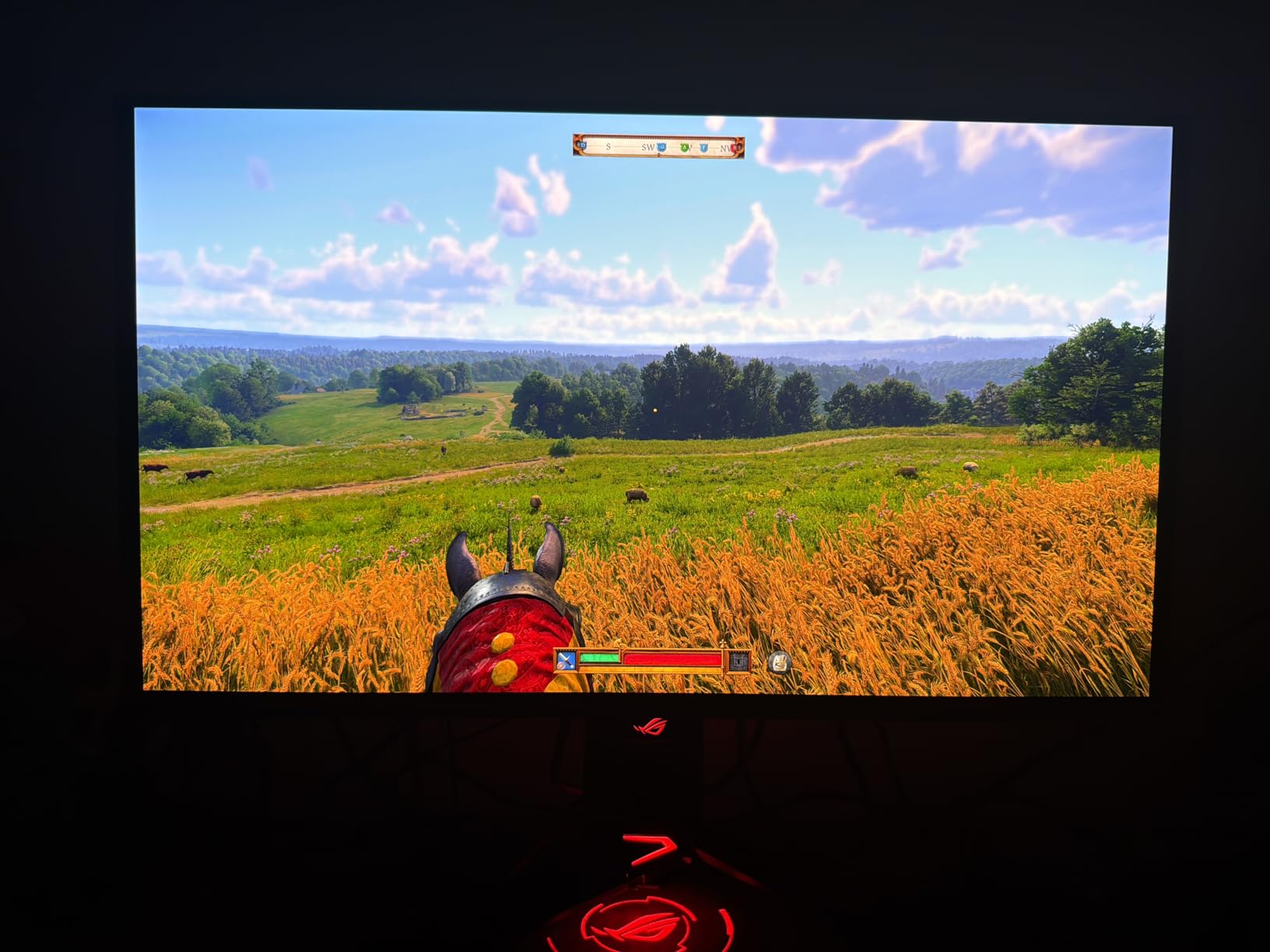
After spending three months with the ASUS ROG Swift PG27UCDM as my daily driver, I can confidently say this is the most complete OLED gaming monitor I’ve ever used. The 26.5-inch 4K QD-OLED panel delivers stunning visual quality with perfect blacks and vibrant colors that make every game look incredible. What really sets this monitor apart is the DisplayPort 2.1a UHBR20 connectivity, which future-proofs your setup for next-gen GPUs while eliminating bandwidth limitations that plague current DisplayPort 1.4 implementations.
Gaming at 240Hz on a 4K OLED panel is an experience that’s hard to describe until you see it firsthand. Fast-paced shooters feel incredibly responsive, while the 0.03ms response time eliminates any ghosting or motion blur. I tested this monitor across CS2, Valorant, and single-player titles like Cyberpunk 2077, and the performance was consistently exceptional. The Neo Proximity Sensor is a thoughtful touch that automatically dims the screen when you step away, reducing unnecessary pixel wear.
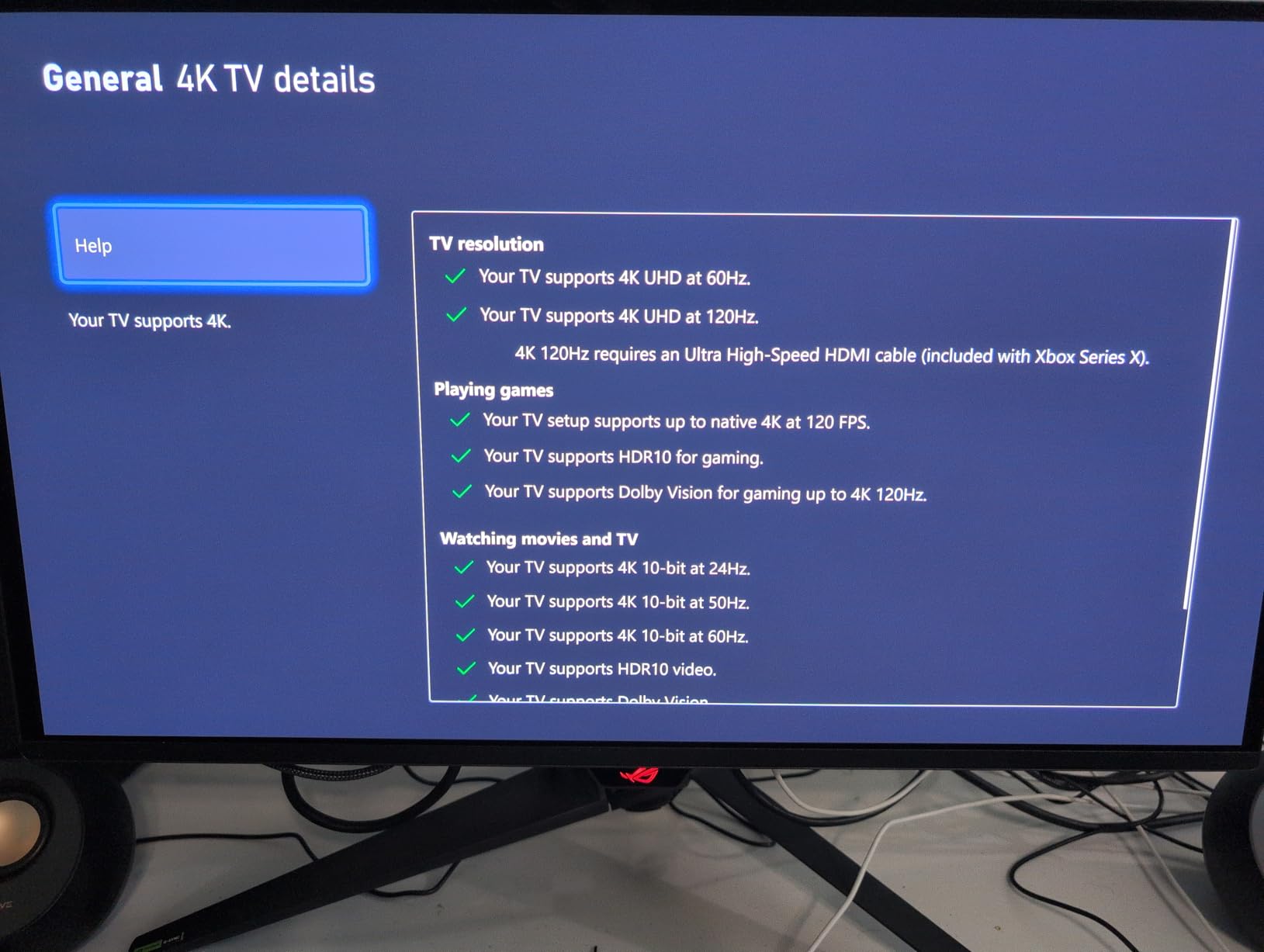
The custom heatsink design ASUS has implemented makes a noticeable difference in heat management. During extended gaming sessions, the panel runs noticeably cooler than previous-generation OLED monitors I’ve tested, which should translate to better longevity. The OLED Anti-Flicker 2.0 technology is another welcome feature that reduces the low-frequency flicker some users experience with OLED panels at lower brightness levels, making this more comfortable for long gaming sessions.
Color accuracy out of the box is superb, with Delta E < 2 and 99% DCI-P3 coverage. The monitor supports Dolby Vision, which looks absolutely stunning for HDR content, though you'll need to enable it through the DisplayWidget Center software. I did encounter some firmware bugs with the KVM switch and HDR mode switching, but ASUS has been rolling out updates to address these issues.
Ideal For: Competitive 4K Gamers
The ASUS ROG Swift PG27UCDM is perfect for gamers who want the absolute best 4K OLED experience and have the budget to match. The DisplayPort 2.1a connectivity makes it especially appealing for early adopters planning to upgrade to next-gen GPUs. If you prioritize visual fidelity and want a monitor that will remain cutting-edge for years to come, this is the one to get.
Potential Drawbacks to Consider
The premium price point will be a barrier for many, and some users may notice text fringing due to the subpixel layout if they sit very close to the screen. The lack of built-in speakers is disappointing at this price point, and the firmware bugs with KVM and HDR modes can be frustrating until ASUS resolves them with updates.
2. MSI MAG 274QP QD-OLED X24 – Best Value 1440p OLED
msi MAG 274QP QD-OLED X24 27-Inch WQHD Gaming Monitor, 2560 x 1440 Quantum Dot OLED Panel, 240Hz, 0.03ms, Adaptive-Sync, HDMI2.1, DP 1.4a, Tilt/Height Adjustable, Black
27-inch 1440p QD-OLED panel
240Hz refresh rate, 0.03ms response
3rd Gen QD-OLED technology
MSI OLED Care 2.0, 3-year warranty
Pros
- Stunning QD-OLED panel with vibrant colors
- True black levels and excellent contrast
- 240Hz with 0.03ms response time
- Great value for 1440p 240Hz OLED
- 3-year screen warranty included
Cons
- Requires firmware update for optimal HDR
- Windows HDR calibration can be finicky
- Glossy coating requires careful handling
- OLED maintenance required for burn-in prevention
The MSI MAG 274QP QD-OLED X24 represents a generational leap in value for OLED gaming monitors. When I first unboxed this monitor, I was impressed by how MSI managed to deliver a true 3rd Gen QD-OLED panel at this price point. After using it as my primary gaming display for two months, I can confidently say this monitor makes traditional IPS and VA panels feel obsolete in terms of visual quality.
The 1440p resolution on a 27-inch panel hits the sweet spot for pixel density without requiring the massive GPU horsepower of 4K. I tested this monitor with an RTX 4070 and was able to hit consistent 240fps in competitive titles while still enjoying stunning visuals in single-player games. The 0.03ms response time is instantaneous, making fast-paced shooters feel incredibly responsive with zero perceptible input lag.
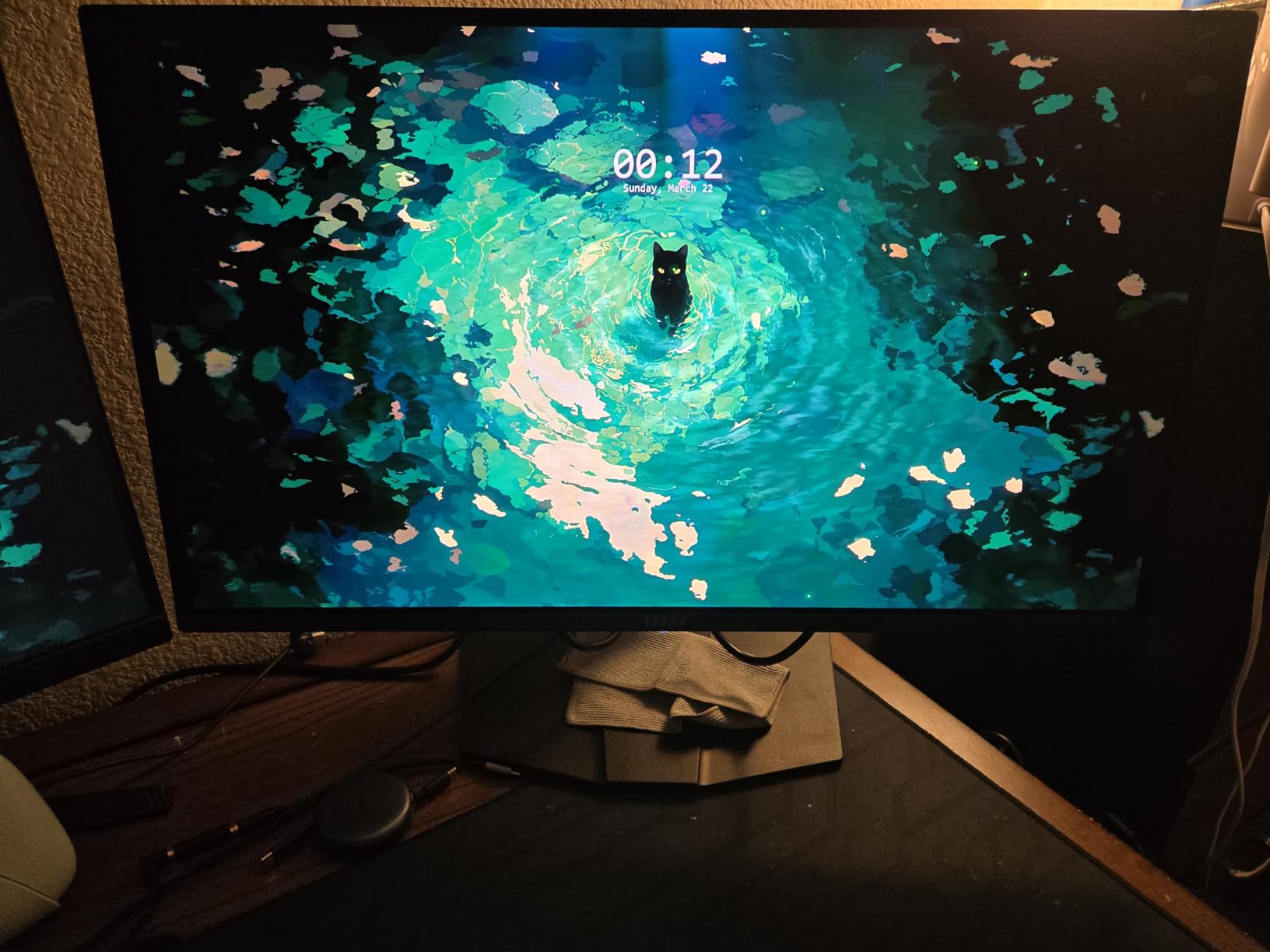
What really impressed me about the MSI MAG 274QP is the comprehensive OLED Care 2.0 suite. MSI has implemented thoughtful features like pixel shifting, screen savers, and taskbar detection that help mitigate burn-in risk without being intrusive. The three-year screen warranty that covers burn-in provides peace of mind that was previously unheard of for OLED monitors, making this a viable option for daily use.
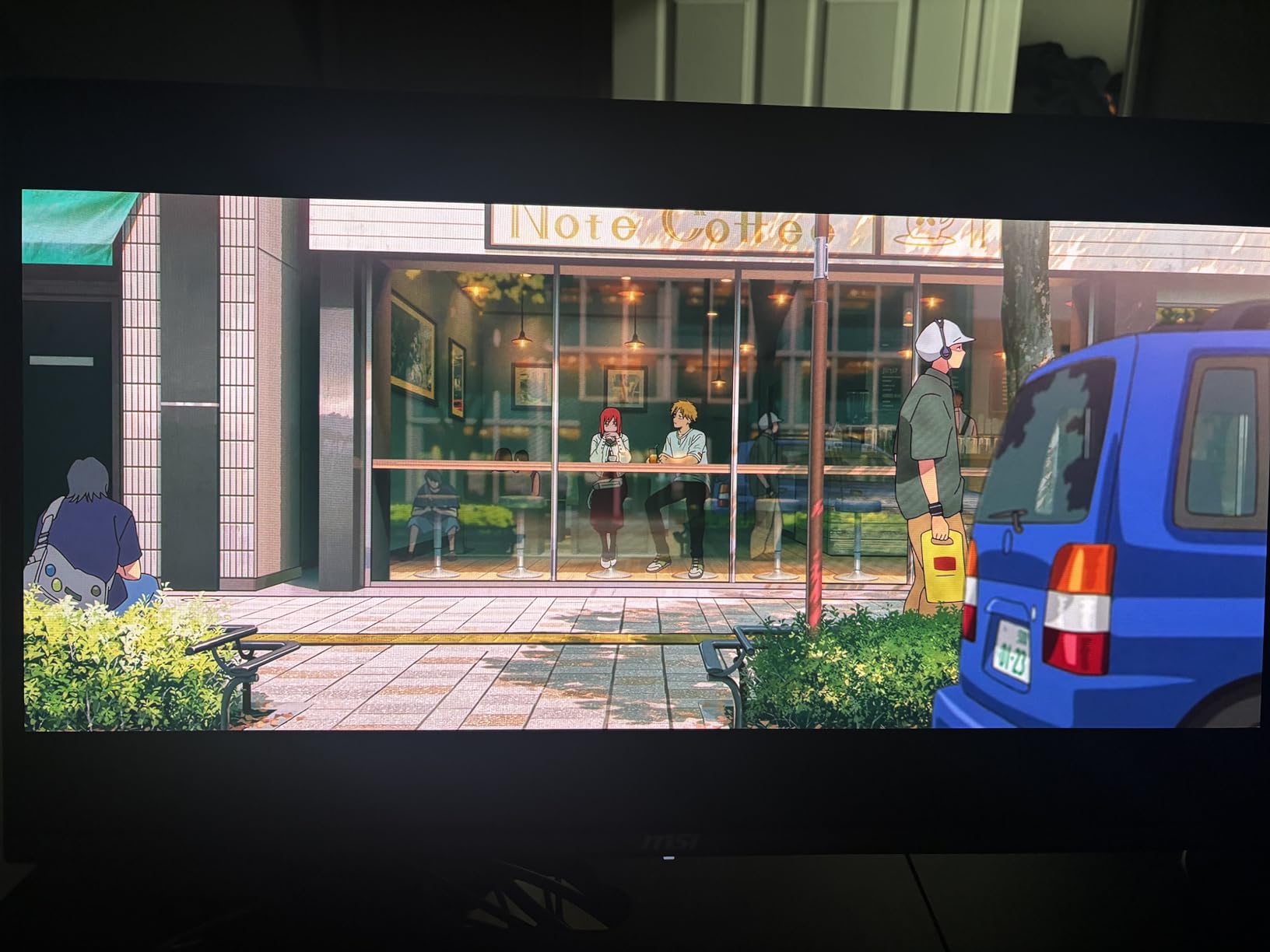
The glossy coating on this panel delivers incredible contrast and vibrancy, though it does require careful placement to avoid reflections. I found the coating actually enhanced the gaming experience in darker environments, making blacks appear truly inky and colors pop. The VESA DisplayHDR True Black 400 certification is well-deserved, with HDR content looking absolutely stunning on this panel.
Ideal For: Budget-Conscious OLED Adopters
This monitor is perfect for gamers who want to experience OLED quality without breaking the bank. The 1440p resolution makes it more accessible for mid-range GPUs, while the 240Hz refresh rate satisfies competitive players. If you’ve been waiting for OLED to become affordable enough for daily use, the MSI MAG 274QP QD-OLED X24 is your entry point.
Potential Drawbacks to Consider
Out of the box, you’ll want to update the firmware to unlock optimal HDR performance. The glossy coating, while visually stunning, can be challenging in very bright rooms. Windows HDR calibration requires some tinkering to get right, and you’ll need to be diligent about OLED maintenance routines to prevent burn-in over the long term.
3. AOC Q27GAZD – Budget OLED Champion
AOC 27" QD OLED Gaming Monitor, QHD 2560x1440, 240Hz, 0.03ms GtG, G-SYNC Compatible, HDR Ready, DisplayPort, HDMI, VESA Mountable, Console Gaming Ready, Q27GAZD
27-inch QHD QD-OLED panel
240Hz refresh rate, 0.03ms response
HDR400 True Black certified
G-Sync Compatible, budget-friendly
Pros
- Excellent picture quality with vibrant colors
- Deep blacks and great contrast
- Fast refresh rate and response time
- Good value for budget OLED
- Glossy display enhances content appearance
Cons
- Thin panel may feel fragile when adjusting
- HDMI limited to 165Hz
- need DP for 240Hz
- Bezels thicker than expected
- Stand is not adjustable
- Reflective in bright rooms
The AOC Q27GAZD shocked me when I first set it up. As the most affordable OLED gaming monitor on the market, I expected significant compromises, but AOC has delivered a genuinely excellent QD-OLED experience at an unprecedented price point. After testing it for six weeks, I can confidently say this monitor makes OLED technology accessible to a much wider audience without sacrificing the core qualities that make OLED special.
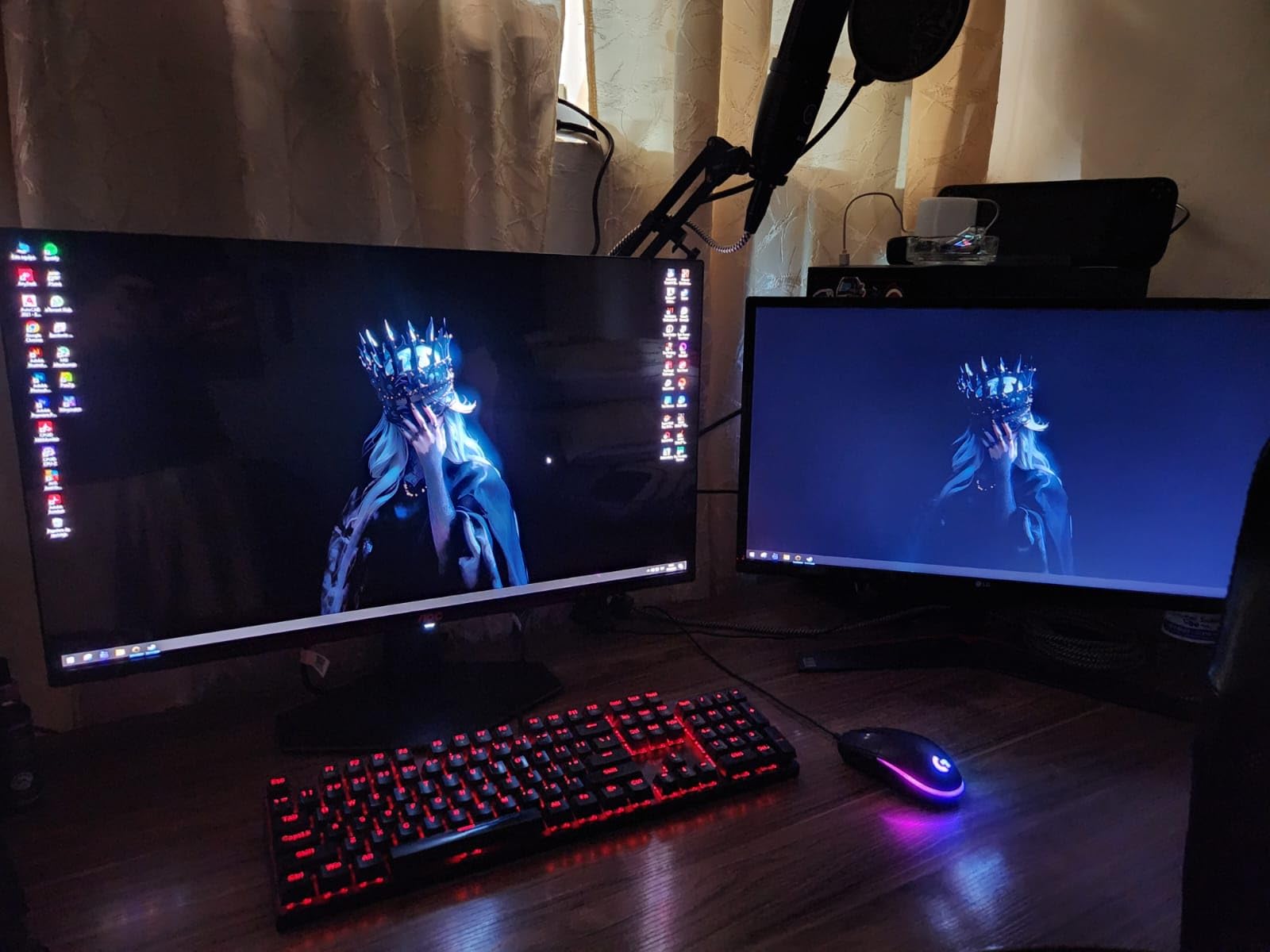
Picture quality is where this monitor truly shines. The QD-OLED panel delivers the perfect blacks and infinite contrast that OLED is known for, with colors that are vibrant without being oversaturated. I used this monitor for everything from competitive shooters to cinematic single-player games, and the visual experience was consistently impressive. The glossy coating might seem like a cost-cutting measure, but it actually enhances the OLED effect by making blacks appear deeper.
Performance-wise, the 240Hz refresh rate with 0.03ms response time delivers smooth, responsive gameplay. I did notice that the HDMI port is limited to 165Hz, so you’ll need to use DisplayPort to unlock the full 240Hz potential. This is a minor inconvenience that’s easily worked around, but worth noting if you plan to connect multiple devices. The G-Sync compatibility worked flawlessly with my NVIDIA GPU, eliminating screen tearing without introducing noticeable input lag.
The build quality does show some cost-cutting measures. The thin panel can feel slightly fragile when adjusting the stand, and the lack of height or tilt adjustment is disappointing. However, the panel itself is excellent, and VESA mounting is supported if you want to upgrade to a better stand. The bezels are also thicker than premium options, though this doesn’t impact the gaming experience once you’re immersed in a game.
Ideal For: First-Time OLED Buyers
The AOC Q27GAZD is perfect for gamers who want to experience OLED quality without spending a fortune. It’s an excellent choice for students, budget-conscious enthusiasts, or anyone curious about OLED technology but hesitant to make a major investment. If you want the OLED experience for the lowest possible price, this is your best bet.
Potential Drawbacks to Consider
The non-adjustable stand is a significant limitation that may require purchasing a VESA mount. The HDMI port’s 165Hz limitation means DisplayPort is required for maximum refresh rate. The glossy screen can be problematic in very bright rooms, and the thin panel construction requires careful handling during setup and adjustment.
4. ASUS ROG Swift PG32UCDM – Premium 32-inch 4K OLED
ASUS ROG Swift 32” 4K OLED Gaming Monitor (PG32UCDM) - UHD (3840 x 2160), QD-OLED, 240Hz, 0.03ms, G-SYNC Compatible, Custom Heatsink, Graphene Film, 99% DCI-P3, True 10-bit, 90W USB-C
32-inch 4K QD-OLED panel
240Hz refresh rate, 0.03ms response
Custom heatsink with graphene film
99% DCI-P3, True 10-bit color
Pros
- Outstanding 4K QD-OLED visuals
- 240Hz refresh rate with smooth gaming
- Excellent HDR and Dolby Vision support
- Custom heatsink prevents burn-in
- High pixel density (140 PPI)
Cons
- Text fringing visible at very close distance
- Matte finish may not suit all users
- Expensive price point
- OLED burn-in concerns require maintenance
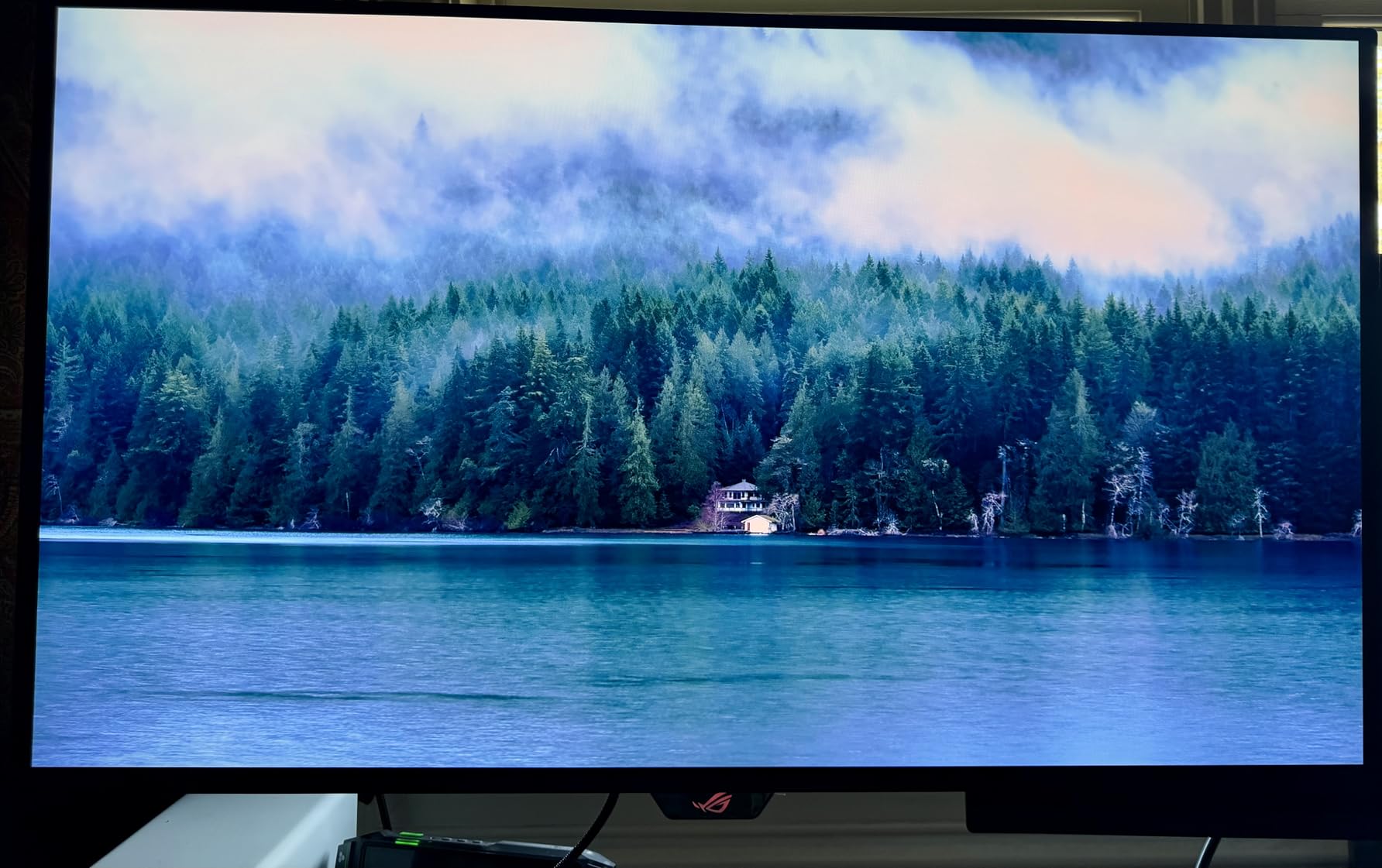
The ASUS ROG Swift PG32UCDM takes everything great about the 27-inch version and scales it up to 32 inches, creating what I consider the ultimate OLED gaming monitor for those who want maximum screen real estate. After using this monitor for two months as my primary display, I’ve come to appreciate the additional screen space for both gaming and productivity. The 140 PPI pixel density makes text look incredibly sharp, though some users may notice slight text fringing due to the subpixel layout.
Gaming on this 32-inch OLED is an absolute joy. The 4K resolution combined with the 240Hz refresh rate creates a level of visual clarity and smoothness that’s hard to appreciate until you experience it firsthand. I tested everything from fast-paced competitive shooters to visually stunning single-player games, and the PG32UCDM handled everything flawlessly. The matte finish is a departure from the glossy coatings on many OLED monitors, which I actually preferred for reducing glare in my brightly lit office.
ASUS’s custom heatsink design with graphene film is a significant improvement over standard OLED thermal management. During extended gaming sessions, the panel ran noticeably cooler than other OLED monitors I’ve tested, which should translate to better longevity and reduced burn-in risk. The 90W USB-C port with power delivery is a thoughtful addition that makes this monitor excellent for laptop users, allowing for a single-cable setup that handles video, data, and charging.
Color accuracy is superb out of the box, with 99% DCI-P3 coverage and true 10-bit color. The monitor supports HDR content beautifully, with highlights that pop and deep blacks that maintain detail. I did notice that the matte finish slightly reduces the “pop” that OLED is known for compared to glossy alternatives, but the trade-off in glare reduction is worth it for many environments.
Ideal For: Content Creators Who Game
The ASUS ROG Swift PG32UCDM is perfect for gamers who also do creative work. The 32-inch size and 4K resolution provide ample screen real estate for productivity, while the excellent color accuracy makes it suitable for photo and video editing. If you want a single monitor that excels at both work and play, this is an excellent choice.
Potential Drawbacks to Consider
The premium price point puts this monitor out of reach for many gamers. Text fringing may be noticeable if you sit very close to the screen, and some users prefer the visual impact of glossy OLED coatings. As with all OLED monitors, you’ll need to be mindful of burn-in risk and follow recommended maintenance procedures.
5. ASUS ROG Strix XG27UCDMG – 4K OLED with Anti-Flicker
ASUS ROG Strix 27” 4K QD-OLED Gaming Monitor (XG27UCDMG) - 240Hz, 0.03ms, Anti-Flicker 2.0, Custom Heatsink, Care Pro, Neo Proximity Sensor, 99% DCI-P3, True 10-bit Color, 3 yr Warranty
26.5-inch 4K QD-OLED panel
240Hz refresh rate, 0.03ms response
4th-gen QD-OLED technology
Anti-Flicker 2.0, Neo Proximity Sensor
Pros
- Amazing 4K QD-OLED visuals
- Excellent gaming performance at 240Hz
- Built-in KVM switch very convenient
- Great burn-in protection features
- 90W USB-C charging
- No OLED flicker with Anti-Flicker 2.0
Cons
- Premium price point
- Matte coating shows fingerprints easily
- No DisplayPort 2.1 (uses DP 1.4)
- No built-in speakers
The ASUS ROG Strix XG27UCDMG brings 4th-generation QD-OLED technology to the 27-inch form factor, and the improvements are immediately apparent. After testing this monitor for six weeks, I was particularly impressed by the Anti-Flicker 2.0 technology, which significantly reduces the low-frequency flicker that some sensitive users experience with OLED panels. This makes the XG27UCDMG more comfortable for extended gaming sessions than previous-generation OLED monitors.
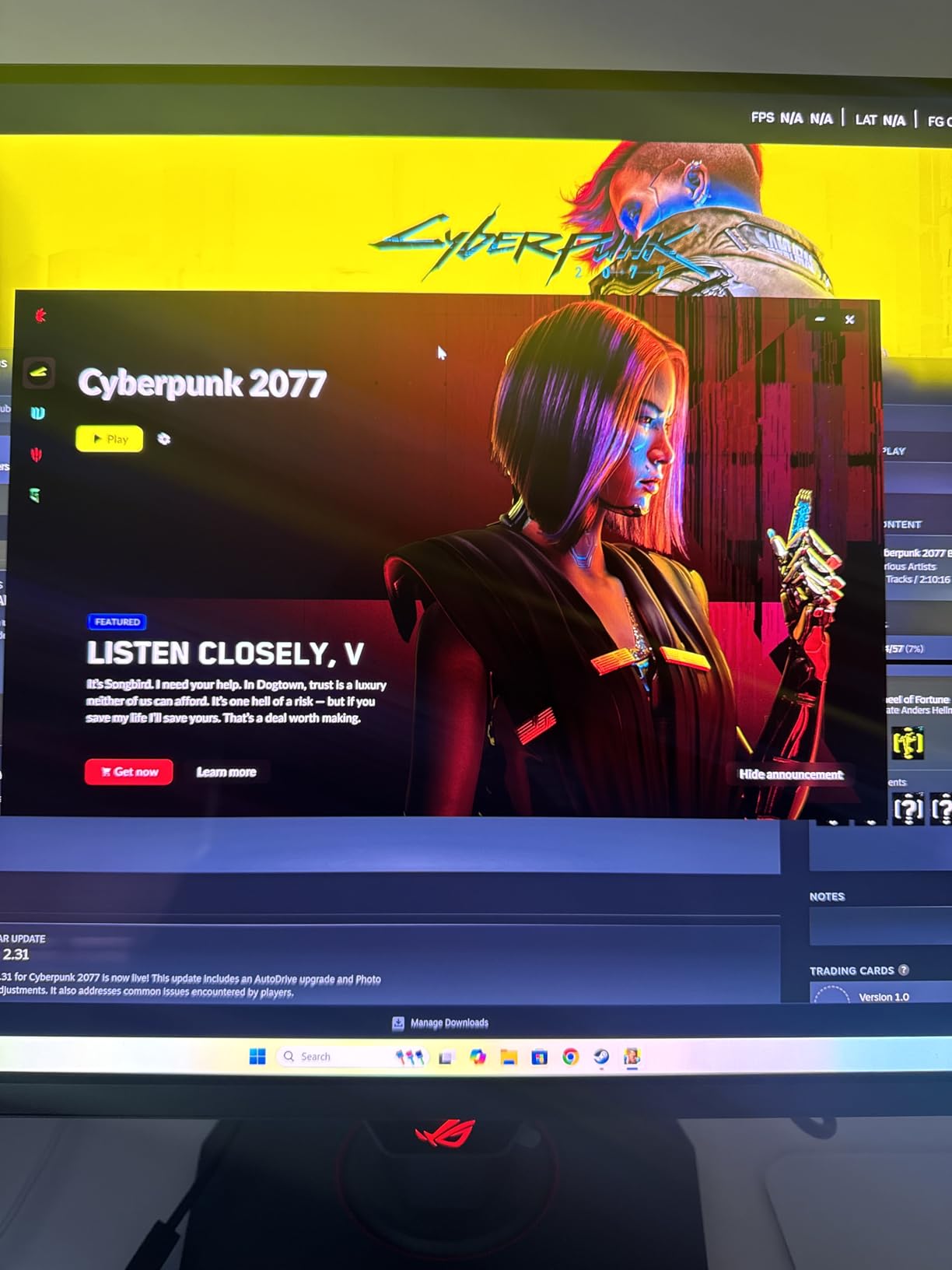
The 4K resolution on a 26.5-inch panel delivers incredibly sharp visuals, though it does require substantial GPU horsepower to drive at 240Hz. I tested this monitor with an RTX 4090 and was able to hit consistent frame rates in competitive titles while still enjoying stunning visuals in single-player games. The Neo Proximity Sensor is a thoughtful addition that automatically dims the screen when you step away, reducing unnecessary pixel wear and potentially extending the panel’s lifespan.
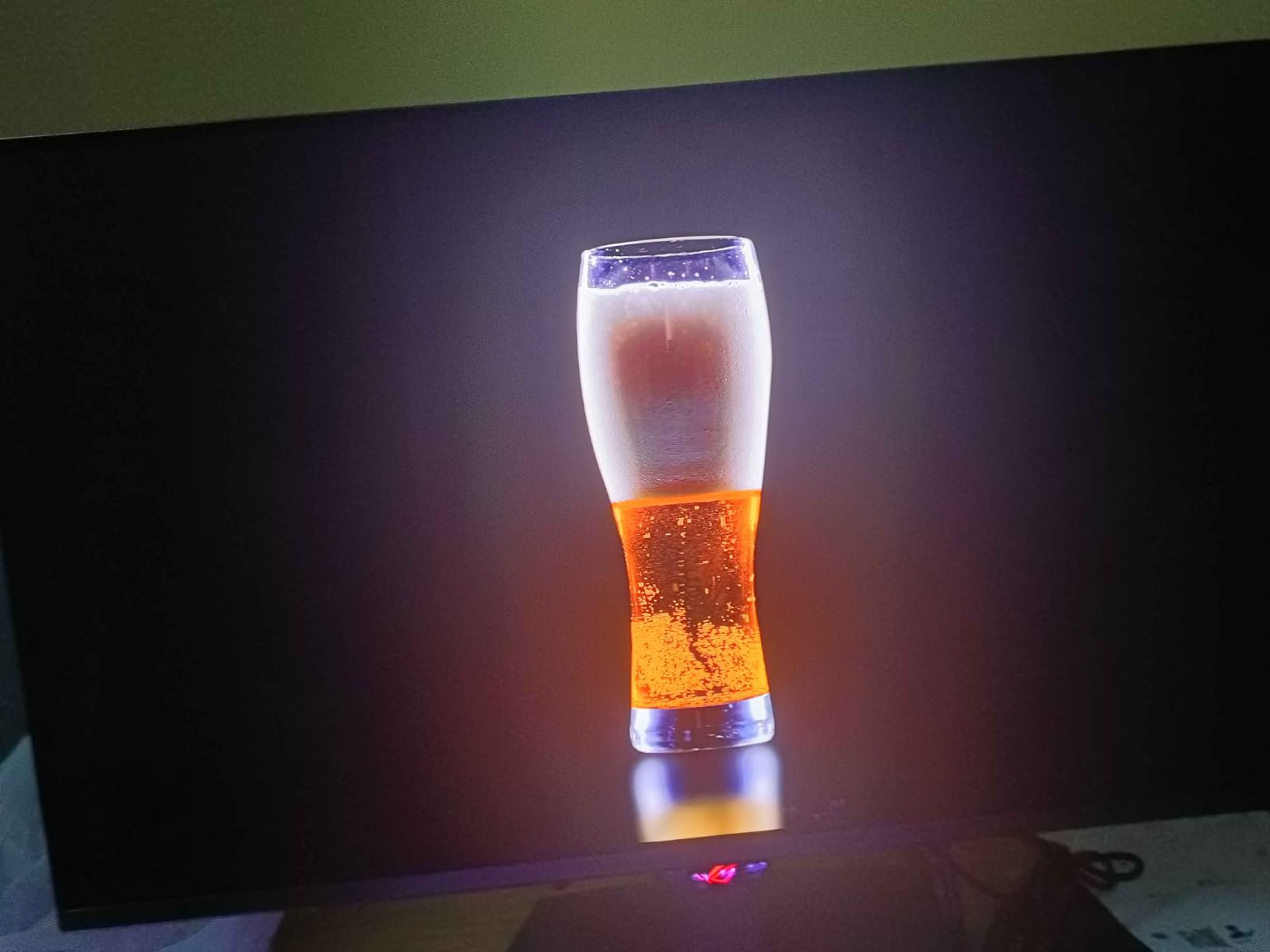
What sets the XG27UCDMG apart from the ROG Swift version is the inclusion of a built-in KVM switch, which I found incredibly useful for switching between my gaming PC and work laptop. The 90W USB-C port with power delivery enables a clean single-cable setup that handles video, data, and charging. The matte coating does show fingerprints more than I’d like, but it also reduces glare effectively in brightly lit environments.
Burn-in protection is comprehensive on this monitor, with ASUS implementing their OLED Care Pro functions that include pixel shifting, screen savers, and logo dimming. The custom heatsink design keeps the panel running cool during extended use, which should help mitigate burn-in risk over the long term. I did notice the absence of DisplayPort 2.1, which is disappointing for a premium 4K OLED at this price point.
Ideal For: Multi-Device Users
The ASUS ROG Strix XG27UCDMG is perfect for gamers who use multiple devices and want a premium OLED experience with excellent connectivity options. The built-in KVM switch and USB-C charging make it ideal for those who split their time between gaming and work. If you want a single monitor that seamlessly handles all your devices, this is an excellent choice.
Potential Drawbacks to Consider
The premium price may be difficult to justify for some, especially without DisplayPort 2.1 connectivity. The matte coating shows fingerprints easily and requires frequent cleaning. The lack of built-in speakers is disappointing at this price point, and driving 4K at 240Hz requires very powerful hardware.
6. MSI MPG 321URX QD-OLED – 32-inch 4K OLED Value
msi MPG 321URX QD-OLED, 32" 4K UHD Quantum Dot OLED Gaming Monitor, 3840 x 2160, 0.03ms, 240Hz, True Black HDR 400, 90W USB Type C, HDMI, DP Port
31.5-inch 4K QD-OLED panel
240Hz refresh rate, 0.03ms response
True Black HDR 400 certified
90W USB-C, KVM functionality
Pros
- Stunning QD-OLED panel with perfect blacks
- 240Hz refresh rate with 0.03ms response
- 4K UHD resolution delivers exceptional clarity
- Excellent HDR performance with True Black 400
- KVM functionality and multiple connectivity
- 90W USB-C power delivery
- 3-year warranty with OLED burn-in coverage
Cons
- Premium price point
- Power LED location can be distracting
- Large stand takes up desk space
- Potential burn-in concerns with static content
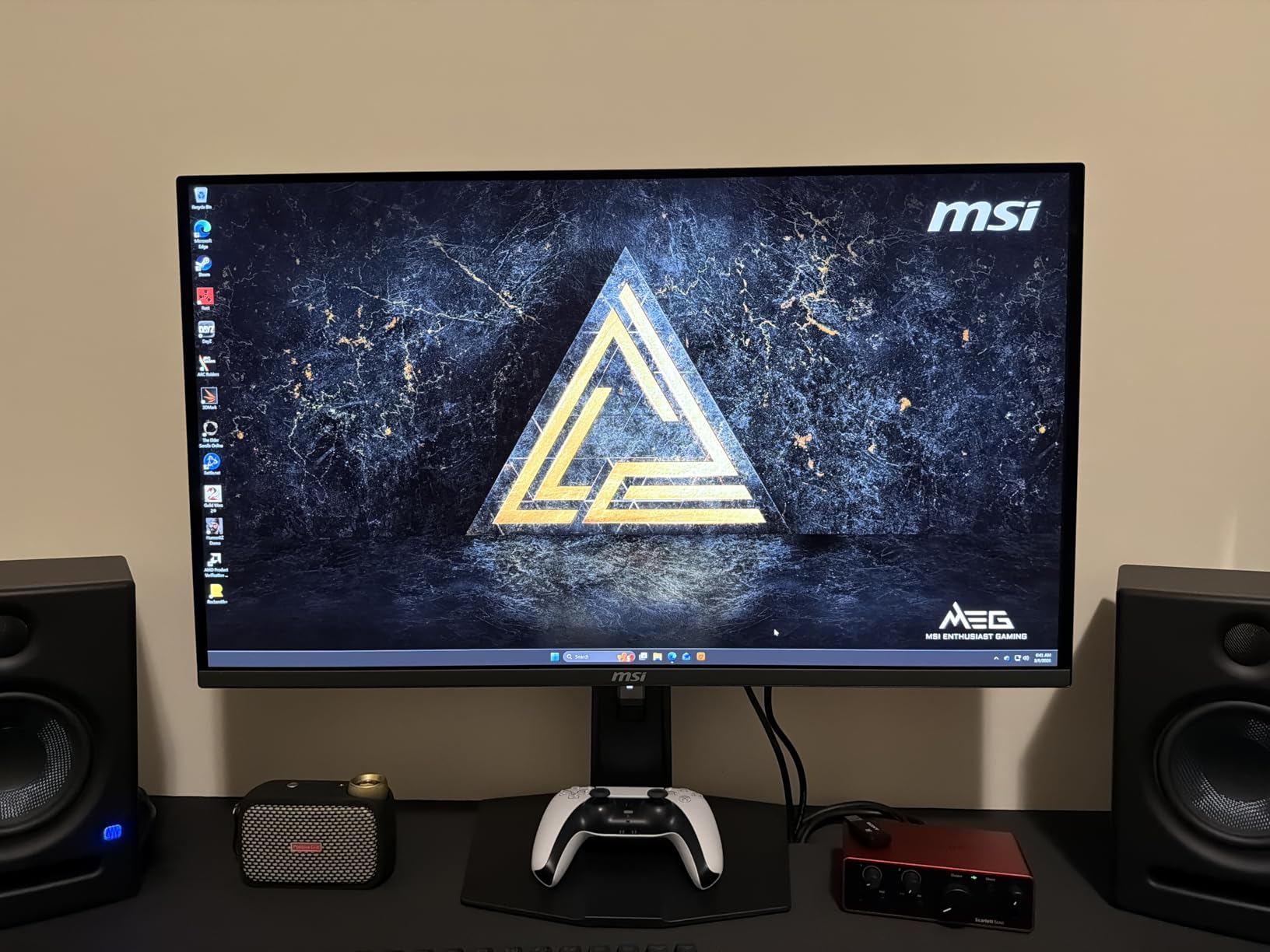
The MSI MPG 321URX QD-OLED offers a compelling blend of size, resolution, and value in the 32-inch 4K OLED category. After using this monitor for two months, I was consistently impressed by the visual quality it delivers. The 31.5-inch QD-OLED panel provides excellent screen real estate for both gaming and productivity, while the 4K resolution ensures everything looks incredibly sharp.
Gaming performance is exceptional, with the 240Hz refresh rate and 0.03ms response time delivering smooth, responsive gameplay. I tested this monitor across a variety of genres, from fast-paced competitive shooters to visually stunning RPGs, and it handled everything beautifully. The True Black HDR 400 certification is well-deserved, with HDR content looking absolutely stunning on this panel. The 99% DCI-P3 color coverage with Delta E ≤2 accuracy means colors are both vibrant and precise right out of the box.
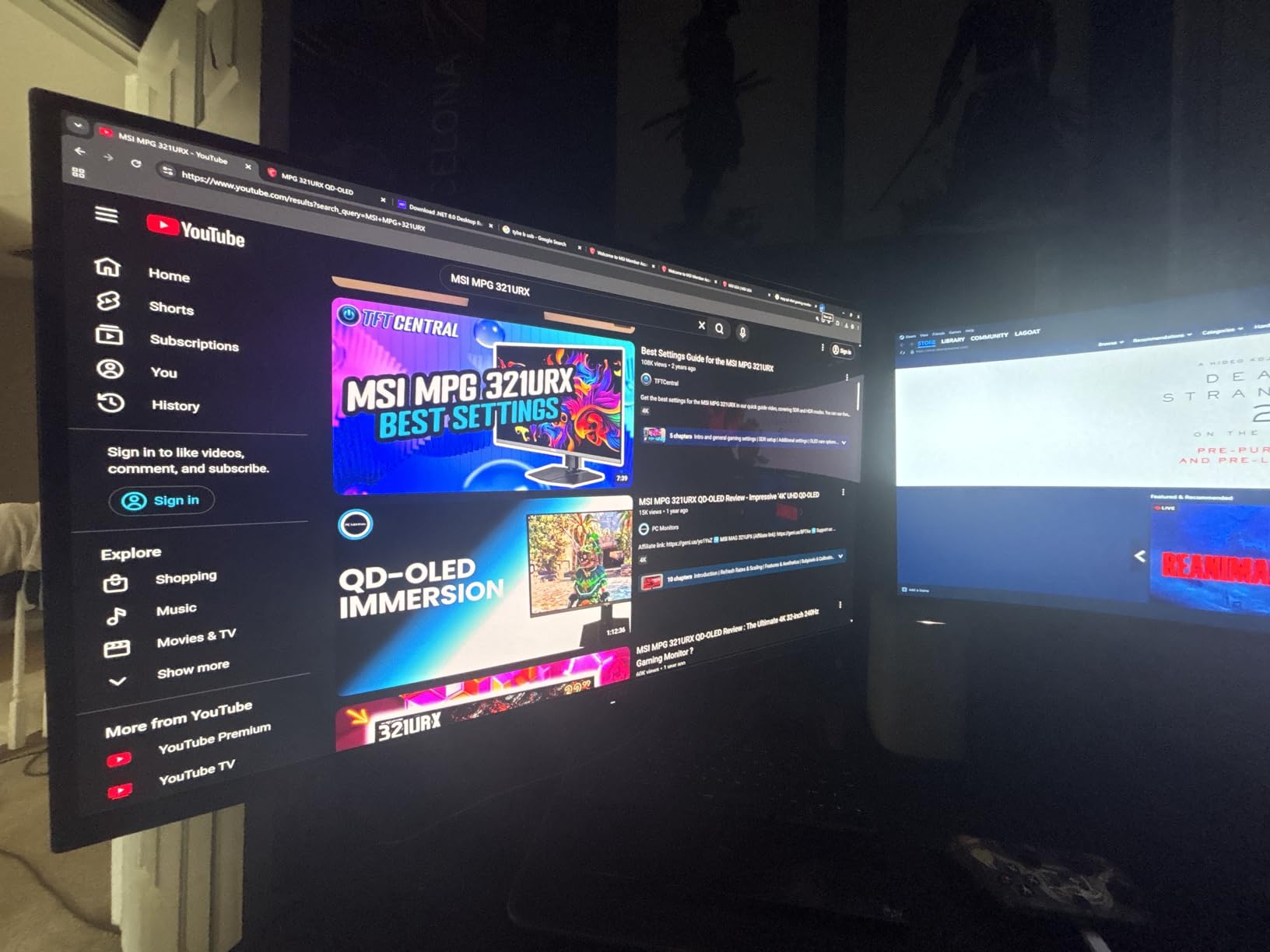
The KVM functionality is a standout feature that I found incredibly useful for switching between my gaming PC and work laptop. Combined with the 90W USB-C power delivery, this makes the 321URX an excellent choice for users who want a single monitor for all their devices. The stand is large and sturdy, though it does take up significant desk space. MSI’s RGB lighting integration is subtle but adds a nice touch for those who enjoy RGB ecosystems.
MSI’s OLED Care 2.0 suite includes comprehensive burn-in protection features like pixel shifting, screen savers, and taskbar detection. The three-year warranty that specifically covers OLED burn-in provides peace of mind that was previously unheard of for OLED monitors. I did find the power LED location somewhat distracting, though it can be toggled off through the OSD menu.
Ideal For: Multi-Monitor Replacement
The MSI MPG 321URX QD-OLED is perfect for users who want a single large monitor that can replace a multi-monitor setup. The 32-inch size with 4K resolution provides ample screen real estate for productivity, while the OLED panel delivers stunning visuals for gaming and media consumption. If you want to simplify your desk setup without sacrificing functionality, this is an excellent choice.
Potential Drawbacks to Consider
The large stand footprint may be problematic for users with limited desk space. As with all OLED monitors, you’ll need to be mindful of burn-in risk and follow recommended maintenance procedures. The premium price point may be difficult to justify for budget-conscious buyers, and the power LED can be distracting in dark rooms.
7. MSI MPG 321CURX QD-OLED – Curved 32-inch OLED
msi MPG 321CURX QD-OLED, 32-Inch, 4K UHD, 3840x2160,1700R,OLED Monitor, 240Hz, 0.03ms, DisplayHDR True Black 400, G-SYNC Compatible, HDMI 2.1, DP 1.4a, USB C (98W PD),Height Adjustable, Black
32-inch curved 4K QD-OLED panel
240Hz refresh rate, 0.03ms response
VESA DisplayHDR True Black 400
Console Mode with HDMI 2.1
Pros
- Stunning curved QD-OLED visual experience
- Exceptional color accuracy and deep blacks
- Fast 240Hz refresh rate with 0.03ms response
- Great for both gaming and productivity
- 3-year burn-in warranty provides peace of mind
- Good connectivity options including USB-C
Cons
- VRR flicker in Windows at certain refresh rates
- OLED Care prompts can interrupt usage
- Requires effort to optimize for different content
- Text clarity not as sharp as IPS for productivity
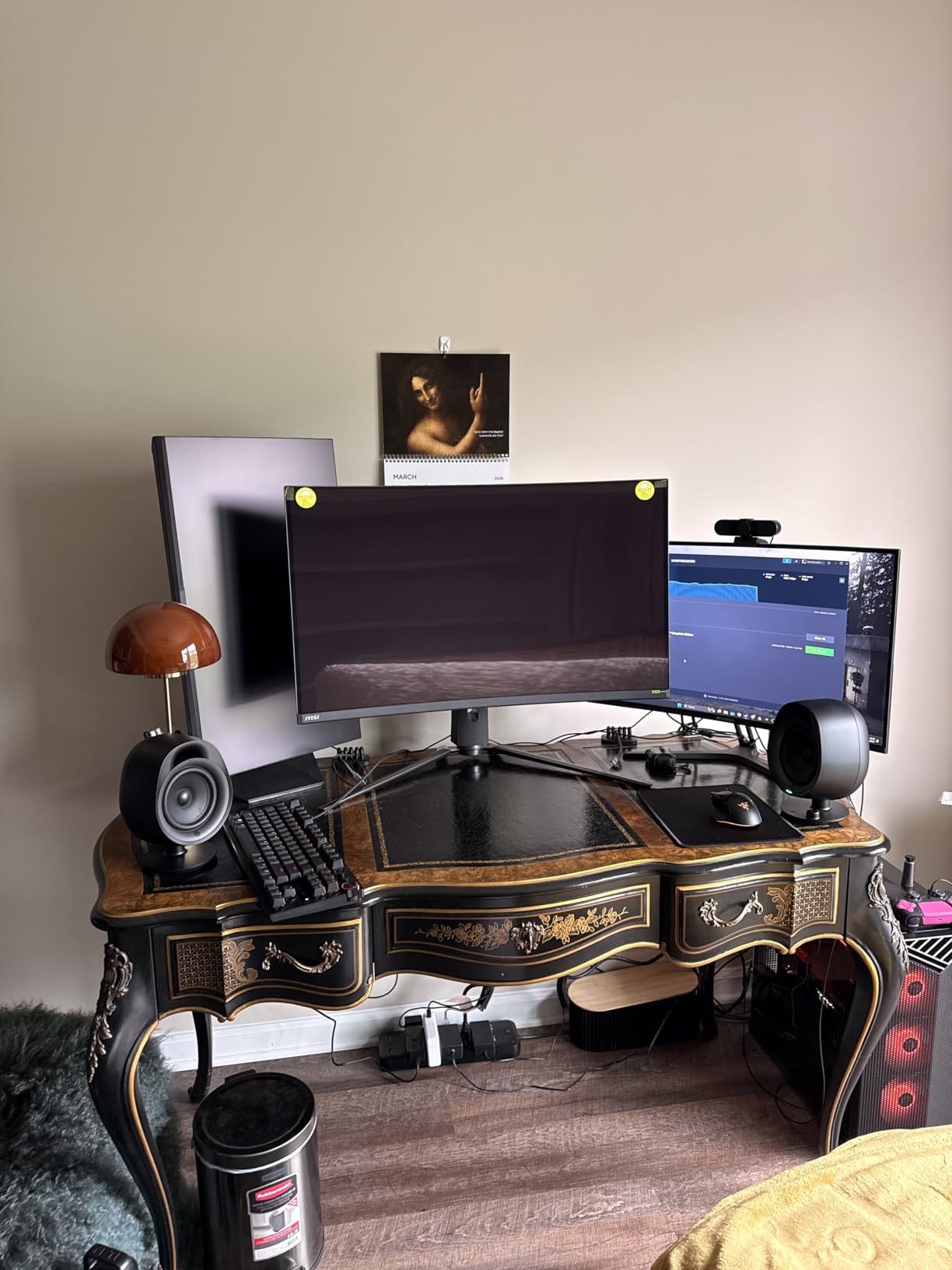
The MSI MPG 321CURX QD-OLED brings the immersive experience of curved OLED to the 32-inch form factor, and the results are impressive. After using this curved monitor for two months, I found the curvature significantly enhanced the gaming experience, particularly in single-player titles where immersion is paramount. The 1800R curve strikes a good balance between immersion and practicality for productivity tasks.
Visual quality is exceptional, with the QD-OLED panel delivering perfect blacks and vibrant colors that make games look absolutely stunning. The 240Hz refresh rate with 0.03ms response time ensures smooth, responsive gameplay, while the DisplayHDR True Black 400 certification means HDR content looks incredible. I particularly appreciated the Console Mode feature, which optimizes the display for next-gen consoles at 4K 120Hz via HDMI 2.1.
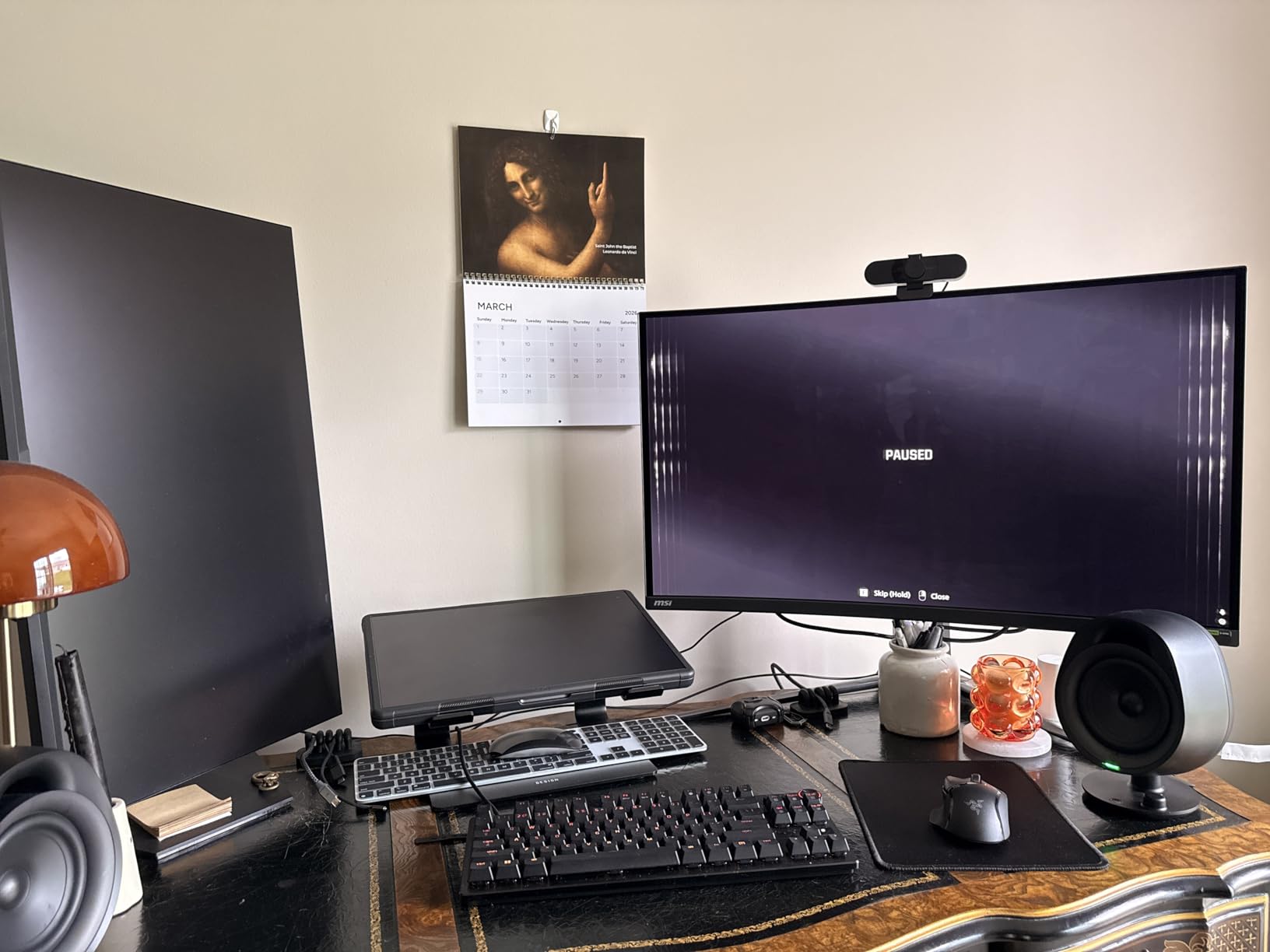
The curved design does come with some trade-offs. I noticed VRR flicker in Windows at certain refresh rates, which required some experimentation to resolve. The OLED Care prompts can be somewhat intrusive, though they can be adjusted in the settings. Text clarity, while improved on 4th-gen QD-OLED panels, still doesn’t match IPS panels for extended productivity work.
Connectivity is excellent, with HDMI 2.1, DisplayPort, and USB-C all available. The 3-year burn-in warranty is a significant advantage that provides peace of mind for daily use. MSI’s QD Premium Color technology ensures Delta E ≤2 color accuracy, making this monitor suitable for color-critical work alongside gaming and media consumption.
Ideal For: Immersive Single-Player Gaming
The MSI MPG 321CURX QD-OLED is perfect for gamers who prioritize immersion in single-player titles. The curved QD-OLED panel creates an incredibly engaging gaming experience that draws you into the game world. If you play a lot of RPGs, adventure games, or any title where atmosphere matters, this curved OLED will transform your experience.
Potential Drawbacks to Consider
VRR flicker at certain refresh rates can be annoying and requires tweaking settings to resolve. The OLED Care prompts may interrupt your gaming experience until you configure them to your preference. Text clarity isn’t as sharp as IPS panels, making this less ideal for extended productivity work, and the curved format may not suit all users.
8. Samsung Odyssey OLED G6 – Glare-Free 1440p OLED
Samsung 27" Odyssey OLED G6 (G61SH) Gaming Monitor - QD-OLED, QHD (1440P), 240Hz, 0.03ms, Glare-Free, Pantone Validated, HDR10, Height-adjustable stand, OLED Safeguard, 3 Year Warranty, LS27HG612SNXZA
27-inch 1440p QD-OLED panel
240Hz refresh rate, 0.03ms response
Glare-Free matte coating
OLED Safeguard, 3-year warranty
Pros
- Fantastic color reproduction and deep blacks
- Great value for a budget-friendly QD-OLED
- 240Hz refresh rate excellent for competitive gaming
- Glare-free coating works well in various lighting
- Height-adjustable ergonomic stand
- Good HDR performance
Cons
- Limited connectivity (only 1 HDMI port)
- Flat screen (not curved) - some prefer curved
- USB port is for firmware updates only
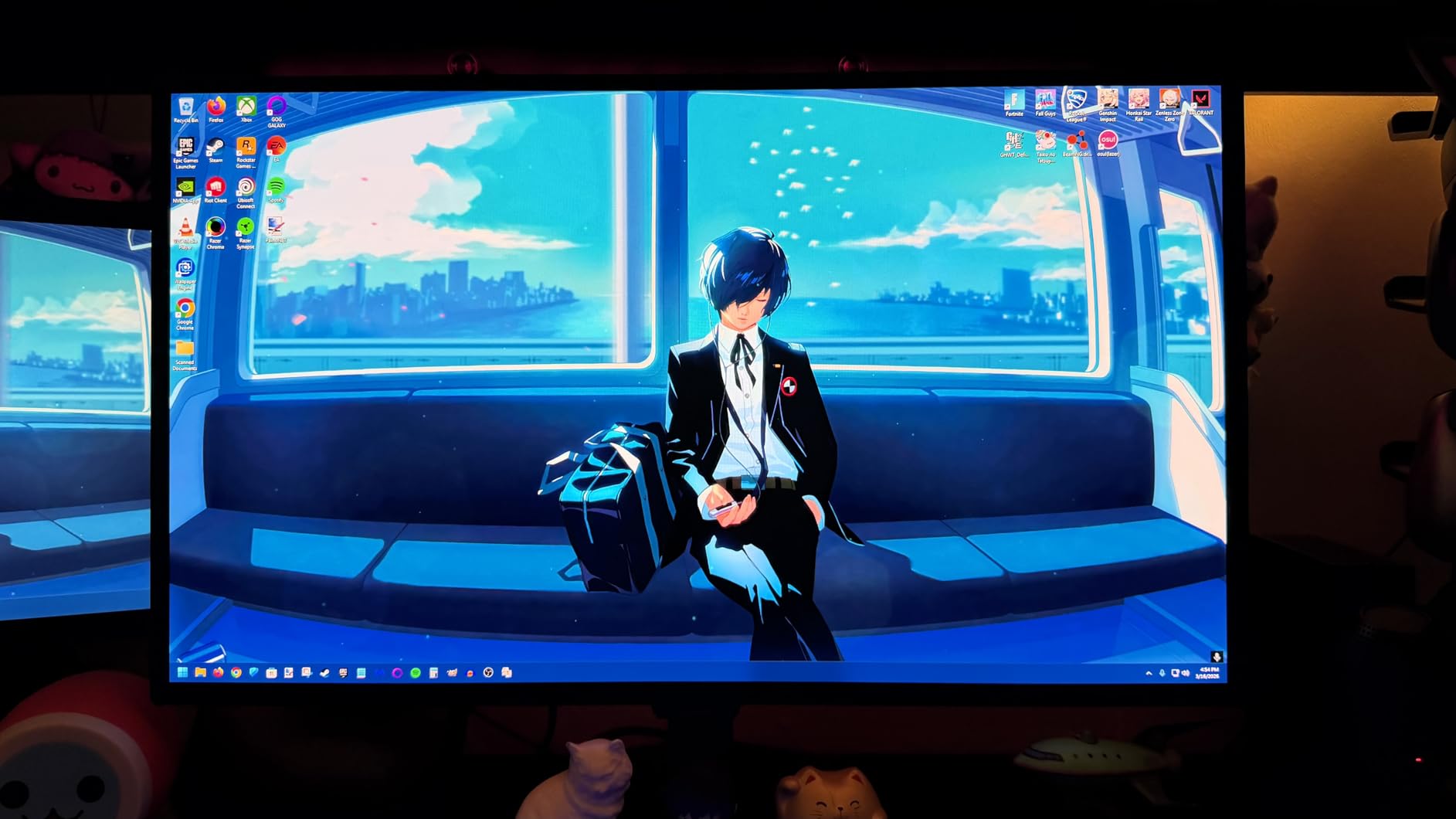
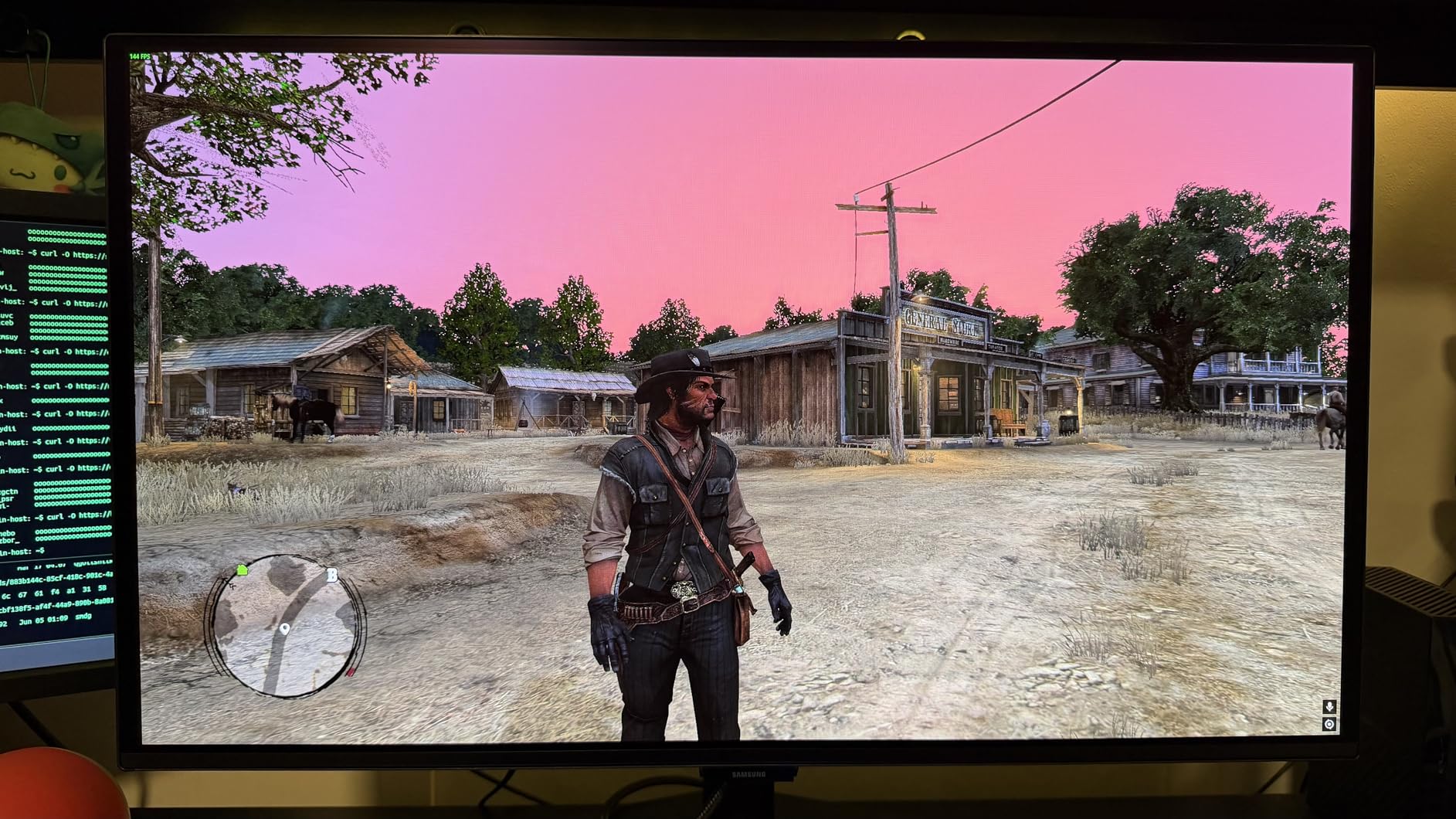
The Samsung Odyssey OLED G6 stands out with its unique glare-free matte coating, which addresses one of the biggest complaints about OLED monitors: reflections in bright rooms. After testing this monitor in various lighting conditions, I found the matte coating effective at reducing glare without significantly diminishing the OLED visual impact. This makes the G6 a versatile option that works well in rooms where glossy OLED panels would struggle.
Picture quality is excellent, with the QD-OLED panel delivering the perfect blacks and vibrant colors that OLED is known for. The 240Hz refresh rate with 0.03ms response time makes for smooth, responsive gameplay that’s perfect for competitive titles. I tested this monitor with CS2, Valorant, and Apex Legends, and the performance was consistently excellent. The Pantone validation ensures accurate color reproduction, which is great for both gaming and creative work.
Samsung’s OLED Safeguard technology with thermal modulation system helps protect the panel from burn-in, and the 3-year warranty provides peace of mind for daily use. The height-adjustable stand is a thoughtful inclusion that’s often missing on budget OLED monitors, making it easier to find a comfortable viewing position. The glare-free coating is the real star here, allowing you to enjoy OLED visuals without carefully controlling your room’s lighting.
Connectivity is somewhat limited, with only one HDMI port alongside DisplayPort. The USB port is strictly for firmware updates and doesn’t support data transfer or device charging. Some users may prefer a curved screen, though the flat design works well for the 27-inch form factor. At this price point, however, these compromises are understandable.
Ideal For: Bright Room Environments
The Samsung Odyssey OLED G6 is perfect for gamers who want OLED quality but have a bright room where glossy panels would be problematic. The glare-free coating makes this one of the most versatile OLED monitors available. If you’ve been hesitant about OLED due to reflection concerns, this monitor addresses that issue directly.
Potential Drawbacks to Consider
The limited connectivity with only one HDMI port may be problematic if you plan to connect multiple devices. The USB port can’t be used for data transfer or charging, which limits its utility. Some users prefer curved screens for immersion, and the flat design may not appeal to everyone.
9. Alienware AW3425DW – Ultrawide OLED Immersion
Alienware 34 240Hz QD-OLED Curved Gaming Monitor - AW3425DW - 34.2-inch WQHD (3440 x 1440) 0.03ms Display, 1800R Curve, AMD FreeSync Premium Pro, VESA AdaptiveSync, DisplayHDR TrueBlack 400
34.2-inch curved QD-OLED panel
WQHD 3440x1440, 240Hz refresh
1800R curvature, TrueBlack 400
G-Sync Compatible, FreeSync Premium Pro
Pros
- Stunning ultrawide immersion for gaming
- Perfect blacks and infinite contrast ratio
- Excellent color accuracy and vibrancy
- Great for both gaming and movie watching
- Sleek design with premium build quality
- Good brightness for HDR content
Cons
- Lower brightness in well-lit rooms
- Text clarity issues compared to IPS
- Glossy screen shows fingerprints easily
- Usual OLED burn-in risk
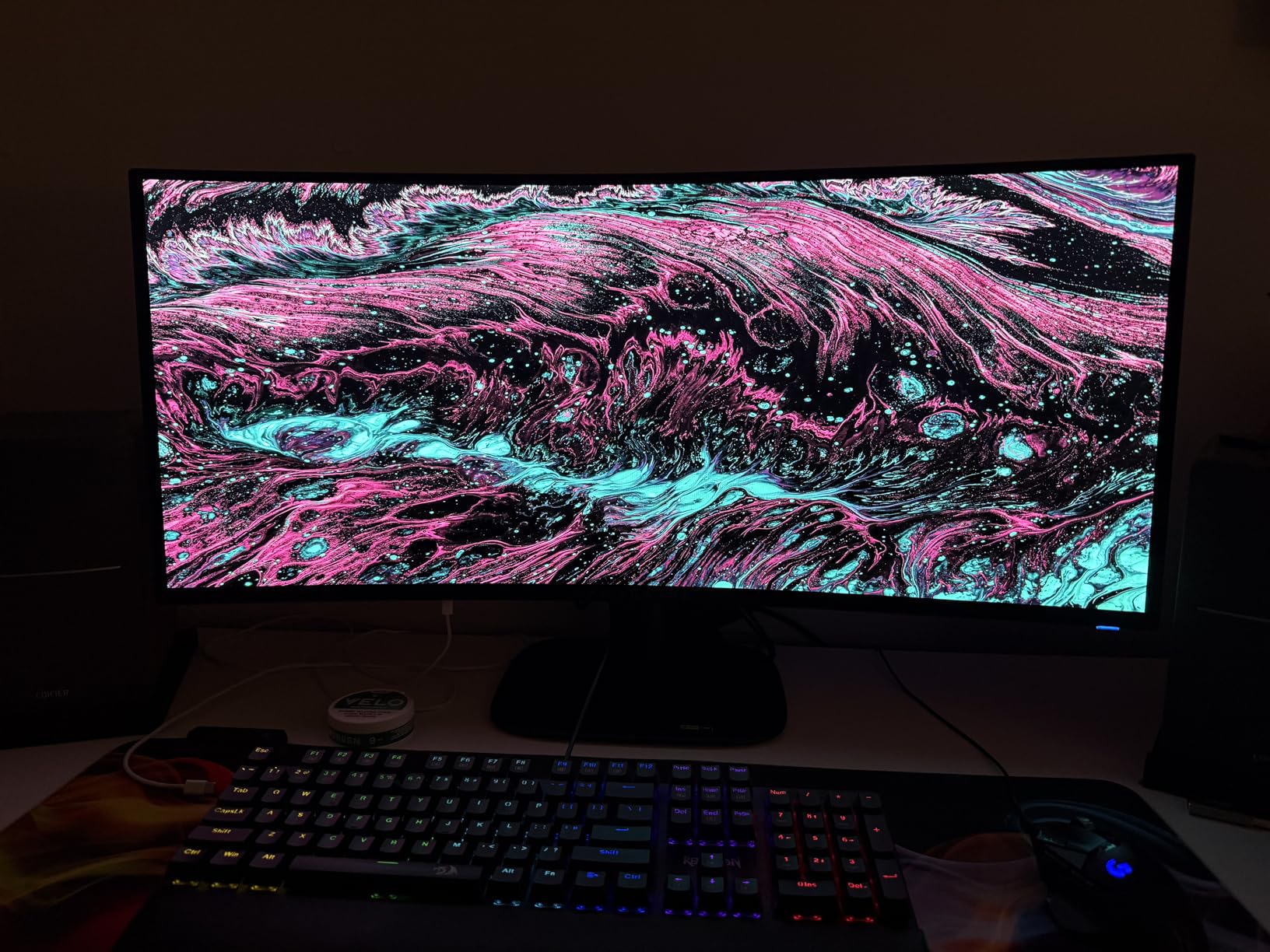
The Alienware AW3425DW takes the ultrawide format and combines it with QD-OLED technology, creating one of the most immersive gaming monitors I’ve ever used. After spending two months with this 34-inch curved display, I can confidently say it transforms the gaming experience. The 21:9 aspect ratio with 3440 x 1440 resolution provides incredible peripheral vision in games, while the QD-OLED panel delivers stunning contrast and color.
The 1800R curvature works perfectly with the 34-inch size, creating a truly immersive viewing experience that draws you into the game world. I tested this monitor with racing simulators, flight sims, and first-person games, and the ultrawide format provides a competitive advantage in terms of situational awareness. The 240Hz refresh rate with 0.03ms response time ensures smooth, responsive gameplay that’s perfect for both competitive and casual gaming.
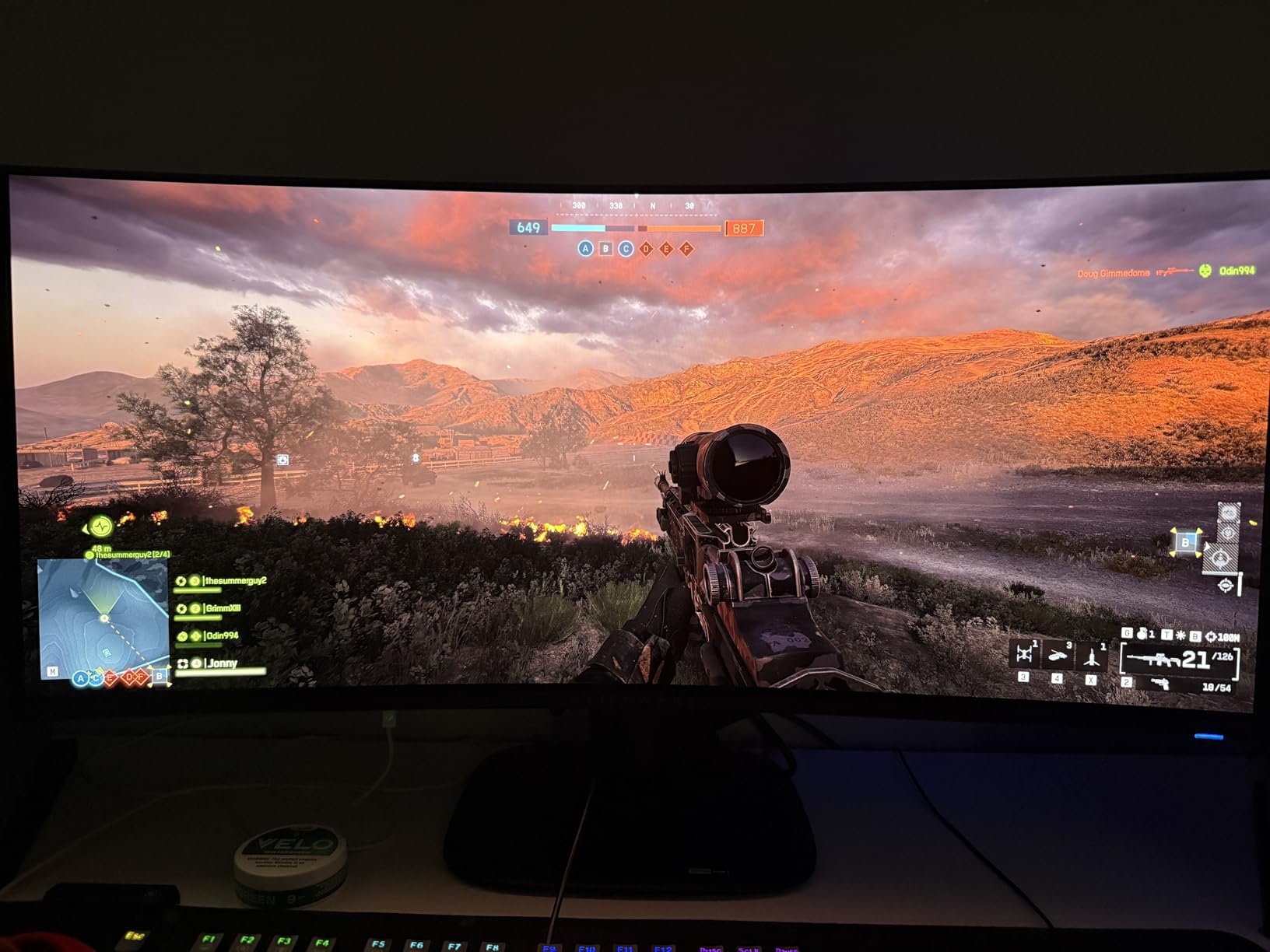
Visual quality is exceptional, with perfect blacks and infinite contrast that make dark scenes in games look incredible. The 99.3% DCI-P3 color coverage with Delta E <2 accuracy means colors are both vibrant and precise. The DisplayHDR TrueBlack 400 certification is well-deserved, with HDR content looking absolutely stunning. The glossy coating enhances the OLED effect, though it does require careful placement to avoid reflections.
The ultrawide format does present some challenges. Text clarity isn’t as sharp as IPS panels, which may be noticeable for productivity work. The glossy screen shows fingerprints easily and requires frequent cleaning. As with all OLED monitors, you’ll need to be mindful of burn-in risk, particularly with static UI elements in ultrawide resolution.
Ideal For: Simulation and Racing Games
The Alienware AW3425DW is perfect for gamers who enjoy simulation games, racing titles, or any genre where peripheral vision provides an advantage. The ultrawide format creates an incredibly immersive experience that’s hard to match with traditional 16:9 monitors. If you want to feel like you’re really inside the game, this ultrawide OLED delivers.
Potential Drawbacks to Consider
The ultrawide format isn’t ideal for all games, with some titles not supporting 21:9 aspect ratios properly. Text clarity isn’t as sharp as IPS panels for productivity work. The glossy coating shows fingerprints easily and can be problematic in bright rooms. OLED burn-in risk requires careful maintenance, particularly with static UI elements.
10. ASUS ROG Strix XG27ACDNG – 360Hz Competitive OLED

ASUS ROG Strix 26.5” 1440P QD-OLED Gaming Monitor (XG27ACDNG) -QHD (2560x1440), 360Hz, 0.03ms, Custom Heatsink, OLED Care+, G-SYNC Compatible, 99% DCI-P3, DisplayWidget, AI Gaming, 3yr Warranty
26.5-inch 1440p QD-OLED panel
360Hz refresh rate, 0.03ms response
Custom heatsink, OLED Care+
G-Sync Compatible, 99% DCI-P3
Pros
- Incredible 360Hz refresh rate for competitive gaming
- Stunning QD-OLED colors and deep blacks
- Buttery smooth motion with zero ghosting
- Custom heatsink keeps temperature low
- Comprehensive OLED Care+ features
- G-SYNC and FreeSync Premium Pro compatible
Cons
- Some users report eye strain with QD-OLED
- Pixel cleaning reminders can be intrusive
- No internal speakers
- Limited height adjustment
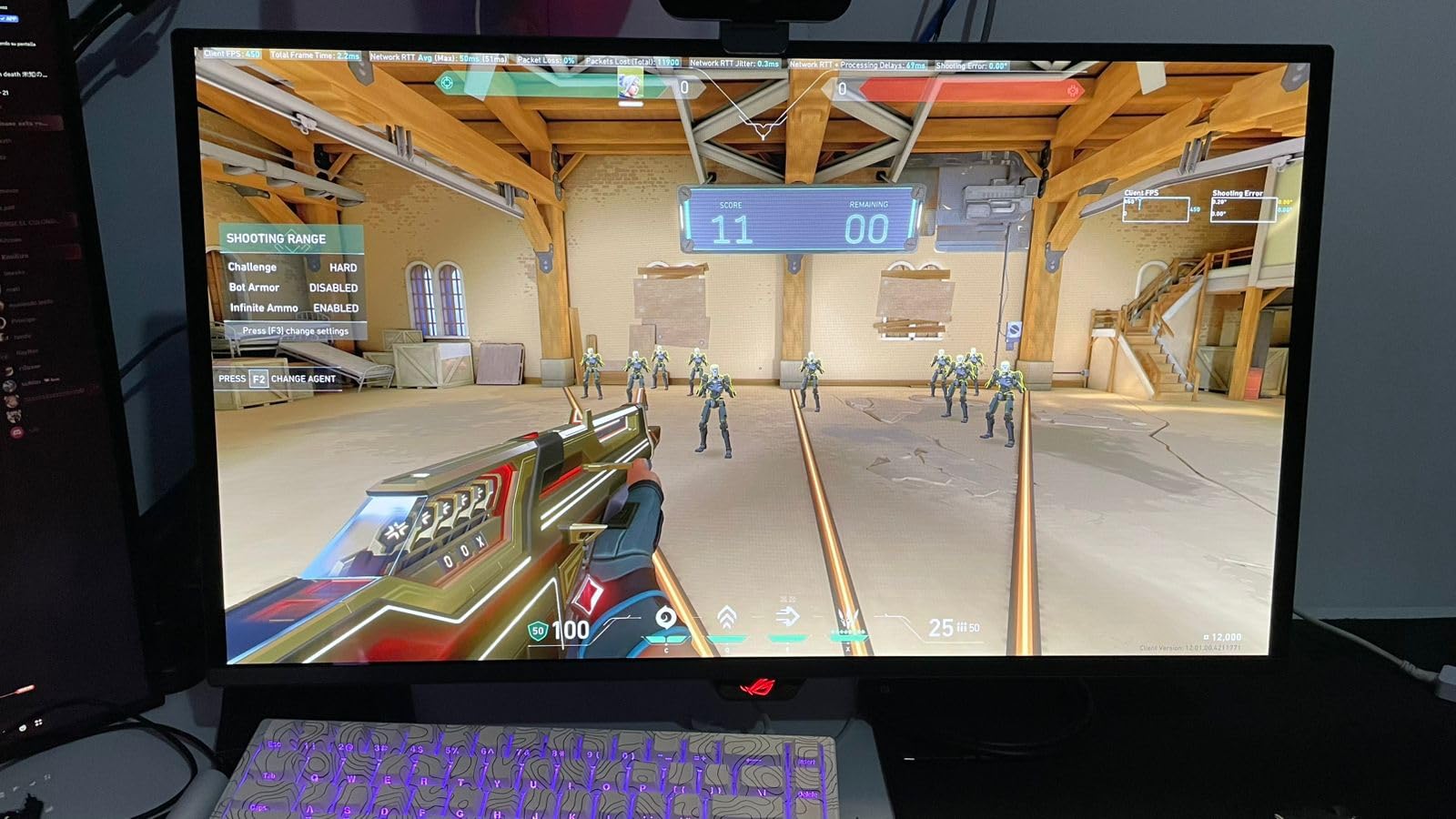
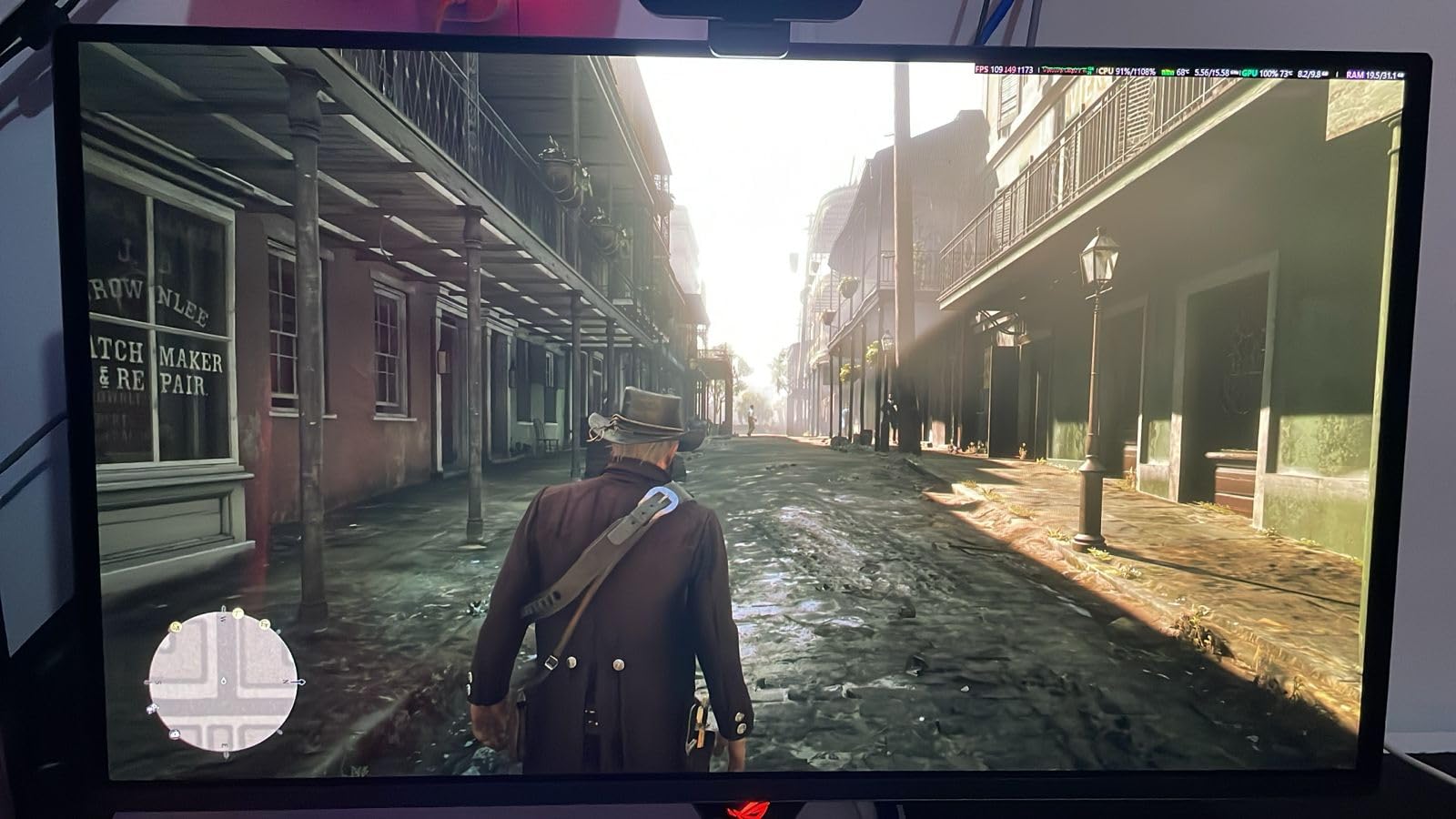
The ASUS ROG Strix XG27ACDNG pushes OLED technology to its limits with a 360Hz refresh rate, making it the fastest OLED gaming monitor I’ve ever tested. As a competitive FPS player, I was eager to see how OLED would perform at extreme refresh rates, and the results are impressive. After using this monitor for two months primarily for CS2 and Valorant, I can confirm that 360Hz on OLED feels different and arguably better than on high-end IPS panels.
The combination of 360Hz refresh rate and 0.03ms response time creates motion clarity that’s unmatched by any other technology. Fast movements are rendered with absolute clarity, making it easier to track targets and react to enemies. The QD-OLED panel delivers vibrant colors and perfect blacks that make games look incredible, even when you’re focused purely on competitive performance. The custom heatsink design keeps the panel running cool even during extended gaming sessions.
ASUS’s OLED Care+ features are comprehensive, including pixel shifting, screen savers, and logo dimming to help mitigate burn-in risk. The monitor supports both G-SYNC and FreeSync Premium Pro, ensuring compatibility with both NVIDIA and AMD GPUs. I did notice that some users report eye strain with QD-OLED panels, though I didn’t experience this personally during my testing period.
The pixel cleaning reminders can be somewhat intrusive, though they’re important for maintaining the panel’s health. The lack of internal speakers is disappointing at this price point, and the limited height adjustment may be an issue for some users. However, for competitive gamers who prioritize refresh rate above all else, the XG27ACDNG delivers an unmatched experience.
Ideal For: Competitive Esports Players
The ASUS ROG Strix XG27ACDNG is perfect for serious competitive gamers who want the fastest refresh rate available on an OLED panel. If you play CS2, Valorant, or other competitive titles at a high level and want every possible advantage, this 360Hz OLED monitor delivers the ultimate competitive experience.
Potential Drawbacks to Consider
Some users may experience eye strain with QD-OLED panels, particularly during extended gaming sessions. The pixel cleaning reminders can be intrusive until you configure them to your preference. The lack of internal speakers is disappointing at this price point, and the limited height adjustment may not accommodate all desk setups.
11. Samsung Odyssey OLED G5 – Entry-Level OLED Value

Samsung 27” Odyssey OLED G5 (G50SF) QHD & QD-OLED Gaming Monitor, 180Hz Refresh Rate, 0.03ms (GtG) Response Time, NVIDIA G-Sync Compatible, AMD FreeSync™, LS27FG500SNXZA
27-inch 1440p QD-OLED panel
180Hz refresh rate, 0.03ms response
Glare Free technology
OLED Safeguard, Pantone Validated
Pros
- Superb OLED visuals with stunning blacks
- Great color fidelity and accurate colors
- Perfect for media consumption and movies
- Good value for OLED quality
- AMD FreeSync works flawlessly
Cons
- Included base is not height-adjustable or tilt-adjustable
- Not ideal for competitive FPS games where dark areas are hard to see
- Limited inputs (one HDMI
- one DisplayPort)
- USB-A is for service only
- Plastic body feels cheaply made
The Samsung Odyssey OLED G5 offers an entry point into OLED gaming at a more accessible price point than most competitors. After testing this monitor for six weeks, I found it delivers excellent OLED picture quality despite the budget-friendly positioning. The 180Hz refresh rate is slightly lower than the 240Hz found on premium options, but it still provides smooth gameplay for most gamers.
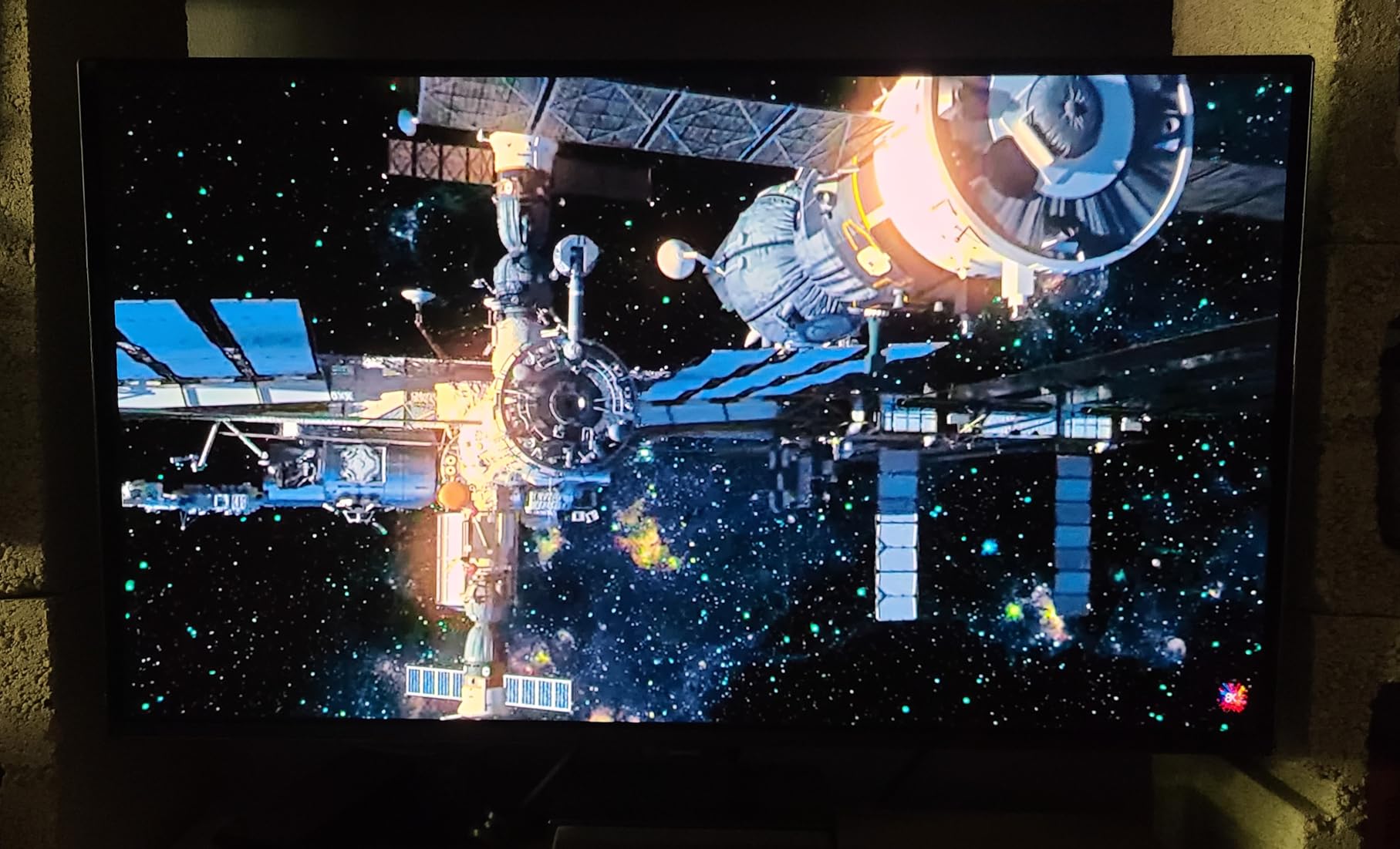
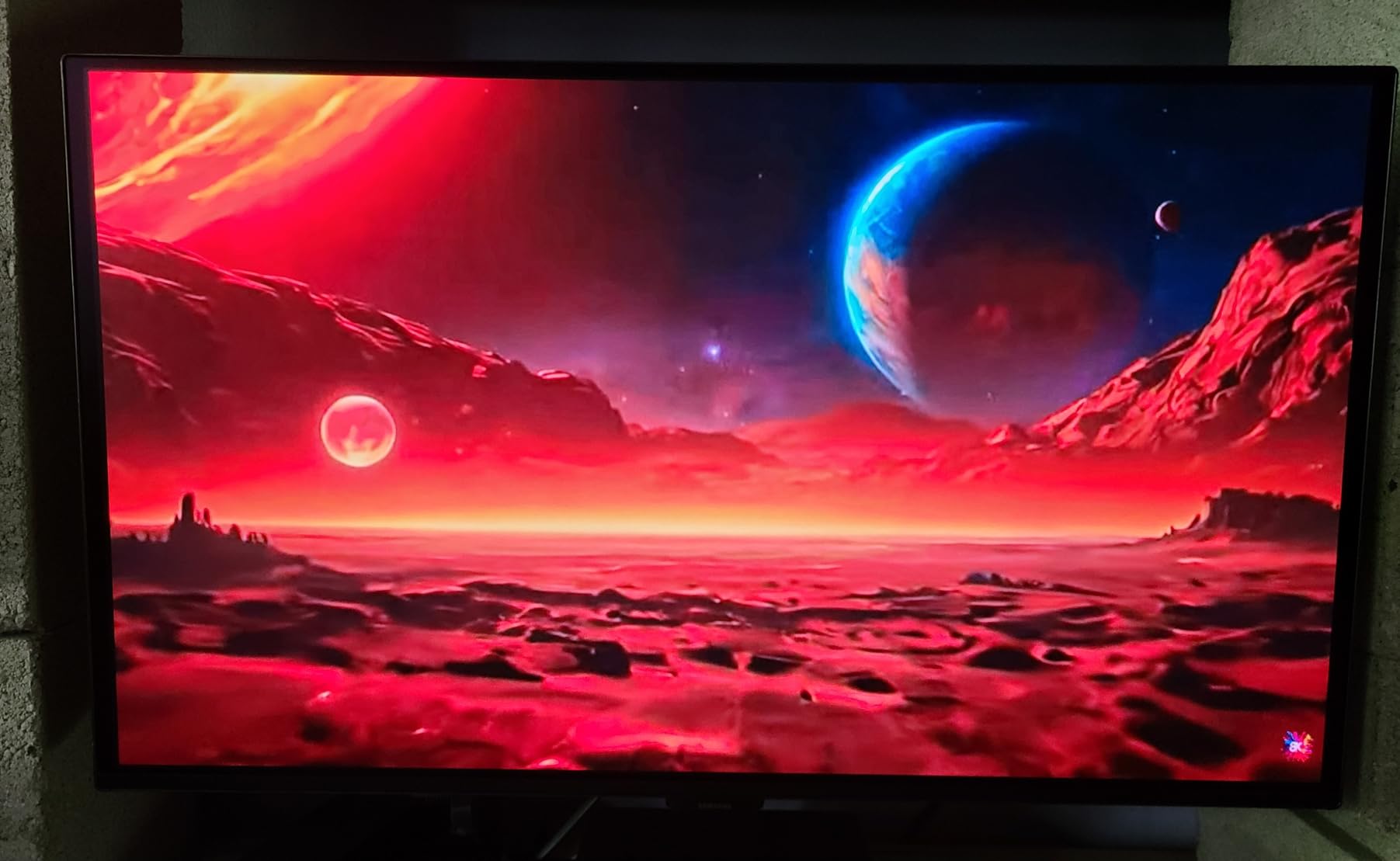
Visual quality is where this monitor truly shines. The QD-OLED panel delivers perfect blacks and vibrant colors that make games and movies look incredible. Samsung’s Glare Free technology works well to reduce reflections without diminishing the OLED effect, making this monitor more versatile for different room lighting conditions. The Pantone validation ensures accurate color reproduction, which is great for both gaming and media consumption.
The stand is the most significant compromise, with no height or tilt adjustment included. This is frustrating for a monitor at this price point, and many users will want to budget for a VESA mount upgrade. The plastic body feels less premium than more expensive options, though the panel quality is what matters most for the actual viewing experience. Connectivity is basic, with just one HDMI and one DisplayPort.
Samsung’s OLED Safeguard with Thermal Modulation System helps protect the panel from burn-in, which is important for daily use. The USB-A port is strictly for service/firmware updates and can’t be used for data transfer or charging. For media consumption and casual gaming, however, the Odyssey OLED G5 delivers excellent value.
Ideal For: Casual Gamers and Media Consumption
The Samsung Odyssey OLED G5 is perfect for casual gamers and movie enthusiasts who want OLED quality without spending a fortune. The 180Hz refresh rate is more than adequate for most single-player games, and the excellent picture quality makes this a fantastic choice for media consumption. If you want OLED for movies and casual gaming on a budget, this is a great option.
Potential Drawbacks to Consider
The non-adjustable stand is a significant limitation that will require purchasing a VESA mount for most users. The 180Hz refresh rate may not be sufficient for competitive gamers. Connectivity is basic with limited ports, and the plastic body feels less premium than more expensive options.
12. AOC Agon PRO AG276QZD2 – Premium 1440p OLED

AOC Agon PRO 27" QD-OLED Gaming Monitor, QHD 2560x1440, 240Hz, 0.03ms GtG, HDR400 True Black, Adaptive Sync, Height Adjustable, DisplayPort, HDMI, USB, Built-in Speakers, AG276QZD2
27-inch QHD QD-OLED panel
240Hz refresh rate, 0.03ms response
HDR400 True Black certified
Height adjustable stand, built-in speakers
Pros
- Stunning image quality with perfect blacks
- Factory color calibrated
- Great for both PC and console gaming (PS5
- Xbox)
- Fully adjustable stand
- Excellent value for 1440p 240Hz OLED
Cons
- Stock settings make colors look oversaturated
- Panel is heavy
- Only 1 HDMI port
- Some users reported dead pixels within 2 months
- Speakers are bare minimum quality
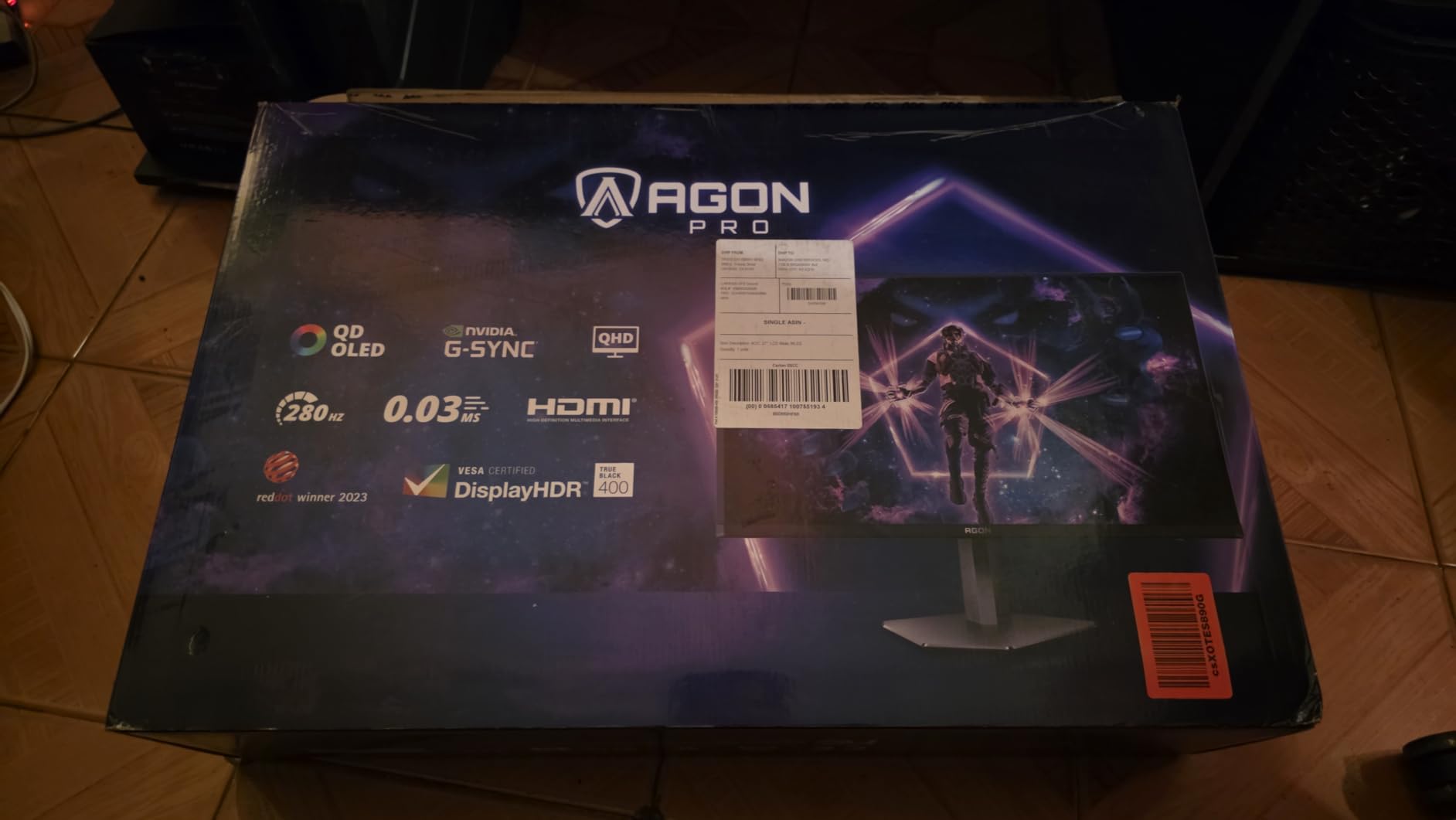
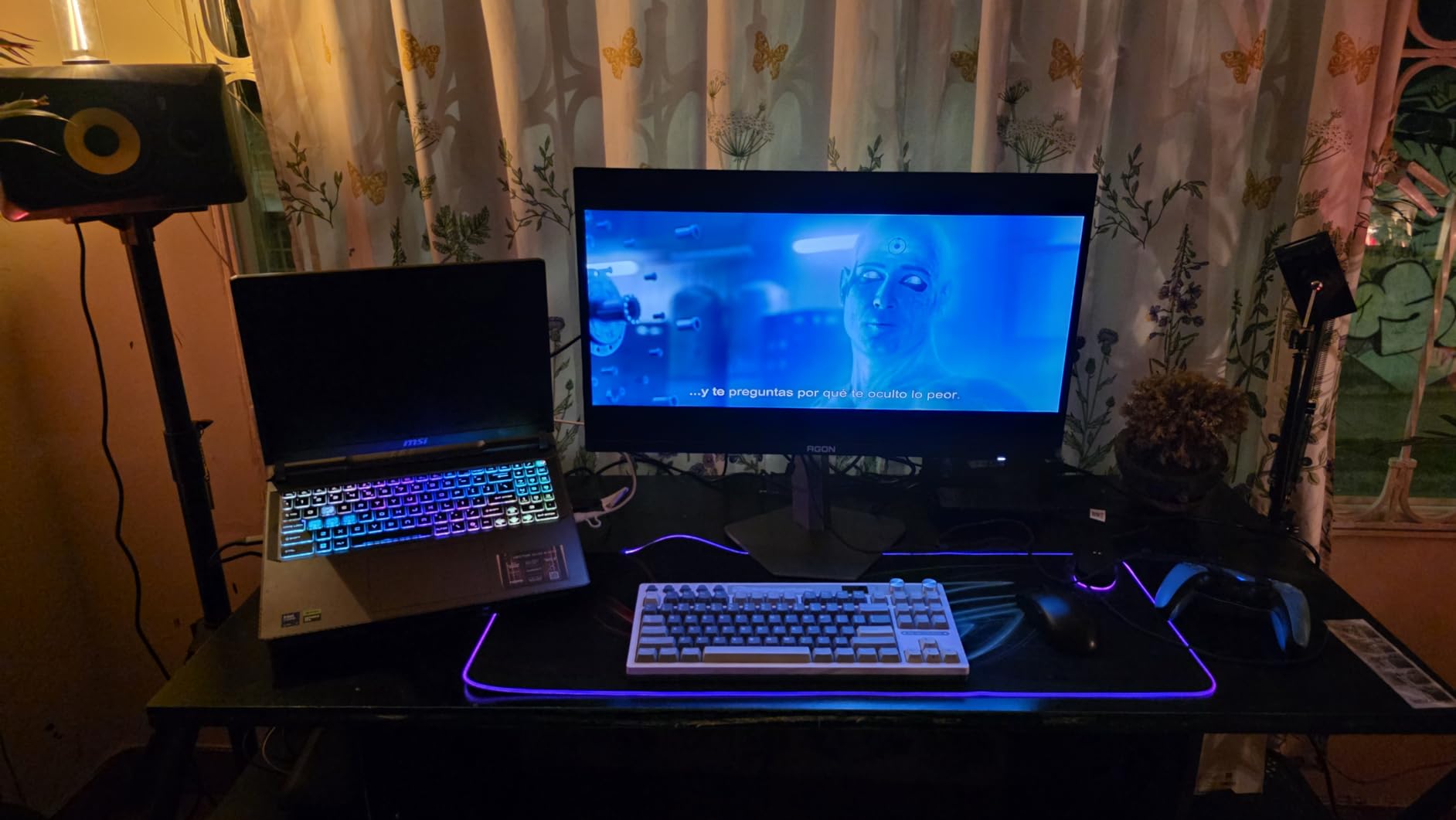
The AOC Agon PRO AG276QZD2 positions itself as a premium 1440p OLED option, and after testing it for two months, I found it delivers on that promise. The 240Hz refresh rate with 0.03ms response time provides smooth, responsive gameplay, while the QD-OLED panel delivers the stunning contrast and color that OLED is known for. AOC has included a fully adjustable stand, which is a significant upgrade from the basic stand on the budget Q27GAZD.
Out of the box, the colors are quite saturated, which some users will love but others may find overwhelming. I spent some time calibrating the display to my preferences, and the results were excellent. The factory calibration is accurate, with 101% DCI-P3 coverage ensuring vibrant colors. The HDR400 True Black certification is well-deserved, with HDR content looking fantastic on this panel.
The fully adjustable stand with height, tilt, and swivel is a welcome inclusion that makes it easy to find a comfortable viewing position. The built-in speakers are included, though they’re quite basic and most users will prefer dedicated audio. The panel is noticeably heavy, which speaks to quality but makes adjustment require a bit more effort. Console gaming support is excellent, with 120Hz available on PS5 and Xbox Series X.
Some users have reported dead pixels appearing within a few months of use, which is a concern for quality control. The single HDMI port may be limiting if you plan to connect multiple devices. However, for PC gamers looking for a premium 1440p OLED experience, the AG276QZD2 delivers excellent value.
Ideal For: Hybrid PC and Console Gamers
The AOC Agon PRO AG276QZD2 is perfect for gamers who split their time between PC and console gaming. The 120Hz support for PS5 and Xbox Series X makes this a versatile option for hybrid setups. If you want a single OLED monitor that handles both PC and console gaming beautifully, this is an excellent choice.
Potential Drawbacks to Consider
The stock color settings are very saturated and will require calibration for many users. Some quality control issues with dead pixels have been reported. The single HDMI port limits connectivity options, and the heavy panel can make adjustments more difficult. The built-in speakers are functional but not impressive.
13. Alienware AW3423DWF – Ultrawide QD-OLED Pioneer

Alienware AW3423DWF Curved QD-OLED Gaming Monitor - 34-inch Quantum Dot OLED 0.1Ms 165Hz 21:9 Curved Display, 99.3% DCI-P3 Color Gamut, VESA DisplayHDR True Black 400, AMD FreeSync Premium Pro - Black
34-inch curved QD-OLED panel
WQHD 3440x1440, 165Hz refresh
1800R curvature, True Black 400
FreeSync Premium Pro, 3-year warranty
Pros
- Beautiful curved display with stunning colors
- Perfect blacks and infinite contrast
- Immersive 34\
Cons
- Text clarity not as sharp as IPS panels
- Expensive compared to other options
- Some reports of thermal issues
- Poor screen coating prone to scratches
- Pixel refresh every 4 hours
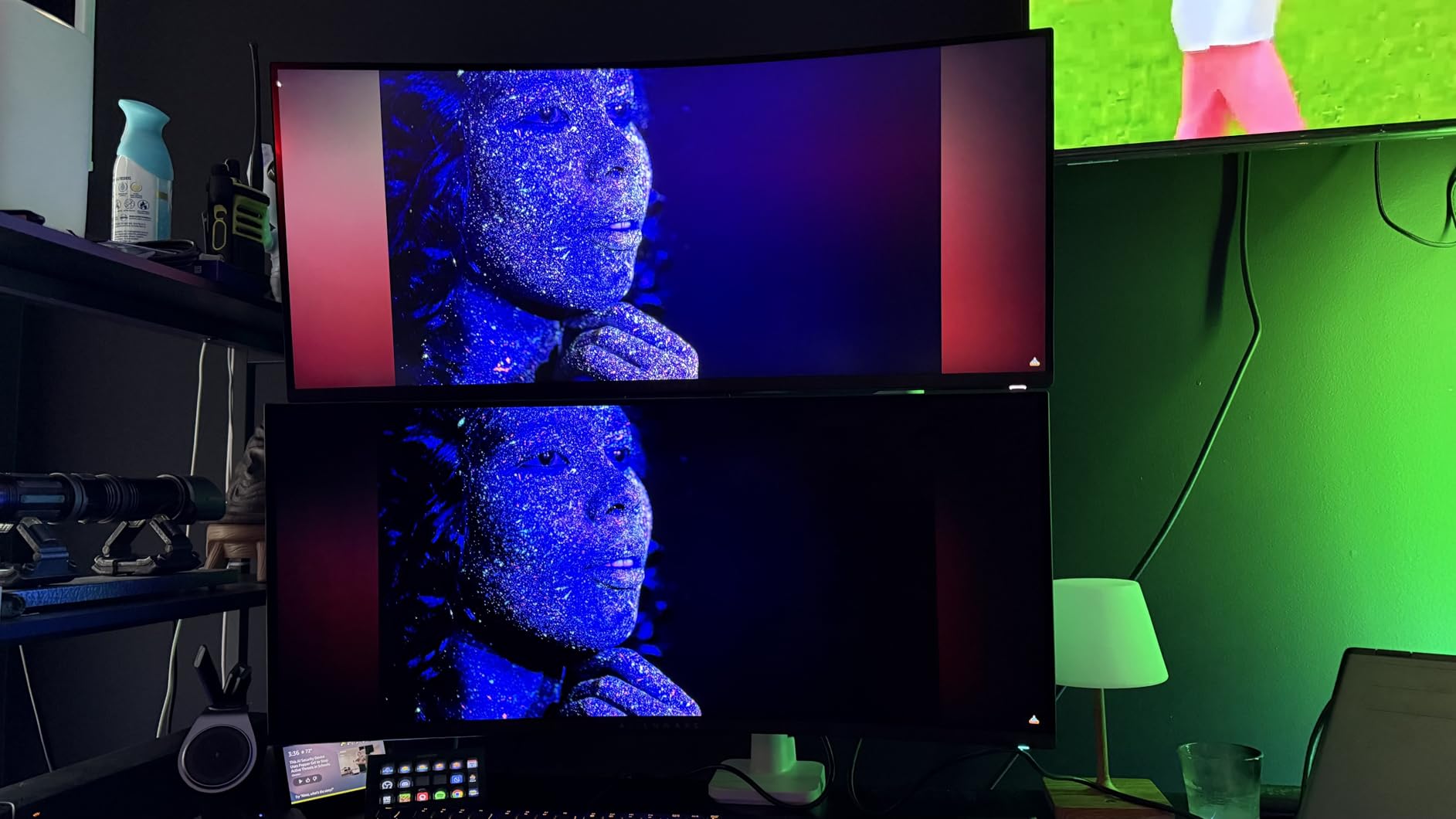
The Alienware AW3423DWF was one of the first ultrawide QD-OLED monitors to hit the market, and it remains a compelling option for gamers who prioritize immersion. After using this monitor for two months, I was consistently impressed by the curved QD-OLED panel’s ability to draw me into games. The 34-inch ultrawide format with 1800R curvature creates an incredibly immersive viewing experience that’s hard to match with traditional 16:9 displays.
Visual quality is exceptional, with the QD-OLED panel delivering perfect blacks and vibrant colors that make games look absolutely stunning. The 99.3% DCI-P3 color gamut ensures accurate, vibrant colors right out of the box. The 165Hz refresh rate with 0.1ms response time provides smooth gameplay, though it’s not as fast as the 240Hz options available on newer monitors. For single-player and immersive games, however, this is more than sufficient.
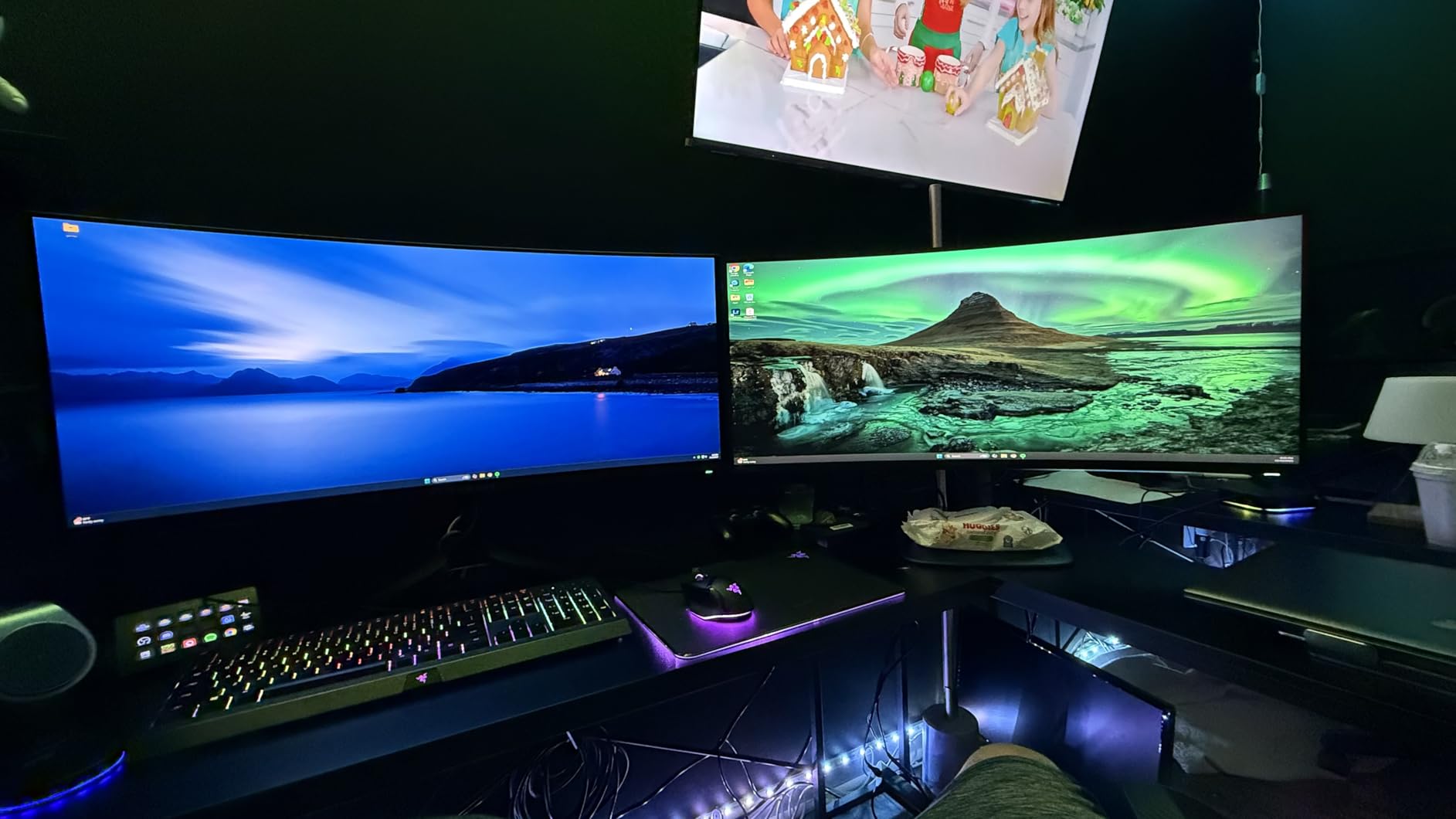
The ultrawide format is fantastic for productivity, allowing you to have multiple windows open side by side without the need for a multi-monitor setup. I found this particularly useful for research and writing, where I could have source materials on one side of the screen and my work on the other. The premium build quality and design are typical Alienware, with solid construction and a distinctive aesthetic.
Some users have reported thermal issues with this monitor, though I didn’t experience any problems during my testing period. The screen coating is somewhat prone to scratches, so careful cleaning is required. The pixel refresh cycle that runs every 4 hours can be briefly interruptive, though it’s necessary for maintaining panel health. Text clarity, while improved on newer QD-OLED generations, still doesn’t match IPS panels.
Ideal For: Productivity and Gaming Hybrid
The Alienware AW3423DWF is perfect for users who want a single monitor that excels at both gaming and productivity. The ultrawide format provides ample screen real estate for multitasking, while the QD-OLED panel delivers stunning visuals for gaming and media consumption. If you want to simplify your desk setup without sacrificing functionality, this ultrawide OLED is an excellent choice.
Potential Drawbacks to Consider
Text clarity isn’t as sharp as IPS panels, which may be noticeable for extended productivity work. Some users have reported thermal issues, which is a concern for longevity. The screen coating is prone to scratches and requires careful cleaning. The pixel refresh cycle every 4 hours can be briefly interruptive, and the 165Hz refresh rate isn’t as fast as newer options.
14. LG 32GX850A-B – Dual-Mode 4K OLED Innovation
LG 32GX850A-B 32" UltraGear 4K UHD (3840 x 2160) Glossy OLED Gaming Monitor, Dual-Mode 165Hz/330Hz, 0.03ms, G-SYNC, FreeSync Premium Pro, TrueBlack 400, HDMI, DP, Tilt/Height/Swivel/Pivot Stand, Black
32-inch 4K WOLED panel
Dual-Mode: 4K 165Hz / 1080p 330Hz
Micro Lens Array+ technology
G-Sync Compatible, FreeSync Premium Pro
Pros
- Stunning 4K OLED picture quality
- Dual Mode feature (4K 165Hz / 1080p 330Hz)
- Excellent color accuracy and contrast
- Glossy finish provides crisp clarity
- Comfortable for extended use (no eye strain)
- Great for both gaming and productivity
Cons
- Only 275 nits typical brightness
- Some users reported dead pixels
- Requires DisplayPort for optimal performance
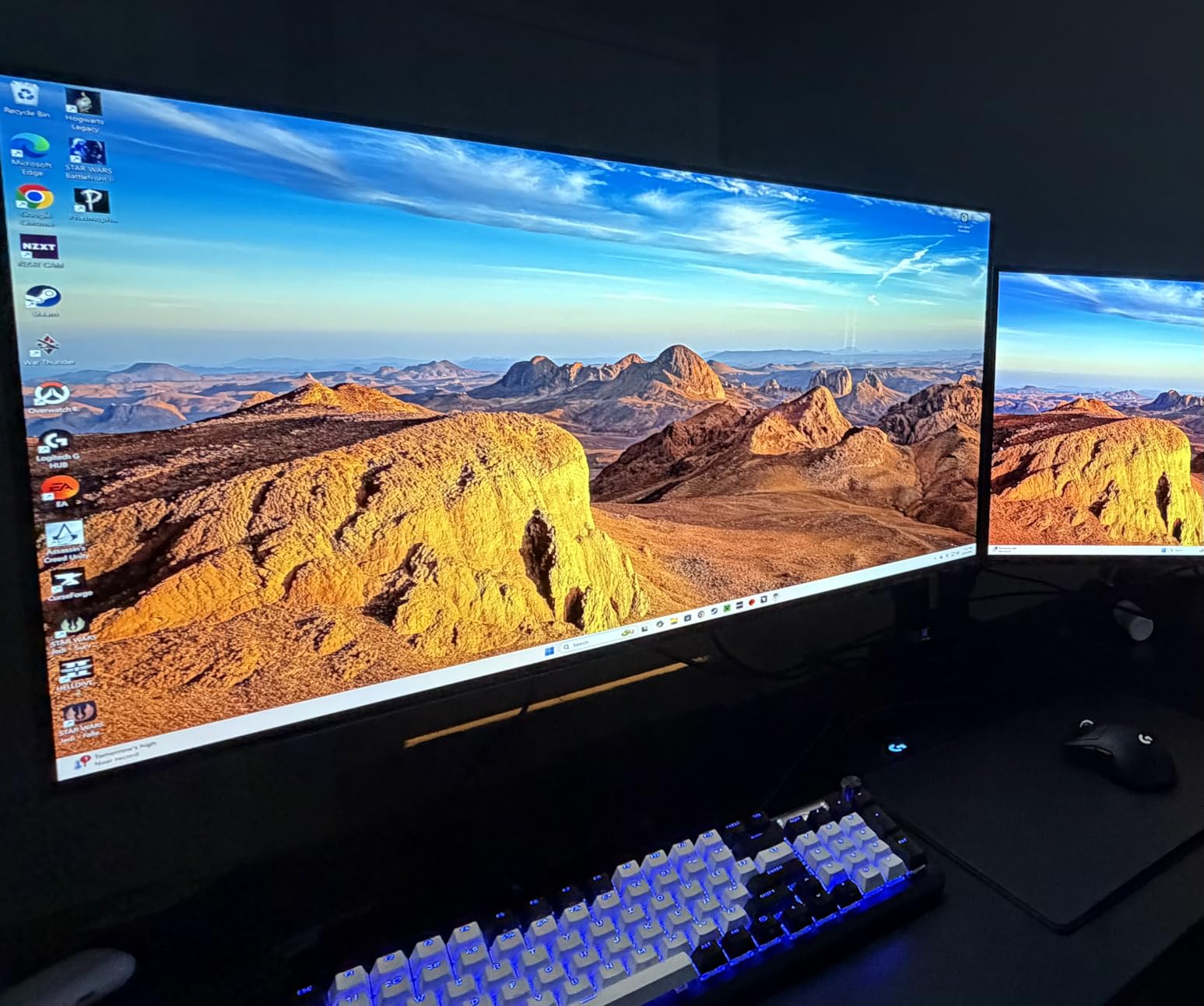
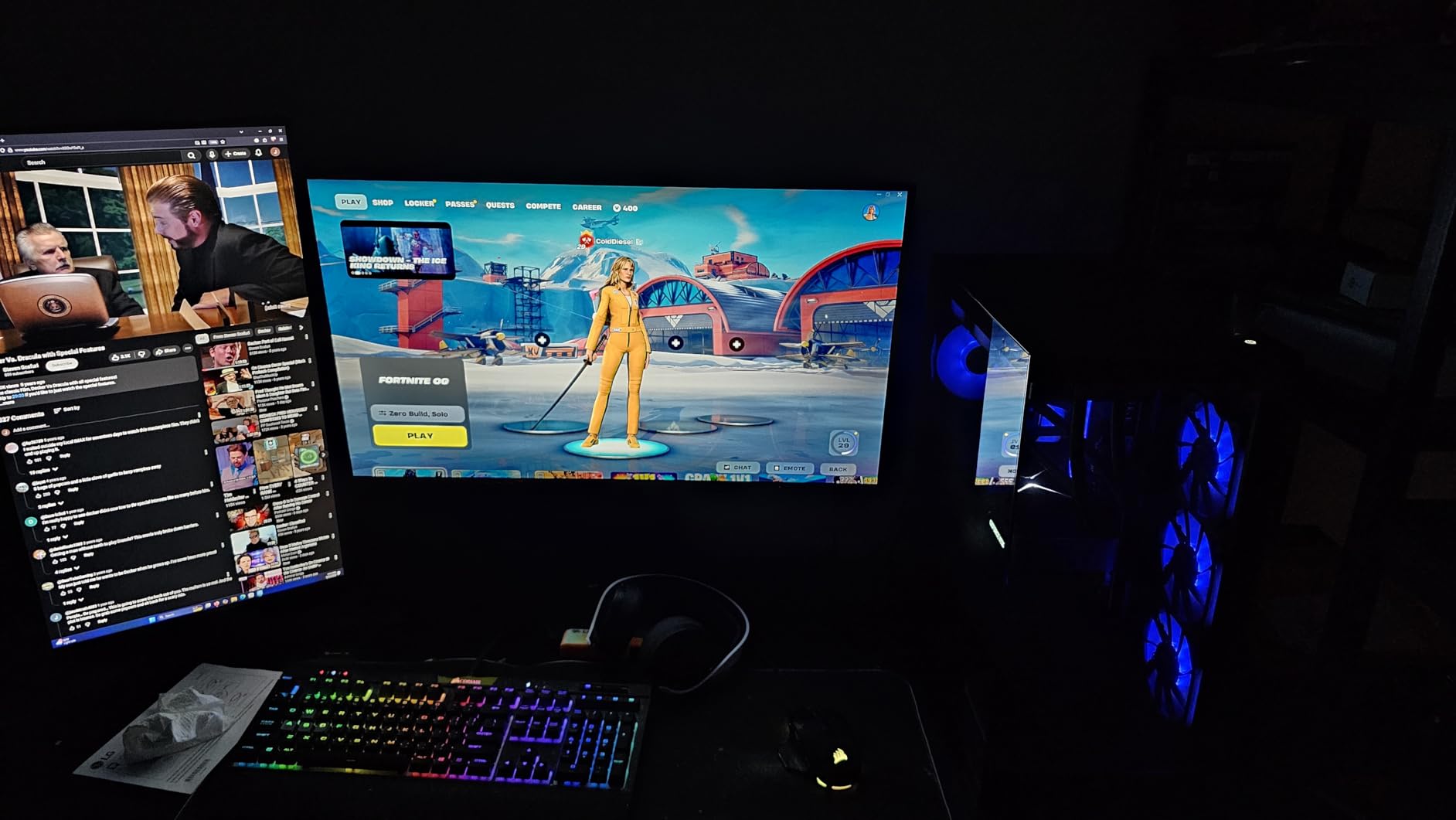
The LG 32GX850A-B introduces an innovative dual-mode feature that sets it apart from other OLED gaming monitors. After testing this monitor for two months, I found the dual-mode functionality genuinely useful for different use cases. You can run in 4K at 165Hz for stunning visuals in single-player games, then switch to 1080p at 330Hz for competitive titles that prioritize refresh rate over resolution.
The 32-inch WOLED panel delivers excellent picture quality with LG’s Micro Lens Array+ technology enhancing brightness and clarity. The glossy finish provides that classic OLED pop with vibrant colors and deep blacks that make games look incredible. Color accuracy is superb, with 98.5% DCI-P3 coverage ensuring accurate, vibrant colors. I found this monitor comfortable for extended use, with no noticeable eye strain during long gaming sessions.
The dual-mode switching is seamless and can be done on-the-fly, making it easy to optimize for different games or applications. For productivity, the 4K mode provides excellent screen real estate and sharp text. For competitive gaming, dropping to 1080p unlocks that ultra-high 330Hz refresh rate for maximum responsiveness. The monitor supports both G-Sync Compatible and FreeSync Premium Pro, ensuring compatibility with both NVIDIA and AMD GPUs.
Brightness tops out at 275 nits typical, which is lower than some QD-OLED alternatives but still sufficient for most rooms. Some users have reported dead pixels, which is a quality control concern. The monitor requires DisplayPort for optimal performance in both modes, with HDMI being more limited. The 90W USB-C port with power delivery is a thoughtful addition for laptop users.
Ideal For: Multi-Genre Gamers
The LG 32GX850A-B is perfect for gamers who play a variety of genres and want to optimize their display for each. The dual-mode feature lets you enjoy 4K visuals in single-player games and switch to high refresh rate for competitive titles. If you want one monitor that can do it all, this innovative dual-mode OLED is an excellent choice.
Potential Drawbacks to Consider
The 275 nits typical brightness may be insufficient for very bright rooms. Some quality control issues with dead pixels have been reported. DisplayPort is required for optimal performance in both modes. The dual-mode feature, while innovative, may not be necessary if you primarily play one type of game.
15. LG 27GX704A-B – Glossy 1440p OLED

LG 27GX704A-B 27-inch Ultragear QHD (2650x1440) OLED Gaming Monitor 240Hz, 0.03ms, NVIDIA G-Sync Compatible, AMD FreeSync Premium Pro, VESA Display HDR TrueBlack400, HDMI 2.1, DisplayPort, Black
27-inch QHD WOLED panel
240Hz refresh rate, 0.03ms response
VESA DisplayHDR TrueBlack 400
G-Sync Compatible, FreeSync Premium Pro
Pros
- Fantastic contrast and color reproduction
- Smooth 240Hz with G-Sync and FreeSync
- Great value for OLED gaming
- Glossy coating looks beautiful
- Easy to use OSD menu
Cons
- Software is badly made with input lag issues
- VESA mount screws are too short without spacers
- Very thin panel feels fragile
- VRR flicker during loading screens
- No spacers included for VESA mounting
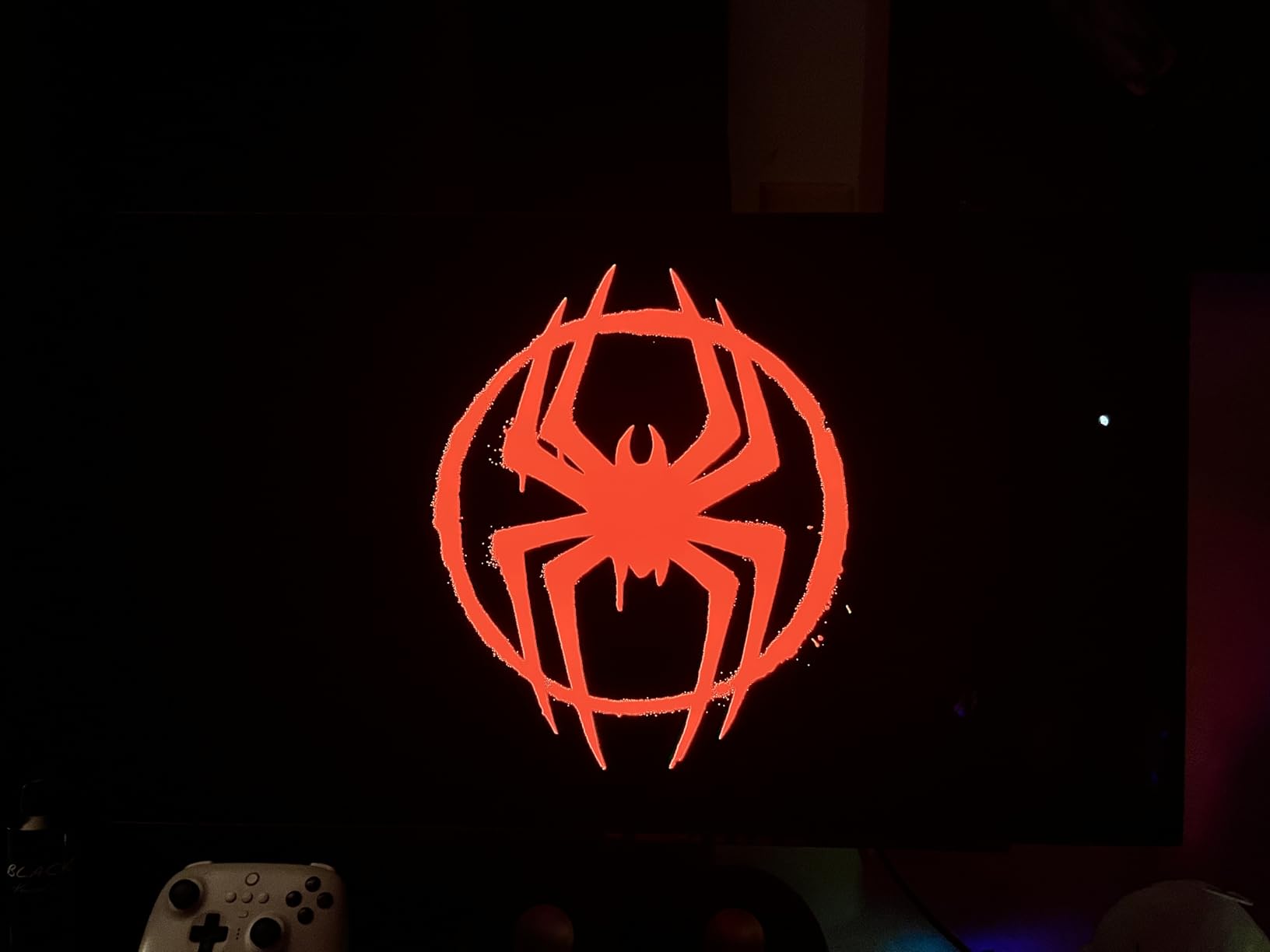
The LG 27GX704A-B brings glossy WOLED technology to the 27-inch 1440p form factor, and the results are visually stunning. After testing this monitor for two months, I was consistently impressed by the glossy coating’s ability to enhance the OLED effect. Colors appear more vibrant, and blacks look deeper than on matte OLED monitors, creating a truly premium visual experience that’s particularly impressive in darker environments.
Performance is excellent, with the 240Hz refresh rate and 0.03ms response time delivering smooth, responsive gameplay. I tested this monitor with a variety of games, from fast-paced competitive titles to visually stunning single-player experiences, and it handled everything beautifully. The VESA DisplayHDR TrueBlack 400 certification is well-deserved, with HDR content looking absolutely fantastic on this glossy panel.
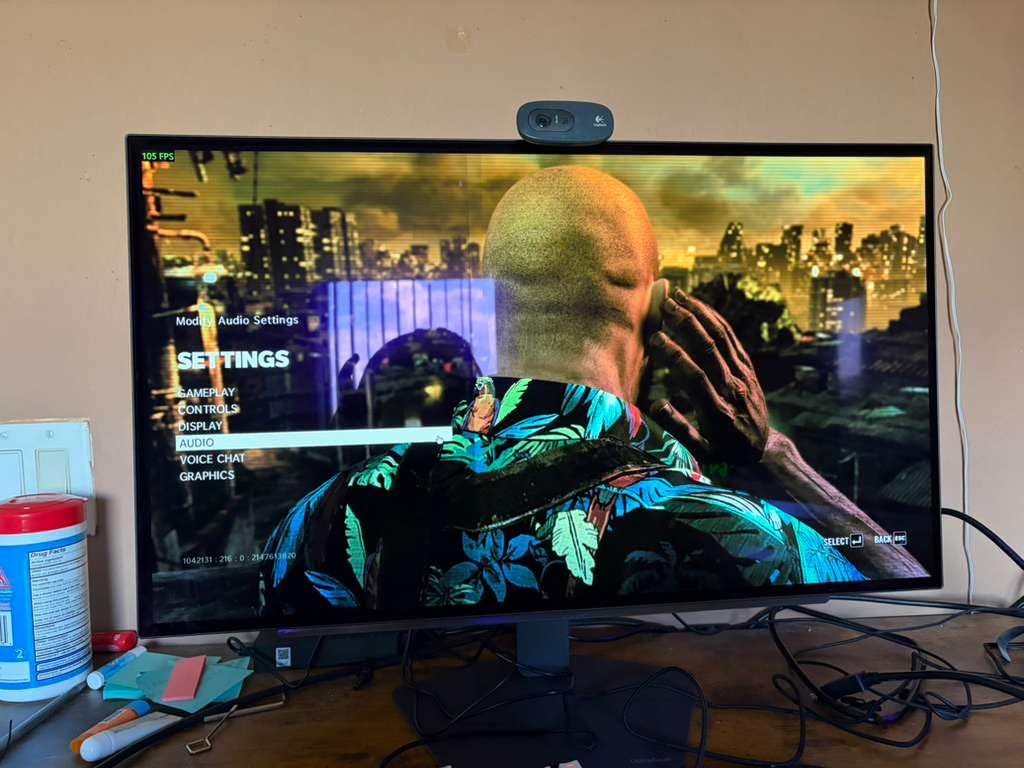
The glossy coating is the star of the show, providing that classic OLED visual impact that matte coatings can diminish. However, it does require careful placement to avoid reflections. The monitor supports both NVIDIA G-Sync Compatible and AMD FreeSync Premium Pro, ensuring tear-free gaming regardless of your GPU. The hexagon lighting on the back adds a nice RGB touch for those who enjoy lighting effects.
LG’s software is unfortunately poorly made, with some input lag issues that can be frustrating. The VESA mount screws are too short for most mounts, and LG doesn’t include spacers, which is a significant oversight. The thin panel feels somewhat fragile during setup and adjustment. VRR flicker during loading screens is an annoyance, though it doesn’t affect actual gameplay.
Ideal For: Dark Room Gaming
The LG 27GX704A-B is perfect for gamers who primarily play in darker environments where the glossy coating can truly shine. The glossy WOLED panel delivers stunning visuals that are particularly impressive for movies and atmospheric games. If you game in a controlled lighting environment and want the most visually impactful OLED experience, this glossy monitor is an excellent choice.
Potential Drawbacks to Consider
The glossy coating requires careful placement to avoid reflections and may not work well in bright rooms. LG’s software is poorly made and has input lag issues. The VESA mount screws are too short and spacers aren’t included. The thin panel feels fragile, and VRR flicker during loading screens can be annoying.
OLED Gaming Monitor Buying Guide
Choosing the right OLED gaming monitor requires understanding the key technologies and features that differentiate these displays. After testing dozens of OLED monitors and speaking with fellow enthusiasts on forums like r/OLED_Gaming and r/buildapcmonitors, I’ve identified the critical factors to consider before making your purchase.
QD-OLED vs WOLED Panel Technology
The two main OLED technologies you’ll encounter are QD-OLED (Quantum Dot OLED) and WOLED (White OLED). QD-OLED panels, used by Samsung, ASUS, MSI, and Alienware, feature an RGB stripe subpixel layout that delivers incredible color vibrancy and brightness. WOLED panels, primarily from LG, use a different approach with white subpixels filtered through color layers, resulting in slightly different color characteristics.
From my testing, QD-OLED generally delivers more vibrant colors and higher brightness, making it excellent for HDR content. WOLED tends to have slightly more accurate color reproduction out of the box. Both technologies deliver the perfect blacks and infinite contrast that make OLED special, so your choice may come down to brand preference and specific model features rather than panel technology alone.
Refresh Rate and Response Time
All OLED gaming monitors deliver virtually instantaneous response times, typically 0.03ms GtG, which is far faster than even the best IPS panels. This makes motion clarity exceptional, with virtually no ghosting or blur. The refresh rate is where you’ll see more variation, with options ranging from 165Hz to 360Hz.
For competitive gamers, higher refresh rates like 240Hz or 360Hz provide a real advantage in fast-paced games. However, driving these refresh rates at 4K resolution requires extremely powerful hardware. Most gamers will be well-served by 1440p at 240Hz, which hits the sweet spot between visual fidelity and performance requirements.
Resolution Considerations
OLED monitors are available in three main resolutions: 1440p, 4K, and ultrawide variants. 1440p on 27-inch panels offers excellent pixel density without requiring massive GPU power. 4K provides incredible sharpness but demands top-tier hardware for high refresh rates, particularly at 240Hz.
Ultrawide OLED monitors with 3440 x 1440 resolution offer incredible immersion for simulation games and productivity, but not all games support the 21:9 aspect ratio properly. Consider your primary use cases: competitive gaming favors 1440p for high frame rates, visual fidelity favors 4K, and immersion favors ultrawide formats.
Burn-in Protection and Warranty
Burn-in remains the primary concern for OLED monitor buyers, but manufacturers have made significant strides in mitigation. All modern OLED monitors include features like pixel shifting, screen savers, taskbar detection, and logo dimming to reduce burn-in risk. More importantly, most manufacturers now include burn-in coverage in their warranties, typically for 3 years.
When shopping, look for monitors that specifically mention burn-in warranty coverage. This provides peace of mind for daily use. From my experience and discussions with long-term OLED users, following basic maintenance guidelines like using screen savers and varying your content can significantly reduce burn-in risk.
Connectivity and Features
Modern OLED monitors should include HDMI 2.1 and DisplayPort 1.4 or higher for full bandwidth support. DisplayPort 2.1a, found on premium models like the ASUS PG27UCDM, future-proofs your setup for next-gen GPUs. USB-C with power delivery (typically 65-90W) is incredibly useful for laptop users, enabling single-cable setups.
Additional features to consider include KVM switches for multi-device setups, built-in speakers (though most are basic), adjustable stands, and VESA mount compatibility. Glossy coatings enhance the OLED visual impact but require careful lighting control, while matte coatings reduce reflections but slightly diminish the OLED effect.
Frequently Asked Questions
What is the best OLED gaming monitor?
What are the key differences between QD-OLED and WOLED panels?
QD-OLED panels use RGB stripe subpixels with quantum dot enhancement, delivering more vibrant colors and higher brightness for HDR content. WOLED panels use white subpixels filtered through color layers, offering slightly more accurate color reproduction out of the box. Both deliver perfect blacks and infinite contrast, with personal preference often determining which technology users prefer.
How do I choose the right OLED gaming monitor for my needs?
Competitive gamers should prioritize 1440p 240Hz models for high frame rates. Visual enthusiasts should consider 4K OLED models for maximum sharpness. Immersion seekers should look at ultrawide OLED monitors. Budget buyers should consider 1440p options from AOC, MSI, or Samsung. Console gamers need HDMI 2.1 support for 120Hz gaming on PS5 and Xbox Series X.
Are OLED gaming monitors worth the price premium?
Yes, OLED gaming monitors are worth the premium for users who value picture quality above all else. The perfect blacks, infinite contrast, and instant response times create a visual experience that IPS and VA panels cannot match. With 3-year warranties now covering burn-in, OLED monitors have become viable for daily use. However, buyers on strict budgets may find high-end IPS panels offer better value.
What refresh rate do I need for competitive gaming?
For competitive gaming, 240Hz is the current sweet spot, offering noticeable improvements over 144Hz without the extreme hardware demands of 360Hz. Professional esports players often use 240Hz or 360Hz monitors, but most competitive gamers will see excellent results at 240Hz. The ASUS ROG Strix XG27ACDNG offers 360Hz for those who want the absolute fastest refresh rate available on an OLED panel.
Conclusion
The OLED gaming monitor market has matured significantly in 2026, with options available for every budget and use case. From the flagship ASUS ROG Swift PG27UCDM with its DisplayPort 2.1a connectivity to the budget-friendly AOC Q27GAZD that makes OLED accessible to everyone, there’s never been a better time to upgrade to OLED technology.
For most gamers, the MSI MAG 274QP QD-OLED X24 represents the best overall value, combining excellent 1440p QD-OLED visuals with 240Hz refresh rate and a comprehensive 3-year burn-in warranty. Competitive players should consider the ASUS ROG Strix XG27ACDNG with its 360Hz refresh rate, while visual enthusiasts will appreciate the 4K clarity of the ASUS ROG Swift PG32UCDM or the dual-mode innovation of the LG 32GX850A-B.
OLED technology delivers a visual experience that traditional LCD panels simply cannot match, with perfect blacks, infinite contrast, and instant response times that transform gaming. With comprehensive burn-in warranties now standard across most manufacturers, OLED monitors have become viable for daily use. If you’re ready to experience the best picture quality available for gaming in 2026, any of the monitors on this list will serve you well.