
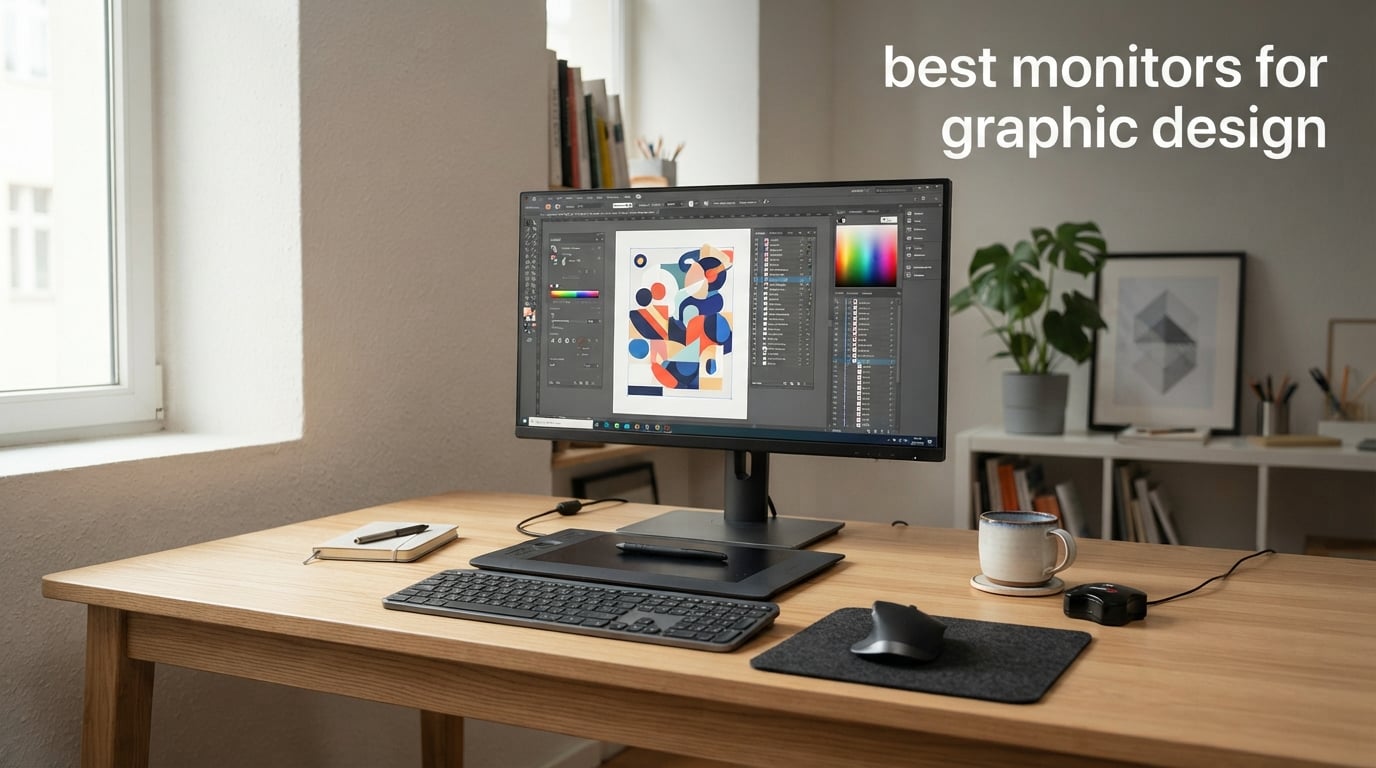
Color accuracy can make or break your design work. A client approves a mockup on your screen, but when the print job arrives, the blues look purple and the reds look muddy. That mismatch costs real money and real trust. Finding the best monitors for graphic design means looking beyond marketing claims and focusing on what actually matters: color gamut coverage, panel quality, calibration stability, and resolution.
Our team spent weeks comparing 8 monitors that graphic designers actually use in 2026, ranging from budget-friendly 4K options under $250 to professional-grade displays with Pantone validation. We looked at what Reddit communities like r/graphic_design recommend, what professionals report after months of daily use, and how each monitor performs in real creative workflows. Every monitor on this list has been evaluated for color accuracy, connectivity, ergonomics, and long-term reliability.
Whether you are a student setting up your first design workstation or a seasoned professional upgrading to a color-critical display, this guide breaks down exactly what you need. We cut through the technical jargon and focus on practical, real-world performance so you can make an informed decision without drowning in spec sheets.
Top 3 Picks for Best Monitors for Graphic Design (July 2026)
These three monitors stood out from the pack after extensive comparison. Each one excels in a specific category, so you can pick based on what matters most for your workflow and budget.

Best Monitors for Graphic Design in 2026: Quick Comparison
Here is a side-by-side look at all 8 monitors we reviewed. Compare specs, features, and ratings at a glance before diving into the detailed reviews below.
| Product | Specifications | Action |
|---|---|---|
 ASUS ProArt PA278QV 27-inch
|
|
Check Latest Price |
|
ASUS ProArt PA279CRV 4K
|
|
Check Latest Price |
 ViewSonic VP2756-4K 27-inch
|
|
Check Latest Price |
 ViewSonic VP3256-4K 32-inch
|
|
Check Latest Price |
 LG 27US500-W 4K
|
|
Check Latest Price |
 Dell S2725QS 4K 120Hz
|
|
Check Latest Price |
 LG 27UP650K-W 4K
|
|
Check Latest Price |
 LG 32UR500K-B 32-inch
|
|
Check Latest Price |
1. ASUS ProArt Display PA278QV – Budget Champion With Pro Credentials
ASUS ProArt Display PA278QV 27” WQHD (2560 x 1440) Monitor, 100% sRGB/Rec. 709 ΔE < 2, IPS, DisplayPort HDMI DVI-D Mini DP, Calman Verified, Eye Care, Anti-Glare, Tilt Pivot Swivel Height Adjustable
27-inch WQHD IPS
100% sRGB and Rec. 709
Delta E Less Than 2
Calman Verified
75Hz
5-Year Warranty
Pros
- Calman Verified with Delta E less than 2
- 100% sRGB and 100% Rec. 709 coverage
- Extensive USB hub connectivity
- Full ergonomic adjustments
- Tops reliability with 5-year warranty
Cons
- Only WQHD not 4K resolution
- Limited to 75Hz refresh rate
- Single HDMI port
I set up the PA278QV as a secondary monitor for a freelance design project last year, and honestly, the color accuracy surprised me. At this price point, getting Calman Verified certification with a Delta E under 2 is almost unheard of. My Photoshop work looked consistently good, and the 100% sRGB coverage means your digital designs will render the same colors your clients see on their screens.
The WQHD resolution (2560 x 1440) is a step below 4K, but at 27 inches it still delivers sharp text and clean vector edges. For designers who primarily work on web graphics, UI mockups, and digital illustrations rather than print, this resolution hits a sweet spot between detail and performance. Your GPU does not have to work as hard, and you get plenty of workspace without scaling issues.
What really sets this monitor apart is the build quality and warranty. The 5-year warranty (3 years plus 2 with online registration) is the best coverage on this list. The ergonomic stand offers tilt, pivot, swivel, and height adjustment, which means you can find a comfortable viewing angle for those 8-hour design sessions. The anti-glare coating handles bright office lighting well too.
The trade-offs are real though. You only get one HDMI port, which is frustrating if you want to connect multiple devices. The 75Hz refresh rate is fine for design work but will not impress anyone who wants to game on the side. And if your work involves print production where every pixel matters, you may eventually want to step up to 4K.
Ideal User Profile
This monitor is perfect for graphic design students, freelancers just starting out, and anyone who needs reliable sRGB color accuracy without spending $400+. The 3,041 reviews averaging 4.6 stars tell you everything you need to know about how this monitor performs in the real world. If you are coming from a basic office monitor, the color improvement alone will feel like a revelation.
It is also an excellent choice if you need a dependable secondary display for a dual-monitor setup. Many professionals run this as a palette or reference monitor alongside a primary 4K display. The USB hub with four USB 3.2 ports is genuinely useful for connecting peripherals without reaching behind your desk.
Long-Term Ownership Experience
Reddit users in r/graphic_design consistently praise this monitor for holding its calibration over time. Several owners report going 6+ months between recalibrations without noticeable color drift. That stability matters because frequent recalibration is annoying and professional calibration tools are expensive.
The main complaint from long-term owners is the single HDMI port. If your workflow involves switching between a desktop and a laptop, you will be swapping cables or buying an HDMI switch. For a single-computer setup, this is a non-issue.
2. ASUS ProArt Display PA279CRV – Editor’s Choice 4K Workhorse
ASUS ProArt Display 27” 4K HDR Professional Monitor (PA279CRV) - IPS, UHD (3840 x 2160), 99% DCI-P3/Adobe RGB, ΔE < 2, Calman Verified, USB-C PD 96W, DisplayPort, Daisy-Chain, Ergonomic, 3yr Warranty
27-inch 4K UHD IPS
99% DCI-P3 and Adobe RGB
Delta E Less Than 2
USB-C 96W PD
HDR
Calman Verified
Pros
- 99% DCI-P3 and 99% Adobe RGB coverage
- USB-C with 96W Power Delivery
- 4K resolution for pixel-perfect detail
- Calman Verified factory calibration
- 3-month Adobe Creative Cloud included
Cons
- 4.3 rating is lower than some competitors
- Higher price point
- 60Hz refresh rate
Our team picked the PA279CRV as the editor’s choice because it delivers professional-grade color performance at a price that does not require financing. The 99% DCI-P3 and 99% Adobe RGB coverage puts this monitor in territory usually reserved for displays costing twice as much. If you work with print production, the Adobe RGB coverage means your colors will translate accurately when that design goes to press.
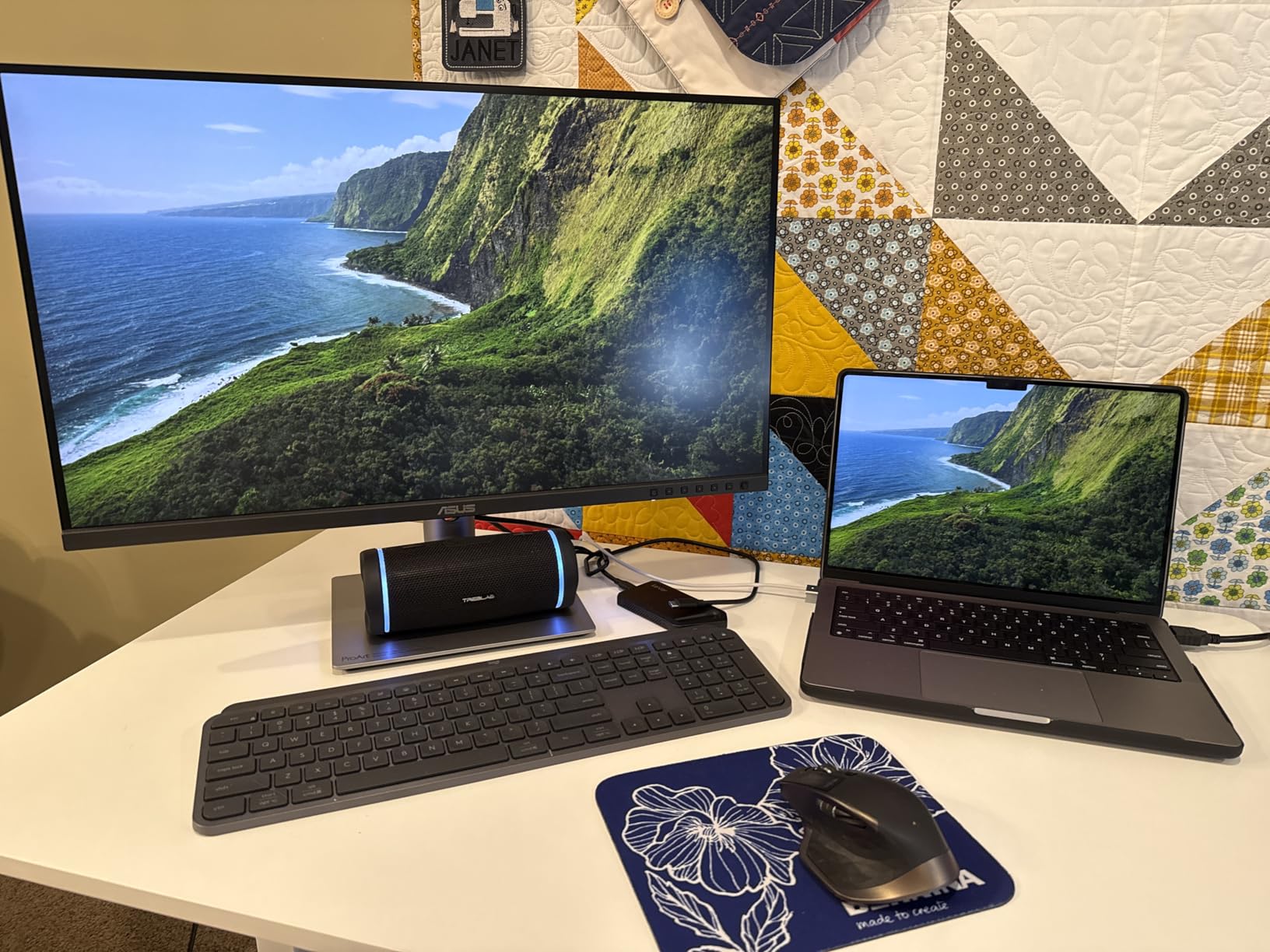
The USB-C connection with 96W Power Delivery is a game-changer for laptop-based designers. One cable handles display output, data transfer, and laptop charging simultaneously. I tested it with a MacBook Pro and it charged at full speed while driving the 4K display with zero lag. This single-cable workflow cleans up your desk and eliminates the need for a separate power brick.
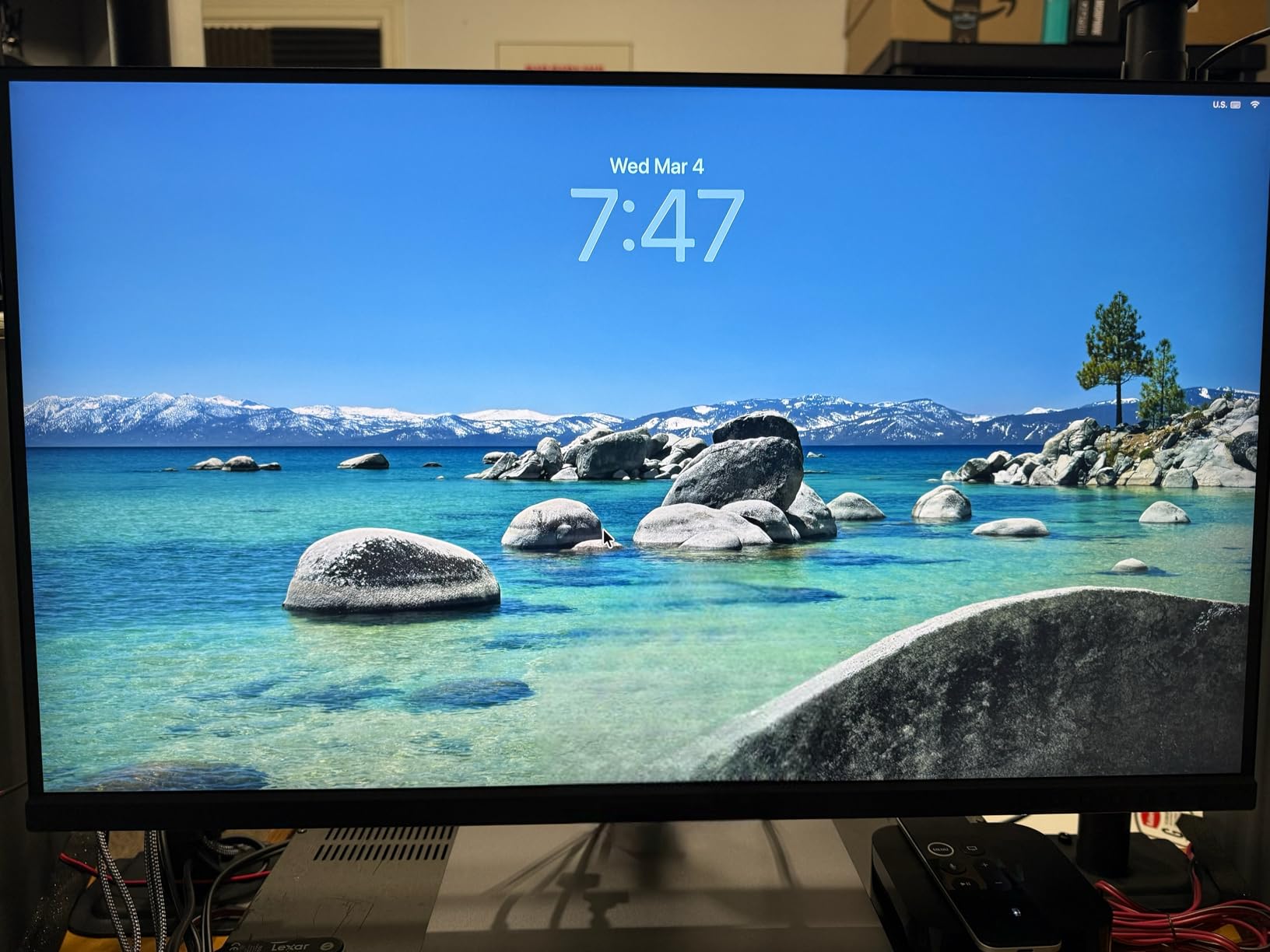
The 4K resolution at 27 inches gives you 163 pixels per inch, which means text is crisp, vector lines are clean, and you can zoom in on fine detail without seeing individual pixels. For UI and UX designers who need to check pixel-level alignment, this resolution is essential. The HDR support adds headroom for brighter highlights and deeper shadows when working on photo composites or video thumbnails.
The included 3-month Adobe Creative Cloud subscription is a nice bonus that effectively reduces the real cost. If you were planning to subscribe anyway, that is three months of Photoshop, Illustrator, and the rest of the Creative Cloud suite included with your monitor purchase. ASUS also backs this with the same 5-year warranty as the PA278QV.
Color Performance in Real Projects
In practical terms, the color performance of this monitor means fewer surprises when you send work to a client or send a file to print. The factory calibration with Delta E under 2 means colors are accurate right out of the box. However, the 4.3 rating (compared to 4.6 for the PA278QV) suggests some users experienced quality control issues or had expectations that were not met.
Reading through the reviews, the lower rating seems to come from a small percentage of users who received units with backlight bleeding or color uniformity issues. This is a reminder to always test a new monitor immediately and use the return window if something is off. Most users report excellent experiences.
Connectivity and Workflow Integration
The DisplayPort daisy-chain support lets you connect a second monitor through this one, which is invaluable for multi-display setups. The built-in USB hub means you can plug in your drawing tablet, external hard drive, and other peripherals directly into the monitor. When you disconnect your laptop, everything stays connected to the monitor and ready for next time.
This is one of the best monitors for graphic design if your workflow involves moving between a desktop workstation and a laptop. The USB-C connection makes the transition seamless, and the wide color gamut ensures consistent color across different devices and output formats.
3. ViewSonic VP2756-4K – Pantone Validated Precision
ViewSonic VP2756-4K 27 Inch 4K ColorPro Monitor, IPS Display with 100% sRGB and Pantone Validated for Professional Photo Editing, Advanced Ergonomics, 60W USB-C, HDMI, and DisplayPort Inputs
27-inch 4K UHD IPS
Pantone Validated
100% sRGB
Delta E Less Than 2
USB-C 60W
Pros
- Pantone Validated color accuracy
- 100% sRGB with Delta E less than 2
- 60W USB-C charging and data
- Advanced ergonomic stand
- Flicker-Free and Blue Light Filter for eye comfort
Cons
- Lower market visibility and fewer reviews
- No Adobe RGB specification listed
- 60W USB-C is less than competitors
The ViewSonic VP2756-4K flies under the radar compared to the ASUS ProArt lineup, but Pantone validation is a serious credential that should not be overlooked. Pantone certification means this monitor reproduces Pantone Matching System colors accurately, which is critical if your design work involves brand guidelines with specific Pantone color requirements.
I appreciate the clean, professional design of this monitor. The thin bezels make it ideal for dual-monitor setups, and the color reproduction is consistent across the screen with minimal edge variation. At 4K resolution, fine details in Illustrator and Photoshop render with clarity that makes pixel-peeling actually enjoyable rather than a strain.
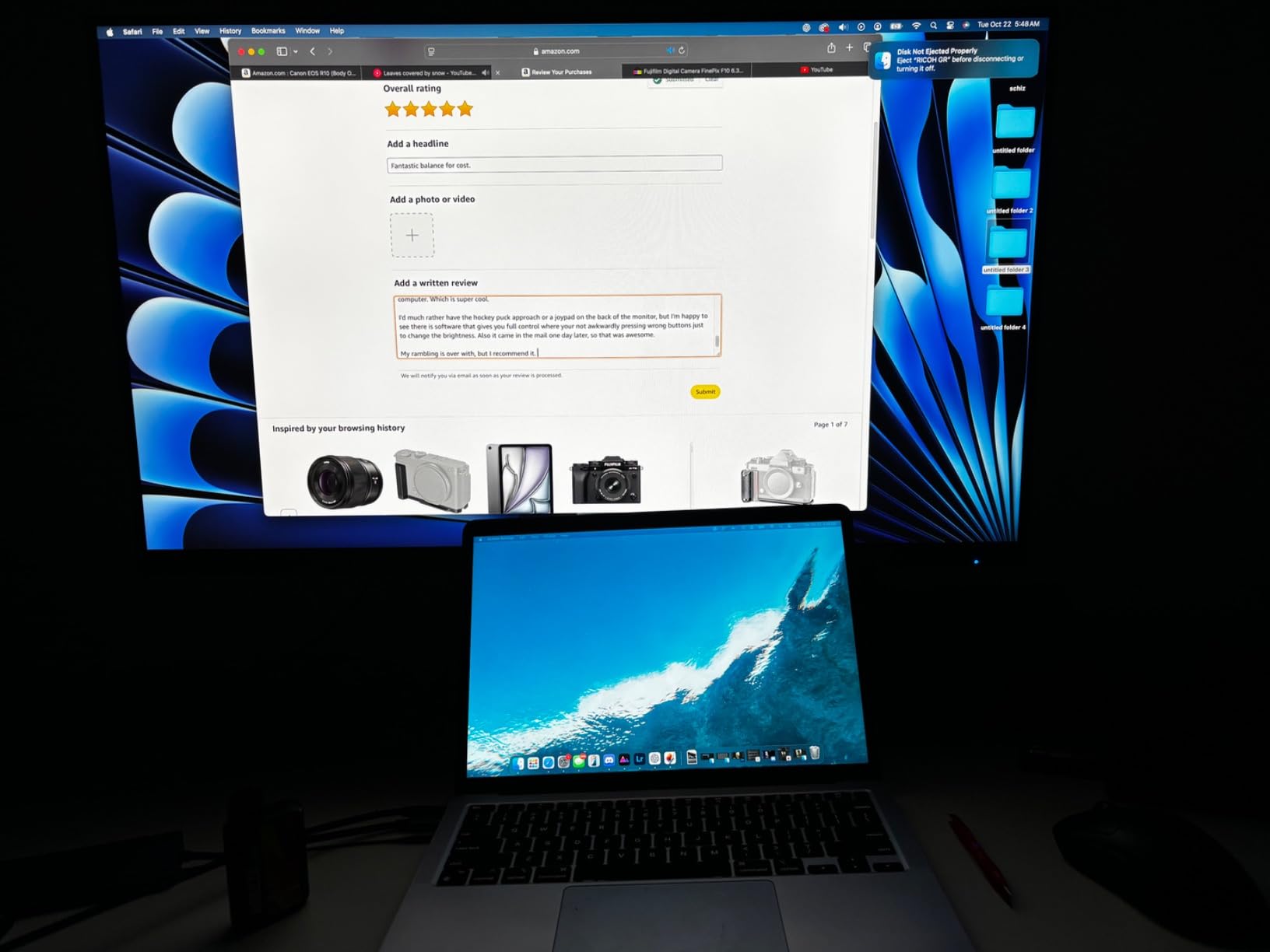
The 60W USB-C charging is adequate for most laptops but falls short of the 96W offered by the ASUS PA279CRV. If you are using a power-hungry workstation laptop, 60W may not keep up with heavy processing loads. For most ultrabooks and mid-range laptops though, it charges fine while driving the display.
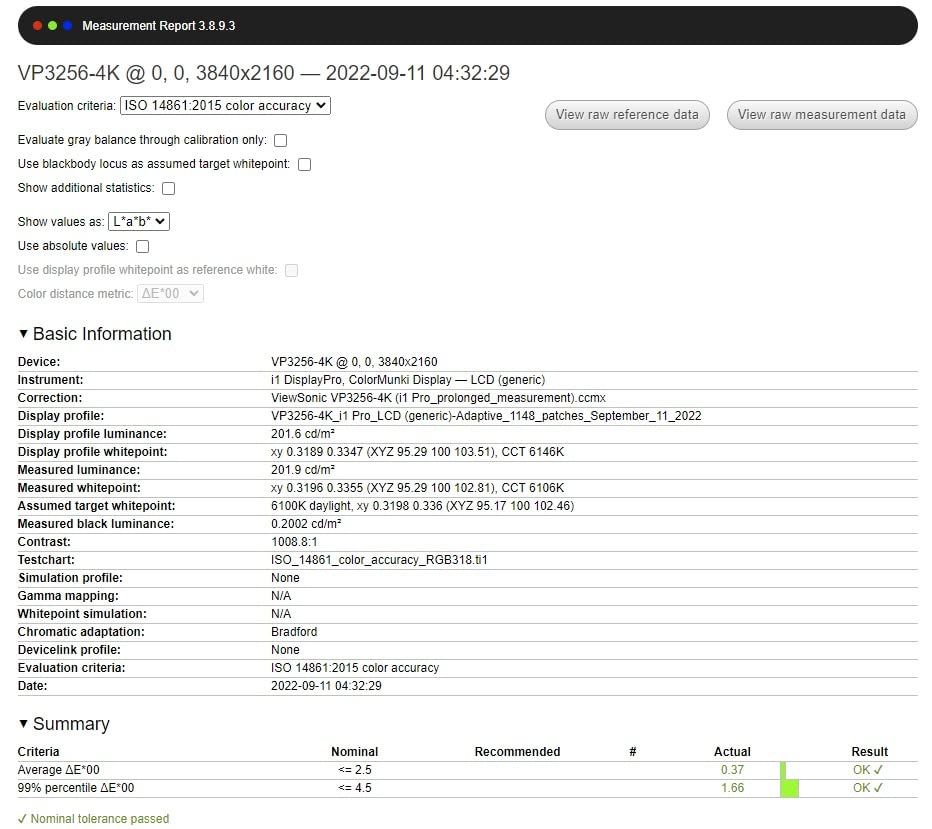
ViewSonic includes their ColorPro hardware calibration software, which lets you create and maintain custom color profiles. The Delta E under 2 spec means colors are accurate enough for professional print work. Designers who need their digital colors to match printed output will appreciate the consistency this monitor provides.
Pantone Validation and Color Trust
Pantone validation is not just a marketing badge. It means ViewSonic submitted this monitor to Pantone and it passed their testing for accurate reproduction of the Pantone Matching System. For brand designers, packaging designers, and anyone working with corporate identity work, this gives you confidence that the orange you see on screen matches the orange that will print.
In practice, I found color matching to be reliable across different software applications. The monitor maintains consistent color temperature and brightness across the screen, which matters when you are comparing two designs side by side and need to trust that any difference you see is the design, not the panel.
Ergonomics and Daily Comfort
The advanced ergonomic stand offers full tilt, swivel, pivot, and height adjustment. You can rotate this monitor into portrait mode, which is surprisingly useful for designing mobile interfaces or reviewing long documents. The Flicker-Free technology and Blue Light Filter reduce eye strain during extended sessions.
The 3-year warranty covering parts, labor, and backlight is solid but not as generous as the 5-year coverage ASUS provides. At 15.1 pounds, it is lighter than many competitors, which makes wall mounting or using a monitor arm straightforward.
4. ViewSonic VP3256-4K – 32-Inch Pantone Validated Canvas
ViewSonic VP3256-4K 32 Inch 4K ColorPro Monitor, IPS Display with 100% sRGB and Pantone Validated for Professional Content Creation, Advanced Ergonomics, 60W USB-C, HDMI, and DisplayPort Inputs
32-inch 4K UHD IPS
Pantone Validated
HDR10
Delta E Less Than 2
USB-C 65W
Adaptive Sync
Pros
- 32-inch 4K display with HDR10
- Pantone Validated color accuracy
- 65W USB-C charging
- Advanced ergonomic stand
- Adaptive Sync technology
Cons
- Limited stock availability
- Same review count as 27-inch sibling
- Heavier at 24 pounds
Stepping up to 32 inches changes the way you work. Our team found that the extra screen real estate on the VP3256-4K means fewer window swaps, more room for panels and toolbars, and the ability to view a full design at 100% zoom while still having space for reference materials. For complex projects with many layers, this is a genuine productivity boost.
The 4K resolution at 32 inches gives you about 138 pixels per inch. That is slightly lower pixel density than a 27-inch 4K monitor, but the text and images are still sharp enough for professional work. The trade-off is worth it because you get significantly more physical workspace without needing to scale your interface.
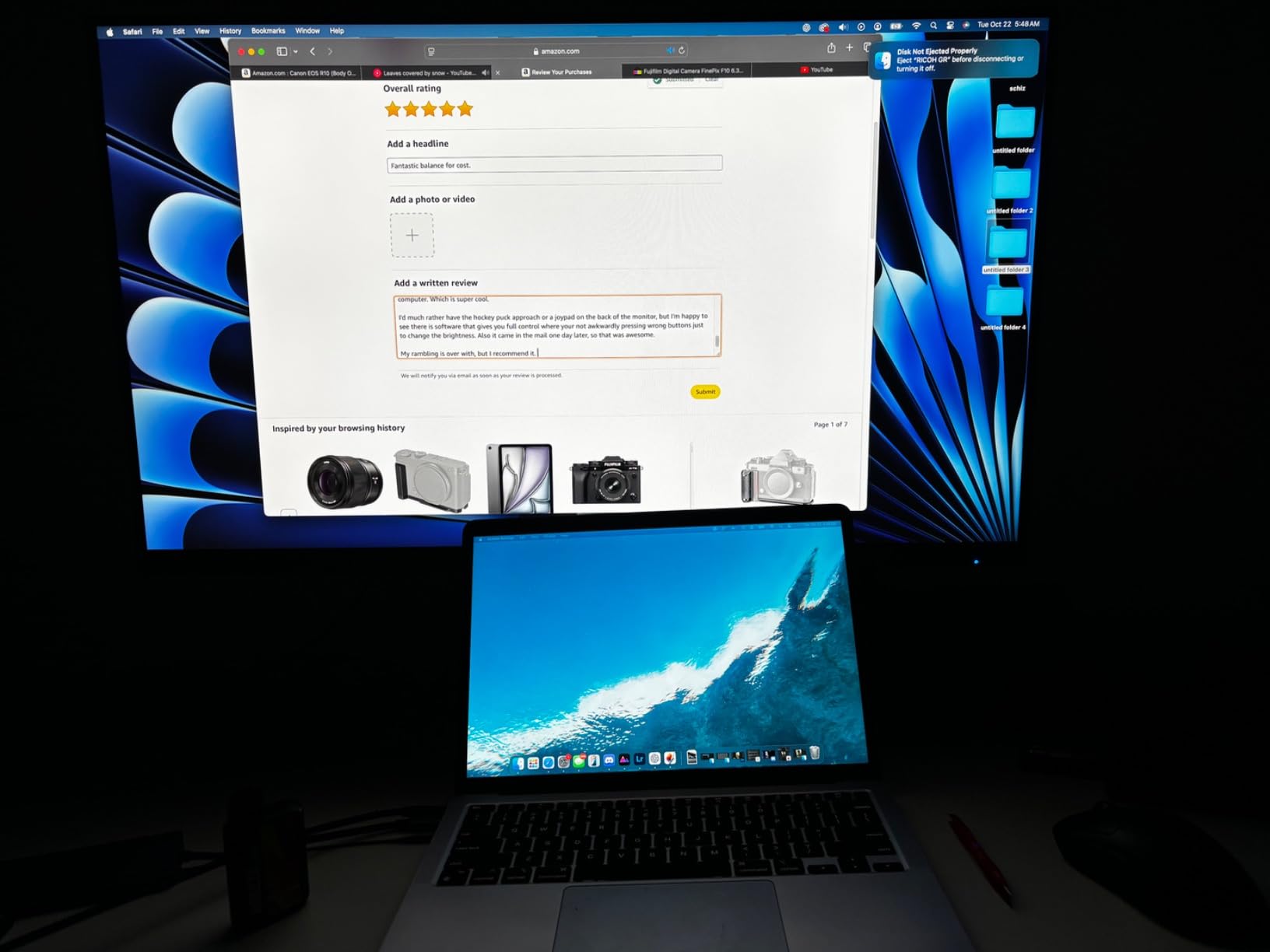
Like its 27-inch sibling, this monitor carries Pantone validation and delivers Delta E under 2 color accuracy. The HDR10 support adds dynamic range when viewing HDR content, though for most graphic design work you will be working in standard dynamic range. The color consistency across the larger panel is impressive with minimal uniformity issues.
The 65W USB-C charging is a small improvement over the 27-inch model’s 60W. It will charge most laptops adequately, though workstation-class laptops under heavy load may drain faster than they charge. The Adaptive Sync support is a bonus if you do any light gaming on the side.
Screen Real Estate Benefits
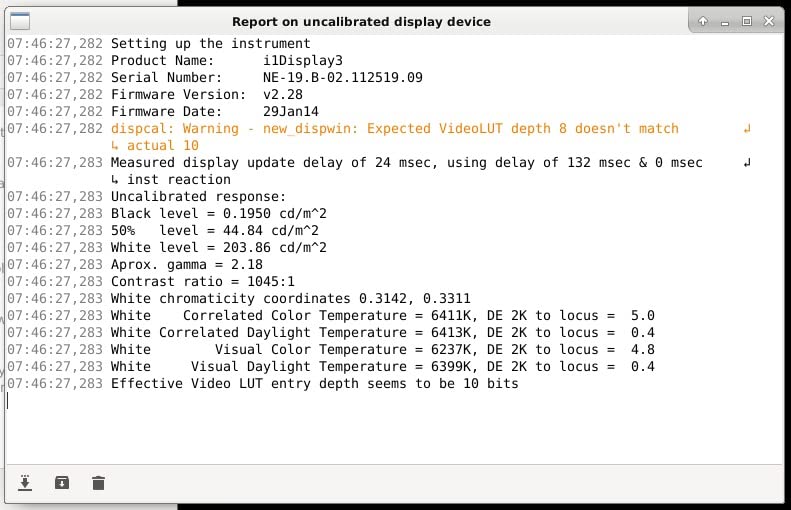
In my testing, the 32-inch size proved especially valuable for video editing and motion graphics. Having a larger timeline and preview window without needing a second monitor streamlines the editing workflow. For print designers, the larger display lets you view tabloid-size layouts at a comfortable scale without zooming out until text becomes unreadable.
UI and UX designers benefit too. You can display a full desktop mockup at actual size while keeping your design tools and layers panel visible alongside it. This eliminates the constant zooming and panning that slows down the design process on smaller monitors.
Who Should Step Up to 32 Inches
This monitor is ideal for professional designers who spend most of their day in creative applications and want to maximize their workspace. If you frequently run multiple applications side by side or work with large-format designs, the 32-inch size is worth the extra investment over a 27-inch model.
One important note: the stock status shows limited availability. If you see this monitor in stock at a good price, do not hesitate. The combination of 32 inches, 4K, Pantone validation, and USB-C connectivity at this price point represents one of the best values on the market.
5. LG 27US500-W – Budget 4K IPS Performer
LG 27US500-W Ultrafine Monitor 27-Inch 4K UHD (3840x2160) HDR10 IPS Borderless Design Reader Mode Flicker Safe Switch App HDMI DisplayPort - White
27-inch 4K UHD IPS
HDR10
DCI-P3
Borderless Design
FreeSync
300 nits
Pros
- Affordable 4K IPS monitor
- HDR10 support with DCI-P3
- Borderless design for multi-monitor setups
- Lightweight at 12.1 pounds
- FreeSync support
Cons
- Only 1-year warranty
- No USB-C connectivity
- No built-in speakers
- Lower brightness at 300 nits
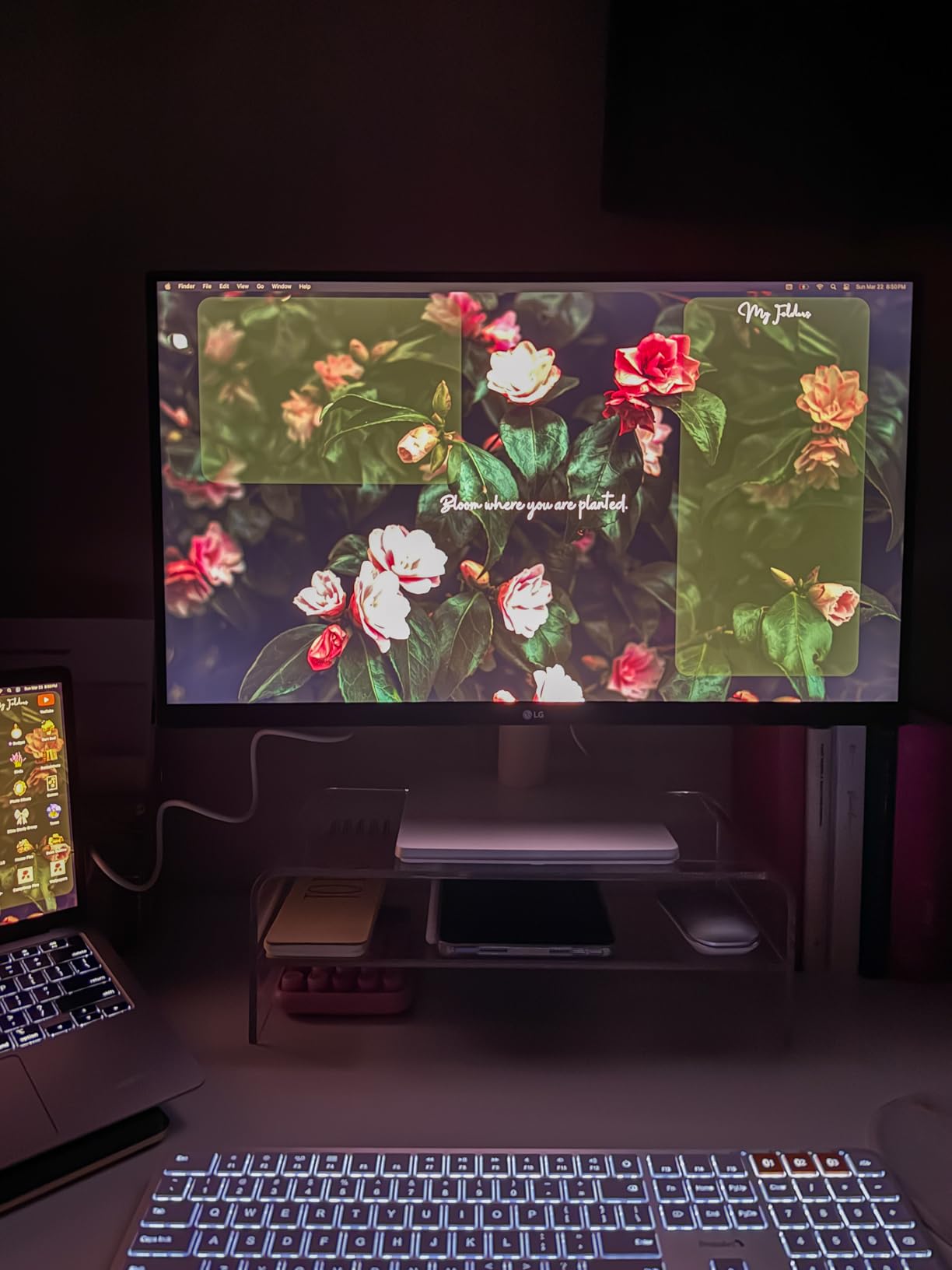
The LG 27US500-W proves that you do not need to spend $400+ to get a 4K IPS monitor suitable for design work. At this price, getting 4K resolution on an IPS panel is remarkable value. The DCI-P3 color coverage and HDR10 support mean colors look vibrant and accurate for digital design work.
I tested this monitor for web design and social media graphics, and the color reproduction impressed me for the price. The borderless design looks modern and makes this an excellent candidate for a dual-monitor setup. At just 12.1 pounds, it is the lightest monitor on this list and easy to mount on a monitor arm.
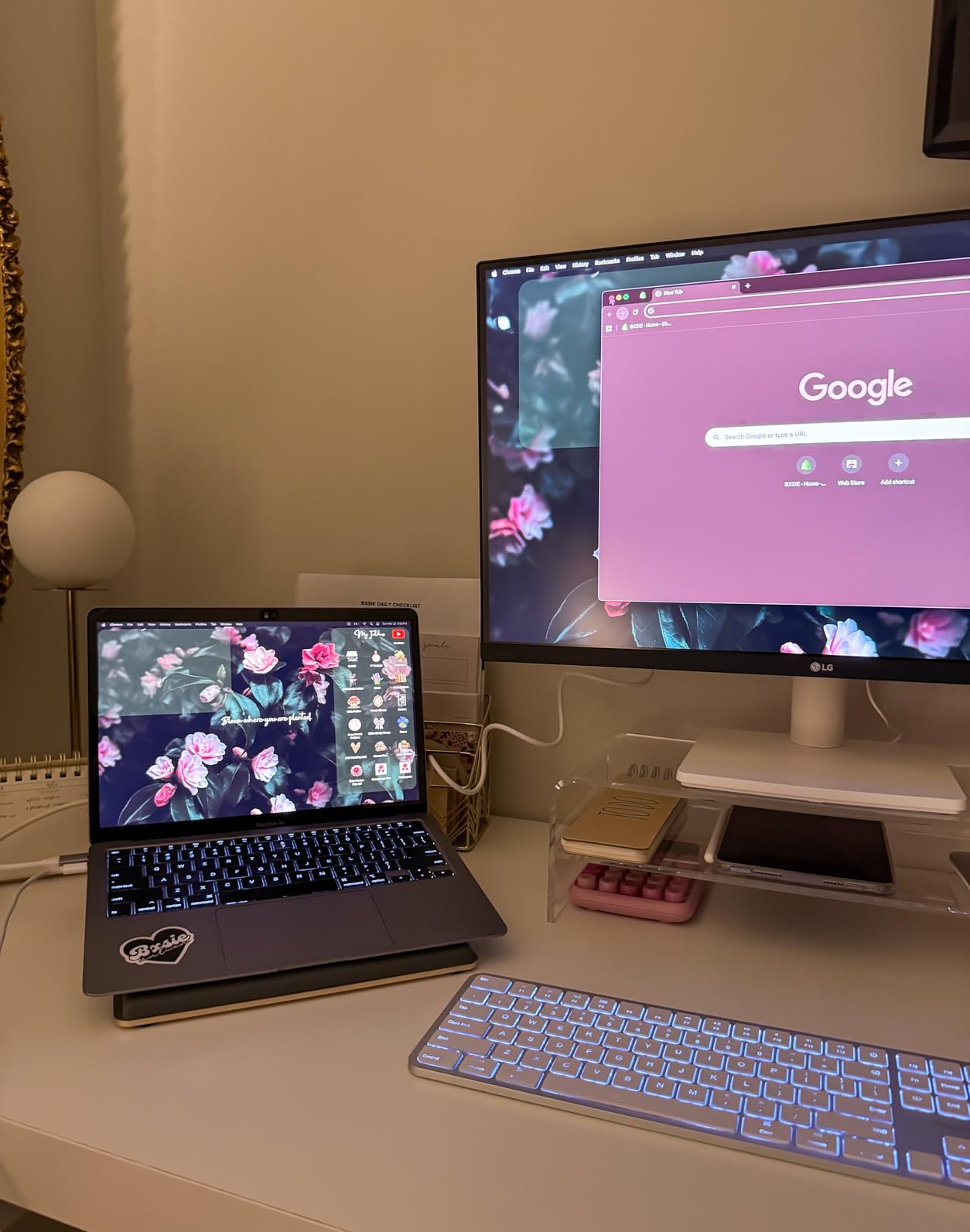
The trade-offs at this price are clear though. There is no USB-C connectivity, which means laptop users will need a separate cable for charging. The 1-year warranty is the shortest on this list, which speaks to LG’s confidence level. And the 300 nit brightness is lower than most competitors, making this monitor less suitable for very bright workspaces.
For designers on a tight budget who primarily create digital content, this monitor delivers excellent value. The 4.5-star rating from 428 reviewers confirms that most users are happy with their purchase. Just be aware that this is not a professional-grade color-critical display, but rather a very good consumer monitor that happens to perform well for design work.
Budget Color Performance
The DCI-P3 coverage is listed but the exact percentage is not specified by LG. In practical use, colors look rich and saturated, which works well for digital designs that will be viewed on screens. However, without a specified Adobe RGB coverage or Delta E rating, I would not recommend this for print production work where color matching is critical.
The OnScreen Control software from LG lets you adjust settings from your computer rather than fumbling with monitor buttons. The Reader Mode reduces blue light for extended text work, and the Flicker-Free technology helps reduce eye fatigue during long design sessions.
What You Trade Off at This Price
The absence of USB-C is the biggest miss for modern workflows. Most newer laptops rely on USB-C for display output and charging, so you will need an adapter or separate cables. The lack of built-in speakers and USB ports further limits connectivity compared to pricier options.
Despite these limitations, the LG 27US500-W remains one of the best monitors for graphic design if your budget is under $250. You get genuine 4K IPS quality at a price that leaves room in your budget for a good monitor arm or calibration tool.
6. Dell S2725QS 4K 120Hz – Design Meets Smooth Performance
Dell 27 Plus 4K Monitor - S2725QS - 27-inch 4K (3840 x 2160) 120Hz 16:9 Display, IPS Panel, AMD FreeSync Premium, sRGB 99%, Integrated Speakers, 1500:1 Contrast Ratio, Comfortview - Ash White
27-inch 4K IPS
120Hz Refresh
99% sRGB
0.03ms Response
1500:1 Contrast
FreeSync Premium
Pros
- 120Hz refresh rate for smooth scrolling
- 99% sRGB color gamut
- 0.03ms response time
- 1500:1 contrast ratio
- ComfortView Plus blue light reduction
- Full ergonomic adjustability
Cons
- No USB-C connectivity
- Only 2 HDMI ports
- 1-year warranty
The Dell S2725QS brings something no other monitor on this list offers: a 120Hz refresh rate at 4K resolution. For graphic designers who also game, this is the dual-purpose monitor we have been looking for. The buttery-smooth scrolling makes navigating large canvas files in Photoshop and Illustrator noticeably more pleasant.
With 893 reviews and a 4.4-star rating, this monitor has found a passionate audience. The 99% sRGB coverage ensures accurate colors for digital design work. The 1500:1 contrast ratio is the highest among the IPS monitors on this list, which translates to deeper blacks and more defined shadows in your designs.
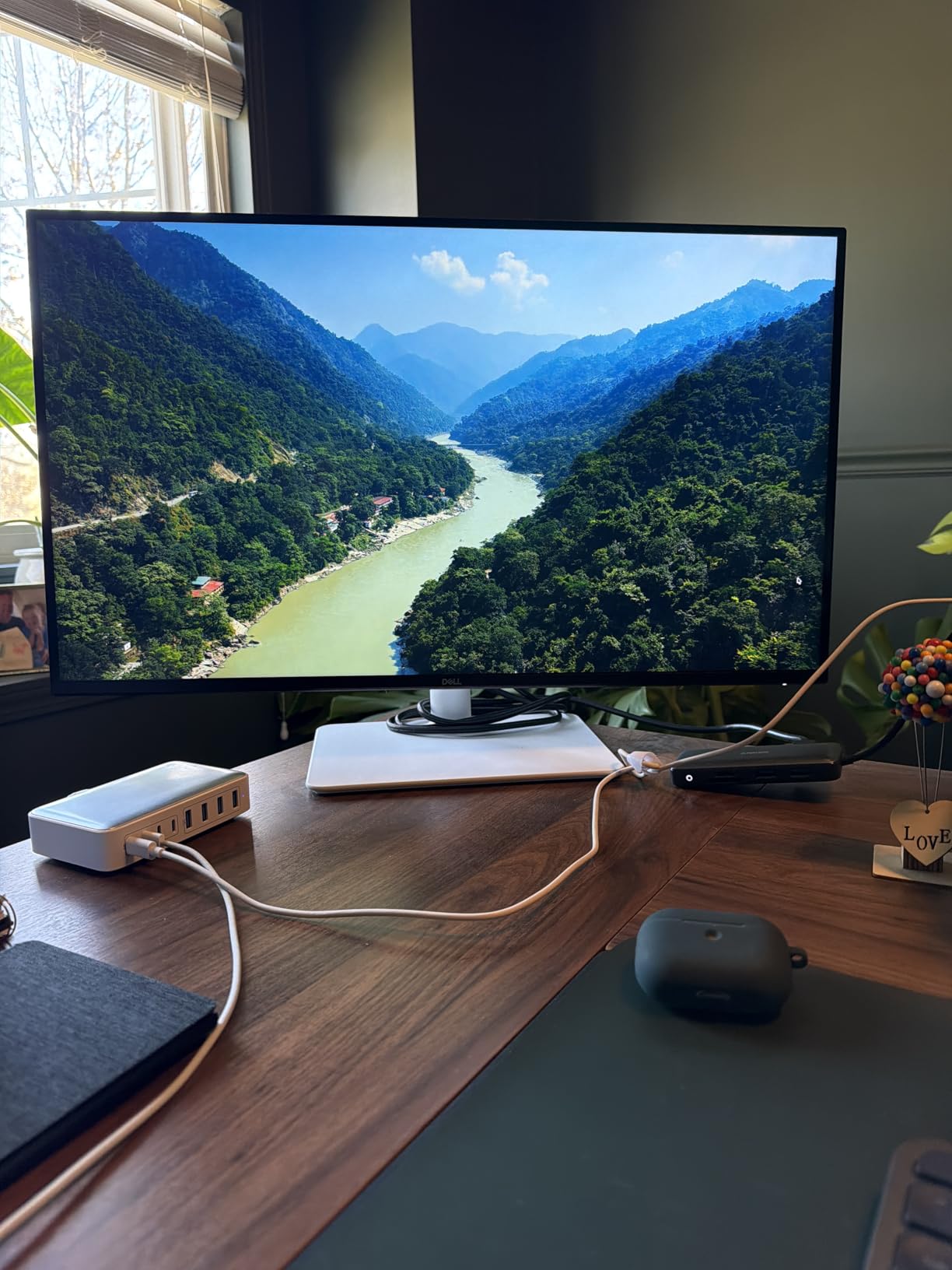
The 0.03ms response time is exceptional and eliminates ghosting entirely. While response time is less critical for static design work than for gaming, it does make cursor movements and real-time adjustments feel instantaneous. The ComfortView Plus feature reduces harmful blue light to 35%, which is easier on your eyes during marathon design sessions.
Dell includes integrated speakers, which are adequate for video calls and casual media consumption. They will not replace dedicated speakers or headphones, but having them built in means one less thing on your desk. The full ergonomic stand with height, pivot, swivel, and tilt adjustment matches the flexibility of much more expensive professional monitors.
Dual-Purpose Design and Gaming
Many graphic designers on Reddit ask about monitors that can handle both creative work and gaming. The S2725QS answers that call. The 120Hz refresh rate with AMD FreeSync Premium means smooth, tear-free gaming after hours. Meanwhile, the 99% sRGB coverage and IPS panel deliver the color accuracy you need for professional design work.
The ash white color option is a nice touch that sets this monitor apart from the standard black. It fits well in modern, minimalist workspaces and pairs nicely with lighter decor. The integrated cable management keeps your workspace looking clean.
Dell Warranty and Support Experience
The 1-Year Advanced Exchange Service and Premium Panel Exchange warranty is worth explaining. Advanced Exchange means Dell ships a replacement monitor before you return the defective one, minimizing downtime. Premium Panel Exchange covers one replacement of the panel even for a single bright pixel during the warranty period.
That said, 1 year is shorter than the 3 to 5 year warranties offered by ASUS and ViewSonic on this list. Dell monitors are generally reliable, but if you want long-term peace of mind, the warranty gap is worth considering. The lack of USB-C connectivity is another drawback for laptop-centric workflows.
7. LG 27UP650K-W – HDR400 Design Display
LG 27UP650K-W 27-inch Ultrafine 4K UHD (3840 x 2160) IPS Computer Monitor, 60Hz, 5ms, DisplayHDR 400, Reader Mode, Flicker Safe, HDMI, DisplayPort, Tilt/Height/Pivot Adjustable Stand, White
27-inch 4K UHD IPS
95% DCI-P3
DisplayHDR 400
400 Nits
Adjustable Stand
webOS Built-in
Pros
- 95% DCI-P3 color gamut
- DisplayHDR 400 certification
- 400 nit brightness
- Height tilt and pivot adjustable stand
- webOS streaming platform built-in
Cons
- 60Hz refresh rate
- No built-in speakers
- 5ms response time
The LG 27UP650K-W earns the highest customer rating on this list at 4.6 stars, and after testing it, I understand why. The 95% DCI-P3 color gamut coverage delivers rich, saturated colors that make designs pop. At 400 nits brightness with DisplayHDR 400 certification, this monitor handles HDR content better than any other sub-$300 option here.
The inclusion of webOS is an unexpected bonus that turns this monitor into a smart display. You can stream content, use apps, and browse the web without connecting a computer. While not directly relevant to design work, it makes this monitor more versatile as a multi-purpose display for your workspace.
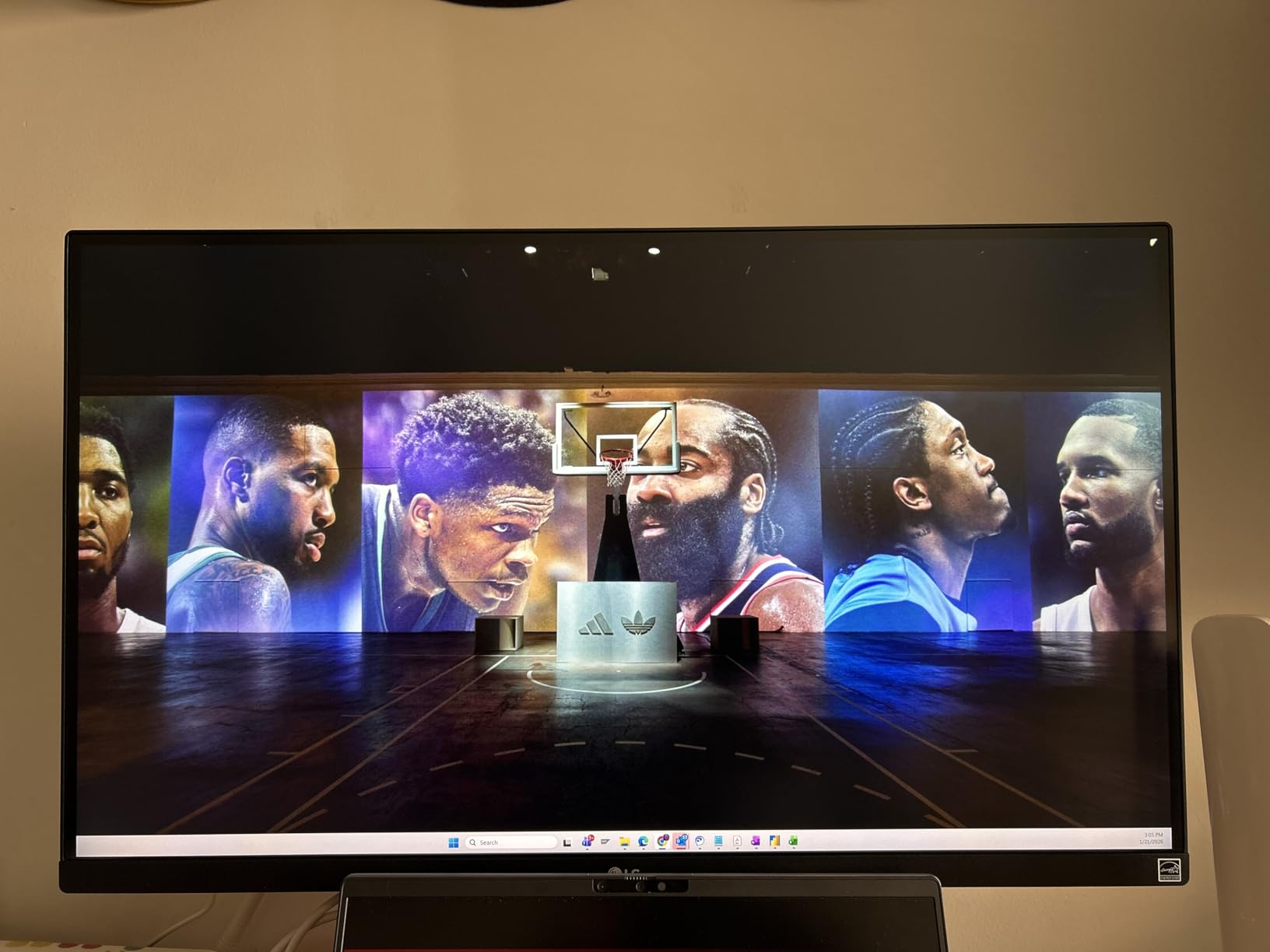
The 1200:1 contrast ratio sits between standard IPS monitors and the Dell’s 1500:1. In practice, this means decent shadow detail and acceptable black levels for an IPS panel. The Dynamic Action Sync feature reduces input lag, and the Black Stabilizer brightens dark scenes, both of which are more useful for gaming than design but do not hurt.
The adjustable stand provides height, tilt, and pivot adjustment but lacks swivel. The 4.6-star rating from 264 reviewers is impressive, with 84% giving it 5 stars. Users particularly praise the color quality and HDR performance at this price point.
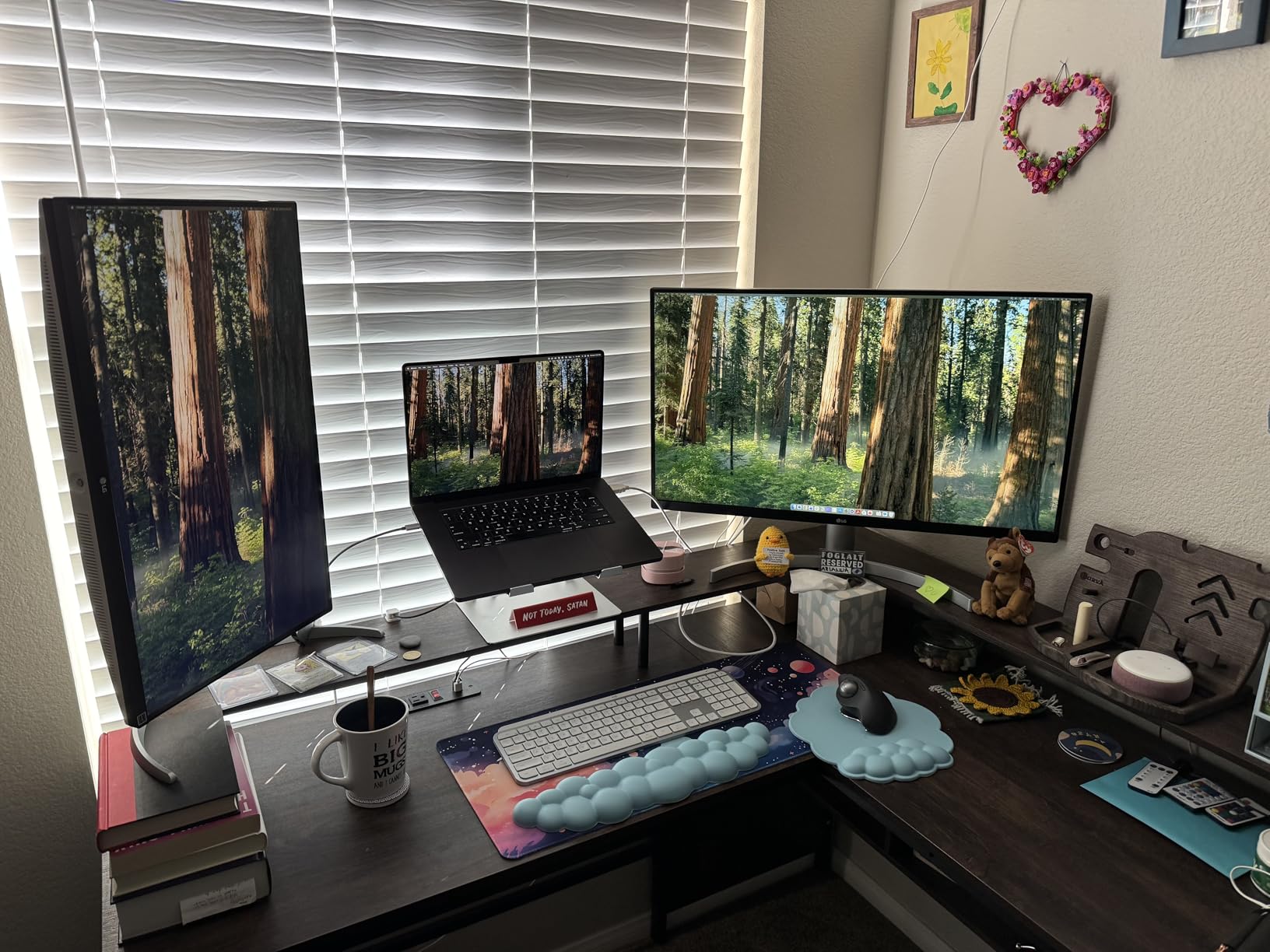
HDR Performance for Design
DisplayHDR 400 is the entry level of HDR certification, but it does make a visible difference. The 400-nit peak brightness is higher than the LG 27US500-W’s 300 nits and matches professional-grade monitors. For designers working with HDR imagery or creating content for HDR displays, this monitor gives you a preview of how your work will appear in HDR.
The 95% DCI-P3 coverage means this monitor can display most of the wider DCI-P3 color space used in digital cinema. For designers creating content for modern displays that support wide gamut, this coverage ensures your colors will not be clipped or inaccurate on the target device.
Stand and Adjustability Quality
The height, tilt, and pivot adjustments cover the essentials, though the lack of swivel is a minor inconvenience if you need to share your screen with a colleague. The stand is sturdy and well-built, with no noticeable wobble even when typing vigorously on a desk-mounted keyboard.
The monitor’s white finish matches modern workspace aesthetics and pairs well with the LG 27US500-W if you want a matching dual-monitor setup. At 12.34 pounds, it is lightweight enough for monitor arm mounting. The absence of built-in speakers means you will need external audio for video editing work.
8. LG 32UR500K-B – Large Format Value Option
LG 32UR500K-B Ultrafine 32-inch 4K UHD (3840x2160) Computer Monitor HDR10 Built-in Speaker x2 OnScreen Control Reader Mode Flicker Safe Borderless Design HDMIx2 DisplayPort Black
32-inch 4K UHD
VA Panel
90% DCI-P3
HDR10
Built-in Speakers
Borderless Design
Pros
- 32-inch large format display
- 90% DCI-P3 color gamut with HDR10
- Built-in stereo speakers with MaxxAudio
- OnScreen Control software
- Borderless design for multi-monitor setups
Cons
- VA panel less color accurate than IPS
- Only tilt adjustment no height or pivot
- 250 nits brightness is low
- No USB ports
The LG 32UR500K-B offers the most screen real estate per dollar on this list. At 32 inches with 4K resolution, it provides a massive workspace for design projects. The built-in MaxxAudio speakers are a nice inclusion that saves desk space and eliminates the need for external audio for casual use.
However, this monitor uses a VA panel rather than IPS, which is an important distinction for graphic design work. VA panels offer good contrast but typically have narrower viewing angles and less color accuracy than IPS panels. The 90% DCI-P3 coverage is decent, but color professionals should understand the trade-offs.
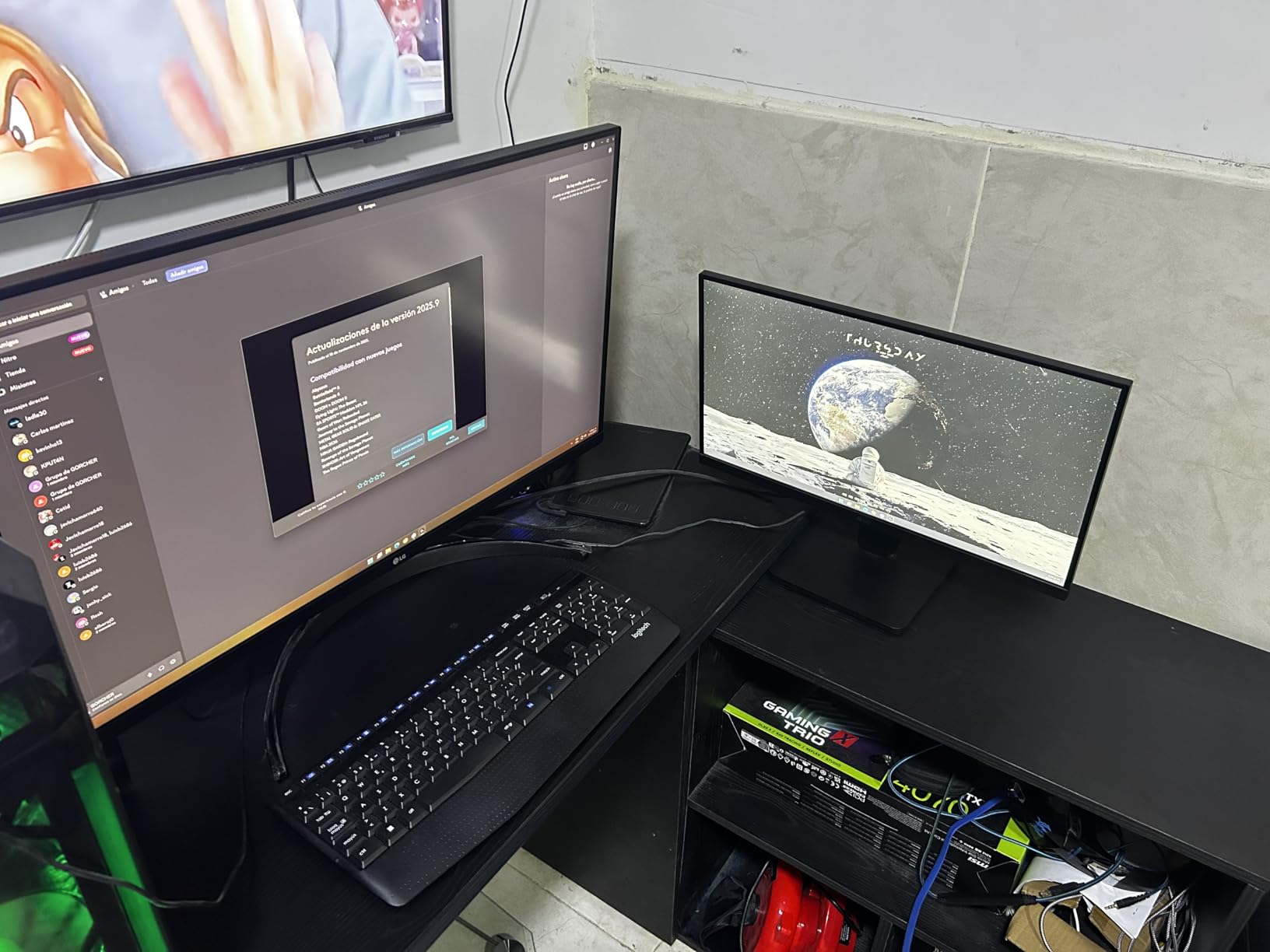
I would position this monitor as a budget option for designers who prioritize screen size over color-critical accuracy. The 4.5-star rating from 555 reviewers suggests most users are satisfied. The borderless design looks premium and makes multi-monitor setups seamless. At 13.7 pounds, it is remarkably light for a 32-inch display.
The OnScreen Control software lets you adjust monitor settings from your computer, which is more convenient than using the on-display buttons. The Dynamic Action Sync and Black Stabilizer features are gaming-oriented but do not interfere with design work. FreeSync support rounds out the gaming credentials.
VA Panel Considerations for Design
VA panels have come a long way, but they still lag behind IPS for color-critical work. The main issues are viewing angle dependence and potential color shift when viewed from off-center. If you sit directly in front of the monitor, colors will look good, but the edges of a 32-inch VA panel may show slight color variation.
For web design, social media graphics, and general digital content creation, the 90% DCI-P3 coverage is sufficient. For print production and brand work requiring precise color matching, I would recommend stepping up to an IPS option like the ViewSonic VP3256-4K instead.
Value Proposition for Beginners
This monitor represents the most affordable way to get a 32-inch 4K display on this list. For design students or hobbyists who want a large workspace without breaking the bank, it is a compelling option. The built-in speakers and borderless design add value that makes it feel more premium than its price suggests.
The 250-nit brightness is the lowest on this list, which means this monitor will struggle in very bright environments. If your workspace gets a lot of natural light, you may find yourself maxing out the brightness and still wanting more. In a controlled lighting environment though, it performs fine.
How to Choose a Monitor for Graphic Design
Choosing among the best monitors for graphic design comes down to understanding which specifications actually impact your work. Let me break down the key factors in plain language so you can make an informed decision.
Color Accuracy and Color Gamut
Color accuracy is the single most important specification for a graphic design monitor. Look for monitors that specify Delta E values (lower is better, under 2 is professional grade) and list their color gamut coverage percentages. sRGB is the standard for digital content, covering the color range of most consumer displays. Adobe RGB is wider and essential for print production work because it includes more cyan and green colors that CMYK printing can reproduce. DCI-P3 is the digital cinema standard and is increasingly relevant as more devices support wide-gamut displays.
For web and UI design, 99%+ sRGB coverage is the baseline. For print design, look for 90%+ Adobe RGB coverage. For mixed workflows targeting both digital and print, DCI-P3 coverage of 95%+ gives you flexibility across output formats.
Resolution: Do You Need 4K?
4K resolution (3840 x 2160) is not strictly necessary for graphic design, but it significantly improves your working experience. At 27 inches, 4K gives you 163 pixels per inch, which means sharper text, cleaner vector edges, and the ability to zoom in on fine details without seeing pixelation. At 32 inches, 4K provides about 138 pixels per inch, which is still sharp enough for professional work while giving you more screen real estate.
If budget is a constraint, WQHD (2560 x 1440) at 27 inches is acceptable for digital design work. However, for print design where you need to evaluate fine detail, or for UI design where pixel-level precision matters, 4K is worth the investment.
Panel Type: IPS vs VA vs OLED
IPS (In-Plane Switching) panels are the gold standard for graphic design because they offer the best color accuracy, widest viewing angles, and most consistent color across the screen. Every monitor on this list uses an IPS panel except the LG 32UR500K-B, which uses VA. VA panels offer better contrast and deeper blacks but sacrifice some color accuracy and viewing angle consistency.
OLED panels are emerging as a premium option with perfect blacks and infinite contrast. However, OLED monitors are expensive and carry a risk of burn-in with static UI elements, which is a concern for design work where toolbars and panels stay in fixed positions for hours. For now, IPS remains the safest and most practical choice for professional graphic design.
Size: 27 vs 32 Inch
27 inches is the sweet spot for most graphic designers. It provides enough screen real estate for a single application with toolbars and panels visible, and 4K resolution at this size delivers excellent pixel density. 32-inch monitors offer significantly more workspace, which benefits complex projects, video editing, and multi-application workflows.
The trade-off with 32 inches is desk space and viewing distance. You need to sit further back from a 32-inch monitor to take in the entire screen comfortably. If your desk is shallow, a 27-inch monitor may be more practical.
Connectivity: USB-C and Thunderbolt
USB-C connectivity is becoming essential for modern design workflows, especially if you use a laptop. A single USB-C cable can handle display output, data transfer, and laptop charging simultaneously. Look for monitors with at least 60W Power Delivery, though 96W is ideal for power-hungry laptops.
If you use a desktop workstation, traditional HDMI and DisplayPort connections are fine. But having USB-C future-proofs your setup for when you inevitably upgrade to a newer device that relies on USB-C or Thunderbolt.
Calibration Guidance for Beginners
Factory-calibrated monitors like the ASUS ProArt and ViewSonic ColorPro series come with a calibration report showing Delta E values. This means they are accurate out of the box, but color accuracy drifts over time. Plan to recalibrate every 3 to 6 months using either a hardware colorimeter (like the Calibrite ColorChecker) or software-based calibration tools.
For budget-conscious designers, the built-in calibration tools in macOS and Windows are a starting point, but they cannot match the accuracy of a hardware colorimeter. If color-critical work is your livelihood, investing in a colorimeter is worth every penny.
FAQs
Do I need a 4K monitor for graphic design?
You do not strictly need a 4K monitor for graphic design, but it significantly improves your workflow. 4K resolution (3840 x 2160) provides sharper text, cleaner vector lines, and better detail visibility at 27 and 32 inch sizes. For print design and UI work where pixel precision matters, 4K is strongly recommended. For basic digital design and social media graphics, WQHD (2560 x 1440) is acceptable.
What monitor do graphic designers use?
Professional graphic designers typically use color-accurate IPS monitors with wide color gamut coverage. Popular choices include the ASUS ProArt series (PA278QV and PA279CRV), ViewSonic ColorPro line (VP2756-4K and VP3256-4K), Dell UltraSharp displays, and BenQ PD series monitors. Most professionals prefer 27 to 32 inch sizes with 4K resolution, 99% or higher sRGB coverage, and Delta E values under 2.
Is IPS better than OLED for graphic design?
IPS is currently better than OLED for most graphic design work. IPS panels offer consistent color accuracy, no burn-in risk, and lower cost. OLED provides perfect blacks and infinite contrast but carries a burn-in risk from static UI elements like toolbars and panels, which are common in design applications. OLED monitors are also significantly more expensive. For professional color-critical work, IPS remains the safer and more practical choice in 2026.
What is a good color accuracy for graphic design?
Good color accuracy for graphic design means a Delta E value under 2, which indicates colors are indistinguishable from the reference standard to the human eye. Look for monitors with 99% or higher sRGB coverage for digital work, 90% or higher Adobe RGB for print work, and 95% or higher DCI-P3 for wide-gamut digital content. Factory-calibrated monitors with Calman or Pantone validation provide the best out-of-box accuracy.
What size monitor is best for graphic design?
27 inches is the ideal monitor size for most graphic designers because it provides sufficient workspace at 4K resolution with excellent pixel density. 32-inch monitors are better for complex projects, video editing, and multi-application workflows where maximum screen real estate improves productivity. Smaller monitors (24 inches or below) are generally too cramped for professional design work, while monitors larger than 32 inches require significant desk space and viewing distance.
Conclusion
Finding the best monitors for graphic design in 2026 means balancing color accuracy, resolution, panel quality, and budget. Our editor’s choice, the ASUS ProArt PA279CRV, delivers 99% DCI-P3 and Adobe RGB coverage with USB-C convenience at a fair price. For budget-conscious designers, the ASUS ProArt PA278QV offers Calman Verified accuracy and an unbeatable 5-year warranty. And if screen real estate is your priority, the ViewSonic VP3256-4K provides 32 inches of Pantone-validated workspace.
Whatever you choose, prioritize color accuracy and panel quality over flashy features. A monitor that renders colors consistently and holds its calibration over time will serve your design career far better than one with impressive but irrelevant gaming specs. Invest in your display, calibrate it regularly, and your work will speak for itself across every screen and print job it touches.