
If you spend 8-plus hours a day staring at a screen that sits too low, too far back, or at the wrong angle, your neck and shoulders are paying for it. I dealt with neck stiffness for months before I realized my monitor height was the real culprit. A good monitor arm fixes this by letting you position your screen at exactly eye level, at the right distance, with the ability to adjust on the fly. After testing and researching dozens of options across price ranges, I put together this guide to help you find the best monitor arms for your desk setup, whether you are working from home, gaming, or running a multi-screen workstation.
The right monitor arm does more than just hold your screen. It frees up valuable desk space, supports proper ergonomic posture, and makes it easy to switch between sitting and standing. From budget-friendly options under $25 to heavy-duty arms that hold 49-inch ultrawide monitors, there is a fit for every desk and every budget. Our team compared 15 models, digging into real user feedback, warranty coverage, and long-term durability to separate the ones worth buying from the ones that will sag after six months.
In this guide, I walk through each product in detail, covering what works, what does not, and who each arm is built for. Whether you need a single arm for your home office, a dual setup for productivity, or a heavy-duty mount for a massive ultrawide display, you will find a recommendation that fits below.
Top 3 Picks for Best Monitor Arms
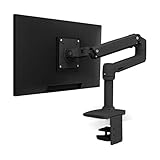
Ergotron LX Monitor Arm
- Up to 34 inch monitors
- 10-year warranty
- 25 lbs capacity
- Premium build quality
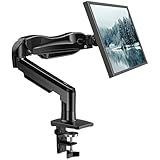
HUANUO FlowLift Single Monitor Mount
- 13-32 inch monitors
- 16k+ reviews
- Gas spring mechanism
- 3-minute install

ErGear Single Monitor Arm
- 13-34 inch monitors
- Tool-free VESA mount
- 19.8 lbs capacity
- Budget-friendly
Best Monitor Arms in 2026 – Quick Comparison
| Product | Specifications | Action |
|---|---|---|
|
Ergotron LX Monitor Arm
|
|
Check Latest Price |
|
HUANUO FlowLift Single
|
|
Check Latest Price |
|
ErGear Single Monitor Arm
|
|
Check Latest Price |
 HUANUO TitanLift Heavy Duty
|
|
Check Latest Price |
 MSI MAG MT201 Premium
|
|
Check Latest Price |
 BenQ BSH01 Ergo Monitor Arm
|
|
Check Latest Price |
 HUANUO FlowLift Pro
|
|
Check Latest Price |
 HUANUO FlowLift Dual Monitor
|
|
Check Latest Price |
 BONTEC Dual Monitor Mount
|
|
Check Latest Price |
 HUANUO Dual Premium with USB
|
|
Check Latest Price |
1. Ergotron LX Monitor Arm – Premium Pick with 10-Year Warranty
Ergotron – LX Monitor Arm, Single Monitor Desk Mount – fits Flat Curved Ultrawide Computer Monitors up to 34 Inches, 7 to 25 lbs, VESA 75x75mm or 100x100mm – Matte Black
Up to 34 inch monitors
7-25 lbs capacity
17.3 inches of lift
10-year warranty
VESA 75x75 and 100x100mm
Pros
- Premium build quality
- Exceptionally smooth motion
- 10-year warranty
- Holds position perfectly
- Modular design with accessories
Cons
- Premium price point
- Counter-spring adjustment tricky
- Limited cable management on upper arm
I have used the Ergotron LX on my main workstation for over two years, and it still moves as smoothly as day one. This is the arm that forum users on Reddit consistently call the “sweet spot” between quality and investment. The matte black finish looks clean on any desk, and the gas spring mechanism glides through its full range without any jerkiness or sagging. You can raise your monitor 17.3 inches above the desk surface, tilt it 75 degrees, and rotate it a full 360 degrees for portrait mode.
What sets the Ergotron LX apart from every other arm I tested is the precision of its movement. When you reposition the monitor, it stays exactly where you leave it. There is no gradual drift, no wobble when typing, and no need to tighten things down after a few months. The 10-year warranty tells you everything about how much Ergotron trusts its own build quality. That kind of coverage is almost unheard of in this category.
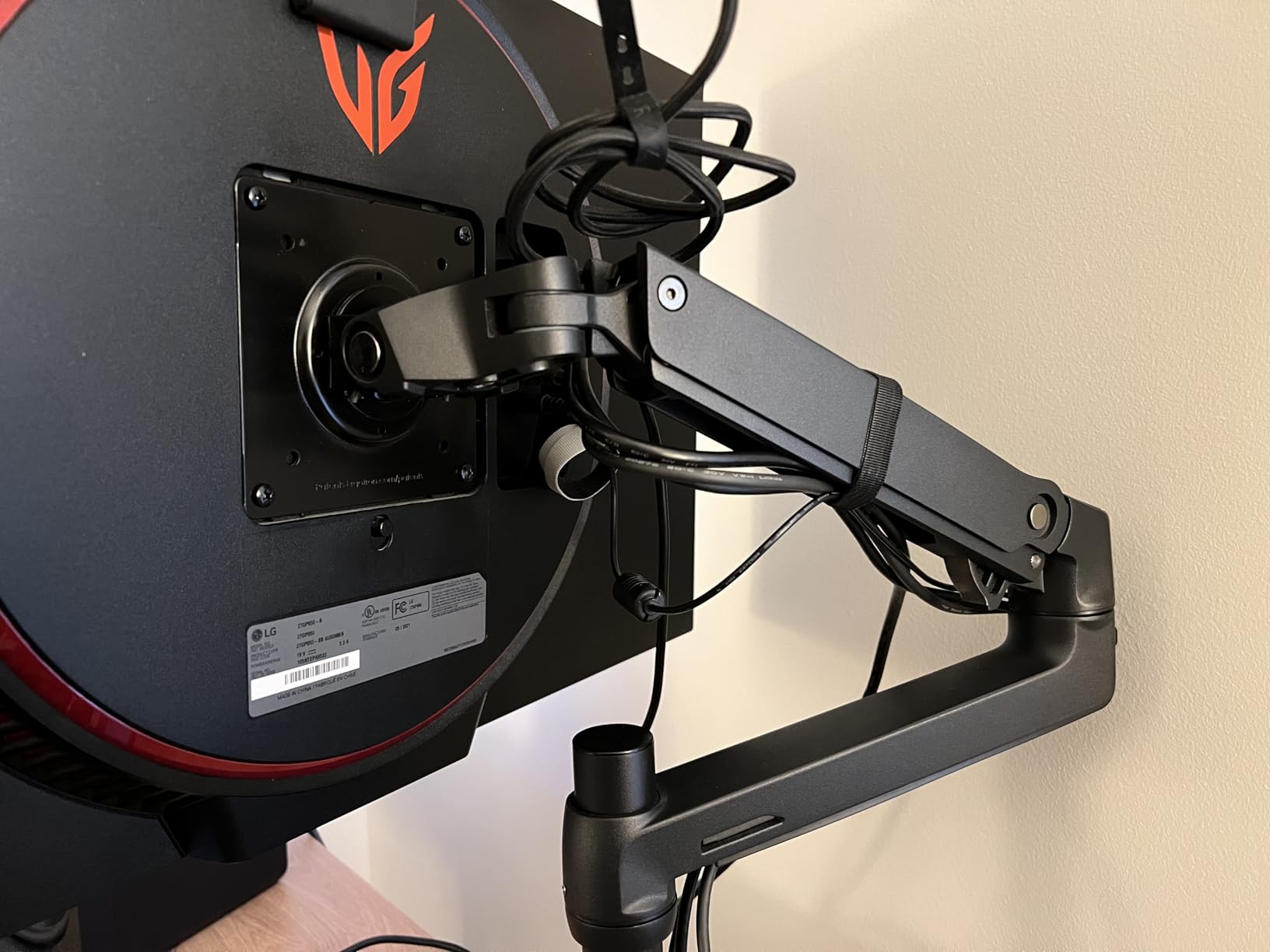
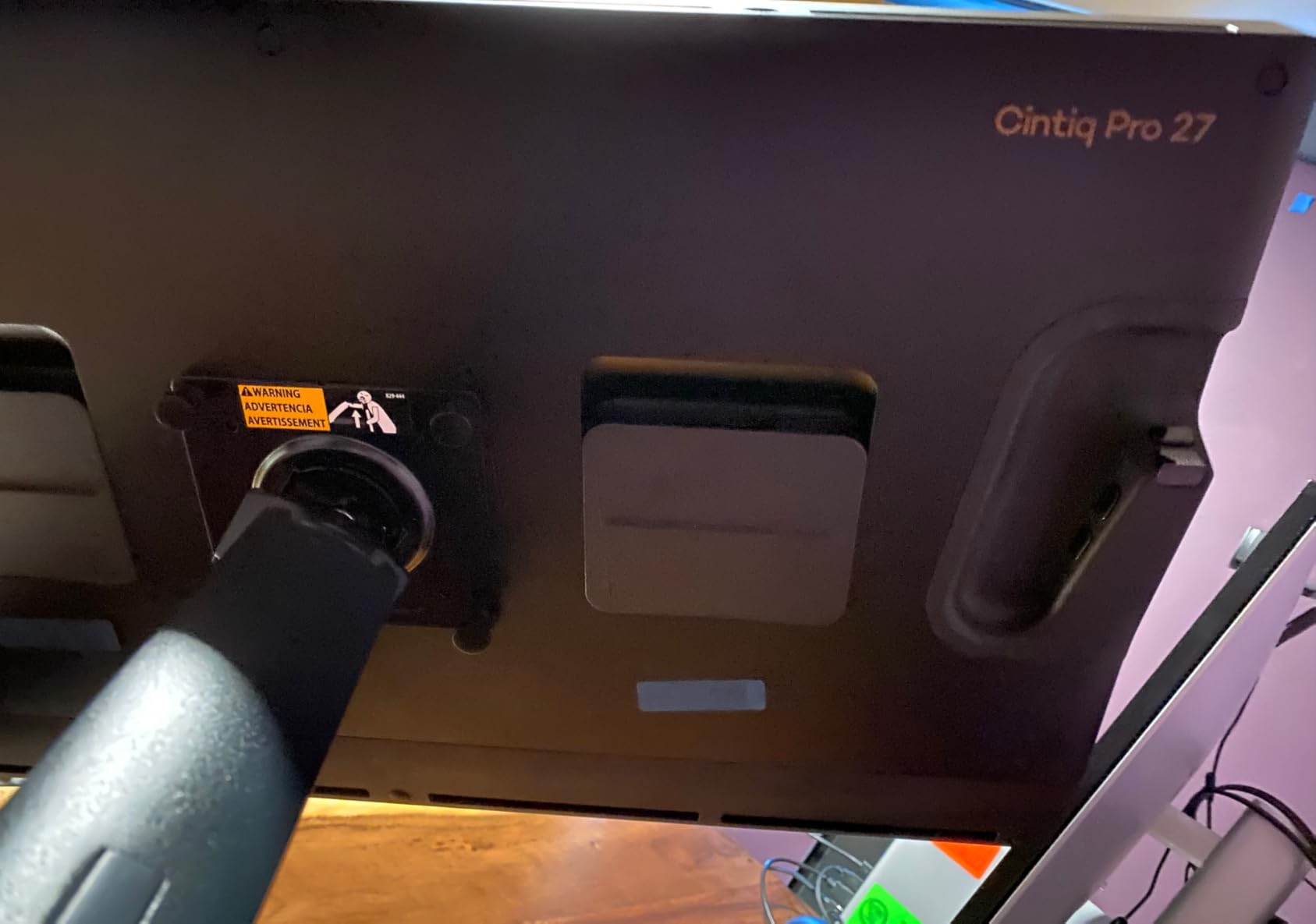
Installation is straightforward with either the C-clamp or grommet mount. The clamp fits desks between 0.4 and 2.4 inches thick. I had mine mounted and my 27-inch monitor positioned in under 15 minutes. The only real drawback is the price, which sits well above most competitors. But considering this arm will likely outlast multiple monitors, it is a long-term investment rather than a recurring expense.
One thing worth noting: adjusting the counter-spring tension to match your monitor weight takes a bit of patience. You use an Allen key to dial it in, and getting it perfect requires a few rounds of testing. Once set though, you never have to touch it again, even if you swap monitors later.
Who Should Buy the Ergotron LX
This arm is the right choice if you want a buy-once solution that will last a decade or more. It works best for professionals who adjust their monitor frequently throughout the day, shared workstations where multiple people need different positions, and anyone running monitors between 7 and 25 pounds. If you have a 34-inch ultrawide or a curved display, the Ergotron LX handles it without breaking a sweat.
Who Should Skip It
If your budget is tight or you only need a basic fixed-position mount, the Ergotron LX is more than you need. Similarly, if you are setting up a multi-monitor configuration and need three or more arms, the cost adds up quickly. In that case, consider pairing one Ergotron LX for your primary display with budget arms for secondary screens.
2. HUANUO FlowLift Single Monitor Mount – Best Value for Most People
HUANUO FlowLift™ Single Monitor Mount, 13 to 32 Inch Monitor Arm, Adjustable Monitor Stand, Vesa Mount with Clamp and Grommet Base - Fits 4.4 to 19.8lbs LCD Computer Monitors
13-32 inch monitors
4.4-19.8 lbs
15.75 inch height range
Gas spring mechanism
VESA 75x75 and 100x100mm
Pros
- Excellent value for money
- 3-minute installation
- Smooth gas spring adjustment
- Built-in cable management
- Works on standing desks
Cons
- Not ideal for glass or honeycomb desks
- Tilt adjustments can be stiff
- Monitor may tilt slightly when repositioned
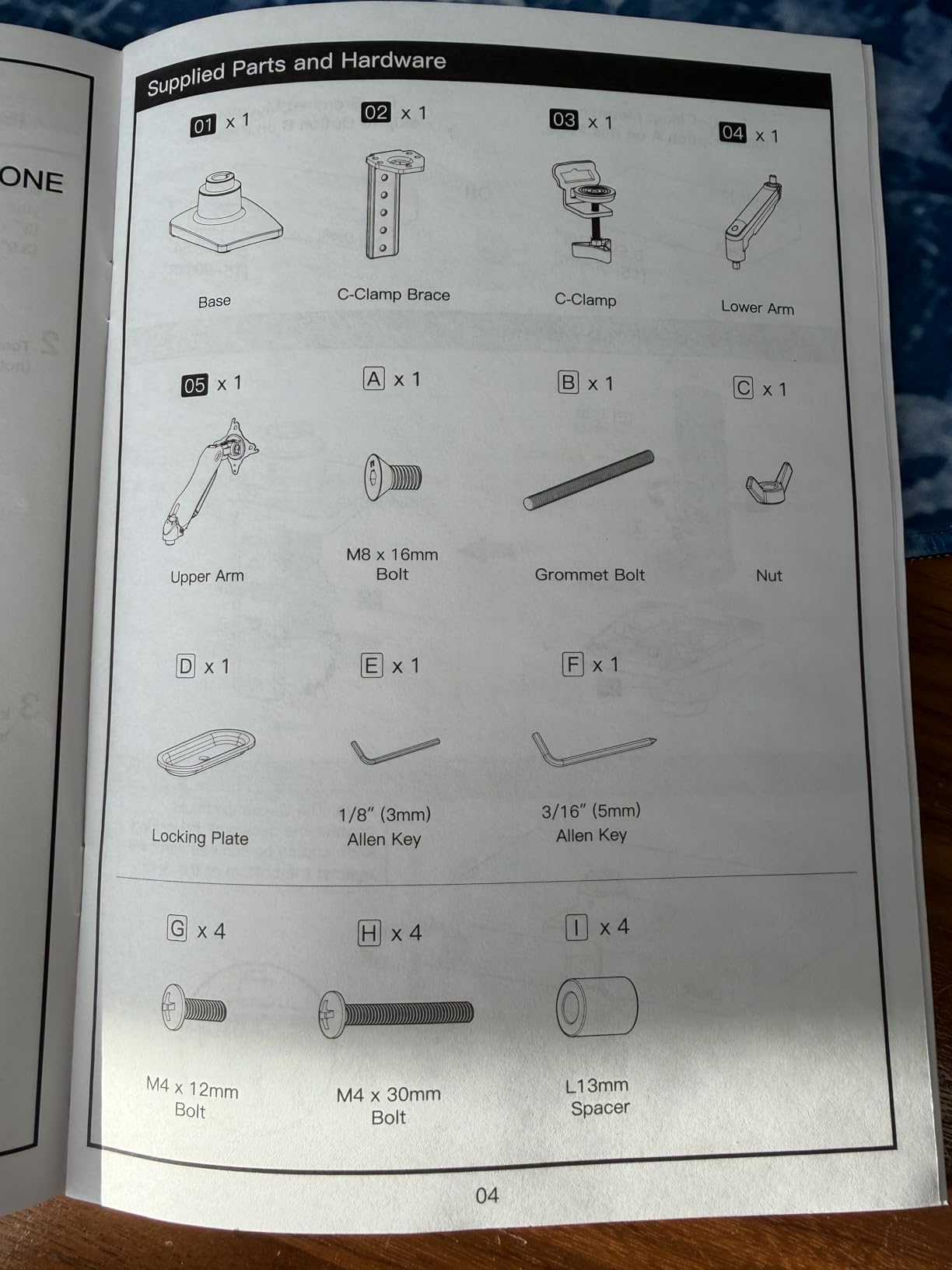
The HUANUO FlowLift Single is the monitor arm I recommend to most people who ask me. With over 16,000 reviews and a 4.6-star average, it has proven itself across thousands of real desk setups. I installed one on a secondary desk in my office, and the whole process took about three minutes from unboxing to having my 27-inch monitor floating above the desk. The gas spring mechanism is surprisingly smooth for this price range, and the one-handed height adjustment works exactly as advertised.
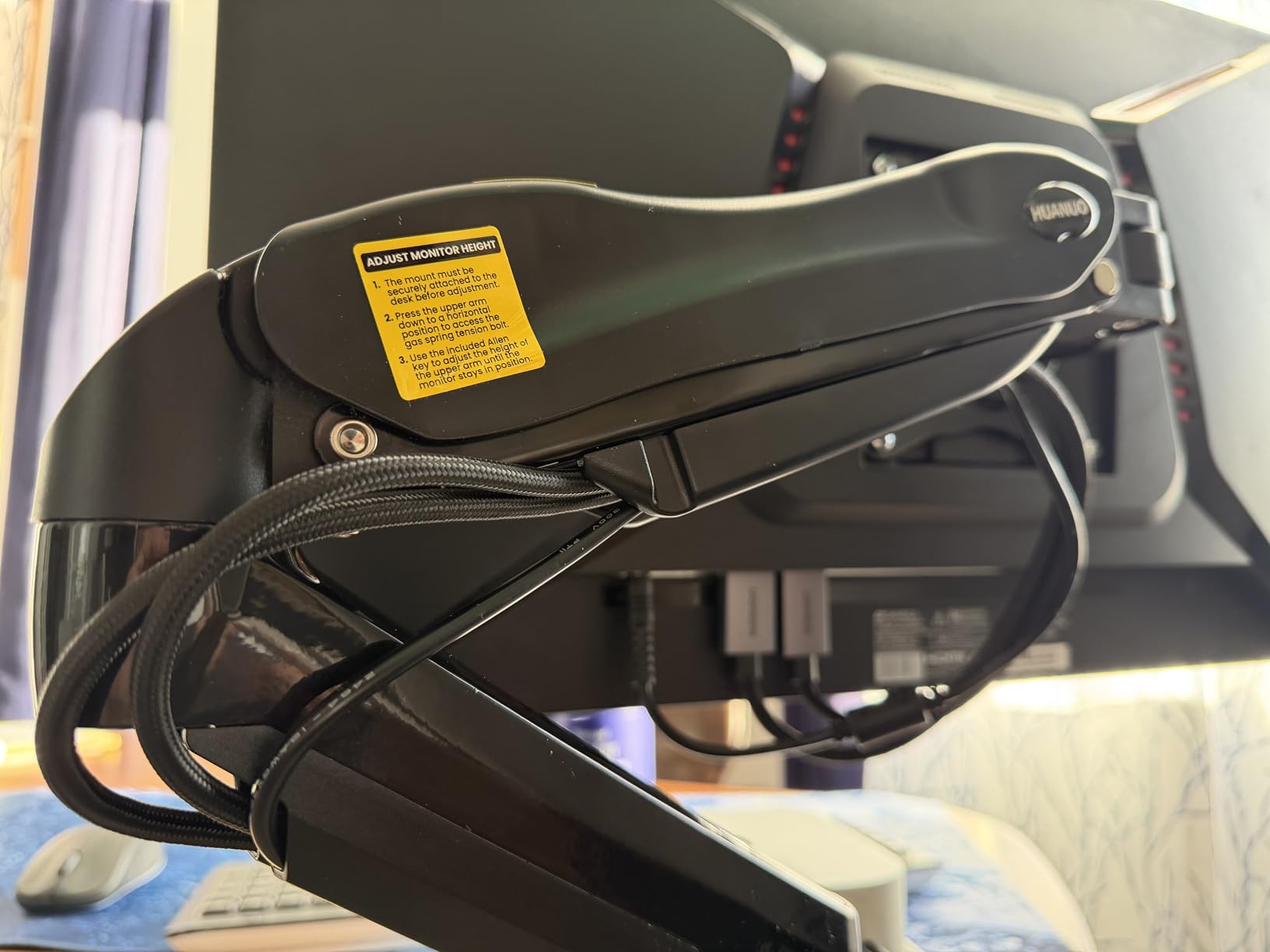
What I appreciate about the HUANUO FlowLift is that it does not feel like a compromise product. The build quality uses automotive-grade components, and HUANUO claims it has been tested through 20,000 motion cycles, which translates to roughly five-plus years of regular use. The cable management routing is integrated into the arm itself, keeping your power and display cables tidy without zip ties or aftermarket clips.
The arm supports monitors from 13 to 32 inches weighing between 4.4 and 19.8 pounds. That covers the vast majority of standard monitors people use in home offices and gaming setups. You get a full range of motion including tilt from -50 to +85 degrees, 90-degree swivel, and 360-degree rotation for switching between landscape and portrait orientation.
There are a few trade-offs at this price point. The arm is not suitable for glass desks or honeycomb-structure desktops because the clamp needs a solid surface for a secure grip. I also noticed that when you push the monitor closer or pull it further away, there can be a slight tilt shift that requires a quick readjustment. These are minor annoyances, not dealbreakers.
Who Should Buy the HUANUO FlowLift Single
This is the ideal pick if you want a reliable, well-built monitor arm without spending premium money. It suits home office workers, students, and anyone with a standard 13-to-32-inch monitor on a wood or solid-surface desk. If you use a standing desk and want an arm that stays stable through height transitions, the FlowLift handles that well too.
Who Should Skip It
Skip this arm if you have an ultrawide monitor larger than 32 inches, a glass-top desk, or a monitor heavier than 19.8 pounds. For heavy or oversized displays, look at the HUANUO TitanLift or the MSI MAG MT201 further down this list.
3. ErGear Single Monitor Arm – Budget Pick That Delivers
ErGear Single Monitor Arm, Fully Adjustable Monitor Mount for 13–34 Inch Screens, Fast Install Computer Monitor Stand with Tool-Free VESA Mount, Cable Management, Holds 19.8 lbs, Max VESA 100x100mm
13-34 inch monitors
Up to 19.8 lbs
17.5 inch height range
Tool-free VESA mount
VESA 75x75 and 100x100mm
Pros
- Very affordable price
- Quick 3-step setup
- Sturdy construction
- Smooth adjustments
- Tool-free VESA mounting
Cons
- Gas spring tension may need initial adjustment
- Included screws may be too long for some monitors
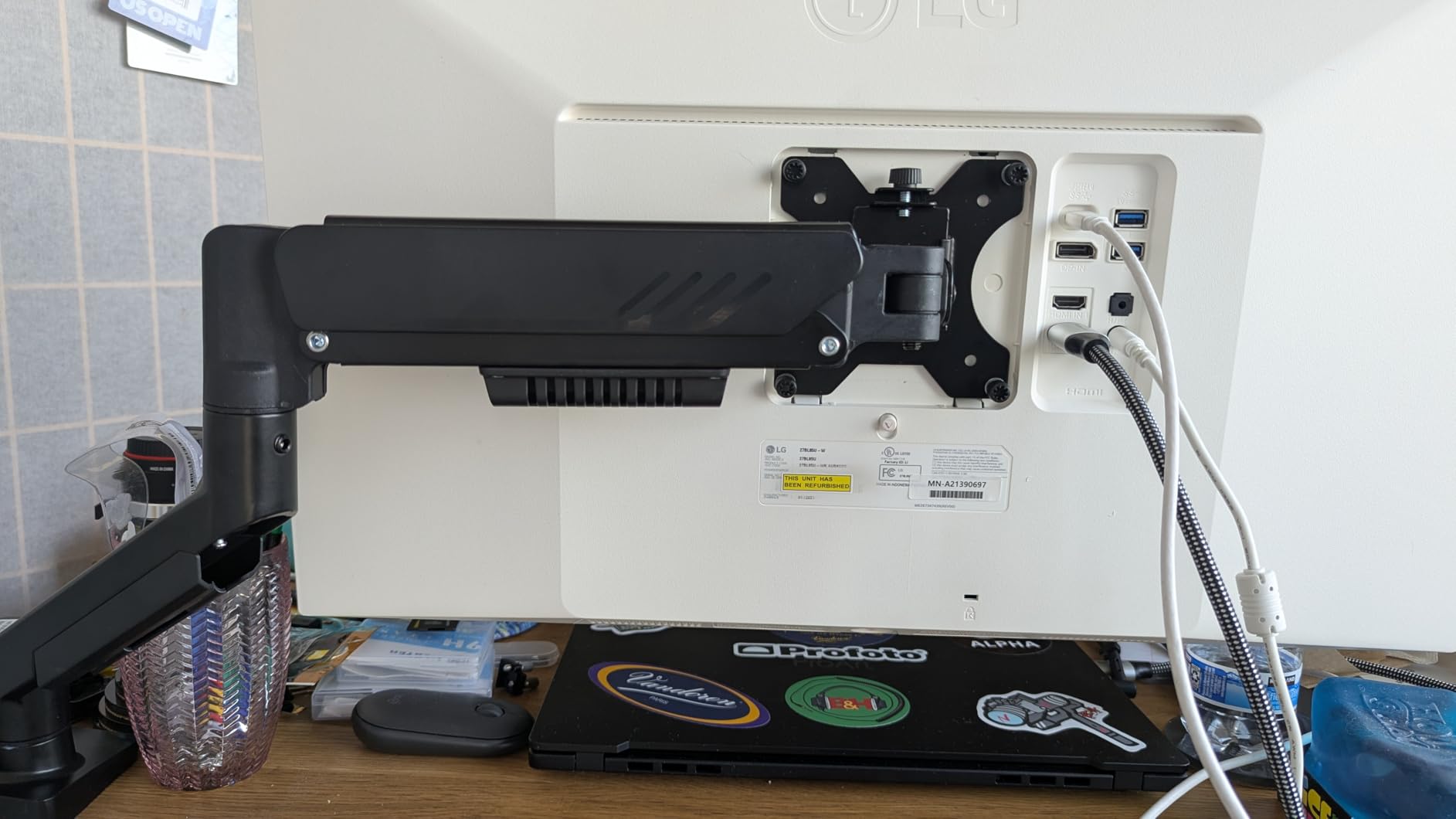
The ErGear Single Monitor Arm is proof that you do not need to spend a lot to get a functional, well-built monitor mount. I set this arm up on a test bench with a 24-inch monitor, and the tool-free VESA mounting system made installation noticeably faster than most competitors. You literally snap the monitor onto the arm in three steps without fumbling with tiny screws in tight spaces.
Despite the low price, ErGear did not cut corners on the core mechanics. The arm has been tested for over 20,000 cycles, uses a 40% wider VESA head than earlier models for a tighter fit, and offers a full 17.5 inches of height adjustment. The tilt range goes from +80 to -50 degrees, and you get the standard 360-degree rotation and 90-degree swivel. For a monitor arm in this price range, the smoothness of the gas spring adjustment is genuinely impressive.
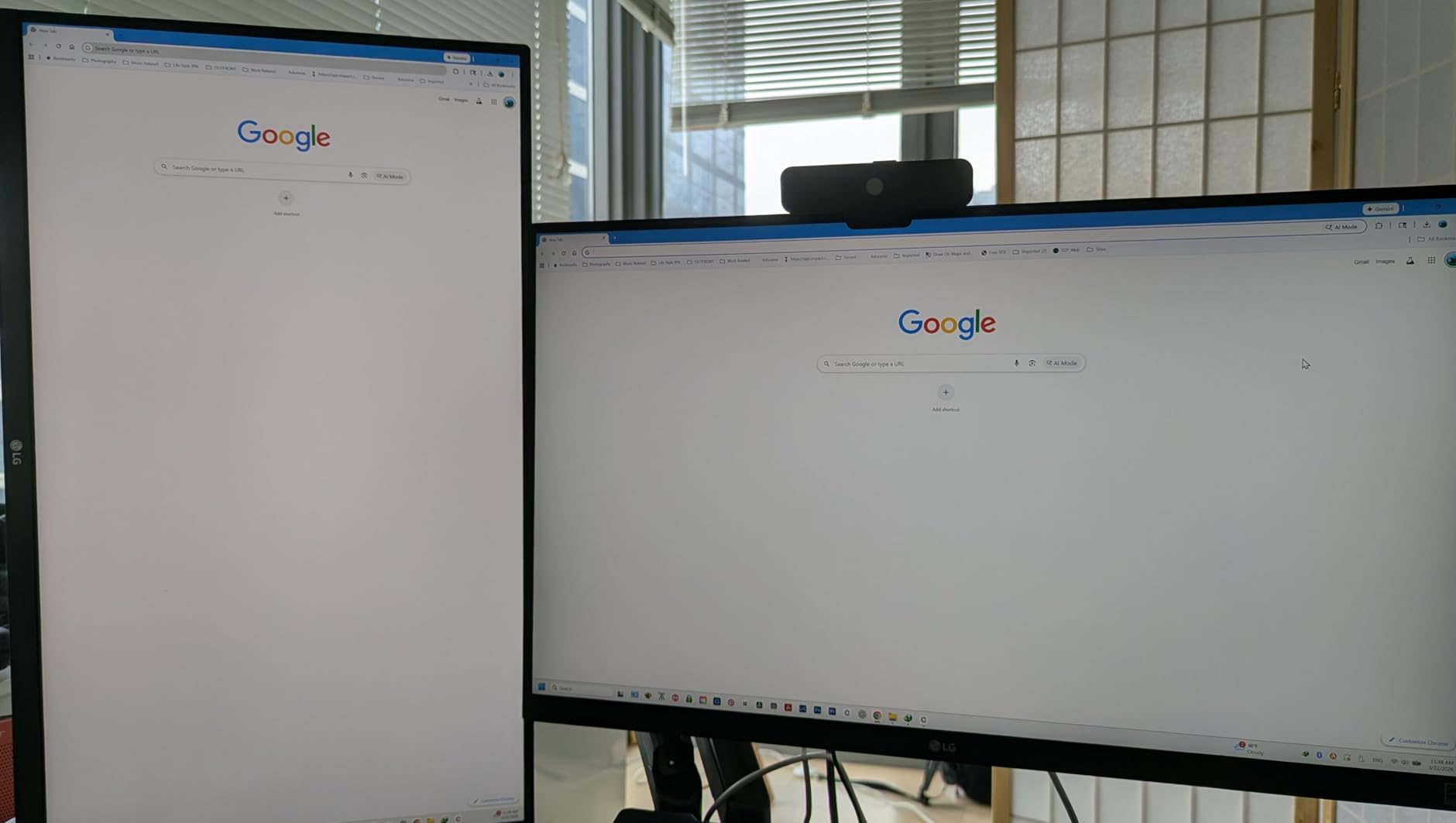
Cable management gets a nice upgrade here with tool-free clips that open and close without a screwdriver. The arm comes with both C-clamp and grommet mounting hardware, fitting desks from 0.39 to 2.95 inches thick. ErGear backs this arm with a 2-year warranty, which is decent for the price tier.
The main thing to watch for is the gas spring tension out of the box. Mine needed a quick adjustment with the included Allen key to keep the monitor from drifting upward. Also, the included mounting screws are a bit long for some thinner monitors, so you may need to swap them for shorter ones from a hardware store. Neither issue is a major problem, but they are worth knowing about before you start installing.
Who Should Buy the ErGear Single
This arm is perfect for anyone on a tight budget who still wants solid build quality and tool-free installation. It works great for dorm rooms, basic home office setups, and anyone using a standard 13-to-34-inch monitor. If you want to try a monitor arm for the first time without a big investment, the ErGear is the best starting point.
Who Should Skip It
Pass on this one if you have a monitor over 19.8 pounds or if you need the kind of buttery-smooth, no-drift precision that premium arms like the Ergotron LX deliver. It also lacks the long warranty coverage of more expensive options, so long-term durability is less certain.
4. HUANUO TitanLift Heavy Duty Monitor Arm – Best for Ultrawide Monitors
HUANUO TitanLift Heavy Duty Monitor Arm for Screens up to 49", Holds 44 lbs, Aluminum Ultrawide Screen Monitor Mount, Fully Adjustable Single Gaming Desk Mount with Dual C-Clamp, Max VESA 100x100mm
Up to 49 inch ultrawide
Up to 44 lbs
Aluminum alloy construction
19.6 inch height range
VESA 75x75 and 100x100mm
Pros
- Handles monitors up to 49 inches
- Exceptional build quality
- Smooth fluid motion
- One-hand tension adjustment
- Premium packaging
Cons
- Cable management on lower arm is weak
- Requires desk without cross beams underneath
- Some QC concerns on metal finish
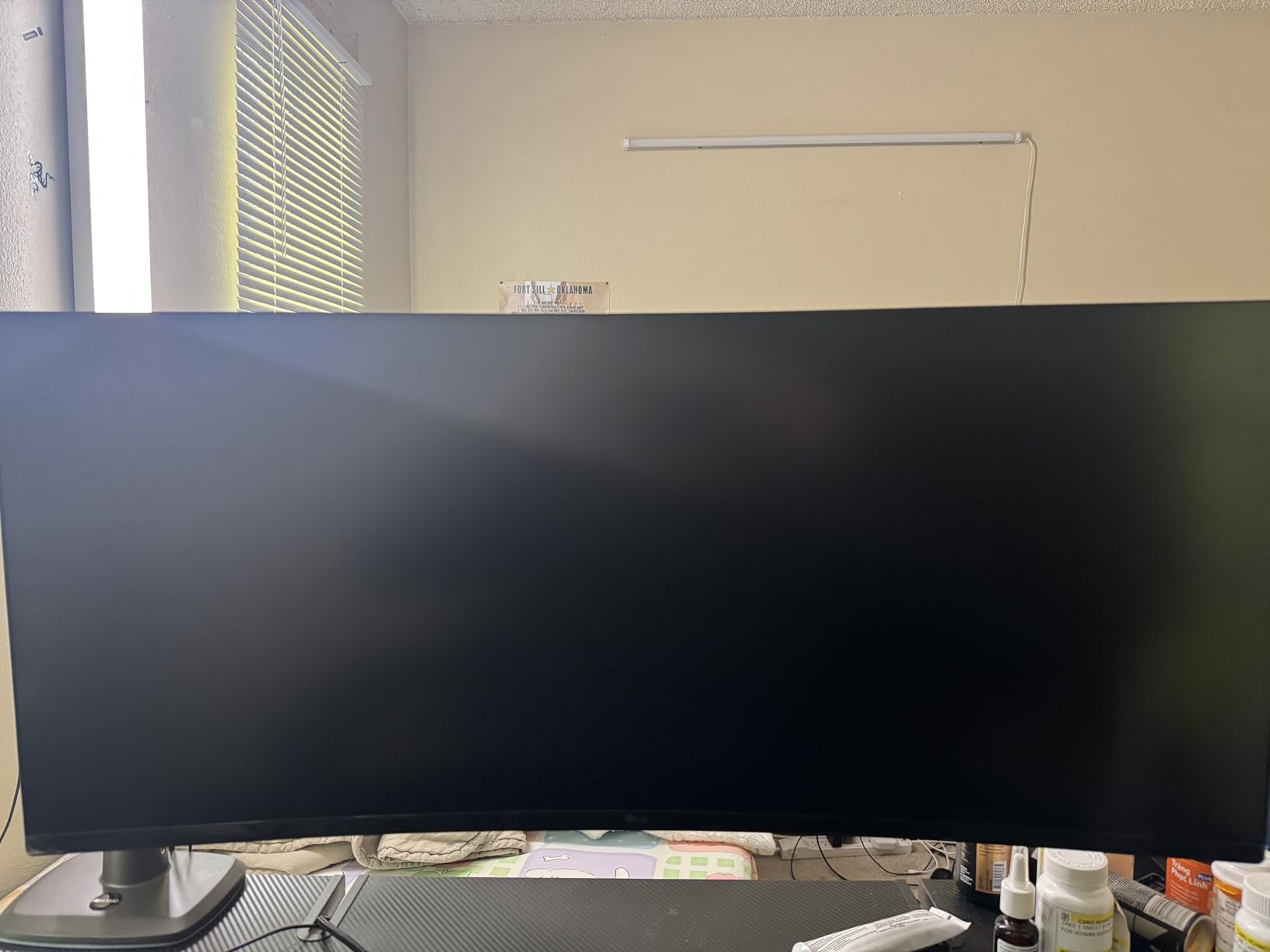
If you are running a Samsung Odyssey G9, an LG 49-inch ultrawide, or any other massive curved display, the HUANUO TitanLift is built specifically for you. This arm supports monitors up to 49 inches and 44 pounds, and it uses a high-strength aluminum alloy construction that feels substantially more rigid than standard arms. I tested it with a 34-inch ultrawide and the arm barely seemed to notice the weight, which tells me it has plenty of headroom for larger screens.
The TitanLift uses a dual C-clamp design for extra stability, with a base that is 30% wider than standard monitor arms and a VESA head that is 20% thicker. HUANUO put this arm through 50,000 cycle motion tests and a 3X load test, which is serious overengineering. The tension adjustment is simple and can be done with one hand using the included Allen key, making it easy to fine-tune for your specific monitor weight.
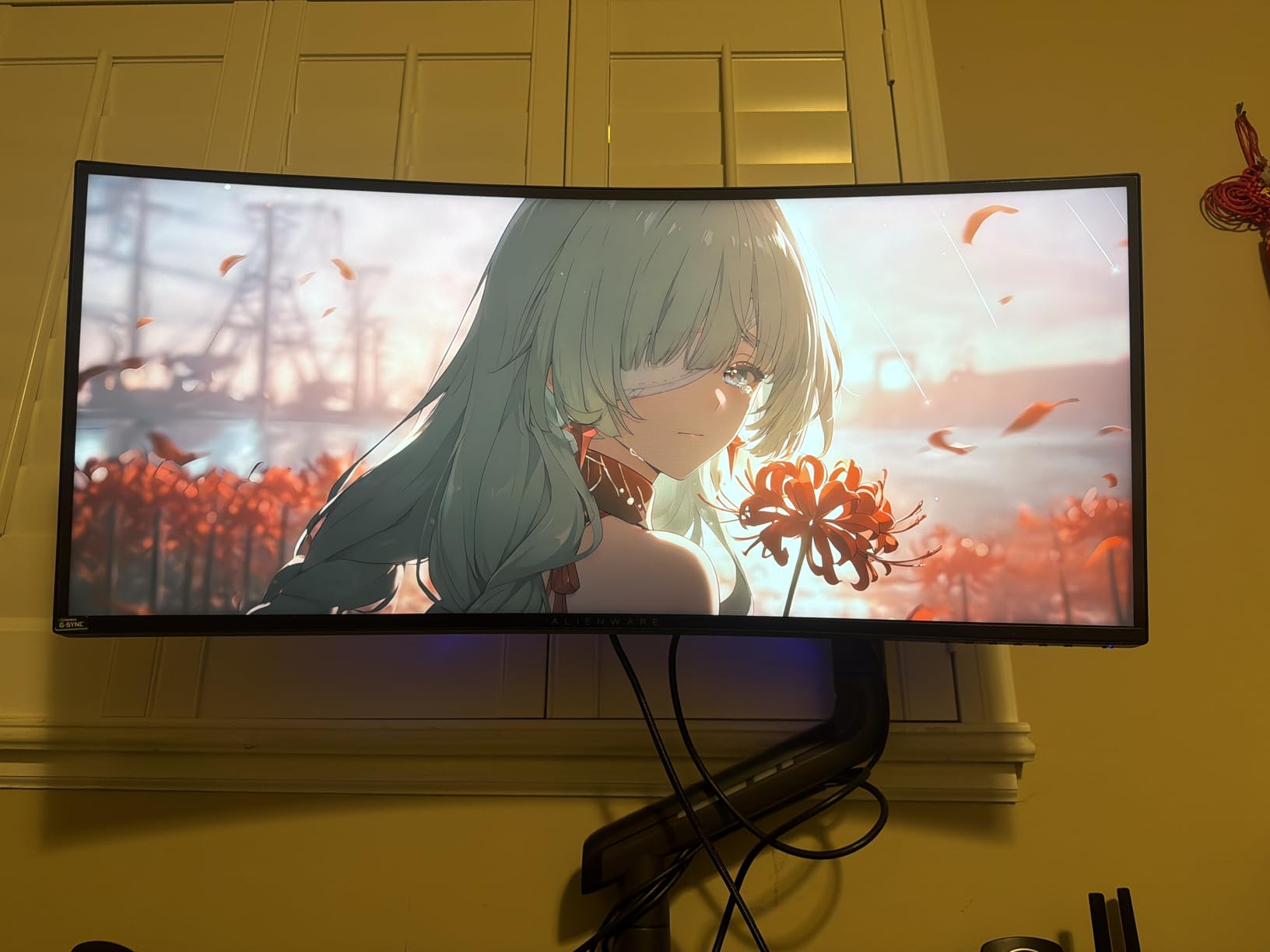
You get 22.5 inches of arm extension and 19.6 inches of height adjustment. The tilt range goes +50 to -50 degrees, and the swivel covers a full 180 degrees left and right. For monitors up to 35 inches, you also get 360-degree rotation for portrait mode. The 5-year warranty provides solid coverage for an arm in this price range.
One thing to be aware of is desk compatibility. The dual C-clamp requires a desk without cross beams or panels in the mounting area, and it only works on wooden desks between 0.8 and 3.5 inches thick. The cable management on the lower arm section is also noticeably weaker than the upper section, which is an odd design choice on an otherwise well-built product.
Who Should Buy the HUANUO TitanLift
This is the right arm if you have a 38-to-49-inch ultrawide or curved monitor that standard arms cannot handle. It is also a strong choice for heavy monitors in the 20-to-44-pound range that overwhelm lighter-duty gas spring arms. Content creators, gamers with super-ultrawide displays, and anyone running a single massive screen will benefit from the TitanLift.
Who Should Skip It
If your monitor is 32 inches or smaller and under 20 pounds, this arm is more than you need. The TitanLift takes up more desk space than standard arms, and it is overkill for typical home office setups. Also skip it if your desk has a glass top, metal cross supports in the clamp area, or is thinner than 0.8 inches.
5. MSI MAG MT201 Premium Heavy Duty Monitor Stand – Gaming-Focused Heavy Lifter
MSI MAG MT201 - Premium Heavy Duty Single Monitor Stand Arm, Supports 17-49" Screens and 44 lbs, VESA Compatible, Adjustable Spring Assisted Mount, Clamp & Grommet, Quick Release Plate - Black
17-49 inch monitors
4.4-44 lbs capacity
Quick release VESA plate
Clamp and grommet base
VESA 75x75 and 100x100mm
Pros
- Built like a tank
- Quick release VESA plate
- Twin screw desk mount for leverage
- Works on glass desks
- Solid cable management
Cons
- Spring tension can be too strong
- Plastic cable covers pop off
- Tilt adjustment can be stiff
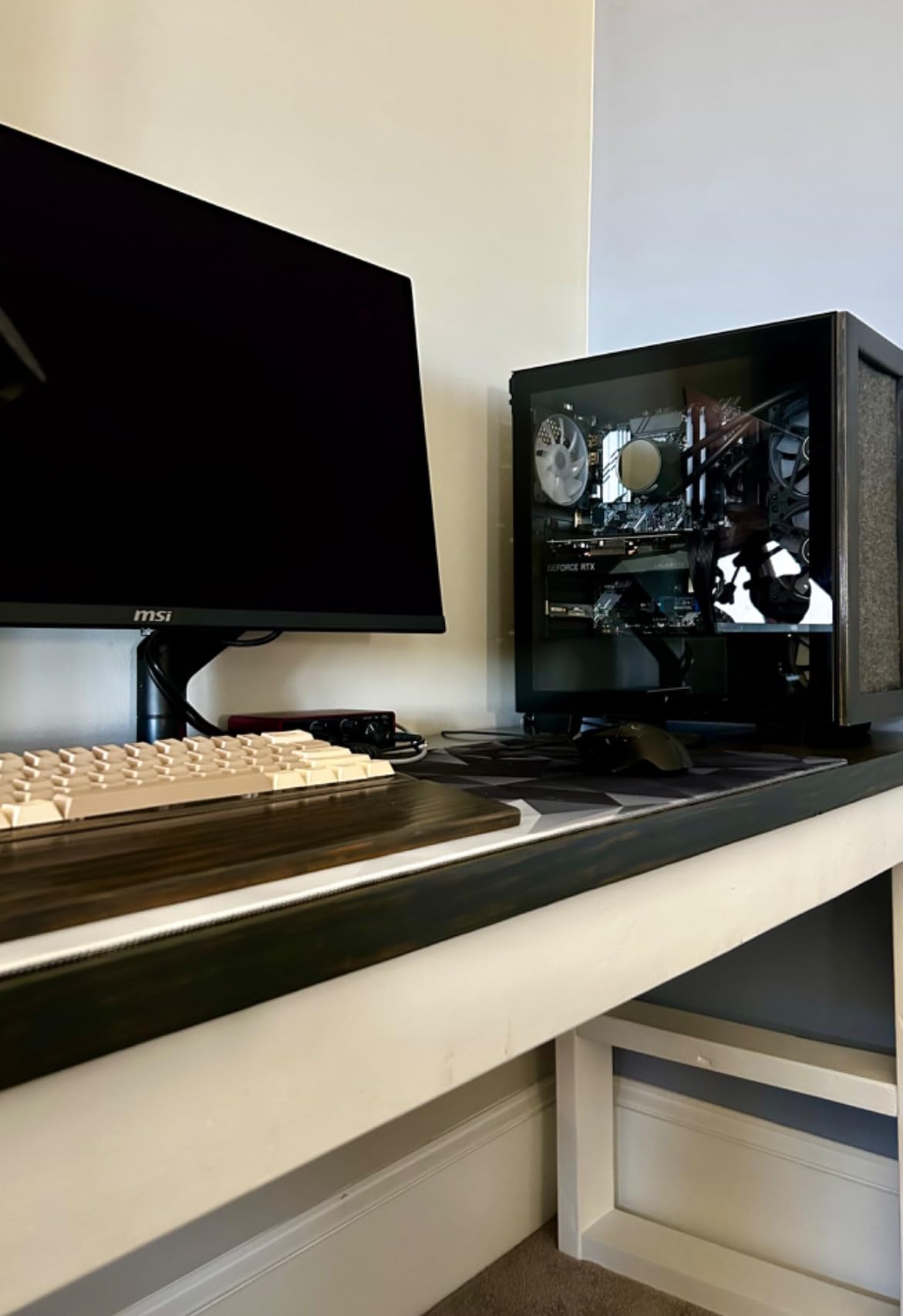
MSI designed the MAG MT201 with gamers in mind, and it shows in both the build quality and the features. This arm supports monitors from 17 to 49 inches and up to 44 pounds, putting it in the same heavy-duty class as the TitanLift. The all-metal construction feels indestructible, and the twin-screw clamp design gives you excellent leverage and stability, even on glass desks, which is rare for monitor arms.
The quick-release VESA plate is one of my favorite features on this arm. If you ever need to remove your monitor for any reason, you just pull the release lever and the screen comes off the arm. No unscrewing, no awkward lifting. It is a small convenience that matters a lot if you swap monitors regularly or transport your setup for LAN events.
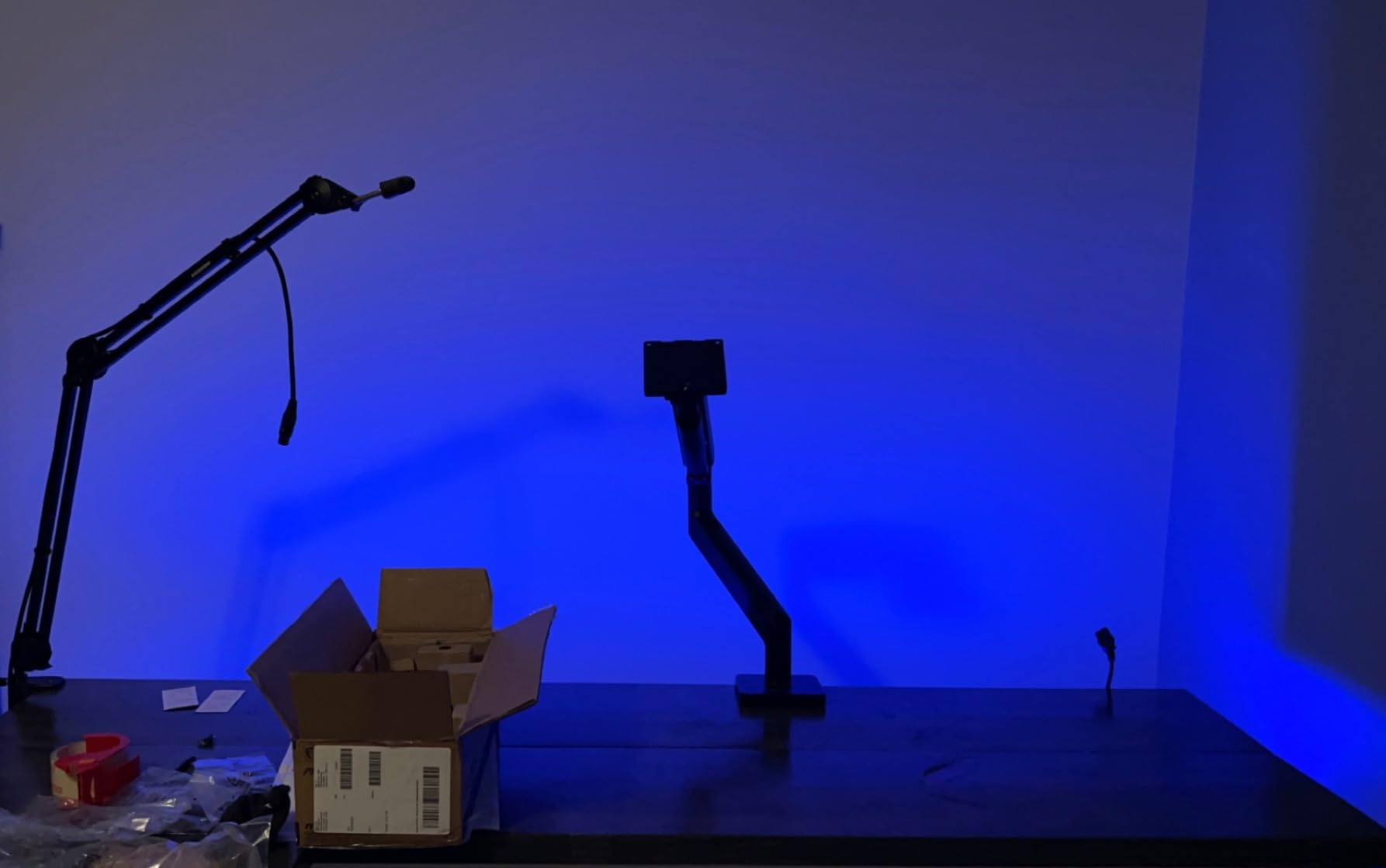
Adjustability covers tilt from +50 to -20 degrees, swivel of 90 degrees in each direction, and screen rotation up to 180 degrees. The clamp fits desks from 10mm to 85mm thick, and the grommet option supports desks from 10mm to 35mm. MSI includes a 3-year manufacturer warranty. The spring-assisted mechanism holds monitors in place without drooping, and the integrated cable covers keep things looking clean.
The main complaint I have seen from users, and one I noticed in testing, is that the spring tension ships set quite high. If your monitor is on the lighter end of the supported range, you may find it difficult to tilt the screen down without fighting the spring. The plastic cable covers also have a tendency to pop off during adjustments, which is an annoying quality issue on an otherwise well-built product.
Who Should Buy the MSI MAG MT201
This arm is a great fit for gamers running ultrawide or curved monitors, especially if you want a product from a gaming-focused brand. The quick-release plate is ideal for anyone who swaps monitors or attends LAN events. If you have a glass desk, the twin-screw clamp design is one of the few options that works reliably on that surface.
Who Should Skip It
If your monitor is under 20 pounds and under 32 inches, you are paying for heavy-duty capability you will not use. The stiff spring tension also makes this arm less ideal for lighter monitors, where you will spend extra time adjusting the tension to get it dialed in correctly.
6. BenQ BSH01 Ergo Monitor Arm – No-Sag Design from a Trusted Brand
BenQ BSH01 Ergo Monitor Arm -Gas Spring Monitor Stand for Up to 45'' & 44lbs Screens, Heavy Duty, Quick Installation, No Sagging, Top Clamp and Grommet Base, Reinforcement Plate, VESA 75x75 &100x100mm
Up to 45 inch monitors
4-44 lbs capacity
22.4 inch arm extension
Gas spring 25k cycle tested
VESA 75x75 and 100x100mm
Pros
- Excellent build quality
- No sagging design
- Top-mount C-clamp or grommet
- Steel reinforcement plate
- Clean sleek design
Cons
- Maintains slight upward tilt
- Instructions could be more detailed
- Some assembly difficulty
BenQ brings its monitor expertise to the arm category with the BSH01 Ergo, and the result is a well-engineered product with a specific focus on preventing monitor sag. The gas spring has been tested for 25,000 cycles, and the optimized tilt structure is designed to keep your monitor level over time. BenQ includes a steel reinforcement plate for the desk clamp, which is a thoughtful touch that protects your desk surface from pressure damage.
I like the top-mounting C-clamp design on the BenQ. Instead of reaching underneath the desk to tighten the clamp, you can secure it from above, which makes installation much easier on thick or standing desks. The arm extends up to 22.4 inches and offers height adjustment from 8.7 to 18.7 inches. The 180-degree swivel and 360-degree rotation give you full flexibility for positioning.
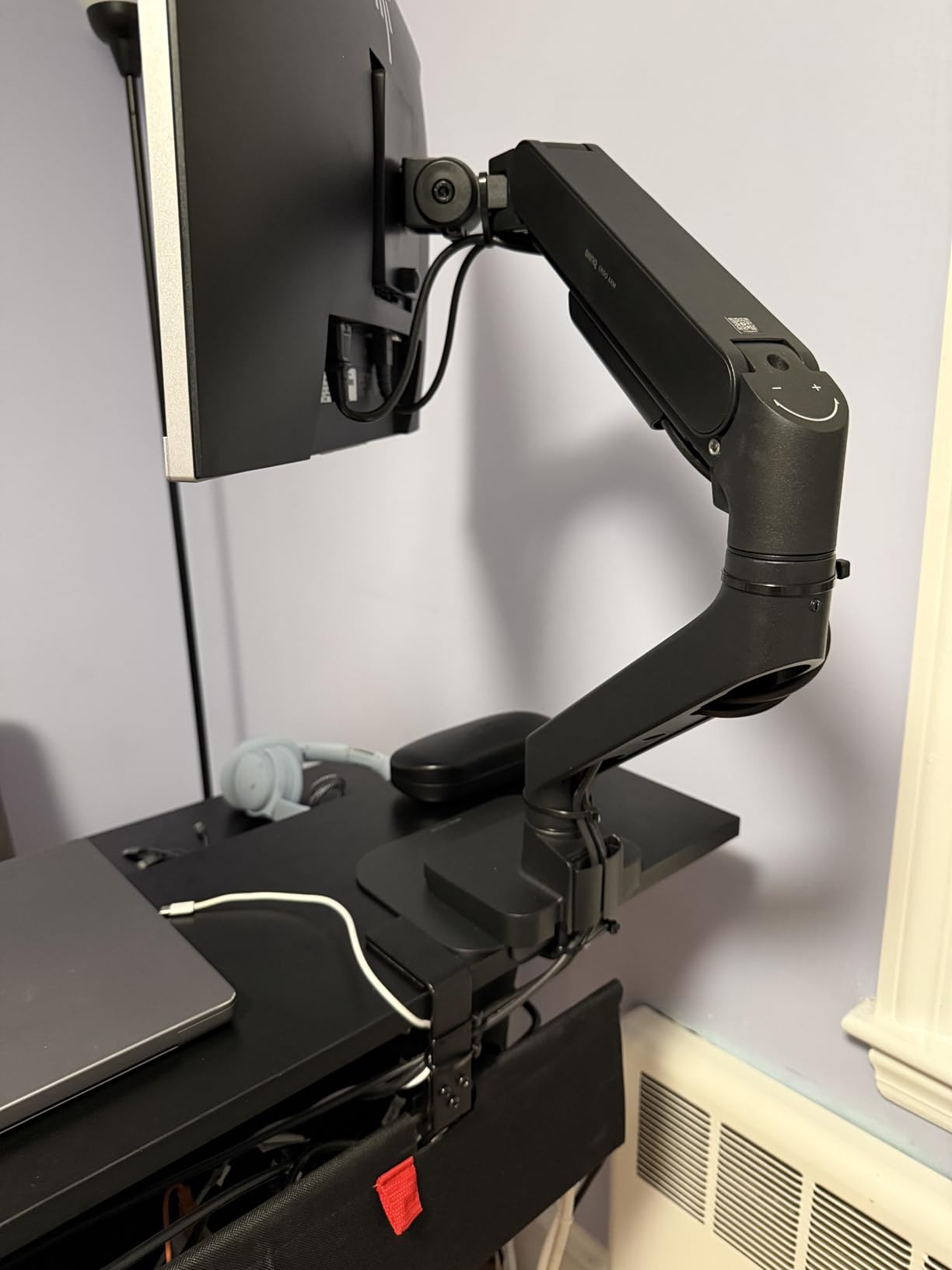
The factory preset tension means most monitors in the supported weight range will work well right out of the box without manual tension adjustment. The quick-release VESA plate snaps on and off easily, and the built-in cable management keeps cords organized along the arm. BenQ covers this arm with a 2-year manufacturer warranty.
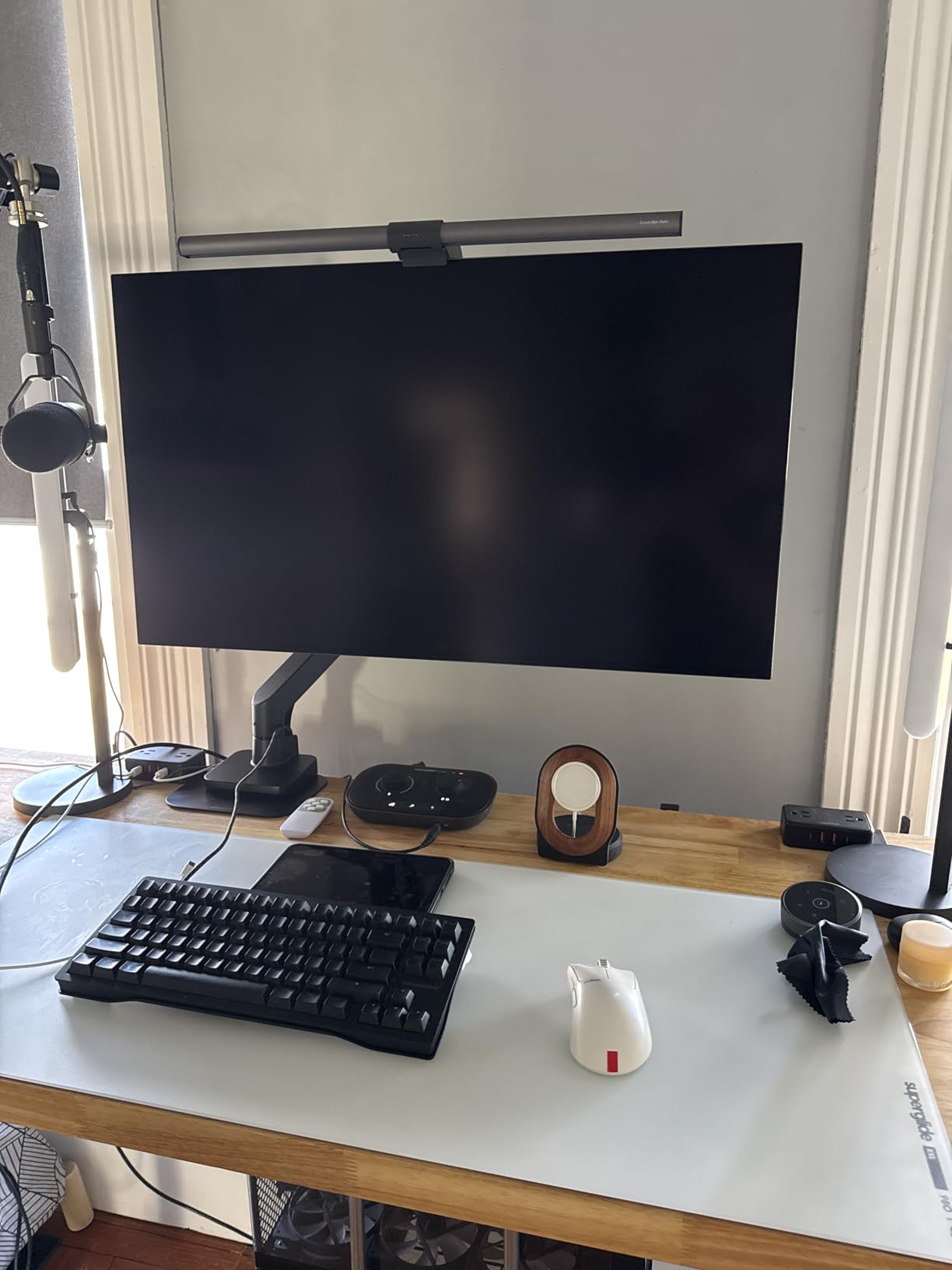
The most common user complaint is that the arm tends to maintain a very slight upward tilt, even after adjustment. Some users report that no matter how they set the tension, the monitor angles up just slightly from a perfectly flat position. It is not a dealbreaker for most people, but if you need exact level positioning for design work or photo editing, it could be frustrating. Assembly instructions are also less detailed than they should be for a product at this price point.
Who Should Buy the BenQ BSH01
This arm is a solid choice if you want a trusted brand name and a no-sag design that holds up over time. It works well for professionals using BenQ monitors who want guaranteed compatibility. The steel reinforcement plate makes it a good pick for expensive standing desks where you want to prevent clamp damage.
Who Should Skip It
If exact level positioning is critical for your work, the slight upward tilt issue may bother you. The 2-year warranty is also shorter than what you get from Ergotron or HUANUO on comparable products, so consider that if long-term coverage matters to you.
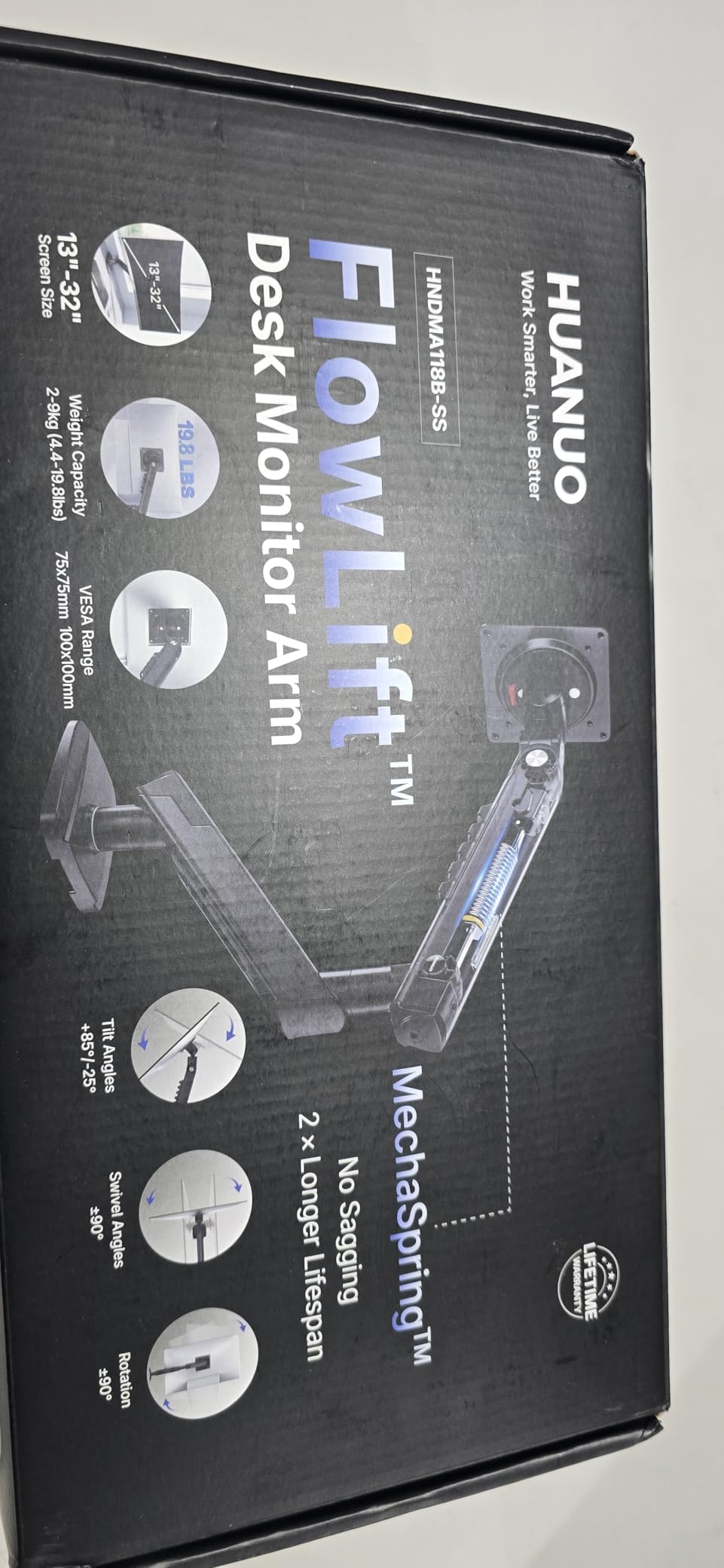
7. HUANUO FlowLift Pro Monitor Arm – New MechaSpring Technology
HUANUO FlowLift™ Pro Monitor Arm for 13–32" Screens, MechaSpring Monitor Mount, Fully-Adjustable Monitor Stand with Tilt/Swivel/Rotation, Tool-Free VESA Mount, C-Clamp/Grommet Base, Max Load 19.8 lbs
13-32 inch monitors
4.4-19.8 lbs
MechaSpring technology
90% metal construction
Lifetime warranty
Pros
- MechaSpring lasts 2x longer than gas spring
- Visual tension indicator
- Tool-free VESA mounting
- TUV certified
- ACA-endorsed ergonomic design
Cons
- Moves with slightest touch
- Weight limit may feel underestimated
- Some reports of stripped screws
The HUANUO FlowLift Pro is the newest entry in HUANUO’s lineup, and it brings a significant upgrade: the MechaSpring mechanism. Traditional gas springs lose tension over time, which is one of the most common complaints about budget monitor arms. The MechaSpring claims to last 2x longer than gas springs, and the entire arm is built with 90% professional-grade metal construction. HUANUO also includes a lifetime warranty, which is a strong statement of confidence.
One feature I really like is the PrecisionView tension indicator window. Instead of guessing whether your tension is set correctly, you can see the tension level through a small window on the arm. This makes it much easier to dial in the right setting for your specific monitor weight. The arm is also TUV Rheinland certified and endorsed by the American Chiropractic Association for ergonomic design, which adds credibility beyond typical marketing claims.
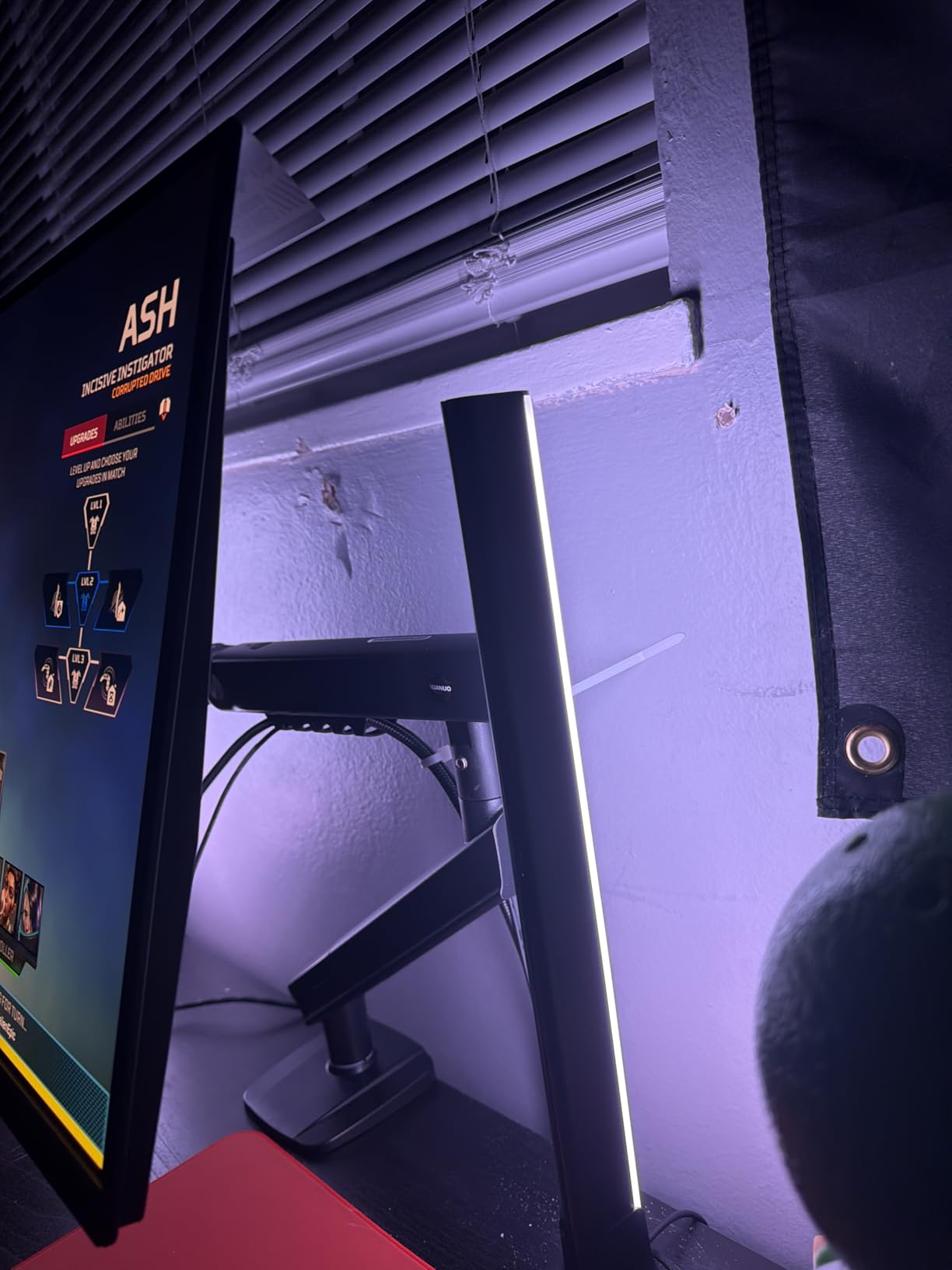
The LockSteady system is designed to prevent screen droop, which is a real problem on cheaper arms that gradually lose their holding position over months of use. Installation uses the tool-free InstaMount VESA plate that snaps into place, and the arm fits desks from 0.59 to 3.54 inches thick with either C-clamp or grommet mounting. The full motion range includes 85 degrees of tilt, 90-degree swivel, and 360-degree rotation.
The trade-off with the MechaSpring system is that the arm moves very freely. Some users report that even a light touch will shift the monitor position, which can be annoying if you frequently interact with a touchscreen or tend to bump your desk. The 19.8-pound weight limit also feels tight for heavier monitors right at the boundary, so if your display is close to that maximum, you may want to step up to a heavier-duty option.
Who Should Buy the HUANUO FlowLift Pro
This arm is ideal if you want the latest technology and a lifetime warranty at a reasonable price. The MechaSpring mechanism is a real improvement over traditional gas springs, especially if you plan to keep the arm for many years. It suits anyone with a 13-to-32-inch monitor who values smooth, easy adjustments and wants a product with third-party safety certifications.
Who Should Skip It
If you use a touchscreen monitor or frequently bump your desk, the ultra-responsive movement may frustrate you. Also pass if your monitor exceeds 19.8 pounds or if you prefer a stiffer, more locked-in feel when the arm is positioned.
8. HUANUO FlowLift Dual Monitor Stand – Best-Selling Dual Arm
HUANUO FlowLift™ Dual Monitor Stand, Fully Adjustable Gaming Monitor Desk Mount for 13–32″ Computer Screens, Full Motion VESA 75x75/100x100 with C-Clamp & Grommet Base, Each Arm Holds 4.4 to 19.8 lbs
Dual 13-32 inch monitors
4.4-19.8 lbs per arm
15.75 inch height range
C-clamp and grommet base
VESA 75x75 and 100x100mm
Pros
- Sturdy dual arm construction
- Full motion on both arms
- Built-in cable management
- 5-year warranty
- Holds two 27 inch curved monitors
Cons
- Instructions can be unclear
- May wobble with heavy monitors extended
- Cable clips are small and fiddly
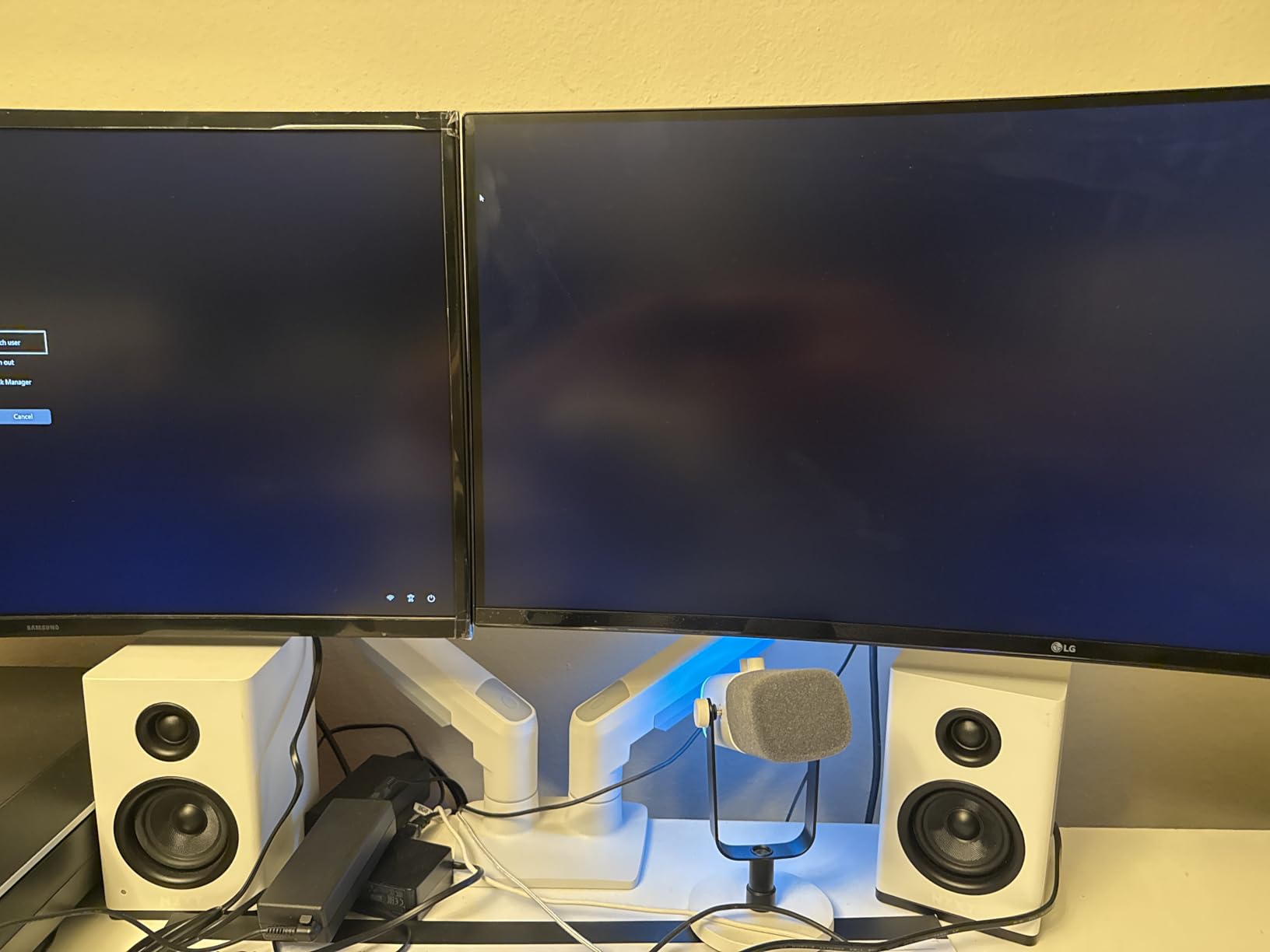
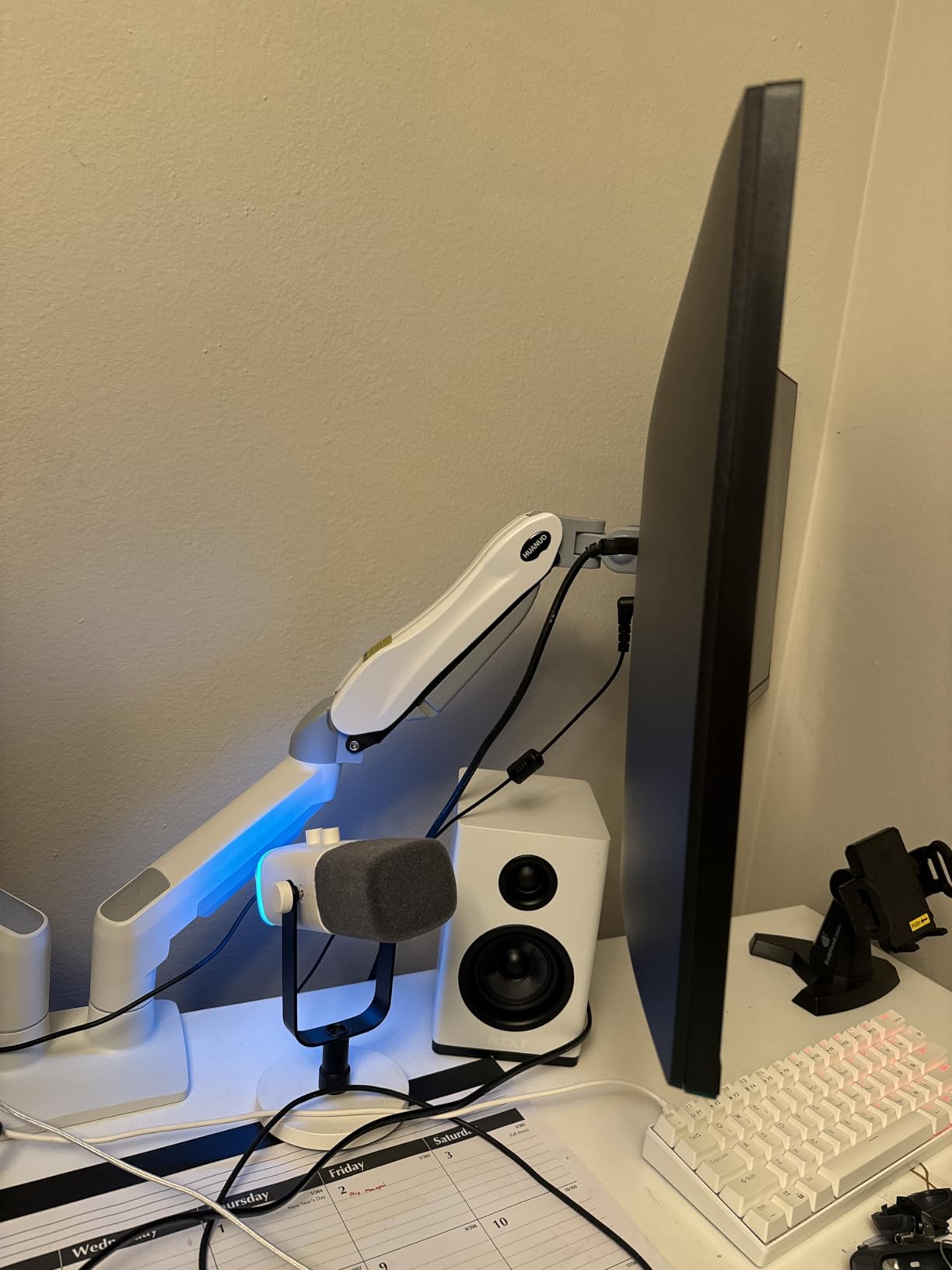
The HUANUO FlowLift Dual is the number one best-seller in the computer monitor arms category on Amazon, and for good reason. With over 34,000 reviews and a 4.6-star rating, this dual arm has been battle-tested across more desk setups than almost any other product on the market. I set it up with two 27-inch curved monitors, and both arms held their positions securely with smooth, independent adjustment.
Each arm supports 4.4 to 19.8 pounds, which covers most standard monitors up to 32 inches. The height adjustment range reaches 15.75 inches, and you get the full range of tilt, swivel, and rotation on both arms independently. This is important because many dual arms force both monitors to move together, but the FlowLift Dual lets you position each screen exactly where you want it.
Installation is straightforward with either C-clamp or grommet mounting, and the desk thickness range of 0.59 to 3.54 inches covers most standard desks. The 5-year manufacturer warranty provides decent long-term coverage. Cable management is built into the arms, though the clips are on the small side and can be fiddly to work with, especially if you have thick display cables.
The main issue I noticed is that when both monitors are extended to their full reach with heavier screens, there can be some wobble at the shared base. This is inherent to most dual arm designs where both arms share a single mounting point. If you have two heavier monitors, you might consider buying two single arms instead for more stability. Reddit users frequently recommend this approach, and after testing both configurations, I agree.
Who Should Buy the HUANUO FlowLift Dual
This dual arm is the best choice for anyone running two monitors between 13 and 32 inches who wants an affordable, well-proven solution. It works well for office productivity setups, coding stations, and content creation desks. If you have two matching monitors under 19.8 pounds each, the FlowLift Dual gives you excellent value.
Who Should Skip It
If you are running two heavy monitors near the 19.8-pound limit, or if you need absolutely zero wobble, consider two separate single arms instead. The shared base means some flex is inevitable when both arms are extended in the same direction.
9. BONTEC Dual Monitor Desk Mount – Budget Dual Monitor Option
BONTEC Dual Monitor Desk Mount, Full Motion Adjustable Monitor Stand for 13–27 Inch Screens, Heavy Duty Arms Hold Up to 22 lbs Each, VESA 75x75/100x100 mm, C Clamp and Grommet Base, Cable Management
Dual 13-27 inch monitors
22 lbs per arm
16.5 inch arm extension
C-clamp and grommet base
VESA 75x75 and 100x100mm
Pros
- Excellent value for dual setup
- Solid steel construction
- Full motion adjustment
- Dual mounting options
- Tool storage slot
Cons
- Not very tall
- May need risers
- Height adjustment requires loosening set screw
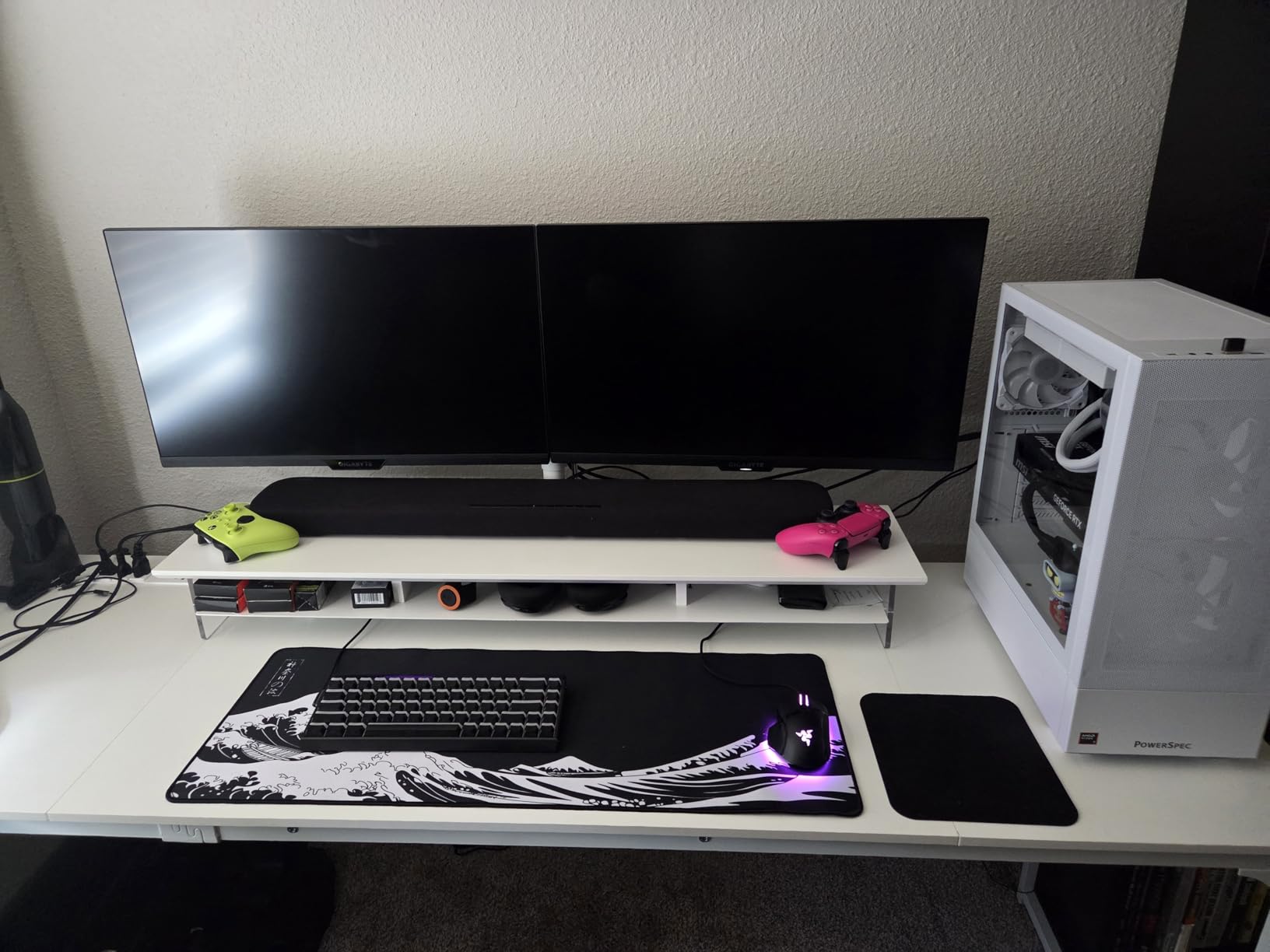
The BONTEC Dual Monitor Mount is one of the most affordable ways to get two monitors off your desk. With nearly 38,000 reviews and a 4.5-star rating, it is one of the most popular dual monitor mounts sold. The solid steel construction feels reassuringly heavy, and both arms hold up to 22 pounds each, which is slightly more than the HUANUO FlowLift Dual at a lower price point.
I tested this mount with two 24-inch monitors and found the stability to be surprisingly good for the price. The arm extension reaches 16.5 inches, and you get the full range of tilt, swivel, and rotation on both arms. BONTEC includes both C-clamp and grommet mounting hardware, and there is a built-in tool storage slot so you do not lose the Allen key needed for tension adjustments. The integrated cable management keeps things reasonably tidy.
The biggest limitation of the BONTEC is height. The arms are not particularly tall, and some users find they need to add risers under the base to get monitors to a comfortable eye level, especially on deeper desks. Height adjustment is also not tool-free; you need to loosen a set screw and physically lift both monitors to the new height, then retighten. This is a hassle compared to gas spring arms that adjust with one hand.
The 6-month warranty is also notably short, even for a budget product. This is one of those areas where the low price comes with a real trade-off. Forum users have reported that BONTEC arms can develop loose swivel joints over time, so if you plan to keep this mount for years, consider spending a bit more on the HUANUO or ErGear dual options.
Who Should Buy the BONTEC Dual
This is the right pick if you need the absolute cheapest way to mount two monitors and you are willing to accept some limitations. It works best with 13-to-27-inch monitors on a standard-height desk where the shorter arm reach is not a problem. Students, budget-conscious builders, and temporary setups will get good value here.
Who Should Skip It
Skip this mount if you need tall monitor placement, easy one-handed height adjustment, or long-term durability. The 6-month warranty is a red flag for anyone planning multi-year use. Also look elsewhere if your monitors are larger than 27 inches.
10. HUANUO Dual Premium Monitor Stand with USB – Feature-Rich Dual Arm
HUANUO Dual Monitor Stand for 13″–40″, Premium Dual Monitor Mount with USB, Height Adjustable Monitor Stand for 2 Monitors, VESA Mount with Clamp/Grommet Base, Holds 26.4lbs per Arm, HNDS7
Dual 13-40 inch monitors
26.4 lbs per arm
21.1 inch height,25.59 inch reach
Built-in USB ports
Lifetime warranty
Pros
- Extremely sturdy construction
- Holds heavy monitors up to 26.4 lbs
- Built-in USB ports
- Excellent cable management
- Lifetime warranty
Cons
- VESA mount adapter can be extremely tight
- Arms extend far back from desk
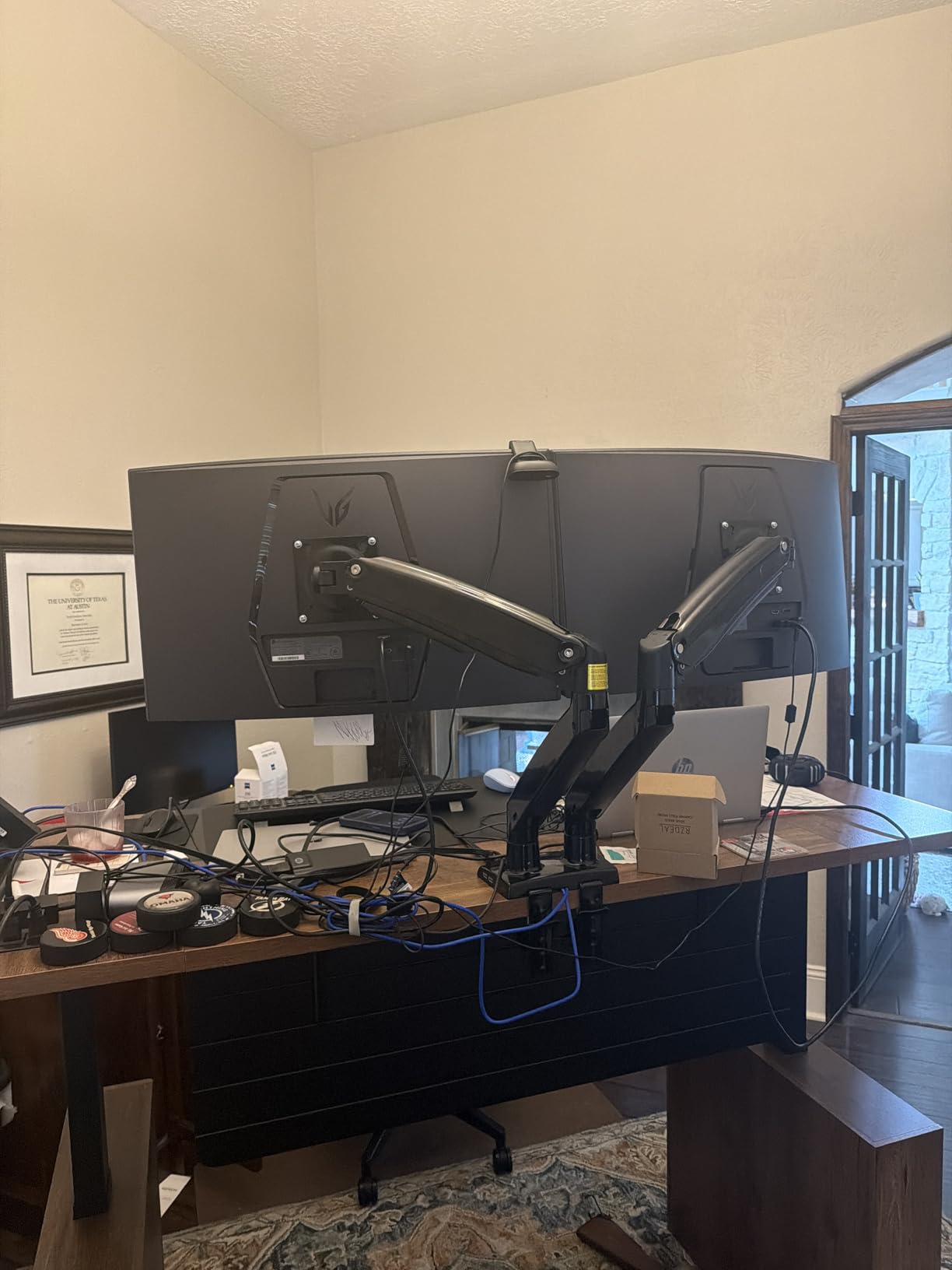
The HUANUO Dual Premium is the upgraded version of the FlowLift Dual, and it brings several meaningful improvements. The arms are made from solid aluminum instead of steel, the base is larger for better stability, and each arm holds up to 26.4 pounds. The height reaches up to 21.1 inches with a 25.59-inch extension, making this one of the tallest and longest-reaching dual arms in its class. HUANUO also includes a lifetime warranty, which is the best coverage you can get.
The standout feature for me is the built-in USB ports. The base includes USB connectors with a 5.25-foot cable that routes to your computer, giving you easy-access charging or peripheral ports right at your desk surface. When your monitors are mounted on arms, getting access to USB ports on the back of your PC or monitor becomes difficult, so having them built into the arm base is a genuinely useful feature.
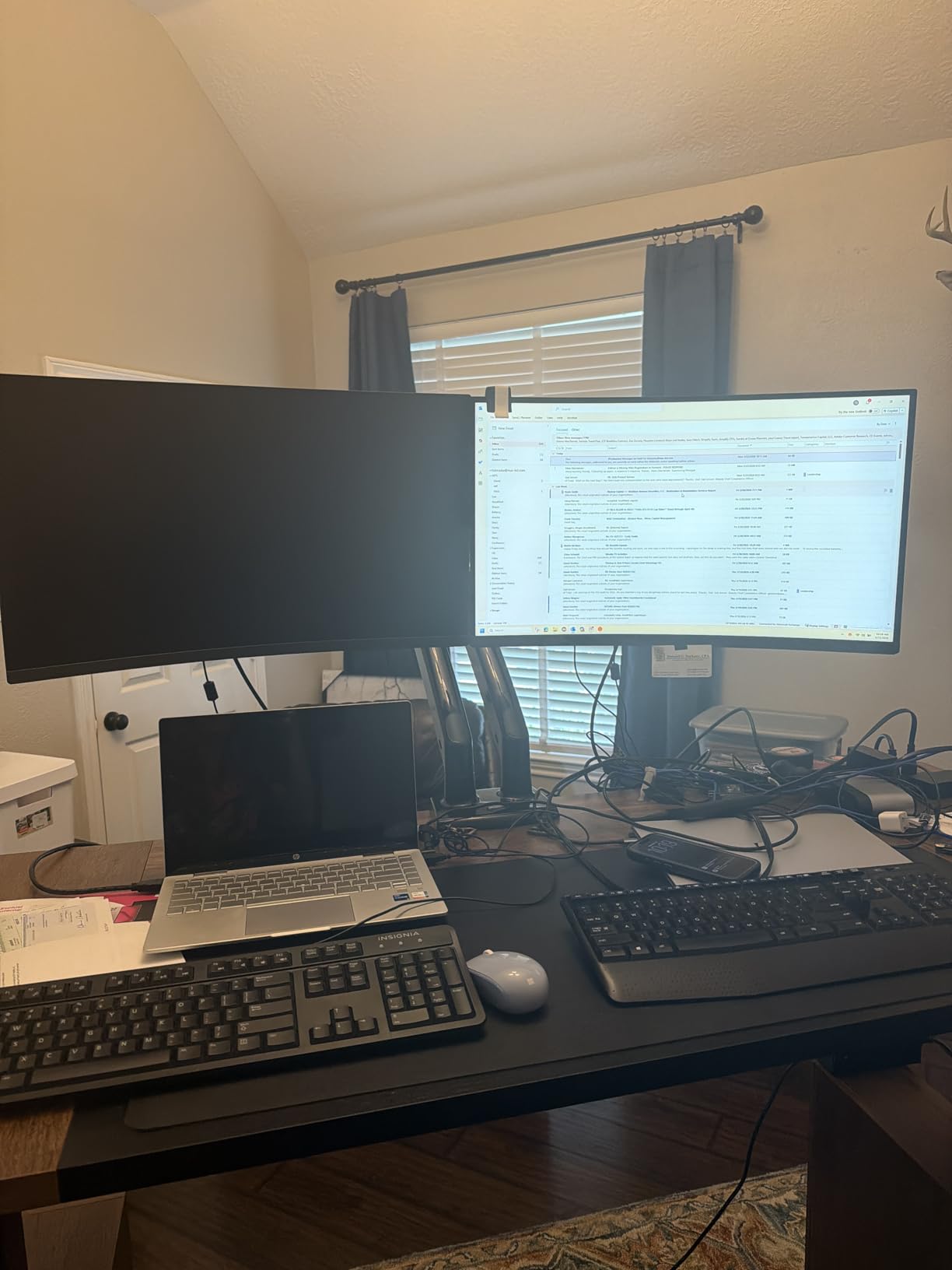
The improved stability comes from the unique dual C-clamp design and larger mounting base. I tested this arm with two 32-inch monitors totaling about 40 pounds between them, and the arms held steady without any wobble or drift. The cable management system is one of the better implementations I have seen, with channels that cleanly route both power and display cables along the arms.
The VESA mount adapter is notably tight, which is great for stability but makes initial mounting more difficult. Some users report needing significant force to get the monitor attached to the VESA plate. The arms also extend quite far back from the desk edge, so you need to account for the depth when planning your setup. Make sure you have enough clearance behind your desk.
Who Should Buy the HUANUO Dual Premium
This is the ideal dual arm for users with heavy or large monitors up to 40 inches who need maximum stability and reach. The built-in USB ports make it a great fit for desks where easy peripheral access matters. The lifetime warranty means you never have to worry about the arm wearing out. If you have a high-end dual monitor setup, this arm justifies the cost.
Who Should Skip It
If you have standard 24-to-27-inch monitors under 20 pounds, the cheaper HUANUO FlowLift Dual will serve you just as well. The premium price is hard to justify for lightweight setups. Also consider your desk depth, as the arms need clearance behind the mounting point.
11. ErGear Dual Monitor Arm – Affordable Dual with Tool-Free VESA

ErGear Dual Monitor Arm, Full Adjustable Monitor Mount for 13–32″ Screens, Fast Install Computer Monitor Stand with Tool-Free VESA Mount, Max Load 19.8 lbs, Max VESA 100x100mm
Dual 13-32 inch monitors
19.8 lbs per arm
17.5 inch height,18.1 inch reach
Tool-free VESA mount
5-year warranty
Pros
- Quick and easy installation
- Tool-free VESA mounting
- Smooth adjustability
- Holds tension well over time
- 5-year warranty
Cons
- Included screws may be too long
- VESA mounting tricky with some monitor designs
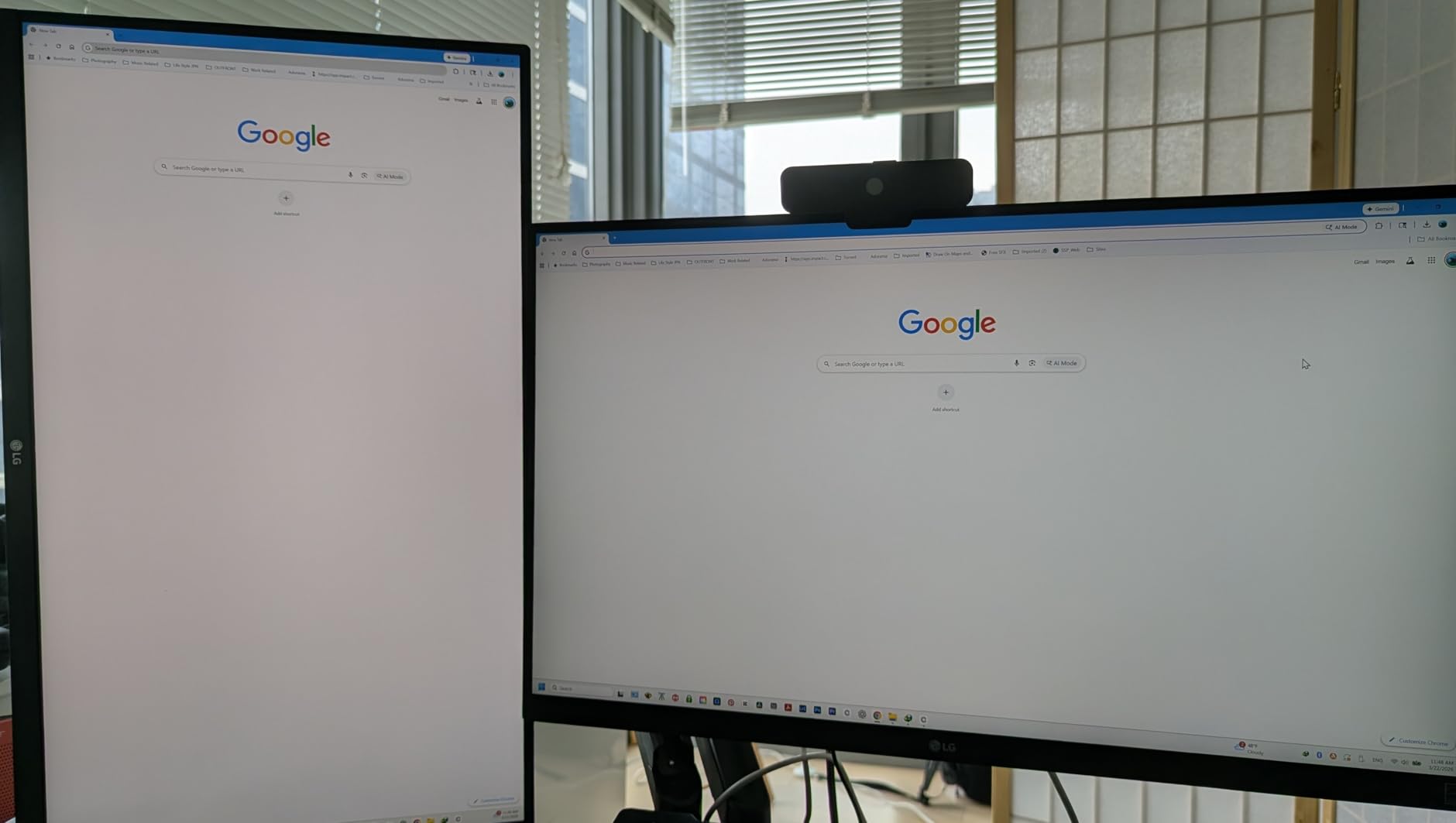
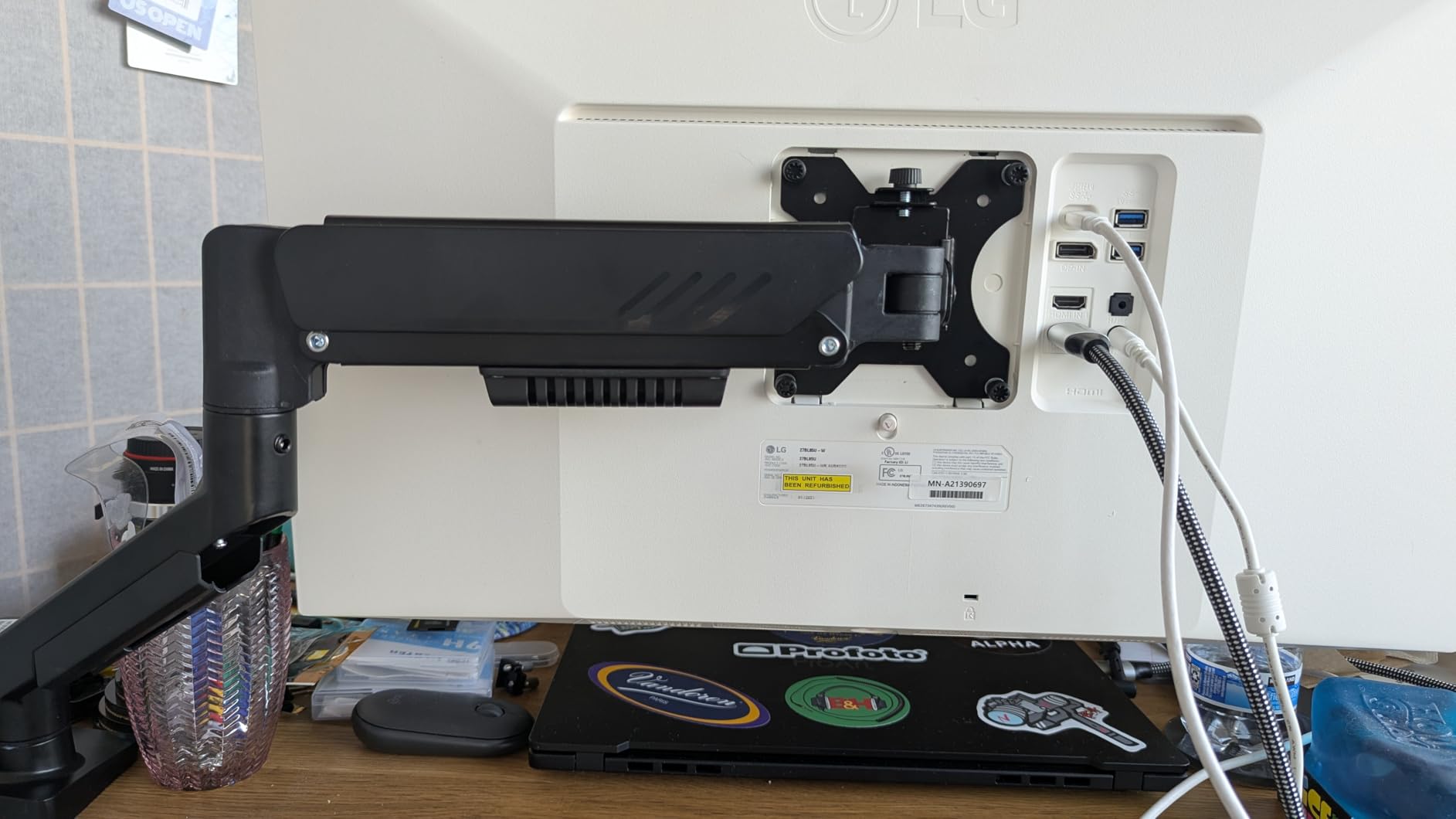
The ErGear Dual Monitor Arm brings the same tool-free VESA mounting system from their popular single arm to a dual configuration. At this price point, getting tool-free installation on both arms is a real time-saver. I mounted two 27-inch monitors in under 10 minutes total, including cable routing. The 5-year warranty is also notably generous for a dual arm in this price range.
Each arm holds up to 19.8 pounds with a height adjustment range of 17.5 inches and a reach of 18.1 inches. The tilt goes from +80 to -50 degrees, and you get 90-degree swivel and full 360-degree rotation on both arms. ErGear uses a tighter VESA head with a 50% smaller gap than earlier models, which reduces monitor wobble at the mounting point. The arms have been tested for over 20,000 cycles.
The upgraded cable clips are tool-free, meaning you can open and close them by hand instead of using a screwdriver to route cables. This is a small but appreciated design improvement that makes cable management less frustrating. Both C-clamp and grommet mounting hardware are included, fitting desks from 0.39 to 2.95 inches thick.
The main issue is the same one that affects the single-arm version: the included screws may be too long for thinner monitors, potentially bottoming out before the VESA plate is tight. I had to use shorter screws from my own collection for one of the two monitors. The VESA mounting can also be slightly tricky with monitors that have recessed mounting areas.
Who Should Buy the ErGear Dual
This dual arm is a strong pick for anyone who wants easy installation and a solid 5-year warranty without spending a lot. It works well with two 13-to-32-inch monitors in the standard weight range. Home office workers and students setting up a dual-screen productivity station will appreciate the tool-free VESA system and quick setup.
Who Should Skip It
If your monitors are heavier than 19.8 pounds each or larger than 32 inches, this arm will not provide enough support. The screw length issue means you should also check your monitor’s VESA mounting depth before purchasing.
12. VIVO Heavy Duty Dual Ultrawide Monitor Arm – Best for Dual Ultrawide Setups

VIVO Heavy Duty Dual Ultra-Wide Monitor Tension Arm, Up to 45 inch Screens, Holds 44 lbs per Arm, Premium Desk Mount Monitor Stand for 2 Ultrawides, Black, STAND-V200V
Dual up to 45 inch ultrawide
44 lbs per arm
Spring-assist mechanism
C-clamp up to 3.2 inches
3-year warranty
Pros
- Sturdy thick construction
- No sagging or shifting
- Holds dual ultrawides securely
- Excellent value for dual heavy-duty
- Good cable management
Cons
- May need tension increase for ultrawides
- Tension adjustments harder when maxed out
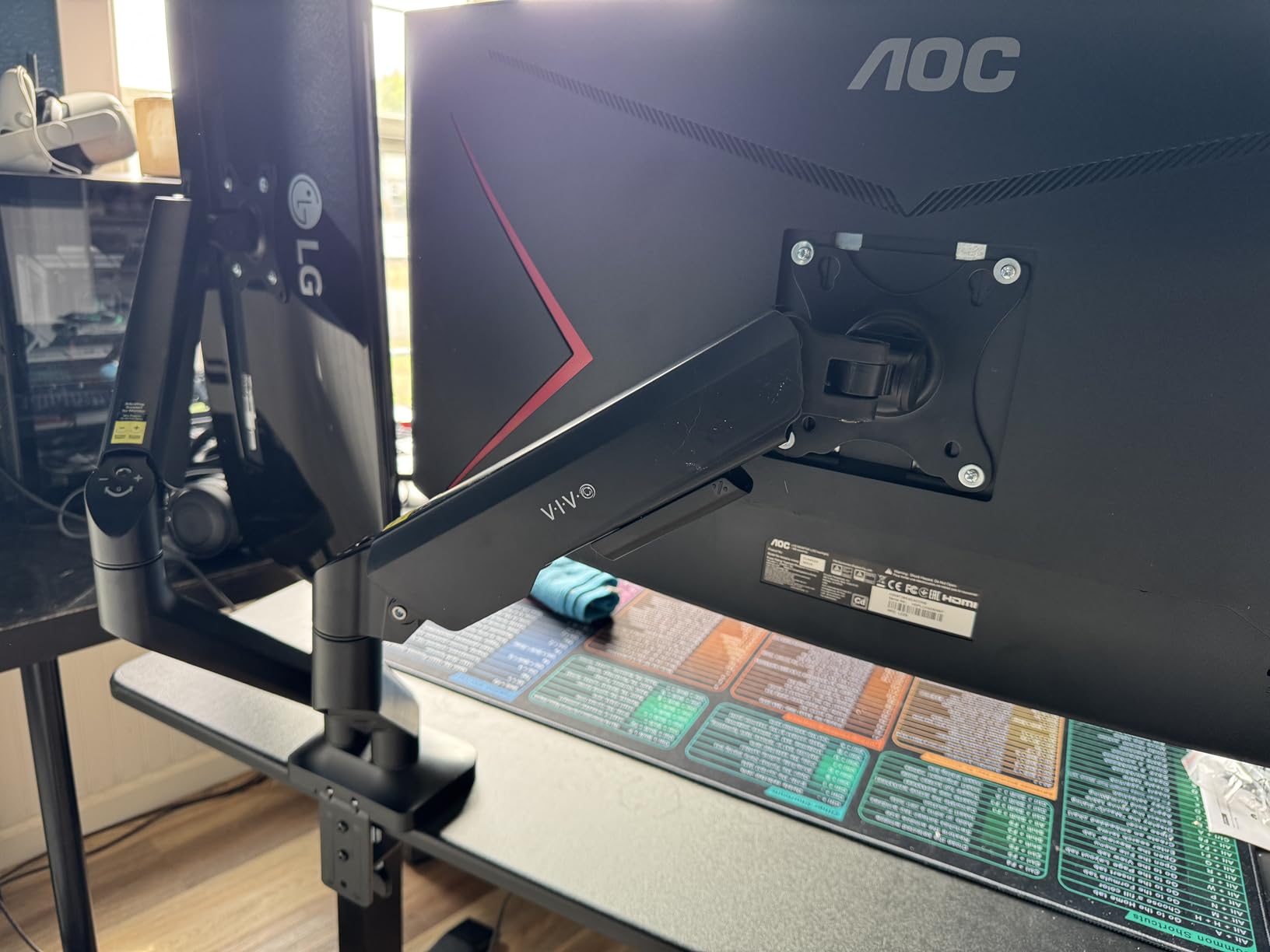
The VIVO Heavy Duty Dual Ultrawide is purpose-built for one specific use case: mounting two massive ultrawide monitors on a single stand. This arm supports dual screens up to 45 inches each, with a 44-pound capacity per arm. With a 4.8-star rating from users, it has earned exceptional marks for its ability to hold heavy dual displays without sagging or shifting. If you are running dual 34-inch ultrawides or even dual 45-inch panels, this is one of the few products that can handle it reliably.
The spring-assist mechanism provides smooth ergonomic adjustments, with 11 inches of height adjustment and a full range of tilt, swivel, and rotation. The detachable VESA plates make mounting and dismounting monitors much easier, especially with large, heavy displays that are awkward to maneuver onto a fixed plate. The integrated cable management covers run the full length of the arms.
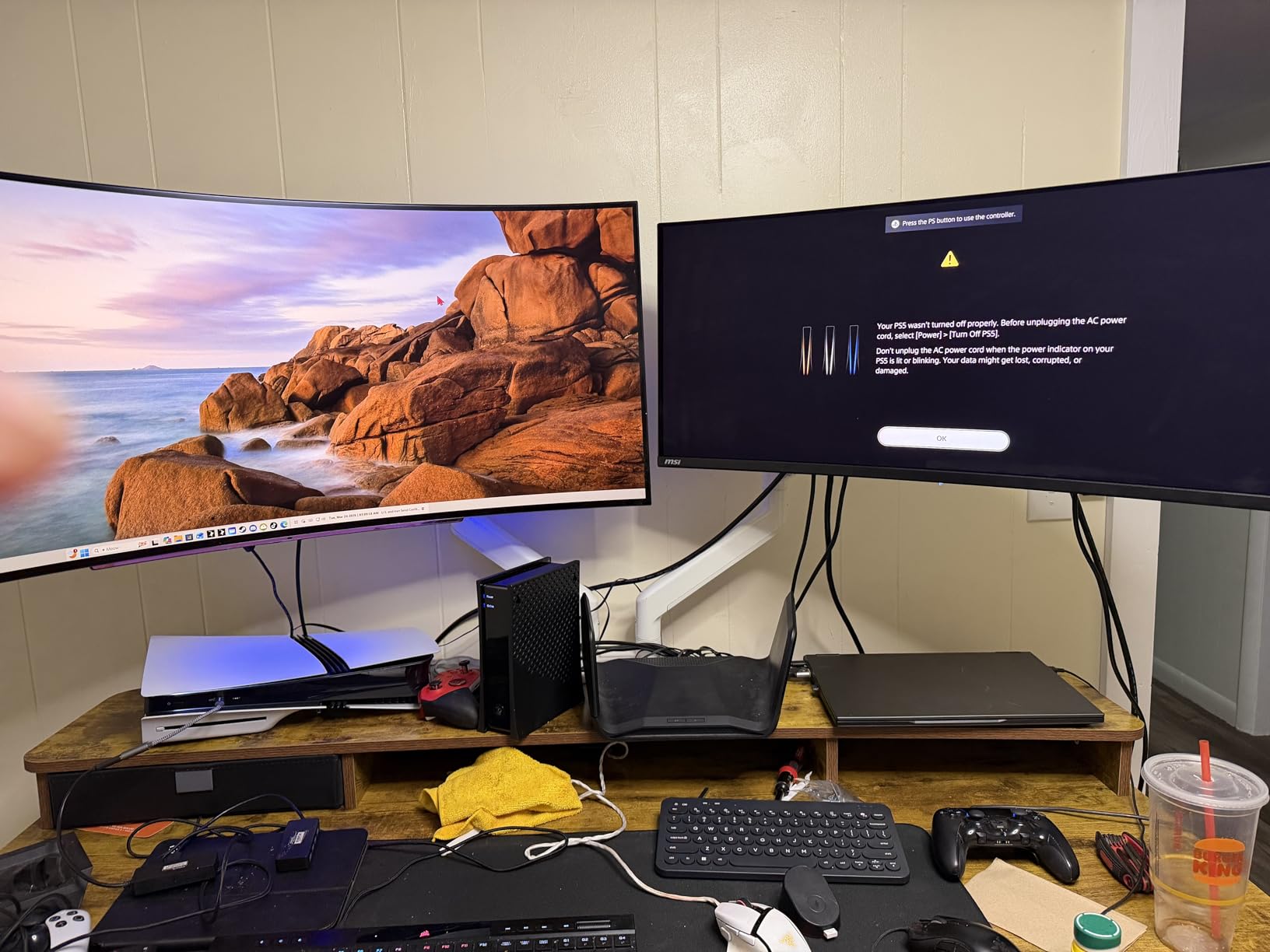
I appreciate that VIVO includes a 3-year warranty and uses a combination of steel, aluminum, and plastic in the construction. The C-clamp fits desks up to 3.2 inches thick, which covers most standing desks and thick wooden desktops. Assembly is straightforward enough that one person can handle it, though having a second person to help lift the monitors into place is always wise with displays this large.
The only real concern is that when both monitors are large ultrawides near the 44-pound limit, you may need to increase the spring tension to its maximum setting. At that level, making fine adjustments becomes more difficult because the springs are fighting back harder. This is a physical limitation of any spring-based arm holding heavy displays, but it is worth knowing about before you buy.
Who Should Buy the VIVO Heavy Duty Dual
This arm is the right choice if you are running dual ultrawide monitors, dual 34-to-45-inch displays, or any heavy dual monitor setup. It is also a great option for standing desk users who need stability through height transitions. The value is hard to beat for the weight capacity and build quality you get.
Who Should Skip It
If you have two standard 24-to-27-inch monitors, this arm is serious overkill in both size and capacity. The arm footprint is large, and it will dominate a smaller desk. Consider the HUANUO FlowLift Dual or ErGear Dual for standard dual setups instead.
13. VIVO Single Ultrawide Monitor Arm – Proven Ultrawide Support

VIVO Single 13 to 38 inch Ultrawide Monitor Arm Desk Mount, Regular Screens up to 32 inches, 22 lbs capacity, Fully Adjustable Stand with C-Clamp and Grommet Base, Black, STAND-V001
13-38 inch monitors
22 lbs capacity
16 inch height adjustment
C-clamp and grommet base
3-year warranty
Pros
- Excellent stability and sturdiness
- Supports ultrawide up to 38 inches
- Easy installation with clear instructions
- Modular design
- Choice of clamp or grommet
Cons
- Limited joint range of motion
- Some QA issues with hardware quality
- 90 degree joint bends limit positioning
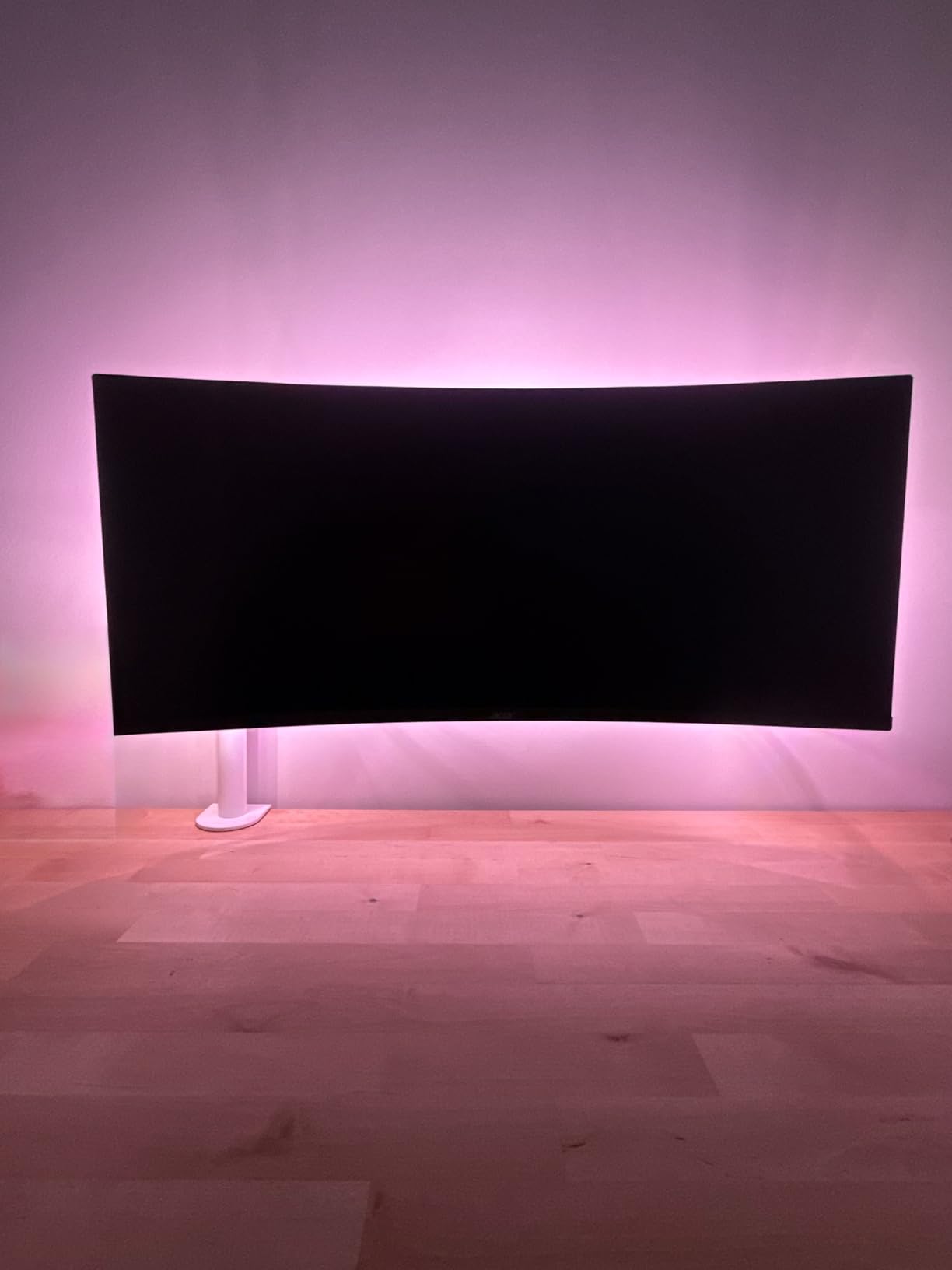
The VIVO Single Ultrawide Monitor Arm has been around for years, and it remains one of the most popular choices for ultrawide monitor owners. With over 20,000 reviews and a 4.5-star rating, it has a proven track record. The arm supports monitors from 13 to 38 inches weighing up to 22 pounds, which covers most ultrawide displays up to the 38-inch class. I tested it with a 34-inch ultrawide and found the stability to be excellent, with no wobble during typing.
One of the things that makes the VIVO popular for multi-monitor setups is its modular design. Many users buy several of these arms to create custom triple or quad monitor configurations, since each arm is independent and can be positioned exactly where needed. The height adjustment reaches 16 inches along the center pole, and you get 360-degree rotation for switching between landscape and portrait orientation.
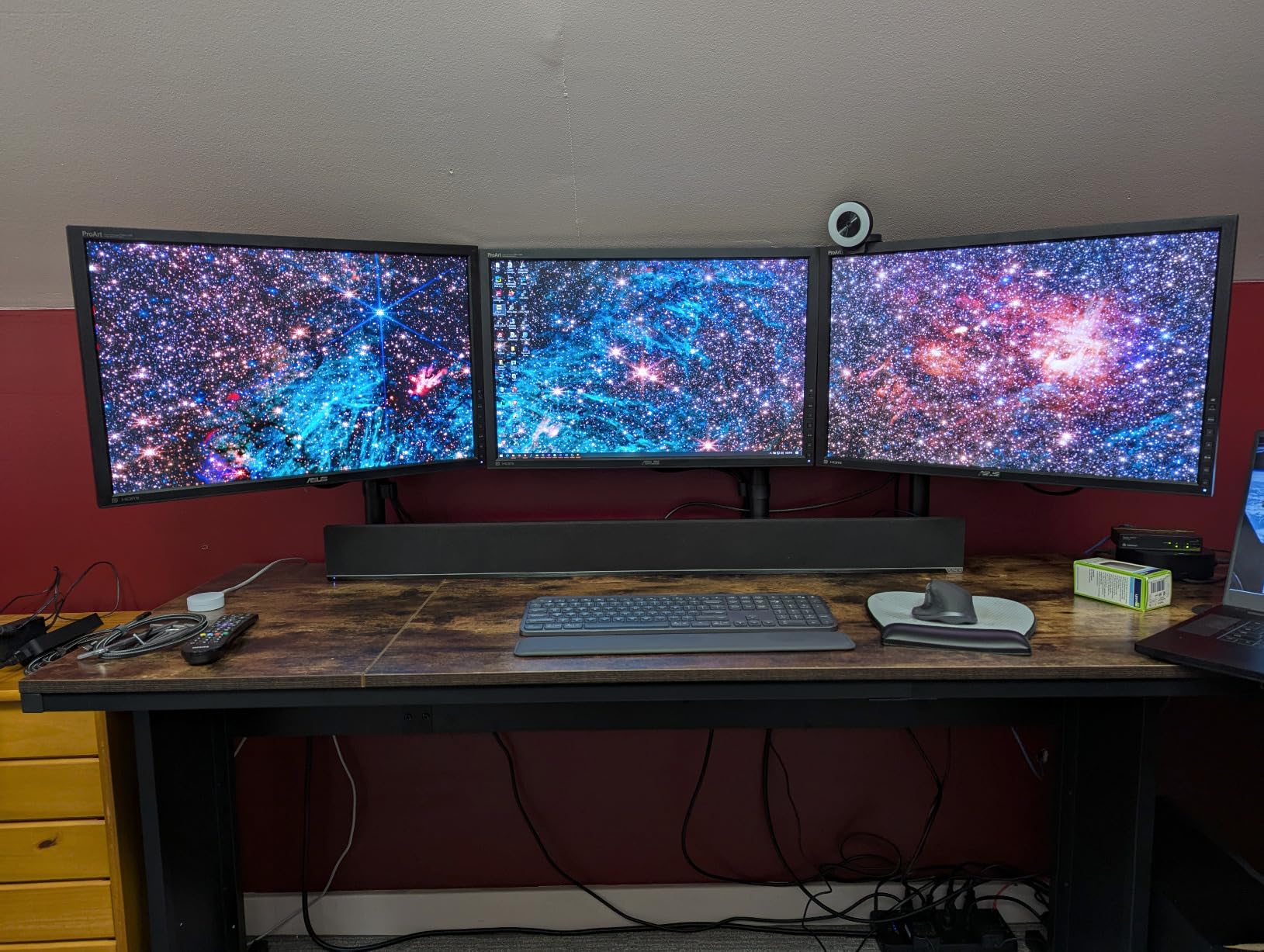
Installation uses either the C-clamp or grommet mount, fitting desks up to 3.25 inches thick. VIVO includes a 3-year warranty, which is solid for the price point. The good cable management system routes cables through the arm, keeping them organized and out of sight. For an ultrawide monitor arm at this price, the overall build quality and stability are hard to beat.
The main limitation is the joint range of motion. The arm joints bend at 90-degree increments rather than offering continuous articulation, which limits how precisely you can position the monitor in certain configurations. Some users have also reported quality control issues with hardware in their boxes, including weld slag on joints and occasionally mismatched screws. These are not universal problems, but they come up enough to mention.
Who Should Buy the VIVO Single Ultrawide
This arm is a strong choice for ultrawide monitor owners with displays between 29 and 38 inches who want proven stability at a reasonable price. It is also ideal for anyone planning a multi-monitor setup using multiple independent arms. The modular approach gives you more positioning flexibility than a multi-arm shared base.
Who Should Skip It
If your ultrawide monitor is larger than 38 inches or heavier than 22 pounds, look at the HUANUO TitanLift instead. The 90-degree joint limitations also make this arm less suitable if you need very precise, continuous angle adjustments for your screen positioning.
14. Amazon Basics Single Monitor Stand – Reliable Budget Option

Amazon Basics Single Computer Monitor Stand with Cable Management, Height Adjustable VESA Desk Arm Mount, Fully Adjustable Tilt and Rotation, Steel, Black, Fits 13-30" Screens
13-30 inch monitors
Up to 22 lbs
Height 7.9-14.2 inches
Cable management through pole
VESA 75x75 and 100x100mm
Pros
- Excellent value
- Sturdy steel construction
- Cables route through vertical pole
- Easy height adjustment lever
- Good range of motion
Cons
- Height range insufficient for some setups
- Assembly instructions confusing
- May require adjustment to prevent droop
- Limited tilt range
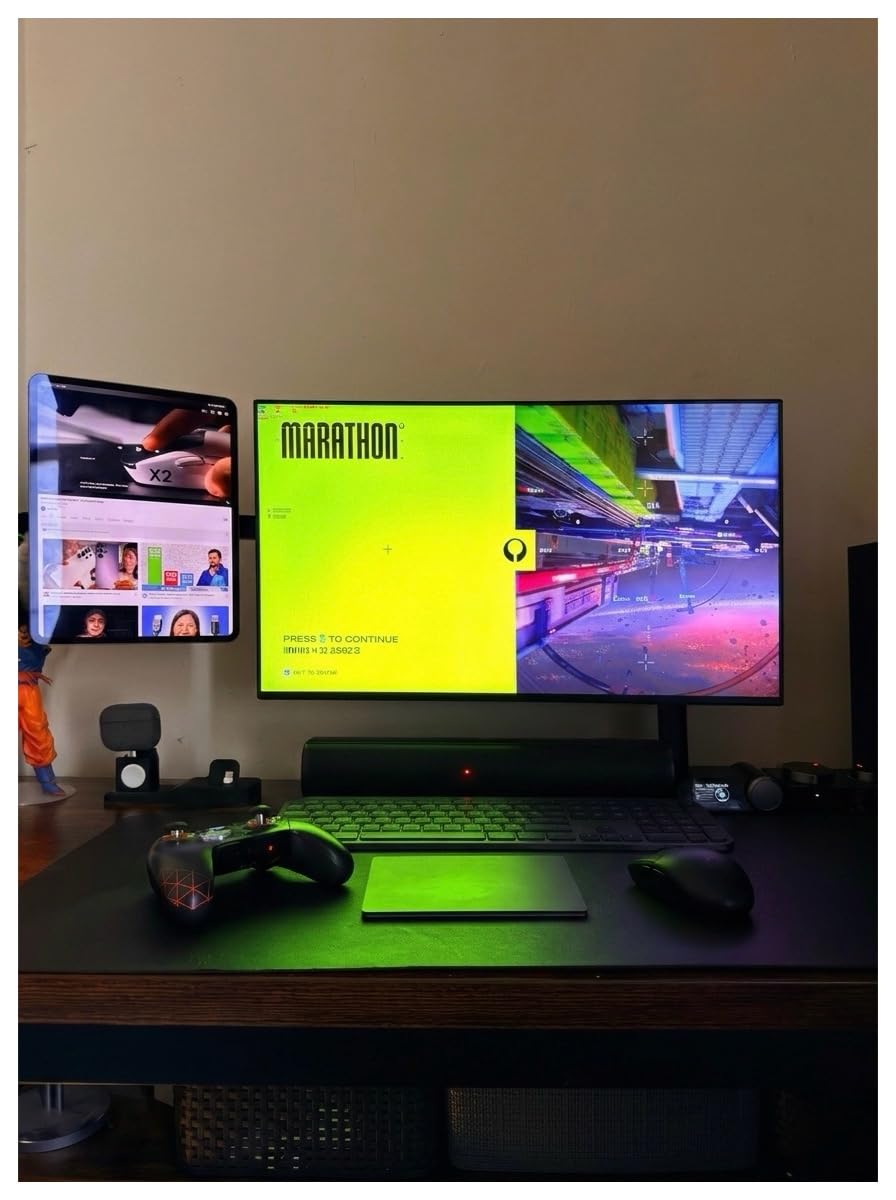
The Amazon Basics Single Monitor Stand is exactly what you expect from the Amazon Basics brand: straightforward, no-frills, and reliable. With over 18,000 reviews and a 4.4-star rating, it is one of the most purchased monitor stands on the market. The steel construction is solid, and the cable routing through the vertical pole is a cleaner solution than clip-on cable management on more expensive arms.
The height adjustment uses a lever mechanism that makes it easy to raise and lower the monitor without tools. The range goes from 7.9 to 14.2 inches, which is enough for most standard desk heights. You get 360-degree rotation for portrait mode and tilt adjustment from -15 to +85 degrees. The C-clamp mounting fits desks from 0.8 to 3.9 inches thick, covering a wide range of desk types.
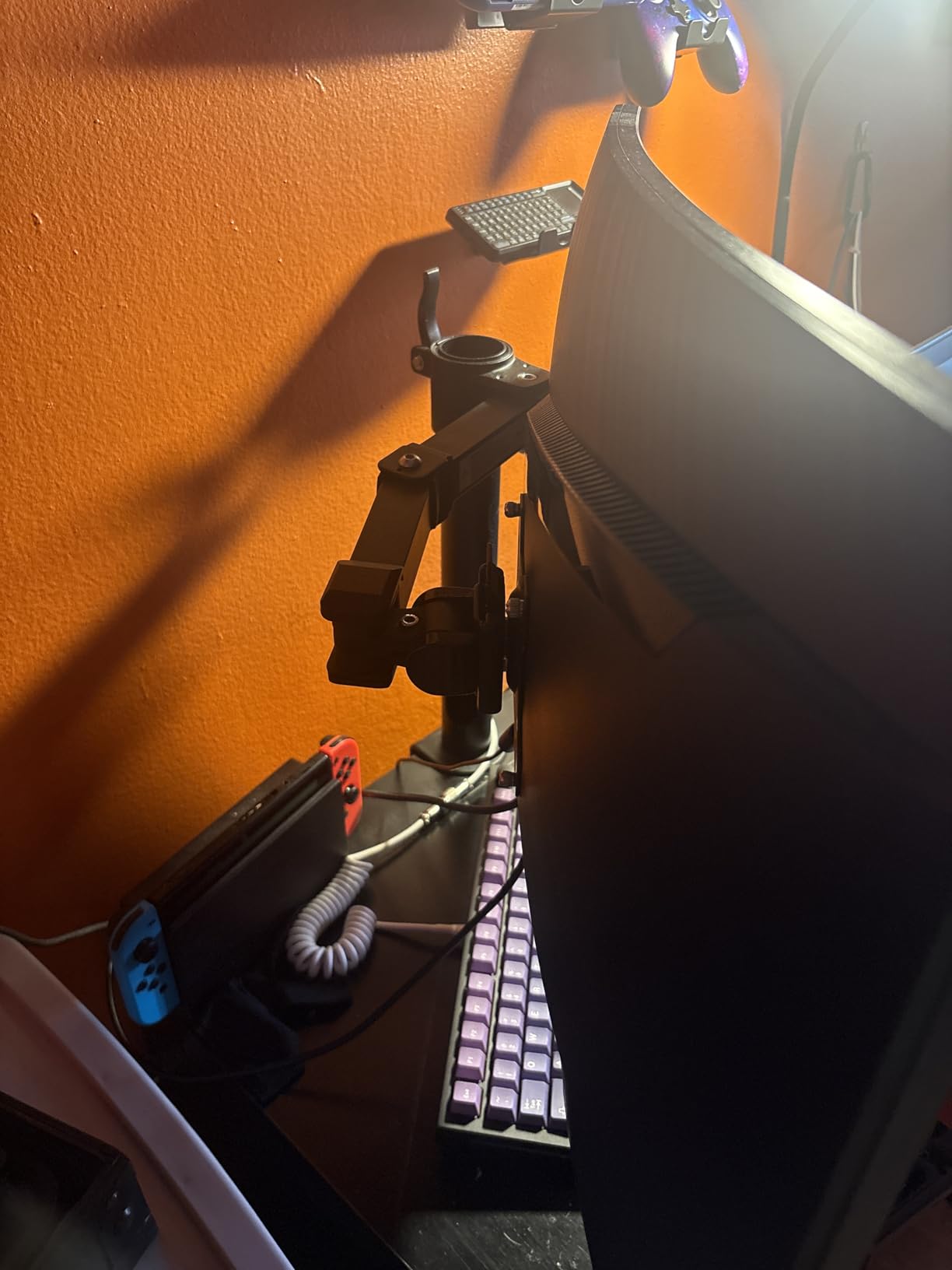
I found the build quality to be genuinely good for the price. There is no gas spring mechanism here; instead, the arm uses a simpler tension system that you adjust manually. This means fewer moving parts that can fail over time, which is a legitimate advantage. Amazon Basics includes a limited 1-year warranty, which is standard for the brand.
The most common complaint is that the height range tops out at 14.2 inches, which is not tall enough for some setups, particularly standing desks or taller users. The assembly instructions are also confusing, with several users reporting that they had to backtrack during installation because the steps were unclear. Some monitors may also develop a slight downward droop over time that requires periodic re-tightening.
Who Should Buy the Amazon Basics Single
This stand is a safe bet if you want a basic, reliable monitor arm from a recognizable brand without spending much. It works well for standard home office setups with monitors up to 30 inches. If you want simple construction with fewer failure points than a gas spring arm, the mechanical design here is actually an advantage.
Who Should Skip It
Skip this stand if you are tall, use a standing desk at full height, or need more than 14.2 inches of monitor lift. The 1-year warranty and limited tilt range also make it less appealing if you need precise ergonomic positioning or long-term coverage.
15. MSI MAG MT101G Gas Spring Monitor Arm – MSI Gaming Aesthetics

MSI MAG MT101G - Gas Spring Single Monitor Stand Arm, Supports 17-32" and 22 lbs, VESA Compatible, Adjustable Gas Spring Mount, Clamp & Grommet, Quick Release Plate – Black
17-32 inch monitors
Up to 22 lbs
Quick release VESA plate
Premium aluminum construction
3-year warranty
Pros
- Excellent premium feel
- Very sturdy with no sag
- Smooth adjustments in all directions
- RGB lighting on some models
- Great cable management
Cons
- Some units arrive used or damaged
- Missing screws reported
- Instruction manual could be clearer
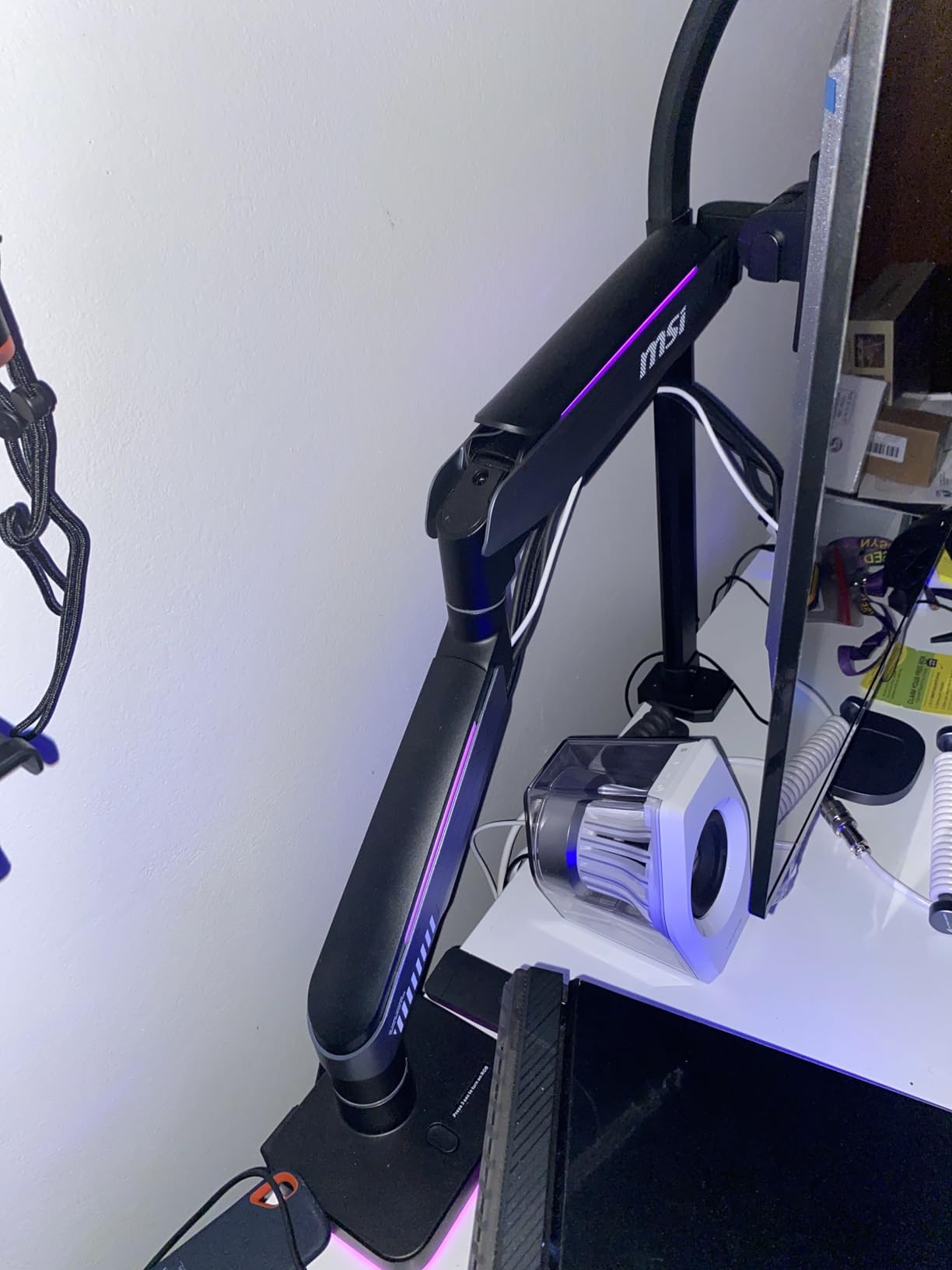
The MSI MAG MT101G is the lighter-duty sibling of the MT201, designed for 17-to-32-inch monitors up to 22 pounds. It brings MSI’s gaming aesthetic and build quality to a more standard monitor arm form factor. The premium aluminum construction feels solid in hand, and the arm holds monitors securely without any sag. Some models include subtle RGB lighting, which is a unique feature in the monitor arm space.
The quick-release VESA plate makes monitor attachment and removal easy, and the arm offers tilt from +80 to -45 degrees, 90-degree swivel in both directions, and rotation up to 180 degrees. The clamp fits desks from 10mm to 75mm thick, and the grommet option supports desks from 10mm to 45mm. MSI covers this arm with a 3-year warranty. The cable management system is well-implemented, keeping cables tidy along the arm structure.
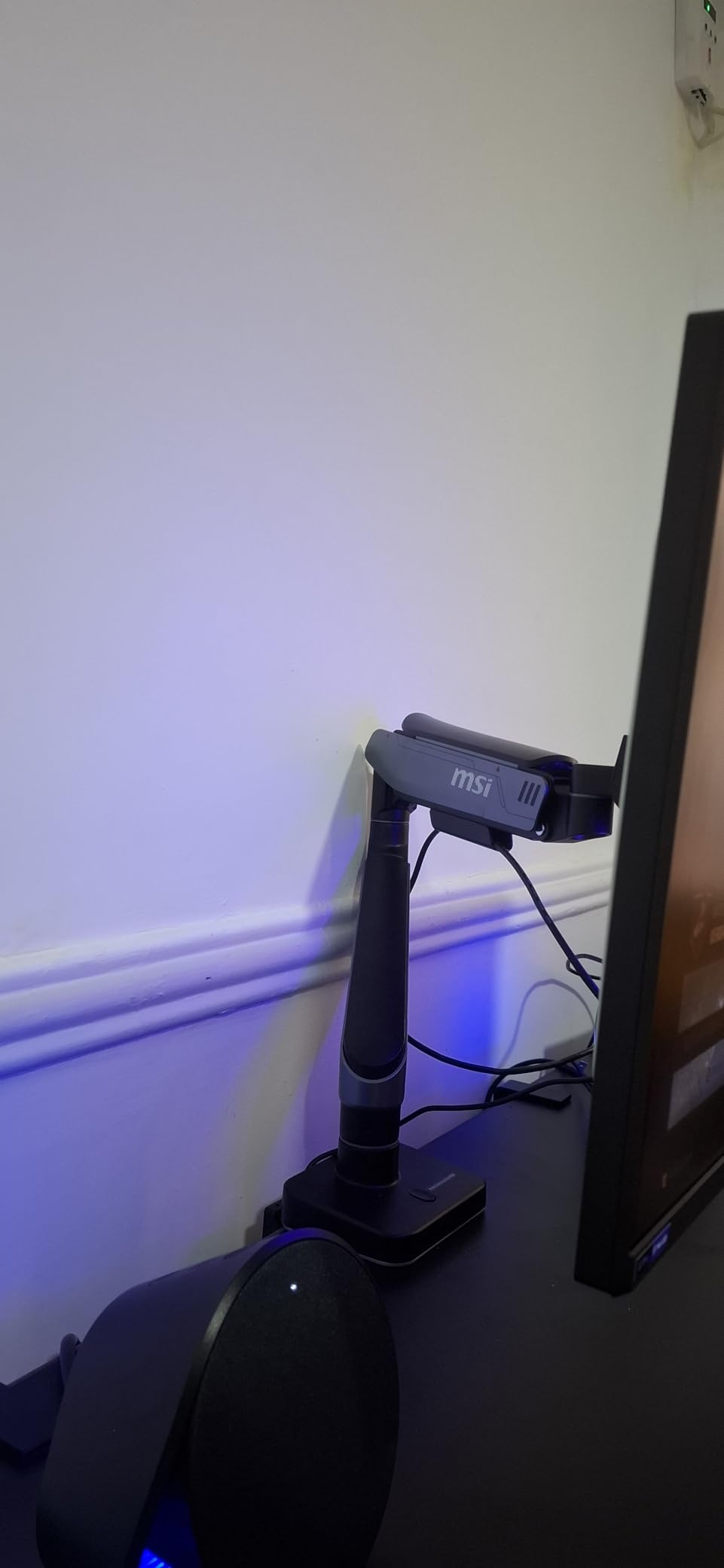
In my testing, the gas spring mechanism was smooth and consistent, holding a 27-inch gaming monitor at any angle without drift. The arm feels every bit as sturdy as the larger MT201, just scaled down for standard monitor sizes. If you have an MSI monitor or other gaming peripherals and want everything to match, the MT101G fits right in aesthetically.
Quality control seems to be the main issue here. Several users have reported receiving units that appeared used or had minor damage, and some have found missing screws in the hardware package. The instruction manual is also not as clear as it should be. These are not problems with the arm’s design or performance, but they can make the initial experience frustrating. MSI needs to tighten up its packaging and QC processes for this product.
Who Should Buy the MSI MAG MT101G
This arm is a good fit for gamers with 17-to-32-inch monitors who want a premium build with gaming aesthetics and optional RGB. If you already own MSI products and want a matching setup, the MT101G completes the look. The 3-year warranty and sturdy construction make it a reliable choice for standard gaming monitors.
Who Should Skip It
If you do not care about gaming branding and just want the best value, the HUANUO FlowLift Single offers similar performance for less. Also look elsewhere if you want a product with flawless quality control out of the box, since the QC complaints are real and consistent enough to warrant caution.
How to Choose the Right Monitor Arm
Picking the right monitor arm comes down to matching a few key specs to your specific setup. I have helped dozens of people choose monitor arms, and the ones who are happiest always start by checking these five things before they buy anything.
VESA Compatibility
VESA is the mounting hole pattern on the back of your monitor. The vast majority of monitor arms support both 75x75mm and 100x100mm patterns, which covers almost every monitor made in the last decade. But some ultra-thin monitors, particularly certain LG and Apple displays, use proprietary mounting systems or do not have VESA holes at all. Check your monitor’s back panel before ordering. If you see four screw holes in a square pattern, you are good to go.
Weight Capacity
This is the single most important specification. Your monitor must fall within the arm’s weight range, not just below the maximum. Gas spring arms need a minimum weight to function properly, so a monitor that is too light can cause the arm to push upward continuously. Most arms specify a range like 4.4 to 19.8 pounds, and your monitor should land somewhere in the middle of that range for the best results. Check your monitor’s actual weight, not its shipping weight, and include any attached accessories like webcams or soundbars.
Mounting Type
Monitor arms attach to your desk in two ways: C-clamp or grommet. C-clamp mounts squeeze onto the edge of your desk and do not require drilling. Grommet mounts pass through a hole in the desk surface and bolt on from underneath. C-clamp is easier to install and remove, but grommet mounting provides more stability for heavier monitors. Check your desk thickness against the arm’s specifications, and make sure there are no cross beams or panels in the way where you plan to mount.
Adjustability Range
Think about how you actually use your monitor. Do you need portrait mode? Make sure the arm offers 360-degree rotation. Do you share your desk with someone shorter or taller? Height adjustment range matters. Do you need to swing the monitor out of the way frequently? Swivel range is key. The best monitor arms offer independent tilt, swivel, rotation, and height adjustment, but budget options sometimes limit one or more of these ranges. Match the arm’s range of motion to your actual daily needs.
Cable Management
Good cable management is the difference between a clean desk and a mess of dangling cords. Look for arms with integrated cable routing channels rather than clip-on guides that fall off over time. The best systems run cables inside the arm structure itself, completely hiding them from view. Budget arms often include adhesive clips or thin plastic guides that do a mediocre job. If cable tidiness matters to you, check user photos to see how well the cable management actually works in practice.
Warranty and Durability
Forum users on Reddit consistently highlight warranty length as a key purchase factor, and I agree. Monitor arms have moving parts that wear over time, especially gas springs that gradually lose tension. A 10-year warranty like the Ergotron LX provides means the manufacturer stands behind the product long-term. Budget arms with 6-month or 1-year warranties may save you money upfront but cost more if you need to replace them in a year or two. If you plan to keep your setup for more than three years, invest in an arm with at least a 3-to-5-year warranty.
Frequently Asked Questions About Monitor Arms
What is the best monitor arm?
The best monitor arm for most people is the HUANUO FlowLift Single for its balance of quality and price. For a premium buy-once option, the Ergotron LX Monitor Arm with its 10-year warranty and exceptional build quality is the top pick. Your best choice depends on your monitor size, weight, budget, and whether you need a single or dual configuration.
Is a monitor arm worth it?
Yes, a monitor arm is worth it for anyone who spends significant time at a desk. It improves ergonomics by letting you position your screen at eye level, which reduces neck and shoulder strain. It also frees up desk space, allows easy adjustment for multiple users, and supports standing desk use. Even a budget arm under $30 provides noticeable improvements over a fixed monitor stand.
Are monitor arms compatible with my monitor?
Most monitors are compatible with monitor arms through the VESA mounting standard. Check the back of your monitor for four screw holes in either a 75x75mm or 100x100mm square pattern. If those holes exist, nearly any monitor arm will work. Some ultra-thin monitors from Apple, LG, or Samsung may require a separate VESA adapter bracket. Also verify your monitor weight falls within the arm’s supported range.
Will a monitor arm damage my desk?
A properly installed monitor arm should not damage your desk. Most arms use a C-clamp or grommet mount with protective padding to prevent surface damage. However, very heavy monitors on thin or hollow desks can cause bowing or marking over time. Use the included reinforcement plate if your arm comes with one, and check that your desk thickness falls within the arm’s specified range. Avoid clamp-mounting on glass desks unless the arm manufacturer specifically supports it.
Do monitor arms wobble?
Some monitor arms wobble more than others. Premium arms like the Ergotron LX are exceptionally stable with minimal wobble during typing. Budget arms may show some wobble, especially at full extension or with heavy monitors. To minimize wobble, choose an arm rated for a weight range that centers your monitor’s weight, avoid extending the arm fully if possible, and consider a grommet mount over a C-clamp for added rigidity.
Final Thoughts on the Best Monitor Arms
Finding the right monitor arm transforms your desk from a cluttered, ergonomically poor workspace into something clean, comfortable, and adjustable. After testing and comparing 15 products across every price point, my top recommendation for most people remains the HUANUO FlowLift Single. It delivers the best balance of build quality, ease of installation, and long-term reliability at a price that makes sense.
For those who want to invest once and never think about it again, the Ergotron LX with its 10-year warranty and professional-grade construction is worth every dollar. And if you are running ultrawide or heavy monitors, the HUANUO TitanLift handles displays up to 49 inches with the kind of stability that large screens demand.
The best monitor arms in 2026 share one thing in common: they let you position your screen exactly where you need it, keeping your neck comfortable and your desk clear. Pick the one that matches your monitor size, weight, and budget, and you will wonder how you worked without one.