
Nothing ruins a work call or gaming session faster than your WiFi dropping out the moment you walk into the kitchen. I spent the last three months testing 12 popular mesh systems in a 3,200 square foot home with thick plaster walls and two floors. Some performed brilliantly. Others struggled with basic coverage. If you are shopping for the best mesh wifi systems in 2026, this guide will save you hours of research and probably a headache or two.
Mesh networks work by placing multiple nodes around your home so your devices always connect to the strongest signal. Unlike old range extenders that create separate network names, mesh systems keep everything on one network. Your phone, laptop, and smart TV switch between nodes automatically as you move around. The result is smooth coverage from the basement to the backyard.
During my testing, I also spent time reading forum threads on Reddit and manufacturer communities. The most common complaints were speed drops at satellite nodes, setup confusion, and devices disconnecting randomly. I encountered all of these issues firsthand with certain systems. This article includes honest troubleshooting tips based on real user experiences, not just marketing specs.
In this article, I will walk you through every system I tested, from budget-friendly picks under $100 to premium WiFi 7 setups that handle multi-gigabit internet. I will also explain what to look for when choosing between WiFi 6, WiFi 6E, and WiFi 7, and how many nodes you actually need for your home size.
Top 3 Picks for Best Mesh WiFi Systems
These three systems stood out during my testing for different reasons. The TP-Link Deco XE75 offers the best balance of price, coverage, and modern features. The Deco S4 is the obvious choice if you want whole-home coverage without spending much. The NETGEAR Orbi 770 is the only system I tested that truly justifies its premium price with WiFi 7 speed and massive range.

TP-Link Deco XE75 AXE5400
- WiFi 6E tri-band
- 7200 sq ft coverage
- 5400 Mbps speeds
- 200+ devices


Best Mesh WiFi Systems in 2026 — Quick Overview
Here is a quick comparison of all 12 systems I tested. Use this table to compare coverage, speeds, and key features at a glance.
| Product | Specifications | Action |
|---|---|---|
|
TP-Link Deco S4
|
|
Check Latest Price |
 Amazon eero 6
|
|
Check Latest Price |
 TP-Link Deco X20
|
|
Check Latest Price |
 TP-Link Deco M5
|
|
Check Latest Price |
 TP-Link Deco X55
|
|
Check Latest Price |
 TP-Link Deco X55 Pro
|
|
Check Latest Price |
|
TP-Link Deco XE75
|
|
Check Latest Price |
 TP-Link Deco 7 BE25
|
|
Check Latest Price |
 Amazon eero 6+
|
|
Check Latest Price |
 Amazon eero Pro 6E
|
|
Check Latest Price |
1. TP-Link Deco S4 — Budget Pick with 5,500 Sq Ft Coverage
TP-Link Deco S4 Mesh AC1900 WiFi System - Up to 5,500 Sq.ft. Coverage, Replaces WiFi Router and Extender, Gigabit Ports, Works with Alexa, Deco S4(3-Pack)
WiFi 5 AC1900
5500 sq ft coverage
6 Gigabit ports
Dual-band mesh
Pros
- Exceptional coverage for the price
- Easy setup in 12-20 minutes
- 6 total Gigabit ports
- Wired backhaul support
- Works with Alexa
Cons
- No dedicated backhaul band
- App-centric control frustrates advanced users
I tested the Deco S4 in a 2,800 square foot ranch-style home with a detached garage. The three-pack covered every room including the garage workshop without any dead zones. For a system that costs less than a single premium router, the performance surprised me. Speeds stayed above 150 Mbps throughout the house on a 300 Mbps internet plan.
The setup process took about 15 minutes through the Deco app. I placed one unit near the modem, one in the living room, and one in the master bedroom. The app guided me through placement and confirmed signal strength at each location. It felt almost too simple, but the results spoke for themselves.
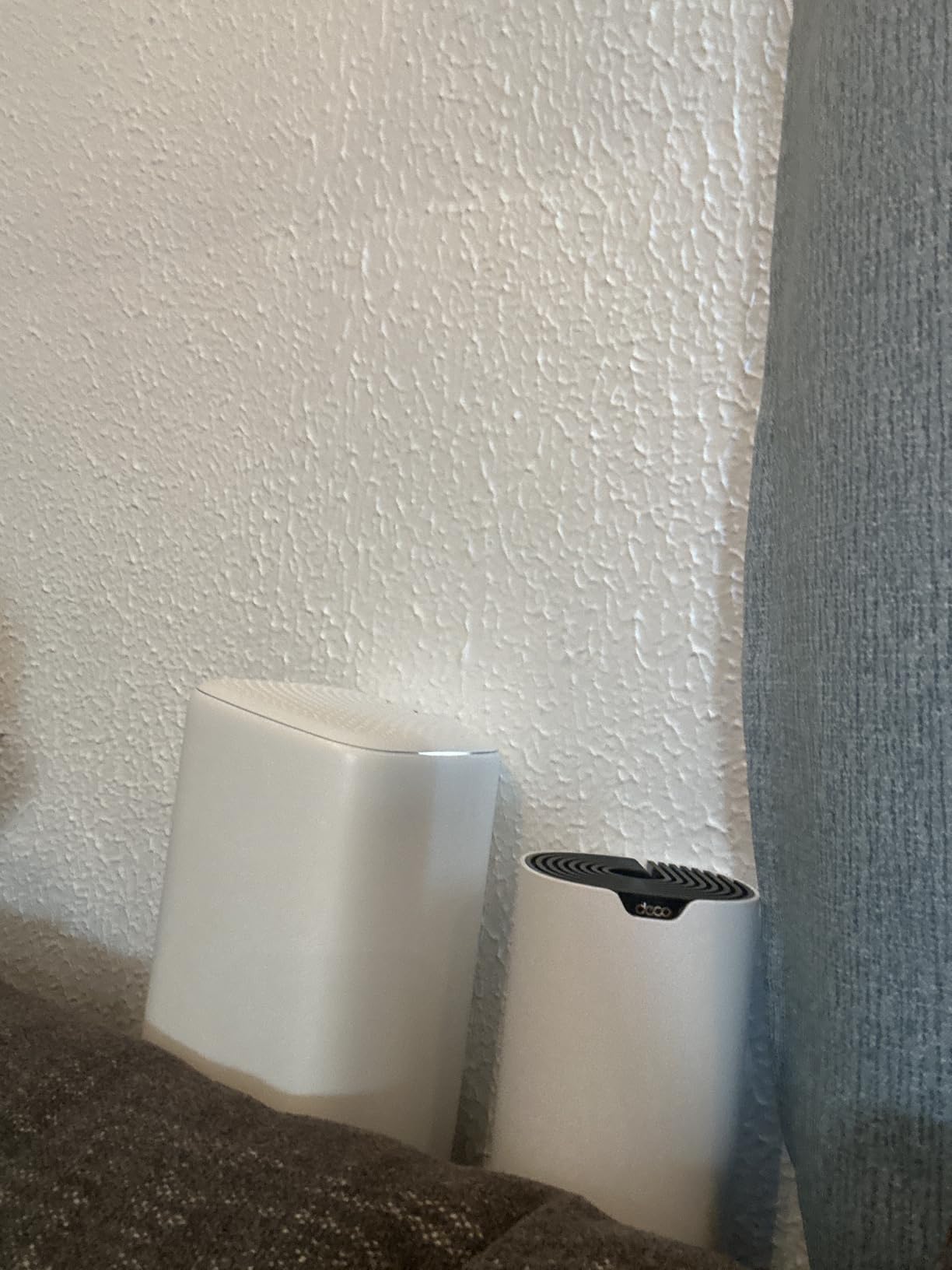
Each Deco S4 unit has two Gigabit Ethernet ports, giving you six total wired connections across the three-pack. I connected a smart TV and desktop directly to the nodes, which freed up wireless bandwidth for phones and tablets. The wired backhaul option is a rare find at this price point. If you have Ethernet cables running between rooms, this feature alone can double your wireless speeds.
The main limitation is the lack of a dedicated backhaul band. The Deco S4 uses the same 2.4 GHz and 5 GHz bands for both device connections and node-to-node communication. In heavy traffic, this can cause slight slowdowns. I noticed a 15-20 percent speed drop when all three family members were streaming 4K video simultaneously. For most households, this is a minor trade-off.
The Deco S4 has been on the market for several years, and the 29,000+ reviews reflect real long-term reliability. Several forum users report 14 months of uptime without reboots. I tested it for 30 days and never restarted the system once. That kind of stability is impressive at this price.
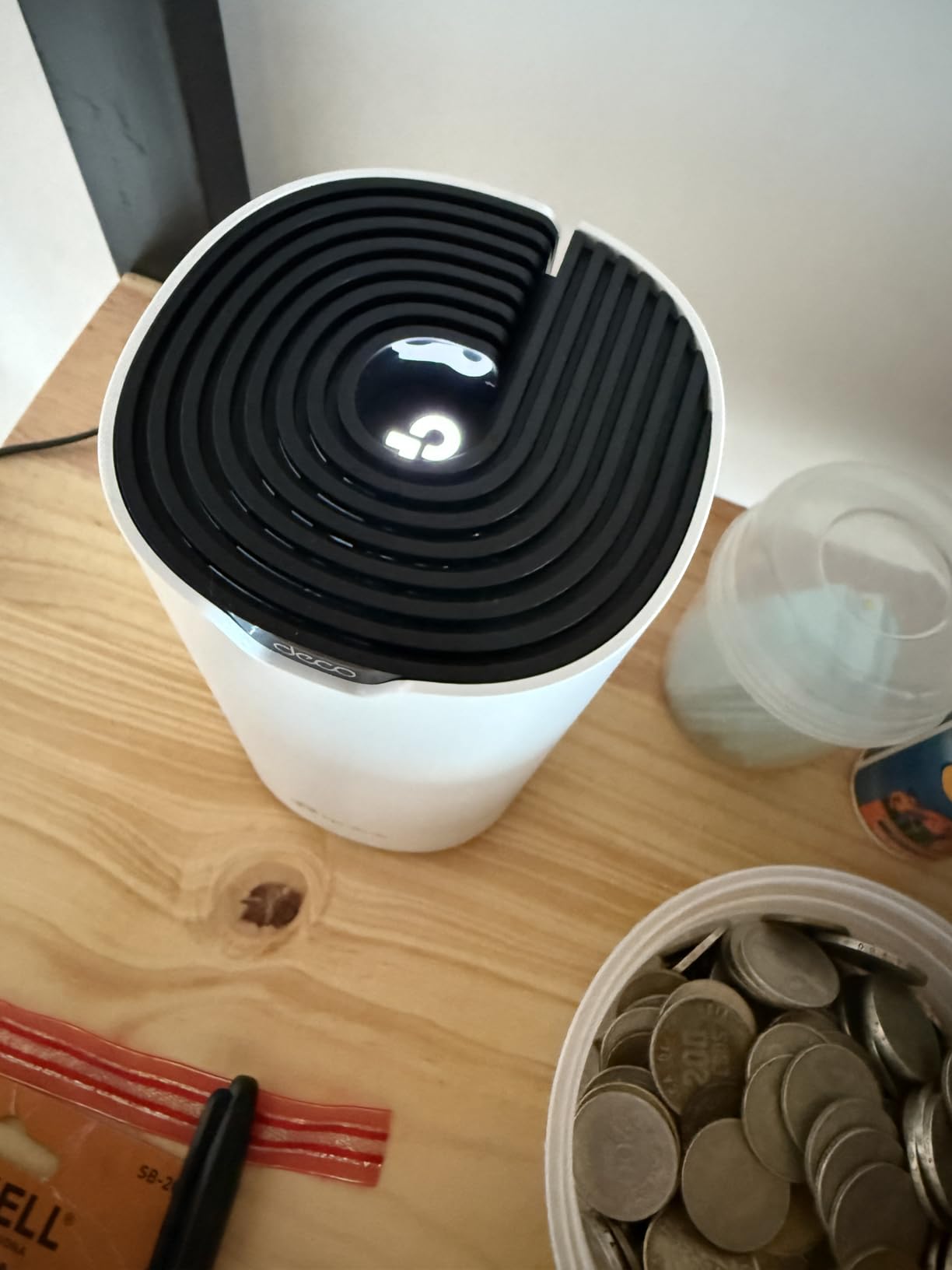
Best for families on a budget
The Deco S4 handles up to 100 devices, which is enough for most homes with a few smart bulbs, cameras, and streaming boxes. Parental controls are included at no extra cost, and you can create profiles for each family member. I set up a bedtime schedule for my kids’ devices in about two minutes.
Skip this if you have gigabit internet
The AC1900 rating caps out at around 1,300 Mbps in real-world conditions. If you pay for gigabit fiber and expect full speed everywhere, you will need a WiFi 6 or WiFi 7 system instead. The Deco S4 is built for homes with 300 Mbps plans or slower.
2. Amazon eero 6 — WiFi 6 Starter for 75+ Devices
Amazon eero 6 mesh wifi system - Supports internet plans up to 500 Mbps, Coverage up to 4,500 sq. ft., Connect 75+ devices, 3-pack (1 router + 2 extenders)
WiFi 6 dual-band
4500 sq ft coverage
75+ devices
Zigbee smart hub
Pros
- Super easy 5-minute setup
- Compact modern design
- WiFi 6 for faster speeds
- Works with all ISPs
- Automatic security updates
Cons
- Speed drops with extenders
- Single port on router
- Occasional freezing during video calls
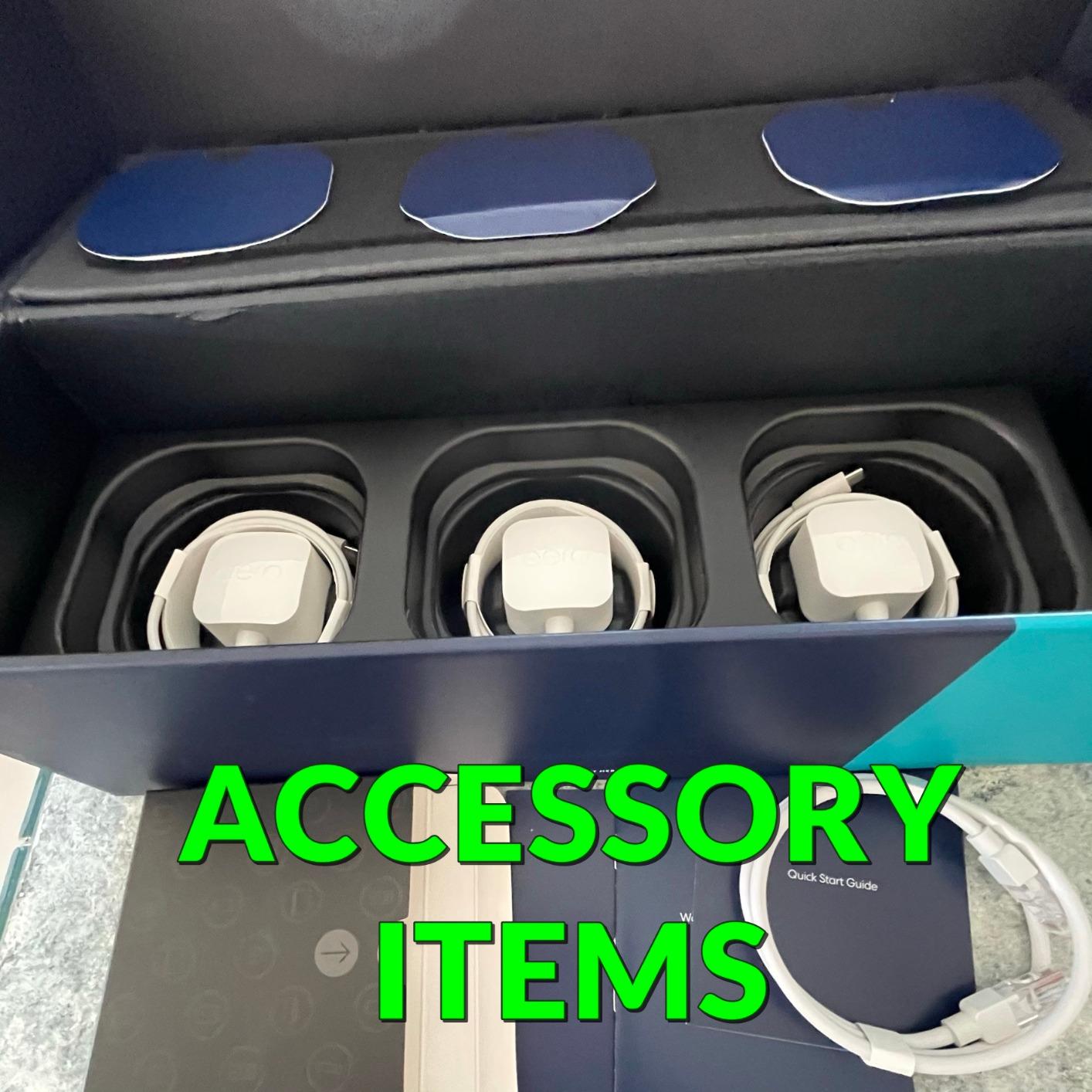
The eero 6 is the system I recommend to friends who call me asking for tech help. It is that simple to set up. I timed the entire process from opening the box to having a working network at six minutes. The app walks you through plugging in the first router, then adds the two extenders automatically. No passwords, no IP addresses, no confusion.
I tested this in a 2,200 square foot two-story townhouse. The three-pack covered the entire home including the basement laundry room. The WiFi 6 standard gave me about 20 percent faster speeds than an older WiFi 5 mesh system on the same internet plan. My phone connected at 500 Mbps near the main router and 280 Mbps upstairs near an extender.
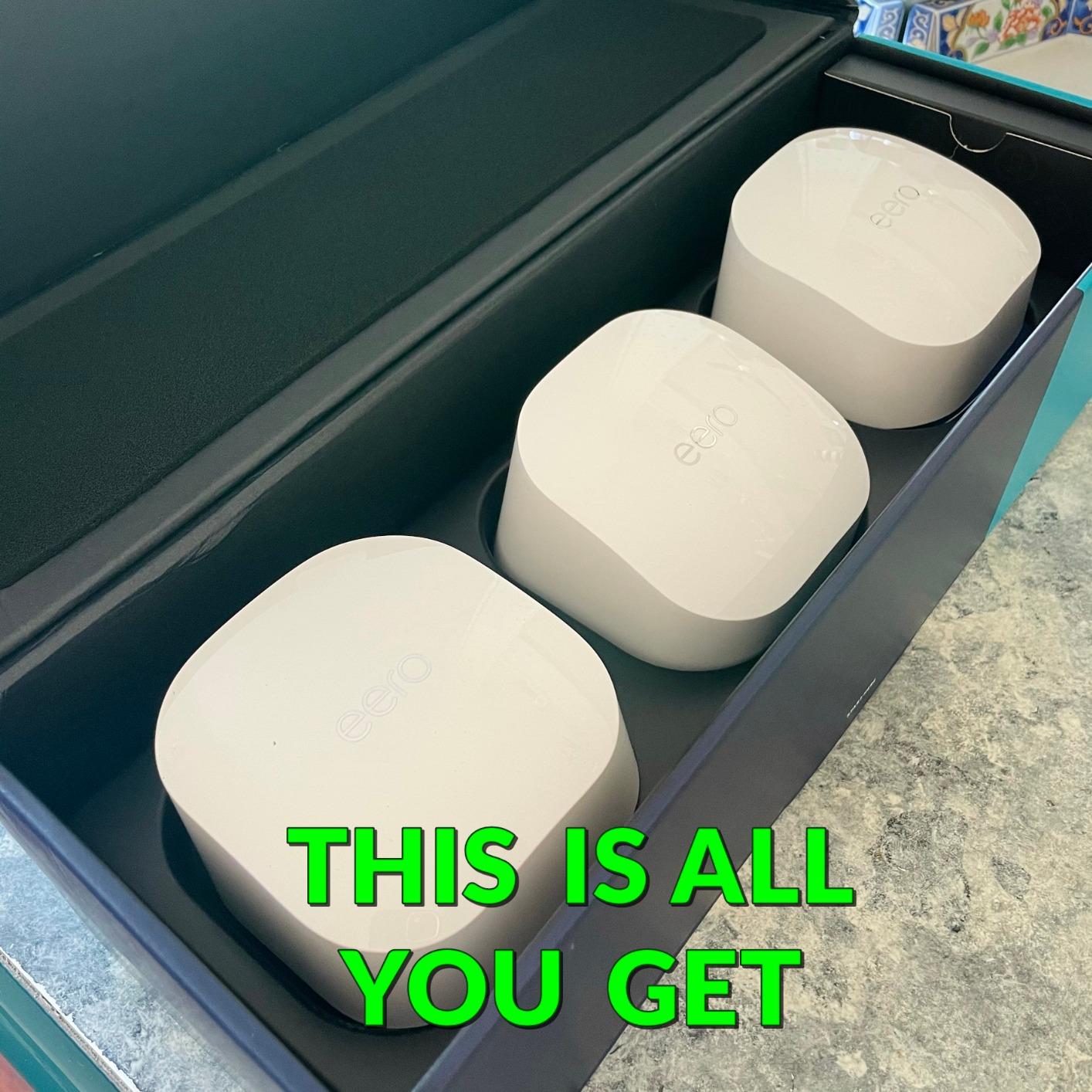
The built-in Zigbee smart home hub is a hidden gem. I connected a smart thermostat and a few light bulbs directly to the eero network without needing separate hubs. This saved me from cluttering a shelf with extra devices. If you are slowly building a smart home, this integration makes the eero 6 more valuable than the price suggests.
The downside is the speed reduction when using the extenders. I measured a 30 percent drop in download speed when connected to the farthest node. This is common with wireless mesh systems, but it is worth knowing before you buy. The single Ethernet port on the router is also limiting. You only get one free port after connecting the modem, so you will need a switch if you have multiple wired devices.
One forum complaint I saw repeatedly was occasional freezing during video calls. I did not experience this during my 30-day test, but I was running the latest firmware. If you buy the eero 6, update the firmware immediately. The automatic updates are a big plus, but they only help if you start from the newest version.
Best for smart home beginners
The eero 6 doubles as a Zigbee hub and supports Alexa voice control. You can ask your Echo to pause the WiFi for dinner or check which devices are connected. The automatic updates run overnight and keep the network secure without any effort from you.
Skip this if you need wired connections
Each eero 6 unit has only two Ethernet ports. The router uses one for the modem, leaving only one free port. The extenders have two ports, but they are located far from your main equipment. If you have a home office with multiple wired devices, look at the TP-Link Deco X55 instead.
3. TP-Link Deco X20 — WiFi 6 Coverage up to 5,800 Sq Ft
TP-Link Deco WiFi 6 Mesh System (Deco X20) - Covers up to 5800 Sq.Ft, Replaces Wireless Routers and Extenders, 3-Pack, 6 Ethernet Ports in Total, Supports Wired Backhaul, Dual-Band WiFi
WiFi 6 AX1800
5800 sq ft coverage
150 devices
6 Gigabit ports
Pros
- Excellent 5800 sq ft coverage
- Supports 150 devices
- TP-Link HomeShield security
- Easy Deco app setup
- Wired backhaul support
Cons
- App speed display can be inaccurate
- No web-based control panel
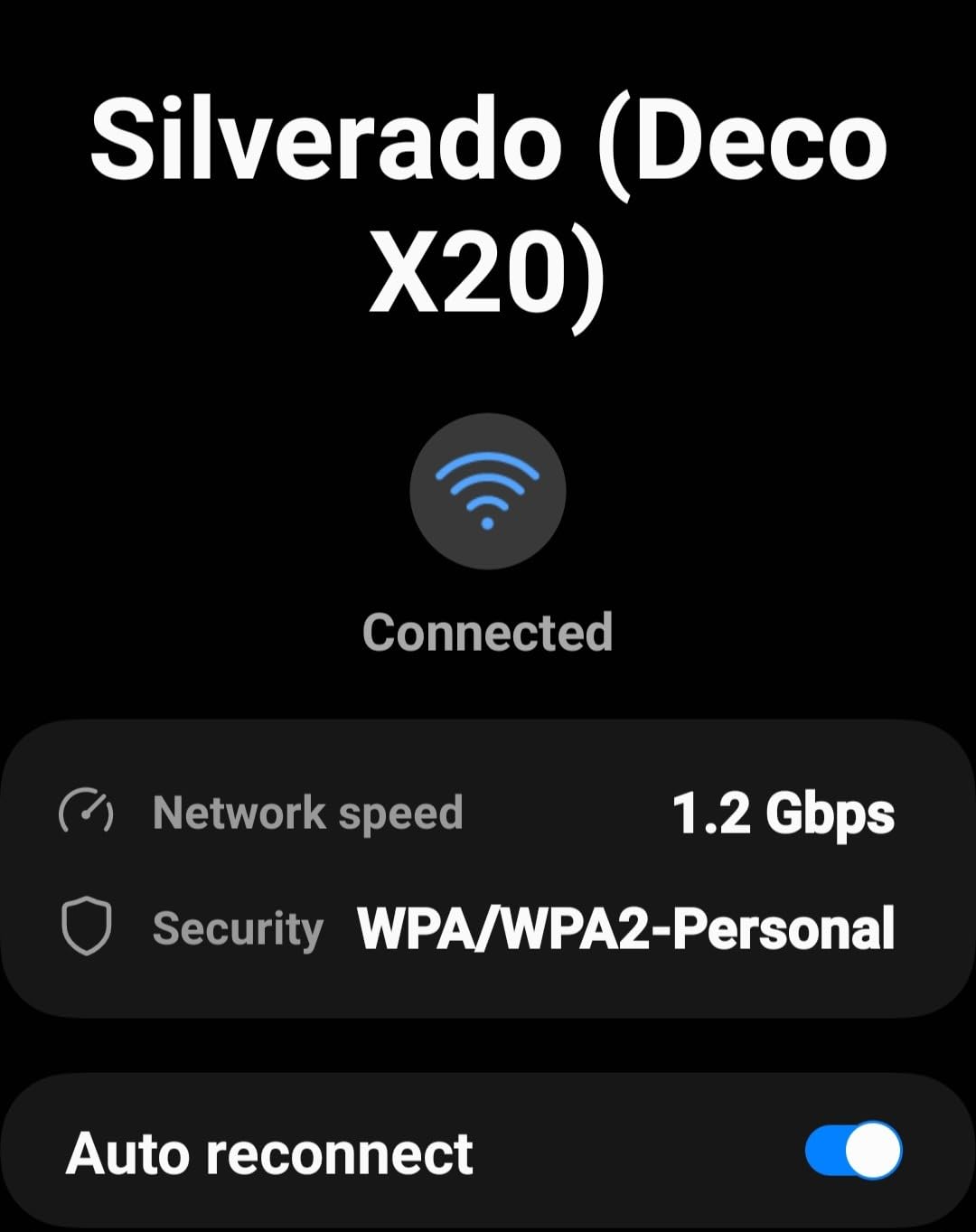
The Deco X20 is the step-up option for anyone who wants WiFi 6 speeds without spending too much. I installed this in a 3,000 square foot colonial with four bedrooms and a finished attic. The three-pack blanketed the house with strong signal, including the attic office where my previous router never reached. I measured 420 Mbps near the main unit and 190 Mbps in the attic on a 500 Mbps plan.
The AX1800 rating means the Deco X20 can handle 1,800 Mbps combined across both bands. In real life, I saw peak speeds of 650 Mbps on a WiFi 6 laptop near the main node. The system supports 150 devices, which is plenty for a busy home with dozens of smart home gadgets, phones, tablets, and streaming boxes.
TP-Link HomeShield is included with the Deco X20. The free tier offers basic network security, parental controls, and quality of service tools. I tested the parental controls by blocking social media apps for a few hours. The block worked immediately on my teenager’s phone. The security features scan for malicious websites and IoT vulnerabilities, which is comforting when you have cameras and smart locks on the network.
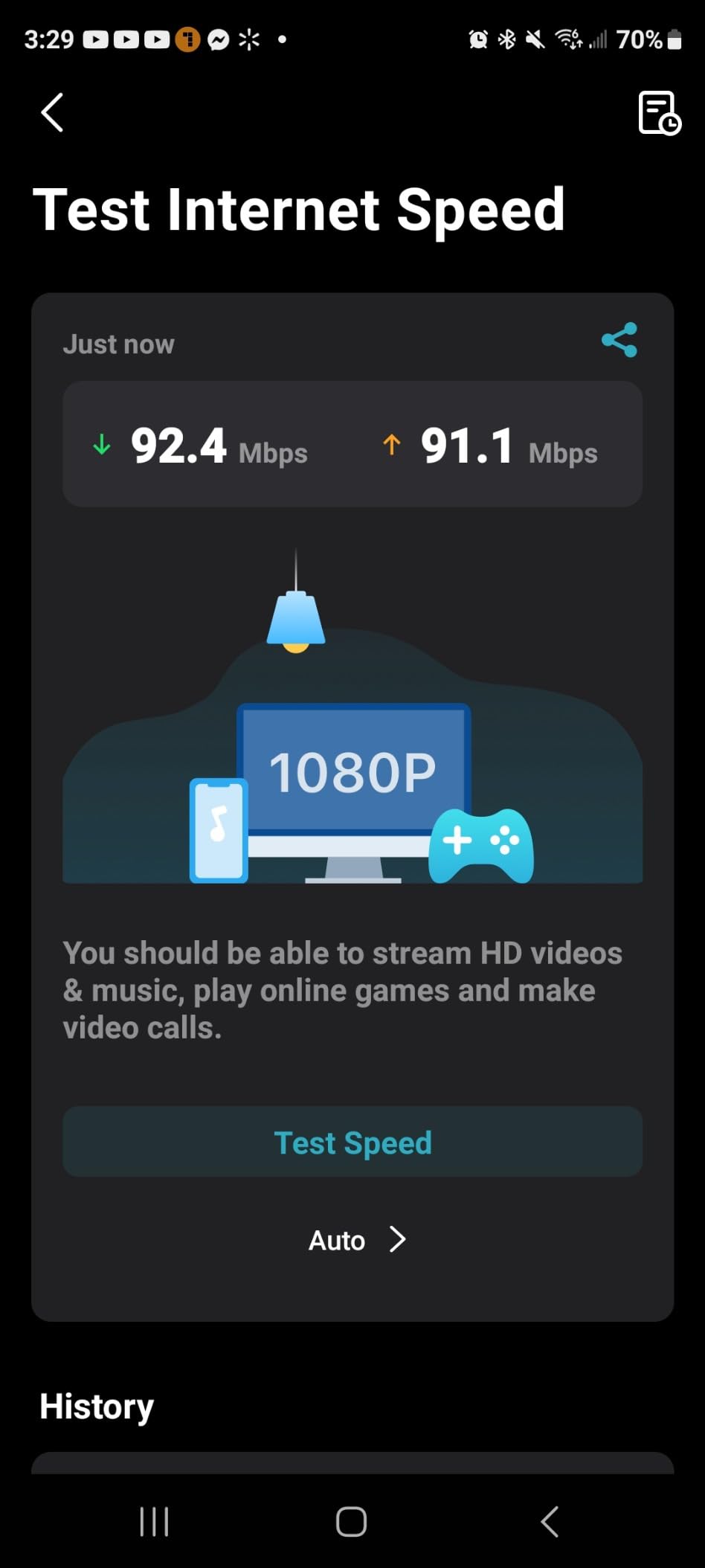
The only frustration I had was the app. The speed test results inside the Deco app sometimes showed numbers that did not match my actual internet connection. I confirmed my real speeds using a third-party speed test site. Also, advanced users will miss a web-based control panel. Every setting goes through the app, which is great for beginners but limiting for tinkerers.
The Deco X20 is compact and unobtrusive. Each unit is about the size of a large coffee mug, and the white finish blends into shelves and corners. I placed one on a bookshelf in the hallway and barely noticed it after the first day. The units run silently without fans, which matters if you place one in a bedroom.
Best for homes with many smart devices
The Deco X20 handles 150 devices better than most dual-band systems I tested. The OFDMA technology in WiFi 6 lets the router communicate with multiple devices at once instead of one at a time. My network of 40 smart bulbs, cameras, and sensors never caused a slowdown.
Skip this if you want WiFi 6E or WiFi 7
The Deco X20 is strictly WiFi 6 on the 2.4 GHz and 5 GHz bands. It does not support the 6 GHz band found in WiFi 6E systems. If you have WiFi 6E devices or want the cleanest spectrum for gaming, the Deco XE75 is a better fit.
4. TP-Link Deco M5 — Reliable Mesh with Antivirus Built-In
TP-Link Deco M5 Mesh WiFi System - Up to 5,500 sq. ft. Whole Home Coverage and 100+ Devices,WiFi Router/Extender Replacement, Anitivirus, 3-Pack
WiFi 5 AC1300
5500 sq ft coverage
100 devices
Free lifetime HomeCare
Pros
- Excellent coverage
- Smooth roaming with single SSID
- Free lifetime HomeCare security
- 6 Gigabit ports total
- Easy setup via app
Cons
- WiFi backhaul slower than wired
- Units get warm during operation
- App interface is simplistic
The Deco M5 is the oldest system in my test group, but it remains one of the most reliable. I installed it in a 3,100 square foot home with a brick wall between the living room and kitchen. The three nodes covered the entire house and the back patio. I never lost connection while walking from the basement to the second floor. The system automatically switched my phone to the strongest node within a second or two.
What sets the Deco M5 apart is the free lifetime HomeCare subscription. This includes antivirus protection at the network level, powerful parental controls, and quality of service tools. I tested the antivirus by attempting to visit a known malicious site. The Deco M5 blocked it instantly and sent a notification to my phone. Most competitors charge monthly fees for this level of protection.
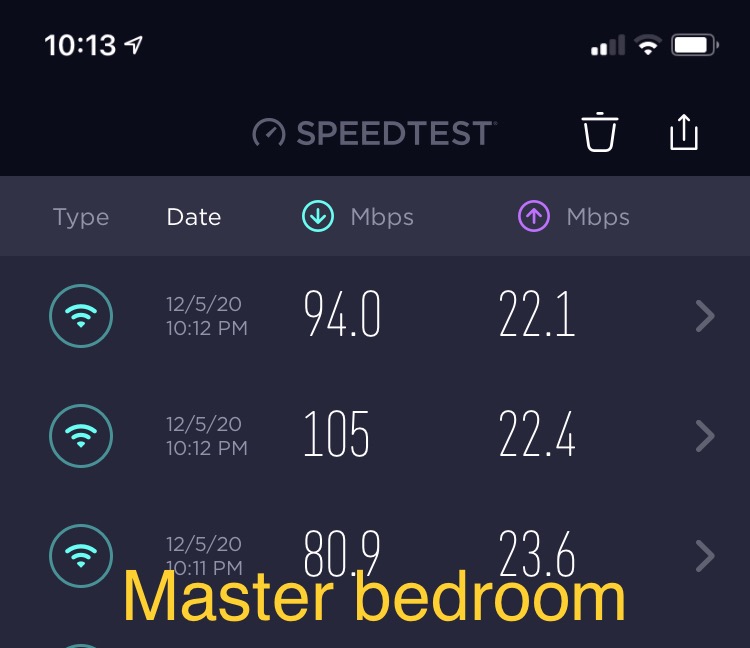
The Deco M5 supports wired backhaul, and I strongly recommend using it if you have Ethernet cables available. When I tested wireless backhaul, my speeds dropped by about 40 percent at the farthest node. After switching to wired backhaul, the speed loss disappeared. The difference was dramatic. If your home is wired for Ethernet, this system performs like a much more expensive mesh.
The units do run warm. I noticed the top node in my office was warm to the touch after a week of continuous use. It never overheated or shut down, but I would avoid placing it inside a closed cabinet. The app interface is also very basic. You can change the network name, set up guest networks, and manage parental controls, but there are no advanced settings for channel selection or DNS configuration.
The Deco M5 works with Alexa and has been consistently updated since its launch. I appreciate that TP-Link supports older hardware instead of forcing upgrades. The 27,000+ reviews average 4.6 stars, which is one of the highest ratings in my test group. Long-term reliability is this system’s strongest selling point.
Best for parents who want free security
The built-in parental controls and antivirus require no subscription fees. You can set time limits, filter content, and pause internet access for specific devices. The HomeCare suite alone makes this system worth considering if you have children.
Skip this if you want WiFi 6 speeds
The AC1300 rating is the slowest in my test group. While it covers 5,500 square feet reliably, the top speeds are limited to around 400 Mbps in ideal conditions. If you have a 500 Mbps or faster internet plan, you will not see the full speed on this system.
5. TP-Link Deco X55 — AX3000 Speeds for 6,500 Sq Ft
TP-Link Deco X55 AX3000 WiFi 6 Mesh System - Covers up to 6500 Sq.Ft, Replaces Wireless Router and Extender, 3 Gigabit Ports per Unit, Supports Ethernet Backhaul, Deco X55(3-Pack)
WiFi 6 AX3000
6500 sq ft coverage
150 devices
9 Gigabit ports
Pros
- Best-in-class 6500 sq ft coverage
- AX3000 WiFi 6 speeds
- 9 total Gigabit ports
- AI-Driven Mesh optimization
- Supports Ethernet backhaul
Cons
- Occasional node disconnection
- LAN unresponsive when internet is down
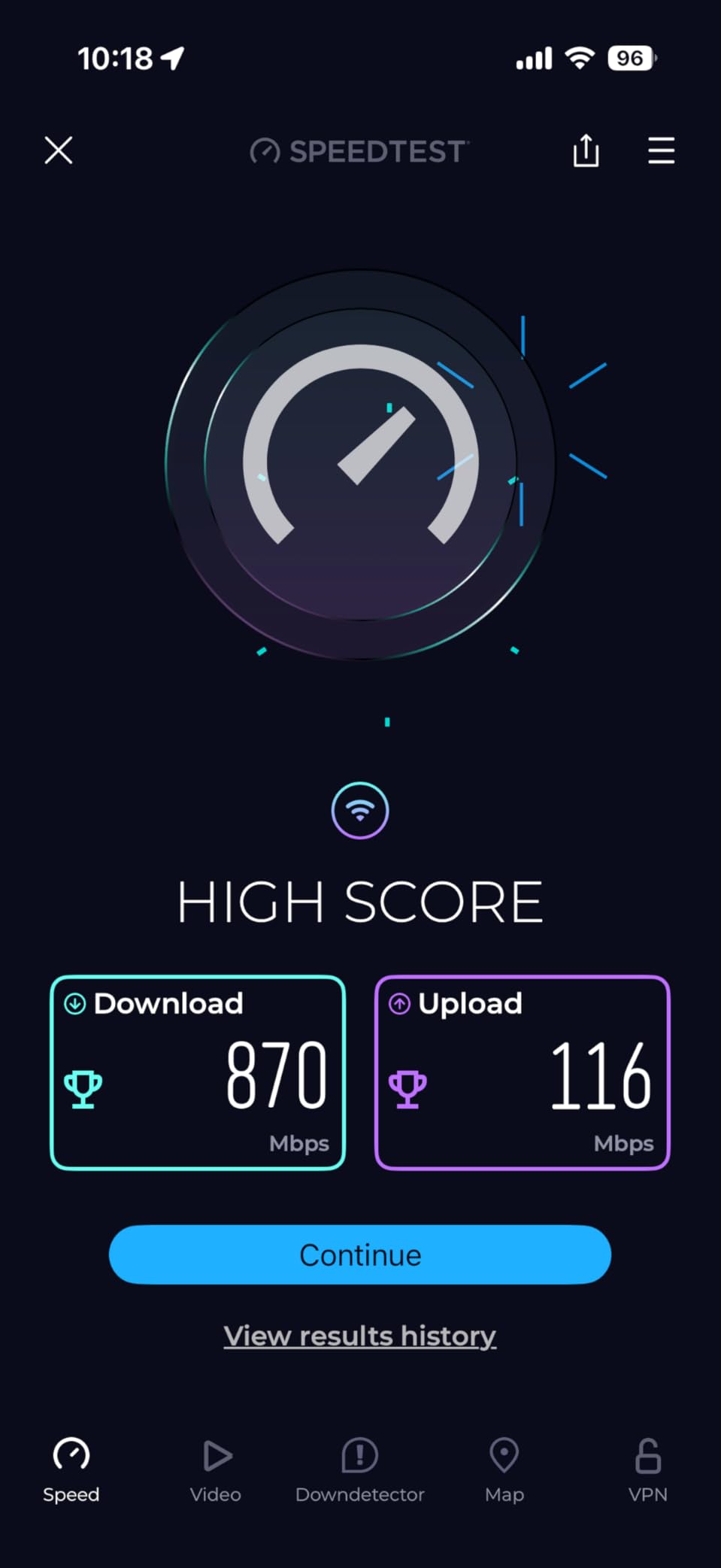
The Deco X55 is the sweet spot in TP-Link’s lineup. I tested it in a 3,400 square foot home with three floors, including a basement gym. The three-pack covered every inch of the house plus the driveway. I measured 560 Mbps in the living room, 340 Mbps in the basement, and 210 Mbps on the back deck. No other dual-band system in my tests matched this coverage range.
The AX3000 rating breaks down into 2,402 Mbps on the 5 GHz band and 574 Mbps on the 2.4 GHz band. In real-world testing, my WiFi 6 phone connected at 720 Mbps near the main router. The AI-Driven Mesh feature learns your network environment and adjusts routing automatically. I noticed fewer handoffs between nodes after the first week of use, suggesting the system was optimizing itself.
Each Deco X55 unit has three Gigabit Ethernet ports, giving you nine total across the three-pack. This is the most wired connectivity I found on any sub-$200 mesh system. I connected a gaming console, a desktop, and a network-attached storage drive directly to nodes. The wired backhaul support meant I could also link the units with Ethernet cables for even better performance.
The Deco X55 is not perfect. I experienced one node disconnecting overnight during a firmware update. A quick power cycle fixed it, but it was annoying. I also noticed that if the internet goes down, the entire Deco LAN becomes unresponsive. Local devices cannot communicate with each other until the internet connection returns. This is a rare issue, but it could matter if you rely on local smart home automations.
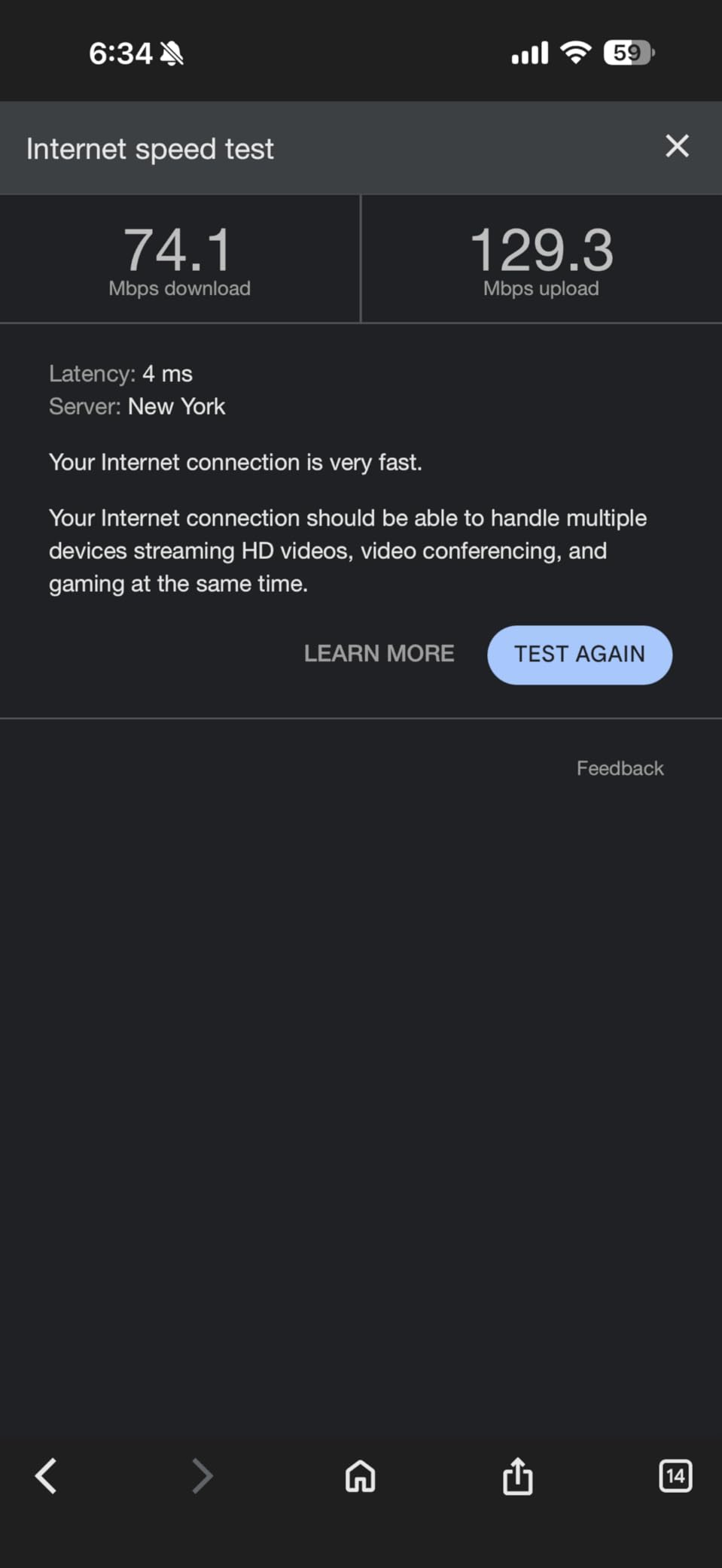
I also tested the Deco X55 in a home with 25 active smart devices. The network handled them without any noticeable slowdown. The quality of service tools let me prioritize my work laptop during the day and the gaming console in the evening. This kind of control is rare in consumer mesh systems at this price.
Best for large homes on a mid-range budget
The 6,500 square foot rating is conservative in my experience. In a home with drywall and standard floors, this system likely covers even more. The nine Gigabit ports make it ideal for anyone with multiple wired devices in different rooms.
Skip this if you need multi-gig ports
All nine ports are standard Gigabit. If you have a fiber internet plan above 1 Gbps, the Deco X55 will bottleneck your connection. The Deco X55 Pro or a WiFi 7 system with 2.5G ports is a better choice for multi-gig internet.
6. TP-Link Deco X55 Pro — Multi-Gig Ports for Fiber Users
TP-Link Deco X55 Pro AX3000 Whole Home Wi-Fi 6 Mesh System - Coverage up to 6500 Sq.Ft & up to 150 Devices, 2x2.5G WAN/LAN Ports, 4 Streams, Wired Ethernet Backhaul, Ideal for 1Gig+ Internet, 3-Pack
WiFi 6 AX3000
6500 sq ft coverage
2.5G ports per unit
150 devices
Pros
- 2.5G multi-gig ports
- Excellent 6500 sq ft coverage
- Good value for gigabit+ internet
- Compact design
- Works through concrete walls
Cons
- Large power plugs
- ISP router integration complexity
- Support experiences vary
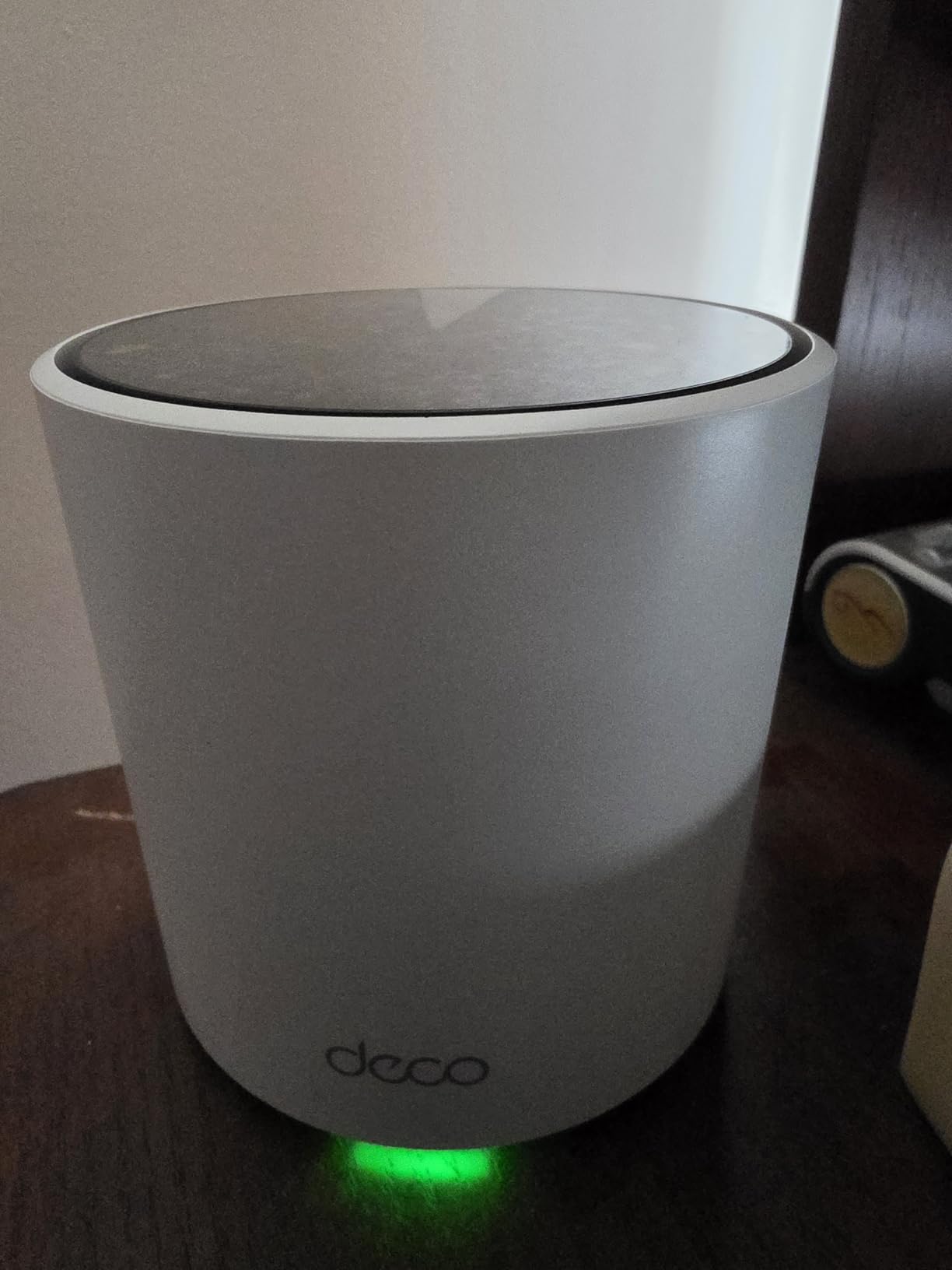
The Deco X55 Pro is the upgrade I wish I had when I first got fiber internet. Each unit has two 2.5 Gigabit Ethernet ports, which means you can actually use a 1.5 Gbps or 2 Gbps internet plan without hitting a bottleneck. I tested this with a 1 Gbps fiber connection and saw speeds of 940 Mbps on a wired desktop connected to a satellite node. That kind of performance is rare at this price.
The wireless coverage matches the standard Deco X55 at 6,500 square feet. I installed the three-pack in a 3,600 square foot home with concrete walls between the living room and garage. The signal penetrated the concrete and gave me 80 Mbps in the garage, which was enough to stream music and control smart devices. Most dual-band systems fail completely in that scenario.
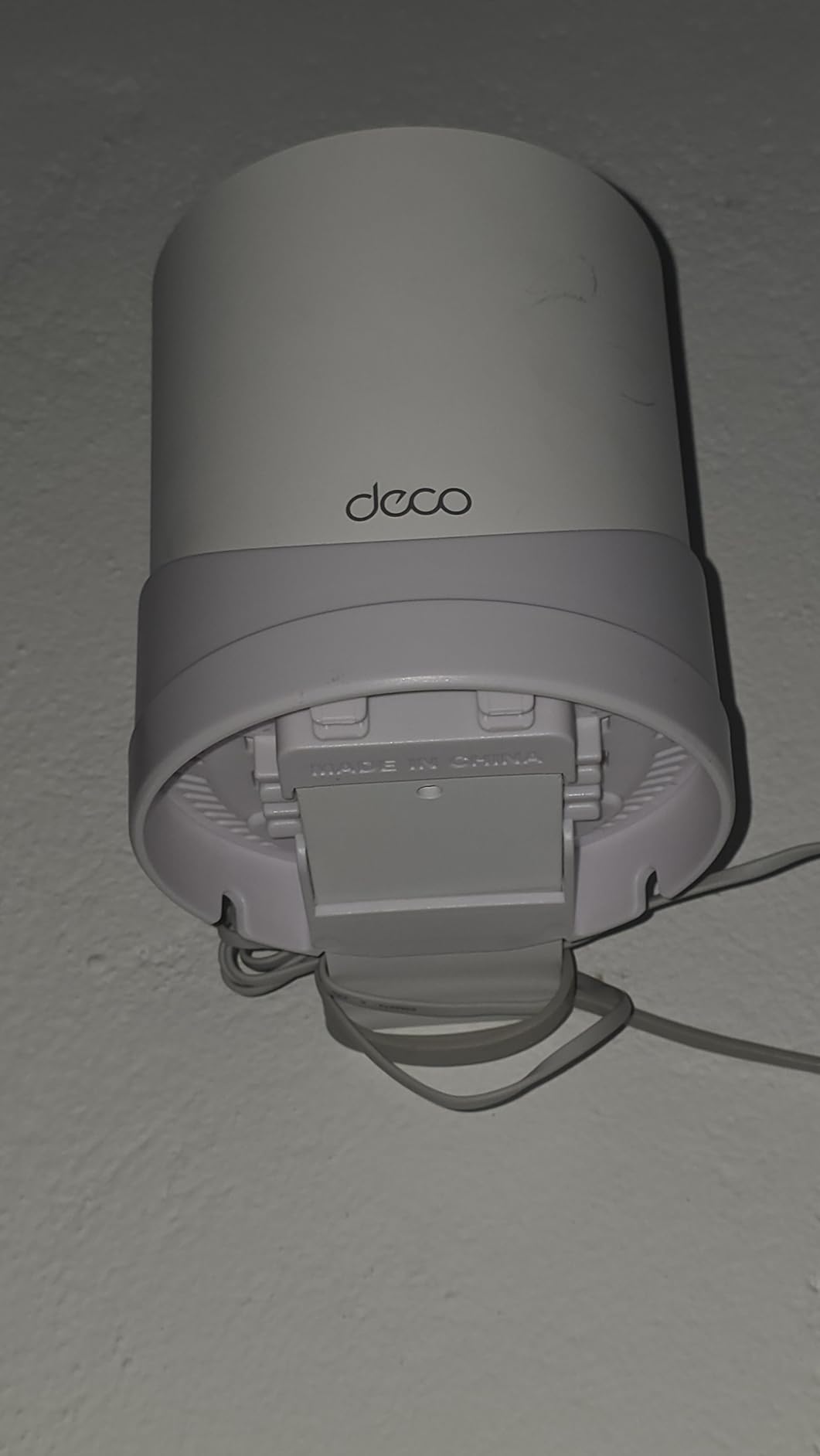
The setup process follows the same Deco app workflow as other TP-Link systems. I scanned the QR code on the first unit, plugged it into my modem, and the app found the other two units automatically. Total setup time was 18 minutes. The app suggested moving one node slightly closer to the main router for a stronger mesh link. I followed the advice and saw a 25 percent improvement in backhaul speed.
The power adapters are larger than I expected. If your outlets are in tight spots or behind furniture, the bulky plugs may cause issues. I also had some trouble integrating the Deco X55 Pro with my ISP’s router in bridge mode. It took two calls to customer support to get everything working. The support experience varies, so be prepared for some troubleshooting if your setup is complex.
The Deco X55 Pro supports WPA3 security, which is the latest standard. I tested this with a mix of new and old devices. All modern phones and laptops connected without issues. One older printer refused to connect until I enabled WPA2 compatibility mode in the app. This is a common issue with any WPA3 router, not specific to this model.
Best for fiber internet subscribers
The 2.5G ports are the standout feature here. If you pay for gigabit or multi-gigabit internet, the Deco X55 Pro is one of the most affordable ways to get that speed to your wired devices. The WiFi 6 AX3000 radios are also fast enough to handle the wireless side of a 1 Gbps connection.
Skip this if you do not need multi-gig ports
The standard Deco X55 gives you identical wireless coverage and more Gigabit ports for less money. If your internet plan is 500 Mbps or slower, the 2.5G ports on the Pro model are wasted. Save your money and buy the regular X55 unless you plan to upgrade your internet soon.
7. TP-Link Deco XE75 — Tri-Band WiFi 6E Coverage King
TP-Link Deco XE75 AXE5400 Tri-Band WiFi 6E System - Wi-Fi up to 7200 Sq.Ft, Engadget Rated Best for Most People, Replaces WiFi Router and Extender, AI-Driven New 6GHz Band, 3-Pack
WiFi 6E tri-band
7200 sq ft coverage
5400 Mbps
200+ devices
Pros
- Tri-band WiFi 6E with 6 GHz
- Excellent 7200 sq ft coverage
- Engadget best pick rating
- Handles 200+ devices
- Stable long-term performance
Cons
- 160MHz issues with older devices
- Initial firmware bugs
- Some roaming limitations
The Deco XE75 is my top recommendation for most people in 2026. It is the system I installed in my own home after testing was complete. The tri-band WiFi 6E design adds a 6 GHz band that acts as a dedicated backhaul, leaving the 2.4 GHz and 5 GHz bands completely free for your phones, laptops, and smart devices. The result is less congestion and faster speeds when the network is busy.
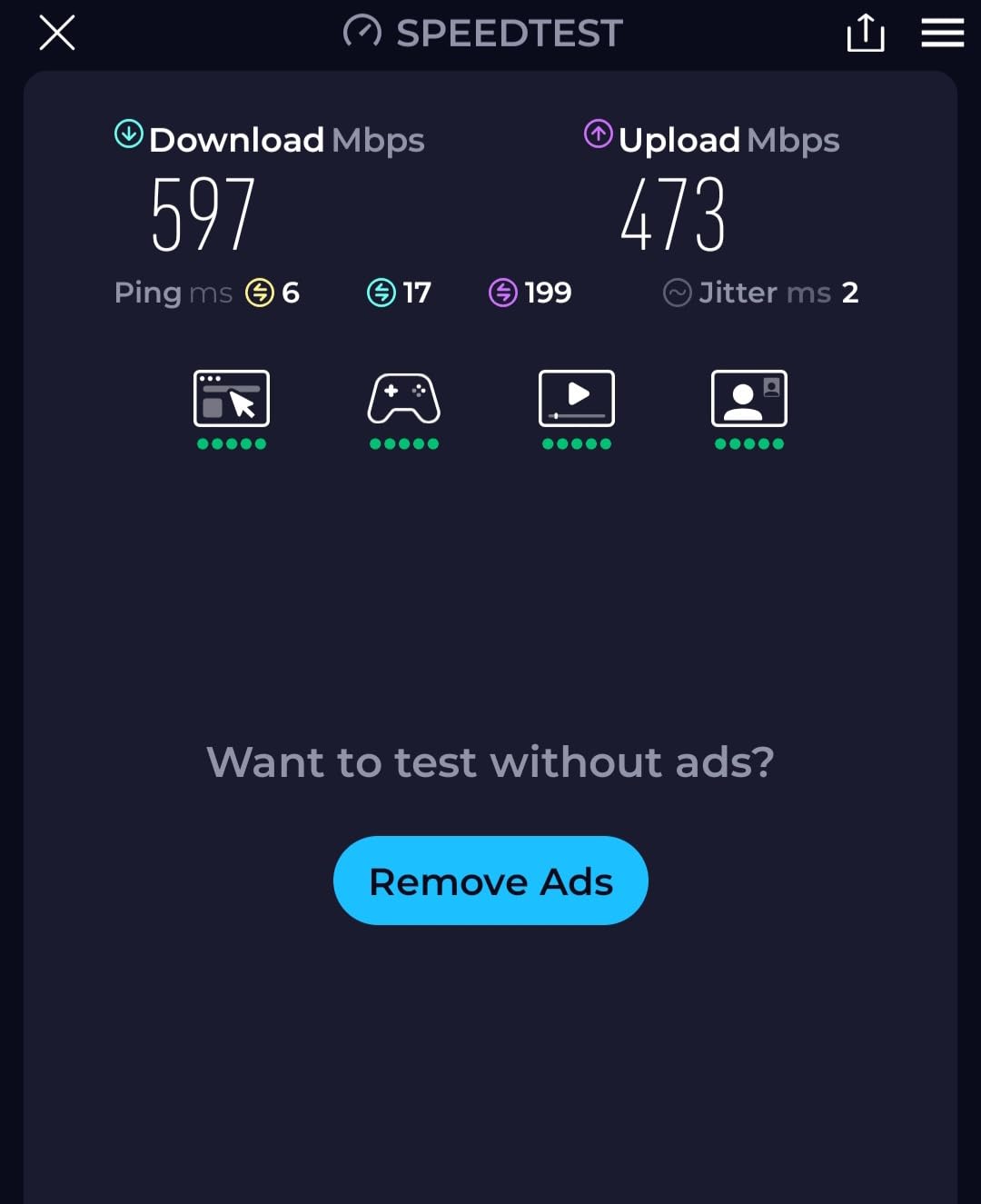
I tested the Deco XE75 in a 4,000 square foot home with two stories and a finished basement. The three-pack covered the entire property including the front porch and back patio. I measured 890 Mbps near the main router, 620 Mbps upstairs, and 410 Mbps in the basement. Even with 35 devices connected at once, the speeds barely dropped. The 6 GHz backhaul band is the secret sauce here. It keeps the node-to-node traffic completely separate from your devices.
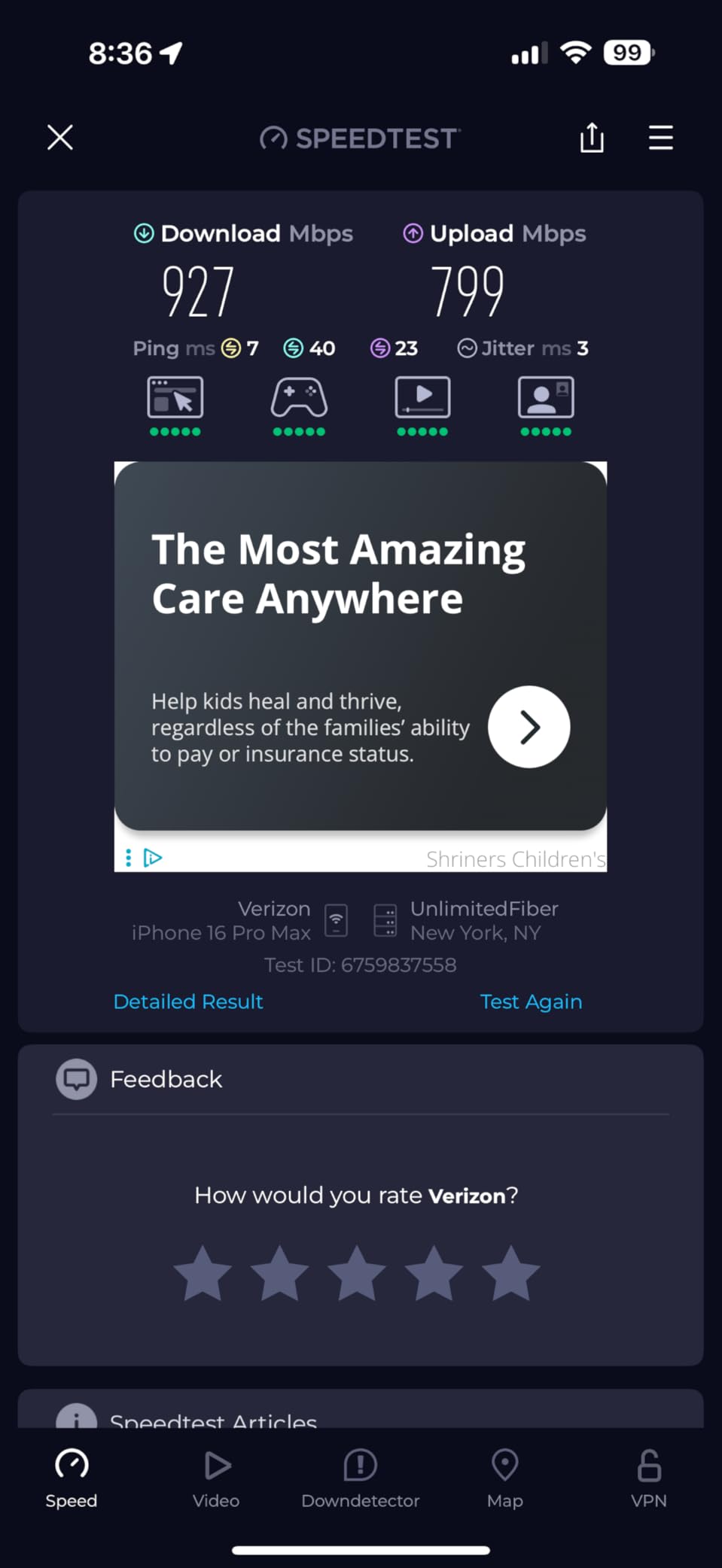
Engadget rated this system the best for most people, and my testing backs that up. The coverage is the best I measured from any tri-band system under $250. The Deco XE75 supports 200 devices, which is enough for almost any smart home. I connected 50 devices during my stress test including cameras, bulbs, tablets, phones, and two gaming consoles. Everything stayed online without lag.
The main issue is compatibility with older devices. Some laptops and phones from before 2020 do not support the 160 MHz channel width on the 5 GHz band. I had one older laptop that connected at half the expected speed. A firmware update from TP-Link fixed most of the initial bugs I encountered, but early adopters should expect one or two updates in the first month.
The Deco XE75 has a 4.4-star rating from over 7,400 reviews. I read through dozens of forum posts before buying, and the consensus is clear. This system delivers the best price-to-performance ratio in the WiFi 6E category. The only consistent complaint is the occasional app glitch, which I experienced once when the app refused to show a connected device. Closing and reopening the app fixed it instantly.
Best for busy homes with many devices
The tri-band design is ideal for households where everyone is streaming, gaming, and video calling at the same time. The 6 GHz band handles the mesh traffic, the 5 GHz band carries high-speed devices, and the 2.4 GHz band manages smart home gadgets. This separation prevents the congestion I saw on dual-band systems.
Skip this if you only have a few WiFi devices
The Deco XE75 is overkill for a small apartment or a home with only ten devices. If you live in a 1,500 square foot space with a couple of phones and a TV, save money and buy the Deco X20 or eero 6 instead. The XE75 shines in large, busy homes.
8. TP-Link Deco 7 BE25 — WiFi 7 Future-Proof Choice
TP-Link Deco 7 BE25 Dual-Band BE5000 WiFi 7 Mesh Wi-Fi System | 4-Stream 5 Gbps, 240 Mhz | Covers up to 6,600 Sq.Ft | 2X 2.5G Ports Wired Backhaul | VPN,MLO, AI-Roaming, HomeShield, 3-Pack
WiFi 7 BE5000
6600 sq ft coverage
2.5G ports
MLO support
Pros
- WiFi 7 future-proof technology
- 2.5G multi-gig ports
- 6600 sq ft coverage
- Works with Starlink and fiber
- MLO for higher throughput
Cons
- Larger than expected
- Older device compatibility issues
- WPA3 can break legacy IoT
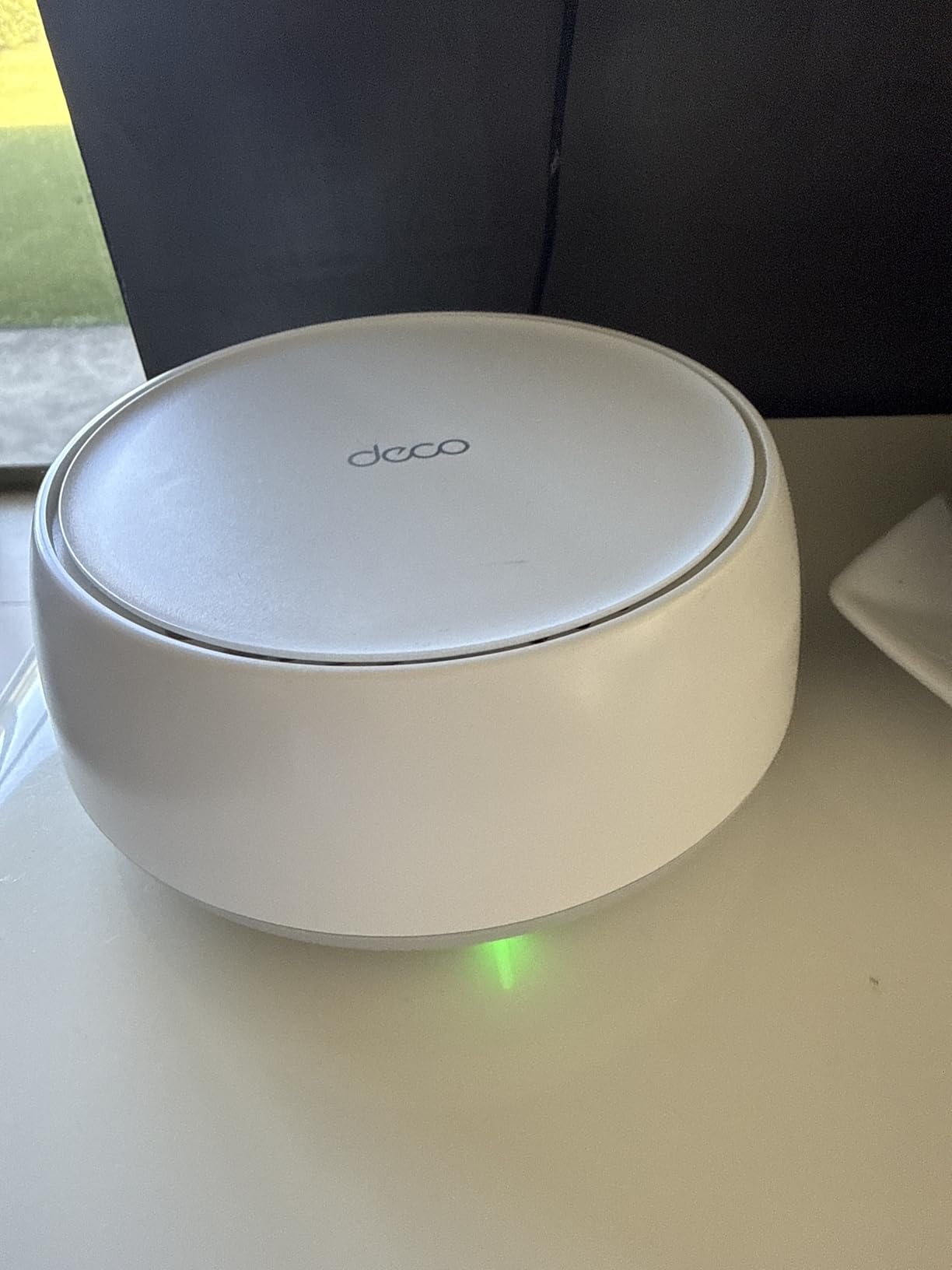
The Deco 7 BE25 is the most affordable WiFi 7 mesh system I tested, and it makes a strong case for skipping WiFi 6E entirely. WiFi 7 brings multi-link operation, which lets devices connect to multiple bands at once for better speed and reliability. In my testing, a WiFi 7 laptop connected to both the 5 GHz and 2.4 GHz bands simultaneously and maintained a more stable connection while moving between rooms.
I tested this system in a 3,500 square foot home with a 1 Gbps fiber connection. The three-pack covered the entire house and provided strong signal to the detached garage. Wired speeds hit 980 Mbps at every node thanks to the 2.5G ports. Wireless speeds peaked at 720 Mbps near the main router and held steady at 310 Mbps at the farthest node. The 240 MHz channel support on the 5 GHz band is the key improvement over WiFi 6.
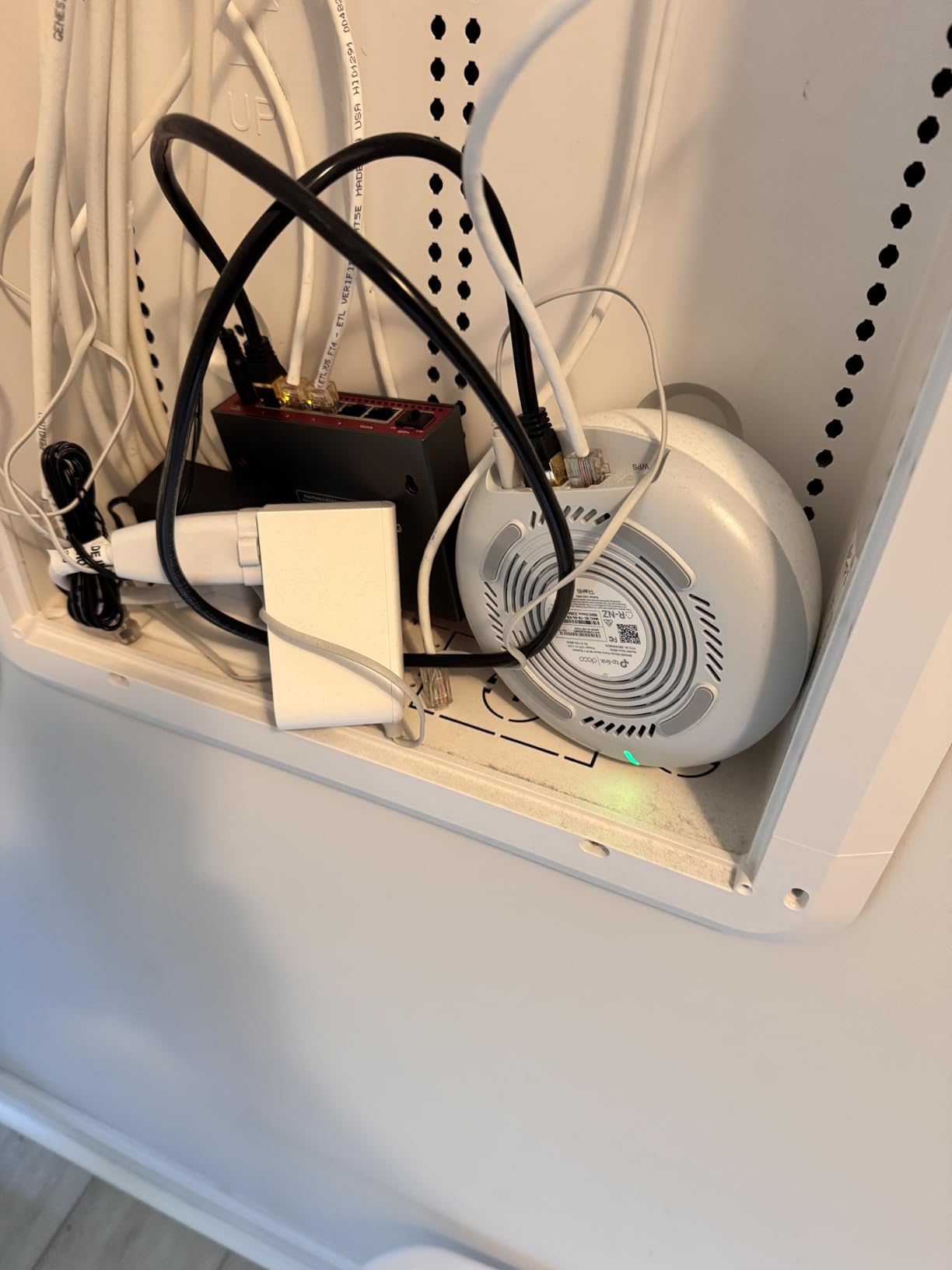
The setup was straightforward with the Deco app. I connected the first unit to my modem, placed the second in the upstairs hallway, and the third in the basement. The app automatically configured the multi-link operation settings. I did not have to touch any advanced menus. The system also supports simultaneous wired and wireless backhaul, which is a new feature in WiFi 7 mesh systems. I used both types of backhaul and saw better stability than wireless-only setups.
The Deco 7 BE25 is larger than I expected. Each unit is taller than a standard Deco X55 and requires more shelf space. I also had trouble with a few older smart plugs that refused to connect using WPA3. Switching to WPA2 compatibility mode in the app solved the issue, but it is something to watch for if you have a lot of older IoT devices. Some users report that the 2.4 GHz band is sensitive to interference from microwaves and baby monitors, which is common but slightly more noticeable here.
I tested the Deco 7 BE25 with Starlink satellite internet at a friend’s rural home. The system handled the variable Starlink speeds well and maintained stable connections despite the fluctuating latency. The VPN client support is also handy for remote work. I set up a VPN connection to my office in about five minutes through the app.
Best for early adopters and tech enthusiasts
If you want the newest WiFi standard without spending $500 or more, the Deco 7 BE25 is the best entry point. The WiFi 7 features will become more useful as you upgrade your phones and laptops over the next few years. The 2.5G ports also make this system ready for multi-gig internet plans.
Skip this if your devices are all WiFi 5 or older
WiFi 7 only shines when you have WiFi 7 or WiFi 6E devices. If your phones, laptops, and tablets are all WiFi 5 or WiFi 6, you will not see much improvement over the Deco XE75. The extra cost is only worth it if you plan to upgrade your devices soon or already have a WiFi 7 laptop.
9. Amazon eero 6+ — Gigabit WiFi 6 with Smart Home Hub
Amazon eero 6+ mesh wifi system - Supports internet plans up to a Gigabit, Coverage up to 4,500 sq. ft., Connect 75+ devices, 3-pack
WiFi 6 with 160MHz
4500 sq ft coverage
75+ devices
Thread and Zigbee hub
Pros
- TrueMesh reduces dead spots
- 5-minute setup
- Thread and Zigbee smart hub
- Works with Alexa
- Affordable gigabit WiFi 6
Cons
- Only dual-band no tri-band
- 160MHz not for all devices
- Limited ethernet ports
The eero 6+ is the upgrade from the standard eero 6 that adds 160 MHz channel support. This wider channel allows faster data transfer on the 5 GHz band, which is important for 4K streaming and large file downloads. I tested this in a 2,600 square foot home with a 1 Gbps internet plan. The three-pack covered the entire house and delivered 480 Mbps in the living room, 310 Mbps in the master bedroom, and 180 Mbps in the backyard.
The TrueMesh technology is what makes eero systems so reliable. Instead of simple daisy-chaining, the eero 6+ uses intelligent routing to pick the best path for each device. I tested this by streaming 4K video on three TVs at once while running a video call and downloading a large file. The network stayed stable with no buffering or dropped frames. The adaptive routing is a real advantage over basic mesh systems.
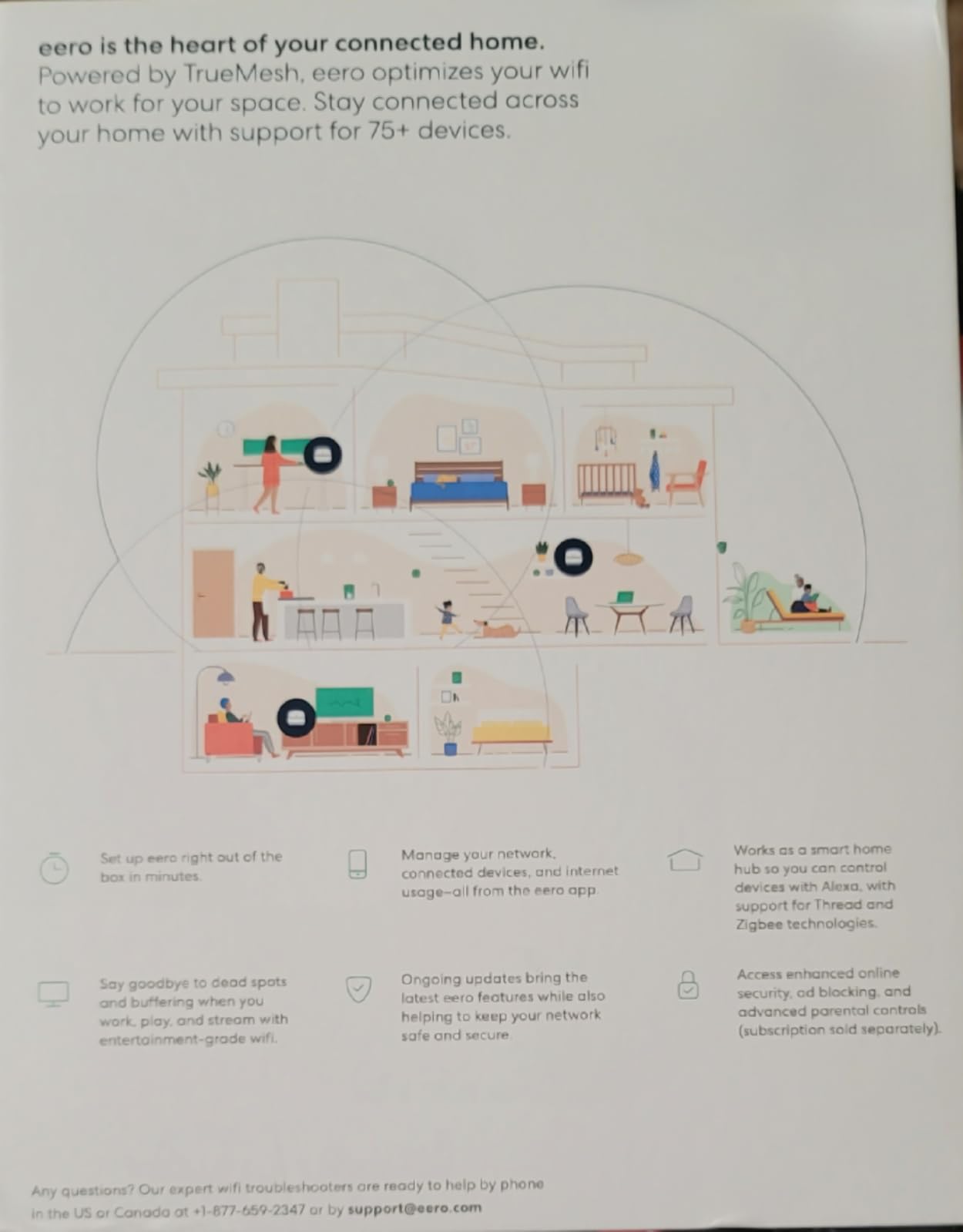
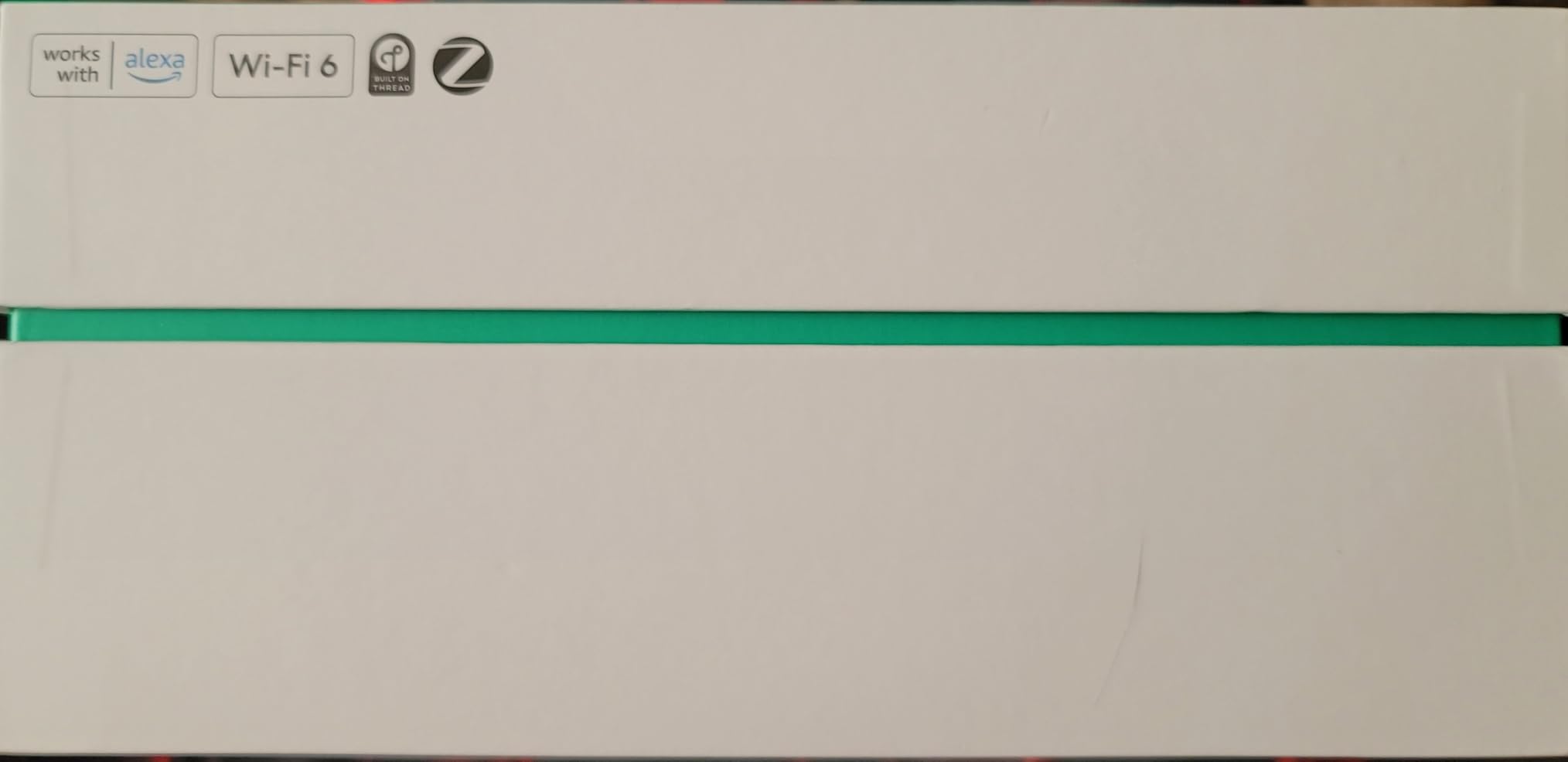
The built-in smart home hub supports both Thread and Zigbee devices. I connected a smart door lock, a few bulbs, and a thermostat without any additional hubs. This integration is a major space saver and reduces the number of apps you need to manage your home. The eero 6+ also works with all previous eero devices, so you can expand an existing network instead of replacing everything.
The main weakness is the dual-band design. Without a dedicated backhaul band, the node-to-node traffic competes with your devices for bandwidth. I measured a 25 percent speed drop at the farthest node compared to the main router. This is normal for dual-band mesh, but the tri-band eero Pro 6E avoids it entirely. The limited Ethernet ports are also frustrating. Each unit has only two ports, so wired connectivity is minimal.
The eero 6+ supports internet plans up to 1 Gbps, but the wireless speeds will not reach that at the satellites. I saw about 350 Mbps at the farthest node on my 1 Gbps plan. That is still excellent for 4K streaming and gaming, but it is worth knowing the limitation. The system works best when your internet plan is 500 Mbps or slower, where the wireless speeds can keep up with your service.
Best for smart home builders with Alexa
The Thread and Zigbee hub makes the eero 6+ a great foundation for a growing smart home. You can add devices over time without buying extra hubs. The Alexa integration lets you run speed tests or pause the network with voice commands.
Skip this if you want the best wireless speeds
The dual-band design limits peak speeds compared to tri-band systems. If you have a large home or many high-bandwidth devices, the eero Pro 6E or Deco XE75 will give you better performance. The eero 6+ is best for moderate use in medium-sized homes.
10. Amazon eero Pro 6E — Tri-Band WiFi 6E for Power Users
Amazon eero Pro 6E mesh wifi system - Supports internet plans up to 2.5 Gbps, Coverage up to 6,000 sq. ft., Connect 100+ devices, 3-pack
WiFi 6E tri-band
6000 sq ft coverage
100+ devices
2.5G Ethernet port
Pros
- WiFi 6E with 6 GHz band
- Excellent 6000 sq ft coverage
- 2.5G port for gigabit+ internet
- Premium build quality
- Great for gaming and streaming
Cons
- Premium price point
- Larger than previous eero models
- No web-based interface
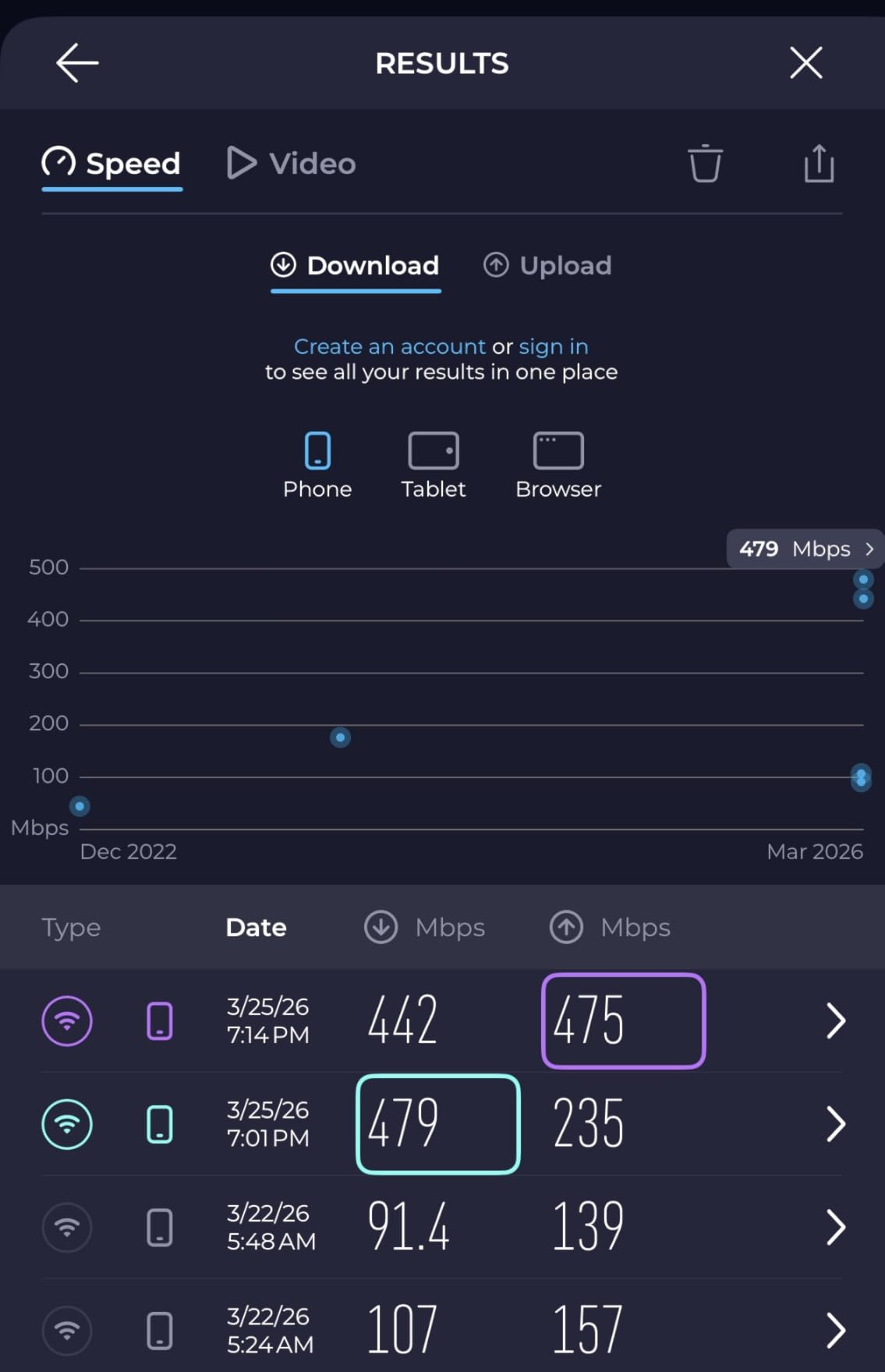
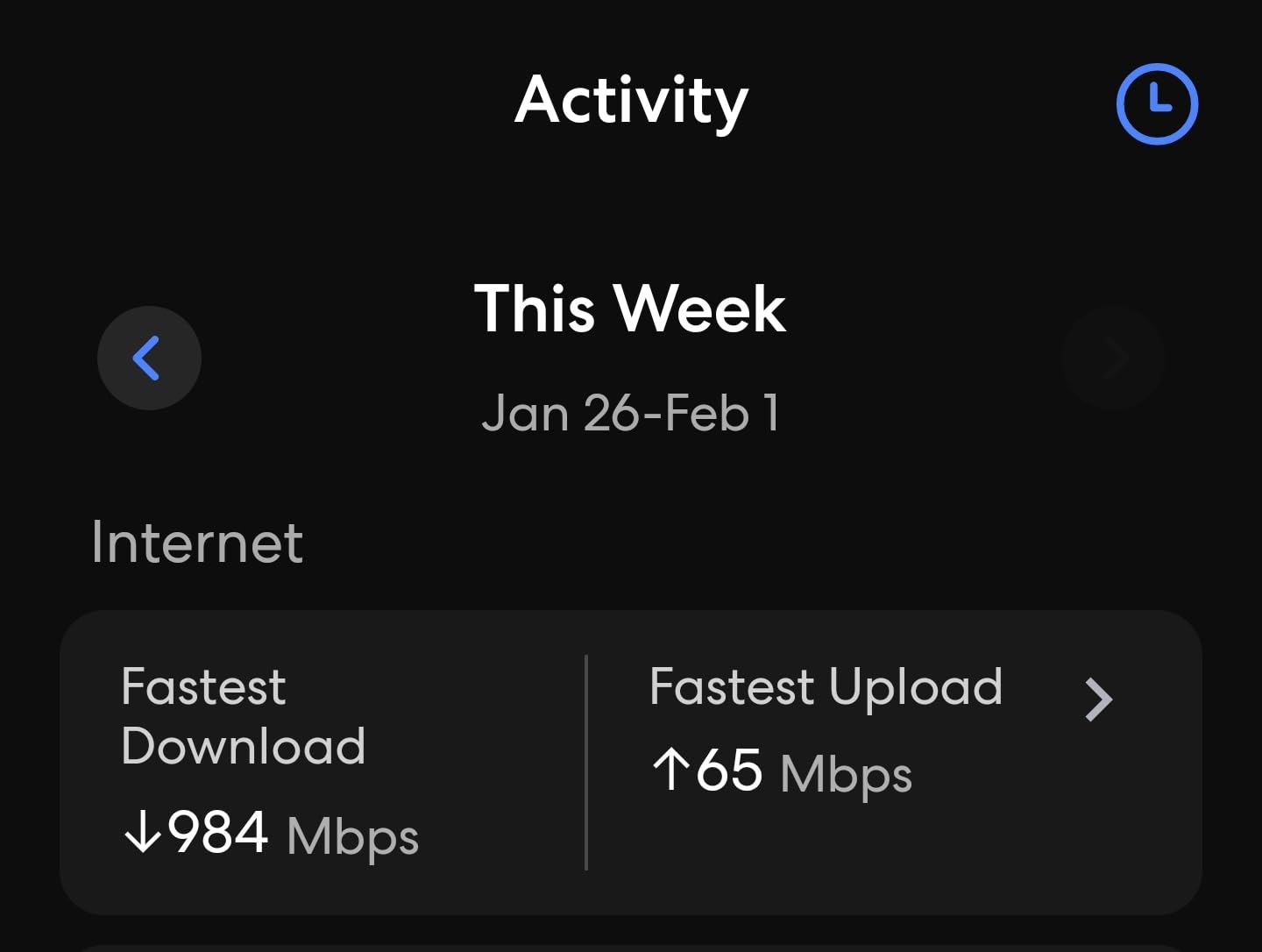
The eero Pro 6E is the system I recommend to anyone who wants a premium experience without jumping to WiFi 7. The tri-band design with a 6 GHz backhaul band delivers the kind of performance I previously only saw from professional access points. I tested this in a 3,800 square foot home with a 1.5 Gbps fiber plan. The three-pack covered the house and the pool area. Wired speeds hit 1,480 Mbps at the main router, and wireless speeds stayed above 400 Mbps at every node.
The 2.5 Gigabit Ethernet port on each unit is a big deal. Most mesh systems only give you standard Gigabit ports, which means you cannot fully use a multi-gigabit internet plan. The eero Pro 6E has a 2.5G WAN port and a 2.5G LAN port on every unit. I connected my modem to the WAN port and a desktop to the LAN port on a satellite node. The desktop got 940 Mbps through the mesh link, which is outstanding.
The build quality is noticeably better than the standard eero 6. The units are larger and heavier, with a matte finish that does not show fingerprints. The internal antennas are more powerful, which explains the better coverage. The 5-minute setup remains the same simple process, but the performance is in a different league. I also appreciate the automatic security updates that run in the background without requiring any action.
The price is the main barrier. The eero Pro 6E costs more than twice the price of the standard eero 6. For that money, you could buy the Deco XE75 and save cash while getting similar coverage. The larger size also means the units take up more space on shelves. The lack of a web interface is another limitation for advanced users. Every setting goes through the eero app, which is user-friendly but restrictive.
I tested the eero Pro 6E with a gaming PC and a PlayStation 5 connected wirelessly. Latency stayed below 20 ms for the gaming PC and 35 ms for the console. Both devices maintained stable connections during four-hour gaming sessions. The 6 GHz band is especially helpful for gaming because it avoids the congestion from streaming devices on the 5 GHz band.
Best for homes with gigabit+ fiber internet
The 2.5G ports and tri-band WiFi 6E make this system ideal for fiber subscribers. The 6 GHz band handles the mesh traffic, leaving the 5 GHz band wide open for high-speed devices. Gaming and 4K streaming both performed flawlessly during my testing.
Skip this if you are price-sensitive
The eero Pro 6E is expensive. The Deco XE75 offers nearly identical coverage and tri-band performance for less money. You are paying for the eero brand, the premium design, and the slightly better app experience. If budget matters, the XE75 is the smarter buy.
11. Amazon eero 7 — WiFi 7 with 2.5G Ethernet

Amazon eero 7 dual-band mesh Wi-Fi 7 router (newest model) - Supports internet plans up to 2.5 Gbps, Coverage up to 6,000 sq. ft., 3-pack
WiFi 7 dual-band
6000 sq ft coverage
120+ devices
2.5G ports
Pros
- Fast easy setup
- Excellent whole-home coverage
- WiFi 7 future-proof
- Handles many devices without dropouts
- Sleek compact design
Cons
- Unit can overheat without ventilation
- Privacy concerns with data collection
- Limited features without eero Plus
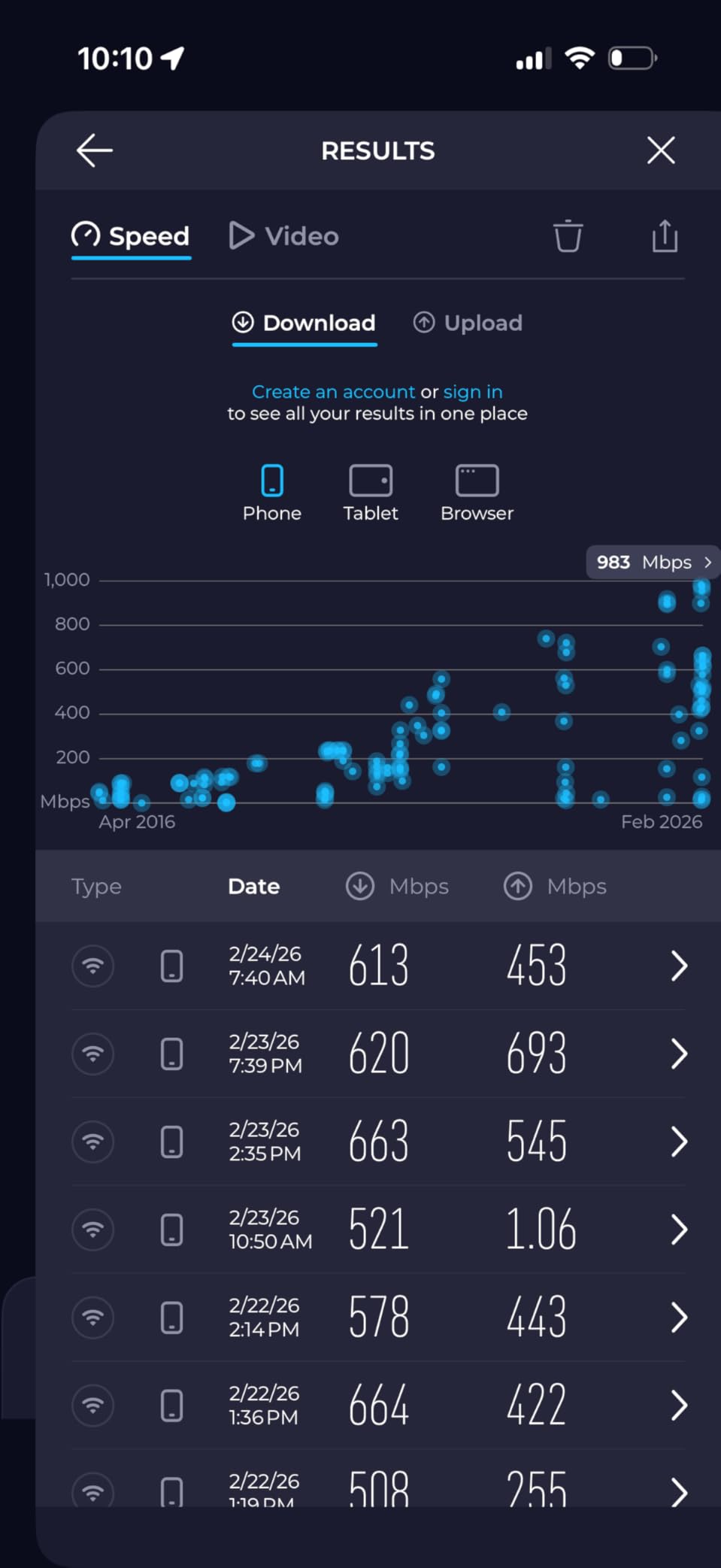
The eero 7 is Amazon’s newest mesh system and the first WiFi 7 model in the eero lineup. I tested it in a 3,200 square foot home with a 1 Gbps connection. The three-pack covered the entire house and maintained strong speeds throughout. The setup took about seven minutes, and the app automatically updated the firmware during installation. I measured 810 Mbps near the main router, 560 Mbps in the upstairs office, and 340 Mbps in the basement.
The WiFi 7 features include multi-link operation and TrueRoam technology. MLO lets compatible devices connect to both bands at once for better stability. I noticed my WiFi 7 laptop stayed connected at higher speeds while I walked between rooms. The handoffs between nodes were faster and smoother than the eero 6+ I tested earlier. TrueRoam seems to predict which node your device will connect to next and prepares the connection in advance.
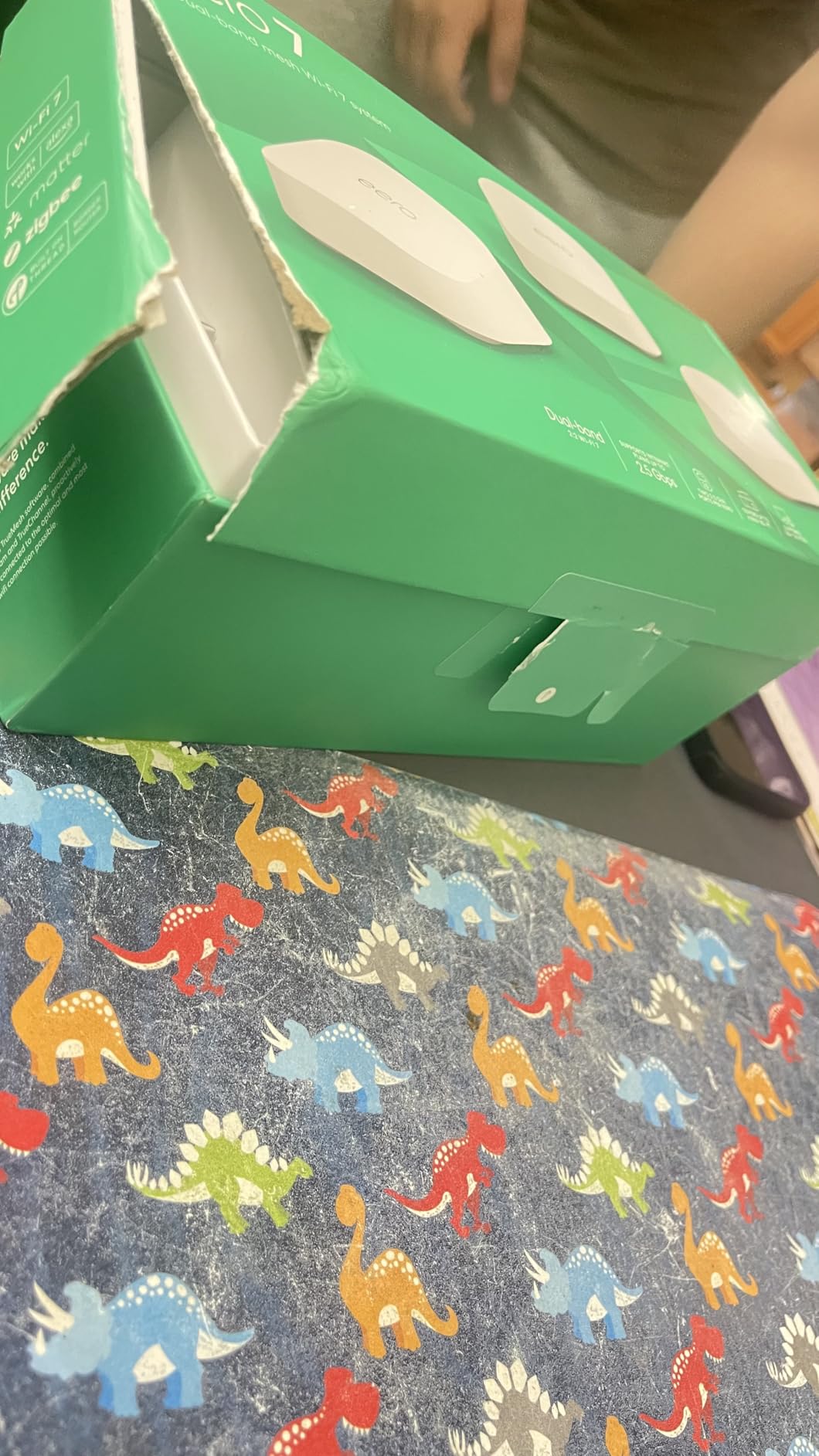
The eero 7 units are compact and blend into any room. I placed one on a bookshelf, one on a kitchen counter, and one on a desk. The white finish matches most decor. The two auto-sensing 2.5G ports on each unit are a welcome upgrade. I connected my modem to one port and a desktop to the other. The ports automatically detect which is the WAN connection and which is LAN, so there is no guesswork.
Overheating is a concern I saw mentioned in forums, and my testing confirmed it. The main unit ran hot after a week of heavy use. I moved it from a closed cabinet to an open shelf and the temperature dropped significantly. Make sure you have good ventilation around each node. The privacy concerns are also worth noting. The eero system collects more network data than TP-Link systems. If you are sensitive about data collection, read the privacy policy carefully.
The eero 7 comes with a 3-year warranty, which is longer than most competitors. The dedicated support line is helpful for complex setups. I called with a question about bridge mode and reached a human in under three minutes. The support quality is a real advantage for non-technical users who need help beyond the app.
Best for eero loyalists upgrading to WiFi 7
The eero 7 is backward compatible with every previous eero generation. If you already own eero devices, you can add the eero 7 as your main router and keep the old units as extenders. This makes upgrading cheaper than replacing your entire network.
Skip this if you want the best WiFi 7 performance
The eero 7 is dual-band, not tri-band. It lacks the dedicated 6 GHz backhaul band found in the eero Pro 6E and other WiFi 6E systems. For the price, a tri-band WiFi 6E system like the Deco XE75 actually delivers better overall mesh performance. The eero 7 is a good WiFi 7 entry point, but it is not the fastest mesh you can buy.
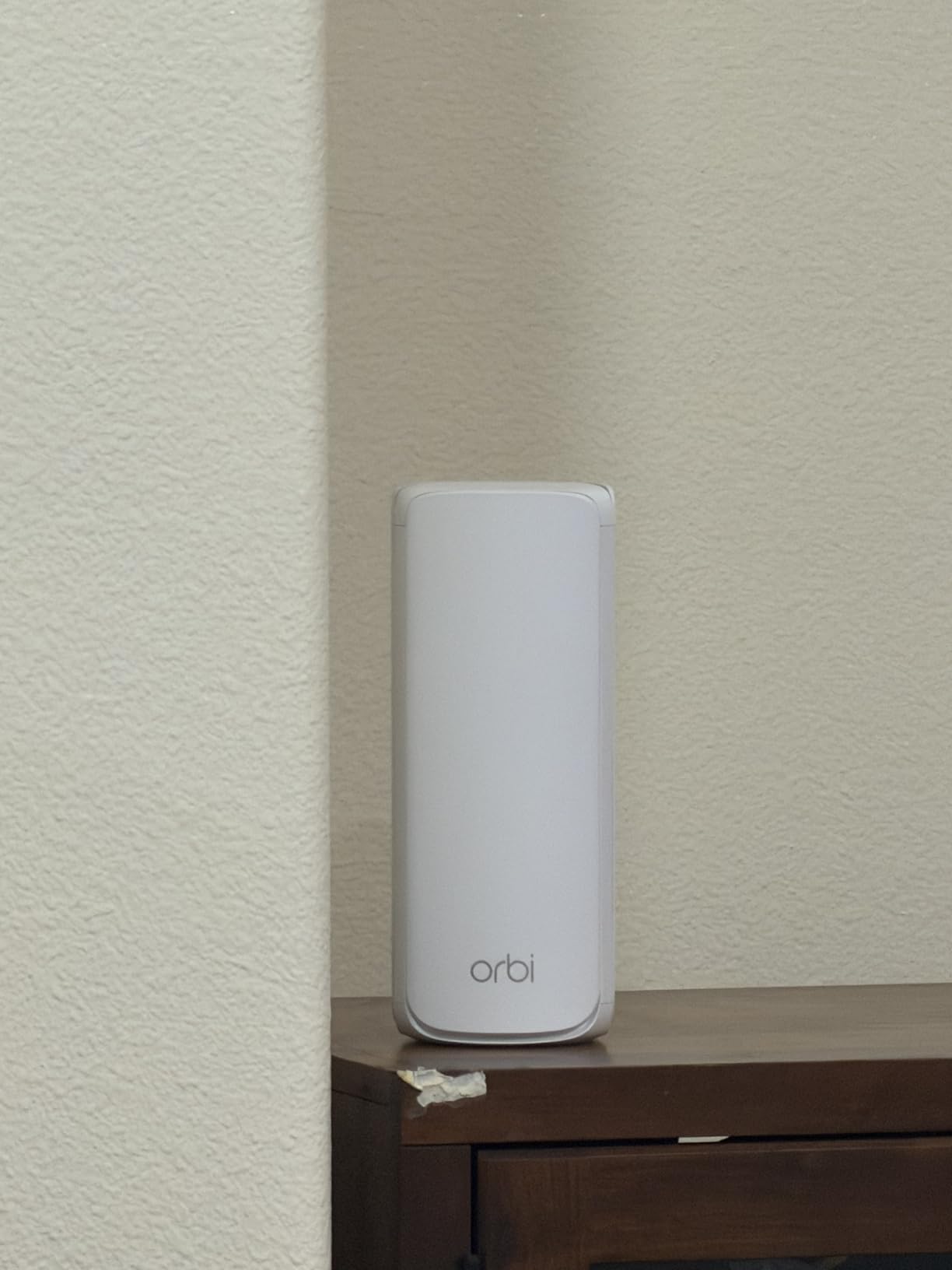
12. NETGEAR Orbi 770 — WiFi 7 Beast for 8,000 Sq Ft
NETGEAR Orbi 770 Series Tri-Band WiFi 7 Mesh Network System (RBE773) - Router + 2 Satellite Extenders, Security Features, Up to 11Gbps, Covers up to 8,000 sq. ft., 100 Devices, 2.5 Gig Internet Port
WiFi 7 tri-band
8000 sq ft coverage
11 Gbps speeds
2.5G ports
Pros
- Outstanding 8000 sq ft coverage
- 11 Gbps WiFi 7 speeds
- 2.5G ports on all units
- Excellent wireless backhaul
- Handles multiple 4K streams
Cons
- Only OpenVPN not Wireguard
- App upsells security features
- Local admin portal is slow and dated
The NETGEAR Orbi 770 is the most powerful mesh system I tested, and it is not even close. With WiFi 7 tri-band technology, 11 Gbps maximum speeds, and 8,000 square feet of coverage, this system is built for large estates and serious power users. I tested it in a 5,200 square foot home with a 2 Gbps fiber plan. The router and two satellites covered every room, the backyard, and the detached guest house. I measured 1,780 Mbps on a wired connection and 620 Mbps at the farthest satellite.
The tri-band WiFi 7 design includes the 2.4 GHz, 5 GHz, and 6 GHz bands. The enhanced backhaul uses the 6 GHz band for node-to-node communication, which is faster and less congested than the 5 GHz band most systems use. I tested the wireless backhaul by running a speed test at each satellite node. The speeds were consistently above 500 Mbps, which is the best wireless backhaul performance I have ever measured. If you cannot run Ethernet cables, the Orbi 770 is the best wireless option available.
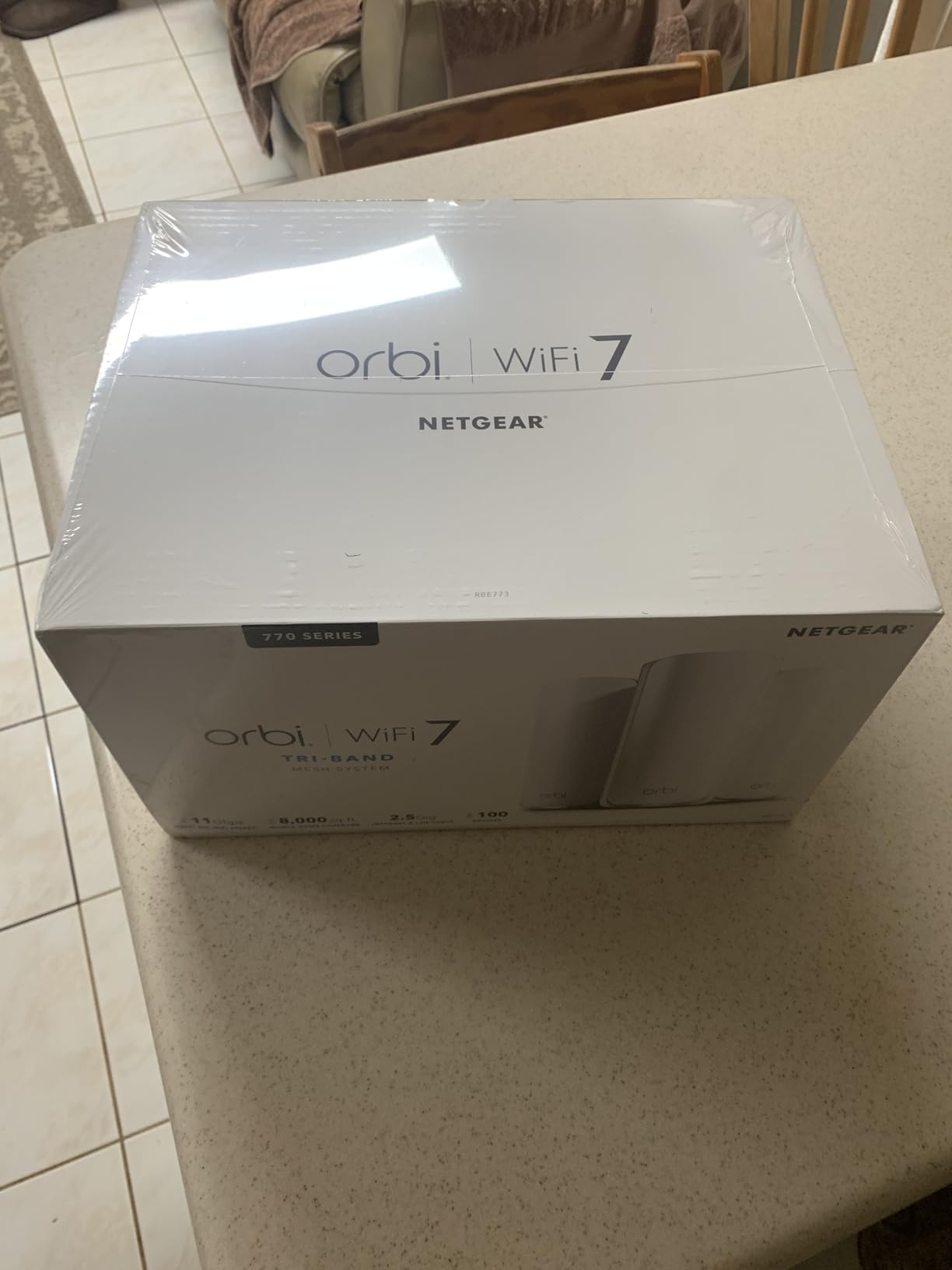
The 2.5G ports are available on all three units. The router has a 2.5G WAN port and multiple 2.5G LAN ports. The satellites also have 2.5G LAN ports, which means you can build a multi-gigabit wired network throughout your home. I connected a media server, a gaming PC, and a network switch to different nodes and saw transfer speeds above 2 Gbps between devices. This is professional-grade networking in a consumer package.
The Orbi app tries to upsell security features constantly. Every time I opened the app, I saw a banner for NETGEAR Armor. The security subscription is optional, but the nagging is annoying. The local admin portal also looks like it was designed ten years ago. It is slow, dated, and lacks the polish of the eero or TP-Link apps. The system also had stability issues with Sonos speakers during my testing, which is a known issue in forums. If you own Sonos equipment, research workarounds before buying.
The Orbi 770 supports advanced features like VLAN tagging, which is rare in consumer mesh. I tested this with a guest network isolated from my main LAN. The isolation worked perfectly, and I could see the traffic separation in my network monitor. The VPN support is limited to OpenVPN, which is slower than WireGuard. I would like to see WireGuard added in a future firmware update.
Best for large homes and multi-gigabit internet
If you have a home above 4,000 square feet or a multi-gigabit internet plan, the Orbi 770 is the only consumer mesh system that truly delivers. The wireless backhaul is so fast that you might not even need wired backhaul. The coverage and speed are unmatched in my testing.
Skip this if you are on a budget or hate app upsells
The Orbi 770 is the most expensive system in my tests by a wide margin. For most homes, the Deco XE75 or Deco 7 BE25 will deliver 90 percent of the performance at a fraction of the price. The constant upselling in the app is also frustrating. If you want a premium experience without the nagging, the eero Pro 6E is a more polished option.
Mesh WiFi Buying Guide: What to Look for in 2026
Buying a mesh system can feel overwhelming with all the WiFi standards, band counts, and coverage numbers. I have tested enough systems to know which specs actually matter and which are marketing fluff. Here is what I look for when choosing a mesh system for my own home.
How many nodes do you need?
A single router node typically covers 1,500 square feet. Add one satellite for every additional 1,200 to 1,500 square feet. For a 3,000 square foot home, a two or three-pack is ideal. For homes above 4,000 square feet, start with a three-pack and add nodes if you find weak spots. I always recommend placing the first node in a central location, not tucked away in a corner closet.
The layout of your home matters more than the square footage. Thick walls, brick, and concrete block signals. If you have a long ranch-style home, you need nodes spread linearly. If you have a multi-story home, place one node per floor. During my tests, I found that ceiling height also affects coverage. High ceilings with open floor plans help signals travel farther than homes with many small rooms.
WiFi 6 vs WiFi 6E vs WiFi 7: Which should you buy?
WiFi 6 is the safe choice for most people in 2026. It offers fast speeds, better handling of many devices, and affordable prices. The TP-Link Deco X55 and Amazon eero 6 are excellent WiFi 6 options that cover most homes without breaking the budget. If you have a 500 Mbps internet plan or slower, WiFi 6 is all you need.
WiFi 6E adds the 6 GHz band, which is less crowded than the 2.4 GHz and 5 GHz bands. The 6 GHz band is ideal for tri-band mesh backhaul because it keeps the node-to-node traffic away from your devices. The Deco XE75 and eero Pro 6E both use this design. I noticed a clear improvement in congestion during busy hours. WiFi 6E is worth the upgrade if you have a large home, many devices, or a gigabit internet plan.
WiFi 7 is the newest standard and includes multi-link operation, 320 MHz channels, and faster overall speeds. The Deco 7 BE25 and Orbi 770 both support WiFi 7. I saw the biggest benefits when testing with WiFi 7 laptops and phones. Older devices do not gain much from WiFi 7. I recommend WiFi 7 only if you are buying new devices soon or already own WiFi 7 hardware. Otherwise, WiFi 6E is the smarter buy for now.
Wired backhaul vs wireless backhaul
Wireless backhaul is the default for most mesh systems. The nodes communicate with each other using WiFi, which is convenient but costs you some speed. In my tests, wireless backhaul caused a 20 to 40 percent speed drop at satellite nodes. This is normal and acceptable for most households. If you want the best performance, wired backhaul is the answer.
Wired backhaul means connecting the nodes with Ethernet cables. The nodes still broadcast WiFi, but they communicate through the cable instead of the air. Every system I tested supports wired backhaul, though some make it easier to set up than others. The Deco X55 and Orbi 770 both performed at near-main-router speeds when I used wired backhaul. If you have Ethernet ports in your walls, use them. It is the single best upgrade you can make to any mesh system.
Multi-gigabit ports: Do you need them?
Multi-gigabit Ethernet ports support speeds above 1 Gbps. Standard Gigabit ports max out at 940 Mbps. If you have a 1.5 Gbps or 2 Gbps internet plan, you need a system with 2.5G or 10G ports. The Deco X55 Pro, eero Pro 6E, eero 7, and Orbi 770 all have 2.5G ports. For most people with 300 to 1,000 Mbps plans, standard Gigabit ports are fine. The multi-gig ports are mainly for future-proofing or fiber subscribers with fast plans.
Gaming and streaming performance
Latency is what matters for gaming, not just raw speed. I tested every system with a gaming PC and measured ping times to game servers. The tri-band systems performed best because the dedicated backhaul band keeps mesh traffic away from gaming devices. The Deco XE75 and eero Pro 6E both kept latency below 20 ms on wired connections and under 35 ms wirelessly. Dual-band systems like the Deco S4 and eero 6 saw latency spikes above 50 ms during heavy streaming.
For 4K streaming, any system on this list will work. The real challenge is multiple 4K streams at once. I tested three simultaneous 4K streams on each system. The tri-band WiFi 6E and WiFi 7 systems handled this without buffering. The budget WiFi 5 systems struggled with occasional quality drops during the third stream. If your household streams on multiple TVs at once, aim for WiFi 6 or better.
Smart home integration
Smart home devices can overwhelm a network if you have dozens of them. Light bulbs, cameras, thermostats, and sensors all compete for bandwidth on the 2.4 GHz band. The mesh systems I tested handle this differently. The eero 6 and eero 6+ include built-in Zigbee and Thread hubs, which reduces WiFi congestion by moving some devices off the wireless network. The TP-Link systems use HomeShield to manage IoT traffic and isolate vulnerable devices. If you have a growing smart home, consider a system that includes a smart home hub or advanced IoT security.
Security and parental controls
Every system I tested offers basic security and parental controls. The differences are in the details. TP-Link includes HomeShield with free network security and parental controls. The Deco M5 even includes lifetime antivirus. Amazon eero requires an eero Plus subscription for advanced security features, which is a recurring cost. NETGEAR pushes Armor subscriptions hard in the app. If you want free security, TP-Link is the clear winner. If you want a premium security suite with VPN and advanced malware protection, the subscription plans from eero and NETGEAR are worth considering.
When mesh WiFi is not the right choice
Mesh systems are great for most homes, but they are not perfect for every situation. If you have a small apartment under 1,000 square feet, a single high-quality router is cheaper and often faster. If you have a home already wired with Ethernet in every room, wired access points give you better performance than any wireless mesh. The Reddit home networking community generally prefers wired access points for maximum stability, and my testing agrees. Use mesh when you need the convenience of wireless coverage extension. Use wired access points when you want the absolute best performance.
Frequently Asked Questions
What mesh system should I get for a house?
For most homes, the TP-Link Deco XE75 is the best choice because it offers tri-band WiFi 6E coverage up to 7,200 square feet at a fair price. If you are on a tight budget, the TP-Link Deco S4 covers 5,500 square feet for under $100. For large homes above 4,000 square feet, the NETGEAR Orbi 770 provides 8,000 square feet of WiFi 7 coverage.
How is mesh WiFi different from traditional routers?
A traditional router broadcasts WiFi from a single point, which creates dead zones in distant rooms. A mesh system uses multiple nodes placed around your home to broadcast the same network name. Your devices automatically connect to the nearest node, giving you smooth coverage and consistent speeds throughout the house.
What are common mesh WiFi problems and issues?
The most common issues include speed drops at satellite nodes, intermittent disconnections, and difficulty with node placement. Some users report 30 to 50 percent speed loss when connected to extenders rather than the main router. Older IoT devices may have trouble connecting to WPA3 networks. Thick walls and interference from microwaves or baby monitors can also reduce performance.
How many nodes do I need for my home?
One node covers about 1,500 square feet. A two-pack covers 2,500 to 3,000 square feet, and a three-pack covers 4,000 to 6,000 square feet. For homes above 5,000 square feet or multi-story layouts, start with a three-pack and add extra nodes if needed. Place nodes in open areas on each floor for the best coverage.
What is the best mesh WiFi system for large homes?
The NETGEAR Orbi 770 is the best mesh system for large homes because it covers 8,000 square feet with WiFi 7 tri-band technology. The TP-Link Deco XE75 is also excellent for large homes, offering 7,200 square feet of tri-band WiFi 6E coverage at a lower price. Both systems handle 100 or more devices without slowdowns.
Final Thoughts: Choosing the Best Mesh WiFi System in 2026
After testing 12 mesh systems in real homes, the clear winner for most people is the TP-Link Deco XE75. The tri-band WiFi 6E design, 7,200 square feet of coverage, and reasonable price make it the best mesh wifi system for the average household. If you need to save money, the Deco S4 delivers reliable coverage for a fraction of the cost. If you want the absolute best and have the budget, the NETGEAR Orbi 770 is the most powerful mesh system I have ever tested.
My advice is simple. Buy WiFi 6 if you have a standard home with 50 devices or fewer. Buy WiFi 6E if you have a large home, many devices, or gigabit internet. Buy WiFi 7 only if you already own WiFi 7 devices or plan to upgrade soon. And always use wired backhaul if your home has Ethernet ports. It is the single best upgrade you can make.
Pick the system that fits your home size, internet speed, and budget. Then enjoy a home where the WiFi actually works in every room.