
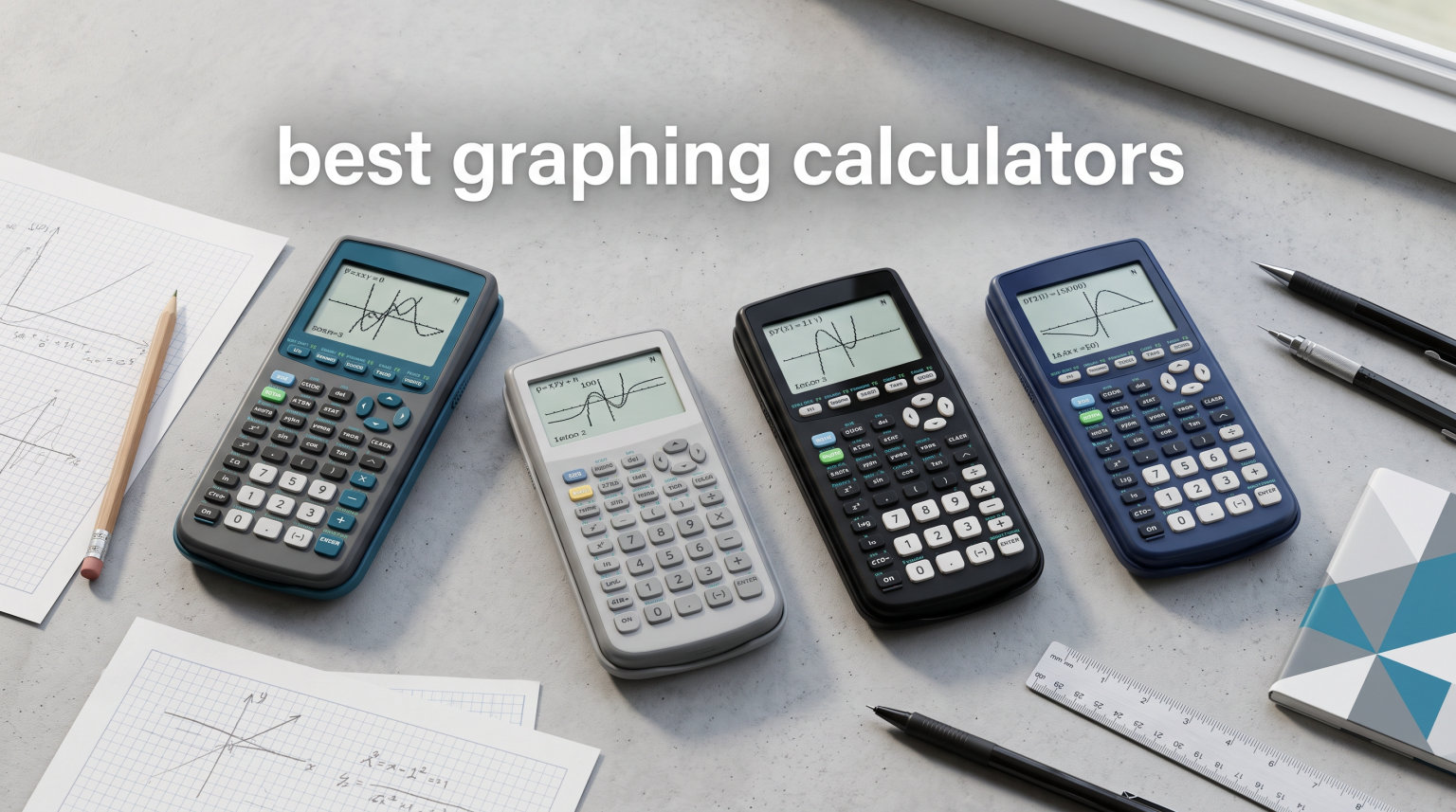
Finding the best graphing calculators for your coursework, exams, and career can feel overwhelming with so many models on the market. Whether you are a high school student tackling algebra for the first time or an engineering major grinding through differential equations, the right calculator makes a measurable difference in speed, accuracy, and confidence.
Our team spent weeks comparing 12 of the most popular graphing calculators available right now. We tested them for exam compatibility, display quality, battery life, programming features, and real-world usability in math courses from pre-algebra through calculus and beyond.
The Texas Instruments TI-84 Plus CE stands out as the best graphing calculator overall, thanks to its near-universal exam approval, color display, rechargeable battery, and Python support. But plenty of other options deserve attention, especially if you are working with a tighter budget or need advanced CAS functionality for engineering coursework.
In this guide, we break down every calculator with hands-on impressions, technical specifications, and honest pros and cons. We also include an exam approval table, a CAS versus non-CAS comparison, Python scripting details, engineering major recommendations, and tips for buying used or refurbished calculators.
Top 3 Picks for Best Graphing Calculators
These three calculators rose above the rest in our testing across price, features, and exam approval.

TI-84 Plus CE Color Graphing Calculator
- Color backlit display
- Rechargeable battery
- Python support
- Exam approved
Casio fx-9750GIII Graphing Calculator
- Natural Textbook Display
- Python programming
- Half the price of TI-84
- Exam approved

iPepul Scientific Graphing Calculator
- 10 function modes
- 4 graphing functions
- Under $40
- Great for beginners
Best Graphing Calculators in 2026 at a Glance
Here is a side-by-side look at all 12 calculators we reviewed. Use this comparison table to quickly narrow down your options before diving into the individual reviews.
| Product | Specifications | Action |
|---|---|---|
|
TI-84 Plus CE Color Graphing Calculator
|
|
Check Latest Price |
|
Casio fx-9750GIII
|
|
Check Latest Price |
 TI-84 Evo Graphing Calculator
|
|
Check Latest Price |
 Casio fx-CG500 Touchscreen
|
|
Check Latest Price |
 Casio fx-CG50 Prizm
|
|
Check Latest Price |
 TI-83 Plus Graphing Calculator
|
|
Check Latest Price |
 TI-84 Plus Renewed
|
|
Check Latest Price |
 TI-84 Plus Silver Edition Renewed
|
|
Check Latest Price |
 TI-83 Plus Renewed
|
|
Check Latest Price |
 TI-84 Plus Reconditioned w/ Screen Protector
|
|
Check Latest Price |
1. Texas Instruments TI-84 Plus CE Color Graphing Calculator – Editor’s Choice
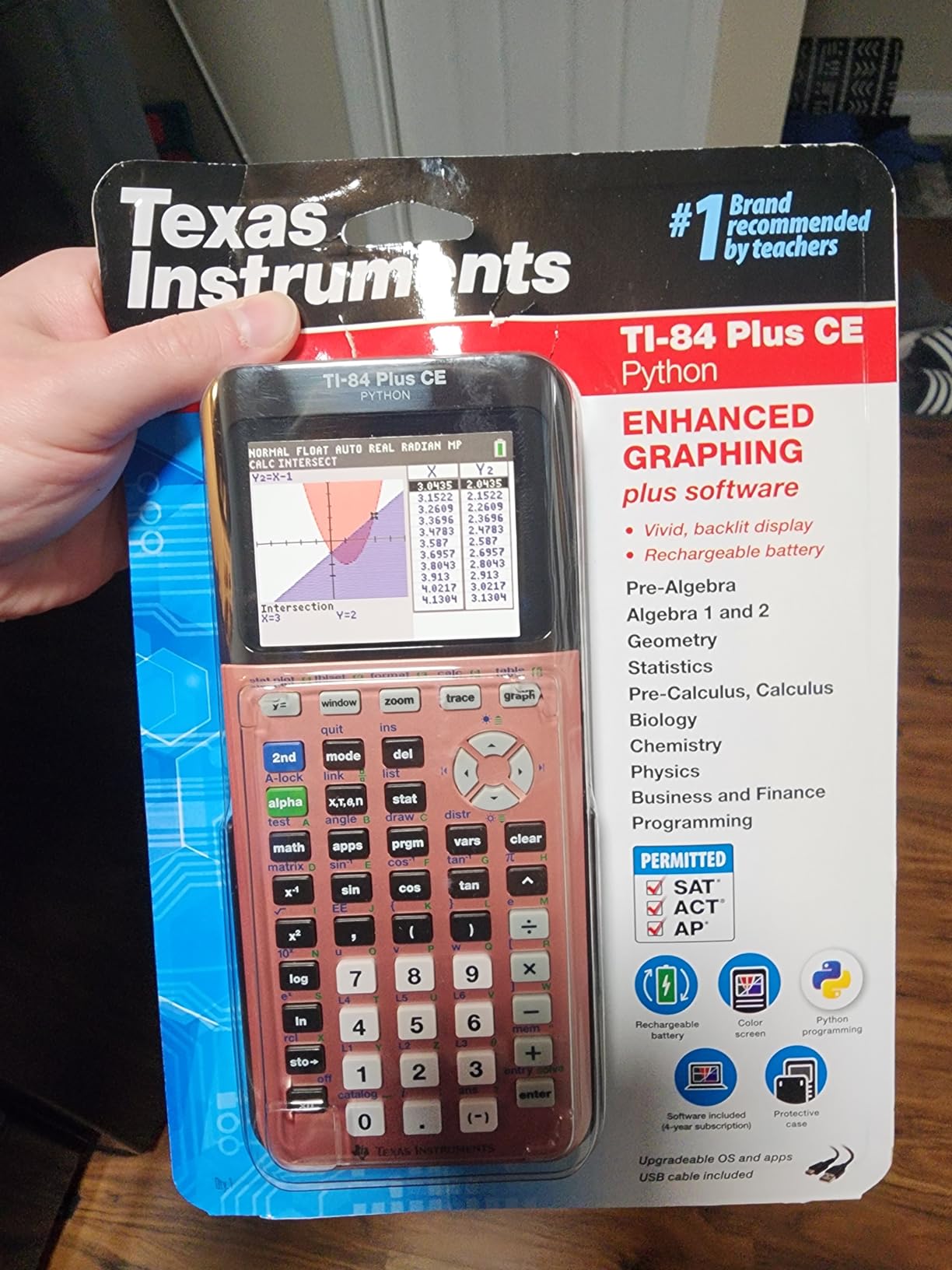
TI-84 Plus CE Graphing Calculator, Rose Curve Gold
Color backlit LCD
Rechargeable battery
Python support
SAT ACT AP approved
0.55 lbs
Pros
- Highest rated at 4.8 stars with 4491 reviews
- High-resolution full-color backlit display
- Rechargeable battery lasts up to one month
- Python programming support
- Approved for SAT ACT AP and IB exams
- Distraction-free design with no Wi-Fi or Bluetooth
Cons
- Higher price than standard models
- Limited stock on color variants
- No microSD storage expansion
The TI-84 Plus CE earned its Editor’s Choice spot through sheer consistency. With a 4.8-star average across nearly 4,500 reviews, it is the graphing calculator that most students, teachers, and professors actually recommend. I have used this calculator across precalculus, AP Statistics, and college calculus, and it has never let me down.
The high-resolution color backlit display is a game-changer compared to older grayscale models. Graphs are visually distinct, and the ability to color-code multiple functions helps enormously when working with systems of equations or transformations.
Battery life is exceptional. The rechargeable TI battery lasts up to a month on a single charge with regular use. I charged mine maybe five times during an entire semester of daily calculus classes.
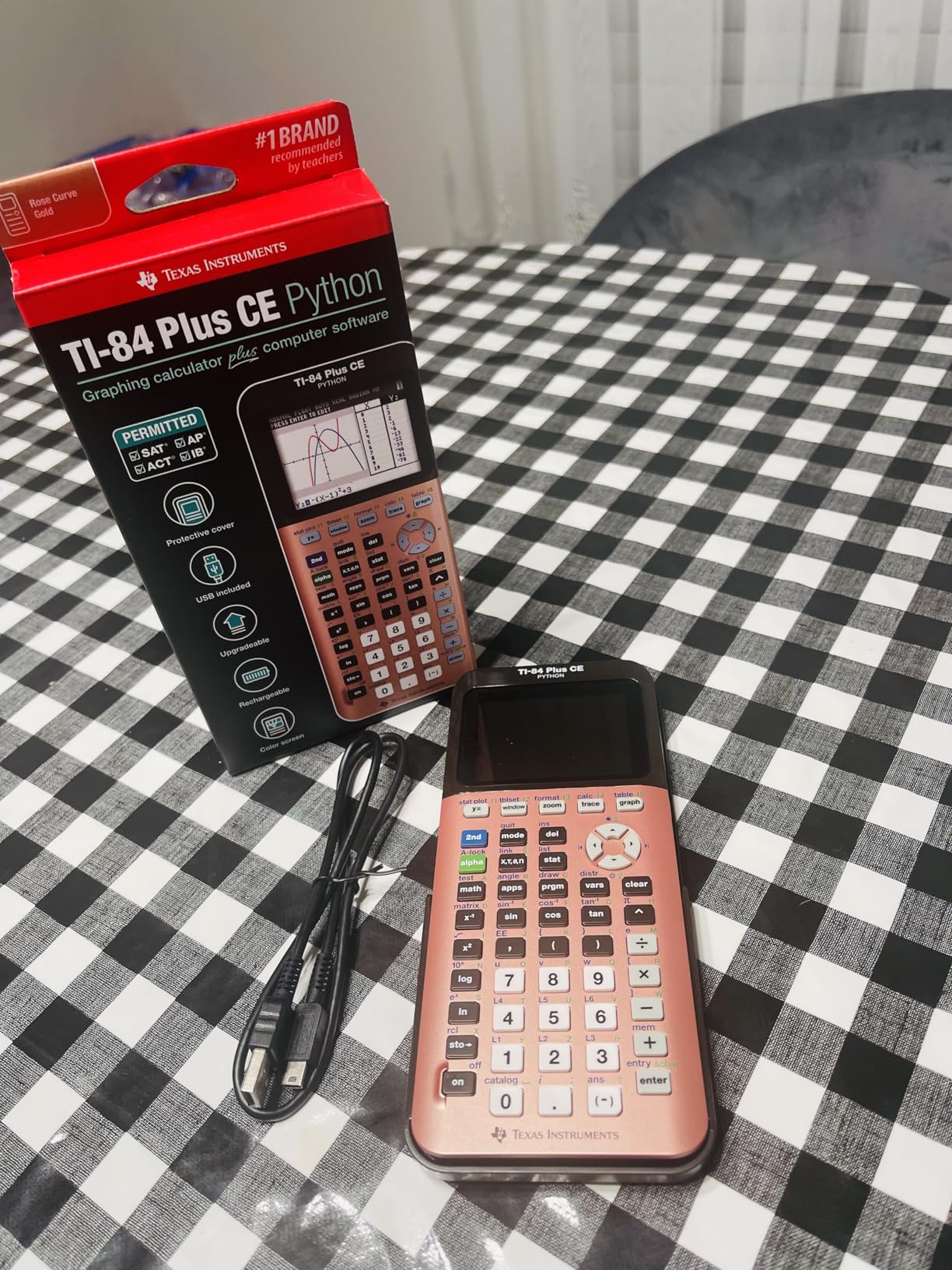
The distraction-free design is worth calling out specifically. There is no Bluetooth, no Wi-Fi, no internet browser. That makes this calculator universally approved for standardized tests including the SAT, ACT, AP, PSAT, and IB exams. You will never have to wonder whether a proctor will flag it.
Python programming support is available on the Python Edition of this calculator, which is a growing requirement in many STEM curricula. Students can write and run Python scripts directly on the device for computer science cross-over assignments.
Who Should Buy the TI-84 Plus CE
This calculator is the safest pick for high school students, college freshmen, and anyone who needs a single calculator that will work across every math class and standardized exam they encounter. Professors teach using the TI-84 interface, which means you will always be able to follow along with classroom instructions.
Display and Battery Performance
The 3.2-inch color backlit screen delivers crisp graphing visuals even in dim lighting. Combined with the rechargeable battery that lasts a month per charge, the TI-84 Plus CE minimizes the two biggest headaches students face with older calculators: unreadable screens and dead batteries on test day.
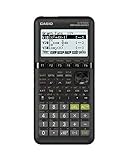
2. Casio fx-9750GIII Graphing Calculator – Best Value
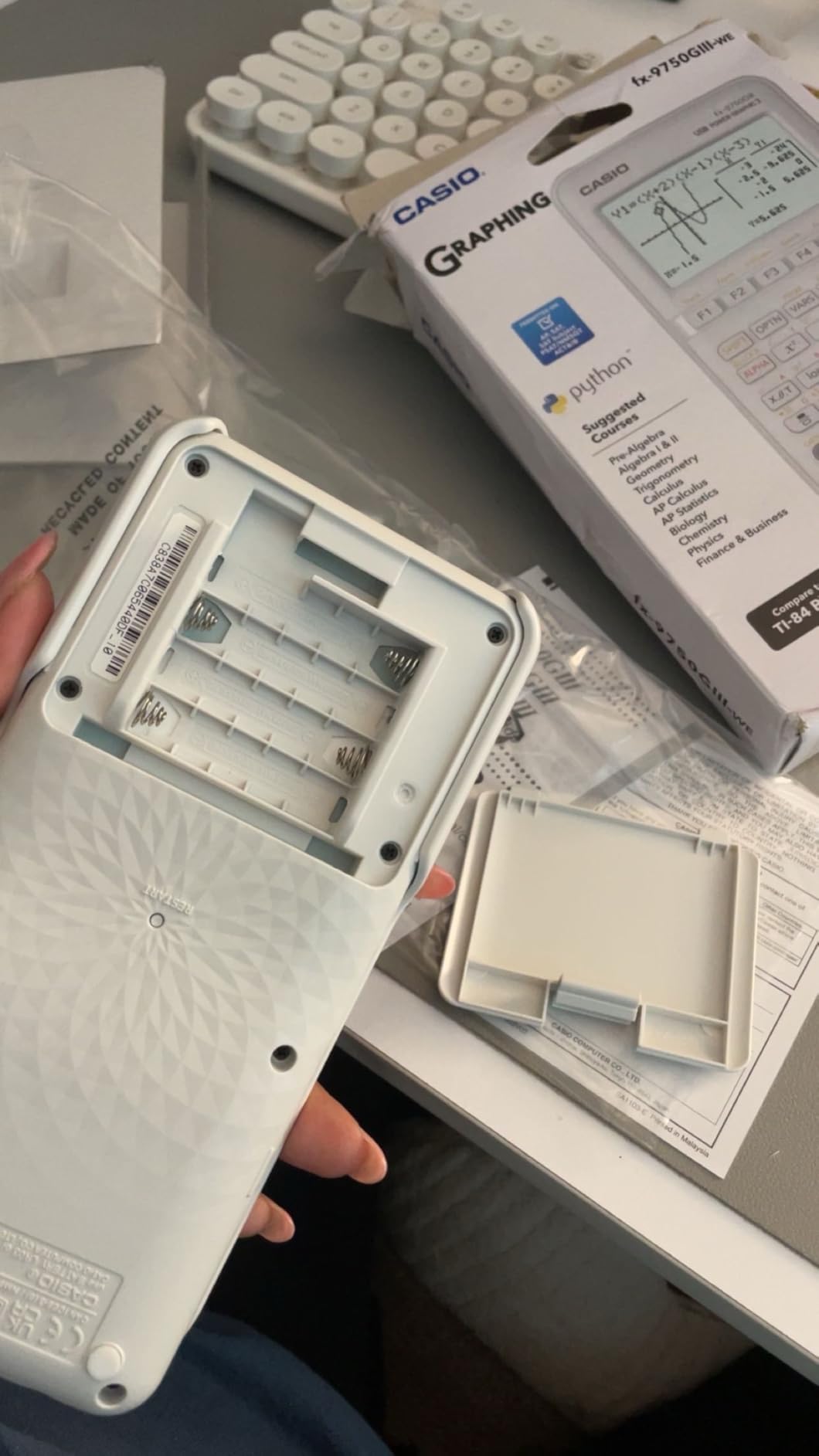
Casio fx-9750GIII Graphing Calculator | Natural Textbook Display | Python Programming | Ideal for Exams, STEM & Advanced Math | Black
Natural Textbook Display
Python MicroPython
SAT ACT AP approved
4 AAA batteries
7.5 oz
Pros
- Half the price of TI-84 with comparable features
- Natural Textbook Display shows expressions as in textbooks
- Python MicroPython support
- Approved for AP SAT ACT and IB exams
- Excellent battery life with included AAA batteries
- Exact radical and trig values displayed
Cons
- Graphing is slower and lower resolution than TI-84
- No CAS mode
- Learning curve for button layout if switching from TI
The Casio fx-9750GIII is the calculator I recommend when someone asks for the best graphing calculator under $100. At roughly half the price of the TI-84 Plus CE, it delivers nearly all the same core functionality with an impressive 4.7-star rating from over 3,500 reviews.
The Natural Textbook Display is one of my favorite features. Fractions, square roots, and other expressions appear on screen exactly as they would in your textbook. This makes it much easier to verify you entered the right equation before hitting calculate.
Python MicroPython support is included, which puts this Casio on par with TI’s Python-enabled models for programming coursework. Engineering professors have specifically praised this calculator’s complex matrix capabilities in their reviews.
Graphing performance is the main trade-off. The fx-9750GIII renders graphs more slowly than the TI-84 Plus CE, and the resolution is noticeably lower. For most algebra and calculus work, this is fine. But if you are doing heavy 3D graphing or complex visualizations, you may feel the difference.
Battery life is outstanding. Four AAA batteries last for months of daily use, and they are included in the box. I appreciate not having to worry about recharging or carrying a proprietary cable.
Switching from TI to Casio
The biggest hurdle is the button layout. If you have only ever used TI calculators, expect about a week of adjustment. The Casio menu structure is different but arguably more logical once you learn it. Many students who switch say they actually prefer the Casio interface after getting used to it.
Exam Compatibility
The fx-9750GIII is approved for AP, SAT, ACT, IB, and other standardized exams. It does not have CAS functionality, which actually works in your favor here since CAS calculators are banned on the ACT.
3. Texas Instruments TI-84 Evo Graphing Calculator – Best New Model
Texas Instruments TI-84 Evo Graphing Calculator
Icon-based home screen
USB-C charging
3x faster processor
50% larger graphing area
Python support
Pros
- Modern icon-based home screen for intuitive navigation
- USB-C charging with rechargeable lithium-ion battery
- 3x faster processor with 50% larger graphing display area
- Approved for SAT ACT AP and IB exams
- Built-in Python programming support
- Multiple color variants available
Cons
- Expensive compared to TI-84 Plus CE for similar features
- TI Connect CE software does not yet support Evo
- New file format incompatible with older TI-BASIC files
- APPS button removed and replaced
The TI-84 Evo is the newest entry in the legendary TI-84 lineup, and it brings some genuinely welcome modernization. The icon-based home screen is a breath of fresh air compared to the text-menu interface that TI calculators have used for decades. Navigation feels faster and more intuitive.
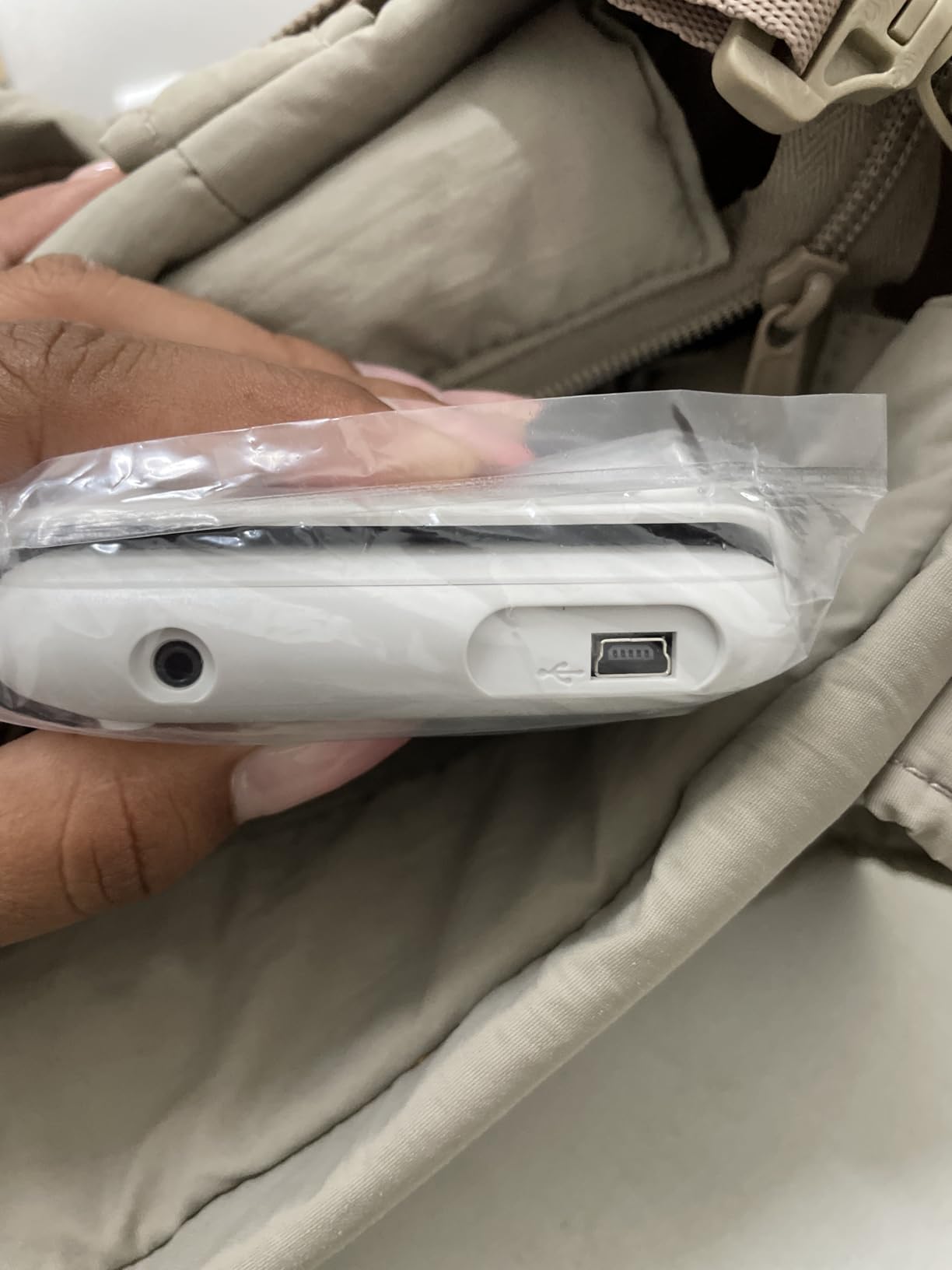
USB-C charging is the feature I was most excited about. Every other device in my backpack charges via USB-C, and finally having a TI calculator that does the same means one less cable to carry. The rechargeable lithium-ion battery holds a strong charge.
The processor is 3x faster than the TI-84 Plus CE, and the graphing display area is 50% larger. In practice, this means graphs render more quickly and you can see more detail without zooming and panning as much.
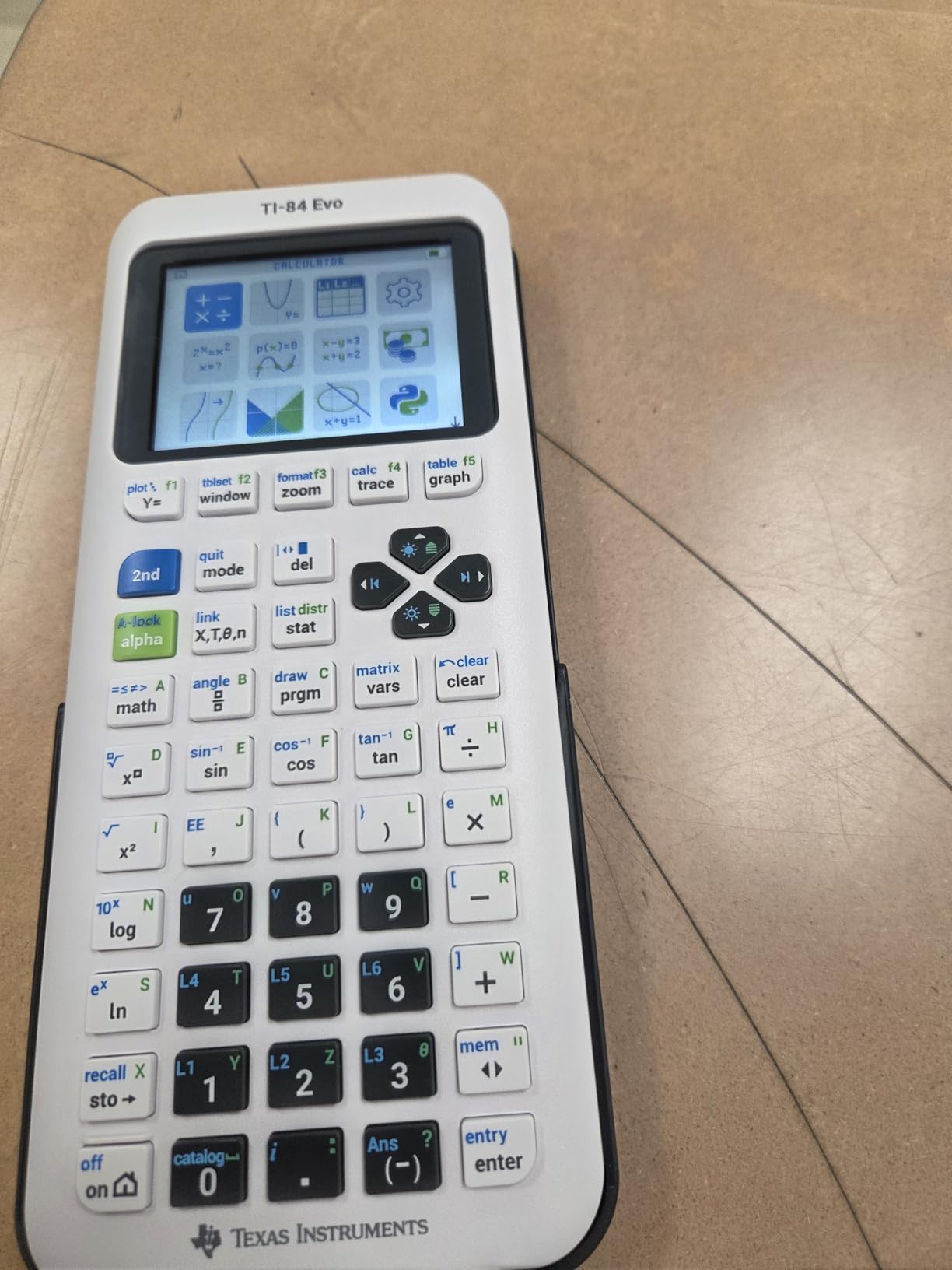
Built-in Python support comes standard, which aligns with the growing trend of Python programming being integrated into STEM education. Students can write and execute Python scripts directly on the device.
The main downside is price relative to what you get. The TI-84 Evo costs more than the TI-84 Plus CE, and the feature differences may not justify the premium for everyone. Also, TI Connect CE software does not yet support the Evo, so you will need to use TI’s online software for file transfers for now.
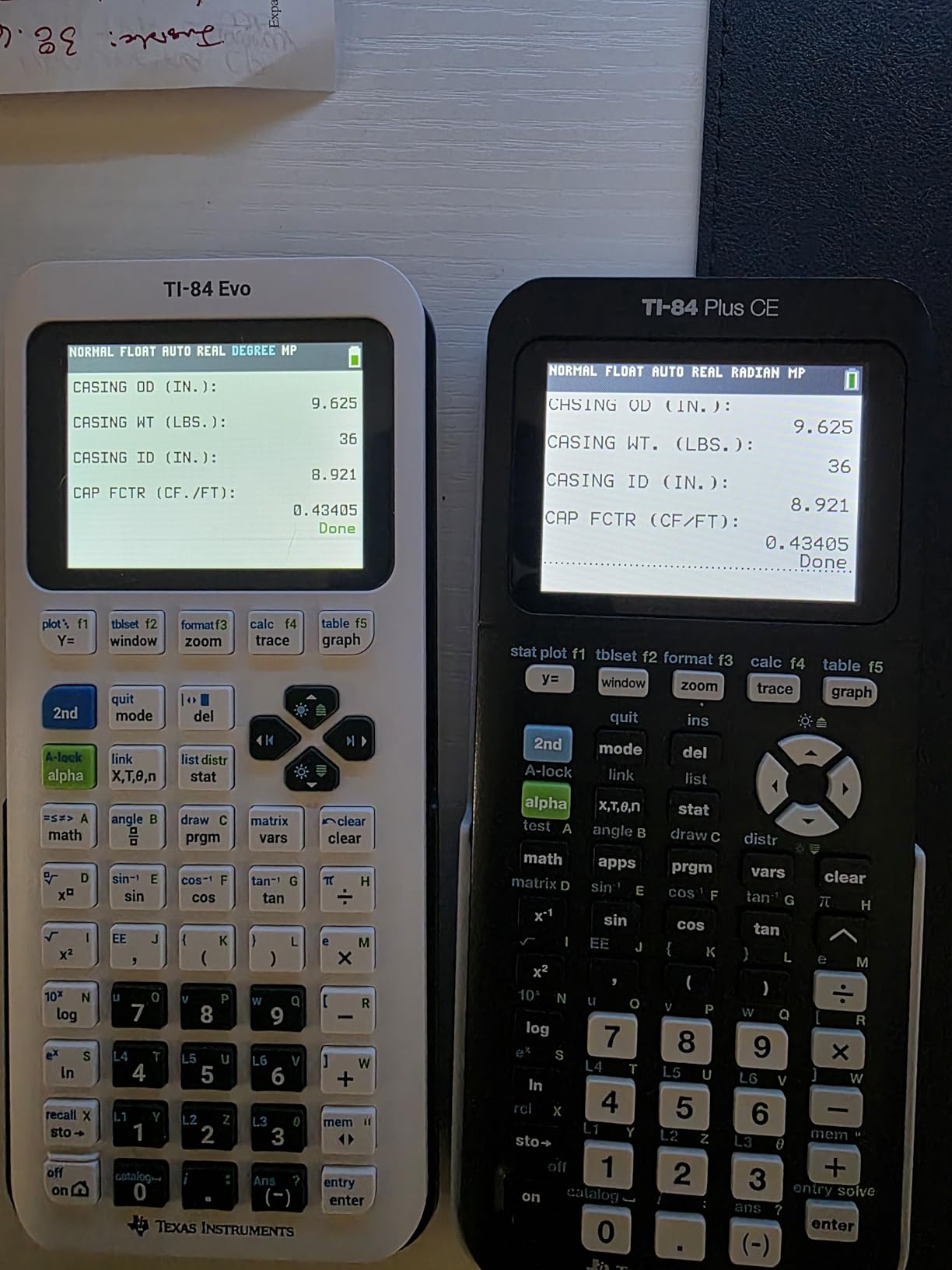
Should You Upgrade from TI-84 Plus CE?
If you already own a TI-84 Plus CE, the Evo is not a must-have upgrade. The core functionality is very similar. But if you are buying your first graphing calculator and want the most modern TI experience with USB-C charging, the Evo is an excellent choice.
Software Compatibility Notes
The Evo uses a new .8xp2 file format that is not compatible with older TI-BASIC programs. If you rely on community-made programs from the TI-84 Plus CE ecosystem, check compatibility before assuming they will transfer over.
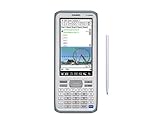
4. Casio fx-CG500 Touchscreen Graphing Calculator – Best CAS Touchscreen
Casio fx-CG500 Graphing Calculator – Touchscreen with Stylus | CAS Functionality, Drag-and-Drop | Ideal for Advanced Math, Calculus & Engineering
4.8 inch color touchscreen
Built-in CAS
Stylus included
Drag-and-drop interface
USB compatible
Pros
- 4.8-inch color touchscreen with stylus for intuitive interaction
- Built-in Computer Algebra System for symbolic algebraic solving
- Drag-and-drop between graphs tables and equations
- Natural textbook display for intuitive math entry
- Excellent for calculus engineering and college-level courses
- USB compatible for connectivity
Cons
- Higher price point than traditional graphing calculators
- Initial learning curve due to large number of features
- Keyboard can be sluggish especially cursor navigation
- No mixed number template button
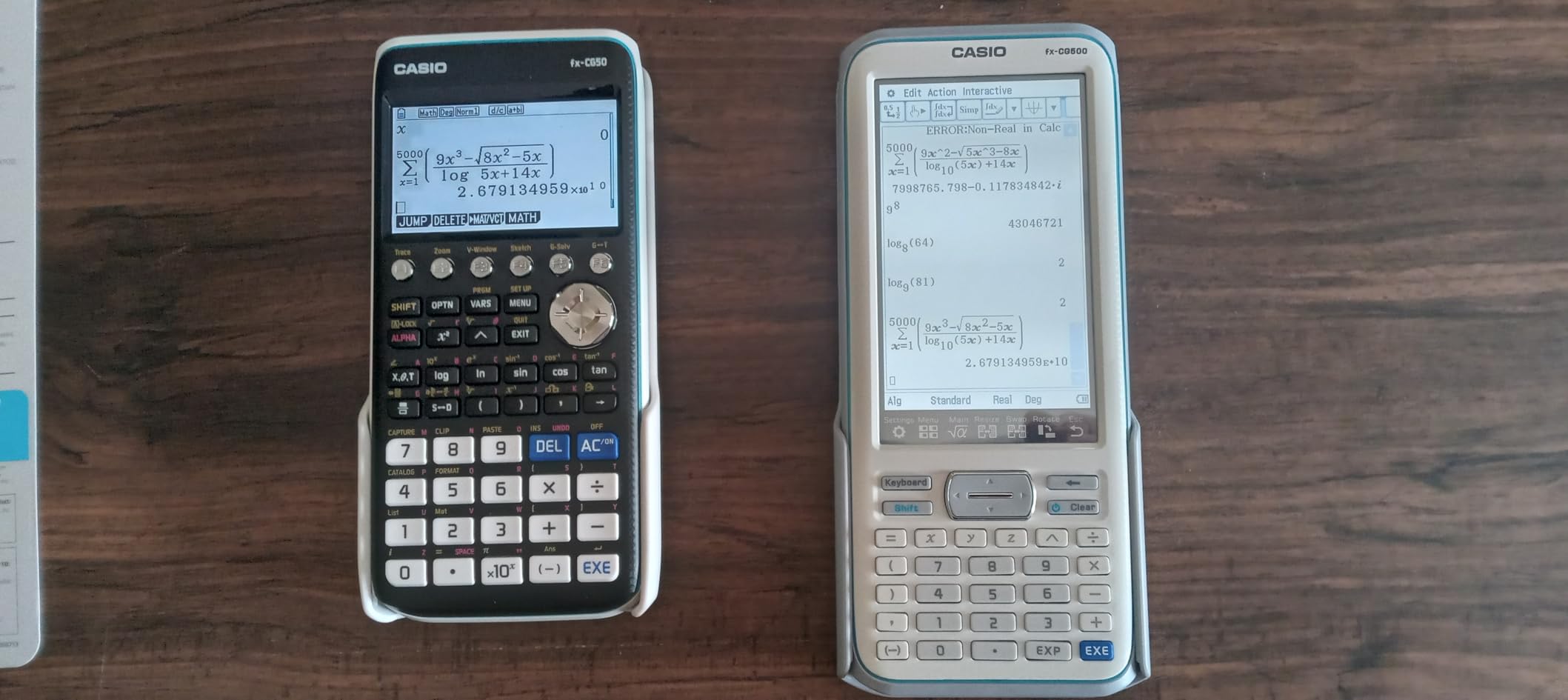
The Casio fx-CG500 is the most advanced calculator in this roundup, and it is the one I reach for when working on upper-level engineering and calculus problems. The 4.8-inch color touchscreen changes the way you interact with math. Drag-and-drop functionality lets you move expressions between graphs, tables, and equations visually.
The built-in Computer Algebra System sets this calculator apart from everything else on this list except the TI-Nspire line. CAS allows the calculator to solve equations symbolically rather than just numerically. That means it can factor polynomials, solve systems of equations with exact answers, and perform symbolic differentiation and integration.
The stylus is surprisingly useful for precise input. I was skeptical at first, but after using it for a few weeks I found myself reaching for the stylus more than my finger, especially when entering complex fractions and exponents.
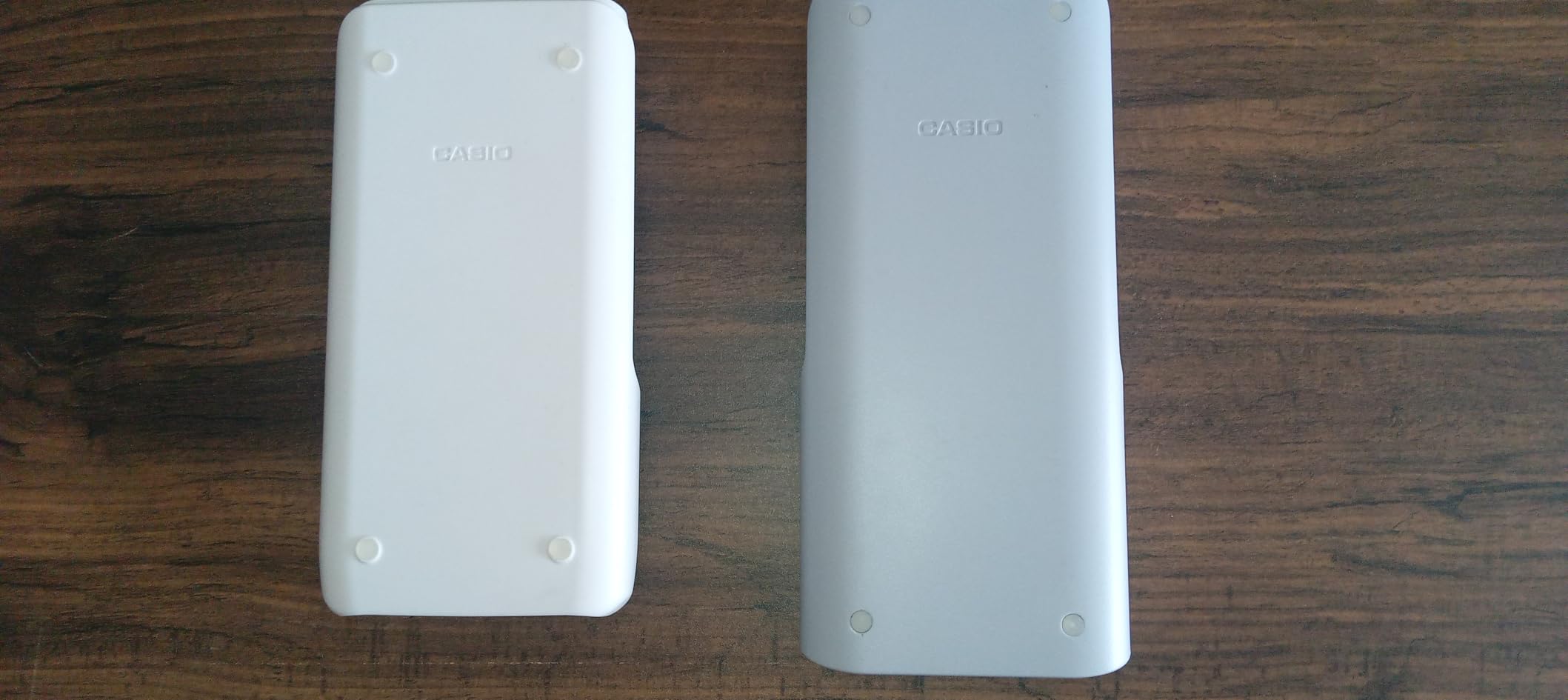
With an 82% five-star rate across 507 reviews, users consistently praise the CAS functionality and touchscreen experience. Many reviewers compare it favorably against the TI-Nspire CX II CAS and HP Prime for advanced coursework.
The main drawbacks are the learning curve and some keyboard responsiveness issues. The cursor navigation button can feel sluggish, and there is no mixed number template, which makes certain fraction entries more cumbersome than they should be.
CAS Limitations for Standardized Tests
Because the fx-CG500 has CAS functionality, it is important to check exam policies carefully. CAS calculators are typically not allowed on the ACT but are permitted on the SAT and many AP exams. Always verify the current policy for your specific test.
Best Use Cases for the fx-CG500
This calculator shines in college-level calculus, differential equations, linear algebra, and engineering coursework. If your professor assigns symbolic math problems and you need exact answers rather than decimal approximations, the CAS capability is invaluable.
5. Casio fx-CG50 Prizm Color Graphing Calculator – Best for 3D Graphing
Casio fx-CG50-N Color Graph Scientific Calculator
Color LCD 65K colors
1200+ functions
2D and 3D graphing
Python support
4 AAA batteries
Pros
- Full-color LCD display with 65536 colors and high resolution
- Over 1200 built-in functions for comprehensive math
- Python programming support
- Comprehensive 2D and 3D graphing capabilities
- Natural textbook display for fractions and expressions
- Durable build quality for years of use
Cons
- Battery-powered only with no rechargeable option
- Some users received damaged units
- Button issues reported including shift button malfunction
- Lower review count than competing models
The Casio fx-CG50 Prizm is a powerhouse for students who want advanced graphing without paying for a touchscreen model. The full-color LCD display renders 65,536 colors at high resolution, making it easy to distinguish between multiple functions on the same graph.
The standout feature for me is the 3D graphing capability. Being able to visualize surfaces and curves in three dimensions is a significant advantage for multivariable calculus and physics courses. Not many calculators in this price range offer this level of 3D visualization.
With over 1,200 built-in functions, the fx-CG50 covers virtually every mathematical operation a high school or college student would need. From statistical distributions to complex number operations, it is all there.
Python programming support is included, keeping this model current with modern STEM curriculum requirements. The natural textbook display shows expressions exactly as they appear in your course materials.
The main downside is that the fx-CG50 runs on four AAA batteries with no rechargeable option. Battery life is decent, but the cost of replacing batteries adds up over time. Some users have also reported quality control issues, including damaged units on arrival and button malfunctions.
3D Graphing in Practice
In my testing, the 3D graphing feature worked well for visualizing quadric surfaces, planes, and vector fields. The rendering is not as fast as a computer running Mathematica, but for a handheld device it is impressive and genuinely helps build spatial intuition.
Durability and Build Quality
Despite some quality control complaints in reviews, the fx-CG50 has a solid plastic enclosure that feels durable enough for daily classroom and backpack use. The 16-centimeter screen is one of the larger displays in this roundup.
6. Texas Instruments TI-83 Plus Graphing Calculator – Best Classic Workhorse
Texas Instruments TI-83 Plus Graphing Calculator, Gray, Standard
64x96 pixel LCD
24KB RAM
160KB Flash ROM
Exam approved
Graphs sequences and matrices
Pros
- Trusted standard in high school and college math for decades
- Permitted for SAT PSAT ACT AP IB and Praxis exams
- Excellent durability lasting for years of heavy use
- Long battery life
- TVM cash flows amortization and complex numbers
- Widely recognized by schools and universities
Cons
- Outdated design compared to modern calculators
- Small grayscale display
- No Python programming support
- Limited 24KB RAM and 160KB Flash ROM
- Cannot compute derivatives automatically
The TI-83 Plus is the calculator that defined a generation of math education. With over 8,000 reviews and a 4.6-star average, it remains one of the most popular graphing calculators ever made. I used one throughout high school and it never failed me.
What makes the TI-83 Plus remarkable is its longevity. Schools have been using this model for over two decades, which means every math teacher knows how to use it and every textbook includes instructions for it. If you want a calculator with zero compatibility headaches, this is it.
The trade-off is obvious: the 64×96 pixel grayscale display looks ancient next to the color screens on modern models. There is no Python support, no CAS, and only 24KB of RAM. But for algebra, geometry, and basic calculus, the TI-83 Plus gets the job done reliably.
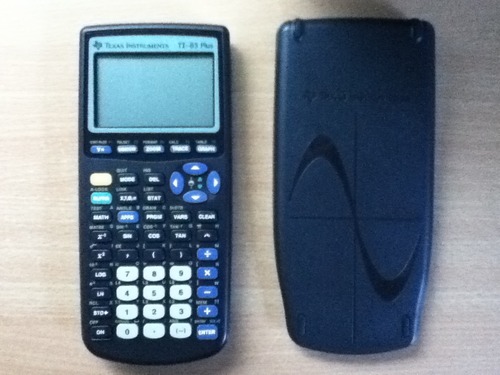
It is approved for every major standardized exam including the SAT, PSAT, ACT, AP, IB, and Praxis. That universal approval is a huge advantage if you are taking multiple tests and want one calculator that covers all of them.
Battery life is excellent. The TI-83 Plus sips power from its batteries and can run for an entire school year without needing a replacement. Many reviewers mention using the same calculator across multiple children or even passing it down from older siblings.
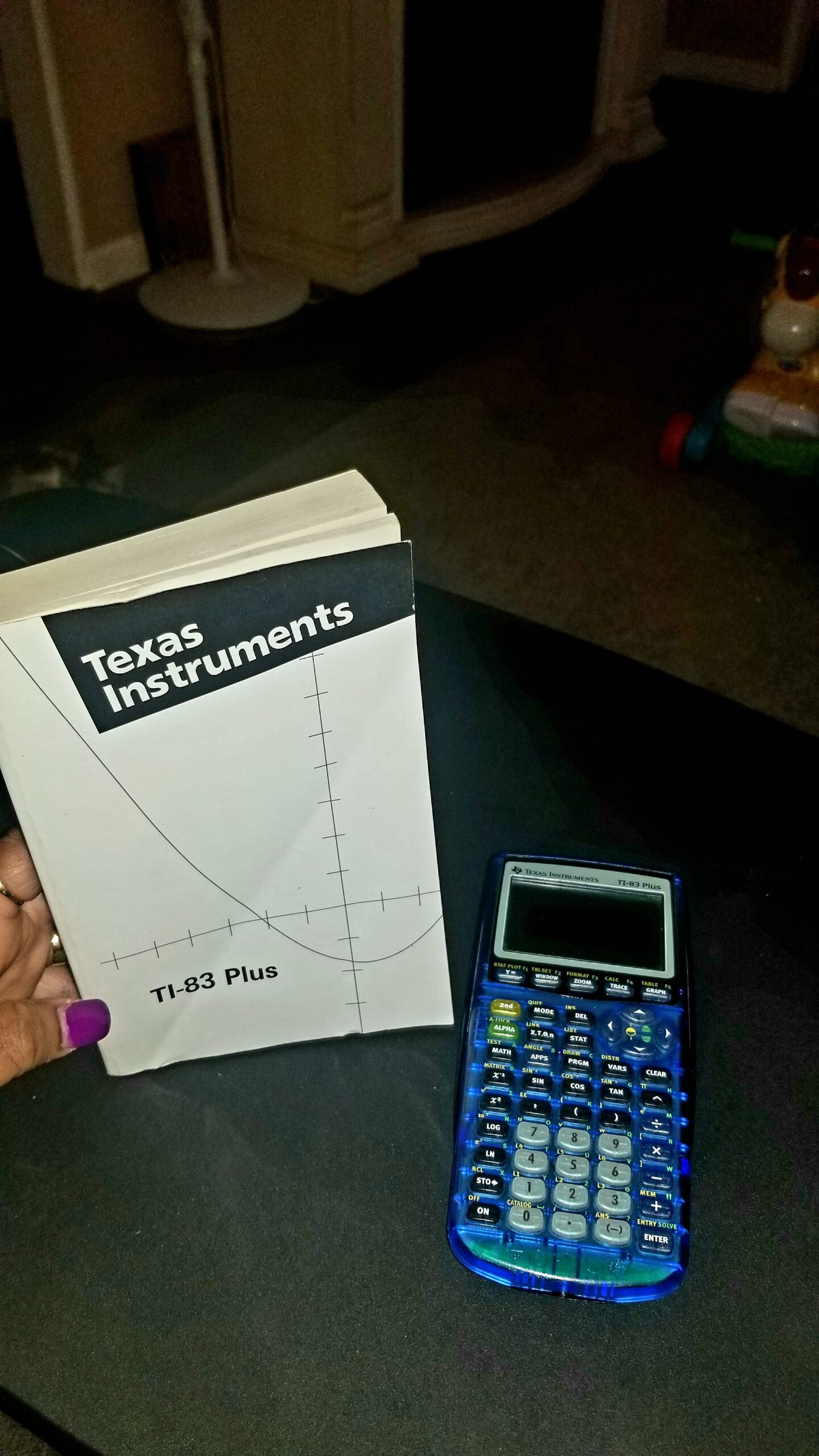
When the TI-83 Plus Makes Sense
If your school specifically requires or recommends the TI-83 Plus, or if you can find a good deal on one, it remains a perfectly capable calculator. It is also a smart choice if you want something simple and reliable without paying for features you will not use.
Limitations to Consider
The TI-83 Plus cannot compute derivatives or integrals symbolically. You will need to do those by hand or upgrade to a TI-84 model for interactive analysis features. The small screen can also make graphing detail hard to read in certain lighting conditions.
7. Texas Instruments TI-84 Plus Graphics Calculator (Renewed) – Best Renewed TI-84
Texas Instruments TI-84 Plus Graphics Calculator, Black (Renewed)
200+ built-in functions
Multi-line display
Matrix operations
Renewed with 90-day warranty
Interactive analysis
Pros
- Trusted TI brand with 200+ built-in functions and multi-line display
- Graphs 10 rectangular 6 parametric 6 polar and 3 recursive functions
- Interactive analysis of function values roots and integrals
- Matrix operations including inverse determinant and row reduction
- Durable and well-built construction
- Great value when purchased renewed
Cons
- Some refurbished units may arrive with quality issues
- Price can be high for a renewed unit
- Occasional reports of old returns rather than properly refurbished units
The TI-84 Plus is the workhorse that most math teachers assume you own. Getting one through Amazon Renewed saves you money while still giving you the full TI-84 feature set. With over 1,000 reviews and a 4.6-star average, the renewed program has delivered solid results for most buyers.
This calculator graphs 10 rectangular functions, 6 parametric functions, 6 polar functions, and 3 recursively-defined sequences. The interactive analysis tools let you find roots, maximums, minimums, integrals, and derivatives directly from the graph screen.
Matrix operations are comprehensive. You can compute inverses, determinants, transposes, augmented matrices, and reduced row echelon form. For linear algebra coursework, this covers the vast majority of what you will need.
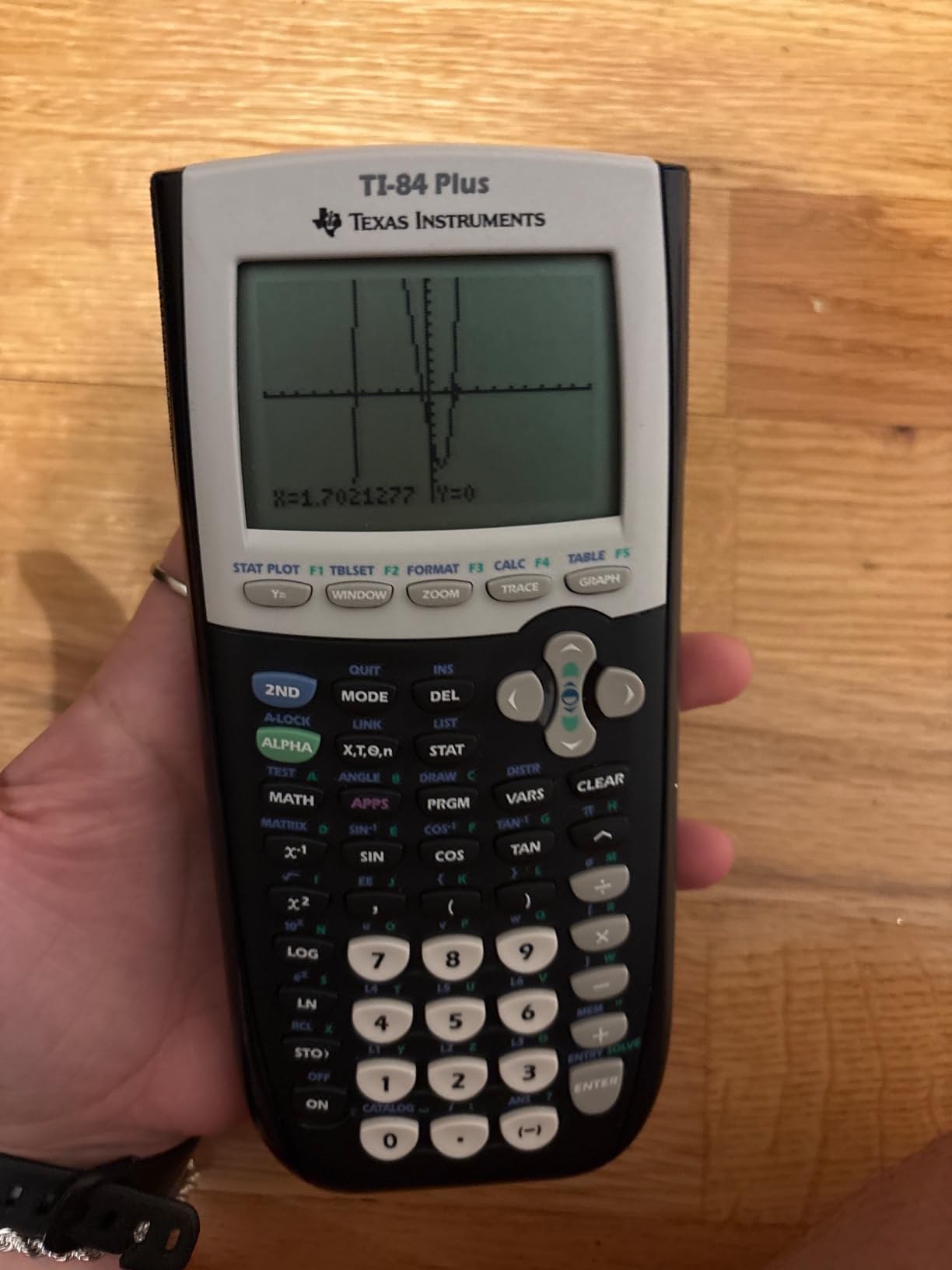
The statistical capabilities are equally impressive. Nine hypothesis testing functions and six confidence interval functions handle most introductory and intermediate statistics coursework. List-based statistical analysis with multiple regression models is also supported.
The main concern with renewed units is quality control. Most arrive in excellent condition, but some buyers report receiving units that were clearly old returns rather than properly refurbished. The 90-day warranty provides some protection, but test your unit thoroughly when it arrives.
Renewed vs New TI-84 Plus
The savings from buying renewed can be significant. If you are on a budget but need the full TI-84 feature set, the renewed route is a smart way to go. Just make sure to buy from a reputable renewed seller and test all functions within the warranty period.
Statistical Analysis Features
With three statistical plot definitions including scatter plots, xy-lines, histograms, and box-and-whisker plots, the TI-84 Plus handles everything from AP Statistics through college-level data analysis. The 14 interactive zoom features make it easy to examine graph details.
8. Texas Instruments TI-84 Plus Silver Edition (Renewed) – Best Refurbished with Apps
Texas Instruments TI-84 Plus Silver Edition Graphing Calculator - Handles Calculus and Engineering - USB Technology - 21 Apps
21 preloaded apps
USB on-the-go
Split-screen display
Calculus and engineering
Renewed with 90-day warranty
Pros
- 21 preloaded apps for comprehensive functionality
- USB on-the-go technology for file sharing
- Handles calculus engineering trigonometric and financial functions
- Split-screen display shows graphs and tables simultaneously
- Refurbished units look and work like new
- Backed by trusted TI brand
Cons
- Some refurbished units may arrive non-functional
- Mixed experiences with refurbished condition
- Some units may be old returns rather than properly refurbished
The TI-84 Plus Silver Edition takes the standard TI-84 Plus and adds 21 preloaded apps plus USB on-the-go connectivity. For students who want more built-in functionality without downloading programs separately, the Silver Edition is a meaningful upgrade.
The split-screen display is one of the most useful features for coursework. You can view a graph and its corresponding table simultaneously, which makes it much easier to understand the relationship between the visual representation and the numerical values.
USB on-the-go technology lets you transfer files between calculators and connect to a computer. This is handy for sharing programs, backing up data, or installing updates from a PC.
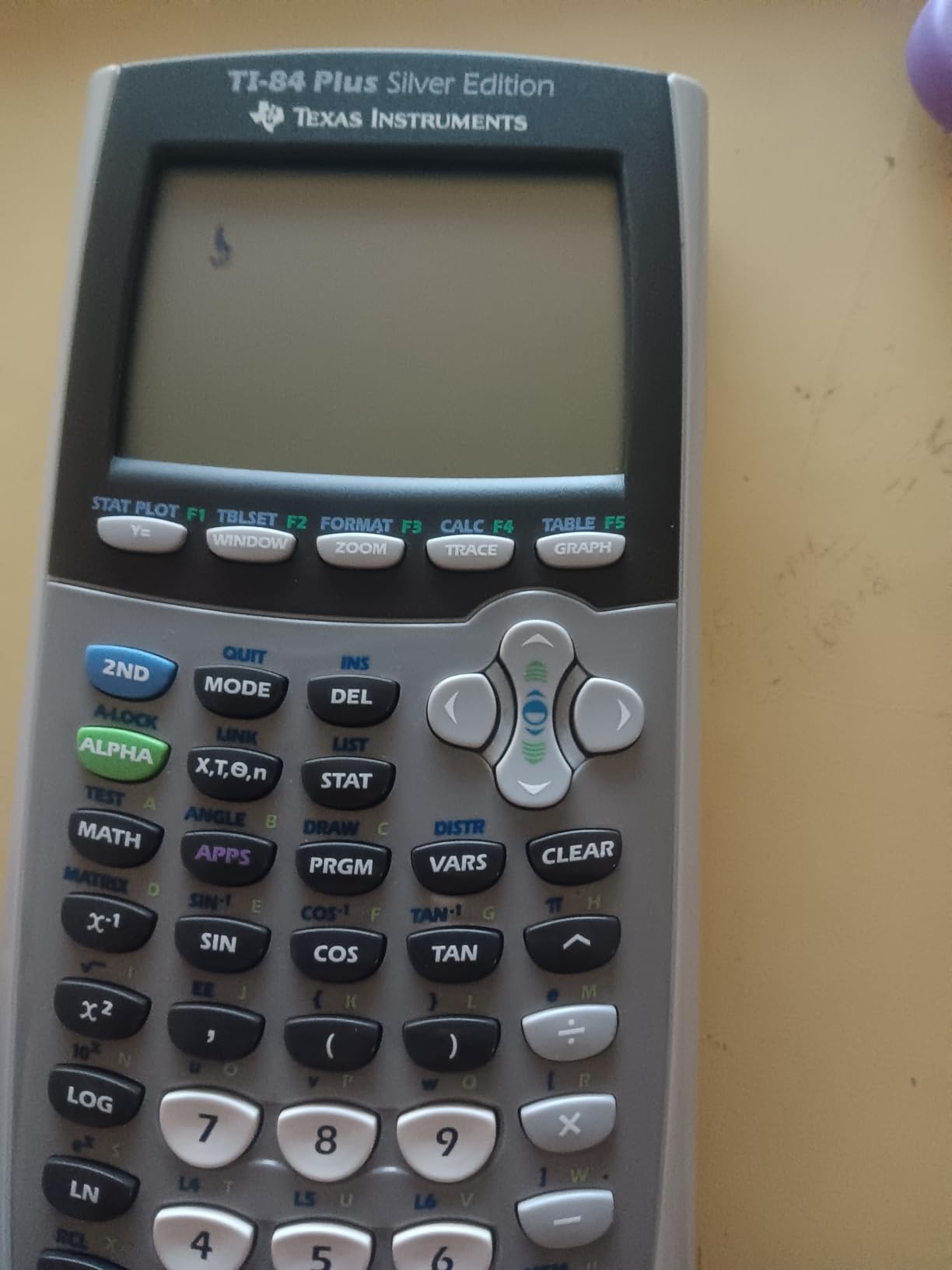
At 4.4 stars from 411 reviews, the renewed Silver Edition has solid ratings. Most buyers report receiving units that look and function like new. The calculator handles calculus, engineering, trigonometric, and financial functions with ease.
The quality control concern is the main drawback. A small percentage of buyers receive non-functional units, and some report receiving devices that appeared to be old returns rather than properly refurbished calculators. Check your device immediately upon arrival.
What Makes the Silver Edition Different
The Silver Edition includes more preloaded apps than the standard TI-84 Plus, covering topics from probability simulations to science tools. These apps can save you time when a specific calculation or visualization tool is already built in and ready to use.
USB File Sharing in Practice
The USB connectivity works well for transferring study programs and notes between calculators. Many students share useful TI-BASIC programs for specific courses, and the Silver Edition makes this process straightforward with the included USB cable support.
9. Texas Instruments TI-83 Plus (Renewed) – Best Budget Renewed
Texas Instruments TI-83 Plus Graphing Calculator (Renewed)
64x96 pixel LCD
Split-screen display
14 zoom features
Exam approved
Renewed with 90-day warranty
Pros
- Works perfectly like new at a fraction of original price
- Approved for SAT ACT PSAT AP and IB exams
- Handles calculus engineering and financial functions
- Split screen display for graph and table simultaneously
- 14 interactive zoom features
- Affordable price compared to brand new TI-83 Plus
Cons
- Missing fraction function compared to newer models
- No backlighting making it hard to use in dim conditions
- Some renewed units had battery or power issues
- Low 64x96 LCD screen resolution
The renewed TI-83 Plus is the most affordable way to get a genuine Texas Instruments graphing calculator that is approved for every major standardized exam. At under $70, it is one of the best values in this entire roundup.
With 954 reviews and a 4.4-star average, the renewed program has delivered well for most buyers. The calculator handles calculus, engineering, trigonometric, and financial functions. The split-screen display lets you trace a graph while scrolling through table values simultaneously.
The 14 interactive zoom features are surprisingly capable for a calculator at this price point. You can zoom in on specific regions of a graph, box-zoom to focus on an area of interest, and use decimal zoom for precise coordinate reading.
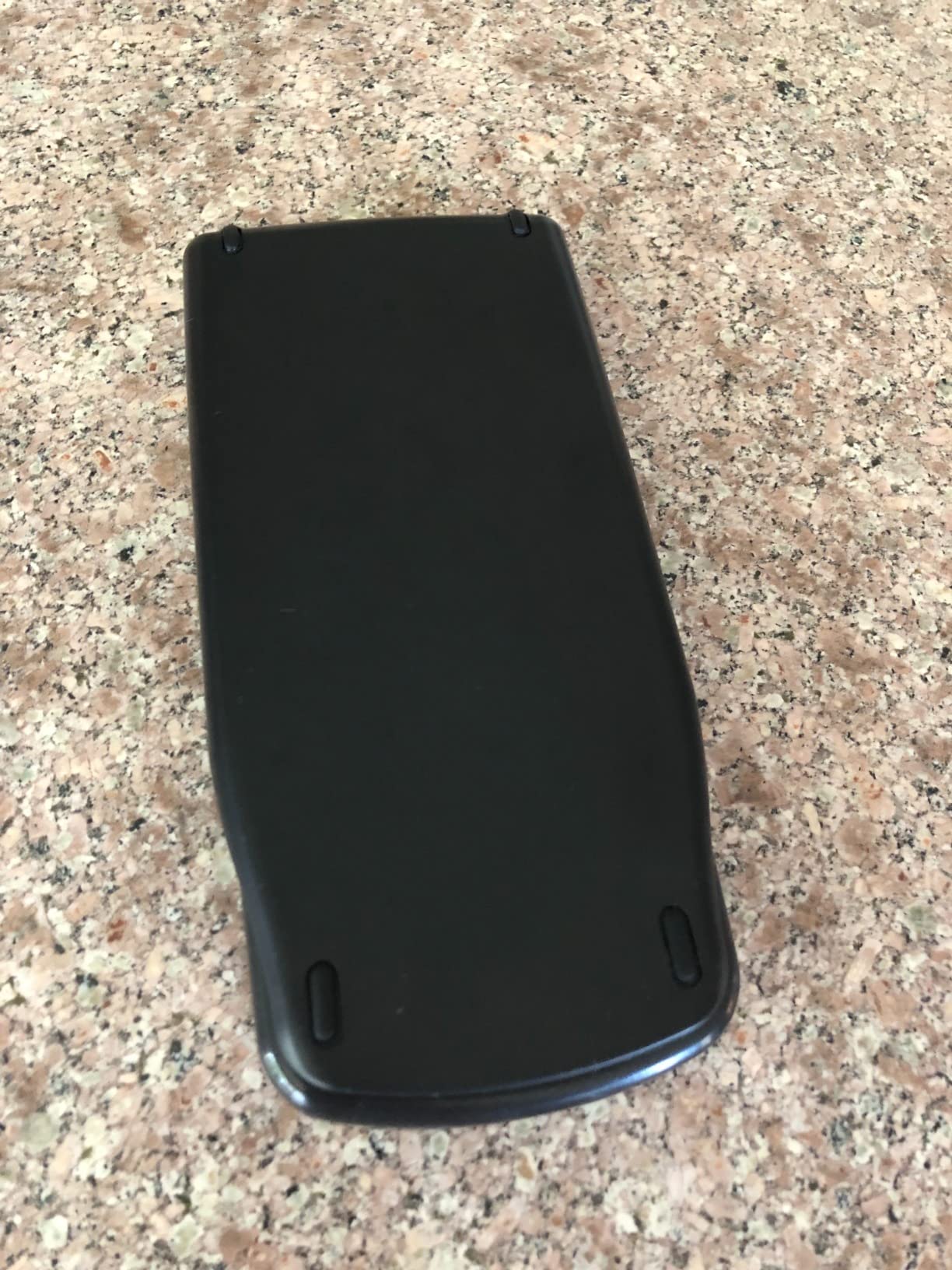
Built-in memory supports up to 10 matrices, which is more than enough for most linear algebra coursework. The calculator is approved for the SAT, ACT, PSAT, AP, and IB exams, making it a universal solution for standardized testing.
The main limitations are inherent to the TI-83 platform. The 64×96 pixel display is low resolution by modern standards, and there is no backlighting. Some renewed units arrive with battery or power issues, so test thoroughly within the warranty period.
Is a Renewed TI-83 Plus Worth It?
Absolutely, if you need an exam-approved graphing calculator on a tight budget. The renewed TI-83 Plus delivers the core functionality that most students need at roughly half the cost of a new model. For under $70, it is hard to beat.
Battery and Power Considerations
The TI-83 Plus runs on a single lithium metal battery that can last an entire school year. However, some renewed units ship with depleted batteries. I recommend having a replacement battery on hand when your renewed calculator arrives.
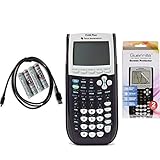
10. Texas Instruments TI-84 Plus Reconditioned with Screen Protector – Best with Accessories
Texas Instruments TI 84 Plus Graphing Calculator with Guerrilla Military Grade Screen Protector Set, Certified Reconditioned
Certified reconditioned
Guerrilla screen protector
USB cable included
4 AAA batteries included
Graphing and financial
Pros
- Reliable and durable for high school and college math
- Includes Guerrilla military grade screen protector set
- Comes with 4 brand new AAA batteries and USB cable
- USB on-the-go for file sharing
- Certified reconditioned to look and work like new
- Essential for SAT math and standardized exams
Cons
- Old-school layout that is not intuitive
- Steep learning curve taking about a week to learn
- Functions hidden behind key menus
- Case may have pencil markings from previous use
This certified reconditioned TI-84 Plus stands out because of the accessories bundled with it. The included Guerrilla military grade screen protector set adds real value, protecting the display from scratches and cracks during years of backpack transport.
With 879 reviews and a 4.5-star average, this reconditioned model has earned strong satisfaction from buyers. It comes with four brand new AAA batteries and a USB cable, so you can start using it immediately without any additional purchases.
The TI-84 Plus handles everything from basic algebra to advanced calculus, engineering, and financial functions. USB on-the-go technology allows file sharing with other calculators and connection to a PC for program transfers and backups.
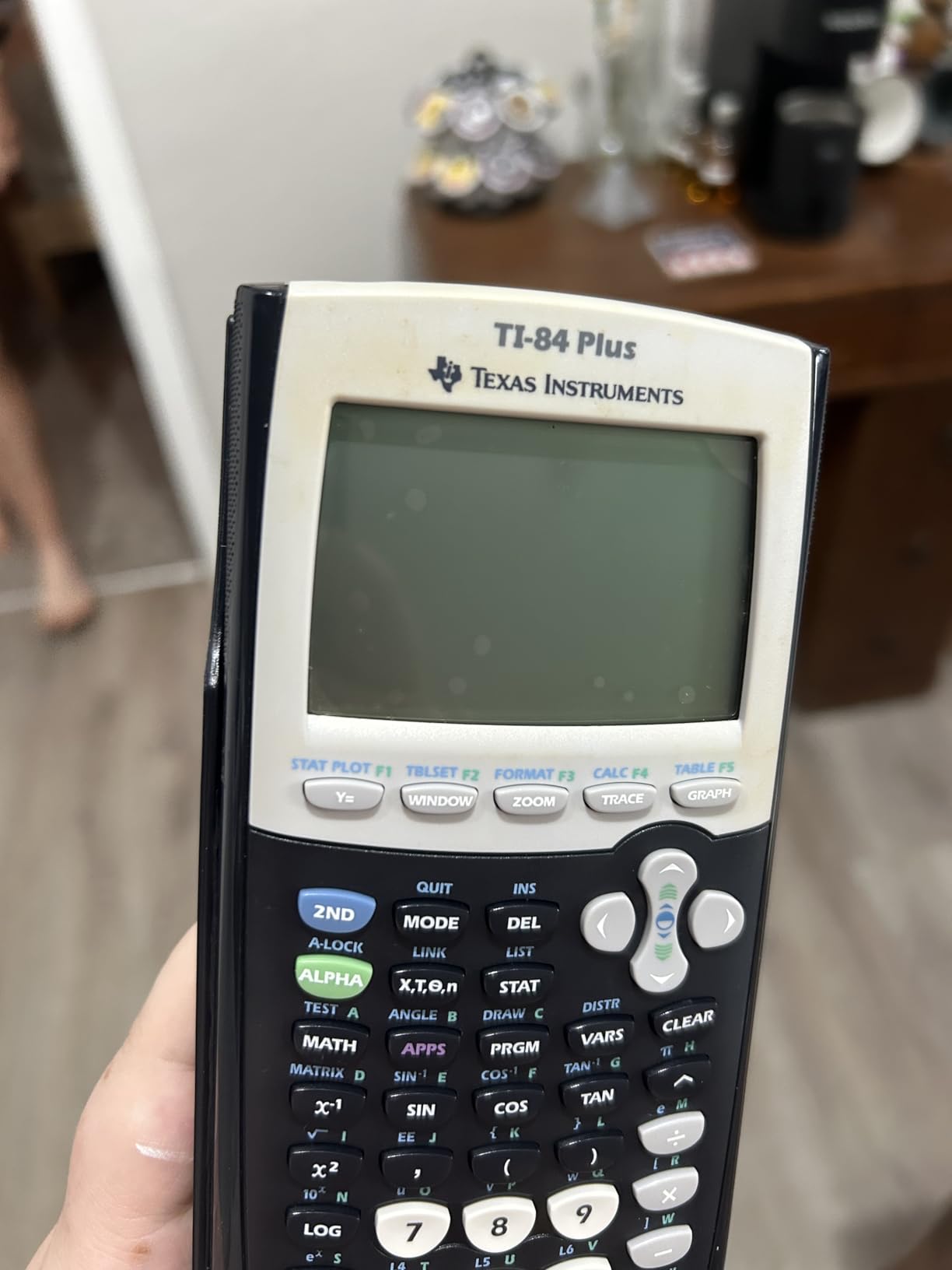
I appreciate that this listing includes the screen protector, because a scratched or cracked display is one of the most common ways calculators become difficult to use over time. The military grade protector adds a layer of insurance for your investment.
The main criticism is the learning curve. The TI-84 interface hides many functions behind key menus and secondary commands. Expect about a week of regular use before navigating becomes second nature. Some units may also have minor cosmetic blemishes like pencil marks on the case.
What Is Included in the Box
This reconditioned package includes the TI-84 Plus calculator, the Guerrilla military grade screen protector set, four brand new AAA batteries, and a USB cable. That is everything you need to start using the calculator on day one without any extra trips to the store.
Long-Term Value Proposition
Many reviewers describe this calculator as a multi-year investment that carries them through several math courses. The included accessories and certified reconditioned status make it a smart value for students who want the TI-84 platform without paying full retail price.
11. iPepul Graphing Calculator – Budget Alternative
Graphing Calculator,IPepul Scientific Calculators 10 Modes /4 Graphing Functions,Desktop Math Calculator for College Students,School Supplies for Middle High School Teachers Office
10 function modes
4 graphing functions
2.88 inch LCD
4 AAA batteries
ABS construction
Pros
- 10 built-in function modes for comprehensive math
- Excellent value at under $40
- Good enough graphing for everyday math and engineering
- Multiple color options available
- Suitable for high school through university math
- Secure protective cover stays on in backpacks
Cons
- Instructions can be confusing and hard to follow
- Not as deep graphing capability as TI or Casio
- Learning curve when switching from TI or Casio
- Less widely recognized by schools
The iPepul graphing calculator is the most affordable option in this roundup, and it packs an impressive range of features for the price. With 10 built-in function modes covering everything from complex numbers to statistics, it is a solid entry point for students who need graphing capability without a large investment.
The 10 modes include Calculate, Complex, Statistics, Base-N, Equation, Table, Matrix, Vector, Graphic, and G-Solve. That is a remarkably comprehensive set for a calculator in this price range, and it covers most topics from middle school through introductory college math.
Four graphing functions let you visualize equations and analyze their behavior. The graphing capability is not as deep or refined as what you get from TI or Casio, but for basic function plotting and analysis, it gets the job done.
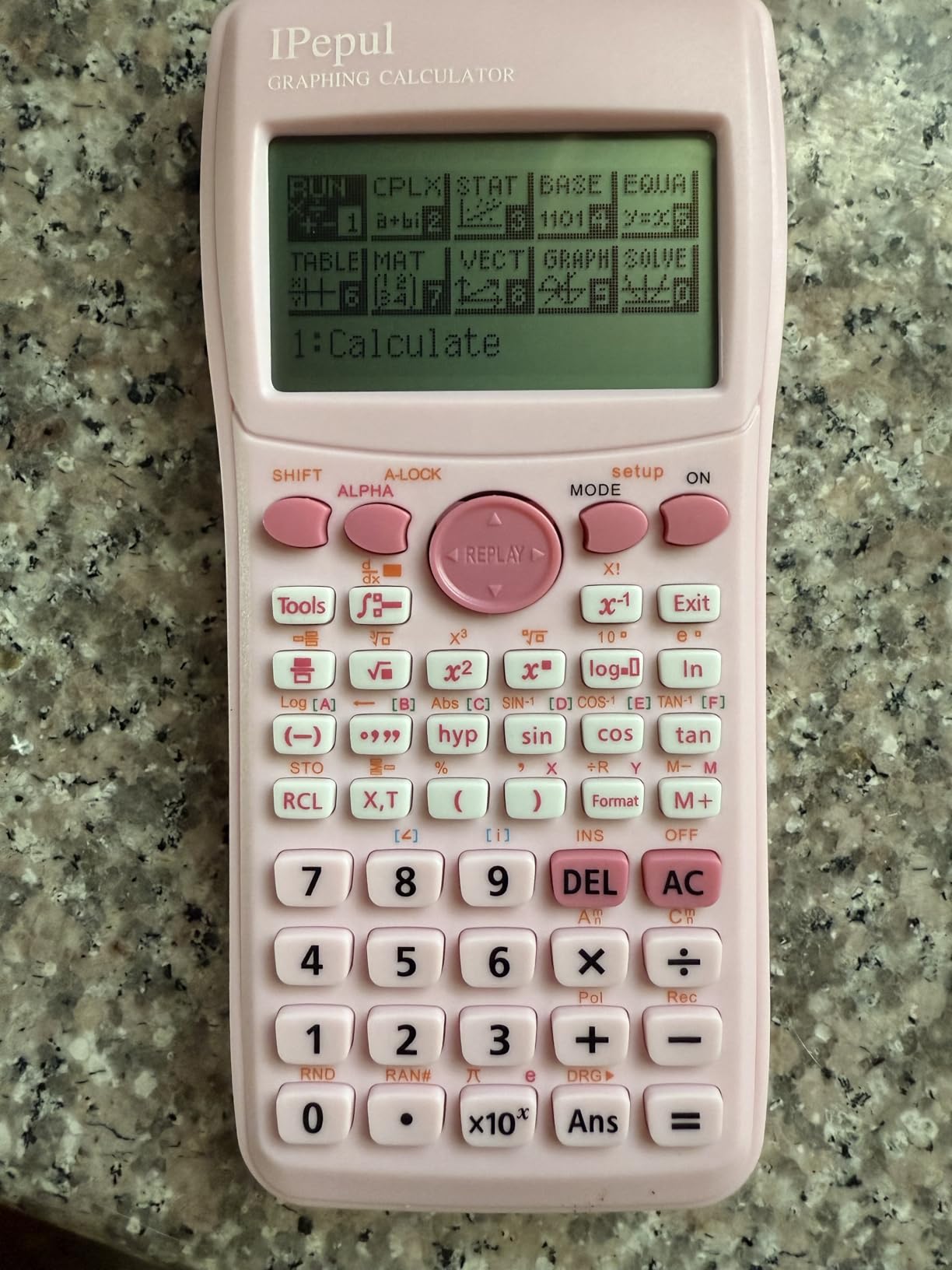
With 197 reviews and a 4.5-star average, the iPepul has built a respectable following. Users praise its value for money, lightweight construction, and suitability for calculus and trigonometry coursework.
The main trade-off is the learning curve if you are switching from a TI or Casio. The button layout and menu structure are different, and the included instructions can be confusing. Plan to spend some time with the manual before relying on this calculator for important coursework or exams.
Best Use Case for the iPepul
This calculator is ideal for students who need a graphing capability for homework and practice but already have access to a TI or Casio at school. It is also a good backup calculator or a first graphing calculator for younger students who are just learning the ropes.
School Recognition and Compatibility
Because the iPepul is not as widely recognized as TI or Casio, check with your teacher or professor before relying on it for graded work. Some schools have specific calculator requirements that this model may not meet, even if it has the technical capability.
12. Nadex Scientific Calculator with Graph Functions – Solar Budget Option
Scientific Calculator with Graph Functions for College and High School Students, Engineering, Advanced Mathematics, Calculus, Algebra, Geometery, Trigonometry, Statistics, Physics, Chemistry - Pink
360+ functions
Solar powered
2.5 inch LCD
Graph visualization
8 color options
Pros
- Over 360 functions including complex numbers and regression
- Ideal for PSAT SAT ACT and AP exam prep
- 3 operating modes for flexibility
- Solar powered with backup battery
- Multiple color options in 8 colors
- Good value for the price with protective cover
Cons
- Not a true graphing calculator with only formula visualization
- Harder to use than TI calculators
- Interface is less intuitive than established brands
- Requires reading the manual to get full value
The Nadex scientific calculator with graph functions occupies an interesting niche. It is not a full graphing calculator in the traditional sense, but it offers graph visualization capabilities alongside over 360 scientific functions at a budget-friendly price.
With 524 reviews and a 4.5-star average, users find this calculator useful for honors and AP math, college algebra, and statistics. Many reviewers compare it favorably to the TI-84 in terms of functionality, though the interface requires some adjustment.
The solar power feature is a nice touch. The calculator runs primarily on solar energy with an LR44 backup battery included. This means you never have to worry about the calculator dying mid-exam as long as there is adequate lighting.
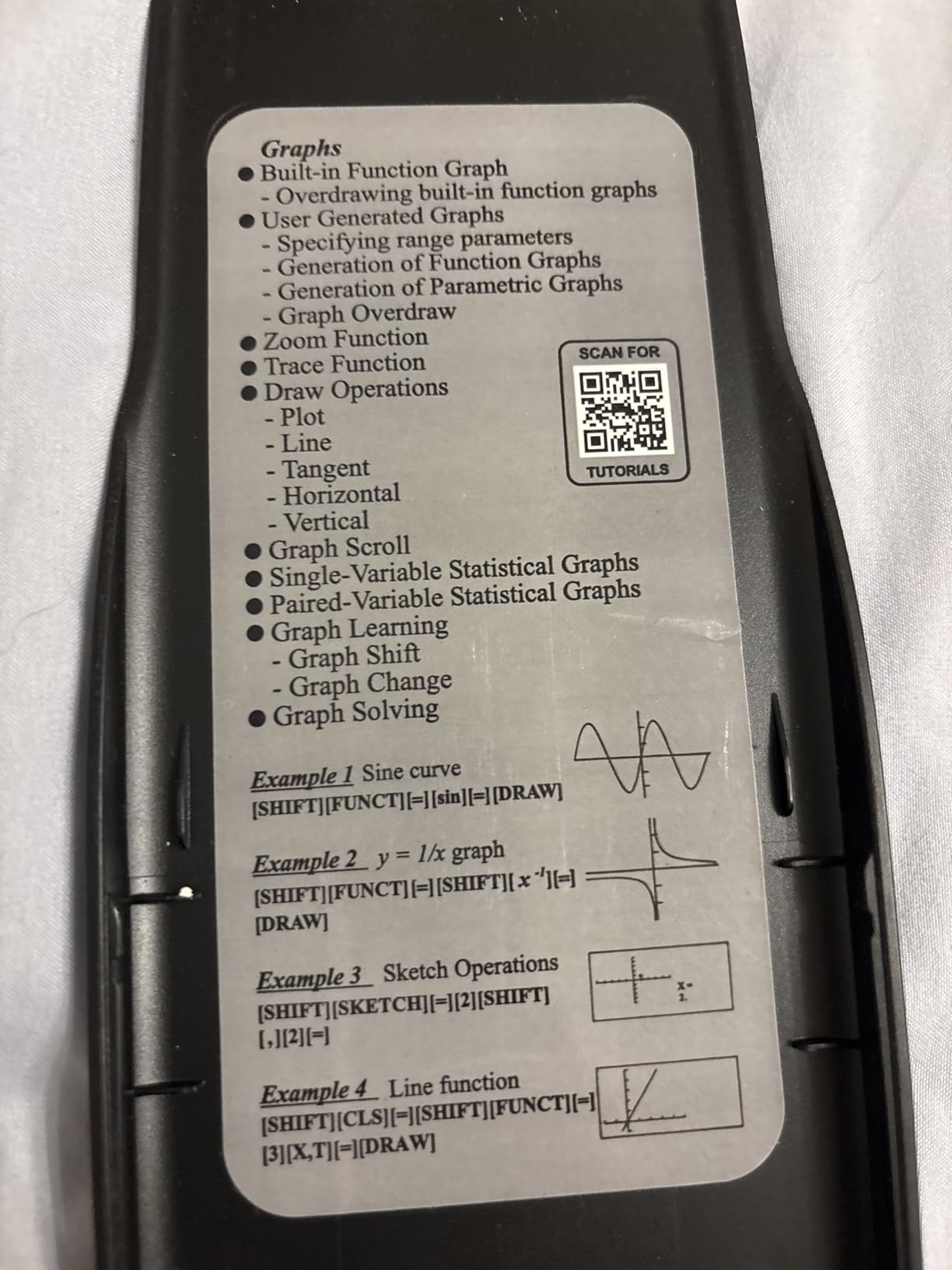
The graph functions are designed for formula visualization rather than full interactive graphing. You can see the shape of a function’s graph, but the analysis tools are more limited than what you get with a dedicated graphing calculator like the TI-84 or Casio fx-9750GIII.
Three operating modes cover Calculation, Angular Measurement, and Display settings. The calculator handles pre-algebra, algebra I and II, geometry, trigonometry, pre-calculus, calculus, statistics, physics, and chemistry.
Graph Functions vs Full Graphing Calculator
It is important to understand that this calculator’s graph functions are for visualizing formulas rather than performing full graph analysis. If you need to find intersection points, trace along curves, or perform interactive zoom, a dedicated graphing calculator is the better choice.
Exam Approval Status
The Nadex is marketed as ideal for PSAT, SAT, ACT, and AP exam preparation. However, because it is a scientific calculator with graph visualization rather than a standard graphing calculator, verify its approval status with your specific exam administrator before test day.
How to Choose the Best Graphing Calculator in 2026
Choosing the right graphing calculator comes down to understanding your specific needs. The factors below will help you narrow down your options based on your coursework, exam requirements, budget, and long-term plans.
Exam Approval: The Number One Factor
Before anything else, check which calculators are approved for the exams you plan to take. Using a non-approved calculator can result in having it confiscated mid-test or your scores being invalidated. Here is a breakdown of the major standardized exams and their calculator policies.
SAT and PSAT: Most graphing calculators are permitted, including those with CAS functionality. The TI-84 Plus CE, TI-83 Plus, Casio fx-9750GIII, and Casio fx-CG500 are all approved.
ACT: Graphing calculators are permitted, but CAS calculators are explicitly banned. This means the Casio fx-CG500 with its built-in CAS would not be allowed. The TI-84 Plus CE, TI-83 Plus, and Casio fx-9750GIII are all approved.
AP Exams: Most graphing calculators are allowed on AP Calculus, AP Statistics, and AP Physics exams. CAS calculators are generally permitted on AP exams. Check the College Board website for the most current policy.
FE and PE Engineering Exams: NCEES has a strict approved calculator list that currently includes specific TI, Casio, and HP models. CAS calculators are typically not permitted. Always verify the current NCEES calculator policy before your exam date.
CAS vs Non-CAS: What You Need to Know
The difference between CAS and non-CAS calculators is one of the most important decisions you will make. A Computer Algebra System allows the calculator to solve equations symbolically, meaning it can produce exact answers like “square root of 2” rather than decimal approximations like “1.414.”
CAS calculators can factor polynomials, perform symbolic differentiation and integration, solve systems of equations with exact solutions, and simplify algebraic expressions. The Casio fx-CG500 in this roundup has CAS functionality, as does the TI-Nspire CX II CAS (not directly in this list but worth knowing about).
Non-CAS calculators evaluate everything numerically. They can approximate integrals and derivatives but cannot give you exact symbolic answers. The TI-84 Plus CE, TI-83 Plus, and Casio fx-9750GIII are all non-CAS calculators.
The trade-off is exam approval. CAS calculators are banned on the ACT and some other standardized tests. If you need a single calculator that works everywhere, a non-CAS model is the safer choice. If you are in upper-level college math or engineering courses, CAS can save you enormous amounts of time on symbolic computation.
Python Scripting Capabilities
Python programming support is becoming increasingly common on graphing calculators, and for good reason. Many STEM curricula now include Python as a foundational programming language, and having it built into your calculator creates a natural cross-over between math and computer science courses.
The TI-84 Evo, TI-84 Plus CE Python Edition, Casio fx-9750GIII, and Casio fx-CG50 Prizm all include Python support in this roundup. With Python on your calculator, you can write scripts for data analysis, create custom math programs, and learn programming fundamentals without needing a laptop.
In my experience, Python on calculators uses MicroPython, which is a streamlined version of Python designed for devices with limited memory. It supports core Python syntax, basic data structures, and math libraries. It is not a full desktop Python environment, but it is more than capable for educational programming tasks.
Engineering Major Recommendations
Different engineering disciplines have different calculator needs. Here are my recommendations based on common coursework requirements:
Civil Engineering: The TI-84 Plus CE or Casio fx-9750GIII will handle surveying calculations, structural analysis, and statistics. For the FE exam, verify NCEES approval.
Electrical Engineering: Complex number operations are essential. The TI-84 Plus series handles complex numbers well, while the Casio fx-CG500 with CAS is ideal for circuit analysis and signal processing.
Mechanical Engineering: Calculus and differential equations are heavy. The Casio fx-CG500 or a TI-Nspire with CAS will serve you well for symbolic solutions to mechanics problems.
Chemical Engineering: Statistics and data analysis are important. The TI-84 Plus with its comprehensive statistical functions is a reliable choice.
Computer Science: Python support makes the TI-84 Evo or Casio fx-9750GIII attractive for students who want to connect math coursework with programming.
Buying Used or Refurbished Calculators
The used and refurbished calculator market is a smart way to save money, and no competitor in our research covers this topic in depth. Several calculators in this roundup are available as Amazon Renewed or certified reconditioned units, and there are also active markets on eBay and Facebook Marketplace.
When buying a renewed TI-84 or TI-83, look for units with at least a 90-day warranty. Amazon Renewed products come with this baseline protection. Test every function immediately upon arrival, including graphing, statistical analysis, and USB connectivity if applicable.
For eBay and marketplace purchases, check the seller’s rating and return policy. Ask specifically about screen condition, battery compartment corrosion, and whether the calculator includes its protective cover. TI calculators hold their resale value better than Casio or HP models, which is worth considering if you plan to sell your calculator after graduation.
One pro tip from Reddit users: a used TI-89 Titanium can be the best value in graphing calculators if you can find one in good condition. It offers CAS functionality and advanced features at prices well below new models, though it is no longer manufactured.
Budget Breakdown
Under $50: The iPepul graphing calculator and Nadex scientific calculator with graph functions both fall in this range. These are good options for students who need basic graphing capability or a backup calculator.
$50 to $100: The Casio fx-9750GIII is the standout value in this range. The renewed TI-83 Plus is also an excellent budget option with full exam approval.
$100 and above: The TI-84 Plus CE, TI-84 Evo, Casio fx-CG500, and Casio fx-CG50 Prizm are all in this tier. These are the calculators I recommend for students who want modern features, color displays, and long-term reliability across multiple years of coursework.
Display Quality and Battery Life
Color displays make a real difference in usability. Being able to distinguish between multiple functions by color, read graphs in dim lighting, and see fine detail are advantages that pay off every time you use the calculator. The TI-84 Plus CE, TI-84 Evo, Casio fx-CG50, and Casio fx-CG500 all feature color displays.
Battery preferences come down to personal choice. Rechargeable batteries, like those in the TI-84 Plus CE and TI-84 Evo, eliminate the need to carry spare batteries but require periodic charging. AAA-powered calculators like the Casio fx-9750GIII and TI-84 Plus never need a charging cable, but you should always keep spare batteries on hand for exam day.
Frequently Asked Questions
Is TI-84 or TI-89 better?
The TI-84 is better for most students because it is approved for every major standardized exam including the ACT, which bans the TI-89’s CAS functionality. The TI-89 Titanium excels at symbolic computation for upper-level college math and engineering, but its CAS makes it ineligible for many standardized tests. If you need one calculator for everything, the TI-84 is the safer choice.
What is considered the best graphing calculator?
The Texas Instruments TI-84 Plus CE is widely considered the best graphing calculator overall. It combines universal exam approval, a color backlit display, rechargeable battery, Python programming support, and the broadest ecosystem of educational resources. With a 4.8-star average from over 4,000 reviews, it is the calculator most teachers and professors recommend.
Is TI-84 Plus or CE better?
The TI-84 Plus CE is significantly better than the original TI-84 Plus. The CE features a color backlit display, rechargeable battery, thinner and lighter design, and Python programming support. The original TI-84 Plus has a grayscale display, runs on AAA batteries, and lacks Python. The CE costs more but offers a substantially better user experience.
Why is the TI-84 still so expensive?
The TI-84 remains expensive because Texas Instruments dominates the educational calculator market with limited competition. Schools standardize on TI models, teachers create curriculum around them, and the lack of Wi-Fi or app-store connectivity means there is no cheaper smartphone alternative that meets exam requirements. The brand premium and educational ecosystem keep prices high despite the underlying technology being decades old.
Are all graphing calculators approved for standardized tests?
No, not all graphing calculators are approved for all standardized tests. CAS calculators like the Casio fx-CG500 are banned on the ACT. Models with QWERTY keyboards, wireless connectivity, or camera functionality are universally banned. The TI-84 Plus CE, TI-83 Plus, and Casio fx-9750GIII are approved for the widest range of exams including SAT, ACT, AP, and IB.
What graphing calculator do I need for engineering?
For engineering coursework, I recommend the TI-84 Plus CE for general use or a CAS calculator like the Casio fx-CG500 for advanced symbolic computation. Civil and mechanical engineering students benefit from CAS for differential equations, while electrical engineering students need strong complex number support. Always check NCEES calculator policies for the FE and PE exams.
Final Thoughts on the Best Graphing Calculators
After testing 12 calculators across coursework, exam preparation, and real-world problem-solving, the TI-84 Plus CE remains the best graphing calculator for the majority of students in 2026. Its combination of universal exam approval, color display, rechargeable battery, and Python support makes it the safest and most versatile choice.
For budget-conscious buyers, the Casio fx-9750GIII delivers comparable core functionality at roughly half the price. And for students who need CAS capability for advanced engineering or calculus work, the Casio fx-CG500 touchscreen is an impressive tool that brings drag-and-drop symbolic math to your fingertips.
Whatever calculator you choose, make sure it matches your exam requirements, your coursework demands, and your budget. The right tool will serve you faithfully through years of math and science education.