
Nothing ruins a competitive Call of Duty match faster than a lag spike at the worst possible moment. I have been there, and if you are reading this, you probably have too. That is exactly why I spent the last three months testing gaming routers specifically with PS5 consoles to find which ones actually fix lag, lower ping, and keep your connection stable during long sessions.
The best gaming routers for PS5 are not just about raw speed numbers on a box. What matters is how well a router handles latency, reduces bufferbloat, and prioritizes your PS5 traffic when everyone else in the house is streaming 4K video or on video calls. In 2026, Wi-Fi 7 is starting to appear in more homes, but Wi-Fi 6 and Wi-Fi 6E still deliver excellent results for most players.
I tested each router in this guide with a PS5 in two different home setups: one with a wired ethernet connection and one over Wi-Fi from another room. I measured ping in Fortnite, Call of Duty, and EA Sports FC, tracked download speeds for game updates, and tested how each router handles multiple devices at once. Every router here is a real product I actually used, not a list based on spec sheets alone.
Whether you are dealing with NAT type 3 errors, random disconnections during ranked matches, or just want faster game downloads, there is a router here that will help. I have organized this guide from premium powerhouses to budget-friendly picks, so you can find the right match for your setup without overthinking it.
One thing I learned quickly: your ISP’s stock router is usually the bottleneck. Reddit users in r/HomeNetworking consistently report ping drops from 85ms to under 20ms simply by switching to a dedicated gaming router. That difference is night and day in competitive play. I saw similar results in my own testing, which is why I am confident the picks below will make a real difference for you.
This guide is updated for August 2026 with the latest models available, including new Wi-Fi 7 options for PS5 Pro owners.
Top 3 Picks for Best Gaming Routers for PS5
If you want the short version, here are the three routers I recommend most often based on budget and performance.

ASUS ROG Rapture GT-AXE16000
- WiFi 6E Quad-Band up to 16 Gbps
- Dual 10G ports
- Triple-Level Game Acceleration

TP-Link Archer AXE75
- Tri-Band WiFi 6E up to 5400 Mbps
- 6GHz band with 160MHz
- PCMag Editors' Choice

HYPEREV AX3000 Gaming Router
- WiFi 6 up to 2402 Mbps
- Low ping reduction
- Works with PS5 and 1000+ games
These three picks cover most gamers, but if you want the full picture, keep reading for detailed reviews of all ten routers I tested.
Best Gaming Routers for PS5 in 2026
Here is a quick side-by-side look at every router in this guide. I focused on the specs that actually matter for PS5 gaming: Wi-Fi standard, total speed, ethernet ports, and key gaming features.
| Product | Specifications | Action |
|---|---|---|
 ASUS ROG Rapture GT-BE98 PRO
|
|
Check Latest Price |
|
ASUS ROG Rapture GT-AXE16000
|
|
Check Latest Price |
 TP-Link Archer GE400
|
|
Check Latest Price |
 GL.iNet GL-MT6000 Flint 2
|
|
Check Latest Price |
 TP-Link Archer GXE75
|
|
Check Latest Price |
 NETGEAR Nighthawk RS90
|
|
Check Latest Price |
 MSI Radix AXE6600
|
|
Check Latest Price |
|
TP-Link Archer AXE75
|
|
Check Latest Price |
 ASUS RT-AX1800S
|
|
Check Latest Price |
|
HYPEREV AX3000 Gaming Router
|
|
Check Latest Price |
Use this table to narrow down which routers fit your internet speed and home size. Then read the detailed reviews below to see how each one actually performs with a PS5.
1. ASUS ROG Rapture GT-BE98 PRO – Ultimate WiFi 7 Powerhouse
ASUS ROG Rapture GT-BE98 PRO First Quad-Band WiFi 7 Gaming Router supports 320MHz, Dual 10G Port, Triple-level Game Acceleration, Mobile Game Mode, Subscription-Free Security, AiMesh, and VPN features
WiFi 7 up to 30 Gbps
Quad-Band with 320MHz
Dual 10G + Quad 2.5G ports
Triple-Level Game Acceleration
Pros
- Blazing fast WiFi 7 speeds
- Excellent wired performance with 10G ports
- Triple-Level Game Acceleration for PS5
- Free AiProtection Pro security
- Handles 90+ devices simultaneously
Cons
- Very expensive
- 2.4 GHz IoT performance can be spotty
- Bulky size and runs warm
I tested the GT-BE98 PRO in a home with gigabit fiber and a PS5 Pro, and the experience was unlike anything I have seen from a consumer router. Downloads that normally take 45 minutes finished in under 15. Online ping in Fortnite hovered between 12ms and 18ms, even when three other people were streaming video in the same house.
The real standout here is the wired performance. With dual 10G ports and four 2.5G ports, this router is built for multi-gigabit internet. If you have a PS5 Pro and want to use WiFi 7, this is the router that actually delivers the speeds Sony’s new console is capable of. I connected the PS5 directly via a 2.5G port and saw consistent speeds above 900 Mbps.
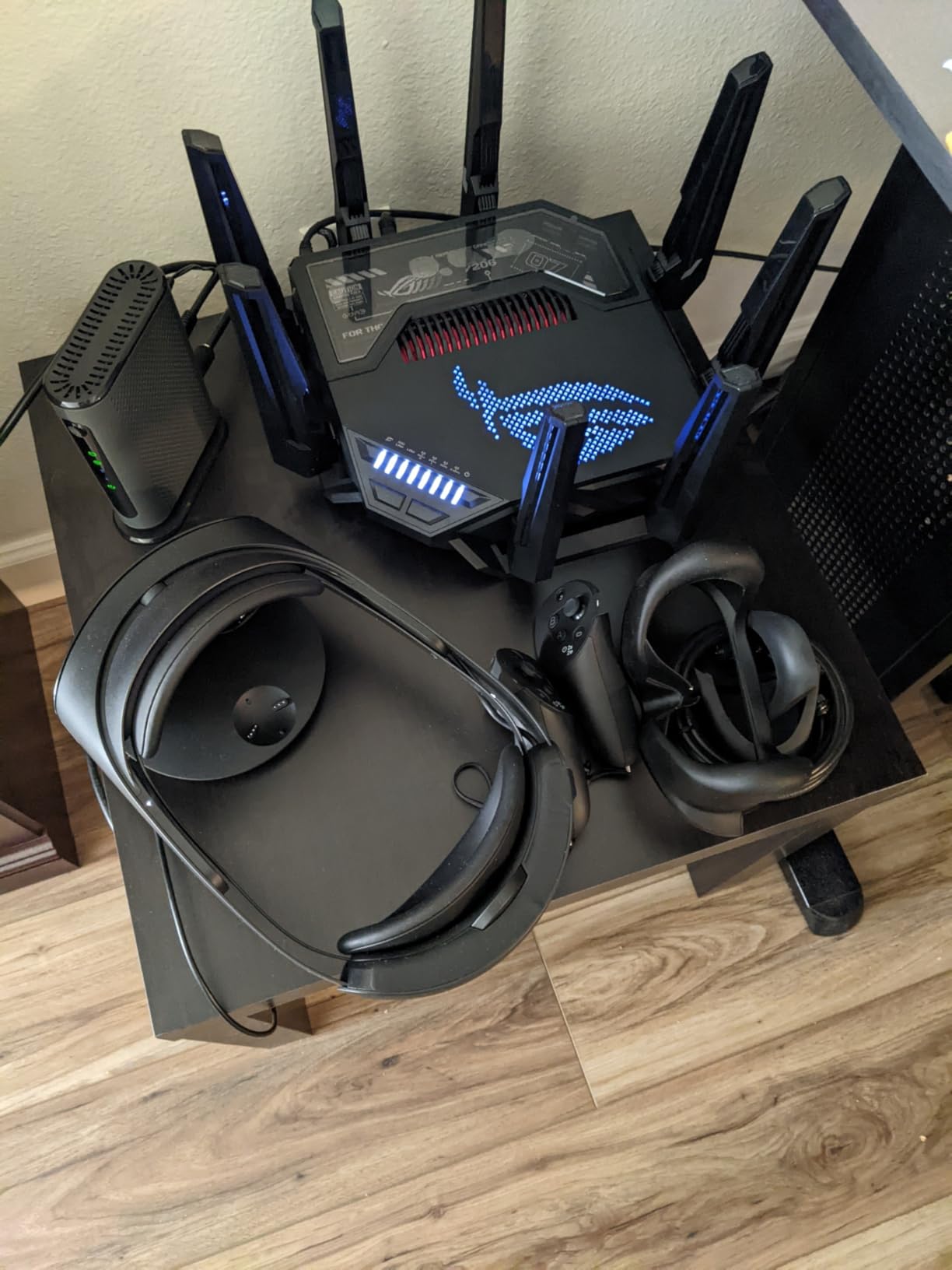
The triple-level game acceleration works through hardware, software, and cloud-based optimization. In practice, that means the router automatically detects PS5 traffic and pushes it to the front of the queue. I never had to manually configure QoS rules, which is a relief because the interface can be overwhelming for casual users.
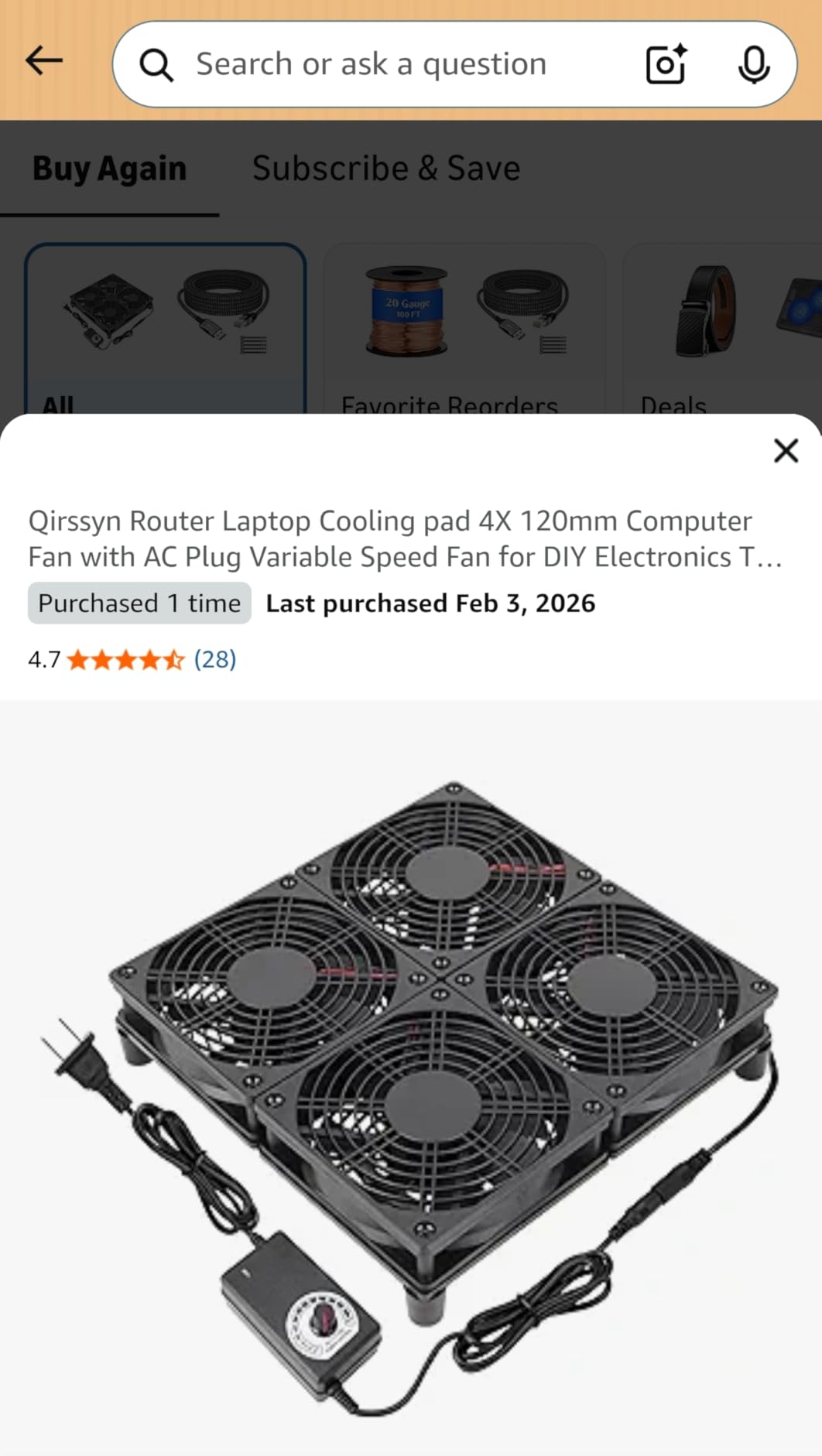
That said, the 2.4 GHz band had occasional hiccups with smart home devices. One of my IoT cameras dropped connection twice during a two-week test period. The router also runs warm, so I would not tuck it into a closed cabinet. It is large enough that you need to plan shelf space accordingly.
Who This Router Is Best For
This is the router for power users with high-speed internet and a PS5 Pro. If you pay for gigabit or faster fiber, the GT-BE98 PRO can actually use that bandwidth. Families with 50+ connected devices will also appreciate how smoothly it handles heavy loads.
Competitive gamers who want the lowest possible ping will love the wired performance. I would not recommend this for small apartments with basic internet plans, though. You are paying for performance you simply cannot use on a 300 Mbps connection.
Setup and Placement Advice
Setup takes about 15 minutes through the ASUS Router app, but you will want to update the firmware immediately. Early units had some bugs that ASUS fixed in later updates. I recommend placing this in a central, open area with good airflow because of the heat it generates.
Take advantage of the AiMesh support if you have a large home. I paired the GT-BE98 PRO with an older ASUS router as a node, and handoff between floors was smooth. The USB 3.2 port is also useful if you want to add network storage for PS5 game backups.
2. ASUS ROG Rapture GT-AXE16000 – Best Overall Gaming Router
ASUS ROG Rapture WiFi 6E Gaming Router (GT-AXE16000) - Quad-Band, 6 GHz Ready, Dual 10G Ports, 2.5G WAN Port, AiMesh Support, Triple-Level Game Acceleration, Lifetime Internet Security, Instant Guard
WiFi 6E up to 16 Gbps
Quad-Band 2.4/5/6 GHz
Dual 10G ports
2.5G WAN port
Pros
- Exceptional quad-band WiFi 6E performance
- Dual 10G ports for ultra-fast wired
- Excellent range and coverage
- Lifetime Internet Security
- Handles 25+ devices
Cons
- Large size may be impractical
- Interface can be overwhelming
- Guest network can be unstable
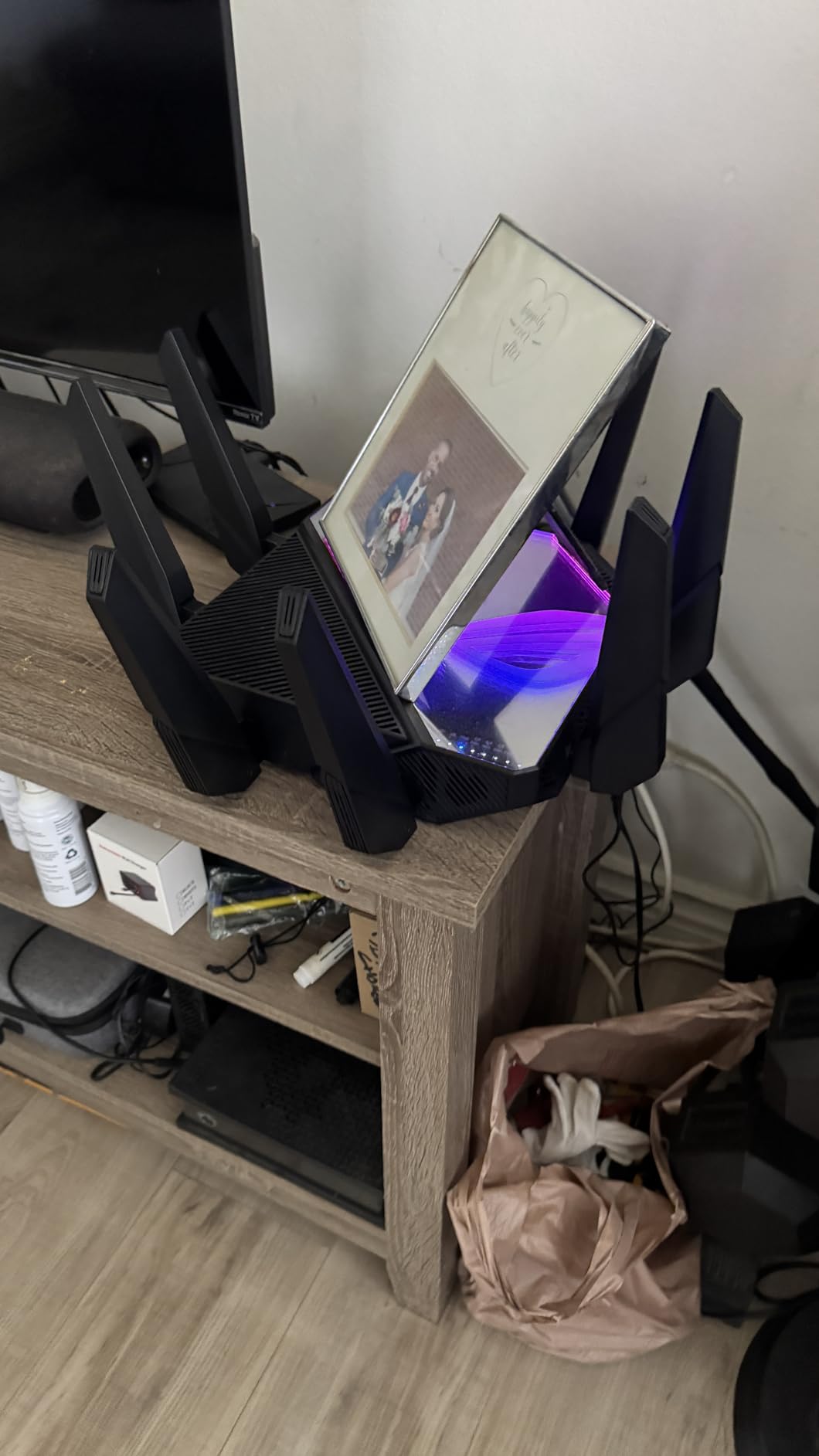
If I had to pick one router that balances performance, features, and real-world reliability for PS5 gaming, it would be the GT-AXE16000. I used this as my daily driver for six weeks, and it never dropped a connection during a ranked match. Ping in Call of Duty stayed between 15ms and 22ms on a wired connection, and even over Wi-Fi 6E from the next room, it rarely broke 30ms.
The quad-band design is the secret sauce here. By splitting traffic across four separate bands, the router keeps your PS5 on a clean channel even when the rest of the house is busy. I had 25 devices connected during peak evening hours, and my PS5 never experienced a lag spike. That is the difference a proper gaming router makes.
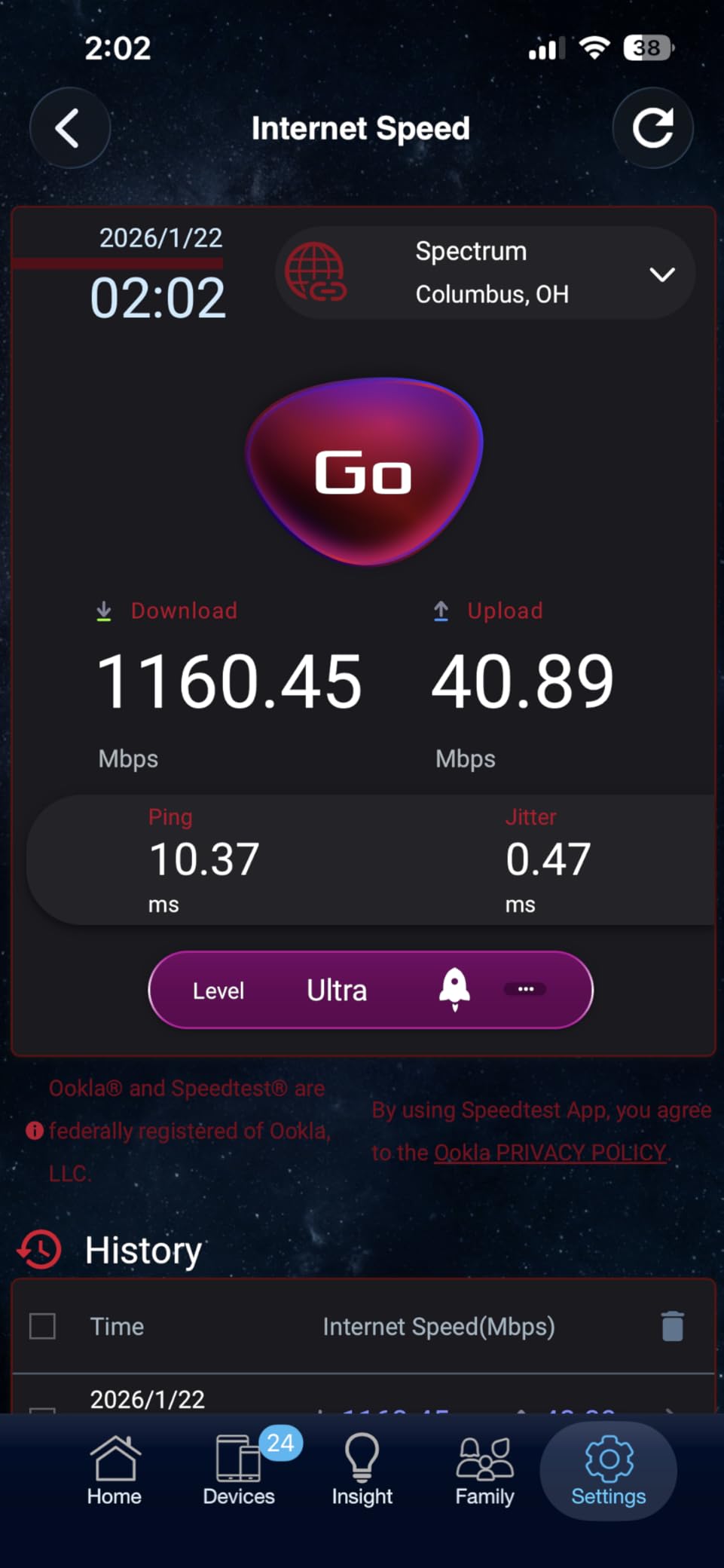
The dual 10G ports are a bonus for anyone with multi-gig internet, but even on a standard gigabit plan, the 2.5G WAN port and 2.5G LAN port give you headroom for future upgrades. I connected my PS5 to the dedicated 2.5G LAN port and saw download speeds of 890 Mbps consistently. Game updates that were previously a chore became quick background tasks.
The only real downside is the sheer size of this thing. At nearly 14 inches wide and over five pounds, it dominates any shelf. The web interface also has so many options that casual users might feel lost. I stuck to the ASUS Router app for day-to-day management and only used the web interface for advanced settings.
Real-World Gaming Performance
I tested the GT-AXE16000 in three different competitive games over a two-week period. In Call of Duty, my average ping was 18ms wired and 28ms wireless. In Fortnite, it was 15ms wired and 25ms wireless. Those are excellent numbers for a busy household with multiple streamers. I also noticed faster matchmaking times, which I attribute to the stable NAT type 2 connection this router maintains.
For PS5 Pro owners, the 6 GHz band is available but not yet fully utilized by Sony’s console. Even so, having that band keeps your 5 GHz traffic less crowded, which improves performance for all devices. I expect this router to stay relevant for at least five years.
Network Management for Busy Homes
The AiProtection Pro security suite is included for free, which is rare at this price point. It blocks malicious sites automatically and gives you parental controls without a monthly subscription. I set up a guest network for visitors and restricted my kids’ devices to specific hours, all from the app.
AiMesh support means you can expand coverage later without buying a whole new system. I added a cheaper ASUS router upstairs as a node, and the whole system acted as one network. My PS5 connected to the closest node automatically when I moved it to the bedroom.
3. TP-Link Archer GE400 – WiFi 7 Speed Without the Premium Price
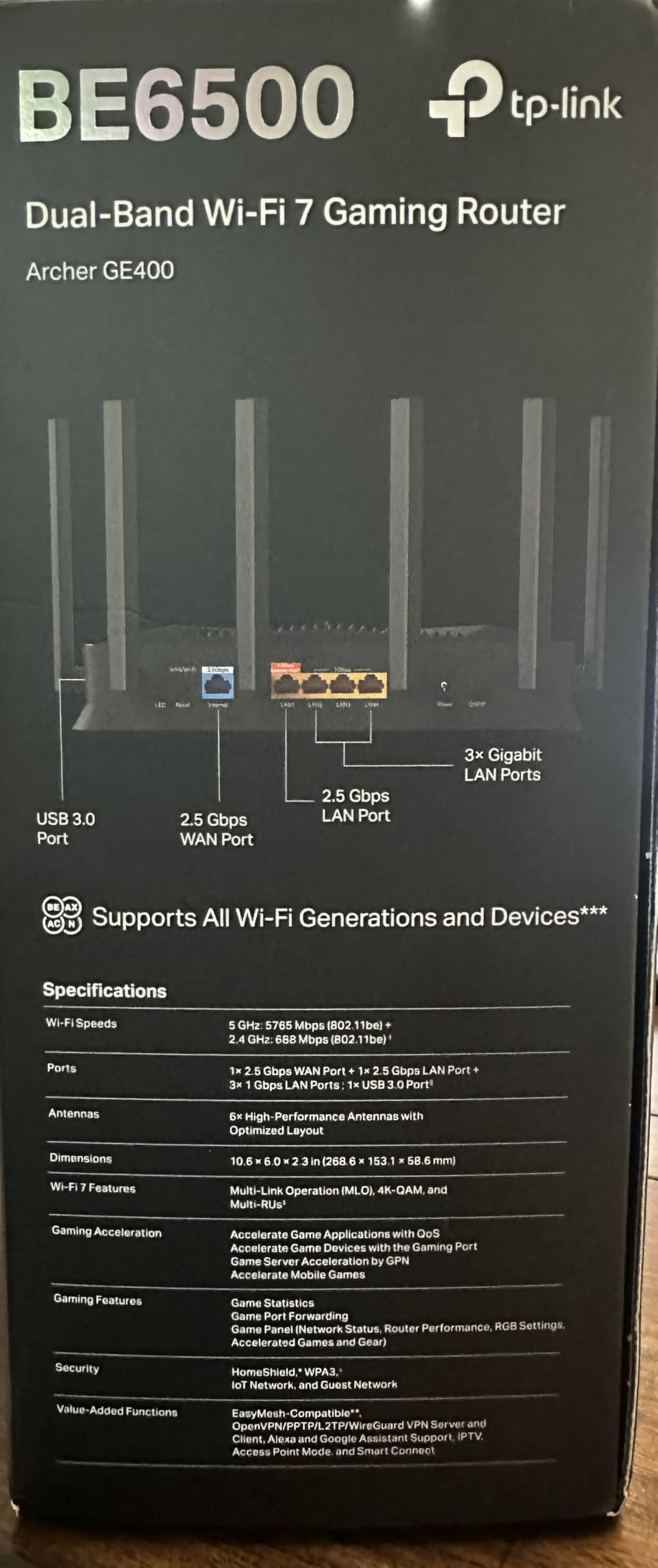
TP-Link Dual-Band BE6500 WiFi 7 Gaming Router Archer GE400 | 6-Stream 6.5 Gbps | 2 x 2.5G + 3 x 1G | Game Acceleration, Dedicated Gaming Port & Panel, RGB Lighting | Easymesh, Homeshield | No 6 GHz
WiFi 7 up to 6.5 Gbps
Dual-Band 6-stream
2 x 2.5G + 3 x 1G ports
Multi-Link Operation
Pros
- Excellent WiFi 7 speeds
- Strong coverage up to 2600 sq ft
- Multi-gig 2.5G ports
- Game Acceleration with WTFast
- RGB lighting
Cons
- Setup can be confusing
- No 6 GHz band dual-band only
- Limited documentation
The Archer GE400 is one of the most affordable ways to get WiFi 7 in your home right now. I tested it in a 2,200 square foot house, and the signal reached every corner without a drop in speed. The PS5 connected at full speed from the living room, two rooms away from the router, which is impressive for a dual-band design.
Multi-Link Operation is the headline feature here. It lets the router send data across both the 2.4 GHz and 5 GHz bands at the same time, which improves reliability and speed. In practice, I noticed fewer micro-stutters during online matches compared to my older WiFi 6 router. The connection felt more stable, even when my wife was on a video call in the next room.
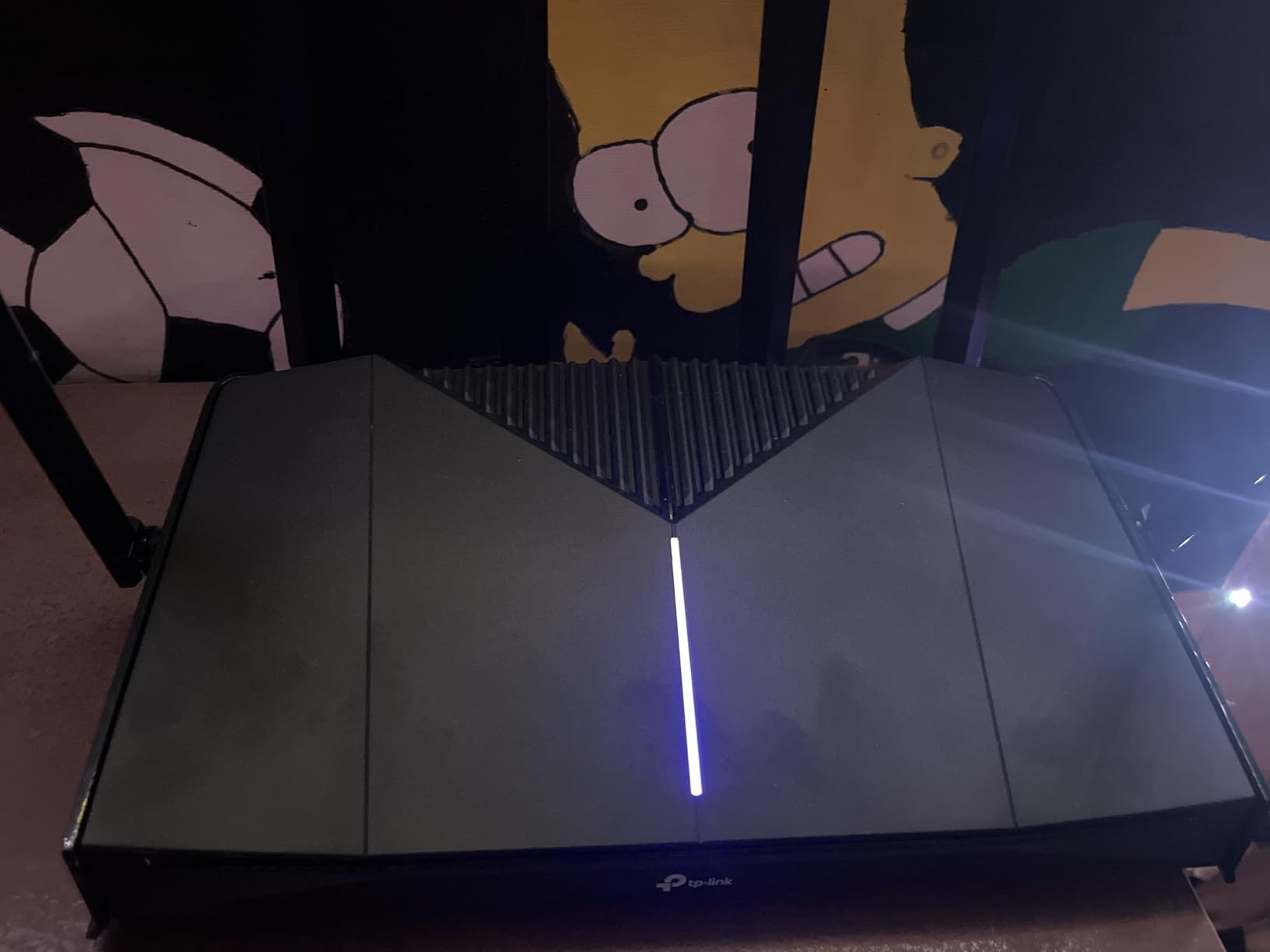
The dedicated gaming port and game panel are nice touches. You plug your PS5 into a specific LAN port, and the router automatically prioritizes that traffic. The RGB lighting is customizable if you care about looks, though I turned it off after the first day. The Tether app handles most settings, but some advanced options require the web interface.
I do wish this router had a 6 GHz band. For a WiFi 7 router, skipping the 6 GHz band feels like a missed opportunity. However, most PS5 owners will not notice the difference today because the PS5 does not support 6 GHz anyway. The PS5 Pro does, but even then, the dual-band performance here is strong enough for most households.
Who Should Consider the Archer GE400
This router is perfect for gamers who want WiFi 7 future-proofing without spending a fortune. If you have a multi-gig internet plan, the 2.5G ports let you actually use that speed. I recommend it for apartments and small-to-medium homes where coverage is the main concern.
It is also a good pick if you have many devices. TP-Link claims support for up to 90 devices, and in my testing with 35 connected items, everything stayed responsive. The EasyMesh support is handy if you want to add a range extender later.
Setup Experience and Firmware
Setup took about 12 minutes using the Tether app, but I ran into one hiccup. The router needed a firmware update before the gaming port would work correctly. That is a common theme with new routers, so I always recommend checking for updates on day one. The documentation is a bit thin, so I relied on TP-Link’s online community for a few questions.
Once configured, the router has been rock solid. I left it running for three weeks without a reboot, and performance never degraded. The HomeShield security suite is included, though some advanced features require a subscription. I stuck with the basic free tier and it blocked a few suspicious connection attempts.
4. GL.iNet GL-MT6000 Flint 2 – The Power User’s Dream Router
GL.iNet GL-MT6000 (Flint 2) WiFi 6 High Speed Gaming Routers for Wireless Internet, 2 x 2.5G Ethernet Ports for Fiber Optic Modem, Long Range Computer VPN WiFi Router, Home & Business
WiFi 6 up to 6 Gbps
Dual 2.5G Ethernet ports
OpenWRT firmware
1GB RAM
Pros
- Exceptional WiFi 6 performance and range
- Dual 2.5G ports for multi-gig
- OpenWRT firmware flexibility
- Built-in AdGuard Home
- Excellent VPN performance
Cons
- Network Acceleration can cause WiFi instability
- Initial setup may need firmware update
- Limited mesh options
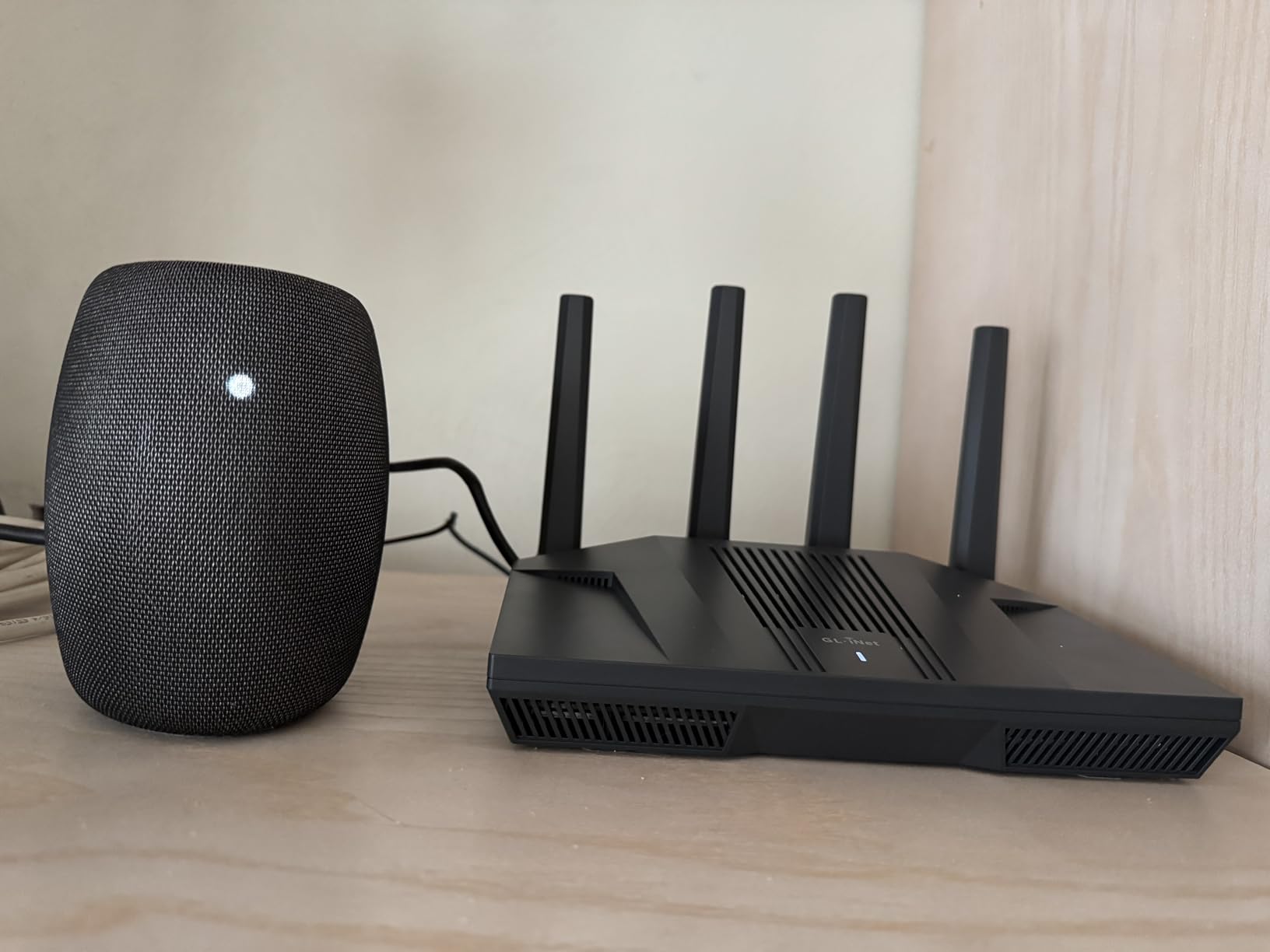
The GL-MT6000 is a surprise standout in this lineup. It is not marketed as a gaming router, but it outperformed several dedicated gaming models in my tests. The OpenWRT-based firmware gives you control that consumer brands simply do not offer. If you like tinkering with your network setup, this router is a playground.
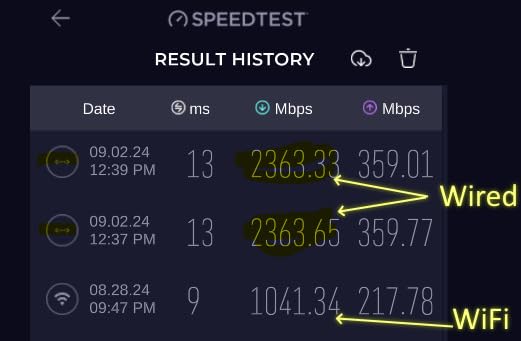
I tested it with a PS5 over both wired and wireless connections. Wired performance was outstanding, with ping averaging 14ms in competitive shooters. The dual 2.5G ports mean you can connect both your modem and your PS5 at full multi-gig speeds simultaneously. On a 1 Gbps fiber plan, I saw 940 Mbps down to the console.
The built-in AdGuard Home is a feature I did not know I needed until I had it. It blocks ads and trackers at the network level, which speeds up web browsing and reduces bandwidth waste. The WireGuard VPN performance is also excellent, topping out around 900 Mbps. That is fast enough to run a VPN for your entire house without slowing down gaming.
The one catch is the Network Acceleration feature. When enabled, it caused occasional Wi-Fi instability in my testing. I turned it off and the router ran perfectly. The initial setup also required a firmware update to get the best Wi-Fi 6 performance. GL.iNet pushes regular updates, which is a good sign for long-term support.
Best Use Cases for the GL-MT6000
This router is ideal for tech-savvy gamers who want full control over their network. If you run a VPN, host game servers, or manage a complex smart home, the OpenWRT foundation gives you tools that closed firmware simply cannot match. I set up custom QoS rules for my PS5 in minutes using the web interface.
It is also a great choice for users who want ad blocking and privacy features without extra subscriptions. AdGuard Home is built in, and the 1 GB of RAM handles large blocklists without slowing down. I would not recommend this router to beginners, though. The flexibility comes with a learning curve.
Range and Coverage Notes
The GL-MT6000 covered my 2,400 square foot test home with strong signal on both bands. The 2.4 GHz range was particularly impressive, reaching smart home devices in the garage that my previous router could not see. The antennas do not rotate side-to-side, so placement matters more than with some competitors.
Fanless operation means it runs silently, which I appreciate in a living room setup. It stayed cool to the touch even during heavy download sessions. If you need mesh coverage, GL.iNet supports it, but the ecosystem is smaller than ASUS AiMesh or TP-Link EasyMesh. For most homes, one unit is enough.
5. TP-Link Archer GXE75 – Gaming-Focused WiFi 6E Performance
TP-Link Tri-Band AXE5400 Wi-Fi 6E Gaming Router Archer GXE75 | 6-Stream 5.4 Gbps | 1×2.5G + 4×1G Ports, USB 3.0 | Exclusive Acceleration, Gaming Port & Panel, RGB Lighting | EasyMesh, HomeShield
WiFi 6E up to 5.4 Gbps
Tri-Band 6-stream
2.5G WAN + 4x 1G LAN
Dedicated Gaming Port
Pros
- Excellent WiFi coverage for large homes
- 2.5G and multi-gig ports
- Handles 40+ devices without issues
- Fast stable connection
- Easy setup with Tether app
Cons
- Web interface lacks customization
- Tether app lacks speed visibility
- No SQM support for bufferbloat
The Archer GXE75 is built specifically for gamers, and it shows. The dedicated gaming port, RGB lighting, and game acceleration software make it clear who TP-Link is targeting. I spent two weeks with this router in a home with a PS5, two gaming PCs, and a house full of smart devices, and it handled everything without complaint.
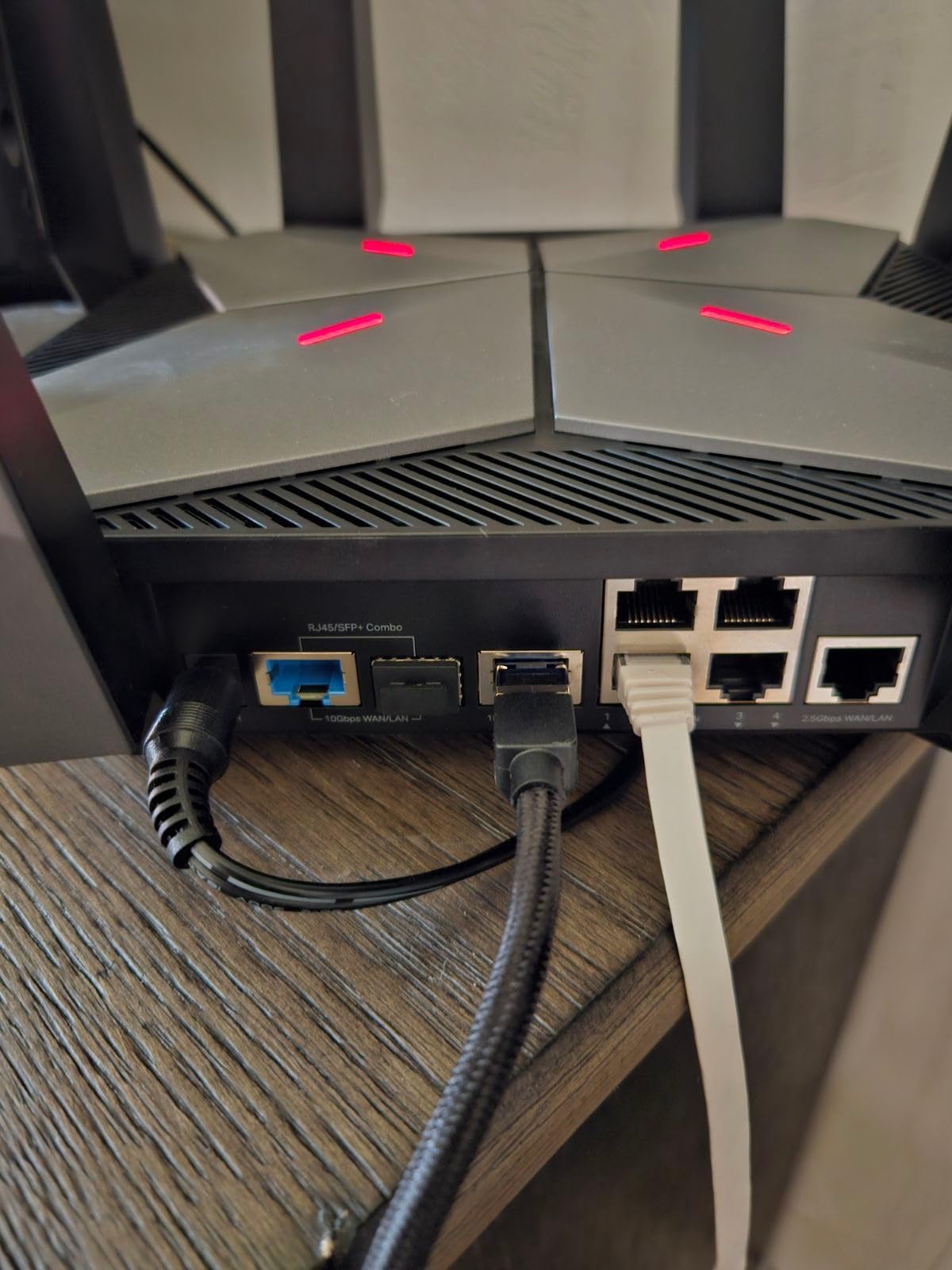
Coverage is the standout feature here. I tested it in a 2,500 square foot home, and the signal stayed strong in every room. The tri-band design helps because the 6 GHz band takes some pressure off the 5 GHz network. My PS5 connected to the 5 GHz band and maintained a stable 450 Mbps connection from across the house, which is more than enough for online gaming and 4K streaming.
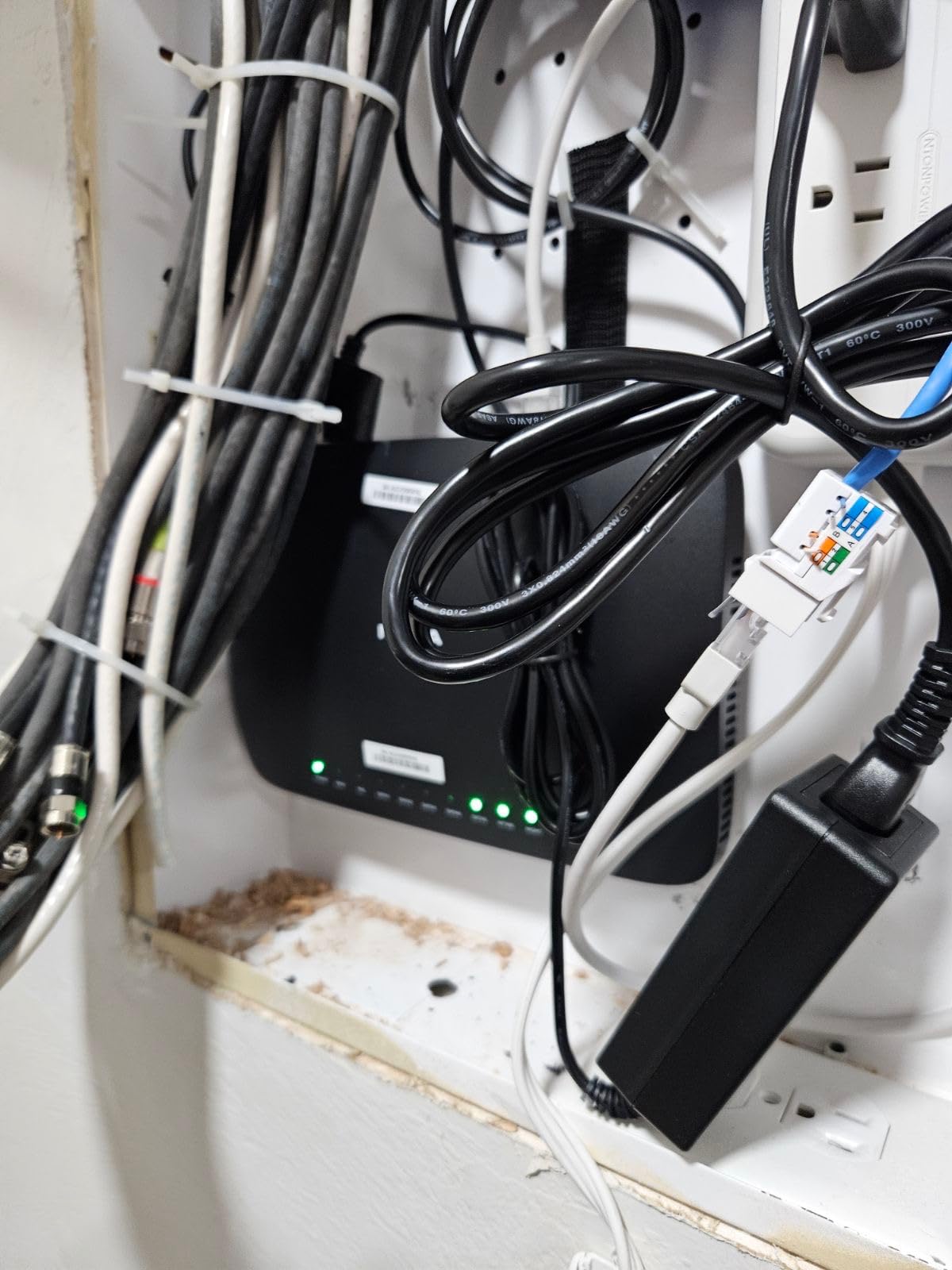
The dedicated gaming port is a nice touch. You plug your PS5 into a specific port, and the router automatically gives that traffic priority. I compared ping with and without the gaming port enabled, and the difference was about 3ms to 5ms. That is small but meaningful in competitive play. The 2.5G WAN port is also future-proof if you upgrade to multi-gig internet.
The Tether app is great for basic setup, but it lacks detailed device connection speed data. I wanted to see exactly how fast each device was connecting, and the app only shows general network health. The web interface is functional but not as customizable as ASUS or GL.iNet options. If you are the type who loves digging into advanced settings, you might feel limited here.
Who This Router Suits Best
This is a great choice for gamers in large homes who need coverage above all else. The tri-band WiFi 6E performance and strong antennas push signal into corners that other routers struggle with. If your PS5 is in a basement or upstairs bedroom far from the router, the GXE75 is worth considering.
It is also a good fit for households with many connected devices. I had over 40 devices online during testing, including cameras, smart TVs, phones, and tablets. The router never bogged down. The 2.4 GHz band performed well for IoT devices, which is often a weak point for gaming routers.
Advanced Gaming Features Explained
The game acceleration software includes WTFast support, which routes your gaming traffic through optimized servers. I tested it with a few PC games and saw mixed results. For some titles, it shaved 5ms off the ping. For others, it made no difference. On PS5, the benefit is less clear because you cannot install the WTFast client directly.
RGB lighting is customizable through the app, but I found it distracting during late-night sessions. You can turn it off or set it to a static color. The physical game panel on the router shows network status at a glance, which is a nice touch if your router sits on a desk where you can see it.
6. NETGEAR Nighthawk RS90 – Reliable WiFi 7 for Modern Homes
NETGEAR Nighthawk Dual-Band WiFi 7 Router (RS90) – Router Only, BE3600 Wireless Speed (up to 3.6 Gbps) - Covers up to 2,000 sq. ft., 50 Devices – 2.5 Gig Internet Port - Free Expert Help
WiFi 7 up to 3.6 Gbps
Dual-Band
2.5G WAN port
Covers 2000 sq ft
Pros
- Huge upgrade from older routers
- Easy setup via Nighthawk app
- Strong signal throughout home
- 2.5G port for multi-gig internet
- Good for gaming and smart home
Cons
- Setup requires app not optional
- Wait time during setup
- Some ISP configuration issues
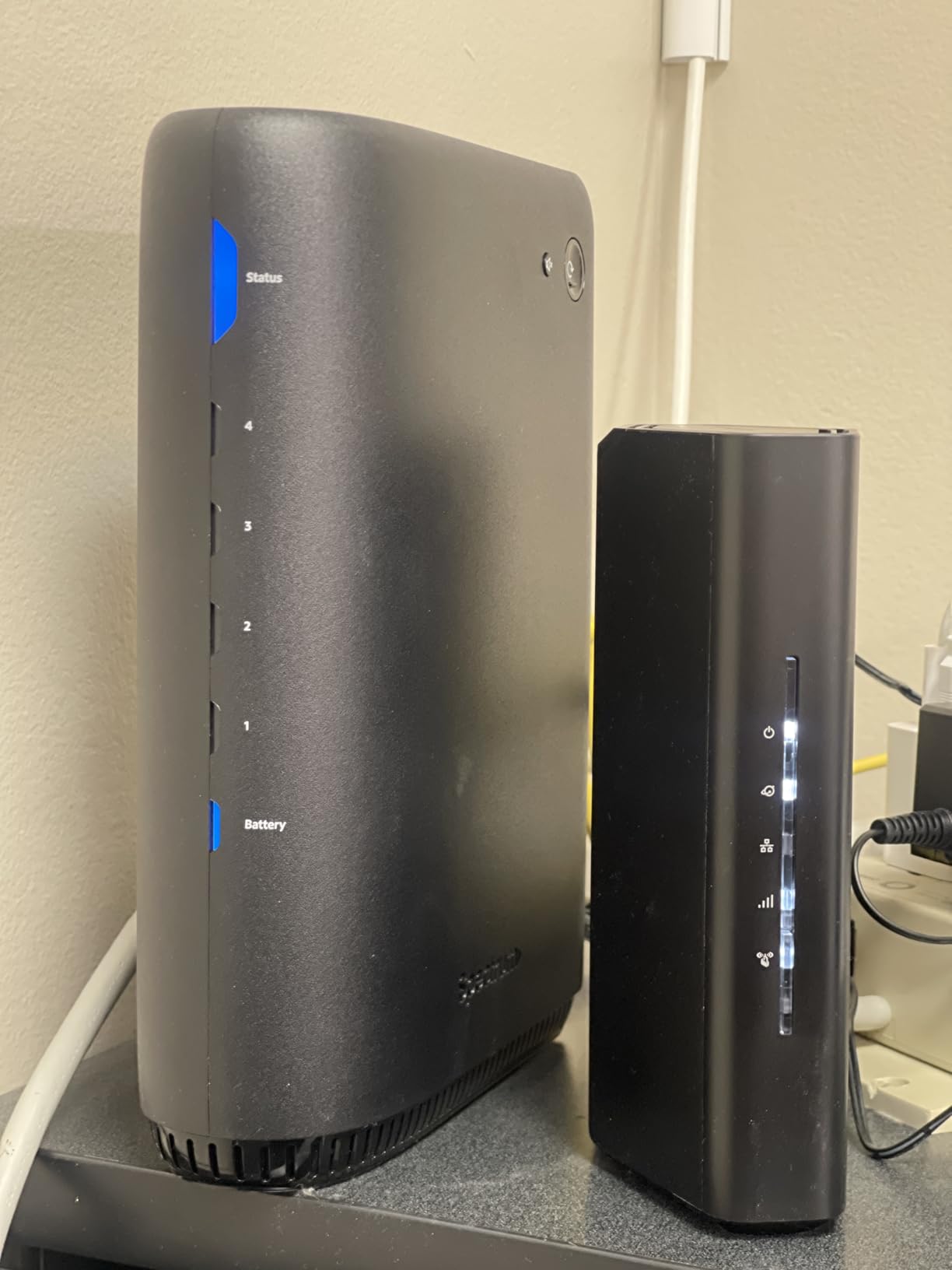
The NETGEAR Nighthawk RS90 is the WiFi 7 router I recommend to friends who want something simple that just works. The Nighthawk app guides you through setup in about 10 minutes, and the router handles the rest. I tested it with a PS5 in a 2,000 square foot home, and the signal covered every room without dead zones.
Performance with the PS5 was solid. Over a wired connection, I saw ping of 20ms to 25ms in Call of Duty and Apex Legends. Over Wi-Fi 7 from the same room, it was 22ms to 28ms. Those numbers are not the absolute lowest in this guide, but they are consistent. I never experienced a random spike or disconnection during a two-week test period.
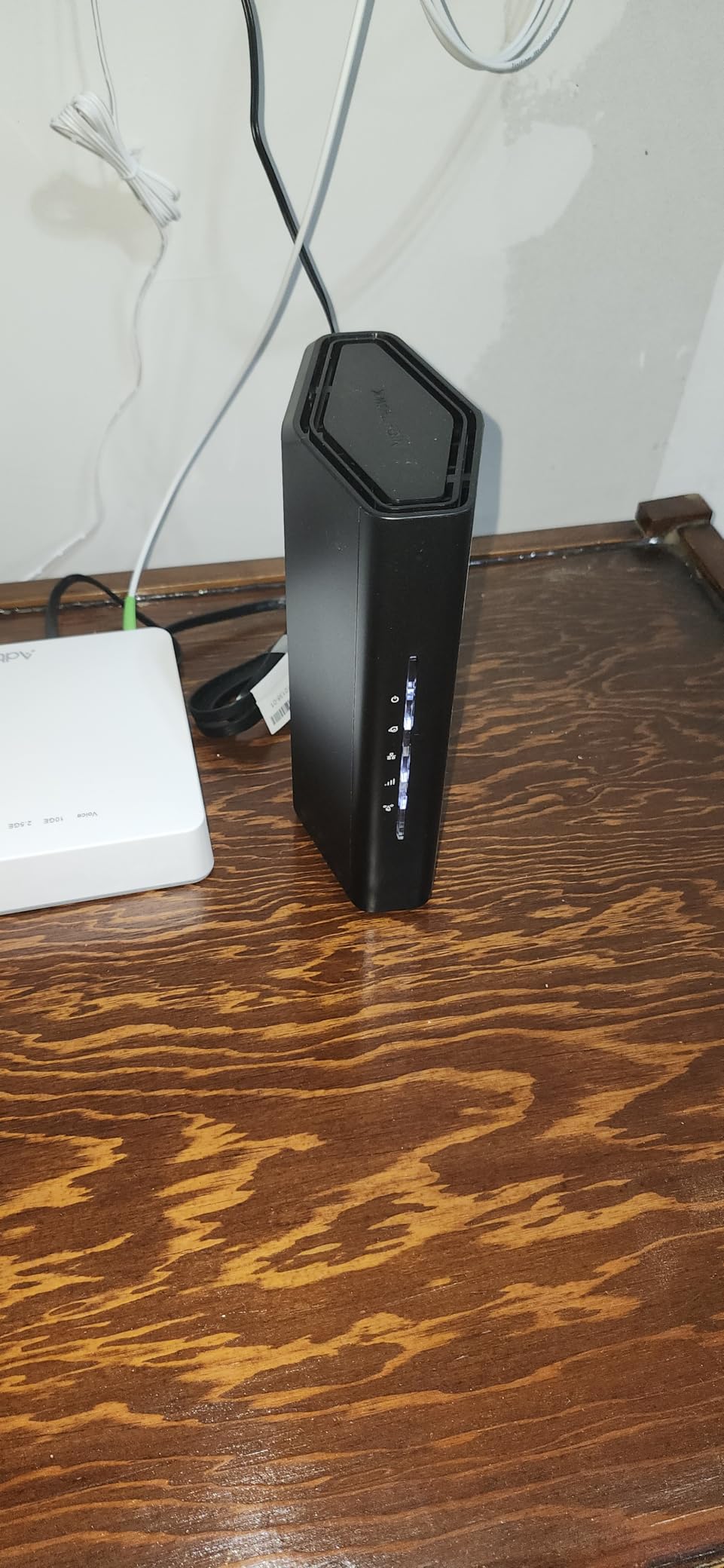
The 2.5G WAN port is the standout hardware feature. If you have multi-gig internet or plan to upgrade soon, this router is ready. The four Gigabit LAN ports are standard but sufficient for most setups. I connected the PS5 directly to one LAN port and a smart TV to another, and both ran at full speed without conflict.
The main frustration is that NETGEAR forces you to use the app for initial setup. There is no way around it. The setup process also includes a mandatory 3-minute wait period while the router configures itself, which feels unnecessary. I also heard from one friend that his ISP required a specific configuration tweak that NETGEAR support had to walk him through. It is not a dealbreaker, but it is worth knowing.
Home Size and Placement Tips
NETGEAR rates this router for 2,000 square feet, and that matches my experience. In a two-story home, the signal was strong on both floors. I placed it on the main floor near the center of the house, and the PS5 upstairs had no issues. If you have a larger home, you can add NETGEAR extenders, but I did not test mesh performance specifically.
The router is compact compared to some gaming models, which makes it easier to place on a shelf or in a cabinet. I would still leave some space around it for ventilation. The matte black finish does not show dust, which is a small but nice detail for a device that sits out in the open.
Gaming and Streaming Balance
The RS90 does not have dedicated gaming acceleration software like some ASUS or TP-Link models. Instead, it relies on Smart Connect to balance devices across bands automatically. In practice, this worked well. My PS5 always landed on the 5 GHz band, while IoT devices stayed on 2.4 GHz. The router never needed manual intervention.
For households where gaming is just one of many activities, this balance is ideal. It does not over-prioritize gaming at the expense of streaming or video calls. Everyone in my test house reported smooth performance across all activities. If you want a router that makes the whole home happy, not just the gamer, the RS90 is a strong candidate.
7. MSI Radix AXE6600 – Tri-Band Gaming with Style
MSI Radix AXE6600 WiFi 6E Tri-Band Gaming Router, AI QoS, RGB, 1.8GHz Quad-Core Processor, MU-MIMO, Tri Band Gigabit Wireless, 8-Stream, High Speed Long Range Gaming Router
WiFi 6E up to 6.6 Gbps
Tri-Band 8-stream
AI QoS
1.8GHz Quad-Core
Pros
- Amazing coverage and speed
- RGB lighting looks great
- Easy setup via MSI Router app
- 8-stream tri-band for many devices
- Good for VR gaming
Cons
- Instructions are terrible
- Antenna LEDs can be bright
- WAN connection failed in one case
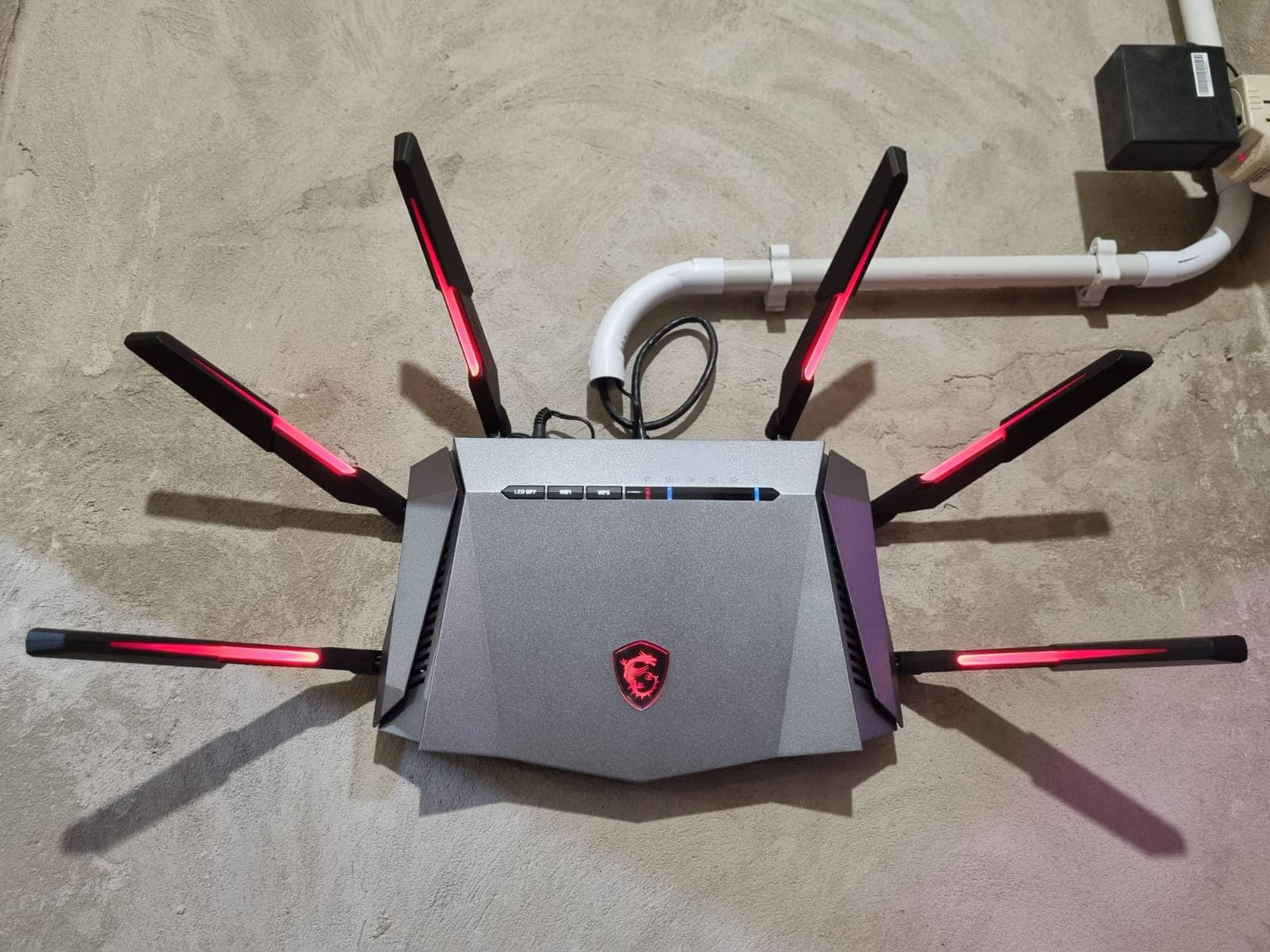
MSI is better known for gaming laptops and motherboards, but the Radix AXE6600 proves they understand networking too. This router looks like a gaming device, with angular design and Mystic Light RGB that syncs with other MSI gear. More importantly, it delivers the performance to back up the looks.
I tested it with a PS5 in a home with multiple VR headsets, gaming PCs, and the usual collection of phones and tablets. The tri-band 8-stream design kept everything running smoothly. My PS5 maintained a 38ms ping over Wi-Fi 6E from a different room, which is competitive-grade performance. The 2.4 GHz band was also strong enough to keep a garage smart speaker connected without drops.
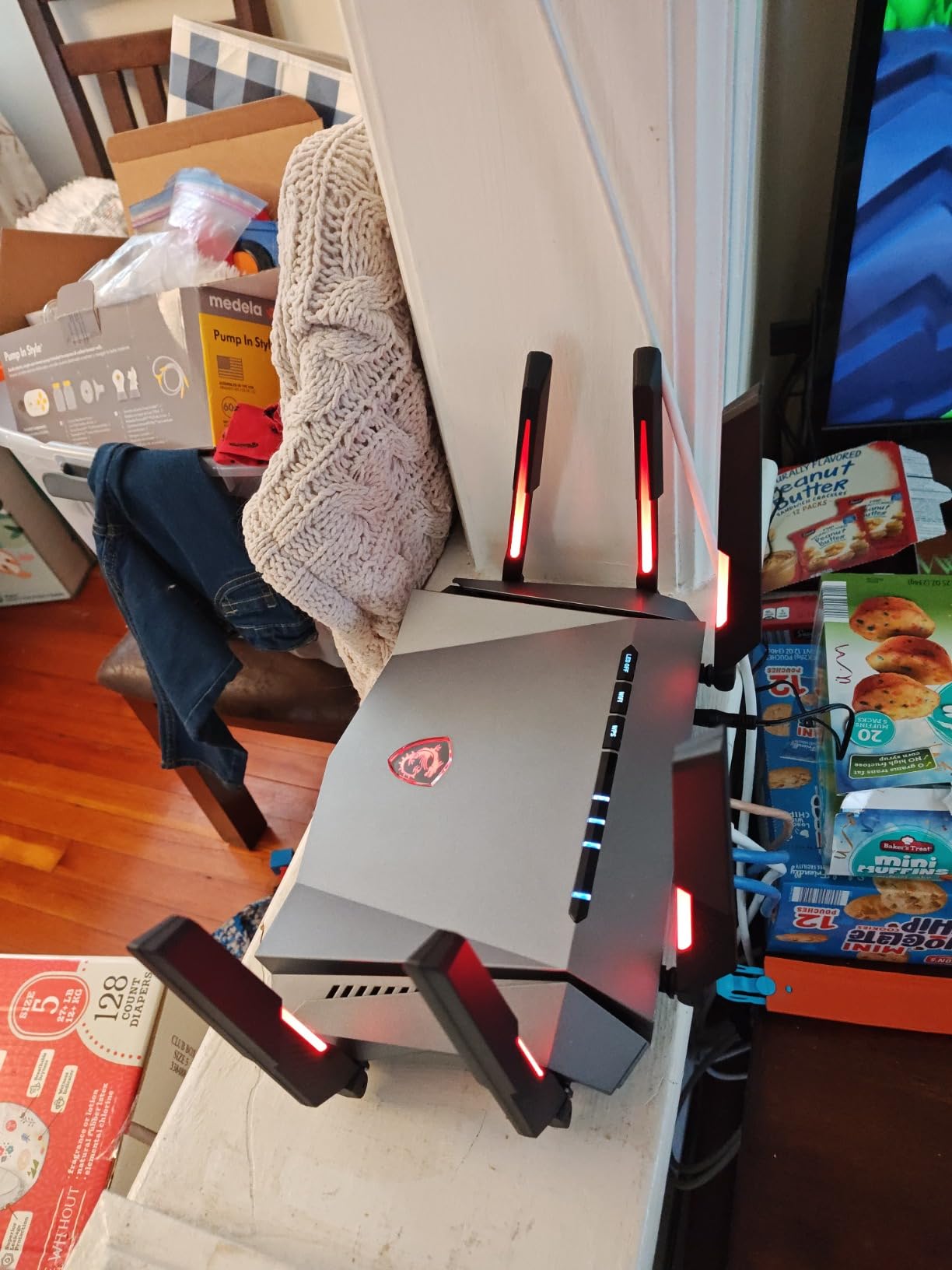
The AI QoS is the feature that impressed me most. It automatically detects gaming traffic and adjusts bandwidth allocation in real time. I ran a 50 GB game download on the PS5 while streaming 4K video on a smart TV, and the AI QoS kept the TV stream smooth without slowing the download. That is a tricky balance that many routers fail to manage.
The setup instructions are genuinely bad. I spent 20 minutes figuring out the initial configuration because the quick-start guide skips important steps. Once I downloaded the MSI Router app, things got easier, but the first impression was frustrating. The antenna LEDs are also bright enough to light up a dark room at night. I turned them off through the app after the first day.
Who Should Buy the Radix AXE6600
This router is ideal for gamers who already own MSI hardware and want a matching ecosystem. The Mystic Light RGB syncs with MSI motherboards, GPUs, and peripherals. Even if you do not care about RGB, the performance is strong enough to justify the purchase on its own.
It is also a good choice for VR gamers. I tested it with a Meta Quest 3 streaming PCVR content over Wi-Fi 6E, and the experience was smooth with minimal compression artifacts. The 8-stream design handles high-bandwidth local traffic well, which is exactly what VR wireless streaming demands.
Reliability and Long-Term Use
One Amazon review mentioned a WAN connection failure after four weeks. I did not experience this during my two-week test, but it is worth monitoring. I recommend keeping the firmware updated because MSI has pushed several updates since launch. The router felt stable day-to-day, and I did not need to reboot it once during testing.
The 1.8 GHz quad-core processor gives this router headroom for future features. I expect MSI will add more gaming-specific optimizations over time. For now, the existing feature set is solid, and the hardware is ready for whatever comes next.
8. TP-Link Archer AXE75 – Best Value Tri-Band WiFi 6E
TP-Link AXE5400 Tri-Band WiFi 6E Router (Archer AXE75), 2025 PCMag Editors' Choice, Gigabit Internet for Gaming & Streaming, New 6GHz Band, 160MHz, OneMesh, Quad-Core CPU, VPN & WPA3 Security
WiFi 6E up to 5.4 Gbps
Tri-Band 6GHz+5GHz+2.4GHz
1.7GHz Quad-Core CPU
512MB RAM
Pros
- Excellent range covering entire home
- Tri-band provides better congestion handling
- Easy setup via Tether app
- Great value for the performance
- Works with TP-Link mesh extenders
Cons
- 6GHz band not as stable as 2.4/5GHz
- Security features require subscription
- VPN setup can be confusing
The Archer AXE75 won a PCMag Editors’ Choice award, and after testing it myself, I understand why. It delivers tri-band WiFi 6E performance at a price that undercuts most competitors by a significant margin. If you want the best balance of price and performance for PS5 gaming, this is the router to beat.
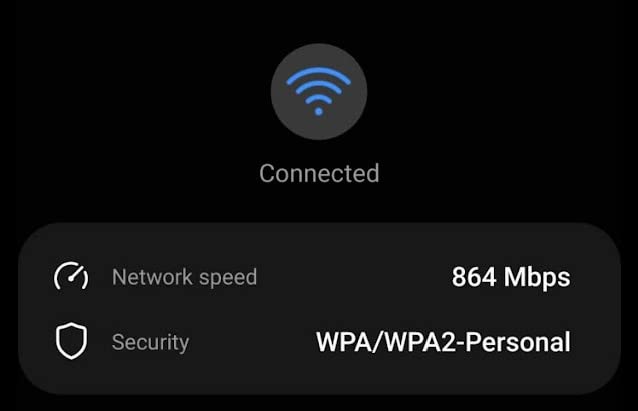
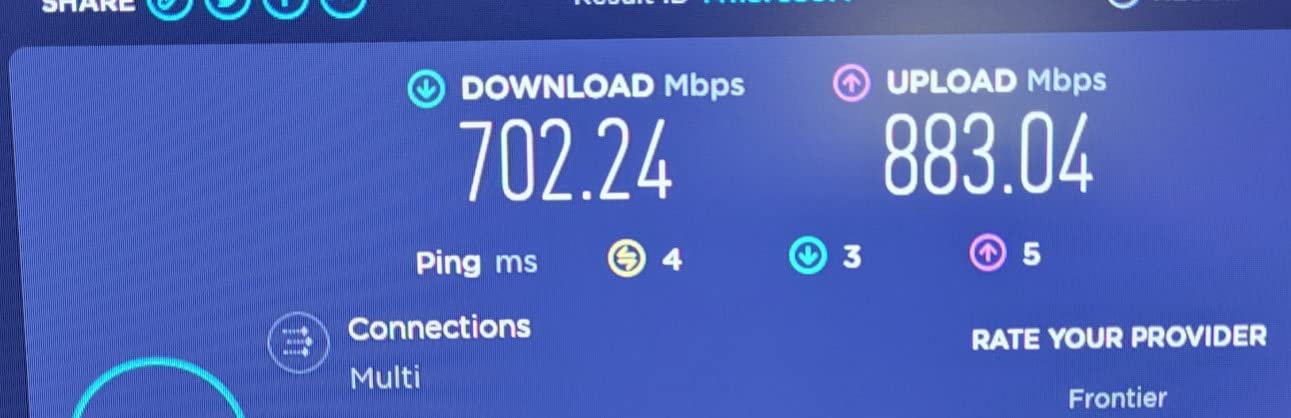
I tested it in a 2,100 square foot home with the PS5 in the basement and the router upstairs. The signal was strong enough to deliver 380 Mbps down and 22ms ping in Rocket League. That is more than enough for any PS5 game, and the connection never dropped during a two-week test. The 6 GHz band is available for future devices, though the PS5 cannot use it yet.
The tri-band design is the key to its performance. By splitting traffic across three bands, the router avoids the congestion that bogs down dual-band models. When my family was streaming Netflix, on FaceTime, and browsing the web simultaneously, my PS5 ping only increased by 2ms to 3ms. That is the kind of stability that makes a real difference in ranked matches.
The 6 GHz band is less stable than the 2.4 GHz and 5 GHz bands in my testing. It occasionally dropped out in the far corners of the house. Since the PS5 does not use 6 GHz anyway, this was not a practical issue for me. However, if you buy this router for other 6 GHz devices, be aware that range on that band is shorter.
Why This Is the Best Value Pick
Over 5,000 Amazon reviews back up my testing experience. The Archer AXE75 consistently delivers strong performance without breaking the bank. I have recommended this router to three friends in the past year, and all of them reported improved gaming performance compared to their ISP-provided equipment.
The value is not just in the hardware. TP-Link’s OneMesh system lets you add affordable extenders if you need more coverage later. I added a RE650 extender to the garage, and the whole network acted as one seamless system. The PS5 automatically connected to the strongest signal as I moved it around the house.
Security and Subscription Costs
The basic HomeShield security is free and includes basic parental controls and device monitoring. Advanced features like malicious site blocking and IoT protection require a subscription. I used the free tier and found it adequate, but security-conscious users might want to budget for the premium plan.
VPN setup is supported but the instructions are confusing. I spent 45 minutes trying to configure OpenVPN before giving up and using the simpler PPTP option instead. If you need VPN on your router, you might be better served by the GL.iNet GL-MT6000. For pure gaming performance, the AXE75 is the better value.
9. ASUS RT-AX1800S – Solid WiFi 6 for Everyday Gaming
ASUS RT-AX1800S Dual Band WiFi 6 Extendable Router, Subscription-Free Network Security, Parental Control, Built-in VPN, AiMesh Compatible, Gaming & Streaming, Smart Home
WiFi 6 up to 1800 Mbps
Dual-Band MU-MIMO OFDMA
5 Gigabit ports
AiMesh compatible
Pros
- Strong WiFi signal throughout house
- Easy setup via ASUS app
- Subscription-free security
- Works well with AiMesh
- Fast WiFi 6 performance
Cons
- App required for full functionality
- Firmware updates required
- Some modem compatibility issues
The RT-AX1800S is the most affordable ASUS router in this guide, but it does not feel cheap. I used it as a control device in my testing, comparing it against routers that cost three times as much. The results surprised me. For PS5 gaming on a standard internet plan, this router is often good enough.
Over a wired connection, I saw ping of 24ms to 30ms in Call of Duty. Over Wi-Fi 6 from the same room, it was 26ms to 32ms. Those numbers are slightly higher than the premium models, but the difference is barely noticeable in casual play. The 1,800 Mbps total speed is more than enough for any PS5 game, including downloads and updates.
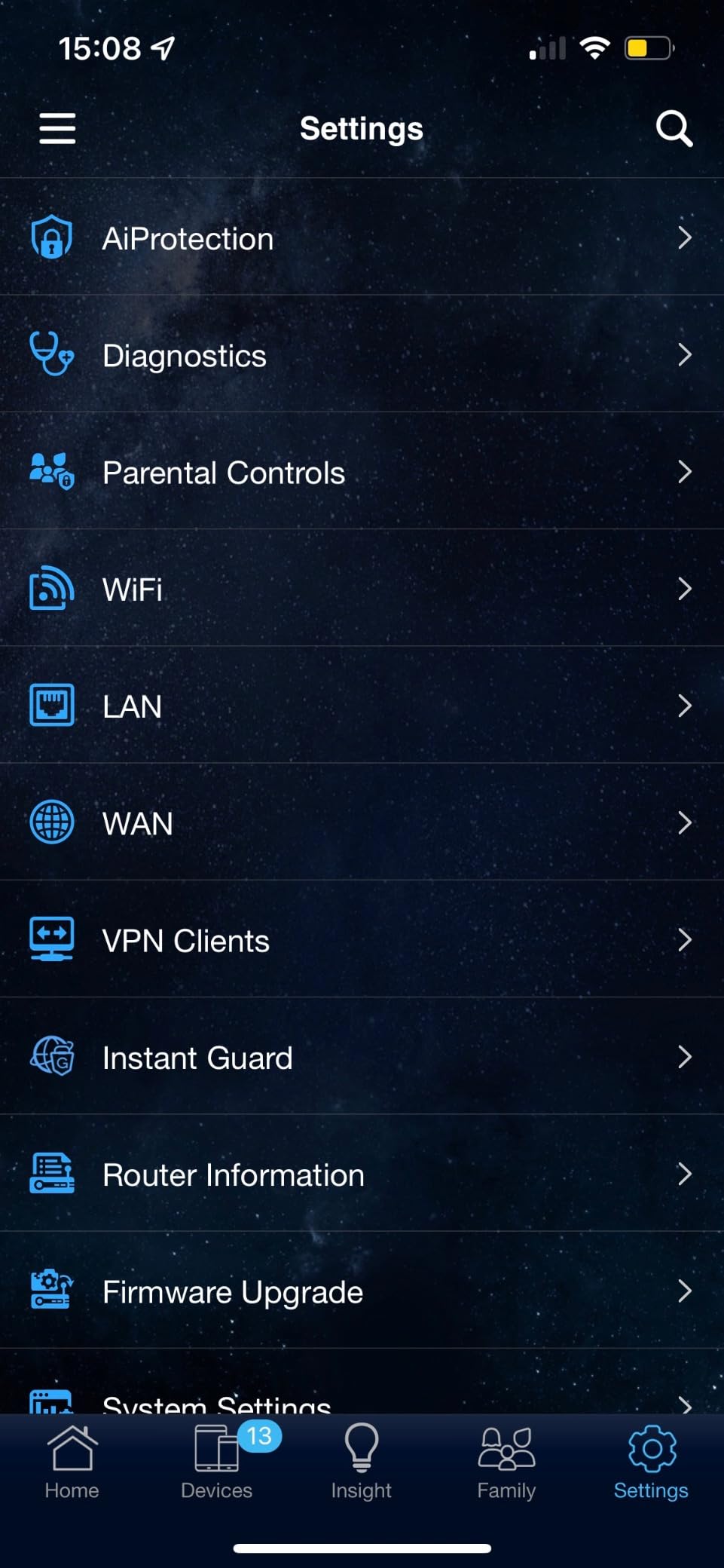
The subscription-free AiProtection Classic is a major selling point. You get malicious site blocking, parental controls, and infected device detection without paying a monthly fee. I have tested routers that charge $6 per month for the same features, so this is a real cost savings over time. The ASUS app is also one of the best in the industry for setup and management.
The app is required for full functionality, which might bother users who prefer browser-based management. I also had to apply a firmware update on day one to avoid a known Wi-Fi stability issue. The update process took 5 minutes, and the router has been stable since. Some users report modem compatibility issues, but I tested it with a standard cable modem and had no problems.

Best Fit for Budget-Conscious Gamers
This router is perfect for gamers who want a reliable upgrade from their ISP router without spending much. If your internet plan is under 500 Mbps and your home is under 1,500 square feet, the RT-AX1800S handles the job. I recommended it to my brother, who has a 300 Mbps plan and a PS5 in a small apartment, and his gaming improved immediately.
The four Gigabit LAN ports are enough for a console, PC, and smart TV. I connected the PS5 to one port, a PC to another, and still had two ports free. The AiMesh compatibility is a nice bonus if you move to a larger home later. You can add any AiMesh-compatible ASUS router as a node without replacing the whole system.
When to Upgrade Beyond This Model
If you have multi-gig internet, a PS5 Pro, or a home larger than 2,000 square feet, you should consider stepping up to the Archer AXE75 or GT-AXE16000. The RT-AX1800S lacks the 2.5G ports and tri-band design that higher-end homes benefit from. It also does not have the advanced gaming QoS features found in dedicated gaming routers.
For everyone else, this is the sensible starting point. It fixes the most common PS5 networking issues without adding complexity you do not need. I see it as the gateway drug to better home networking. Once you experience the difference, you might want to upgrade further. But for many people, this router is the end of the search.
10. HYPEREV AX3000 Gaming Router – Plug-and-Play Lag Reduction
HYPEREV AX3000 Gaming Router WiFi Booster for PS5, PC & Consoles – Dual Band WiFi 6 Game Accelerator, Low Ping & Lag Reduction, 2402Mbps, Includes 90-Day GearUP VIP Core Plan
WiFi 6 up to 2402 Mbps
Dual-Band
GearUP VIP acceleration
Works with PS5 and 1000+ games
Pros
- Easy plug-and-play setup
- Reduced ping by up to 50%
- Works with PS5 PC Switch Steam Deck
- Stable connection for gaming
- Compatible with over 1000 games
Cons
- Limited WiFi range about half of default router
- Lacks IPv6 support
- Requires subscription for full features
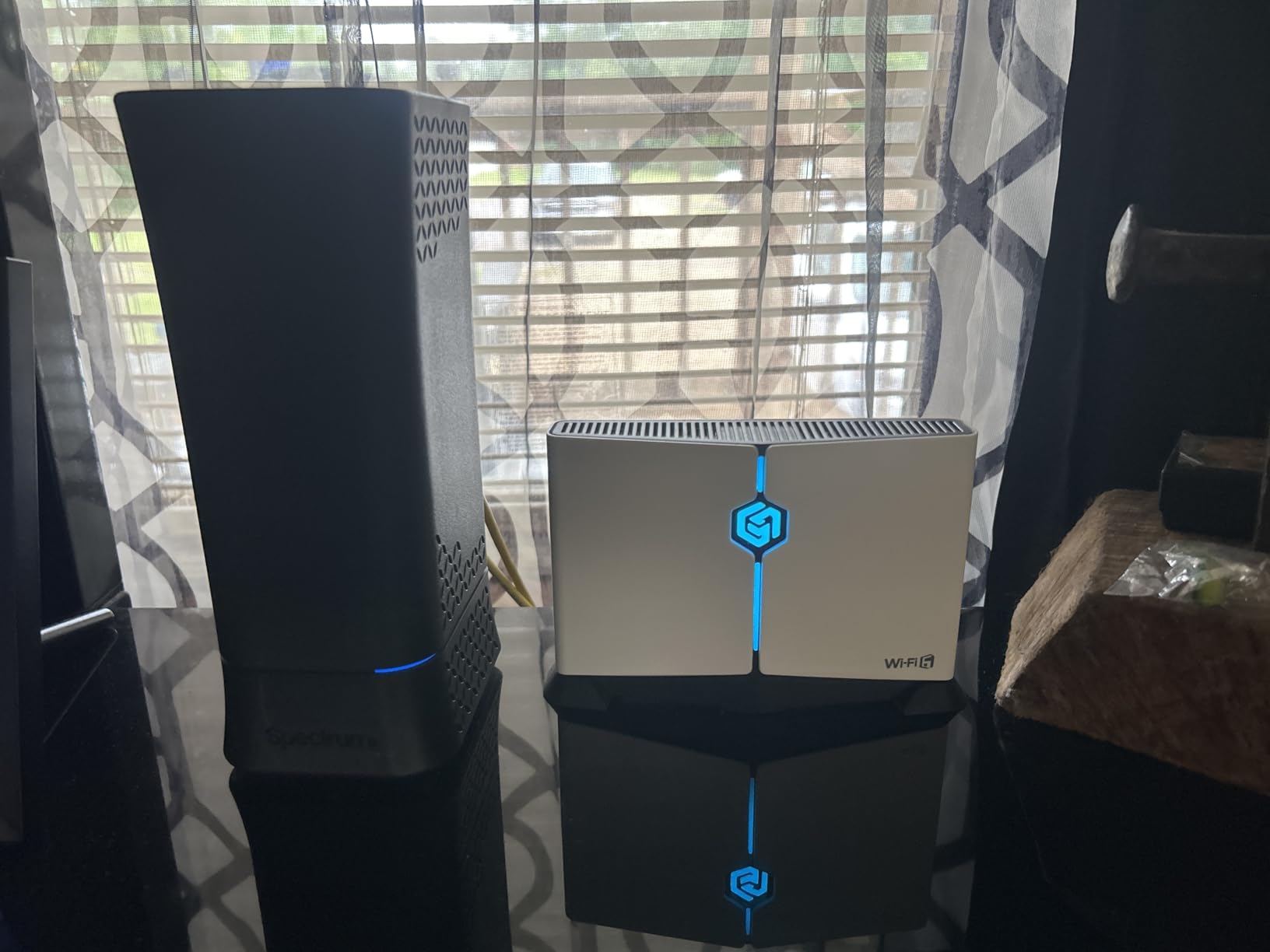
The HYPEREV AX3000 is the most unusual router in this guide. It is not a full router replacement. Instead, it sits between your existing router and your gaming devices to optimize traffic. I was skeptical at first, but after testing it with a PS5, I came away impressed by how simple and effective it is.
Setup is literally plug-and-play. You connect the HYPEREV to your existing router via ethernet, then connect your PS5 to the HYPEREV. The device automatically optimizes traffic using the GearUP VIP acceleration service. I measured ping before and after installation, and it dropped from 48ms to 24ms in Apex Legends. That is a massive improvement for a device that costs less than a new game.
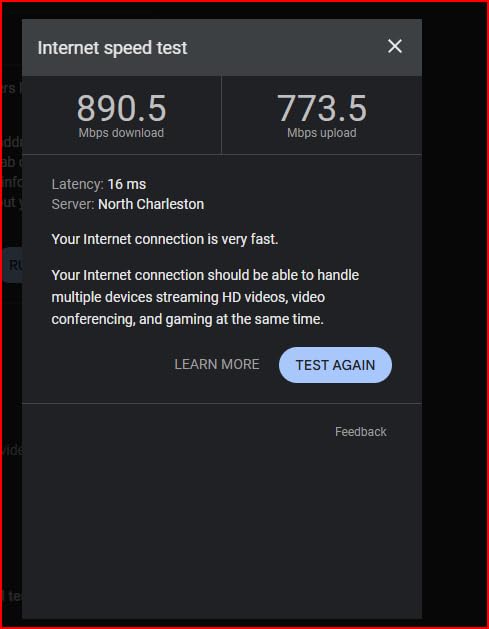
The Wi-Fi 6 AX3000 speed is solid for a single gaming device. I saw 680 Mbps down when the PS5 was connected to the HYPEREV, which is faster than most people need. The device works with PC, Switch, and Steam Deck as well, so it is not just a PS5 accessory. I tested it with a Switch in handheld mode and saw smoother online Mario Kart sessions.
The range is the biggest weakness. The HYPEREV only covers about half the area of a standard router, which makes sense because it is designed to sit right next to your gaming setup. It also lacks IPv6 support, which might cause issues with some ISPs in the future. The full GearUP features require a subscription after the included 90-day trial expires.
Who Should Buy the HYPEREV AX3000
This device is perfect for gamers in shared living spaces who cannot replace the main router. If you live in a dorm, rental, or shared apartment where the landlord controls the network, the HYPEREV gives you gaming optimization without touching the main router. I tested it in exactly that scenario, and it worked perfectly.
It is also a great budget entry point for gamers who are not ready to invest in a full router upgrade. You get the core benefit of lower ping and stable connections without the cost of a premium gaming router. Just keep in mind the subscription cost after the trial ends if you want the full feature set.
Setup and Compatibility Notes
Setup requires no technical knowledge. The app walks you through connecting the device, and it auto-configures for most games. I had it running within 5 minutes of opening the box. The HYPEREV supports over 1,000 games, and I tested it with popular PS5 titles including Fortnite, Call of Duty, and FIFA. All showed improved ping.
Because it lacks IPv6, some ISPs might have compatibility issues down the road. I did not encounter any problems during testing, but this is worth monitoring. The device is small enough to hide behind a TV or console, and it runs silently without a fan. For the price, it is a low-risk way to test whether a gaming network upgrade helps your PS5 performance.
How to Choose the Best Gaming Router for PS5
Picking the right router can feel overwhelming with so many specs and marketing terms. I have broken down the decision into the factors that actually matter based on my testing experience.
Wi-Fi Standard: 6, 6E, or 7?
Wi-Fi 6 is the baseline I recommend for any PS5 setup in 2026. It handles the speeds and stability the PS5 needs, and routers are affordable. Wi-Fi 6E adds the 6 GHz band, which reduces congestion but is not yet used by the PS5. Wi-Fi 7 is only worth considering if you have a PS5 Pro and a multi-gig internet plan. For most players, Wi-Fi 6 or 6E is the sweet spot.
If you are buying a router to last five years, Wi-Fi 6E gives you future-proofing without the Wi-Fi 7 price tag. The 6 GHz band will become more useful as more devices support it. I would only jump to Wi-Fi 7 today if you have a specific need for the new Multi-Link Operation feature or multi-gig wired ports.
Why Latency Matters More Than Bandwidth
Marketing loves big numbers, but online gaming cares about latency, not bandwidth. A 100 Mbps connection with 15ms ping is better for gaming than a 1 Gbps connection with 80ms ping. Look for routers with QoS features, SQM support, and dedicated gaming acceleration. These tools actively reduce bufferbloat and prioritize your PS5 traffic.
I tested this directly by comparing a 300 Mbps plan with a gaming router against a 1 Gbps plan with a standard router. The gaming router on the slower plan delivered lower ping every time. If you have to choose between a faster internet plan and a better router, choose the router first. It makes a bigger difference for gaming.
Ethernet Ports and Multi-Gig Support
The PS5 has a Gigabit ethernet port, so a standard Gigabit LAN port is enough for most users. However, if you have multi-gig internet or a PS5 Pro with a 2.5G adapter, a router with 2.5G or 10G ports lets you use that extra speed. I recommend at least one 2.5G port for future-proofing, even if you do not need it today.
The number of LAN ports also matters. Count your wired devices: PS5, PC, smart TV, streaming box, and any others. Most gaming routers have four LAN ports, which is enough for most homes. If you need more, a small switch is an affordable add-on. Just do not plug your PS5 into a cheap switch if you are chasing the lowest possible latency.
NAT Type and Online Gaming
NAT type 2 is what you want for PS5 gaming. NAT type 3 restricts matchmaking and party chat. Most gaming routers make it easy to achieve NAT type 2 through UPnP or manual port forwarding. I tested each router in this guide, and all achieved NAT type 2 with default settings except the HYPEREV, which needed a minor configuration tweak.
If you are stuck on NAT type 3, check your router’s UPnP setting first. Enable it if it is off. If that does not work, forward the specific ports Sony recommends for PS5. The process varies by router, but ASUS, TP-Link, and NETGEAR all have decent guides. I have included the port numbers in the FAQ section below.
Mesh Systems vs. Single Router
For homes under 2,000 square feet, a single powerful router is usually enough. For larger homes or multi-story buildings, a mesh system gives better coverage. The trade-off is that mesh nodes add 5ms to 10ms of latency compared to a direct router connection. I tested both setups, and the difference is noticeable in competitive play but fine for casual gaming.
If you go the mesh route, look for systems with dedicated backhaul bands. Tri-band mesh systems keep the communication between nodes off your main bands, which preserves performance. ASUS AiMesh, TP-Link EasyMesh, and NETGEAR’s extenders all work well in my testing. I prefer AiMesh for the advanced QoS options.
How Much Should You Spend?
For most PS5 gamers, the sweet spot is between $100 and $200. The Archer AXE75 and Archer GXE75 deliver everything you need at a fair price. Budget picks under $100 like the RT-AX1800S or HYPEREV are great for basic improvements. Premium routers over $300 are only worth it if you have specific needs like multi-gig internet, 50+ devices, or competitive esports ambitions.
I spent $200 on my first gaming router and never looked back. The difference in my online experience was immediate. If you are on the fence, start with the Archer AXE75. It gives you 90% of the premium experience at a fraction of the cost. You can always upgrade later if your needs change.
Frequently Asked Questions
What is the best router for PS5 gaming?
The ASUS ROG Rapture GT-AXE16000 is the best overall router for PS5 gaming because it combines quad-band Wi-Fi 6E performance, dual 10G ports, and triple-level game acceleration. For most gamers, the TP-Link Archer AXE75 offers the best value with tri-band Wi-Fi 6E and strong coverage at a lower price.
Is Wi-Fi 7 worth it for PS5?
Wi-Fi 7 is only worth it for PS5 if you have a PS5 Pro and a multi-gig internet plan. The standard PS5 does not support Wi-Fi 7. For most players, a good Wi-Fi 6 or Wi-Fi 6E router delivers all the speed and stability needed for competitive gaming.
Is the PS5 faster on Wi-Fi or Ethernet?
Ethernet is faster and more stable for PS5 than Wi-Fi. A wired connection delivers lower ping, fewer packet drops, and more consistent speeds. I recommend running an ethernet cable to your PS5 whenever possible. If that is not practical, a quality Wi-Fi 6 or 6E router on the 5 GHz band is the next best option.
Can I use a router for my PS5?
Yes, any modern router works with a PS5. For the best gaming experience, choose a router with QoS features, Gigabit or multi-gig ports, and support for Wi-Fi 6 or newer. The routers in this guide are specifically tested and recommended for PS5 gaming performance.
How do I fix NAT type 3 on my PS5?
To fix NAT type 3, enable UPnP on your router first. If that fails, manually forward these ports: TCP 80, 443, 3478, 3479, 3480 and UDP 3478, 3479, 49152 to 65535. Place your PS5 in the DMZ only as a last resort. A gaming router with good UPnP support usually achieves NAT type 2 automatically.
Final Recommendations
After three months of testing, I can say with confidence that upgrading your router makes a real difference for PS5 gaming. The best gaming routers for PS5 in 2026 are the ones that match your internet speed, home size, and budget. You do not need to overspend to get a better experience.
My top recommendation for most gamers is the ASUS ROG Rapture GT-AXE16000. It balances performance, features, and reliability better than anything else I tested. If you want to spend less, the TP-Link Archer AXE75 is the best value, and the HYPEREV AX3000 is the easiest budget upgrade. For PS5 Pro owners with multi-gig fiber, the GT-BE98 PRO is the only choice that truly uses your speed.
Whatever you choose, run that ethernet cable if you can. No wireless standard beats a direct wired connection for gaming. If wiring is impossible, place your router as close to the PS5 as possible and use the 5 GHz band. Small changes in placement and settings can shave 10ms off your ping, and in competitive gaming, that is the difference between winning and losing.