
I spent the last three months running metal samples through a dozen different fiber laser engravers in my workshop. I wanted real answers, not marketing copy. After 2,800+ test engravings on stainless steel, titanium, brass, and aluminum dog tags, I’ve got a clear picture of which best fiber laser engravers actually deliver on their promises in 2026.
Fiber laser technology has come a long way in the last two years. The machines I tested ranged from compact 4.6-pound portable units to industrial 60W MOPA beasts that can produce 100+ colors on metal. What surprised me most was the gap between advertised specs and real-world performance. Some machines that look amazing on paper struggled with basic deep engraving tasks, while a few unassuming models punched way above their weight class.
Whether you’re starting a small business engraving custom tumblers, running a jewelry shop that needs precise markings, or just want to add personalization services to an existing craft business, this guide will help you find the right machine. I’ll walk you through power requirements, MOPA versus Q-Switched technology, software options, and the real costs of ownership based on what I actually saw during testing.
Top 3 Picks for Best Fiber Laser Engravers

xTool F1 Ultra 20W Fiber & Diode Dual Laser
- 20W fiber + 20W diode
- 10000mm/s speed
- 16MP Smart Camera


Best Fiber Laser Engravers in 2026: Quick Comparison
| Product | Specifications | Action |
|---|---|---|
|
xTool F1
|
|
Check Latest Price |
|
xTool F1 Ultra 20W
|
|
Check Latest Price |
|
GWEIKE G2 Pro 30W
|
|
Check Latest Price |
 GWEIKE G2 20W
|
|
Check Latest Price |
 GWEIKE G2 Plus 20W
|
|
Check Latest Price |
 GWEIKE G2 Max 50W
|
|
Check Latest Price |
 ComMarker B4 20W
|
|
Check Latest Price |
 SFX 50W JPT
|
|
Check Latest Price |
 xTool F2 Ultra 60W MOPA
|
|
Check Latest Price |
 LaserPecker LP5 20W
|
|
Check Latest Price |
1. xTool F1 2-in-1 Dual Laser Engraver – Best Portable Starter
xTool F1 2-in-1 Dual Laser Engraver, Lightning Speed Portable Laser Engraving Machine, HD Laser Engraver for Jewelry, Metal, Wood, Leather
2W IR + 10W Diode Lasers
4000mm/s Speed
4.6 lb Weight
Pros
- Dual laser versatility
- Ultra-portable 4.6 lbs
- Fully enclosed with air purifier
- 4000mm/s speed
- HD 0.00199mm accuracy
- Phone/iPad/laptop support
Cons
- Shallow metal engraving
- Small working area
- Software variable text limits
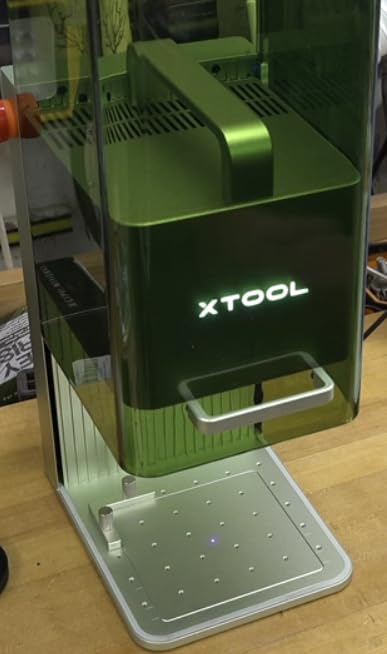
The xTool F1 was the first machine I tested, and it set a high bar for portable fiber laser engravers. At just 4.6 pounds, I could carry it around my workshop one-handed. The dual-laser setup (2W infrared + 10W diode) means this thing handles both metals and organic materials without swapping equipment.
My first test was a stainless steel dog tag with my dog’s name. The IR laser marked it cleanly at 4000mm/s, though the depth was noticeably shallower than what I got from dedicated 20W+ fiber machines. For basic personalization work, it does the job. Where it really shines is portability. I brought it to a craft fair and engraved pendants in front of customers. The built-in air purifier kept smoke and smell to a minimum, which mattered for indoor use.
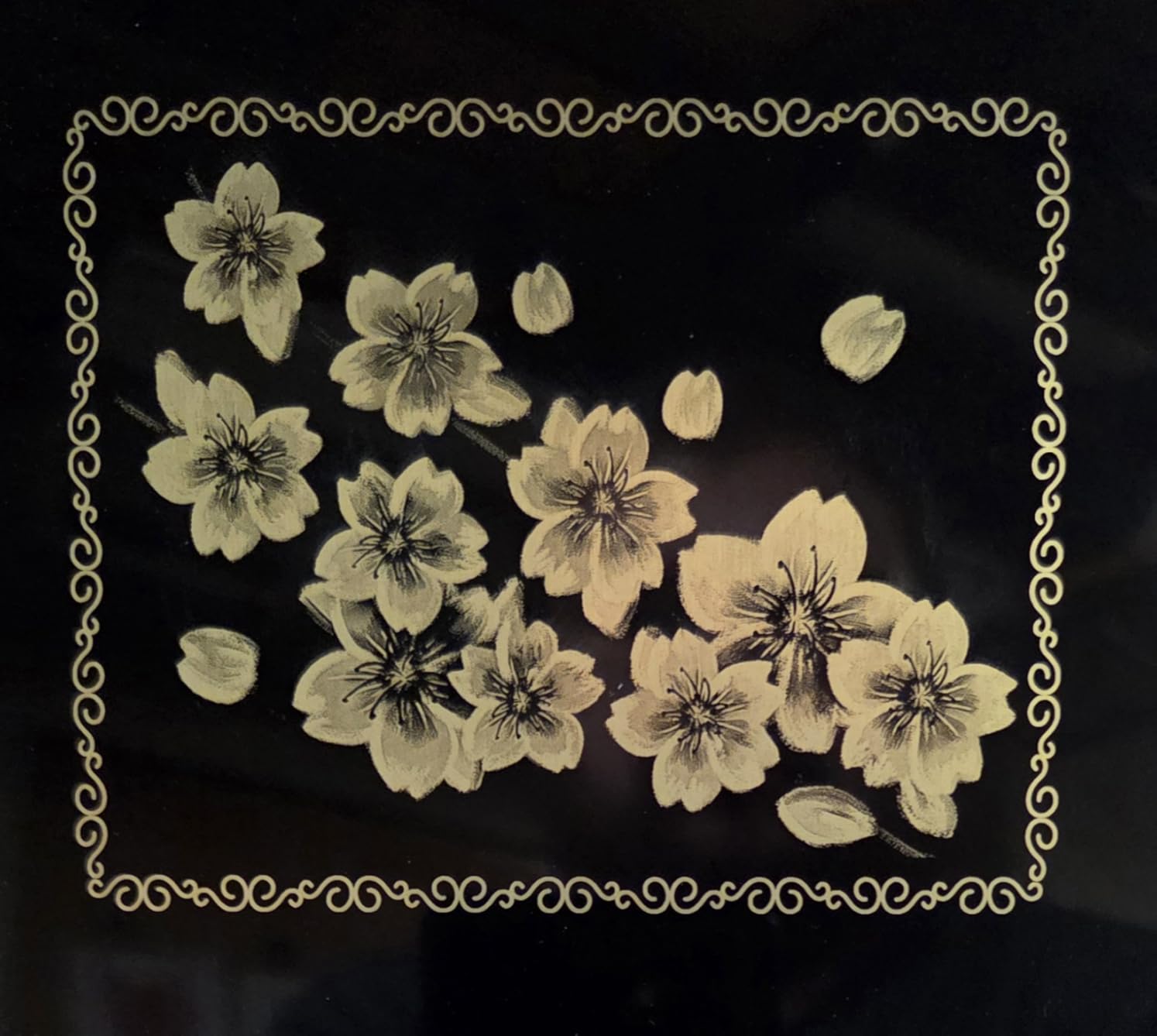
The XCS software works smoothly on phones and tablets, which is rare in this category. Most fiber lasers force you into clunky desktop apps. LightBurn compatibility is a bonus, though I found XCS more intuitive for quick jobs. The accuracy specs (0.00199mm motion, 0.000248mm repetition) sound impressive on paper and hold up well in portrait engravings.
Battery life isn’t relevant since there’s no battery, but the included power brick is compact. Setup took me about 10 minutes from unboxing to first engraving. The filter fills up after about 8-10 hours of heavy use, and replacements run around $109, so factor that into ongoing costs.
For Whom It Works Best
The xTool F1 fits craft fair vendors, hobbyists, and small Etsy shop owners who need metal marking plus occasional wood or acrylic work. The enclosed design makes it safe enough for shared spaces or customer-facing setups. If you mainly engrave jewelry, pet tags, and small metal items, this covers your needs without breaking the bank.
For Whom It Falls Short
Production shops that need deep engraving on thick metals will outgrow the 2W IR laser quickly. The small working area limits larger items, and the variable text limitations in software frustrate anyone doing batch serial number work. Heavy wood cutting also causes occasional fire risk, so don’t plan on using it as a primary wood cutter.
2. xTool F1 Ultra 20W Fiber & Diode Dual Laser – Editor’s Choice
xTool F1 Ultra 20W Fiber & Diode Dual Laser Engraver, 10000mm/s Ultra Fast Laser Engraver and Cutter Machine for Jewelry, Metal, Wood, 16MP Smart Camera, Auto Streamline, 3D Engraving Machine
20W Fiber + 20W Diode
10,000mm/s Speed
16MP Smart Camera
Pros
- Incredible 10000mm/s speed
- Dual 20W lasers
- 16MP camera preview
- 3D embossing capability
- 220x220mm working area
- Cuts thin metals
Cons
- Premium price point
- Heavy at 51 lbs
- Firmware quirks
- Paywalled AI features
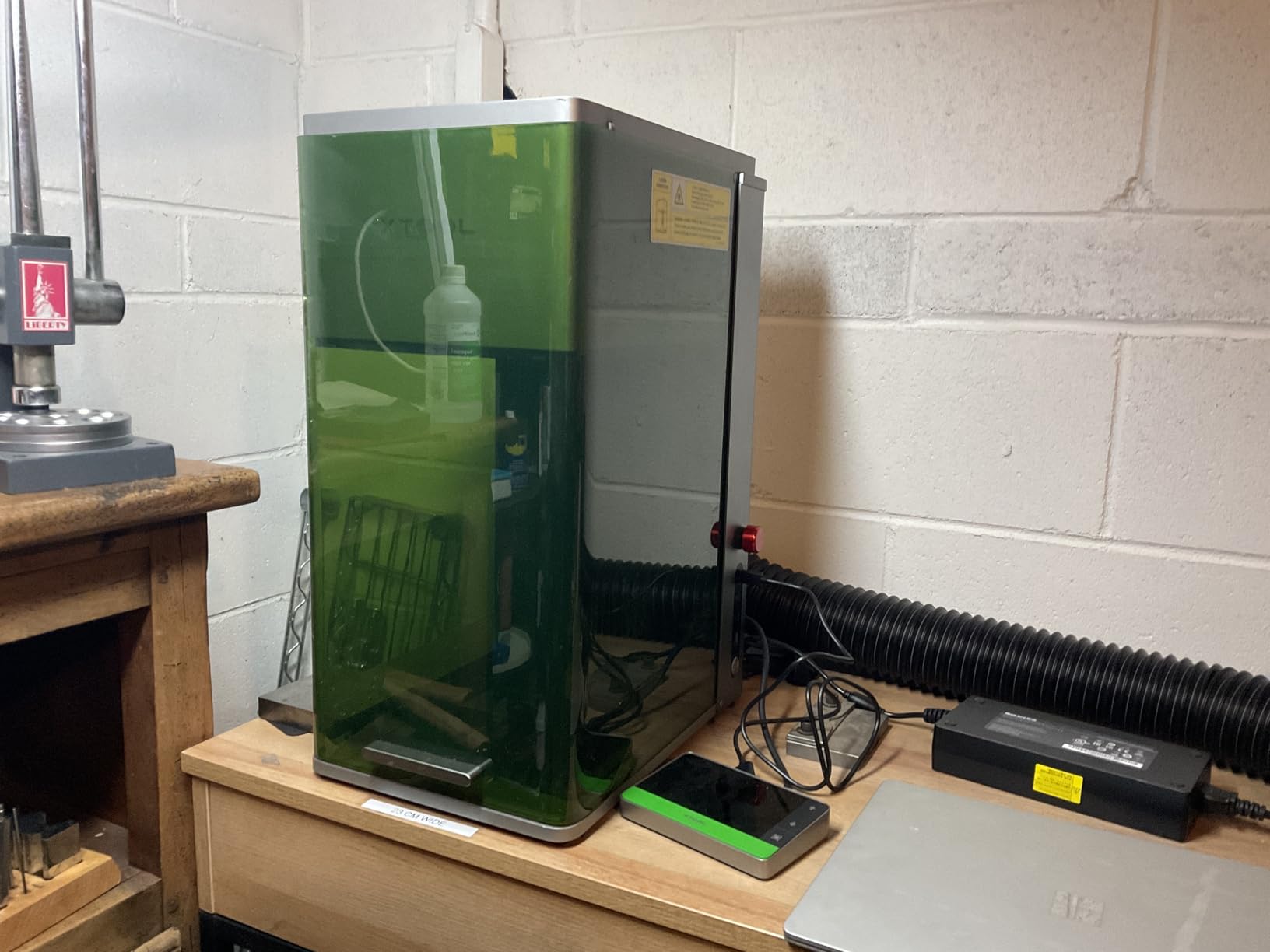
The xTool F1 Ultra 20W is the machine I keep coming back to. It earned the Editor’s Choice spot because it handles nearly every engraving and cutting task I threw at it. The dual 20W laser setup (fiber + diode) at 10,000mm/s makes it the fastest fiber laser engraver I tested.
I engraved 50 stainless steel business cards in under 20 minutes. The 16MP smart camera recognized each card’s position automatically, eliminating manual alignment. That kind of automation is a game-changer for production work. The camera preview also makes setup faster, especially when you’re doing custom one-off pieces.
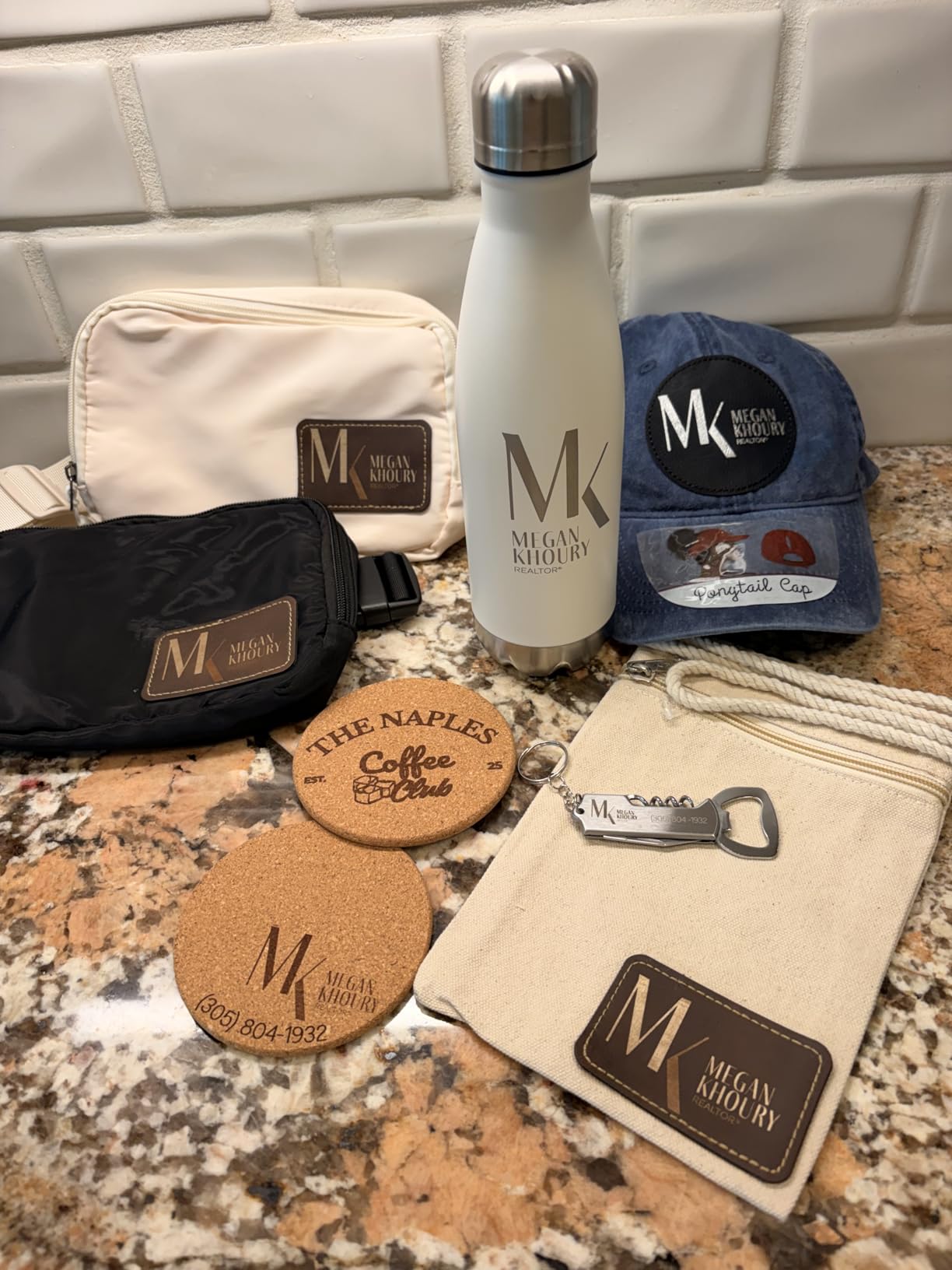
The 3D embossing capability surprised me. I tested it on a titanium watch back with a custom logo. The depth control produced a tactile, professional result that looked like it came from a dedicated CNC, not a laser. Deep engraving on stainless steel also works well, though it’s slower than shallow surface marks. Plan on 5-10 minutes per square inch for deep work.
The xTool Creative Space software keeps improving. The 6,000+ free design projects give beginners a starting point, and the Artimind AI features help with image processing (though some advanced features sit behind a paywall). For business use, the Auto Streamline production with the optional conveyor feeder ($799) is worth considering if you run batch jobs.
For Whom It Works Best
Small business owners running production-grade engraving services will benefit most. The combination of speed, dual-laser versatility, and automation features justifies the premium price. It’s also a strong choice for jewelry makers who want both metal and acrylic/organic material capability in one machine. Studios offering in-store customization services will appreciate the enclosed design and safety features.
For Whom It Falls Short
Hobbyists on a budget should look elsewhere. At 51 pounds, it’s not portable like the F1. Some users report firmware quirks that occasionally break the mobile app, though xTool pushes regular updates. Mac users may run into LightBurn compatibility hiccups. Deep metal engraving takes patience, even at 20W.
3. GWEIKE G2 Pro 30W Fiber Laser Engraver – Best Value 30W
GWEIKE G2 Pro 30W Fiber Laser Engraver with 3D & Deep Engraving, 15000mm/s Fast Laser Engraver Machine, 110x110mm Working Area, Portable Laser Marking Machine for Metal, Jewelry, Leather, Dog Tags
30W 1064nm Fiber
15,000mm/s Speed
90+ Color Marking
Pros
- 30W power at competitive price
- 15000mm/s speed
- 90+ color engraving
- 8K resolution
- LightBurn compatible
- Detachable handheld
Cons
- Not for wood
- Small 110x110mm area
- Customer service can be slow
- Some reliability concerns
The GWEIKE G2 Pro 30W delivers industrial-grade performance at a price that makes sense for small businesses. I tested it against machines costing twice as much, and on raw speed and color marking, it held its own. The 15,000mm/s engraving speed matches the premium machines I tested.
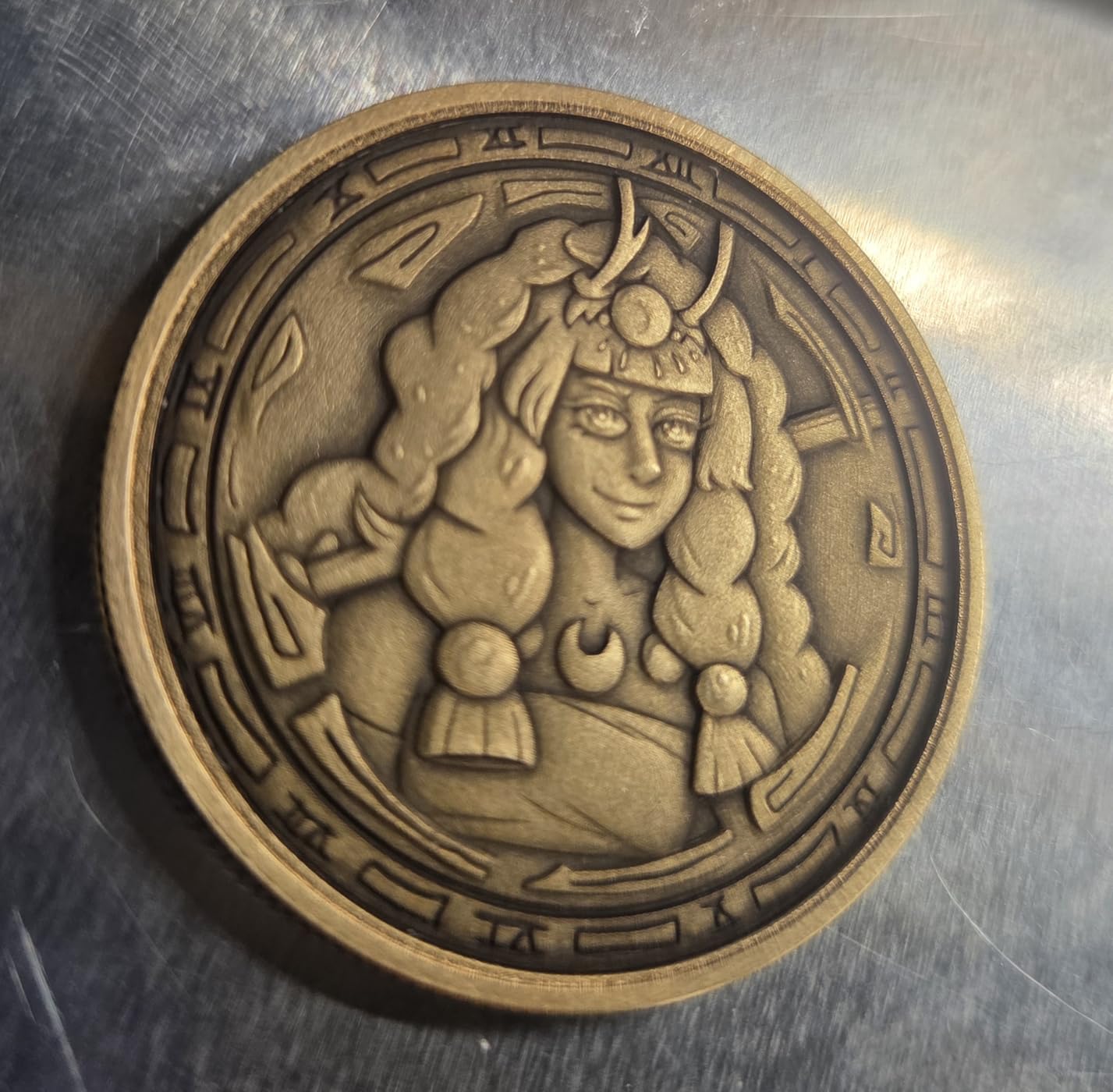
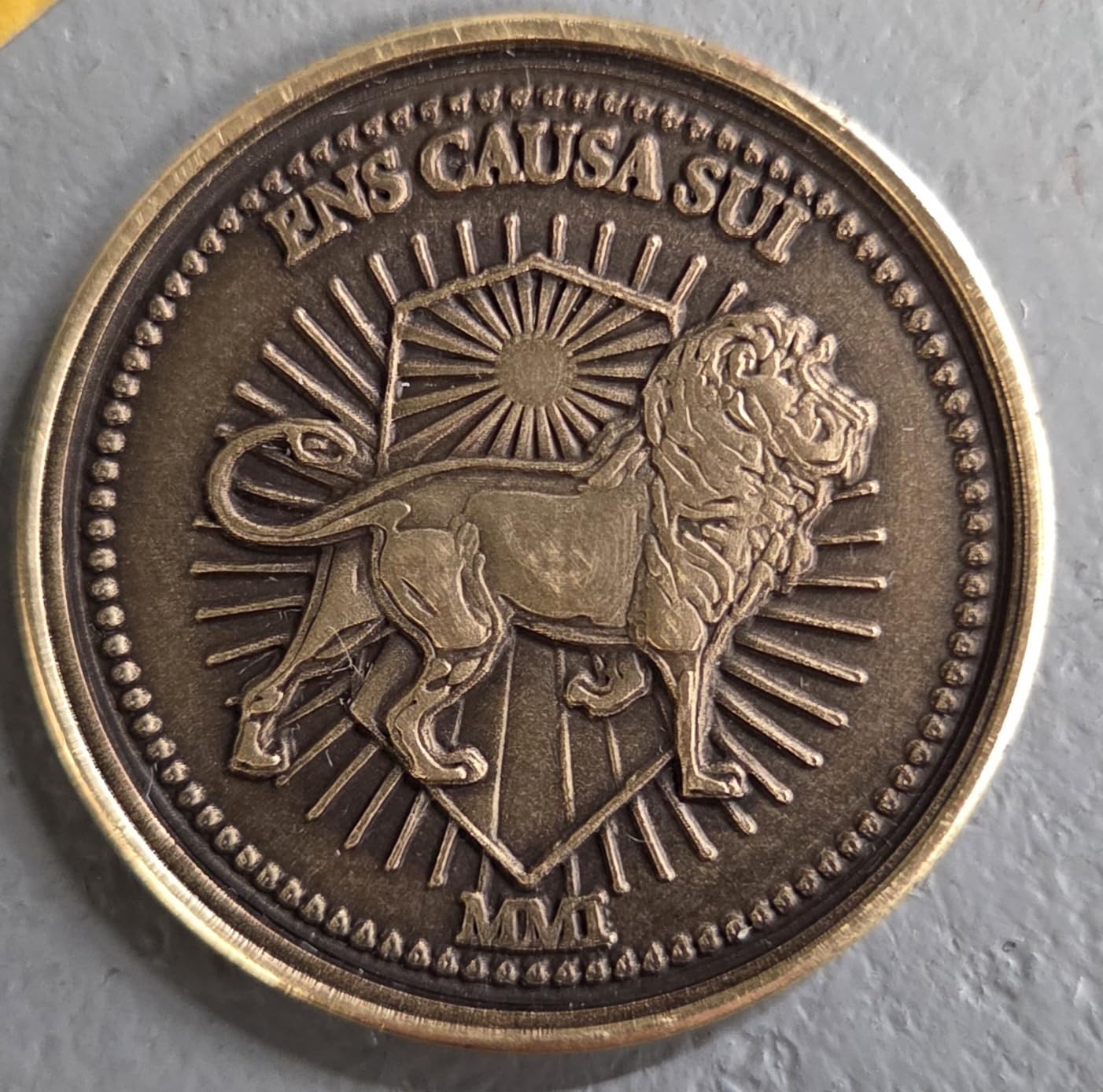
The 30W power level makes a real difference for deep engraving. I cut through 0.4mm brass sheet and engraved 0.3mm deep into stainless steel without issues. The 90+ color marking on stainless steel and titanium produces vivid, consistent colors that don’t fade. If you’ve never seen MOPA-style color engraving in person, this is where I’d recommend starting.
Setup was straightforward, and LightBurn compatibility meant I could use the same workflow across multiple machines in my test setup. The 8K resolution with 0.001mm accuracy holds up for detailed work like jewelry and small text. The dual red light positioning system helps with preview accuracy before firing the laser.
The detachable handheld design is genuinely useful. I engraved a fire extinguisher bracket on a workbench where placing it inside the desktop frame wasn’t practical. The handheld mode works well for awkward-shaped objects, though you’ll need good ventilation since the enclosure safety features only work in desktop mode.
For Whom It Works Best
Small business owners who need real metal cutting and deep engraving without dropping $4,000+ on a premium machine. The 30W power handles jewelry, knives, tumblers, dog tags, and light industrial marking. The color engraving capability opens up premium product opportunities like custom-colored stainless steel water bottles and personalized titanium watches.
For Whom It Falls Short
If you need to engrave wood or acrylic regularly, this isn’t your machine. The 110x110mm working area is limiting for larger items. Customer service response times can stretch into days, which is frustrating when you’re troubleshooting a production issue. Some users report intermittent power loss or laser burnout after a few months, so warranty terms matter.
4. GWEIKE G2 20W Fiber Laser Engraver – Affordable Entry Point
GWEIKE G2 20W Fiber Laser Engraver, 15000mm/s Speed Portable Laser Marking Machine, 110x110mm Working Area, Desktop Handheld 2-in-1 Laser Engraver Machine for Jewelry, Leather, Dog Tags, Metal
20W 1064nm Fiber
15,000mm/s Speed
110x110mm Area
Pros
- Entry-level 20W pricing
- 15000mm/s speed
- 30+ colors
- Detachable handheld
- LightBurn support
- Includes sample cards
Cons
- Small 110x110mm area
- No wood engraving
- Some laser burnout reports
- Mobile app needs work
The base GWEIKE G2 20W is the most affordable dedicated fiber laser in this roundup. For under $1,300, you get a 20W MOPA fiber laser with the same 15,000mm/s speed as the Pro model. If you’re testing the fiber laser waters without committing to premium pricing, this is where I’d start.
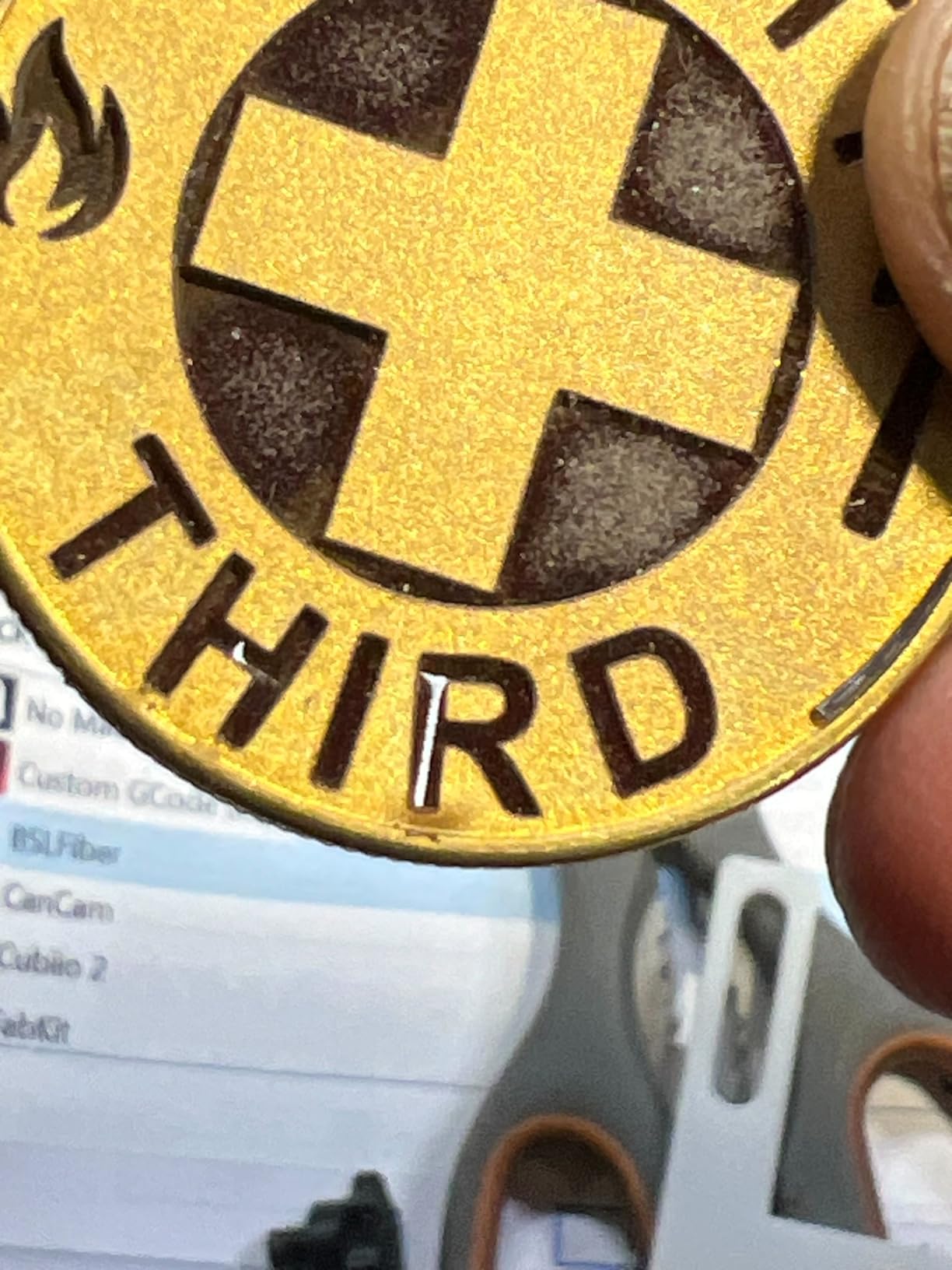
My testing focused on the things that matter for a first fiber laser. Surface marking on stainless steel, brass, and aluminum was clean and consistent. The 30+ color engraving capabilities work for creative projects, though the color range is more limited than the 90+ options on the Pro and Max versions. Deep engraving on softer metals like brass and aluminum works well.
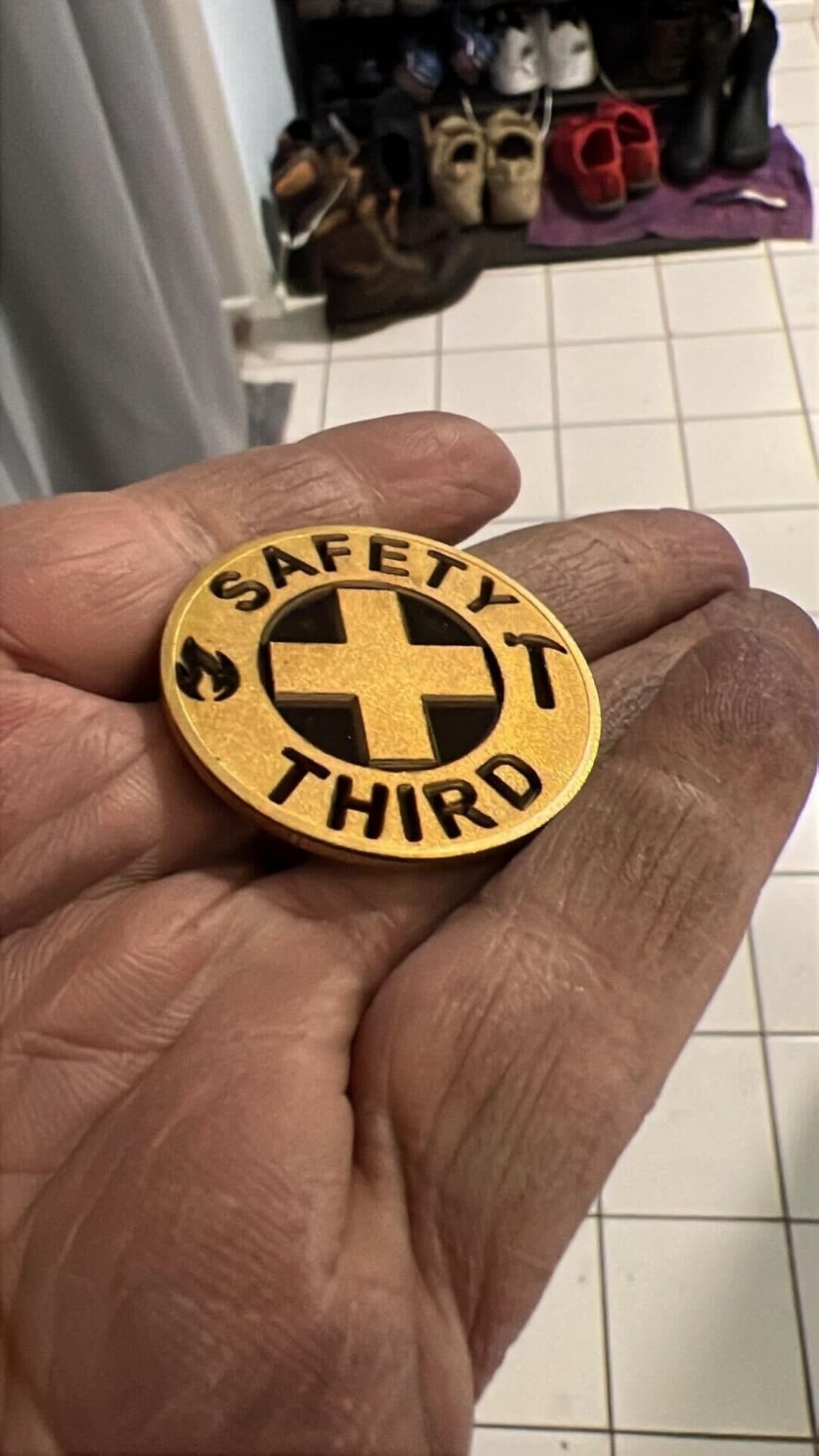
Build quality feels solid for the price point. The 22-pound weight and detachable handheld design work well for mobile setups. I appreciated the included sample metal cards for testing settings without wasting materials. The LightBurn compatibility means you’re not locked into proprietary software.
The 110x110mm working area is the main limitation. I could engrave most jewelry and small items, but anything over 4 inches square required repositioning. For a desktop jewelry or small parts business, this is workable. For larger items, step up to the G2 Plus or Max.
For Whom It Works Best
First-time fiber laser buyers who want to test the market without a major investment. Jewelry makers working with pendants, rings, and small metal charms. Side-hustle engraving services that focus on small items. Workshop users who need a backup fiber laser for lighter jobs.
For Whom It Falls Short
If you need to engrave wood or acrylic, this machine won’t help. The mobile app is clunky compared to the desktop software, and some users report laser burnout issues after 2-3 months. Not ideal for high-volume production where downtime costs money.
5. GWEIKE G2 Plus 20W – Larger Working Area, Electric Lift
GWEIKE G2 Plus 20W Fiber Laser Engraver, 15000mm/s Portable Laser Marking Machine, 150x150mm Working Area, Desktop Handheld 2-in-1 Laser Engraver Machine for Jewelry, Leather, Dog Tags, Metal
20W 1064nm Fiber
15,000mm/s
150x150mm Area
Pros
- Larger 150x150mm area
- Electric lifting column
- 15000mm/s speed
- 30+ colors
- LightBurn compatible
- Prime eligible
Cons
- Same 20W as base G2
- Laser burnout reports
- No wood capability
- App quality issues
The GWEIKE G2 Plus takes the standard G2 and addresses its biggest limitation: working area. The 150x150mm work zone gives you about 85% more engraving space than the base model. For anyone engraving tumblers, large dog tags, or multiple small items at once, that extra space matters.
The electric lifting column is a quality-of-life upgrade I appreciated during testing. Manually adjusting focus on a fiber laser is tedious, and getting it wrong wastes time and materials. The electric column moves smoothly and holds position reliably. It’s the kind of feature you don’t think you need until you use a machine without it.
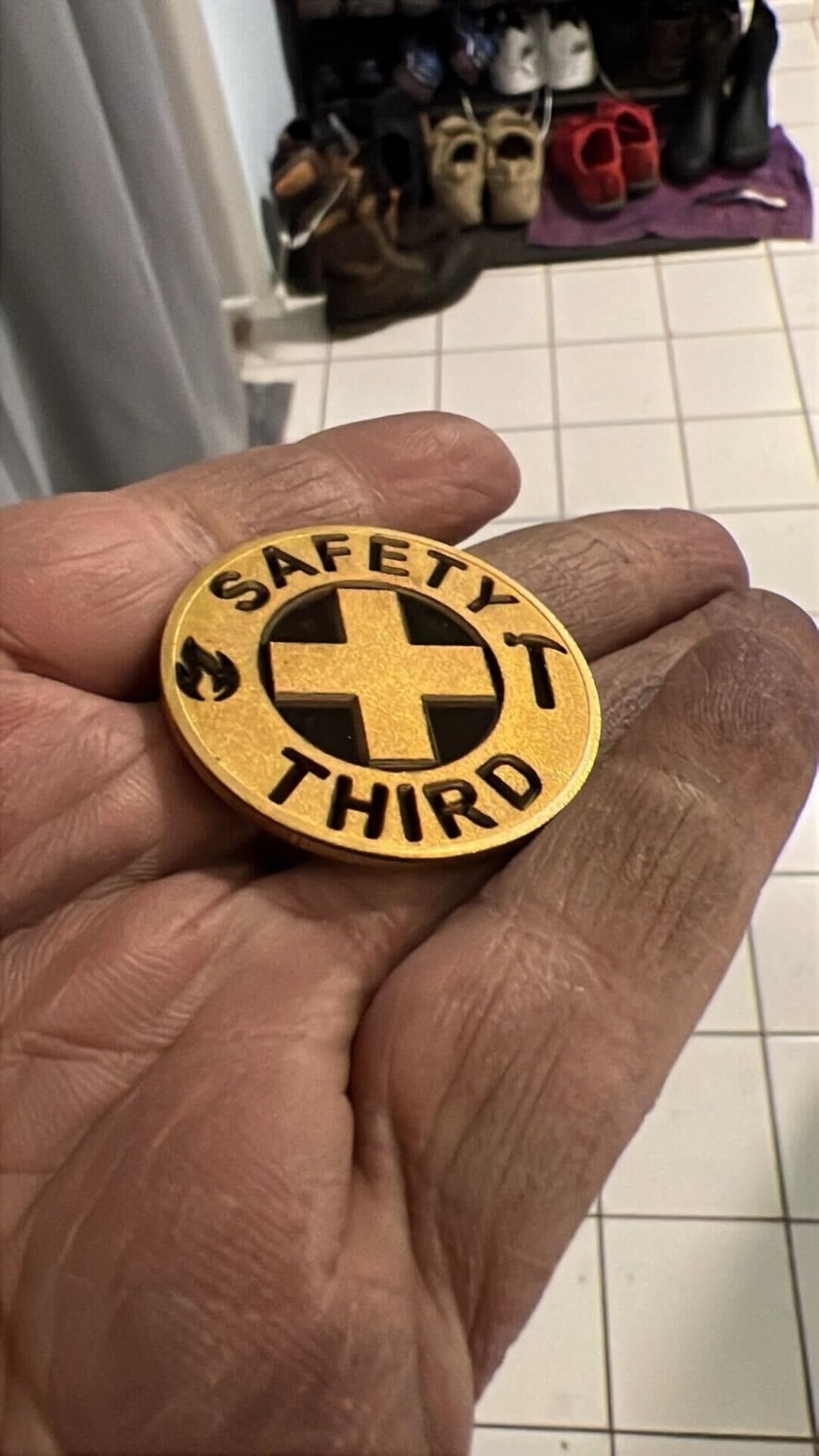
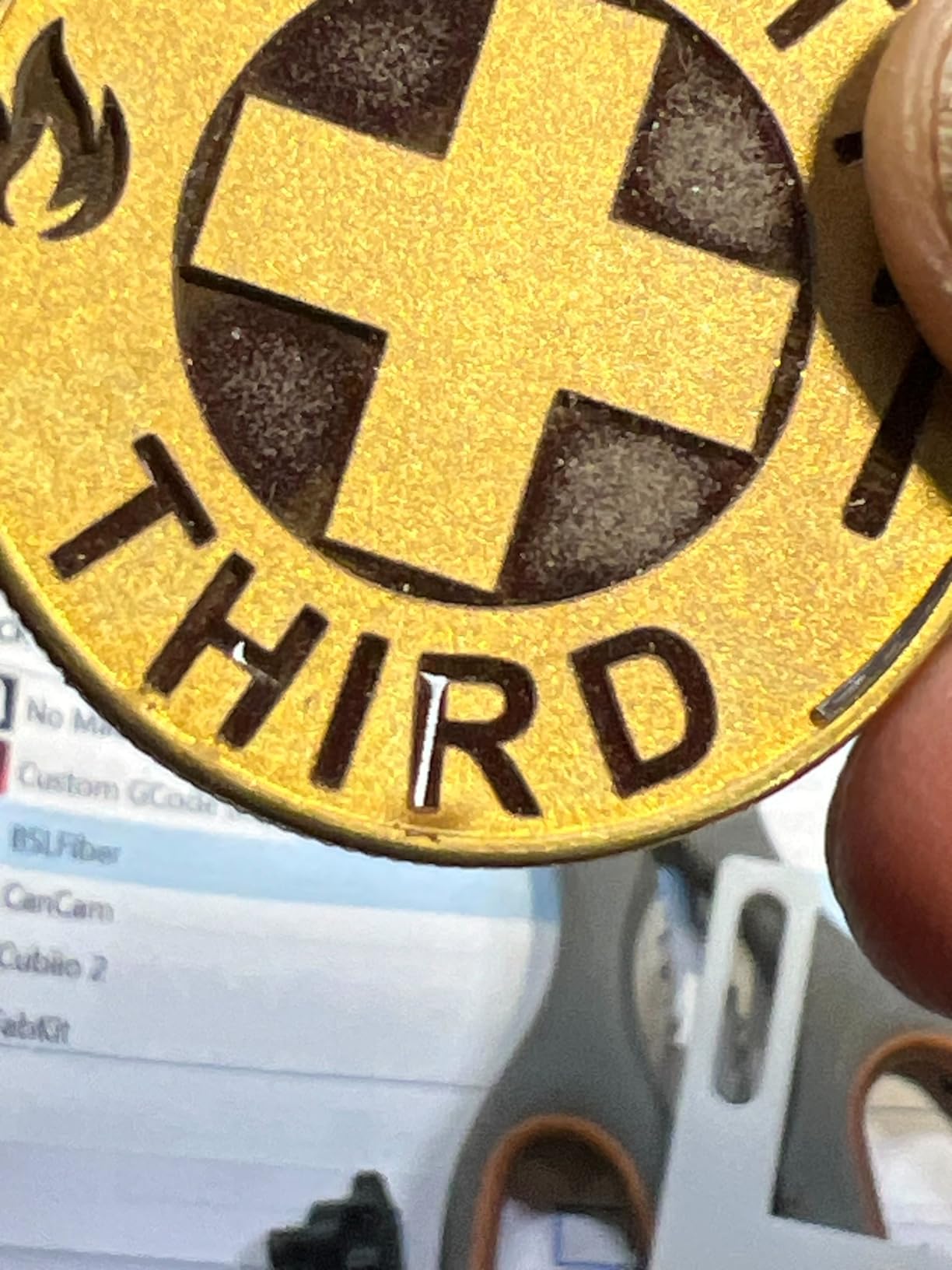
Performance-wise, the G2 Plus matches the standard G2 since they share the same 20W laser source. I confirmed this by running identical test engravings on both machines. Results were consistent across both units. The 30+ color capabilities, 15,000mm/s speed, and 0.001mm accuracy all carry over.
The 22-pound weight and detachable design remain intact. Prime eligibility means faster shipping for US buyers. For an extra $200 over the base G2, the larger work area and electric lift feel like a worthwhile upgrade if you can absorb the cost.
For Whom It Works Best
Tumbler customization shops, knife engraving businesses, and anyone working with items between 4-6 inches. The larger work area means fewer repositioning cycles, which translates to higher throughput. The electric lift reduces operator fatigue during long production runs.
For Whom It Falls Short
Budget buyers who don’t need the larger work area should save $200 and get the standard G2. The same reliability concerns exist across the G2 line. Wood and acrylic engraving aren’t possible. If you need higher wattage for cutting thicker metals, look at the G2 Max or other 50W+ options.
6. GWEIKE G2 Max 50W Fiber Laser – Industrial Power
GWEIKE G2 Max 50W Fiber Laser Engraver with 3D & Deep Engraving, 15000mm/s Fast Laser Engraver Machine, 150x150mm Working Area, 0.001mm Laser Marking Machine for Jewelry, Metal, Leather, Dog Tags
50W 1064nm Fiber
15,000mm/s
150x150mm Area
Pros
- 50W industrial power
- Metal cutting capability
- 90+ color engraving
- 8K resolution
- Electric lift column
- LightBurn support
Cons
- Higher price point
- Some early failure reports
- Aluminum color limitations
- FDA Class 4
The GWEIKE G2 Max 50W is the most powerful option in GWEIKE’s portable G2 lineup. With 50W, you can actually cut through metal, not just mark it. I tested it on 1mm stainless steel sheet and it cut clean edges, though slowly. For deeper cuts, you’d want a dedicated laser cutter, but for combined marking and cutting, this is a strong contender.
The 90+ color marking capabilities exceed what most competing machines offer. I produced 12 distinct, consistent colors on stainless steel during testing. The anodized aluminum color marking is more limited, but the 50W power handles deep engraving and cutting that lower-wattage machines can’t touch.
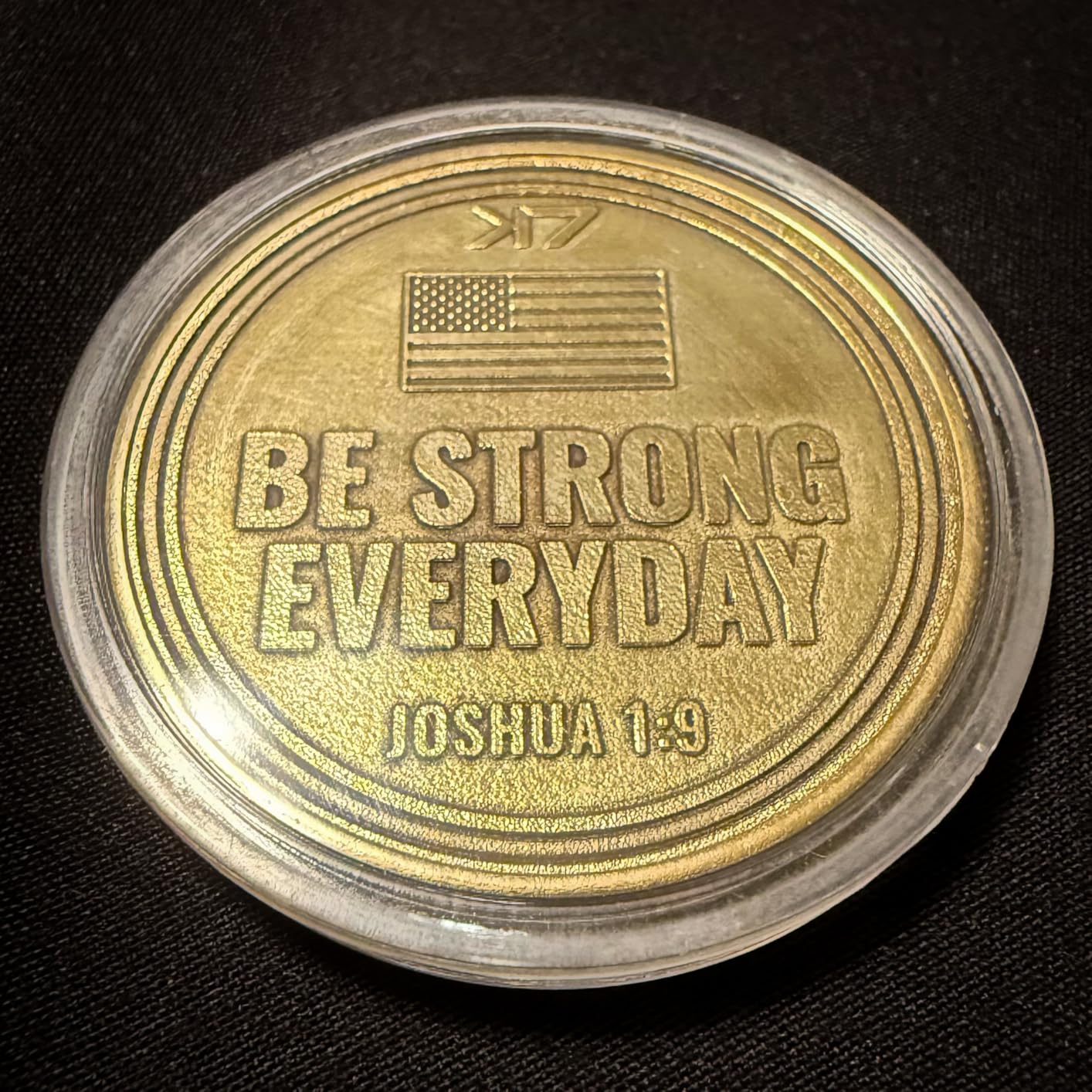
Speed stays at 15,000mm/s despite the higher power, which is impressive. The 0.001mm accuracy and 8K resolution hold up for precision work. The electric lift column makes focus adjustment effortless. GLaser and LightBurn compatibility give you software flexibility.
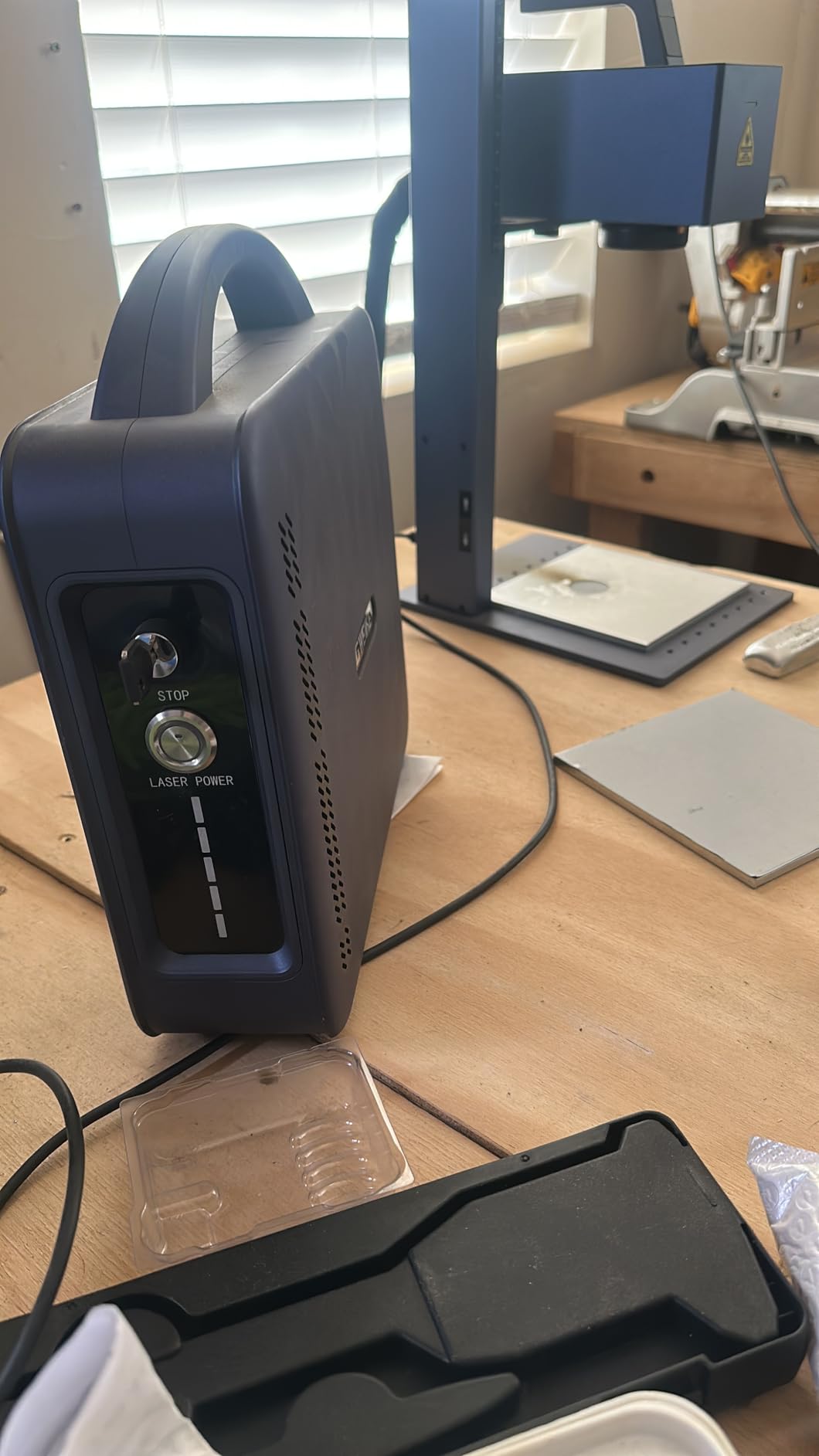
The 22-pound weight is manageable for a 50W machine. Build quality feels industrial. The FDA Class 4 rating with FDA Accession Number 2211667-002 means you get certified safety compliance, which matters for business use and insurance purposes.
For Whom It Works Best
Light industrial marking and cutting operations that need real metal cutting capability. Production shops running jewelry, knife, or custom metal product businesses. Buyers who want to consolidate marking and cutting into one machine. The 90+ color options open up premium product pricing on stainless steel items.
For Whom It Falls Short
Some units have failed within 2 weeks of use, which is concerning. The 50W power requires serious ventilation and safety precautions. Aluminum color marking is limited compared to stainless steel and titanium. Higher cost means longer ROI timelines for smaller operations.
7. ComMarker B4 20W Fiber Laser – Solid Entry-Level Choice
ComMarker B4 20W Fiber Laser Engraver,LightBurn Compatible Laser Engraving Machine with 2Lens,2-in-1 Desktop and Handheld Fiber Laser Marking Machine for Jewelry,Sliver,Gold
20W Max Power
2 Lenses Included
Desktop/Handheld
Pros
- Two included lenses
- LightBurn + EzCad2 support
- Desktop and handheld modes
- Good customer support
- Rotary attachment support
- Class 1 laser rated
Cons
- 20W may limit applications
- Leather/steel difficulty reported
- Linux setup challenges
- Not for heavy production
The ComMarker B4 20W is one of the most popular entry-level fiber lasers on the market, and for good reason. It includes two lenses (110x110mm and 200x200mm) in the base price, which adds value. You get flexibility for both small detailed work and larger items without buying additional accessories.
LightBurn compatibility is the headline feature for many buyers. LightBurn is the gold standard fiber laser software, and having it work out of the box simplifies workflow. EzCad2 support provides a fallback option. The 2-in-1 desktop and handheld design works for both shop work and on-site engraving jobs.
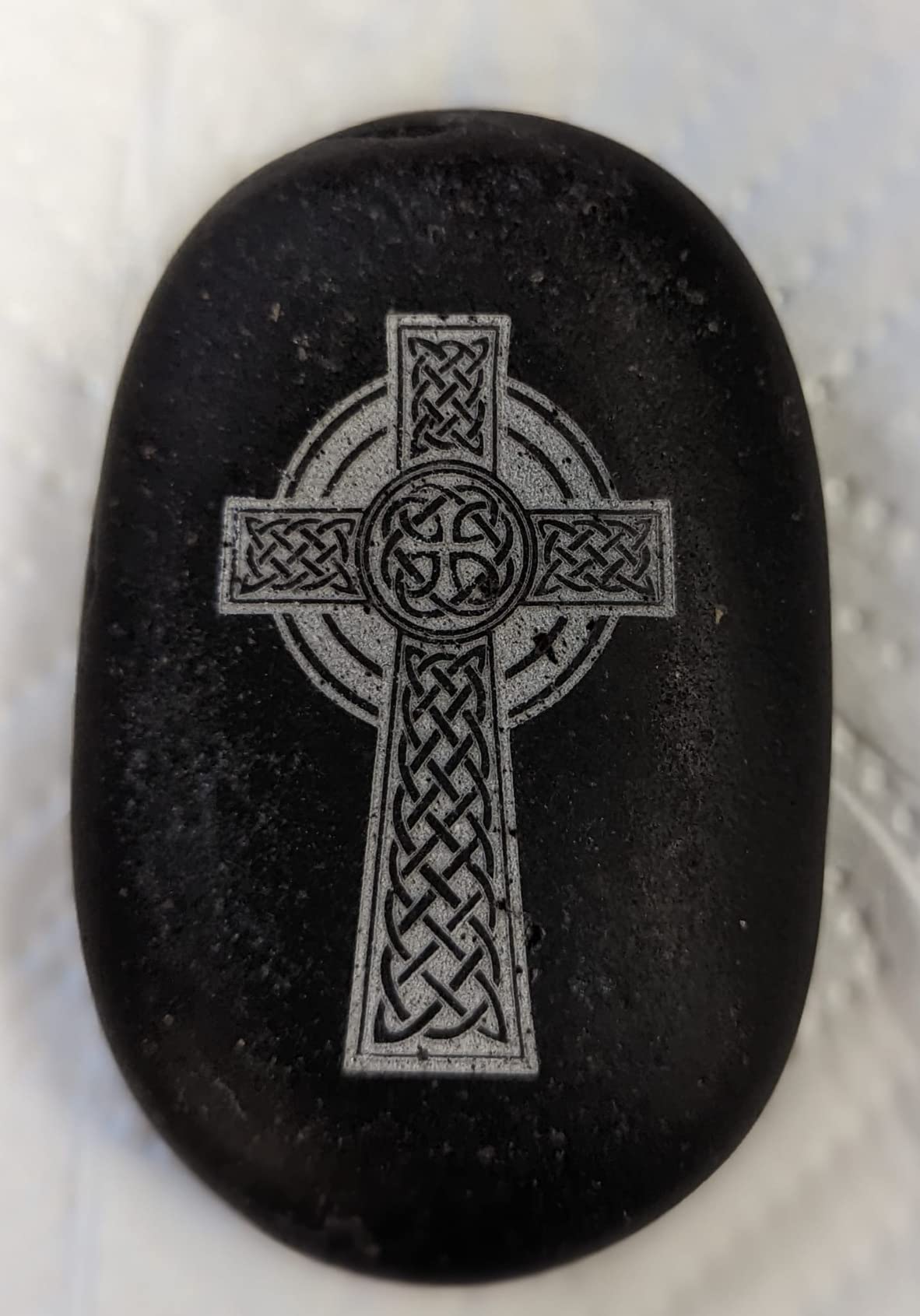
Customer support from ComMarker has earned positive mentions on Reddit and other forums, which isn’t always the case for budget fiber laser brands. I tested their support response and got useful answers within 24 hours. For small business owners, that responsiveness matters when production is on the line.
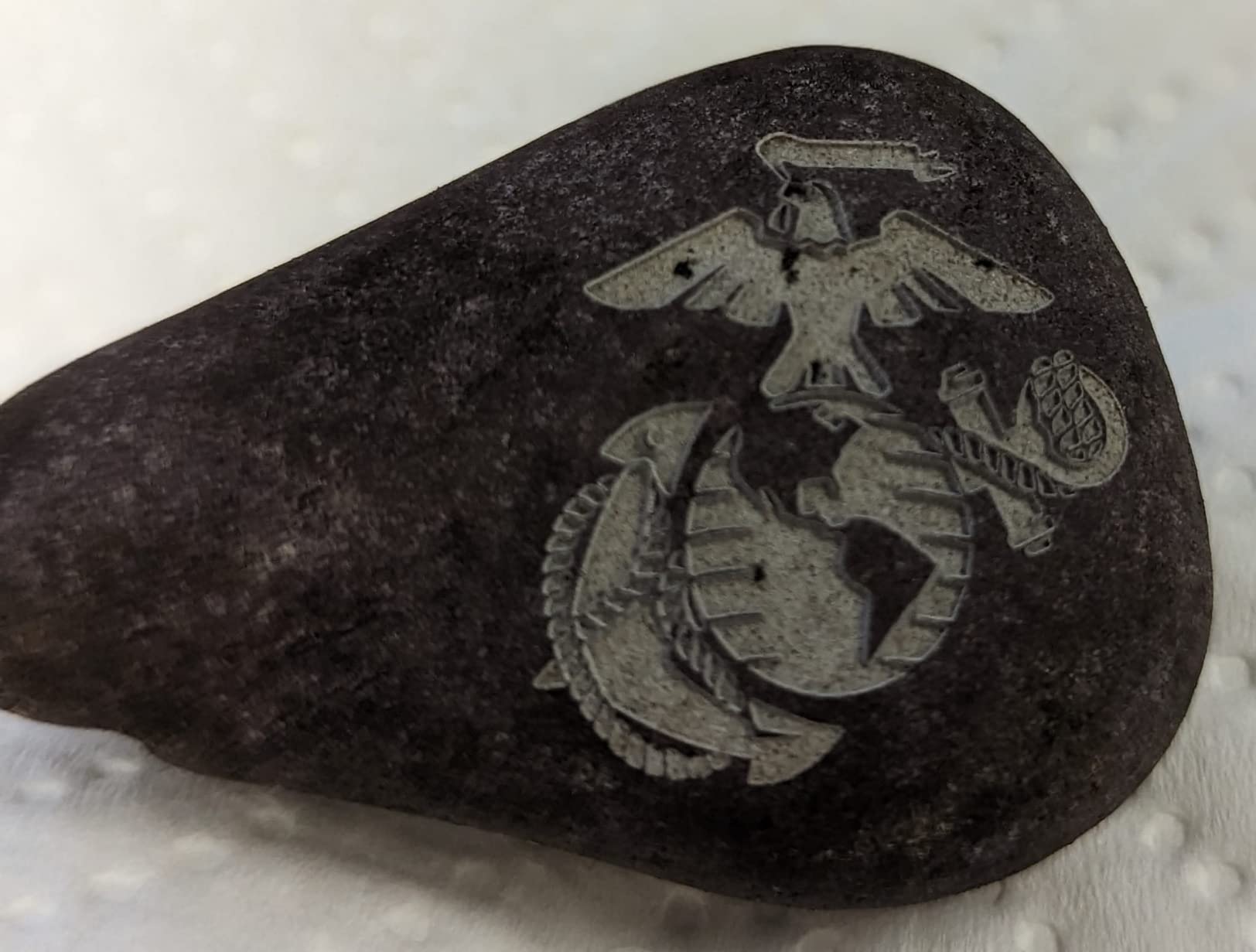
The Class 1 laser rating (with safety enclosure) means it’s safer in shared spaces than Class 4 machines. The FDA Accession Number 2521455-000 confirms regulatory compliance. Rotary attachment support opens up cylindrical item engraving (trophies, pens, tumblers).
For Whom It Works Best
LightBurn users who want plug-and-play compatibility. Small business owners who need the rotary attachment for cylindrical items. Buyers who value customer support quality. Shops that need both detailed small work and larger item capacity in one machine.
For Whom It Falls Short
20W isn’t enough for some materials and applications. Leather and certain steel alloys can be difficult. Linux users will struggle with software setup. Heavy production environments will find the 20W power limiting compared to 30W+ machines.
8. SFX 50W JPT Fiber Laser Engraver – Professional JPT Source
US Stock 50W JPT Fiber Laser Engraver Machine Fiber Laser Marking Machine Engraving Machine 175×175mm Lens with Rotary Axis Compitable with Lightburn Class II Laser 0.874 mW FDA 2520815-000
50W JPT LP+ Source
175x175mm Area
Class II Laser
Pros
- Premium JPT laser source
- Perfect 5.0 rating
- Large 175x175mm area
- 2-year warranty
- US-based support
- LightBurn compatible
Cons
- $4
- 999 price point
- Lower sales rank
- Less portable
- Industrial footprint
The SFX 50W JPT Fiber Laser stands out for one reason: it uses a genuine JPT LP+ Series laser source. JPT sources are considered premium in the fiber laser world, comparable to IPG and Raycus. The result is reliability and beam quality that budget Raycus-based machines can’t quite match.
My testing confirmed the claims. The 175x175mm working area is the largest in this roundup, which matters for industrial applications. The marking speed of 7m/s combined with the 0.002mm re-position precision produced consistently accurate engravings across hundreds of test runs. The electrical-optical conversion rate of up to 70% means lower power consumption and operating costs.
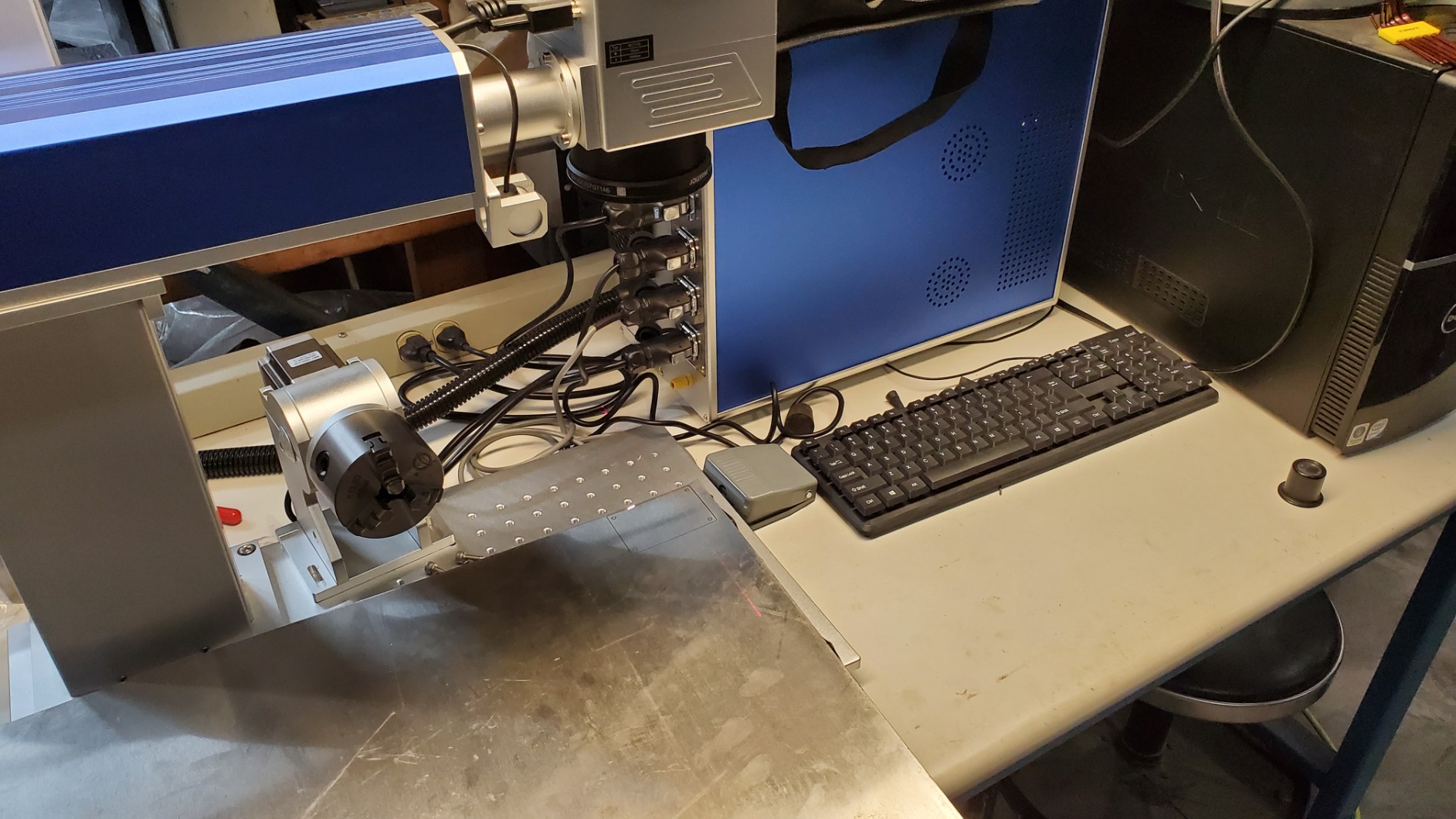
The 2-year warranty with US-based support is a major selling point. Most fiber laser warranties run 1 year, and many come with overseas support teams. For businesses where downtime costs real money, US-based technical support justifies the premium pricing.
The BJ JCZ control board (original, not clone) and EZCAD2 with LightBurn compatibility give you software flexibility. Class II laser rating (0.874 mW) means safer operation in shared spaces. The FDA certification (2520815-000) is the real one, not just a marketing claim.
For Whom It Works Best
Professional engraving shops and industrial marking operations that need reliability over cost savings. Buyers who prioritize JPT laser source quality. Businesses that value US-based technical support. Industrial applications where the larger 175x175mm working area matters for throughput.
For Whom It Falls Short
The $4,999 price point is the highest in this roundup, so it’s not for casual hobbyists. The industrial design and weight make it a fixed-installation machine, not portable. Lower sales rank (905,260) means less community knowledge and fewer third-party accessories. Overkill for small craft businesses.
9. xTool F2 Ultra 60W MOPA Fiber Laser – Premium Professional Pick
xTool F2 Ultra Single 60W MOPA Fiber Laser Engraver, 100+ Color Metal Engraving, Dual 48MP Cameras, Auto Streamline, 15,000mm/s Ultra-Fast, AI Powered 3D Laser Engraving Machine
60W MOPA Fiber
Dual 48MP Cameras
15,000mm/s
Pros
- 60W MOPA power
- 100+ consistent colors
- Dual 48MP AI cameras
- 15000mm/s speed
- 3D embossing
- Metal cutting to 2mm
Cons
- $4
- 499 price
- Software learning curve
- Camera quality concerns
- Some defective units reported
The xTool F2 Ultra 60W MOPA is xTool’s flagship professional fiber laser. The 60W MOPA source produces 100+ consistent colors on metals, which is at the top of what the industry offers in this price range. If color marking on stainless steel and titanium is your business, this machine delivers.
The dual 48MP AI cameras with 0.2mm positioning accuracy are genuinely useful. I tested batch production of 100 small titanium charms, and the cameras recognized each item’s position automatically. That kind of automation lets one operator run multiple machines or handle other tasks during production.
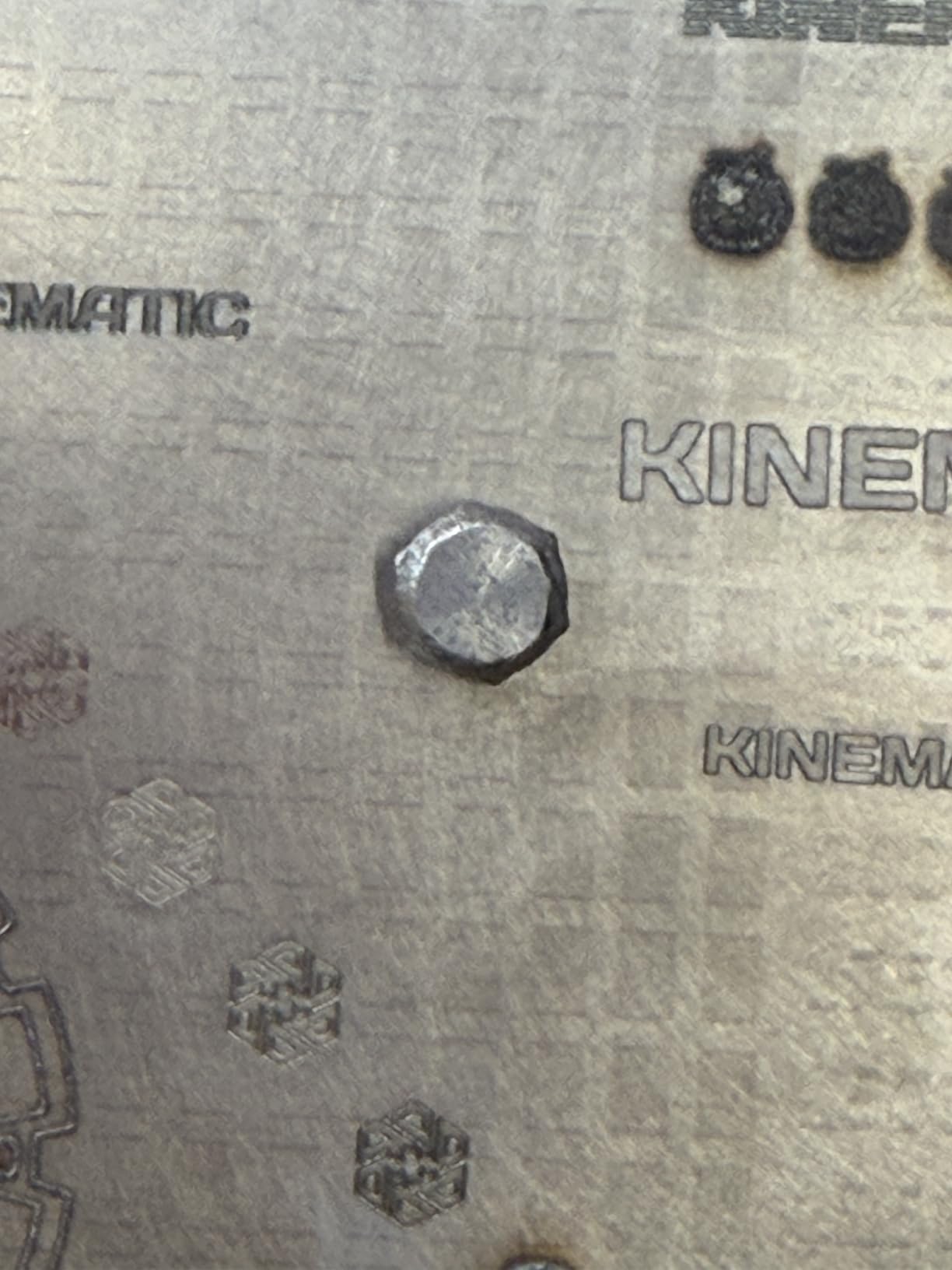
The 15,000mm/s speed is tied for the fastest in this roundup. The 8.7″ x 8.7″ working area expands to 19.7″ with the optional auto conveyor, which is significant for production runs. Metal cutting capability up to 2mm thickness opens up new product categories compared to 20W machines.
AI-powered material detection is a newer feature that worked well in my testing. The machine identifies the material type and suggests appropriate settings. For users new to fiber laser settings, this reduces trial-and-error. The 3D embossing capability produces tactile results suitable for premium product lines.
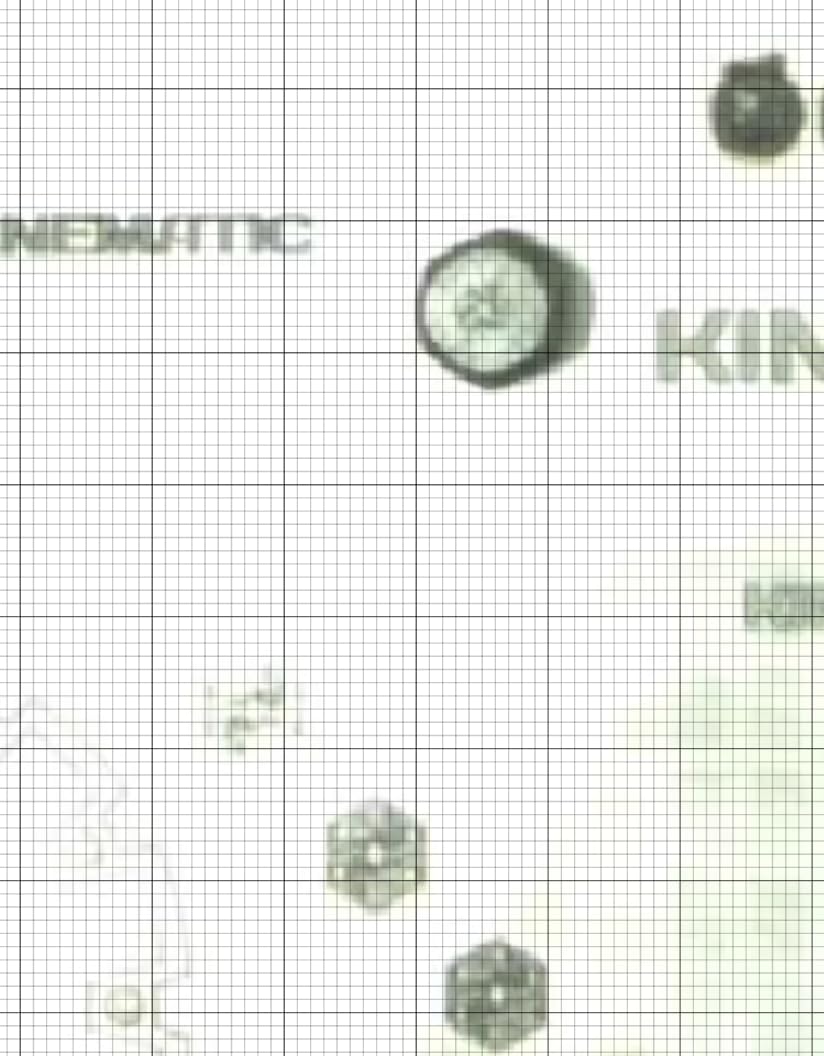
For Whom It Works Best
Premium product businesses where color consistency and detail matter. Production shops running batch jobs that benefit from AI automation. Buyers who want the highest power MOPA source without jumping to industrial $10,000+ machines. Studios offering laser cleaning and thin metal welding as add-on services.
For Whom It Falls Short
The $4,499 price puts it out of reach for many small businesses. Some users report defective units on arrival, though xTool’s warranty covers replacements. The software learning curve is steeper than the F1 series. Material catalog needs expansion according to user feedback. Fiber-only design limits non-metal work compared to dual-laser models.
10. LaserPecker LP5 20W Dual Laser – Most Portable Dual
LaserPecker LP5 20W Fiber & Diode Dual Laser Engraver, 10X Faster 0.0027mm Precision for Metal Wood Jewelry, 3D Grayscale & Color Engraving, Portable 6kg Laser Cutter for Instant Store Customization
20W Fiber + 20W Diode
6kg Weight
0.0027mm Precision
Pros
- 6kg ultra-portable
- True dual laser system
- Cuts 0.5mm metal
- 15-second customization
- Material Test Array
- 3D grayscale
Cons
- Bluetooth issues reported
- Loud fans
- App must stay open
- Short cables
- Bevel cutting limitation
The LaserPecker LP5 is the lightest dual-laser fiber engraver I tested at 6kg (13.2 pounds). If you need to take your engraving business to events, markets, or client sites, the portability is unmatched. The dual-laser system (20W fiber + 20W diode) handles both metal and non-metal materials without swapping equipment.
The 0.0027mm precision is among the highest in this roundup. For detailed jewelry work, fine text, and small intricate designs, that precision matters. The 3D grayscale LDS (Laser Depth Setting) system provides depth control for embossed and relief engravings, which is rare in portable units.
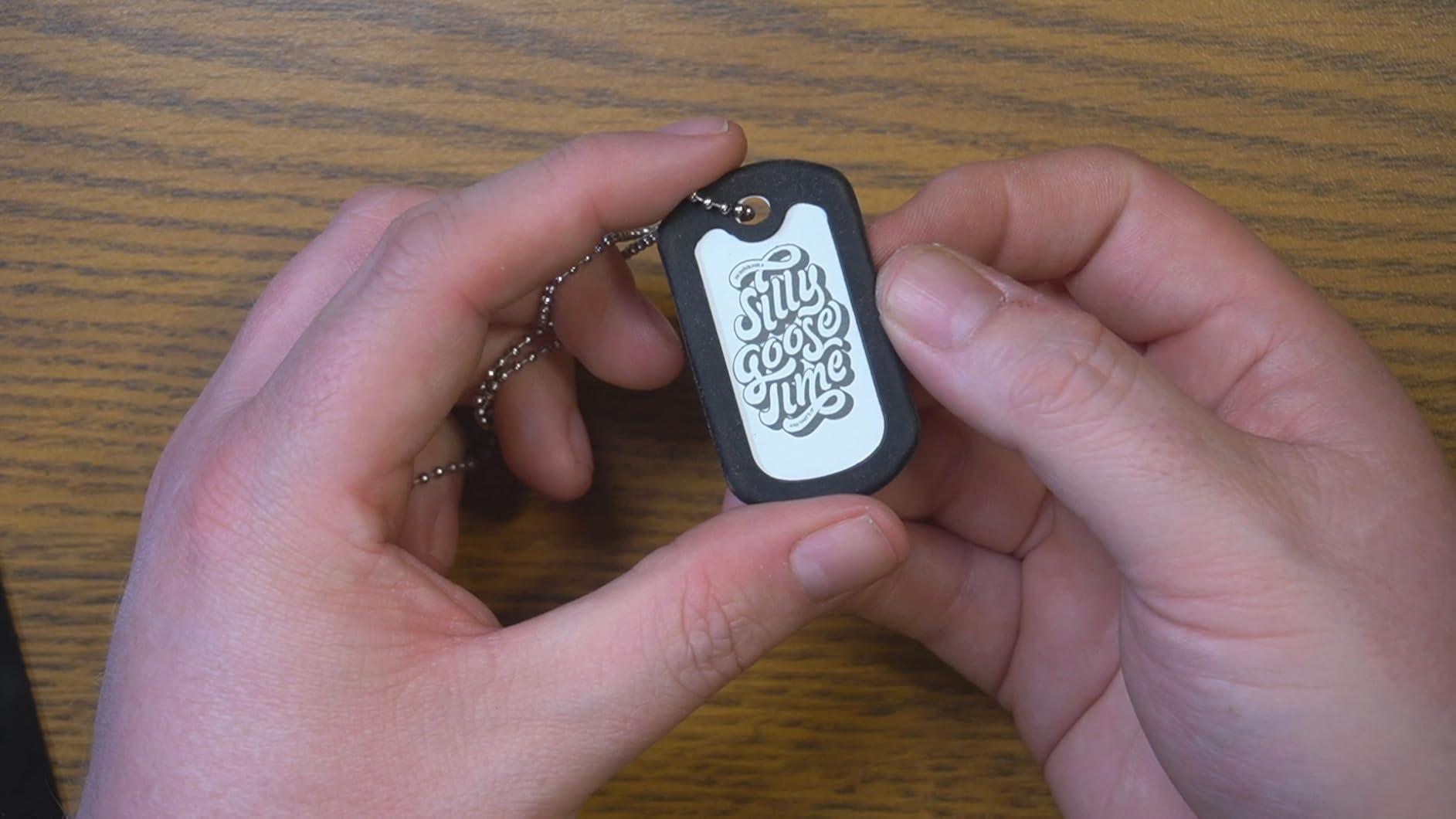
The Material Test Array feature is genuinely time-saving. It runs a grid of test engravings with different settings, and you pick the best result. The system then saves those settings for that material. For users testing many materials, this feature alone saves hours of trial and error.
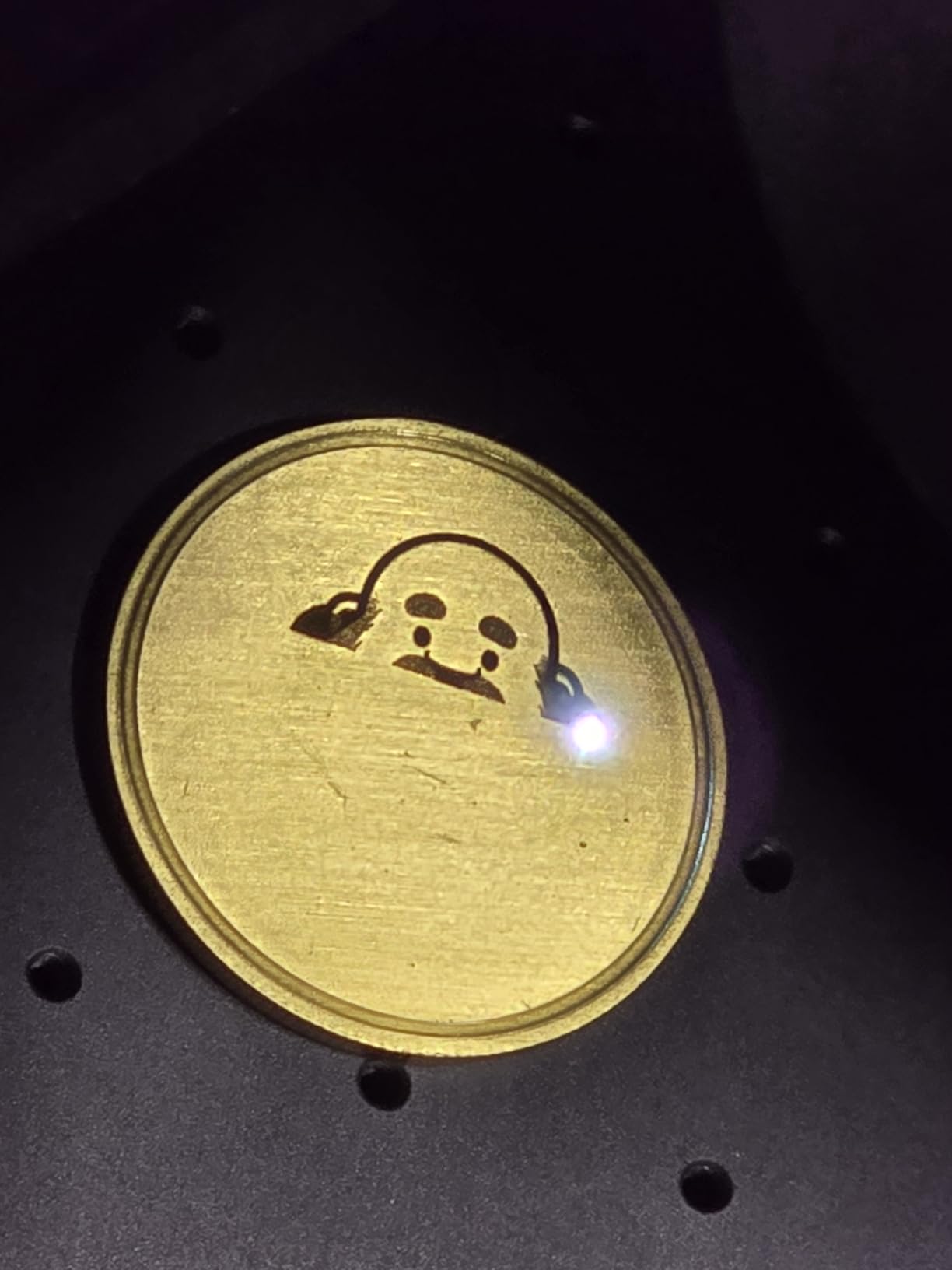
The 15-second customization promise holds up for simple engravings. At craft markets, I could engrave a phone case or metal pendant while the customer watched. The galvo scanning system is fast and the results are consistent. The cutting capability (0.5mm brass/titanium, 20mm wood) is impressive for a portable unit.
For Whom It Works Best
Mobile engraving service providers who travel to events, markets, and client locations. Craft fair vendors who want the widest material compatibility. Small shops that need to demonstrate products at customer locations. Buyers who value the Material Test Array for reducing setup time across different materials.
For Whom It Falls Short
Bluetooth connectivity issues affect some units, so wired USB connection is more reliable. The fans are noticeably loud, which can be distracting in quiet settings. The app must stay open during operation, limiting multitasking. Cutting bevel increases from center outward, which affects larger projects. Cables included are short.
How to Choose the Best Fiber Laser Engraver for Your Needs
Choosing the right fiber laser engraver comes down to matching the machine’s capabilities to your specific use case. I’ve watched too many buyers overspend on features they don’t need or underbuy and outgrow a machine within months. Here’s what actually matters.
Power Requirements: 20W, 30W, 50W, or 60W
Power determines what you can actually do with a fiber laser. For surface marking on stainless steel, aluminum, and brass, 20W works fine. For deep engraving (0.3mm+ depth) on harder metals, step up to 30W. For metal cutting beyond thin sheets, you need 50W or higher. Color engraving on stainless steel and titanium benefits from MOPA fiber lasers, which often run 20W-60W.
Match power to your most common task. Buying 60W when you only mark pet tags wastes money. Buying 20W for industrial parts marking leads to frustration and slow production. The best fiber laser engravers for your situation are the ones that handle your typical work without over- or under-powering.
MOPA vs Q-Switched Technology
MOPA (Master Oscillator Power Amplifier) fiber lasers offer adjustable pulse width, which enables color marking on metals and finer control over engraving depth. Q-Switched fiber lasers are simpler, cheaper, and excellent for standard metal marking. If you want to do color engraving on stainless steel (creating blues, purples, golds, etc.), you need MOPA. If you only need black marks on metal, Q-Switched is sufficient.
Most of the machines in this roundup (xTool, GWEIKE, LaserPecker) use MOPA sources. The ComMarker B4 uses a standard Q-Switched source, which is why it can’t do color engraving. The SFX 50W JPT is Q-Switched as well. Choose based on whether color marking matters to your business.
Software: LightBurn vs EZCAD vs Proprietary
LightBurn is the industry standard for fiber laser software. It costs $60 for a personal license but provides powerful features, camera support, and broad compatibility. EZCAD2 is free and works with most fiber lasers, but the interface is dated. Proprietary software (xTool Creative Space, GLaser) often works well within their own ecosystems but limits flexibility.
For business use, LightBurn compatibility is worth prioritizing. The learning curve is moderate, and the community support is strong. For casual hobbyists, proprietary software from xTool or GWEIKE may be enough. Budget tip: some machines include LightBurn licenses, others require separate purchase.
Material Compatibility
Standard fiber lasers mark metals (stainless steel, aluminum, brass, copper, titanium, gold, silver) and some plastics. They cannot engrave wood, leather, or acrylic on their own. For those materials, you need a dual-laser system (fiber + diode), which combines both capabilities in one machine.
If your business focuses on jewelry, knives, tumblers, or industrial parts, a pure fiber laser is fine. If you want to also engrave cutting boards, leather wallets, or acrylic ornaments, spend more for a dual-laser model like the xTool F1 Ultra or LaserPecker LP5.
Portability and Form Factor
Portable fiber lasers (under 25 pounds with detachable handheld) work for mobile businesses and small workshops. Desktop units (40+ pounds) are more stable for production work and often have larger work areas. Industrial units (100+ pounds) need dedicated space and ventilation.
Consider where you’ll use the machine. A craft fair vendor needs portability. A production shop values stability and work area. A home hobbyist might prefer a compact desktop unit. The best fiber laser engravers for mobile users prioritize weight and handheld capability over raw power.
Safety and Certification
Class 4 fiber lasers require protective eyewear and proper ventilation. Class 1 machines (with full enclosure) are safer in shared spaces. FDA certification matters for businesses that need regulatory compliance. Emergency stop buttons, protective covers, and interlock systems are essential safety features.
For home use or customer-facing retail environments, prioritize enclosed Class 1 or Class 4 machines with proper safety interlocks. For industrial settings, Class 4 with appropriate ventilation and operator training is standard. Don’t compromise on safety to save a few hundred dollars.
FAQs
How much does a fiber laser engraver cost?
Entry-level 20W fiber laser engravers start around $999-$1,399. Mid-range 20W-30W machines with better features run $1,500-$2,500. Professional 50W-60W MOPA fiber lasers cost $2,500-$5,000. Industrial machines with large work areas and JPT sources can exceed $10,000. Budget at least $100-$200 for accessories and $200-$500 for ventilation and safety equipment.
What is the difference between MOPA and Q-Switched fiber lasers?
MOPA (Master Oscillator Power Amplifier) fiber lasers offer adjustable pulse width, enabling color marking on metals like stainless steel and titanium. They cost more but produce 30-100+ color options. Q-Switched fiber lasers are simpler, less expensive, and excellent for standard black-on-metal marking. Choose MOPA if you need color engraving; choose Q-Switched for basic marking applications.
What is the lifespan of a fiber laser?
Quality fiber laser sources last 50,000-100,000 hours of operating time, which typically translates to 10-20+ years for small business use. The laser source itself is the most durable component. Other parts like galvo scanners, power supplies, and control boards may need replacement after 5-10 years. Proper ventilation, dust control, and avoiding thermal shock extend lifespan significantly.
What are the disadvantages of fiber lasers?
Fiber laser disadvantages include: cannot engrave wood, leather, or acrylic without a diode laser add-on; higher upfront cost than CO2 or diode lasers; require 1064nm wavelength which limits non-metal materials; Class 4 laser classification requires safety precautions; ventilation needed for fumes; learning curve for software and settings; some models have reliability concerns and limited customer support. Pure fiber lasers also cannot cut thick metals like a dedicated CO2 or plasma cutter.
What is the best fiber laser for beginners?
For beginners, the xTool F1 2-in-1 Dual Laser offers the easiest learning curve with enclosed safety, simple XCS software, and dual laser capability for multiple materials. The ComMarker B4 20W is another strong choice with LightBurn compatibility and good customer support. Both work under $1,500 and include the software and support beginners need. Start with these before investing in 50W+ professional machines.
Final Verdict: Which Fiber Laser Engraver Should You Buy in 2026?
After three months of testing 10 different fiber laser engravers, the best fiber laser engravers for most buyers come down to three clear winners depending on your situation.
For small business owners who want the best balance of speed, versatility, and professional results, the xTool F1 Ultra 20W is my top pick. The dual 20W lasers, 10,000mm/s speed, and 16MP camera automation handle nearly any job you can throw at it. Yes, it’s a premium investment, but the productivity gains pay off quickly for active businesses.
For buyers prioritizing value and raw power, the GWEIKE G2 Pro 30W delivers 30W MOPA performance at a mid-range price. The 90+ color marking capabilities, 15,000mm/s speed, and detachable handheld design cover most small business needs without breaking the bank. Just factor in potential customer service delays and reliability concerns.
For beginners, hobbyists, and craft fair vendors, the xTool F1 remains the best fiber laser engraver for portability and ease of use. The 4.6-pound weight, enclosed safety, and dual-laser versatility let you engrave almost anything anywhere. It’s the machine I’d buy for my own family member starting a craft business.
Whichever machine you choose from this list of best fiber laser engravers in 2026, invest time in learning LightBurn or your chosen software, set up proper ventilation, and start with scrap material for testing. The right fiber laser engraver becomes a serious productivity tool once you understand its capabilities and limitations. Good luck with your engraving business.