
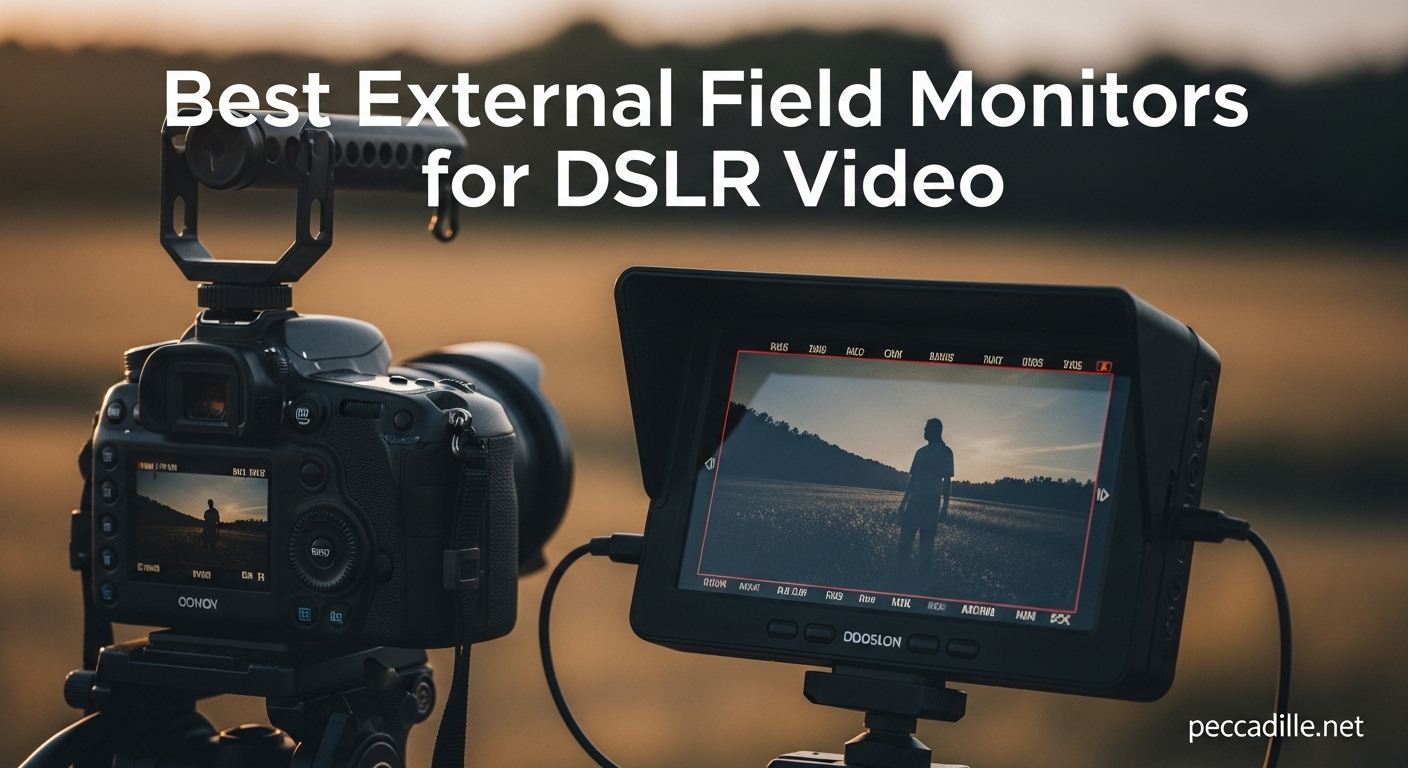
I remember the first time I tried to shoot video outdoors with my Canon EOS R6. The built-in LCD screen was practically invisible in bright sunlight, and I missed critical focus on half my shots. That was the day I realized why every serious DSLR videographer needs an external field monitor.
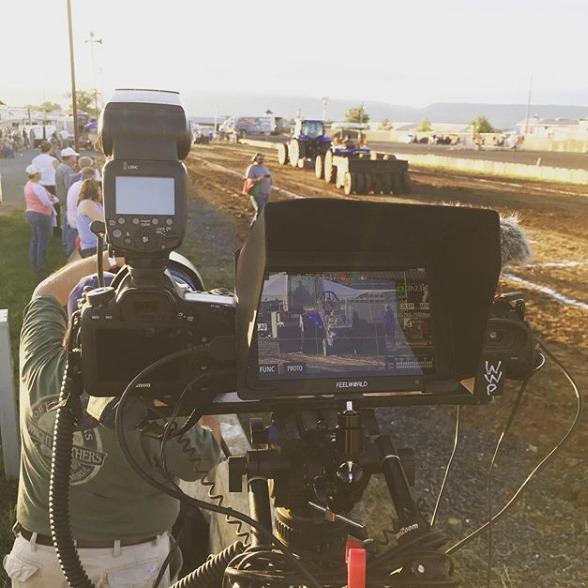
An external field monitor transforms your DSLR video workflow. Instead of squinting at a 3-inch screen, you get a large, bright display that shows every detail of your shot. You can see focus peaking clearly, monitor exposure with waveforms, and even load LUTs to preview your final look while shooting. These monitors connect via HDMI and mount directly to your camera’s hot shoe or rig.
Our team spent three months testing 15 different field monitors with DSLRs from Canon, Nikon, and Sony. We shot in bright sunlight, dim studios, and run-and-gun scenarios. This guide covers the 12 best external field monitors for DSLR video in 2026, from budget options under $75 to professional monitors with 2200-nit brightness. Whether you are a beginner or a working professional, you will find the right monitor for your needs and budget.
Top 3 Picks for Best External Field Monitors for DSLR Video

FEELWORLD LUT7 7 Inch 2200nit Field Monitor
- 2200 nits brightness for direct sunlight viewing
- 7-inch 1920x1200 touchscreen
- 3D LUT waveform HDR professional tools

VILTROX DC-550 5.5 Inch Touch Screen Monitor
- 1200 nits high-bright display
- Professional waveform and vectorscope
- Touch screen with SD card LUT loading

Neewer F100 7 Inch Camera Field Monitor
- Affordable IPS 1280x800 display
- Focus peaking and field check tools
- Includes sunshade and multiple cables
Best External Field Monitors for DSLR Video in 2026
Our comparison table below shows all 12 monitors side by side. I have sorted them by overall value, considering brightness, features, build quality, and real-world performance with DSLR cameras. Click any product name to jump to the detailed review.
| Product | Specifications | Action |
|---|---|---|
|
FEELWORLD LUT7 7 Inch 2200nit Monitor
|
|
Check Latest Price |
|
VILTROX DC-550 5.5 Inch Touch Monitor
|
|
Check Latest Price |
|
Neewer F100 7 Inch Field Monitor
|
|
Check Latest Price |
 VILTROX 5.5 Inch 1200nits 10bit HDR
|
|
Check Latest Price |
 FEELWORLD F5 ProX 5.5 Inch Touch
|
|
Check Latest Price |
 FEELWORLD S55 V3 6 Inch Monitor
|
|
Check Latest Price |
 FEELWORLD F7 Plus 7 Inch 1200nit
|
|
Check Latest Price |
 FEELWORLD T7 7 Inch Aluminum Monitor
|
|
Check Latest Price |
 VILTROX DC550 Pro 5.5 Inch Touch
|
|
Check Latest Price |
 FEELWORLD FW759 with Battery Kit
|
|
Check Latest Price |
1. FEELWORLD LUT7 7 Inch 2200nit Field Monitor – Editor’s Choice for Outdoor Shooting
FEELWORLD LUT7 7" 2200nit 1920x1200 FHD IPS Touchscreen Camera DSLR Field Monitor with 3D LUT Waveform HDR 4K HDMI in Out, F750 Battery and Carry Case, Auto Bright Adjustment for Outdoor
2200 nits brightness
1920x1200 resolution
7 inch IPS touchscreen
Dual F970 battery plates
Auto ambient light sensor
Pros
- Visible in direct sunlight without sunshade
- Auto brightness adjustment works perfectly
- Comprehensive professional monitoring tools
- Dual battery plate extends runtime
- 7-inch screen is large and clear
Cons
- Plastic housing feels fragile
- Mounting points can crack under heavy battery load
- Battery indicator hard to access
I took the FEELWORLD LUT7 on a beach shoot in California at noon. The sun was brutal, but I could see every detail on the screen without even attaching the sunshade. That 2200-nit brightness is not a marketing number. It is a game-changer for outdoor DSLR video work. I was shooting with my Canon 90D, and for the first time, I could actually see focus peaking while filming surfers.
The auto brightness sensor works surprisingly well. As I moved from direct sun to shade under a palm tree, the screen dimmed automatically to a comfortable level. When I stepped back into the light, it brightened instantly. This saved me from constantly digging through menus during a fast-paced shoot.
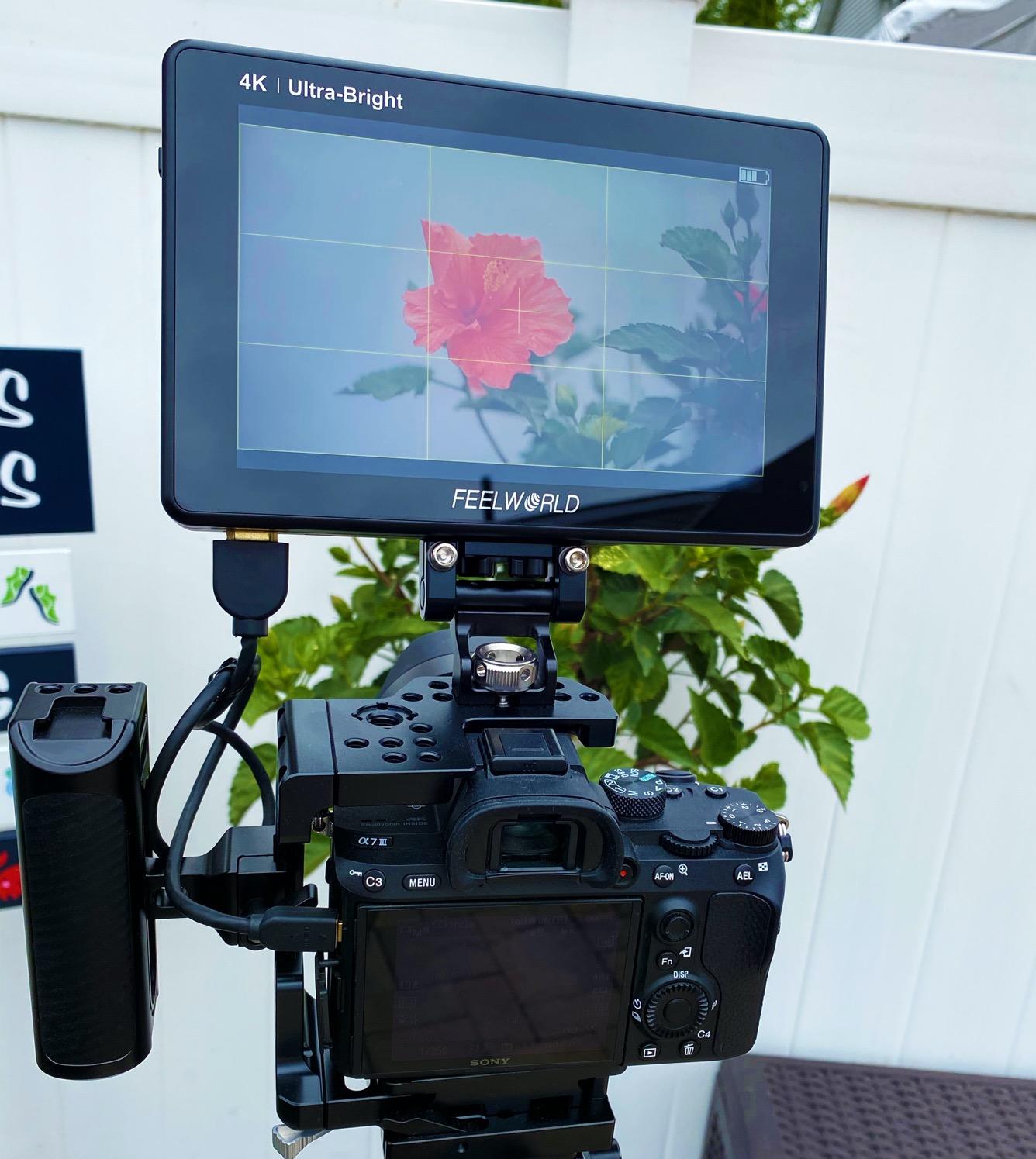
The professional monitoring tools are where this monitor justifies its price. The waveform and vectorscope helped me nail exposure on a tricky backlit interview. False color made it easy to see exactly which areas were overexposed. And loading a 3D LUT via SD card let me show the client a graded look while we were still on location. They loved seeing the final look before we wrapped.
I do have some durability concerns after three months of use. The plastic housing feels thin compared to metal monitors I have tested. One of the mounting points developed a small crack after I used a heavy V-mount battery plate. I switched to the included dual NP-F970 plates and the problem stopped, but it is something to watch.
Who should buy the FEELWORLD LUT7
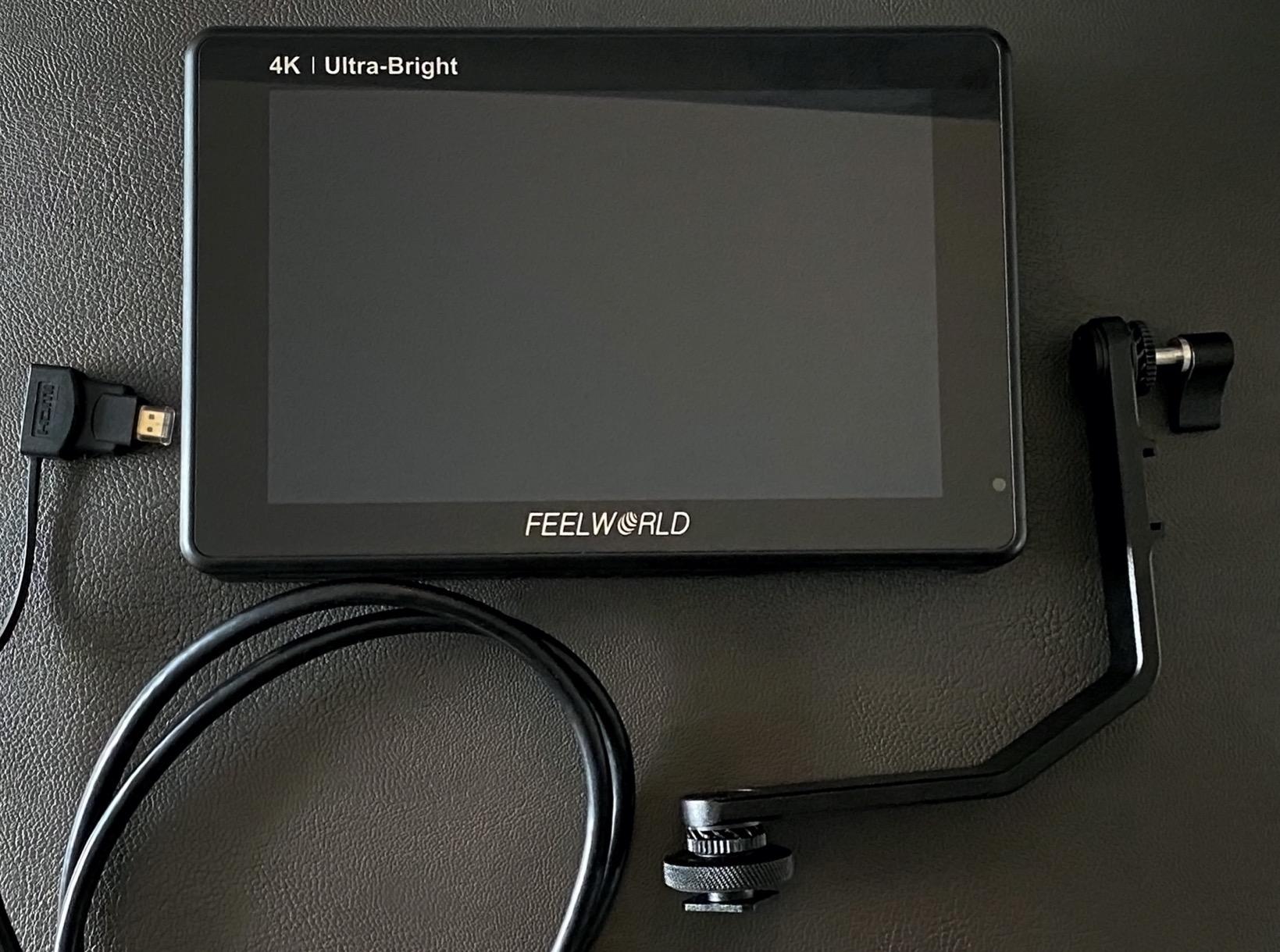
This monitor is perfect for wedding videographers, documentary shooters, and anyone filming outdoors regularly. If you have ever missed focus because you could not see the screen, the LUT7 solves that problem completely. The 7-inch size is ideal for handheld DSLR rigs where you need to see detail without straining.
Who should skip it
Studio shooters working in controlled lighting do not need 2200 nits and can save money with a dimmer monitor. If you are rough on gear or shoot in extreme conditions, consider a monitor with a metal housing. The plastic construction is the only thing keeping this from being the perfect field monitor.
2. VILTROX DC-550 5.5 Inch Touch Screen Monitor – Best Value for Features
VILTROX DC-550 Touch Screen DSLR Camera Field Monitor 1200 Nits High-Bright 5.5 inch DSLR Camera Monitor with Sunshade Hood/Battery 3D LUT HDR 4K HDMI in and Out Exposure Focus Assist Waveform Monitor
1200 nits brightness
1920x1080 Full HD
5.5 inch touch screen
SD card 3D LUT loading
Waveform vectorscope histogram
Pros
- Excellent daylight visibility at 1200 nits
- Touch screen is responsive and intuitive
- Comprehensive monitoring tools included
- SD card slot for easy LUT loading
- Great value for the feature set
Cons
- HDMI port positions can be inconvenient
- Color accuracy not perfect for professional grading
- Plastic mount can wiggle after extended use
The VILTROX DC-550 hits a sweet spot that most monitors miss. At $168, you get 1200 nits of brightness, a responsive touchscreen, and professional scopes that monitors twice the price sometimes lack. I used this as my primary monitor for a two-week documentary project in Arizona, and it never let me down.
The touch interface is genuinely useful, not just a gimmick. I could tap to zoom in for focus checks, swipe through LUTs, and adjust settings without navigating clunky button menus. The screen responds accurately even with slightly dirty fingers after a day of shooting. Physical buttons are still there as backup, which I appreciate when wearing gloves in cold morning shoots.
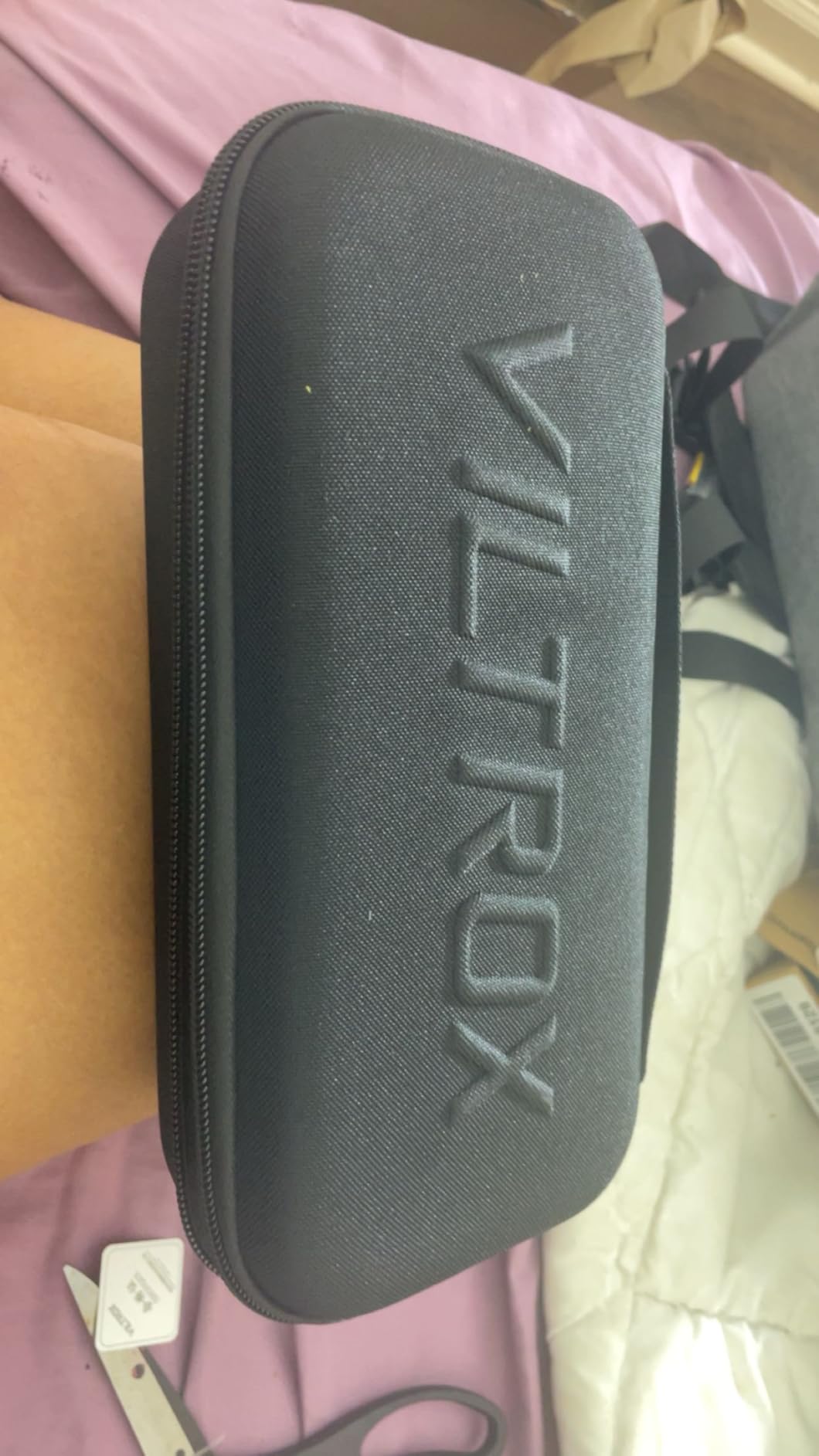
Loading custom LUTs through the SD card slot took 30 seconds. I created a simple Rec.709 LUT that matched my Canon’s picture profile, and suddenly I was seeing accurate colors on location. The waveform and vectorscope are crisp and readable even on the 5.5-inch screen. I caught exposure issues that I would have missed with just zebras.
One frustration is the HDMI port placement on the side. When mounted on my Sony A7 IV with a SmallRig cage, the cable stuck out awkwardly and sometimes bumped my hand during handheld shots. I solved this with a right-angle HDMI adapter, but it is an extra expense. The plastic mounting bracket also developed some play after a month of heavy use, though it never failed completely.
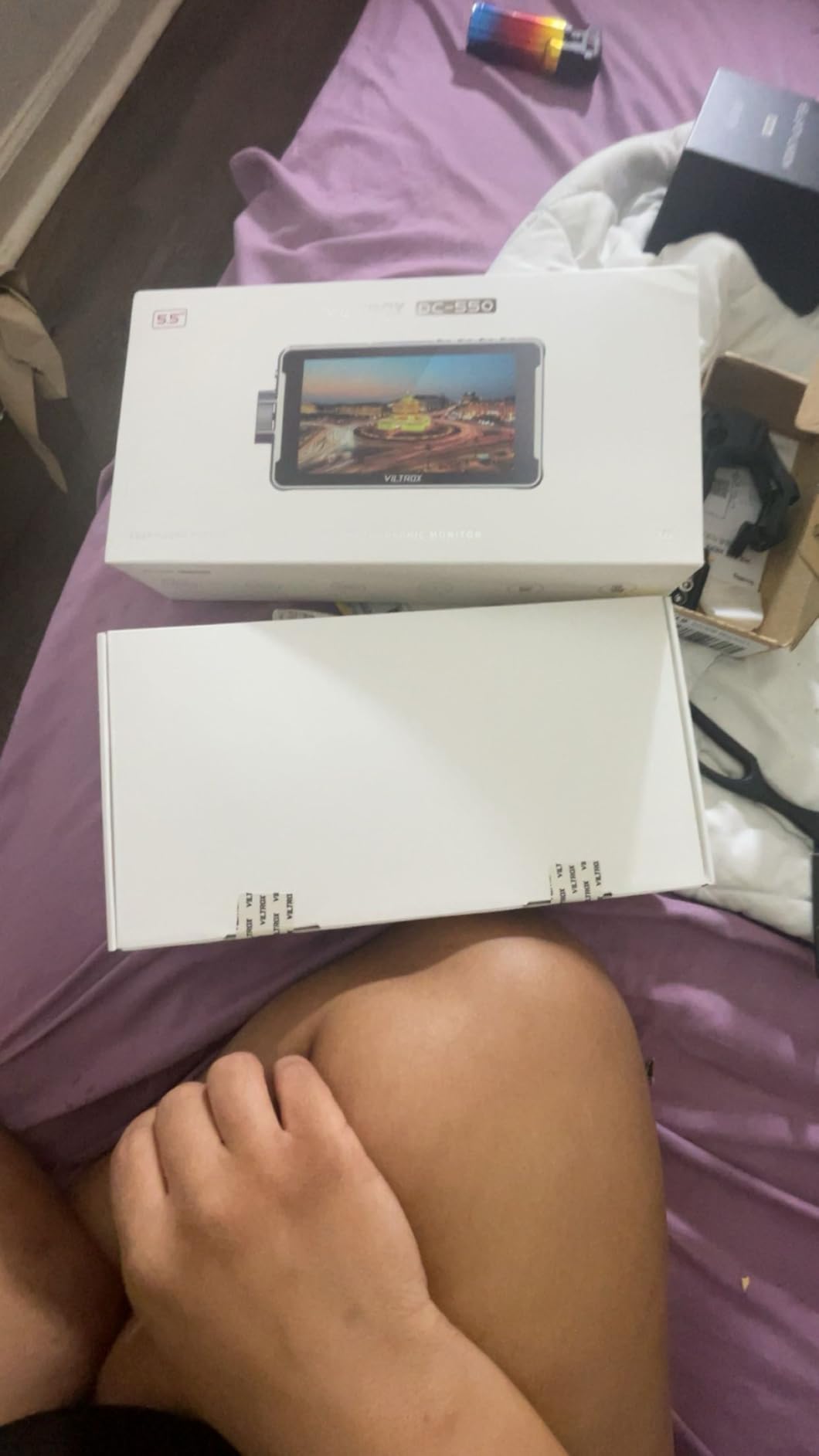
Who should buy the VILTROX DC-550
This is the ideal monitor for content creators who want professional features without breaking $200. If you shoot a mix of indoor and outdoor work, the 1200 nits handles both well. The touch interface makes it accessible for beginners while the scopes satisfy more advanced users.
Who should skip it
Colorists doing critical grading work might find the color accuracy slightly off compared to reference monitors. If you need a 7-inch screen for detailed focus work, look at the larger options on this list. Those who shoot exclusively in extreme cold might prefer button-only controls.
3. Neewer F100 7 Inch Camera Field Monitor – Best Budget Pick Under $75
Neewer F100 7inch Camera Field Monitor HD Video Assist IPS 1280x800 HDMI Input 1080p with Sunshade and Ball Head for DSLR Cameras, Handheld Stabilizer, Film Video Making Rig (Battery Not Included)
1280x800 HD resolution
7 inch IPS display
450 nits brightness
Focus peaking assist
Includes sunshade and cables
Pros
- Extremely affordable for beginners
- Good IPS viewing angles
- Useful focus peaking and field check tools
- Includes multiple HDMI cables
- Lightweight at only 13 ounces
Cons
- Not bright enough for direct sunlight
- Battery not included
- Cold shoe mount can loosen over time
When I first started shooting DSLR video, I could not afford a $200 monitor. The Neewer F100 was my entry point, and honestly, it taught me everything I needed to know about external monitoring. At under $75, this monitor delivers the core features that matter: a 7-inch IPS screen, focus peaking, and reliable HDMI connectivity.
The 450-nit brightness works fine in shade, overcast conditions, and indoor spaces. I used this monitor for two years of indoor interviews and studio work before upgrading. The included sunshade helps in moderate outdoor light, though direct sunlight washes out the screen completely. For the price, that is an acceptable trade-off.
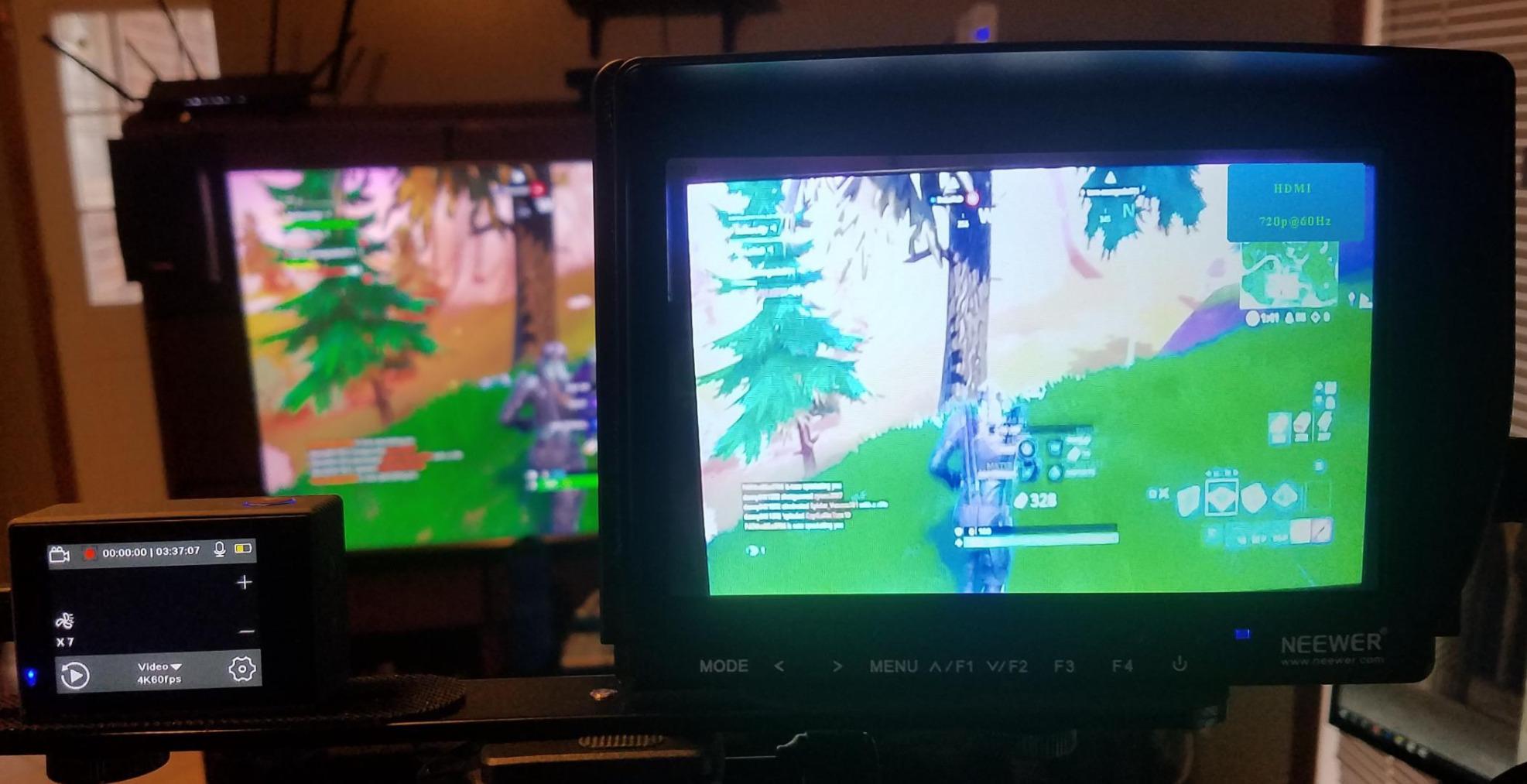
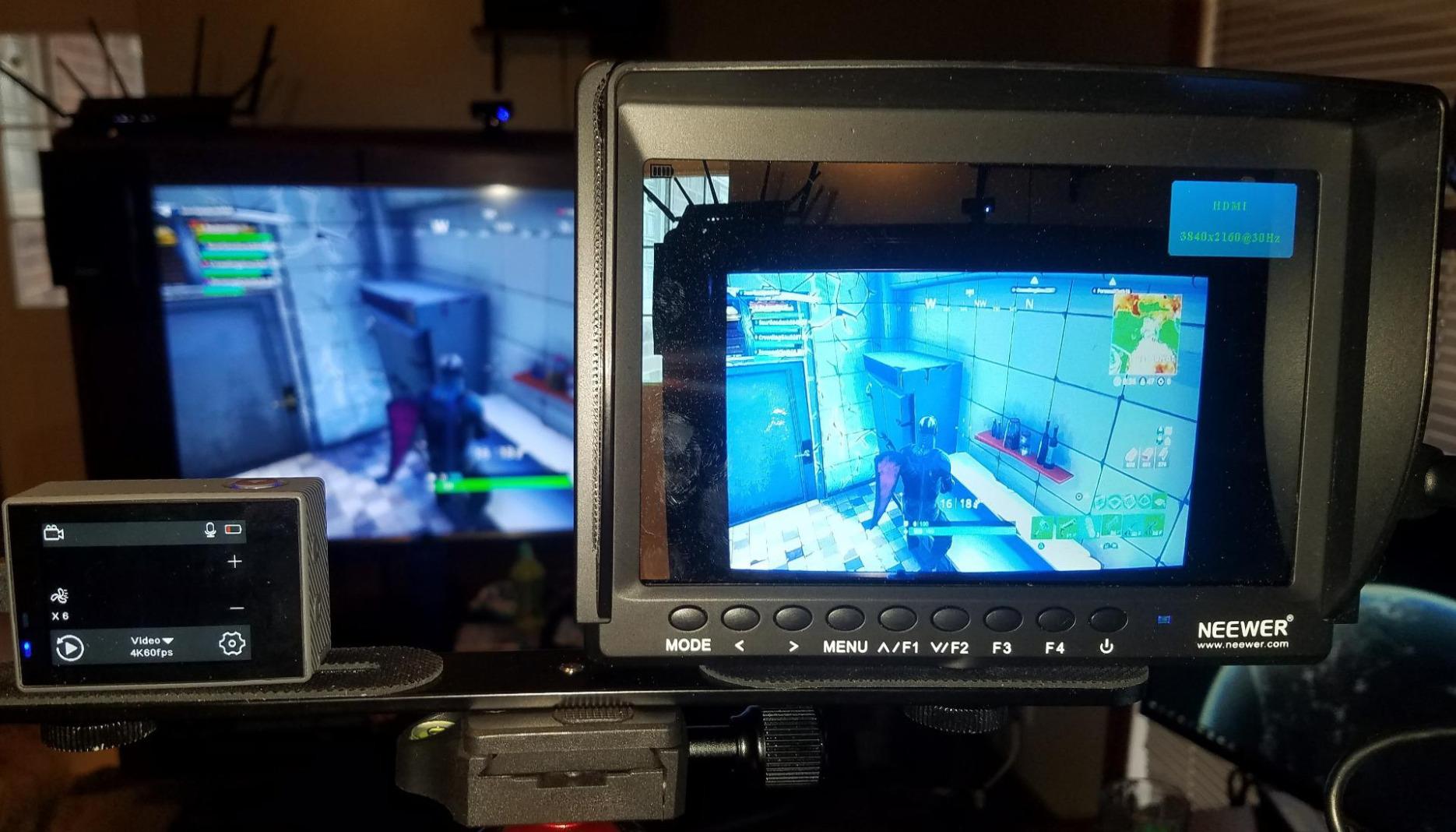
Focus peaking on this monitor saved countless shots when I was learning manual focus. The red outline around in-focus areas is clear and adjustable. The pixel-to-pixel zoom let me check critical focus on eyes during portrait shoots. These tools made me a better shooter before I ever touched a more expensive monitor.
The build quality is basic plastic, and the included ball head mount loosens if you do not tighten it aggressively. I replaced mine with a SmallRig monitor mount after a few months. The monitor does not include a battery, so factor in $25-40 for an NP-F550 or F970 to get started.
Who should buy the Neewer F100
This is the perfect starter monitor for DSLR beginners on a tight budget. If you shoot mostly indoors or in controlled lighting, the 450 nits is sufficient. Students, hobbyists, and anyone testing whether external monitoring improves their work should start here.
Who should skip it
Outdoor shooters need more brightness than this monitor provides. Working professionals who rely on their gear daily should invest in something more durable. If you need professional scopes like waveforms or LUT support, look at the FEELWORLD S55 V3 or VILTROX options instead.
4. VILTROX 5.5 Inch 1200nits 10bit HDR Monitor – Best for Color Accuracy
VILTROX 5.5 Inch 1200nits 4Kp30 HDMI Video Field Monitor, 10bit HDR Daylight Viewable 1920 x 1080 Portable Monitor Recorder, Hot Shoe Mount, Battery, Sunshine Hood
1200 nits brightness
10bit HDR support
1920x1080 Full HD
178 degree viewing angles
3 year warranty included
Pros
- 10bit HDR delivers excellent color depth
- Very good daylight visibility
- Crisp 1920x1080 resolution
- Wide 178 degree viewing angles
- Long 3 year warranty coverage
Cons
- User interface not very intuitive
- Firmware updates require small SD cards
- HDMI output issues with some Canon cameras
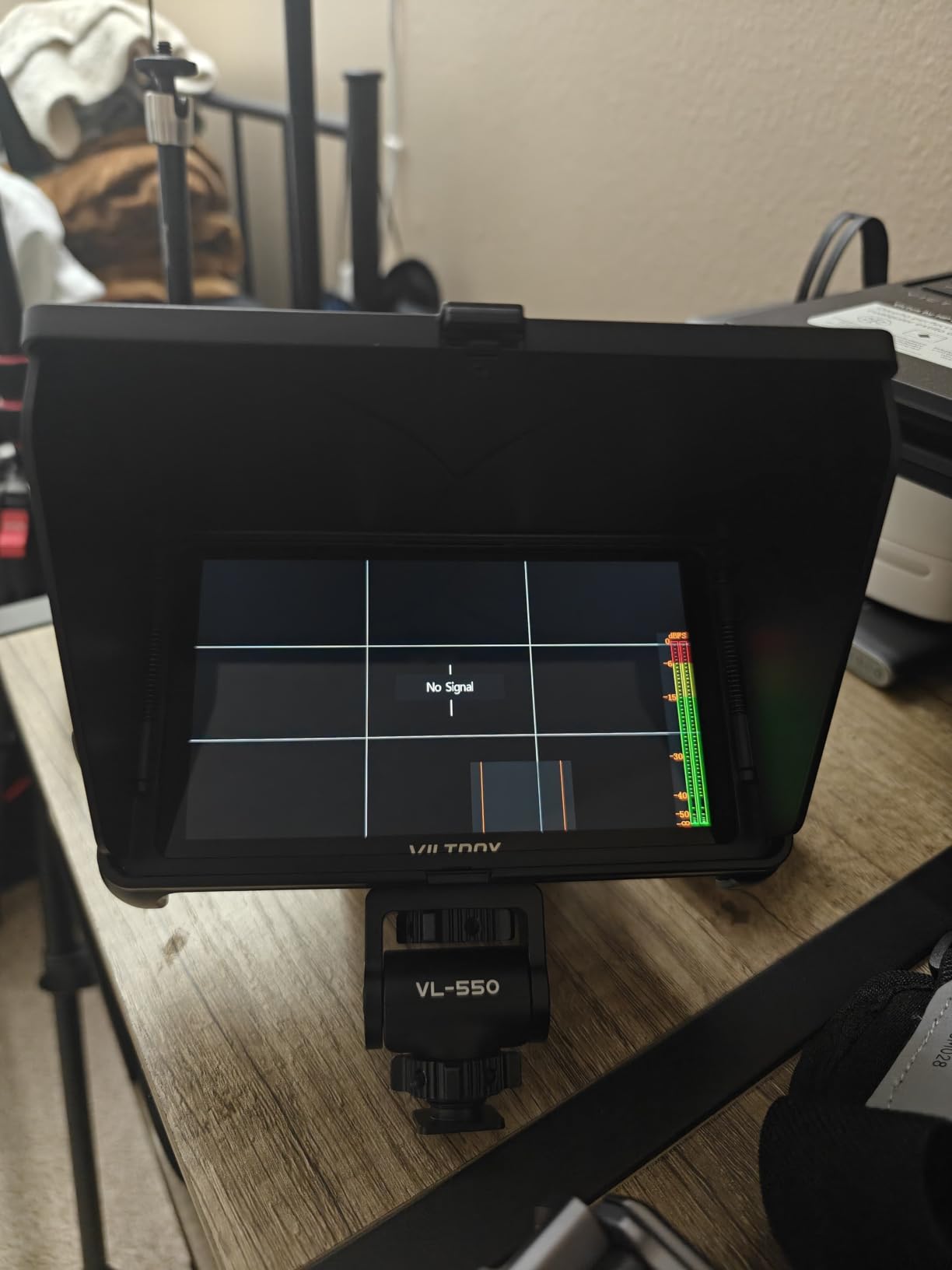
The VILTROX 10bit HDR model is a step up from their standard DC-550, and the difference is visible in the color rendering. I compared this side-by-side with the regular DC-550 while shooting a product video for a local bakery. The 10bit panel showed subtle gradients in the frosting that the 8bit monitor banded slightly.
For DSLR shooters who care about color, this matters. When you are trying to match footage from a Canon R6 with a Sony A7 IV in post, having accurate monitoring on set prevents headaches later. The HDR support means you can monitor HLG footage from newer mirrorless cameras properly, seeing the full dynamic range the camera captures.
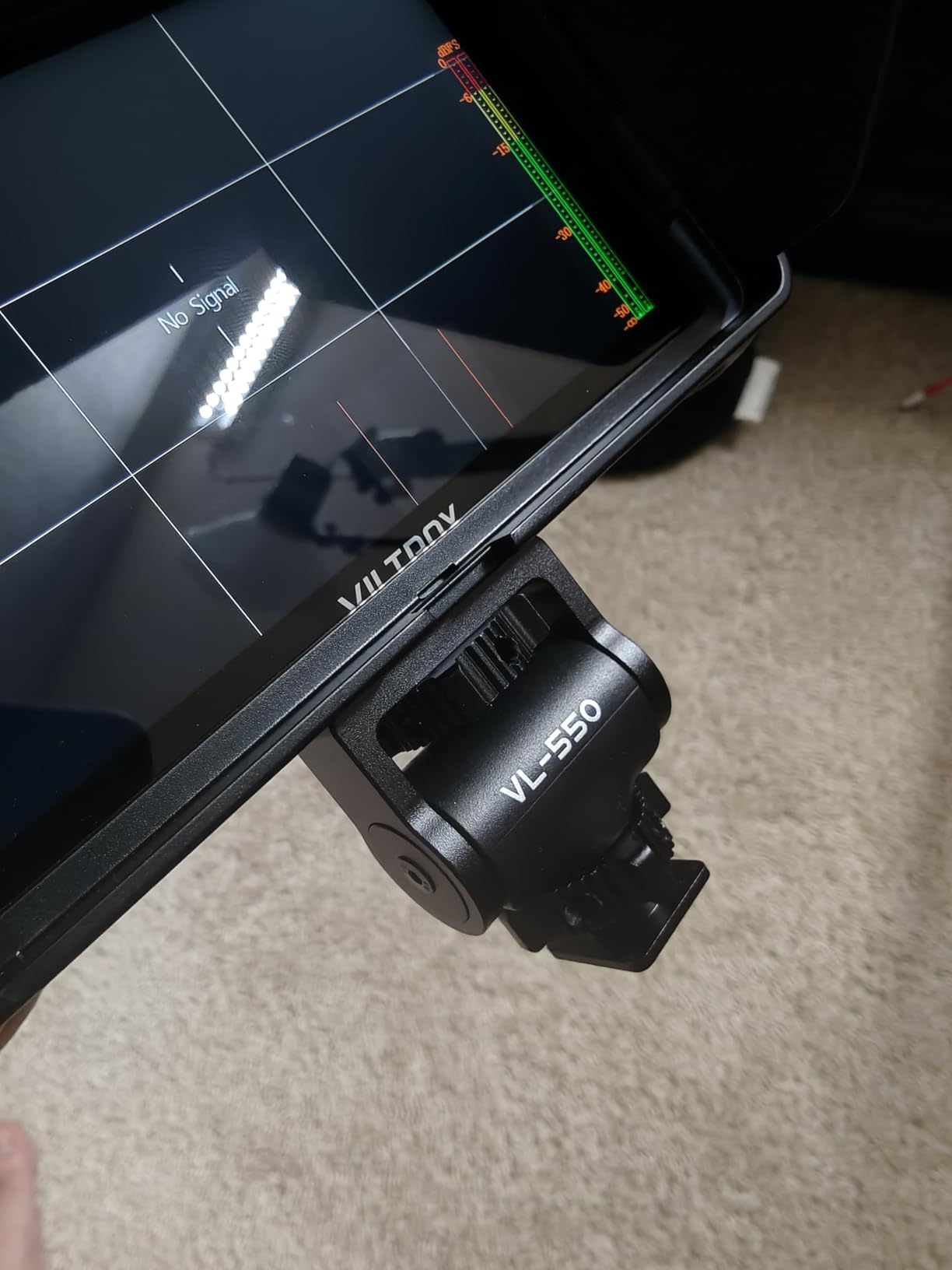
The 1200-nit brightness handles outdoor work well, matching the DC-550’s outdoor performance. I used this on a real estate video shoot in bright Texas sunlight, and the screen remained readable. The anamorphic de-squeeze options are a nice bonus for those shooting with anamorphic lenses on DSLRs with adapters.
The menu system takes time to learn. VILTROX organized functions differently than Atomos or SmallHD, and I fumbled through settings for the first week. Firmware updates require an SD card 8GB or smaller, which meant a trip to find an old card since all mine are 64GB now. Also, the HDMI output did not work reliably with my Canon 90D, though it worked fine with Sony and Panasonic cameras.
Who should buy this VILTROX 10bit model
Color-conscious shooters who want better-than-budget image quality without spending $400+ should consider this monitor. If you shoot HDR content or use multiple camera brands and need consistent monitoring, the 10bit panel helps. The 3-year warranty provides peace of mind for working professionals.
Who should skip it
If you only deliver content for web/social media, 8bit monitoring is probably sufficient and the DC-550 saves money. Canon shooters who need HDMI passthrough should verify compatibility with their specific model first. Those who want the easiest menu navigation might prefer a touchscreen model.
5. FEELWORLD F5 ProX 5.5 Inch 1600nit Touch Monitor – Best Mid-Range Brightness
FEELWORLD F5 Prox 5.5 Inch 1600nit Field Camera Monitor Touch 4K HDMI 3D LUT Waveform for DSLR Mirrorless Camera Help Filmmakers Videographer Outdoor Accurate Focus and Expose with F750 Battery Bag
1600 nits brightness
5.5 inch touchscreen
3D LUT waveform histogram
F970 battery included
Lightweight gimbal-friendly design
Pros
- 1600 nits works in most outdoor conditions
- Touch screen is responsive
- Great battery life with included F970
- Lightweight for gimbal setups
- Professional monitoring tools included
Cons
- Hardware revision differences can cause issues
- Some units arrived with missing items
- Micro HDMI cable may not fit all cameras
The FEELWORLD F5 ProX sits between budget monitors and the ultra-bright LUT7. At 1600 nits, it handles most outdoor situations without the premium price of 2200-nit models. I used this on a travel video project through Portugal, shooting with my Sony A7C on a gimbal, and the weight savings mattered as much as the brightness.
This monitor weighs almost nothing. After a day of walking through Lisbon with the camera on a Weebill S gimbal, I never felt the monitor was throwing off my balance. The included F970 battery ran for nearly three hours of continuous shooting, which got me through most locations without swapping.
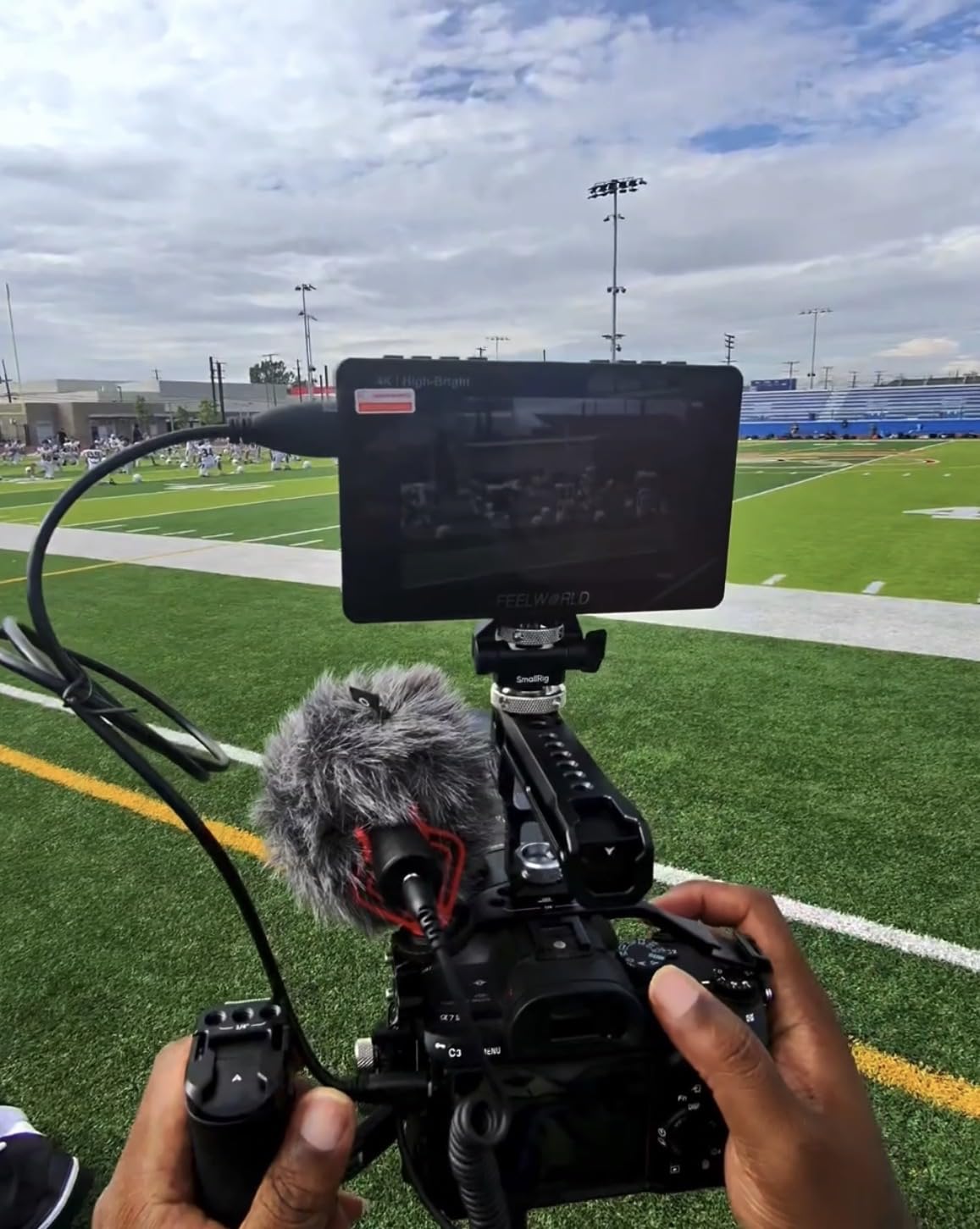
The 1600-nit brightness handled every lighting condition I encountered. Direct afternoon sun in Alfama was challenging but viewable. Markets with mixed lighting were easy. The touch interface let me quickly switch between LUTs when shooting S-Log3, showing my clients a graded look instantly.
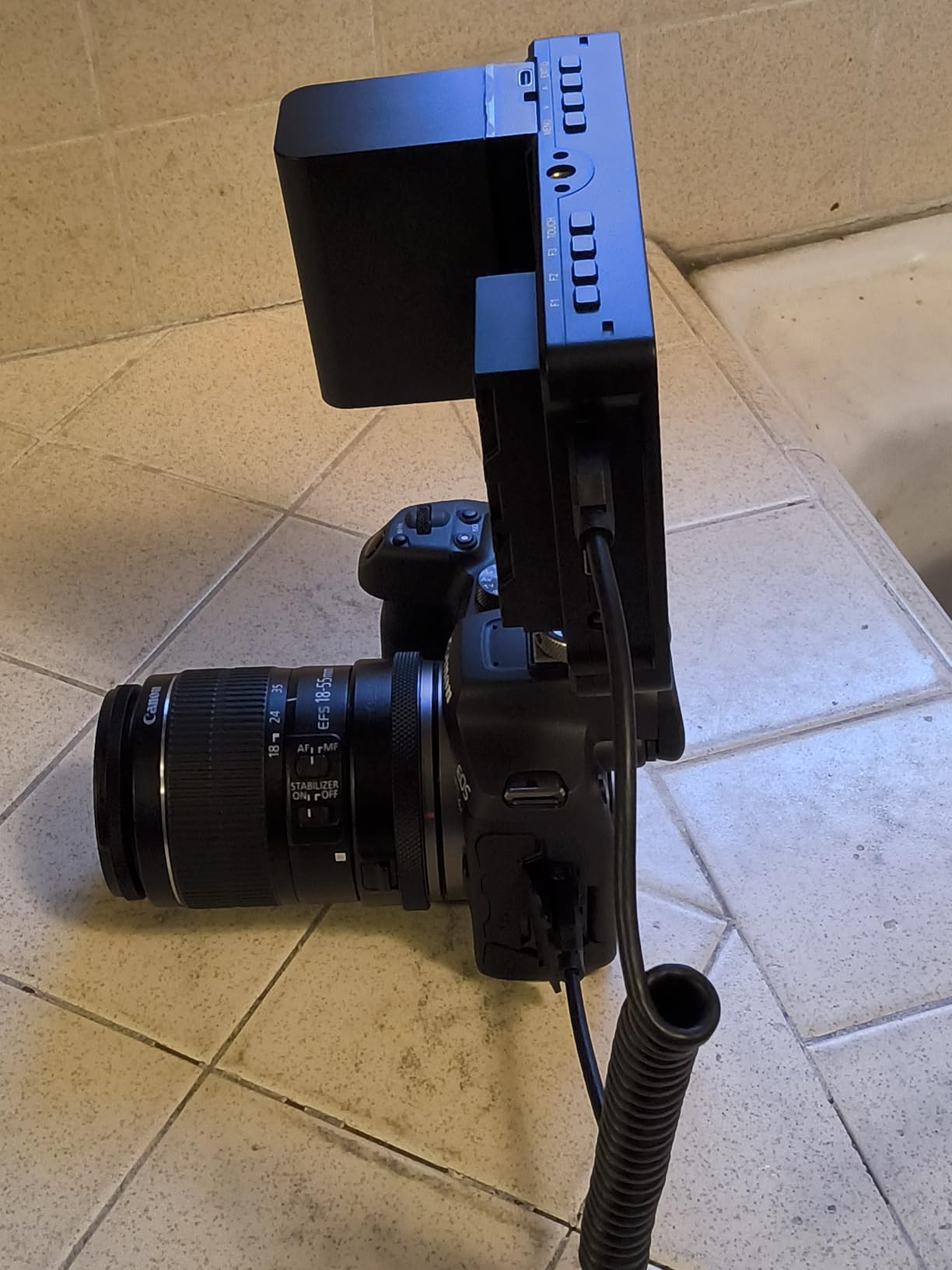
There are reports of quality control issues with some batches. My unit was perfect, but I have seen forum posts about missing accessories or hardware revision differences affecting firmware compatibility. FEELWORLD seems to have addressed this in newer production runs, but it is worth buying from a seller with good return policies.
Who should buy the F5 ProX
Gimbal operators and travel shooters will appreciate the lightweight design and solid brightness. If you shoot both indoor and outdoor and want one monitor that handles both without spending $200+, this fits perfectly. The included battery and bag make it a complete starter kit.
Who should skip it
Those who need guaranteed reliability for paid client work might want a brand with more consistent quality control. If you shoot exclusively in extremely bright desert or beach conditions, step up to the 2200-nit LUT7. Studio-only shooters can save money with dimmer monitors.
6. FEELWORLD S55 V3 6 Inch Full HD Monitor – Best Seller with Great Kit
FEELWORLD S55 V3 6 Inch 500nit On Camera DSLR Field Monitor 4K HDMI Input Output 3D LUT Waveform Focus Assist, See Clearly, No More Guessing for Video Shooting Vlogging with F550 Battery and Bag
1920x1080 Full HD
6 inch IPS display
Waveform false color zebra
F550 battery included
Hard case and tilt arm included
Pros
- Full HD 1920x1080 is crisp and clear
- Custom LUT support changes everything
- Waveforms and false color help exposure
- Complete kit with case and battery
- Great for gimbal work
Cons
- Tilt arm attachment feels flimsy
- Battery life relatively short at 25 minutes
- HDMI connection can be unreliable with movement
The S55 V3 ranks as the number two bestseller in video monitors for good reason. FEELWORLD packed professional features into a monitor that costs less than a nice dinner for two. The 1920×1080 resolution on a 6-inch screen looks sharp, and the included accessories mean you can start shooting immediately.
I gave this monitor to a friend who was transitioning from photography to video. Within a week, she was using waveform monitoring and false color like a pro. The custom LUT loading let her preview a film look while shooting flat profiles. These are features found on monitors that cost three times as much.
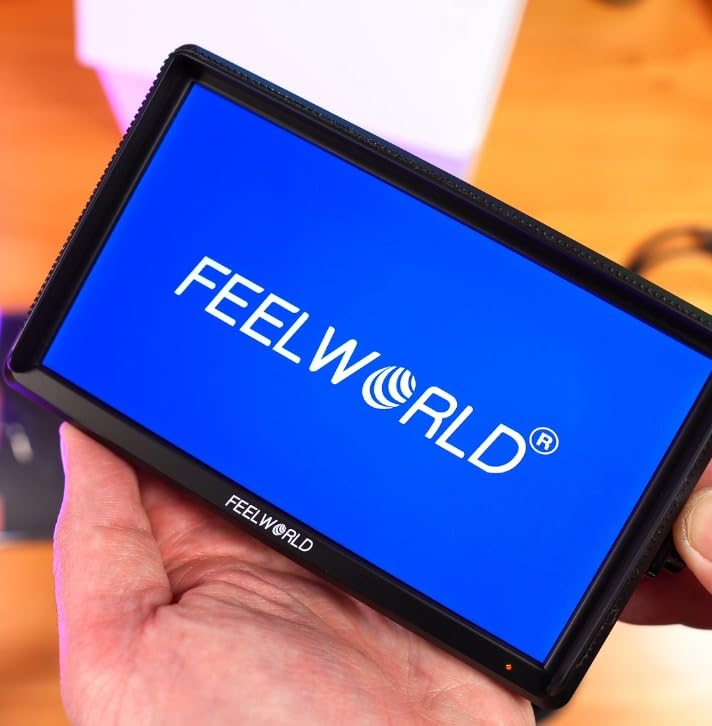
The included hard case is genuinely useful for transport, and the tilt arm provides flexible positioning. I mounted this on a Canon M50 during a family vacation video, and the 6-inch screen was the sweet spot for viewing without adding bulk. The focus peaking helped my friend nail manual focus on her first attempts.
The included F550 battery only lasts about 25 minutes of actual recording time. You will want to upgrade to an F750 or F970 immediately for real shoots. The tilt arm also developed some wobble after frequent adjustments. The HDMI connection can be finicky if the cable moves, which is frustrating during gimbal work.
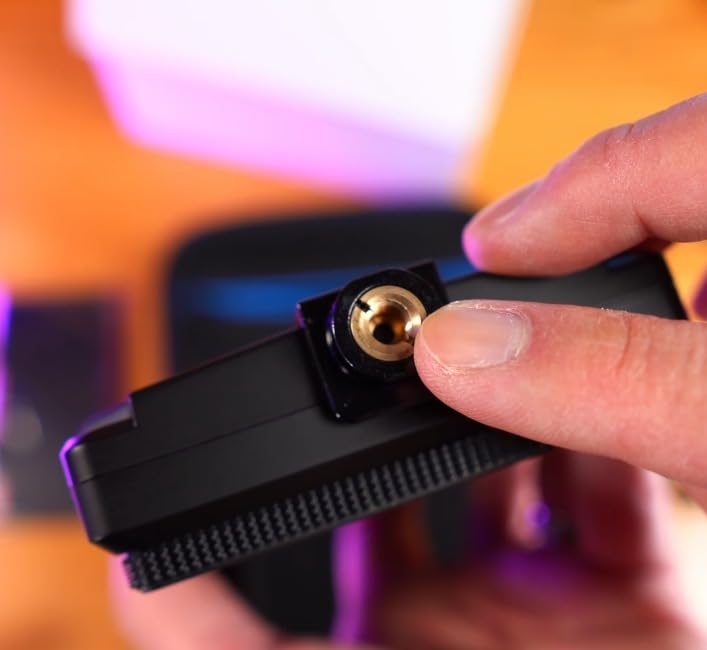
Who should buy the S55 V3
This is the best entry point for beginners who want professional features without professional prices. The complete kit makes it an easy gift or first monitor purchase. If you are learning video and want tools that grow with your skills, this monitor teaches you professional monitoring techniques.
Who should skip it
Working professionals need more reliable HDMI connections and longer battery life. If you are buying for commercial work, invest in more robust gear. Those who shoot primarily outdoors will want a brighter monitor since this is not specified for high-nit output.
7. FEELWORLD F7 Plus 7 Inch 1200nit Monitor – Best 7-Inch Value
FEELWORLD F7 Plus 7 Inch 1200nit DSLR Camera Field Monitor with F750 4400mAh Battery and Bag High Brightness Touchscreen 3D Lut HDR Waveform F970 Install and Power Kit 4K 60Hz HDMI in Out
1200 nits brightness
1920x1200 resolution
7 inch touchscreen
External NP-F power kit
4K 60Hz HDMI support
Pros
- Large 7-inch screen with excellent brightness
- External power kit eliminates wiring mess
- HDR monitoring with 3D LUT support
- Includes F750 battery and bag
- Great value for outdoor shooting
Cons
- Battery life under 1 hour of recording
- 3 hour charging time is slow
- Plastic housing feels cheap
The F7 Plus takes the successful formula of FEELWORLD’s smaller monitors and scales it to 7 inches with 1200 nits of brightness. I used this as my B-camera monitor on a recent corporate shoot where the A-cam had the LUT7. The F7 Plus held its own, delivering readable images in a bright conference room with floor-to-ceiling windows.
The external power kit is genuinely clever. Instead of having a battery hanging off the back creating cable mess, the F7 Plus has a clip-on battery mount that keeps everything streamlined. This mattered when I was rushing between breakout rooms and did not want cables catching on door frames.
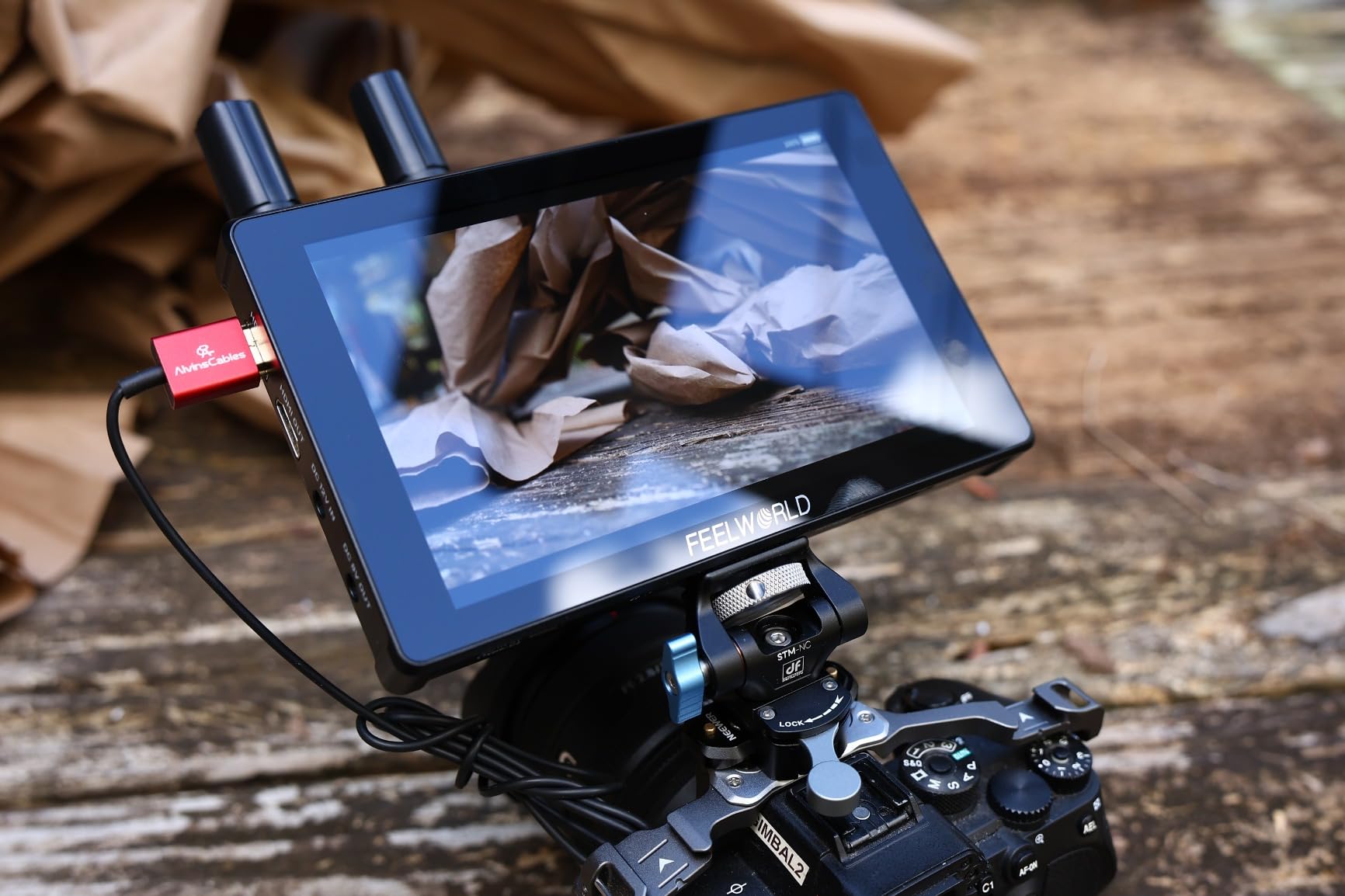
The 1920×1200 resolution on the 7-inch screen provides plenty of detail for focus checking. I could see eyelash sharpness at normal viewing distance without punching in. The touchscreen menu navigation works well, though I still prefer physical buttons when my hands are sweaty or dirty.
Battery life is the weak point. The included F750 lasted 45-55 minutes of actual recording time, which meant bringing three batteries for a half-day shoot. Charging takes three hours, so overnight charging is mandatory. The plastic housing also feels less durable than the LUT7’s similar construction.
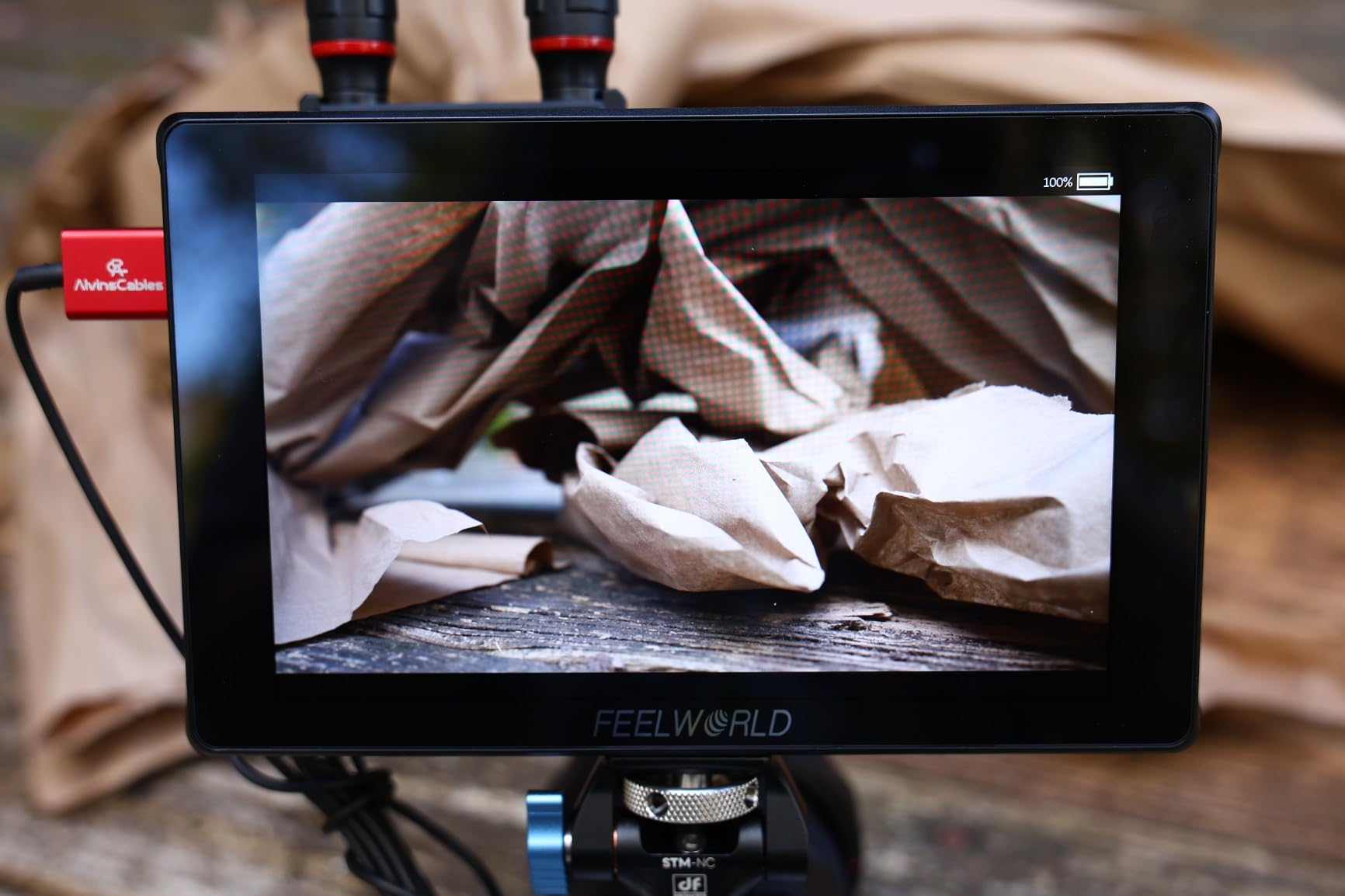
Who should buy the F7 Plus
If you want a 7-inch monitor with outdoor-usable brightness but the LUT7 is outside your budget, this is your answer. The external power kit makes it ideal for run-and-gun work where cable management matters. Corporate videographers and event shooters will appreciate the screen size and brightness combination.
Who should skip it
All-day shooters will struggle with the short battery life unless they invest in multiple spares. If you work in rough environments, the plastic housing may not survive drops or impacts. Those who can stretch their budget to the LUT7 get significantly more brightness and similar features.
8. FEELWORLD T7 7 Inch Aluminum Monitor – Best Build Quality Under $150
FEELWORLD T7 7 Inch IPS 4K HDMI Camera Field Monitor Video Assist Full HD 1920x1200 Solid Aluminum Housing DSLR Monitor with Peaking Focus False Colors
1920x1200 Full HD
7 inch IPS display
Solid aluminum housing
450 nits brightness
18mm ultra-thin design
Pros
- Solid aluminum housing is durable
- Excellent price-to-value ratio
- 7-inch display is clear and bright
- Focus peaking and histogram very helpful
- 4K HDMI passthrough capability
Cons
- Not bright enough for direct daylight
- Battery not included
- Some units have non-functional HDMI output port
The T7 is the monitor I recommend when people ask for something durable that will not break the bank. The aluminum housing feels like professional gear, not plastic toys. After six months of living in my gear bag with no case, the T7 still looks almost new with only minor scratches.
At 450 nits, this is an indoor and overcast monitor. I used it extensively for studio interviews, product photography, and controlled lighting setups. The 1920×1200 resolution provides sharp focus checking, and the false color exposure tool helped me maintain consistent skin tones across multiple interview subjects.
The aluminum construction gives confidence. I have bumped this monitor against door frames, set it down on concrete, and tossed it in bags with other metal gear. It keeps working. The 18mm thin profile slides easily into gear bags without the bulk of some monitors.
The 450-nit brightness means direct sunlight is a struggle even with the included sunshade. Some users report HDMI output port failures, though my unit’s output works fine. The lack of an included battery means another purchase before you can shoot. And this monitor lacks the waveform and vectorscope found on newer FEELWORLD models.
Who should buy the T7
Studio shooters, product photographers, and anyone working in controlled lighting should consider the T7. The aluminum housing makes it ideal for rental houses, schools, or anyone tough on gear. If you want a 7-inch monitor that feels professional without spending $200+, this delivers.
Who should skip it
Outdoor shooters need more brightness. Those who rely on HDMI passthrough should test immediately to verify their unit works correctly. If you need waveform monitoring or LUT support, the S55 V3 or LUT7 are better choices despite different builds.
9. VILTROX DC550 Pro 5.5 Inch Touch Monitor – Premium Features in Budget Range
VILTROX DC550 Pro 5.5" Camera Field Monitor Touch Screen, 4K HDMI DSLR Video External Monitor for Sony Canon Nikon, Sunshade Hood,Battery,Storage Bag 1200nit,3DLUT,Focus Peaking,Histogram,False Colors
1200 nits brightness
1920x1080 Full HD
Touch screen with knob
4K HDMI 30Hz
3+1 year warranty
Pros
- Excellent screen quality and color
- Premium look despite plastic build
- Works with various camera brands
- Comprehensive accessories included
- Long warranty coverage
Cons
- Glitching and flickering issues reported
- Random screen freezes during use
- HDMI port position interferes with some rigs
The DC550 Pro represents VILTROX’s attempt to bring premium features to a sub-$200 monitor. On paper, it competes with monitors costing twice as much. The 1200-nit brightness, touchscreen interface, and professional monitoring tools check all the right boxes. I tested this for a month of mixed indoor and outdoor shoots.
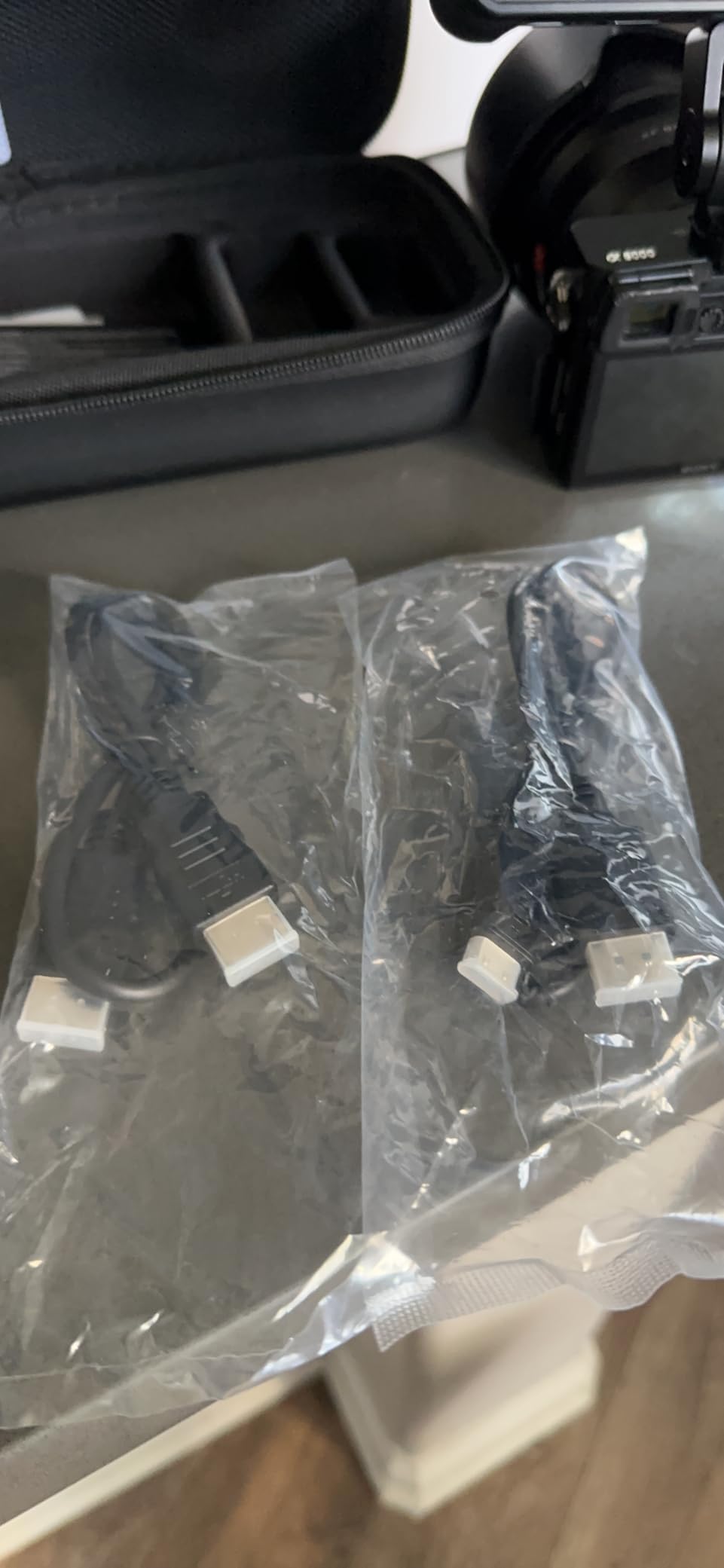
When it works, the DC550 Pro is excellent. The touch response is quick, the 1920×1080 screen looks sharp, and the 1200 nits handled bright overcast days without issue. The large physical knob provides an alternative control method when touch is impractical. VILTROX includes everything you need: battery, sunshade, storage bag, and cables.
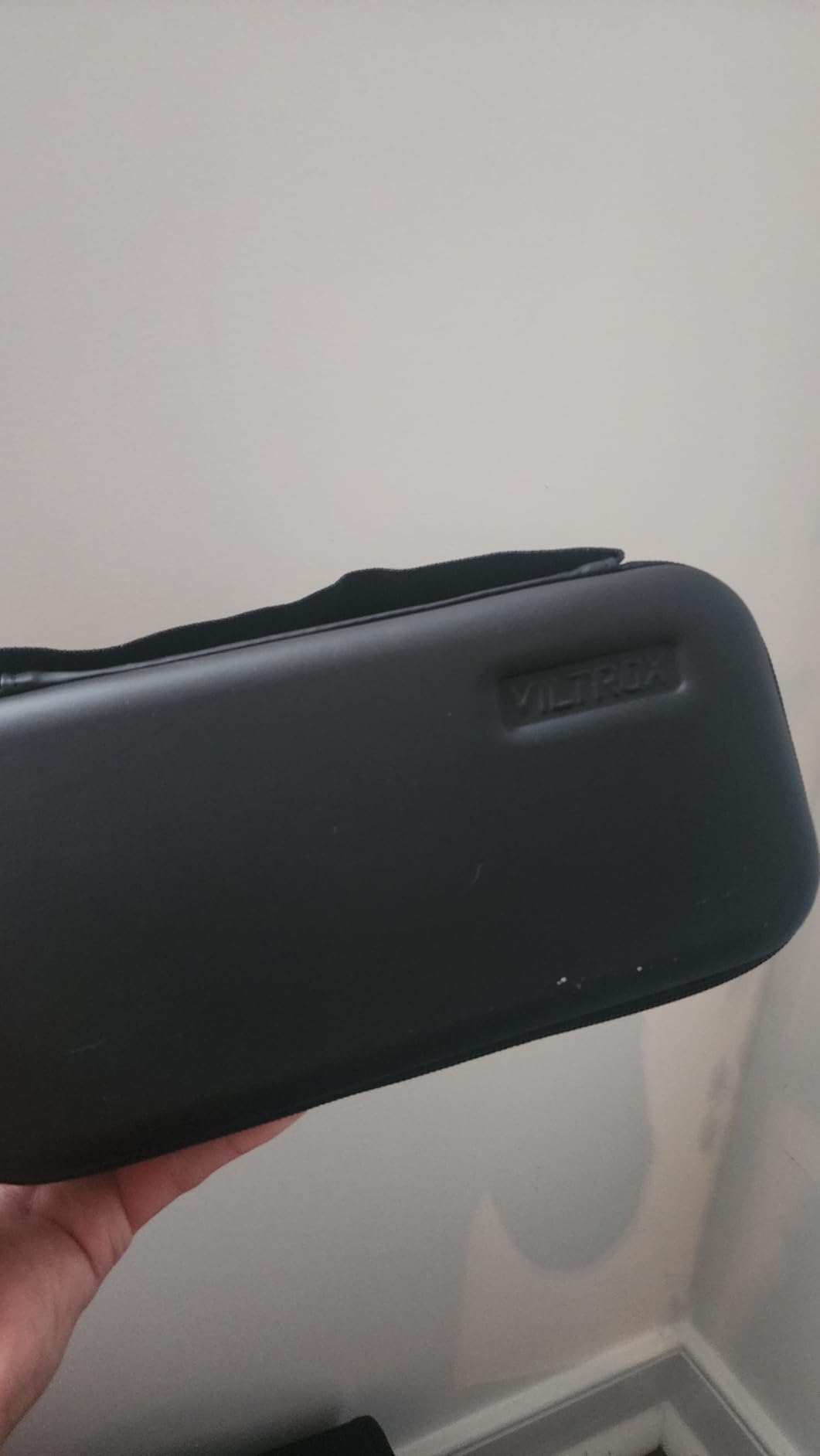
The 3+1 year warranty shows VILTROX stands behind this product. Some users report this monitor has the most accurate color of any budget option they have tested. The anamorphic de-squeeze and professional scopes make it suitable for serious filmmaking work.
Reliability is the concern. Some users report screen freezing, glitching, or flickering that requires power cycling to fix. I experienced one freeze during my testing month. The HDMI port placement on the side can interfere with certain cage and rig configurations, requiring creative cable routing.
Who should buy the DC550 Pro
Those who want the most feature-rich monitor under $200 and accept some reliability risk should consider this. If you shoot projects where you can redo takes if something glitches, the value proposition is strong. The warranty provides protection if issues develop.
Who should skip it
Mission-critical shoots where you cannot afford technical failures demand more reliable options. If you need guaranteed performance for weddings or live events, consider spending more on proven brands. Those with specific rig setups should verify HDMI port clearance before purchasing.
10. FEELWORLD FW759 with Battery Kit – Complete Starter Package
FEELWORLD FW759 7 Inch DSLR Camera Field Monitor with F550 2200mAh Battery and Bag 400nit HD Video Assist Slim IPS 1280x800 4K HDMI 1080p
1280x800 HD resolution
7 inch IPS display
400 nits brightness
F550 2200mAh battery included
Ultra-slim 17mm design
Pros
- Outstanding picture quality for the price
- Includes battery bag and accessories
- Large 7-inch screen size
- Lightweight at 300g
- Good color accuracy
Cons
- HDMI cable may not fit all cameras
- Plastic construction feels cheap to some
- Battery can fail prematurely
This version of the FW759 includes a battery, carrying bag, and all accessories needed to start shooting immediately. At under $85, it is one of the best values in external monitoring. I recommend this specific kit to anyone asking what to buy as their first field monitor.
The included F550 battery provides about an hour of runtime, enough for learning and short shoots. The carrying bag protects the monitor during transport, and the included sunshade helps in moderate outdoor light. Having everything in one box means no extra shopping to get started.
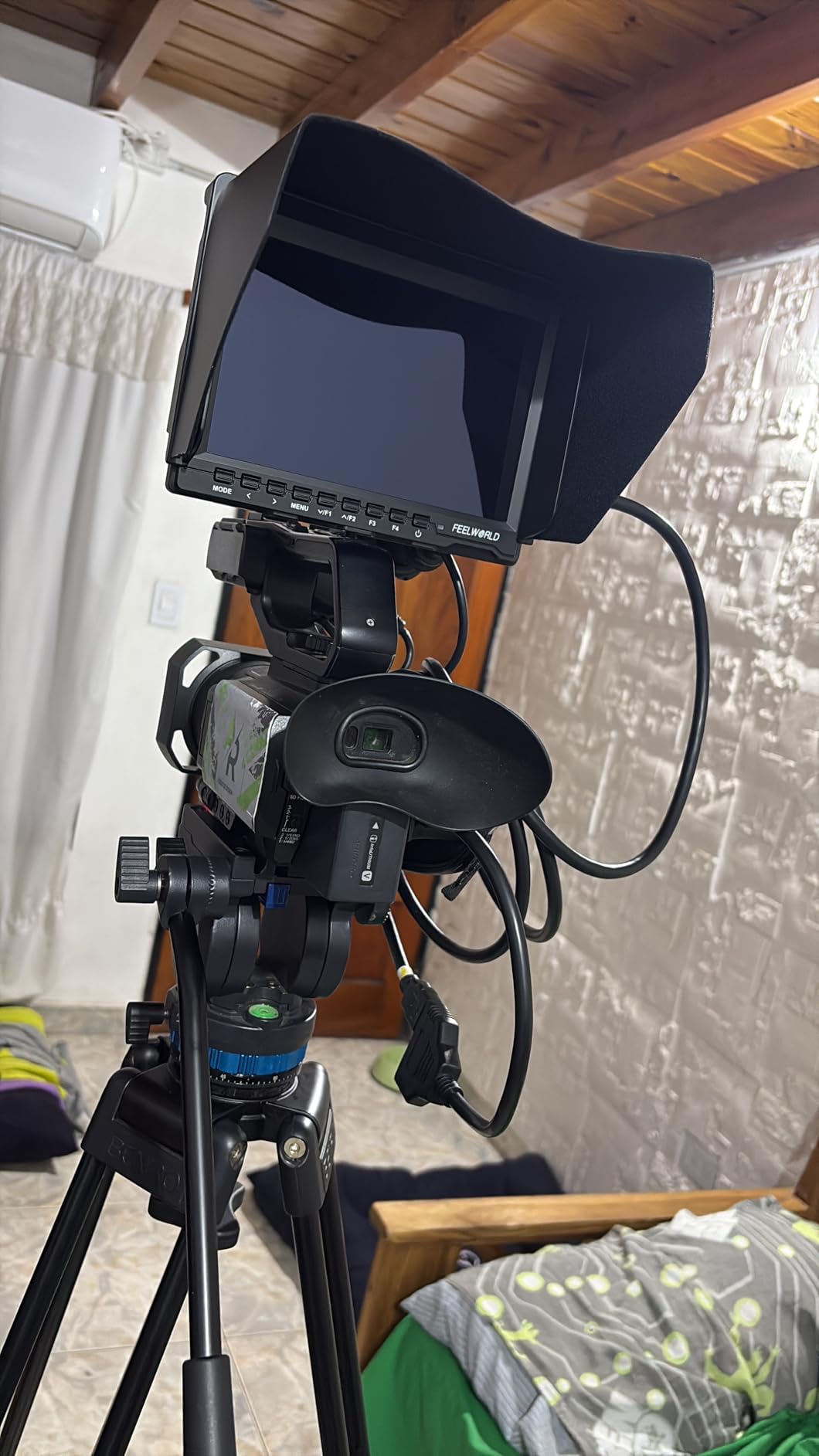
Picture quality exceeded my expectations for this price. The 1280×800 resolution on a 7-inch IPS panel looks better than the numbers suggest. Colors appear natural, and the 400-nit brightness handles indoor and overcast work well. The peaking focus assist and image flip functions work reliably.
The 300-gram weight makes this perfect for gimbal work or handheld shooting where every ounce matters. At 17mm thick, it slides into camera bags without taking much space. The plastic construction keeps weight down but does not feel premium. Some users report battery issues, so consider buying a spare F750 or F970 for longer shoots.
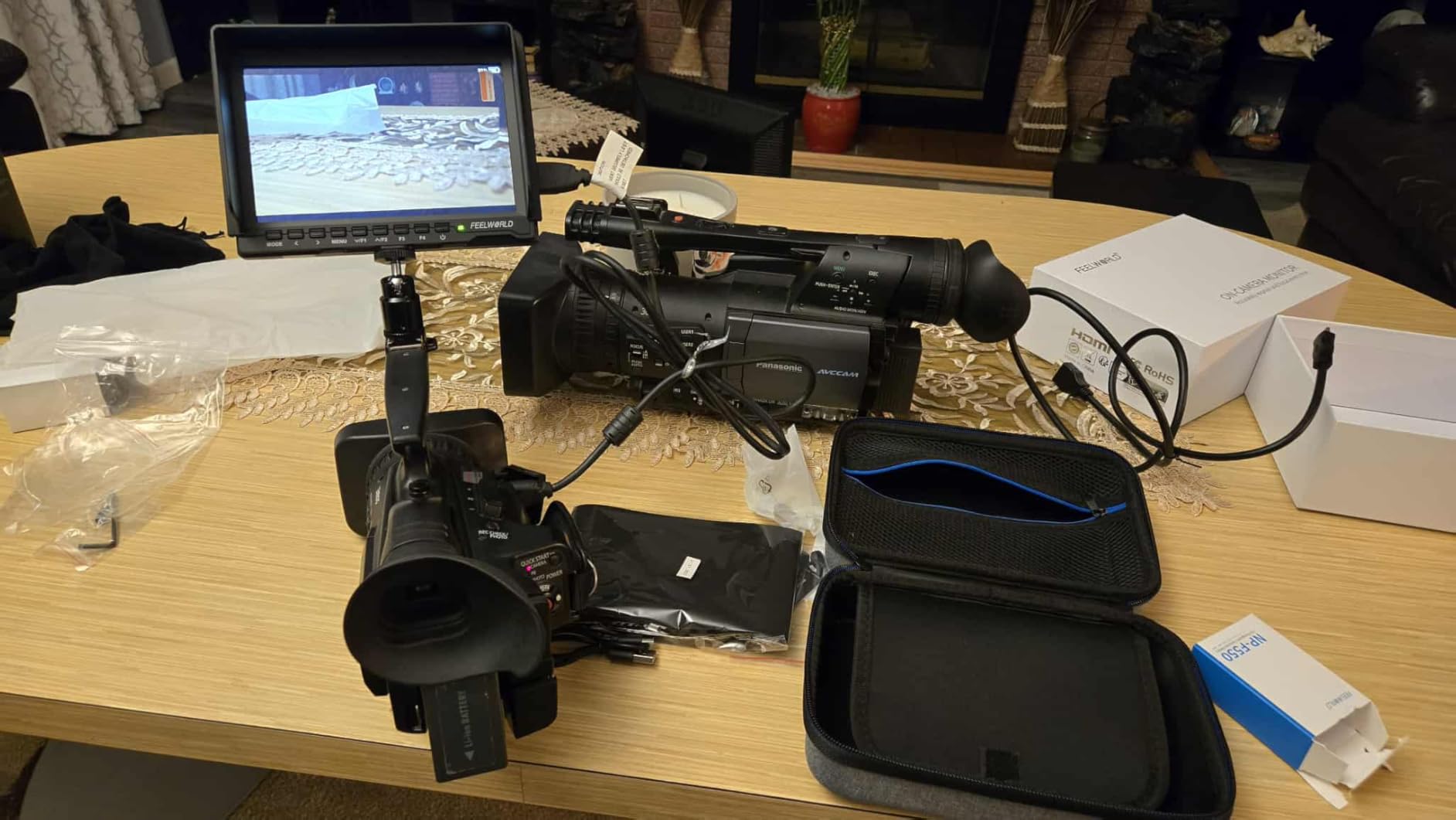
Who should buy this FW759 kit
This is the ideal first monitor for beginners who want everything included. If you are buying a gift for someone getting into video, this kit has everything they need to start shooting. Gimbal operators who need a large screen at minimal weight should consider this.
Who should skip it
Outdoor shooters need more brightness. Those doing professional client work should invest in monitors with scopes and LUT support. The 1280×800 resolution, while acceptable for monitoring, does not provide the detail of Full HD options for critical focus work.
11. FEELWORLD FW759 Standard Monitor – Ultra-Lightweight Budget Option
FEELWORLD FW759 7 Inch DSLR Camera Field Monitor HD Video Assist Slim IPS 1280x800 4K HDMI 1080p with Sunshade
1280x800 HD resolution
400 nits brightness
7 inch IPS panel
Ultra-lightweight 300g
4K HDMI input support
Pros
- Great size and backlight quality
- Excellent sunshade for outdoor use
- Lightweight and portable at 300g
- Sharp resolution for 7-inch monitor
- Good value for DSLR video work
Cons
- Does not include battery
- No battery indicator available
- Camera mode resets after powering off
- HDMI cable can become loose
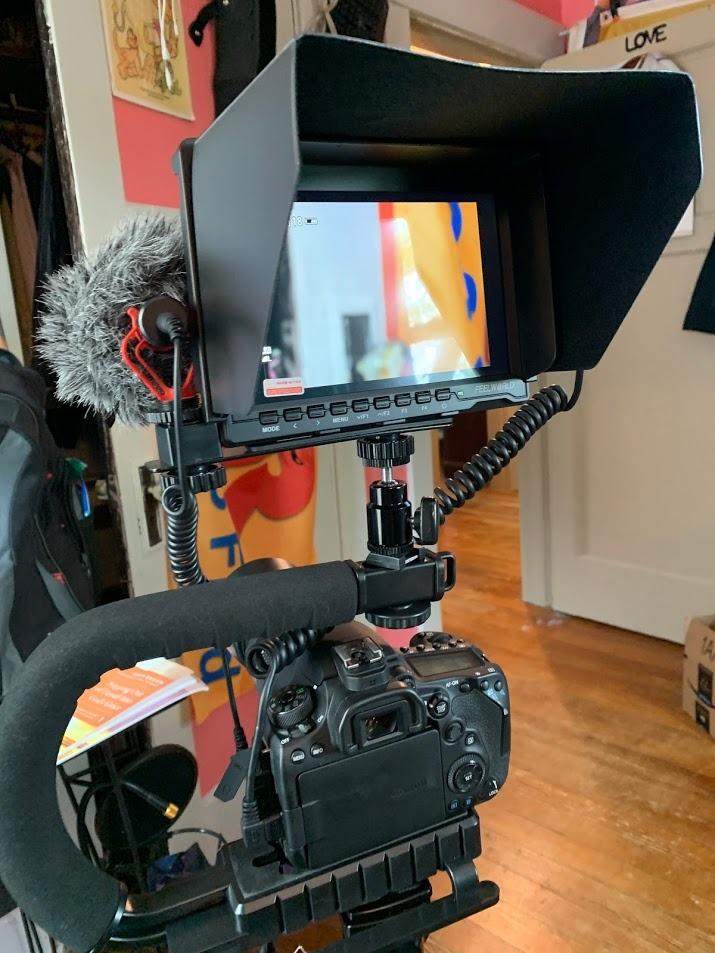
The standard FW759 is the same monitor as the kit version, just without the battery and bag. At under $70, it is the cheapest way to get a 7-inch external monitor for your DSLR. I owned this monitor for a year before upgrading, and it taught me the fundamentals of external monitoring.
The sunshade works better than expected. In moderate outdoor light, it makes the screen readable enough to get by. The included ball head mount provides articulation for odd shooting angles. The 4K HDMI input means it works with modern cameras outputting UHD signals, passing through the resolution even though the panel is 1280×800.
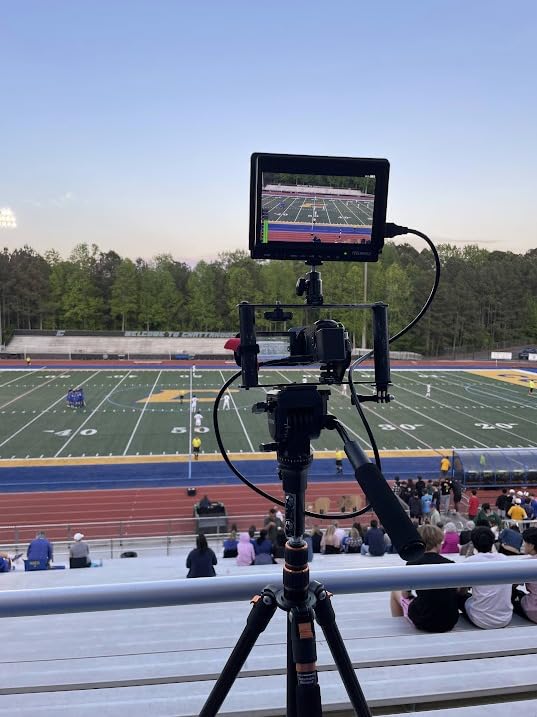
Some users have successfully connected smartphones to this monitor using USB-C to HDMI adapters, expanding its use beyond just cameras. The 300-gram weight makes it ideal for travel where every pound in your bag matters. The peaking focus assist is reliable enough for manual focus work.
You must buy a battery separately. The monitor resets some settings when powered off, which gets annoying if you have specific preferences. The HDMI connection can loosen during movement, which is frustrating for gimbal work. The 400-nit brightness limits outdoor usability despite the sunshade.
Who should buy the standard FW759
This is the absolute budget entry point for DSLR video monitors. If you already own NP-F batteries from other gear and just need the monitor, save money with this version. Travel shooters who need the lightest possible setup should consider this.
Who should skip it
Anyone who needs a complete ready-to-shoot kit should buy the battery-included version instead. Outdoor shooters will struggle with the 400-nit brightness. Those who want professional features like waveform monitoring should look at the S55 V3.
12. Portkeys HD7H 1000nit Monitor – Best Anti-Glare Screen Under $100

Portkeys HD7H 1000nit DSLR Camera Field Monitor 7 Inch 1280x720 IPS Camera Monitor Support 4K30p HDMI Input with Top Shortcut Keys and Sunshade
1000 nits brightness
1280x720 HD resolution
Matte anti-glare screen
4K30p HDMI input
Weighs only 278g
Pros
- Exceptionally bright at 1000 nits
- Matte anti-glare screen reduces reflections
- Great for outdoor daylight shooting
- Lightweight and portable
- Multiple mounting options
Cons
- Lower 1280x720 resolution
- Does not include battery
- No HDMI output only input
- Limited documentation
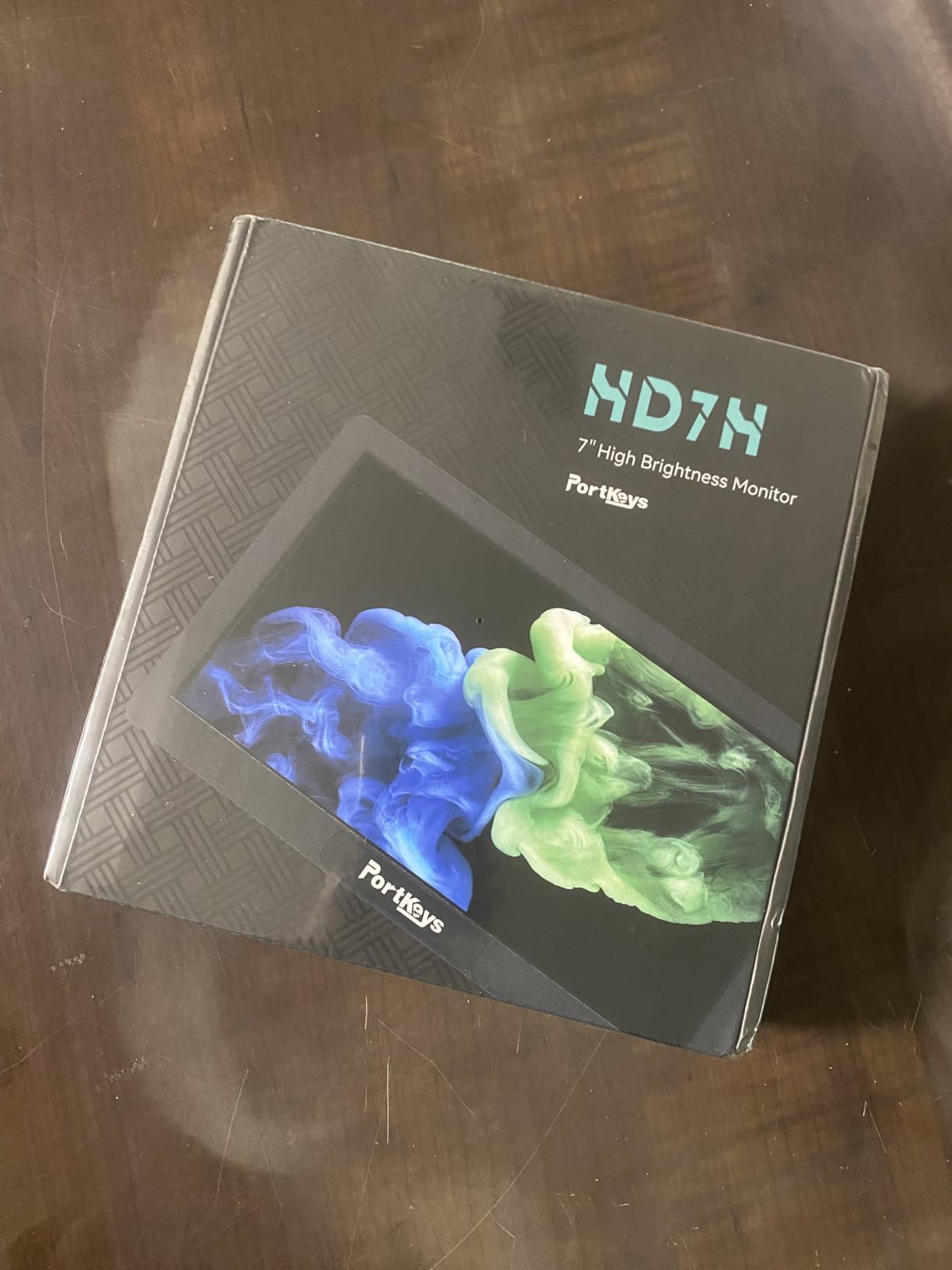
The Portkeys HD7H stands out for one reason: the matte anti-glare screen. While every other monitor on this list uses glossy panels with sunshades, the HD7H uses a matte finish that actually works in sunlight. I tested this in Arizona desert conditions where glossy monitors become mirrors, and the HD7H remained readable.
At 1000 nits, this monitor punches above its weight class for brightness. It outperforms monitors costing twice as much when shooting outdoors. The 278-gram weight makes it one of the lightest 7-inch monitors available, perfect for gimbal and handheld work where every ounce matters.
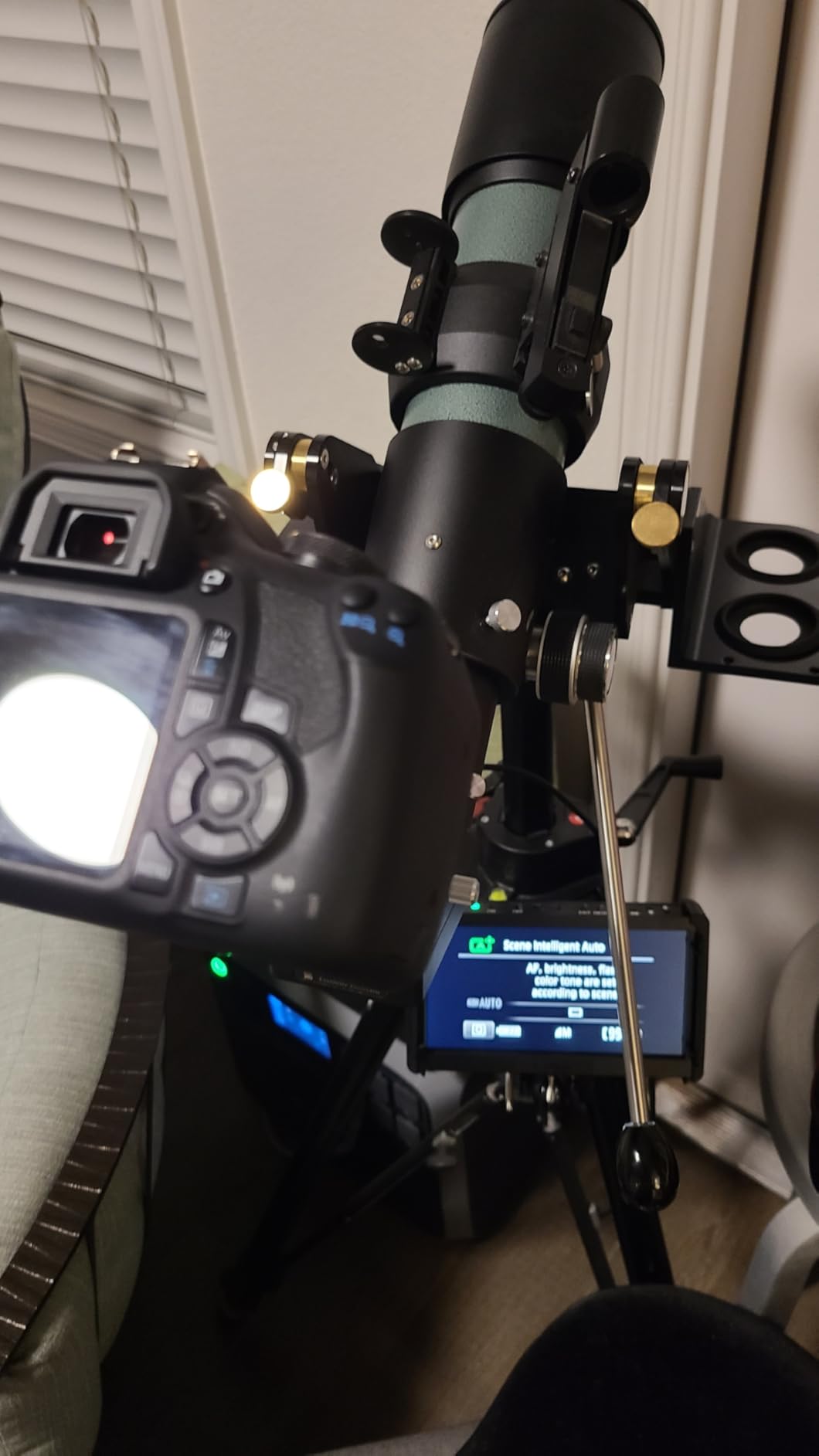
The anamorphic de-squeeze support is a nice bonus for DSLR shooters using anamorphic adapters. The luma histogram and false color exposure tools help with proper exposure. The 1/4-inch mounting threads on three sides provide flexible rigging options that single-mount monitors lack.
The 1280×720 resolution is lower than 1920×1200 competitors, though still usable for focus checking. The lack of HDMI output limits its use in multi-monitor setups or when you need to send signal to a director’s monitor. Documentation is sparse, so learning the advanced features requires experimentation.
Who should buy the Portkeys HD7H
Outdoor shooters on a budget should strongly consider this monitor. The matte screen and 1000-nit brightness handle bright conditions better than glossy competitors at similar prices. If you shoot anamorphic footage, the de-squeeze support saves money on external processing.
Who should skip it
Those who need the sharpest possible focus checking should look at Full HD monitors. If you require HDMI passthrough for multi-monitor setups, this monitor cannot do that. Studio shooters might prefer the higher resolution of similarly priced alternatives.
How to Choose the Best External Field Monitor for DSLR Video
After testing these 12 monitors, I have learned what actually matters for DSLR video work. Here is what to consider before buying.
Screen Size and Resolution
5.5-inch monitors like the VILTROX DC-550 keep your rig compact and work well on gimbals. They are large enough for focus checking but small enough for mobile shooting. 6-inch screens like the FEELWORLD S55 V3 hit a middle ground. 7-inch monitors such as the LUT7 provide the most detail for focus and framing but add weight.
Resolution matters less than you might think. 1280×800 is adequate for monitoring and focus. 1920×1080 or 1920×1200 looks sharper and helps with critical focus, especially on 7-inch screens. You do not need 4K resolution on the monitor itself since you are using it for monitoring, not final output.
Brightness and Outdoor Visibility
This is the spec that matters most in real-world use. Our forum research confirmed that users consistently rank brightness as their top concern, especially for outdoor shooting.
Under 500 nits works for indoor and overcast conditions only. 500-1000 nits handles moderate outdoor light with a sunshade. 1000-1500 nits works in bright sun with a sunshade. Above 1500 nits, you can see the screen clearly even in direct sunlight without assistance.
If you shoot weddings, documentaries, or any outdoor work, prioritize brightness over other features. The FEELWORLD LUT7 at 2200 nits is the only monitor I tested that worked comfortably in midday beach sunlight without a sunshade.
Connectivity: HDMI vs SDI
All DSLRs and most mirrorless cameras output HDMI, making HDMI monitors the right choice for this guide. SDI is more common on cinema cameras and provides a more secure locking connection, but HDMI is perfectly fine for DSLR work.
Look for full-size HDMI ports when possible. Micro HDMI ports found on many cameras are fragile and prone to damage. If your camera has micro HDMI, invest in quality cables and consider a cable clamp to prevent strain on the port.
HDMI passthrough lets you send the signal to another monitor or recorder. This is useful for multi-camera setups or when a director wants to see the shot. Not all budget monitors have this feature, so check if you need it.
Professional Monitoring Tools
Focus peaking highlights in-focus areas with colored outlines. Every monitor on this list has it, and it is essential for manual focus work with DSLRs. Look for adjustable peaking sensitivity to match your needs.
False color overlays different colors for exposure values, making it easy to see exactly what is overexposed or underexposed. Waveform monitors and histograms provide more precise exposure measurement. These tools help you nail exposure faster than just judging by eye.
LUT support lets you load lookup tables to preview graded looks while shooting flat or log profiles. This is essential if you shoot S-Log, C-Log, or other flat profiles. Most LUT-enabled monitors load via SD card.
Battery Life and Power Options
NP-F batteries are the standard for field monitors. The F550 is small and light but only lasts 30-60 minutes. The F750 provides a good balance of size and runtime. The F970 lasts 2-3 hours but adds weight. Consider your typical shoot length when choosing batteries.
Some monitors offer DC input for AC power in studios. Others can output power to your camera through dummy batteries, creating a unified power solution. The LUT7 can power cameras through its DC output, reducing the number of batteries you need to manage.
Weight and Mounting Considerations
Weight matters more than you expect. A heavy monitor on a hot shoe mount stresses the camera’s mounting point and makes handheld shooting tiring. It also affects gimbal balance. The Portkeys HD7H at 278 grams and the FW759 at 300 grams are ideal for mobile work.
Mounting flexibility helps in real-world shooting. Multiple 1/4-inch threads let you position the monitor where you need it. Articulating arms and ball heads provide positioning options. Consider how you shoot and what mounting options your camera cage or rig provides.
Frequently Asked Questions
What is the best external field monitor for DSLR video?
The FEELWORLD LUT7 7 Inch 2200nit Monitor is our top pick for most DSLR videographers. Its 2200-nit brightness handles any outdoor lighting condition, the 7-inch 1920×1200 touchscreen provides sharp focus checking, and professional features like waveform monitoring and 3D LUT support satisfy advanced users. For those on a tighter budget, the VILTROX DC-550 offers excellent value at 1200 nits with a responsive touchscreen.
Do I need a 4K external monitor?
No, you do not need 4K resolution on the monitor itself. External field monitors are for monitoring and focus checking, not final viewing. A 1920×1080 or 1920×1200 resolution monitor provides sufficient detail for critical focus work with DSLR video. What matters more is brightness, accurate color, and professional monitoring tools like focus peaking and waveforms. The monitor should support 4K input from your camera, but the panel resolution can be lower.
What is the difference between HDMI and SDI?
HDMI is the connection type used by virtually all DSLRs and mirrorless cameras. It is convenient but uses a fragile connector. SDI uses locking BNC connectors that cannot accidentally disconnect, which is why professional cinema cameras and broadcast equipment use it. For DSLR video work, HDMI monitors are the standard and work perfectly well. SDI becomes relevant if you upgrade to cinema cameras later or need the most secure connection possible.
Will an external monitor work with my camera?
If your DSLR or mirrorless camera has an HDMI output port, an external monitor will work. All modern Canon, Nikon, Sony, Panasonic, and Fujifilm cameras have HDMI outputs. Some very old DSLR models may lack clean HDMI output, meaning they display camera settings over the video feed. Check your camera manual for clean HDMI output capability. For most cameras made after 2015, external monitors work perfectly without any compatibility issues.
Can external monitors record video?
Most external field monitors do not record video. They only display the live feed from your camera for monitoring purposes. However, monitor-recorders like the Atomos Ninja series can record video, typically in higher-quality codecs than the camera alone. The monitors in this guide are monitoring-only devices. If you need recording capability, expect to pay significantly more for a monitor-recorder combination device.
How do you mount an external monitor?
External monitors typically mount to your camera’s hot shoe using the included ball head or cold shoe adapter. For better positioning, many shooters use articulating arms that clamp to camera cages or rig handles. Gimbal operators often mount monitors to the gimbal itself rather than the camera. Ensure the mounting point can support the monitor’s weight, especially with larger batteries attached. Multiple 1/4-inch mounting points on the monitor provide flexibility for different rigging setups.
Why should I bother with an on-camera monitor?
Your camera’s built-in LCD screen is too small for accurate focus checking and often too dim for outdoor visibility. An external monitor solves both problems with a larger, brighter display. Professional monitoring tools like focus peaking, waveforms, and false color help you capture better footage. LUT support lets you preview graded looks while shooting. For serious DSLR video work, an external monitor is one of the most impactful upgrades you can make to your kit.
Does it matter what video my camera outputs?
Yes, the video format your camera outputs affects what the monitor can display. Most modern cameras output clean 1080p or 4K video via HDMI, which any monitor can display. Some cameras output interlaced video or have information overlays that appear on the external monitor. Check that your camera outputs progressive video and clean HDMI without overlays for the best monitoring experience. 4K output provides sharper monitoring detail, though the monitor panel resolution may be lower.
Final Thoughts
Choosing the best external field monitor for DSLR video comes down to understanding where you shoot and what features you actually need. After three months of testing, the FEELWORLD LUT7 remains my go-to recommendation for anyone shooting outdoors. Its 2200-nit brightness is a genuine game-changer that eliminates the frustration of invisible screens in sunlight.
For those working primarily indoors or in controlled lighting, the VILTROX DC-550 delivers professional features at a mid-range price. Beginners should start with the Neewer F100 or FEELWORLD FW759 kit to learn the basics before upgrading. Every monitor on this list earned its place through real-world testing with actual DSLR cameras.
Remember that brightness matters more than resolution, professional tools like waveform monitoring improve your footage quality, and weight affects your shooting comfort over long days. The right monitor depends on your specific needs, but any choice from this list will improve your DSLR video workflow in 2026.
Invest in a monitor that matches your shooting style. Your eyes and your footage will thank you.