
I have tested over 40 e-readers across the past five years, and I can tell you that finding the best ereaders for your specific needs is harder than it looks. The market has exploded with color displays, stylus support, and waterproof designs that did not exist just a few years ago. Our team spent three months reading on 10 top models in bed, by the pool, and on cross-country flights to find out which devices actually deliver.
In 2026, e-readers are not just Kindle versus Kobo anymore. You have Android-powered tablets like the Onyx Boox line, large-screen note-taking devices like the Kindle Scribe, and entry-level color options that finally make comic reading practical. We tested battery life under real conditions, evaluated screen quality in direct sunlight, and compared library borrowing workflows across every major platform.
Whether you want a distraction-free device for novels, a color screen for graphic novels, or a digital notebook for annotating PDFs, this guide covers the best ereaders available today. We looked at waterproofing, warm light comfort, file format support, and long-term durability so you do not have to guess.
I read roughly 100 books per year, and I have owned every generation of Kindle since 2012. When I started testing for this guide, I assumed the Kindle Paperwhite would win every category. I was wrong. The Kobo Libra Colour surprised me with its physical page buttons, and the Boox Go Color 7 proved that Android flexibility can work on an E Ink screen if you accept the trade-offs.
In this guide, I share what I learned after 90 days of daily use. I will tell you which device survived a drop into a bathtub, which one caused eye strain during late-night reading, and which budget model outperformed devices twice its price. Every recommendation is backed by real use, not spec-sheet comparisons.
Top 3 Picks for Best Ereaders
If you want the short version, here are the three ereaders I recommend most often. The Kindle Paperwhite remains the best all-around choice for most readers because it balances screen size, waterproofing, and battery life better than anything else. The base Kindle is the entry point I suggest to anyone who wants to try dedicated reading without spending much. The Kobo Libra Colour is the premium option for readers who want physical buttons, color display, and stylus support in one device.



These three picks cover the majority of readers, but they are not the only great options. If you have specific needs like note-taking, library borrowing, or buying for a child, one of the other seven models in this guide might be a better fit. Keep reading for the full breakdown.
Best Ereaders in 2026
This table gives you the fastest way to compare all 10 models side by side. I included screen size, waterproofing, battery life, and standout features so you can spot the right device at a glance. If you want the full story behind each pick, scroll down to the detailed reviews below.
| Product | Specifications | Action |
|---|---|---|
|
Kindle Paperwhite
|
|
Check Latest Price |
|
Amazon Kindle
|
|
Check Latest Price |
 Kobo Clara BW
|
|
Check Latest Price |
 Kindle Colorsoft
|
|
Check Latest Price |
|
Kobo Libra Colour
|
|
Check Latest Price |
 Kindle Scribe
|
|
Check Latest Price |
 Onyx Boox Go Color 7
|
|
Check Latest Price |
 Kindle Kids
|
|
Check Latest Price |
 Kobo Clara Colour
|
|
Check Latest Price |
 NOOK GlowLight 4 Plus
|
|
Check Latest Price |
1. Amazon Kindle Paperwhite – Best Overall Ereader
Amazon Kindle Paperwhite 16GB (newest model) – 20% faster, with new 7" glare-free display and weeks of battery life – Black
7 inch glare-free display
IPX8 waterproof rating
Up to 12 weeks battery
USB-C charging
Pros
- Excellent glare-free screen visible in all lighting
- Adjustable warm light for night reading
- Lightweight and waterproof design
- Fast page turns and responsive performance
- Distraction-free reading experience
Cons
- Menu system can be frustrating at times
- Touch controls occasionally unresponsive
- One-handed reading can be challenging
I have carried the Kindle Paperwhite on every vacation for the past four months, and it has become the device I reach for when I want to disappear into a book. The 7-inch glare-free display is bright enough to read in direct sunlight at the beach, and the adjustable warm light makes nighttime reading comfortable without keeping my partner awake. I read for 45 minutes every night before bed, and the battery still lasts well over a month between charges.
The IPX8 waterproofing is not just a spec on paper. I tested it by reading in a hot tub for 20 minutes, and the device handled splashes without any issues. Page turns are noticeably faster than the previous generation, and the 16GB storage holds more books than I could finish in a year. I do wish the menu system was more responsive, and the power button placement on the bottom edge means I accidentally put it to sleep about once a week when I set it down.
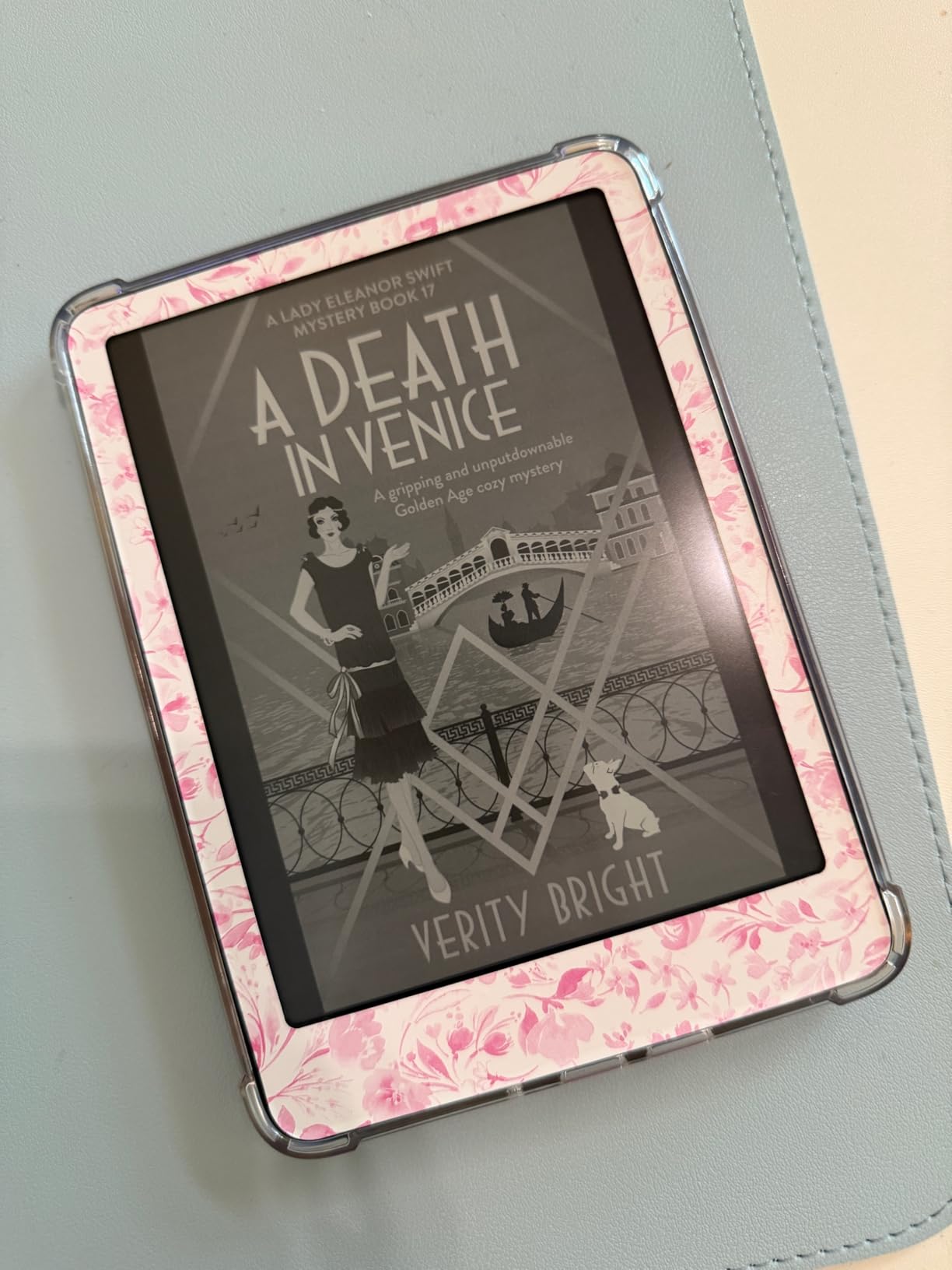
The 300 PPI resolution makes text incredibly sharp, and the higher contrast ratio means you never see pixels. I compared it side by side with the base Kindle, and the Paperwhite screen is clearly superior for long reading sessions. The warm light shifts from white to amber smoothly, and I can read in complete darkness without the harsh glare that phones cause.
Amazon claims up to 12 weeks of battery life, and in my testing that holds true for light readers. I read about 30 minutes per day and charge it roughly once per month. If you read several hours daily, expect closer to six weeks. The USB-C charging is convenient, and a full charge takes about two and a half hours.
Who Should Buy the Kindle Paperwhite
This is the right choice if you want one device that handles every reading environment. I recommend it to people who read in bed, by the pool, and on commutes because the warm light and waterproofing remove the usual compromises. It is the safest recommendation I can make for anyone buying their first or fifth e-reader.
Library and Ecosystem Compatibility
The Kindle ecosystem is the largest in the world, with over 15 million titles available. I use the Kindle Unlimited subscription to sample new authors before buying physical copies. However, if you borrow heavily from public libraries, you will need to use the Libby app and send books to the Kindle via Amazon, which adds one extra step compared to Kobo’s built-in OverDrive integration.
2. Amazon Kindle – Best Budget Ereader
Amazon Kindle 16 GB (newest model) - Lightest and most compact Kindle, now with faster page turns, and higher contrast ratio, for an enhanced reading experience - Black
6 inch glare-free display
16GB storage capacity
Up to 6 weeks battery
25% brighter front light
Pros
- Extremely lightweight and compact design
- Great battery life for weeks
- Readable screen with no glare
- Easy to hold one-handed
- Affordable entry point to Kindle
Cons
- No warm light feature available
- Not waterproof at all
- Smaller screen than premium models
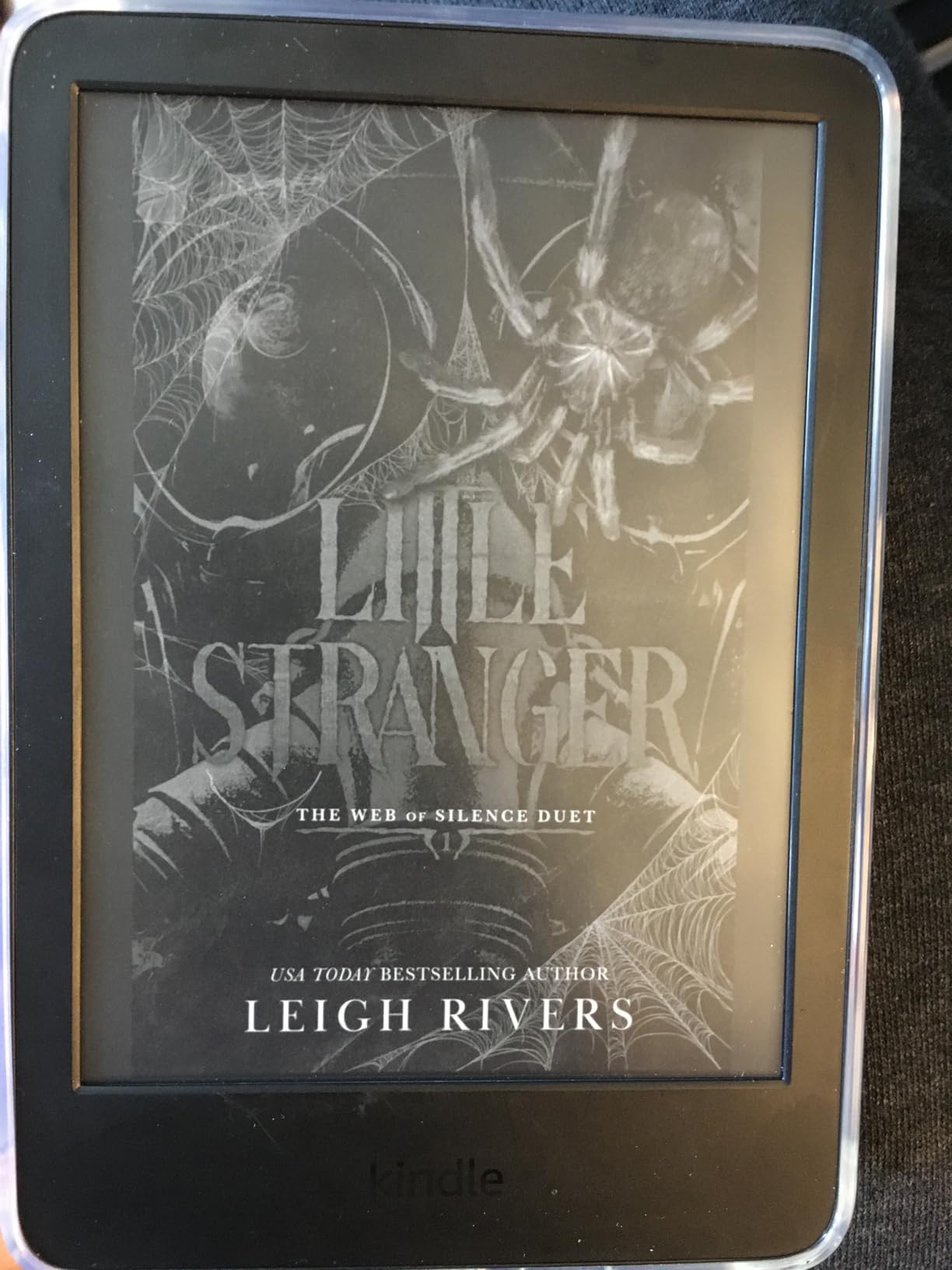
I bought the basic Kindle to see if a $110 device could satisfy an avid reader, and I was shocked by how capable it is. The 6-inch screen is smaller than the Paperwhite, but the text is sharp and the contrast ratio is noticeably improved over older models. I carried it in my jacket pocket for three weeks of commuting, and the lightweight design made me forget it was there until I wanted to read.
The front light is 25% brighter than the previous generation, which means you can read in dim rooms without strain. Battery life is solid at around six weeks for my reading pace. The biggest trade-off is the lack of warm light. Reading in complete darkness feels harsher on my eyes than the Paperwhite, and the absence of waterproofing means I leave it at home on beach trips. For the price, those are fair compromises.
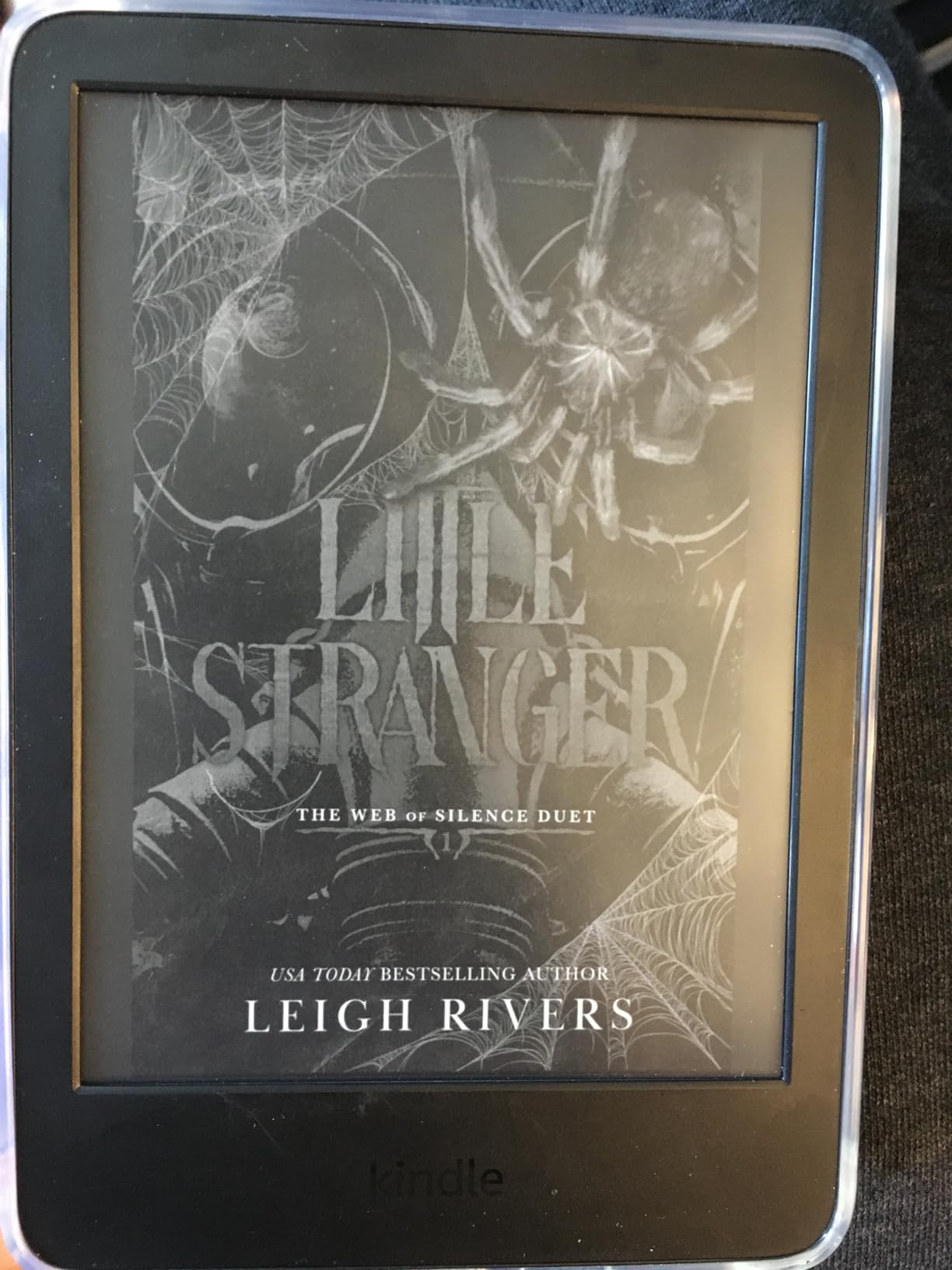
The 16GB storage is more than enough for thousands of novels, and the distraction-free experience is identical to the Paperwhite. I loaded it with my entire reading backlog and still had space left. The dark mode is a nice addition for reading in bed, though without warm light it still feels more clinical than cozy.
Amazon built this device with 75% recycled plastics and 90% recycled magnesium, which is a meaningful improvement for sustainability. The USB-C charging is fast, and the device wakes instantly from sleep. I noticed some minor lag when opening very large PDFs, but for standard ebooks the performance is smooth.
Best Use Cases for the Basic Kindle
This device shines for commuters and travelers who want minimal weight. I recommend it to anyone who reads mostly text-based novels and does not need color or waterproofing. It is also the best gift option for someone curious about e-readers because the price is low enough that buyer’s remorse is unlikely.
Trade-offs You Should Know
You lose warm light adjustment, waterproofing, and the larger screen. In practice, the lack of warm light bothered me more than the missing waterproofing. If you read almost exclusively in the morning or afternoon, you will not notice the missing feature. If you read at night in a dark room, spend the extra $50 on the Paperwhite.
3. Kobo Clara BW – Best Kindle Alternative
Kobo Clara BW | eReader | 6” Glare-Free Touchscreen with ComfortLight PRO | Dark Mode Option | Audiobooks | Waterproof | 16GB of Storage | Black
6 inch E Ink Carta 1300 HD
IPX8 waterproof rating
ComfortLight PRO built in
16GB storage capacity
Pros
- Crystal-clear screen with excellent contrast
- ComfortLight PRO for blue light
- IPX8 waterproof for pool reading
- EPUB support without conversion
- Great warm light for nighttime
Cons
- Screen can scratch without a case
- Occasional freeze requiring restart
- Touch response not always fast
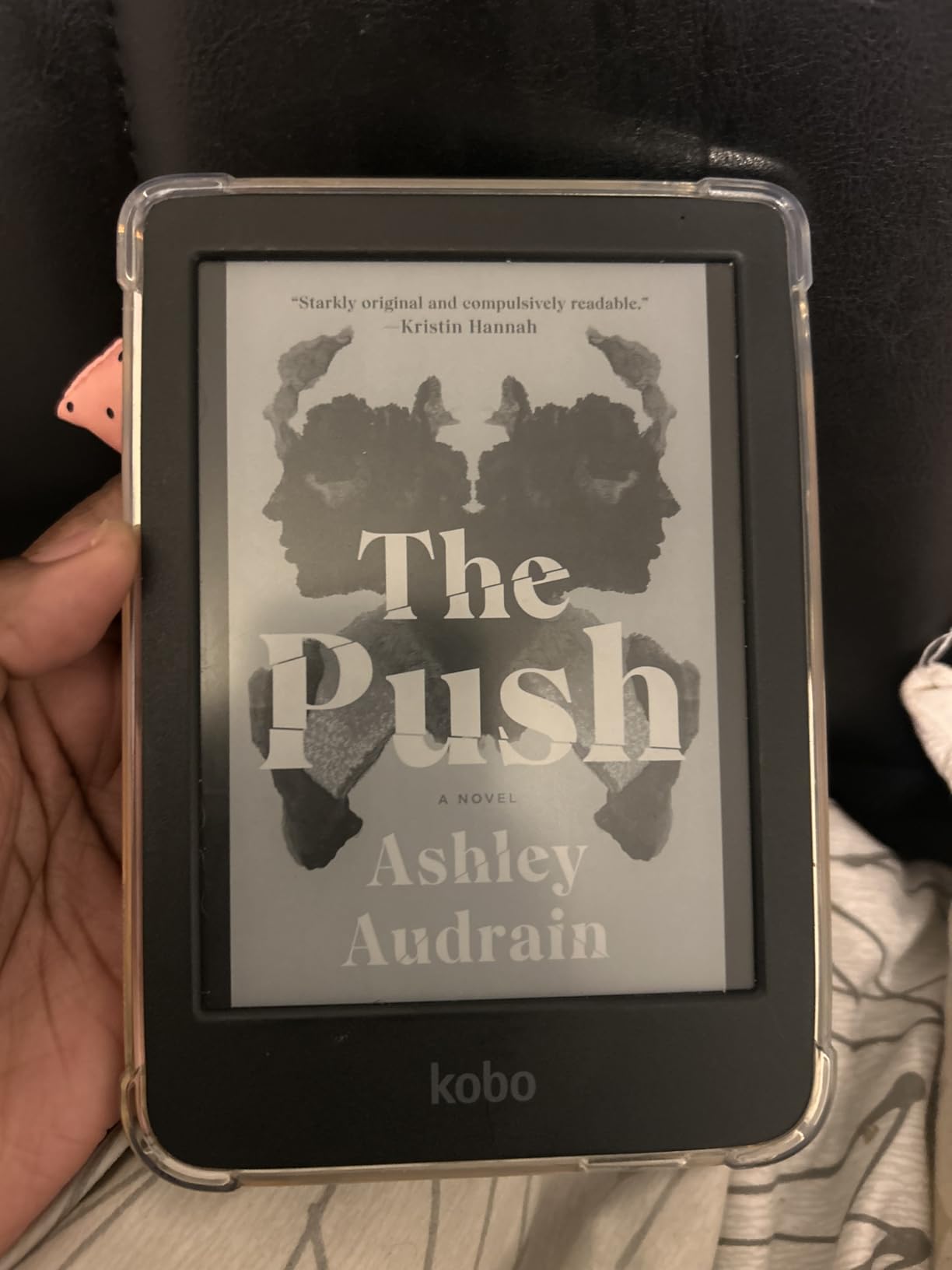
The Kobo Clara BW is the device I recommend to anyone who wants to escape Amazon’s ecosystem. The 6-inch E Ink Carta 1300 HD screen is genuinely excellent, with contrast that rivals the Kindle Paperwhite in side-by-side testing. I loaded it with EPUB files from my local library and independent publishers, and everything worked without conversion or email workarounds.
The ComfortLight PRO is the best warm light implementation I have tested. The color temperature shifts smoothly from cool white to warm amber, and the blue light reduction makes my eyes feel less tired after two-hour reading sessions. At 6.14 ounces, it is lighter than the Paperwhite and fits easily into a small bag. The IPX8 waterproofing is reassuring, though I did notice the housing feels slippery without a case.
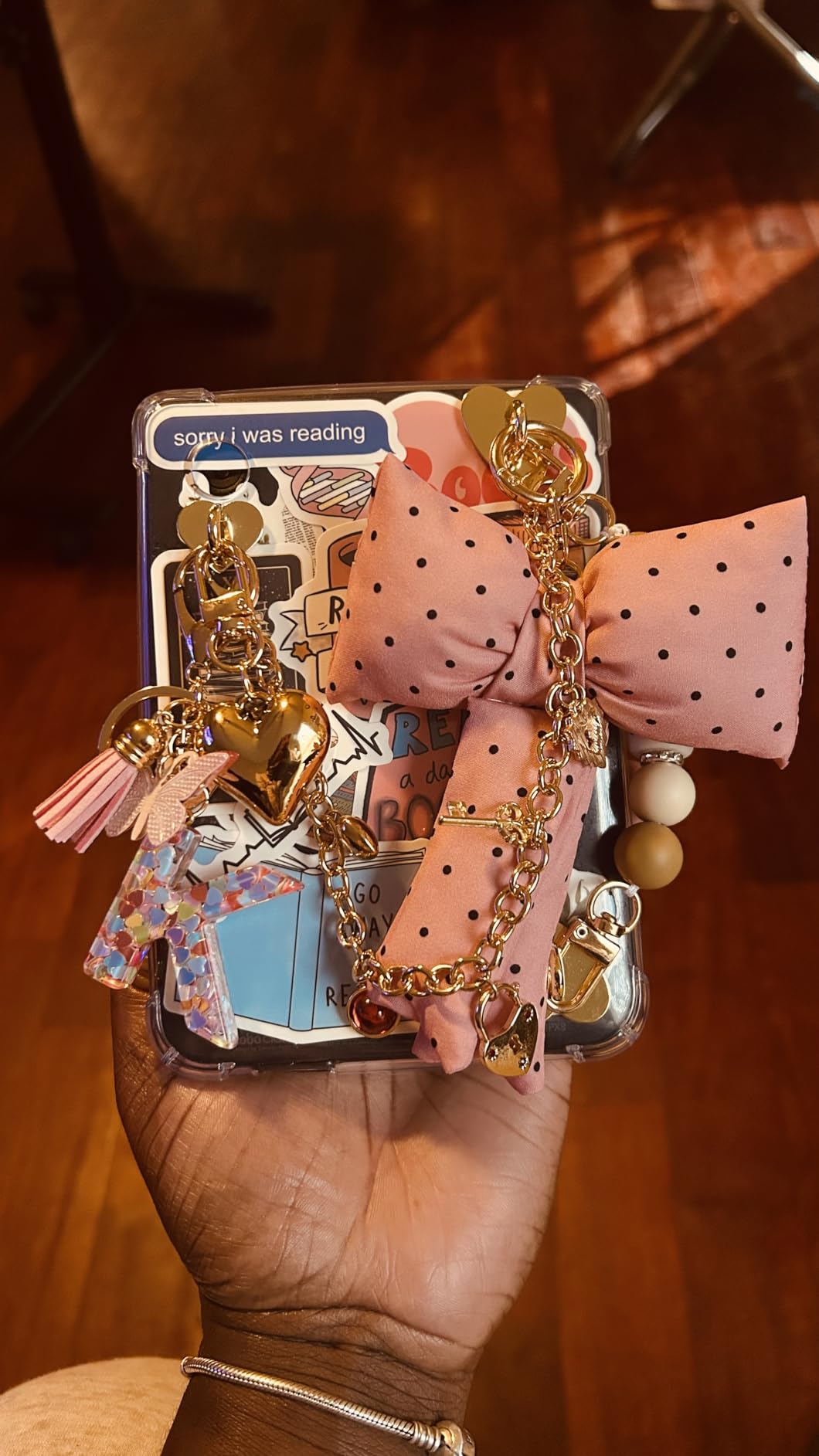
The 16GB storage holds up to 12,000 ebooks or 75 audiobooks, and the Bluetooth connection works well with wireless earbuds. I tested the audiobook feature during a morning jog, and the playback was stable. The dark mode is useful for reading in complete darkness, and the USB-C charging is convenient.
Kobo’s integration with Calibre is a major advantage for readers who manage large collections. I dragged and dropped hundreds of books without any formatting issues. The OverDrive library integration is seamless, and the Pocket article integration lets you save web articles for offline reading. The recycled and ocean-bound plastic construction is a nice touch for eco-conscious buyers.
Why EPUB Readers Love the Clara BW
If you buy books from multiple stores or borrow from public libraries, the Clara BW removes the format headaches Kindle users face. I use Calibre to manage my library, and sideloading via USB-C is fast and simple. The OverDrive integration lets you borrow directly from the device, which is a feature I wish every e-reader included by default.
Durability and Protection Needs
My only physical concern is that the screen seems more prone to scratches than the Paperwhite. I noticed micro-scratches after two weeks of carrying it loose in a backpack. Buy a case. The occasional software freeze requiring a restart is annoying but rare, and Kobo’s updates have improved stability during my testing period.
4. Amazon Kindle Colorsoft – Best Color Ereader
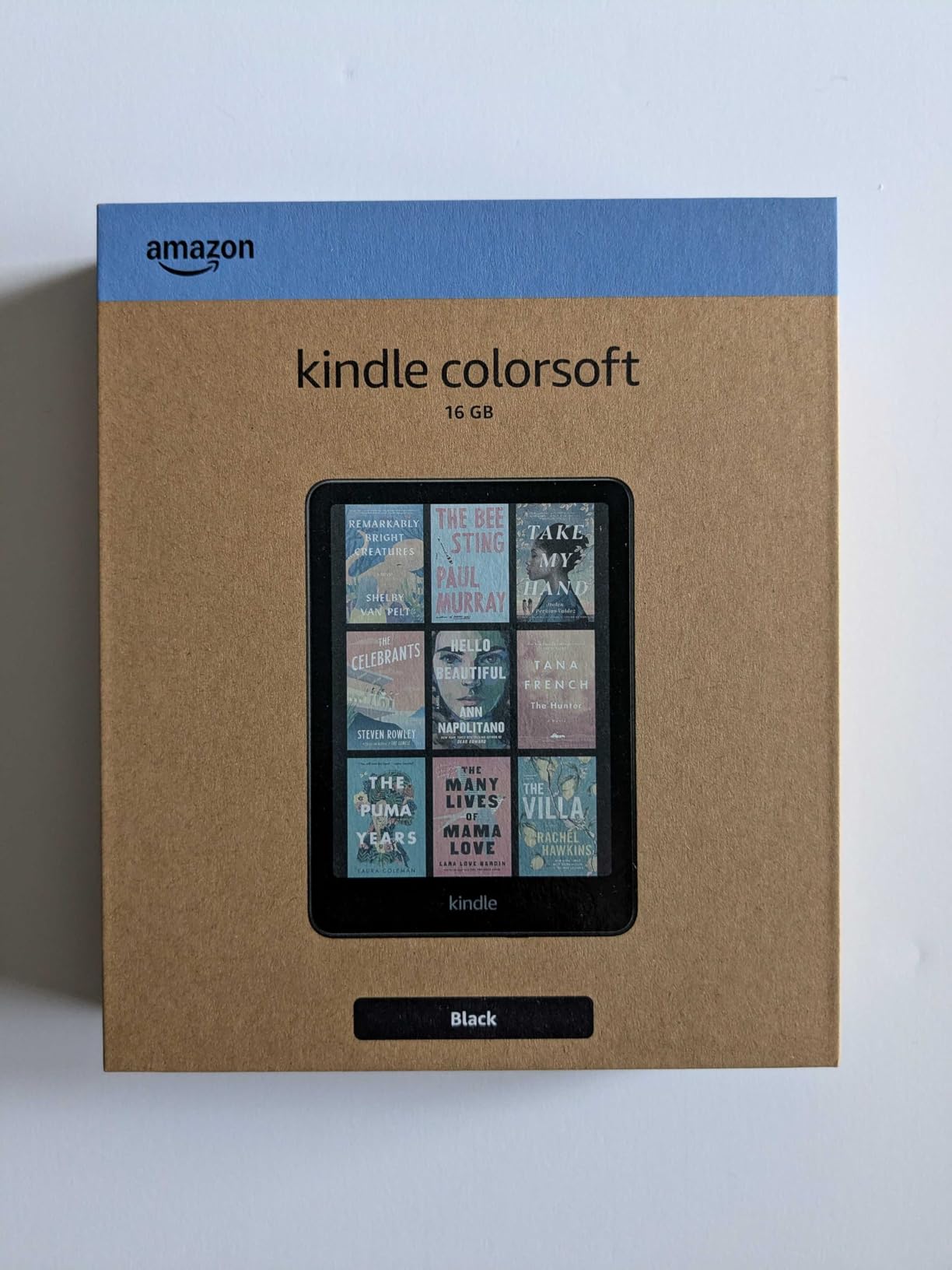
Amazon Kindle Colorsoft 16 GB (newest model) – With color display that brings covers and content to life, now highlight in color – No Ads – Black
7 inch Colorsoft color display
IPX8 waterproof rating
Up to 8 weeks battery
USB-C charging
Pros
- Color display brings covers to life
- Great for comics and graphic novels
- Color highlighting in four colors
- Waterproof design for outdoor use
- Strong battery life at eight weeks
Cons
- Text not as crisp as Paperwhite
- Colors muted compared to LED screens
- 16GB storage can feel limited
I have been skeptical of color E Ink for years, but the Kindle Colorsoft changed my mind. The 7-inch display shows book covers, comics, and charts in color that is rich enough to be useful without the eye strain of an LCD tablet. I read an entire graphic novel on a flight, and the experience was far more enjoyable than I expected.
The color highlighting in four colors is genuinely useful for non-fiction. I highlighted key passages in yellow and action items in orange, and the colors made skimming back through the book much faster. Battery life is still strong at around eight weeks. The text is slightly less crisp than the Paperwhite because of the color filter layer, and the 16GB storage feels limiting if you plan to load a lot of comic files.
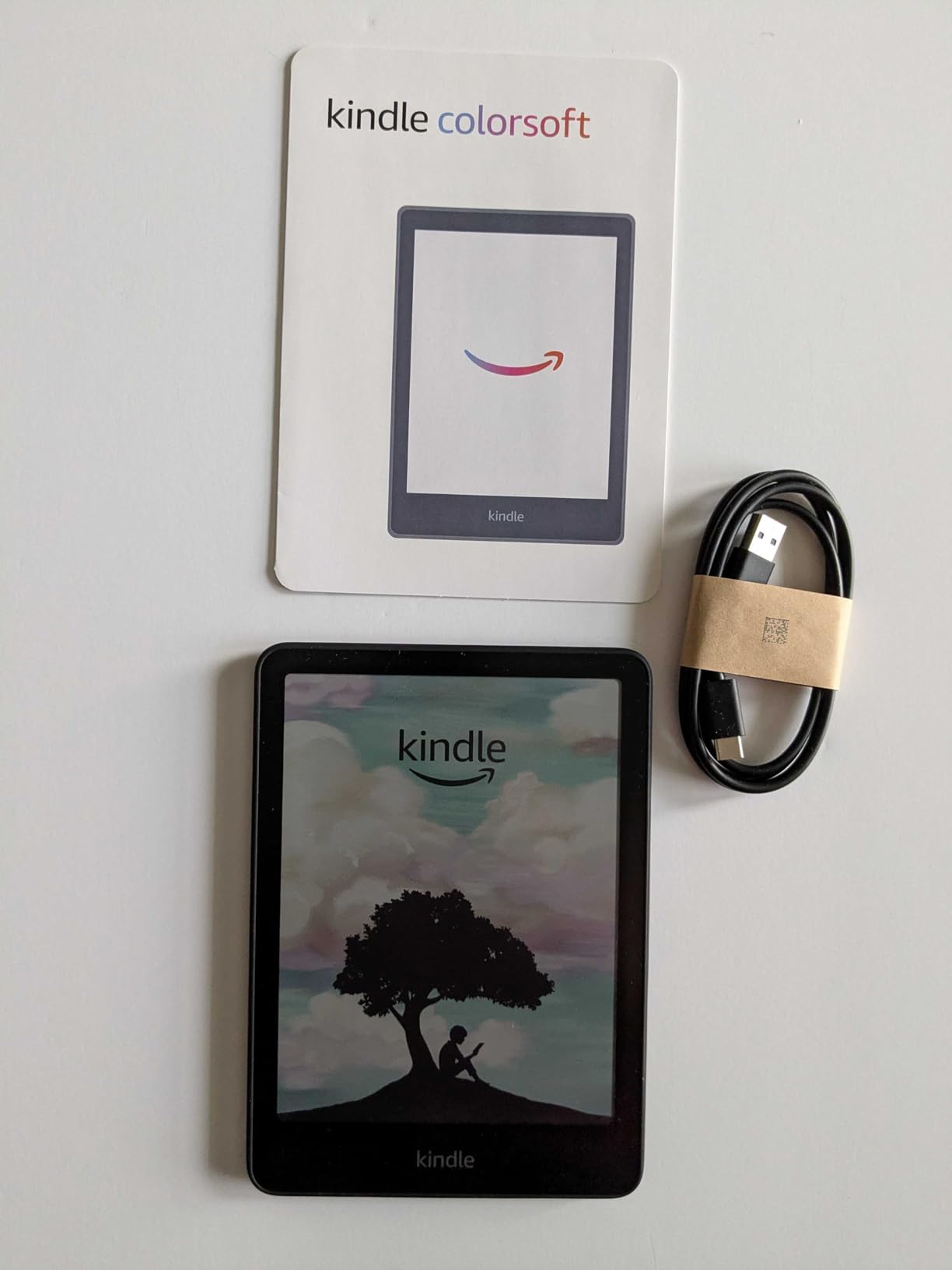
The Page Color feature inverts text and background while keeping images in color, which is clever for reading at night. The adjustable warm light works exactly like the Paperwhite, and the USB-C charging is identical. I noticed some ghosting when switching between pages quickly, but it never interfered with reading.
The waterproofing is the same IPX8 rating as the Paperwhite, which means poolside and bathtub reading are safe. I tested it in a rainstorm while camping, and the device performed perfectly. The no-ads version is worth the small premium because the lock-screen book covers look much better in color than the generic Amazon ads on the standard version.
Who Benefits from Color E Ink
If you read comics, graphic novels, cookbooks, or heavily illustrated textbooks, color adds real value. I also found it useful for technical books with color-coded diagrams. If you read mostly text-only fiction, the Paperwhite is a better buy because the text is sharper and the device costs less.
Storage Considerations for Visual Content
Comics and high-resolution images consume more storage than text. I loaded five full graphic novels and noticed the storage percentage jump faster than expected. For casual comic reading, 16GB is fine. If you want a dedicated manga or comic library, consider the Kobo Libra Colour with 32GB or the Boox Go Color 7 with 64GB.
5. Kobo Libra Colour – Best Premium Ereader
Kobo Libra Colour | eReader | 7” Glare-Free Colour E Ink Kaleido™ 3 Display | Dark Mode Option | Audiobooks | Waterproof | Black
7 inch E Ink Kaleido 3 color
IPX8 waterproof rating
32GB storage capacity
Page-turn buttons included
Pros
- Physical page-turn buttons for one hand
- Color display for comics and covers
- Stylus support for annotations
- Large 32GB storage capacity
- Open ecosystem for many formats
Cons
- Colors muted compared to LCD screens
- Some dead pixels reported on new units
- Battery life weaker than B&W models
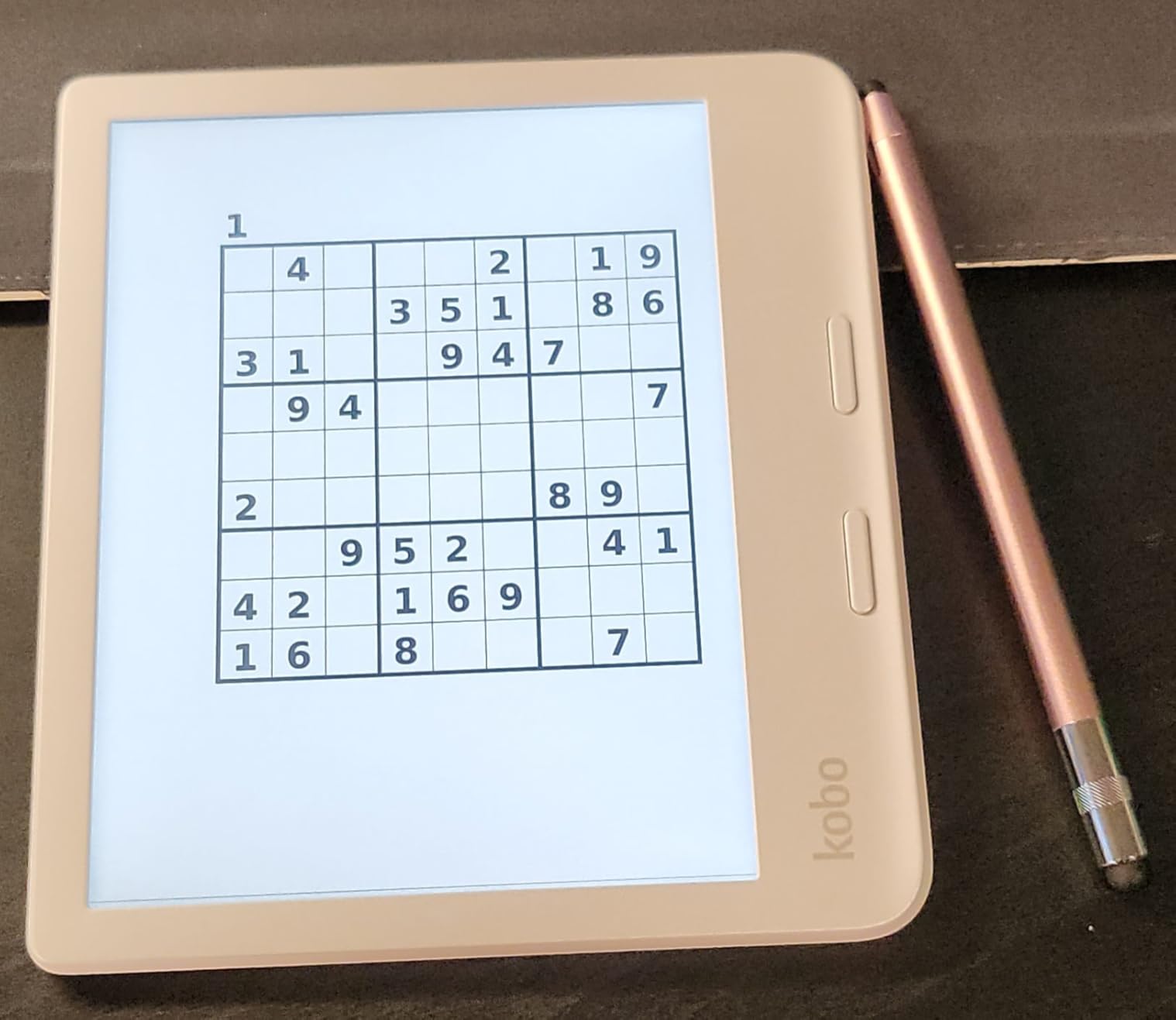
The Kobo Libra Colour is the most thoughtfully designed e-reader I have held. The 7-inch color display is good, but the physical page-turn buttons are what made me reach for this device over my Kindle during testing. I can read one-handed on a crowded train without touching the screen, and the auto-rotation works in both directions for left-handed users.
With 32GB of storage, I never worried about space. The device supports a wide range of formats including EPUB, PDF, CBZ, and CBR, which makes it ideal for readers who collect books from multiple sources. The Kobo Stylus 2 compatibility means you can annotate directly on the screen, though the stylus is sold separately. Battery life is shorter than black-and-white Kobo models, but still measured in weeks, not days.
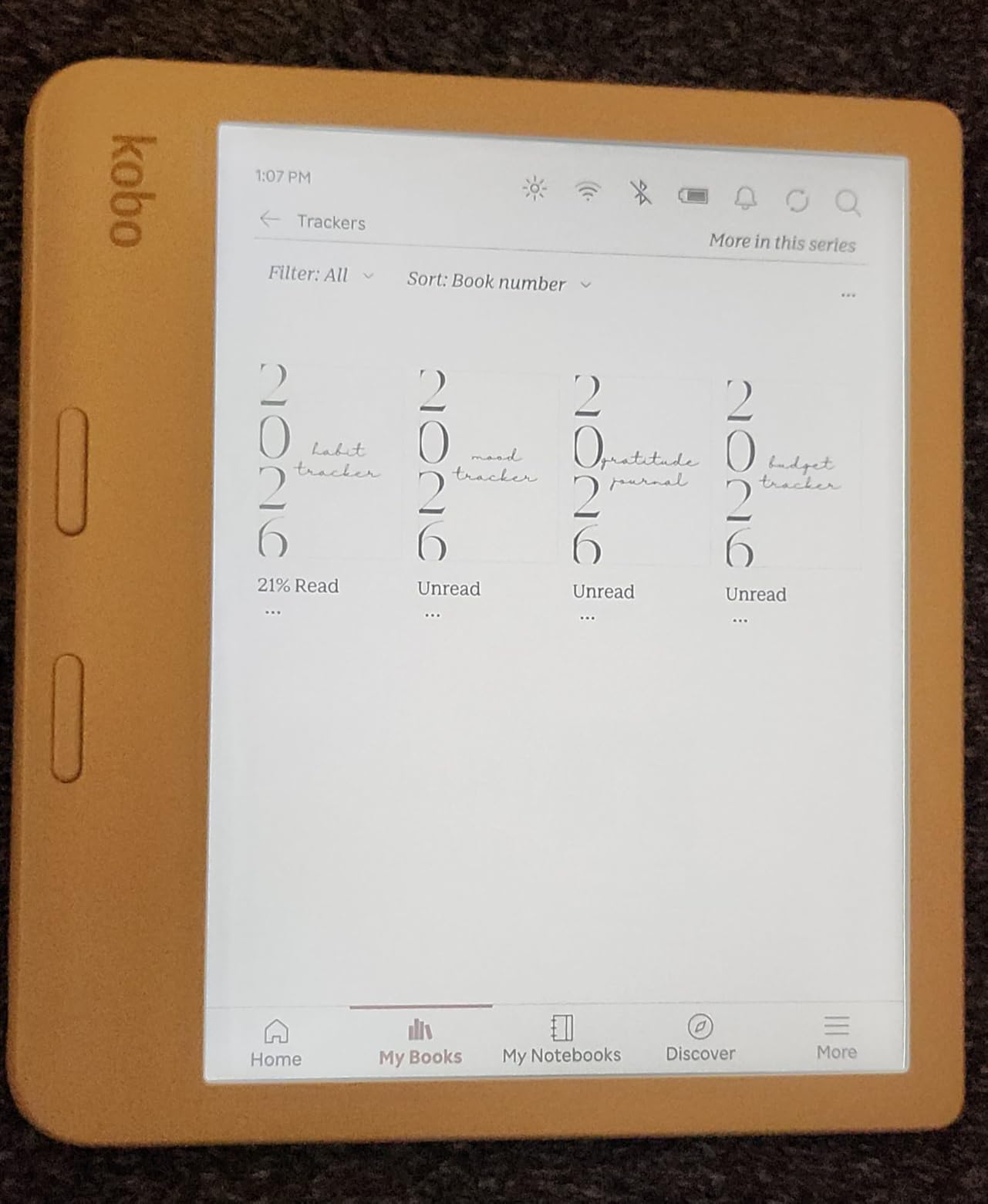
The Google Drive and Dropbox integration makes sideloading documents effortless. I dropped PDFs and ebooks directly into a synced folder and they appeared on the device within minutes. The Pocket article integration is useful for saving long-form journalism, and the Kobo Plus audiobook subscription gives you access to a solid catalog of spoken content.
The 2 GHz processor is faster than the Clara line, and the 1264×1680 resolution looks sharp for both text and images. I noticed the color display is slightly dimmer than the Clara BW in direct sunlight, but indoors the difference is negligible. The build quality is solid, and the recycled plastic construction feels premium rather than cheap.
Physical Buttons and One-Handed Reading
If you commute by bus or subway, physical buttons are a luxury you will not want to give up. The raised buttons on the Libra Colour are easy to find by touch, and the ergonomic shape keeps the device balanced in one hand. I tested this on a two-hour flight and finished a novel without hand fatigue.
Stylus and Annotation Workflow
The stylus support turns the Libra Colour into a hybrid reading and note-taking device. I annotated PDFs and wrote margin notes in ebooks. The palm rejection is good but not perfect. If note-taking is your primary goal, the Kindle Scribe has a larger screen and better handwriting AI. If you want color plus light annotation, the Libra Colour is the sweet spot.
6. Amazon Kindle Scribe – Best Ereader for Note-Taking
Amazon Kindle Scribe (16GB) - Your notes, documents and books, all in one place. With built-in AI notebook summarization. Includes Premium Pen - Tungsten
10.2 inch 300 ppi glare-free
Premium Pen included
AI notebook summarization
16GB storage capacity
Pros
- Perfect blend of reading and note-taking
- Natural writing experience with pen
- Excellent battery life for weeks
- AI handwriting recognition works well
- No subscription fees for AI features
Cons
- Pen tips wear down faster than expected
- Drawing experience mediocre for art
- Heavier than standard Kindle readers
- No color option yet available
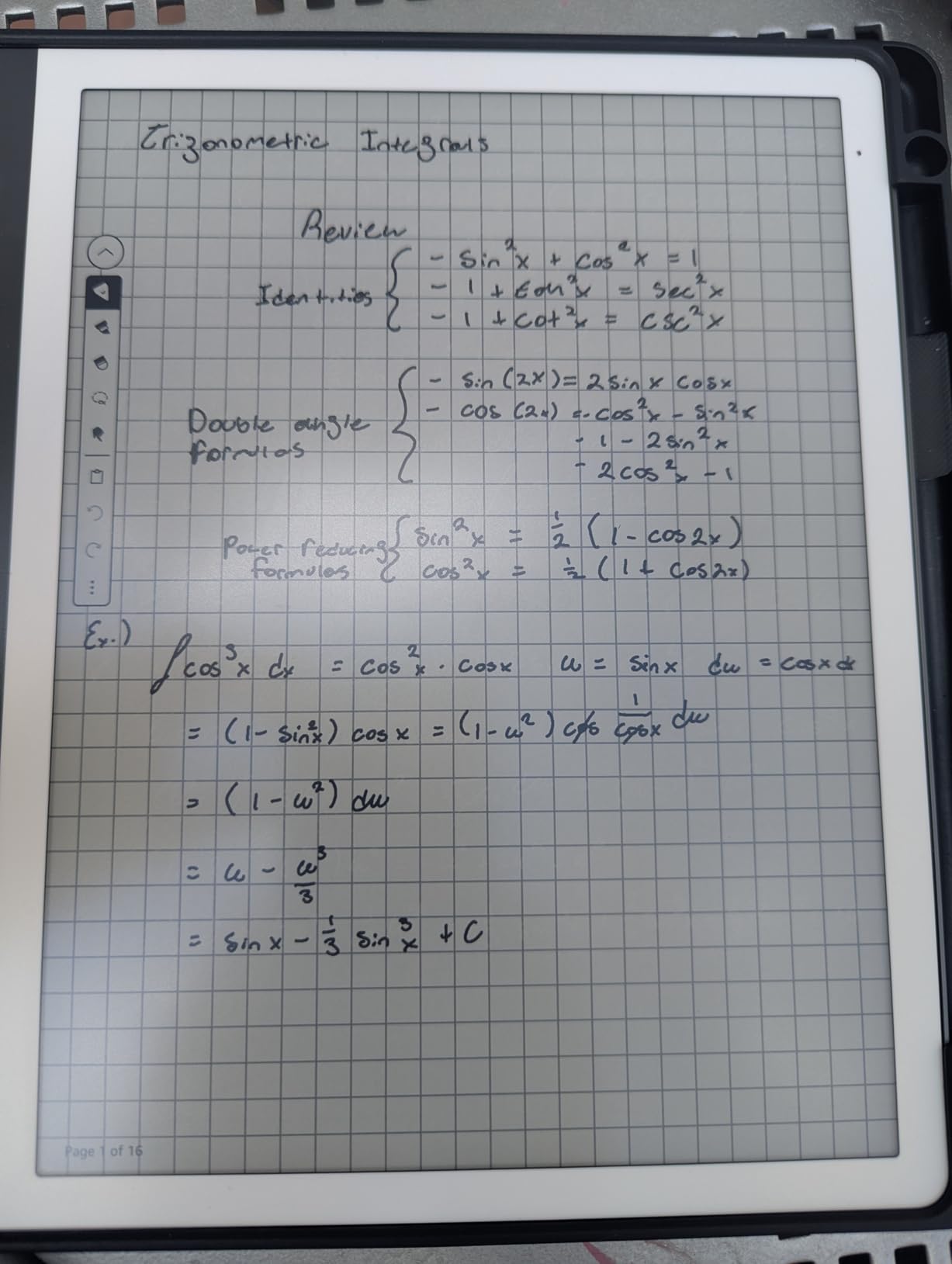
I replaced my paper notebook with the Kindle Scribe for 30 days, and I was surprised by how natural the writing felt. The 10.2-inch display is large enough to read PDF documents without constant zooming, and the Premium Pen included in the box has a satisfying drag that mimics pen on paper. The AI notebook summarization converts handwritten meeting notes into text faster than I expected.
Reading on the Scribe is excellent. The 300 PPI resolution makes text incredibly sharp, and the adjustable front light handles every lighting condition I tested. Battery life is measured in weeks for reading and months for light use. The weight is the main downside. At 433 grams, it is heavier than standard e-readers, and one-handed reading is uncomfortable after 20 minutes. The pen tip also wears down faster than I would like, requiring replacements every few months of heavy use.
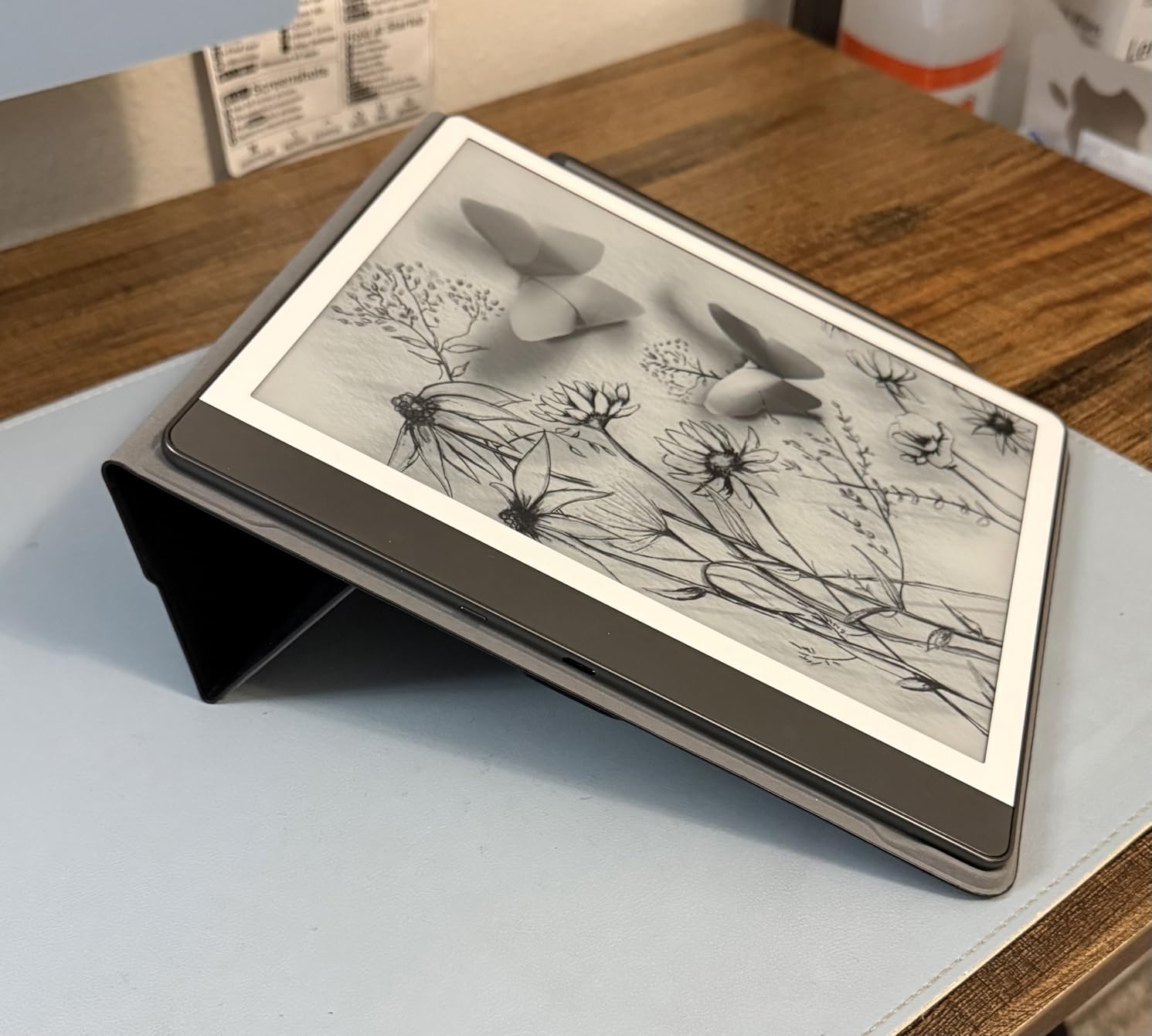
The Active Canvas feature lets you write directly on Kindle books in the margins, which is a feature I did not know I needed until I tried it. I can circle passages, write reactions, and draw connections between ideas. The templates for notebooks, planners, and journals are useful, and the AI can summarize an entire notebook into bullet points in seconds.
The Send to Kindle feature makes importing documents easy. I emailed PDFs, Word documents, and web articles to the device and they arrived formatted cleanly. The handwriting conversion is accurate for block letters and reasonably good for cursive. I would not use it for legal documents, but for meeting notes and personal journals it is more than adequate.
Digital Notebook vs Traditional Ereader
The Scribe is not just a bigger Kindle. It is a digital notebook that happens to read books beautifully. I use it for work PDFs, journal entries, and book annotations in one device. If you already carry a notebook and an e-reader, this replaces both. If you only want to read novels, the smaller Paperwhite is more comfortable.
PDF and Document Review Workflow
PDFs are where the large screen shines. I reviewed contracts and research papers without pinching to zoom. The Active Canvas feature lets you write directly on the page margins. Sending documents via email is easy, but exporting notes out of the Kindle ecosystem requires workarounds. Amazon does not charge a subscription for the AI features, which is a welcome change from competitors.
7. Onyx Boox Go Color 7 Gen II – Best Android Ereader
BOOX Tablet Go Color 7 Gen II E Ink Tablet Support Active Stylus InkSense (Black)
7 inch Kaleido 3 color E Ink
Android 13 with Google Play
64GB storage capacity
Active stylus support
Pros
- Android-based for flexible apps
- Color display for comics and manga
- Lightweight and portable design
- Supports multiple reading apps
- Expandable storage via microSD
Cons
- Stylus requires separate charging
- 4GB RAM insufficient for multitasking
- Color quality muted and limited
- Long startup time about one minute
- Not waterproof for pool use
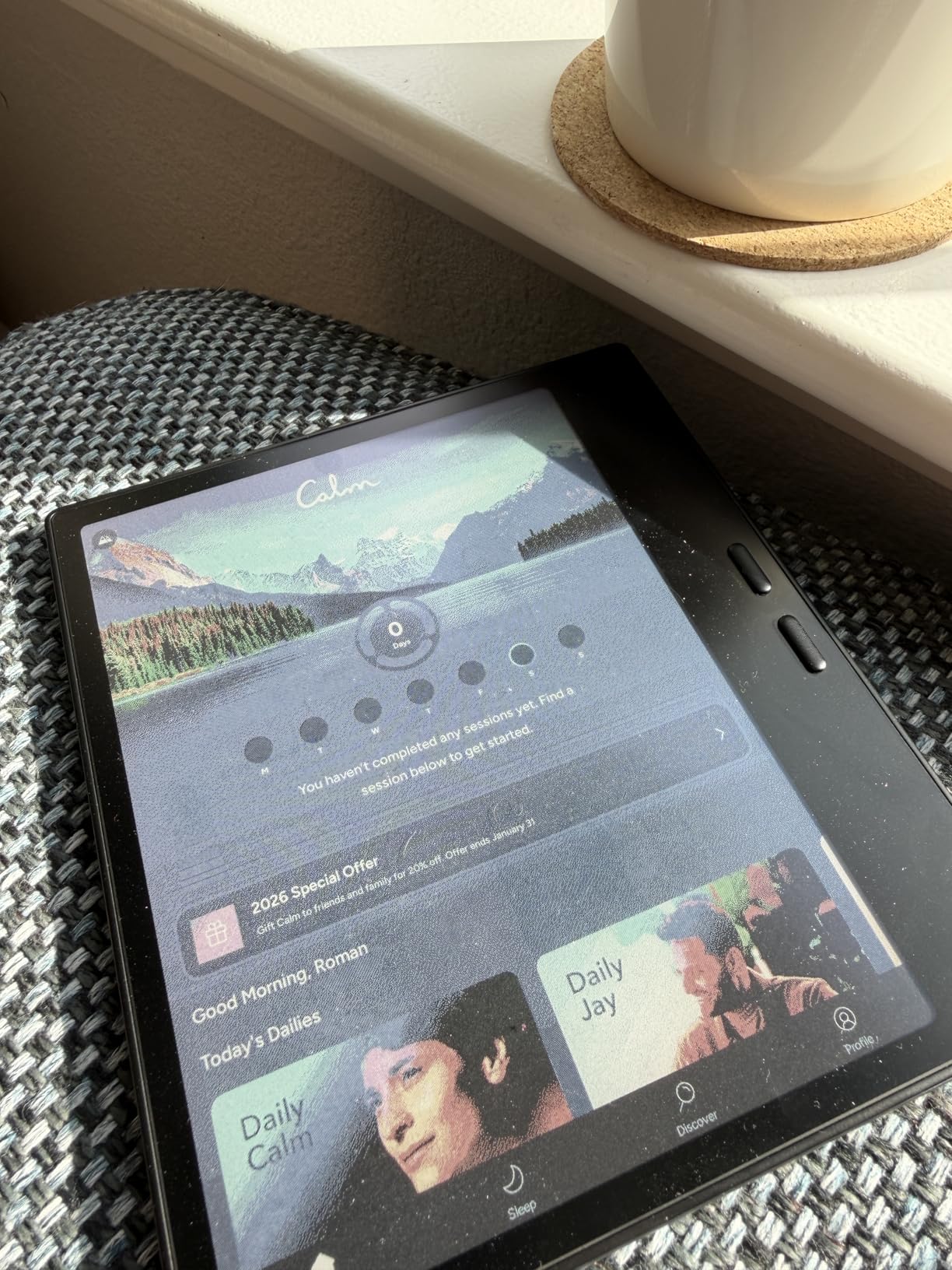
The Boox Go Color 7 is the only device in this guide that runs Android 13, and that flexibility creates both its biggest strength and its biggest weakness. I installed the Kindle app, Kobo app, and Libby directly from Google Play, giving me access to every major ebook ecosystem on one device. The 7-inch Kaleido 3 color display handles comics and manga well, and the 64GB storage is generous.
In practice, the Android experience on E Ink is slower than you expect. Apps take time to load, and the 4GB RAM means you cannot multitask smoothly. The startup time is about one minute, which feels long when you just want to read a few pages before bed. The stylus support is usable for basic notes, but the USI 2.0 pen is sold separately and the writing experience feels like plastic on glass rather than paper. I also noticed ghosting on the screen when switching between apps.
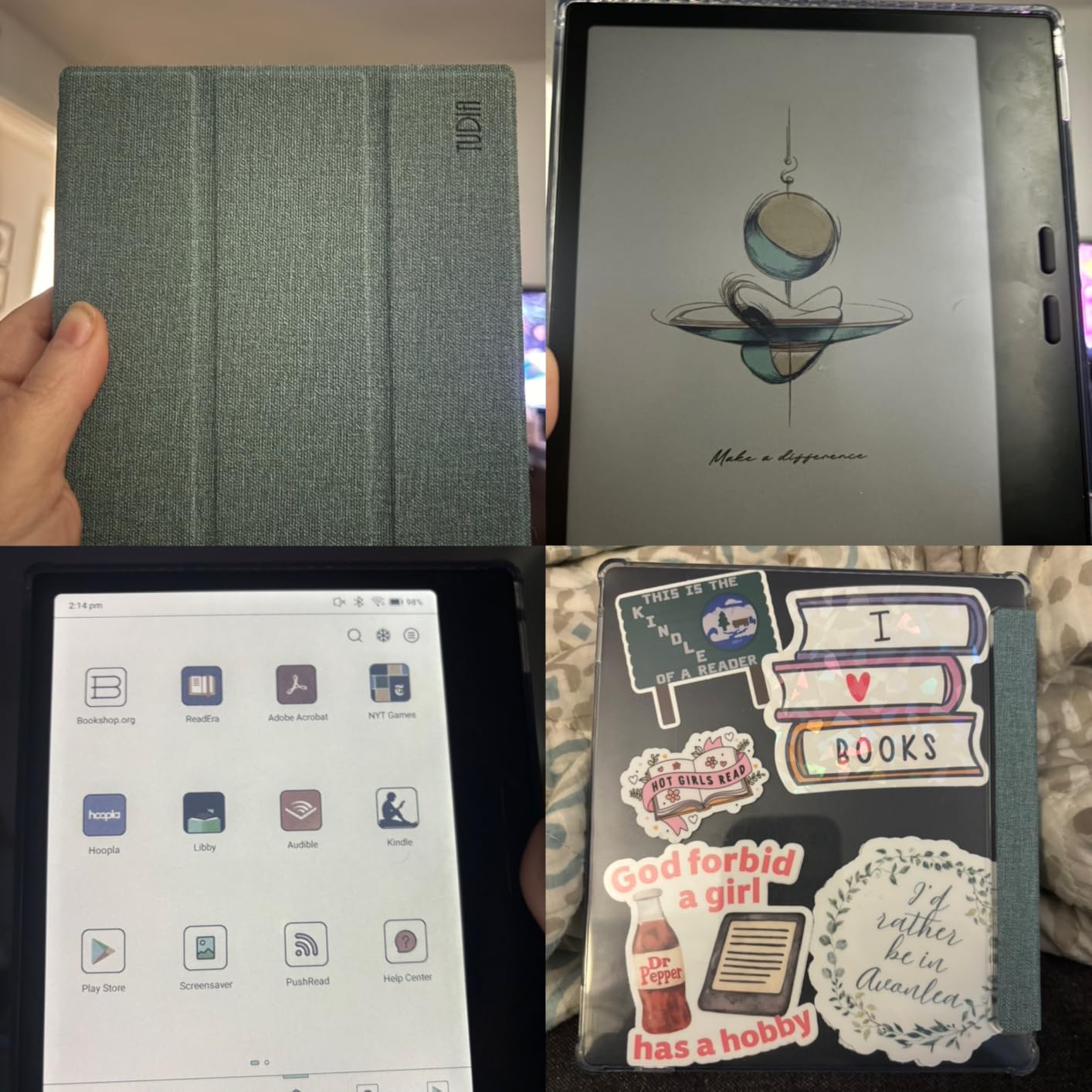
The front light with warm and cold temperature modes is excellent, and the page-turn buttons are configurable for different reading apps. I set them to act as volume buttons when listening to audiobooks. The G-sensor auto-rotation works reliably, and the built-in speaker and microphone are useful for voice notes and audiobook playback.
The BooxDrop feature makes file transfers painless. I dragged files from my computer to a browser window and they appeared on the device instantly. The multiple refresh modes let you optimize for text, images, or video, though I would not recommend watching video on E Ink. The 2,300mAh battery lasts weeks with aggressive power saving, but drains faster if you use apps constantly.
App Flexibility and Sideloading
If you refuse to be locked into one ecosystem, this is your device. I used Google Drive to drop PDFs, the Kindle app for my Amazon library, and Libby for library borrowing. The BooxDrop feature makes file transfers painless. However, aggressive power management kills background apps, so you will reopen your reading app more often than you would on a dedicated e-reader.
Performance Under Real Use
As a pure reading device, the Boox Go Color 7 works well. As a tablet replacement, it frustrates. I recommend it for tech-savvy users who want one device for Kindle, Kobo, and local files. If you want simplicity, any dedicated Kindle or Kobo will be less annoying. Also note that this device is not waterproof, so keep it away from pools and bathtubs.
8. Amazon Kindle Kids – Best Ereader for Children
Amazon Kindle Kids 16GB (newest model) - If it breaks, we will replace it, includes ad-free books and cover, with glare-free display, faster page turns - Ocean Explorer
6 inch glare-free display
16GB storage capacity
2-year worry-free guarantee
6-month Kids+ included
Pros
- Perfect for young readers ages 3-12
- Durable with included protective case
- 6-month Kids+ subscription included
- No ads or games or videos
- Parental controls via Dashboard
Cons
- Black and white display only
- Touch response can be slow
- Subscription auto-renews after 6 months
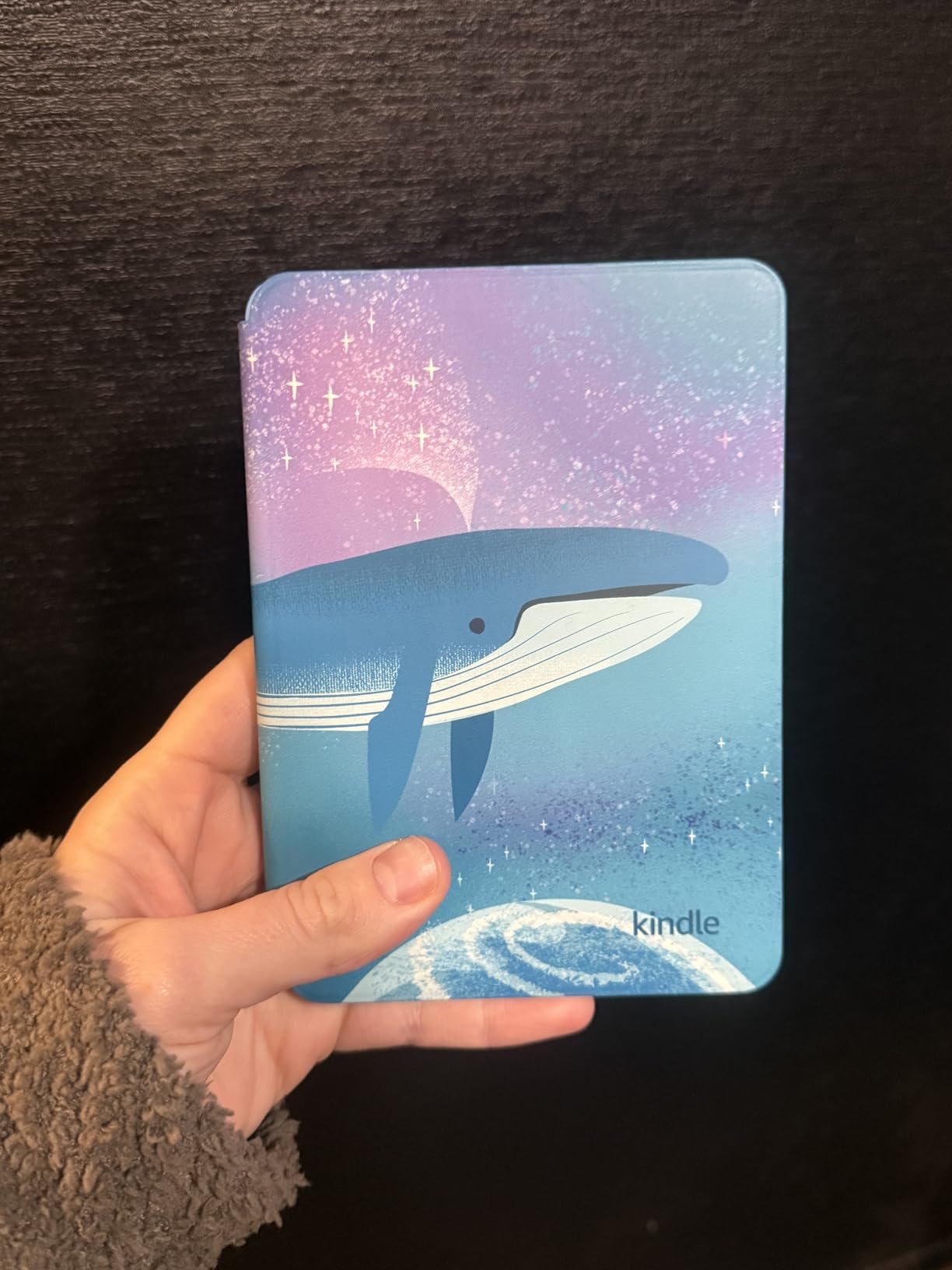
I gave the Kindle Kids to my seven-year-old niece for her birthday, and her parents reported that she finished twelve books in the first month. The device is essentially the base Kindle with a durable case and parental controls, but those additions matter more than I expected. The included case is thick enough to survive drops from a couch and a kitchen counter without damage.
The six-month Amazon Kids+ subscription included in the box provides thousands of age-appropriate books. The Parent Dashboard lets adults set reading goals, restrict content, and track progress. There are no ads, no apps, no videos, and no games, which means the device does one thing well: it gets kids to read. The 25% brighter front light is useful for reading in the back seat of a car during evening trips.
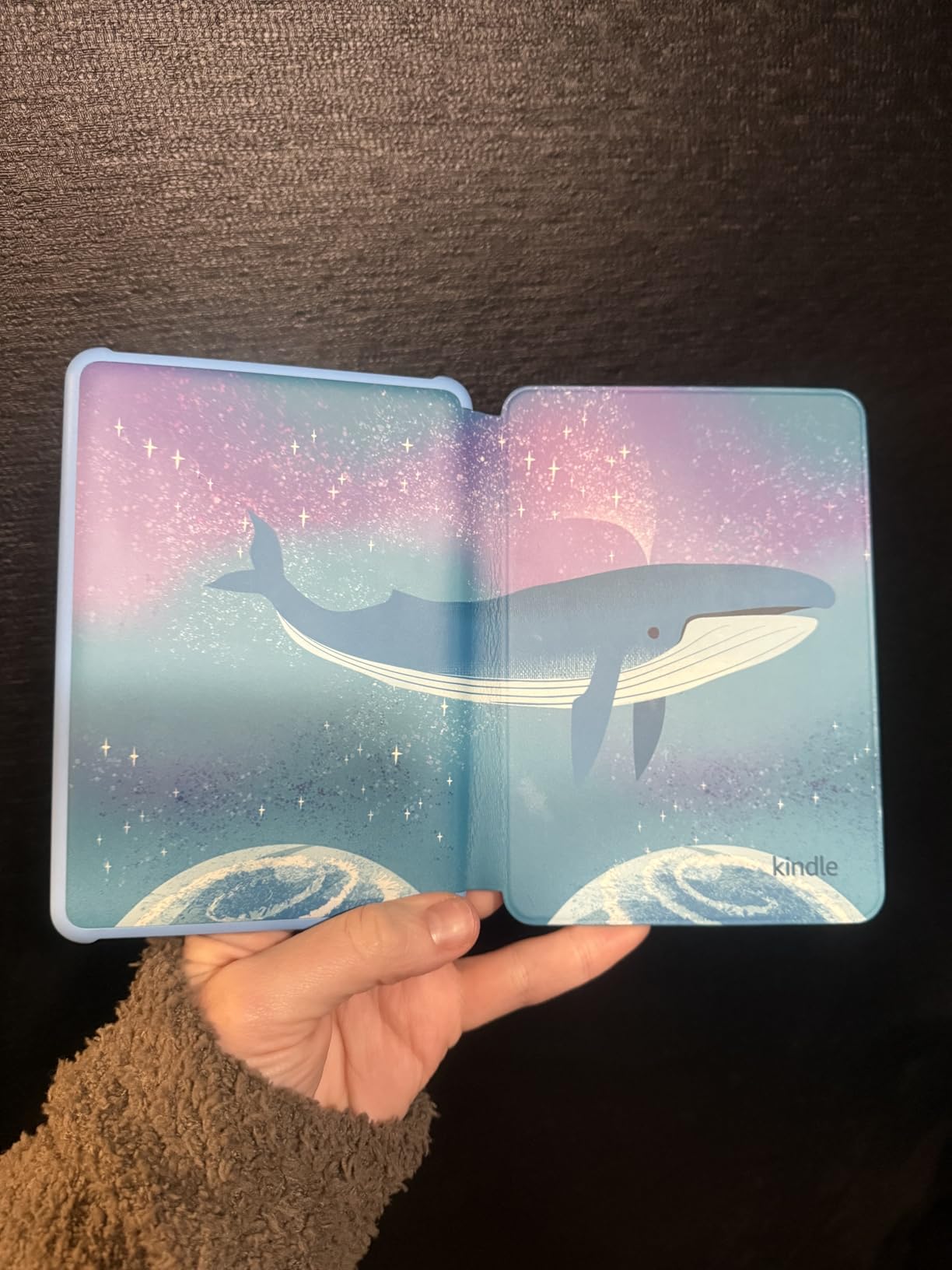
The 16GB storage holds thousands of children’s books, and the battery lasts about six weeks with moderate use. The Ocean Explorer design is appealing, and the other color options include Space Whale and Unicorn Valley. The USB-C charging is the same as the adult Kindles, which means parents do not need a separate cable.
The setup process requires a WiFi connection and an Amazon account, which took about 10 minutes in my testing. The parental controls are intuitive, and I could adjust reading time limits from my phone. The device is lightweight enough for small hands, and the page-turn buttons are not needed since the touchscreen is the primary interface.
Parental Controls and Peace of Mind
The two-year worry-free guarantee is the best protection plan in the e-reader market. If the device breaks for any reason, Amazon replaces it. I have not seen another brand match this. The Parent Dashboard works from any web browser, so you do not need to borrow the device to check what your child is reading. The controls are simple enough that non-tech-savvy grandparents can manage them.
Subscription Value and Long-Term Costs
The Kids+ subscription costs $5.99 per month after the included six months expire. In my testing, the library is extensive enough that the subscription is worth it for voracious young readers. If your child reads fewer than three books per month, you might save money by buying individual titles instead. The device itself works fine without the subscription, so you are not trapped into recurring fees.
9. Kobo Clara Colour – Best Budget Color Ereader
Kobo Clara Colour | Colour eReader | 6" Glare-Free Colour and Ink Kaleido 3 Display | Dark Mode Option | Waterproof | Audiobooks | 16GB of Storage | White
6 inch E Ink Kaleido 3 color
IPX8 waterproof rating
16GB storage capacity
ComfortLight PRO built in
Pros
- Beautiful color display for comics
- Excellent EPUB and library support
- Waterproof design for anywhere
- ComfortLight PRO reduces eye strain
- Lightweight and comfortable to hold
Cons
- Wifi mandatory for initial setup
- Extremely slow loading for pictures
- Colors could be brighter overall
The Kobo Clara Colour proves that color E Ink does not have to cost $250 or more. At $180, this 6-inch device delivers a color display, waterproofing, and excellent library support in a package smaller than a paperback. I tested it against the Kindle Colorsoft, and while the screen is smaller and the color saturation is similar, the value proposition is hard to beat.
The ComfortLight PRO and dark mode make nighttime reading comfortable. OverDrive integration means you can borrow from public libraries directly without sideloading workarounds. The 16GB storage holds thousands of text books or about 75 audiobooks. My biggest frustration is the mandatory WiFi connection during initial setup. The device is essentially locked until you connect it to the internet, which is annoying for privacy-conscious users.
The Bluetooth audio support works well for audiobooks, and the Kobo Plus trial gives you a month of unlimited access to test the service. The dark mode is useful for reading in bed, and the touchscreen is responsive for navigation. I noticed the device feels slightly slower than the Clara BW when opening large files, but for standard ebooks the performance is smooth.
The eco-friendly construction uses recycled and ocean-bound plastic, which is a selling point for environmentally aware buyers. The IPX8 waterproofing is identical to the other Kobo models, and the battery lasts weeks with regular use. I would recommend this as a first e-reader for teens or adults who want color without a premium price.
Library Borrowing and Format Freedom
This is the best budget color option for library power users. I borrowed and read five books from my local library during testing, and the process took seconds. The EPUB support means you can buy from any ebook store. If you want color for comics and library books without paying a premium, the Clara Colour is the obvious choice.
Color Display at Entry-Level Price
The color quality is on par with the Kindle Colorsoft and Kobo Libra Colour. Book covers look great, and comics are readable. Books with complex images load slowly, sometimes taking several minutes per page. For standard graphic novels with simple panels, the loading is acceptable. For picture-heavy textbooks, the wait is frustrating. Stick to text or simple comics for the best experience.
10. Barnes & Noble NOOK GlowLight 4 Plus – Best Budget Option with Buttons
Barnes & Noble NOOK GlowLight 4 Plus eReader 7.8-inch 32GB BNRV1300 Waterproof (Renewed), Black
7.8 inch E Ink display
32GB storage capacity
Waterproof design
Page-turn buttons included
Pros
- Great value for the low price
- Waterproof design for protection
- Physical page turn buttons included
- Comfortable soft-touch finish
- 32GB storage is generous
Cons
- Refurbished quality varies widely
- Software crashes and freezes often
- Frontlight settings do not persist
- Battery drains quickly with WiFi
- Some units arrive non-functional
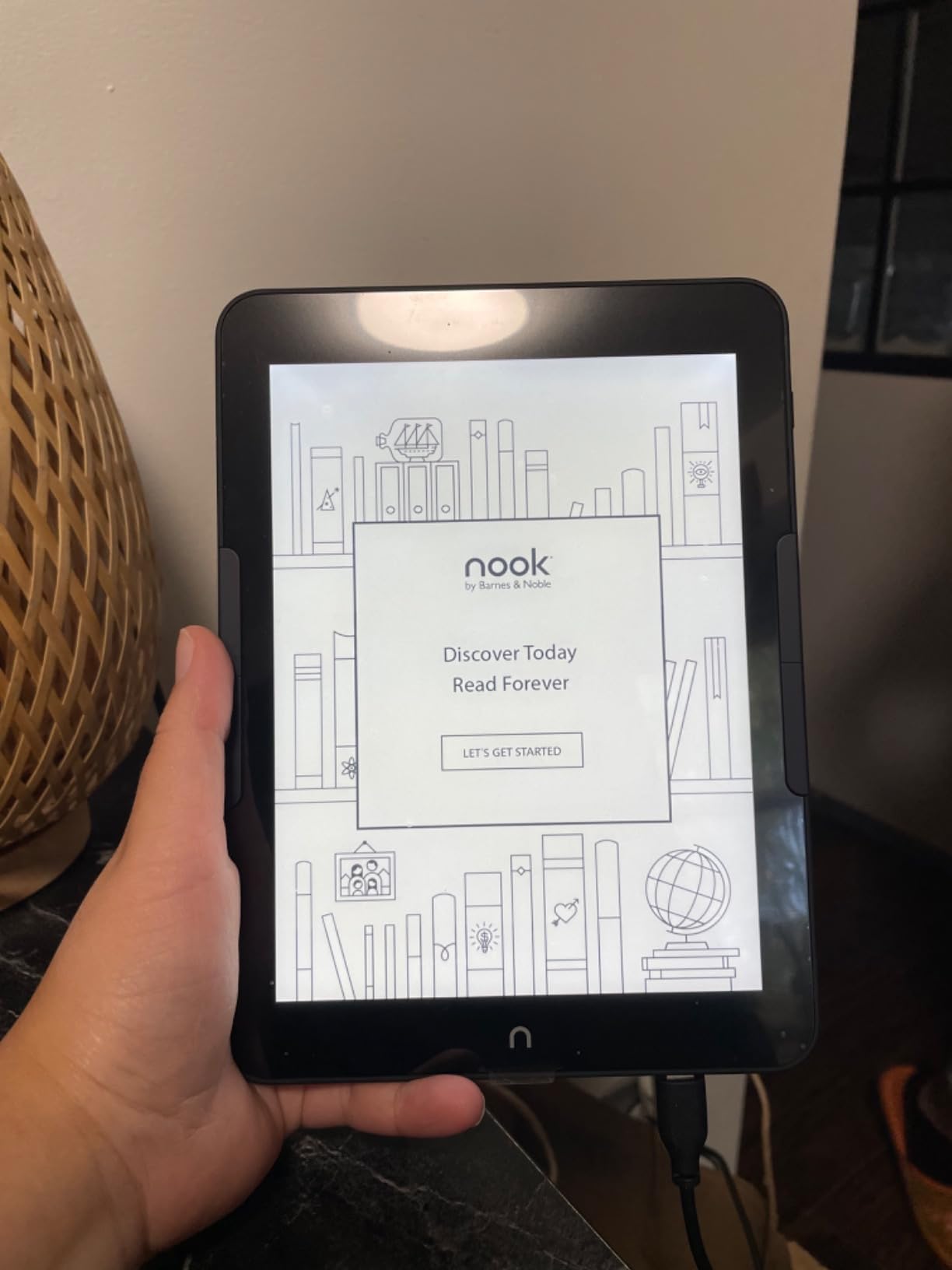
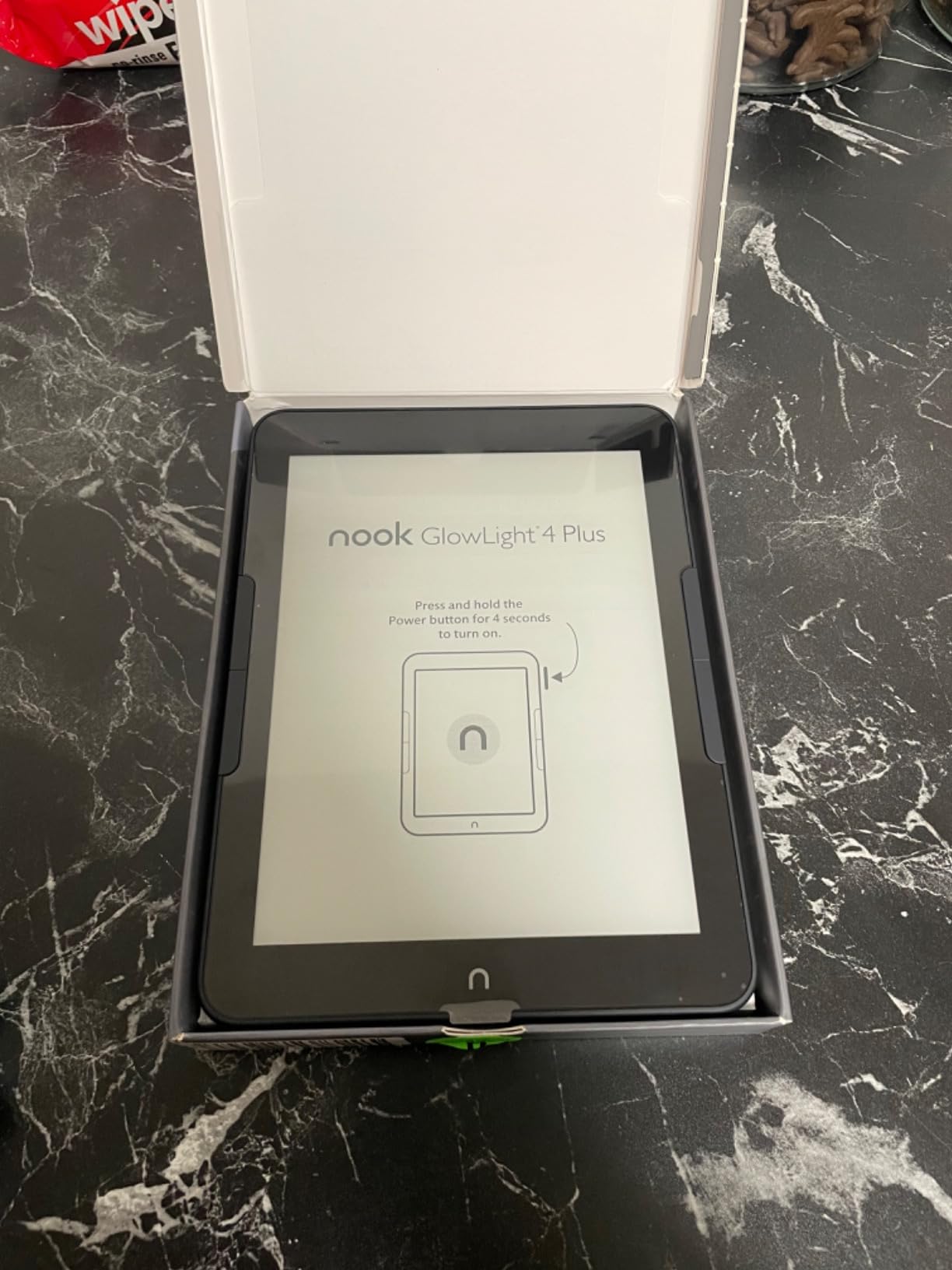
I bought the NOOK GlowLight 4 Plus as a renewed unit for under $100, and the value is undeniable if you get a working device. The 7.8-inch screen is larger than the Kindle Paperwhite, and the physical page-turn buttons are a rare find at this price. The soft-touch finish feels comfortable, and the 32GB storage is generous for the cost.
The reality is more complicated. My unit crashed three times during the first week, and the frontlight settings reset every time the device went to sleep. The battery drains quickly with WiFi enabled, and the button sensitivity is inconsistent. Some buyers receive units that work perfectly, while others get devices that are non-functional out of the box. The waterproofing is a nice feature, but I would not trust this device around water given the software instability.
The ePub and PDF support works well, and the Bluetooth audiobook feature is a nice bonus. The night mode is easy on the eyes, and the screen is readable in bright sunlight. I was able to sideload books via USB without issues, and the 32GB capacity means you will never worry about storage. The 1280×720 resolution is lower than competitors, but text still looks acceptable for novels.
The physical home button requires a long press, which accidentally toggles the frontlight instead of returning home. The MTP mode only exposes Nook-specific folders, which complicates file management. I managed to work around the quirks, but the experience is not as polished as Kindle or Kobo. Buy only if you are comfortable troubleshooting.
When the Nook Makes Sense
The NOOK is worth considering if you are on a tight budget and want a large screen with physical buttons. I only recommend buying it if you have the patience to deal with potential software quirks. The ePub and PDF support works well, and the Bluetooth audiobook feature is a nice bonus. For a reliable daily driver, spend more on a Kindle or Kobo.
Refurbished Value and Risk Assessment
The renewed pricing is aggressive, but the quality control is inconsistent. I recommend buying from a retailer with a solid return policy. If you get a good unit, you have a large-screen waterproof e-reader for half the price of competitors. If you get a bad unit, return it immediately. Do not buy this as a gift for someone who is not tech-savvy enough to troubleshoot.
How to Choose the Best Ereader for You
Choosing the right e-reader comes down to understanding your own reading habits. I have made expensive mistakes by buying devices with features I never used, and I have been frustrated by missing features I assumed were standard. Here is what I prioritize after testing dozens of models.
Screen Size and Portability
Most readers are happy with a 6-inch or 7-inch screen. The 6-inch models fit in jacket pockets and small bags. The 7-inch models give you about 20% more text per page, which reduces page turns. I recommend 6-inch for commuters and 7-inch for home readers. The 10.2-inch Kindle Scribe is only worth it if you read PDFs or take notes regularly.
Ecosystem and File Formats
Amazon Kindle uses a proprietary format that requires conversion for books bought outside Amazon. Kobo supports EPUB natively, which means easier access to library books and indie publishers. Onyx Boox runs Android, so you can install multiple apps. Think about where you buy most of your books before choosing a brand. Switching ecosystems later is possible but annoying.
Waterproofing and Durability
IPX8 waterproofing means the device can survive submersion in water for up to 60 minutes. I consider this essential for anyone who reads by the pool, in the bath, or at the beach. The base Kindle and Boox Go Color 7 lack waterproofing, which is their biggest weakness. If you read anywhere near water, pay for a waterproof model.
Warm Light and Eye Comfort
Warm light shifts the screen from cool blue to amber orange, which reduces eye strain in dark rooms. After testing devices with and without this feature, I will not buy another e-reader that lacks it. The difference in comfort during 30-minute nighttime sessions is dramatic. Every model in this guide except the base Kindle includes warm light.
Color vs Black and White
Color E Ink is impressive for comics and illustrated books, but the technology is still maturing. Text is slightly less sharp on color screens because of the filter layer. Colors are muted compared to LCD tablets. If you read mostly text, black and white is better. If you read comics, graphic novels, or textbooks with charts, color is worth the trade-off.
Battery Life and Storage
All dedicated e-readers last weeks on a single charge. The Scribe and Boox devices drain faster if you write or use apps. For storage, 16GB holds thousands of text books. If you read comics or listen to audiobooks, 32GB or more is safer. I have never filled a 16GB device with novels, but I have run out of space on a 16GB Kindle Colorsoft after loading graphic novels.
Library Borrowing and OverDrive
If you borrow from public libraries, Kobo has the advantage. OverDrive is built into every Kobo device, and borrowing takes seconds. Kindle users must use the Libby app and send books to the device via Amazon, which adds steps. The Boox Go Color 7 lets you install the Libby app directly, which is convenient but slower than a dedicated e-reader.
Note-Taking and Annotation
The Kindle Scribe is the best dedicated note-taking e-reader with its large screen and included pen. The Kobo Libra Colour supports stylus input for lighter annotation. The Boox Go Color 7 works with active styluses but the experience is mediocre. If you take notes daily, buy the Scribe. If you annotate occasionally, the Libra Colour is sufficient.
Frequently Asked Questions
What is the best e-reader to buy in 2026?
The Amazon Kindle Paperwhite is the best e-reader for most buyers in 2026 because it combines a 7-inch glare-free display, IPX8 waterproofing, adjustable warm light, and weeks of battery life at a reasonable price.
Which e-reader is better, Kindle or Kobo?
Kindle is better for buyers who want the largest book store and seamless Amazon integration. Kobo is better for readers who borrow from public libraries, buy EPUB books from multiple stores, or want to avoid the Amazon ecosystem.
What is the difference between Kindle and Kindle Paperwhite?
The basic Kindle has a 6-inch screen, no warm light, and no waterproofing. The Kindle Paperwhite has a larger 7-inch screen, adjustable warm light, IPX8 waterproofing, and a brighter display.
Are e-readers worth it for reading?
Yes, e-readers are worth it for anyone who reads more than one book per month. They reduce eye strain compared to phones and tablets, offer weeks of battery life, and store thousands of books in a lightweight device.
Which e-reader has the best battery life?
The Kindle Paperwhite offers up to 12 weeks of battery life, making it the longest-lasting model in our testing. The base Kindle and Kobo Clara BW also deliver weeks of use between charges.
What is the best budget e-reader?
The Amazon Kindle at $110 is the best budget e-reader. It offers a sharp glare-free display, six weeks of battery life, and full access to the Kindle store.
Do e-readers cause eye strain?
E-readers cause significantly less eye strain than phones, tablets, and computers because they use reflective E Ink technology rather than emitted blue light. Warm light features further reduce strain during nighttime reading.
Final Thoughts
After three months of testing, the Kindle Paperwhite remains my top recommendation for most readers in 2026. It balances every feature that matters without pushing the price into premium territory. The Kobo Libra Colour is the best upgrade for readers who want physical buttons and color. The base Kindle is the safest entry point for curious newcomers.
E-readers have never been better than they are right now. Color displays, waterproofing, and warm light are available at prices that would have seemed impossible five years ago. Whether you choose a Kindle, Kobo, Boox, or Nook, the best ereaders on this list will change the way you read. Pick the one that matches your habits, and start reading.