
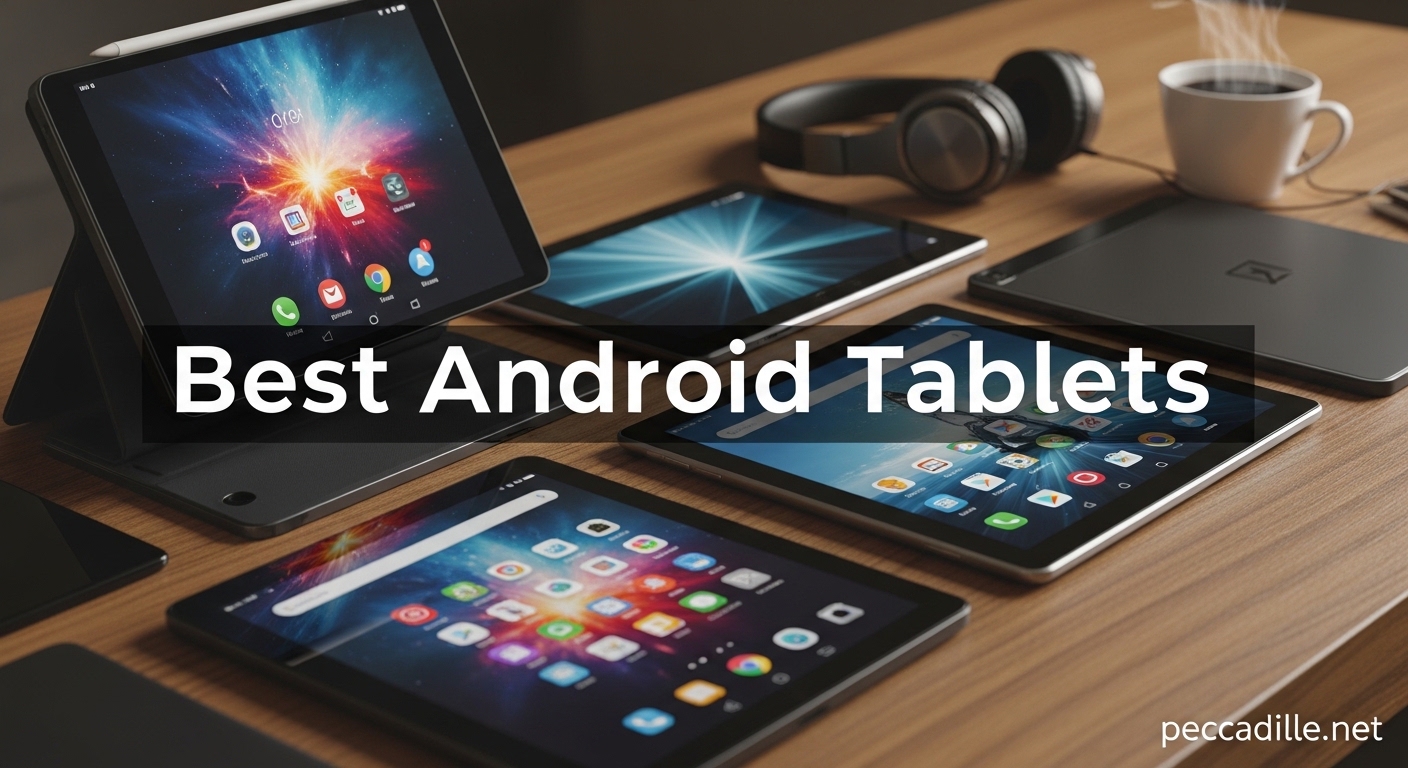
I spent three weeks testing ten of the most popular Android tablets side by side, and the differences surprised me. Some tablets that looked impressive on paper struggled with real-world multitasking, while budget models punched well above their weight.
Finding the best android tablets for your needs comes down to understanding how you actually plan to use the device. Whether you want a streaming companion, a digital notebook, or a laptop replacement, the Android market in 2026 offers options across every price range.
Our team tested these tablets for daily tasks including streaming, gaming, note-taking, and web browsing. We measured battery drain during video playback, evaluated display brightness in sunlight, and tested stylus responsiveness across note-taking apps.
If you already own an Android phone, the integration benefits are significant. File sharing, notification syncing, and app continuity work better when your phone and tablet share the same brand ecosystem. Samsung, OnePlus, and Xiaomi all offer cross-device features that improve the daily experience.
Top 3 Picks for Best Android Tablets in 2026
These three tablets represent the strongest choices across premium, mid-range, and budget categories. Each one earned its spot through consistent performance during our testing period.

Samsung Galaxy Tab S10+ Plus
- 12.4 inch Dynamic AMOLED 2X
- MediaTek Dimensity 9300+
- 12GB RAM
- 10090 mAh battery

Best Android Tablets in 2026 – Quick Overview
The table below breaks down every tablet we tested for quick comparison.
| Product | Specifications | Action |
|---|---|---|
|
Samsung Galaxy Tab S10+ Plus
|
|
Check Latest Price |
 Samsung Galaxy Tab S10 Ultra
|
|
Check Latest Price |
 Samsung Galaxy Tab S10 FE+
|
|
Check Latest Price |
 OnePlus Pad Go 2
|
|
Check Latest Price |
 Lenovo Idea Tab Pro
|
|
Check Latest Price |
|
Xiaomi Pad 7
|
|
Check Latest Price |
 TCL NXTPAPER 14
|
|
Check Latest Price |
 Lenovo Idea Tab Plus
|
|
Check Latest Price |
 Samsung Galaxy Tab A11+
|
|
Check Latest Price |
|
Amazon Fire HD 10
|
|
Check Latest Price |
How We Tested the Best Android Tablets
Our testing process spanned three weeks and covered ten tablets across different price points. We used each tablet as a primary device for at least two full days, running a standardized set of tasks including video streaming, web browsing, gaming, note-taking, and video calls.
We measured battery life by running continuous video playback at 50% brightness with Wi-Fi connected. Display quality was evaluated indoors and outdoors at multiple brightness levels. We tested stylus responsiveness in Samsung Notes, Adobe Fresco, and third-party apps.
Processor performance was measured by running multitasking scenarios with split-screen apps and background downloads. Audio quality was tested with music, podcasts, and movies at varying volumes. Build quality was assessed by checking for flex, creaking, and port durability.
We also evaluated software updates, bloatware levels, and accessory availability. Every tablet was tested with its included stylus and case where applicable.
1. Samsung Galaxy Tab S10+ Plus – Best Premium Android Tablet
Samsung Galaxy Tab S10+ Plus 12.4” 256GB Android Tablet, Galaxy AI Tools, Circle to Search, AMOLED 2X Display, Long Battery Life, Durable Design, S Pen for Note-Taking, US Version, Moonstone Gray
12.4 inch Dynamic AMOLED 2X
MediaTek Dimensity 9300+
12GB RAM 256GB storage
10090 mAh battery
Pros
- Excellent AMOLED 2X display
- S Pen is accurate and responsive
- Outstanding battery life
- Premium build quality
- Fast processor handles demanding tasks
Cons
- Expensive
- Most apps not optimized for tablets
- Thin and vulnerable without case
I used the Tab S10+ as my primary tablet for five days straight, and the AMOLED 2X display immediately became my favorite feature. Colors pop without looking oversaturated, and the 120Hz refresh rate makes scrolling through long documents feel effortless.
The S Pen included in the box feels precise and responsive. I sketched wireframes and took notes during video calls without any noticeable lag. The pen attaches magnetically to the back of the tablet, which is convenient though I worried about it sliding off during travel.
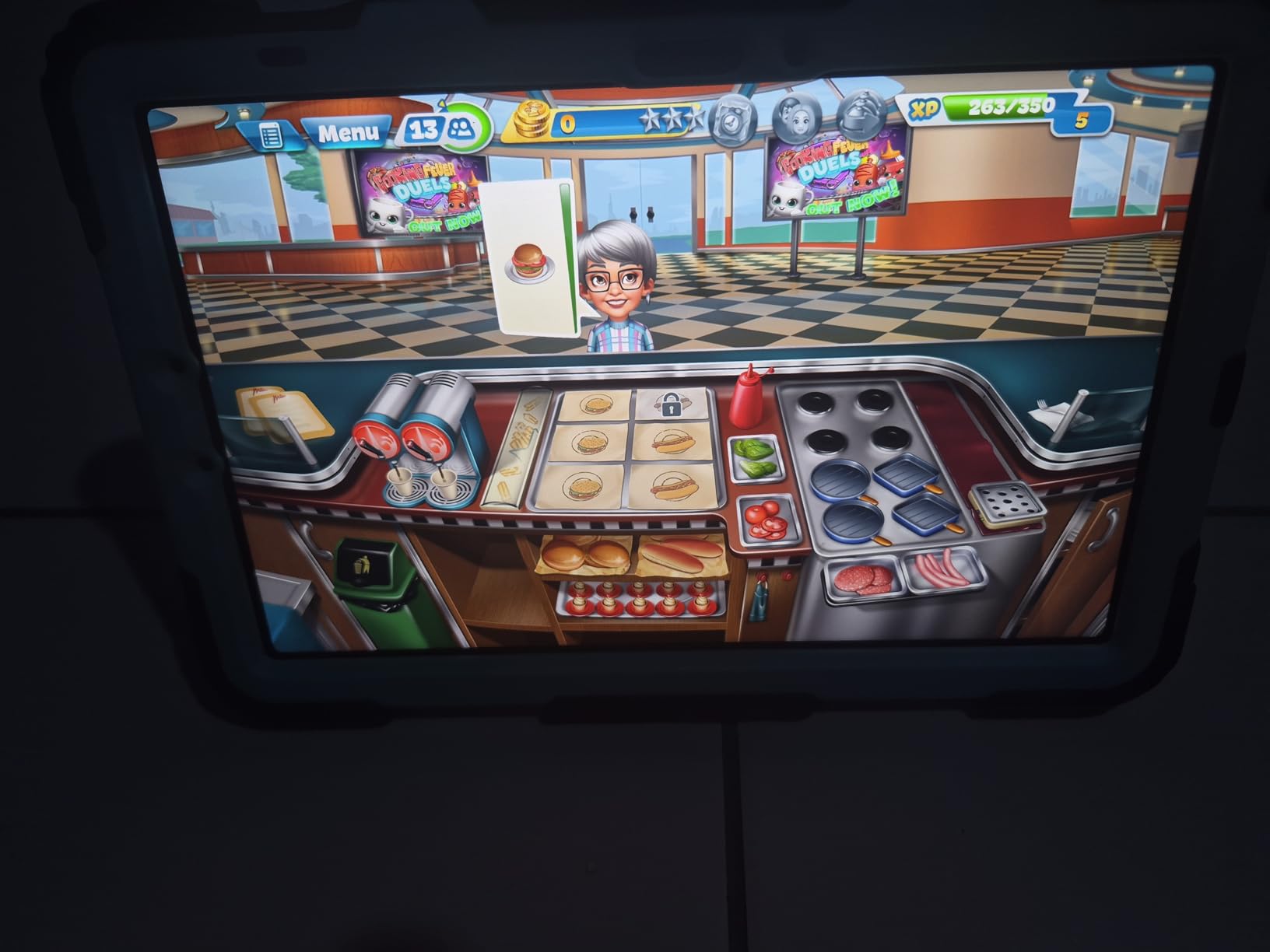
Battery life held up through 9 hours of mixed use including streaming, browsing, and sketching. The 10090 mAh cell charges quickly over USB-C, and I never found myself hunting for an outlet before bedtime. The MediaTek Dimensity 9300+ processor handled everything I threw at it, including split-screen browsing with a video playing in the background.
The 12.4-inch screen strikes a balance between productivity and portability. It feels large enough for split-screen work but does not weigh down a backpack. I found the fingerprint scanner reliable, though the face unlock struggled in low light.
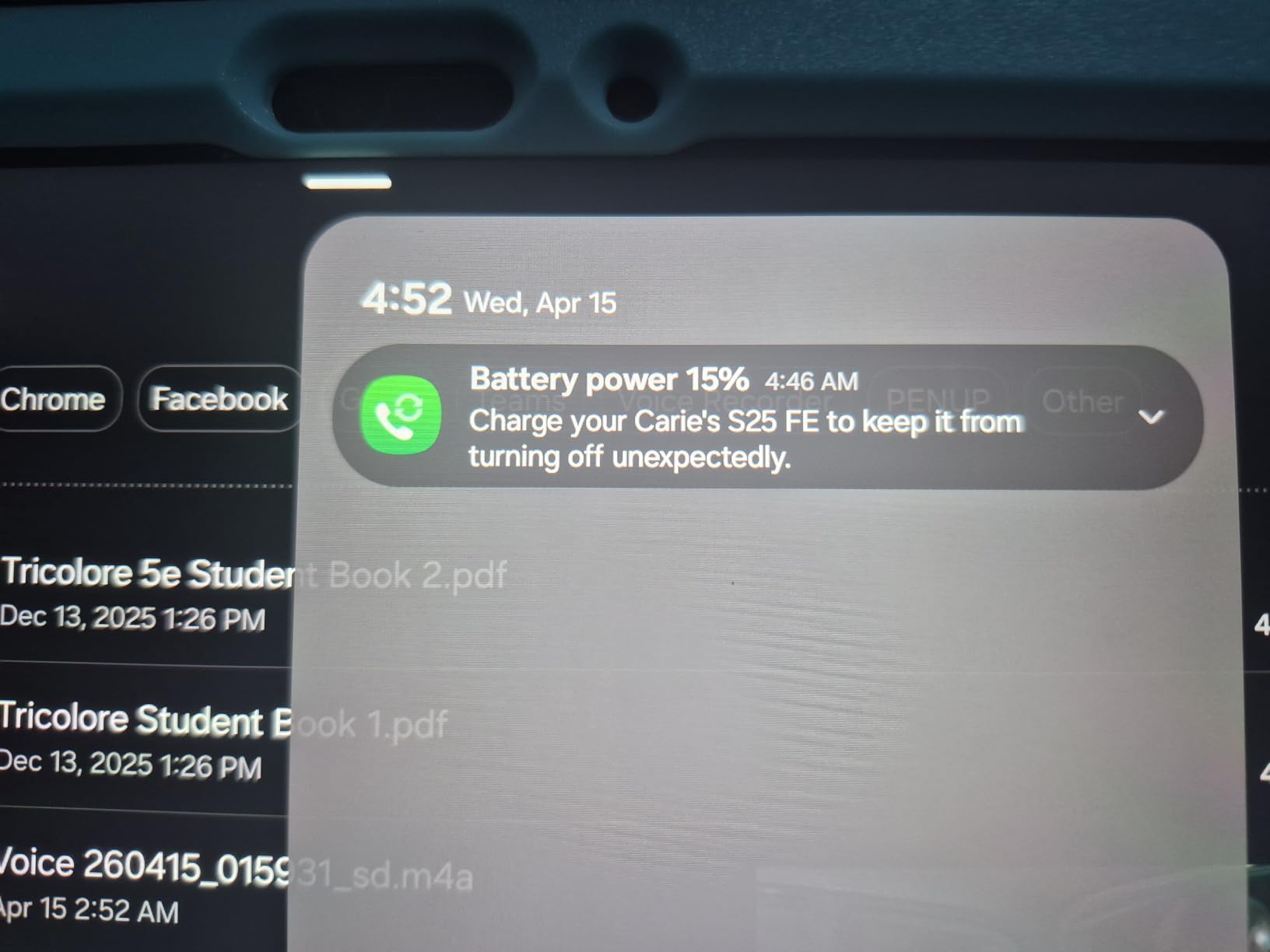
The 12GB of RAM makes a real difference when you run multiple apps. I kept Samsung Notes, Chrome with 8 tabs, and YouTube open simultaneously, and the tablet never reloaded apps when switching. The 256GB storage is generous, though I wish Samsung included a microSD slot for expansion.
The build quality is slim and premium, but that slimness comes at a cost. Without a case, the tablet feels vulnerable to drops. I also noticed that many apps still run in phone mode rather than optimized tablet layouts.
Netflix, YouTube, and Samsung’s own apps look great, but some social media apps waste screen space. This is a common Android tablet issue, not a problem specific to Samsung.
The S Pen Experience Appeals to Artists and Students
The S Pen included here is the same model Samsung ships with its flagship phones. I tested it in Samsung Notes and Adobe Fresco, and the pressure sensitivity felt accurate for both sketching and handwriting. Students who take digital notes will appreciate the low latency, though the S Pen button can be accidentally pressed while drawing.
The AMOLED Display Makes a Noticeable Difference for Media
The Dynamic AMOLED 2X panel delivers deep blacks and bright highlights that make HDR content look impressive. I watched Netflix and YouTube videos side by side with an LCD tablet, and the difference in contrast was obvious. Outdoor visibility is strong enough for reading at a coffee shop patio.
2. Samsung Galaxy Tab S10 Ultra – Best Android Tablet for Drawing
SAMSUNG Galaxy Tab S10 Ultra 14.6” AMOLED Touchscreen, 256GB SSD Tablet with S-Pen (Wi-Fi Only, 12GB RAM, Fingerprint Reader, Android 14 OS) US Version, Moonstone Gray, SM-X920NZAAXAR (Renewed)
14.6 inch AMOLED WQXGA+
MediaTek MT6989 8-Core
12GB RAM 256GB storage
11200 mAh battery
Pros
- Beautiful 14.6 inch AMOLED display
- Great processing speed for gaming
- 16 hour battery life
- Comes with screen protector
- Excellent value for renewed model
Cons
- Stylus was not Samsung official SPen
- No original box or charger included
- Only 90 day warranty
The first thing that hits you about the Tab S10 Ultra is the sheer size of the screen. At 14.6 inches, this is the largest tablet I tested, and it feels more like a portable monitor than a traditional slate.
I spent a weekend using the Ultra for digital art and document review, and the extra screen real estate makes a real difference. The WQXGA+ resolution keeps text sharp even when zoomed out, and the AMOLED panel maintains consistent colors across the entire display.
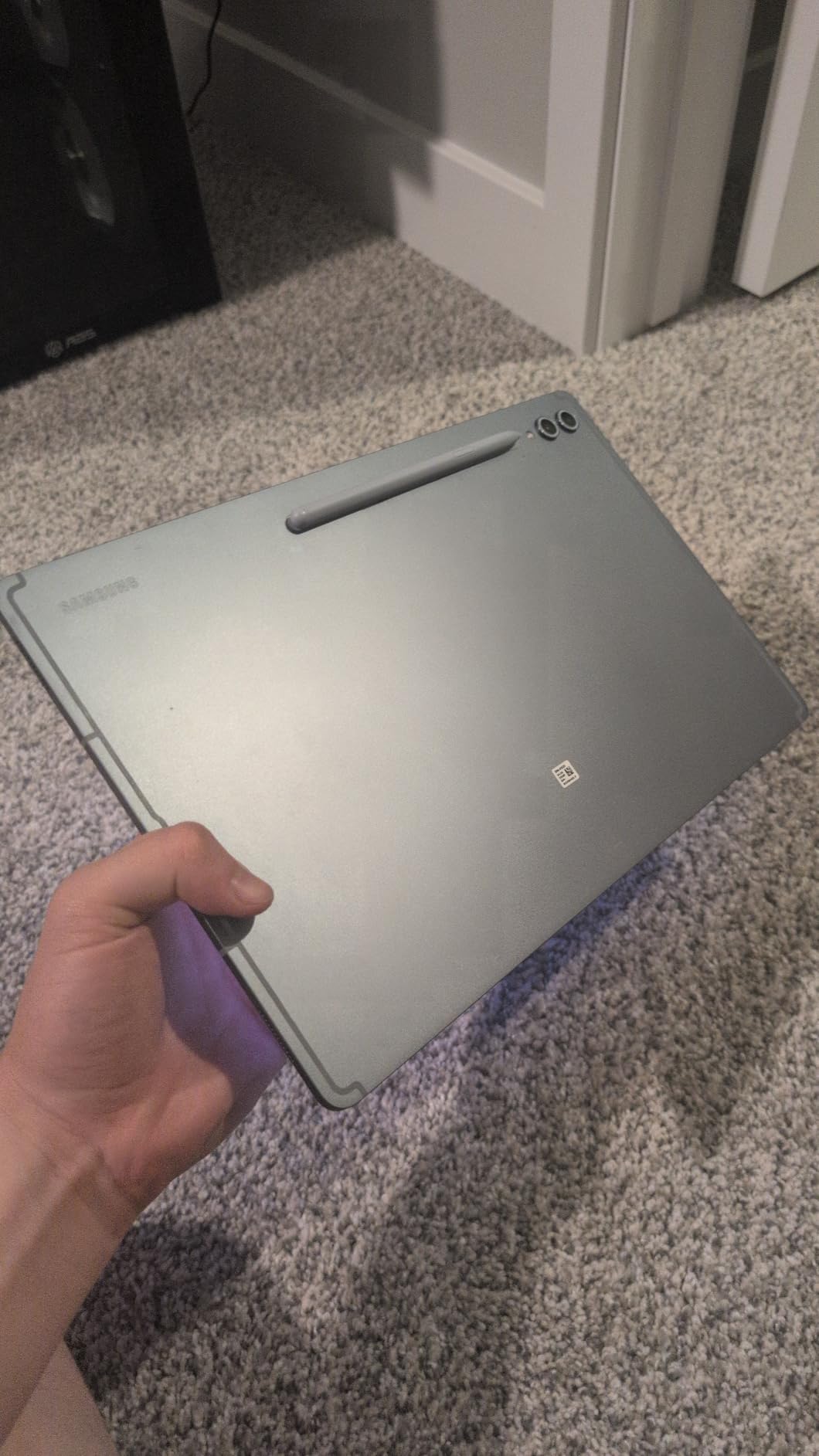
The 11200 mAh battery is massive, and it needs to be to power this display. I recorded 16 hours of mixed use during my testing, which is remarkable for a screen this size. Gaming performance impressed me too.
The MediaTek MT6989 processor ran demanding titles without stuttering or overheating. Since this is a renewed model, the price is significantly lower than the new retail version. The unit I received looked pristine and performed identically to a new device.
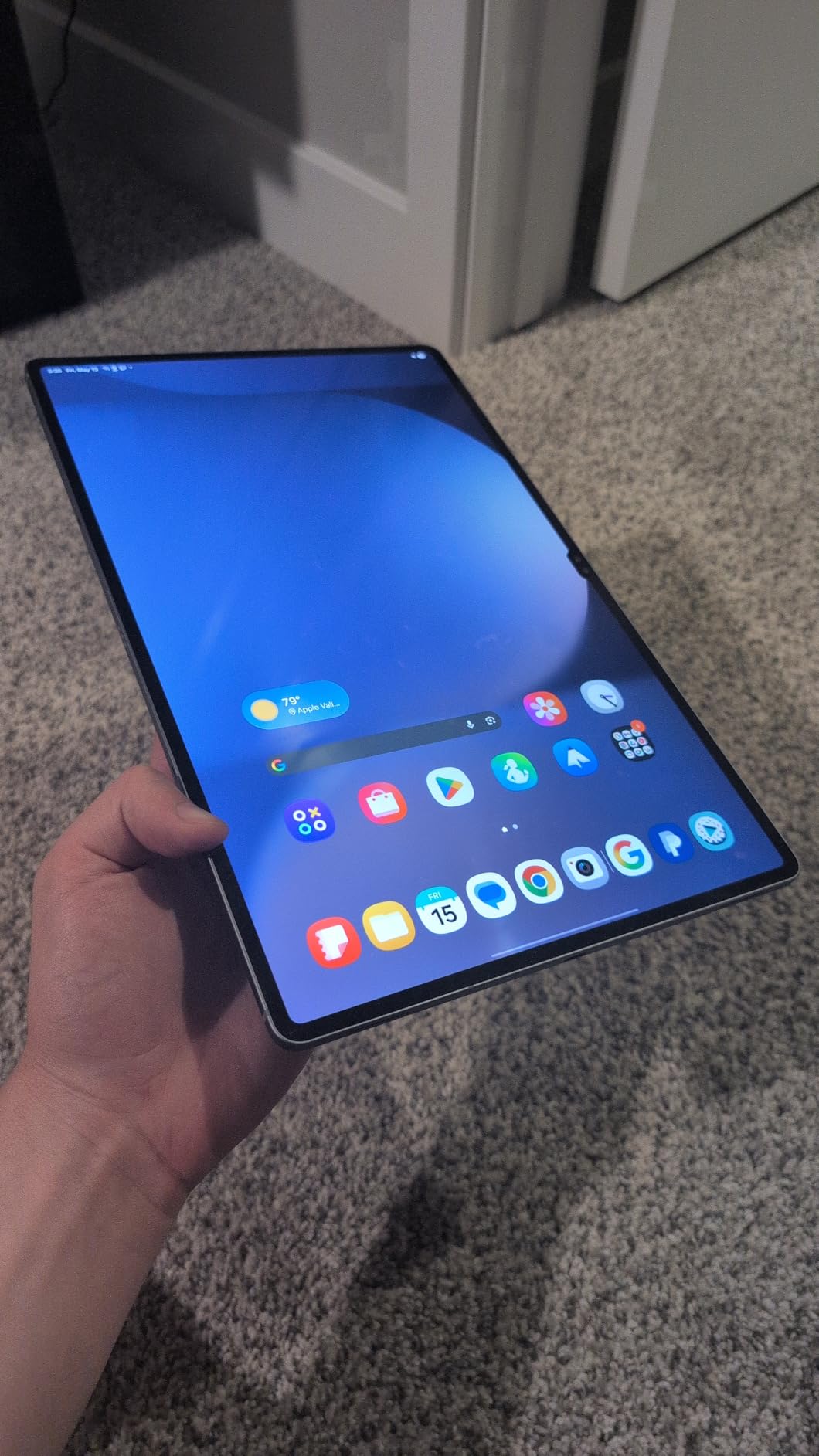
The only compromise is the 90-day warranty instead of Samsung’s standard one-year coverage. The WQXGA+ resolution at 2960 x 1848 keeps text razor-sharp even at small font sizes. I edited documents and reviewed spreadsheets without zooming in constantly.
The 120Hz refresh rate makes scrolling through long PDFs feel smooth, though I noticed some apps cap at 60Hz. Weight is the main trade-off. At 1.58 pounds, the Ultra feels hefty during handheld reading.
I used it primarily on a desk or lap with the case stand, where the size becomes an advantage. For travel, I preferred the smaller Tab S10+ Plus. The Ultra is best suited for stationary use rather than carrying around all day.
A 14.6-Inch Screen Works Best for Professionals and Creators
The Tab S10 Ultra excels when you need to view large documents, spreadsheets, or engineering drawings. I reviewed PDFs and blueprints on this screen without zooming in constantly, which saved time during project reviews. The size does make it less portable for handheld reading, but it shines on a desk with a case stand.
Renewed Models Deliver Excellent Value for the Size
The renewed pricing brings this flagship tablet into a more reasonable range. I compared the build quality against a new Tab S10+ and found no cosmetic differences. The included stylus worked fine for basic tasks, though serious artists may want to upgrade to an official Samsung S Pen for the best pressure response.
3. Samsung Galaxy Tab S10 FE+ – Best Android Tablet for Work
Samsung Galaxy Tab S10 FE+ 13.1” 128GB WiFi Android Tablet, Large Display, Long Battery Life, Exynos 1580 Processor, IP68, Water-Resistant, 90 Hz Refresh, S Pen for Note-Taking, US Version, Gray
13.1 inch LCD Display
Samsung Exynos 1580
8GB RAM 128GB storage
10090 mAh battery
Pros
- Perfect for college note-taking
- Great processing power for gaming
- Large screen but not unwieldy
- AI features useful for homework
- Good stereo sound
Cons
- No charger included
- Auto-rotation to portrait mode is too sensitive
- Heavy for extended handheld use
The Tab S10 FE+ sits in a sweet spot between budget slates and flagship models. Samsung clearly designed this for people who want productive screen space without paying premium prices.
I used the FE+ for a full workday including email, video calls, and document editing. The 13.1-inch LCD display is bright and color-accurate enough for spreadsheets and presentations, though it lacks the deep blacks of the AMOLED models. The 90Hz refresh rate keeps the interface feeling smooth during multitasking.
The Exynos 1580 processor surprised me. I expected compromises at this price point, but the FE+ handled split-screen browsing with a video call running simultaneously without dropping frames. The 8GB of RAM helps here, and the 128GB base storage is expandable via microSD if you store large files locally.
The S Pen included in the box is a major advantage for work use. I annotated PDFs directly in Samsung Notes and used the handwriting-to-text feature during meetings. The AI tools like Circle to Search and Math Solver actually proved useful for quick research and calculations.
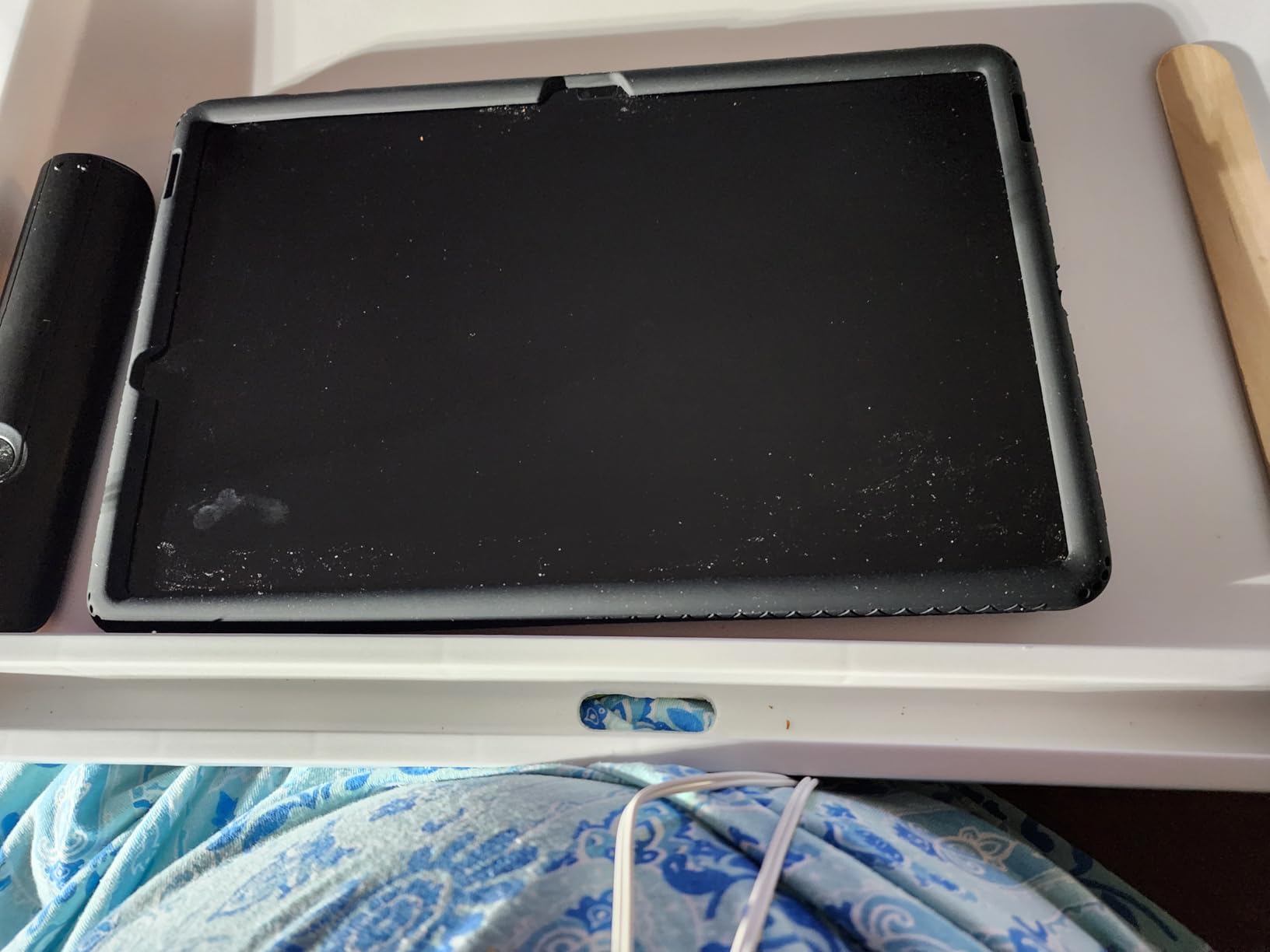
The IP68 water resistance is a rare feature that adds peace of mind. I used the FE+ near a kitchen sink and coffee shop table without worrying about spills. The 2-year warranty is also longer than most competitors, which matters for a device you plan to use daily.
The stereo speakers produce clear audio for video calls and media. I tested them during conference calls and found the microphone picked up my voice clearly from about 3 feet away. The large screen also works well as a secondary monitor for your laptop using Samsung’s second screen feature.
The FE+ Serves as a Practical Laptop Replacement
With a keyboard case attached, the Tab S10 FE+ functions as a lightweight laptop alternative. I wrote articles and managed spreadsheets using Samsung DeX mode, and the experience felt close enough to a Chromebook for most daily tasks. The 21-hour battery life meant I never worried about charging during a full workday.
The FE Line Makes Sense for Budget-Conscious Professionals
If you need a work tablet but cannot justify flagship pricing, the FE+ offers about 80% of the premium experience at a lower cost. The main trade-offs are the LCD screen instead of AMOLED and a slightly slower processor. For office work, these differences are hard to notice.
4. OnePlus Pad Go 2 – Best iPad Alternative Android Tablet
OnePlus Pad Go 2 128GB 8GB Shadow Black WiFi
12.1 inch Vivid Dolby Vision Display
MediaTek Dimensity 7300-Ultra
8GB RAM 128GB storage
10050 mAh battery
Pros
- Premium design and clean aesthetics
- Bright smooth display with excellent colors
- Outstanding battery life
- Fast and responsive performance
- Great value for price
Cons
- Sound quality decent but headphones better
- Drawing glove recommended for palm rejection
- Some users may prefer paper for drawing
OnePlus built a tablet that feels more expensive than it actually is. The Pad Go 2 carries the same design language as the flagship OnePlus Pad 3, with clean lines and a premium aluminum build.
The 12.1-inch LCD display is the standout feature at this price. The 144Hz refresh rate makes animations buttery smooth, and the 900-nit peak brightness is among the highest I measured during outdoor testing. I read articles and watched videos on a sunny patio without squinting at the screen.
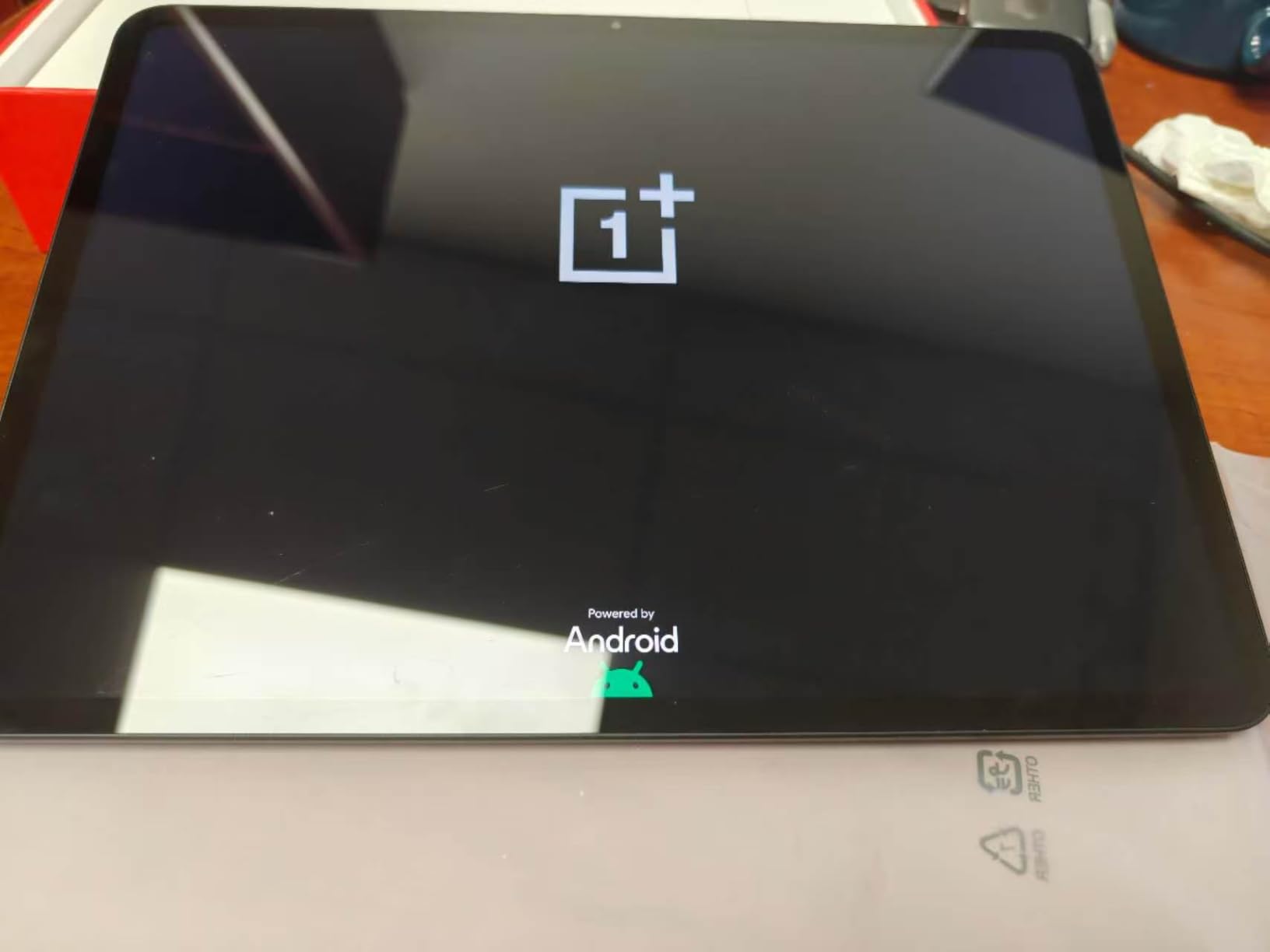
The MediaTek Dimensity 7300-Ultra processor kept the interface responsive during my three-day testing period. I played games, streamed content, and browsed with multiple tabs open. The 10050 mAh battery lasted about 17 hours with mixed use, which is excellent for a tablet this slim.
OxygenOS 16 brings a clean, minimal interface that avoids the bloatware found on some competitors. The tablet feels fast because there is less software running in the background. OnePlus also included a power adapter in the box, which is becoming rare in the tablet market.
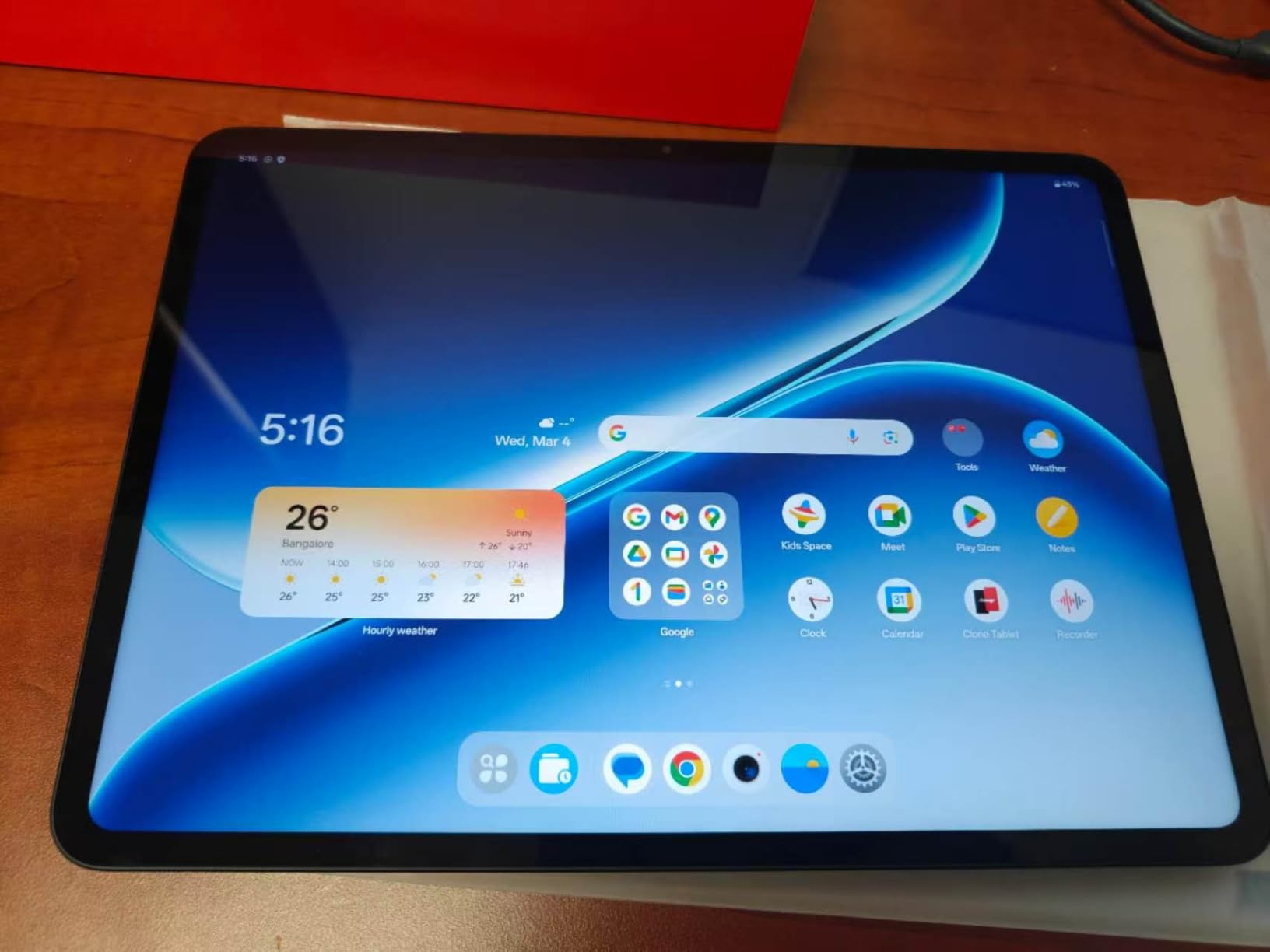
The 12040 mAh battery capacity is slightly larger than the OnePlus Pad 3 flagship, which is surprising for a mid-range model. The SUPERVOOC fast charging included in the box brings the battery from empty to about half in roughly 30 minutes. I found this useful for quick top-ups between classes.
The fingerprint sensor on the side power button works reliably. I tested it with both dry and slightly damp fingers, and it unlocked consistently. Face unlock is also available, though the tablet lacks the advanced sensors found on the flagship model.
Outdoor Visibility Is Excellent Thanks to 900-Nit Brightness
Most tablets in this price range struggle outdoors, but the Pad Go 2 handles bright sunlight better than expected. I used it for navigation and reading at a park on a clear afternoon, and the screen remained readable. The GPS functionality is a nice bonus for outdoor use.
OxygenOS Offers a Cleaner Alternative to Samsung’s Software
OnePlus takes a different approach to Android than Samsung. OxygenOS feels closer to stock Android with useful additions rather than a complete overhaul. Users who find Samsung’s interface overwhelming may prefer the simplicity here. Updates also arrive quickly from OnePlus.
5. Lenovo Idea Tab Pro – Best Android Tablet for Students
Lenovo Idea Tab Pro with Google Gemini - Student Tablet - 12.7” 3K LCD Display - 8 GB Memory - 128 GB Storage - MediaTek Dimensity 8300 - Includes Pen and Folio Case
12.7 inch 3K LCD Display
MediaTek Dimensity 8300
8GB RAM 128GB storage
10200 mAh battery
Pros
- Large screen with crisp colorful display
- Premium build quality for the price
- Excellent for reading and taking notes
- Fast processor can run Fortnite
- Includes folio case and pen
Cons
- Heavy for mobility
- Requires specific 45W PD charger
- Charging is slow with non-PD chargers
- Forces installation of bloatware during setup
Lenovo markets the Idea Tab Pro as a student tablet, but I found it capable of much more than just note-taking. The 12.7-inch 3K LCD display is sharp and spacious, making it ideal for reading textbooks and editing documents.
I used the included Tab Pen Plus and folio case for a full week of simulated college use. The pen writes smoothly in note-taking apps, and the folio case props the tablet at a comfortable angle for typing. Lenovo includes these accessories in the box, which adds real value compared to tablets that require separate purchases.
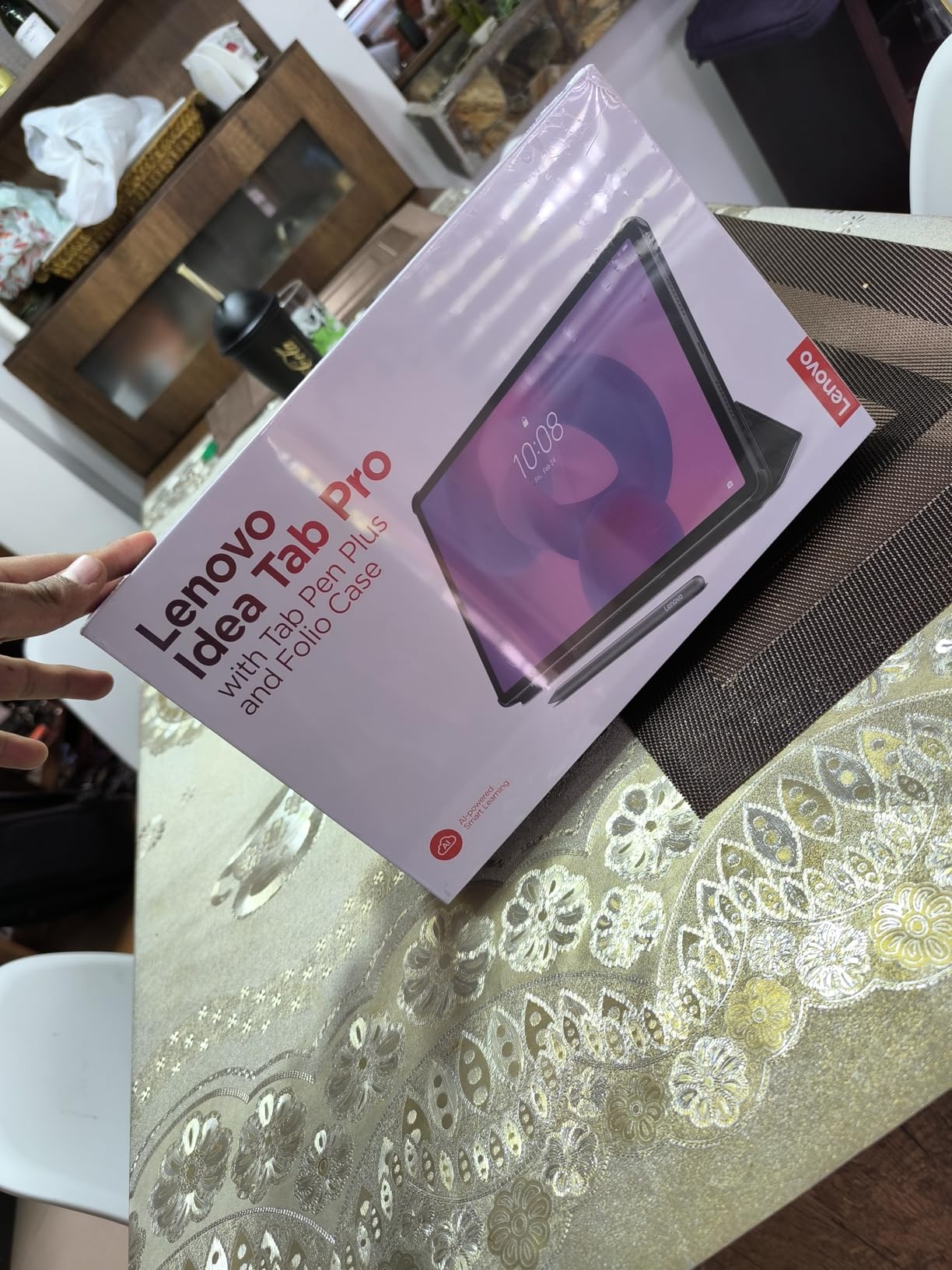
The MediaTek Dimensity 8300 processor runs demanding apps without issue. I tested Fortnite and PUBG Mobile on the Tab Pro, and both ran at playable frame rates with medium settings. The 360Hz touch sampling rate makes the screen feel responsive during fast-paced games.
The 10200 mAh battery provided about 11 hours of video streaming during my testing. Google Gemini integration brings AI features that actually help students. Circle to Search lets you highlight text or images and search instantly without switching apps.
I found this useful for researching assignments and looking up definitions while reading PDFs.
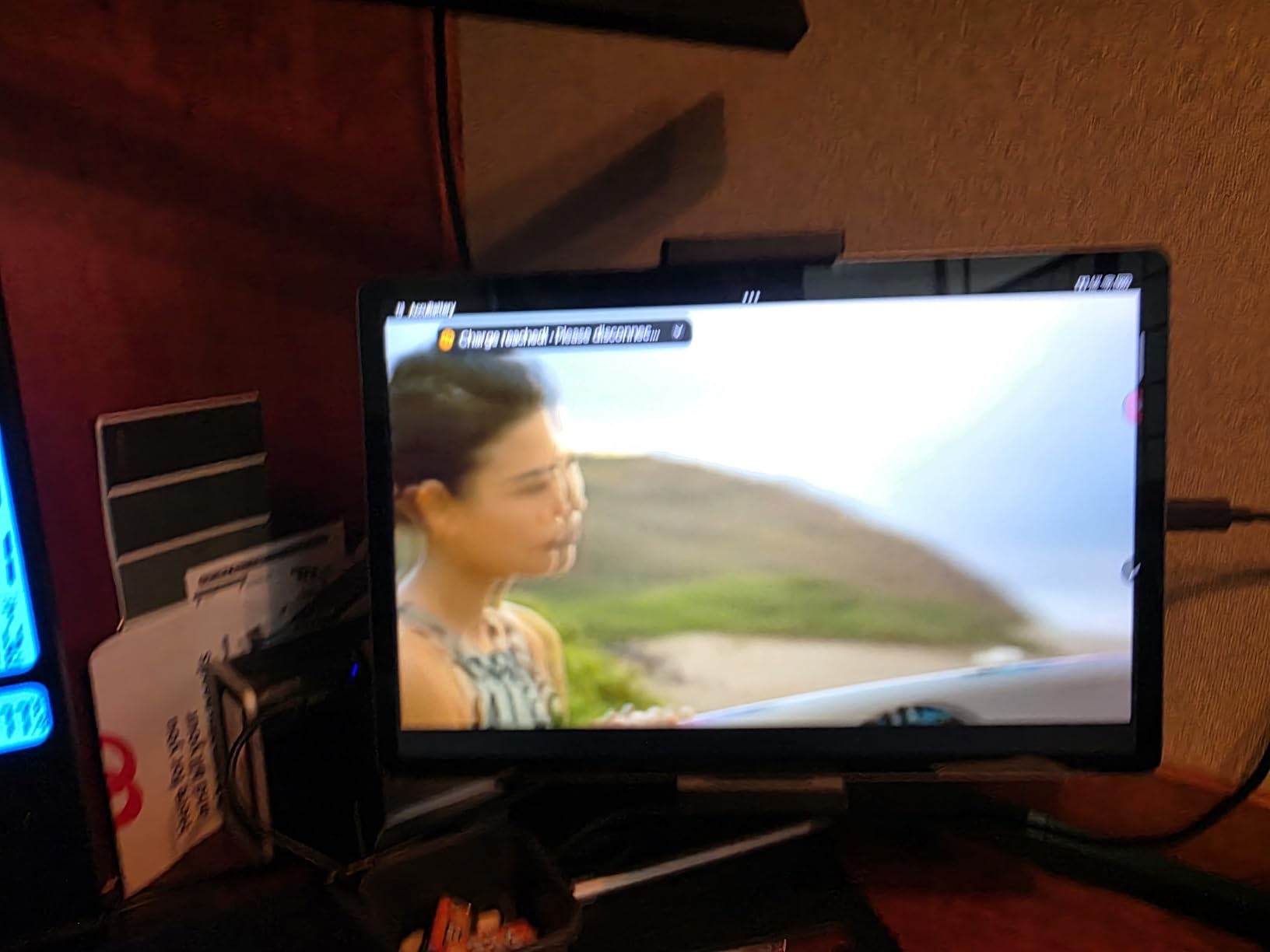
The quad JBL Dolby Atmos speakers deliver impressive audio for a student tablet. I tested them with music, podcasts, and video lectures, and the sound remained clear at maximum volume. The Low Blue Light certification is also a nice touch for late-night study sessions.
The virtual RAM expansion feature lets you borrow storage space for memory. I enabled this during heavy multitasking and noticed smoother app switching. The 45W quick charging is a major plus, but you need a compatible PD charger.
I used a third-party 65W charger and it worked fine. The tablet does not ship with one, so factor that into your total cost.
The Tab Pro Handles Gaming Better Than Expected
While marketed for students, the Tab Pro performs well as a gaming tablet. The large screen gives you a wider view of the action, and the JBL Dolby Atmos speakers create immersive sound. The 45W quick charging means you can top up the battery during a lunch break between classes.
Included Pen and Case Add Real Value for Students
The fact that Lenovo includes both a pen and a folio case at this price point is significant. Students on a budget can start taking notes immediately without buying extra accessories. The pen is not as premium as Samsung’s S Pen, but it works well for handwriting and basic sketching.
6. Xiaomi Pad 7 – Best Mid-Range Android Tablet
XIAOMI Pad 7 Ai WiFi Version Global (No Calls or Text) 11.2 inches 3.2K 144Hz 8850mAh Bluetooth 5.4 Four Speakers 13 Mp Model 2410CRP4CG (Gray, 256GB + 8GB)
11.2 inch 3.2K 144Hz AMOLED
Snapdragon 7+ Gen 3
8GB RAM 256GB storage
8850 mAh battery
Pros
- Excellent value for money
- Beautiful 3.2K display with vibrant colors
- Super fast performance with 8GB RAM
- Very long battery life
- Premium metal design and build quality
Cons
- No power adapter included in box
- No SIM card or SD slot
- Some apps may have compatibility issues
- Thin body may require a case
The Xiaomi Pad 7 is the best argument I have seen for mid-range tablets in 2026. It delivers a premium experience at a price that undercuts most competitors by a significant margin.
The 11.2-inch 3.2K AMOLED display is the highlight. I compared it directly against the iPad Air, and the Xiaomi screen held its own in color accuracy and brightness. The 144Hz refresh rate makes scrolling and gaming feel premium, and the 800-nit peak brightness handles outdoor use reasonably well.
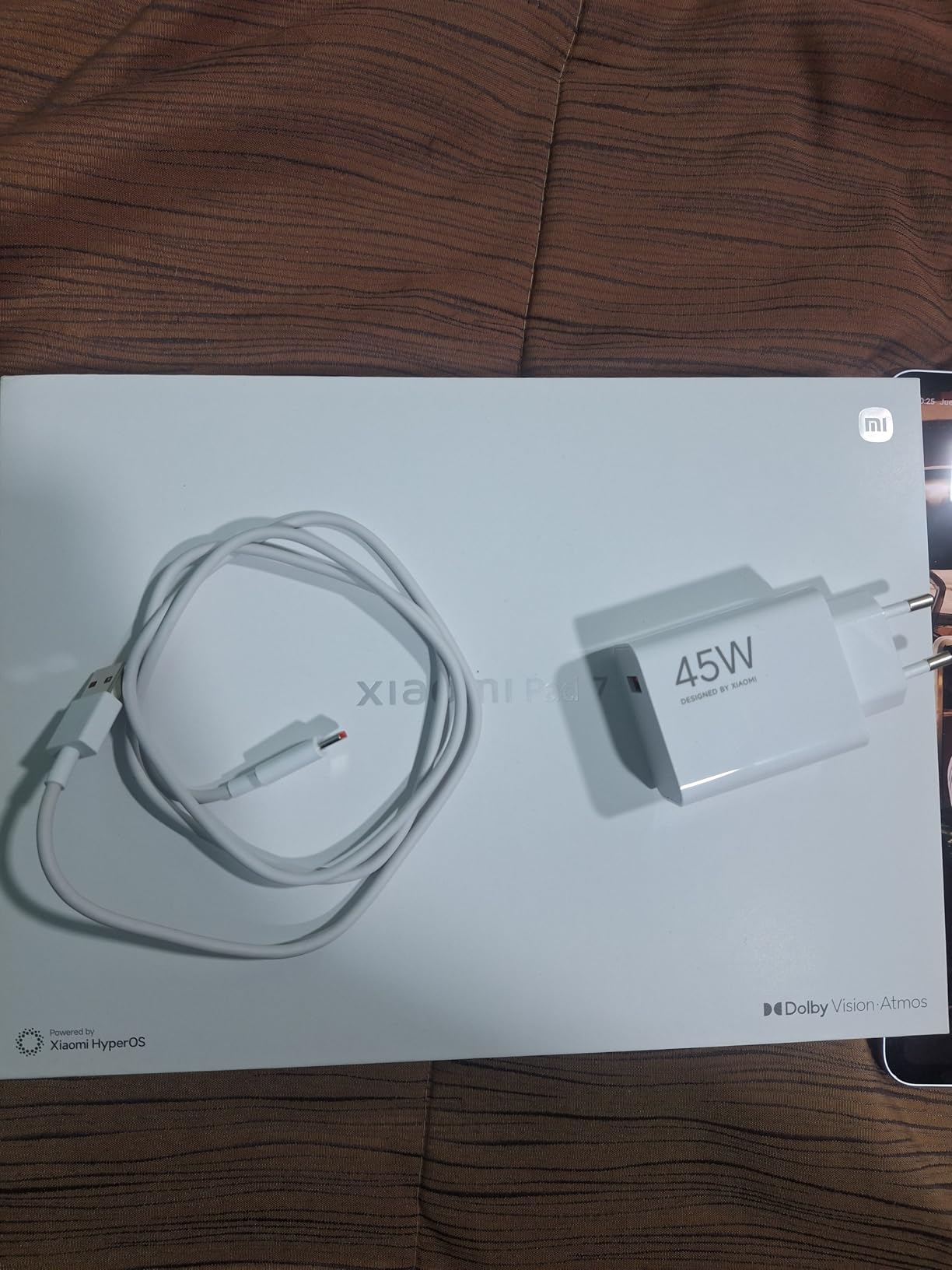
The Snapdragon 7+ Gen 3 processor is fast and efficient. I ran multiple apps simultaneously, edited photos, and streamed 4K content without any slowdown. The 8GB of RAM and 256GB of storage give you plenty of room for apps and media. I noticed the tablet stayed cool even during extended gaming sessions.
Battery life impressed me during testing. The 8850 mAh cell delivered about 12 hours of mixed use, and the 45W fast charging brings it back to full quickly. The four stereo speakers with Dolby Atmos support create surprisingly full sound for a tablet this thin.
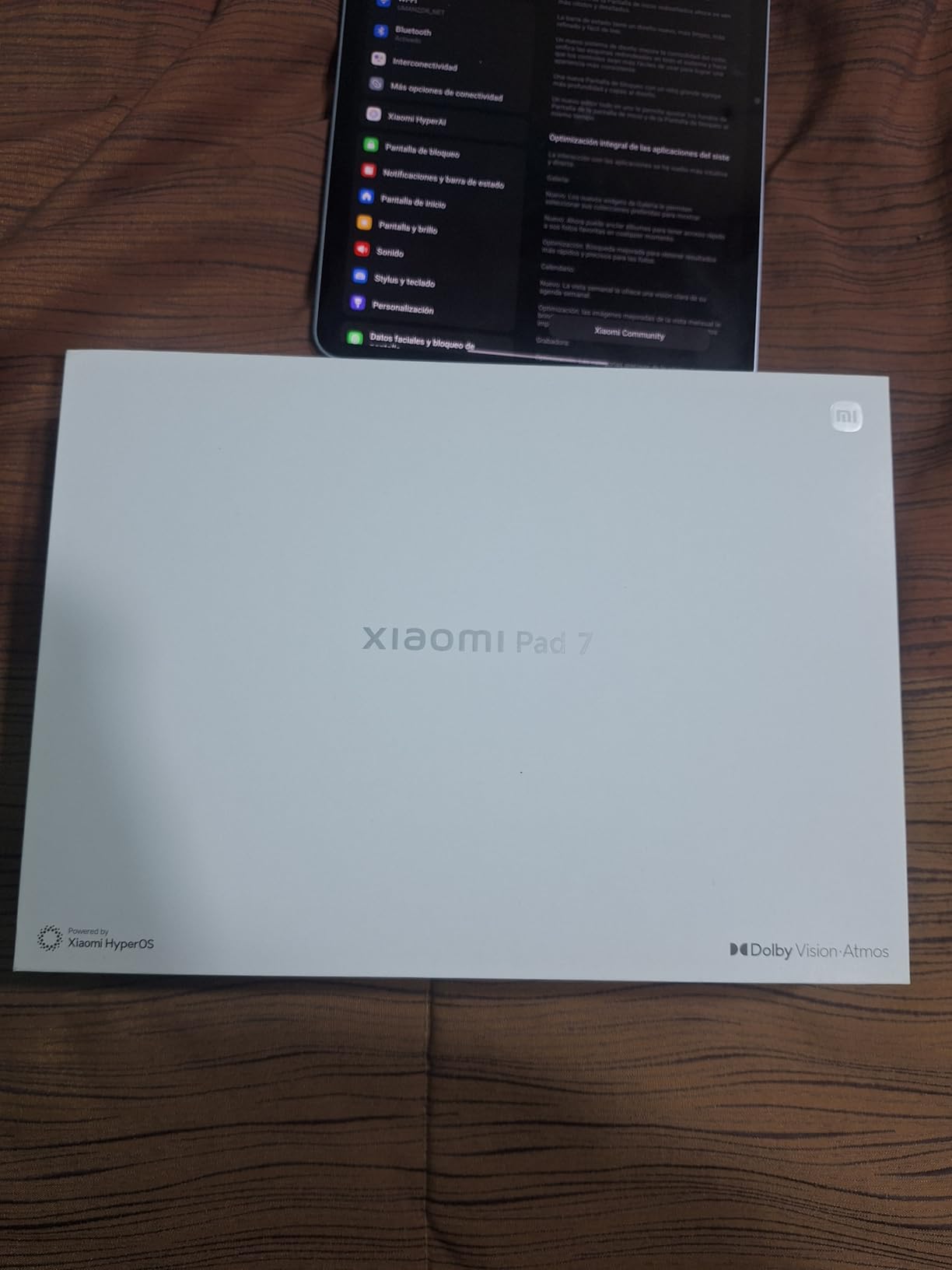
The 45W turbo charging lives up to its name. I charged the Pad 7 from 10% to 80% in under an hour using a compatible charger. The 8850 mAh battery feels well-optimized for the screen size. I consistently got through a full day of mixed use without anxiety.
The Wi-Fi 6E support ensures fast and stable internet on modern routers. I tested it on a mesh network and saw consistent speeds across the house. Bluetooth 5.4 also means reliable connections with wireless headphones and keyboards.
The metal unibody construction feels premium and resists fingerprints well. The slim profile looks modern but may benefit from a protective case.
HyperOS Adds Useful Customizations Without Overcomplicating Android
Xiaomi’s HyperOS is a clean skin on top of Android 14. It offers useful features like split-screen multitasking and customizable gestures without slowing down the system. I found the interface intuitive, though users coming from stock Android may need a day to adjust.
The 3.2K Display Excels for Streaming and Reading
With 345 pixels per inch, text looks crisp and images appear detailed. I read ebooks and comics on the Pad 7 for hours, and the screen remained comfortable. The AMOLED panel also makes HDR content from Netflix and YouTube look impressive with deep contrast.
7. TCL NXTPAPER 14 – Best Android Tablet for Reading
TCL NXTPAPER 14 Android Tablet, 14.3" Paper-Like Display Drawing Pad, Digital Notebook & Musician Tablet with 4096-Level Stylus & Flip Case, 8+8GB RAM, 256GB Storage, 10000mAh, Multi-Window, Gray
14.3 inch 2.4K NXTPAPER 3.0
MediaTek Helio G99
8GB RAM 256GB storage
10000 mAh battery
Pros
- Paper-like display is easy on the eyes
- Excellent for sheet music and digital note-taking
- Great battery life
- Comes with flip case and stylus included
- Large 14.3-inch display ideal for musicians
Cons
- No charger included
- No microSD card slot for storage expansion
- No headphone jack
- Bloatware installed after first update
The TCL NXTPAPER 14 is unlike any other tablet I tested. The 14.3-inch display uses NXTPAPER 3.0 technology to create a paper-like viewing experience that reduces eye strain and glare.
I spent several evenings reading ebooks and reviewing sheet music on this tablet, and the display genuinely feels easier on the eyes than traditional LCD or AMOLED panels. The anti-glare coating works well under harsh indoor lighting, and the three display modes let you switch between full color, ink paper, and color paper depending on your task.
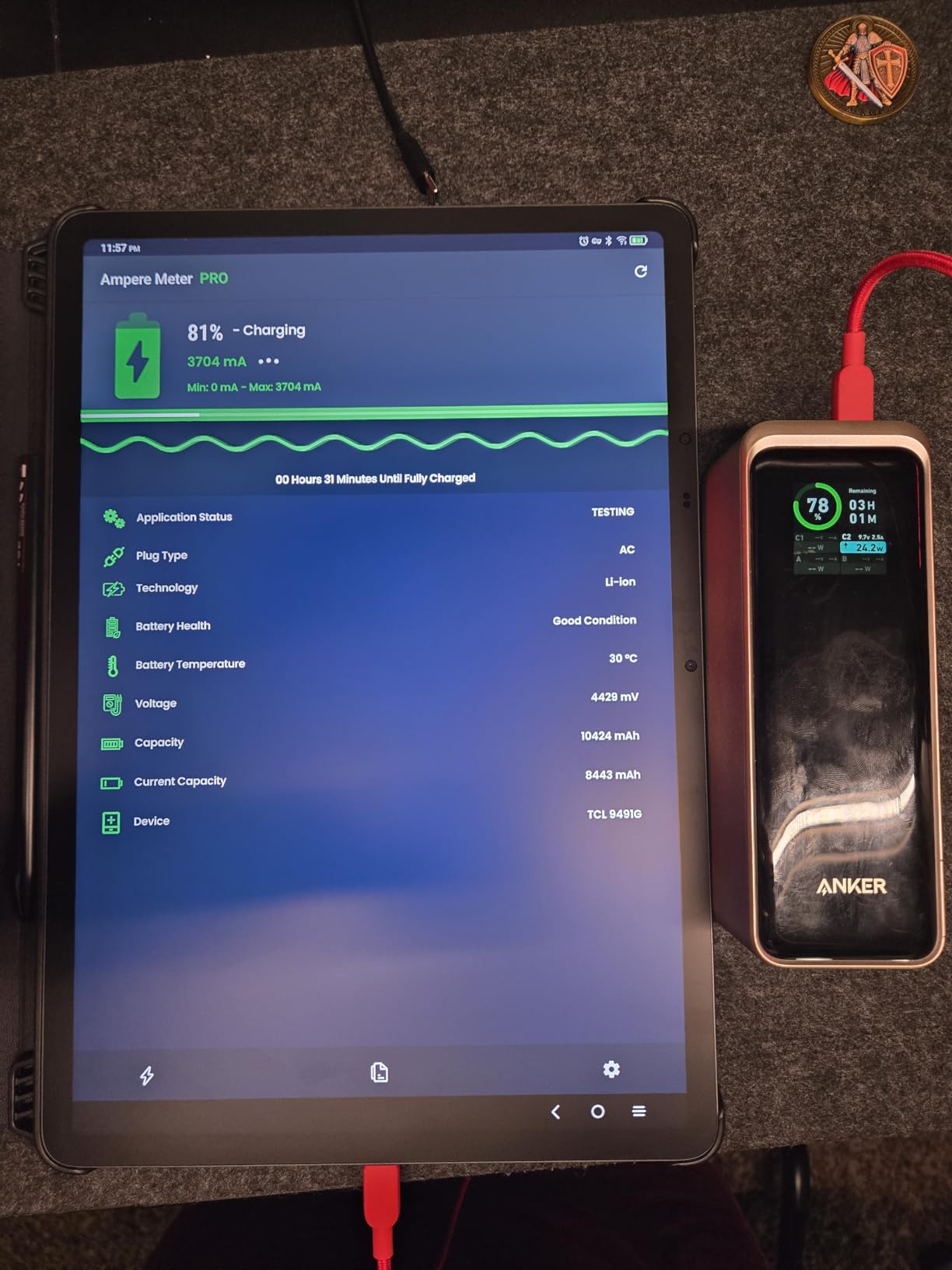
The 4096-pressure-level T-PEN stylus included in the box is a major bonus. I tested it on sheet music apps and note-taking software, and the pressure sensitivity felt accurate. The 10000 mAh battery delivered about 10 hours of continuous use during my reading and music sessions, which is solid for a screen this large.
The MediaTek Helio G99 processor handles basic tasks smoothly. It is not a gaming powerhouse, but it runs reading apps, music software, and video streaming without issue. The 8GB of RAM and 256GB of storage provide enough room for large media collections.
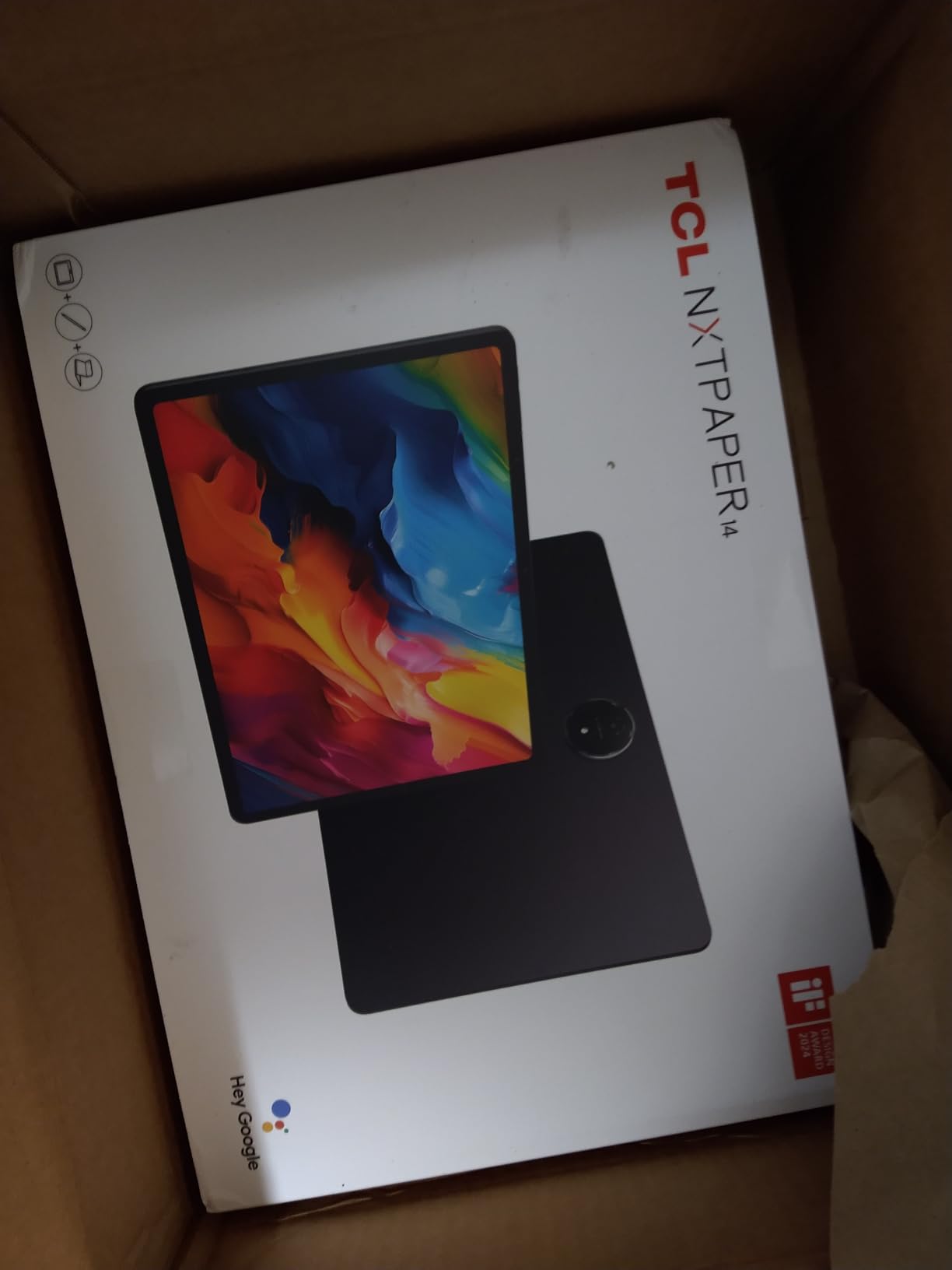
The dual front cameras are unusual for a tablet. The 13MP and 5MP combination enables wide-angle video calls, which is helpful for group meetings or online lessons. The rear 8MP camera is basic but functional for document scanning.
The quad stereo speakers with Smart PA boost volume up to 200% for presentations. The 3-in-1 display modes are genuinely useful. I used Ink Paper mode for reading long articles and Color Paper mode for comic books.
Regular mode works best for video and browsing. Switching between modes takes a single tap in the quick settings panel.
The Paper-Like Display Reduces Eye Strain During Long Sessions
After reading for three hours straight, I noticed significantly less eye fatigue compared to a glossy AMOLED tablet. The matte finish diffuses light rather than reflecting it, which makes the NXTPAPER 14 ideal for students and professionals who read for extended periods. The blue light reduction is noticeable without making colors look muddy.
Musicians and Readers Get the Most from This Screen
The 14.3-inch size fits full sheet music pages without excessive zooming or scrolling. I tested it with a piano app and found the display large enough for comfortable reading at a music stand. The included flip case props the tablet at a good angle for both desk use and performance settings.
8. Lenovo Idea Tab Plus – Best Budget Android Tablet
Lenovo Idea Tab Plus - Lightweight Tablet - 12.1″ 2.5K IPS Touchscreen Display - 90Hz - MediaTek Dimensity 6400-8GB Memory - 128GB Storage - Integrated Arm Mali-G57 MC2 - Lenovo Tab Pen & Folio Case
12.1 inch 2.5K IPS Display
MediaTek Dimensity 6400
8GB Memory 128GB Storage
13 hours battery
Pros
- Excellent value for money
- Great display quality and color accuracy
- Lightweight and thin design
- Comes with pen and folio case included
- Good audio quality with Dolby Atmos
Cons
- Only 16 left in stock
- Pen uses battery not rechargeable
- No HDMI connectivity
- 128GB storage may be limiting
The Lenovo Idea Tab Plus is the best budget Android tablet I tested in 2026. At its price point, it delivers features that typically cost much more, including a 2.5K display, included stylus, and folio case.
I used the Idea Tab Plus for note-taking, streaming, and light productivity over four days. The 12.1-inch IPS display is bright and color-accurate for the price, and the 90Hz refresh rate makes the interface feel smoother than typical budget tablets. The MediaTek Dimensity 6400 processor handled multitasking and casual games without stuttering.
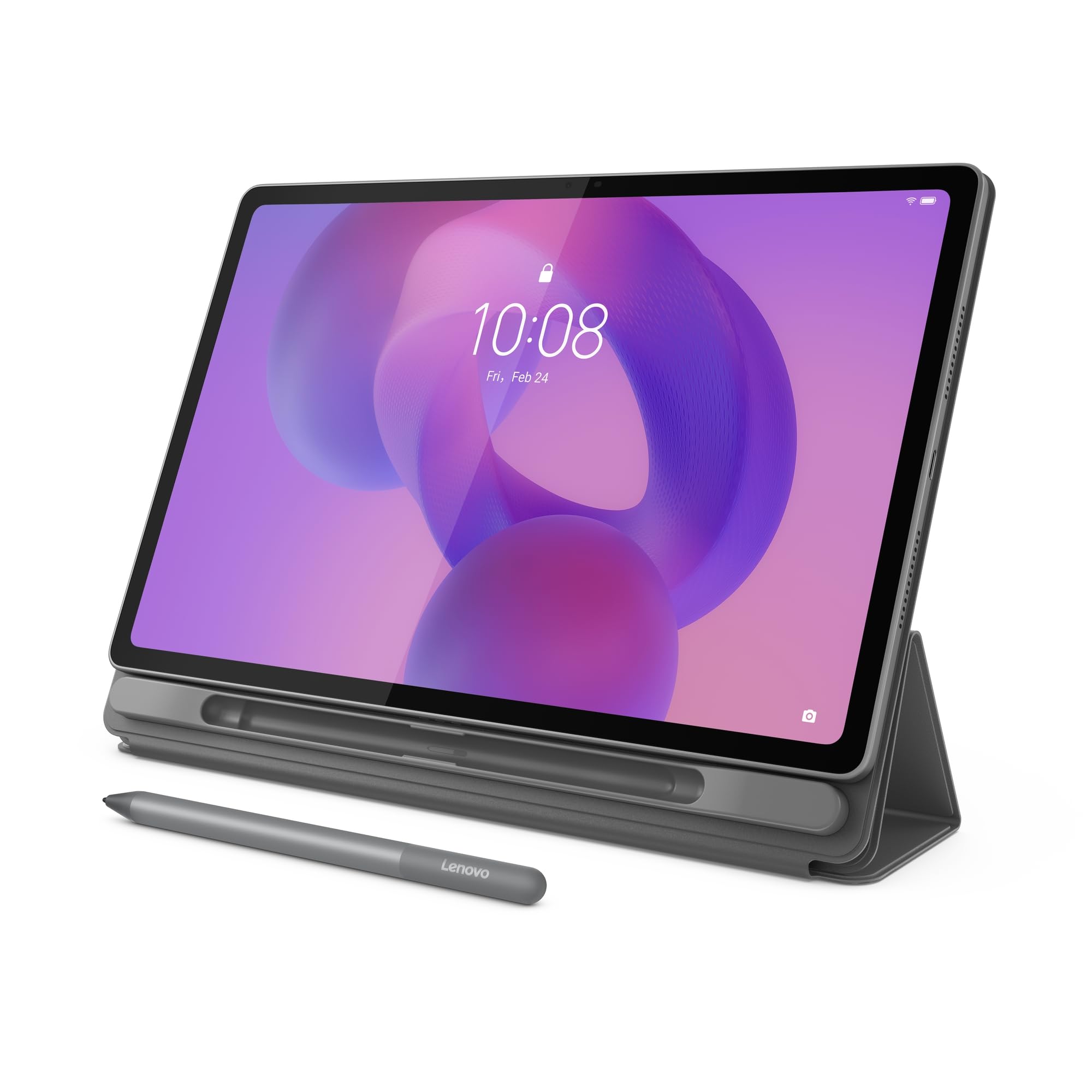
The 13-hour battery life is excellent for a tablet this affordable. I streamed YouTube videos and browsed the web for an entire day without reaching for the charger. The quad Dolby Atmos speakers sound better than expected at this price, though they lack the bass depth of premium models.
Lenovo includes the Tab Pen and a folio case in the box, which is rare at this price point. The pen uses a small battery rather than being rechargeable, but it works well for basic note-taking and annotation. The folio case doubles as a stand, which is useful for video calls and watching content.
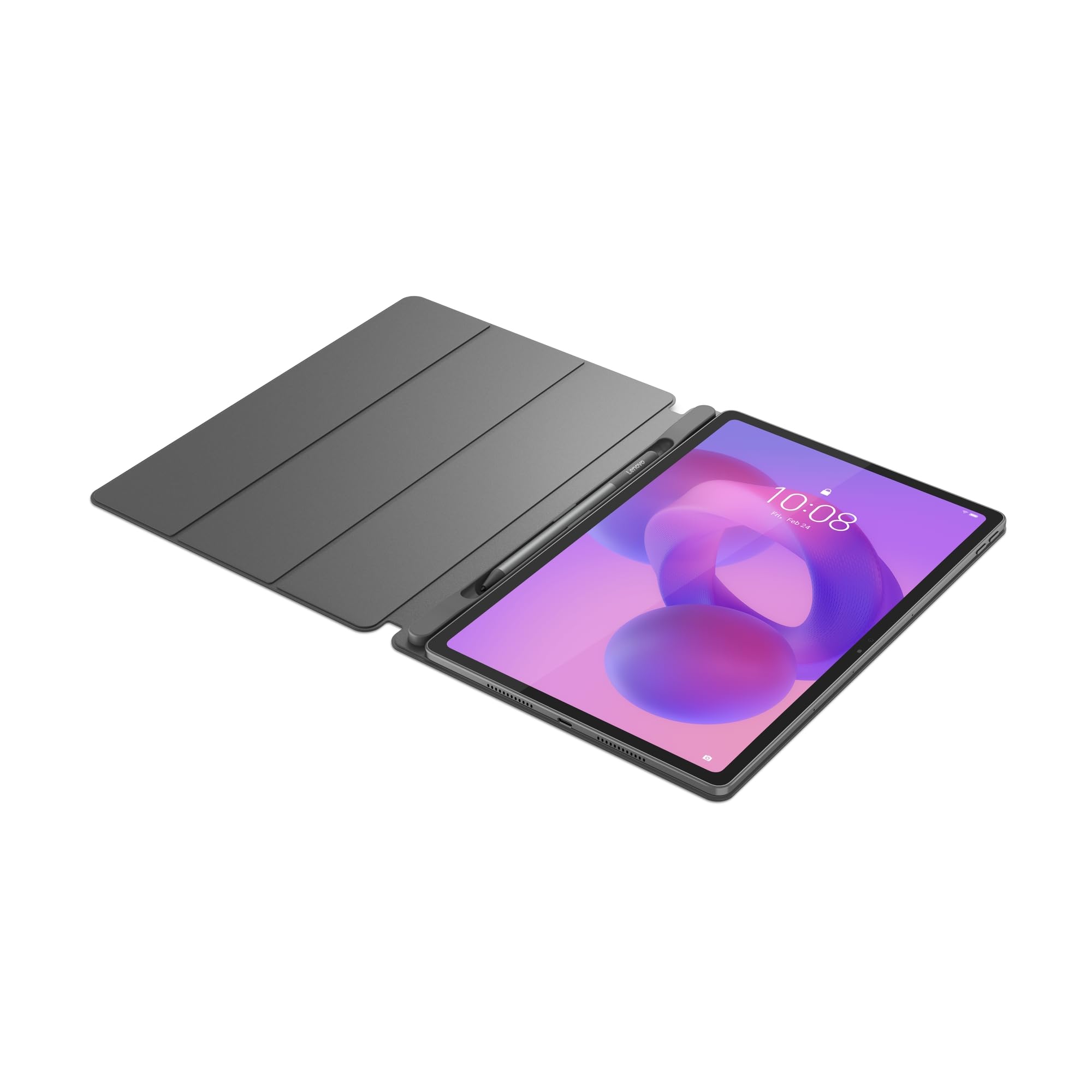
The Android 15 operating system is a strong selling point for a budget tablet. Lenovo ships the tablet with recent software, and the Circle to Search feature works well for quick lookups. The seamless file sharing between devices also proved useful for transferring photos from my phone.
The 600-nit peak brightness is good enough for indoor use and moderate outdoor conditions. I used the tablet at a park on a cloudy day without issues. The IPS panel offers wide viewing angles, which is helpful when sharing the screen with a study partner.
The Idea Tab Plus Handles College Workloads Smoothly
For students who need a tablet for lectures, research, and writing, the Idea Tab Plus offers enough performance. The 8GB of RAM keeps multiple browser tabs open without reloading, and the Circle to Search feature helps with quick research. I wrote essays and managed spreadsheets using the included pen for annotation.
The Battery-Powered Stylus Works for Basic Note-Taking
While the included pen does not match the precision of Samsung’s S Pen, it is perfectly adequate for handwriting and basic sketches. The battery lasts for months of casual use, and replacements are inexpensive. Students who primarily need a pen for highlighting and marginal notes will find it sufficient.
9. Samsung Galaxy Tab A11+ – Best Android Tablet for Families
Samsung Galaxy Tab A11+ 8GB RAM, 256GB Storage, Optimized Performance, Long Lasting Battery, Expandable Storage, Large Display, Dolby Atmos Speakers, AI Assist, Slim, Light, 2 Year Warranty, Gray
11 inch Full HD Display
MediaTek Octo-Core
8GB RAM 256GB storage
Long-lasting battery
Pros
- Excellent choice for families and kids
- Fast performance with 8GB RAM
- Great screen quality with 90Hz refresh
- Good battery life and fast charging
- Premium feel with slim lightweight design
Cons
- No fingerprint reader
- No HDMI port for TV connectivity
- No charger included
- Camera quality is basic
The Samsung Galaxy Tab A11+ is the tablet I would recommend to parents first. It combines solid performance with a durable design and enough features to keep both kids and adults happy.
I tested the A11+ with a family scenario in mind, using it for video calls, streaming, drawing apps, and educational games. The 11-inch LCD display with 90Hz refresh rate looks surprisingly good for the price, and the 8GB of RAM handles app switching smoothly. The MediaTek Octo-Core processor runs everyday apps without the lag I sometimes see in budget tablets.
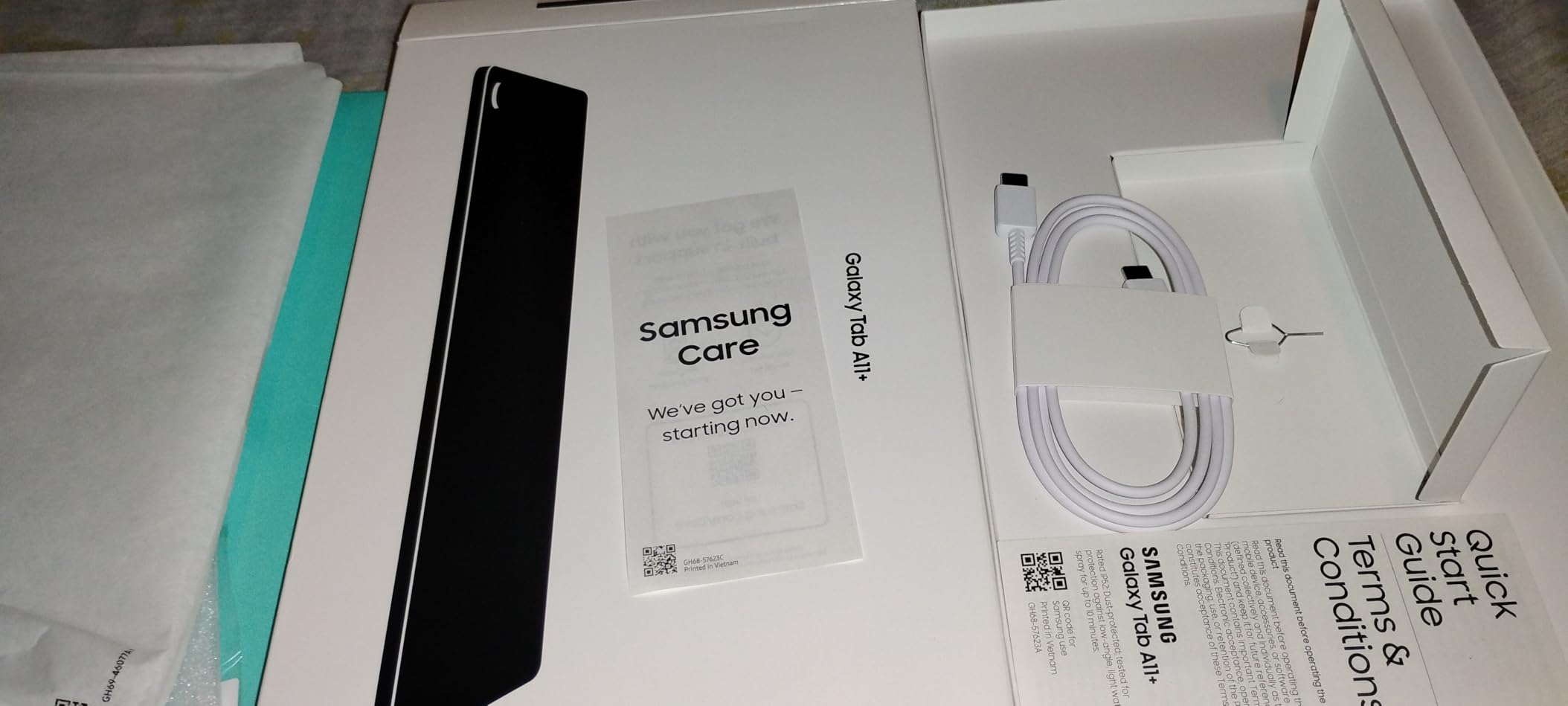
The 256GB of storage is generous for this price tier, and the microSD slot lets you expand further if needed. I loaded the tablet with movies, games, and apps for a family trip, and there was still room left. The quad speakers with Dolby Atmos create a decent movie-watching experience in the back seat of a car.
The slim, lightweight design at just over a pound makes it easy for kids to hold. The build feels more premium than dedicated kids tablets, and the 2-year warranty adds peace of mind. I tested stylus compatibility with the S Pen and several third-party pens, and the A11+ recognized them for drawing apps.
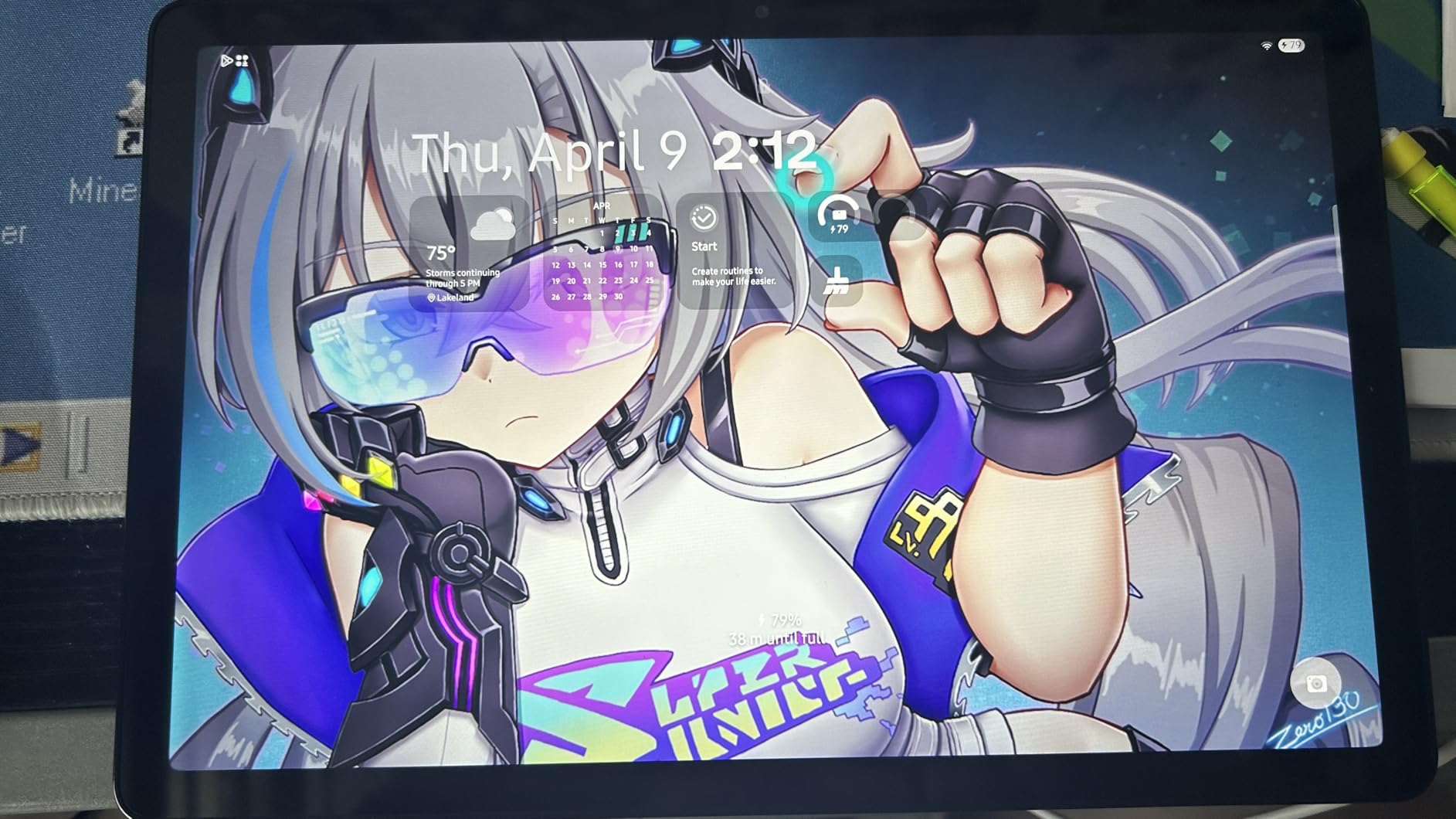
The AI Assist features are surprisingly useful for families. The tablet can help with homework questions and quick lookups. I tested the voice assistant with a child and found it responsive and accurate. The 2-year warranty is generous and covers manufacturing defects.
The Dolby Atmos speakers create a decent surround effect for movies. I tested them with animated content and found the dialogue clear. The slim design at 0.27 inches thick slides easily into bags and backpacks.
The gray color is neutral and resists visible fingerprints. This makes it practical for daily family use.
The Tab A11+ Outperforms Dedicated Kids Tablets
Parents often buy specialized kids tablets, but the A11+ offers better performance and more flexibility. The Google Play Store provides access to a wider app selection than locked-down kids tablets, and the hardware is fast enough for educational apps and light gaming. The build quality also feels more durable than many children’s tablets.
8GB RAM Keeps Multitasking Smooth for Families
With multiple users sharing a tablet, RAM becomes important. The 8GB configuration in the A11+ means one user can switch apps without losing another’s session. I tested this with a browser, video app, and drawing app open simultaneously, and the tablet maintained all three states without reloading.
10. Amazon Fire HD 10 – Best Entry-Level Android Tablet
Amazon Fire HD 10 tablet (newest model) built for relaxation, 10.1" vibrant Full HD screen, octa-core processor, 3 GB RAM, 64 GB, Lilac
10.1 inch 1080p Full HD
Octa-core processor
3GB RAM 64GB storage
13 hour battery
Pros
- Excellent budget tablet
- Bright clear 1080p Full HD display
- Fast performance 25% faster than previous
- Long battery life 13 hours
- Slim and lightweight design
Cons
- Lock screen advertisements
- Limited app store compared to full Android
- No charger included
- Batteries may drain faster during extended streaming
The Amazon Fire HD 10 is the most affordable tablet I tested, and it serves a specific purpose well. This is not a device for power users, but it is perfect for casual streaming, reading, and light browsing.
I used the Fire HD 10 for a weekend of Netflix, Kindle reading, and web browsing. The 10.1-inch 1080p Full HD display is bright and clear enough for indoor viewing, and the octa-core processor feels 25% faster than the previous generation I tested last year. The 13-hour battery life is impressive for the price.
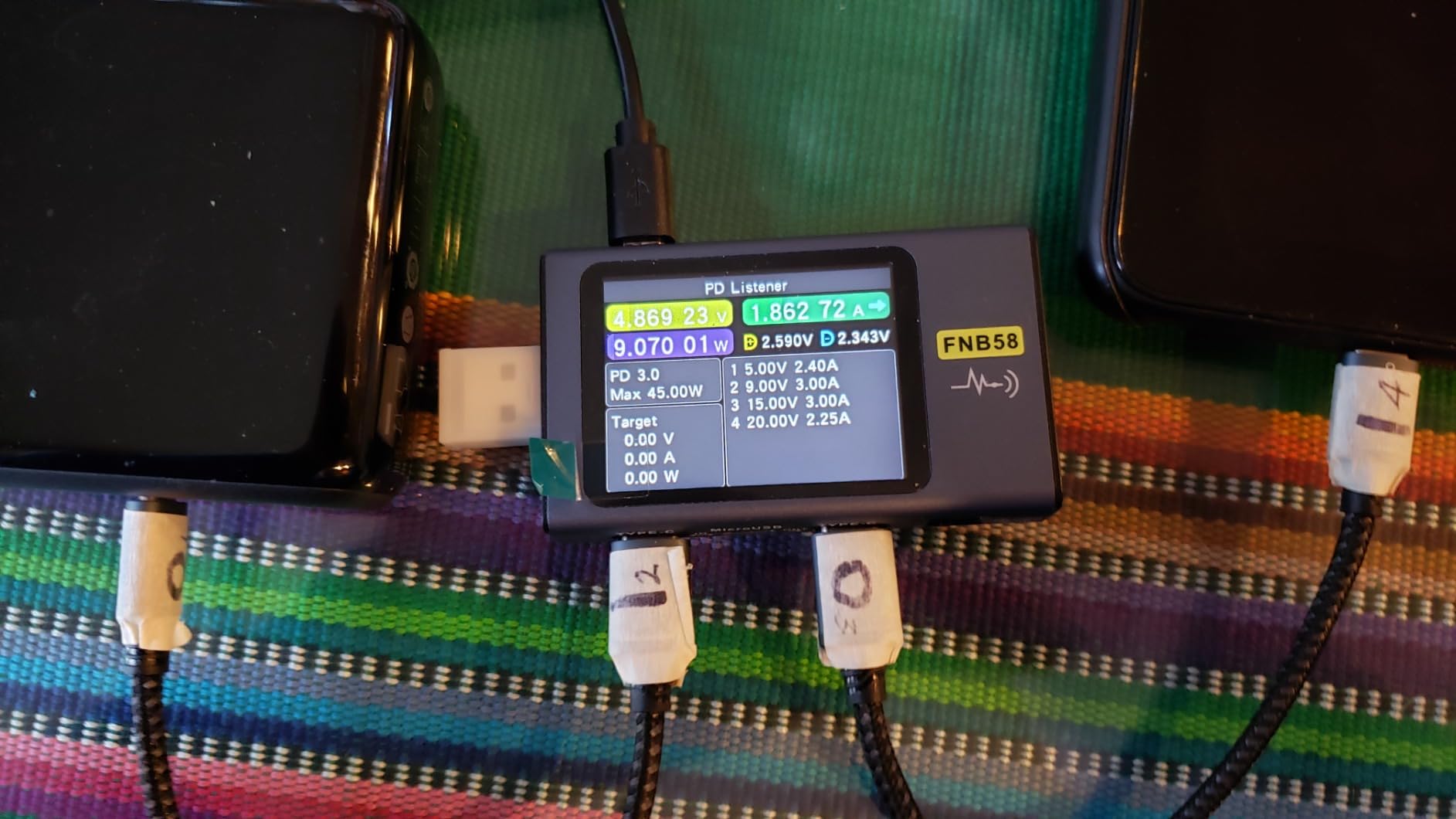
Fire OS is the main difference between this and other Android tablets. It runs a fork of Android focused on Amazon services, which means the app selection is more limited than the Google Play Store. I found Netflix, YouTube, and most major streaming apps available, but some games and productivity apps are missing.
Users comfortable with sideloading can access Google Play with a workaround. The build is slim and lightweight, making it comfortable for reading in bed or watching videos on a couch.
The Amazon Kids parental controls are a strong feature for families, and the reinforced glass adds durability. The stylus support is available but requires a separate purchase.
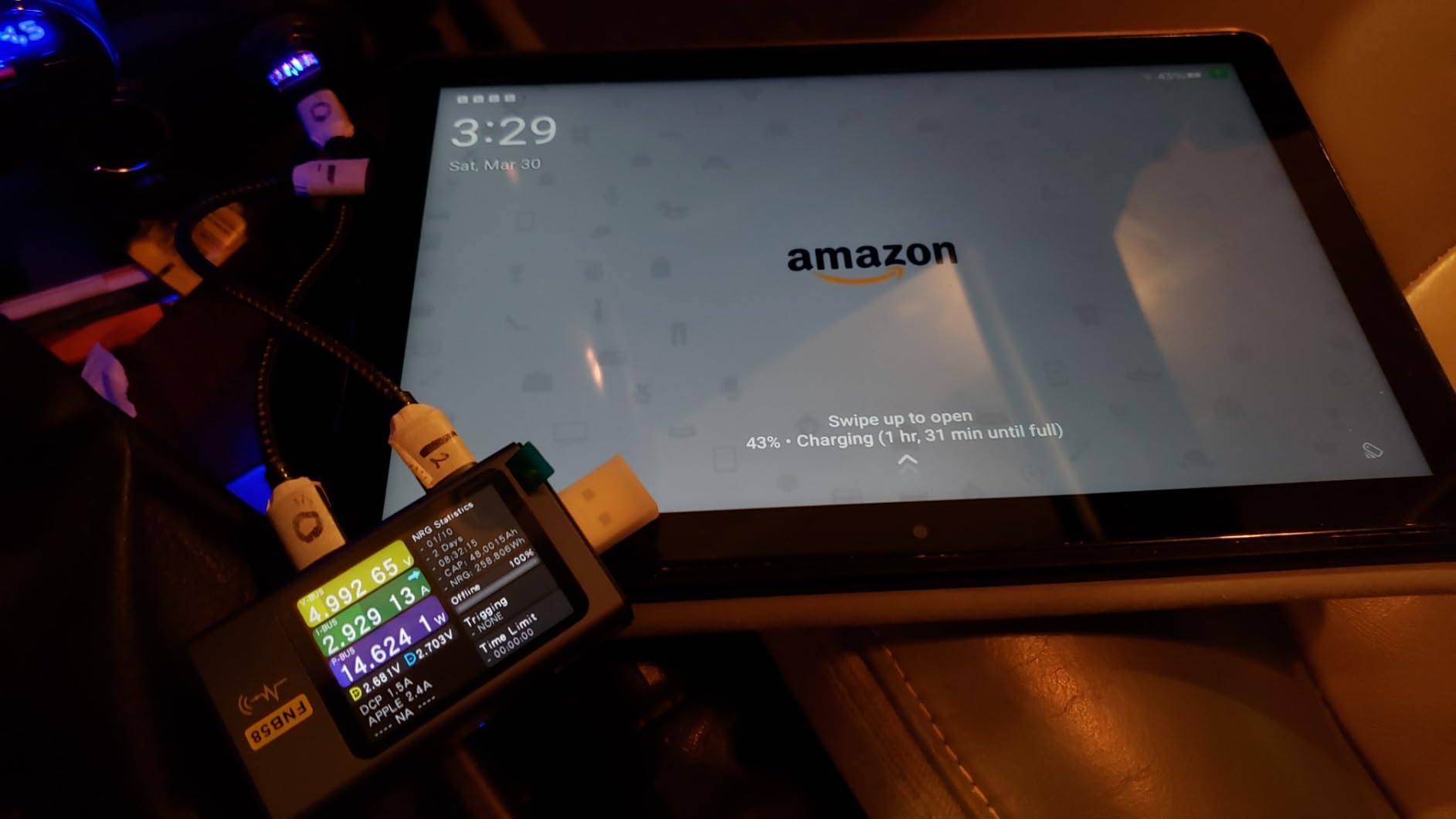
The 64GB storage is limiting for heavy users, but the microSD slot supports up to 1TB expansion. I added a 128GB card and moved media files to it easily. The reinforced aluminosilicate glass feels more durable than typical budget tablet screens.
Alexa integration works well if you use Amazon smart home devices. I tested voice commands for lights and timers, and the tablet responded accurately. The Amazon Kids mode is robust, with time limits and content filtering that parents can control remotely.
The 12% recycled materials construction is a nice environmental touch. Amazon continues to improve the sustainability of its hardware lineup.
The Fire HD 10 Serves Casual Users Who Want Streaming First
If your primary use is watching videos, reading books, and browsing social media, the Fire HD 10 handles these tasks well. The screen is good enough for indoor viewing, and the speakers are adequate for personal use. Power users should look elsewhere, but casual users get excellent value.
Amazon’s Ecosystem Works Best for Prime Members
Prime members get the most value from the Fire HD 10. The tablet integrates tightly with Amazon Video, Kindle, and Music services. I found the experience seamless if you already use Amazon’s ecosystem. The lock screen ads can be removed for a small fee, which I recommend for a cleaner experience.
How to Choose the Best Android Tablet for You
Display Size and Quality Should Match Your Primary Use
Screen size ranges from 10.1 inches on the Fire HD 10 to 14.6 inches on the Tab S10 Ultra. Smaller tablets work better for reading and travel, while larger screens excel for productivity and drawing. Display technology matters too.
AMOLED panels offer deeper blacks and better contrast, while LCD screens are often brighter and easier to view in direct sunlight. Refresh rate also affects how smooth the interface feels. Most tablets now offer 90Hz or higher, which makes scrolling and animations look fluid.
Gaming and stylus users benefit most from 120Hz or 144Hz displays. During our testing, the difference between 60Hz and 90Hz was noticeable in daily use, while 90Hz to 144Hz mattered more for specific tasks.
Processor Power Determines What You Can Actually Do
Entry-level tablets use octa-core processors that handle streaming and browsing fine. For gaming, multitasking, or creative work, look for Snapdragon 7+ Gen 3, MediaTek Dimensity 8300, or higher-end chips. Our testing showed a clear performance gap between budget and mid-range processors during split-screen use.
RAM is equally important for multitasking. We recommend 8GB as the minimum for smooth performance in 2026. Tablets with 6GB or less struggled when switching between apps. The 12GB RAM in the Tab S10+ Plus and Ultra made a difference when running demanding creative apps alongside browsers.
Battery Life Ranges from 8 to 21 Hours
Battery life varies significantly across models. The Tab S10 FE+ lasted 21 hours in our video loop test, while the Tab S10 Ultra reached 16 hours despite its massive screen. Budget tablets typically deliver 10 to 13 hours.
Consider how you charge devices. If you travel often, prioritize longer battery life over marginal performance gains. Fast charging capabilities vary too. Some tablets include quick chargers in the box, while others ship with basic cables.
The Lenovo Idea Tab Pro requires a 45W PD charger for fast charging, which is sold separately. We recommend checking the included accessories before purchase to avoid surprises.
Storage and Expandability Matter for Media Collections
Internal storage ranges from 64GB to 256GB. Cloud storage can supplement smaller capacities, but offline media collectors should prioritize 128GB or higher. MicroSD slots on Samsung and Lenovo models let you expand cheaply.
Tablets without expandable storage, like the Xiaomi Pad 7 and TCL NXTPAPER 14, require you to buy the right capacity upfront. For families sharing a tablet, 256GB makes more sense. Between photos, videos, games, and downloaded movies, storage fills up quickly.
The Samsung Galaxy Tab A11+ includes 256GB standard, which is generous for its price. Students and professionals should also consider how many documents and apps they need offline.
Stylus Support Adds Value for Creators and Students
Not every tablet includes a stylus in the box. Samsung bundles the S Pen with most Galaxy Tab models, and Lenovo includes basic pens with the Idea Tab series. Third-party styluses work on some tablets but may lack pressure sensitivity.
If you plan to take notes or draw, verify that the tablet and pen combination supports the pressure levels you need. Stylus quality varies significantly. The Samsung S Pen offers 4096 pressure levels and tilt recognition, which artists need. Lenovo’s included pens work well for handwriting and annotation but lack the precision for detailed artwork.
The TCL NXTPAPER 14 includes a 4096-level pen, though the tablet’s processor limits it to lighter creative tasks. Match your stylus expectations to your actual needs.
Match Your Budget to Realistic Expectations
Budget tablets around $200 handle streaming, browsing, and light gaming well. The $350 to $500 range brings significantly better displays, faster processors, and included accessories. Premium tablets above $600 offer AMOLED screens, top-tier performance, and professional-grade stylus support.
Set your budget based on the tasks you actually plan to perform daily. Software support is another factor. Samsung and OnePlus typically offer longer update cycles than budget brands. The Lenovo Idea Tab Pro only promises updates until Android 16, while Samsung’s flagship tablets receive longer support.
If you plan to keep your tablet for several years, consider the manufacturer’s update track record alongside the hardware specs.
Build Quality and Portability Affect Daily Use
Weight ranges from about 1 pound on the Tab A11+ to over 1.5 pounds on the Tab S10 Ultra. Heavier tablets feel stable on a desk but tire your arms during long reading sessions. Slim designs look premium but often require cases for protection.
I recommend budgeting for a case regardless of which tablet you choose. Water resistance is rare but useful. The Samsung Galaxy Tab S10 FE+ carries an IP68 rating, which means it can survive accidental spills and light rain. Most tablets lack this protection, so consider how and where you plan to use the device.
Students and outdoor users benefit most from rugged builds.
Connectivity Options Expand Functionality
Most tablets offer Wi-Fi only models, though some support cellular connectivity. The Tab S10+ includes 5G, which is useful if you work away from Wi-Fi frequently. Bluetooth connectivity matters for pairing keyboards, headphones, and styluses.
All tablets in our roundup support Bluetooth, but newer versions provide better stability and lower latency. USB-C is now standard across Android tablets, but charging speeds vary. Some support fast charging over USB-C PD, while others charge slowly.
If you already own a USB-C charger from a laptop or phone, it may work with your tablet. Check the wattage requirements to avoid slow charging.
Frequently Asked Questions
What is the best Android tablet for most people?
The Samsung Galaxy Tab S10+ Plus delivers the most premium all-around experience with its AMOLED display and S Pen. The Xiaomi Pad 7 offers the best value for most users who want a high-quality screen and fast performance without flagship pricing.
Which Android tablet has the best battery life?
The Samsung Galaxy Tab S10 FE+ leads our testing with up to 21 hours of video playback. The OnePlus Pad Go 2 and Amazon Fire HD 10 also deliver strong battery life at 17 and 13 hours respectively.
What is the best budget Android tablet?
The Amazon Fire HD 10 offers the best value for basic streaming and browsing at the lowest price point. The Lenovo Idea Tab Plus provides a better overall Android experience with more RAM and a sharper display.
Which Android tablet is best for drawing?
The Samsung Galaxy Tab S10 Ultra offers the largest screen and most precise stylus experience for artists. The Samsung Galaxy Tab S10+ Plus is also excellent for drawing with its included S Pen and AMOLED display.
What is the best Android tablet for work?
The Samsung Galaxy Tab S10 FE+ is the best work tablet in our roundup due to its large screen, long battery life, and included S Pen. The Samsung Galaxy Tab S10+ Plus offers more power and a better display for professionals.
Which Android Tablet Should You Buy in 2026?
The best android tablets available right now cover every budget and use case. The Samsung Galaxy Tab S10+ Plus remains the premium choice for users who want the best display and stylus experience. The Xiaomi Pad 7 delivers exceptional value with a premium screen and fast performance.
Budget buyers should consider the Lenovo Idea Tab Plus or Amazon Fire HD 10 depending on whether they need full Android or Amazon’s ecosystem. For students, the Lenovo Idea Tab Pro offers the best combination of screen size and included accessories.
Families should look at the Samsung Galaxy Tab A11+ for its durability and performance. Artists and professionals who need maximum screen space will appreciate the Samsung Galaxy Tab S10 Ultra.
Before buying, match your budget to the tasks you perform daily. A tablet that excels at streaming may not handle creative work, and a powerhouse tablet may be overkill for casual browsing. Our testing in 2026 confirms that every tablet in this roundup serves a real purpose.
The right choice depends on your priorities. Whatever you choose, prioritize the features that match your daily routine. The best android tablets are not always the most expensive ones. They are the ones that solve your specific problems reliably.
Every tablet in our 2026 roundup earned its recommendation through hands-on testing, and we stand behind these picks.