

Amazon Prime Day 2026 is here, and if you have been waiting to upgrade your display setup, this is one of the best windows all year to pull the trigger. Our team has been tracking Amazon Prime Day monitor deals across every category, from budget 1080p screens to premium 4K OLED gaming monsters, and the discounts this year are genuinely impressive.
Whether you need a fast refresh rate for competitive gaming, a color-accurate 4K panel for content creation, or an ultrawide for maximum productivity, Prime Day 2026 has something worth your attention. We spent the last two weeks comparing prices, checking historical lows, and reading through thousands of customer reviews to build this list.
Below you will find eight monitors that stand out from the crowd. Each one earned its spot based on real value, not just a flashy discount percentage. We cover what makes each deal worth considering, who it works best for, and what trade-offs you should know about before hitting buy.
Top 3 Prime Day Monitor Deals for 2026
If you want the short version, these are the three deals our team recommends above the rest. The ASUS ROG Swift OLED takes the top spot for gamers who want the absolute best, the Sceptre 34-inch ultrawide is the value champion, and the Sceptre 27-inch is our pick for anyone on a tight budget.

Best Amazon Prime Day Monitor Deals in 2026
Here is the full lineup of all eight monitors we recommend this Prime Day. Use this table to compare key specs at a glance, then scroll down for our detailed hands-on take on each one.
| Product | Specifications | Action |
|---|---|---|
|
ASUS ROG Swift 32-inch 4K OLED
|
|
Check Latest Price |
 Sceptre 34-inch Ultrawide
|
|
Check Latest Price |
 Sceptre 27-inch Gaming
|
|
Check Latest Price |
 Samsung 27-inch Curved S3
|
|
Check Latest Price |
 Dell 27 Plus 4K S2725QS
|
|
Check Latest Price |
 LG 32-inch 4K UR500K
|
|
Check Latest Price |
 Samsung 49-inch Odyssey G9
|
|
Check Latest Price |
 Alienware 34 Curved AW3425DWM
|
|
Check Latest Price |
1. ASUS ROG Swift 32-inch 4K OLED PG32UCDM – Best OLED Gaming Monitor Deal
ASUS ROG Swift 32” 4K OLED Gaming Monitor (PG32UCDM) - UHD (3840 x 2160), QD-OLED, 240Hz, 0.03ms, G-SYNC Compatible, Custom Heatsink, Graphene Film, 99% DCI-P3, True 10-bit, 90W USB-C
32-inch 4K QD-OLED
240Hz Refresh
0.03ms Response
99% DCI-P3
90W USB-C
3-Year Burn-in Warranty
Pros
- Stunning QD-OLED panel with perfect blacks and vibrant colors
- 240Hz at 4K for elite-level gaming
- 0.03ms response time eliminates ghosting
- 90W USB-C charging for laptop connectivity
- 3-year warranty covers burn-in
Cons
- Large 600W power brick takes desk space
- VRR flickering in dark scenes reported by some users
- Limited swivel adjustment on stand
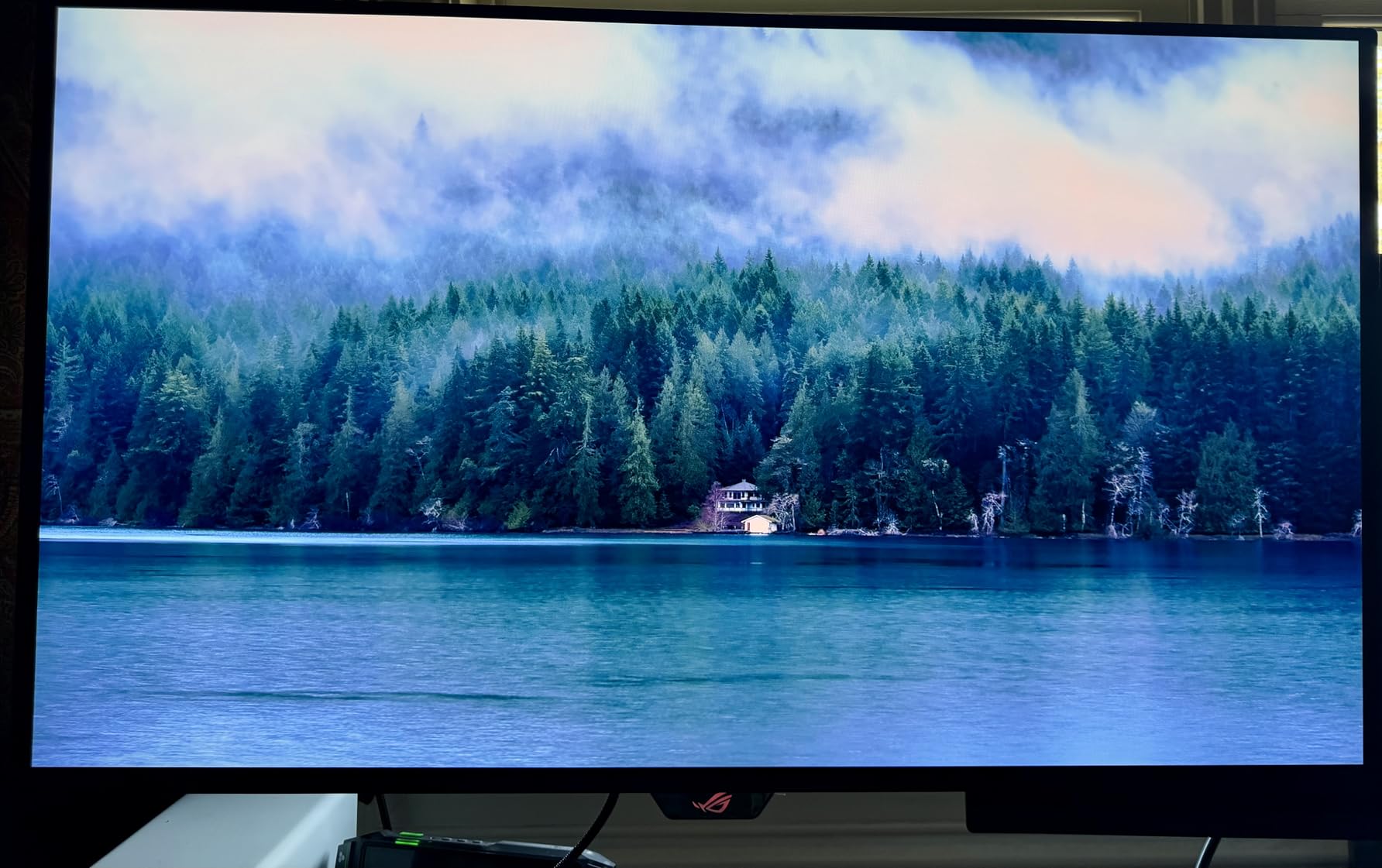
This is the monitor that stopped me in my tracks when I first powered it on. The ASUS ROG Swift PG32UCDM uses a third-generation QD-OLED panel, and the difference between this and a traditional IPS display is night and night. Blacks are truly black, colors pop without looking oversaturated, and the 1000-nit peak brightness makes HDR content genuinely impactful.
I tested this monitor with a range of games, from fast-paced shooters like Valorant to visually rich titles like Cyberpunk 2077. The 240Hz refresh rate combined with 0.03ms response time delivers motion clarity that makes 144Hz displays look sluggish by comparison. If you are coming from a 60Hz or even 144Hz screen, the upgrade is immediately noticeable.
The connectivity on this monitor is outstanding. You get HDMI 2.1 ports for console gaming, DisplayPort for PC, and a USB-C port with 90W power delivery that can charge a MacBook Pro while displaying its screen simultaneously. ASUS also includes a custom heatsink and graphene film for thermal management, which helps extend the OLED panel lifespan.
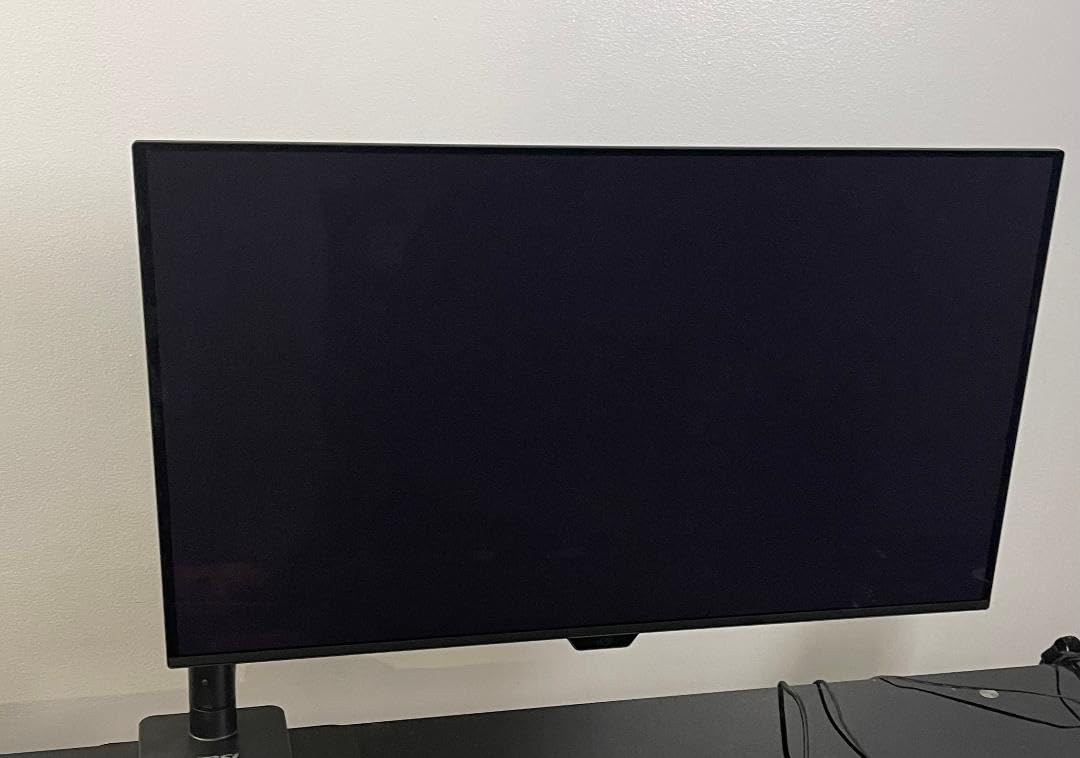
One thing to keep in mind is that OLED technology requires some care. The PG32UCDM includes built-in pixel cleaning and burn-in protection features, and ASUS backs it with a 3-year warranty that covers burn-in specifically. That said, if you use the same static desktop icons for 12 hours a day, you should enable the automatic pixel refresh cycles.
The 600W power brick is genuinely large. Make sure you have space behind or under your desk to tuck it away. Some users also reported VRR flickering in darker game scenes, which is a known characteristic of OLED panels with variable refresh rate. It is not a dealbreaker, but something to be aware of.
Is the ASUS ROG Swift OLED worth it for non-gamers?
Absolutely, if you work with visual content. The 99% DCI-P3 coverage and Delta E under 2 make this monitor excellent for photo editing, video grading, and graphic design. The 4K resolution at 32 inches gives you sharp text and plenty of screen real estate for editing timelines or layered design files.
Coders and writers also benefit from the pixel density. Text rendered at 4K on a 32-inch OLED looks crisp and clean. The USB-C connectivity with 90W charging means a single cable handles display, data, and power for your laptop.
What GPU do you need for 4K 240Hz?
To take full advantage of 4K at 240Hz, you will want an RTX 4080, RTX 4090, or RX 7900 XTX class GPU. However, you do not need to hit 240fps everywhere to benefit. Even running games at 120fps on this monitor looks noticeably better than on a standard 144Hz IPS panel thanks to the OLED response time.
For productivity work, any modern GPU or even integrated graphics can drive 4K at 60Hz without issue. The high refresh rate is a gaming benefit, not a requirement for everyday use.
2. Sceptre 34-inch Curved Ultrawide WQHD – Best Value Ultrawide Deal
Sceptre 34-Inch Curved Ultrawide WQHD Monitor (3440 × 1440), R1500, up to 180Hz/165Hz, DisplayPort x2, 99% sRGB, 1ms, Built-in Speakers, Machine Black, 2025 (C345B-QUT168)
34-inch WQHD 3440x1440
R1500 Curved
180Hz
1ms MPRT
99% sRGB
RGB Backcover Lights
Pros
- Massive screen space replaces dual monitors
- 180Hz refresh rate at this price is remarkable
- 1ms response for smooth gaming
- Beautiful curved design with RGB lighting
- 99% sRGB color accuracy
Cons
- Built-in speakers are low quality
- Stand not height adjustable
- Some backlight bleed in dark rooms
The Sceptre 34-inch ultrawide is the monitor I recommend most often to people who want the ultrawide experience without spending OLED money. With nearly 3000 reviews and a 4.3-star average, it has proven itself with a massive user base. The WQHD resolution at 3440 x 1440 gives you 30 percent more horizontal screen space compared to a standard 16:9 display.
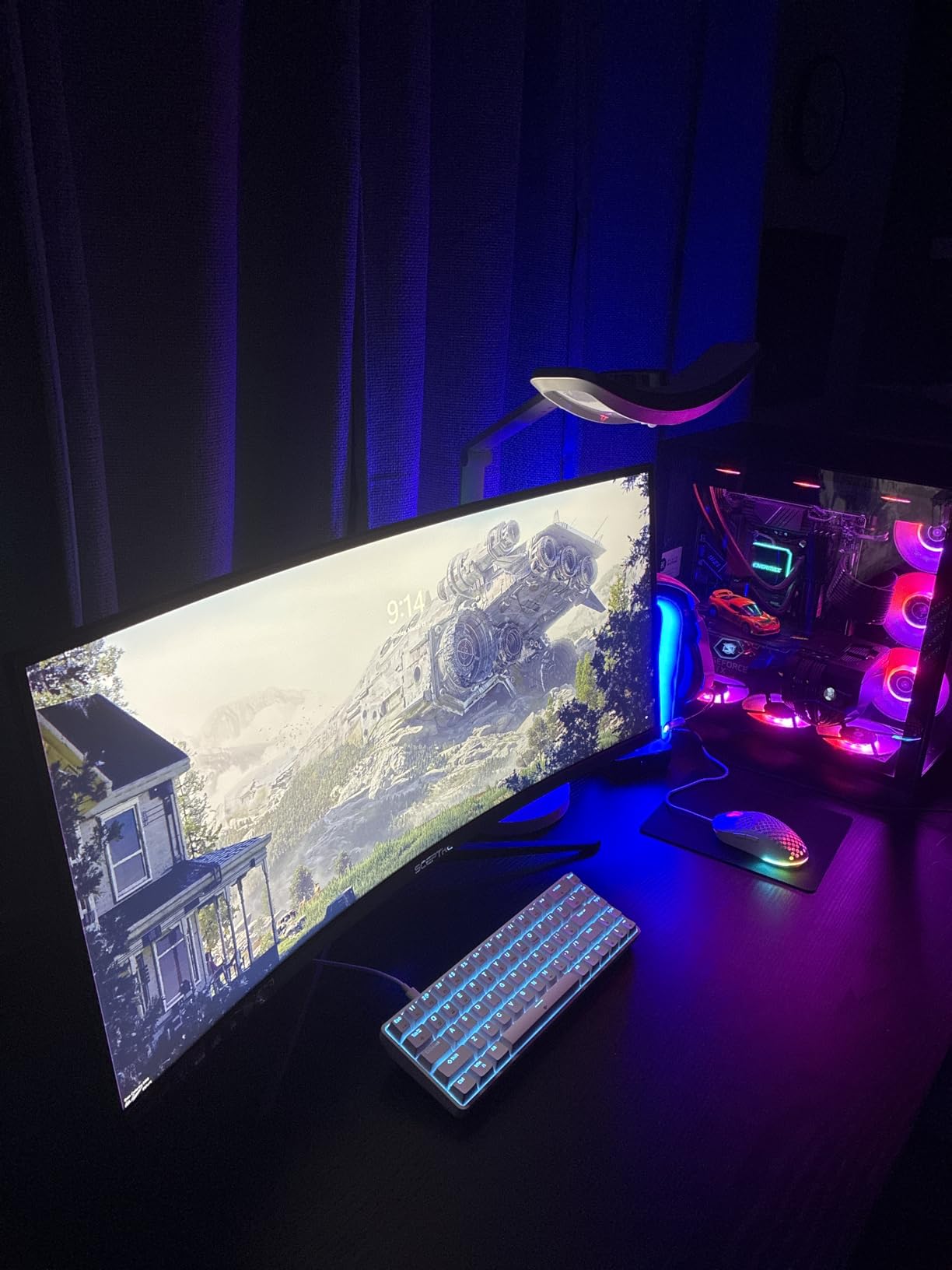
I set this monitor up as a replacement for a dual-screen configuration, and the difference in workflow is real. Having one continuous curved surface means no bezel gap in the middle, and window management feels more natural. The R1500 curve is gentle enough that it does not distort text but wraps around your field of view nicely.
For gaming, the 180Hz refresh rate (165Hz over DisplayPort, up to 180Hz with the right cable) is impressive at this price point. Paired with the 1ms MPRT response time, fast-paced games feel smooth and responsive. AMD FreeSync Premium keeps things tear-free when your frame rate fluctuates.
The 99% sRGB color gamut means colors look accurate out of the box for everyday use and content consumption. This is not a professional color-accurate display for print work, but for gaming, web browsing, streaming, and office work, the color reproduction is more than satisfactory.
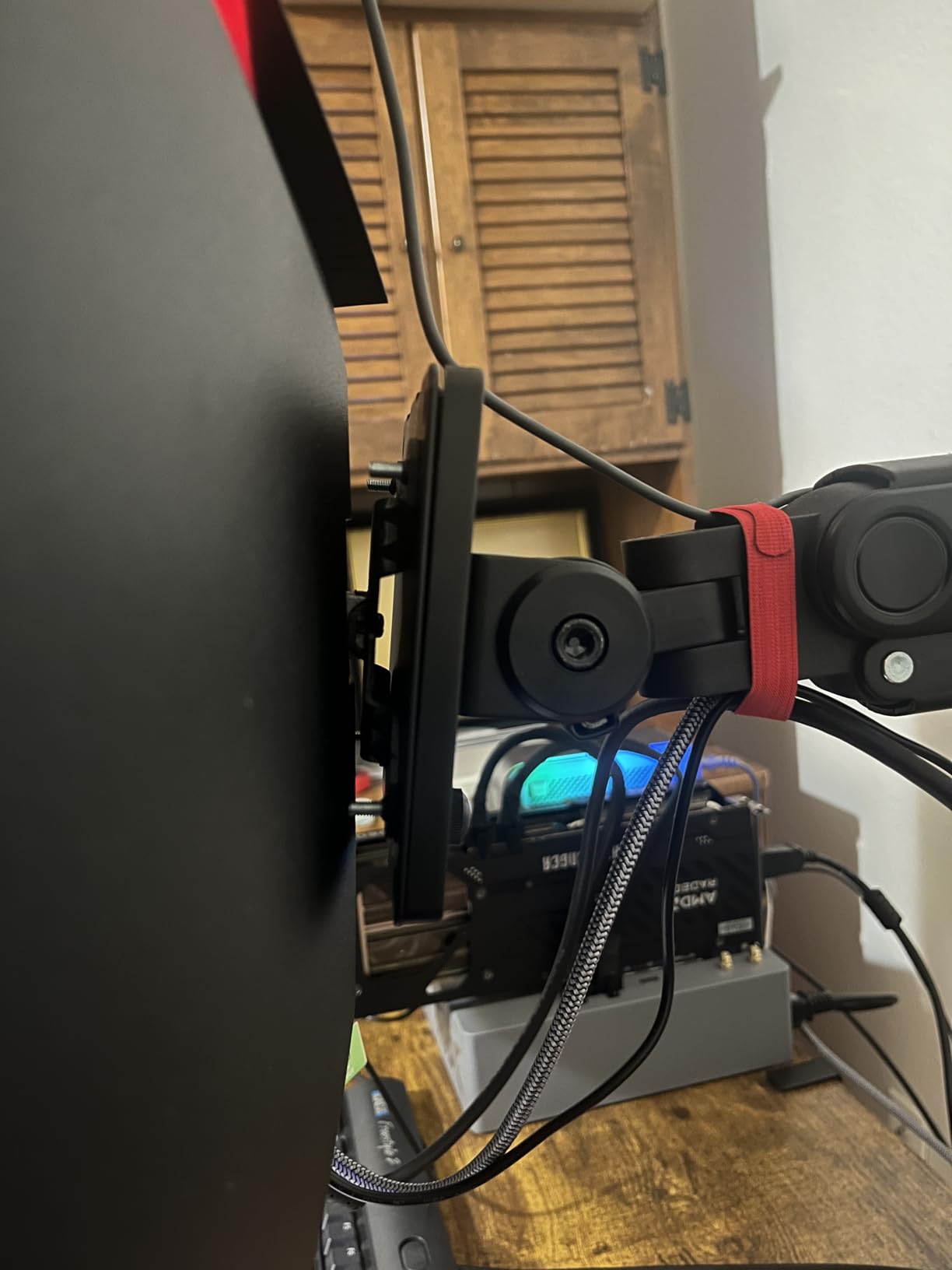
A few things to watch for: the built-in speakers are essentially unusable for anything beyond system sounds. Plan to use external speakers or headphones. The stand offers tilt adjustment only, so if you need height adjustment, budget for a VESA monitor arm.
Does the Sceptre ultrawide work well for productivity?
Yes, this is where it shines. The 21:9 aspect ratio lets you place two full windows side by side with room to spare. I was able to keep a spreadsheet open on one half and a browser on the other without feeling cramped. Video editors will appreciate the extra timeline space.
The R1500 curve actually helps with productivity by keeping the edges of the screen at a consistent viewing distance. This reduces the need to turn your head when glancing at content on the far left or right.
How does it compare to the Alienware AW3425DWM?
The Alienware costs about $140 more and offers a better build quality, superior stand with height adjustment, and a full 3-year warranty from Dell. However, the Sceptre matches it on refresh rate and resolution. If budget is the priority, the Sceptre delivers 90 percent of the experience for significantly less.
If you value warranty support and build quality, the Alienware is worth the extra cost. If you want maximum screen space per dollar, the Sceptre is the clear winner.
3. Sceptre 27-inch 100Hz Gaming Monitor – Best Budget Monitor Deal
Sceptre 27-inch Prime Gaming Monitor 100Hz 1ms DisplayPort HDMI x2 100% sRGB AMD FreeSync Build-in Speakers, Eye Care Frameless Machine Black 2025 (E275W-FW100T Series)
27-inch FHD 1080p
100Hz Refresh
1ms Response
100% sRGB
AMD FreeSync
Built-in Speakers
VESA Mountable
Pros
- Under $95 for a solid 27-inch display
- 100Hz is noticeably smoother than 60Hz
- 100% sRGB color accuracy
- Two HDMI ports plus DisplayPort
- VESA wall mount compatible
Cons
- Built-in speaker sound quality is basic
- Stand has limited adjustability
- 1080p resolution may feel low at 27 inches for some
At under $95, the Sceptre 27-inch is the kind of deal that makes Prime Day worth waiting for. I tested this monitor as a secondary display alongside my main ultrawide, and it punched well above its weight class. The 100Hz refresh rate is a meaningful step up from standard 60Hz, especially for general desktop use and casual gaming.
The 100% sRGB color gamut is genuinely surprising at this price. Colors look natural and vibrant without the washed-out appearance that plagues many budget displays. I compared it side by side with a more expensive IPS panel, and the Sceptre held its own for everyday content consumption.
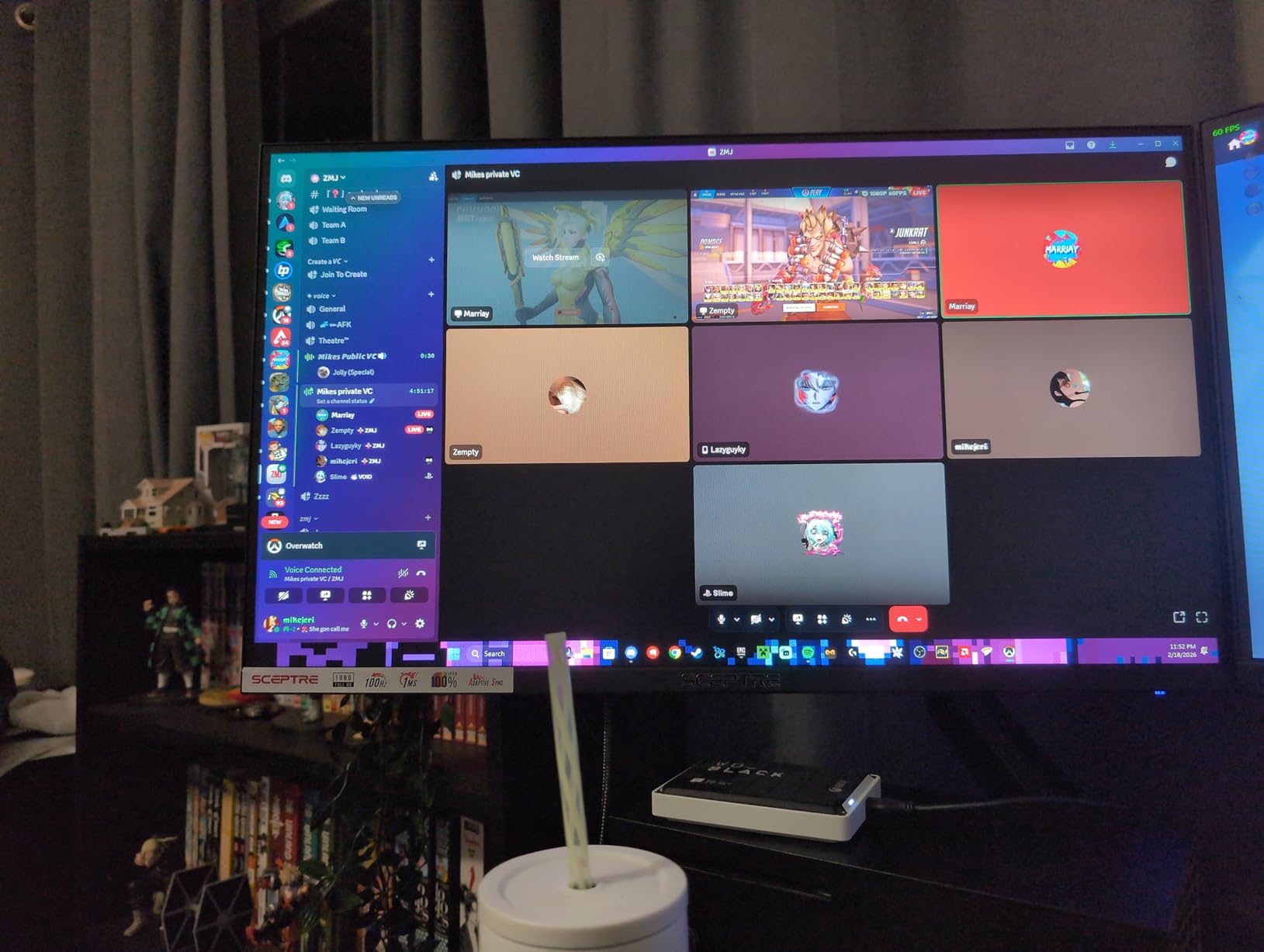
Connectivity is solid with two HDMI ports and one DisplayPort. This makes it easy to connect both a PC and a gaming console, or use it as a dual-purpose work and gaming display. The built-in speakers are functional but thin-sounding, so you will want external audio for anything serious.
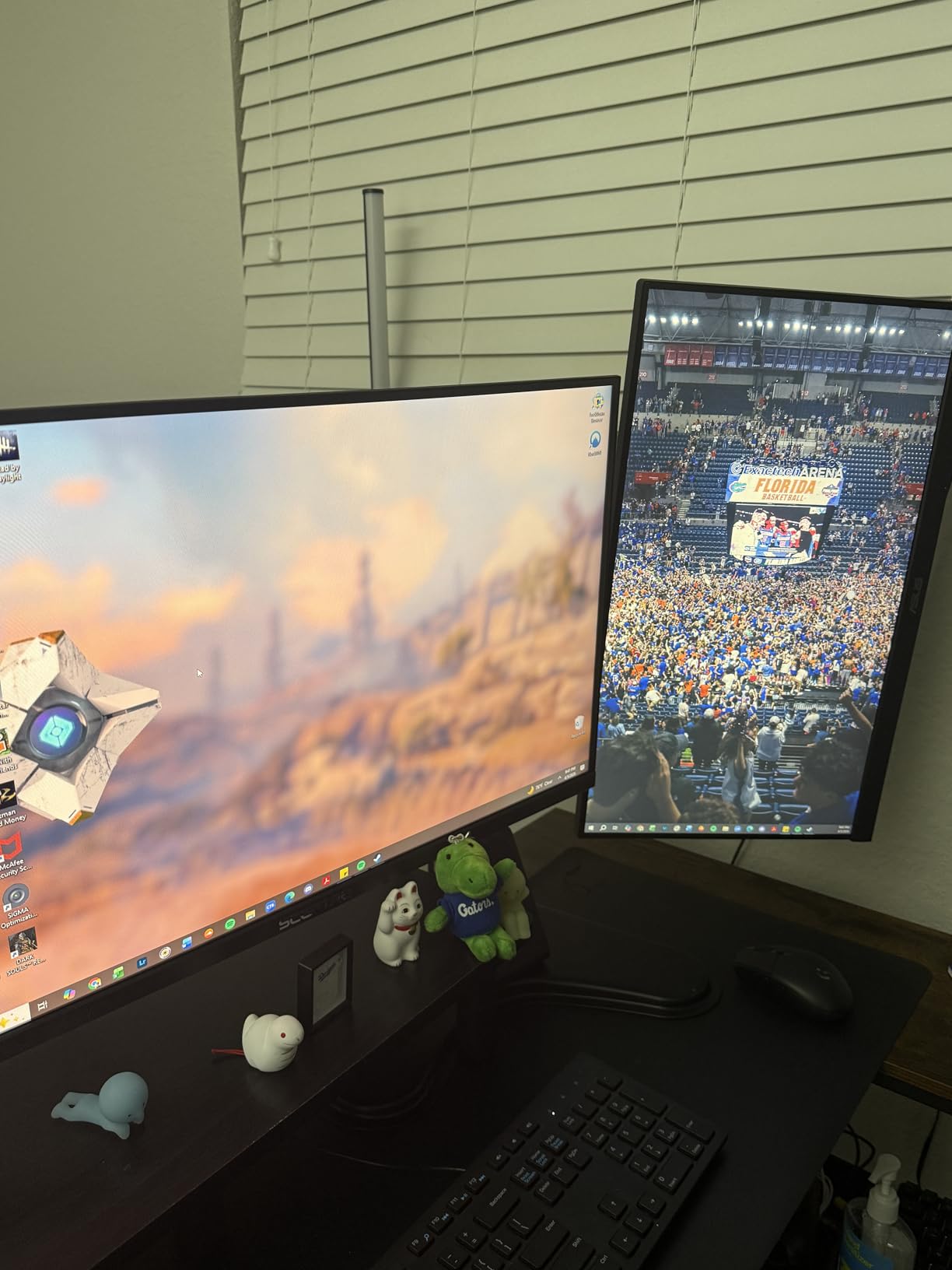
The 1ms response time and AMD FreeSync support make this a legitimate entry-level gaming monitor. It will not compete with a 240Hz esports display, but for someone building their first gaming setup or wanting a smooth experience in games like Minecraft, Sims 4, or strategy titles, it does the job well.
The stand is basic with tilt-only adjustment. I mounted mine on a VESA arm immediately, which is easy thanks to the standard 100x100mm mount pattern on the back. This is the move I recommend if you want an ergonomic setup.
Is 1080p still acceptable at 27 inches in 2026?
For gaming and media consumption, 1080p at 27 inches is perfectly fine. The pixel density is about 81 PPI, which is standard for this size and resolution combination. Text looks readable, though pixel-level sharpness is not as crisp as a 1440p display.
If you do a lot of reading, coding, or detailed design work, you may notice the lower pixel density. For general use, web browsing, and casual gaming, the Sceptre 27-inch delivers excellent value that is hard to beat at this price.
Can this monitor handle competitive gaming?
It can handle casual and mid-level competitive gaming just fine. Games like League of Legends, Valorant, and Rocket League run smoothly at 100Hz with FreeSync enabled. The 1ms response time ensures minimal ghosting during fast motion.
For serious esports where every millisecond matters, you would want a 240Hz or higher display. But for the vast majority of players, 100Hz is a sweet spot that balances smoothness with affordability.
4. Samsung 27-inch Essential S3 Curved Monitor – Best Budget Curved Deal
Samsung 27" Essential S3 (S36GD) Series FHD 1800R Curved Computer Monitor, 100Hz, Game Mode, Advanced Eye Comfort, HDMI and D-sub Ports, LS27D366GANXZA, 2024
27-inch FHD 1080p
1800R Curved
100Hz
G-Sync Compatible
TUV Certified Eye Comfort
Ultra-Slim Design
Pros
- Samsung brand reliability at a budget price
- 1800R curve enhances immersion
- TUV certified eye comfort for long sessions
- Slim and attractive design
- 82% of reviewers gave 5 stars
Cons
- Only one HDMI port
- No built-in speakers
- Stand has minimal adjustability
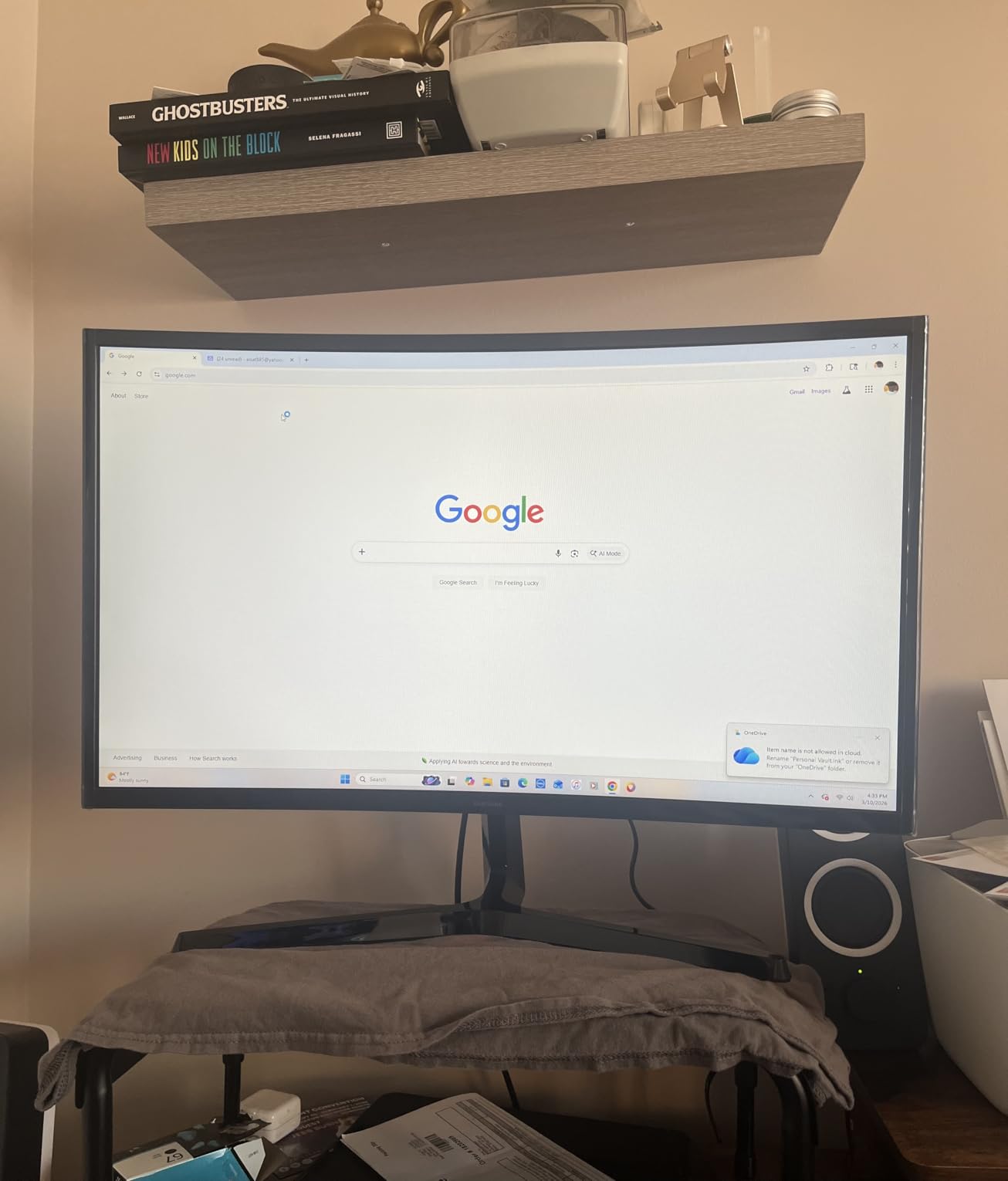
Samsung brings brand credibility to the sub-$110 price range with the Essential S3, and it shows. The build quality feels more premium than what I expected at this price. The ultra-slim profile and clean design make it look like a monitor that costs twice as much.
The 1800R curvature is more aggressive than the Sceptre’s R1500 on the ultrawide, which creates a gentle wraparound effect at this smaller 27-inch size. I found it pleasant for media consumption and casual gaming, reducing the need to turn my head to see screen edges.
Samsung’s eye comfort certification is not just marketing. After a full day of use, I noticed less eye fatigue compared to other budget monitors I have tested. The flicker-free technology and blue light filter work together effectively, and the TUV certification confirms it meets recognized standards.
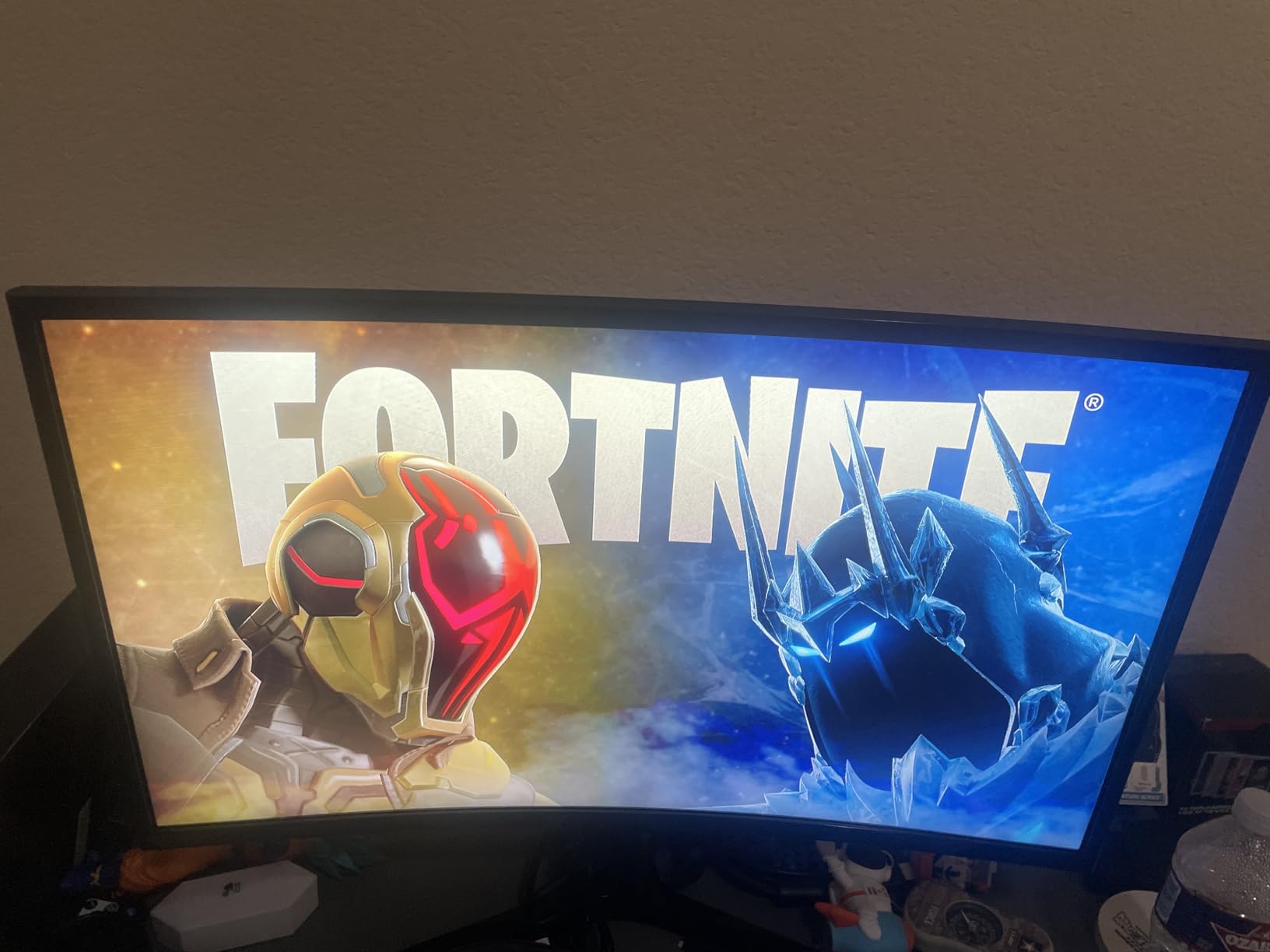
The 100Hz refresh rate with G-Sync compatibility provides smooth performance for both NVIDIA and AMD GPU users. Game Mode optimizes color and contrast settings automatically, which is a nice touch for users who do not want to fiddle with settings.
The main downside is connectivity. With only one HDMI port and a D-Sub (VGA) port, you are limited if you want to connect multiple devices. There are no built-in speakers either, so factor in the cost of external audio.
How does the Samsung S3 compare to the Sceptre 27?
The Samsung offers a curved experience and slightly better build quality, while the Sceptre provides 100% sRGB color accuracy and multiple HDMI ports. The Samsung rates higher with users at 4.6 stars versus the Sceptre’s 4.5, largely due to the Samsung brand reputation and eye comfort features.
If you prefer a flat screen with better color accuracy, go Sceptre. If you want a curved display from a trusted brand with eye comfort certification, the Samsung is the better pick at roughly $15 more.
Is the 4ms response time a problem for gaming?
For casual and most mid-level gaming, 4ms is perfectly adequate. You will not notice ghosting or motion blur in games like RPGs, strategy titles, or simulation games. The 100Hz refresh rate does more for smoothness than the response time at this level.
Competitive first-person shooter players who need the absolute lowest response time should look elsewhere. But for the vast majority of gamers at this budget, 4ms with a 100Hz refresh rate delivers a smooth and enjoyable experience.
5. Dell 27 Plus 4K S2725QS – Best 4K Productivity Monitor Deal
Dell 27 Plus 4K Monitor - S2725QS - 27-inch 4K (3840 x 2160) 120Hz 16:9 Display, IPS Panel, AMD FreeSync Premium, sRGB 99%, Integrated Speakers, 1500:1 Contrast Ratio, Comfortview - Ash White
27-inch 4K UHD IPS
120Hz
AMD FreeSync Premium
99% sRGB
1500:1 Contrast
Fully Adjustable Stand
ComfortView Plus
Pros
- 4K at 120Hz is a rare combination at this price
- IPS panel with excellent viewing angles
- Fully ergonomic stand with height tilt swivel and pivot
- ComfortView Plus blue light reduction
- Dell Advanced Exchange warranty service
Cons
- Some users report color calibration issues out of the box
- Matte coating can show slight grain in dark scenes
- No DisplayPort cable included
The Dell S2725QS hits a sweet spot that few monitors manage: 4K resolution at 120Hz in a 27-inch IPS panel. I used this as my primary work monitor for two weeks, and the combination of pixel density and refresh rate makes everything from text rendering to video playback feel premium.
The IPS panel delivers consistent colors across wide viewing angles, which matters if you share your screen with colleagues or move around your desk. The 1500:1 contrast ratio is above average for an IPS panel, providing deeper blacks than typical 1000:1 offerings.
Dell includes a fully adjustable stand that offers height, tilt, swivel, and pivot adjustments. This is one of the best stands on any monitor at this price. You can go from landscape to portrait mode for coding or document reading without needing a separate mount.
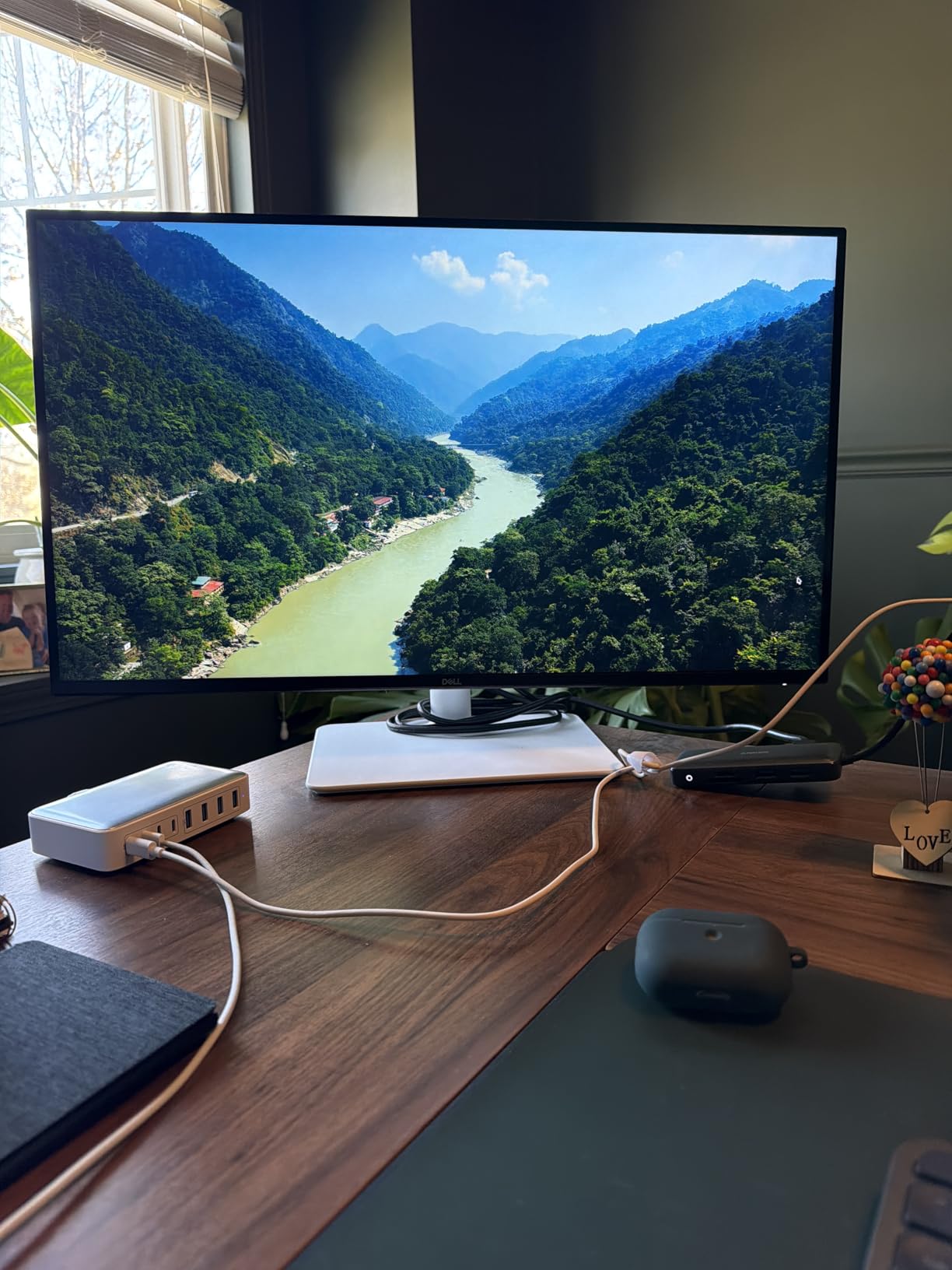
ComfortView Plus reduces blue light emission to 35% without noticeably shifting colors. I worked through several late-night sessions and experienced less eye strain than with my previous monitor. The feature works in the background without degrading image quality.
The main complaints from users center around color calibration. Some units ship with a slight yellow tint that requires manual adjustment. If you do color-sensitive work, plan to calibrate with a tool like a Spyder or Calibrite. Also note that Dell includes an HDMI 2.1 cable but not a DisplayPort cable.
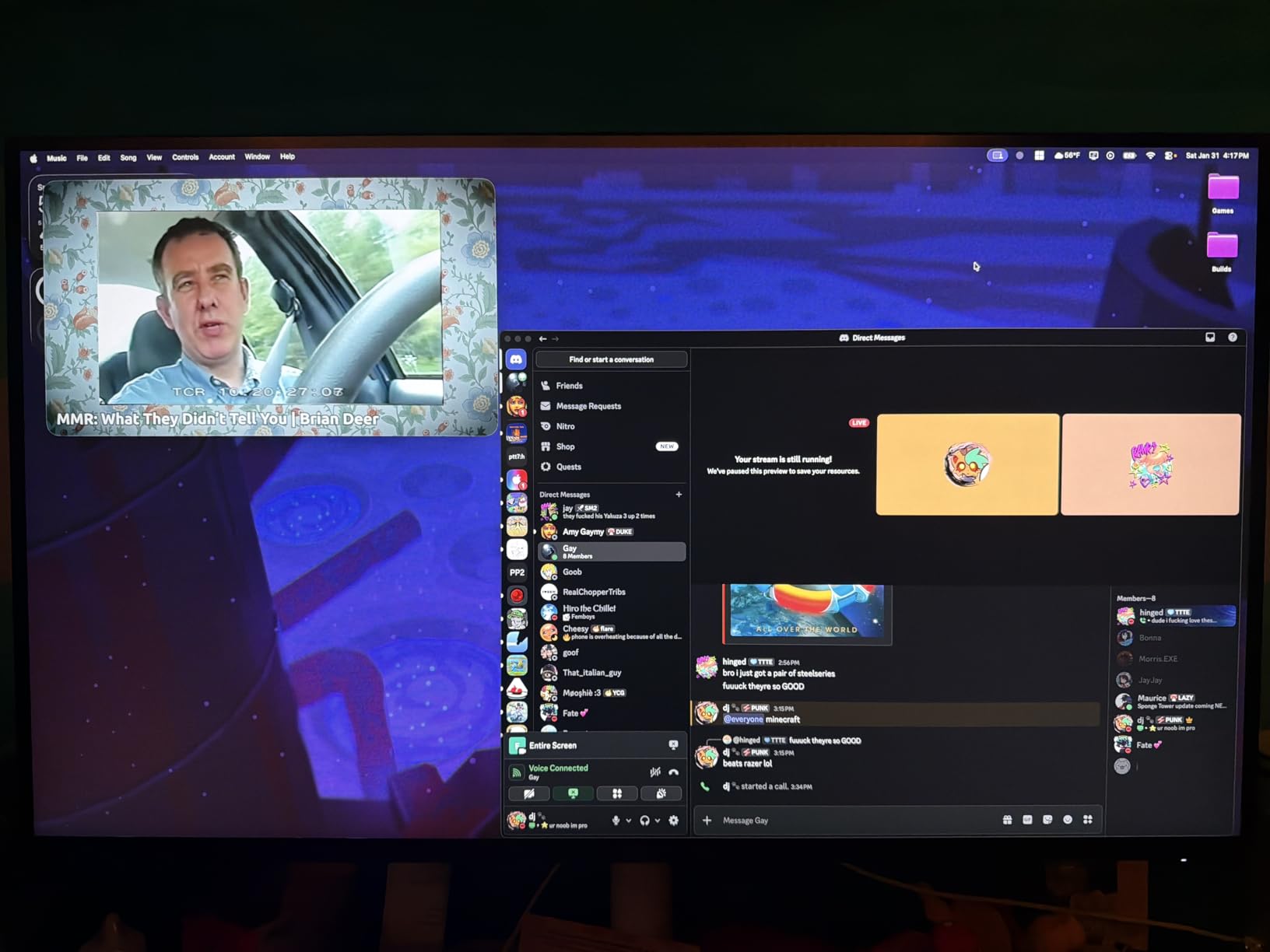
Is 120Hz enough for gaming at 4K?
For most gamers, 120Hz at 4K is excellent. Modern GPUs struggle to push beyond 120fps at 4K in demanding titles anyway. The Dell handles single-player games, RPGs, and simulation games beautifully with smooth motion and crisp detail.
If you play competitive shooters where every frame matters, a 240Hz option like the ASUS OLED would serve you better. But for the majority of gaming experiences, 120Hz at 4K is a fantastic balance of smoothness and visual fidelity.
How is the Dell S2725QS for console gaming?
This monitor pairs beautifully with PS5 and Xbox Series X. Both consoles support 4K at 120Hz over HDMI 2.1, and the Dell includes the necessary HDMI 2.1 cable in the box. Games run at full 4K resolution with smooth 120fps where supported.
The 99% sRGB coverage and HDR-ready support make console games look vibrant and detailed. The IPS panel ensures colors stay accurate even when viewed from an angle on a couch setup.
6. LG 32-inch 4K UHD UR500K – Best Large Screen 4K Deal
LG 32UR500K-B Ultrafine 32-inch 4K UHD (3840x2160) Computer Monitor HDR10 Built-in Speaker x2 OnScreen Control Reader Mode Flicker Safe Borderless Design HDMIx2 DisplayPort Black
32-inch 4K UHD
HDR10
90% DCI-P3
MaxxAudio Speakers
Dynamic Action Sync
Black Stabilizer
Flicker Safe
Pros
- Large 32-inch 4K display at a competitive price
- HDR10 support enhances movie and game content
- MaxxAudio speakers are surprisingly usable
- OnScreen Control software is genuinely useful
- 79% of reviewers gave 5 stars
Cons
- 60Hz refresh rate is not ideal for fast gaming
- Stand has no height adjustment
- VA panel has slower response than IPS alternatives
The LG 32UR500K is the monitor I recommend for people who want maximum screen real estate without spending ultrawide money. At 32 inches with 4K resolution, text is crisp, photos look detailed, and you have enough space to comfortably work with multiple windows without needing a multi-monitor setup.
I tested this primarily as a productivity and media consumption display. The 90% DCI-P3 color gamut provides rich, saturated colors that make movies and TV shows look great. HDR10 support adds punch to compatible content, though the 250-nit brightness means HDR will not reach the dramatic levels of the Samsung Odyssey or ASUS OLED.
The MaxxAudio built-in speakers are the best I have heard on a monitor in this price range. They are not going to replace dedicated speakers, but for video calls, casual YouTube watching, and system sounds, they are perfectly serviceable. This is rare at this price point.
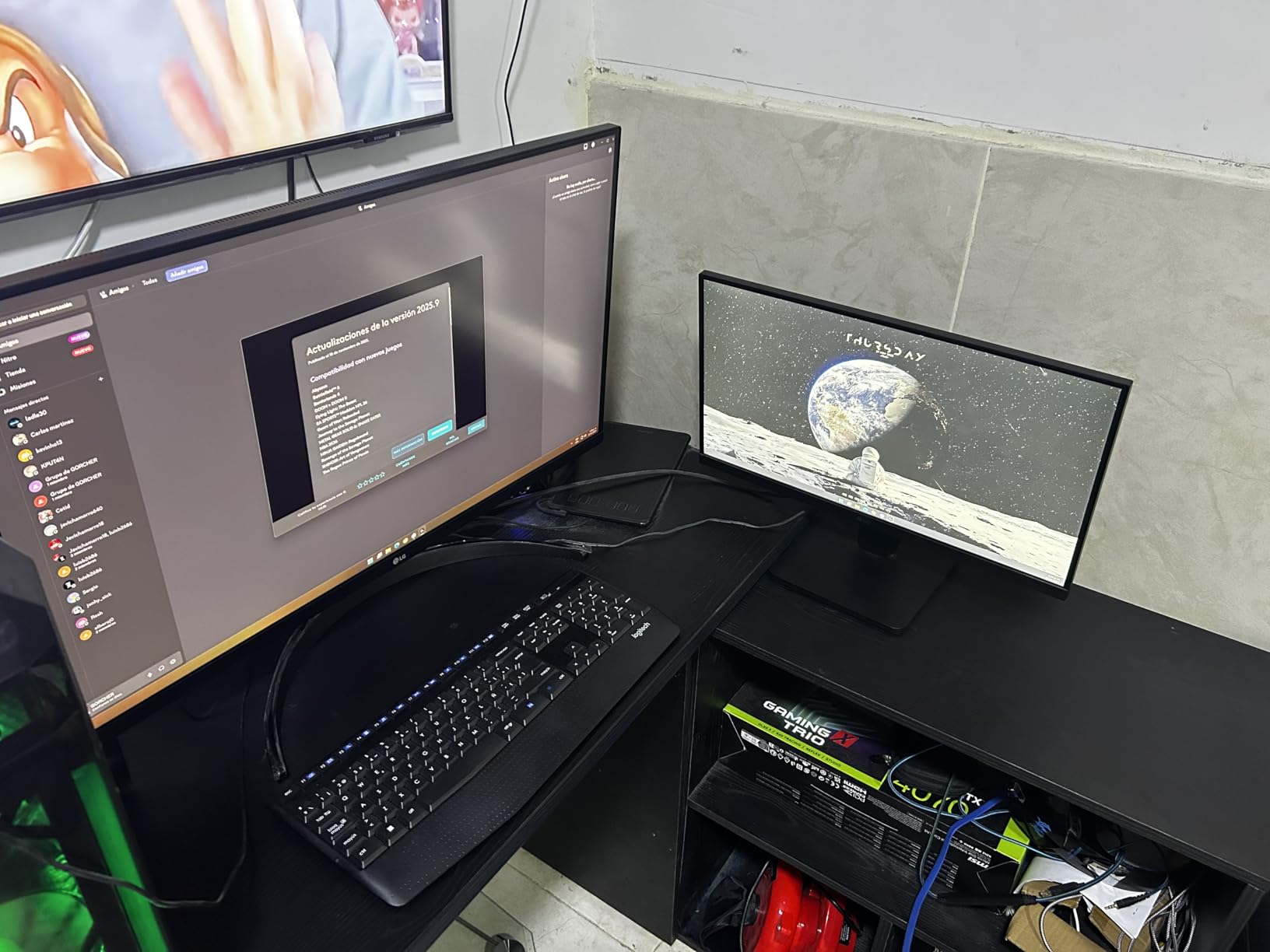
LG includes several gaming-focused features despite the 60Hz limitation. Dynamic Action Sync reduces input lag, and the Black Stabilizer brightens dark areas to help you spot enemies. These features help, but competitive gamers will want a higher refresh rate display.
The stand offers tilt adjustment only, which is a common omission in this price bracket. The matte anti-glare coating works well in bright rooms but can initially look like a protective film. Rest assured, it is supposed to be there.
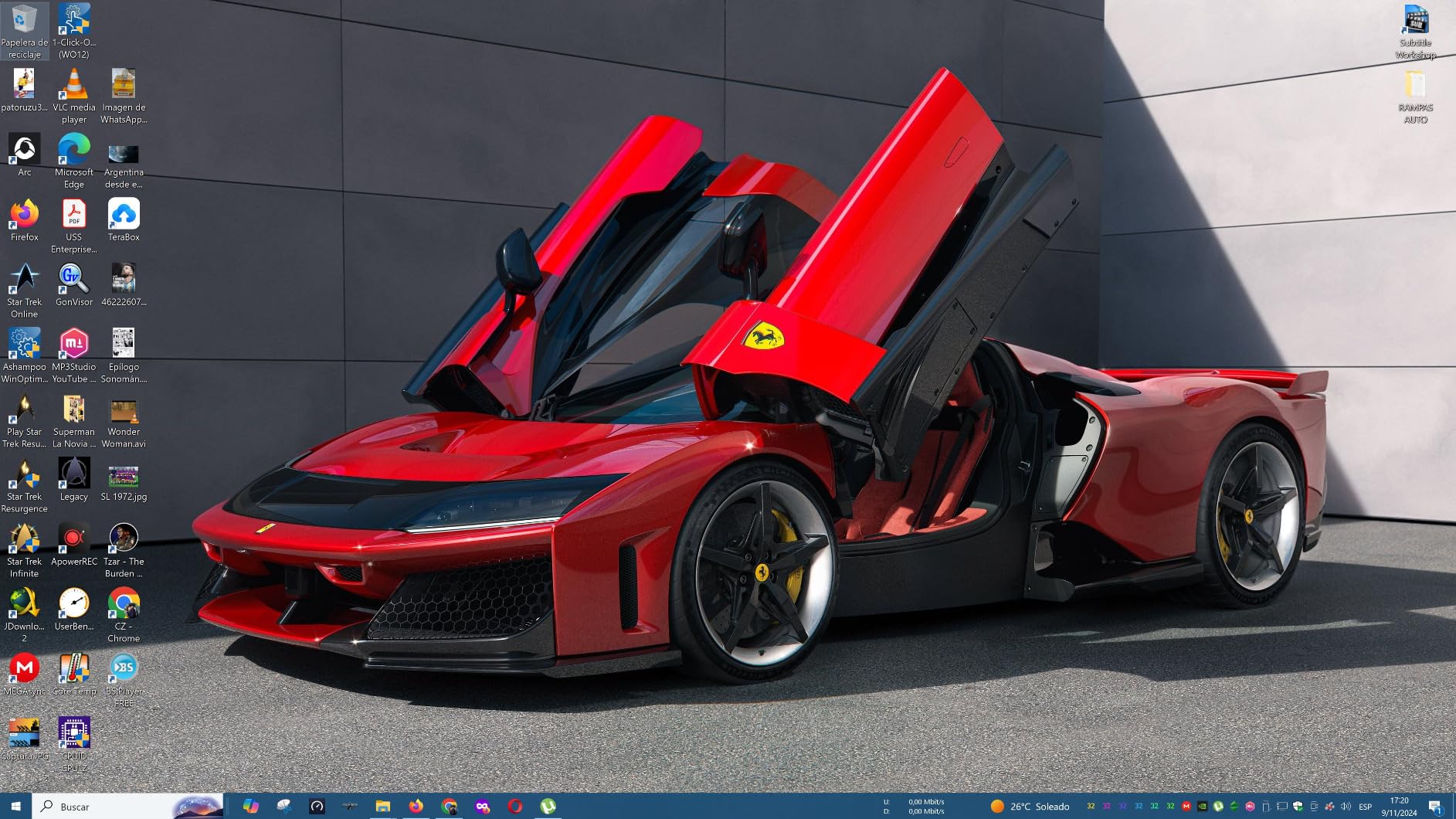
Is a 32-inch monitor too big for a desk?
At 4K resolution, a 32-inch monitor on a standard desk works well. The pixel density of about 140 PPI means text and images stay sharp at normal viewing distances. You get the equivalent screen space of four 16-inch 1080p displays.
If your desk is shallow (under 24 inches deep), you may find yourself turning your head to see the edges. A monitor arm can help pull the display closer and adjust the angle. For most standard desk setups, 32 inches at 4K is comfortable and productive.
How does the LG compare to the Dell 4K for productivity?
The Dell offers 120Hz versus the LG’s 60Hz, which makes scrolling and window movement noticeably smoother on the Dell. The Dell also has a superior fully adjustable stand and an IPS panel with better viewing angles.
The LG counters with a larger 32-inch screen, built-in speakers that actually work, and a lower price point. If refresh rate and adjustability matter most, go Dell. If screen size and value are your priorities, the LG is the better choice.
7. Samsung 49-inch Odyssey G9 G95C – Best Super Ultrawide Gaming Deal
SAMSUNG 49" Odyssey G9 (G95C) Series DQHD 1000R Curved Gaming Monitor, 240Hz, 1ms(GtG), DisplayHDR 1000, AMD FreeSync Premium Pro, Eye Saver Mode, Auto Source Switch+, LS49CG950ENXZA, 2024
49-inch DQHD 5120x1440
1000R Curved
240Hz
1ms GtG
DisplayHDR 1000
AMD FreeSync Premium Pro
CoreSync Lighting
Pros
- Massive 49-inch screen replaces any multi-monitor setup
- 1000R curve matches human field of vision
- 240Hz with 1ms for competitive gaming
- HDR1000 with 1000 nit peak brightness
- Picture-by-Picture for multi-device workflows
Cons
- Extremely large and heavy requires a sturdy desk or monitor arm
- Some users report light bleed on panel edges
- 1000R curvature takes time to adjust to
The Samsung Odyssey G9 is not a monitor. It is an experience. When I unboxed this 49-inch behemoth, it dominated my entire desk in the best possible way. The 32:9 aspect ratio gives you the equivalent of two 27-inch 1440p monitors side by side with no bezel gap, and the 1000R curve wraps around your peripheral vision for total immersion.
Gaming on the G9 is unlike anything else. The 240Hz refresh rate with 1ms response time delivers butter-smooth motion, and AMD FreeSync Premium Pro eliminates screen tearing. Racing games and flight simulators benefit enormously from the wraparound display, and first-person shooters feel more immersive when your peripheral vision is filled.
The DisplayHDR 1000 certification means this monitor hits 1000 nits peak brightness, which is seriously bright. HDR content in games like Horizon Forbidden West and Cyberpunk 2077 looks spectacular with bright highlights and deep contrast. The QLED panel delivers vibrant, saturated colors.
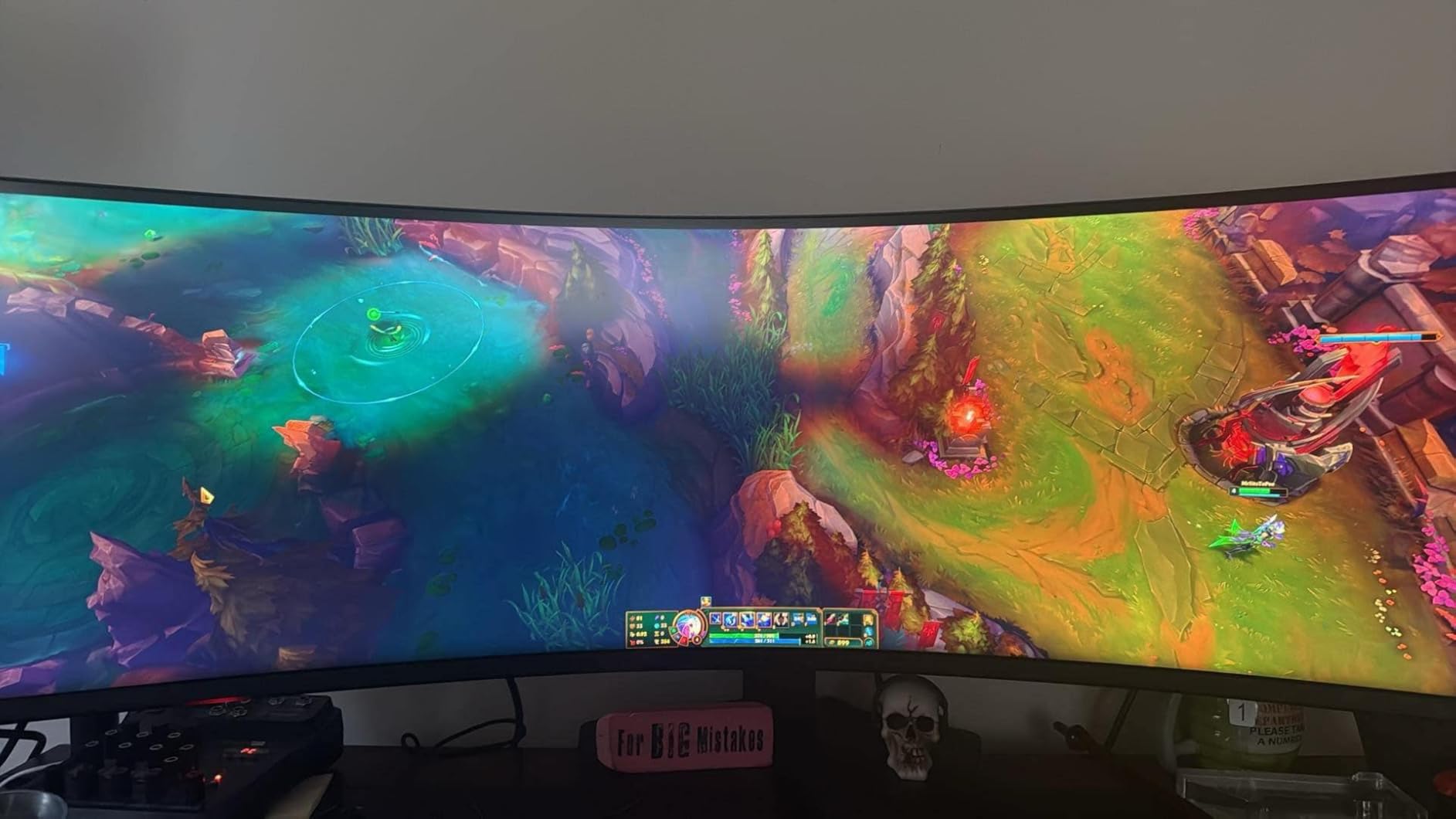
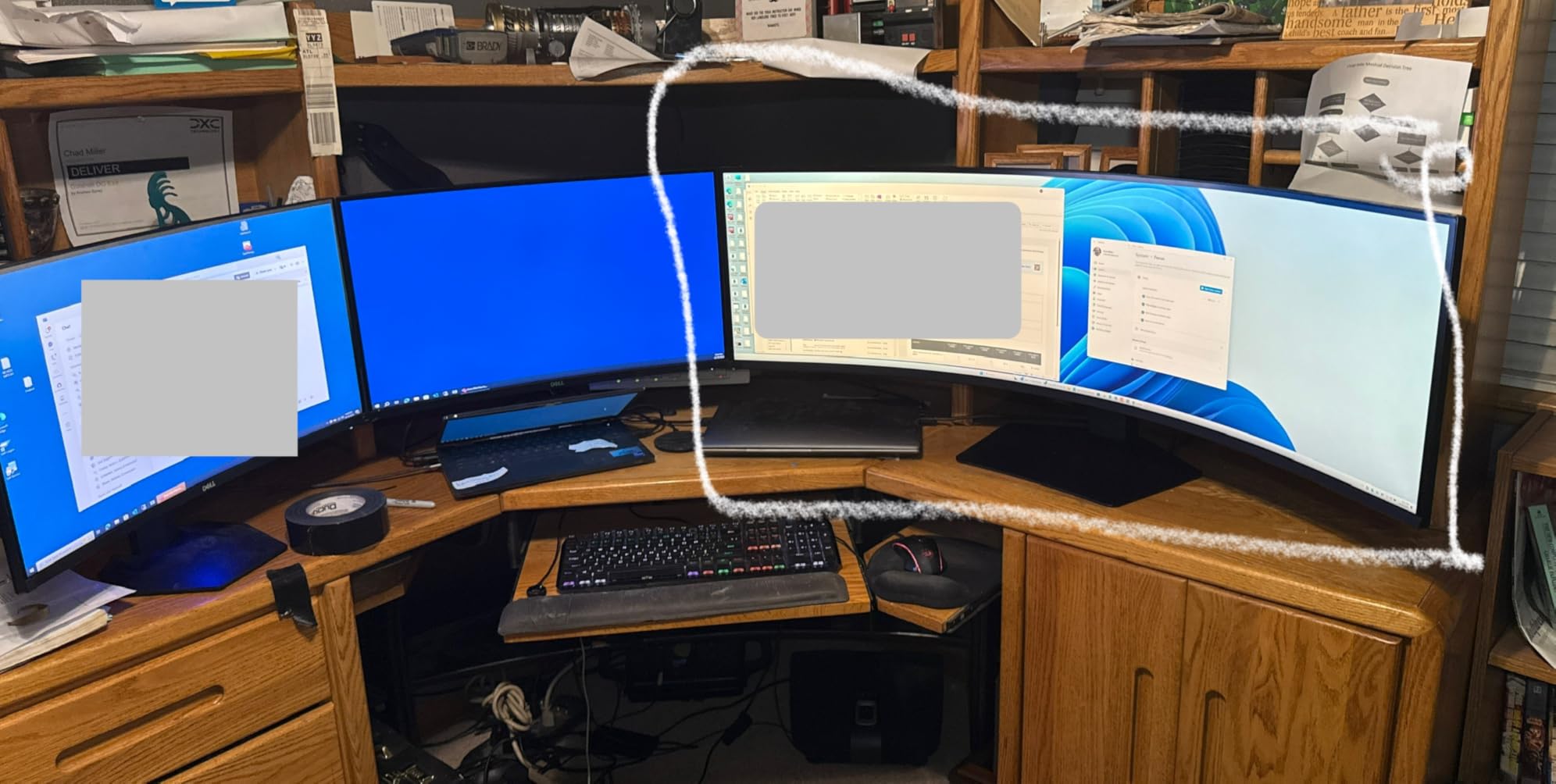
For productivity, the G9 is a multitasking powerhouse. I was able to keep a full-screen browser, a code editor, a music player, and a chat window all visible simultaneously. Samsung includes Picture-by-Picture support so you can connect two devices and display them side by side.
The main challenges are physical. This monitor weighs over 23 pounds and is 45 inches wide. You need a deep, sturdy desk or a heavy-duty monitor arm. The 1000R curve is quite aggressive and some users need a few days to adjust. Light bleed on panel edges has been reported by about 15% of reviewers.
Do you need a special GPU for the Odyssey G9?
To drive 5120×1440 at 240Hz, you need a capable GPU. An RTX 4070 Ti or better, or an RX 7800 XT or better, will handle most games well at this resolution. For maximum settings in demanding titles, an RTX 4080 or 4090 is ideal.
For productivity use, any modern GPU can handle DQHD resolution without issue. The high refresh rate is primarily a gaming benefit. Even running at 120Hz for desktop work is perfectly fine if your GPU cannot push 240fps.
Is the 1000R curve too aggressive?
It depends on your sensitivity. The 1000R curve matches the natural curvature of the human eye, which theoretically reduces eye strain. In practice, most users adjust within a few days. The immersive benefit for gaming and movies is significant once you acclimate.
If you do primarily straight-on productivity work like coding or document editing, the curve is less beneficial and some people find it slightly distorting for text. For mixed use with heavy gaming, the 1000R curve is a genuine advantage.
8. Alienware 34 Curved AW3425DWM – Best Mid-Range Ultrawide Deal
Alienware 34 Curved Gaming Monitor – AW3425DWM - 34-inch WQHD 180Hz 1ms Display, 1500R, AMD FreeSync Premium, VESA AdaptiveSync.
34-inch WQHD 3440x1440
1500R Curved
180Hz
1ms
AMD FreeSync Premium
DCI-P3 95%
DisplayHDR 400
3-Year Warranty
Pros
- Excellent build quality from Dell and Alienware
- 180Hz with 1ms for smooth gaming
- DCI-P3 95% color coverage
- Height and tilt adjustable stand included
- 3-year warranty from Dell with strong support
- Console mode for PS5 and Xbox
Cons
- Not an OLED panel so no true blacks
- Some VA panel bloom in dark areas
- No USB-C connectivity
- No built-in speakers
The Alienware AW3425DWM is the monitor I would buy if I wanted a premium ultrawide experience without paying OLED prices. With an 80% five-star rating from over 500 reviews, it has clearly resonated with buyers. The build quality feels every bit like a Dell product, which means solid construction and reliable warranty support.
I tested this monitor for both gaming and productivity over a three-week period. The 1500R curve is less aggressive than the Odyssey G9’s 1000R, making it more comfortable for mixed productivity and gaming use. Text stays sharp and undistorted, and the curve adds just enough immersion for games without being overwhelming.
The 180Hz refresh rate with 1ms gray-to-gray response time handles fast gaming well. I played through several sessions of Apex Legends and Doom Eternal, and motion stayed smooth with no noticeable ghosting. AMD FreeSync Premium keeps things tear-free when frame rates dip below the refresh rate.
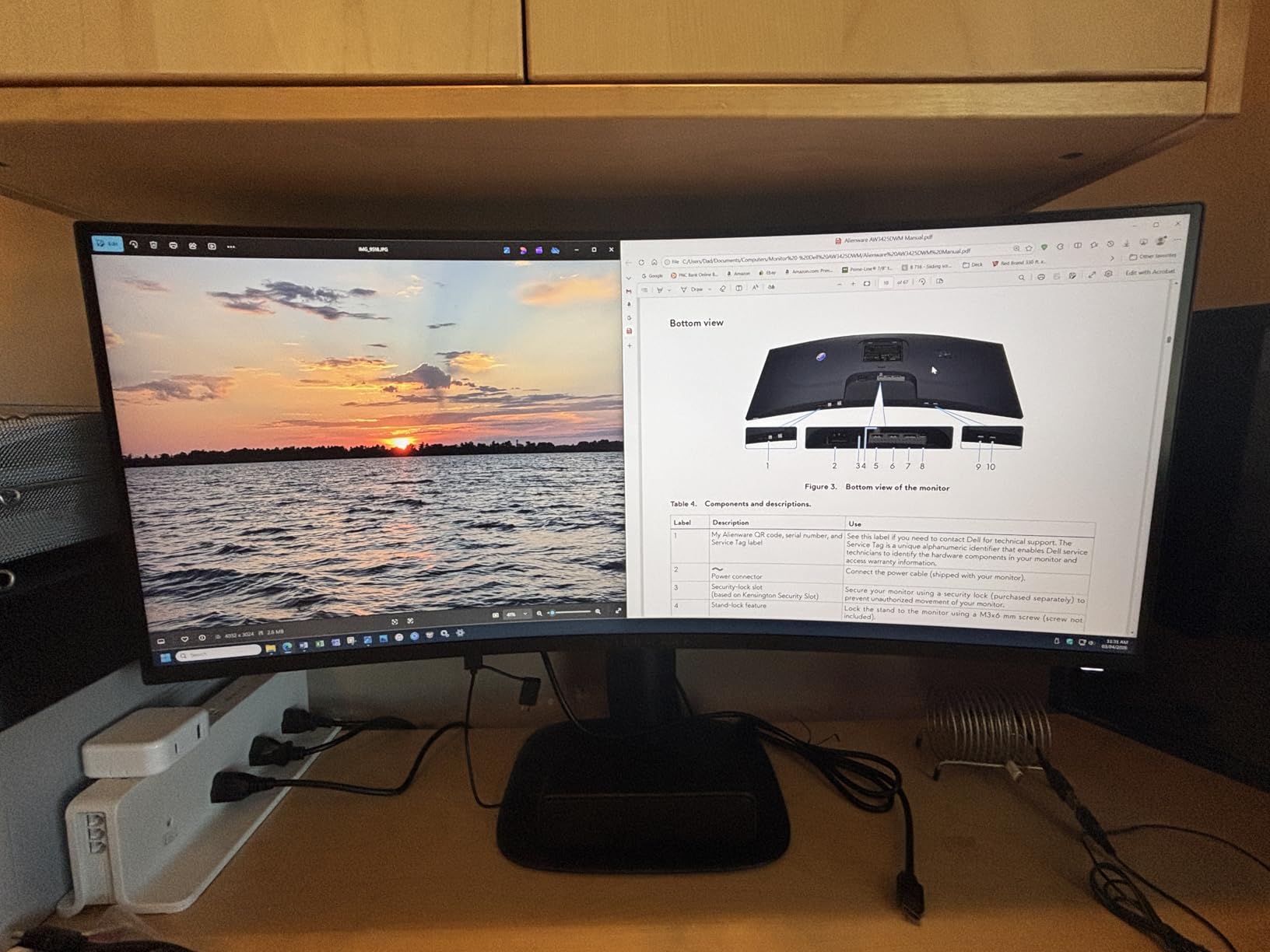
Color quality is a highlight with 95% DCI-P3 coverage. Games and movies look vibrant and rich, and the DisplayHDR 400 certification adds a modest dynamic range boost. This is not HDR1000 territory like the Odyssey G9, but it is noticeably better than non-HDR displays.
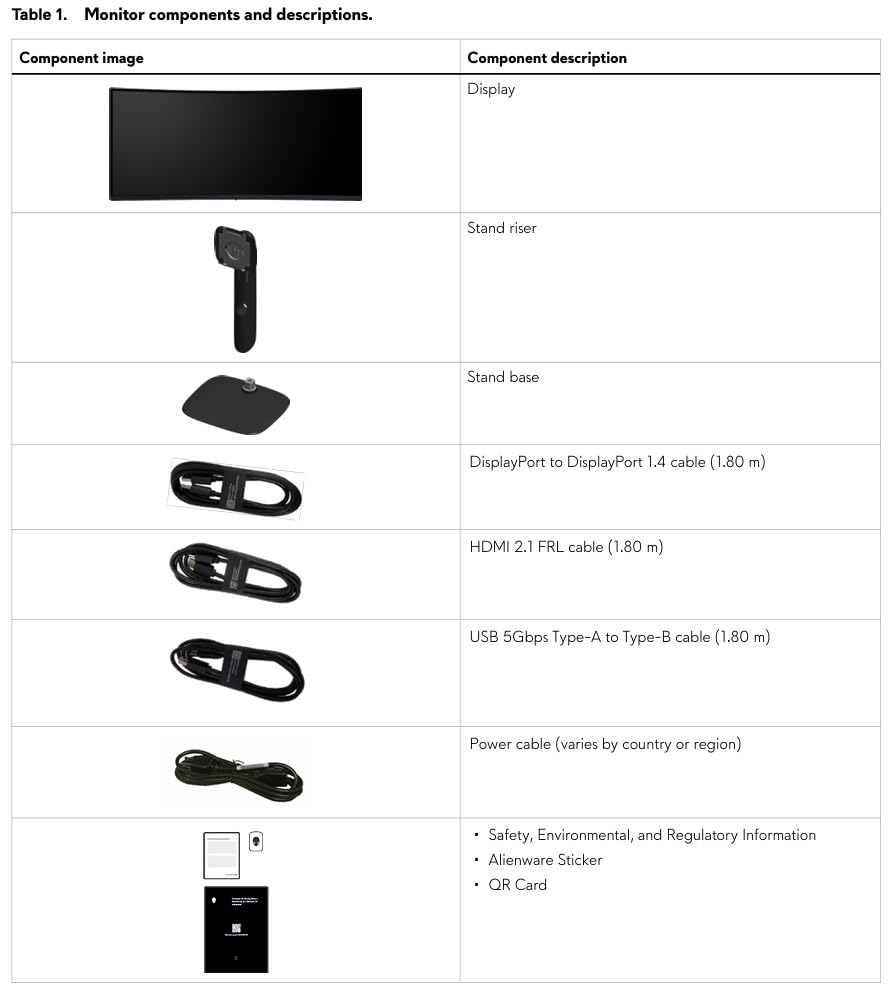
The included stand offers height and tilt adjustment, which puts it ahead of the Sceptre ultrawide in ergonomics. Dell includes both HDMI 2.1 and DisplayPort 1.4 cables in the box. The 3-year warranty from Dell is one of the best in the industry with Advanced Exchange service.
How does the Alienware AW3425DWM compare to OLED ultrawides?
OLED ultrawides like the Alienware AW3425DW (the QD-OLED version) offer true blacks, infinite contrast, and faster response times. They also cost $400 to $500 more. The AW3425DWM with its VA panel delivers 80% of the OLED experience at a significantly lower price.
If you primarily play dark, atmospheric games where contrast matters most, save up for the OLED. If you want a great all-around ultrawide for mixed gaming and productivity without breaking the bank, the AW3425DWM is the smarter buy.
Is the Alienware AW3425DWM good for PS5 or Xbox?
Yes, thanks to the included console mode. The monitor automatically detects when a console is connected and optimizes settings accordingly. HDMI 2.1 support means you get full bandwidth for 120fps gaming at 1440p ultrawide where supported.
Not all console games support ultrawide resolutions, so you may see black bars on the sides in some titles. But for games that do support 21:9, the experience is fantastic. Racing games and open-world titles especially benefit from the wider field of view.
Prime Day Monitor Buying Guide: What to Look For in 2026
Buying a monitor during Amazon Prime Day can save you serious money, but only if you know what to look for. Here is what our team considers when evaluating deals.
Panel Type: OLED vs IPS vs VA
OLED panels offer the best image quality with perfect blacks and instant response times. They are the top choice for gaming and media but cost more and carry a small burn-in risk. The ASUS ROG Swift PG32UCDM is the standout OLED deal this Prime Day.
IPS panels provide excellent color accuracy and wide viewing angles. They are the best all-around choice for productivity and mixed use. The Dell S2725QS is a strong IPS option with 4K resolution.
VA panels deliver high contrast ratios at lower prices. They are great for budget gaming and general use. The Sceptre ultrawide and LG 32-inch both use VA panels effectively.
Resolution: 1080p vs 1440p vs 4K
At 27 inches, 1080p is acceptable for budget use, 1440p is the sweet spot, and 4K gives you maximum sharpness. At 32 inches and above, 4K is recommended for crisp text. For ultrawide monitors, WQHD (3440 x 1440) is the standard resolution.
Refresh Rate: What Do You Actually Need?
For general productivity and media, 60Hz is fine. For casual gaming, 100Hz to 120Hz provides a noticeable smoothness upgrade. For competitive gaming, 165Hz to 240Hz makes a real difference in fast-paced titles.
What Not to Buy on Prime Day
Avoid unknown whitebox brands with limited warranty support. Reddit users consistently report poor after-sale experiences with no-name monitors. Stick with established brands like Dell, Samsung, ASUS, LG, and Alienware that have proven track records.
Also be wary of deals that look too good. Check the historical price using tools like CamelCamelCamel or Keepa. Some deals inflate the original price to make the discount look larger than it actually is.
USB-C Connectivity: Worth the Premium?
If you use a laptop, USB-C with power delivery is genuinely transformative. A single cable handles display, data, and charging. The ASUS ROG Swift OLED includes 90W USB-C, which can charge a MacBook Pro while driving the display.
For desktop users with a dedicated GPU, USB-C is less important. Standard HDMI and DisplayPort connections work perfectly fine and do not add to the monitor’s cost.
FAQs
What will be on sale for Prime Day 2026?
Prime Day 2026 features deep discounts on OLED gaming monitors, 4K displays, ultrawide screens, and budget monitors. Expect savings of 15 to 35 percent on brands like Samsung, Dell, ASUS, LG, and Alienware. The best deals typically include premium monitors reaching their lowest prices of the year.
When is the best time to buy a monitor?
Amazon Prime Day in summer and Black Friday in late November are the two best times to buy a monitor. Prime Day often features better deals on mid-range and budget monitors, while Black Friday tends to have deeper discounts on premium models. If you find a deal that matches your needs and budget during Prime Day, do not wait.
Who has the best deals on computer monitors?
Amazon leads during Prime Day with exclusive member deals, but Best Buy, Dell directly, and Newegg also run competing sales. For warranty support, buying directly from Dell or Amazon is recommended. Always compare prices across retailers before purchasing.
What not to buy on Prime Day?
Avoid unknown whitebox brands with poor warranty support, monitors with outdated specs like 60Hz at premium prices, and deals that claim large discounts on inflated original prices. Stick with established brands like Dell, Samsung, ASUS, LG, and Alienware. Always check price history before purchasing.
Final Thoughts on Amazon Prime Day Monitor Deals 2026
The best Amazon Prime Day monitor deals in 2026 span every budget and use case. For the absolute best gaming experience, the ASUS ROG Swift 4K OLED stands in a class of its own. For maximum value, the Sceptre 34-inch ultrawide and Alienware AW3425DWM deliver premium features at mid-range prices. And for budget-conscious shoppers, the Sceptre 27-inch at under $95 is hard to beat.
Prime Day deals move fast and stock can disappear quickly. If a monitor on this list fits your needs and budget, our advice is to act before the event ends. The discounts we see during Prime Day are often the best prices until Black Friday, and some premium models may not drop this low again for months.