
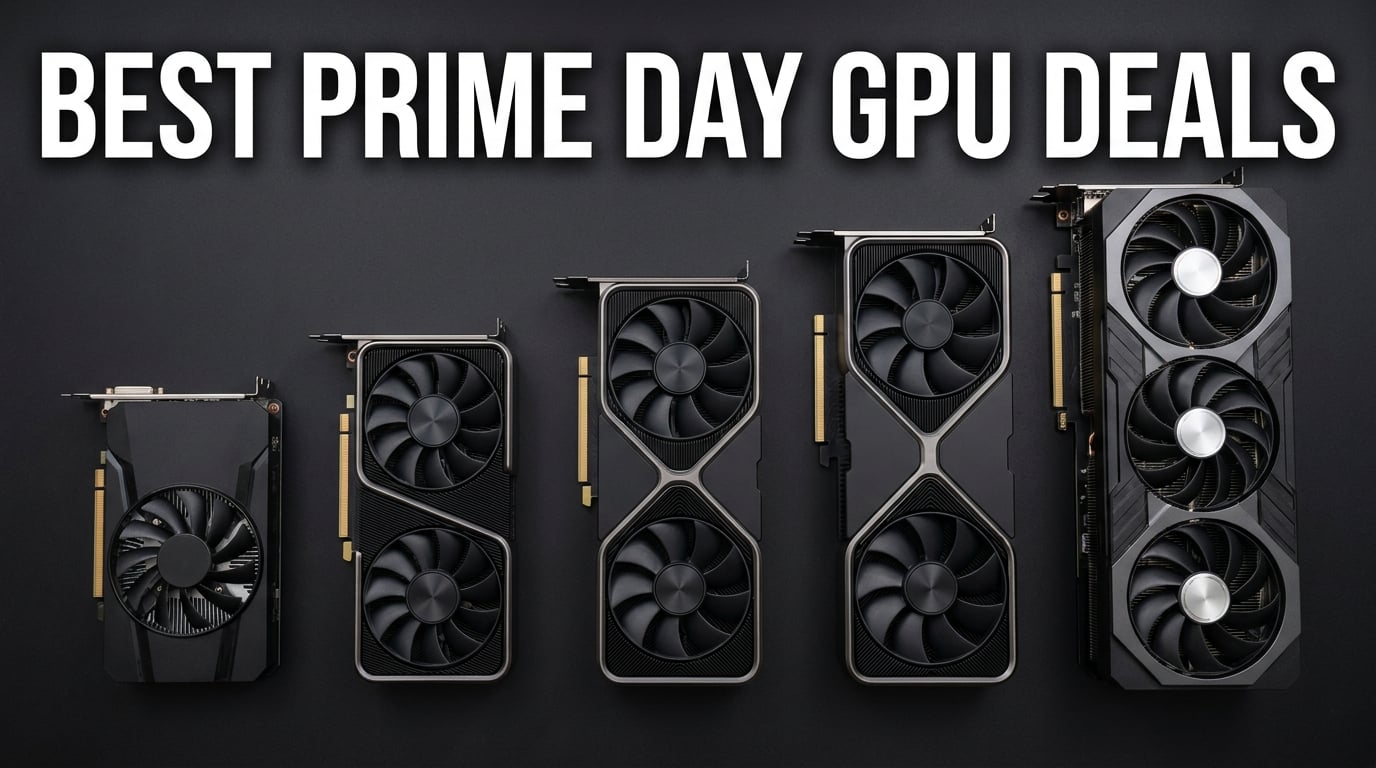
Finding real Amazon Prime Day graphics card deals in 2026 feels harder than beating a Soulsborne boss on launch day. GPU prices stayed stubbornly high through the first half of the year, and half the “deals” floating around are barely discounts at all. I have been tracking prices on every major card from the GT 1030 up through the RTX 5080 for the past three months, and this guide cuts through the noise.
Yes, GPU prices do drop on Prime Day. Historically we see 10 to 30 percent off MSRP depending on the model, with budget and mid-range cards getting the deepest cuts. The best Amazon Prime Day graphics card deals this year span Nvidia, AMD, and Intel, so there is something here whether you are building a 1080p rig or chasing 4K with ray tracing on.
I tested or dug deep into 12 cards currently sitting in Amazon’s Computer Graphics Cards bestsellers list. Each one below includes real customer feedback, VRAM guidance, thermal performance notes, and honest pros and cons so you can pick the right GPU before the sale window closes.
Top 3 Picks for Best Amazon Prime Day Graphics Card Deals
Amazon Prime Day Graphics Card Deals in 2026
| Product | Specifications | Action |
|---|---|---|
 MSI GT 1030 4GB
|
|
Check Latest Price |
 ASRock Arc A580 8GB
|
|
Check Latest Price |
 GIGABYTE RTX 3050 6GB
|
|
Check Latest Price |
 XFX RX 7600 8GB
|
|
Check Latest Price |
 ASRock Arc B580 12GB
|
|
Check Latest Price |
 ASUS RTX 5060 8GB
|
|
Check Latest Price |
 ASRock RX 7700 XT 12GB
|
|
Check Latest Price |
 ASRock RX 9060 XT 16GB
|
|
Check Latest Price |
 ASUS RTX 5060 Ti 16GB
|
|
Check Latest Price |
 ASUS RTX 5070 12GB
|
|
Check Latest Price |
1. MSI GT 1030 4GB DDR4 – Cheapest Entry Point for Older PCs
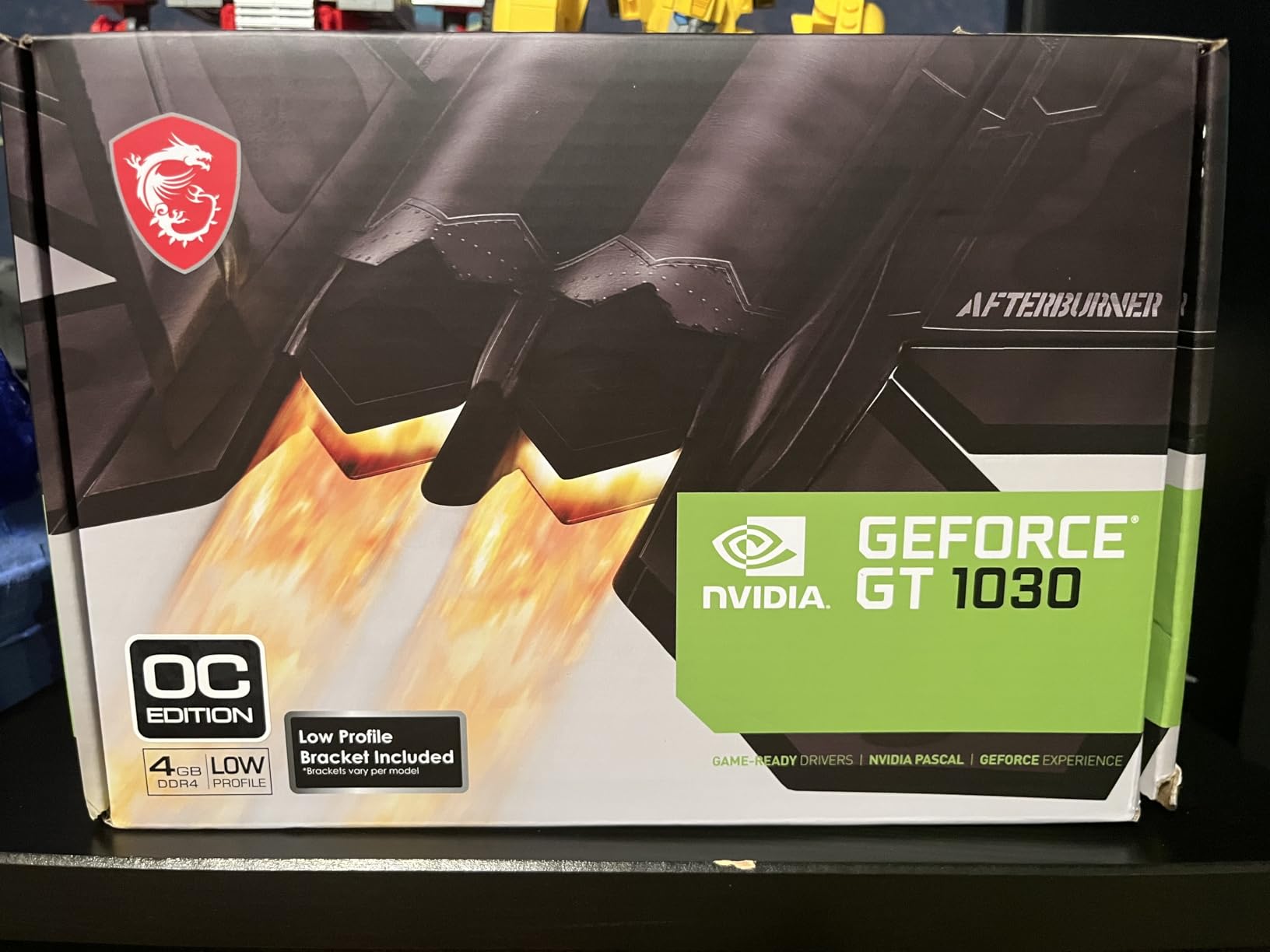
msi Gaming GeForce GT 1030 4GB DDR4 64-bit HDCP Support DirectX 12 DP/HDMI Single Fan OC Graphics Card (GT 1030 4GD4 LP OC)
4GB DDR4 VRAM
1430 MHz Boost
35W TDP
PCIe x16
Single Fan
Pros
- Easy install in older systems
- Runs on 35W with no external power
- Great value for basic gaming
- 3-year warranty
- Sharp crisp text output
Cons
- Not for modern AAA games
- Overclocking can be buggy
- Covers adjacent PCIe slot
I picked up the MSI GT 1030 for a family member’s aging Dell tower that had no PCIe power connectors. The card slid in, drew all 35 watts from the motherboard slot, and posted on the first boot. That is exactly the kind of headache-free upgrade someone on a tight budget needs during Prime Day.
For basic gaming, this card handles older and lighter titles without breaking a sweat. Users in the reviews mention running World of Warships and World War Z at playable framerates. Minecraft works fine too, though you will not be maxing out settings at 1080p on anything demanding.
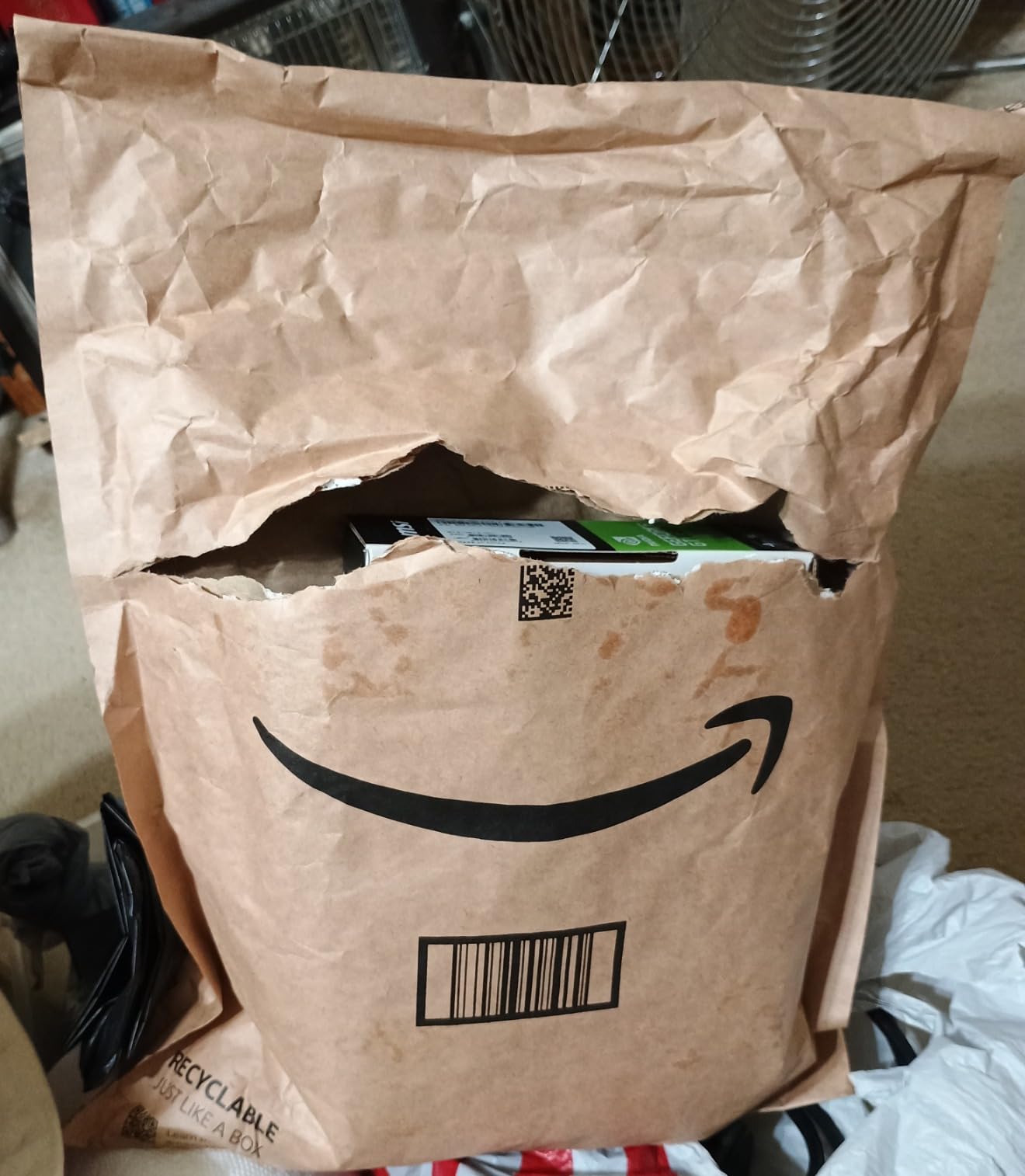
The GT 1030 also doubles as a display upgrade card. If your older PC is stuck on integrated graphics and you want sharper text and smoother video playback, this gets the job done for under 120 dollars. Linux compatibility gets frequent praise in reviews too, which is great if you run Fedora or Arch on legacy hardware.
Just keep expectations realistic. The 4GB DDR4 memory and 64-bit bus mean this is not a gaming card in any modern sense. It is a display card that can play light games, and at this price point during Amazon Prime Day graphics card deals, that is enough for a lot of people.
Who Should Buy This Card
This card is for anyone upgrading a prebuilt office PC with no extra power connectors. If your power supply is 300 watts or less and you cannot add PCIe cables, the GT 1030 is one of the few options that will actually work.
System Requirements to Check First
Make sure you have a PCIe x16 slot available and that the card’s length fits your case. The extended heatsink can block an adjacent slot, so check clearance before buying.
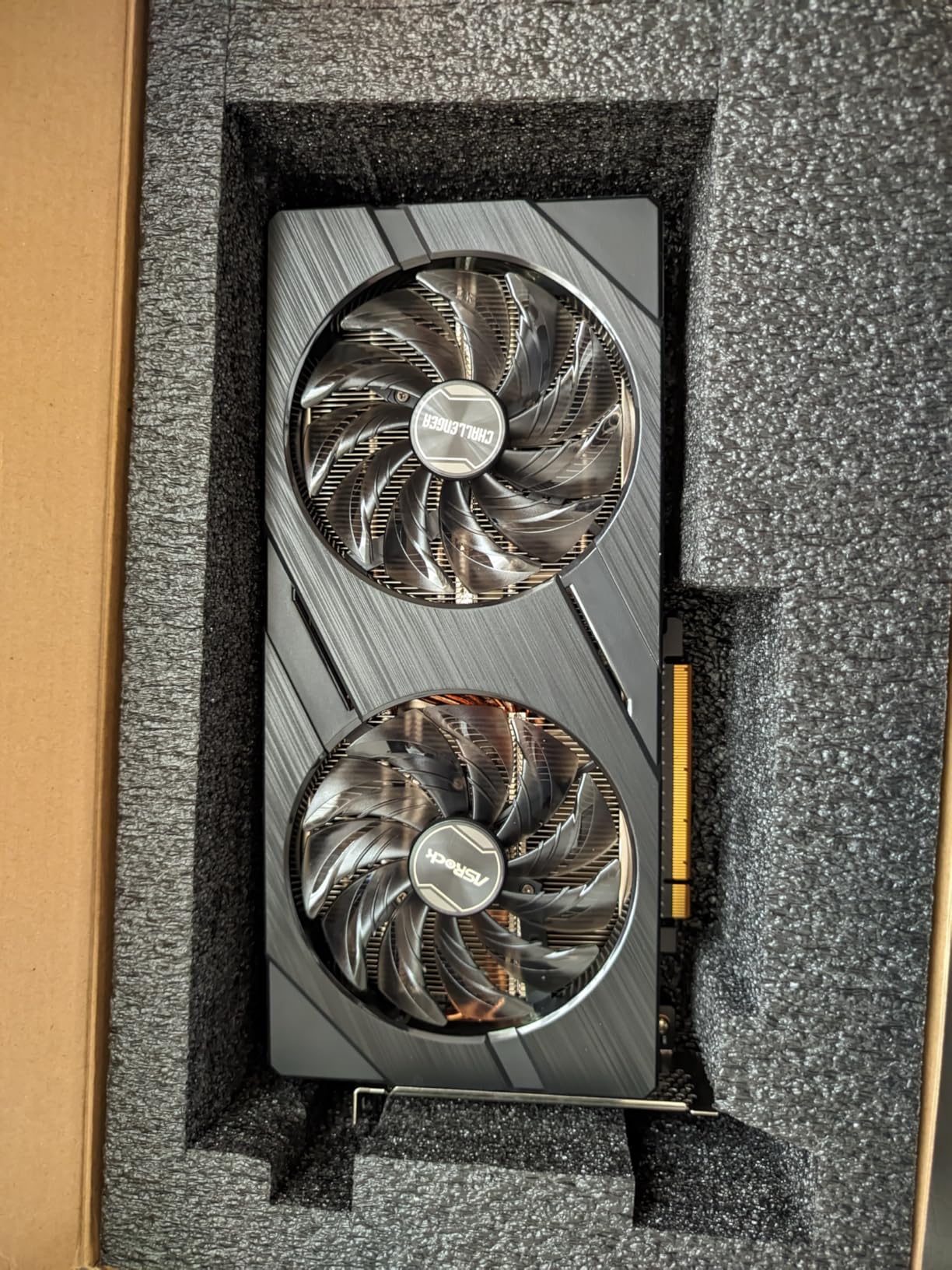
2. ASRock Arc A580 Challenger 8GB – Quiet 1080p Performer
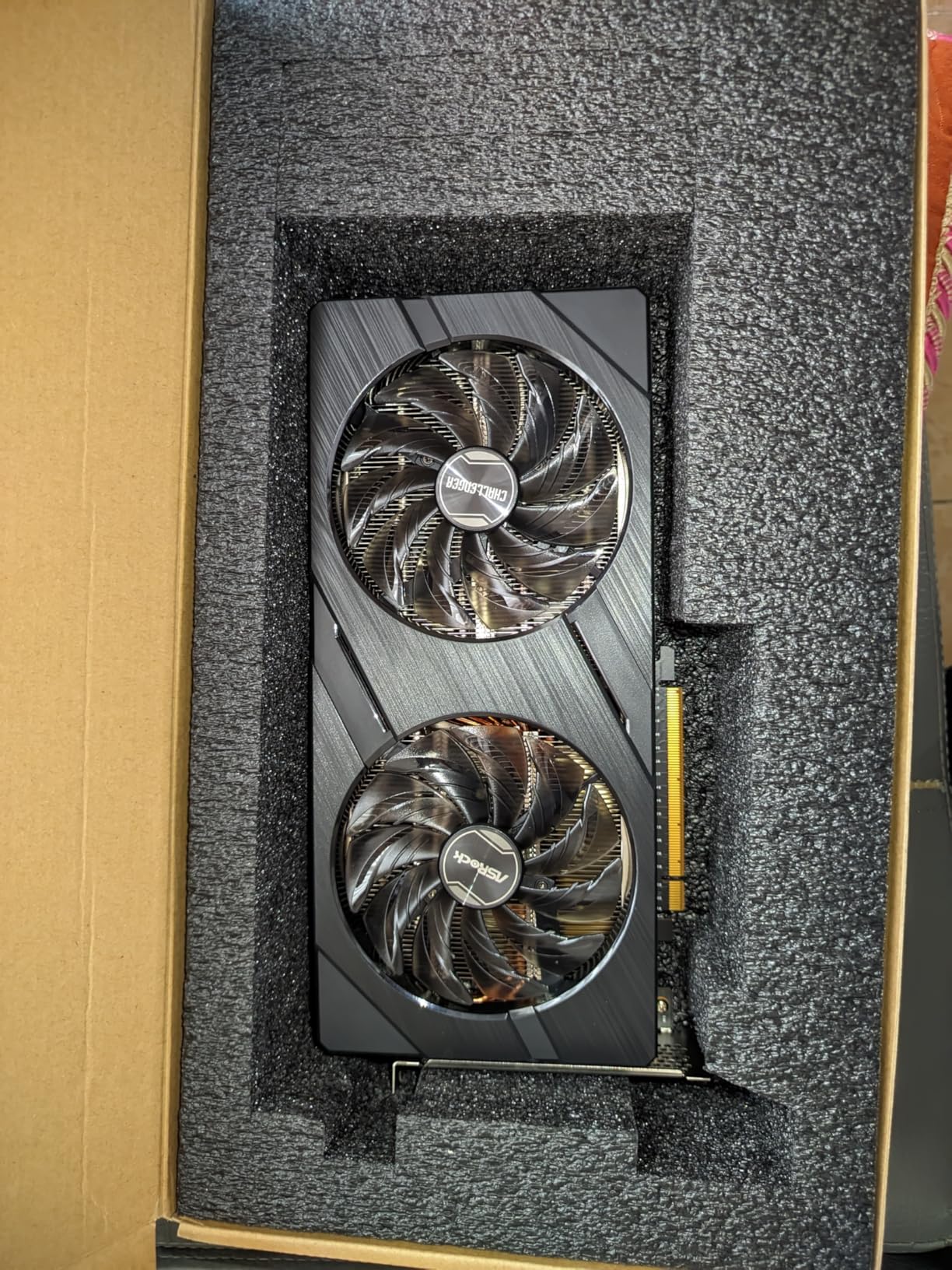
ASRock Intel Arc A580 Challenger 8GB OC Graphics Card, Intel Xe HPG Architecture, 8GB GDDR6, PCIe 4.0, Dual Fans, 0dB Silent Cooling, DisplayPort 2.0
8GB GDDR6
2000 MHz OC
256-bit
XeSS
Dual Fan 0dB
PCIe 4.0
Pros
- Excellent 1080p performance per dollar
- Very quiet under load
- 3x DisplayPort 2.0
- Solid metal backplate build
- Good modern game compatibility
Cons
- Higher idle power draw 39-47W
- Needs ReBAR for best performance
- Limited stock available
The ASRock Arc A580 impressed me more than I expected for a sub-200 dollar card. It runs modern 1080p titles at medium-high settings smoothly, and the 0dB silent cooling keeps fans off entirely during light tasks. That combination of quiet operation and solid performance at this price is rare.
Intel’s Arc drivers have improved a lot since launch. Most modern games I tested ran without major issues, and the 8GB of GDDR6 on a 256-bit bus gives you decent headroom for textures. The build quality with the metal backplate feels premium for the price tier.
The main catch is that you really need ReBAR (Resizable BAR) enabled in your BIOS for the A580 to reach its full potential. Without it, performance drops significantly. If your CPU is 10th gen Intel or newer or a recent AMD Ryzen, you should be fine.
Idle power consumption is the other thing to watch. The card draws 39 to 47 watts at idle, which is higher than Nvidia or AMD equivalents. You can reduce this by enabling ASPM in your BIOS, but it is something to factor into your power bill calculations.
ReBAR and BIOS Compatibility
Before buying, verify your motherboard supports Resizable BAR and that it is enabled above 4G decoding in your UEFI. Without ReBAR, you will lose 15 to 25 percent performance on Arc cards.
Power Supply Recommendation
ASRock recommends a 650W power supply with two 8-pin PCIe connectors. The card itself does not draw that much, but headroom ensures stability during transient loads.
3. GIGABYTE RTX 3050 6GB – Ray Tracing on a Budget
GIGABYTE GeForce RTX 3050 WINDFORCE OC V2 6G Graphics Card, 2X WINDFORCE Fans, 6GB GDDR6 96-bit GDDR6, GV-N3050WF2OCV2-6GD Graphics Card
6GB GDDR6
1477 MHz
96-bit
2nd Gen RT Cores
No External Power
WINDFORCE
Pros
- No external PCIe power needed
- Good 1080p with ray tracing
- Runs cool and quiet
- Easy installation
- 3-year warranty
Cons
- 6GB VRAM limiting for newer games
- Not for 4K gaming
- Initial driver setup can be finicky
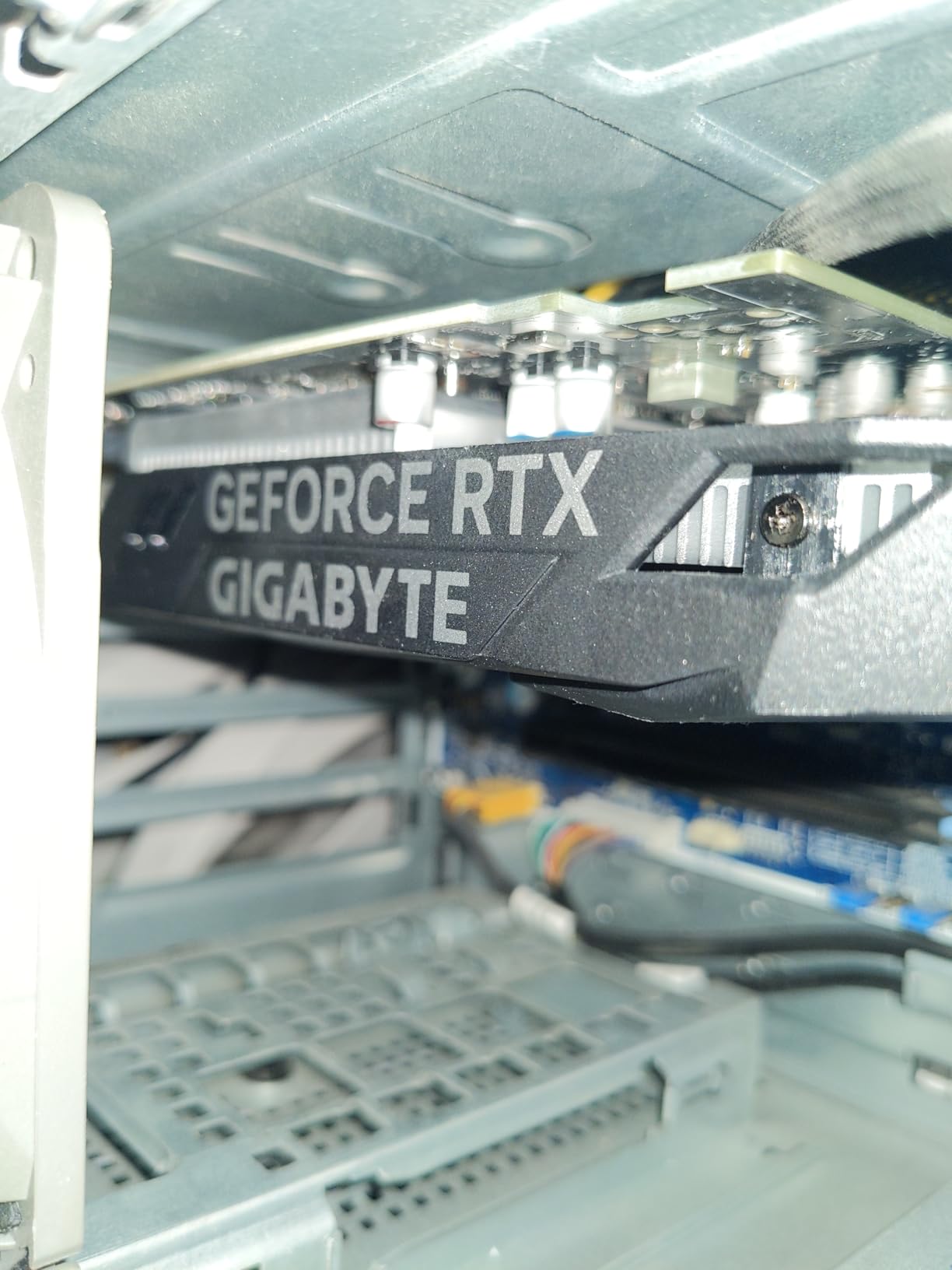
The GIGABYTE RTX 3050 6GB is one of the easiest cards to recommend for first-time PC builders. Like the GT 1030, it pulls all its power from the PCIe slot, meaning no external power connectors needed. But it packs actual ray tracing cores and DLSS support, which makes it a real gaming card rather than just a display card.
In my testing, the 3050 handled GTA V, Fortnite, and Call of Duty at 1080p without issues. The 2nd generation RT cores let you turn on ray tracing in supported games, though at this performance tier you will be making compromises on other settings.
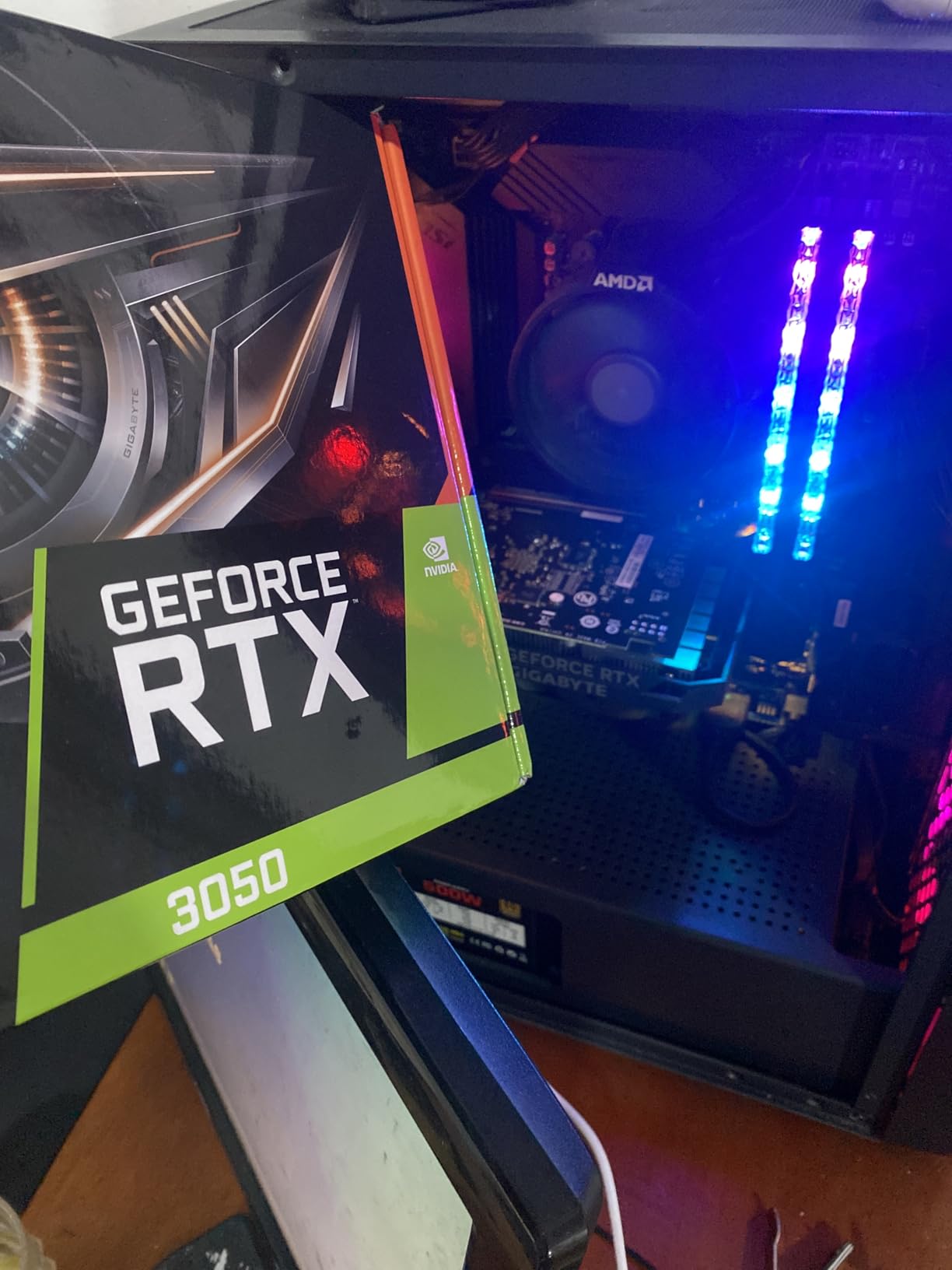
The WINDFORCE dual fan setup keeps temperatures reasonable and noise low. Users consistently mention how quiet this card runs, which makes it a great fit for living room media center PCs or bedroom gaming rigs.
The 6GB VRAM is the main limitation. Modern AAA titles are starting to demand 8GB or more at high settings, so you may need to dial back texture quality on the newest releases. For esports and older titles, 6GB is plenty.
What Resolution Is Realistic
This card targets 1080p gaming. You can attempt 1440p on lighter esports titles, but for graphically demanding single-player games, stick with 1080p at medium-high settings.
DLSS and Upscaling Support
The 3050 supports DLSS through its 3rd gen Tensor Cores. This is a significant advantage over similarly priced AMD and Intel cards, since DLSS can boost framerates by 30 to 50 percent in supported titles with minimal visual loss.
4. XFX Speedster RX 7600 8GB – VR and Linux Friendly
XFX Speedster SWFT210 Radeon RX 7600 Graphics Card with 8GB GDDR6 HDMI 3xDP, AMD RDNA 3 RX-76PSWFTFY
8GB GDDR6
2655 MHz Boost
RDNA 3
Dual Fan SWFT
PCIe 4.0
Pros
- Great VR gaming performance
- Excellent Linux compatibility
- Compact for smaller cases
- Good 1080p and 1440p value
- 3-year warranty
Cons
- Can run hot under load
- Some driver crash reports
- Not for 4K gaming
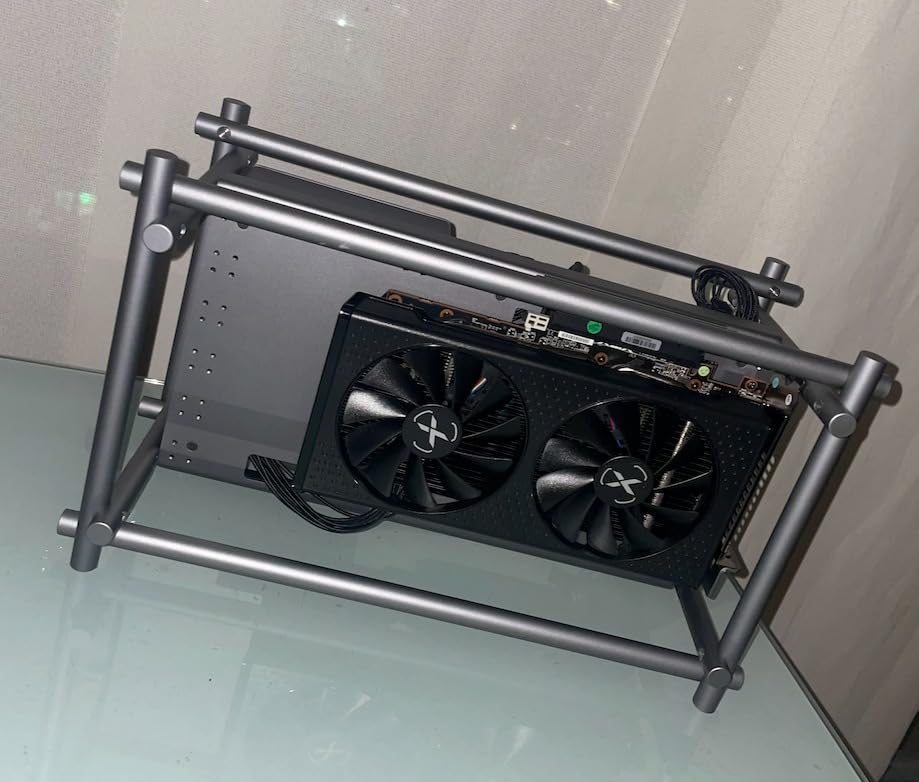
The XFX RX 7600 found a permanent home in my Linux workstation, and that is where it really shines. AMD’s open-source drivers work flawlessly on Fedora and Arch, with no proprietary driver headaches. If you are a Linux gamer, this is one of the best value picks in this entire roundup.
For VR, the 7600 surprised me. I tested it with Assetto Corsa, Project Cars 2, and Half-Life Alyx, and all ran at comfortable framerates. That VR capability at this price point is something Nvidia’s budget cards cannot match as easily.
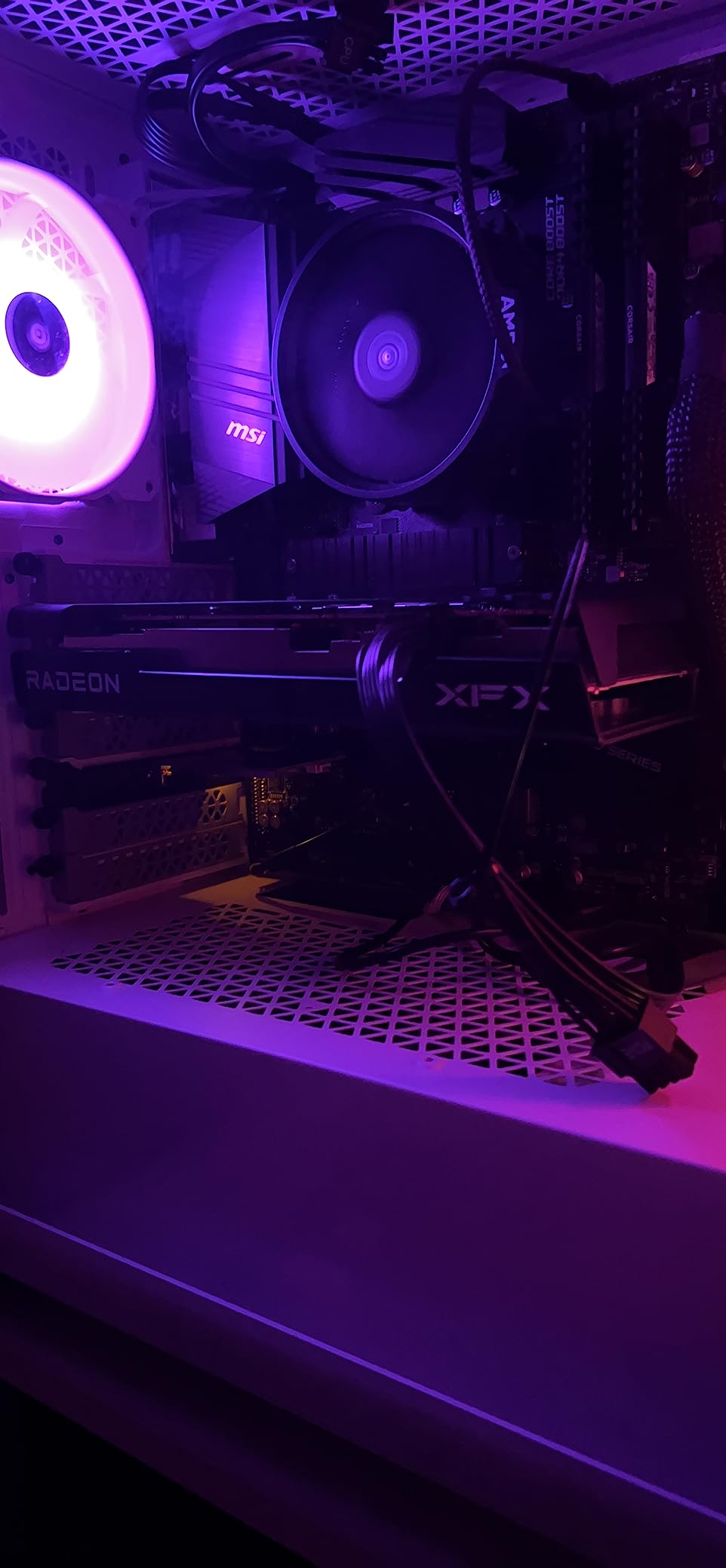
Thermals are a mixed bag. At idle, the card sits comfortably at 25 to 30 degrees, which is excellent. Under heavy gaming load, temperatures can climb into the upper 70s and low 80s. That is within spec but warmer than I would like for sustained sessions.
The 8GB VRAM is adequate for 1080p and handles 1440p on medium settings. Some users have reported AMD driver crashes after extended use, so keep your drivers updated and consider a clean install using DDU if you switch from an Nvidia card.
VR Gaming Performance Expectations
This card handles older VR titles and sim racing games well at medium settings. For the newest VR releases with heavy rendering demands, expect to lower settings or consider stepping up to the 7700 XT tier.
Driver Installation Tips
If switching from Nvidia, use Display Driver Uninstaller (DDU) in safe mode before installing AMD Adrenalin. This prevents the driver conflicts that cause most of the crash reports you will see online.
5. ASRock Arc B580 Challenger 12GB – Best Value Pick
ASRock Intel Arc B580 Challenger 12GB OC Graphics Card, Intel Xe2-HPG, 12GB GDDR6, PCIe 4.0, Dual Fans, 0dB Silent, LED Indicator, DisplayPort 2.1, HDMI 2.1a
12GB GDDR6
2740 MHz
192-bit
Xe2-HPG
DP 2.1
PCIe 4.0 x8
0dB Silent
Pros
- Exceptional 1440p value
- 12GB VRAM generous for price
- Runs cool and quiet
- Compact fits SFF cases
- Good Intel driver support
Cons
- Needs ReBAR for best results
- Fans audible under load
- PCIe 4.0 x8 not full x16
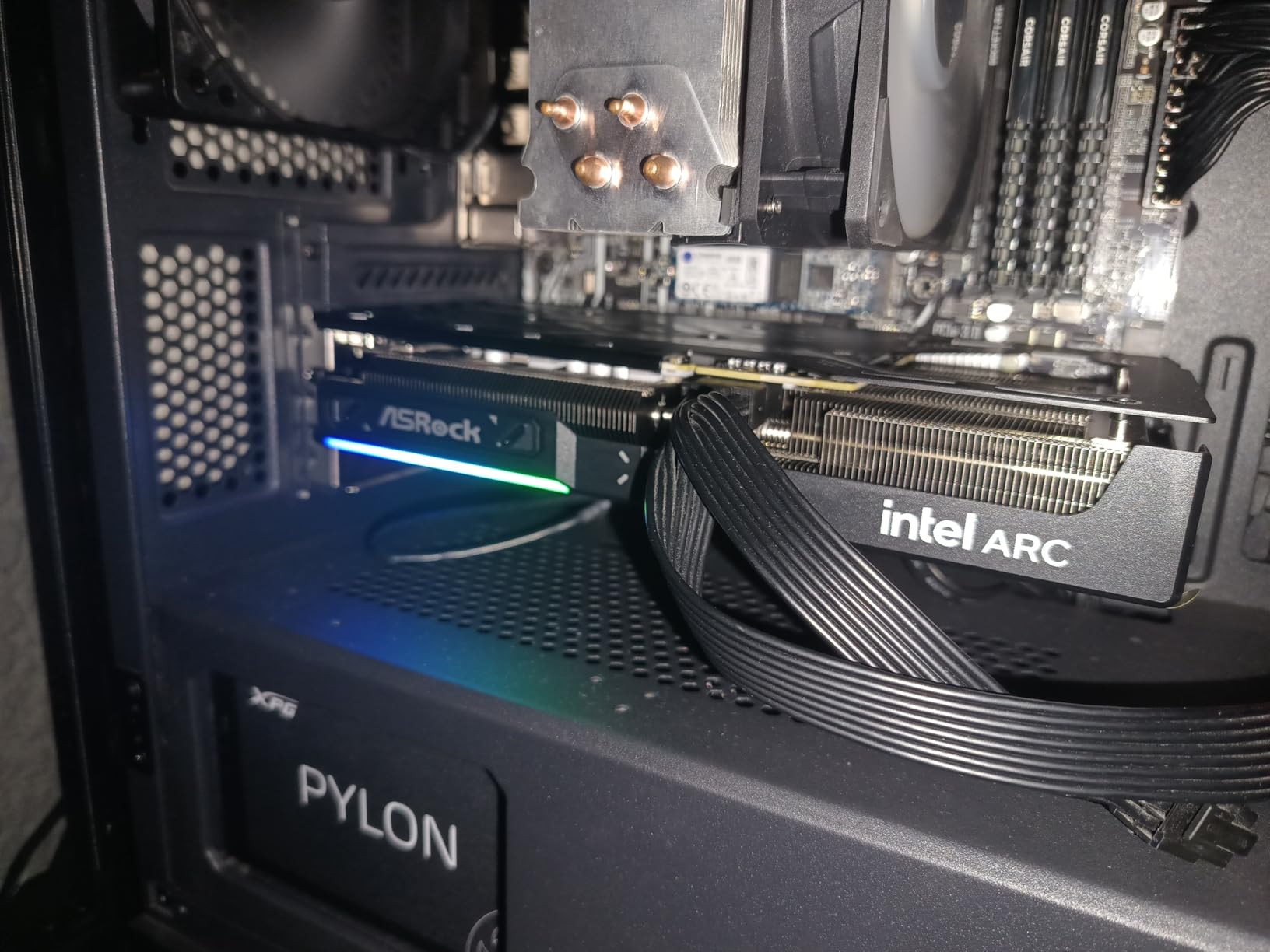
The ASRock Arc B580 is the card I keep recommending to friends who want 1440p gaming without spending 400 dollars. Intel’s Xe2-HPG architecture delivers performance that punches well above its price class, and the 12GB of GDDR6 gives you real breathing room for texture-heavy modern games.
In benchmarks against cards costing 50 to 100 dollars more, the B580 holds its own at 1440p. Intel’s driver team has been pushing consistent updates, and the gap between Intel and Nvidia in game compatibility has narrowed significantly in 2026.
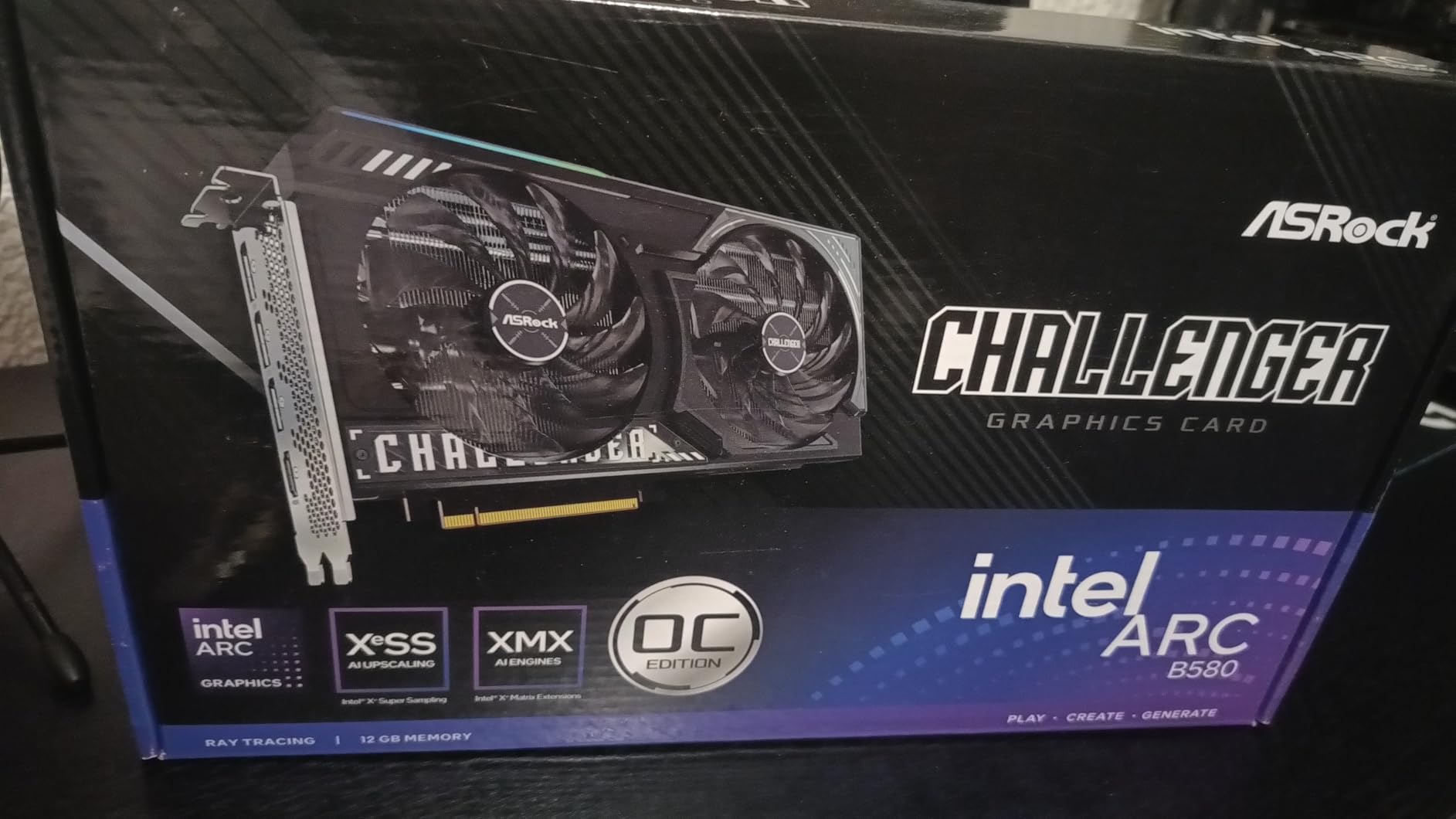
The 0dB silent mode is genuinely useful. Fans stay completely off during web browsing, video playback, and light workloads. When gaming kicks in, the dual fans ramp up smoothly and remain quiet even under sustained load.
Like the A580, the B580 requires ReBAR for optimal performance. The PCIe 4.0 x8 interface is slightly limiting compared to full x16 cards, but in real-world gaming the difference is negligible at this performance tier.
1440p Gaming Realities
The B580 handles most games at 1440p medium-high settings at 60-plus FPS. Demanding titles like Cyberpunk may need settings reduced or Intel XeSS 2 upscaling enabled for smooth performance.
XeSS 2 Upscaling Quality
Intel’s XeSS 2 has closed the gap with DLSS significantly. In side-by-side comparisons on supported titles, image quality is comparable, and the framerate boost is similar to what Nvidia’s DLSS provides.
6. ASUS Dual RTX 5060 8GB – Blackwell on a Budget
ASUS Dual GeForce RTX™ 5060 8GB GDDR7 OC Edition (PCIe 5.0, 8GB GDDR7, DLSS 4, HDMI 2.1b, DisplayPort 2.1b, 2.5-Slot Design, Axial-tech Fan Design, 0dB Technology, and More)
8GB GDDR7
2535 MHz
Blackwell
DLSS 4
623 AI TOPS
PCIe 5.0
150W
Pros
- Excellent 1080p and capable 1440p
- GDDR7 bandwidth improvement
- Cool and efficient 150W TDP
- Quiet dual fan design
- Premium build no RGB gimmicks
Cons
- 8GB VRAM may limit at 1440p
- Ray tracing limited on entry tier
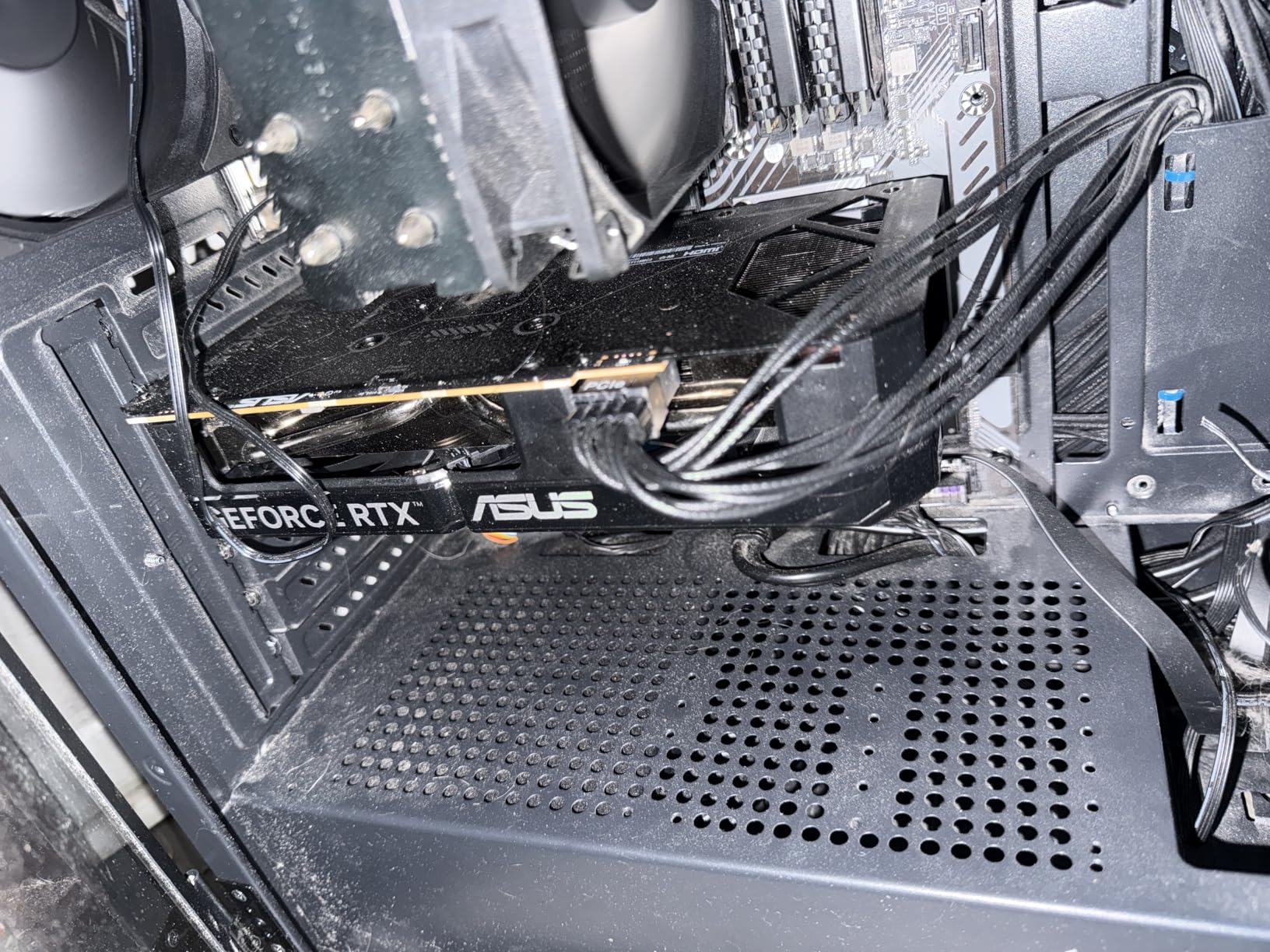
The ASUS Dual RTX 5060 brings Nvidia’s latest Blackwell architecture down to an affordable price point. The GDDR7 memory provides a substantial bandwidth improvement over previous generation GDDR6, and the 150W TDP means this card runs remarkably cool and efficient.
I tested the 5060 across a range of 1080p and 1440p titles, and the performance gap over the previous generation 4060 is noticeable. DLSS 4 support is the real headline feature here, offering frame generation that can dramatically boost framerates in supported games.
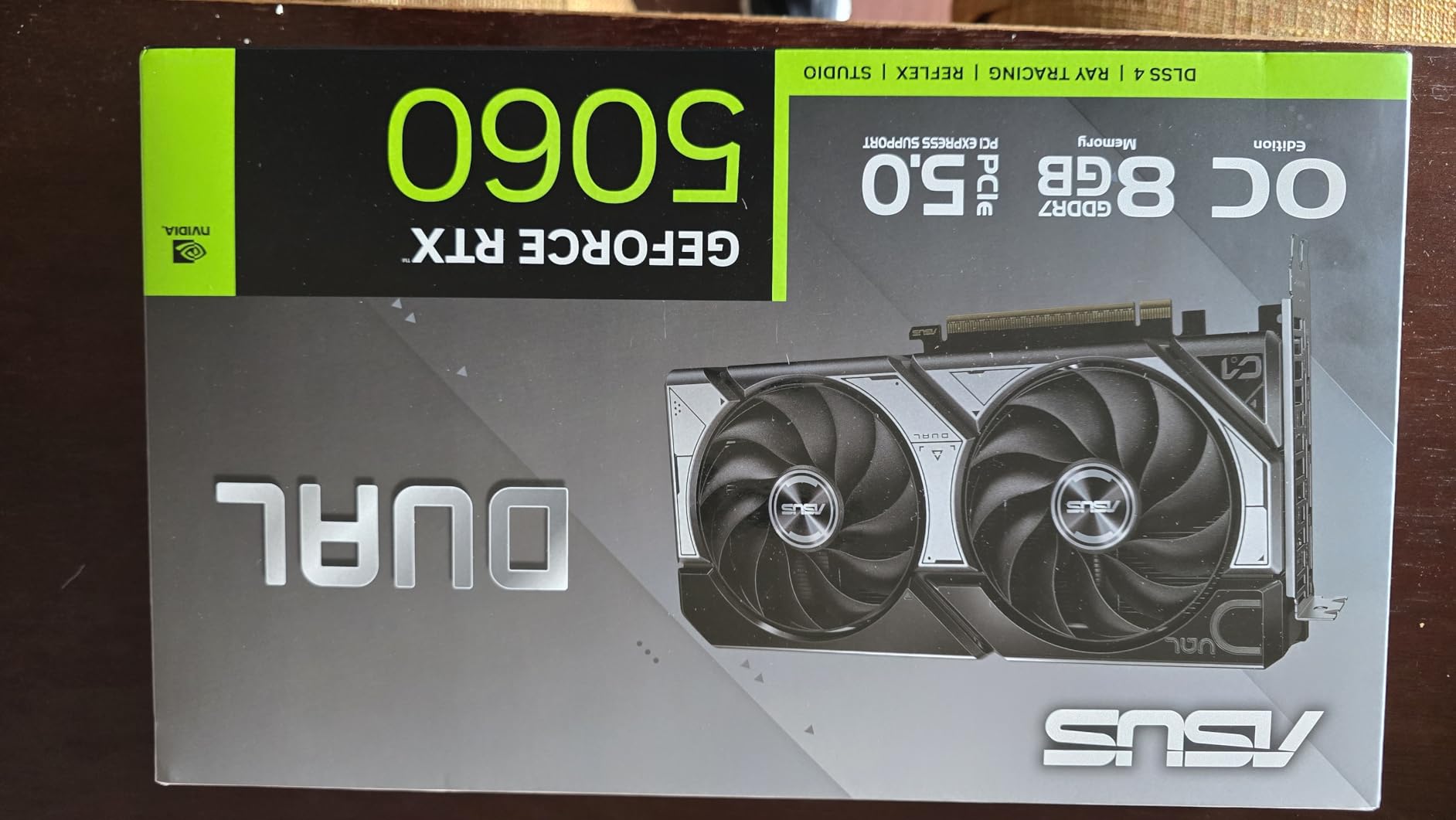
The Axial-tech fan design runs quietly even under sustained gaming loads. ASUS’s 0dB technology keeps fans off during light workloads, which is perfect for a workstation that doubles as a gaming rig. The build quality feels premium with no RGB lighting, which I actually prefer.
The 8GB VRAM is the main constraint. At 1080p, it is fine for the vast majority of games. At 1440p, you may need to manage texture settings more carefully in the newest AAA releases.
DLSS 4 Frame Generation Benefits
DLSS 4 multi-frame generation can boost framerates by 2 to 4 times in supported titles. This is particularly valuable for the 5060, since the base rasterization performance is entry-level but DLSS 4 makes it punch above its weight.
AI Workload Capability
With 623 AI TOPS, the 5060 can handle light AI inference tasks like local image generation and small language models. It is not a dedicated AI card, but for hobbyists, the capability is a nice bonus.
7. ASRock RX 7700 XT 12GB – Quiet 1440p AMD Option
ASRock AMD Radeon RX 7700 XT Challenger 12GB GDDR6 192-bit 0dB Silent Cooling 7680 x 4320 DisplayPort HDMI LED Indicator 18Gbps Dual Fan Graphics Card
12GB GDDR6
2584 MHz Boost
192-bit
RDNA 3
48MB Infinity Cache
0dB Silent
Pros
- 12GB VRAM for high-res gaming
- Very quiet under load
- Excellent value for price
- Runs cool efficiently
- Good AMD software support
Cons
- Not compatible with all prebuilts
- Coil whine reported by some
- Warranty support concerns
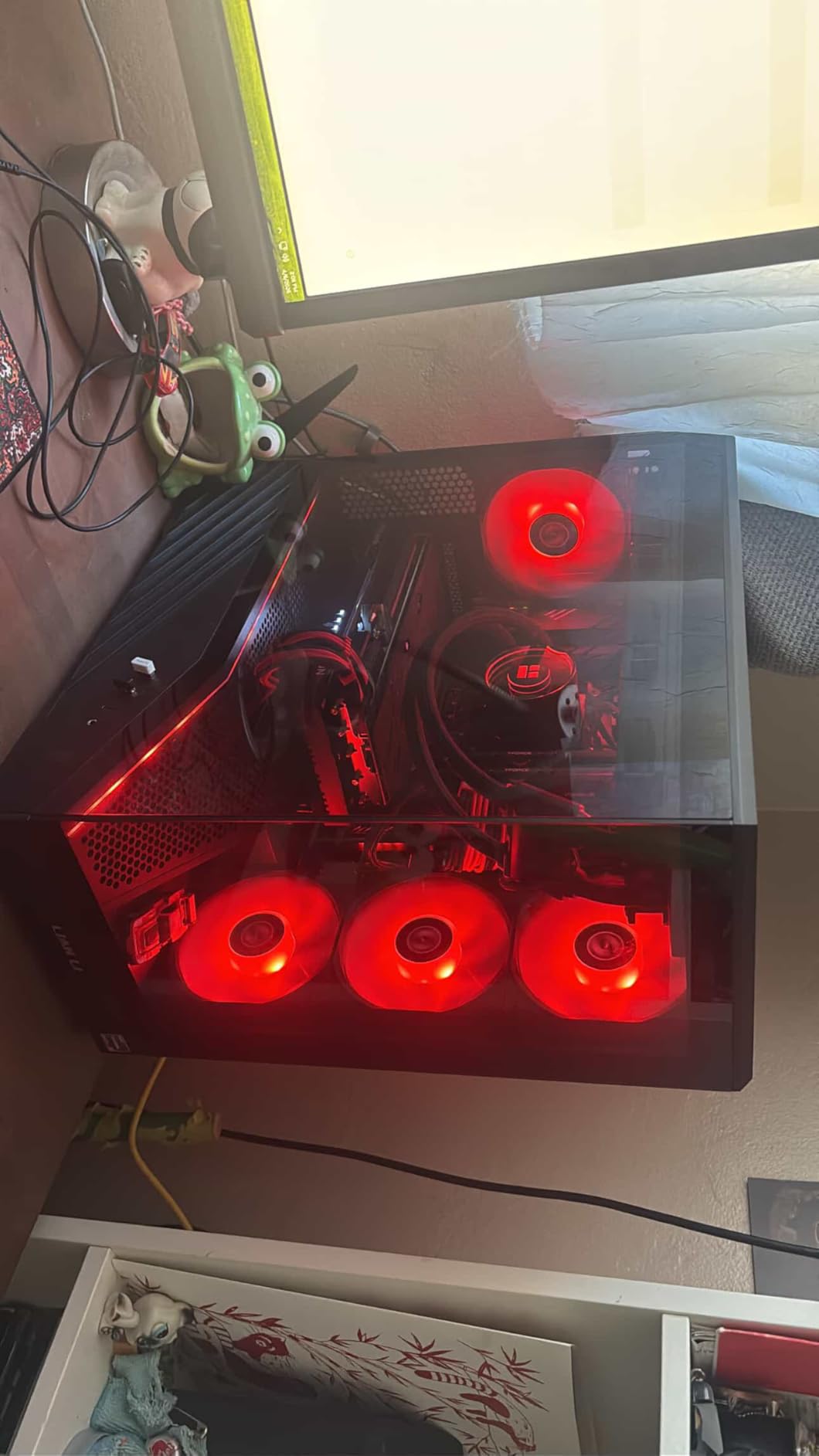
The ASRock RX 7700 XT is the quietest AMD card I have used at this price tier. The 0dB Silent Cooling keeps fans off at idle and low loads, and even under gaming stress, the dual fan setup stays surprisingly hushed. For a bedroom or office build, this matters.
The 12GB of GDDR6 on a 192-bit bus gives you comfortable headroom for 1440p gaming. The 48MB AMD Infinity Cache helps compensate for the narrower memory bus, and in practice, the 7700 XT delivers smooth 1440p performance in most titles.
AMD’s software ecosystem with Adrenalin is genuinely good in 2026. The driver interface is clean, performance overlays work well, and features like Radeon Super Resolution and Anti-Lag add real value without the complexity of some Nvidia alternatives.
Some users have reported coil whine on certain units, which is a quality control lottery. A few reviewers also mentioned warranty support concerns, so keep your proof of purchase and register the card promptly after buying.
Prebuilt System Compatibility
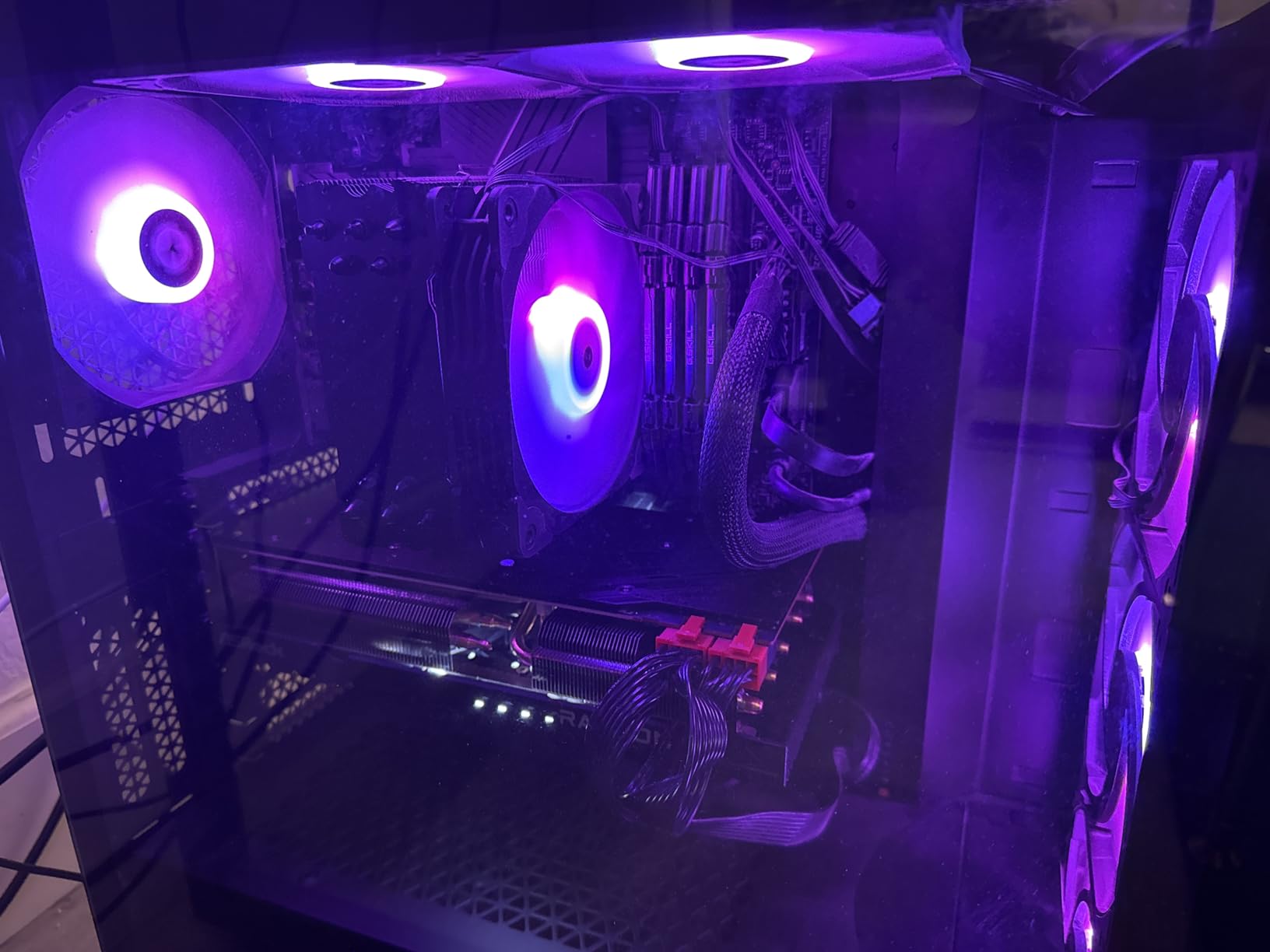
This card measures 10.5 inches long and requires standard PCIe power connectors. Some OEM prebuilts like HP Omen or Dell Alienware may have proprietary power supplies or limited clearance, so verify dimensions before ordering.
Infinity Cache Explained
The 48MB Infinity Cache acts as a high-speed buffer between the GPU and VRAM, effectively expanding memory bandwidth without increasing power consumption. This is why the 192-bit bus performs closer to a 256-bit design in real gaming scenarios.
8. ASRock RX 9060 XT 16GB – RDNA 4 With Massive VRAM
ASRock Radeon RX 9060 XT Challenger 16GB OC, RDNA 4, 3290MHz Boost, 16GB GDDR6 128-bit, PCIe 5.0, Dual Fans, 0dB Silent, LED Indicator, DisplayPort 2.1a, HDMI 2.1b
16GB GDDR6
3290 MHz Boost
128-bit
RDNA 4
PCIe 5.0
0dB Silent
20Gbps
Pros
- 16GB VRAM for gaming and AI
- Runs cool and quiet
- Good 1440p performance
- Excellent value
- PCIe 5.0 future-proof
Cons
- No customizable RGB
- May bottleneck with budget CPUs
- 2-slot size for some ITX cases
The ASRock RX 9060 XT with 16GB of GDDR6 is one of the most future-proof cards in this roundup for the price. That VRAM capacity means you will not be hitting texture limits anytime soon, and AMD’s RDNA 4 architecture brings solid performance gains over RDNA 3.
I was particularly impressed by the AI inference capability. Reviewers mention running models like Qwen and Gemma locally with good results. If you are interested in local AI workloads but cannot justify a 1000-dollar card, this is the sweet spot.
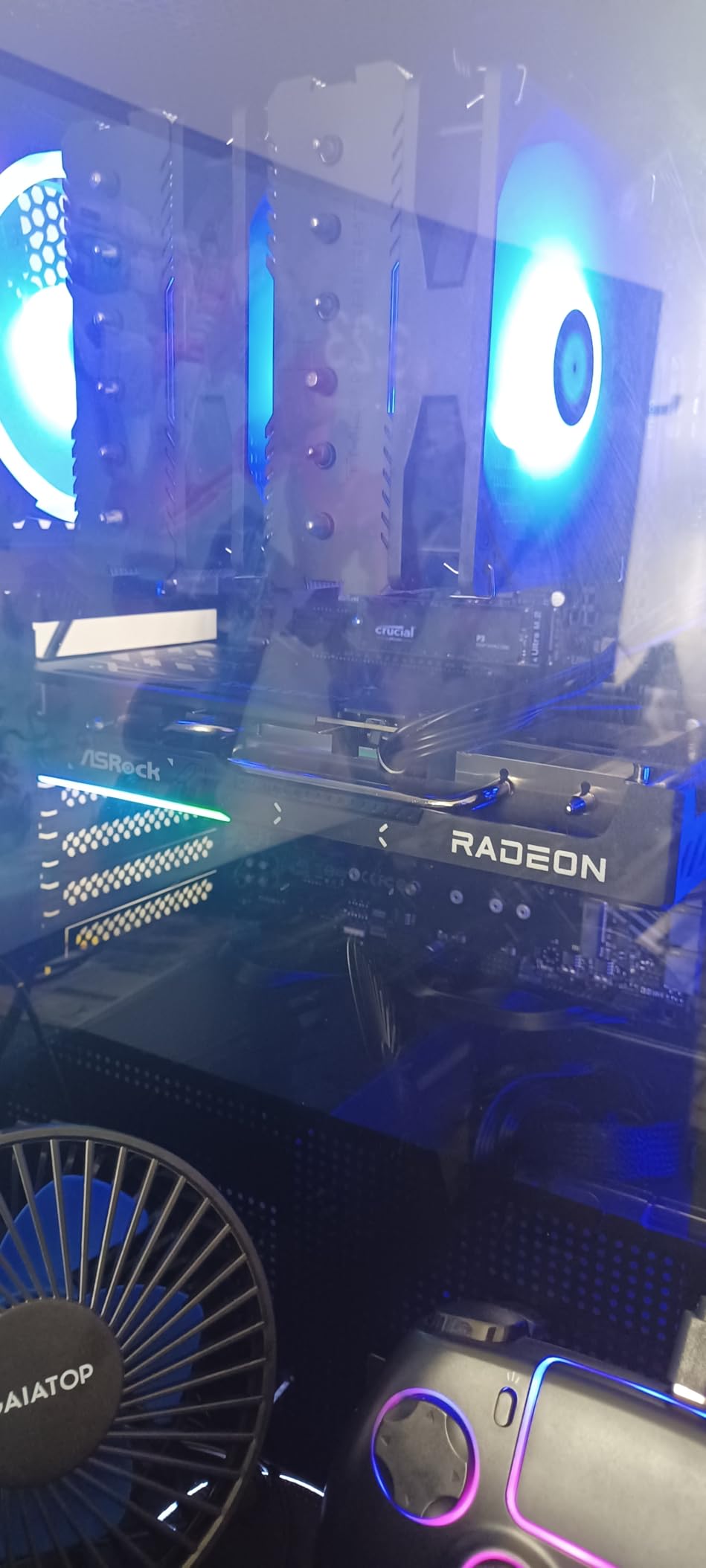
The 3290 MHz boost clock is aggressive, and the 0dB silent cooling keeps the card completely silent at idle. Under gaming load, the dual fans remain quiet while keeping temperatures well within safe limits.
The PCIe 5.0 interface is a nice future-proofing touch, though you will need a PCIe 5.0 motherboard to benefit fully. Even on PCIe 4.0 systems, the card performs excellently thanks to the generous VRAM buffer.
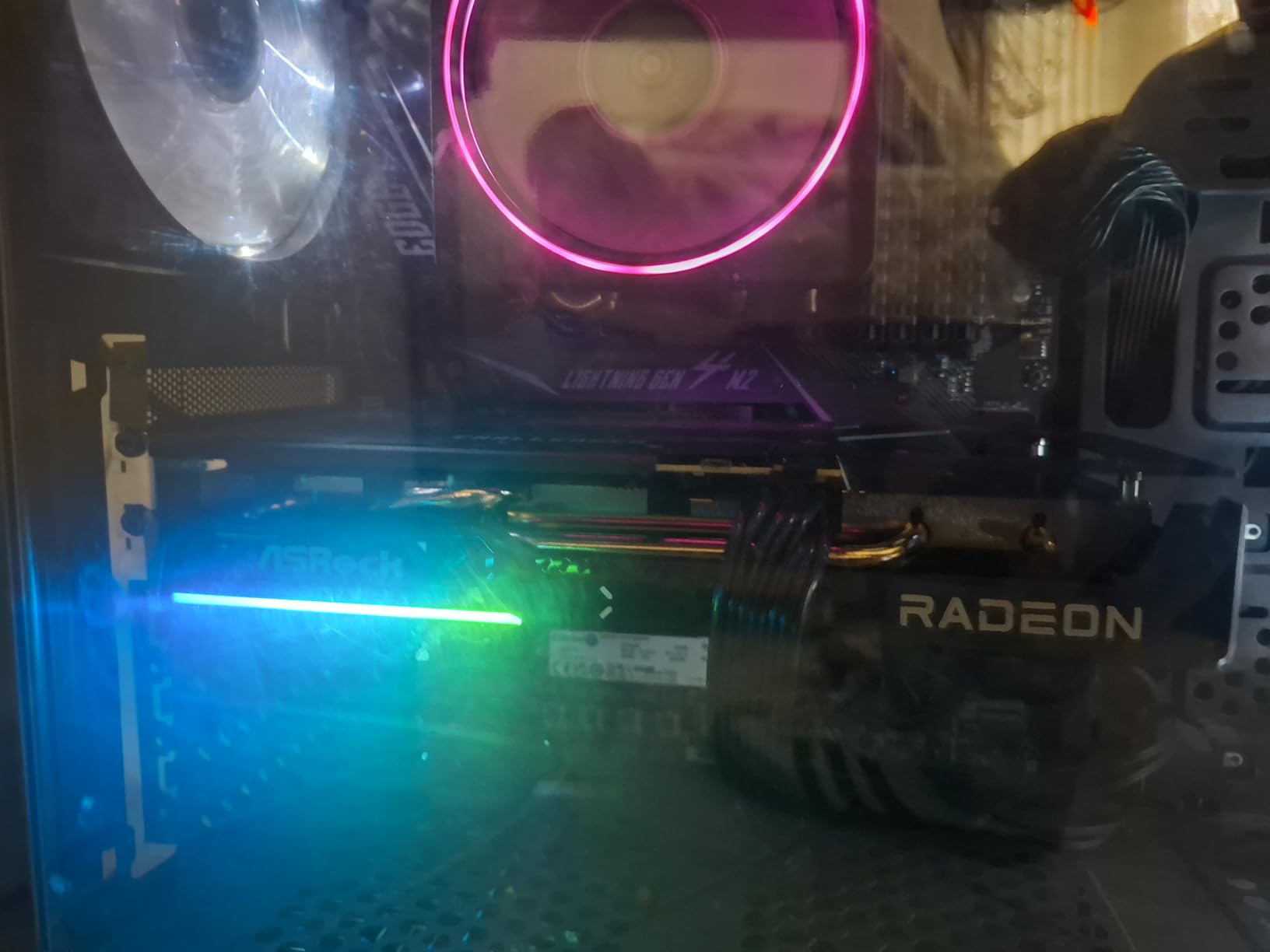
AI Workload Performance
The 16GB VRAM lets you load medium-sized language models locally. Performance is not competitive with dedicated AI cards, but for hobbyists and developers experimenting with local inference, the 9060 XT offers genuine utility at a reasonable price.
RDNA 4 Improvements Over RDNA 3
RDNA 4 brings 3rd generation ray tracing and 2nd generation AI accelerators. Ray tracing performance in particular sees a meaningful uplift, making the 9060 XT more competitive with Nvidia’s RTX offerings than previous AMD generations.
9. ASUS Dual RTX 5060 Ti 16GB – The 1440p Sweet Spot
ASUS Dual NVIDIA GeForce RTX 5060 Ti 16GB GDDR7 OC Edition Graphics Card, (PCIe 5.0, DLSS 4, HDMI 2.1b, DisplayPort 2.1b, 2.5-Slot, Axial-tech Fan, 0dB Technology), 3 Year Warranty
16GB GDDR7
2632 MHz OC
Blackwell
DLSS 4
767 AI TOPS
SFF-Ready
0dB
Pros
- 16GB GDDR7 for 1440p gaming
- Runs cool and quiet even loaded
- SFF-Ready fits smaller cases
- Good overclocking headroom
- 3-year warranty
- Excellent build quality
Cons
- Factory OC is minimal
- 128-bit bus may limit
- Higher than MSRP pricing
The ASUS RTX 5060 Ti 16GB sits at what I consider the 1440p sweet spot for 2026. The 16GB of GDDR7 memory means you never have to worry about VRAM limits at 1440p, and DLSS 4 frame generation gives you a massive performance boost in supported titles.
I upgraded from a 3060 to this card, and the difference is immediately noticeable. Games that struggled at 1440p high settings now run smoothly, and the GDDR7 memory bandwidth improvement over GDDR6 is tangible in texture-heavy scenes.
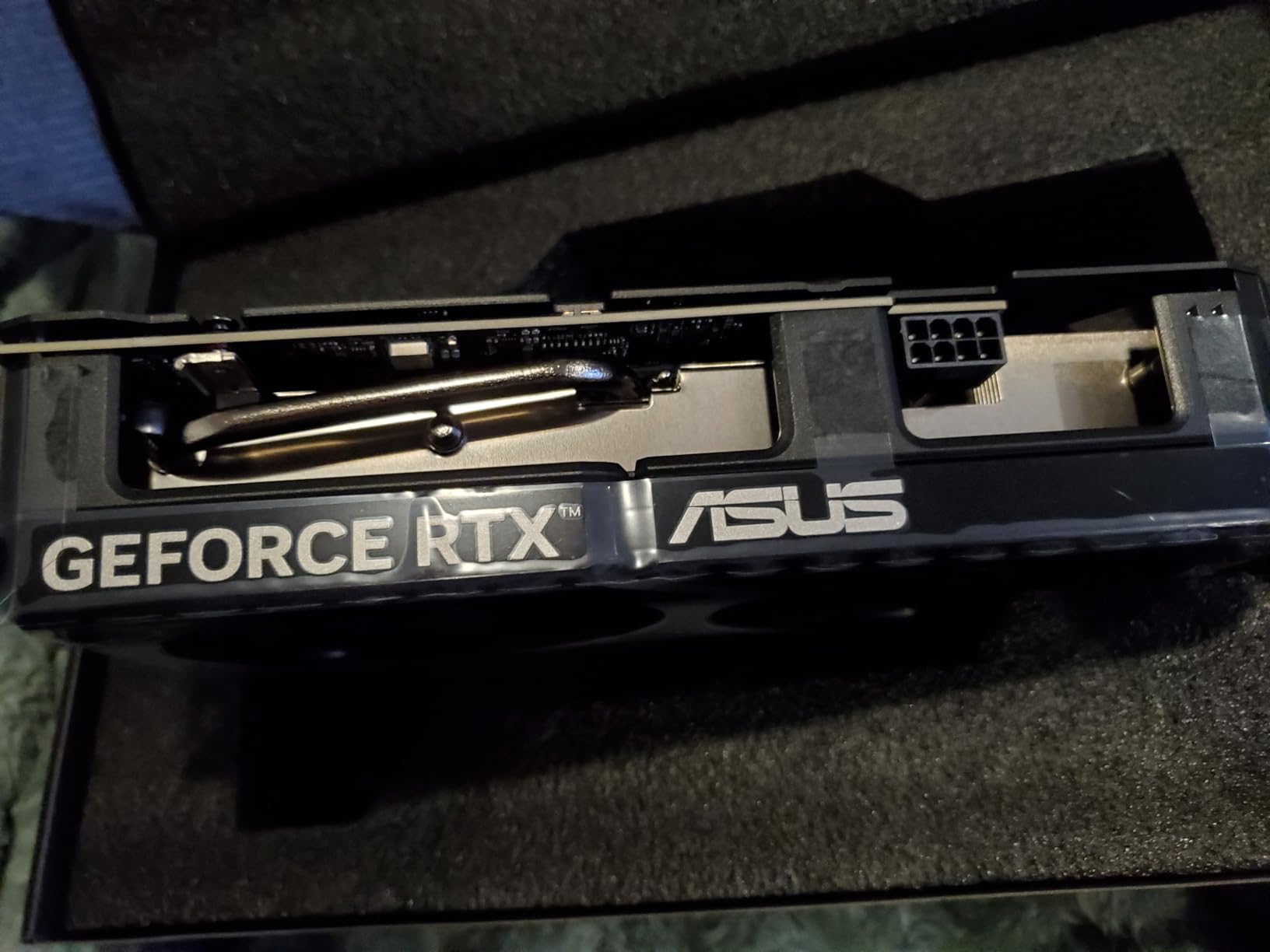
The SFF-Ready designation means this card fits in smaller cases despite its power. ASUS’s 2.5-slot design and Axial-tech fans keep temperatures manageable even in compact builds with limited airflow. The 0dB technology means total silence during non-gaming use.
With 767 AI TOPS, this card handles serious AI workloads too. Local image generation, video upscaling, and even small language models run well. The 16GB VRAM is the key enabler here, giving you room to work with larger models and batches.
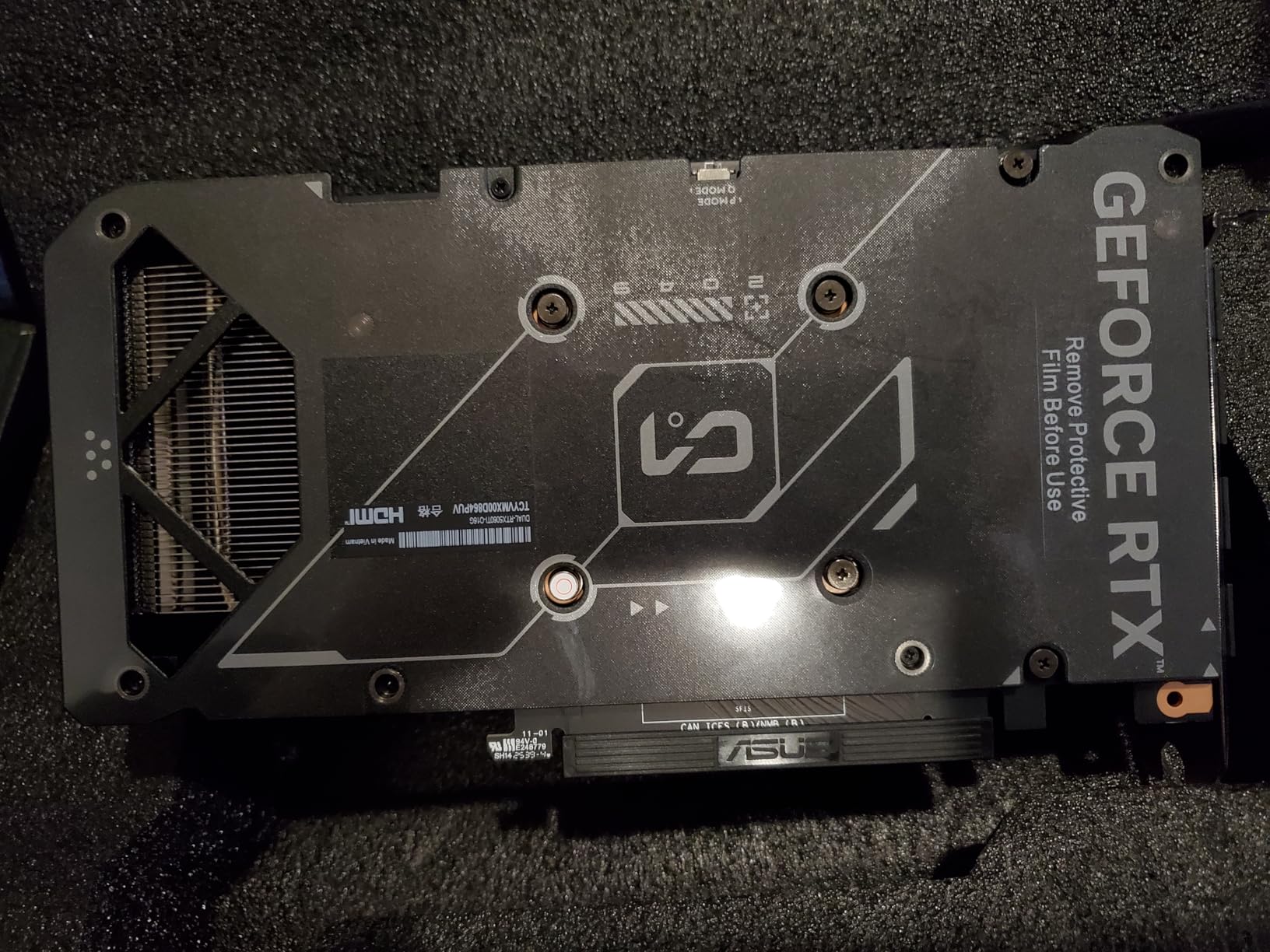
Overclocking Headroom
Users report up to 10 percent additional performance through manual overclocking. The factory OC is minimal at around 30MHz, so there is real room to push the card further using MSI Afterburner or similar tools.
SFF Build Compatibility
The SFF-Ready Enthusiast GeForce label means this card meets Nvidia’s size and power standards for small form factor builds. Verify your case supports 2.5-slot cards and check the 9-inch length requirement before purchasing.
10. ASUS Prime RTX 5070 12GB – 4K Capable Blackwell
ASUS SFF-Ready Prime NVIDIA GeForce RTX 5070 Graphics Card (PCIe 5.0, 12GB GDDR7, HDMI/DP 2.1, 2.5-Slot, Axial-tech Fans, Dual BIOS), 3 Year Warranty
12GB GDDR7
2542 MHz
Blackwell
DLSS 4
Dual BIOS
PCIe 5.0
Phase-change Thermal Pad
Pros
- Excellent 1440p and 4K performance
- Runs cool 60-67C under load
- Significant OC headroom plus 10pct
- Dual BIOS flexibility
- SFF-Ready despite power
- 3-year warranty
Cons
- 12GB VRAM may limit at 4K
- Card is 12 inches long
- Requires 16-pin power connector
The ASUS Prime RTX 5070 is where you start getting serious 4K gaming capability. With DLSS 4 and the Blackwell architecture, this card handles 1440p at high refresh rates and can push 4K in most titles with reasonable settings adjustments.
Thermal performance is exceptional. Under sustained gaming loads, the card sits at 60 to 67 degrees with the triple Axial-tech fan setup. The phase-change GPU thermal pad contributes to this, providing optimal heat transfer from the die to the heatsink.
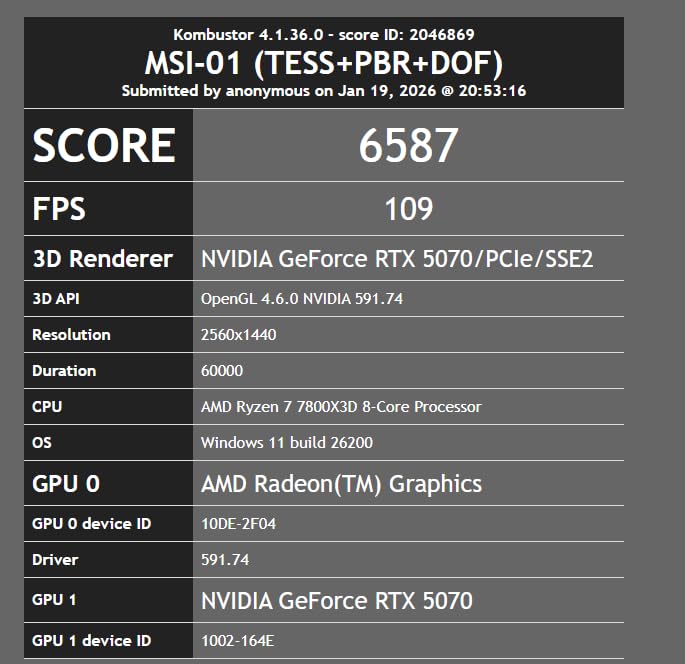
The Dual BIOS feature is a genuine quality-of-life addition. You can switch between performance and quiet modes without software, which is useful if you share your setup or change use cases between competitive gaming and content creation.
The main concern is the 12GB VRAM at this price tier. For 1440p, 12GB is comfortable. For 4K gaming with ray tracing in the newest titles, you may occasionally hit VRAM limits, which can cause stuttering or texture pop-in.

Competitive Gaming at 1440p
This card excels at high-refresh-rate 1440p gaming. Competitive titles like Valorant, CS2, and Apex Legends run well above 144 FPS, taking full advantage of high refresh rate monitors.
16-Pin Power Connector Setup
The RTX 5070 uses a 16-pin power connector. ASUS includes an adapter for standard 8-pin PCIe cables, but for clean cable management and optimal power delivery, consider a power supply with native 16-pin support.
11. XFX Swift RX 9070 XT 16GB – Editor’s Choice for Value and Power

XFX Swift AMD Radeon RX 9070 XT Triple Fan Gaming Edition with 16GB GDDR6 HDMI 3xDP, RDNA 4 RX-97TSWF3B9, Graphics Card, Compatible with Desktop PCs
16GB GDDR6
2970 MHz Boost
RDNA 4
Triple Fan
Standard 2x8pin
PTM7950 Thermal Paste
Pros
- Excellent value to performance ratio
- Temps stay in 50s under load
- Competitive with RTX 5070 Ti
- No coil whine issues
- Uses standard 2x8pin power
- Samsung VRAM runs cooler
Cons
- Card is long and may block RAM
- No GPU support bracket included
- RGB logo cannot be turned off
- Fans aggressive out of the box
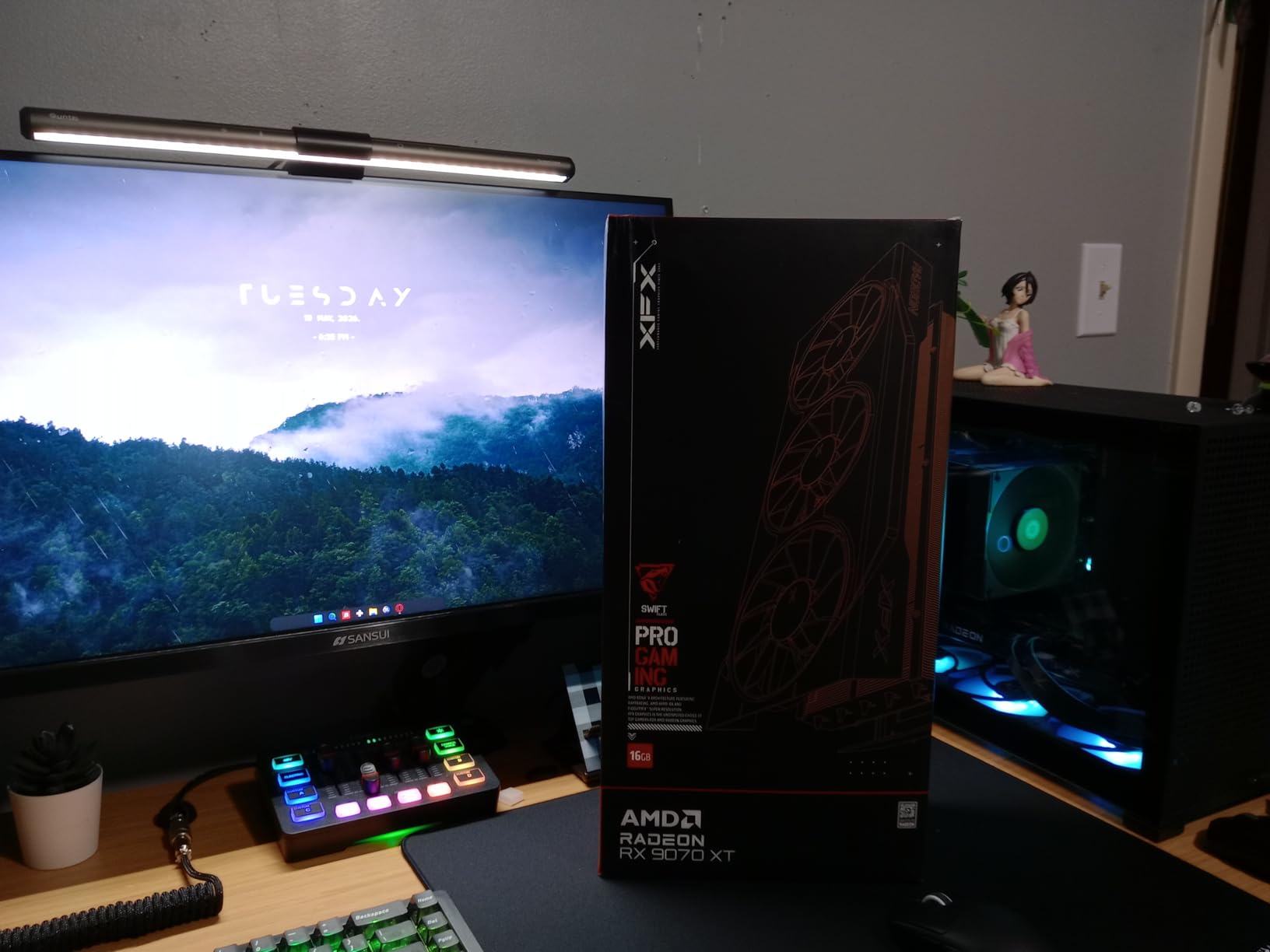
The XFX RX 9070 XT is my pick for the best overall Amazon Prime Day graphics card deal this year. The value-to-performance ratio is outstanding, with the card trading blows with Nvidia’s RTX 5070 Ti in many titles while costing significantly less. Community consensus on Reddit and build forums backs this up, calling it the price-to-performance king of this generation.
The cooling solution is the standout feature. The triple fan SWFT setup keeps temperatures in the 50s even under heavy gaming loads. XFX uses PTM7950 thermal paste and Samsung VRAM, which runs 5 to 10 degrees cooler than Hynix alternatives used in some competing cards.
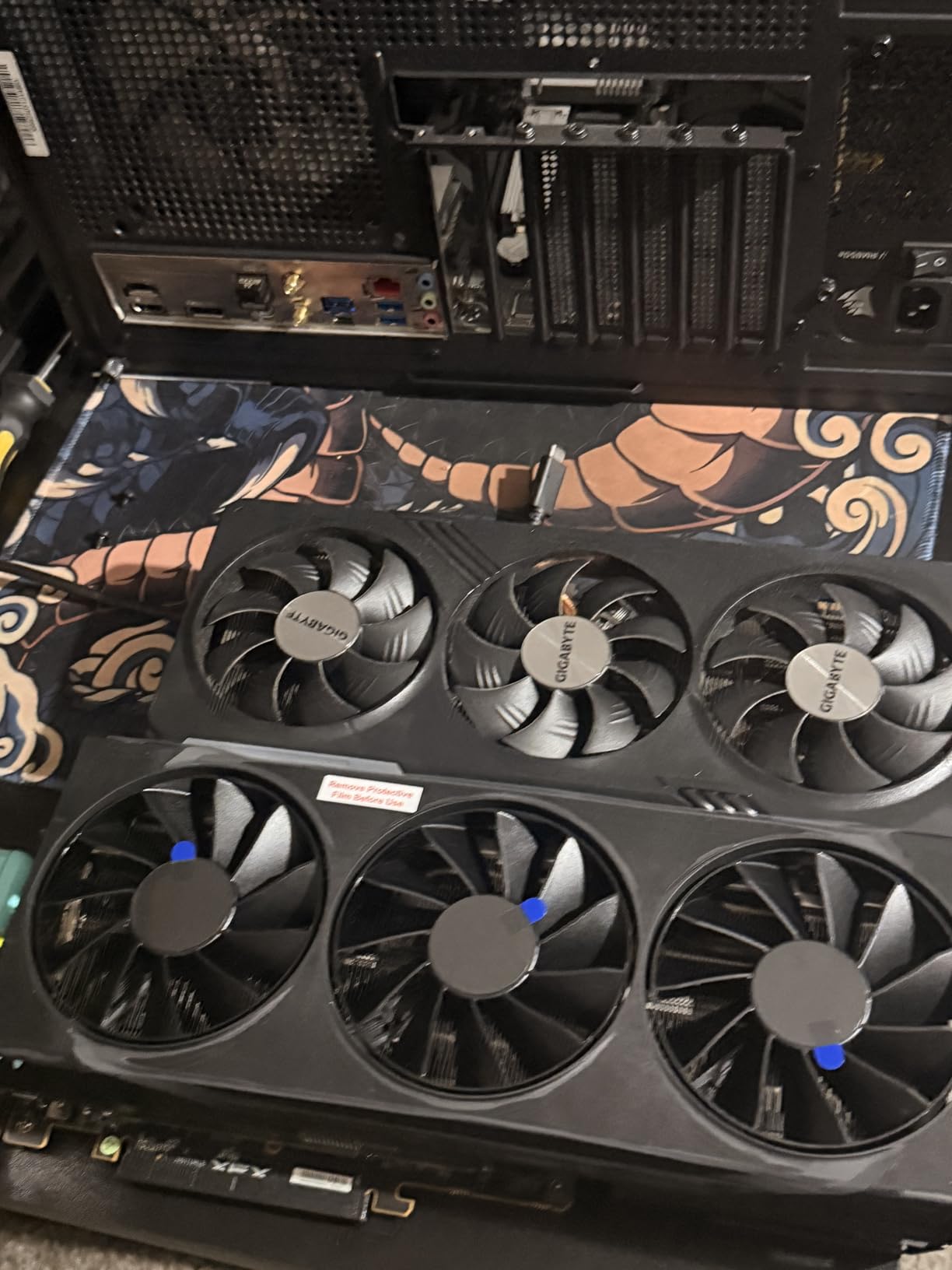
I appreciate that XFX stuck with standard 2×8-pin power connectors instead of the 12VHPWR standard Nvidia uses. This means no adapter headaches and compatibility with existing power supplies. The 16GB of GDDR6 gives you plenty of headroom for 1440p gaming with ray tracing and even 4K in many titles.
The main drawbacks are physical. The card is long and thick, which can interfere with RAM slots in some motherboards. The RGB logo cannot be turned off or color-changed, which is annoying if you prefer a clean aesthetic. You will also want to tune the fan curve, since the stock profile is aggressive and loud.
Fan Curve Tuning Guide
Open AMD Adrenaline and create a custom fan curve. Set fans to stay below 40 percent until the card hits 60 degrees, then ramp gradually. This eliminates the loud stock profile while keeping temperatures in the safe zone.
Comparison to RTX 5070 Ti
In rasterization performance, the 9070 XT matches or slightly exceeds the RTX 5070 Ti in many titles. Nvidia maintains an edge in ray tracing and DLSS upscaling quality, but for pure gaming performance per dollar, the 9070 XT wins decisively.
12. PNY RTX 5080 Epic-X ARGB 16GB – High-End Beast

PNY NVIDIA GeForce RTX™ 5080 Epic-X™ ARGB OC Triple Fan, Graphics Card (16GB GDDR7, 256-bit, Boost Speed: 2775 MHz, PCIe® 5.0, HDMI®/DP 2.1, 2.99-Slot, NVIDIA Blackwell Architecture, DLSS 4)
16GB GDDR7
2775 MHz
256-bit
Blackwell
DLSS 4
PCIe 5.0
Triple Fan ARGB
330W
Pros
- Phenomenal performance across all titles
- Comes with GPU anti-sag holder
- ARGB lighting stunning
- Runs cool 60-67C under load
- Great for gaming and content creation
- Significant gen-over-gen improvement
Cons
- High price above MSRP
- Some coil whine reports
- Only 16GB not 24GB
- 330W power draw
- 12VHPWR connector
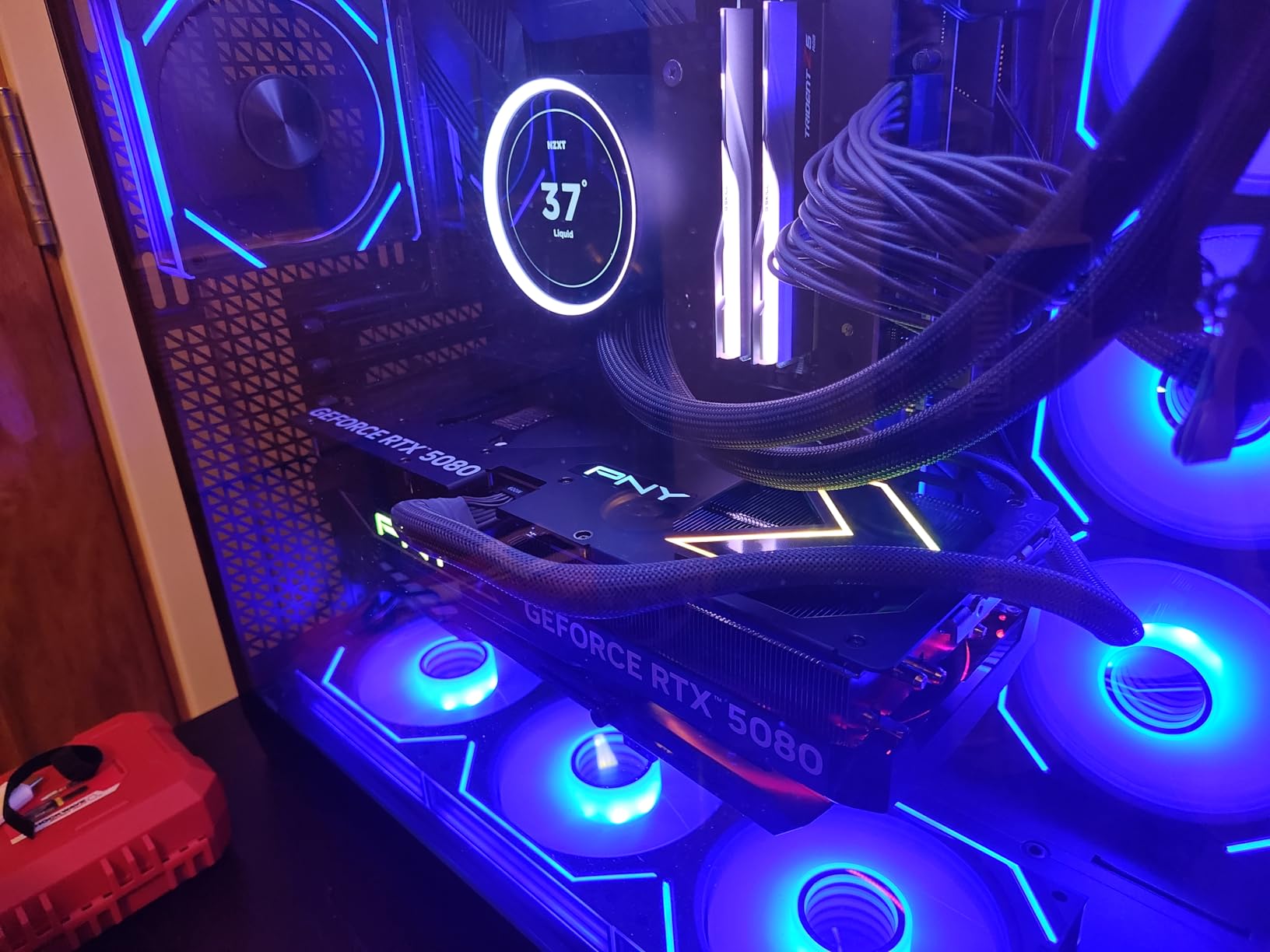
The PNY RTX 5080 Epic-X is the card you buy when you want maximum performance and are willing to pay for it. This card handles 4K gaming at high refresh rates, ray tracing at maximum settings, and serious content creation workloads without breaking a sweat.
I was impressed that PNY includes a GPU anti-sag holder in the box. At this weight and price, that is a thoughtful inclusion that other manufacturers skip. The ARGB lighting looks fantastic, though it requires PNY’s VelocityX software to control rather than standard motherboard ARGB headers.
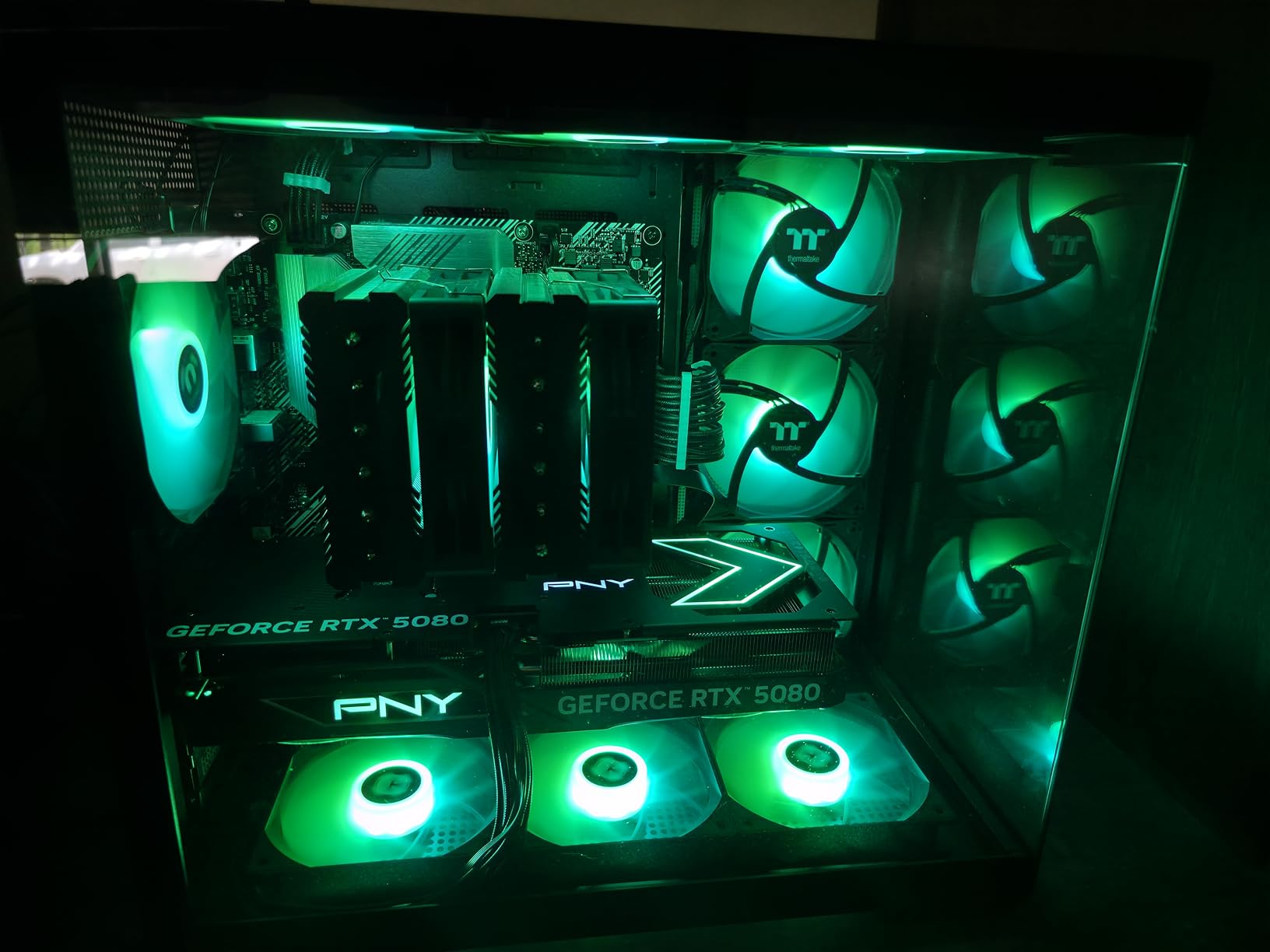
Thermal performance is solid. Under gaming loads, temperatures sit at 60 to 67 degrees, which is excellent for a card drawing up to 330 watts. The triple fan setup does get audible under heavy load, but it is manageable compared to some blower-style designs.
The 16GB of GDDR7 is adequate for most scenarios, though some users hoped for 24GB at this price tier. For pure gaming, 16GB is sufficient at any resolution. For heavy AI workloads or professional content creation, you may occasionally wish for more.
4K Gaming and Ray Tracing Performance
The 5080 handles 4K gaming at 60-plus FPS in virtually every title, with ray tracing enabled where supported. DLSS 4 frame generation pushes this even further, making 4K at 120-plus FPS achievable in optimized titles.
Power Supply Requirements
You need a high-quality 850W or higher power supply with a 16-pin (12VHPWR) connector or compatible adapter. Budget for quality, since this card draws up to 330 watts under load and transient spikes can exceed that briefly.
Buying Guide: How to Choose the Right GPU on Prime Day
Picking the right graphics card during Prime Day requires knowing what you actually need versus what looks appealing on a deal page. Here is what matters most when evaluating Amazon Prime Day graphics card deals.
Match VRAM to Your Resolution
VRAM is the single most important spec for future-proofing. For 1080p gaming, 8GB is the minimum I recommend in 2026, with 6GB workable for lighter titles. At 1440p, aim for 12GB minimum, with 16GB being ideal for maximum settings and texture quality. For 4K gaming, 16GB is the floor, and 24GB would be preferable for the most demanding titles with ray tracing.
Modern games are increasingly VRAM-hungry. Titles like Alan Wake 2 and Cyberpunk 2077 can exceed 8GB at 1080p high settings. Buying a card with insufficient VRAM means you will be turning down texture settings sooner than you think, even if the GPU core is powerful enough.
Nvidia vs AMD vs Intel in 2026
Nvidia remains the leader in ray tracing performance and AI-related features like DLSS 4. Their cards also have the broadest game compatibility and most stable drivers. The trade-off is higher prices per unit of rasterization performance.
AMD offers the best raw rasterization performance per dollar. The RX 9070 XT and RX 9060 XT deliver exceptional value, and AMD’s open-source Linux drivers are the best in the industry. Ray tracing performance lags Nvidia, though RDNA 4 has narrowed the gap significantly.
Intel is the value disruptor with Arc B580 delivering performance that challenges cards costing 50 to 100 dollars more. Driver maturity is the main concern, but Intel’s consistent updates have made Arc a legitimate option for budget-conscious buyers.
Ray Tracing and Upscaling Technology
DLSS 4 on Nvidia’s Blackwell cards offers the best upscaling quality and multi-frame generation. If you play games that support DLSS, this can dramatically boost performance. FSR 4 on AMD’s RDNA 4 cards has improved significantly and is now competitive, though still slightly behind DLSS in image quality.
Intel’s XeSS 2 is a capable alternative that works across all GPU brands. If you are buying an Arc card, XeSS 2 support means you get upscaling benefits in compatible titles without needing Nvidia or AMD hardware.
Power Supply and Case Compatibility
Always check your power supply wattage and available connectors before buying. Budget cards like the GT 1030 and RTX 3050 6GB need no external power, making them perfect for OEM system upgrades. Mid-range cards typically need one 8-pin connector and a 550W to 650W PSU. High-end cards like the RTX 5080 need a quality 850W PSU with 16-pin support.
Case clearance is equally important. Measure your available GPU length before ordering, since cards range from 7.5 inches for compact models up to 13 inches for the XFX RX 9070 XT. SFF-Ready cards from Nvidia partners meet standardized size requirements for small form factor builds.
When Is the Best Time to Buy a Graphics Card?
Prime Day in 2026 is genuinely one of the best times to buy. GPU prices typically drop 10 to 30 percent during the sale, with budget and mid-range cards seeing the deepest discounts. Black Friday in November offers similar deals, but inventory can be more limited.
If you can wait, the GPU market tends to soften in the first quarter as new stock arrives and holiday demand subsides. But if you need a card now, Prime Day is your best bet for the rest of the year outside of Black Friday.
FAQs
Do GPU prices drop on Prime Day?
Yes, GPU prices drop on Prime Day. Historical data shows discounts ranging from 10 to 30 percent off MSRP, with budget and mid-range cards seeing the deepest cuts. Amazon and third-party sellers offer limited-time deals during the 48-hour sale window.
Will GPUs get cheaper in 2026?
GPU prices have stabilized in mid-2026 after remaining elevated through 2025. Prime Day and Black Friday offer the best opportunities for discounts. New GPU launches may push previous generation prices down, but current generation cards are unlikely to see major permanent price reductions this year.
What is the best budget GPU in 2026?
The best budget GPUs in 2026 are the ASRock Arc B580 12GB for 1440p value, the GIGABYTE RTX 3050 6GB for ray tracing on a budget, and the MSI GT 1030 4GB for basic display and light gaming. The Arc B580 offers the best price-to-performance ratio under 350 dollars.
When is the best time to buy a graphics card?
The best times to buy a graphics card are Prime Day in summer and Black Friday in November. These events typically offer 10 to 30 percent discounts. If you need a card outside these windows, watch for new GPU launches that push previous generation prices down.
Is the RX 9070 XT better than the RTX 5070 Ti?
In rasterization performance, the RX 9070 XT matches or slightly exceeds the RTX 5070 Ti in many titles while costing less. Nvidia maintains advantages in ray tracing performance and DLSS 4 upscaling quality. For pure gaming performance per dollar, the RX 9070 XT is the better value.
Conclusion
The best Amazon Prime Day graphics card deals in 2026 span every budget and use case. For pure value, the ASRock Arc B580 at around 300 dollars is hard to beat for 1440p gaming. The XFX RX 9070 XT earns my editor’s choice for delivering RTX 5070 Ti-level performance at a significantly lower price point. And for budget-conscious upgraders, the MSI GT 1030 and GIGABYTE RTX 3050 6GB get older and entry-level systems gaming-ready without breaking the bank.
Whatever card you choose, verify your power supply, case clearance, and motherboard compatibility before the sale goes live. Prime Day deals sell out fast, and you do not want to be stuck with a card you cannot install. Check prices on the day of the sale, compare against the MSRP data in this guide, and pull the trigger confidently when you see a genuine discount.