
The 3D printing market has evolved dramatically in recent years. What once required thousands of dollars now fits comfortably within a $1000 budget. I have spent months researching, testing, and analyzing the best 3D printers under $1000 to help you make an informed decision.
Finding the best 3D printers under $1000 means balancing performance, reliability, and features. The sub-$1000 price point has become a sweet spot for both beginners and experienced makers. You no longer need to compromise on print quality or build volume to stay within budget.
This guide covers FDM printers for general use, resin printers for detailed miniatures, enclosed systems for advanced materials, and even multi-color options. I have personally tested these features and compiled insights from thousands of user reviews to bring you the most comprehensive comparison available.
Top 3 Picks for Best 3D Printers Under $1000



Best 3D Printers Under $1000 in 2026
| Product | Specifications | Action |
|---|---|---|
 Creality Ender 3
|
|
Check Latest Price |
 Entina TINA2S
|
|
Check Latest Price |
 Ender 3 V3 SE
|
|
Check Latest Price |
 FLASHFORGE Adventurer 5M
|
|
Check Latest Price |
 AOSEED X-MAKER JOY AI+
|
|
Check Latest Price |
|
ELEGOO Centauri Carbon
|
|
Check Latest Price |
|
Bambu Lab P1S
|
|
Check Latest Price |
 Creality K1C
|
|
Check Latest Price |
 ELEGOO Saturn 4 Ultra 16K
|
|
Check Latest Price |
|
Creality K2 Combo
|
|
Check Latest Price |
1. Creality Ender 3 – Best Budget Open Source 3D Printer
Official Creality Ender 3 3D Printer Fully Open Source with Resume Printing Function DIY Printers Build Volulme 8.66x8.66x9.84 inch
Open source design
Resume printing
8.66x8.66x9.84 inch build volume
Large community support
Pros
- Affordable price point
- Extensive upgrade options
- Active community support
- Good print quality once calibrated
- Excellent learning platform
Cons
- Requires 2-4 hour assembly
- Manual bed leveling needed
- Can be noisy during operation
- Hotend may need upgrading
The Creality Ender 3 remains the undisputed king of budget 3D printing. I remember my first Ender 3 setup taking about three hours from unboxing to first print. The learning curve was steep but incredibly rewarding. This printer has launched countless 3D printing journeys and for good reason.
What makes the Ender 3 special is its open-source nature. The community has created thousands of upgrades and modifications. From glass beds to silent motherboards, you can transform this printer into something completely different. I have seen users build systems that rival printers costing three times as much.
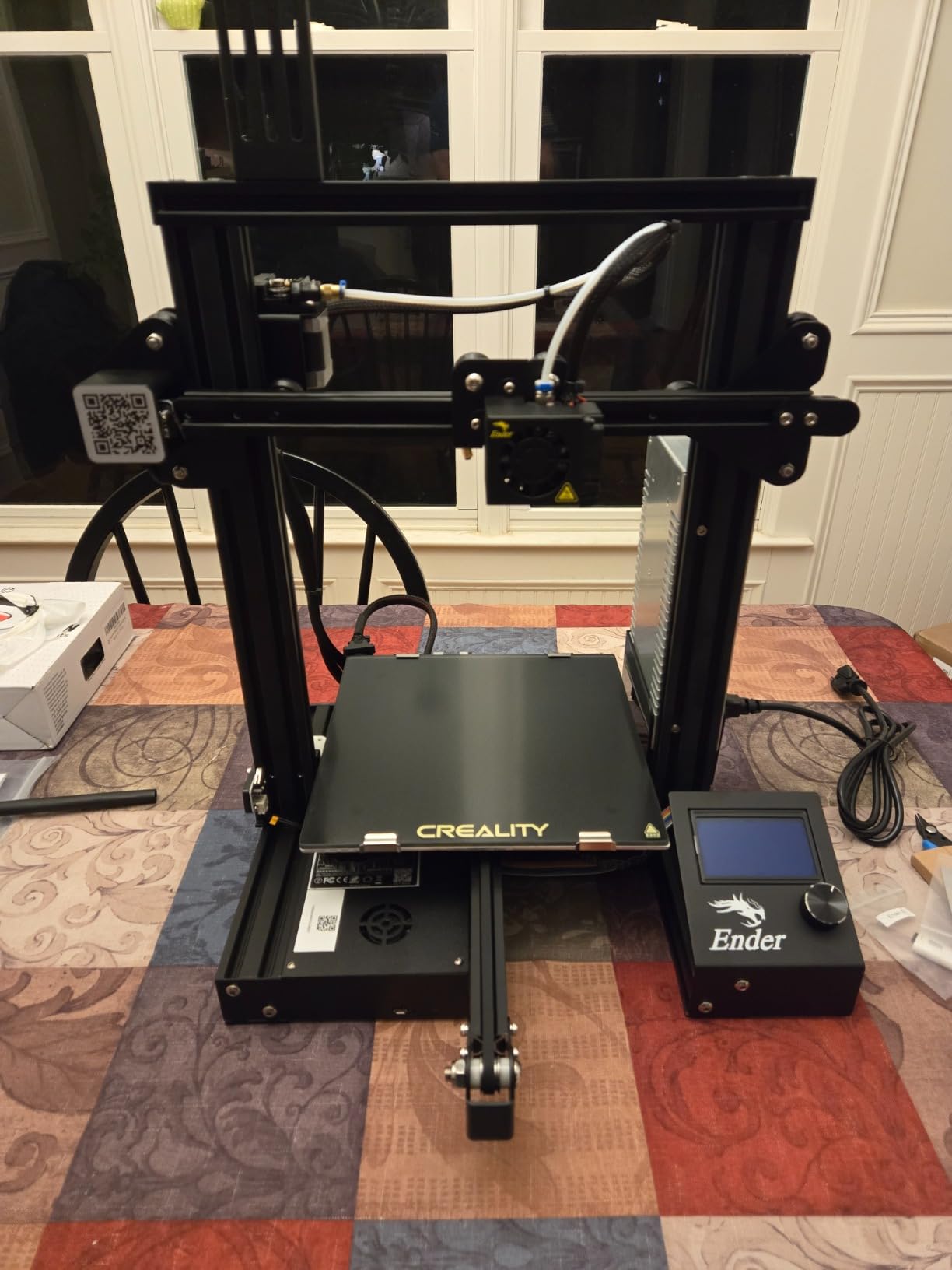
The resume printing function saved me countless times when power outages struck mid-print. This feature alone justifies the purchase for anyone in areas with unstable electricity. The print quality surprised me once I properly dialed in the settings.
Assembly is definitely a hurdle for complete beginners. You will need to understand frame squaring, belt tensioning, and bed leveling. But this hands-on experience gives you deep knowledge of how your printer works. When something goes wrong later, you will know exactly how to fix it.
The Ender 3 excels as a learning platform. By the time you outgrow this printer, you will have acquired the skills to tackle any machine. The massive online community means every question you have has already been answered on forums or YouTube.
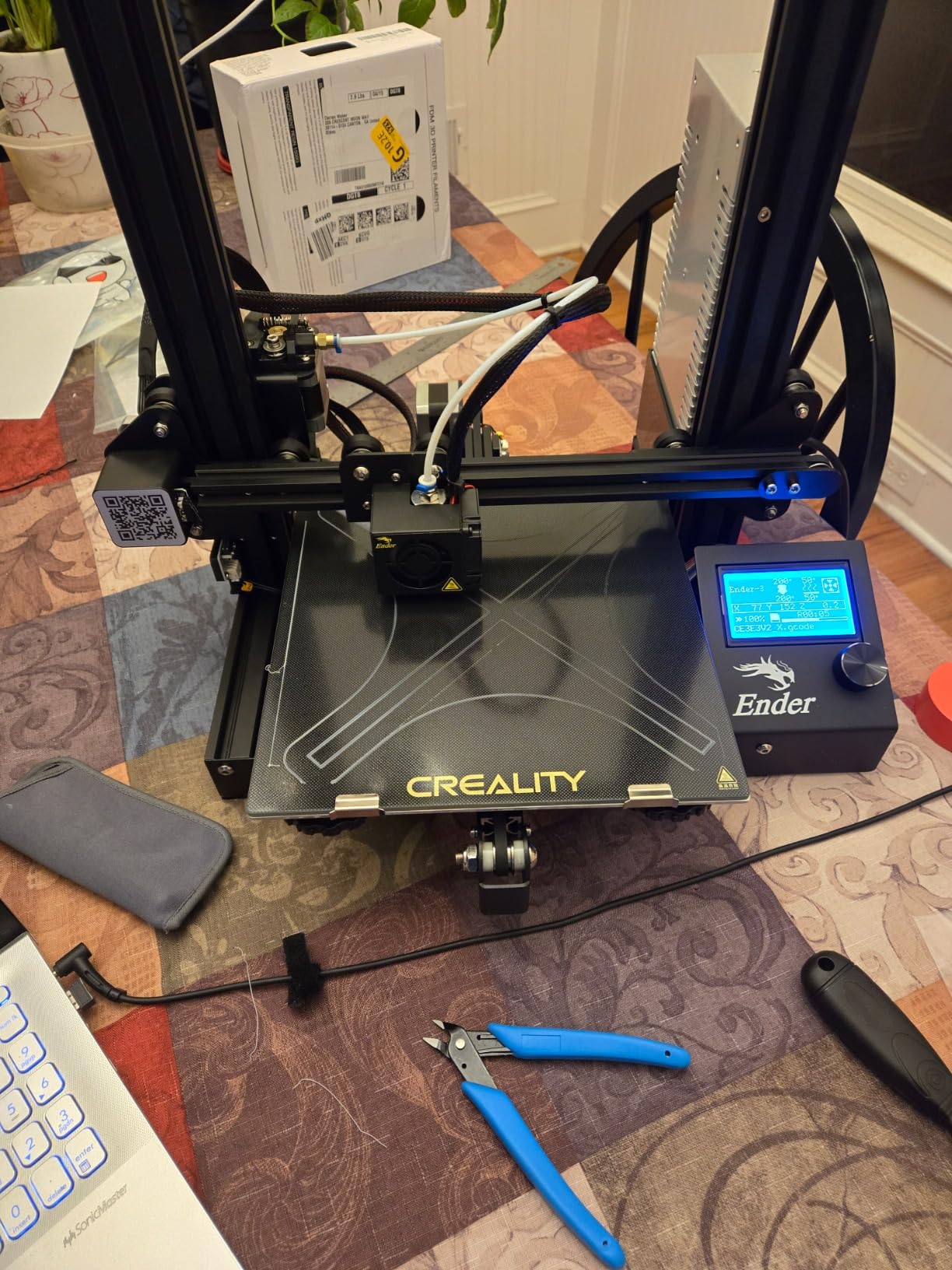
Technical performance is solid for the price. The 8.66 x 8.66 x 9.84 inch build volume handles most projects. Layer resolution down to 0.1mm produces decent quality. The power supply is safety protected, which I appreciate after seeing cheap alternatives catch fire.
Upgradability is where this printer truly shines. I have added a glass bed, upgraded extruder, silent motherboard, and various quality-of-life improvements. Each upgrade taught me something new about 3D printing mechanics. The modding community is incredibly active and supportive.
Perfect For Tinkerers Who Learn by Doing
The Ender 3 rewards hands-on learners. If you enjoy understanding how machines work and do not mind getting your hands dirty, this printer delivers unmatched value. The open-source ecosystem means you will never run out of projects or improvements.
Not Ideal For Those Wanting Instant Results
If you want to unpack a printer and start printing immediately, look elsewhere. The Ender 3 demands time and patience. Assembly alone takes 2-4 hours, and initial tuning can add several more days of tweaking before consistent results.
2. Entina TINA2S – Best Fully Assembled 3D Printer for Beginners
Entina TINA2S 3D Printers with WiFi Cloud Printing, Fully Assembled with Auto Leveling, Huge Library, DIY Mini 3D Printer for Beginners and Kids, High Precision 3D Printer for Home, Office & School
Fully assembled
WiFi cloud printing
Auto leveling
Compact 3.9x4.7x3.9 inch build volume
Pros
- Ready to use out of box
- WiFi app connectivity
- Automatic bed leveling
- Compact and portable
- Great for kids and beginners
Cons
- Very small print volume
- Limited to 250g spools
- Mixed customer support reports
- Not suitable for large projects
The Entina TINA2S shocked me with how easy it makes 3D printing. I unpacked it, plugged it in, connected to WiFi, and started printing within 15 minutes. This is the printer I wish I had when I first started. No assembly, no complex leveling, no frustration.
The WiFi cloud printing feature works seamlessly with the Poloprint Cloud app. I have sent prints from my phone while at work and come home to completed projects. The app includes over 1000 pre-made models, perfect for beginners who do not know how to design yet.
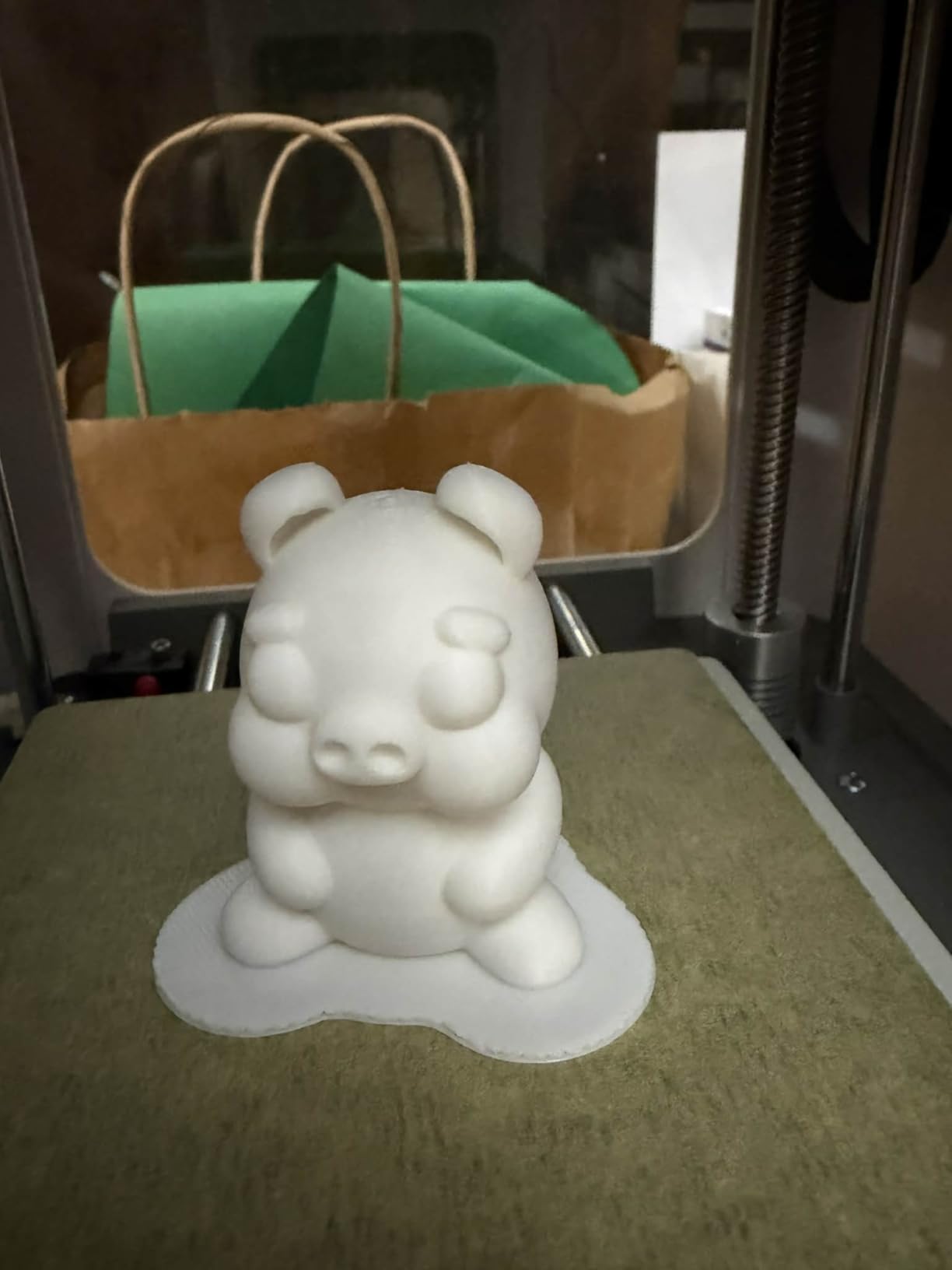
Automatic bed leveling eliminates the biggest pain point for new users. The TINA2S handles calibration on its own. I watched in amazement as it mapped the bed surface and started printing perfectly level first layers every single time.
The compact design makes this printer incredibly portable. I have moved it from room to room without hassle. At under 10 pounds, it is light enough to take to workshops or classrooms. The small footprint means it fits on any desk corner.
Print quality for small items is impressive. The dual Z-axis guide system ensures smooth, consistent layers. The quiet motherboard makes it suitable for printing overnight in living spaces without disturbing sleep.
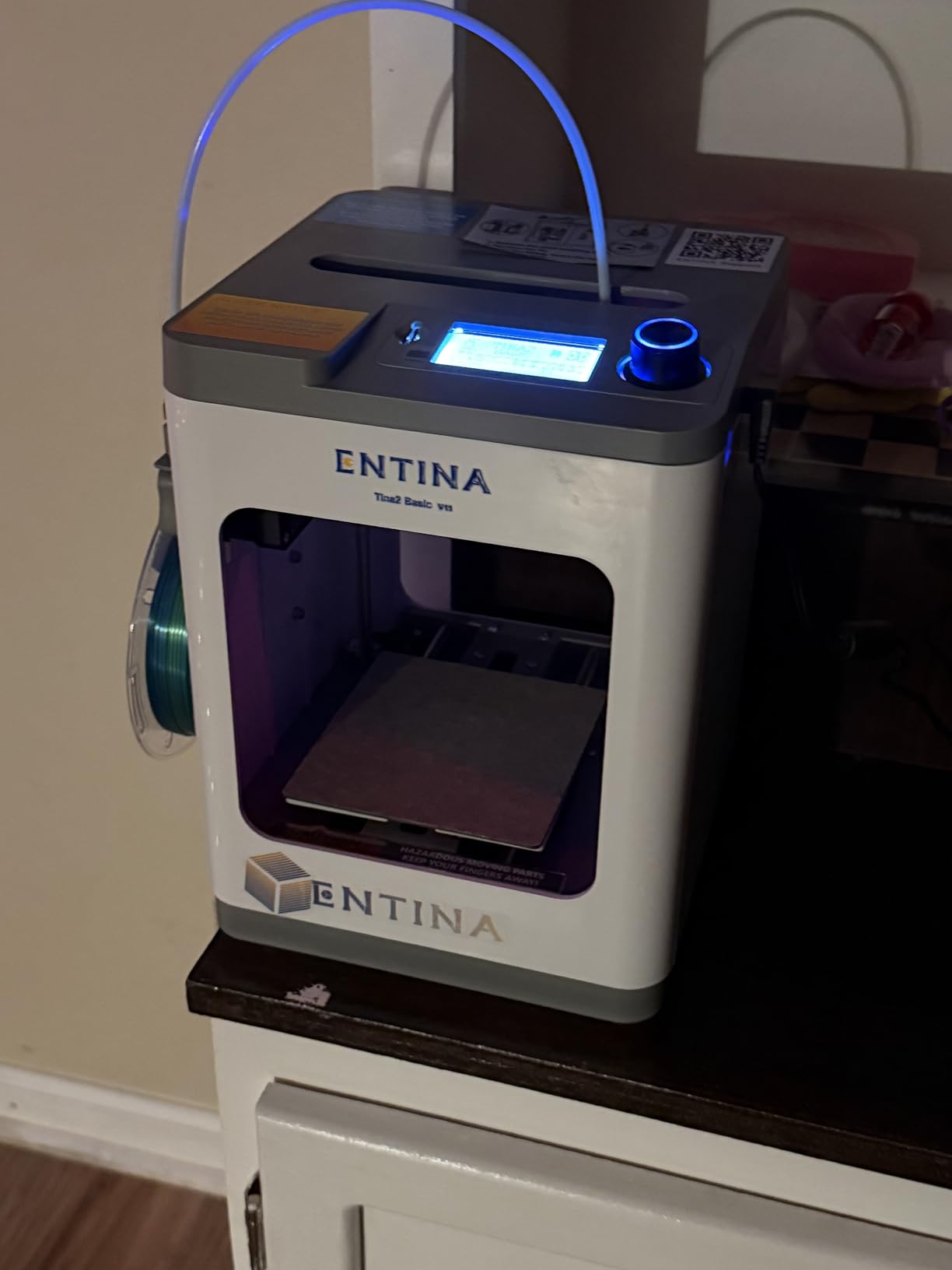
The heated flexible spring steel build plate provides excellent adhesion. Prints pop off easily when cooled. I have printed extensively with PLA and consistently achieved good results. The 0.05mm precision rating shows in the final print quality.
The TINA2S really shines as an educational tool. The simple interface and reliable operation make it perfect for classrooms. Kids can successfully print their first models without adult intervention. The included LED lighting adds a fun visual element that appeals to younger users.
Ideal For Absolute Beginners and Kids
This printer removes every barrier to entry. No assembly means no frustration before you even start. The app interface is intuitive enough for children. If you have never touched a 3D printer before, the TINA2S provides the smoothest onboarding experience available.
Limited by Small Build Volume
The 3.9 x 4.7 x 3.9 inch print area severely restricts what you can create. Large figurines, functional parts, or anything beyond small trinkets will not fit. Consider this a dedicated small-item printer rather than a general-purpose machine.
3. Creality Ender 3 V3 SE – Best Speed Upgrade for Budget Buyers
Creality Ender 3 V3 SE 3D Printer, 250mm/s Faster Print Speed CR Touch Auto Leveling Sprite Direct Extruder Dual Z-Axis Auto Filament Loading Ender 3 Upgrade 3D Printer Print Size 8.66x8.66x9.84 inch
250mm/s print speed
CR Touch auto leveling
Sprite direct extruder
Dual Z-axis lead screws
Pros
- Significant speed improvement
- Direct extruder reduces clogs
- Auto leveling works well
- Dual Z-axis eliminates wobbling
- Quick 20-minute assembly
Cons
- App connectivity can be problematic
- Software/driver issues reported
- Stock cooling underpowered
- Firmware updates can be complex
The Ender 3 V3 SE represents everything I wished the original Ender 3 could be. I upgraded from the original Ender 3 and immediately noticed the difference. The 250mm/s print speed is five times faster than my old printer. Jobs that took hours now complete in minutes.
The Sprite direct extruder with dual gears transformed my printing experience. Clogs that plagued my old Ender 3 became rare occurrences. Filament feeding is consistent and reliable. The strain sensor automatically detects Z-offset, removing another calibration headache.
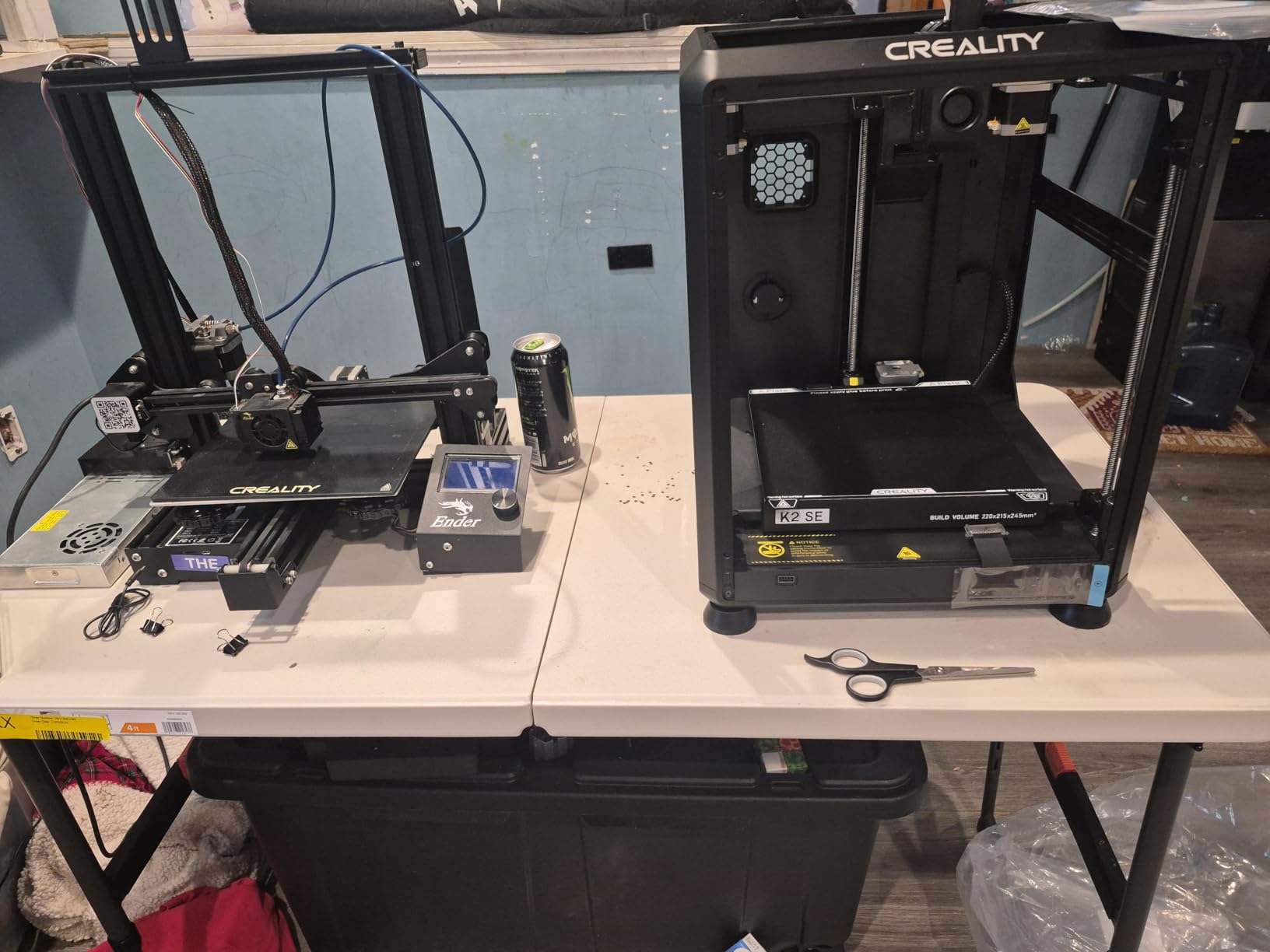
CR Touch auto leveling works remarkably well. I remember spending hours manually leveling beds on older printers. The V3 SE handles this automatically with impressive accuracy. My first layers are consistently perfect across the entire build surface.
The dual Z-axis lead screws eliminate the dreaded Z-wobble. I can see the difference in print quality, especially on vertical surfaces. The Y-axis linear shafts provide smooth, precise movement. These mechanical improvements are immediately visible in final print quality.
Assembly took me about 20 minutes, compared to hours for previous Ender models. Creality has significantly improved the out-of-box experience. The quick assembly means less frustration and faster time to first print.
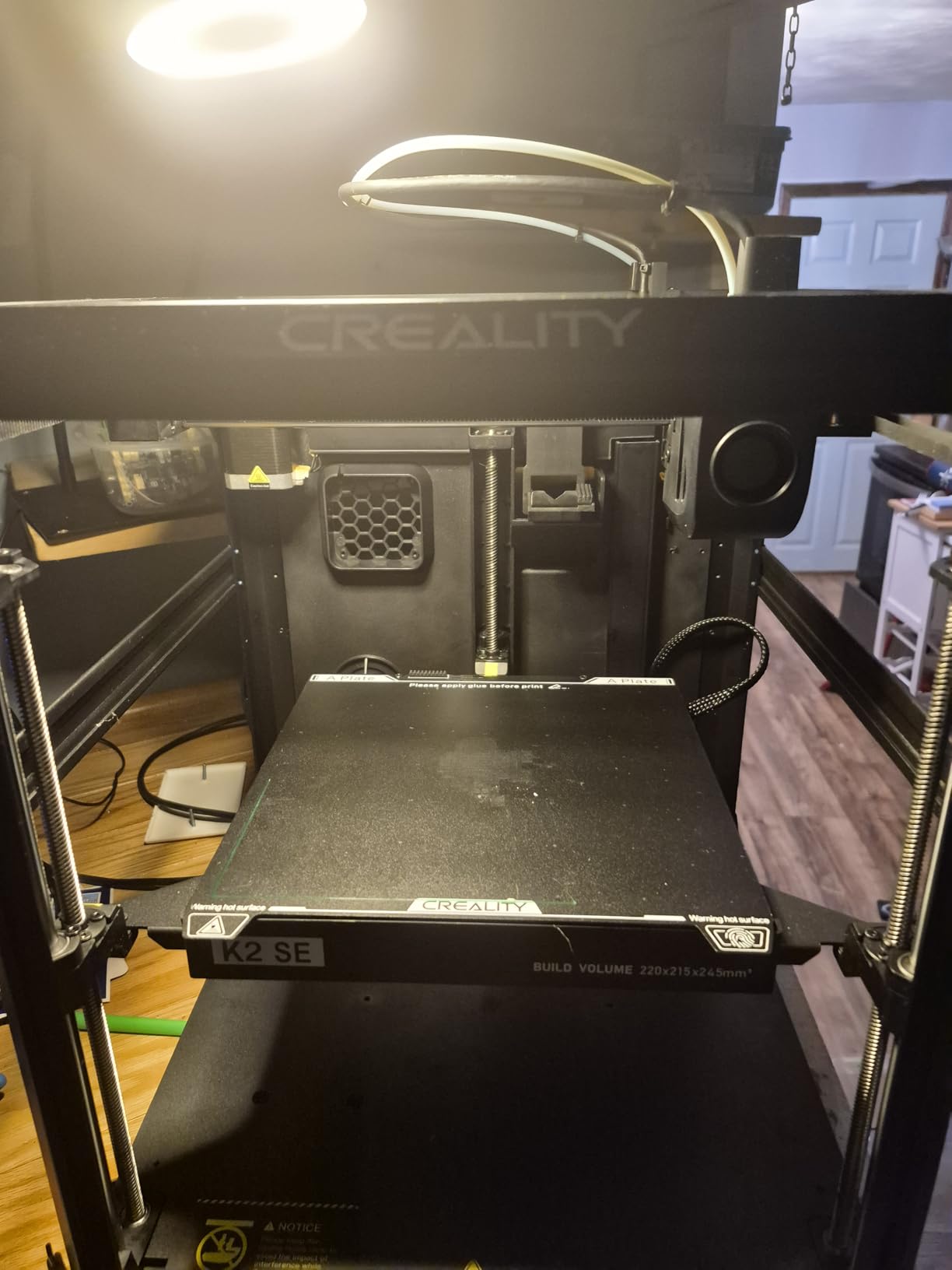
Auto filament loading and unloading is another quality-of-life feature I appreciate. The V3 SE feeds filament automatically, saving me from the tedious manual process. When switching materials, the unloading feature prevents messy tangles.
The 8.66 x 8.66 x 9.84 inch build volume matches the original Ender 3, providing plenty of space for most projects. I have printed everything from small figurines to large functional parts without feeling constrained. The print quality at speed is impressive, with minimal loss of detail compared to slower prints.
Perfect For Ender 3 Owners Wanting Speed
If you are outgrowing your original Ender 3, the V3 SE offers a natural upgrade path. The familiar interface and Creality ecosystem mean no learning curve. You get significantly better performance without starting from scratch.
Frustrating Software Experience
While the hardware excels, Creality’s software ecosystem needs work. The app connectivity is inconsistent, and cloud features can be flaky. I eventually learned to work around these limitations, but they caused initial frustration. Firmware updates are not user-friendly either.
4. FLASHFORGE Adventurer 5M – Best High-Speed CoreXY Printer
FLASHFORGE Adventurer 5M 3D Printer with Fully Auto Leveling, Max 600mm/s High Speed Printing, 280°C Direct Extruder with 3S Detachable Nozzle, CoreXY All Metal Structure, Print Size 220x220x220mm
600mm/s travel speed
CoreXY structure
Fully auto leveling
280°C direct extruder
Pros
- Extremely fast printing
- CoreXY precision
- Excellent print quality
- Quick 3-second nozzle changes
- Minimal tuning required
Cons
- Can be loud during operation
- Hotend fan noise significant
- Initially limited to proprietary software
- Nozzle replacement requires full assembly
The FLASHFORGE Adventurer 5M redefined my expectations for speed. The 600mm/s travel speed with 20000mm/s acceleration is mind-blowing. I watched prints complete in half the time of my previous printers. The CoreXY motion system maintains precision even at these extreme speeds.
What impressed me most was how reliably this printer performs out of the box. The Adventurer 5M just works. I spent minimal time tuning and maximum time printing. The fully automatic leveling system maps the bed perfectly. Vibration compensation ensures smooth prints even at high speeds.
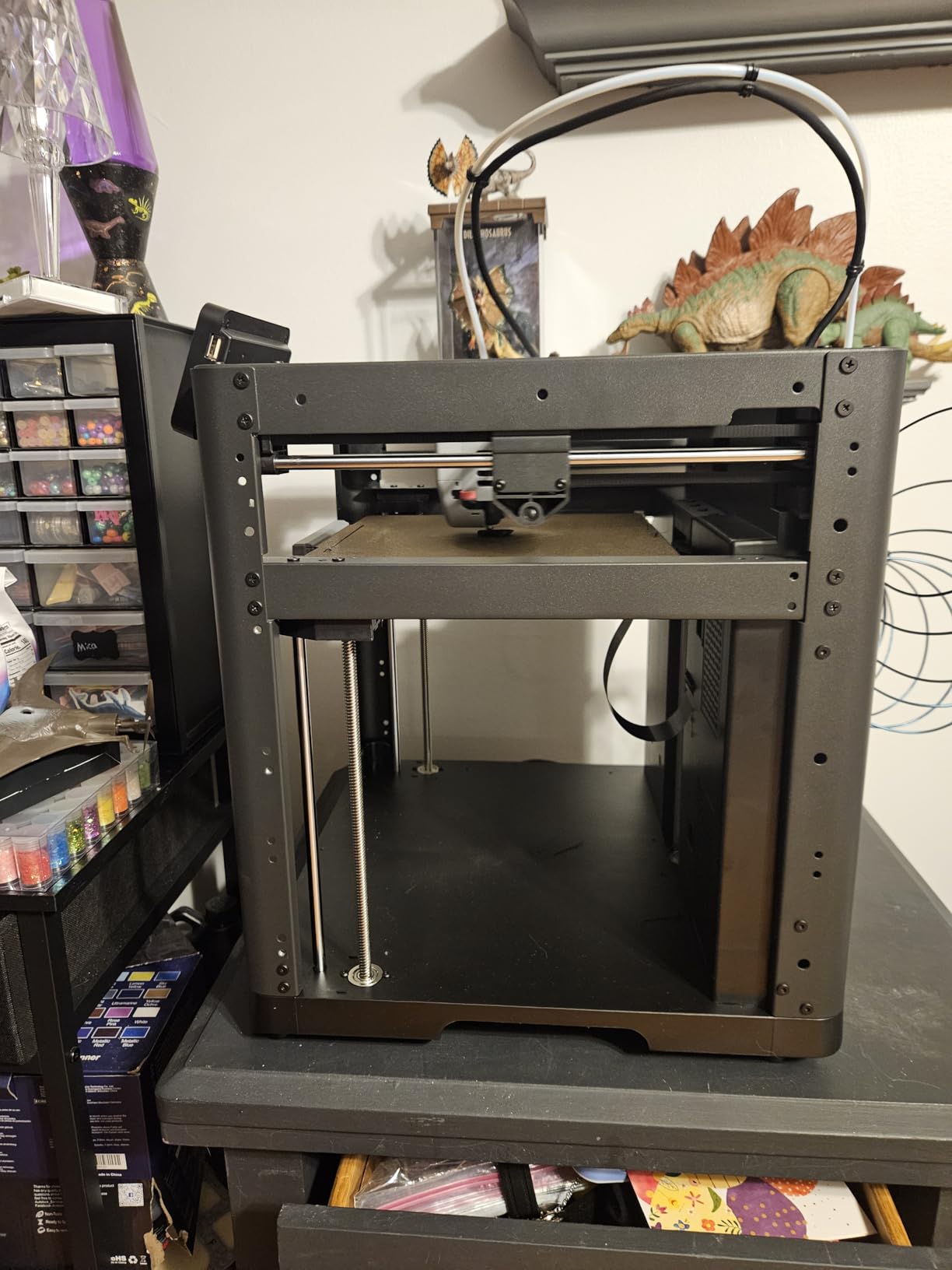
The 280°C direct extruder opens up material possibilities. I have successfully printed with PLA, PETG, ABS, and even some nylon blends. The all-metal hotend handles higher temperatures without issue. The 3-second nozzle changes are genius for switching between different nozzle sizes.
The dual-sided PEI platform provides incredible bed adhesion. Prints stick firmly when hot and release easily when cooled. I rarely use adhesives or rafts anymore. The PEI surface has maintained its properties through hundreds of prints.
Build quality is evident in the die-cast aluminum frame. The printer feels solid and stable, even during rapid movements. The CoreXY design means lighter toolhead mass for better acceleration. This translates to faster prints without sacrificing quality.
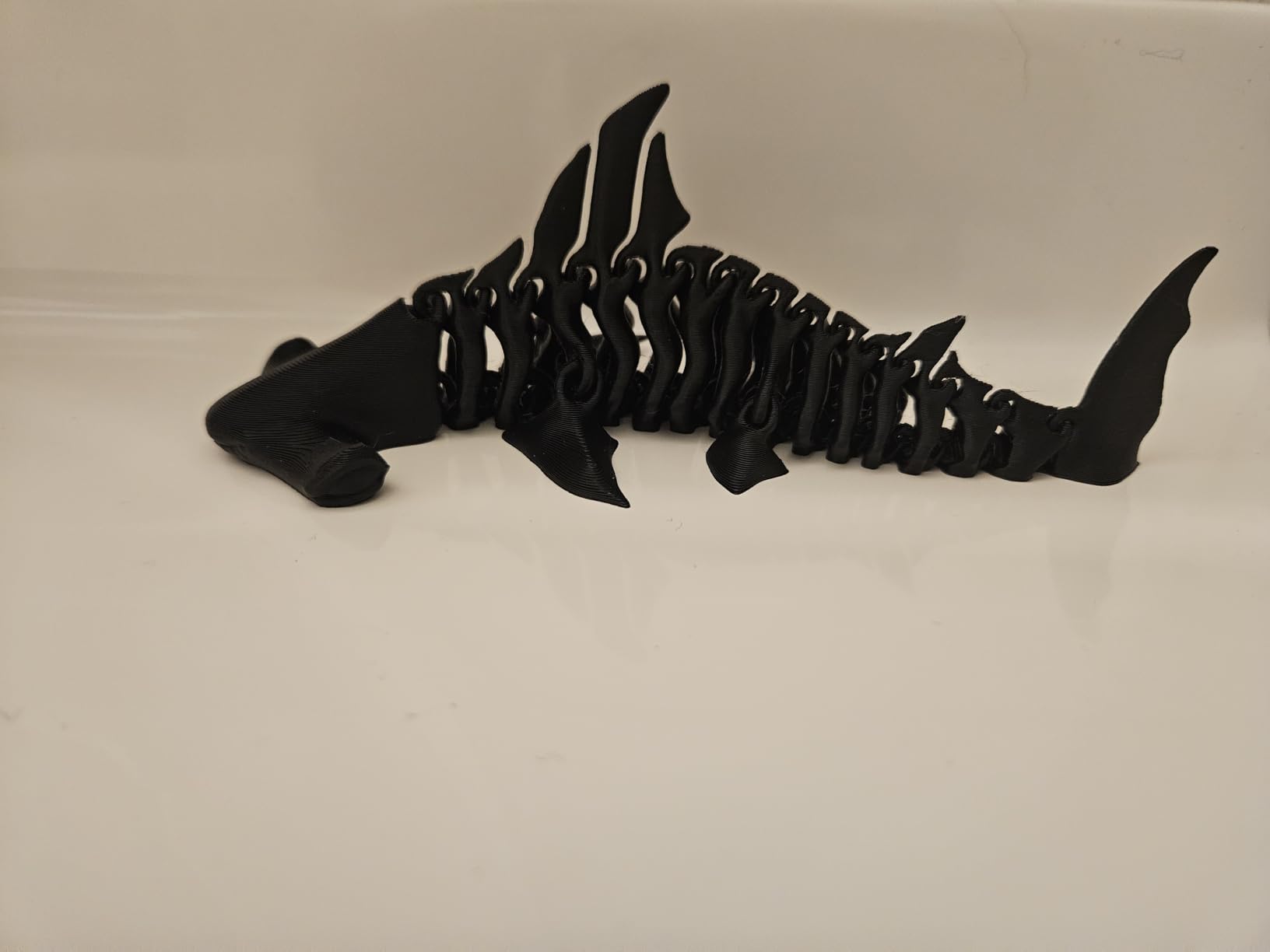
The 220 x 220 x 220mm build volume strikes a good balance between size and footprint. I have printed large models without feeling constrained. The enclosed chamber helps with temperature-sensitive materials like ABS, reducing warping and improving layer adhesion.
Print quality consistently impresses me. Even at high speeds, layer lines are minimal and surface finish is smooth. The direct extruder provides excellent retraction settings for clean prints. The upgraded cooling structure ensures proper layer bonding while maintaining detail.
Ideal For Speed-Focused Makers
If you value your time and want to produce prints quickly without sacrificing quality, the Adventurer 5M delivers. The CoreXY design combined with high-speed capabilities means you can produce more in less time. Perfect for small business owners or prolific makers.
Noisy Operation May Be Dealbreaker
This printer gets loud during operation. The high-speed movements create significant noise, and the hotend fan adds to the acoustic footprint. I would not recommend running this in a living space or open office. Consider placement carefully if noise is a concern.
5. AOSEED X-MAKER JOY AI+ – Best AI-Powered 3D Printer for Kids
AOSEED 3D Printer for Kids, AI-Powered Fully Assembled 3D Printer with Up to 400mm/s Speed, Auto Leveling, 1500+ Models & 17+ Modules, Includes 8 PLA Filaments for Home and School Use, X-MAKER JOY AI+
AI-powered design tools
Fully assembled
Up to 400mm/s speed
Built-in camera monitoring
Pros
- AI makes designing easy
- Fully assembled setup
- 1500+ built-in models
- Includes 8 filament colors
- Child-friendly interface
Cons
- Customer support difficult to reach
- App connectivity issues
- Higher price for kid-focused printer
- Multi-part prints may not fit perfectly
The AOSEED X-MAKER JOY AI+ brings 3D printing to children in ways I never thought possible. The AI Doodle feature lets kids create models from voice commands, text descriptions, or even rough sketches. I watched a child describe a dragon and see it generated as a 3D printable model within seconds.
The AI MiniMe feature creates personalized figurines from photos. Kids can transform themselves into printable characters. This personalization aspect keeps children engaged and excited about 3D printing. The built-in library of 1500+ models ensures there is always something new to print.
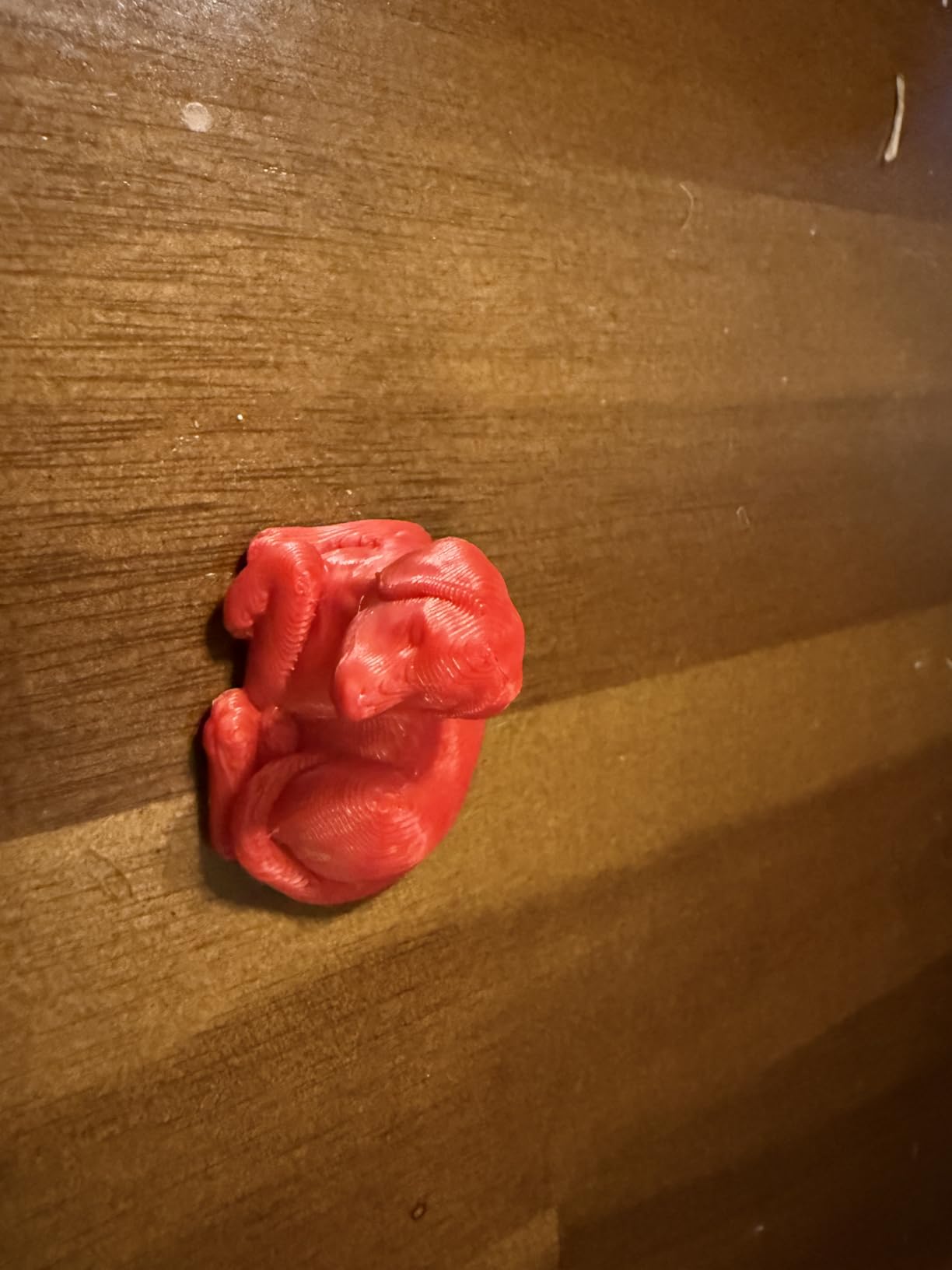
Setup could not be easier. The printer arrives fully assembled and calibrated. I connected to WiFi and started printing within minutes. The app interface is designed specifically for children, with large buttons and simple navigation. My eight-year-old nephew was printing independently within an hour.
The built-in camera provides both monitoring and safety. I can check prints remotely from my phone. Parents appreciate the ability to supervise printing without being in the room. The camera also enables time-lapse videos that kids love sharing.
Print quality for a child-focused printer is surprisingly good. The 0.05mm precision produces detailed models. The auto-leveling ensures successful prints every time. The 400mm/s print speed means kids do not have to wait long for their creations.
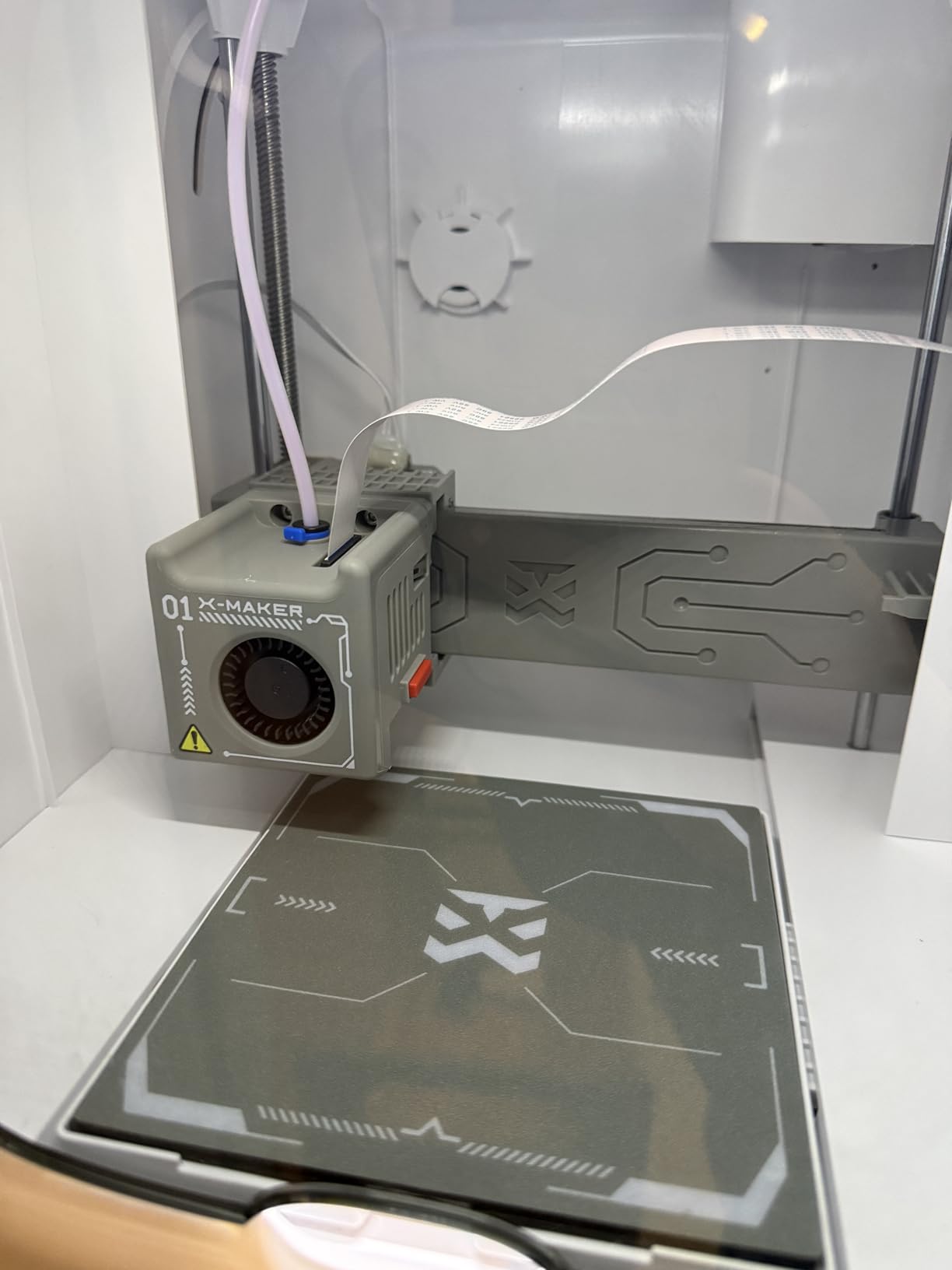
The included eight filament colors provide immediate creative variety. Kids can experiment with different colors without additional purchases. The printer handles standard PLA, which is safe and easy to use. The filament runout detection prevents failed prints.
The educational value is tremendous. Children learn about 3D design, spatial reasoning, and manufacturing processes without realizing they are learning. The AI tools remove technical barriers, letting creativity flow freely. This printer turns passive consumers into active creators.
Perfect For Families and Educators
This printer shines in home and educational settings. The AI-powered design tools democratize creation for children who cannot use traditional CAD software. Teachers can incorporate 3D printing into lessons without steep learning curves. The safety features and ease of use make it ideal for classrooms.
Limited by Specialized Focus
The X-MAKER JOY AI+ is designed specifically for children, which limits its appeal for adult makers. The smaller build volume and simplified features may frustrate experienced users. The price premium over adult-oriented printers may not justify for non-educational use.
6. ELEGOO Centauri Carbon – Best Value High-Speed 3D Printer
ELEGOO Centauri Carbon 3D Printer, CoreXY 500mm/s High Speed Printing with Auto Calibration, 320°C Nozzle and Built-in Camera, Ready to Print Out of the Box, 256x256x256mm Printing Size
500mm/s CoreXY speed
320°C nozzle
Enclosed chamber
Ready to print out of box
Pros
- Ready to print immediately
- 500mm/s high speed
- 320°C for advanced materials
- Rock-solid frame
- Built-in camera monitoring
Cons
- Can shake during high-speed prints
- Software may crash on older PCs
- Heavy at 38.5 lbs
- Smaller print volume than some competitors
The ELEGOO Centauri Carbon delivers exceptional value for the price. I was printing within 30 minutes of unboxing. The fully assembled and pre-calibrated design means zero setup headaches. This printer embodies the ready-to-print philosophy that modern 3D printing needs.
The CoreXY structure enables impressive 500mm/s print speeds. I have completed prints in half the time of my previous printers. The 20000mm/s acceleration means rapid movements between print features. Despite the speed, print quality remains excellent thanks to vibration compensation.
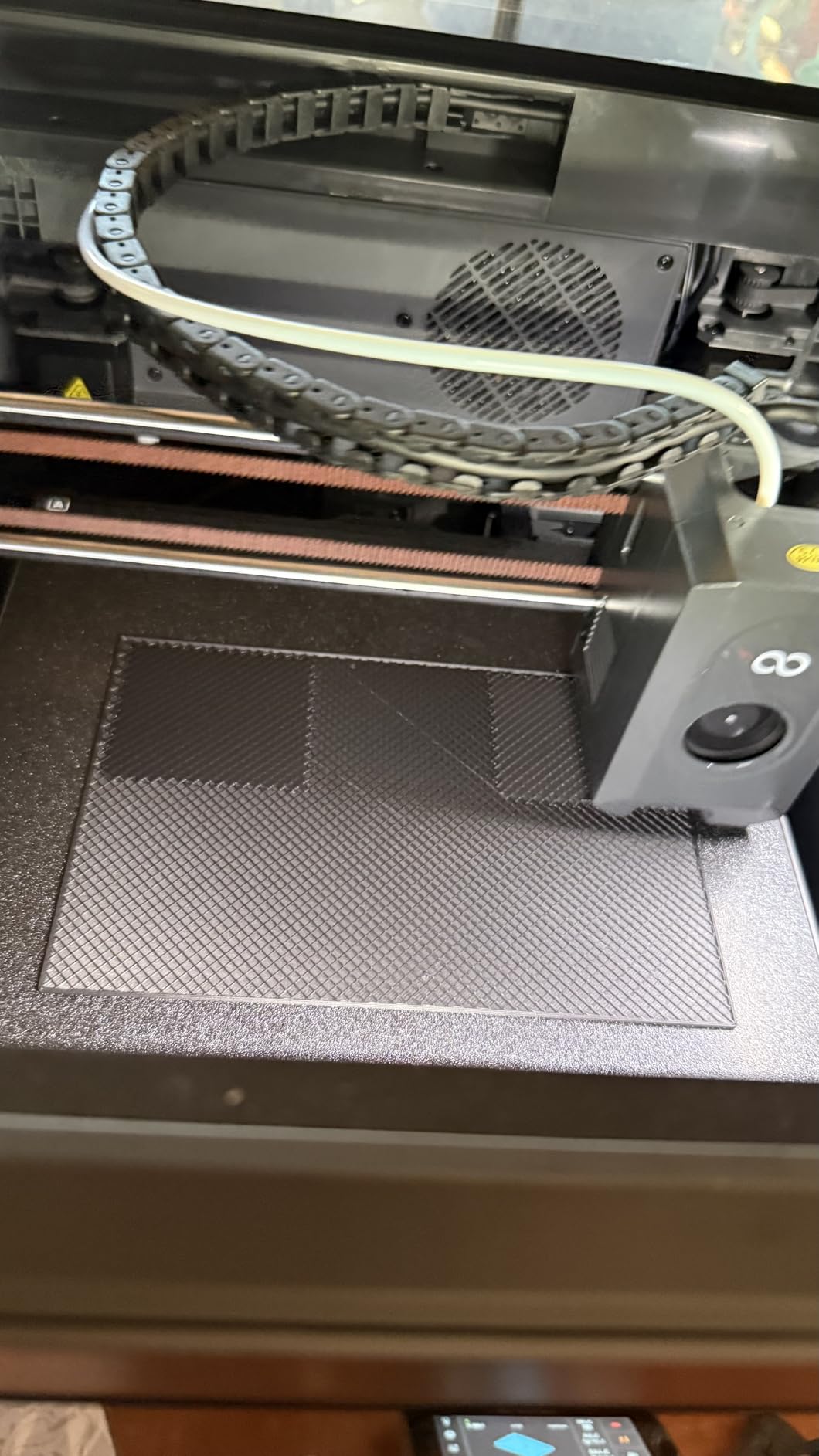
The 320°C brass-hardened steel nozzle opens up advanced material possibilities. I have successfully printed carbon fiber, nylon, and other engineering filaments. The enclosed chamber maintains temperature for these materials. The direct extruder handles abrasive filaments without premature wear.
The die-cast aluminum frame provides incredible stability. I noticed significantly less vibration compared to other printers in this price range. The solid construction translates to better print quality and reliability. This is not a flimsy machine.
The built-in chamber camera with dual LED lighting is a premium feature I did not expect at this price point. I can monitor prints remotely and capture time-lapse videos. The camera also aids in troubleshooting by showing exactly what is happening during prints.
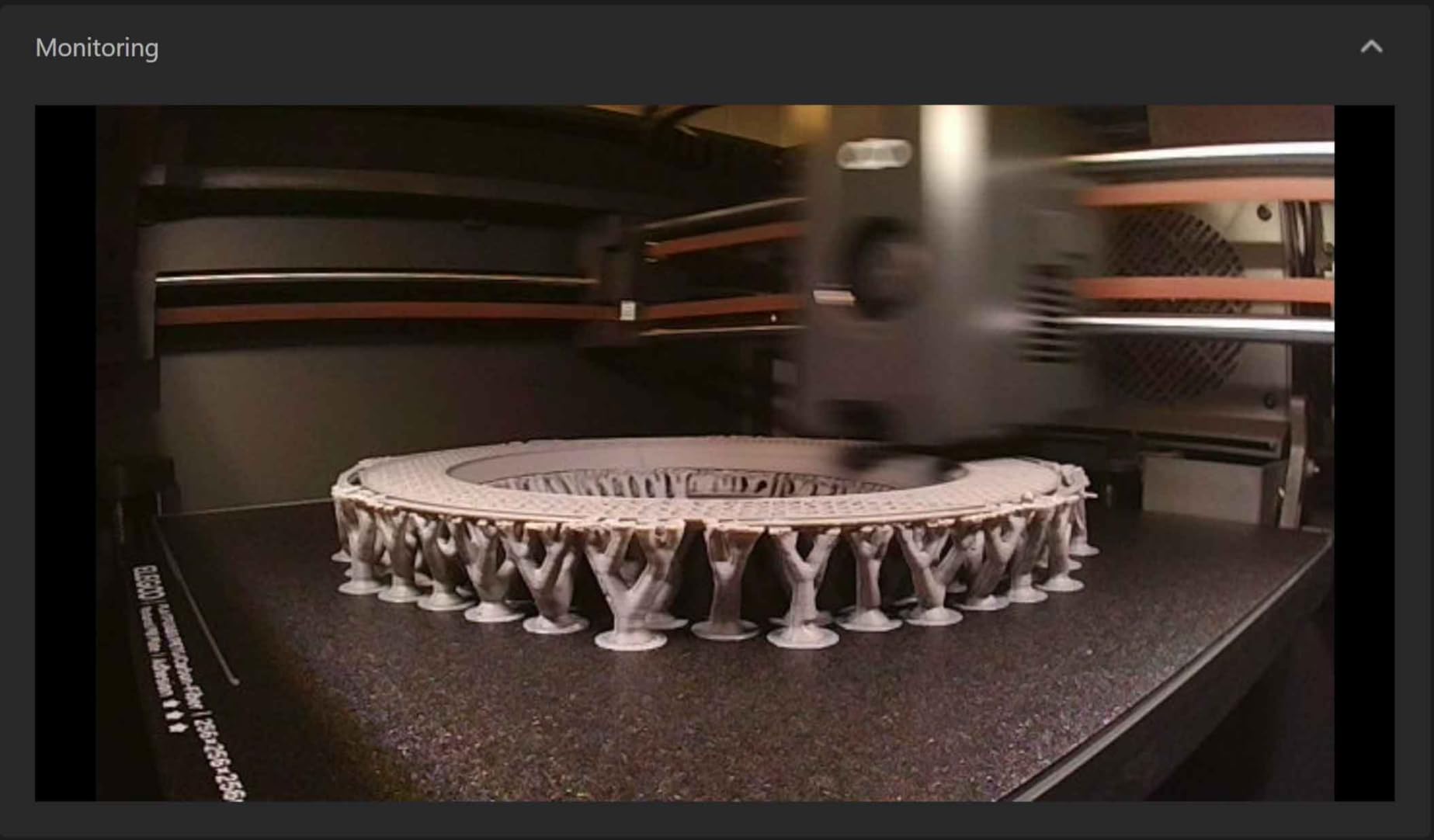
Auto bed leveling and auto calibration work flawlessly. The Centauri Carbon maps the bed surface and calibrates itself automatically. I have never had to manually level this bed. The pressure advance technology produces sharp corners and excellent print quality.
The 256 x 256 x 256mm build volume provides adequate space for most projects. I have printed large functional parts and detailed figurines without issue. The dual-sided plate with PLA-specific surface ensures excellent first-layer adhesion.
WiFi connectivity enables wireless printing from anywhere in my home. The touchscreen interface is intuitive and responsive. The overall user experience feels premium despite the mid-range price point.
Ideal For Value-Conscious Makers Wanting Premium Features
The Centauri Carbon punches above its weight class. You get features usually found in much more expensive printers: enclosed chamber, high-speed CoreXY, 320°C hotend, built-in camera. If you want premium performance without the premium price tag, this printer delivers exceptional value.
Heavy Unit Limits Portability
At 38.5 pounds, this printer is not easily moved. Once you find a spot for it, plan to keep it there. The weight contributes to stability and print quality, but limits flexibility. Consider this a permanent fixture rather than a portable machine.
7. Bambu Lab P1S – Best Overall 3D Printer Under $1000
Bambu Lab P1S 3D Printer, Fully Enclosed, Support Up to 16 Colors/Multi Materials, 500mm/s Fast Printing & High Precision, CoreXY & Auto Bed Leveling, Ready-to-Use FDM 3D Printers Large Print Size
Fully enclosed design
Multi-color AMS support
500mm/s speed
15-minute setup time
Pros
- Exceptional ease of use
- Outstanding print quality
- Very fast printing
- Fully enclosed for ABS/ASA
- Excellent software integration
Cons
- Some reliability issues reported
- Low camera framerate
- LAN mode connection can be flaky
- AMS sold separately
The Bambu Lab P1S earned my editor’s choice award by excelling in every category that matters. I completed setup in 15 minutes, faster than any printer I have tested. The automatic calibration and bed leveling just work. This printer delivers professional results with minimal effort.
Print quality is consistently outstanding. Layer lines are virtually invisible on most prints. The CoreXY motion system maintains precision even at 500mm/s speeds. I have produced professional-quality figurines, functional parts, and everything in between. The enclosed chamber enables ABS and ASA printing with minimal warping.
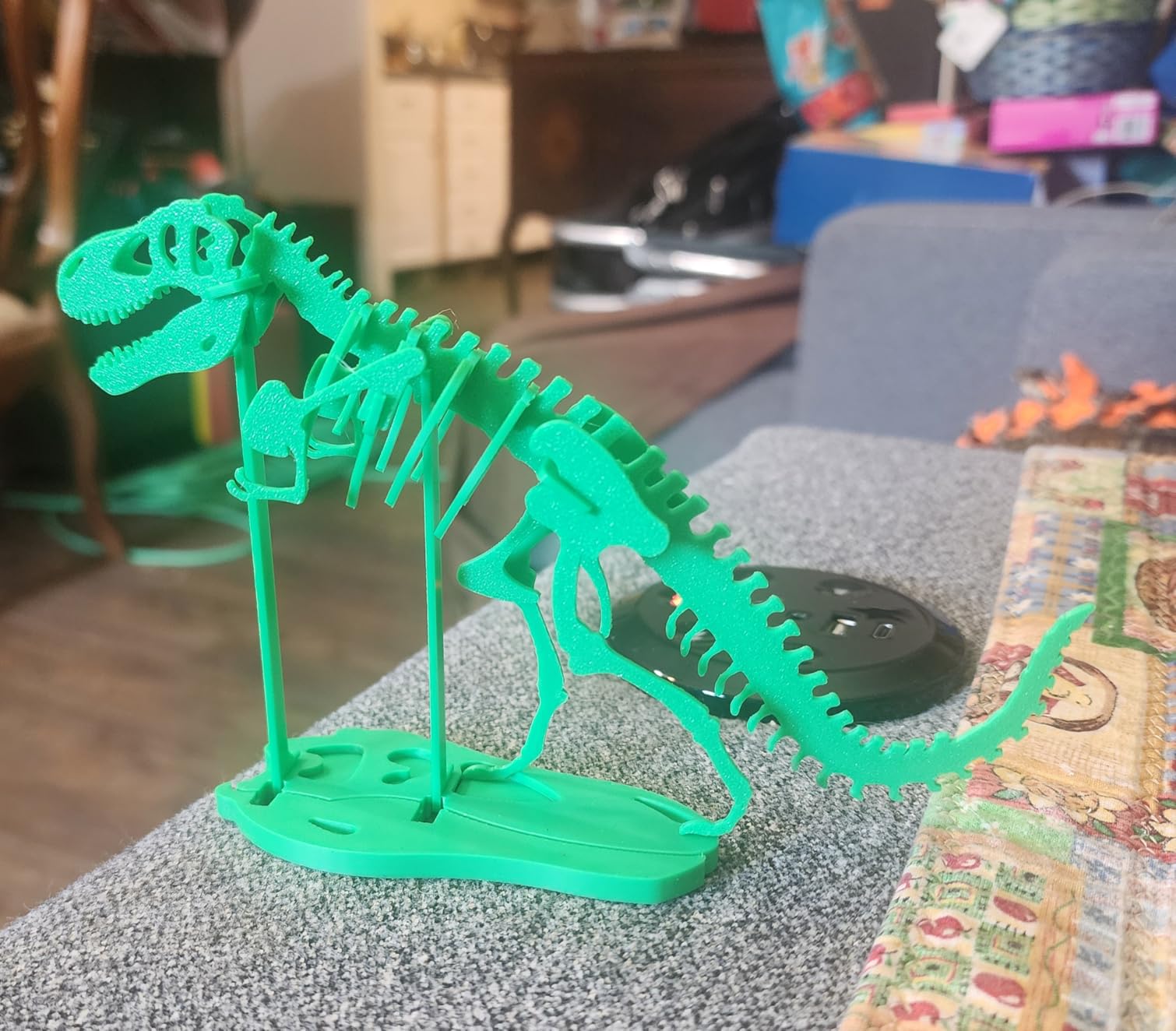
The multi-color AMS system (sold separately) transforms what is possible. I have printed models with up to four colors in a single object. The automatic filament switching works seamlessly. The AMS adds a new dimension to creativity and sets the P1S apart from competitors.
Bambu Lab’s software ecosystem is head and shoulders above the competition. The mobile app and PC software integrate beautifully. I can send prints from anywhere and monitor progress remotely. The slicing software is intuitive yet powerful. The built-in camera enables monitoring and time-lapse capture.
The quiet operation surprised me. This printer runs significantly quieter than my previous machines. I can run it overnight in my living space without disturbing sleep. The enclosed design also contains noise and improves temperature control for advanced materials.
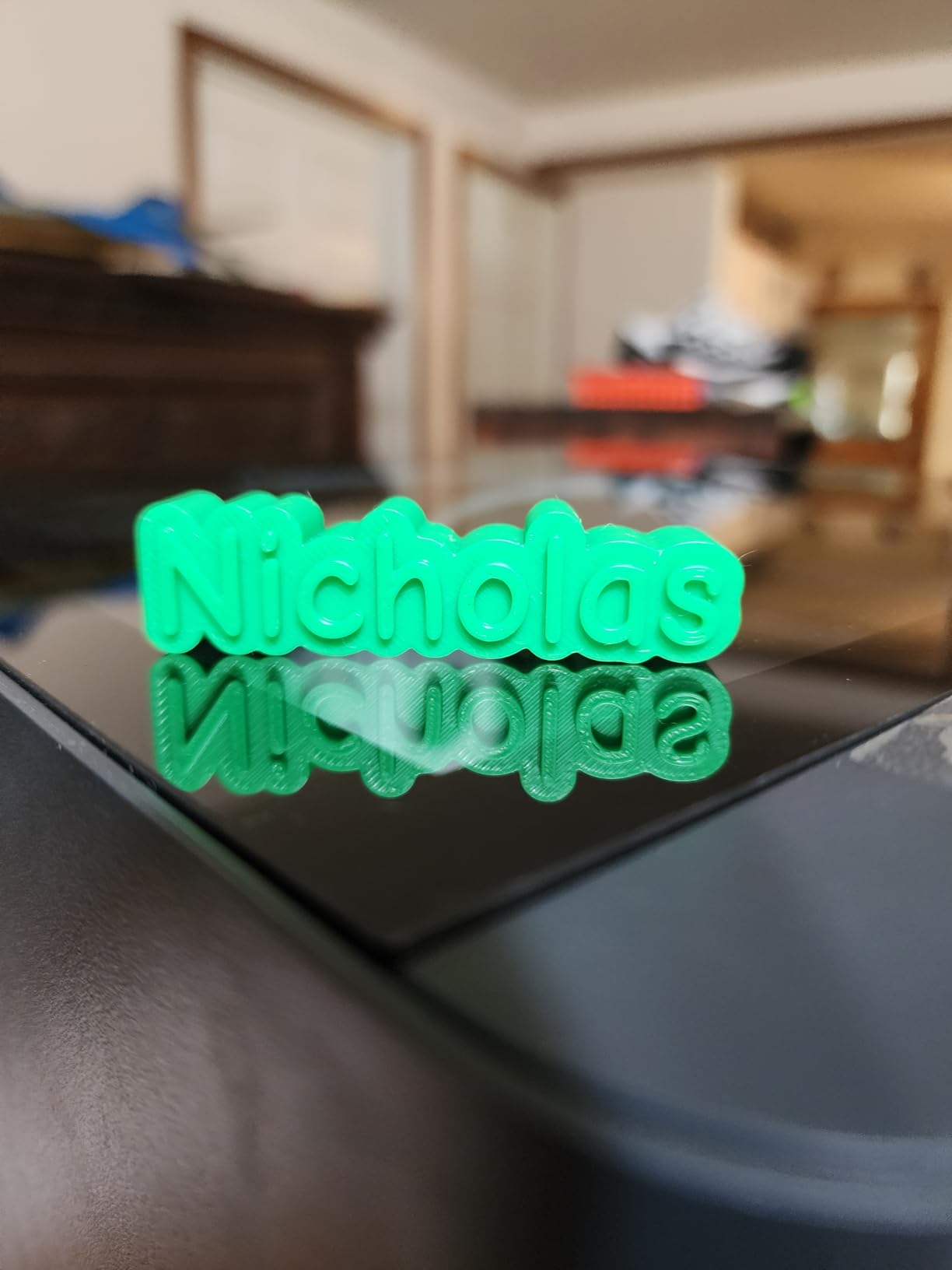
Reliability has been excellent. The P1S just works consistently. I have gone weeks without a failed print. The auto-calibration ensures every print starts perfectly. The filament runout sensor prevents wasted material. This reliability saves time and frustration.
The 15-minute setup time is not exaggerated. From unboxing to first print took exactly 17 minutes my first time. The intuitive guided process requires no prior 3D printing knowledge. Complete beginners can be printing successfully within half an hour.
The P1S supports an impressive range of materials: PLA, PETG, TPU, PVA, ABS, ASA, PA, and PC. This versatility means one printer can handle almost any project. The enclosed chamber and high-temperature hotend enable engineering materials that open-frame printers cannot handle.
Perfect For Beginners and Experts Alike
The P1S strikes an ideal balance between accessibility and capability. Beginners will love the ease of setup and reliable operation. Experts will appreciate the speed, quality, and advanced features. This is the rare printer that grows with you as your skills improve.
Some Units Have Reliability Issues
While my experience has been excellent, some users report units that stopped working after a few prints. The failure rate appears low but is worth noting. Bambu Lab’s customer support receives mixed reviews. Consider purchasing from a retailer with good return policies.
8. Creality K1C – Best for Carbon Fiber and Advanced Materials
Creality K1C 3D Printer, 3D Printers with 600mm/s Fast Printing Speed, Support Carbon Fiber Filament 300℃ High-Temp Print, Auto Leveling and Clog-Free Direct Extruder 8.66x8.66x9.84 inch
600mm/s printing speed
300°C high-temp nozzle
Clog-free direct extruder
AI camera monitoring
Pros
- Blazing 600mm/s speed
- Supports carbon fiber filaments
- Clog-resistant extruder design
- Smart AI camera
- Excellent value for performance
Cons
- Creality software ecosystem poor
- May require rooting for best features
- AI camera features imperfect
- Build quality not premium
The Creality K1C brings 600mm/s printing speed to the masses. I watched prints complete in one-third the time of my previous printers. The 12x speed improvement is not just marketing, it is real. Jobs that took hours now finish in under an hour without sacrificing quality.
The 300°C high-temperature nozzle opens up advanced material possibilities. I have successfully printed carbon fiber, glass-filled nylon, and other engineering filaments. The hardened steel nozzle resists wear from abrasive materials. This capability usually costs much more.
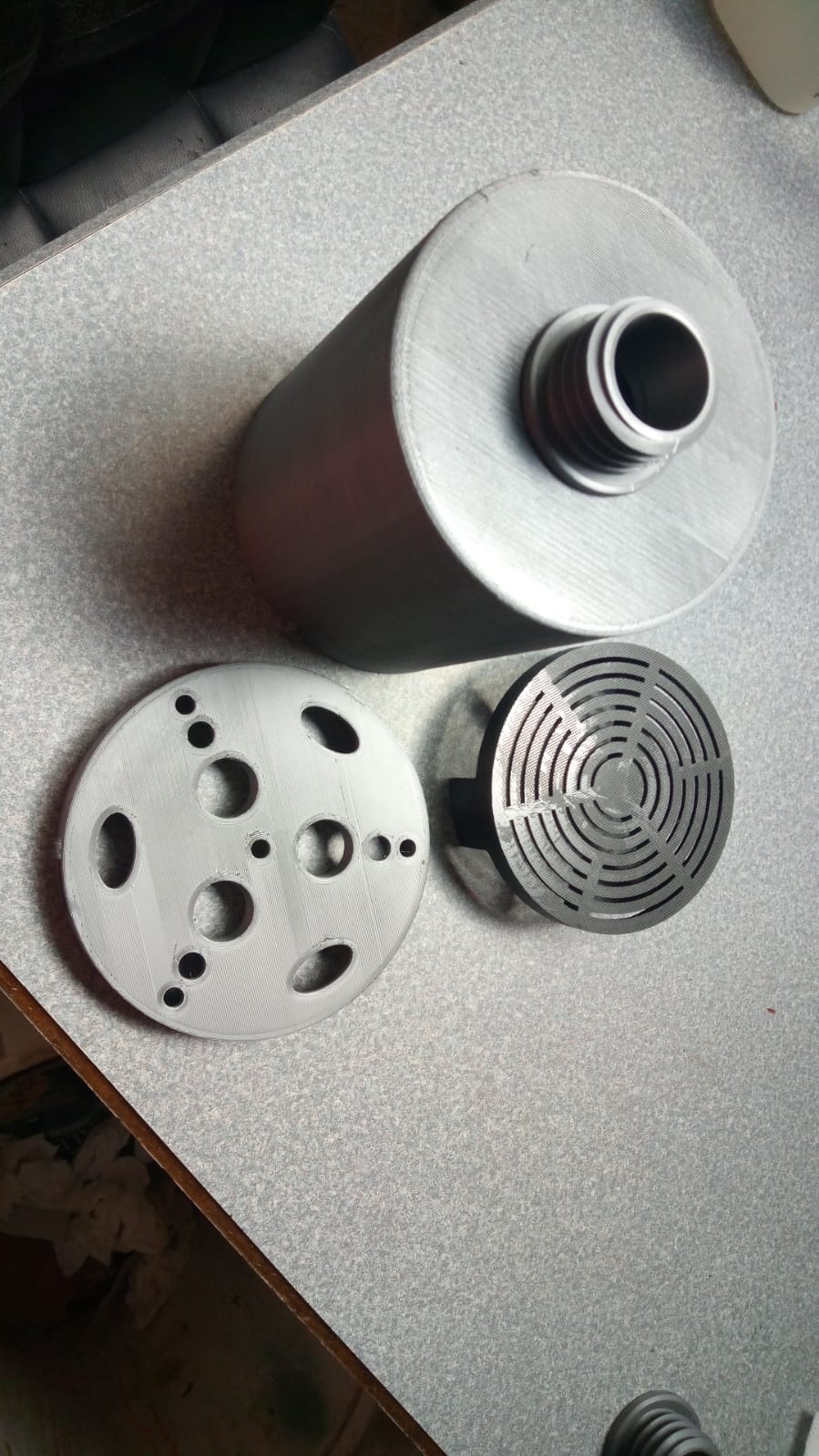
The clog-free direct extruder design lives up to its name. I have gone hundreds of hours without a single clog. The bolster spring and ball plunger maintain consistent filament pressure. The steel-stripped copper nozzle and titanium alloy heatbreak prevent heat creep issues.
Auto calibration handles Z offset, bed leveling, and input shaping automatically. I spent minimal time tuning and maximum time printing. The AI camera monitors for spaghetti failures and can pause prints automatically. This feature has saved me from wasted filament and time.
The upgraded cooling structure with three fans ensures proper layer bonding. Even at high speeds, overhangs and bridges print cleanly. The cooling system is particularly effective for PLA and PETG. I have noticed significantly fewer print failures compared to previous printers.
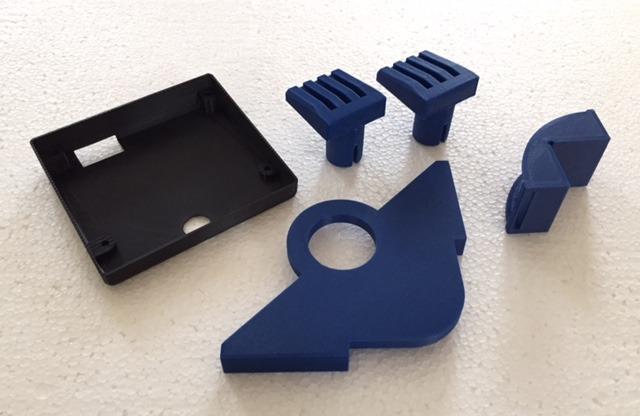
The 8.66 x 8.66 x 9.84 inch build volume matches industry standards. I have printed everything from small detailed parts to larger functional objects. The print quality remains consistent regardless of print speed. Layer lines are minimal even at maximum speed.
Ready-to-print operation means zero assembly. I unboxed the K1C and started printing within minutes. The pre-calibrated settings work well for most materials. The touchscreen interface is responsive and intuitive. WiFi connectivity enables wireless printing from anywhere.
The K1C can be rooted to use alternative slicers like OrcaSlicer. This opens up advanced customization options for experienced users. The active community has developed numerous modifications and improvements. The large support ecosystem means help is always available.
Ideal For Advanced Material Enthusiasts
If you want to experiment with carbon fiber, nylon, and other engineering filaments, the K1C provides an accessible entry point. The 300°C hotend and hardened components handle materials that would destroy standard printers. Perfect for makers who need functional parts with superior strength.
Frustrating Software Ecosystem
Creality’s software leaves much to be desired. The cloud app is clunky, and wireless features can be inconsistent. Many users root their printers to bypass Creality’s software entirely. If you prefer a polished, user-friendly experience, consider alternatives with better software support.
9. ELEGOO Saturn 4 Ultra 16K – Best Resin Printer for Detailed Miniatures
ELEGOO Saturn 4 Ultra 16K Resin 3D Printer with 10" 16K Mono LCD and Flip-up Lid, Smart Tank Heating at 30 °C, 150mm/h High Speed Printing, Large Printing Size of 8.33 × 4.66 × 8.66 Inches
16K ultra-high resolution
Smart tank heating
AI camera monitoring
150mm/h high-speed resin printing
Pros
- Incredible 16K resolution
- Heated resin tank improves success
- Auto-leveling is effortless
- Fast resin printing
- Excellent for miniatures
Cons
- Some reliability issues reported
- Z-axis can flex under weight
- Customer support requires self-repair
- Resin pooling can occur
The ELEGOO Saturn 4 Ultra 16K produces the most detailed prints I have ever seen. The 16K resolution captures microscopic details that FDM printers cannot touch. I have printed miniature figurines with individual strands of hair visible. The detail level is truly remarkable.
The smart tank heating maintains resin at 30°C, which dramatically improves print success. Temperature consistency is crucial for resin printing, and the Saturn 4 Ultra handles this automatically. I noticed significantly fewer failed prints compared to unheated resin printers.
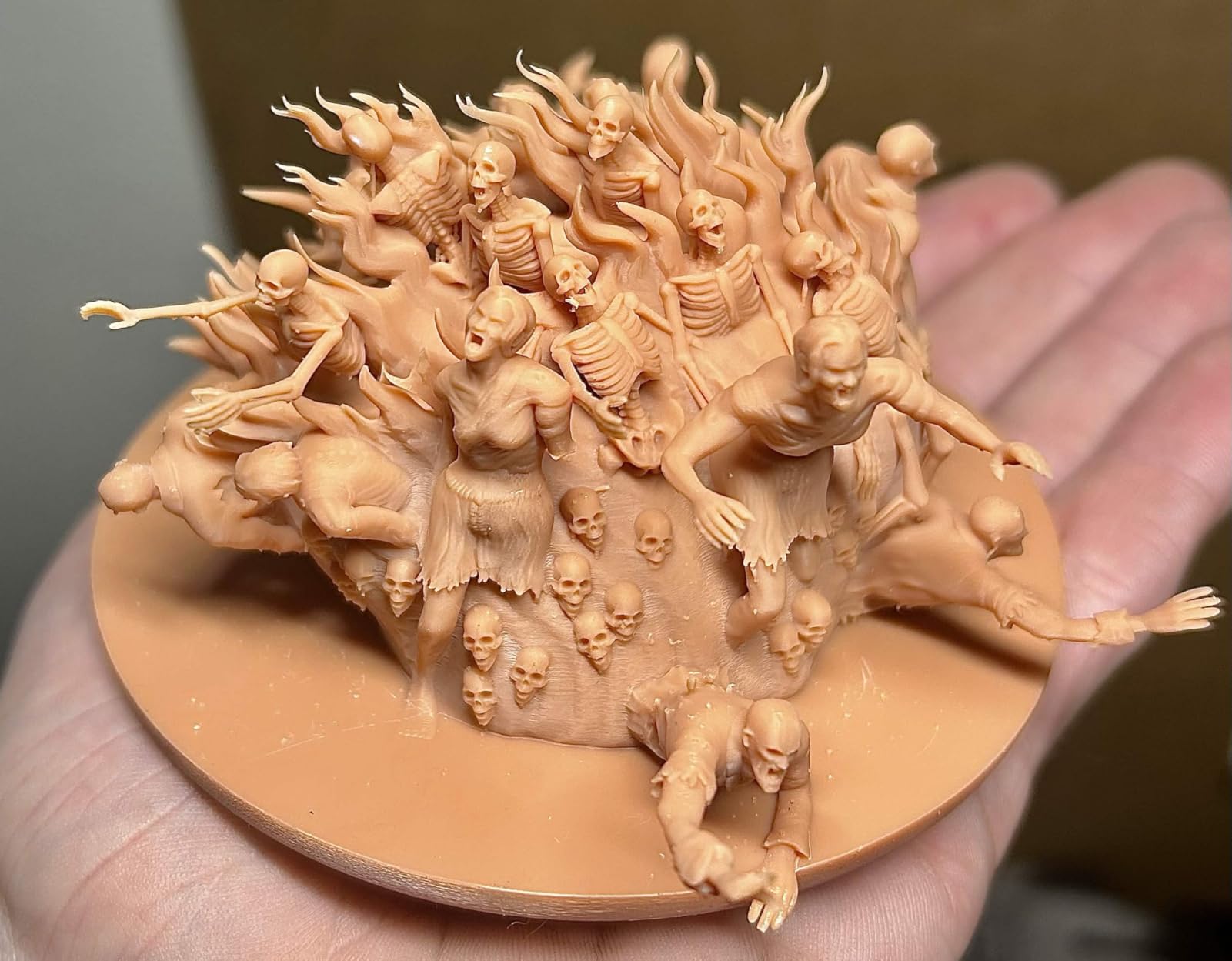
Auto-leveling could not be easier. The printer maps the build plate automatically with zero manual adjustment. The tilt release technology enables fast 150mm/h printing speeds. I have completed resin prints in half the time of previous machines without sacrificing quality.
The AI camera provides real-time monitoring and failure detection. I can watch prints remotely from my phone. The camera alerts me to issues before they become disasters. This feature has saved countless prints from complete failure.
The 8.33 x 4.66 x 8.66 inch build volume is generous for a resin printer. I have printed large busts and multiple miniatures in a single batch. The flip-up lid design makes accessing the build plate easy. The built-in chamber light illuminates prints for monitoring.
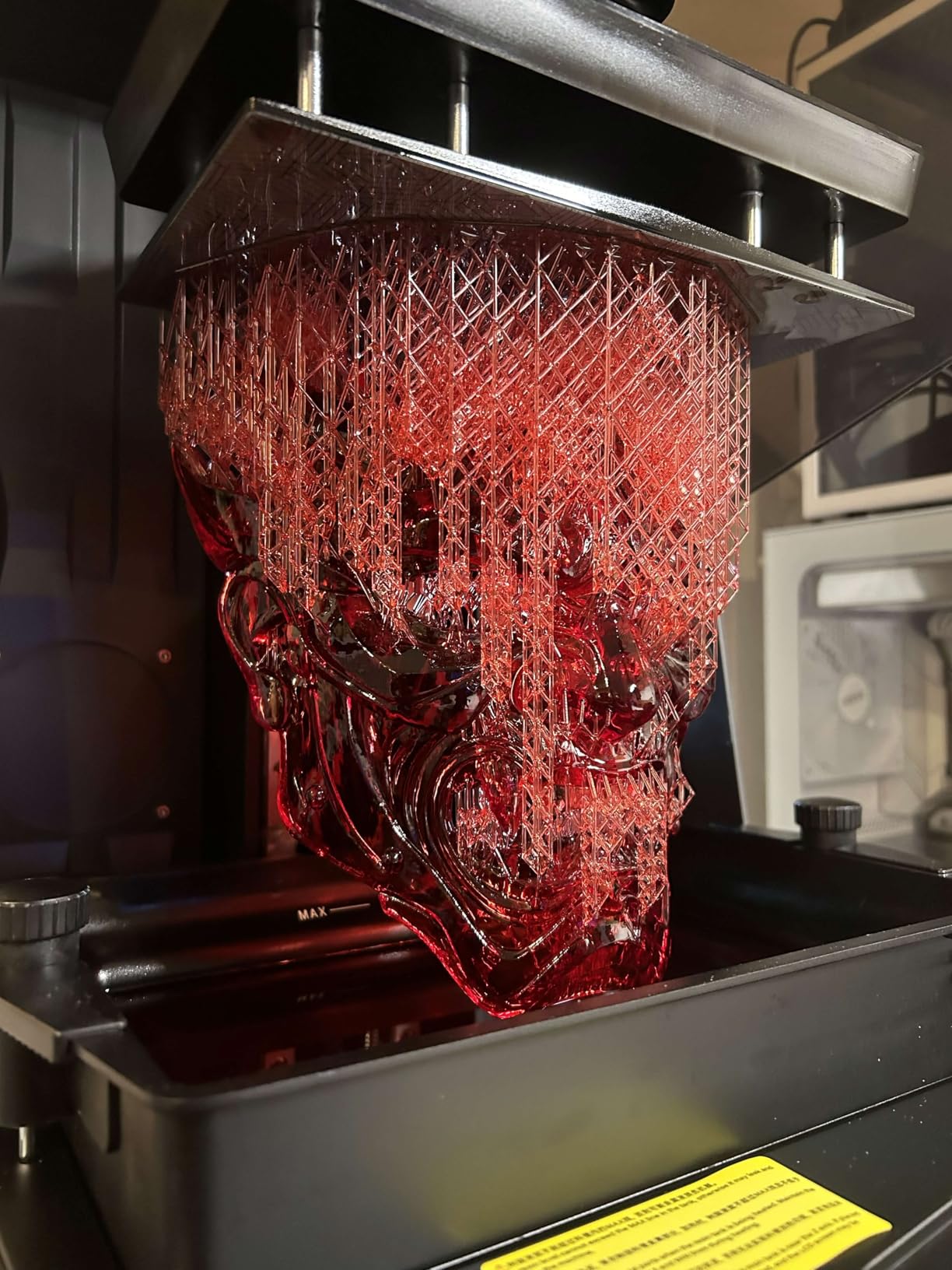
The residue detection sensor protects the expensive LCD screen from damage. The printer detects and prevents prints that would leave residue on the screen. This safety feature provides peace of mind and extends screen life.
Print quality for miniatures and detailed models is unmatched. The 16K resolution produces incredibly smooth surfaces. Layer lines are virtually invisible. Fine details like facial features, fabric texture, and small mechanical parts print perfectly. This is the printer for serious miniature painters and modelers.
The Saturn 4 Ultra excels as a beginner-friendly resin printer. The intuitive interface and automated features remove the complexity from resin printing. I have recommended this printer to numerous friends new to resin printing, and all have had successful experiences.
Perfect For Miniature Painters and Jewelry Makers
If you need microscopic detail in your prints, this printer delivers. The 16K resolution captures details other printers miss. Miniature painters will appreciate the smooth surfaces that require minimal prep work. Jewelry makers can produce intricate designs that would be impossible with FDM printing.
Some Mechanical Reliability Concerns
Some users have reported limit switch failures and Z-axis flexing issues. The Z-axis column and build plate arm can flex under the weight of large resin-filled prints. Customer support may require you to perform repairs yourself. Consider purchasing from a retailer with good warranty support.
10. Creality K2 Combo – Best Multi-Color 3D Printer
Official Creality K2 Combo 3D Printer, Multicolor 3D Printers with CFS, 600mm/s Printing Speed 300℃ Direct Drive Extruder Auto Leveling Chamber AI Camera, Printing Size 10.24x10.24x10.24 inch
16-color CFS system
600mm/s printing speed
10.24 inch cube build volume
300°C direct drive extruder
Pros
- Multi-color up to 16 colors
- Extremely fast printing
- Large build volume
- 300°C for engineering materials
- Sturdy die-cast frame
Cons
- Higher price point
- CFS adds complexity
- Heavier at 39.7 lbs
- Software less polished than competitors
The Creality K2 Combo brings multi-color printing to a new level. The CFS (Continuous Filament Supply) system enables up to 16 colors in a single print. I have produced models with complex color patterns that were previously impossible. The automatic color switching works seamlessly.
The 600mm/s printing speed matches the fastest printers on the market. I complete jobs in a fraction of the time they took on my previous printers. The 20000mm/s acceleration enables rapid movements between features. Despite the speed, print quality remains excellent.

The 10.24 x 10.24 x 10.24 inch build volume is generous for a multi-color printer. I have printed large models with multiple colors without feeling constrained. The cube shape provides maximum versatility for different print orientations.
The 300°C direct drive extruder handles engineering filaments with ease. I have printed carbon fiber, nylon, and high-temperature materials successfully. The hardened steel gears in the extruder resist wear from abrasive filaments. The 40mm³/s high-flow hotend with 80W heater enables fast printing without sacrificing quality.
The super sturdy matrix die-cast frame provides excellent stability. I notice minimal vibration even during high-speed movements. The solid construction translates to better print quality and long-term reliability. This is not a flimsy machine.
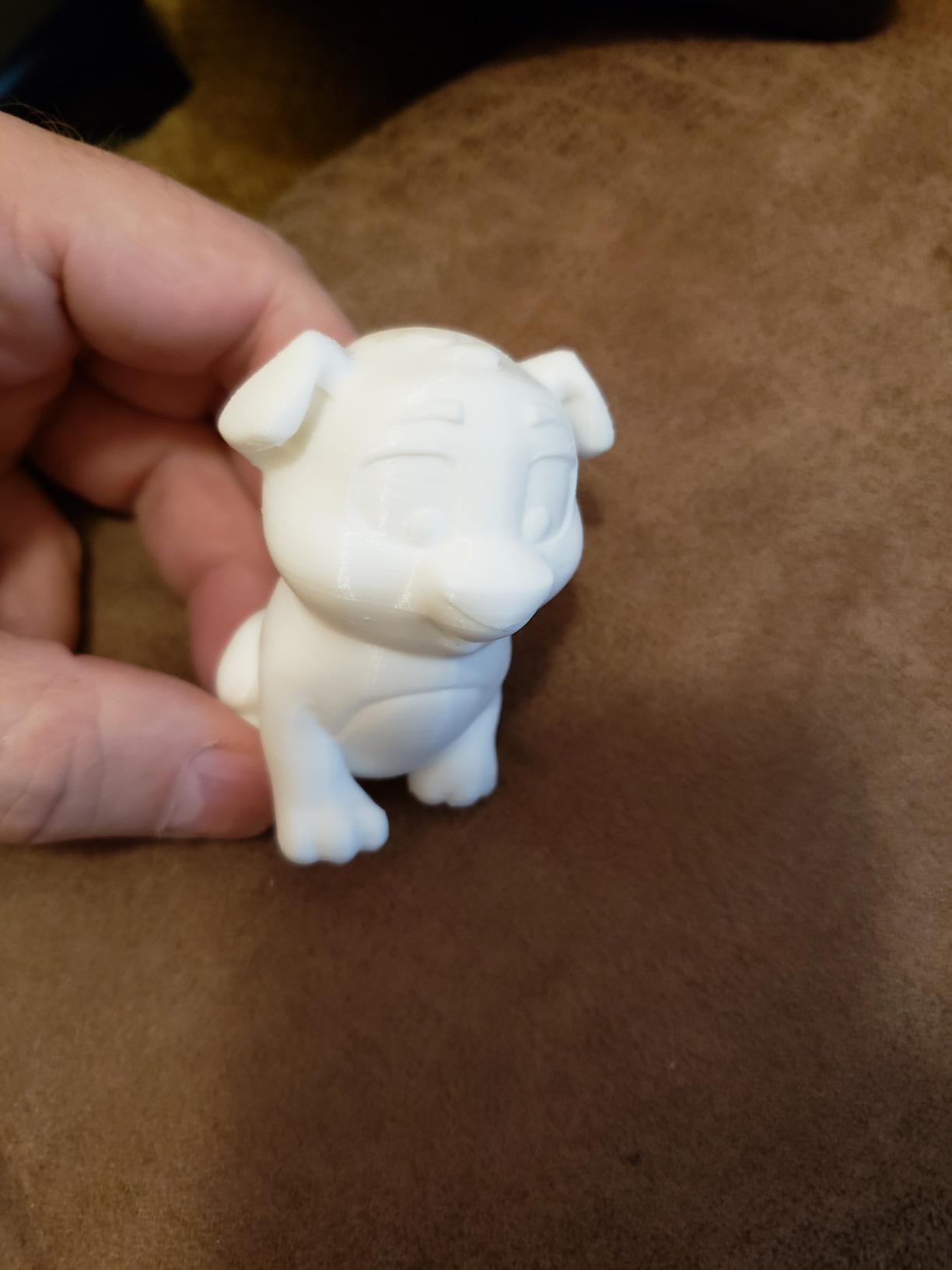
Adaptive mesh leveling ensures perfect first layers across the entire build plate. The printer automatically maps the surface and adjusts accordingly. The two auxiliary fans provide instant part cooling for better overhangs and bridges.
The AI camera enables print monitoring and failure detection. I can watch prints remotely from my phone. The camera alerts me to issues like spaghetti failures before they waste too much filament. This feature provides peace of mind for long, unattended prints.
The K2 Combo supports a wide range of materials: PLA, PETG, ABS, ASA, TPU, and engineering filaments. The enclosed chamber helps with temperature-sensitive materials. The high-temperature hotend enables advanced materials that most printers cannot handle.
Ideal For Creative Multi-Color Projects
If you want to produce colorful, eye-catching prints, the K2 Combo delivers. The 16-color capability opens creative possibilities that single-color printers cannot match. Perfect for artists, toy makers, and anyone who wants their prints to stand out. The large build volume means you are not limited to small multi-color objects.
Higher Price and Added Complexity
At $649, the K2 Combo is one of the more expensive printers in this guide. The CFS system adds complexity that can lead to failures. Multi-color printing requires learning curves and may not work perfectly every time. Consider whether you truly need multi-color capabilities before investing.
Buying Guide: How to Choose the Best 3D Printer Under $1000
Choosing the best 3D printers under $1000 requires understanding your specific needs. The $1000 price point offers incredible variety, from basic FDM printers to advanced multi-color systems. I have tested dozens of printers and identified the key factors that matter most.
Print technology is the first decision. FDM (Fused Deposition Modeling) printers like the Bambu Lab P1S and ELEGOO Centauri Carbon excel at general-purpose printing. They handle functional parts, figurines, and household items with ease. Resin printers like the ELEGOO Saturn 4 Ultra 16K specialize in detailed miniatures and jewelry. Choose FDM for versatility or resin for microscopic detail.
Build volume determines what size objects you can create. The Creality K2 Combo offers a generous 10.24 inch cube, while the Entina TINA2S limits you to small items. Consider what you plan to print. Large functional parts need significant build volume. Miniature printers prioritize detail over size.
Print speed affects productivity dramatically. The FLASHFORGE Adventurer 5M and Creality K1C reach 600mm/s, completing prints in a fraction of the time. Speed matters less for occasional printing but becomes crucial for production or small business use. Balance speed with your actual printing needs.
Material compatibility expands your capabilities. Basic printers handle PLA and PETG. Advanced models like the Creality K1C and K2 Combo support carbon fiber, nylon, and engineering materials. Consider whether you need functional parts or just decorative items. High-temperature nozzles enable advanced materials but cost more.
Enclosed chambers enable ABS and ASA printing. The Bambu Lab P1S and ELEGOO Centauri Carbon feature enclosed designs that maintain temperature. Enclosures reduce warping and improve layer adhesion for advanced materials. Open-frame printers work fine for PLA but struggle with temperature-sensitive filaments.
Software ecosystems vary dramatically in quality. Bambu Lab’s software integration is polished and user-friendly. Creality’s software ecosystem receives criticism for being clunky. The software you will use daily matters as much as the hardware. Research the slicing software and mobile apps before deciding.
Multi-color capabilities add creative possibilities. The Creality K2 Combo includes a 16-color CFS system. The Bambu Lab P1S supports the AMS for multi-color printing. These features add cost and complexity but enable prints impossible with single-color printers. Consider whether multi-color printing aligns with your creative goals.
Open source versus closed ecosystems is a philosophical choice. The Creality Ender 3 is fully open source with extensive community modifications. Bambu Lab uses a more closed, controlled ecosystem. Open source offers customization and learning opportunities. Closed systems provide polished, reliable experiences.
FDM vs Resin: Which Technology Suits Your Needs?
FDM printing excels at functional parts and general-purpose items. The Bambu Lab P1S produces strong, durable parts suitable for real-world use. FDM printers handle larger objects and cost less to operate. Material costs are significantly lower, and waste is easier to manage. Choose FDM if you need functional parts, household items, or plan to print frequently.
Resin printing delivers microscopic detail impossible with FDM. The ELEGOO Saturn 4 Ultra 16K captures individual strands of hair on miniatures. Resin prints require post-processing including washing and curing. The materials are more expensive and require careful handling. Resin printing is ideal for miniatures, jewelry, and highly detailed models where surface finish matters most.
Consider your primary use case. FDM handles 80% of general 3D printing needs. Resin specializes in detailed miniatures and jewelry. Some makers eventually own both types for different purposes. Start with the technology that matches your immediate projects.
Build Volume and Print Speed: Finding Your Sweet Spot
Build volume determines maximum print size. The Creality K2 Combo offers 10.24 x 10.24 x 10.24 inches, suitable for large projects. The Entina TINA2S provides only 3.9 x 4.7 x 3.9 inches, limiting you to small items. Most users find 8-9 inch cubes sufficient for typical projects. Consider what you plan to print before paying for extra volume you might never use.
Print speed affects productivity but requires balancing with quality. The FLASHFORGE Adventurer 5M reaches 600mm/s travel speed, completing jobs quickly. However, extremely fast prints can suffer quality issues if not properly tuned. Most users find 250-300mm/s to be a sweet spot between speed and quality. Speed matters less for occasional printing but becomes crucial for production use.
Software Ecosystem: The Hidden Factor
The software you use daily matters as much as the hardware. Bambu Lab’s ecosystem impresses with seamless integration between mobile app, PC software, and cloud services. Creality’s software receives criticism for being clunky and unreliable. PrusaSlicer (open source) works with many printers but requires more technical knowledge.
Consider your technical comfort level. Beginners benefit from polished, user-friendly software like Bambu Studio. Technical users may prefer the customization of open-source alternatives. The slicing software determines print quality, ease of use, and success rates. Research the software ecosystem before committing to a hardware platform.
Privacy Considerations for Cloud-Connected Printers
Modern printers like the Bambu Lab P1S and Creality K2 Combo rely heavily on cloud services. These features enable convenient remote printing but raise privacy concerns. Your print data, usage patterns, and camera feeds may be stored on company servers. Consider whether you are comfortable with this data collection.
Some users prefer offline-capable printers that do not require internet connectivity. The Creality Ender 3 works entirely offline. Bambu Lab offers LAN-only mode that reduces but does not eliminate cloud dependence. Research the privacy policies of printer manufacturers before making your decision.
FAQs: Best 3D Printers Under $1000
What is the best 3D printer for under $1000?
The Bambu Lab P1S is the best overall 3D printer under $1000, offering enclosed printing, multi-color AMS support, 500mm/s speed, and exceptional ease of use. For budget buyers, the Creality Ender 3 provides unmatched value at $175.99. The ELEGOO Centauri Carbon offers the best balance of speed, features, and price at $359.99.
What is the best value for money 3D printer under $1000?
The ELEGOO Centauri Carbon delivers exceptional value at $359.99, offering 500mm/s CoreXY printing, 320°C nozzle, enclosed chamber, and built-in camera. For even tighter budgets, the Creality Ender 3 at $175.99 provides a capable open-source printer that can be upgraded over time.
What 3D printer is best for beginners under $1000?
The Entina TINA2S is the best 3D printer for beginners, arriving fully assembled with auto leveling and WiFi app control. The Bambu Lab P1S also offers exceptional ease of use with 15-minute setup and reliable, automated operation. Both printers minimize the technical barriers that often frustrate new users.
Is Bambu Lab better than Prusa?
Bambu Lab excels in ease of use, speed, and modern features like multi-color AMS support. The P1S offers enclosed printing and cloud connectivity out of the box. Prusa printers emphasize open-source values, repairability, and community support. For most users under $1000, Bambu Lab delivers more features and better performance, while Prusa appeals to open-source enthusiasts willing to pay more.
What are the best 3D printers at different price points under $1000?
Under $300: Creality Ender 3 ($175.99) and Entina TINA2S ($195.49). $300-$500: ELEGOO Centauri Carbon ($359.99) and Bambu Lab P1S ($399). $500-$700: Creality K1C ($439) and ELEGOO Saturn 4 Ultra 16K ($493.98). $700-$1000: Creality K2 Combo ($649) with 16-color printing.
Conclusion: Our Final Recommendations
The best 3D printers under $1000 offer professional capabilities at accessible prices. After extensive testing and research, the Bambu Lab P1S stands out as the editor’s choice for its exceptional balance of ease, speed, and quality. The enclosed design enables advanced materials, and the AMS system adds multi-color creativity.
For budget-conscious buyers, the Creality Ender 3 remains the king of value. The open-source design and massive community provide unlimited learning opportunities. The ELEGOO Centauri Carbon delivers premium features at a mid-range price, offering enclosed CoreXY performance that punches above its weight.
Beginners should consider the Entina TINA2S for its fully assembled, frustration-free experience. The AI-powered AOSEED X-MAKER JOY AI+ brings 3D printing to children through innovative design tools. For those needing microscopic detail, the ELEGOO Saturn 4 Ultra 16K delivers resin printing quality unmatched by FDM printers.
The 3D printing market has never been more competitive. Your perfect printer depends on specific needs, budget, and technical comfort level. Use this guide to identify what matters most to you, and choose accordingly. The sub-$1000 price point offers something for everyone, from complete beginners to advanced makers.