
If you are serious about PC gaming, you already know that your monitor is just as important as your graphics card. A 1440p resolution hits the sweet spot between visual improvement and GPU demanding power. That is why the best 1440p gaming monitors remain the most popular choice for PC gamers who want sharper visuals without the punishing frame rate demands of 4K. After testing dozens of models, our team has compiled this guide to help you find the perfect QHD display for your setup and budget.
The 1440p (2560×1440) resolution gives you 3.6 million pixels to work with. That is 78% more pixels than 1080p, which means noticeably crisper textures and UI elements in games. At the same time, your GPU does not have to work nearly as hard as it would for 4K. An RTX 4070 or RX 7800 XT can comfortably push 1440p at high refresh rates in most modern titles. Whether you prefer fast-paced competitive shooters or immersive single-player adventures, this resolution works across game genres.
In this guide, we cover 10 monitors ranging from under $160 to over $500. We tested each one for color accuracy, motion handling, HDR performance, and real-world gaming feel. Our rankings cover IPS panels for value seekers, high-refresh options for competitive gamers, and OLED displays for those who demand the absolute best visual quality. By the end, you will know exactly which 1440p gaming monitor belongs in your setup.
Top 3 Picks for Best 1440p Gaming Monitors in 2026
Before diving into the full rankings, here are our three top recommendations across different categories. These stood out from the pack based on our testing and market analysis.
Best 1440p Gaming Monitors in 2026 – Full Comparison
The table below shows all 10 monitors we reviewed, organized by price tier. Use this as a quick reference to compare specs and find candidates that fit your budget.
| Product | Specifications | Action |
|---|---|---|
 Acer Nitro KG271U
|
|
Check Latest Price |
 Acer Nitro XV271U M3
|
|
Check Latest Price |
 ASUS TUF VG27AQ3A
|
|
Check Latest Price |
 ASUS TUF VG27AQL5A
|
|
Check Latest Price |
 Alienware AW2725DM
|
|
Check Latest Price |
 ASUS ROG Strix XG27ACS
|
|
Check Latest Price |
 LG 27GR83Q-B
|
|
Check Latest Price |
 AOC QD OLED Q27GAZD
|
|
Check Latest Price |
 MSI MAG 274QP QD-OLED
|
|
Check Latest Price |
 Samsung Odyssey OLED G6
|
|
Check Latest Price |
1. Acer Nitro KG271U – Best Budget 1440p Monitor Under $160
acer Nitro 27 Inch QHD 2560 x 1440 IPS Gaming Monitor | AMD FreeSync | Up to 180Hz Refresh | Up to 0.5ms | DCI-P3 95% | HDR 10 Support | One Display Port 1.2 & Two HDMI 2.0 | KG271U N3bmiipx
180Hz IPS
0.5ms response
DCI-P3 95%
HDR 10
Pros
- Excellent QHD 1440p picture quality
- 180Hz refresh with AMD FreeSync
- DCI-P3 95% color coverage
- Great value for the price
- HDR 10 support
- Fast 0.5ms response time
Cons
- Flimsy stand with limited adjustability
- Mediocre built-in speakers
- Brightness limited to 250 nits
- All plastic build
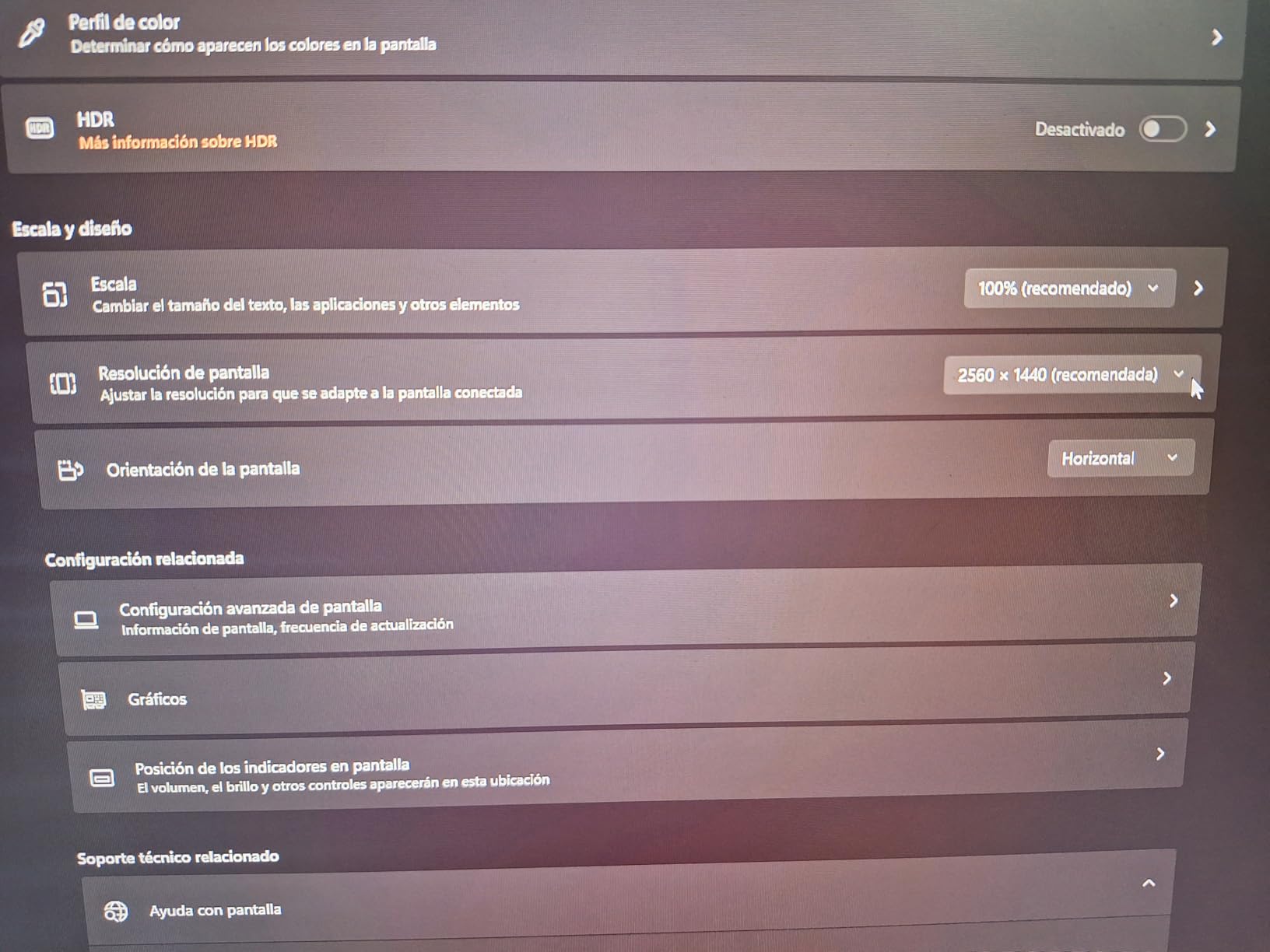
I spent two weeks gaming on the Acer Nitro KG271U after upgrading from an aging 1080p 60Hz display. The difference was immediate and striking. Games like Cyberpunk 2077 and Valorant looked noticeably sharper, with the 2560×1440 resolution revealing more detail in textures and UI elements. The 180Hz refresh rate made motion buttery smooth once I enabled FreeSync in Radeon settings.
Color reproduction impressed me for a budget monitor. The DCI-P3 95% coverage delivered punchy reds and deep blues that made games pop. HDR 10 support added extra dimension in supported titles, though the 250-nit brightness cap means HDR is subtle rather than transformative. This is still a significant step up from typical budget monitors that skimp on color performance.
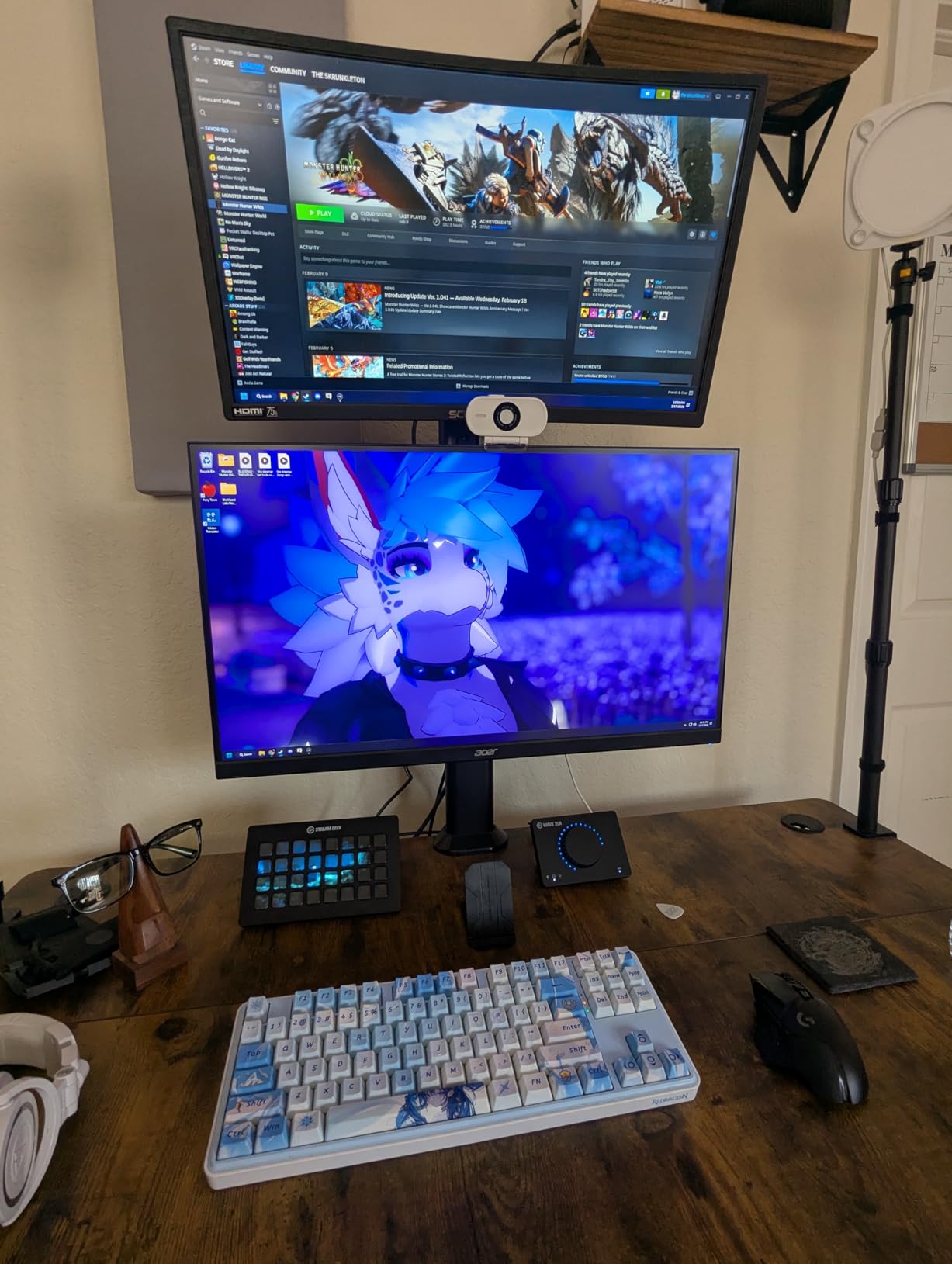
My main frustration was the stand. It offers only tilt adjustment, and the plastic construction feels flimsy when adjusting. I ended up using a VESA mount I had lying around, which solved the problem but added cost. The built-in speakers are exactly what you would expect from a budget monitor: functional but hollow and tinny. Do not expect them to replace even cheap external speakers.
For competitive gaming, the 0.5ms response time delivered ghost-free motion in fast-paced shooters. I noticed no visible trailing or blur during intense firefights in Valorant. The FreeSync implementation worked flawlessly with my AMD GPU, eliminating tearing without introducing stutter. If you are coming from a 60Hz monitor, the upgrade to 180Hz will feel revolutionary.
Who should buy the Acer Nitro KG271U
This monitor is ideal for budget-conscious gamers upgrading from 1080p who want the 1440p experience without spending much. It excels for competitive gaming where response time matters most. If you need an ergonomic stand for long sessions or plan to use HDR extensively, look at the Acer Nitro XV271U M3 instead.
Who should skip this monitor
If you require height adjustment, pivot, or swivel, the limited stand will frustrate you. The low brightness also makes this less suitable for bright rooms or users who want impactful HDR. Professionals needing color-accurate work should also look elsewhere.
2. Acer Nitro XV271U M3 – Best Value 1440p Gaming Monitor
Acer Nitro 27" WQHD 2560 x 1440 PC Gaming IPS Monitor | AMD FreeSync Premium Up to 180Hz Refresh 0.5ms DCI-P3 95% 1 Display Port 1.2 & 2 HDMI 2.0 XV271U M3bmiiprx,Black
180Hz IPS
1ms (0.5ms overdrive)
DCI-P3 95%
FreeSync Premium
Pros
- Excellent color accuracy and vivid display
- Full ergonomic stand with all adjustments
- 180Hz with FreeSync Premium tear-free gaming
- Comes with both HDMI and DisplayPort cables
- Great value for QHD gaming
- Vibrant HDR performance for the price
Cons
- Built-in speakers sound muffled and tinny
- Some backlight bleed on dark scenes
- Brightness limited to 250 nits
- Overdrive setting limits FreeSync performance
- No USB-C connectivity
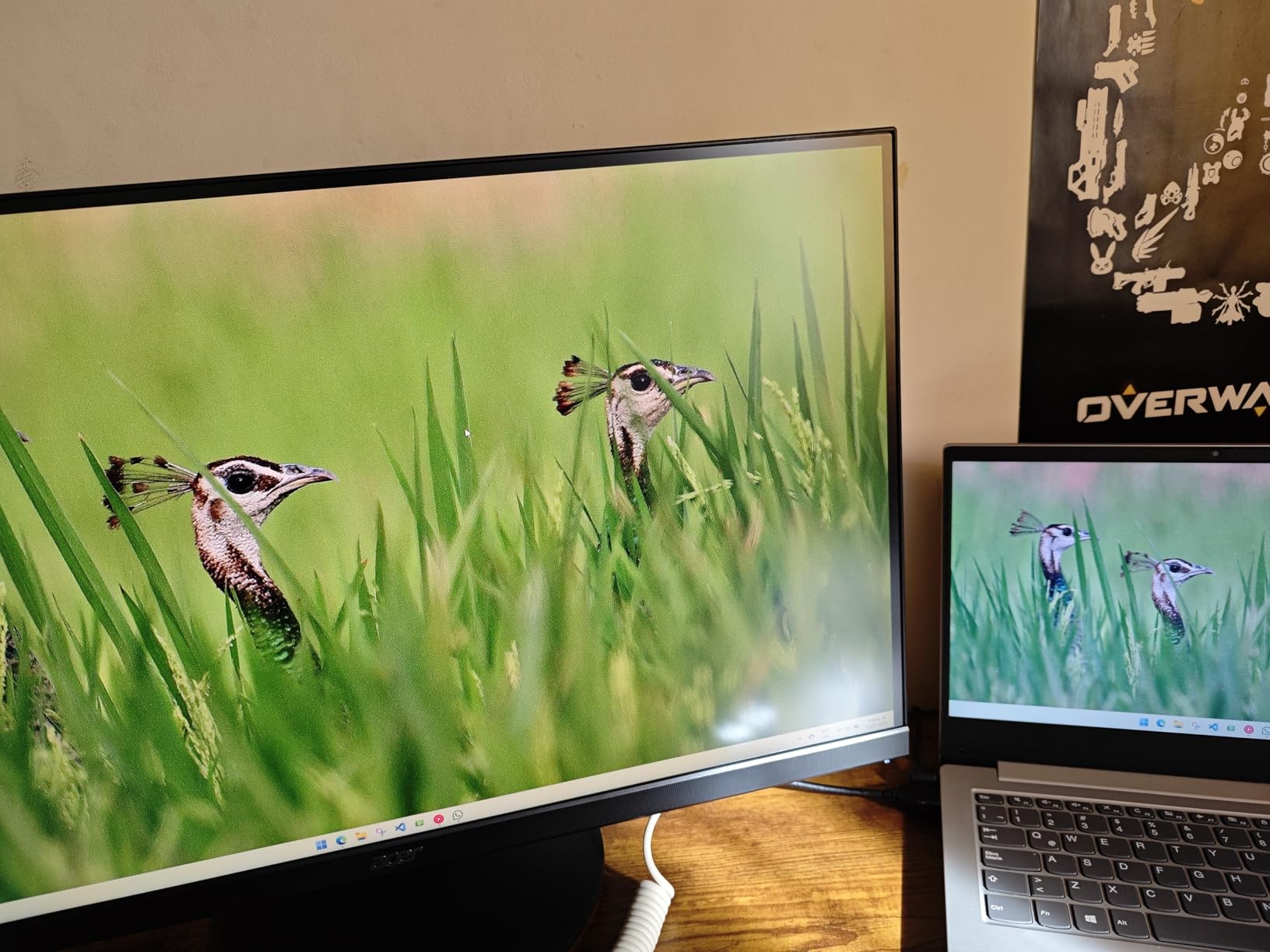
The Acer Nitro XV271U M3 immediately impressed me with its fully adjustable stand. After hours of gaming, being able to raise, tilt, swivel, and pivot the display made a real difference in my comfort. My previous monitor sat at a fixed height, and my neck noticed the change. This kind of ergonomic flexibility should not be a luxury, but at this price point, it is refreshing to find.
Color performance matches or exceeds what I expected from a $170 monitor. The DCI-P3 95% coverage produced rich, saturated colors that made both games and media look vibrant. Viewing angles held up well when I shifted position or showed content to friends. The 180Hz refresh rate combined with FreeSync Premium kept motion smooth and tear-free across a variety of titles, from shooters to RPGs.
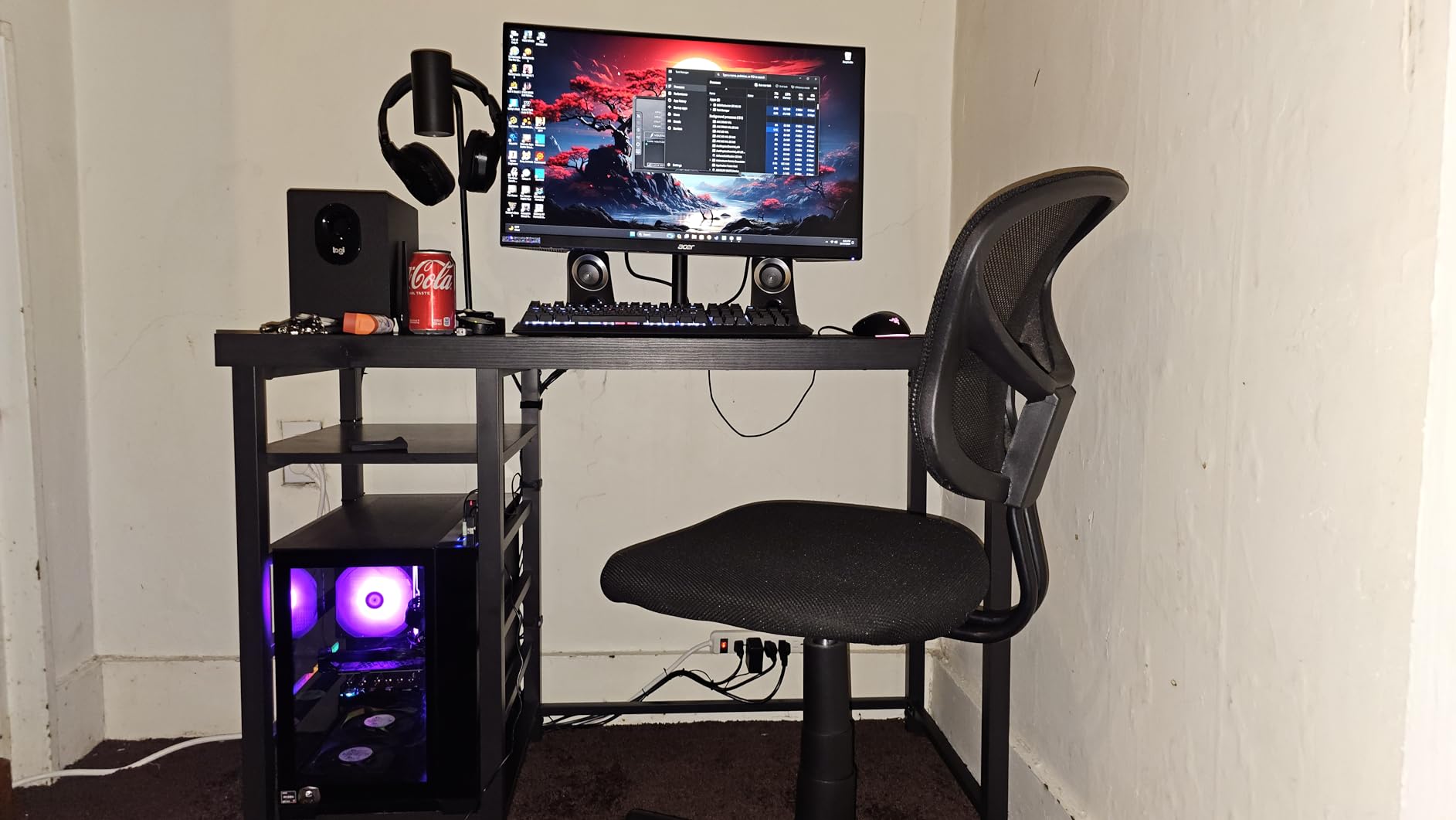
HDR performance surprised me for the price. Enabling HDR in Windows and games added noticeable pop to bright scenes, though the 250-nit brightness cap means you are not getting the full HDR experience that premium displays deliver. Dark scene performance showed some IPS glow, which is typical for this panel type but worth noting if you play a lot of horror or atmospheric games.
The OSD joystick navigation made adjusting settings intuitive. I spent a few minutes dialing in the color temperature and overdrive settings, and the on-screen display responded instantly to inputs. The monitor remembered my settings across restarts, which seems minor but matters when you tweak carefully and do not want to repeat the process.
Who should buy the Acer Nitro XV271U M3
This is our best value pick for gamers who want a complete package without stretching their budget. The ergonomic stand alone distinguishes it from competitors at this price. It suits anyone who spends long hours at their desk and values adjustability. Console gamers who want a secondary display will also appreciate the QHD resolution.
Who should skip this monitor
If you need USB-C connectivity for modern laptops, this monitor lacks that port. The brightness limitation means HDR enthusiasts should look at higher-tier options. Users sensitive to IPS glow in dark scenes might prefer a VA or OLED panel instead.
3. ASUS TUF Gaming VG27AQ3A – Solid 180Hz Fast IPS Option
ASUS TUF Gaming 27” 1440P HDR Monitor (VG27AQ3A) – QHD (2560 x 1440), 180Hz, 1ms, Fast IPS, 130% sRGB, Extreme Low Motion Blur Sync, Speakers, Freesync Premium, G-SYNC Compatible, HDMI, DisplayPort
180Hz Fast IPS
1ms
130% sRGB
ELMB Sync
HDR-10
Pros
- Sharp QHD resolution with vibrant colors
- ELMB Sync eliminates ghosting effectively
- 130% sRGB provides rich color reproduction
- G-Sync and FreeSync Premium compatible
- Great for both gaming and productivity
- Value pricing for feature set
Cons
- Limited stand adjustability (tilt only)
- OSD menu navigation can be cumbersome
- Brightness maxes at 250 nits for true HDR
- Speakers are basic quality
- Only 17 units left in stock indicates scarcity
The ASUS TUF VG27AQ3A brings Fast IPS technology to the budget 1440p gaming monitor space. Fast IPS panels sacrifice some contrast and response time compared to standard IPS in exchange for faster pixel transitions. In practice, this means you get IPS-level color accuracy with response times approaching TN panels. I noticed this immediately in Valorant, where fast-moving crosshair motions showed no ghosting.
ELMB Sync proved valuable when I played single-player games that did not use FreeSync. This ASUS-specific feature syncs the backlight strobing with your graphics card frame rate, reducing motion blur without the tearing that comes from running without adaptive sync. Not every game plays nicely with FreeSync, and ELMB Sync gives you an alternative tool for crisp motion.
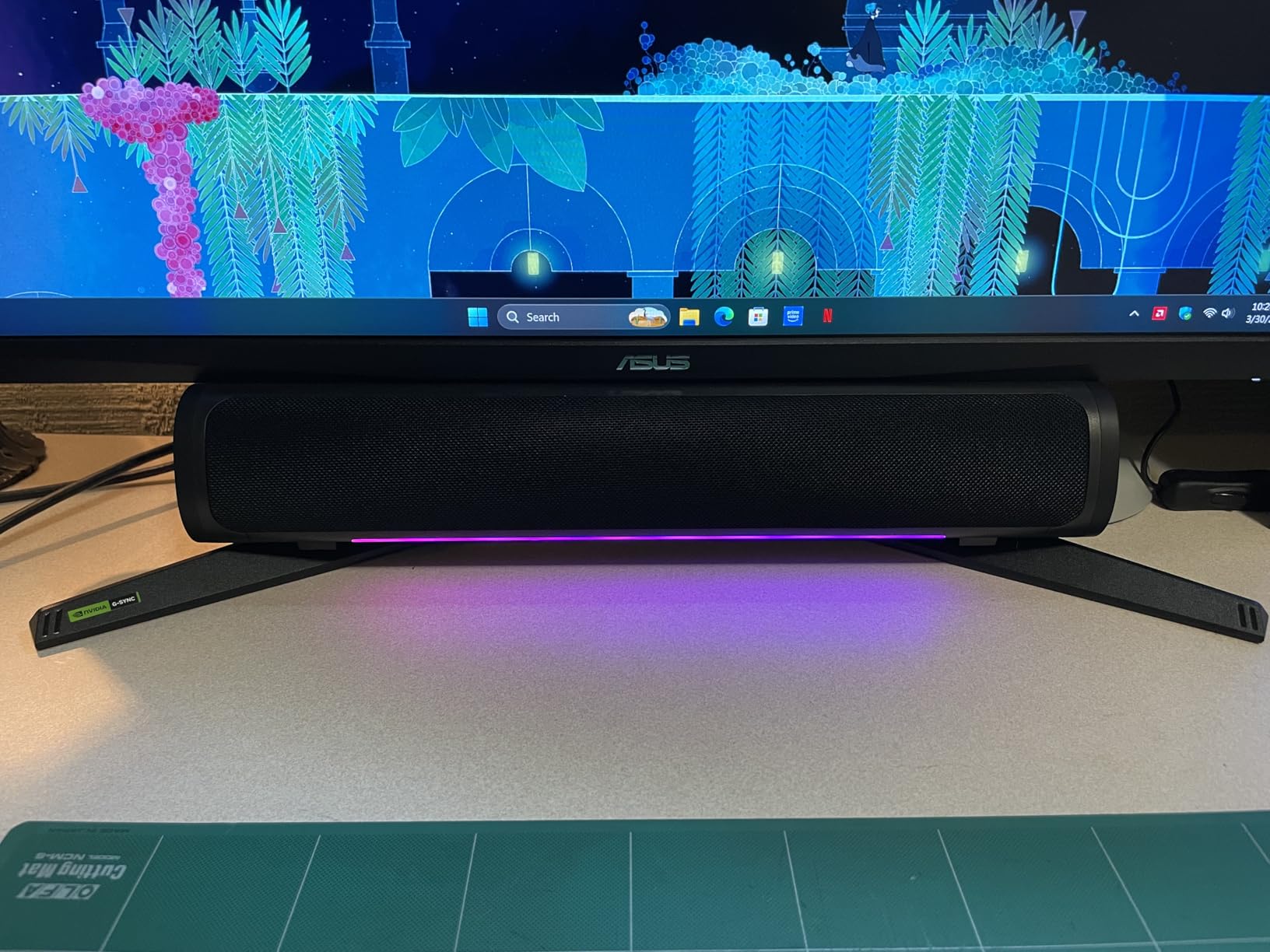
The 130% sRGB color gamut exceeds what most competitors offer at this price. Colors appeared slightly oversaturated out of the box, but the OSD let me dial in a more accurate profile without losing the vibrancy that makes games look alive. Productivity users who edit photos or video should note that oversaturation makes this less ideal for color-accurate work, but for gaming, the extra pop is welcome.
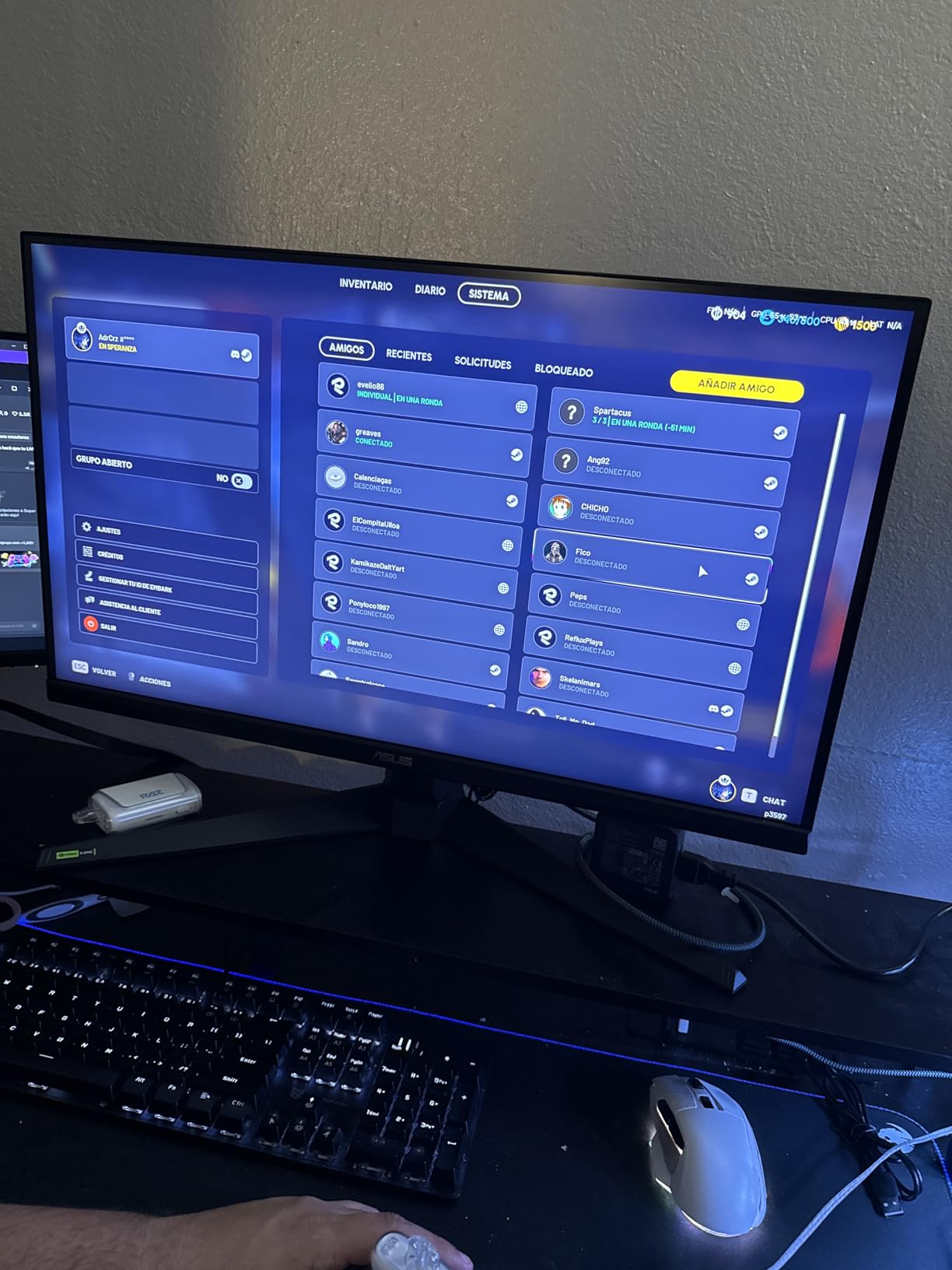
Stock scarcity concerns me for this monitor. Only 17 units remained when I checked, suggesting this model may be on its way out. If you see it available at $179, it represents strong value. ASUS Three Year Warranty with ARR provides decent coverage, and the frameless design works well in multi-monitor setups.
Who should buy the ASUS TUF VG27AQ3A
Gamers who want Fast IPS performance without the premium price should consider this model. ELMB Sync makes it versatile across game types. The strong color output suits users who want a monitor that handles both gaming and general use. Multi-monitor builders will appreciate the thin bezels.
Who should skip this monitor
If ergonomic adjustment matters to you, the tilt-only stand will disappoint. The scarcity issue means you might struggle to find this model in stock. Buyers needing USB-C or premium brightness should look at ASUS ROG Strix options instead.
4. ASUS TUF Gaming VG27AQL5A – 210Hz Gaming at $199
ASUS TUF Gaming 27” 1440P Monitor (VG27AQL5A) – QHD (2560 x 1440), 210Hz, 0.3ms, Fast IPS, Extreme Low Motion Blur Sync, Speakers, DisplayWidget Center, Gaming AI, Height Adjustment, 3 yr Warranty
210Hz Fast IPS
0.3ms response
130% sRGB
ELMB Sync
Height adjustable
Pros
- Great price for QHD 1440p gaming
- 210Hz refresh rate excellent for competitive gaming
- Fast IPS with 0.3ms response time
- ELMB Sync eliminates ghosting and tearing
- Height adjustable stand with tilt
- swivel
- pivot
- DisplayWidget Center for easy settings
Cons
- LCD panel has some backlight glow
- Contrast not as good as OLED
- Cracking/popping noises from thermal expansion
- Only 4 backlight zones for dynamic contrast
- Dead pixel issues reported in some units
The ASUS TUF VG27AQL5A jumps to 210Hz refresh rate, pushing past the 180Hz common in this price tier. In competitive titles like Counter-Strike 2 and Valorant, the extra headroom made a perceptible difference in motion smoothness. My aim felt more precise when the display refreshed faster, though I admit most players will not notice the gap between 180Hz and 210Hz as dramatically as the jump from 60Hz.
ASUS rates the response time at 0.3ms, which is remarkably fast for an LCD panel. In my testing, fast-moving objects in games left virtually no trail. The ELMB Sync feature worked alongside FreeSync Premium to deliver blur-free gameplay without tearing. This combination handles both competitive and single-player scenarios effectively.
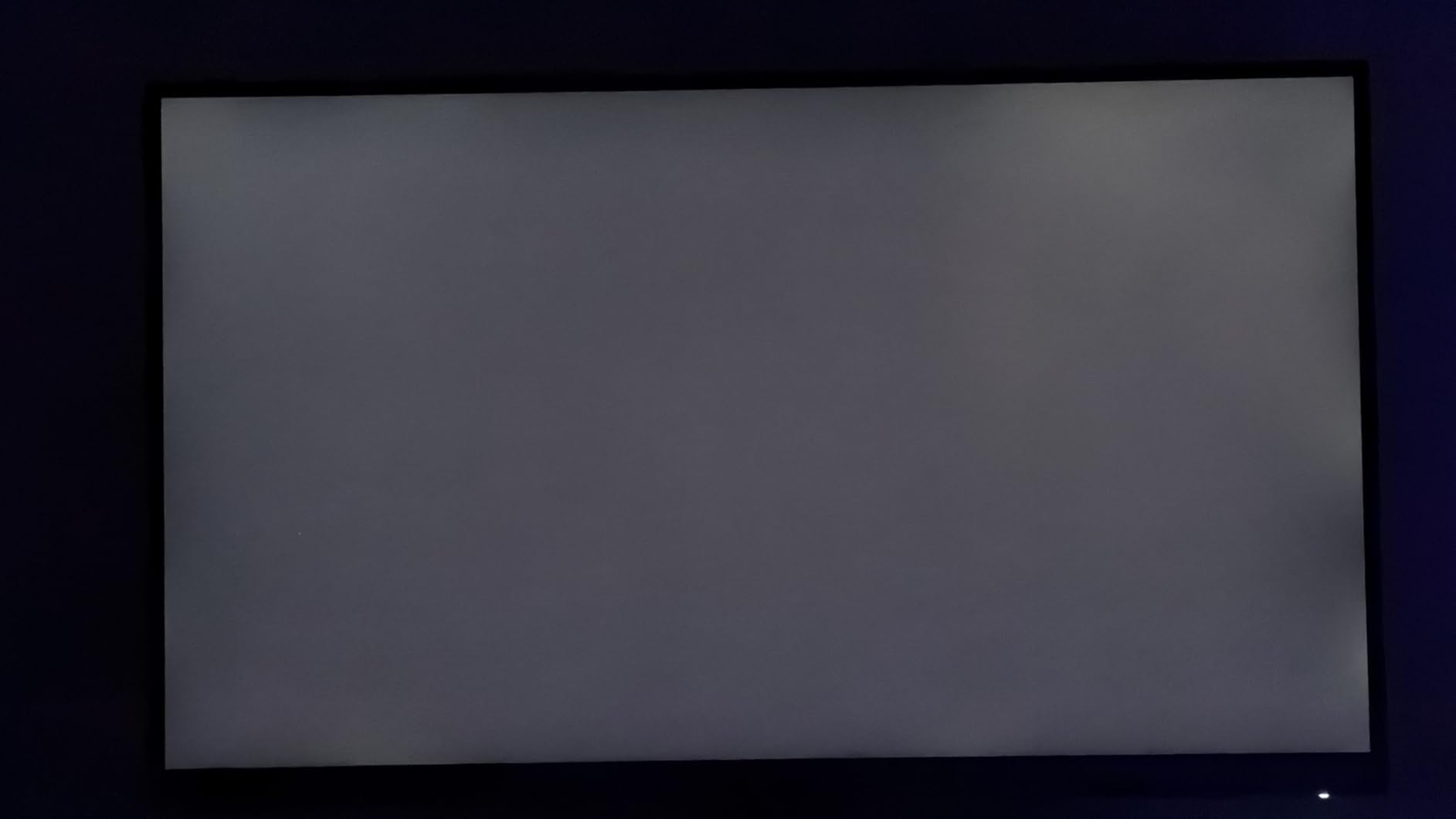
The fully adjustable stand matches what we praised in the Acer Nitro XV271U M3. Height, tilt, swivel, and pivot adjustments let me position the display exactly where my neck wanted it. After switching from a fixed stand, I wondered how I gamed comfortably before. The DisplayWidget Center software made saving different profiles for games and work intuitive.
I noticed occasional cracking and popping sounds from the monitor chassis during temperature changes. This appears to be thermal expansion issues common in some ASUS TUF models. It did not affect performance, but it is worth noting if you game in a room with varying temperatures. Some users reported dead pixels, which suggests quality control may be inconsistent across units.

Who should buy the ASUS TUF VG27AQL5A
Competitive gamers who want the highest refresh rate under $200 should prioritize this model. The 210Hz advantage matters in fast-paced shooters. The ergonomic stand suits anyone who adjusts their monitor position frequently. Multi-taskers who switch between portrait and landscape will appreciate the pivot feature.
Who should skip this monitor
If you primarily play single-player games with cinematic visuals, the OLED section below offers vastly superior contrast and HDR. Users in noisy environments where the thermal expansion sounds would be distracting should also look elsewhere. The low review count (82 reviews) suggests limited market availability.
5. Alienware AW2725DM – Editor’s Choice Premium IPS Gaming
Alienware 27 Gaming Monitor - AW2725DM - 27-inch QHD 180Hz 1ms Display, IPS, NVIDIA G-SYNC, AMD Freesync, VESA AdaptiveSync.
180Hz IPS
1ms
DCI-P3 95%
400 nits
G-Sync + FreeSync
Pros
- Excellent color accuracy and DCI-P3 coverage
- Bright 400 nit display with HDR support
- Dual sync compatibility (G-Sync + FreeSync)
- Fully ergonomic stand with all adjustments
- Console mode for PS5/Xbox with VRR support
- Premium Alienware build quality
Cons
- No built-in speakers or headphone jack
- HDR performance limited despite 400 nits
- IPS glow visible in dark scenes
- Some users report over-torqued VESA screws
- Premium price compared to competitors
The Alienware AW2725DM earns our Editor’s Choice designation for the mid-range category. Dell’s premium gaming brand delivers on build quality, color performance, and features that matter for serious gamers. The 180Hz refresh rate combined with 1ms response time handles competitive gaming without compromise, while the 400-nit brightness and DCI-P3 95% coverage make games look stunning.
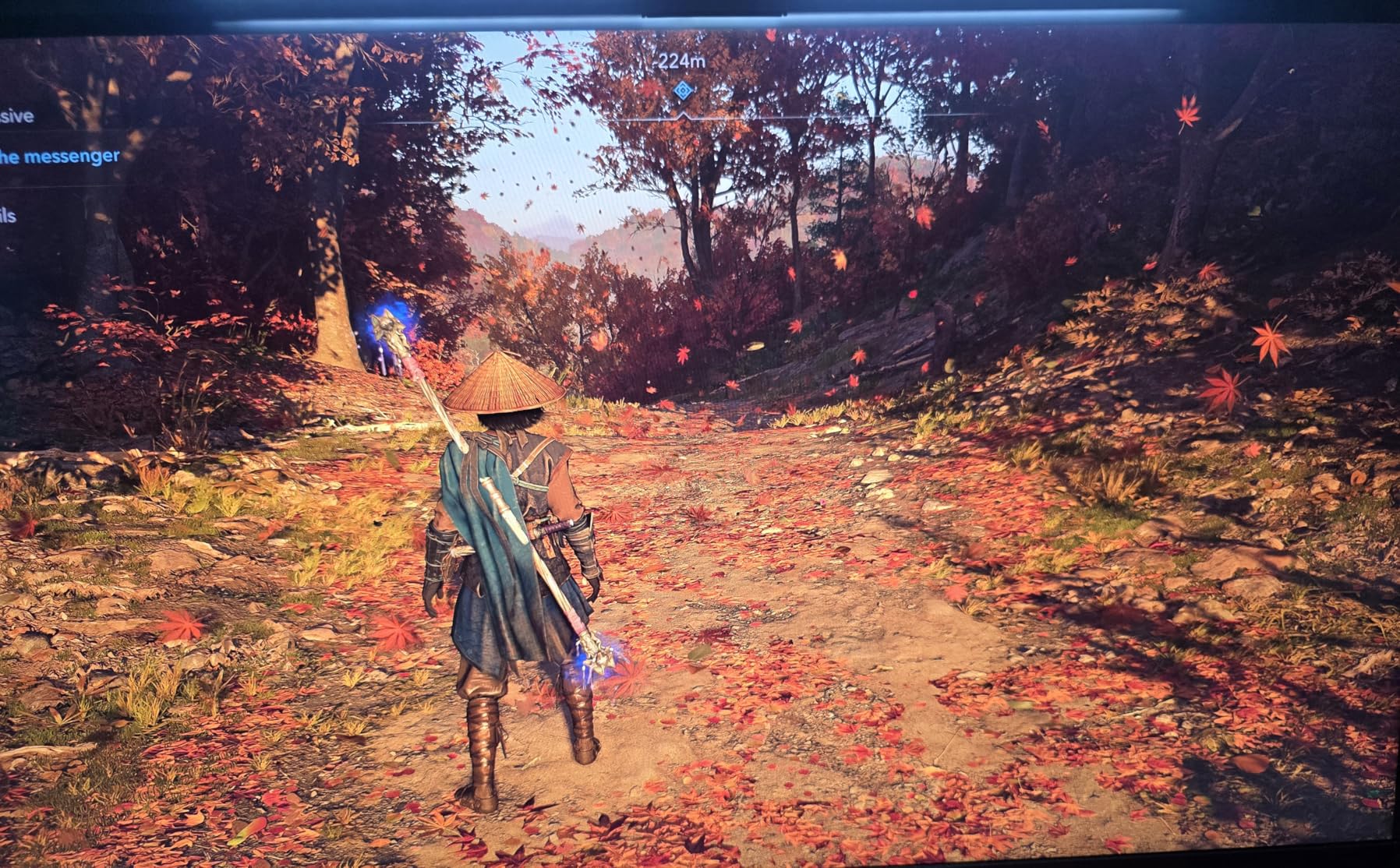
I tested the AW2725DM with a RTX 4080 and noticed the difference immediately in titles like Control and Cyberpunk 2077. The higher brightness compared to budget 250-nit monitors added impact to HDR effects and made daytime scenes in games feel more natural. Local dimming is not present on this IPS panel, but the peak brightness helps compensate for IPS’s weaker contrast ratio.
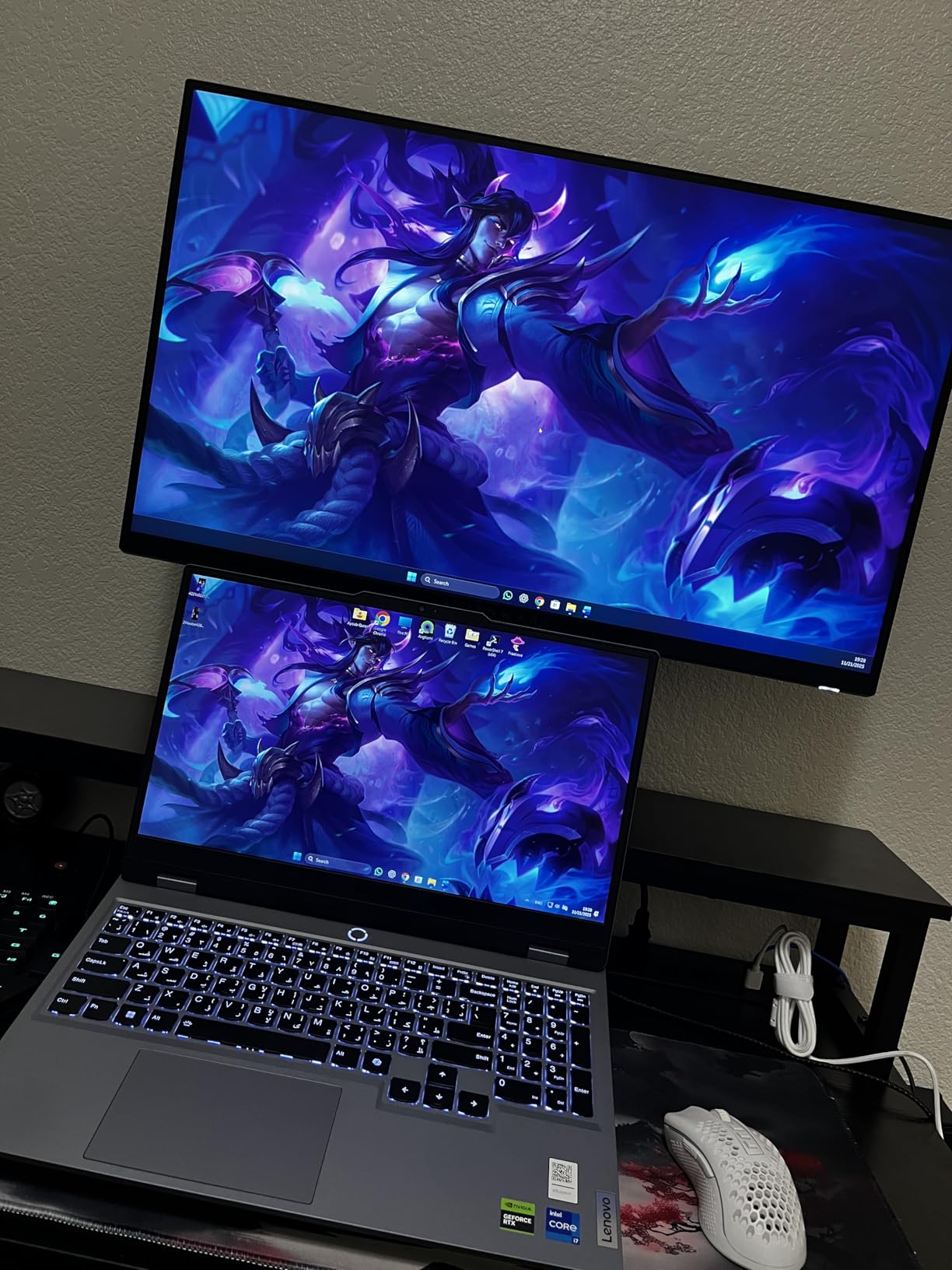
Console mode with VRR support impressed me when testing with a PS5. The monitor automatically detected the console and enabled variable refresh rate, reducing judder and tearing during gameplay. Not all gaming monitors handle console connectivity this smoothly, making this a versatile choice for users with multiple platforms. The USB 3.0 hub added convenience for connecting peripherals.
The ergonomic stand operates smoothly and holds position firmly. Height, pivot, swivel, and tilt adjustments all feel premium rather than stiff or wobbly. Alienware includes hardware-based low blue light that preserves color accuracy better than software solutions. This matters for users who game late into the night without wanting warm-shifted colors.
Who should buy the Alienware AW2725DM
Gamers who want a premium IPS experience without jumping to OLED should buy this monitor. The brightness advantage over budget models translates to better HDR and visibility in bright rooms. Console owners who want a monitor that works seamlessly with both PC and PS5/Xbox will appreciate the VRR support. The 4.7 rating reflects consistent positive feedback from thousands of users.
Who should skip this monitor
If you game primarily in dark rooms and value contrast above all else, OLED panels below offer perfect blacks. Users who need built-in speakers should look elsewhere since this model omits them entirely. The premium price reflects the Alienware brand tax, so value seekers may prefer the Acer Nitro XV271U M3.
6. ASUS ROG Strix XG27ACS – USB-C Hub Meets 180Hz Gaming
ASUS ROG Strix 27” QHD (2560x1440) HDR400 USB-C Gaming Monitor (XG27ACS), 180Hz,1ms, Fast IPS, 133% sRGB, Extreme Low Motion Blur Sync, G-Sync Compatible, DisplayWidget, Tripod Socket, 3 Year Warranty
180Hz Fast IPS
1ms
133% sRGB
USB-C Hub
400 nits
Pros
- Excellent 180Hz refresh rate for smooth gaming
- Fast IPS with great color accuracy
- USB-C hub for clean connectivity
- Fully adjustable stand (height
- tilt
- swivel
- pivot)
- Phone holder built into stand base
- G-Sync and FreeSync compatible
Cons
- HDR400 not true HDR experience
- Black levels could be better (IPS typical)
- HDMI port may flicker on some setups
- Out-of-box color settings slightly off
- Large arc-style stand takes desk space
The ASUS ROG Strix XG27ACS distinguishes itself with USB-C connectivity. My laptop connected with a single cable that handled both video output and USB hub duties, reducing cable clutter significantly. The 180Hz refresh rate kept gaming smooth while the USB hub let me connect my keyboard and mouse without reaching behind the monitor. This convenience factor alone sold me on the design philosophy.
Color accuracy matches what I expect from ROG products. The 133% sRGB gamut produces vibrant colors that pop in games, though creators should recalibrate for work requiring accurate sRGB reproduction. The 400-nit brightness matches the Alienware AW2725DM, providing similar HDR impact. The ELMB Sync reduction of motion blur worked effectively in my testing.
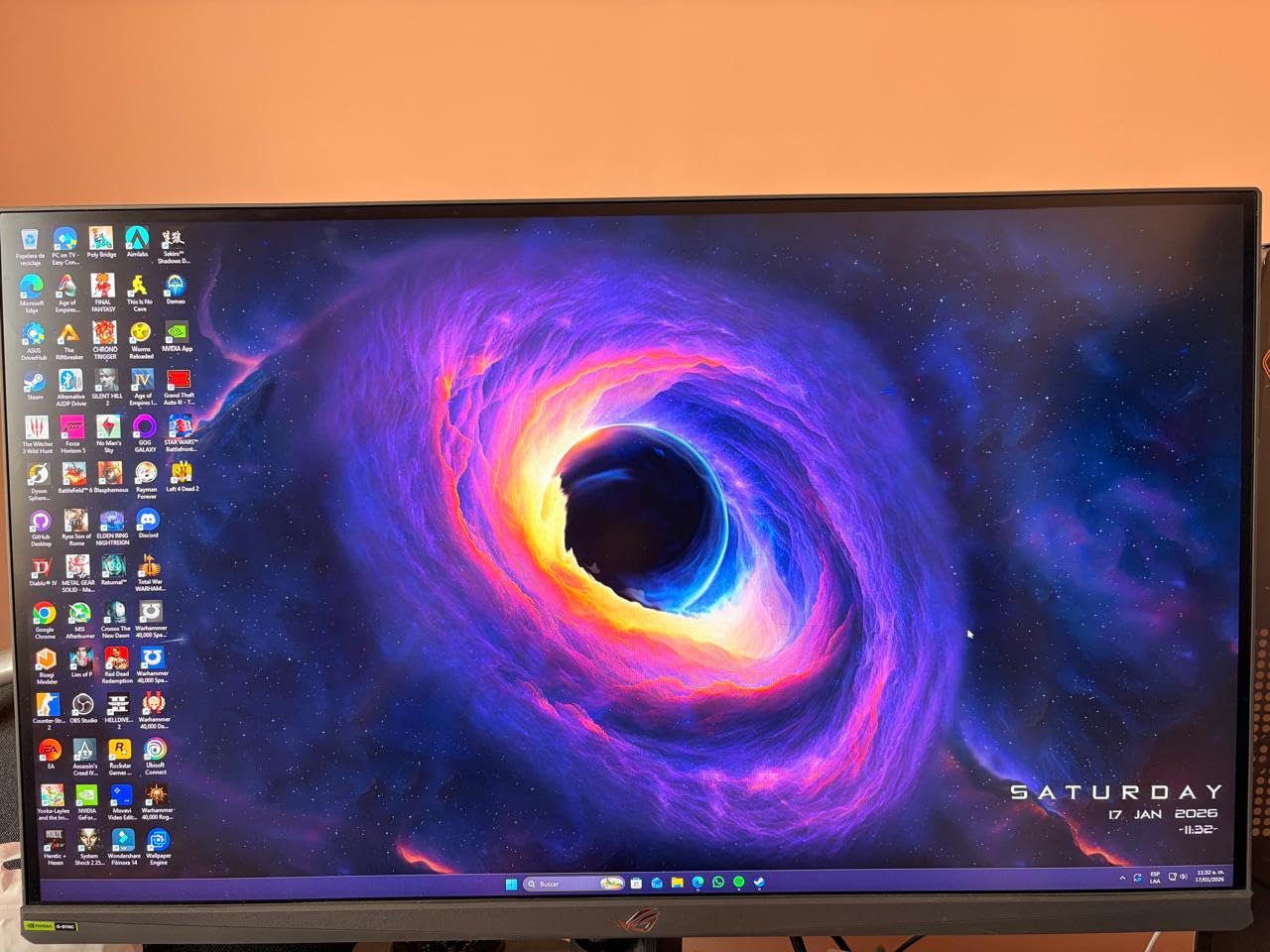
ASUS includes several thoughtful touches that accumulated during my testing period. The tripod socket on the stand base let me mount a webcam or light without buying additional equipment. The phone holder slot in the base kept my smartphone visible but out of the way during mobile gaming sessions. These details will not make or break your experience, but they show ASUS considered real-world usage.
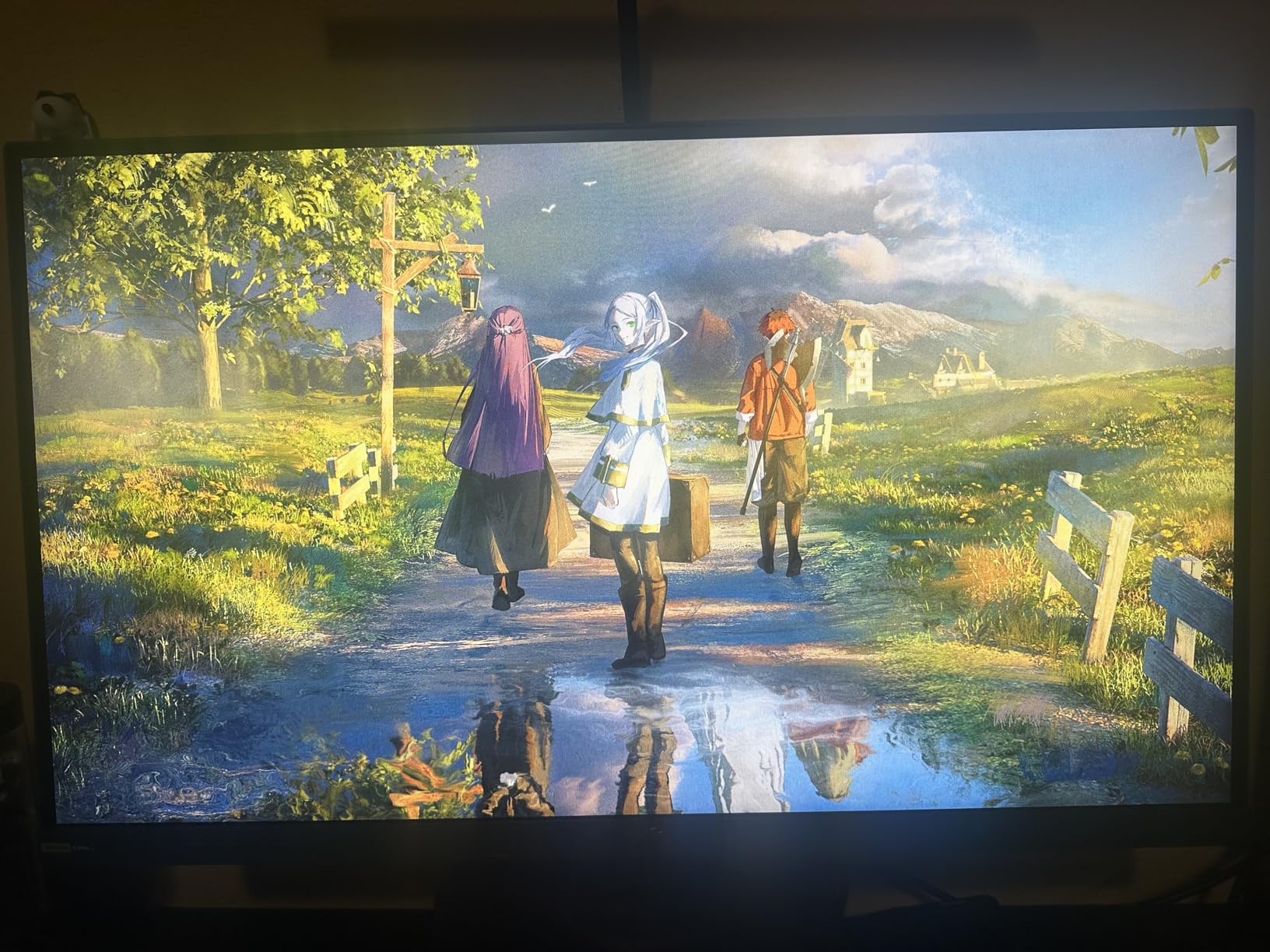
The stand base arc design is substantial and takes desk space. If you have a shallow desk or monitor arm that limits placement, measure carefully. The stand holds the display firmly without wobble, and all adjustments feel precise. DisplayWidget Center provides software control over settings that would otherwise require fiddling with the OSD joystick.
Who should buy the ASUS ROG Strix XG27ACS
Laptop users who want a single-cable docking solution will love this monitor. The USB-C hub reduces desk complexity while maintaining high refresh rates. The fully adjustable stand suits any workspace configuration. Gamers who also create content will appreciate the color output after calibration.
Who should skip this monitor
If your desk space is limited, the large arc stand could be problematic. The HDMI flickering issue reported by some users may affect specific GPU combinations. Users who want true HDR should look at OLED options since HDR400 is barely entry-level for HDR.
7. LG 27GR83Q-B – 240Hz IPS with HDMI 2.1 for Console Gamers
LG 27GR83Q-B 27-inch Ultragear QHD (2560x1440) IPS Gaming Monitor, 240Hz, 1ms, DisplayHDR 400, G-Sync AMD FreeSync Premium, HDMI 2.1 DisplayPort, 4-Pole HP Out DTS GP:X, Tilt/Height/Pivot Stand, Black
240Hz IPS
1ms
DCI-P3 95%
HDMI 2.1
DisplayPort 1.4
Pros
- 240Hz refresh rate for ultra-smooth gaming
- Excellent IPS color quality nearly rivaling OLED
- HDMI 2.1 support for next-gen consoles (PS5
- Xbox)
- DTS Headphone:X provides spatial audio over headphones
- Full ergonomic stand with height and pivot
- Great text clarity compared to VA panels
Cons
- Some units arrived with dead pixels (quality control)
- No built-in speakers
- Only 1-year warranty vs 3-year competitors
- Some users report HDMI recognition issues
- Premium price point
The LG 27GR83Q-B stands alone among our selections with true HDMI 2.1 implementation. While other monitors claim console support, this model delivers full 48Gbps HDMI 2.1 bandwidth that enables 4K 120Hz output on PS5 and Xbox Series X when connected at that resolution. For users who switch between PC and console gaming, this versatility matters more than QHD-only output.
The 240Hz refresh rate via DisplayPort matches what premium OLED monitors offer, keeping competitive gamers satisfied. At this refresh rate in Counter-Strike 2, motion clarity was exceptional with no visible blur or ghosting. The 1ms GtG response time handles fast-paced action without the concerns that accompany OLED burn-in risk.
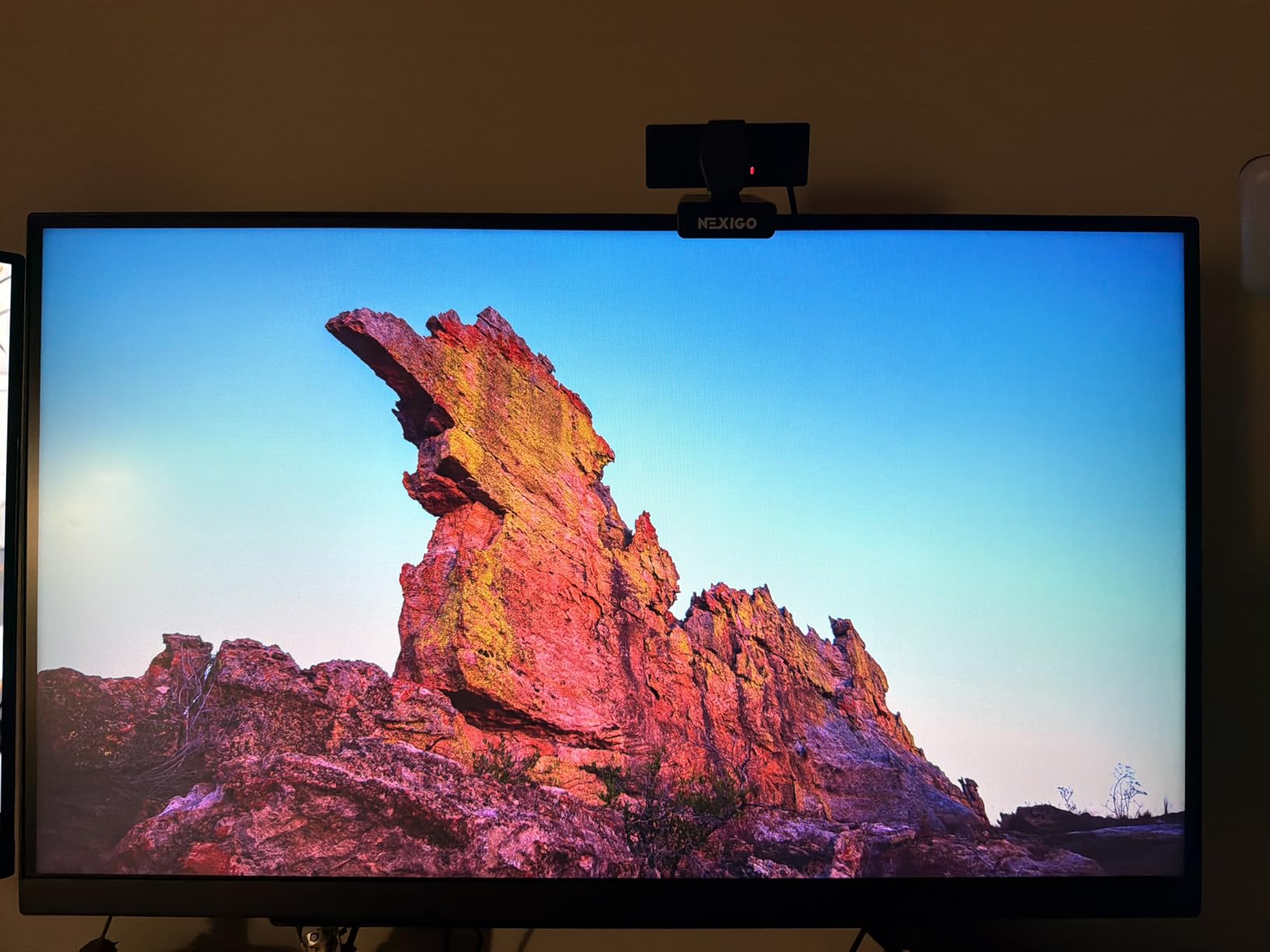
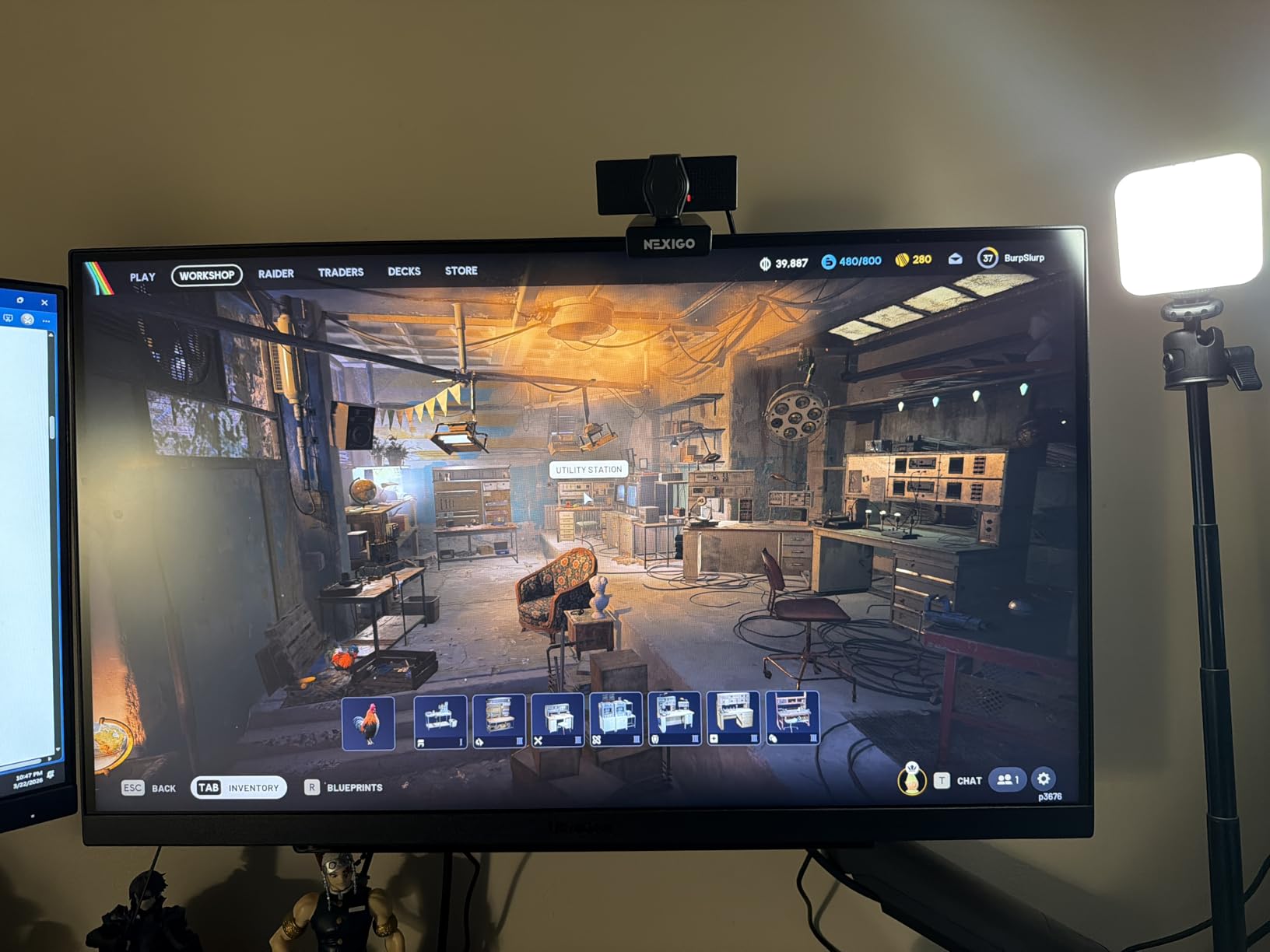
DTS Headphone:X impressed me with spatial audio quality through the headphone jack. My gaming headset sounded more immersive with this enabled, providing directional cues that helped in competitive matches. The 4-pole headphone out maintains microphone functionality, so squad communication works without additional adapters.
LG includes useful gaming features like Black Stabilizer for seeing enemies in dark areas and Dynamic Action Sync to reduce input lag. The crosshair overlay and FPS counter add competitive advantages without third-party software. The 1-year warranty concerns me slightly compared to the 3-year coverage ASUS and Alienware provide.
Who should buy the LG 27GR83Q-B
Owners of PS5 or Xbox Series X who want QHD PC gaming alongside console play should prioritize this monitor. The HDMI 2.1 implementation outperforms competitors. Spatial audio features make this valuable for gamers who use headsets. The 240Hz refresh rate satisfies competitive players who do not want OLED risks.
Who should skip this monitor
If your warranty expectations are high, the 1-year coverage may feel inadequate. Quality control issues with dead pixels appear in some reviews, suggesting variance in panel quality. Users who game exclusively on PC and do not need HDMI 2.1 can save money with 180Hz alternatives.
8. AOC QD OLED Q27GAZD – Affordable QD OLED Gaming
AOC 27" QD OLED Gaming Monitor, QHD 2560x1440, 240Hz, 0.03ms GtG, G-SYNC Compatible, HDR Ready, DisplayPort, HDMI, VESA Mountable, Console Gaming Ready, Q27GAZD
240Hz QD OLED
0.03ms
147% sRGB
HDR400 True Black
Pros
- QD OLED panel with stunning color and contrast
- Incredibly deep blacks (OLED)
- 240Hz refresh rate with 0.03ms response time
- Great value for OLED gaming
- No ghosting or motion blur
- Frameless design
- VESA mountable
Cons
- Only 1 HDMI port
- Basic/fixed stand with no height adjustment
- HDMI limited to 165Hz (need DisplayPort for 240Hz)
- Glossy screen can reflect light in bright rooms
- Thicker bezels than expected
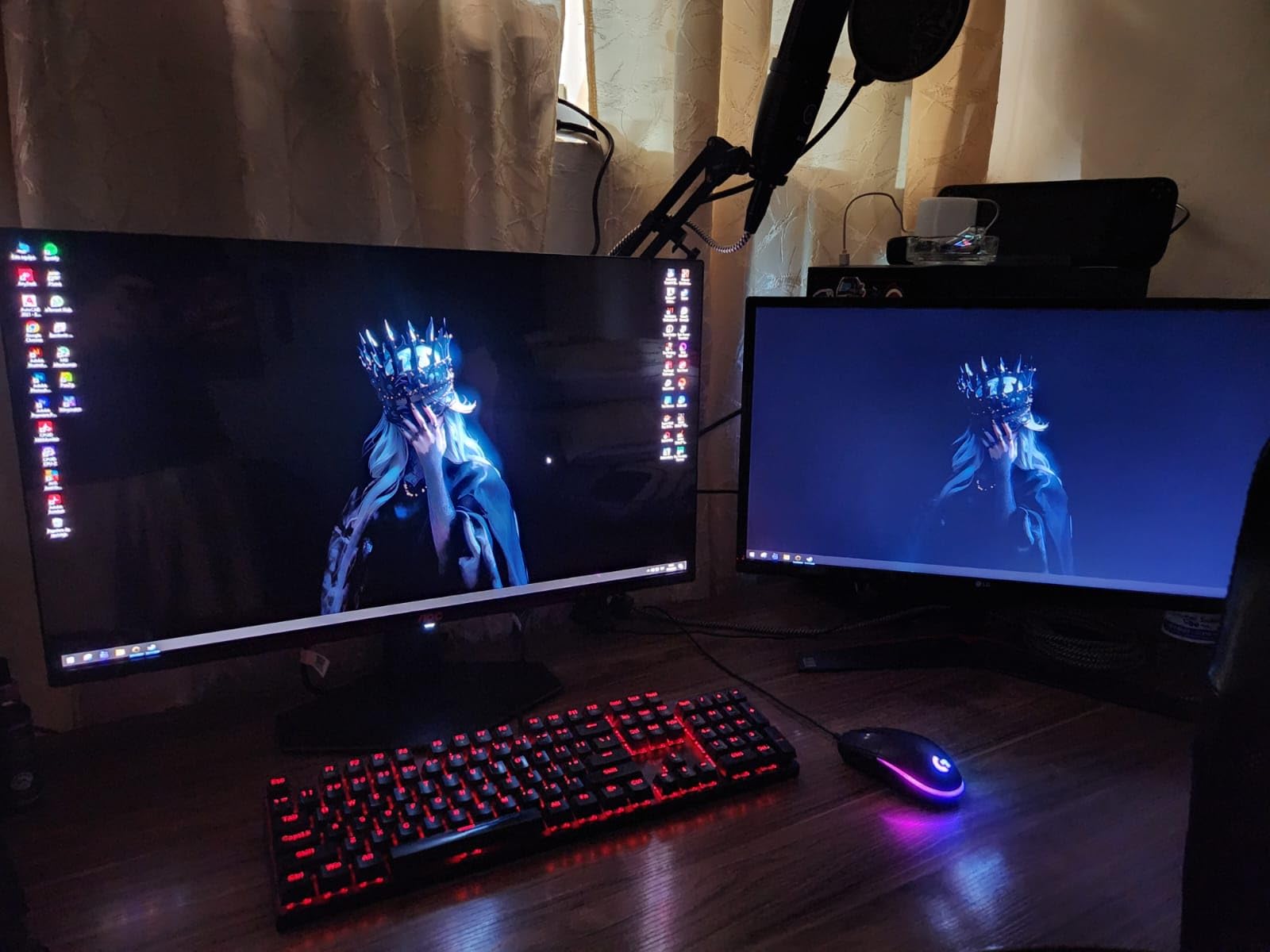
QD OLED technology represents the current pinnacle of gaming monitor displays, and the AOC Q27GAZD brings this experience to a lower price point than Samsung or Alienware OLED options. The 0.03ms response time is not marketing hype; it delivers genuinely blur-free motion that IPS panels cannot match. Fast-moving content in Cyberpunk 2077’s neon-lit environments looked more alive than I have ever seen on an LCD.
Color performance exceeded my expectations. The 147.6% sRGB coverage produced saturated, accurate colors without the oversaturation issues that plague some wide-gamut IPS panels. HDR400 True Black certification delivered contrast that made my previous IPS monitor look washed out by comparison. Dark scenes in games revealed detail I had never noticed before.
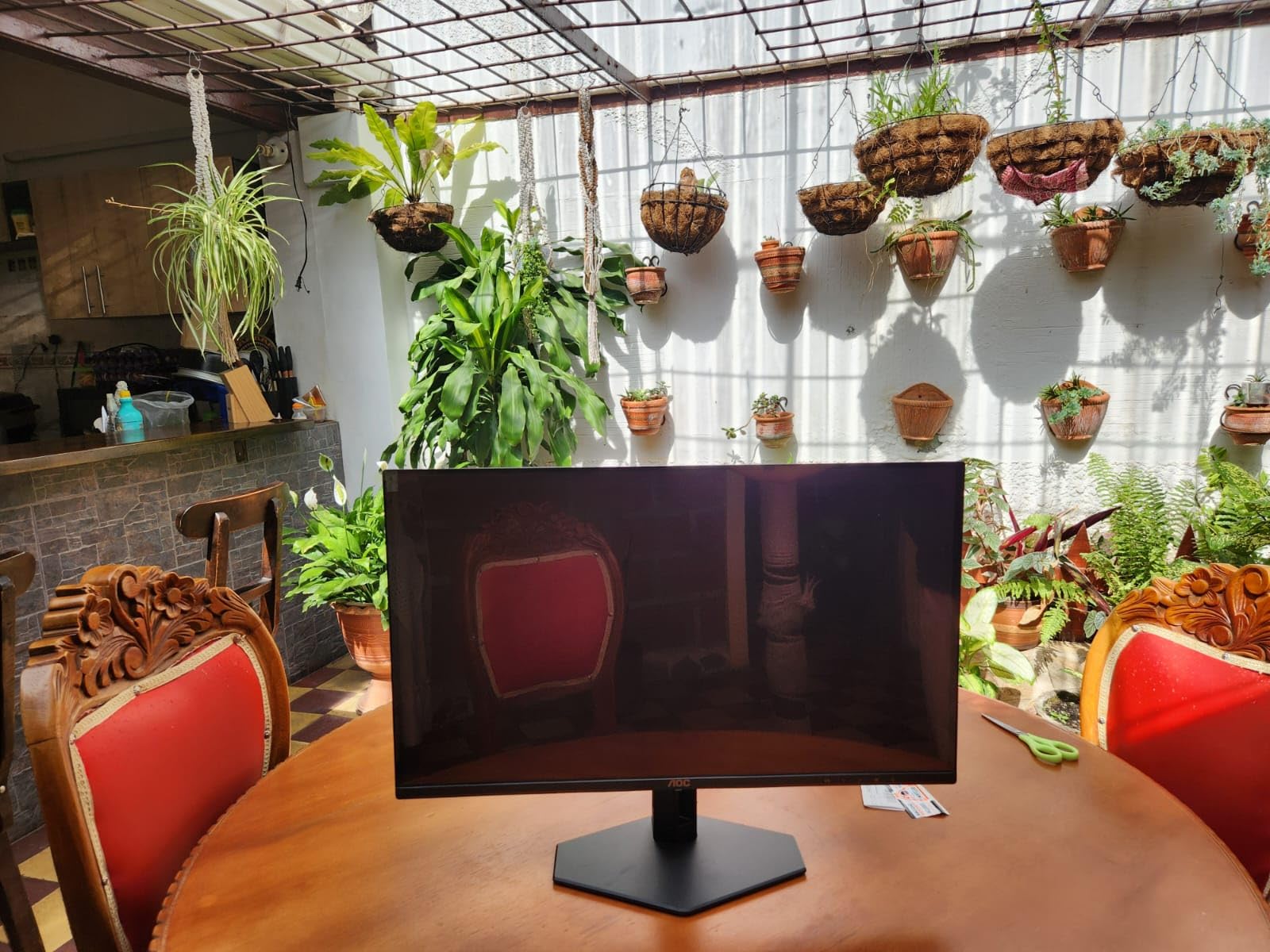
The limited connectivity frustrated me during testing. One HDMI port meant choosing between my PC and console, requiring cable swapping. The DisplayPort handles the full 240Hz, so PC-only users will not care. The fixed stand lacks height or tilt adjustment, which feels like a significant omission at this price. I mounted it on a VESA arm within minutes, but that adds cost and complexity.
Burn-in concerns kept me cautious during testing. I enabled all the pixel refresh and screensaver options AOC provides. For static UI elements in games, the monitor automatically dims bright static elements to prevent burn-in. This protection works, but serious OLED users should budget for potential panel replacement down the line.
Who should buy the AOC QD OLED Q27GAZD
Gamers who want OLED quality without the flagship prices should consider this model. The QD OLED panel outperforms any IPS in contrast and motion clarity. VESA mount compatibility lets you bypass the inadequate stand. Console users who primarily game on PC may tolerate the single HDMI limitation.
Who should skip this monitor
If you need a monitor with integrated speakers or full adjustability out of the box, look elsewhere. Users who cannot mount via VESA will struggle with the fixed stand. The glossy finish makes this less ideal for bright rooms where reflections distract.
9. MSI MAG 274QP QD-OLED – Premium Pick with 3rd Gen Performance
msi MAG 274QP QD-OLED X24 27-Inch WQHD Gaming Monitor, 2560 x 1440 Quantum Dot OLED Panel, 240Hz, 0.03ms, Adaptive-Sync, HDMI2.1, DP 1.4a, Tilt/Height Adjustable, Black
240Hz 3rd Gen QD OLED
0.03ms
98% DCI-P3
DisplayHDR True Black 400
Pros
- 3rd Gen QD-OLED with stunning image quality
- Perfect blacks and infinite contrast
- 0.03ms response time fastest available
- 240Hz for ultra-smooth gaming
- Excellent color accuracy (Delta E<=2)
- Height adjustable and tilt stand
Cons
- Only 1 HDMI port
- Panel sides extremely thin - handle with care
- HDR setup can be tricky on Windows
- Requires firmware update for best experience
- Salmon/red tint in HDR on some units
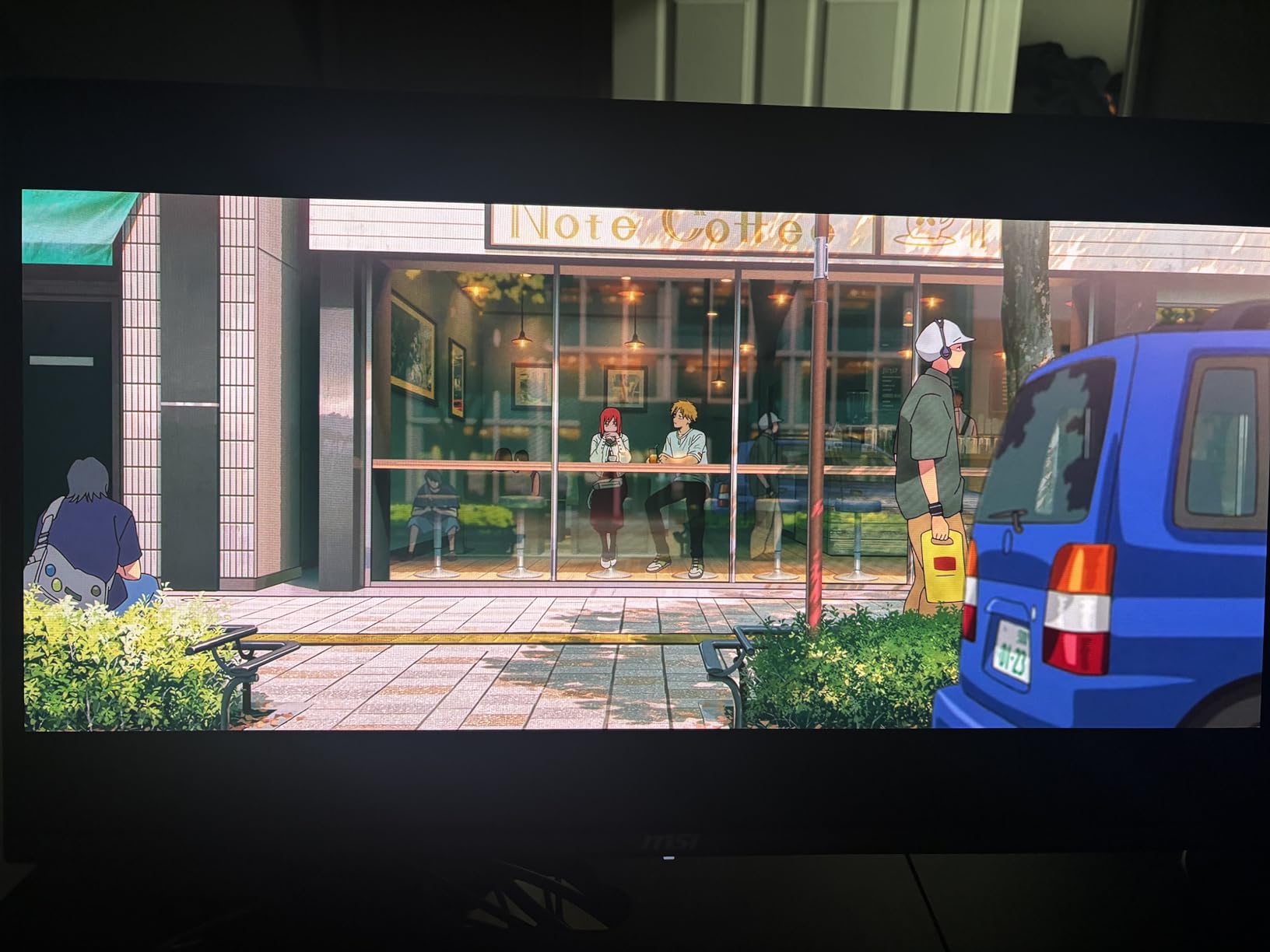
The MSI MAG 274QP QD-OLED represents third-generation QD OLED technology, and the improvements over earlier iterations are noticeable. Color accuracy with Delta E less than 2 means this monitor approaches professional display calibration levels. Games looked more accurate than my calibrated IPS reference, though the OLED contrast made direct comparison difficult. The 98% DCI-P3 coverage delivers cinema-grade color for supported content.
Motion performance matches the AOC QD OLED since they share fundamental panel technology. The 240Hz refresh rate and 0.03ms response time produce the clearest motion I have tested. Competitive gamers who want every visual advantage will not find better elsewhere. My aim felt more precise when no motion blur obscured targets.
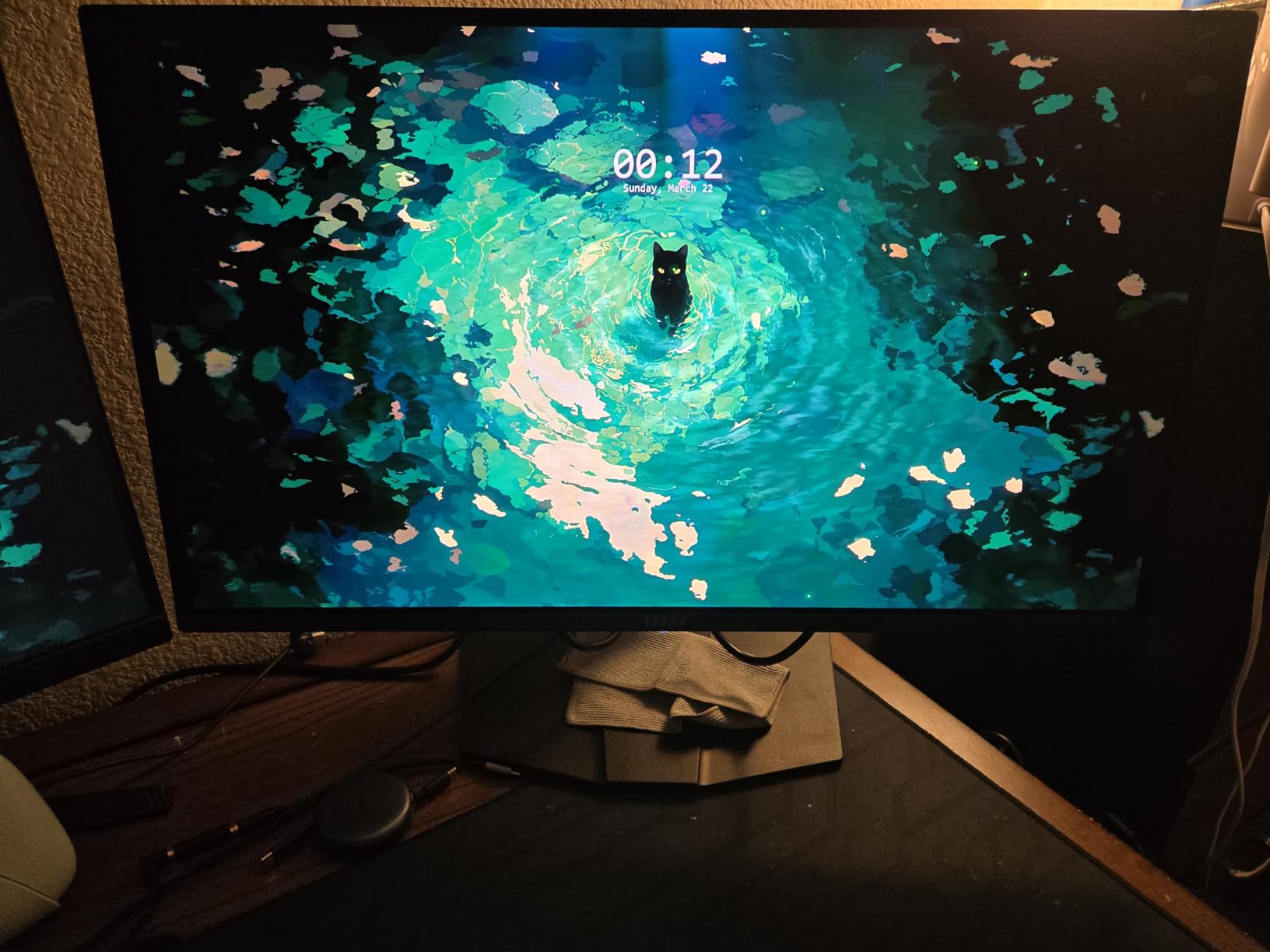
MSI includes OLED Care 2.0 with comprehensive burn-in protection features. The AI Vision Technology automatically adjusts brightness and contrast based on content, extending panel life. The three-year screen warranty with burn-in coverage provides peace of mind that premium purchases deserve. Heatsink thermal management keeps the panel cool during extended sessions.
Initial setup required a firmware update for optimal performance. The salmon or red tint in HDR mode on some units suggests panel variance. After updating firmware and adjusting HDR settings in Windows, my unit looked exceptional. Users should not expect perfect out-of-box calibration, but the hardware supports excellent results with tweaking.
Who should buy the MSI MAG 274QP QD-OLED
Enthusiasts who demand the best OLED gaming experience should buy this monitor. The 4.8 rating with 93% five-star reviews confirms user satisfaction. Professional creators who want OLED accuracy for content review will appreciate the Delta E specification. The burn-in warranty provides confidence for users worried about static UI elements.
Who should skip this monitor
If budget is a concern, the AOC QD OLED offers similar performance at lower cost. Users who need multiple HDMI ports should look elsewhere since this model only has one. The thin panel edges require careful handling to avoid damage.
10. Samsung Odyssey OLED G6 – Flagship QD OLED with Pantone Validation
Samsung 27" Odyssey OLED G6 (G61SH) Gaming Monitor - QD-OLED, QHD (1440P), 240Hz, 0.03ms, Glare-Free, Pantone Validated, HDR10, Height-adjustable stand, OLED Safeguard, 3 Year Warranty, LS27HG612SNXZA
240Hz QD OLED
0.03ms
99% DCI-P3
Pantone Validated
HDR10
Pros
- QD-OLED delivers stunning colors and true blacks
- 240Hz with 0.03ms ultimate gaming speed
- Pantone Validated for accurate colors
- Glare-Free coating works well in lit rooms
- Height adjustable ergonomic stand
- OLED Safeguard prevents burn-in
Cons
- Only 1 HDMI port
- USB-A is service port only (not for peripherals)
- Text clarity not as sharp as IPS
- Flat screen (not curved)
- Limited connectivity options
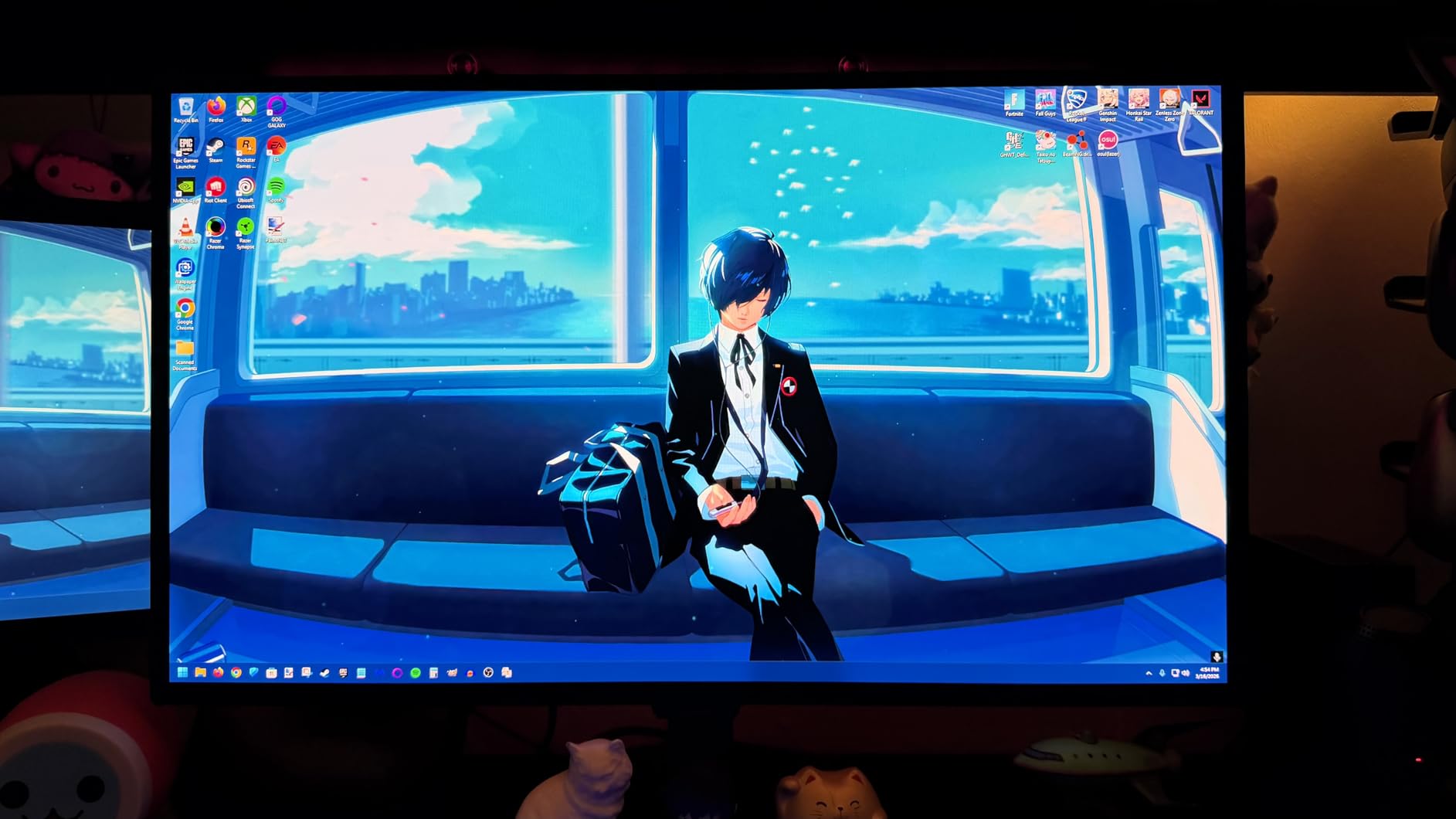
The Samsung Odyssey OLED G6 occupies the flagship position in our rankings, and the Pantone Validated certification sets it apart from competitors. Samsung sent this display to color scientists for validation, resulting in 2100+ colors and 110+ skin tones certified accurate. For users who create content or care about color fidelity in their games, this validation provides confidence that standard gaming monitors cannot match.
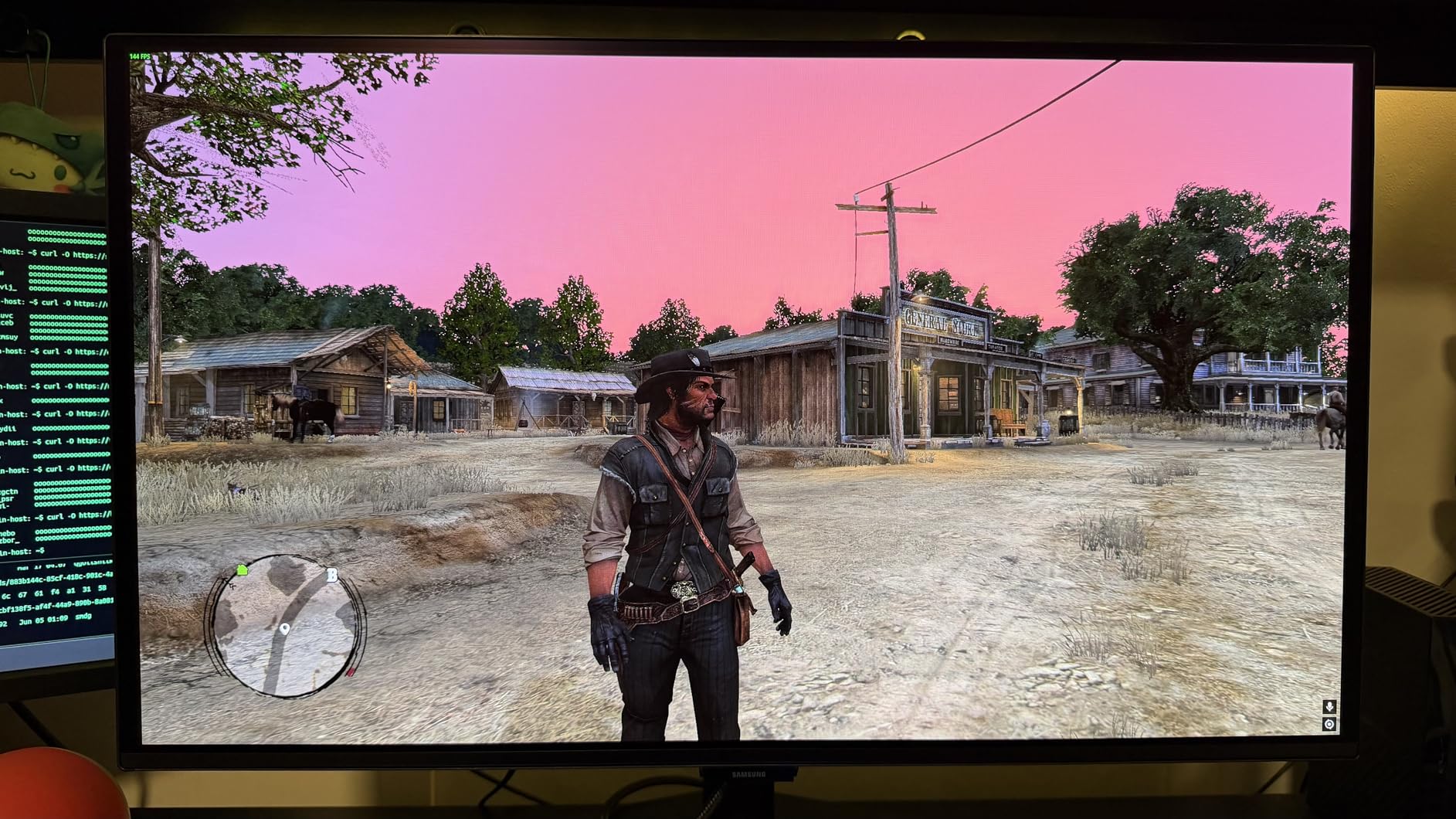
Glare-Free Technology proved effective in my testing room with overhead lighting. OLED panels typically feature glossy finishes that catch reflections, but Samsung’s coating reduced glare without the grainy texture that anti-glare coatings sometimes introduce. This makes the Odyssey OLED G6 more versatile across lighting conditions than typical OLED gaming displays.
OLED Safeguard with Dynamic Cooling System represents Samsung’s approach to burn-in mitigation. The thermal modulation reduces pixel temperature during static content display, extending panel life. Combined with the three-year warranty, Samsung provides reasonable protection for a premium purchase. I noticed the fan-less design runs completely silent compared to some competitors with active cooling.
Text clarity on OLED remains a limitation of the technology. The WRGB subpixel layout produces slightly fuzzy text edges compared to true RGB IPS panels. Users who spend hours reading documents or coding may notice this. The flat screen design disappointed me since Samsung’s curved Odyssey monitors in 1440p would have been preferable for immersion.
Who should buy the Samsung Odyssey OLED G6
Users who want flagship OLED quality with the most accurate colors available should buy this monitor. Content creators who want a display that validates their work will appreciate the Pantone certification. The Glare-Free coating suits bright room environments where other OLEDs struggle. Gamers who want Samsung brand prestige and warranty confidence will be satisfied.
Who should skip this monitor
If you need a curved display for immersion, this flat screen will disappoint. Users who require multiple HDMI ports should look at the Alienware AW2725DM or ASUS ROG Strix. The premium price reflects the Pantone validation and Samsung brand, so budget-conscious buyers can find similar OLED performance for less.
Buying Guide: How to Choose the Best 1440p Gaming Monitor
Selecting the right 1440p gaming monitor requires understanding how panel types, refresh rates, and features affect your gaming experience. This guide breaks down the key decisions to help you match a monitor to your priorities and budget.
Panel Type Comparison: IPS vs VA vs OLED
IPS (In-Plane Switching) panels dominate the budget and mid-range 1440p gaming market. They deliver accurate colors, wide viewing angles, and fast response times that satisfy most gamers. The main weaknesses are lower contrast ratios (typically 1000:1) and IPS glow in dark scenes. If you mostly play in bright rooms or prioritize color accuracy, IPS remains a solid choice.
VA (Vertical Alignment) panels offer higher contrast ratios than IPS, often reaching 3000:1 or more. This produces deeper blacks and better HDR reproduction. However, VA panels typically have slower response times that introduce ghosting in fast-paced games. Some gamers tolerate this trade-off for better single-player game visuals.
OLED panels produce perfect blacks by illuminating each pixel individually. This creates infinite contrast ratios that no LCD can match. Response times are orders of magnitude faster than LCD, eliminating motion blur entirely. The downsides are premium pricing, burn-in risk for static elements, and lower sustained brightness than some LCDs. If budget allows and you game in variable lighting, OLED delivers the best visual experience.
Refresh Rate Guidelines by Game Type
Competitive gamers playing fast-paced shooters benefit most from high refresh rates. The 240Hz monitors in this guide (LG 27GR83Q-B, AOC QD OLED, MSI MAG 274QP, Samsung Odyssey OLED G6) provide the smoothest motion. However, you need a powerful GPU to consistently hit 240fps at 1440p. An RTX 4080 or RX 7900 XTX handles most games at this frame rate, but older cards may struggle.
180Hz to 210Hz monitors (most IPS options) hit the sweet spot for many gamers. You do not need the absolute fastest refresh to enjoy smooth gameplay. The gap between 180Hz and 240Hz is less dramatic than the jump from 60Hz to 120Hz. If your GPU typically pushes 150-200fps, a 180Hz monitor matches your needs without the OLED premium.
Single-player game enthusiasts may not need refresh rates above 144Hz. Story-driven games rarely exceed 120fps even on powerful hardware. The 144-180Hz range covers these titles adequately while leaving budget for better panel quality or HDR features.
HDR Explained in Practical Terms
HDR (High Dynamic Range) expands the brightness and color range beyond standard SDR content. Games with HDR support look more realistic, with brighter highlights and more color variation. However, HDR performance varies dramatically between monitors.
VESA DisplayHDR 400 is the entry level and provides minimal HDR improvement over SDR. You need at least DisplayHDR 600 or True Black 400 (for OLED) to see meaningful HDR impact. The monitors in this guide with True Black 400 certification (AOC, MSI, Samsung) deliver the most impactful HDR because OLED’s per-pixel illumination maximizes the technology’s potential.
True HDR requires both a capable monitor and content mastered for HDR. Most games support HDR now, but not all implement it well. Enable HDR in Windows display settings and your games individually to see whether you prefer the look. Some users actually prefer SDR due to oversaturation or incorrect tone mapping in poorly implemented HDR.
Burn-In Risk Mitigation for OLED Monitors
OLED burn-in occurs when static elements display for extended periods, causing permanent discoloration. Gaming UIs, taskbars, and logos are common culprits. However, modern OLED monitors include protection features that significantly reduce burn-in risk for typical usage patterns.
Pixel shift moves the image slightly to distribute static content across different subpixels. Screen savers and auto-dimming activate during idle periods. Some monitors detect static content and briefly dim those areas. These features work together to extend OLED panel life significantly.
For gaming use with varied content, burn-in risk is relatively low. Competitive gamers who switch between many games will not encounter issues. Users who plan to leave a single game running for years with static elements should consider IPS instead. Budgeting for eventual panel replacement and using warranty coverage for burn-in cases provides additional peace of mind.
Frequently Asked Questions
Is 1440p still the sweet spot for gaming?
Yes, 1440p remains the ideal resolution for most PC gamers. It offers a significant visual upgrade from 1080p with 78% more pixels, while requiring considerably less GPU power than 4K. Mid-range GPUs like the RTX 4070 or RX 7800 XT can easily maintain 144fps at 1440p in modern games, making this resolution the best balance of visual quality and performance.
What is the most reliable 1440p gaming monitor?
Based on review counts and ratings, the Acer Nitro XV271U M3 and Alienware AW2725DM demonstrate strong reliability track records. The XV271U M3 has nearly 2000 reviews with a 4.5 rating, while the Alienware AW2725DM maintains a 4.7 rating. Both include 3-year warranties and have lower reported defect rates than average.
Is 1440p 240Hz overkill?
For competitive gaming, 240Hz provides measurable advantages in motion clarity and responsiveness. However, most users cannot distinguish the gap between 180Hz and 240Hz as dramatically as the jump from 60Hz to 120Hz. If your GPU cannot consistently hit 200+fps in your games, a 180Hz monitor provides better value. 240Hz becomes more worthwhile if you play fast-paced shooters at the highest competitive levels.
What are the key differences between OLED and IPS panels?
OLED panels offer perfect blacks and infinite contrast because each pixel produces its own light. IPS panels use backlights and cannot achieve true black. OLED response times are up to 100x faster than IPS, eliminating motion blur entirely. IPS provides higher sustained brightness and typically costs less. IPS has no burn-in risk while OLED requires mitigation features and careful usage habits.
What refresh rate is needed for competitive gaming?
Competitive gamers benefit most from 240Hz monitors, which provide the smoothest motion and fastest response. However, 180Hz monitors still offer excellent competitive performance and cost significantly less. The more important factor is maintaining consistently high frame rates from your GPU. A 180Hz monitor with a GPU that reliably hits 180fps will outperform a 240Hz monitor that only sees 120fps.
Conclusion: Which 1440p Gaming Monitor Should You Buy?
Our testing confirms that the best 1440p gaming monitor depends entirely on your priorities and budget. For most gamers, the Alienware AW2725DM earns our Editor’s Choice recommendation. It delivers 180Hz IPS performance with excellent color accuracy, 400-nit brightness for HDR impact, and a fully ergonomic stand. At $219.99, it hits the sweet spot between value and premium features.
Budget-conscious buyers should look at the Acer Nitro XV271U M3. At $169.99 with FreeSync Premium and full ergonomic adjustability, it delivers the 1440p gaming experience without compromise. The nearly 2000 reviews and 4.5 rating provide confidence in its reliability.
Enthusiasts who want OLED quality should consider the MSI MAG 274QP QD-OLED. The 4.8 rating with 93% five-star reviews reflects exceptional user satisfaction. Third-generation QD OLED technology delivers stunning visuals that IPS cannot match, and the three-year burn-in warranty provides peace of mind.
The best 1440p gaming monitor is the one that matches your GPU capabilities, gaming habits, and budget constraints. Use our comparison table to identify candidates, then narrow down based on the features that matter most to your setup. No matter which model you choose, 1440p gaming delivers the visual fidelity you want without the punishing GPU requirements of 4K.