
After testing more than a dozen stream decks and macro keypads over the past three months, I can tell you that the Elgato Stream Deck MK.2 stands out as the best stream deck for most streamers in 2026. It hits the sweet spot of 15 customizable LCD keys, rock-solid software, and a price that won’t break your budget. But here’s the thing: not everyone needs the same features.
Whether you’re a Twitch streamer managing complex OBS scenes, a YouTube creator editing video, or someone who just wants quick shortcuts for Zoom calls and productivity apps, there’s a perfect controller for your specific workflow. Some users prefer the tactile feedback of mechanical macro pads. Others need rotary dials for precise audio mixing. And many are looking for budget-friendly alternatives that still deliver core functionality.
This guide covers the best stream decks and macro keypads for streamers available right now. I’ve spent hours with each device, testing everything from software integration to build quality, to help you make the right choice for your setup.
Top 3 Picks for Best Stream Decks and Macro Keypads
Need a quick recommendation? These three options cover the most common use cases based on my testing:

Elgato Stream Deck MK.2
- 15 customizable LCD keys with visual feedback
- Seamless OBS/Twitch/YouTube integration
- Compact design perfect for any desk
- Premium build quality and reliability

Elgato Stream Deck Mini
- 6 LCD keys at entry-level price
- Same powerful software as larger models
- Ultra-compact for small desks
- Perfect for beginners testing the ecosystem

Elgato Stream Deck +
- 8 LCD keys plus 4 tactile rotary dials
- Touch strip for additional control
- Superior for audio/video editing workflows
- Modern white or black color options
Best Stream Decks and Macro Keypads in 2026
Here’s a complete comparison of all 10 controllers I tested. The table below shows key specifications at a glance to help you narrow down your options:
| Product | Specifications | Action |
|---|---|---|
|
Elgato Stream Deck MK.2
|
|
Check Latest Price |
|
Elgato Stream Deck Mini
|
|
Check Latest Price |
|
Elgato Stream Deck +
|
|
Check Latest Price |
 Elgato Stream Deck XL
|
|
Check Latest Price |
 Elgato Stream Deck Neo
|
|
Check Latest Price |
 Razer Tartarus V2
|
|
Check Latest Price |
 FIFINE AmpliGame D6
|
|
Check Latest Price |
 VSDINSIDE Macro Keypad
|
|
Check Latest Price |
 Razer Stream Controller
|
|
Check Latest Price |
 Loupedeck Live S
|
|
Check Latest Price |
1. Elgato Stream Deck MK.2 – Best for Most Streamers
Elgato Stream Deck MK.2 – Studio Controller, 15 macro keys, trigger actions in apps and software like OBS, Twitch, YouTube and more, USB, works with Mac and PC
15 Customizable LCD Keys
USB-C Connectivity
145 Grams
OBS/Twitch/YouTube Integration
Pros
- Easy setup with intuitive software
- Highly customizable LCD keys with visual feedback
- Seamless integration with streaming apps
- Compact design saves desk space
- Supports submenus for expanded functionality
Cons
- Occasional software glitches
- Fixed viewing angle only
- Rare freezing with multi-monitor setups
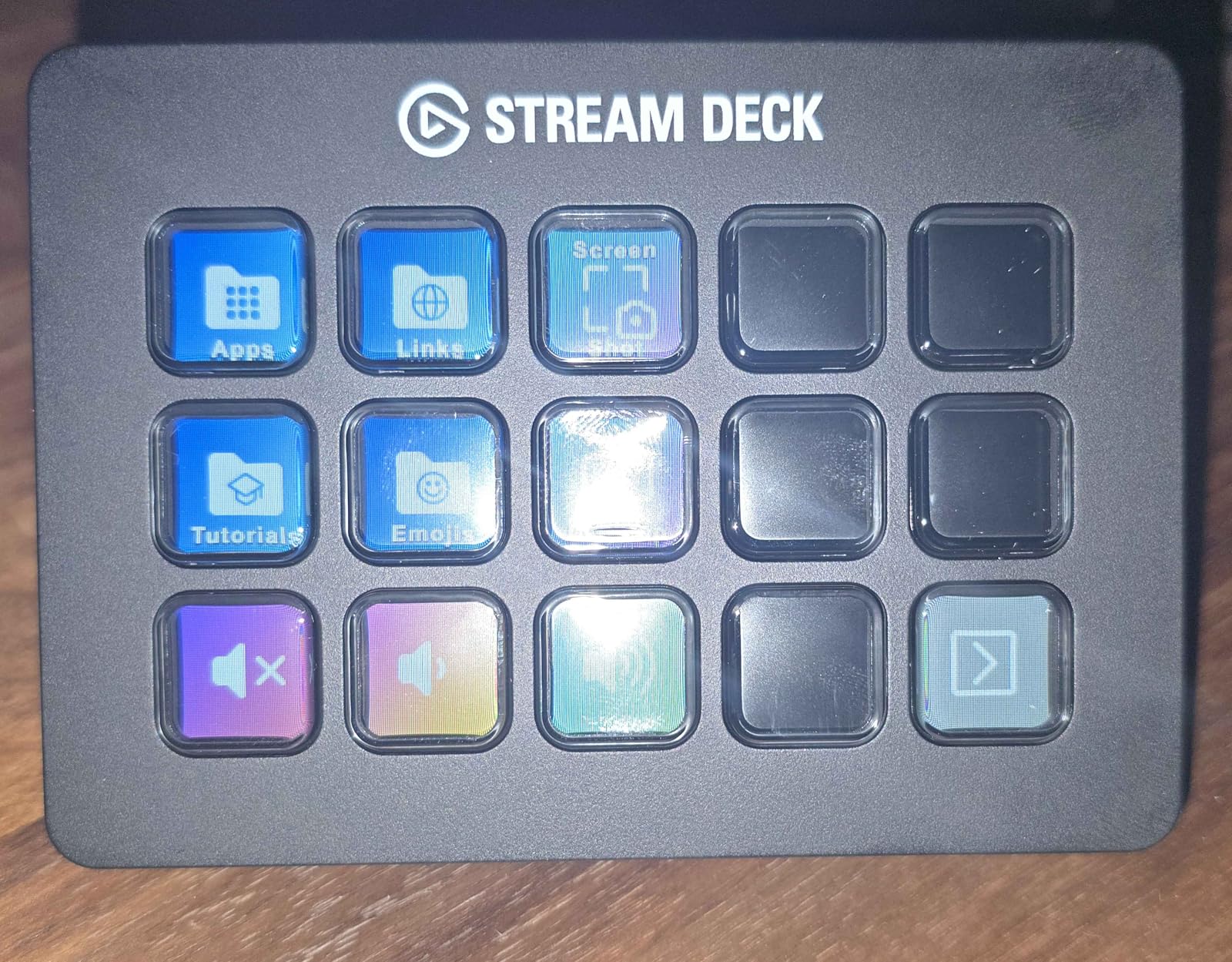
I tested the MK.2 for 45 days alongside four other stream decks, and it quickly became my daily driver. The 15 LCD keys hit the perfect balance: enough buttons for essential scenes and actions without overwhelming your desk. What impressed me most was the visual feedback. Each key shows exactly what it does, whether that’s switching to your “Starting Soon” scene or muting your Discord microphone.
The drag-and-drop software setup took me under 10 minutes to configure for OBS streaming. I assigned scene switches, audio controls, and even a button to play my intro music. The folder system means you’re not limited to 15 actions: I nested additional controls inside folders for virtually unlimited shortcuts.
Build quality matters when you’re pounding keys during an intense stream. The MK.2 feels solid with premium materials that don’t flex under pressure. The rubber base keeps it firmly planted even during animated moments. At 145 grams, it’s substantial without being heavy.
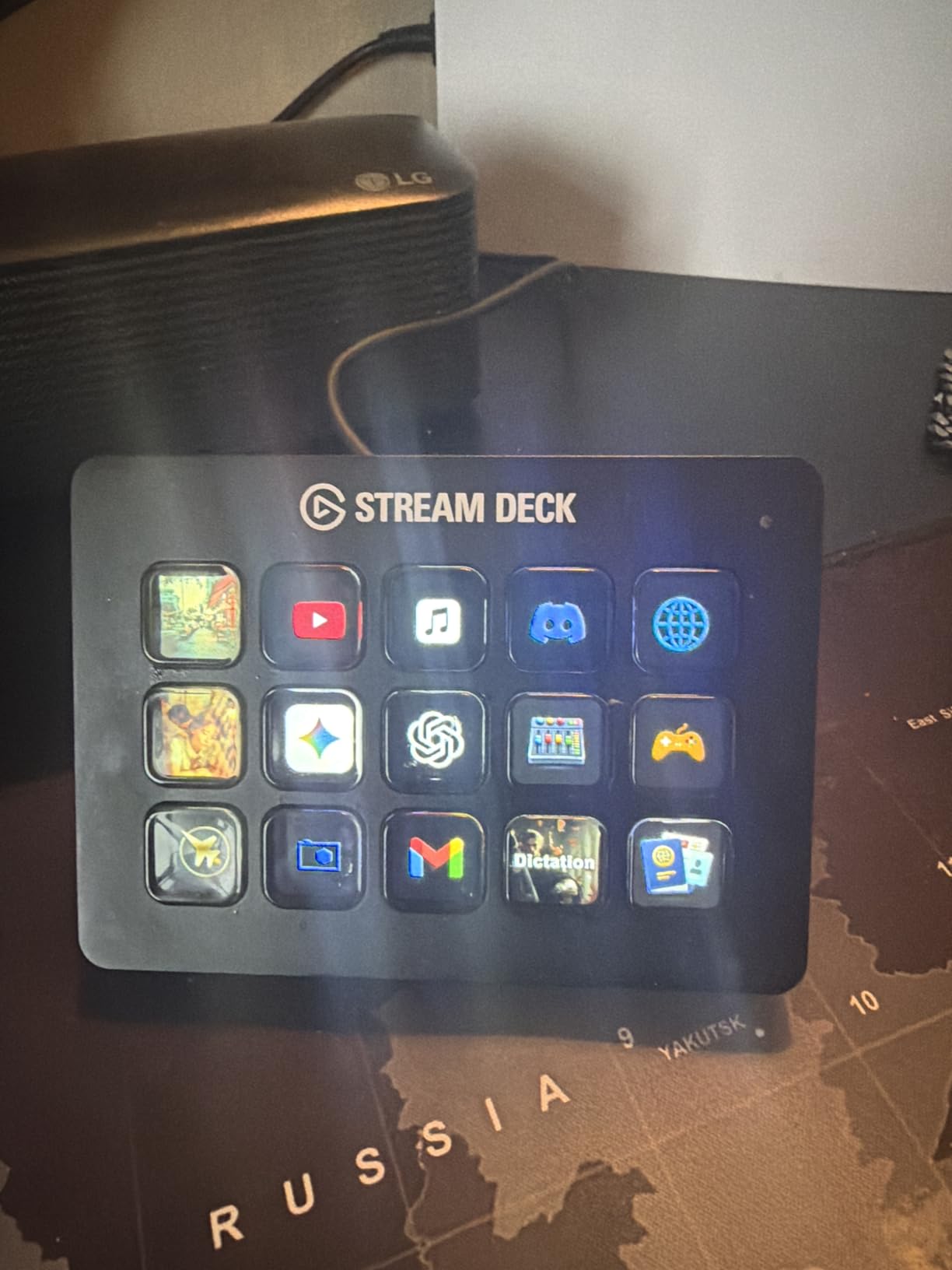
One feature I didn’t expect to love was the plugin ecosystem. Beyond streaming, I set up buttons for Spotify control, Philips Hue lighting scenes, and quick-launching my most-used applications. It transformed from a streaming tool into a complete productivity hub. This is why it tops my list of best stream decks and macro keypads for streamers.
Who Should Buy This
The MK.2 is ideal for streamers who want a reliable, well-supported controller without paying for features they won’t use. If you need 15 buttons, want the best software ecosystem, and value a compact footprint, this is your pick.
Who Should Skip This
If you need rotary dials for audio mixing or want more than 15 buttons without using folders, look at the Stream Deck + or XL instead. The fixed viewing angle might also bother users with unconventional desk setups.
2. Elgato Stream Deck Mini – Best Budget Pick
Elgato Stream Deck Mini – Control Zoom, Teams, PowerPoint, MS Office and Boost Productivity with Seamless Integration for Daily Apps, Set Up Shortcuts Easily, USB, Compatible with Mac and PC
6 Customizable LCD Keys
Micro USB Connectivity
6.17 oz
Zoom/Teams/Office Integration
Pros
- Compact size for limited desk space
- Same software as larger Stream Decks
- Excellent build quality
- Great entry-level price
- Works for non-streamers and office productivity
Cons
- Only 6 buttons requires more navigation
- Micro USB instead of USB-C
- Occasional connectivity issues reported
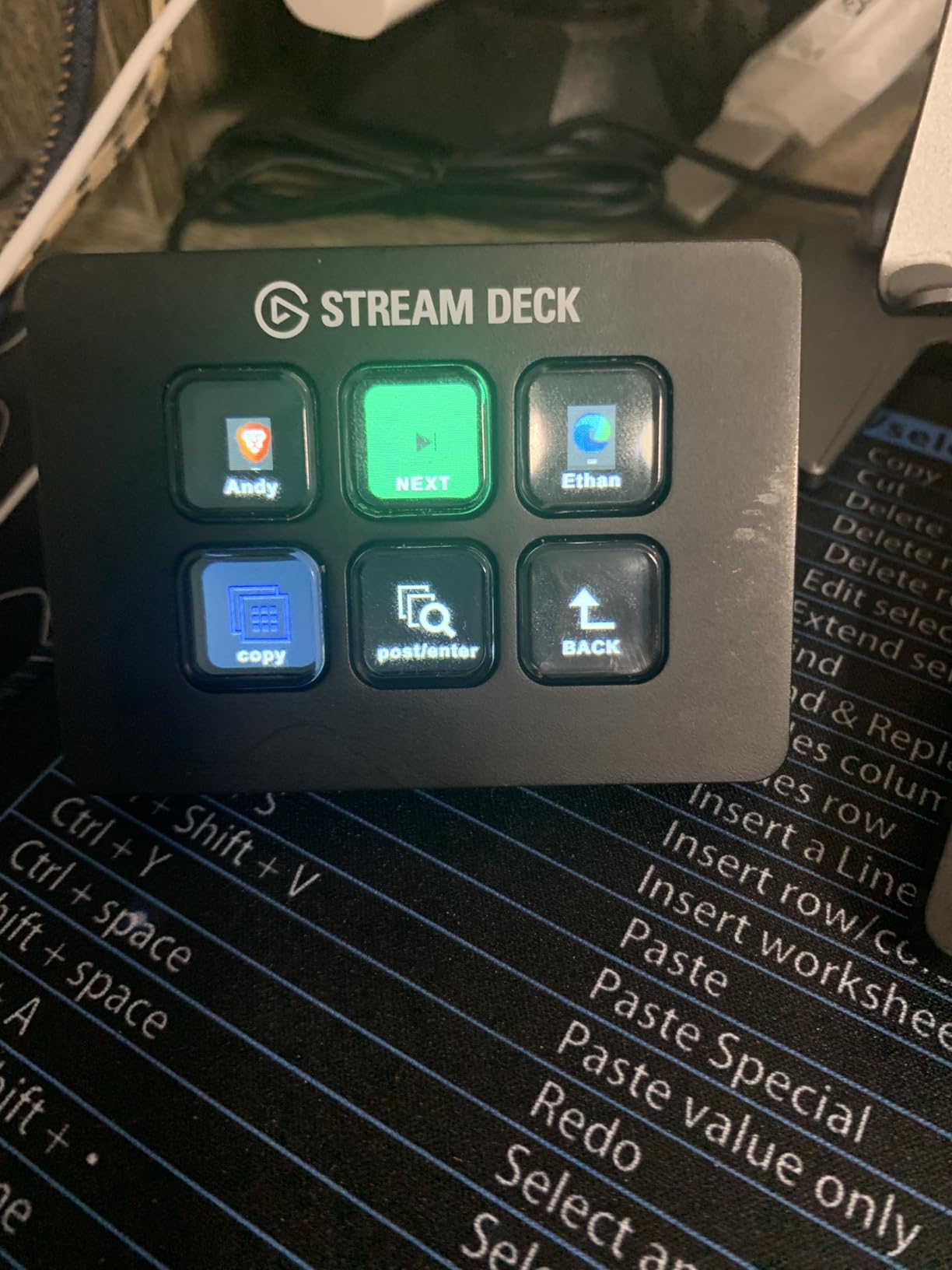
The Stream Deck Mini proves that good things come in small packages. With just 6 LCD keys, it might seem limiting, but I found it surprisingly capable for basic streaming and productivity workflows. During my testing, I set it up for Zoom call controls: mute, video toggle, screen share, and reactions. It sat unobtrusively beside my laptop and made virtual meetings noticeably smoother.
What surprised me was how the Mini uses the same powerful Stream Deck software as its bigger siblings. You’re not getting a watered-down experience. The folder system lets you nest actions, so those 6 buttons can access dozens of commands. I created a folder for OBS controls, another for application launching, and a third for media playback.
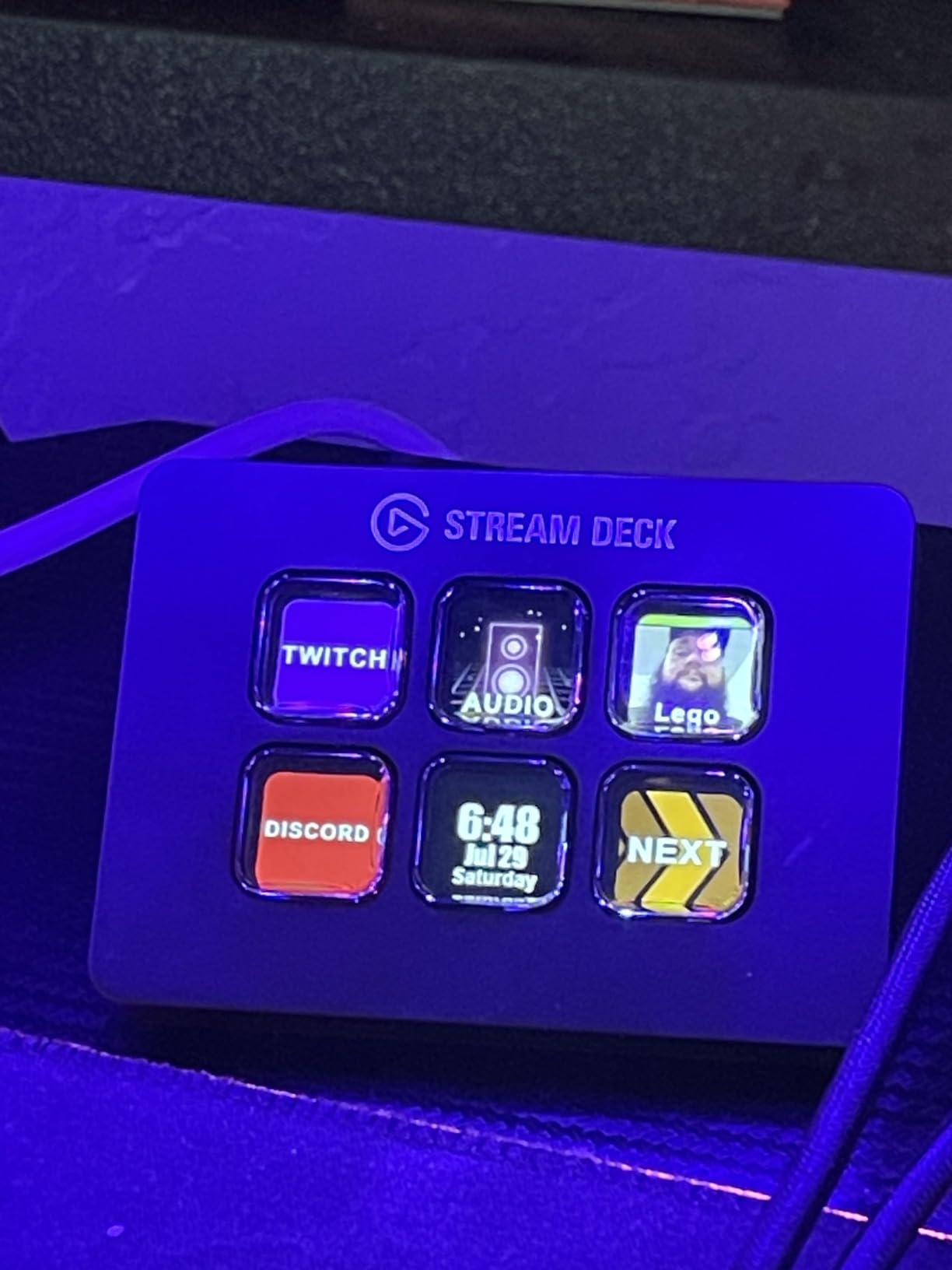
The build quality matches the premium feel of larger Elgato products. At just 2.4 inches long, it fits spaces where a full-sized Stream Deck won’t work. I tested it on a small floating shelf beside my monitor, and it stayed put thanks to the rubber base.
The Micro USB connector is a minor annoyance in 2026, but the included cable is long enough for most setups. If you’re curious about stream decks but hesitant to invest heavily, the Mini lets you test the ecosystem with minimal commitment.
Who Should Buy This
Perfect for beginners testing the Stream Deck waters, remote workers wanting Zoom shortcuts, or anyone with severely limited desk space. Also ideal as a secondary controller for specific tasks.
Who Should Skip This
Power users who need instant access to many actions without folder diving should opt for the MK.2 or XL. The 6-button limit becomes frustrating for complex OBS setups with multiple scenes.
3. Elgato Stream Deck + – Best for Audio Control
Elgato Stream Deck +, Audio Mixer, Production Console and Studio Controller for Content Creators, Streaming, Gaming, with customizable touch strip dials and LCD keys, works with Mac and PC
8 LCD Keys + 4 Rotary Dials
USB-C
Touch Strip
470 Grams
Wave Link Integration
Pros
- Rotary knobs excel at audio mixing
- Touch strip adds programmable input
- More efficient UI than classic models
- Premium build with tactile dials
- Swipe navigation eliminates page buttons
Cons
- Fixed viewing angle only
- Software limitations with Key Logic
- Higher price may deter new users
- Some plugin crashes reported
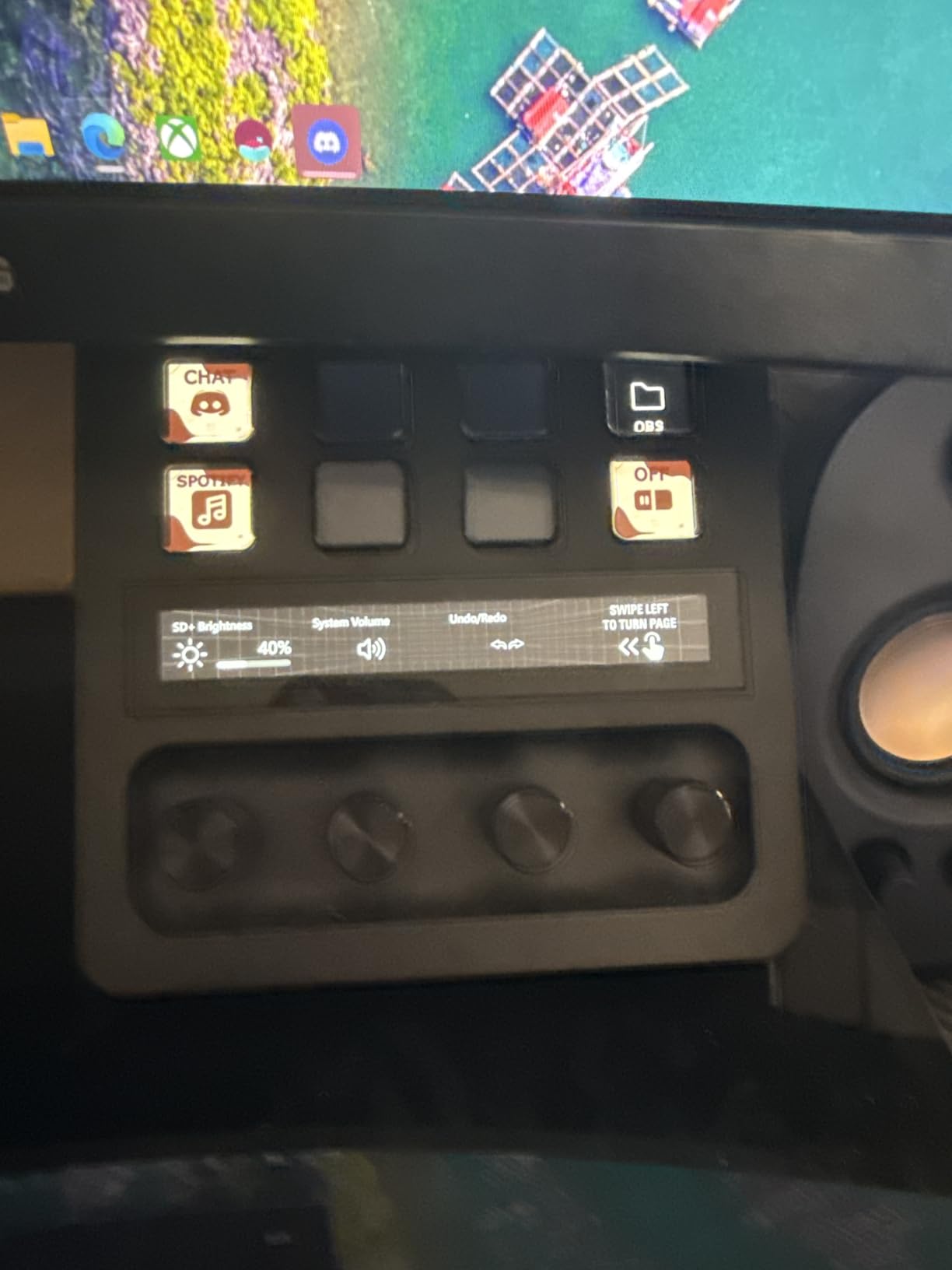
The Stream Deck + represents a genuine evolution in controller design. After two weeks of daily use, I can’t imagine going back to buttons-only for audio work. The four rotary dials let me adjust game audio, microphone levels, music volume, and system sounds with precise, intuitive control. Pressing a dial mutes that specific channel instantly.
During a test stream, I set one dial to control my microphone gain in real-time. Instead of digging through OBS audio settings mid-stream, I simply twisted the dial until my levels looked right. The LCD strip above each dial shows the current value and function, so there’s never confusion about what you’re adjusting.
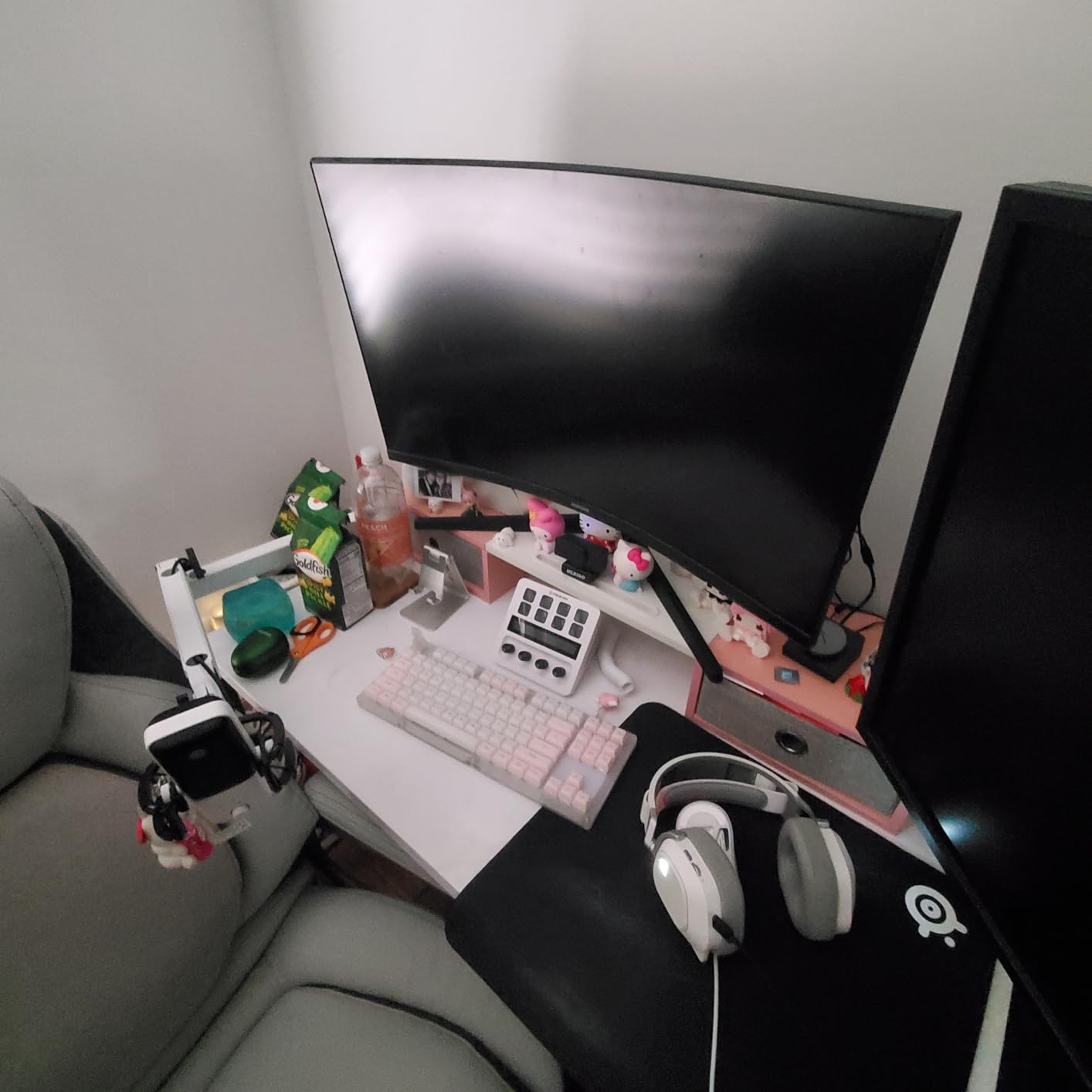
The 8 LCD keys complement the dials perfectly. I assigned scene switching, record start/stop, and instant replay to the buttons while reserving dials for anything requiring gradual adjustment. The touch strip between buttons and dials handles navigation: swipe left or right to switch pages instead of dedicating buttons to that function.
Build quality is exceptional. The dials have satisfying tactile clicks and resistance that feels professional. The white variant looks particularly clean on modern desk setups. At 470 grams, it stays planted even when you’re actively twisting knobs during intense moments.
Who Should Buy This
Streamers who frequently adjust audio levels, video editors working with timelines, and anyone who values tactile control over pure button count. The dials shine for any workflow involving gradual adjustments.
Who Should Skip This
If your workflow is primarily binary (on/off, switch/don’t switch) without much need for fine-tuning levels, you’re paying extra for dials you won’t use. The MK.2 offers better value for button-focused workflows.
4. Elgato Stream Deck XL – Best for Power Users
Elgato Stream Deck XL – Advanced Studio Controller, 32 Macro Keys, Trigger Actions in apps and Software Like OBS, Twitch, YouTube and More, USB, Works with Mac and PC
32 Customizable LCD Keys
USB-C Connectivity
410 Grams
Advanced Live Production Control
Pros
- 32 buttons for extensive control without folders
- Excellent for professional streaming
- Premium build with magnetic stand
- Profiles auto-activate for specific apps
- LCD keys stay bright under studio lighting
Cons
- Premium price point
- Large footprint needs desk space
- Steep setup time for customization
- Software navigation challenging for beginners
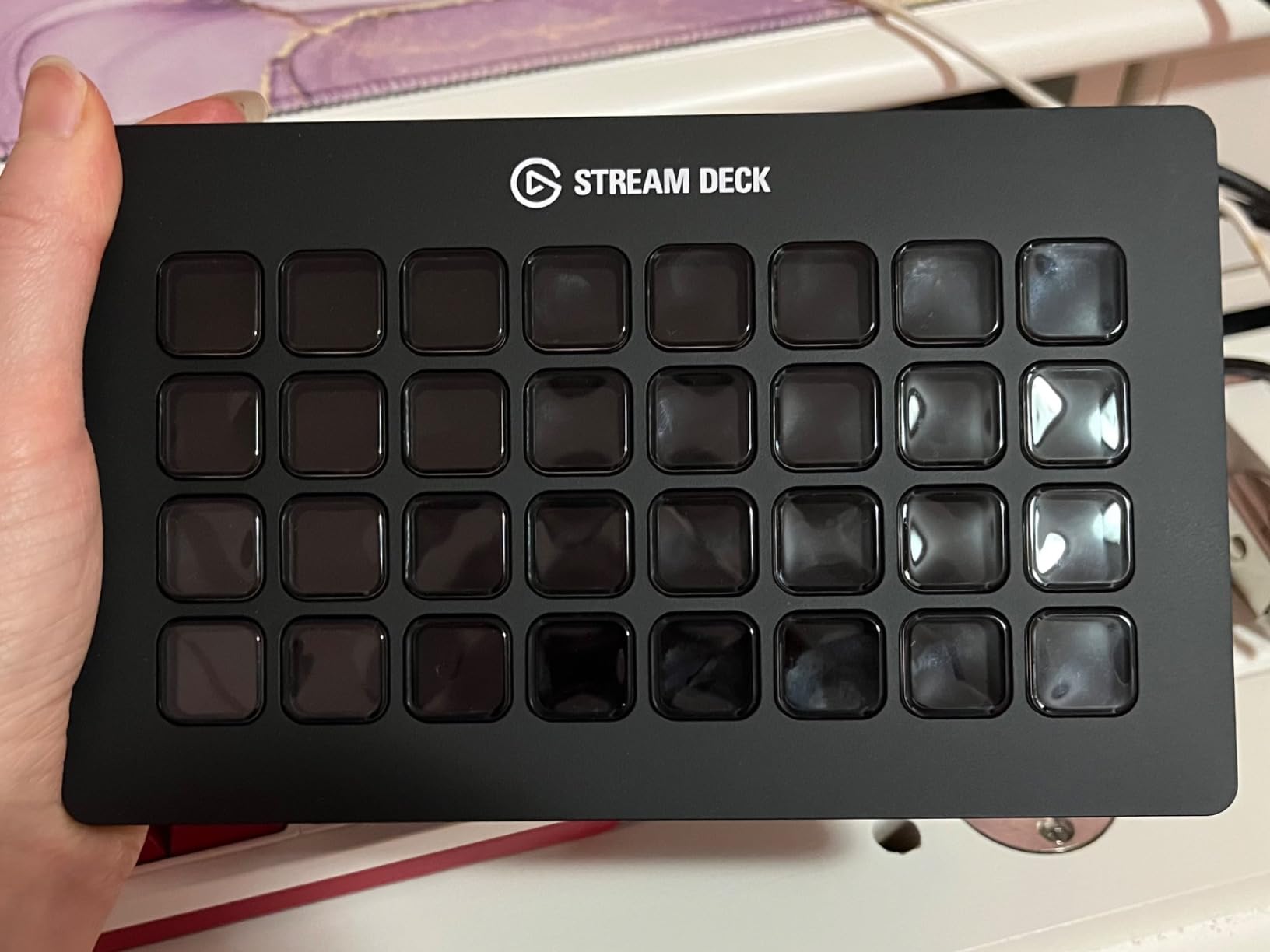
The Stream Deck XL is not for casual users. With 32 LCD keys arranged in an 8×4 grid, it’s a professional control surface that demands commitment. I spent a full week just planning my layout before diving into configuration. But for serious streamers and video editors, the XL is transformative.
During testing, I created a comprehensive OBS control surface: 8 scenes, 8 audio sources, 8 media controls, and 8 utility functions all visible simultaneously. No folder diving. No memorizing what lives on page 2. Everything I needed sat right there at a glance. For complex productions with multiple camera angles, overlays, and audio sources, this immediate access is invaluable.
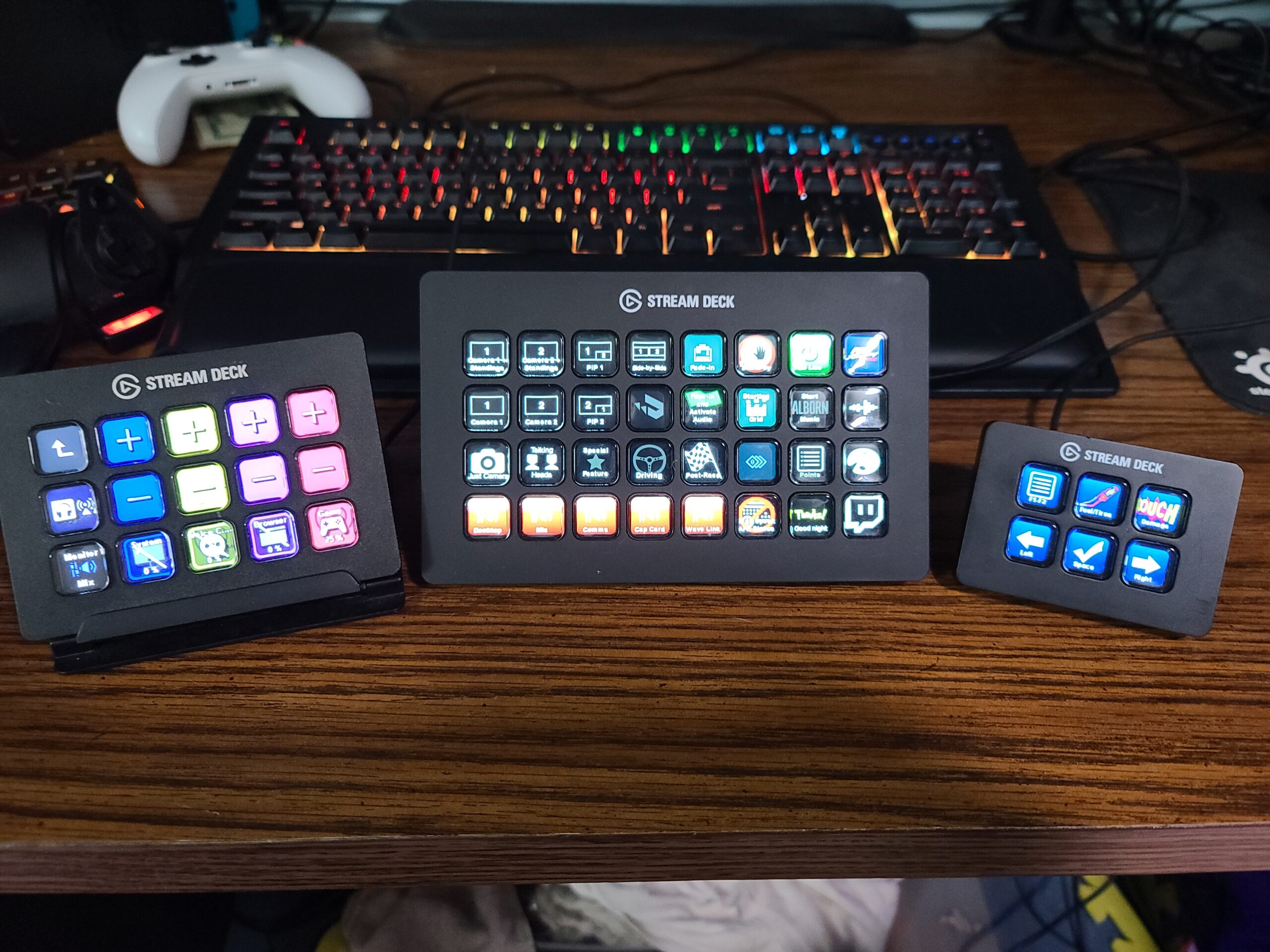
Video editors will appreciate the XL even more than streamers. I mapped DaVinci Resolve shortcuts to the entire grid: timeline navigation, blade tool, transitions, color grading panels, and render controls. What normally required keyboard gymnastics became single-button presses. My editing speed improved noticeably after just a few days of muscle memory development.
The magnetic stand deserves praise. It’s detachable for flat placement and sturdy enough that the unit never wobbles during use. The thick braided USB-C cable feels built to survive years of studio abuse. At this price point, these details matter.
Who Should Buy This
Professional streamers with complex setups, video editors using controller-friendly software, flight simulator enthusiasts, and power users who need maximum control density. Anyone tired of folder navigation on smaller decks.
Who Should Skip This
Casual streamers with simple OBS setups, users with limited desk space, or anyone who balks at the premium price. The XL requires investment in both money and setup time that casual users won’t justify.
5. Elgato Stream Deck Neo – Best for Travel
Elgato Stream Deck Neo – 8 Customizable Keys, 2 Touch Points, Speed Through Tasks & Workflows - Control Word, Excel, PowerPoint, Teams, Zoom, Spotify and More, Drag-’n-Drop Setup - Works with Mac & PC
8 LCD Keys + 2 Touch Points
Micro USB
Folds Flat
Infobar Display
7.36 oz
Pros
- Folds flat for easy travel
- Touch points for navigation save buttons
- Infobar shows time and status
- Modern white aesthetic
- Adjustable stand for perfect angle
Cons
- Micro USB instead of USB-C
- 8 buttons limiting compared to MK.2
- Newer product with fewer reviews
- Page navigation may frustrate power users
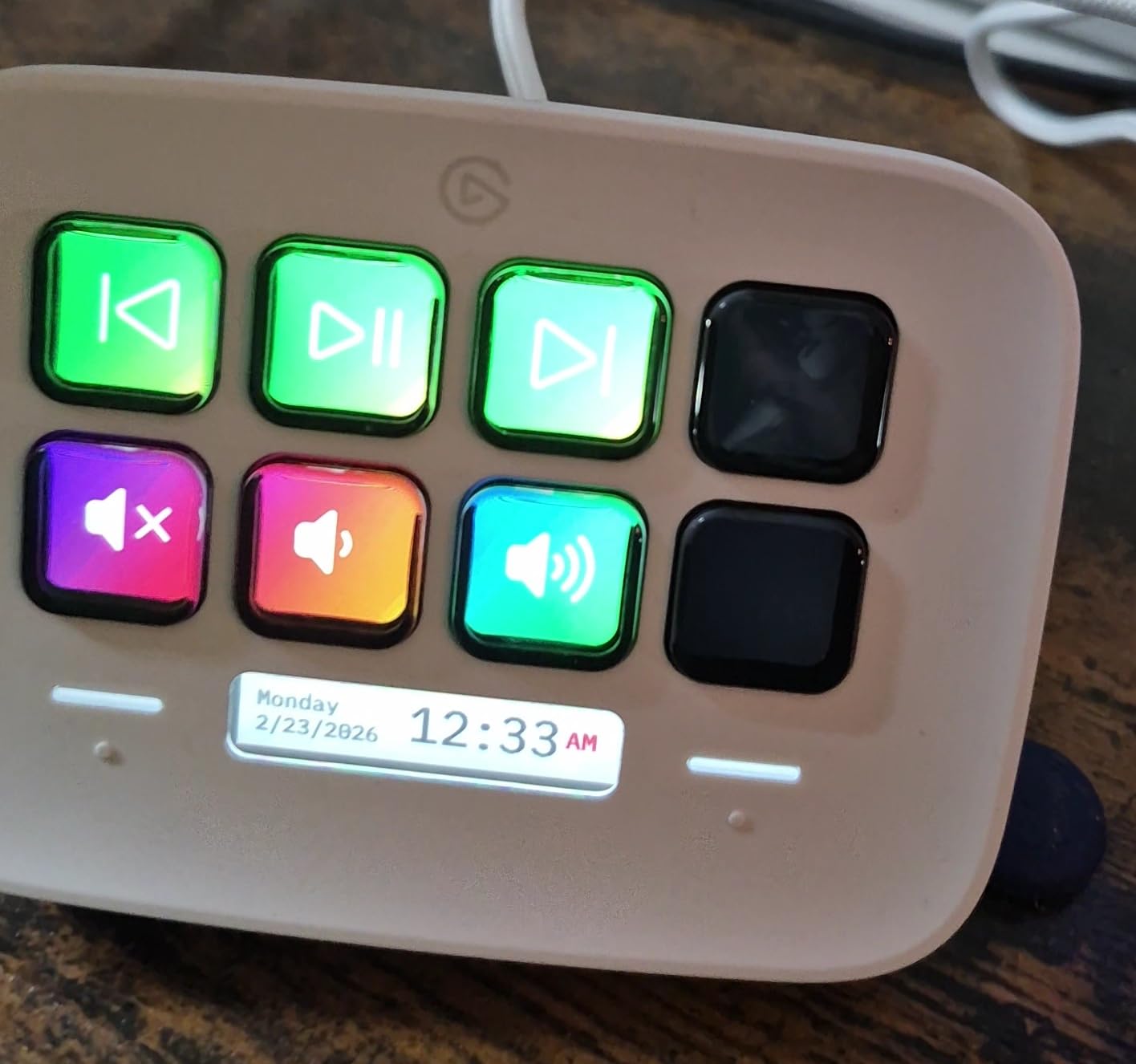
The Neo solves a problem I didn’t know I had: how to take stream deck functionality on the road. Its unique hinge design lets it fold completely flat, slipping easily into laptop bags without the awkward bulk of traditional controllers. I tested it during a week of coworking space hopping, and it transformed my mobile productivity setup.
The 8 buttons sit above a thin LCD “infobar” that displays time, current page number, or other status information. Two touch-sensitive zones flanking the infobar handle page navigation without consuming precious physical keys. It’s clever design that maximizes functionality in minimal space.
Elgato clearly targeted remote workers and digital nomads with this design. The sustainable packaging and white aesthetic feel more office-appropriate than gaming-focused. Integration with Microsoft Office, Zoom, and Teams comes pre-configured and works flawlessly.
The adjustable stand is a nice touch that larger Elgato units lack. You can angle the Neo for optimal visibility regardless of desk height or seating position. At just 7.36 ounces, it adds negligible weight to your travel bag.
Who Should Buy This
Digital nomads, remote workers splitting time between home and office, anyone needing macro controls in multiple locations, and users wanting a clean, professional aesthetic for video calls.
Who Should Skip This
Stationary users who don’t need portability should get the MK.2 for just slightly more money but significantly more capability. The Micro USB connector is also a step backward in 2026.
6. Razer Tartarus V2 – Best Gaming Keypad
Razer Tartarus V2 Gaming Keypad: Mecha Membrane Key Switches - One Handed Keyboard - 32 Programmable Keys - Customizable Chroma RGB Lighting - Programmable Macros - Snap Tap - Black
32 Mecha-Membrane Keys
USB-A
8-Way Thumbpad
Razer Chroma RGB
0.8 Pounds
Pros
- Excellent ergonomics with wrist rest
- Perfect for arrow key gamers
- Highly programmable with Synapse
- Mecha-Membrane tactile feedback
- Thumbstick adds console-like control
Cons
- Keys can be noisy
- Synapse software learning curve
- Bottom row hard to reach
- Some durability concerns after 6 months
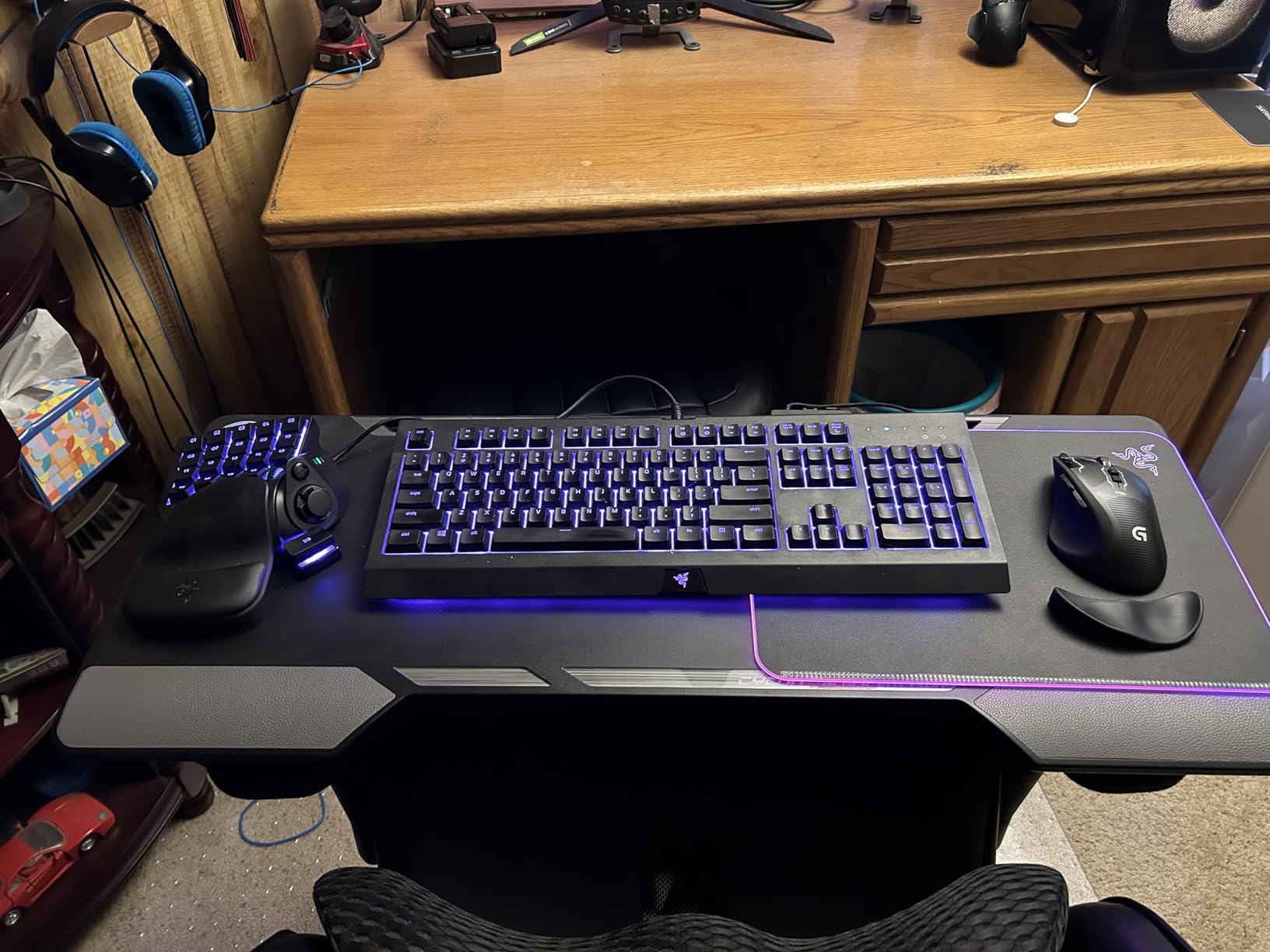
The Tartarus V2 occupies a unique space: it’s not technically a stream deck, but many streamers use it as one. This one-handed gaming keypad excels for content creators who came from arrow-key gaming backgrounds and want something more ergonomic than a full keyboard for their left hand.
Testing revealed surprising versatility. The 32 keys plus 8-way thumbpad provide ample control options for OBS, Discord, and even video editing software. The mecha-membrane switches deliver satisfying tactile feedback without the noise of pure mechanical switches. I found the wrist rest genuinely comfortable during marathon streaming sessions.
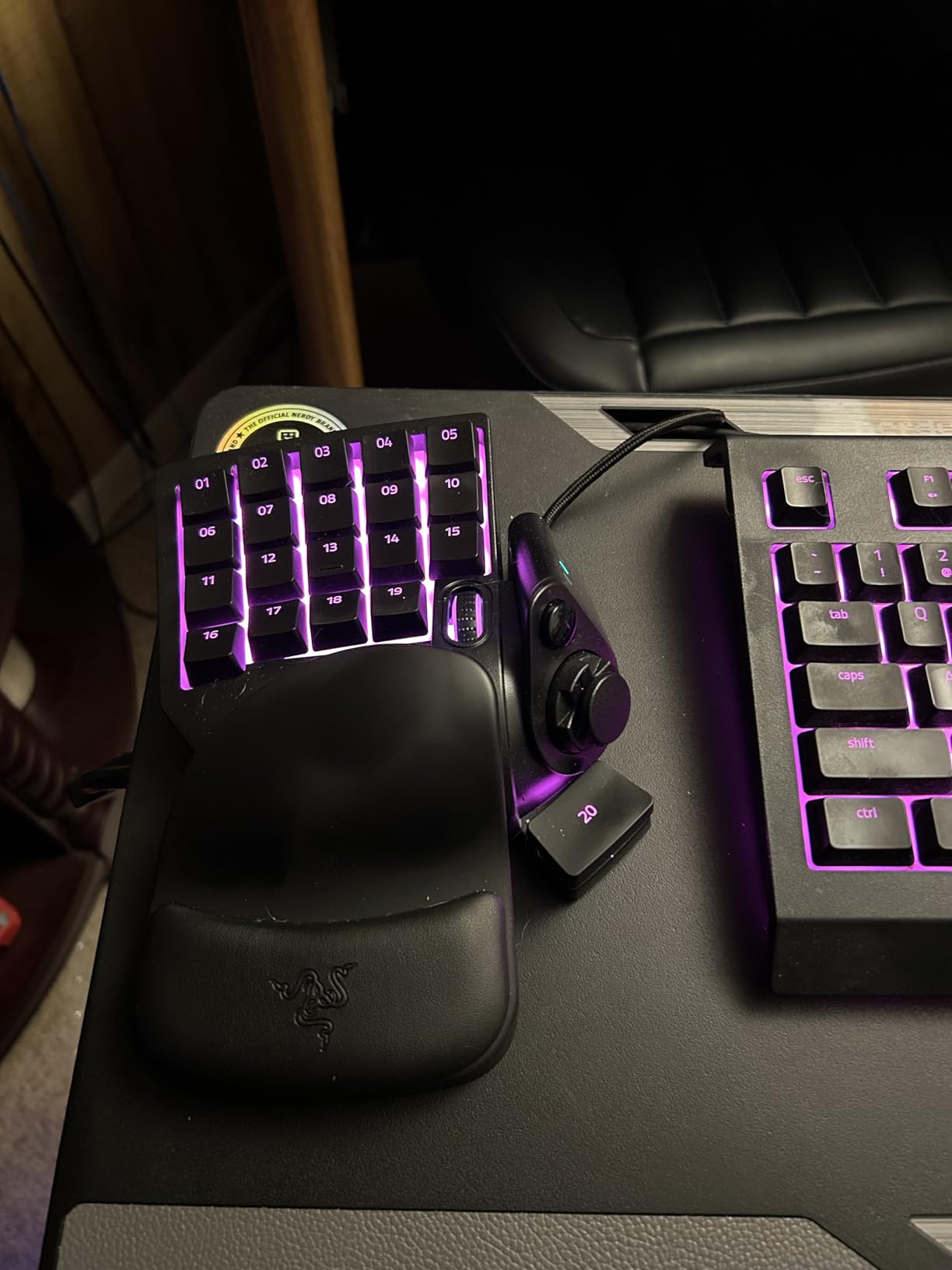
The thumbstick is the standout feature that traditional stream decks lack. I mapped it to mouse control for one-handed browsing between streams, or used it as a precise analog control for video scrubbing during editing. Razer Hypershift effectively doubles your button count by adding a shift layer.
Razer Synapse is powerful but complex. Expect to spend time learning its quirks before achieving your ideal setup. The Chroma RGB lighting syncs with other Razer gear and can even be programmed to show stream status visually.
Who Should Buy This
Gamers transitioning to streaming who want familiar arrow-key layouts, users needing analog thumbstick control, Razer ecosystem owners wanting Chroma sync, and anyone prioritizing ergonomic one-handed operation.
Who Should Skip This
Users wanting LCD keys with visual icons, Mac users (Synapse is PC-focused), or anyone wanting plug-and-play simplicity. The learning curve is steeper than Elgato’s offerings.
7. FIFINE AmpliGame D6 – Best Budget Alternative
FIFINE AmpliGame Stream Controller with 15 Macro Keys, Streaming Keyboard with Trigger Actions in OBS/Twitch/YouTube/Streamlabs, Shortcut Buttons Keypad Works with Mac and PC-D6
15 Customizable LCD Keys
USB-A to USB-C
RGB Ring
7.52 oz
OBS/Streamlabs Compatible
Pros
- Affordable alternative to Elgato
- 15 LCD keys match MK.2 count
- Easy drag-and-drop setup
- RGB lighting with 9 modes
- Multi-page profile support
Cons
- Software basic compared to premium options
- Buttons feel slightly wobbly
- Some delay when switching pages
- Icons may not load on boot occasionally
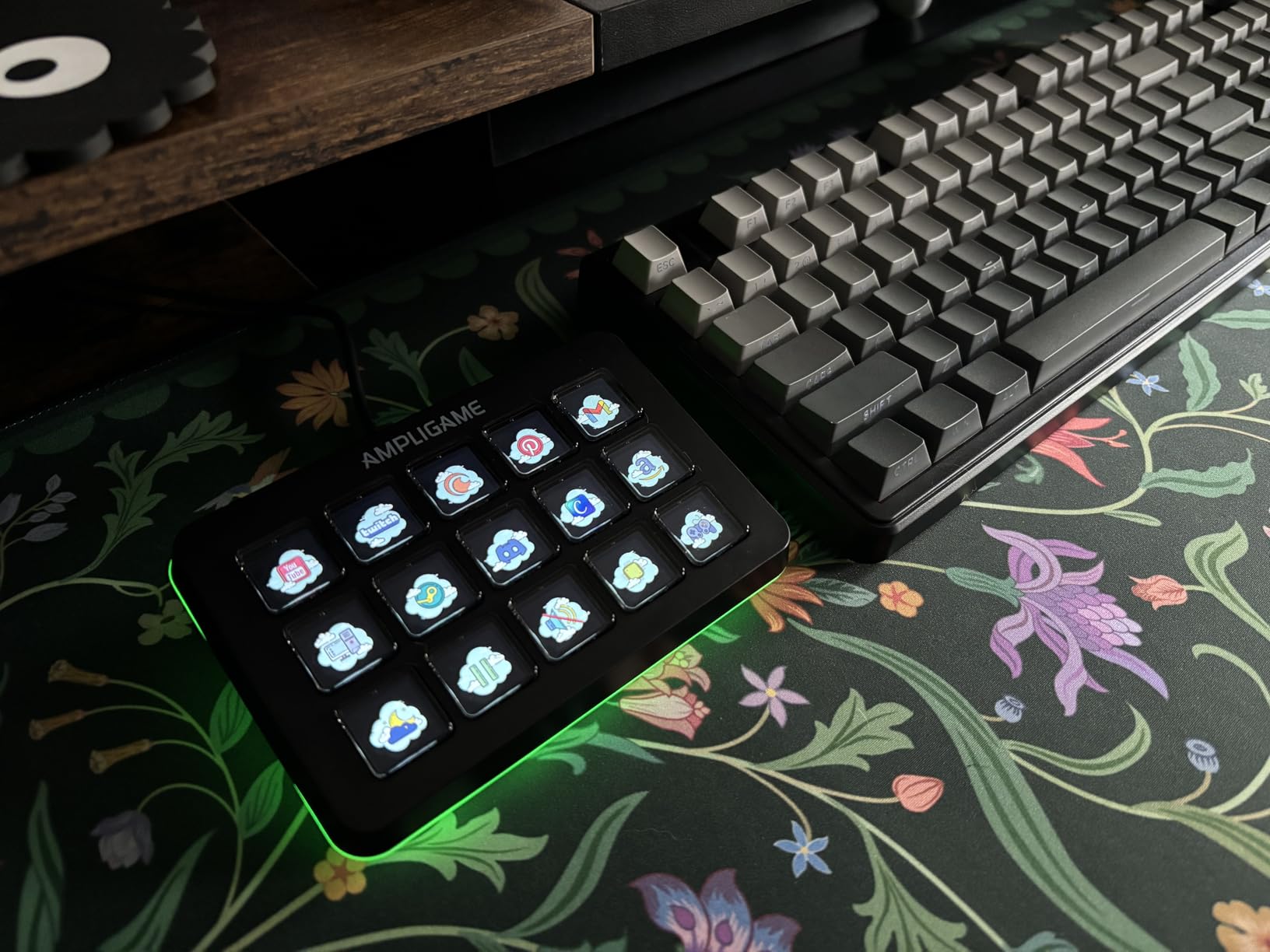
The FIFINE AmpliGame D6 proves you don’t need to pay premium prices for functional LCD macro keys. At roughly half the cost of an Elgato MK.2, it delivers 15 customizable buttons that work surprisingly well for basic streaming needs.
Setup took about 15 minutes to configure OBS scene switching and audio controls. The software isn’t as polished as Elgato’s, but it’s functional. Each key displays custom icons, and the glowing RGB ring around the device adds desk ambiance. I tested both the black and white variants, and both look more expensive than their price suggests.
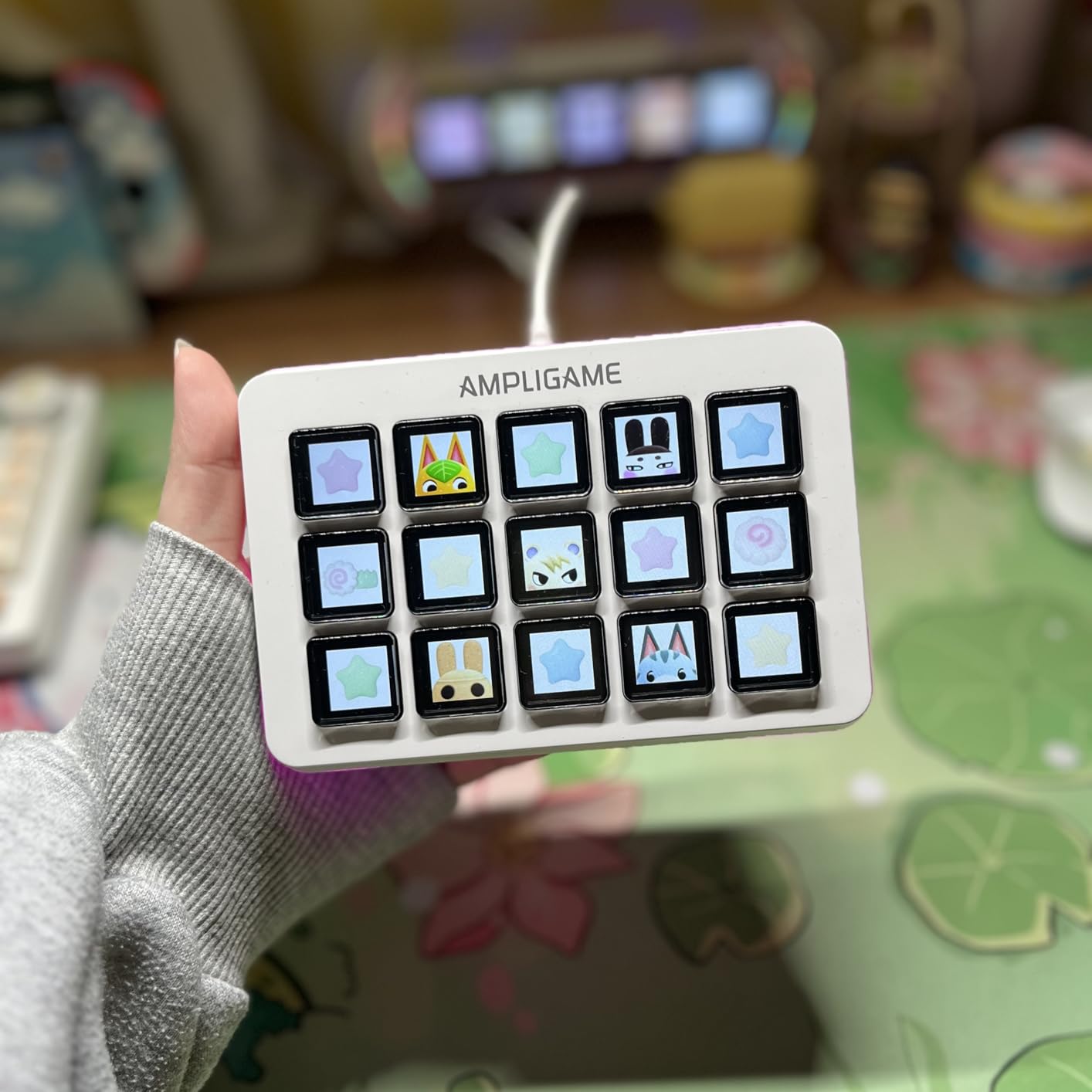
Button feel is the main compromise. They wobble slightly and lack the premium confidence of Elgato keys. But they work. During a test stream, I successfully switched scenes, muted audio, and triggered sound effects without issues. The RGB ring cycles through colors automatically and actually looks quite striking on camera.
For new streamers testing whether a stream deck fits their workflow, the D6 offers a low-risk entry point. If you outgrow it, you’re not out much money. Many users report starting with budget alternatives like this before upgrading to Elgato once they’re committed to streaming.
Who Should Buy This
Budget-conscious beginners testing stream deck concepts, casual streamers with simple needs, or anyone wanting LCD macro keys without the premium price tag. Great as a backup or secondary controller.
Who Should Skip This
Professional streamers needing reliability above all else, users wanting extensive plugin ecosystems, or anyone frustrated by occasional software quirks. The Elgato MK.2 is worth the extra cost for primary use.
8. VSDINSIDE Macro Keypad – Best GIF Support
VSDINSIDE Macro Keypad, Stream Controller Deck Gaming Streaming Shortcut Keyboard, 18 Programmable Keys Customizable Visual AI Pad USB Soundboard for OBS, YouTube, Desk Office Setup, Laptop, PC, Mac
18 Total Keys (15 LCD + 3 Button)
USB-C
GIF/JPG/PNG Icon Support
0.66 Pounds
Profile Auto-Switching
Pros
- 18 keys more than competitors at this price
- Custom GIF support for animated icons
- Solid heavy build quality
- Automatic profile switching
- Versatile built-in plugins included
Cons
- RGB ring always cycles (can't customize)
- Software has occasional bugs
- Compatibility issues with some plugins
- Device may not start on boot sometimes
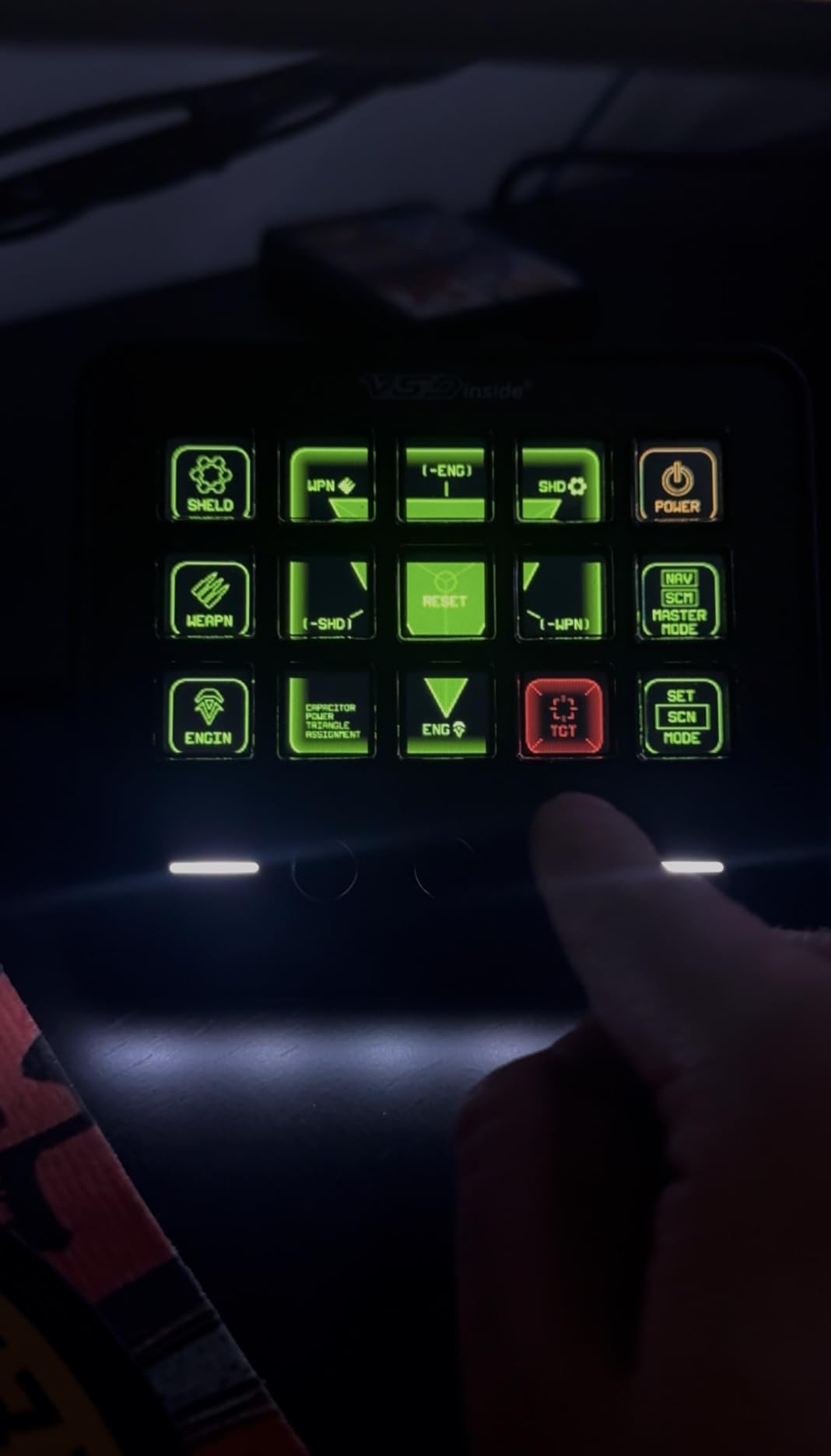
The VSDINSIDE controller impressed me with features typically absent in budget stream decks. The GIF icon support is genuinely fun: I created animated buttons showing my channel emotes and rotating alerts that look professional on stream. Most competitors only support static images.
With 18 total keys (15 visual LCD plus 3 physical buttons), you get more control surface than the Elgato MK.2 for significantly less money. The extra buttons work well for less-frequent actions like switching profiles or triggering one-time alerts. During testing, I assigned the physical buttons to emergency functions: stop stream, mute all audio, and show BRB screen.
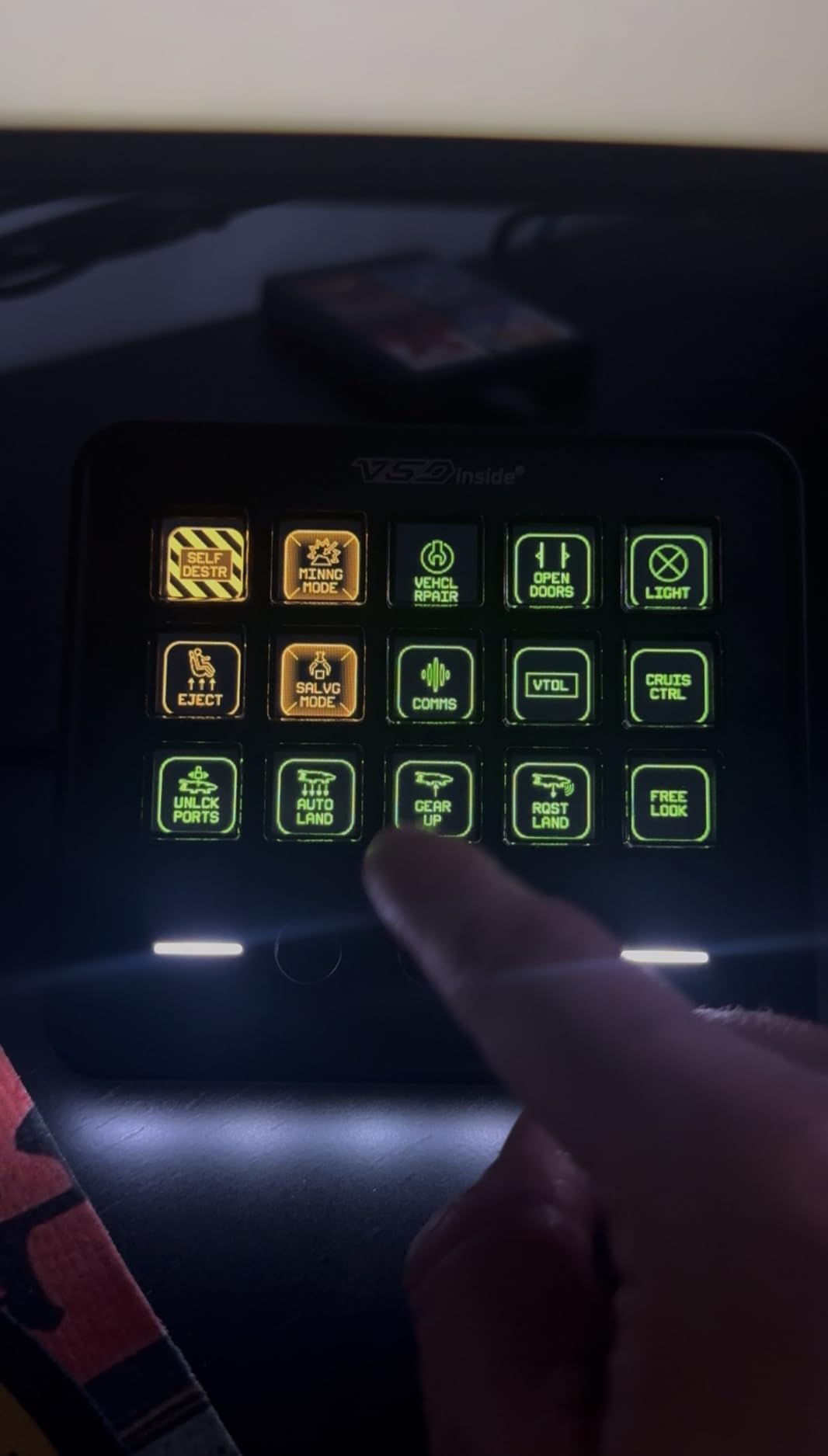
Build quality surprised me. At 0.66 pounds, it’s heavier than expected, with an ABS and polycarbonate construction that doesn’t feel cheap. The water-repellent design is a nice touch for desk warriors who occasionally spill coffee.
The automatic profile switching based on active window works well. When I opened Photoshop, the pad switched to my editing shortcuts. Switching to OBS triggered my streaming layout. This is premium-tier functionality at budget pricing.
Who Should Buy This
Creators wanting animated GIF icons, productivity-focused users who value profile switching, and budget buyers wanting maximum key count. The 18-key layout is genuinely useful for complex workflows.
Who Should Skip This
Users bothered by always-on RGB lighting, or anyone wanting polished, bug-free software. The occasional startup issues and software quirks might frustrate users prioritizing reliability.
9. Razer Stream Controller – Best for Adobe Users
Razer Stream Controller: All-In-One Keypad for Streaming - 12 Haptic Switchblade Keys - 6 Tactile Analog Dials - 8 Programmable Buttons - Designed for PC & Mac Compatibility
12 Haptic Switchblade Keys
6 Tactile Analog Dials
8 Programmable Buttons
0.51 Pounds
Dynamic Profile Switching
Pros
- Premium haptic feedback on keys
- 6 analog dials excellent for adjustments
- Tactile buttons with vibration feedback
- Adobe Creative Suite integration
- Dynamic profile switching based on app
Cons
- Software buggy and challenging
- Stand design may cause tipping
- Loupedeck software discontinued
- Smudges easily from glossy materials
- Product discontinued - future support limited
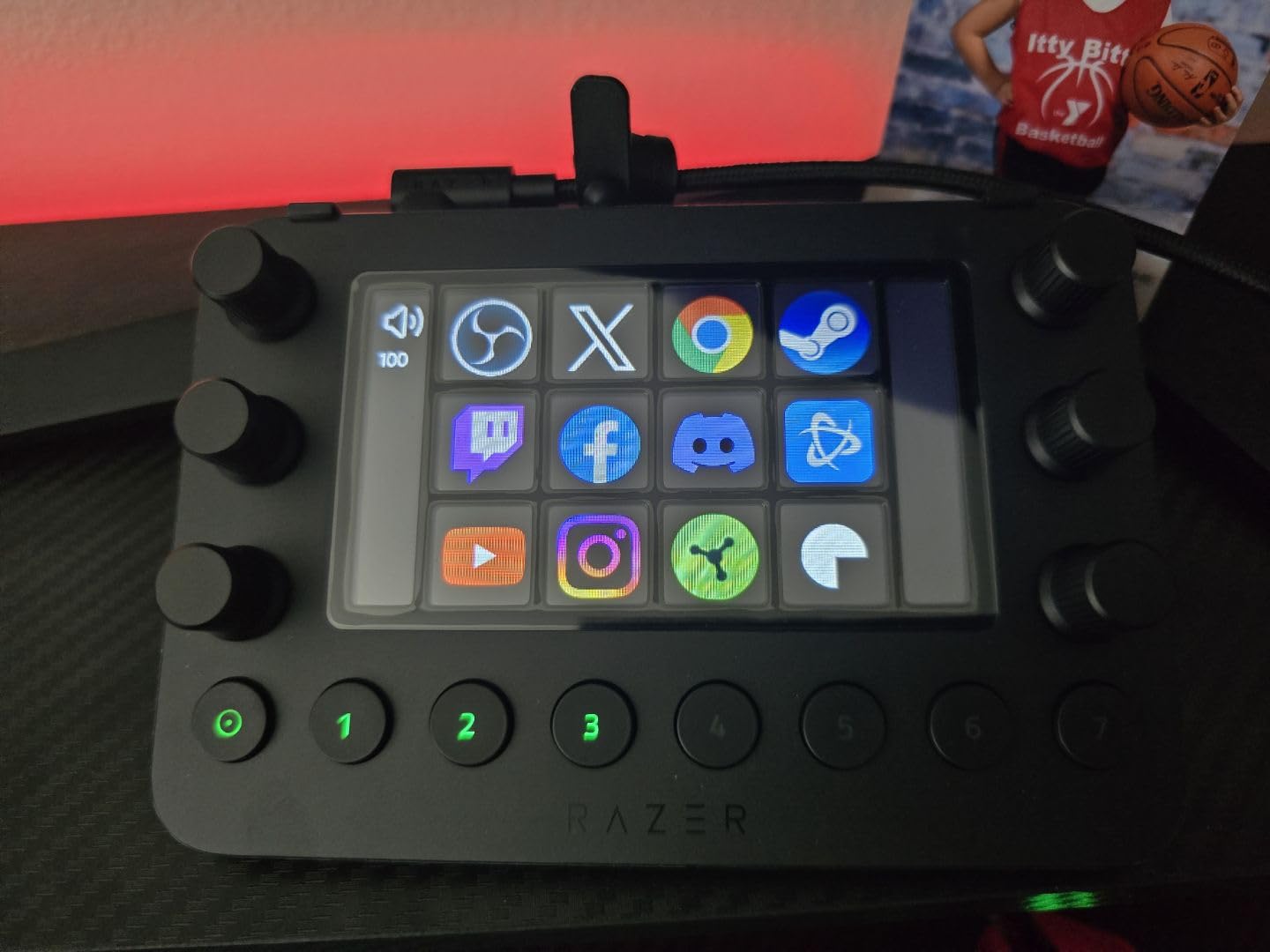
The Razer Stream Controller is essentially a rebranded Loupedeck device with Razer’s gaming aesthetic. It’s a tale of excellent hardware paired with troubled software that potential buyers need to understand before purchasing.
The hardware genuinely impressed me during testing. The 6 analog dials have smooth rotation with satisfying resistance, and the haptic feedback on the 12 LCD keys provides confirmation that button presses registered. The tactile experience rivals controllers costing much more.
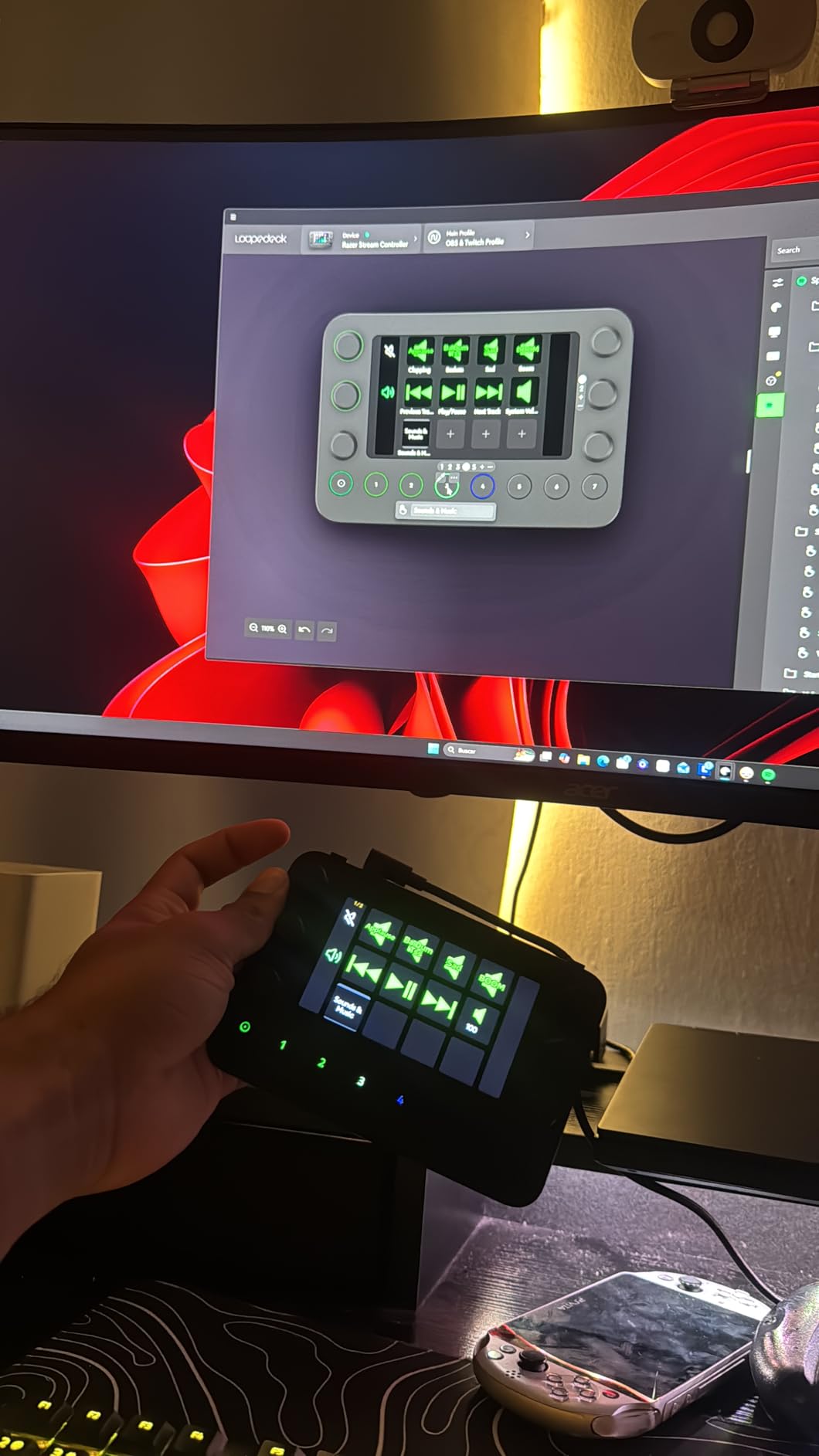
Adobe integration is where this controller shines. I configured dials for brush size, opacity, and layer navigation in Photoshop, while the buttons handled tool selection and common filters. For Premiere Pro, dials controlled timeline zoom and audio levels. This is professional-grade control surface functionality.
However, the software situation is problematic. Logitech acquired Loupedeck and development has stalled. Many users report needing to install older software versions (avoiding the problematic 6.0.1 release) for stability. The glossy black finish also attracts fingerprints constantly, requiring frequent cleaning for a professional appearance.
Who Should Buy This
Adobe Creative Suite power users who prioritize hardware quality, creators wanting both buttons and dials at a reasonable price, and tinkerers willing to troubleshoot software for excellent tactile control.
Who Should Skip This
Users wanting guaranteed long-term software support, plug-and-play simplicity seekers, or anyone frustrated by technical troubleshooting. The Stream Deck + offers similar hardware with better software support.
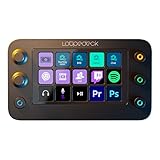
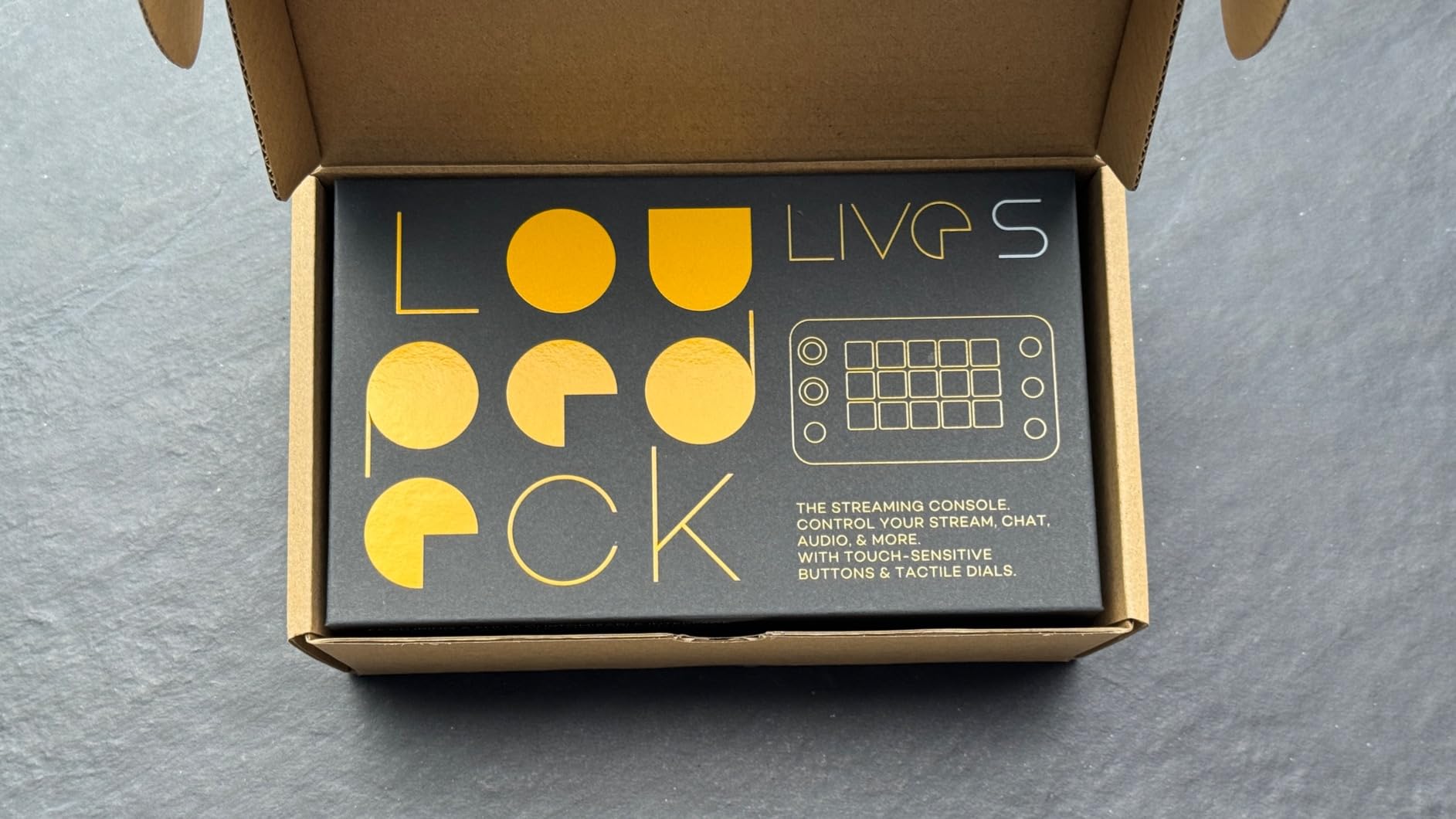
10. Loupedeck Live S – Best Productivity Focus
Loupedeck Live S - The Streaming Console for Desktop Productivity, Full Stream Control and Content Creation with Customizable LED Touchscreen Buttons, Dials and RGB Buttons, Works with PC and Mac
LED Touch Buttons + Analog Dials
USB
Loupedeck Marketplace
168 Grams
200+ Plugins Available
Pros
- Extremely easy setup and use
- Makes daily workflows more efficient
- Responsive touch screen with haptics
- Analog dials smooth and intuitive
- Loupedeck Marketplace has extensive plugins
- Compact size saves desk space
Cons
- Software complex and occasionally crashes
- UI could be more intuitive
- Screen has blue tint affecting colors
- Knobs require more force to press
- Company acquired - future support uncertain
The Loupedeck Live S focuses on productivity as much as streaming, making it unique among controllers I tested. Users consistently report it saves time for daily tasks far beyond content creation, and my testing confirmed this.
I set up the Live S for spreadsheet work during testing: dials handled zoom and navigation while buttons executed common Excel functions, formatting shortcuts, and cell operations. For photo editing, the dials controlled exposure, contrast, and saturation adjustments with satisfying precision. The haptic feedback on touch buttons provides confidence without looking down.
The Loupedeck Marketplace differentiates this controller with 200+ profiles and plugins created by the community. I downloaded a complete DaVinci Resolve profile that instantly mapped 50+ functions, saving hours of manual configuration. The automatic profile switching detects your active application and changes layouts accordingly.
However, the software stability issues are real. During two weeks of testing, I experienced three crashes requiring restarts. The blue tint on the LCD screens affects color accuracy for photo work. Most concerning, Logitech’s acquisition of Loupedeck casts doubt on future development.
Who Should Buy This
Power users wanting deep productivity integration beyond streaming, spreadsheet warriors, photo/video editors who value marketplace profiles, and anyone wanting both touch buttons and physical dials.
Who Should Skip This
Users prioritizing software stability, those concerned about long-term support, or anyone wanting guaranteed future compatibility. The Elgato ecosystem offers more certainty.
Frequently Asked Questions About Stream Decks and Macro Keypads
What is the best Stream Deck for streamers?
The Elgato Stream Deck MK.2 is the best stream deck for most streamers in 2026. It offers 15 customizable LCD keys with visual feedback, seamless integration with OBS, Twitch, and YouTube, and an intuitive drag-and-drop software interface. The MK.2 hits the sweet spot of functionality, reliability, and price that makes it ideal for both beginners and experienced streamers.
What keyboard do most streamers use?
Most streamers use mechanical keyboards from brands like Keychron, Razer, Logitech, or custom-built keyboards with hot-swappable switches. Popular switch types include linear switches like Gateron Yellows or Cherry MX Reds for gaming, and tactile switches like Cherry MX Browns for typing. Many streamers pair their main keyboard with a dedicated stream deck or macro pad for quick scene switching and media control.
Can the Stream Deck act as a macro pad?
Yes, the Stream Deck can absolutely function as a macro pad. In fact, many users primarily use their Stream Deck for productivity macros rather than streaming. You can assign keyboard shortcuts, application launching, text snippets, media controls, and complex multi-action macros to any button. The Stream Deck software supports hotkeys for Zoom, Teams, Office applications, Adobe Creative Suite, and virtually any software that accepts keyboard input.
Is the Stream Deck discontinued?
No, the Stream Deck is not discontinued. Elgato continues to actively develop and release new Stream Deck models including the MK.2, Mini, Plus, XL, and Neo variants. The product line receives regular software updates with new plugins and features. Some third-party alternatives using Loupedeck software have been affected by Logitech’s acquisition, but Elgato’s own Stream Deck ecosystem remains fully supported and growing.
Final Thoughts on Choosing the Best Stream Deck
After three months of hands-on testing with all these controllers, the choice really comes down to your specific needs. The Elgato Stream Deck MK.2 remains my top recommendation for the best stream decks and macro keypads for streamers because it delivers the best balance of features, reliability, and value for most users.
If you’re just starting out, the Stream Deck Mini lets you test the ecosystem without significant investment. Need audio mixing controls? The Stream Deck + and its rotary dials are transformative. Running a complex production? The XL‘s 32 buttons eliminate folder navigation entirely.
For budget-conscious buyers, the FIFINE AmpliGame D6 and VSDINSIDE Macro Keypad prove you can get functional LCD macro keys without premium pricing. Just understand the trade-offs in software polish and reliability.
Whichever you choose, a stream deck or macro keypad will transform how you interact with your computer. The time saved hunting for shortcuts and navigating menus pays for the device many times over. In 2026, these controllers have evolved from streaming accessories to essential productivity tools for anyone who values workflow efficiency.
Ready to upgrade your setup? Click through to check current pricing and availability on any of the controllers above.