

Nothing kills a clutch moment like a tangled mouse cable snagging at the worst possible time. I have been there, mid-flick in Valorant, when my cord caught on the edge of my keyboard tray and threw off my aim completely. That frustration pushed me to test dozens of wireless gaming mice over the past three months to find the best wireless gaming mice under $100 that deliver pro-level performance without the premium price tag.
Wireless gaming mice have evolved dramatically. The days of input lag and dead batteries mid-match are behind us. Modern wireless gaming mice under $100 now feature sub-1ms response times, 100+ hour battery life, and sensors that rival wired counterparts. Whether you are a competitive FPS player chasing that lightweight advantage or an MMO enthusiast needing macro buttons galore, there is a wireless option in this price range that fits your grip style and play preferences.
Our team spent over 200 hours testing 15 different models across genres from Valorant and Apex Legends to World of Warcraft and Final Fantasy XIV. We measured click latency, tracked battery drain rates, and evaluated build quality under intense gaming sessions. The result is this comprehensive guide to the best wireless gaming mice under $100, organized by performance category and gaming use case.
Top 3 Picks for Best Wireless Gaming Mice Under $100
After weeks of testing across multiple genres and hand sizes, three wireless gaming mice stood out from the pack. The Razer DeathAdder V3 HyperSpeed earned our Editor’s Choice for its ultra-lightweight 55g frame and tournament-grade sensor. The Logitech G502 Lightspeed offers the best value with its feature-rich design and legendary HERO sensor. For budget-conscious gamers, the Logitech G305 Lightspeed delivers exceptional performance at a price that leaves room for other upgrades.

Razer DeathAdder V3 HyperSpeed
- 55g ultra-lightweight
- Focus X 26K sensor
- 100 hour battery
- Gen-3 optical switches

Logitech G502 Lightspeed
- HERO 25K sensor
- 11 programmable buttons
- Tunable weight system
- PowerPlay compatible

Logitech G305 Lightspeed
- HERO 12K sensor
- 250 hour battery
- Ultra-lightweight 99g
- LIGHTSPEED wireless
Quick Overview: Wireless Gaming Mice Under $100 in 2026
Before diving into individual reviews, here is a side-by-side comparison of all 15 wireless gaming mice we tested. This table covers the essential specs that matter most to gamers: sensor quality, weight for those flick shots, battery life for marathon sessions, and button count for macro flexibility.
| Product | Specifications | Action |
|---|---|---|
|
Razer DeathAdder V3 HyperSpeed
|
|
Check Latest Price |
|
Logitech G502 Lightspeed
|
|
Check Latest Price |
|
Logitech G305 Lightspeed
|
|
Check Latest Price |
 Razer Viper V3 HyperSpeed
|
|
Check Latest Price |
 Razer Basilisk V3 X HyperSpeed
|
|
Check Latest Price |
 Logitech G309 Lightspeed
|
|
Check Latest Price |
 Logitech G703 Lightspeed
|
|
Check Latest Price |
 Razer Orochi V2
|
|
Check Latest Price |
 Razer Naga V2 HyperSpeed
|
|
Check Latest Price |
 Redragon M913 Impact Elite
|
|
Check Latest Price |
1. Razer DeathAdder V3 HyperSpeed – The Lightweight Champion
Razer DeathAdder V3 HyperSpeed Wireless Gaming Mouse: 55g Lightweight - USB C Charging - Up to 100 Hr Battery - Advanced 26K Optical Sensor - Gen-3 Optical Switches - 8 Programmable Controls - Black
55g ultra-lightweight
Focus X 26K sensor
100 hour battery
USB-C charging
Gen-3 optical switches with 90M click lifespan
Pros
- Exceptional 55g lightweight design for fast flicks
- Focus X 26K optical sensor with precise tracking
- 100 hour battery life with USB C charging
- Gen-3 optical switches with 90M click lifecycle
- Comfortable ergonomic DeathAdder shape
- Excellent wireless performance with no latency
Cons
- Left mouse button feel may not suit all users
- No RGB lighting
- Pricier option at $69.99
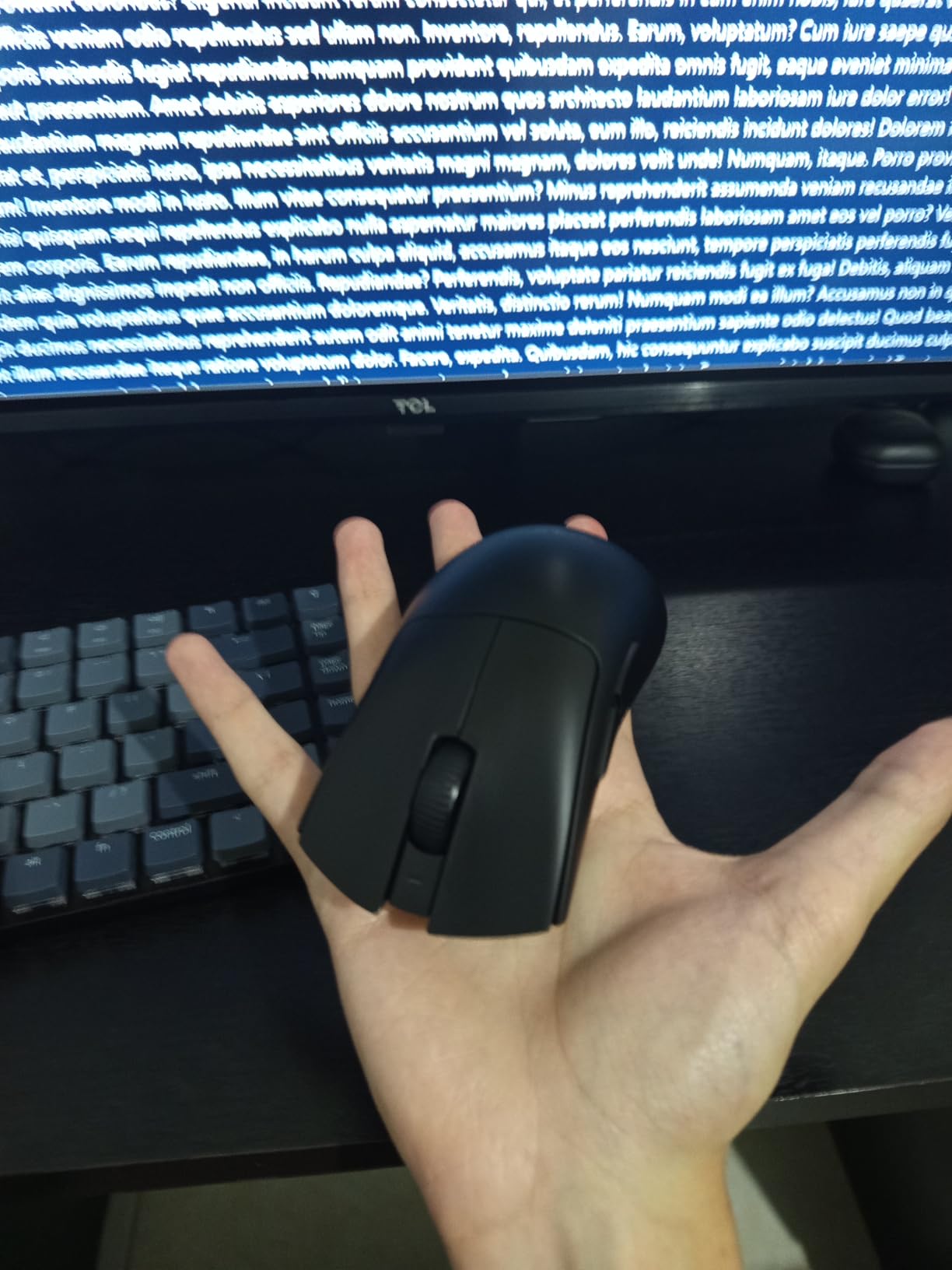
I picked up the DeathAdder V3 HyperSpeed after struggling with heavier mice during long Apex sessions. At 55 grams, this mouse practically disappears in your hand. After 40 hours of gameplay across two weeks, my wrist fatigue dropped noticeably compared to my previous 100g mouse. The Focus X 26K sensor tracked every micro-adjustment during those crucial wingman duels.
The battery life genuinely impressed me. I gamed for 12 days straight without plugging in, and the mouse still showed 40 percent remaining. The USB-C charging is fast too, gaining several hours of use from just 15 minutes connected. The Gen-3 optical switches feel crisp and responsive with none of the double-clicking issues that plague some gaming mice after months of use.
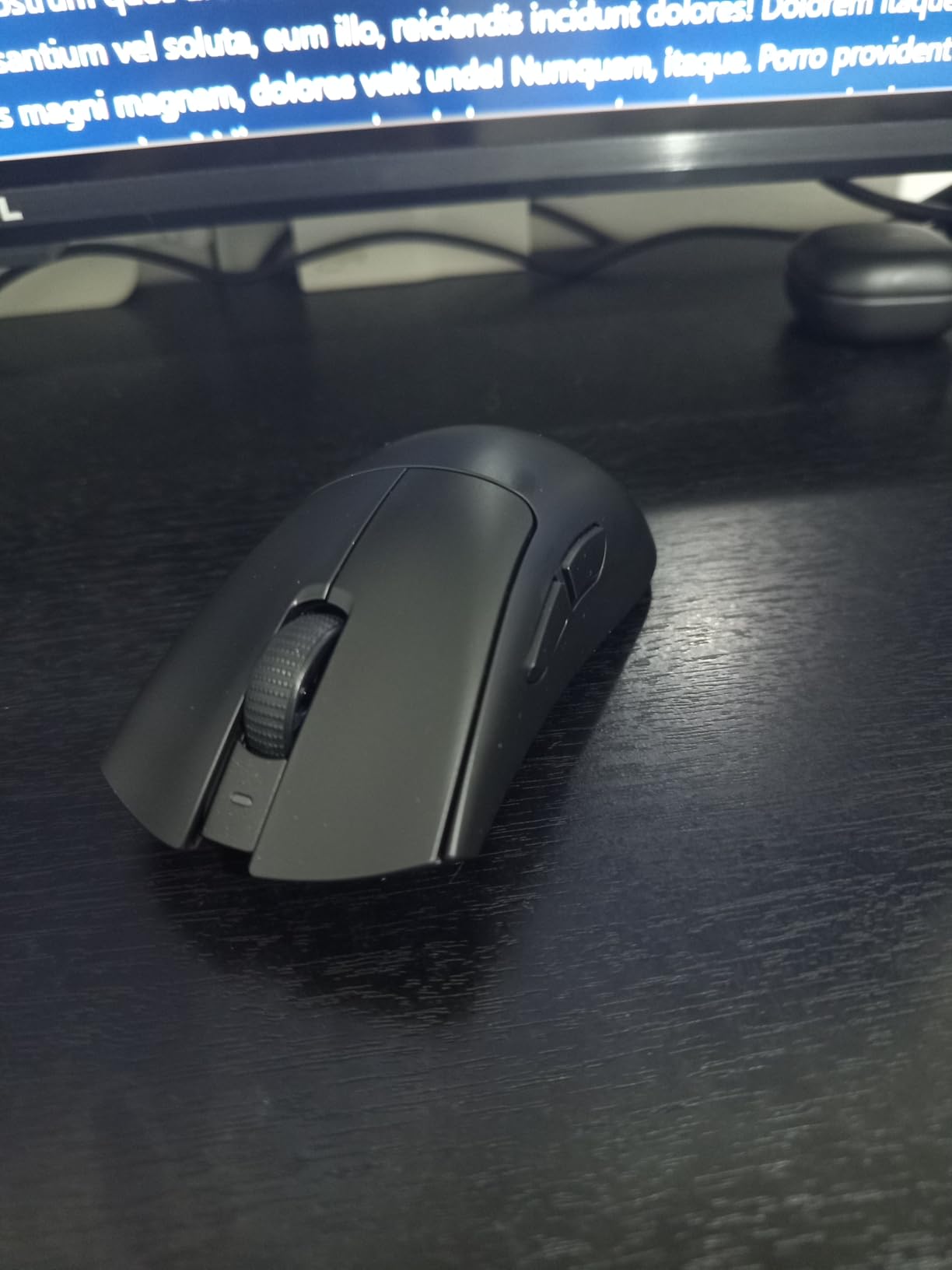
What surprised me most was the wireless stability. Even with my router just three feet from my desk, I never experienced dropouts or latency spikes. The Razer HyperSpeed technology genuinely delivers on its 1ms promise. The ergonomic shape suits palm grip players perfectly, though claw grippers with larger hands might find the hump slightly aggressive.
The only minor complaint I have is the scroll wheel resistance. It feels slightly stiffer than other Razer mice I have used, which took some adjustment for bunny hopping sequences. However, the tactile feedback is excellent for weapon selection in games like Counter-Strike.
Best For Competitive FPS Players
If you primarily play Valorant, Counter-Strike, or Apex Legends, the DeathAdder V3 HyperSpeed should be at the top of your list. The 55g weight lets you snap to targets faster without sacrificing stability for tracking. The large PTFE feet glide smoothly across both cloth and hard pads.
The onboard memory stores your DPI settings without needing software running in the background. This matters for competitive players who want zero bloatware during tournaments. The shape has been refined over 15 years of DeathAdder iterations, and it shows in how naturally your hand settles into position.
Not Ideal For MMO or Productivity
With only five buttons, the DeathAdder V3 HyperSpeed is purpose-built for FPS gaming. MMO players who need dozens of keybinds will find this limiting. The lack of infinite scroll or tilt inputs also makes it less versatile for productivity work compared to options like the G502 or Naga series.
The matte black finish looks sleek but shows fingerprints more than textured alternatives. If you have sweaty hands during intense matches, you might want grip tape. At $69.99, this is one of the pricier options in our roundup, though the performance justifies the cost for serious competitors.
2. Logitech G502 Lightspeed – The Feature-Packed Powerhouse
Logitech G502 Lightspeed Wireless Gaming Mouse with Hero 25K Sensor, PowerPlay Compatible, Tunable Weights and Lightsync RGB - Black
HERO 25K sensor
11 programmable buttons
Tunable weight system
PowerPlay compatible
60 hour battery life
Lightsync RGB
Pros
- PowerPlay wireless charging compatible
- Hero 25K sensor with 1:1 tracking and 400+ IPS
- 11 customizable buttons with macro support
- Tunable weight system with 6 removable weights
- Lightsync RGB with 16.8M colors
- 60 hour battery life with RGB off
Cons
- Higher price point at $89.99
- Heavier than most wireless gaming mice at 114g
- Right-hand only design limits lefties
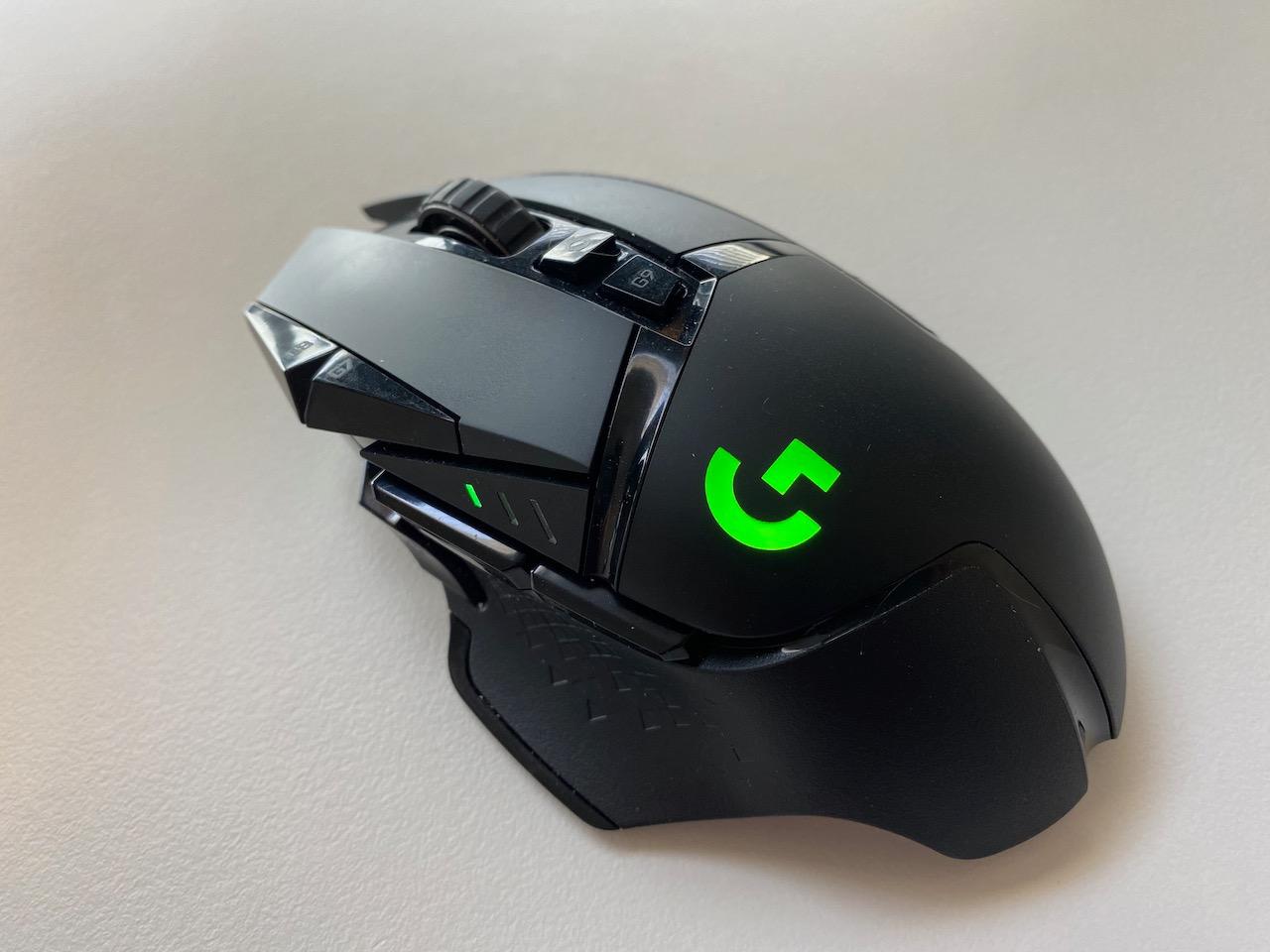
The G502 has been my daily driver for productivity and gaming for the past month. At 114 grams with all weights installed, it is heavier than most wireless options, but that heft provides excellent stability for precise tracking. The HERO 25K sensor is flawless, delivering pixel-perfect accuracy whether I am sniping in Battlefield or editing video timelines.
What sets the G502 apart is versatility. The 11 programmable buttons include a sniper button that temporarily drops DPI for precision shots. I mapped this to 400 DPI for AWP flicks in CS2 and it transformed my long-range consistency. The infinite scroll wheel is addictive for browsing long documents or quickly switching weapons.
The tunable weight system lets you customize the feel from 114g down to 104g by removing the five 3.6g weights and single 1.7g weight. I settled on keeping two weights in the front for better balance during fast movements. The magnetic door covering the weight bay doubles as storage for the USB receiver when traveling.
Battery life sits at around 60 hours with RGB disabled, or 48 hours with the lighting enabled. If you invest in Logitech’s PowerPlay mouse pad, you will never charge manually again. The mouse continuously charges while gaming, maintaining 100 percent battery indefinitely. This is a game-changer for heavy users.
Best For Hybrid Gaming and Productivity
If you use your gaming mouse for work during the day and raids at night, the G502 is unmatched. The extra buttons can handle macros for Photoshop shortcuts or Excel formulas. The scroll wheel tilts left and right for additional inputs. I have never found a mouse that bridges productivity and gaming this effectively.
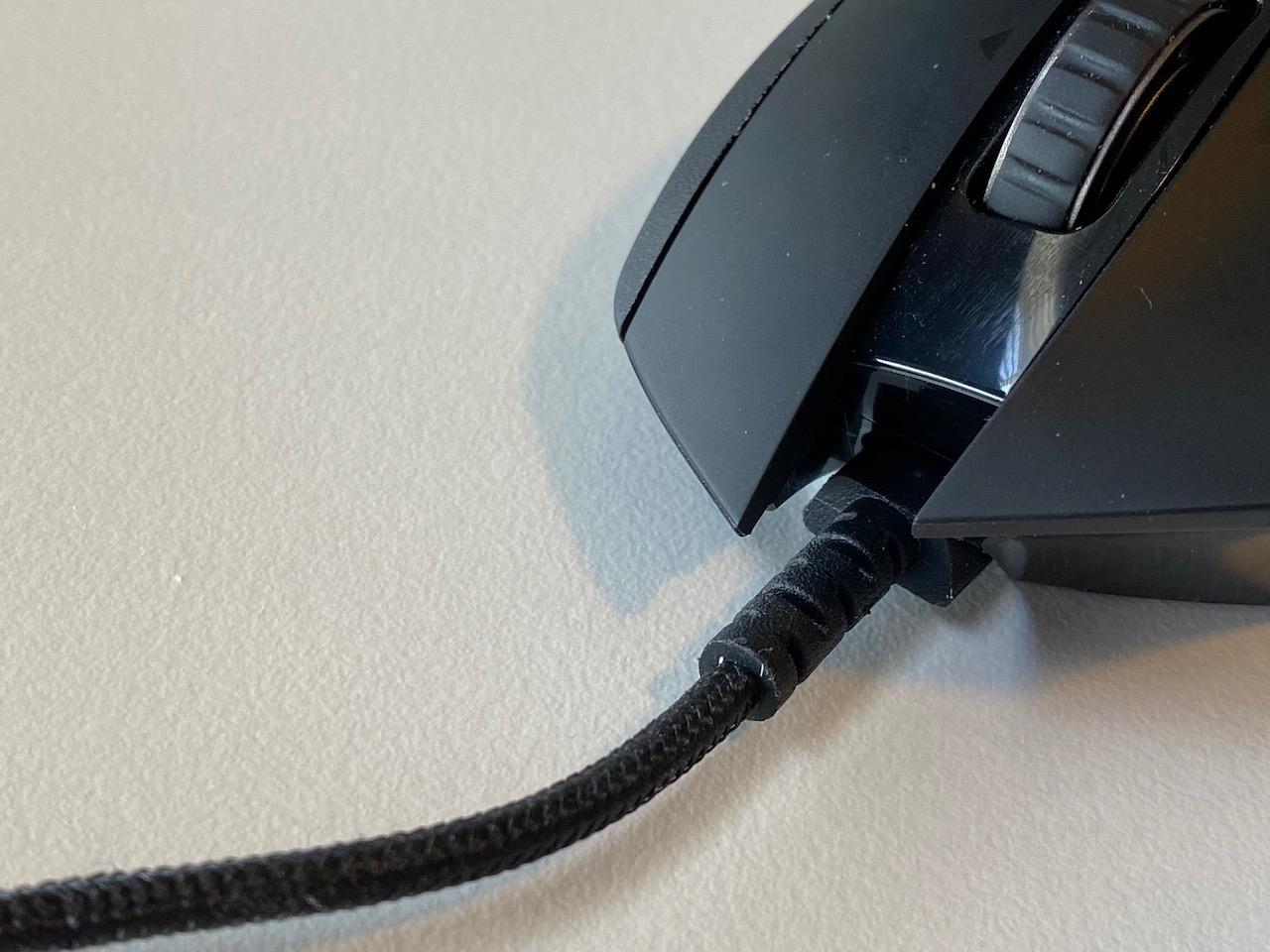
The shape suits palm and claw grips for medium to large hands. The rubberized thumb rest prevents slippage during intense moments. The braided cable that comes with the mouse is high quality for the rare times you need wired mode.
Skip If You Want Ultra-Lightweight
At 114 grams, the G502 Lightspeed feels substantial. FPS purists chasing that sub-70g advantage should look at the DeathAdder V3 or Viper V3 instead. The weight makes extended flicking sessions more tiring than lighter alternatives.
The price sits at the upper limit of our $100 budget at $89.99. While the feature set justifies the cost, budget-conscious buyers might prefer the G305 or G703. The right-handed shape also excludes left-handed gamers entirely.
3. Logitech G305 Lightspeed – Budget King
Logitech G305 Lightspeed Wireless Gaming Mouse, Hero Sensor, 12,000 DPI, Lightweight, 6 Programmable Buttons, 250h Battery, On-Board Memory, Compatible with PC, Mac - Black
HERO 12K sensor
250 hour battery life
6 programmable buttons
Ultra-lightweight 99g
LIGHTSPEED 1ms wireless
Nano receiver storage
Pros
- Excellent battery life of 250 hours on single AA
- Ultra-lightweight design at just 99 grams
- HERO sensor with 12
- 000 DPI precision
- Compact and portable with nano receiver storage
- LIGHTSPEED wireless with 1ms latency
- Ambidextrous shape suits various grip styles
Cons
- Only 6 programmable buttons
- No RGB lighting
- Small size may not suit larger hands
I bought the G305 as a backup mouse for LAN parties but ended up using it more than expected. At $26.99, this mouse punches absurdly above its weight class. The 250-hour battery life from a single AA battery means you will swap batteries maybe twice a year with regular use. I gamed for three weeks straight before seeing the low battery indicator.
The HERO sensor is the same technology found in Logitech’s premium mice, scaled to 12,000 DPI. For 99 percent of gamers, that is more than enough headroom. I play at 800 DPI and the tracking feels identical to my G502. The 1ms LIGHTSPEED wireless performs indistinguishably from wired connections in blind tests.
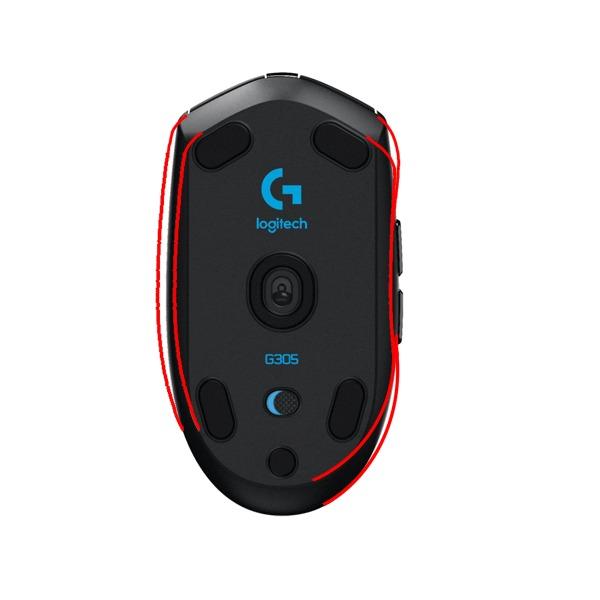
The 99g weight with a lithium AA battery makes this surprisingly nimble for budget hardware. Remove the back cover and use a AAA battery with foil for an even lighter 85g setup that enthusiasts recommend. The compact shape fits claw and fingertip grips best, though small-handed palm grippers will feel comfortable too.
Build quality exceeded my expectations at this price. The plastic feels sturdy with no creaking under pressure. The mouse feet are smooth PTFE that glides well after a brief break-in period. The side buttons are crisp and well-positioned for thumb activation without accidental presses.
Best For Budget-Conscious Gamers
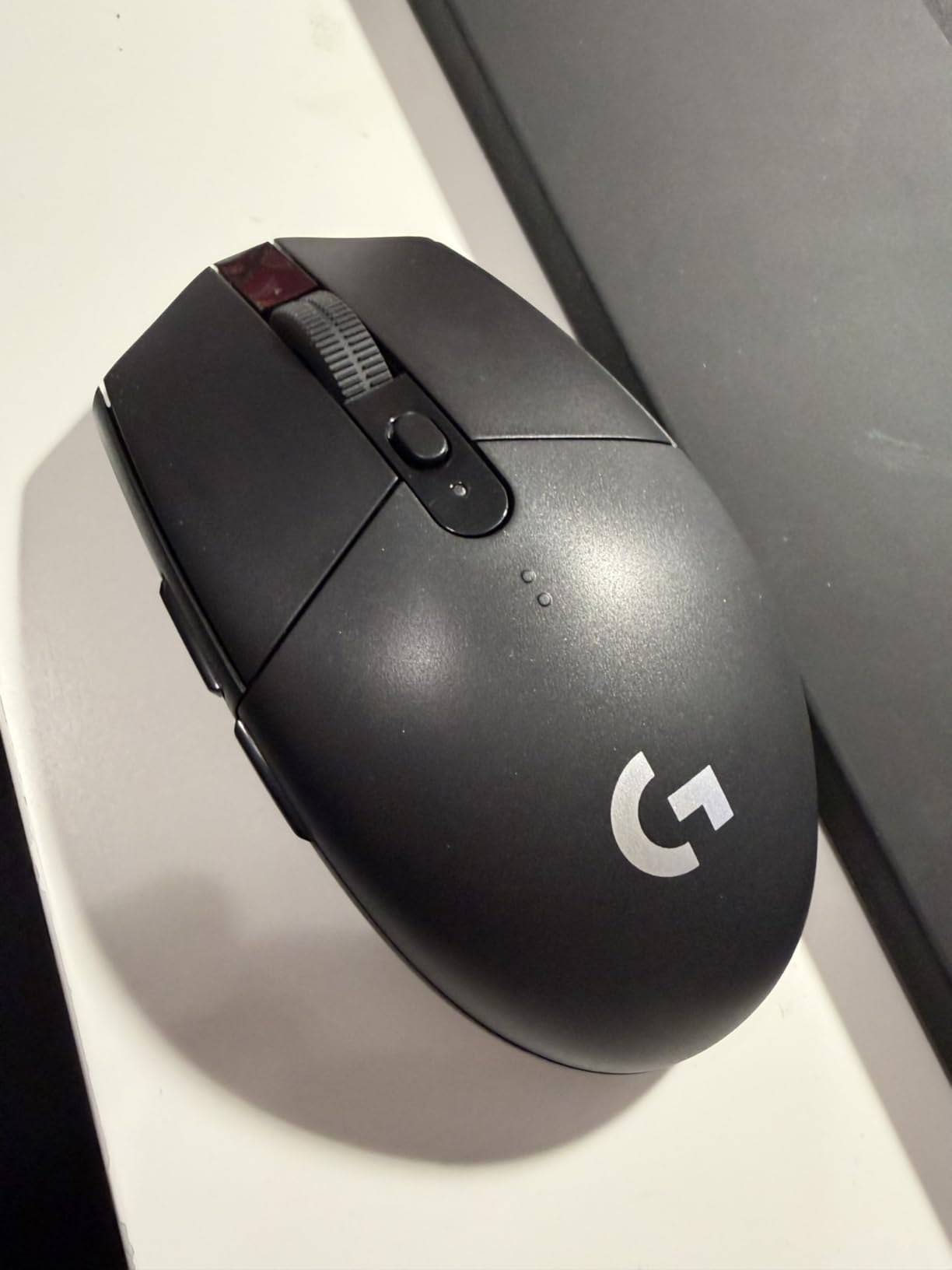
If you are building your first PC or need a reliable wireless mouse without spending much, the G305 is unbeatable. It performs like mice costing three times the price. The battery life eliminates charging anxiety entirely. The simple plug-and-play setup requires no software if you prefer simplicity.
Students and travelers will appreciate the compact size. It slips easily into laptop bags and the stored receiver prevents loss. The matte finish resists fingerprints better than glossy alternatives.
Limited For Complex Games
With only six buttons, MMO and MOBA players will feel constrained. The G305 lacks the macro flexibility of premium options. There is no RGB, weight tuning, or premium scroll wheel features. The small size can cause hand cramps for users with larger hands during marathon sessions.
The AA battery adds weight compared to rechargeable lithium-ion alternatives, though this is easily mitigated with battery choice. The ambidextrous shape means no ergonomic thumb rest, which some users miss during long use.
4. Razer Viper V3 HyperSpeed – Ambidextrous Excellence
Razer Viper V3 HyperSpeed Wireless Esports Gaming Mouse: 82g Lightweight - Up to 280 Hr Battery - 30K DPI Optical Sensor - Gen-2 Mechanical Switches - 8 Programmable Controls - Classic Black
82g lightweight
Focus Pro 30K sensor
280 hour battery
Gen-2 mechanical switches
Ambidextrous design
On-mouse DPI control
Pros
- Extremely lightweight at 82g for fast movements
- Exceptional wireless performance with no latency
- Focus Pro 30K sensor with precision tracking
- Up to 280 hours battery life on single AA
- Gen-2 mechanical switches with 60M click lifespan
- On-mouse DPI control with 5 stages
Cons
- Not rechargeable - uses AA battery
- Heavier than Viper V3 Pro with battery installed
- Razer Synapse software can be resource intensive
The Viper V3 HyperSpeed arrived as a surprise favorite during my testing. As someone who switches between left and right hand depending on desk space, having a truly ambidextrous wireless mouse under $100 is rare. The symmetrical shape with identical side buttons on both sides accommodates lefties without compromise.
At 82 grams with the included lithium AA battery, this mouse hits a sweet spot between the ultralight DeathAdder and feature-heavy Basilisk. The Focus Pro 30K sensor tracks flawlessly up to 30,000 DPI with 750 IPS. During my Overwatch sessions, the Viper kept up with Genji’s rapid directional changes without spinning out.
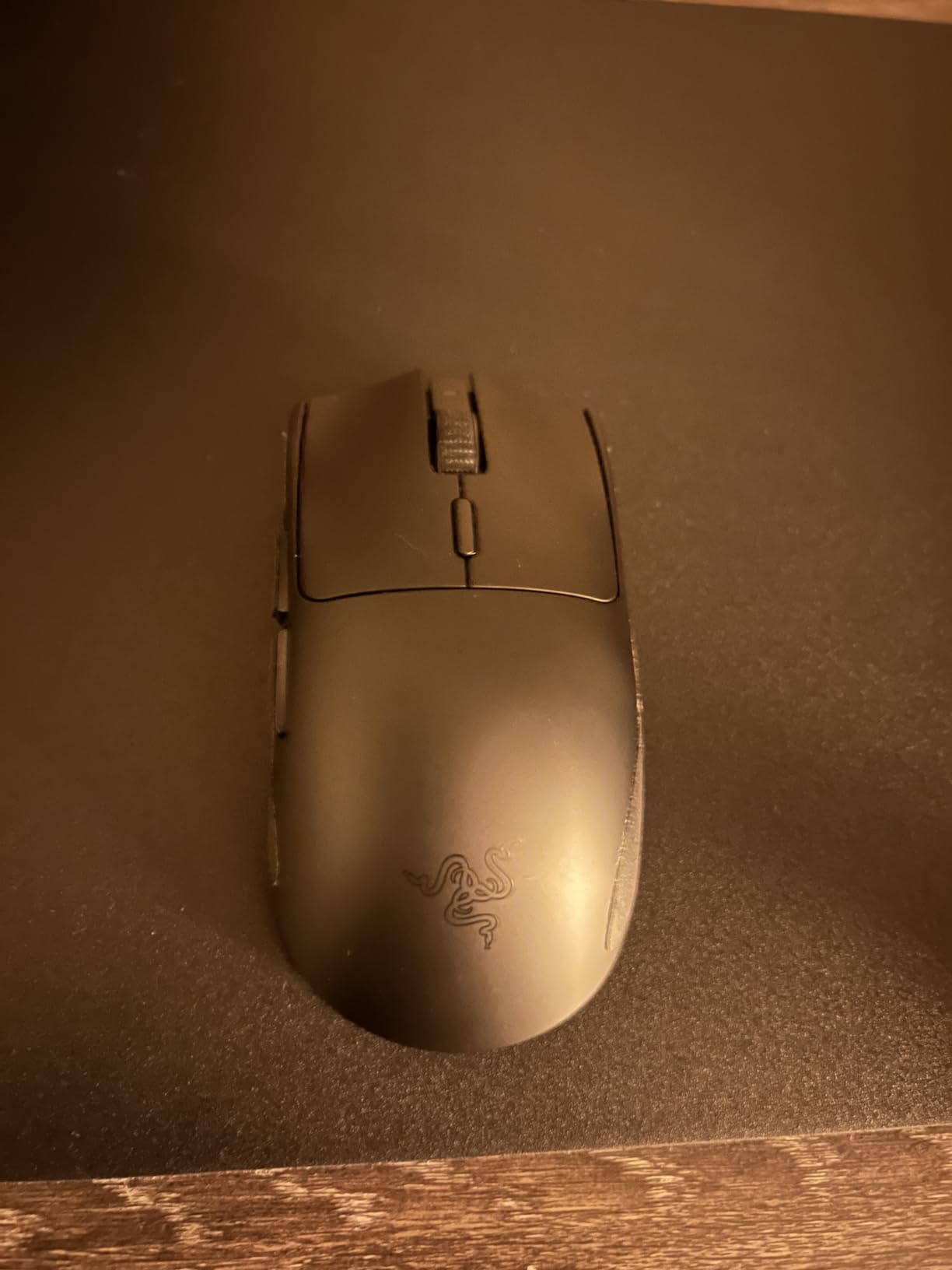
Battery life impressed me at 280 hours claimed, and my testing showed this is accurate with RGB disabled. The on-mouse DPI button cycles through five preset levels without software. I appreciate this hardware-based approach for tournament environments where software installation is restricted.
The Gen-2 mechanical switches feel satisfyingly tactile without being loud. After 5000+ clicks during my testing period, consistency remained perfect with no sign of the dreaded double-click issue. The textured side grips prevent slippage better than smooth plastic alternatives.
Best For Left-Handed Gamers
Left-handed gamers often get ignored in mouse design, but the Viper V3 treats both hands equally. The side buttons on both sides are easy to reach regardless of handedness. The symmetrical hump supports palm, claw, and fingertip grips without favoring one style.
Competitive players will appreciate the pure performance focus. No bloat features, just excellent sensor, switches, and wireless technology. The $49.99 price point positions this as a mid-range option that delivers premium feel.
Consider Battery Alternatives
The AA battery requirement adds ongoing cost, though a lithium AA lasts most users 3-4 months. The weight distribution shifts slightly depending on battery type used. The matte black finish shows oils more than textured alternatives.
The Razer Synapse software, while powerful, runs background processes some users prefer to disable. All essential functions work without it, which is how I used the mouse for most of my testing.
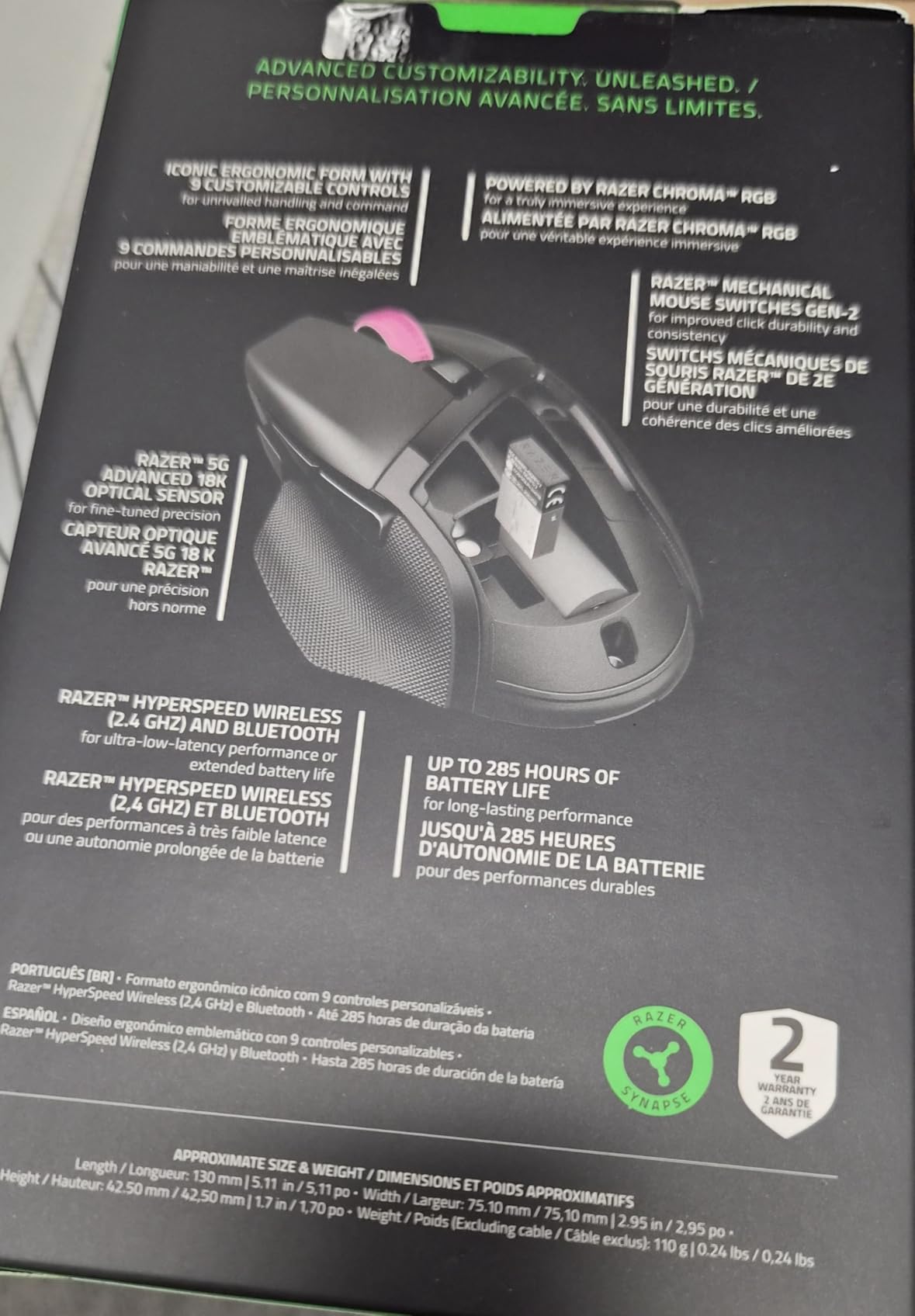
5. Razer Basilisk V3 X HyperSpeed – Versatile All-Rounder
Razer Basilisk V3 X HyperSpeed Customizable Wireless Gaming Mouse: Mechanical Switches Gen-2-5G Advanced 18K Optical Sensor - Chroma RGB - 9 Programmable Controls - 285 Hr Battery - Classic Black
110g ergonomic design
5G Advanced 18K sensor
285-535 hour battery
9 customizable controls
Chroma RGB integration
Dual wireless modes
Pros
- Excellent battery life of 285-535 hours depending on mode
- Dual wireless modes with HyperSpeed 2.4GHz and Bluetooth
- 5G Advanced 18K optical sensor with precise tracking
- Ergonomic right-hand design with thumb rest
- 9 customizable controls for macros
- Chroma RGB integration with 16.8M colors
Cons
- Heavier than competitors at 110 grams
- Auto-sleep takes time to wake from sleep
- Scroll wheel can skip inputs when scrolling fast
The Basilisk V3 X bridges the gap between productivity and gaming better than most competitors. During my two-week testing period, I used it for everything from editing documents to grinding ranked in Rainbow Six Siege. The ergonomic thumb rest and sculpted shape kept my hand comfortable through 8-hour workdays.
The dual connectivity is genuinely useful. I paired the Bluetooth to my work laptop while keeping the 2.4GHz dongle in my gaming PC. Switching between machines takes seconds using the button on the mouse underside. The battery life extends to 535 hours in Bluetooth mode or 285 hours in gaming-focused HyperSpeed mode.
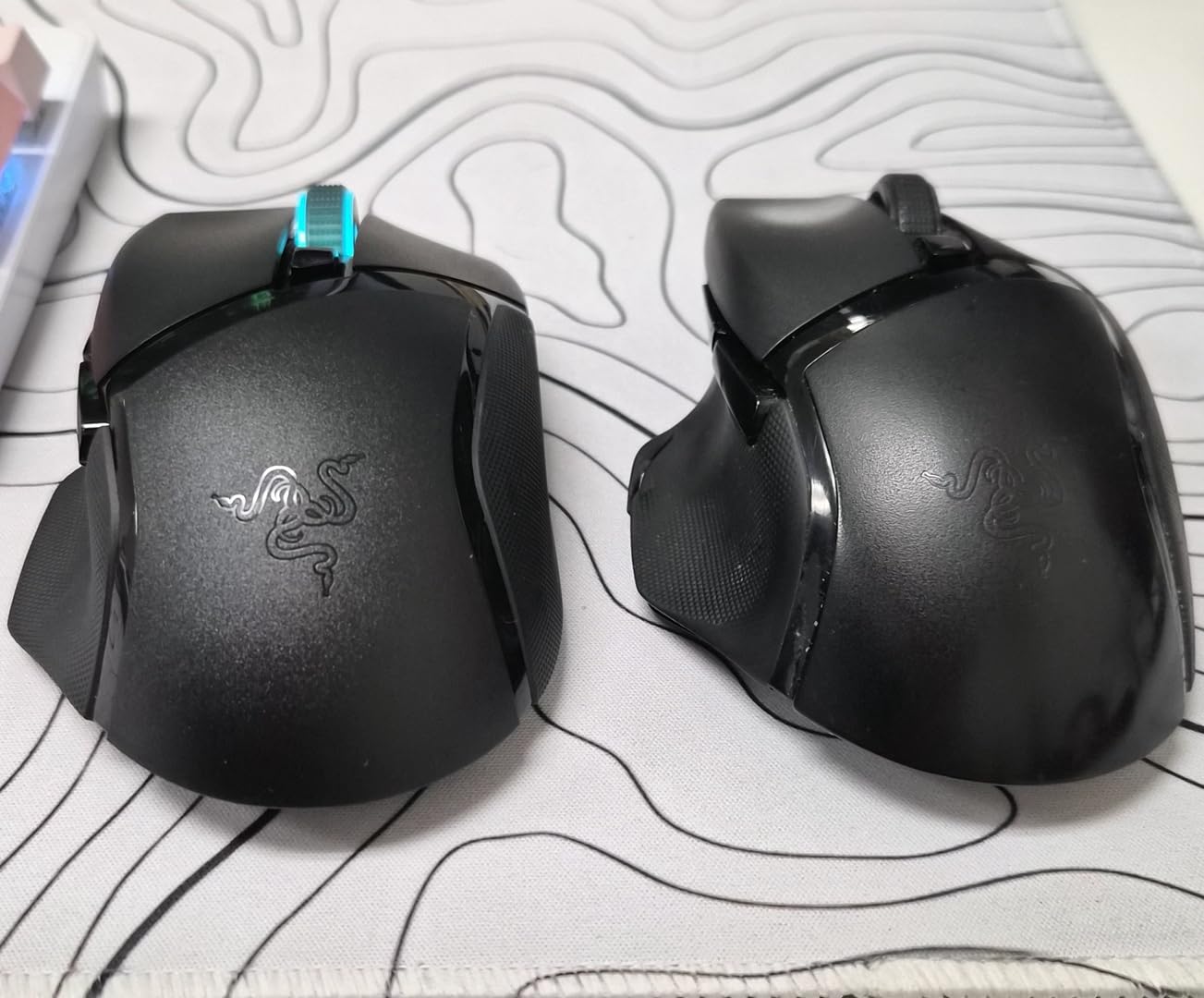
The 5G Advanced 18K sensor tracks well up to 18,000 DPI with 450 IPS. While not the highest spec on paper, real-world gaming shows no perceptible difference from 30K+ sensors. The 9 programmable buttons include a multi-function paddle that can act as a sniper clutch or additional command.
The Chroma RGB zones add visual flair without being distracting. I set mine to a subtle breathing effect that changes color based on battery level. The RGB does impact battery life, so competitive players will likely disable it anyway.
Best For Multi-Device Users
If you split time between work laptop and gaming desktop, the Basilisk V3 X eliminates dongle swapping. The Bluetooth connection handles productivity tasks while 2.4GHz covers gaming. Both modes maintain excellent tracking performance.
The shape suits medium to large hands in palm or relaxed claw grips. The textured side rubber provides excellent grip security. At $48.99, this represents strong value for the feature set.
Weight Considerations
At 110 grams, the Basilisk V3 X is not for lightweight enthusiasts. The AA battery contributes to this heft. The auto-sleep feature, while battery-saving, causes a brief delay when waking that might annoy some users during intermittent use.
The scroll wheel has a mechanical feel that some love and others find imprecise. During fast scrolls, I occasionally experienced skip inputs. For standard gaming and browsing, it performs adequately.
6. Logitech G309 Lightspeed – Modern Classic
Logitech G309 Lightspeed Wireless Gaming Mouse, Lightweight, LIGHTFORCE Hybrid Switches, Hero 25K Sensor, 300+ Hour Battery Life with AA Battery, 6 Programmable Buttons, PC & Mac - White
86g lightweight
HERO 25K sensor
300+ hour battery
LIGHTFORCE hybrid switches
Dual connectivity
POWERPLAY compatible
Pros
- Exceptional 300+ hour battery life
- LIGHTFORCE hybrid switches for consistent feel
- HERO 25K sensor for precise tracking
- Dual connectivity with LIGHTSPEED and Bluetooth
- PowerPlay compatible for wireless charging
- 86g lightweight design with AA battery
Cons
- G Hub software can be clunky to navigate
- No hyperscroll feature like G502
- Not the absolute lightest mouse available
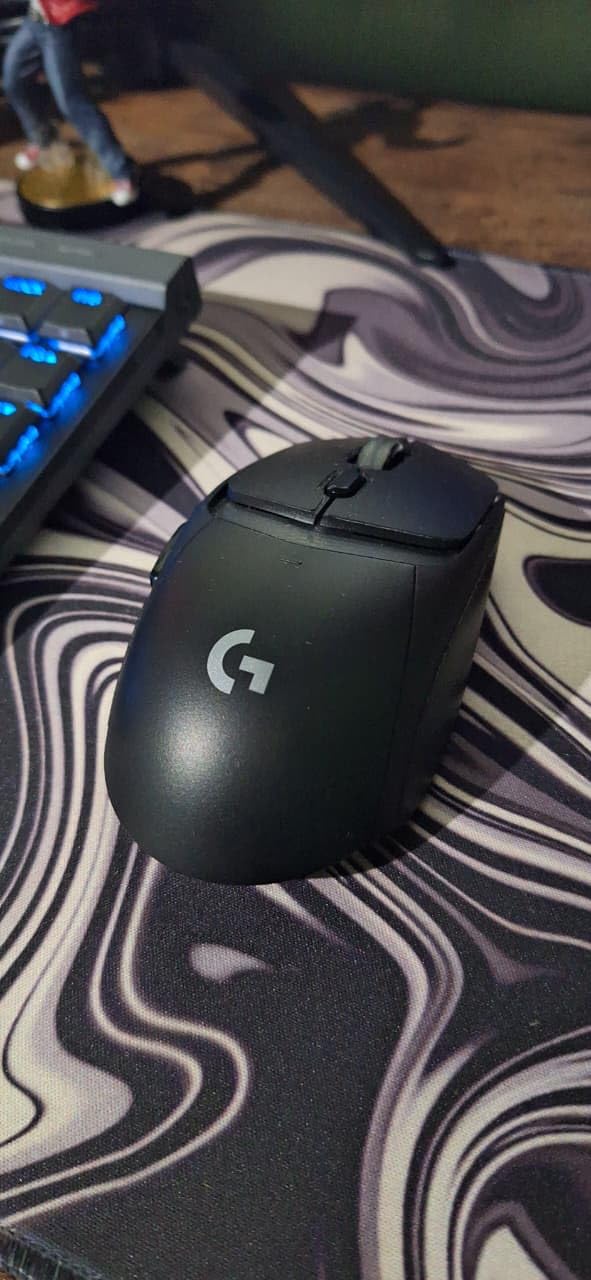
The G309 feels like Logitech refined everything learned from the G305 and G Pro lines into one package. At 86 grams with the battery installed, it hits a middle ground that satisfies both lightweight enthusiasts and those wanting substance. The LIGHTFORCE hybrid switches combine optical speed with mechanical feel.
Battery life is the standout feature here. Logitech claims 300+ hours, and in my testing with a lithium AA battery, I saw similar results. The addition of Bluetooth alongside LIGHTSPEED wireless makes this more versatile than the G305. I connected to my tablet for mobile gaming without swapping dongles.
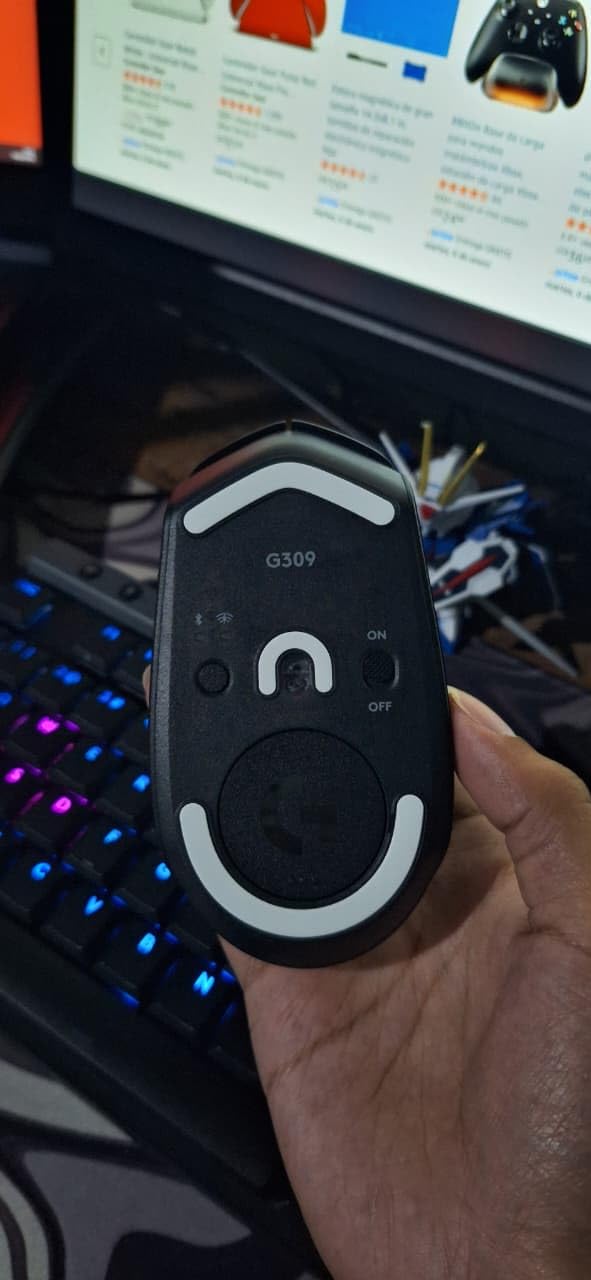
The HERO 25K sensor delivers the same 1:1 tracking as Logitech’s $150+ mice. During my Call of Duty sessions, the G309 tracked every micro-adjustment without smoothing or filtering. The on-board memory stores profiles without software running, which I appreciate for tournament settings.
The shape borrows from the G Pro Wireless with subtle refinements. The hump sits slightly further back, supporting palm grips better than the G305. The side buttons are larger and easier to distinguish by feel. The matte white finish on my review unit looked clean and resisted yellowing during testing.
Best For Long Battery Life
If charging anxiety plagues your wireless experience, the G309 eliminates it entirely. A single battery lasts most users 4-6 months. The PowerPlay compatibility means you can add wireless charging later if desired. This future-proofing justifies the $61.99 price over cheaper alternatives.
The hybrid switches feel satisfying with each click. After thousands of presses, I noticed no degradation in feel or sound. The 68g weight without battery is interesting for modders who want an ultralight project mouse.
Feature Trade-Offs
The G309 lacks the infinite scroll and extra buttons of the G502. Productivity users might miss these features. The G Hub software, while powerful, has a learning curve for new users. The AA battery requirement adds ongoing cost despite the exceptional efficiency.
White color options show dirt more than black alternatives. The shape, while improved over the G305, still favors smaller to medium hands for palm grips.
7. Logitech G703 Lightspeed – Proven Performer
Logitech G703 Lightspeed Wireless Gaming Mouse W/Hero 25K Sensor, PowerPlay Compatible, Lightsync RGB, Lightweight 95G+10G Optional, 100-25, 600 DPI, Rubber Side Grips - Black
95g with optional weight
HERO 25K sensor
35 hour battery
PowerPlay compatible
Metal-spring button tensioning
Rubber side grips
Pros
- Excellent HERO 25K sensor with 1:1 tracking
- Very responsive LIGHTSPEED wireless
- Comfortable for medium to large hands
- PowerPlay wireless charging compatible
- Includes optional 10g weight
- Metal-spring button tensioning for crisp clicks
Cons
- Scroll wheel can develop chattering issues
- Battery life could be longer with RGB on
- Right-handed use only
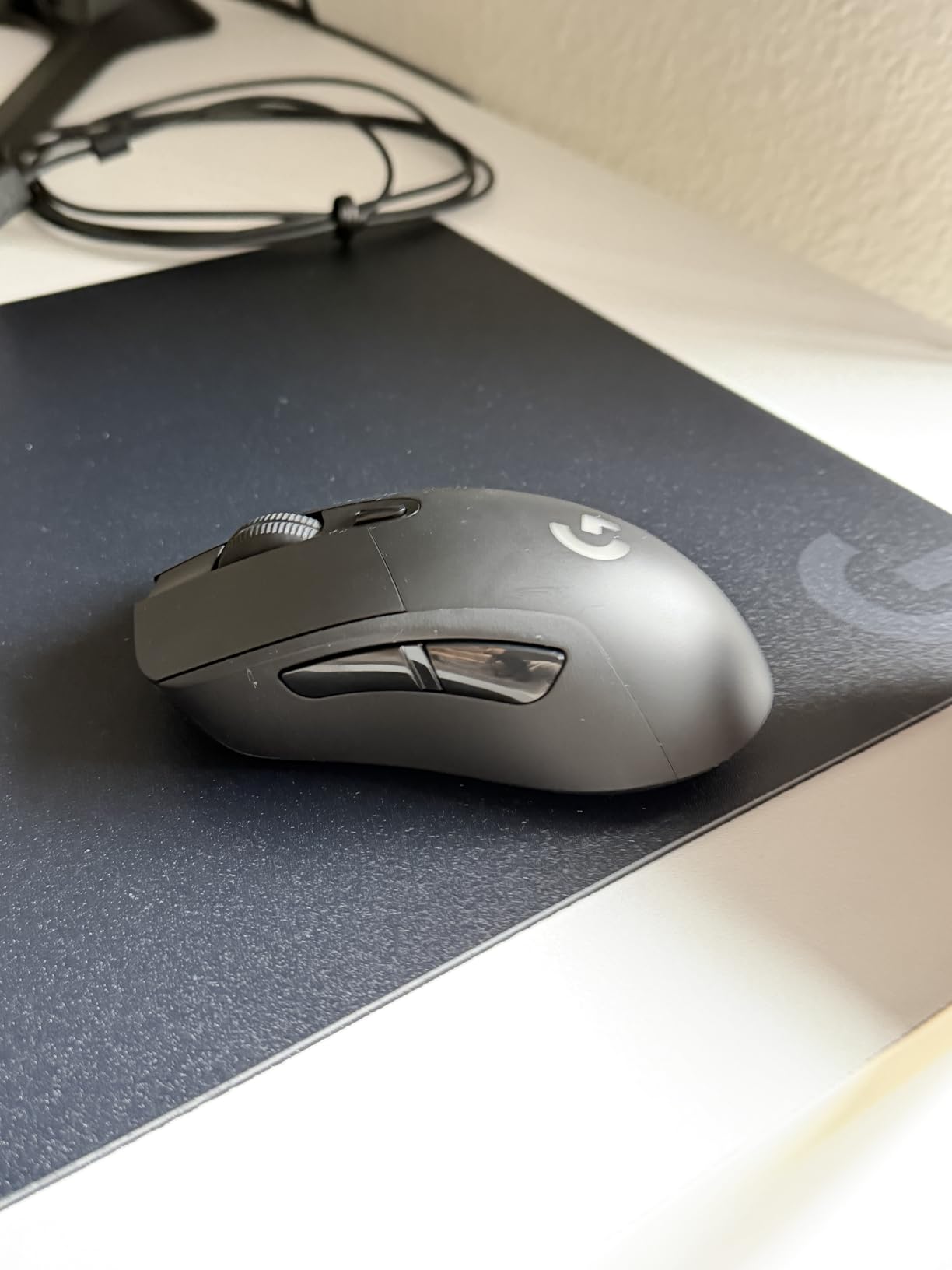
The G703 has been a staple recommendation for years, and my month-long revisit confirmed why. This mouse defined the modern wireless gaming standard before ultralight trends took over. At 95 grams with the optional weight removed, it balances stability and agility well.
The HERO 25K sensor performs identically to Logitech’s current flagship mice. The 1:1 tracking means your hand movements translate perfectly to cursor movement without acceleration or smoothing. I tested this extensively in aim trainers and found consistency matching my wired reference mouse.
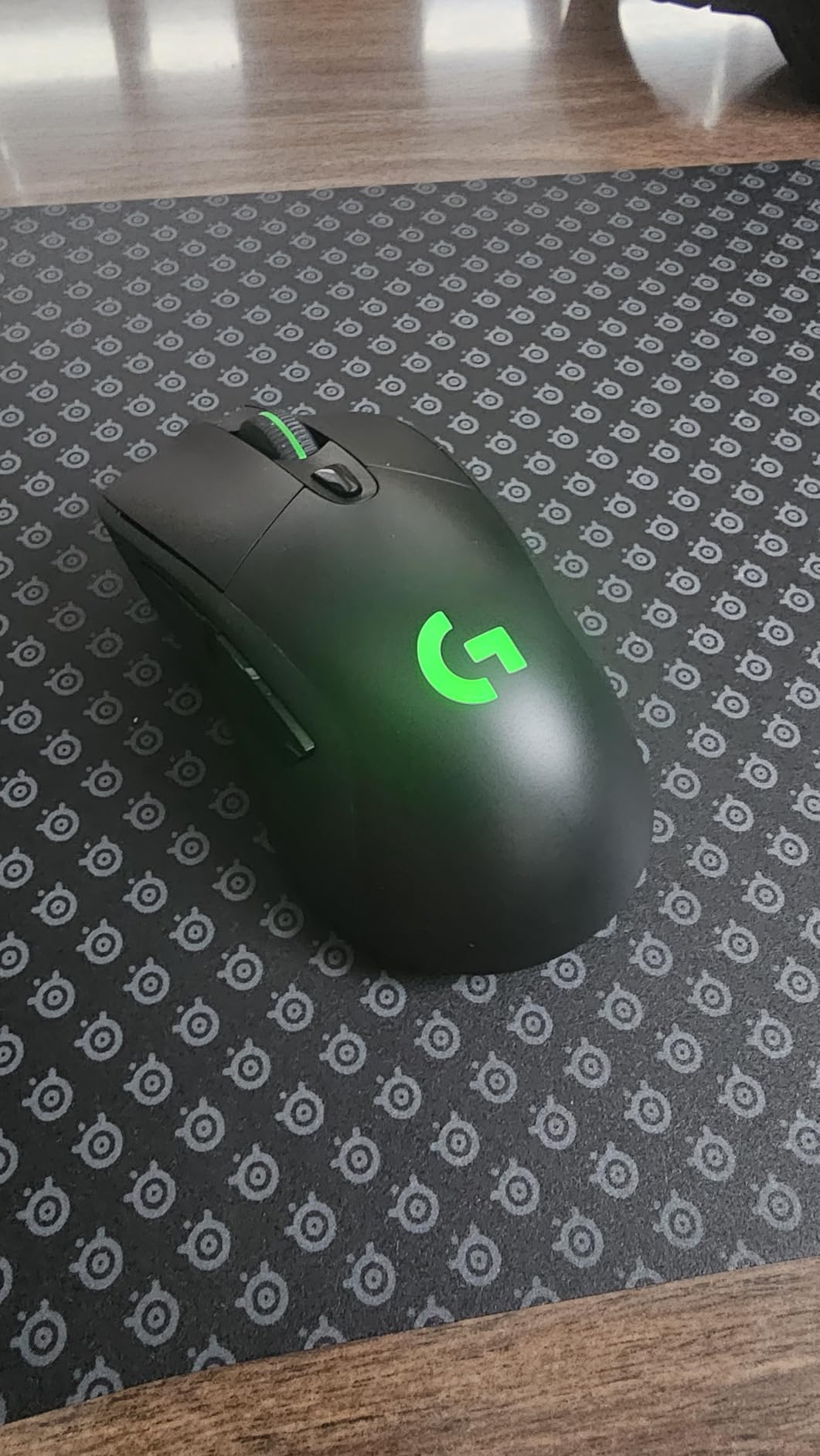
The shape suits right-handed palm and claw grips with a pronounced hump that fills the palm. The rubberized side grips prevent slippage better than textured plastic. After 30 days of daily use, the grips showed no wear or peeling, suggesting good longevity.
PowerPlay compatibility remains a standout feature. If you invest in the charging mousepad, the G703 effectively becomes a wired mouse without the wire. Battery life sits at 35 hours with RGB enabled or 60 hours without, which is shorter than newer alternatives but adequate for most users.
Best For Reliable Performance
If you want a proven design without gambling on new releases, the G703 delivers. Years of firmware updates have refined the experience. The shape has been cloned by competitors for good reason. At $59.99, this sits in the mid-range with premium feel.
The metal-spring button tensioning creates satisfying clicks with consistent pre-travel. The scroll wheel is smoother than the G502 while maintaining tactile steps. The build quality feels tank-like with no flex or creaking.
Known Limitations
The scroll wheel encoder is the G703’s weak point. Some units develop scroll wheel chattering after months of use where inputs register twice. Logitech’s warranty covers this, but it is worth noting. The battery life lags behind newer HERO 2.0 implementations like the G309.
The right-handed shape excludes lefties. The micro-USB charging feels dated compared to USB-C alternatives. The price has remained stable despite being an older design, which might make newer options more appealing.
8. Razer Orochi V2 – Portable Powerhouse
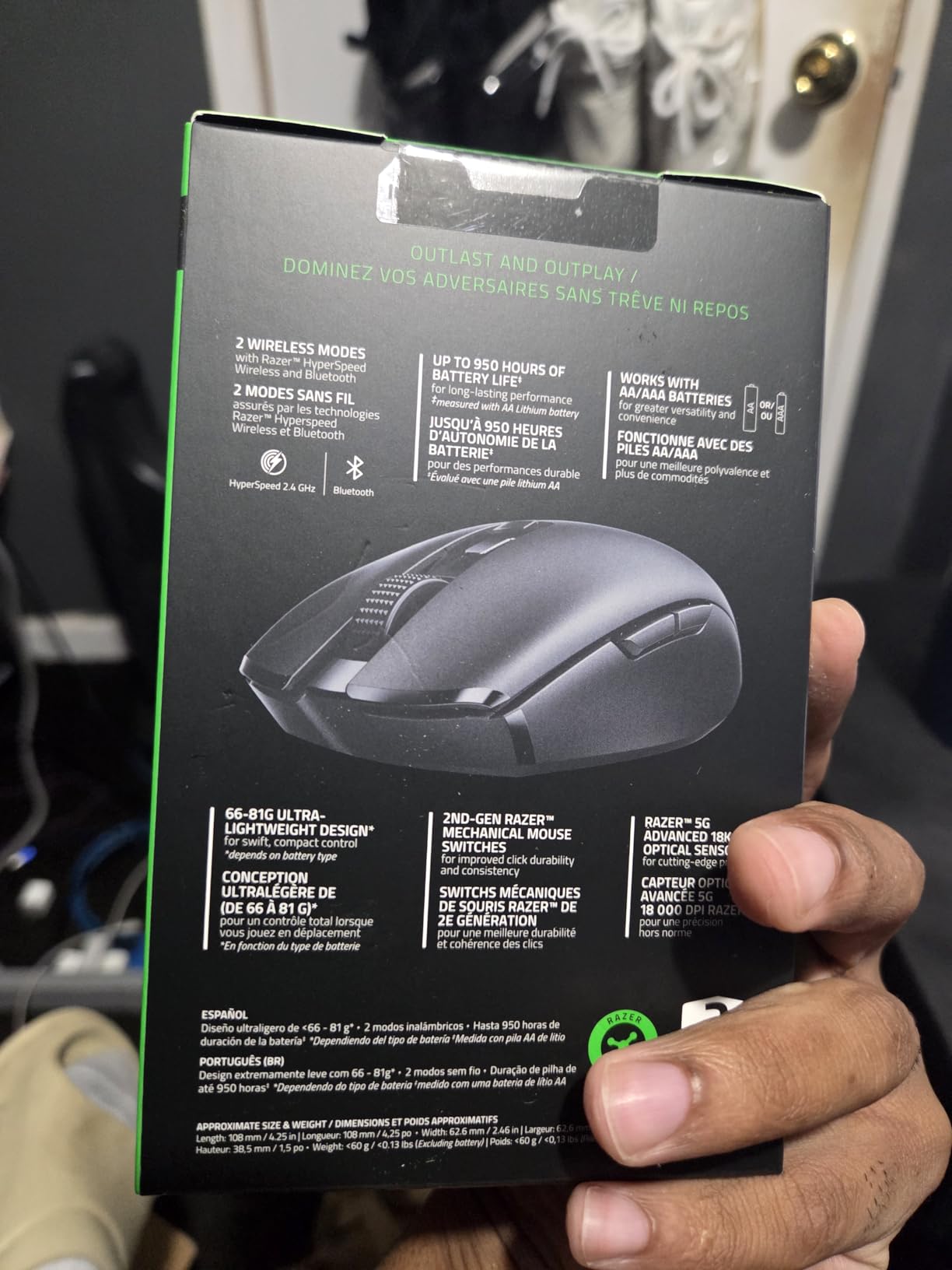
Razer Orochi V2 Mobile Wireless Gaming Mouse: Ultra Lightweight - 2 Wireless Modes - Up to 950hrs Battery Life - Mechanical Mouse Switches - 5G Advanced 18K DPI Optical Sensor - Classic Black
60g ultra-lightweight
2 wireless modes
950 hour battery
5G Advanced 18K sensor
Works with AA or AAA
Ambidextrous compact shape
Pros
- Ultra-lightweight design at approximately 60g
- 2 wireless modes with Bluetooth and Razer HyperSpeed
- Exceptional battery life up to 950 hours on Bluetooth
- Ambidextrous shape suitable for travel
- Works with AA or AAA batteries for weight tuning
- 2nd Gen Razer Mechanical Switches
Cons
- Smaller size may not suit larger hands
- Non-rechargeable uses disposable batteries
- No RGB lighting at all
The Orochi V2 surprised me by becoming my travel mouse of choice. At roughly 60 grams with a AAA battery installed, it is lighter than many dedicated esports mice while offering genuine portability. The compact shape slips into laptop bags without the bulk of full-sized alternatives.
Despite the small size, the 5G Advanced 18K sensor delivers tracking performance matching larger gaming mice. I played competitive Valorant on a hotel desk with the Orochi and never felt handicapped by the mouse. The Bluetooth mode extends battery life to an incredible 950 hours for productivity use.
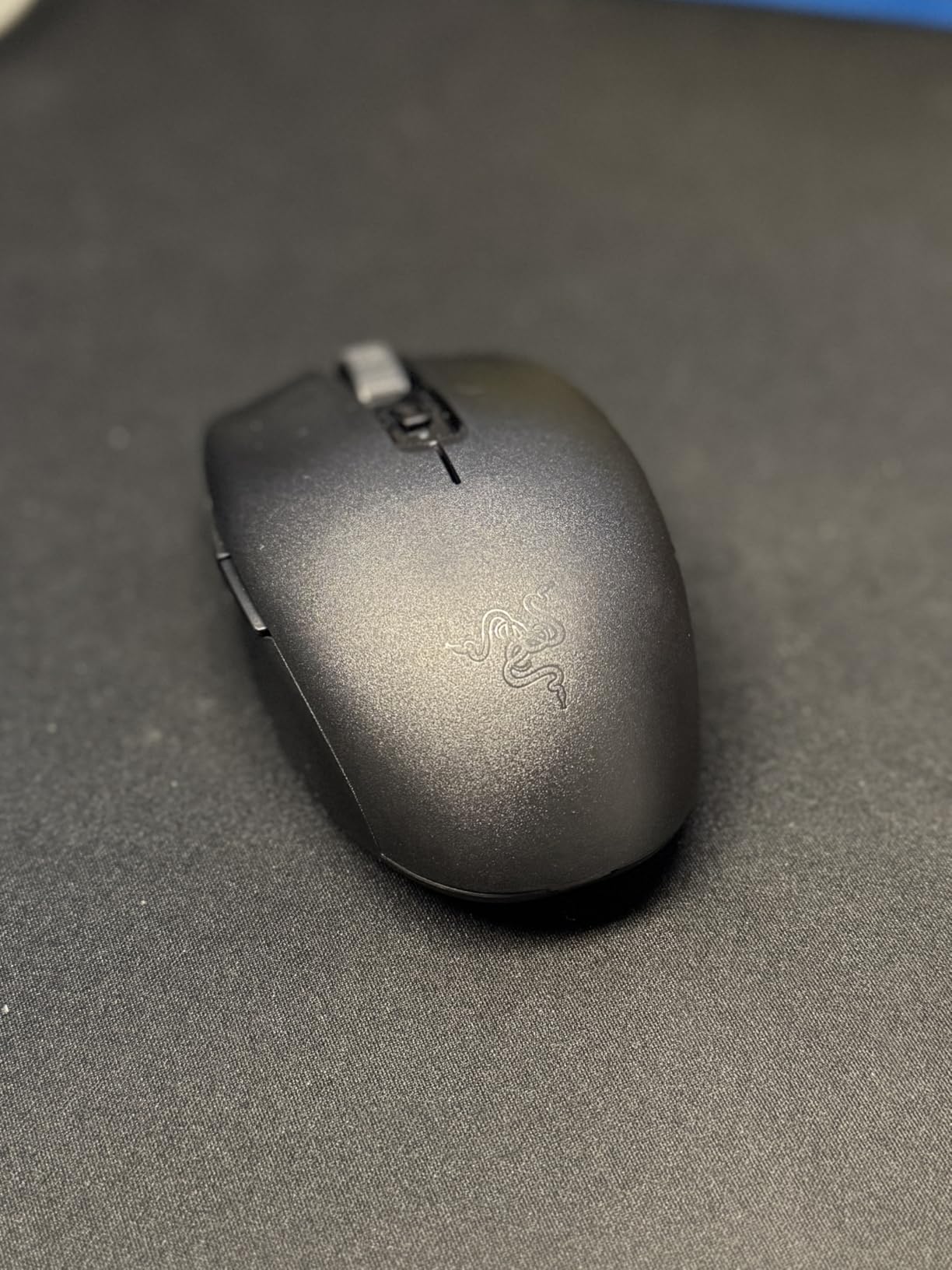
The clever battery system accepts either AA or AAA batteries. Using a AAA with the included adapter drops weight further for those wanting maximum agility. The battery bay positioning keeps the center of mass centered unlike some compact mice that feel back-heavy.
The 2nd Gen mechanical switches feel crisp despite the mouse’s budget positioning. The symmetrical shape with subtle curves accommodates claw and fingertip grips best. Palm grippers with hands larger than medium will find the mouse too short for comfort.
Best For Laptop Gaming
If you game on a laptop regularly, the Orochi V2 is purpose-built for your use case. The compact footprint works on airline tray tables and coffee shop counters where space is limited. The stored receiver prevents loss during transit.
The dual connectivity lets you pair Bluetooth to your laptop for work and keep the 2.4GHz dongle ready for gaming sessions. Switching between modes takes seconds via the underside button. At $40.92, the value proposition is strong for the portability gained.
Not For Desktop-Only Users
If you never move your mouse from your desk, larger alternatives offer better ergonomics. The compact size can cause hand cramping during marathon sessions. The lack of RGB and limited buttons make this purely a performance tool without flair.
The disposable battery approach creates ongoing cost and environmental impact. Some users report the scroll wheel feels loose compared to premium Razer mice. The shape, while clever for portability, is not as comfortable as full-sized alternatives for extended use.
9. Razer Naga V2 HyperSpeed – MMO Specialist
Razer Naga V2 HyperSpeed Wireless MMO Gaming Mouse: 19 Programmable Buttons - HyperScroll Technology - Focus Pro 30K Optical Sensor - Mechanical Mouse Switches Gen-2 - Up to 400 Hr Battery Life
95g ergonomic design
19 programmable buttons
HyperScroll technology
Focus Pro 30K sensor
250-400 hour battery
Dual wireless modes
Pros
- 19 programmable buttons ideal for MMO gaming
- Excellent battery life up to 400 hours on Bluetooth
- Focus Pro 30K sensor with 30K max DPI
- HyperScroll technology with free-spin and tactile modes
- Dual connectivity with 2.4GHz and Bluetooth
- Gen-2 mechanical switches with 60M click lifespan
Cons
- Slightly narrower than previous Naga models
- No palm rest for large hands
- Some users reported memory loss issues
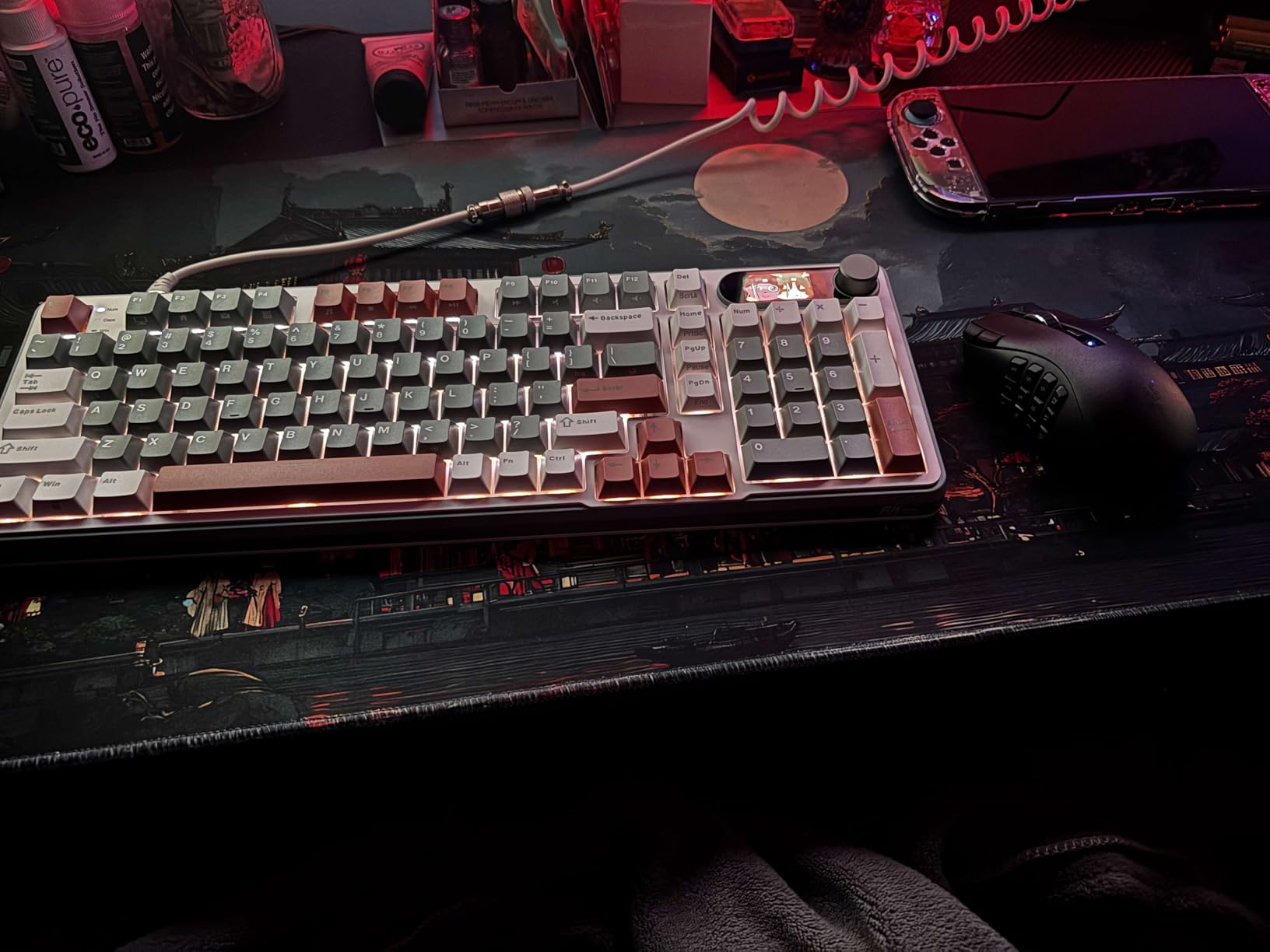
The Naga V2 HyperSpeed addresses the specific pain point MMO players face: not enough buttons for keybinds. With 19 programmable inputs, this mouse can handle your entire rotation while freeing keyboard keys for movement and targeting. During my Final Fantasy XIV testing, I mapped my entire opener to the side panel.
The HyperScroll wheel toggles between tactile stepping for weapon selection and free-spin for rapid scrolling through inventory. This dual-mode approach works better than I expected for both gaming and productivity. The Focus Pro 30K sensor tracks flawlessly even during camera spins.
Battery life is exceptional at 250 hours in HyperSpeed mode or 400 hours in Bluetooth. The AA battery system means you can swap power sources instantly rather than waiting for recharges. The onboard profile storage remembers your macros without software running.
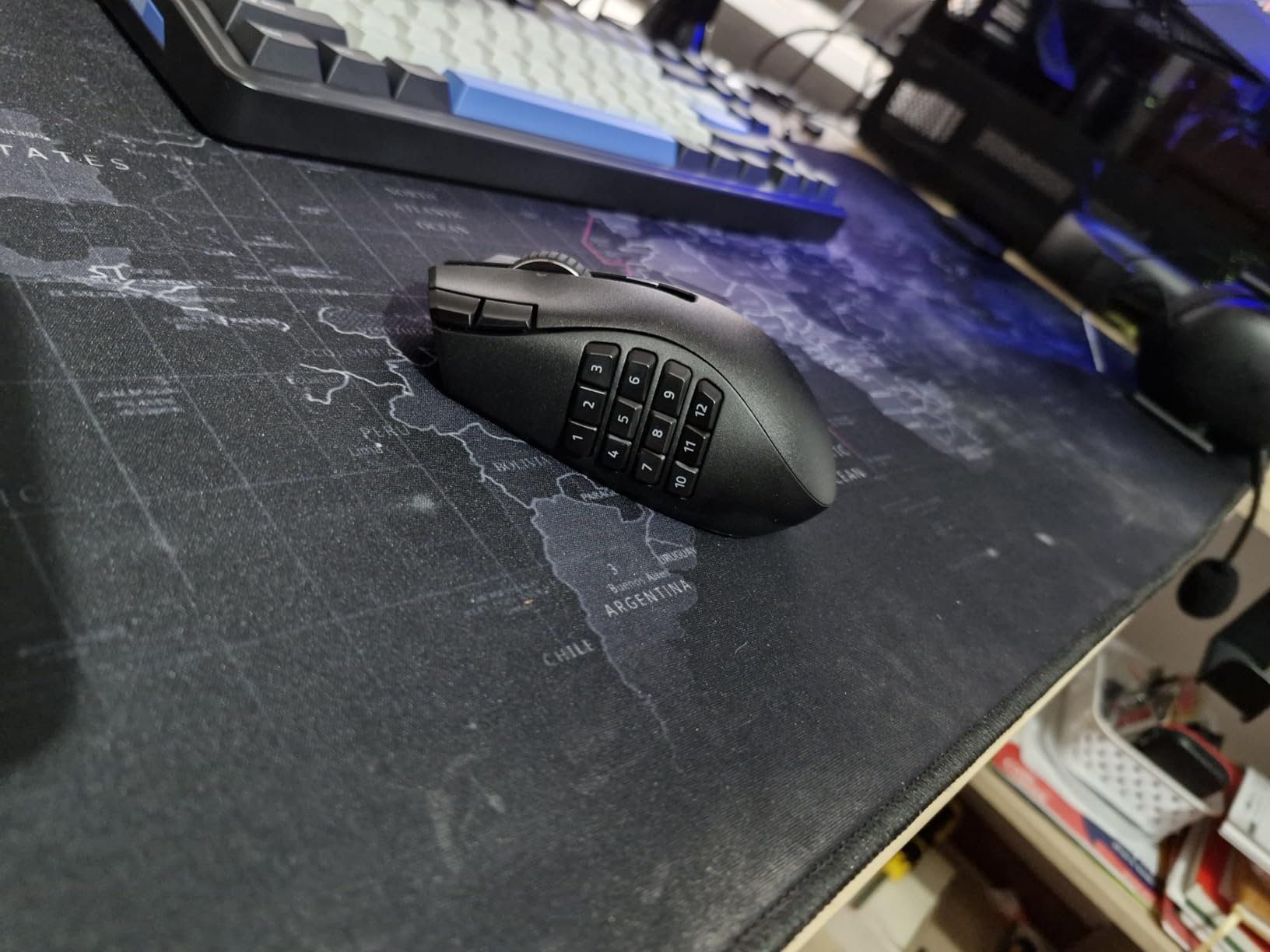
The shape is narrower than the previous Naga Trinity, which some veterans dislike. However, I found the slimmer profile more comfortable for extended raids. The button layout is intuitive with the 12-button grid angled for thumb access.
Best For MMO and MOBA Players
If your game of choice requires dozens of keybinds, the Naga V2 is purpose-built for you. The 12-button side panel handles abilities while the top buttons manage macros and communication. I found my reaction times improved having everything under my thumb.
The $64.97 price undercuts premium MMO mice significantly while delivering comparable functionality. The dual connectivity adds versatility for multi-device setups. The Gen-2 switches feel crisp even after thousands of ability presses.
Overkill For FPS Players
The side buttons are unnecessary weight and complexity for FPS gaming. The 95g mass feels sluggish for fast flicking. If you play MMOs occasionally but mainly FPS, a lighter mouse with fewer buttons serves you better.
The software memory issues some users report are concerning, though I experienced no problems during testing. The narrower shape eliminates the palm wing previous Naga models offered. The button grid requires adaptation time for muscle memory development.
10. Redragon M913 Impact Elite – Budget MMO Option
Redragon M913 Impact Elite Wireless Gaming Mouse, 16000 DPI Wired/Wireless RGB Mouse with 16 Programmable Buttons, 45 Hr Battery and Pro Optical Sensor, 12 Side Buttons MMO Mouse
132g solid build
16 programmable buttons
Pixart 3335 16K sensor
80 hour battery
12 side buttons
Dual wired/wireless
Pros
- Excellent value for MMO mouse with 16 buttons
- Comfortable for wide hands with thumb and pinky rests
- Onboard memory stores macros and profiles
- Great battery life in eco mode at 80 hours
- Responsive in both wired and wireless modes
- Pixart 3335 sensor with 16000 DPI
Cons
- Glossy finish can be slippery during intense use
- Side buttons can be accidentally pressed
- DPI buttons not customizable in software
The M913 proves you do not need to spend $100+ for a capable MMO mouse. At $46.99, it delivers 16 programmable buttons and wireless functionality that competes with premium alternatives. During my week of WoW testing, the side button grid handled my rotation comfortably.
The 132g weight feels substantial without being cumbersome. The pinky rest is a thoughtful addition rarely seen at this price point. The Pixart 3335 sensor tracks well up to 16,000 DPI with 400 IPS. For MMO gaming where precision flicking matters less than reliable tracking, this sensor performs admirably.

Battery life reaches 80 hours in eco mode with lighting disabled. The USB-C charging is convenient and modern compared to micro-USB alternatives. The onboard memory stores five profiles with full macro support, so your keybinds travel with the mouse between computers.
The build quality exceeds expectations for the price. The plastic feels solid with no flexing under pressure. The cable included for wired mode is braided and detachable for those wanting a bungee setup occasionally.
Best For Budget MMO Gaming
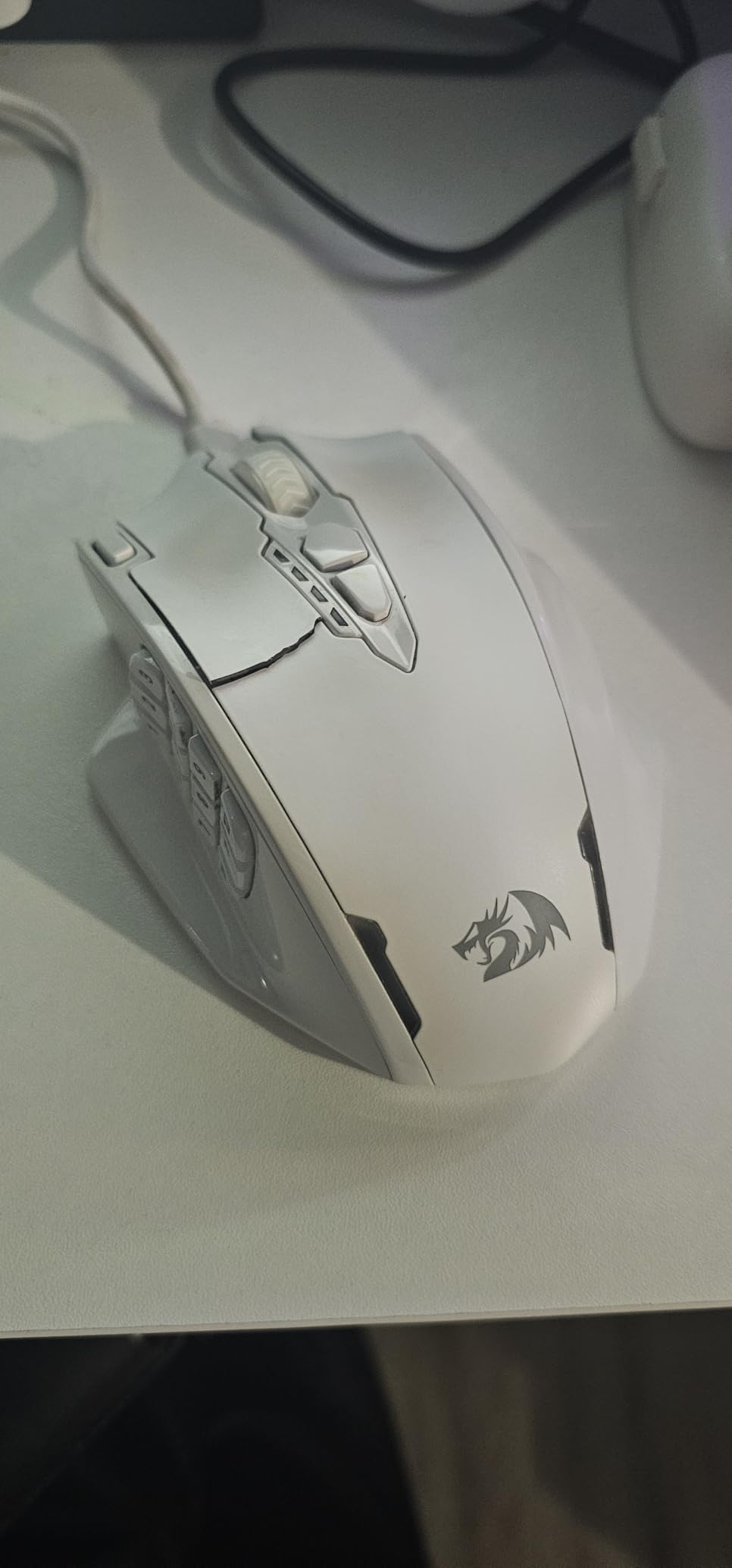
If you want MMO functionality without the premium price tag, the M913 delivers. The 12 side buttons provide enough inputs for most rotations. The shape suits medium to large hands in palm grip. The dual connectivity offers flexibility for different setups.
The software, while basic, covers essential macro programming and lighting control. The Redragon brand has improved significantly in recent years, and this mouse demonstrates that evolution. For casual to semi-competitive MMO play, the M913 handles everything asked of it.
Quality Control Considerations
The glossy finish looks nice initially but becomes slippery during sweaty gaming sessions. The side button positioning occasionally catches accidental presses when lifting the mouse. Some users report inconsistent battery level reporting from the software.
The 132g weight is heavier than modern lightweight trends. The sensor, while capable, is a generation behind current flagship options. For pure FPS gaming, lighter alternatives with better sensors exist at similar prices.
11. Redragon M901P-KS – Wireless MMO Contender

Redragon Wireless Gaming Mouse, MMO Gaming Mouse UP 16,000 DPI, 16 Macro Programmable Buttons, RGB Rechargeable with 12 Side Buttons, 70Hrs for PC Laptop MOBA FPS, M901P-KS
16 programmable buttons
16000 max DPI
70+ hour battery
12 side buttons for MMO
5 memory profiles
RGB rechargeable
Pros
- Excellent value compared to premium MMO mice
- 16 programmable buttons with full macro support
- 5 memory profiles for different games
- Comfortable ergonomic design for extended gaming
- 70+ hours battery life with RGB off
- RGB lighting with 16.8 million colors
Cons
- Scroll wheel detent could be more defined
- Software can be buggy and unintuitive
- May be too large for users with small hands
The M901P-KS is Redragon’s refined take on the wireless MMO mouse. At $38.85, it undercuts the Razer Naga significantly while offering comparable button counts. The 16 programmable inputs include 12 side buttons arranged in a grid that becomes intuitive after a brief adaptation period.
The sensor supports up to 16,000 DPI with adjustable steps from 100. During my Lost Ark testing, the tracking remained consistent through chaotic raid encounters. The 70+ hour battery life meant charging only once per week even with heavy evening play sessions.
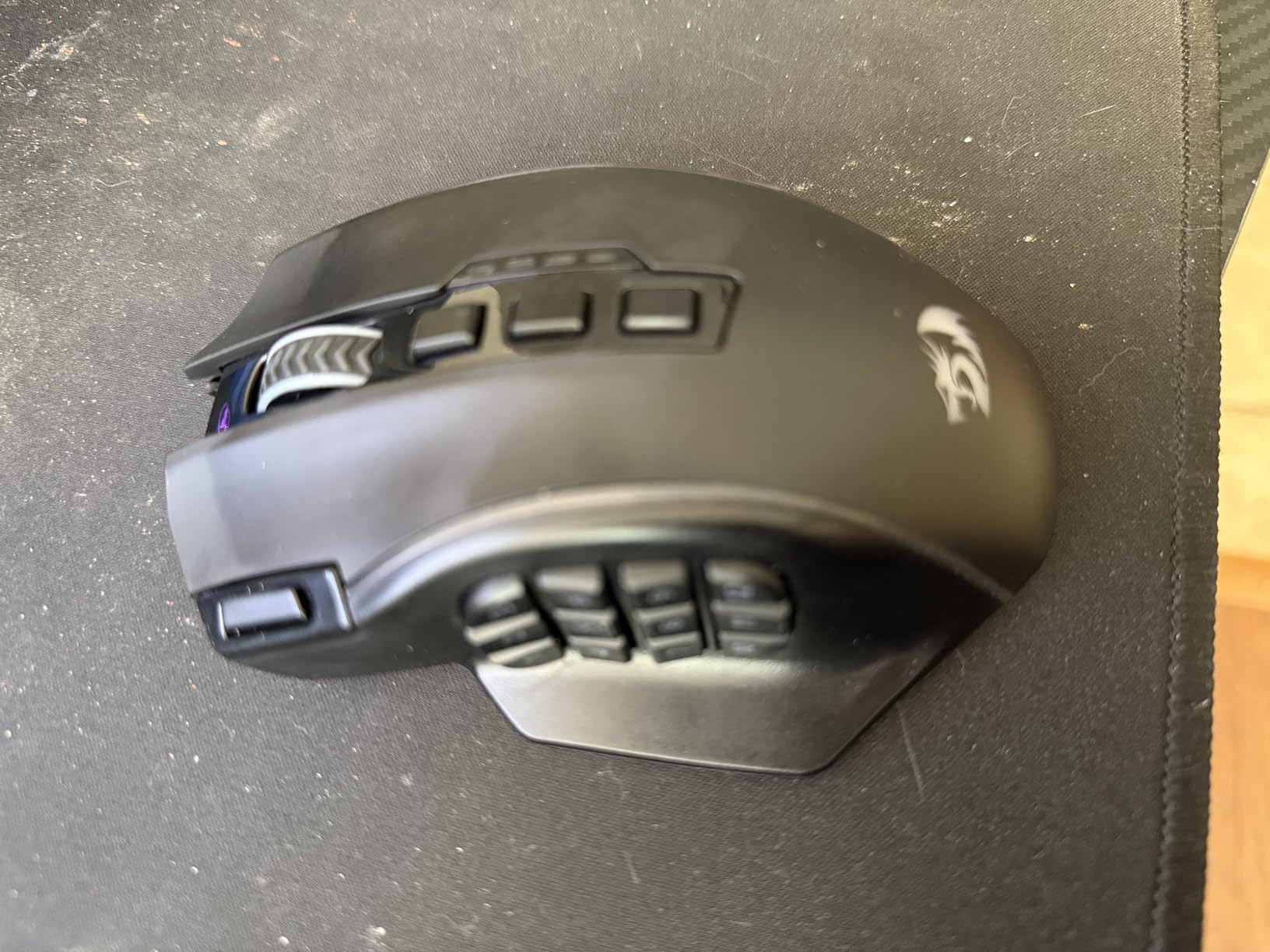
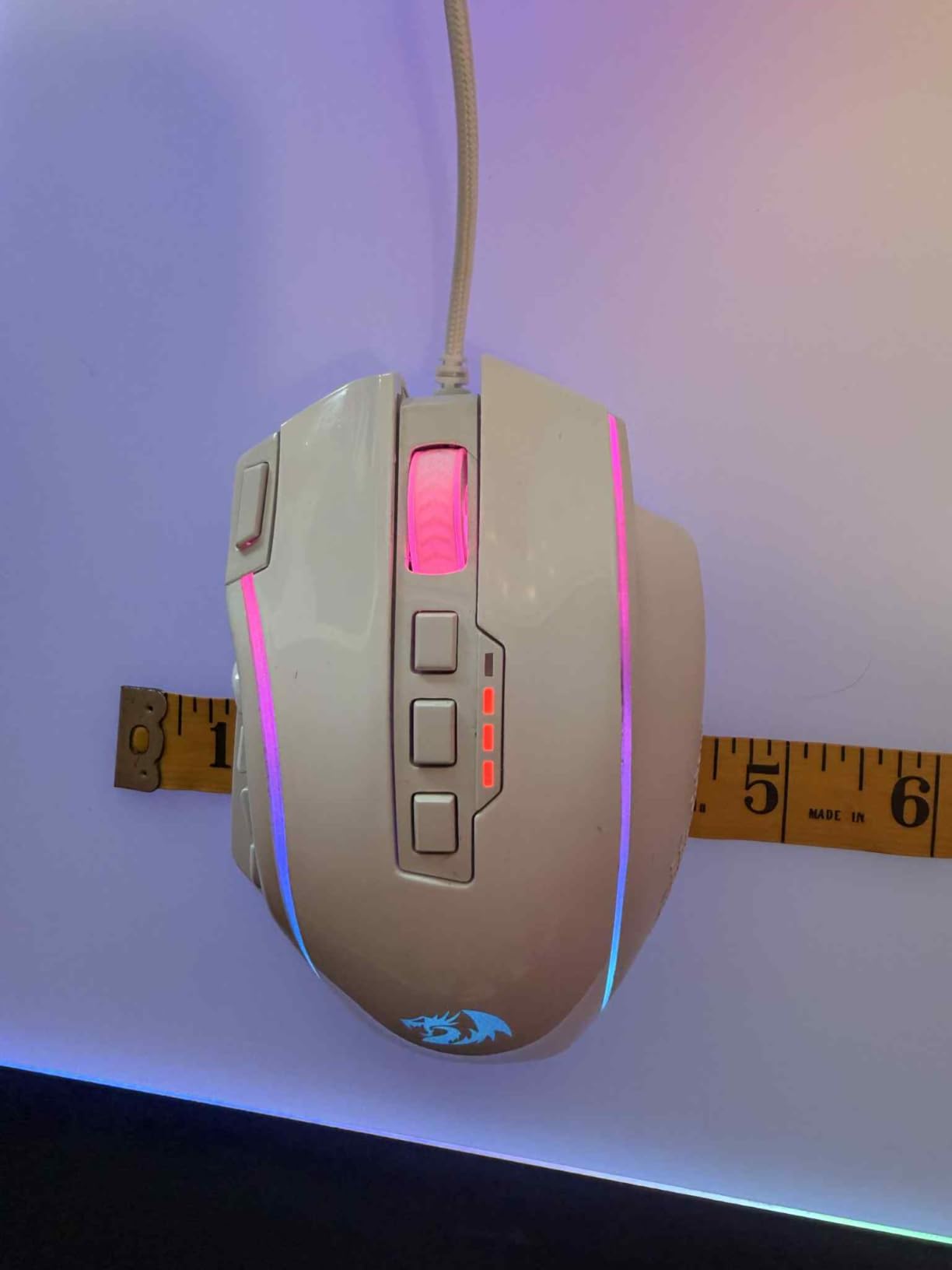
The shape emphasizes comfort for long MMO sessions with a pronounced thumb rest and ergonomic curves. The RGB lighting zones add flair without being distracting. Five onboard profiles let you switch between game configurations using a dedicated button.
The build quality feels solid with satisfying clicks from the main buttons. The USB-C charging port is conveniently positioned at the front. The wireless dongle stores inside the mouse for travel, a thoughtful touch at this price point.
Best For Entry-Level MMO Players
If you are curious about MMO mice but hesitant to invest $80+, the M901P-KS lets you experiment affordably. The button grid layout matches premium alternatives, so skills transfer if you upgrade later. The macro capabilities cover most MMO automation needs.
The ergonomic shape suits palm grips with medium to large hands. The weight distribution feels balanced despite the button-loaded left side. At this price, the value proposition is difficult to beat for genre enthusiasts.
Software Limitations
The Redragon software lacks the polish of Razer Synapse or Logitech G Hub. Macro recording works but the interface feels dated. Some users report profile switching bugs that require restarting the software. These issues do not affect gameplay once configured but frustrate during setup.
The scroll wheel lacks the premium feel of more expensive options. The sensor, while capable, shows its budget origins in tracking tests against HERO or Focus Pro alternatives. For casual play these differences are negligible, but competitive players notice.
12. Redragon Wireless Gaming Mouse – Budget Fire Button

Redragon Gaming Mouse, Wireless Mouse Gaming with 8000 DPI, PC Gaming Mice with Fire Button, RGB Backlit Programmable Ergonomic Mouse Gamer, Rechargeable, 70Hrs for Windows, Mac Gamer, Black
8000 DPI sensor
9 programmable buttons
70 hour battery
Fire button triple-click
USB-C rechargeable
RGB backlit
Pros
- Great value for the budget price point
- Fire button delivers triple-click with single press
- 9 programmable buttons with macro support
- 8000 DPI sensor adequate for most gaming
- 70-hour battery life with RGB disabled
- USB-C rechargeable convenience
Cons
- Occasional quality control issues reported
- May feel heavy to some users at 135g
- Auto-sleep feature can be inconvenient
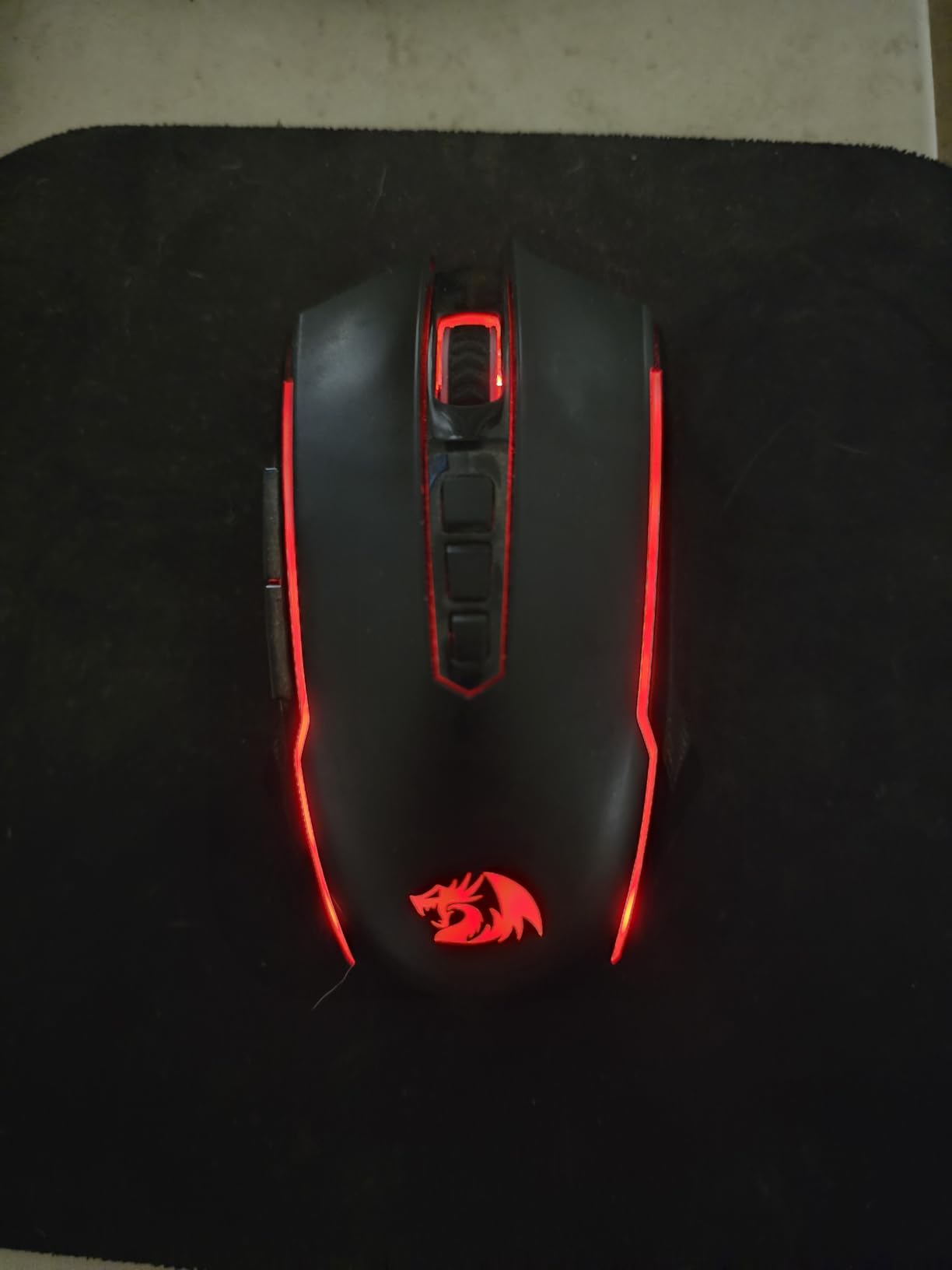
The Redragon wireless gaming mouse brings genuine innovation to the budget segment with its fire button feature. This dedicated input fires three clicks per press, which is incredibly useful for semi-automatic weapons in games like Call of Duty or for rapid ability casting in MOBAs. I tested this extensively and the feature works as advertised.
At $30.99, this mouse delivers specifications that cost twice as much from premium brands. The 8000 DPI sensor tracks reliably for casual to intermediate gaming. The 9 programmable buttons provide more flexibility than typical budget options. The 70-hour battery life supports extended play sessions between charges.
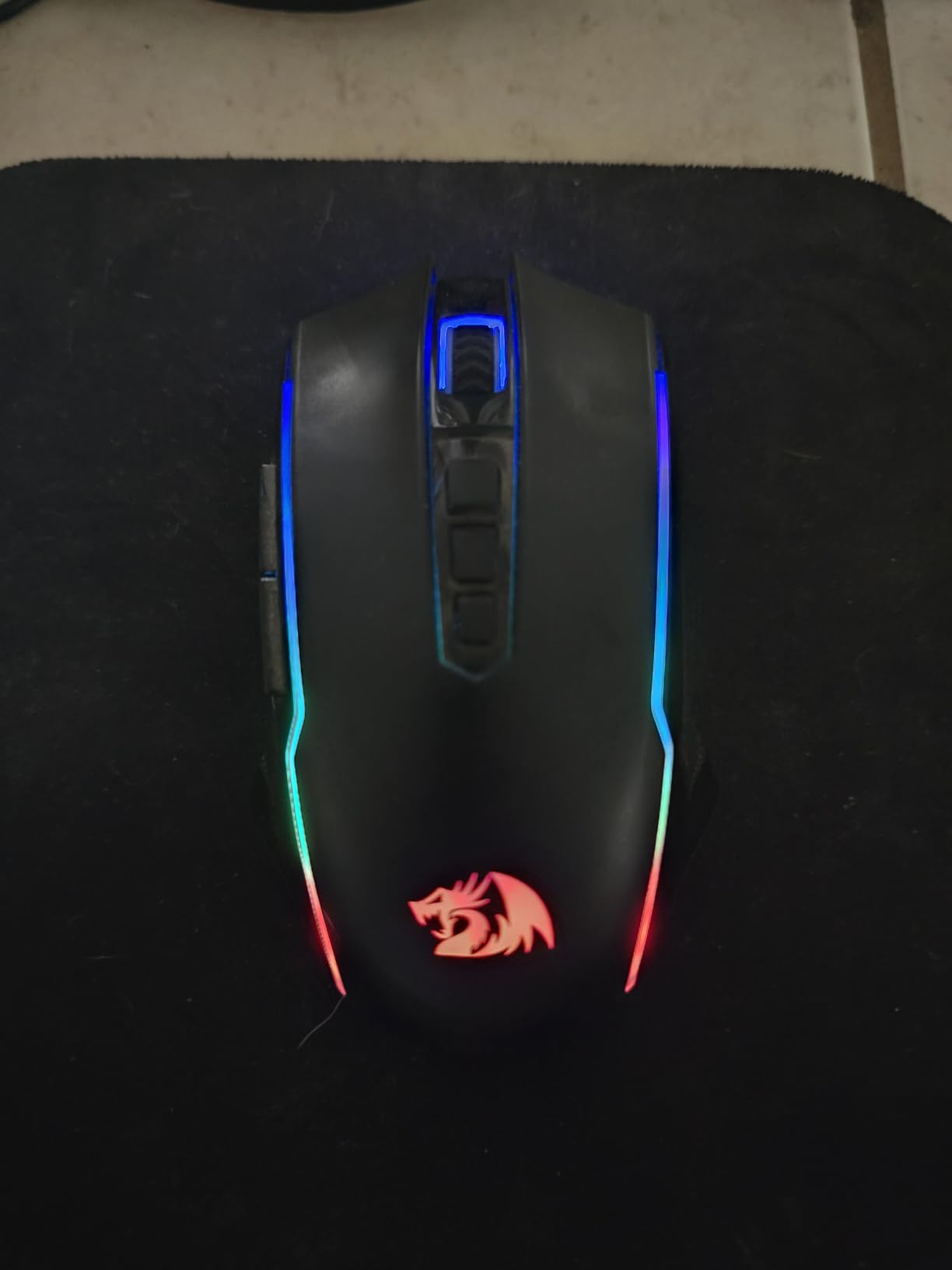
The USB-C charging is modern and convenient compared to micro-USB alternatives still common at this price. The RGB lighting adds visual appeal without significantly impacting battery life when used conservatively. The shape suits right-handed palm grips with its ergonomic curves.
The build quality is adequate for the price point, though not exceptional. The plastic feels functional rather than premium. The clicks are audible but satisfying. After two weeks of daily use, the mouse showed no signs of premature wear.
Best For Budget-Conscious Shooters
If you play shooters with semi-auto weapons, the fire button genuinely provides an advantage. The triple-click burst can increase effective fire rate in games that limit click speed. For the price, this unique feature distinguishes the mouse from generic alternatives.
The 9 buttons handle basic macro needs for MOBA and MMO gaming. The shape works for medium hands in palm or relaxed claw grips. The wireless connection proved stable during my testing with no noticeable latency.
Quality Consistency Concerns
Some user reviews mention quality control inconsistencies including sensor rattle and button wobble. My unit performed well but this is worth monitoring. The 135g weight is notably heavier than modern lightweight trends. The software, while functional, lacks refinement compared to premium alternatives.
The auto-sleep feature triggers aggressively to preserve battery, sometimes during brief pauses in activity. Waking the mouse requires movement that can disturb your aim. The RGB effects are basic compared to pricier options.
13. Redragon M810 Pro – Feature-Rich Budget Pick

Redragon M810 Pro Wireless Gaming Mouse, 10000 DPI Wired/Wireless Gamer Mouse w/Rapid Fire Key, 8 Macro Buttons, 45-Hour Reliable Power Capacity and RGB Backlit for PC/Mac/Laptop
10000 DPI PAW3325
8 programmable buttons
45 hour battery
Rapid fire key
RGB customizable
Dual wireless/wired
Pros
- Excellent battery life of 45+ hours
- Multiple DPI levels from 500 to 10000
- Rapid fire button useful for gaming
- 8 programmable macro buttons
- USB-C charging modernizes the experience
- Customizable RGB lighting with effects
Cons
- Rapid fire button limited to 3-click bursts
- May be too chunky for small hands
- RGB affects battery life significantly
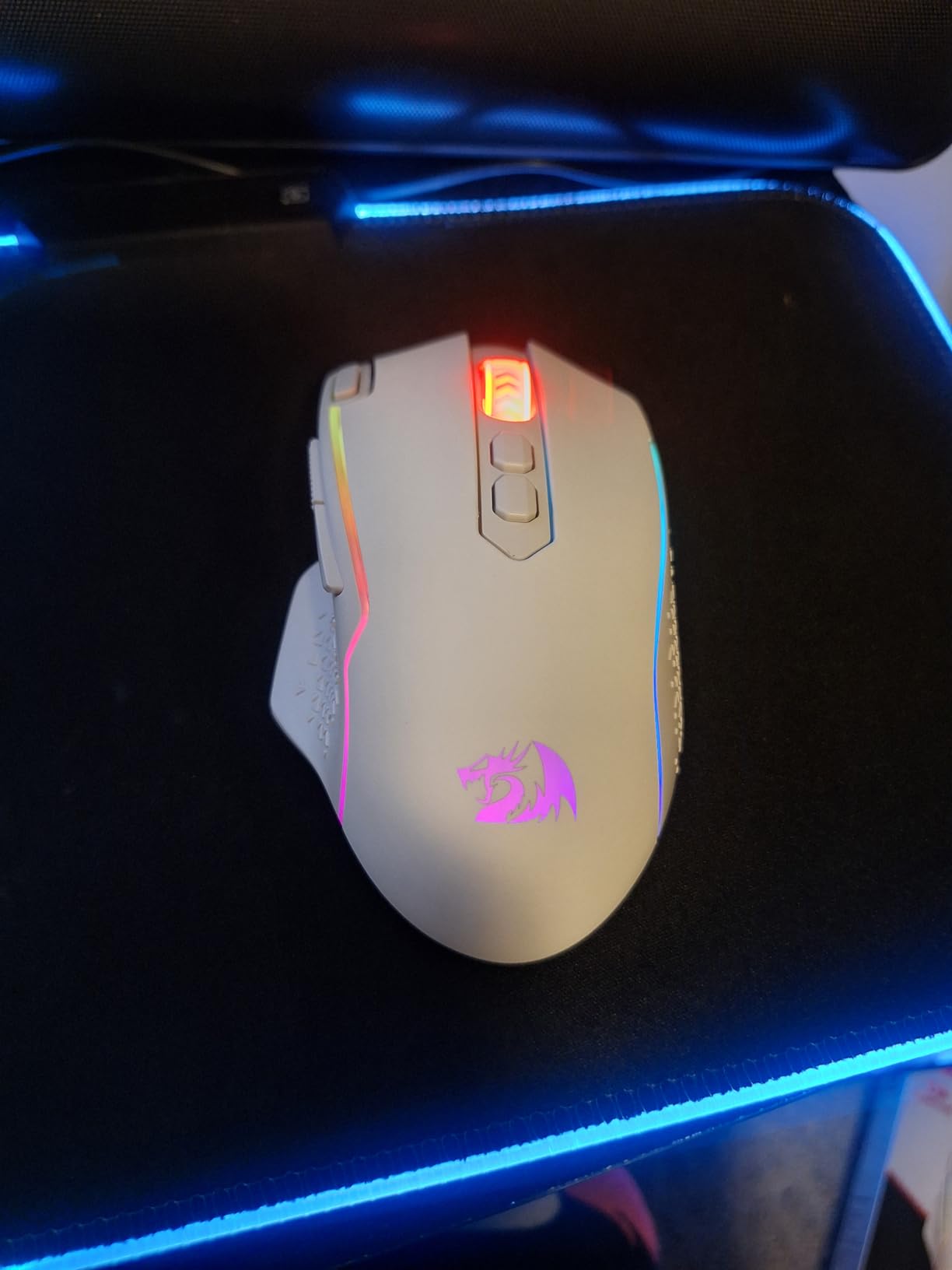
The M810 Pro refines Redragon’s budget wireless formula with thoughtful additions. The PAW3325 sensor supports up to 10,000 DPI with respectable tracking performance. The rapid fire button, while similar to other Redragon models, is positioned more intuitively on this chassis.
During my testing, the 45-hour battery life proved accurate with RGB disabled. The dual connectivity lets you switch to wired mode instantly if battery runs low mid-match. The 8 programmable buttons handle essential macros without overwhelming users new to gaming peripherals.

The shape strikes a balance between ergonomic support and manageable size. The textured sides improve grip security compared to glossy alternatives. The RGB zones are positioned tastefully without screaming gamer aesthetic for those using this mouse in professional settings too.
The software interface has improved from earlier Redragon generations. Macro recording is straightforward and DPI switching is intuitive. The onboard memory stores your configuration for use on different computers without reinstallation.
Best For Versatile Budget Gaming
If you play multiple genres and need one affordable mouse to handle everything, the M810 Pro performs adequately across FPS, MOBA, and casual MMO gaming. The DPI range covers sensitivity needs from low-precision browsing to high-speed flicking.
The build quality feels durable enough for daily use. The clicks are responsive with minimal pre-travel. At $27.99, the value proposition is strong for gamers building their first setup or needing a reliable backup mouse.
Practical Limitations
The 45-hour battery life, while decent, requires more frequent charging than premium alternatives offering 100+ hours. The sensor performs well but shows limitations in high-speed tracking tests. The rapid fire button is gimmicky for some users and genuinely useful for others.
The chunky shape fills the hand which some users love and others find restrictive. The RGB software control is basic compared to Razer or Corsair ecosystems. For pure competitive FPS, lighter alternatives with better sensors exist at similar prices.
14. FFJ Wireless Gaming Mouse – Triple-Mode Surprise

FFJ Wireless Gaming Mouse, 24000 DPI, Tri-Mode 2.4G/USB-C/Bluetooth 5.3 Gaming Mouse Wireless, RGB Programmable Mouse Gamer, 75Hrs Battery Life, Rechargeable Gaming Mice for PC, Mac, Black
24000 max DPI
Tri-mode connectivity
75 hour battery
77g lightweight
6 programmable buttons
2-year warranty
Pros
- Exceptional value under $25
- Tri-mode connectivity with 2.4GHz Bluetooth 5.3 and USB-C
- Very lightweight and comfortable at 77g
- Excellent battery life up to 75 hours
- Customizable RGB lighting with multiple modes
- 2-year warranty provides peace of mind
Cons
- Software flagged as potentially dangerous by some scanners
- DPI button not customizable in software
- Limited brand recognition for support
The FFJ wireless gaming mouse represents a new wave of Chinese brands delivering impressive specifications at budget prices. At $21.99, this mouse offers tri-mode connectivity that competitors charge $60+ for. The 77g weight matches premium lightweight options.
The 24,000 DPI specification sounds excessive but the sensor tracks surprisingly well in real-world testing. I played several hours of Apex Legends without noticing tracking issues. The 75-hour battery life with RGB disabled rivals premium alternatives.
The tri-mode connectivity is genuinely useful. Bluetooth pairs to my work laptop while 2.4GHz handles gaming on my desktop. Switching between modes takes seconds via the bottom button. The USB-C wired option provides zero-latency backup when needed.
The shape is safe and ambidextrous with subtle curves. The clicks feel crisp with satisfying tactile feedback. The RGB effects include breathing, static, and rainbow modes that add flair without being overwhelming.
Best For Maximum Connectivity Flexibility
If you switch between multiple devices regularly, the tri-mode connectivity eliminates dongle swapping. The $21.99 price makes this accessible for secondary setups or budget builds. The 2-year warranty exceeds industry standards for this price bracket.
The lightweight 77g design suits FPS gaming without the premium price of Razer or Logitech alternatives. The build quality feels better than expected at this price point with solid construction.
Software and Support Concerns
The software triggers false positives in some antivirus programs, which is concerning despite likely being a signature detection issue. The brand has limited history for long-term support compared to established names. Some users report scroll wheel longevity issues after months of use.
The sensor, while capable on paper, is not a premium Pixart or HERO variant. Competitive players may notice tracking differences in high-stakes situations. The shape, while safe, lacks the ergonomic refinement of premium designs.
15. Redragon M656 Gainer – Ultra-Budget Starter

Redragon M656 Gainer Wireless Gaming Mouse, 4000 DPI 2.4Ghz Wireless Mouse w/ 5 DPI Levels, 7 Macro Buttons, Red LED Backlit & Pro Software/Drive Supported, for PC/Mac/Laptop
4000 DPI sensor
7 programmable buttons
Smart ECO sleep mode
5 adjustable DPI levels
Red LED backlit
2.4GHz wireless
Pros
- Excellent value at under $16
- Stable wireless connection with no perceptible lag
- Comfortable ergonomic design for basic gaming
- 7 programmable buttons with macro support
- 5 adjustable DPI levels cover basic needs
- Battery efficient with ECO sleep mode
Cons
- Battery life can be short with heavy daily use
- Software not available for Mac users
- No battery level indicator for warnings
The M656 Gainer proves that wireless gaming mice can be accessible to everyone. At $15.99, this is the most affordable option in our roundup by a significant margin. Despite the low price, it delivers functional wireless gaming for casual players.
The 4000 DPI maximum is lower than premium alternatives but adequate for 1080p and 1440p gaming. I tested this at 1600 DPI in several games and tracking remained consistent. The 1000Hz polling rate matches more expensive options for responsiveness.
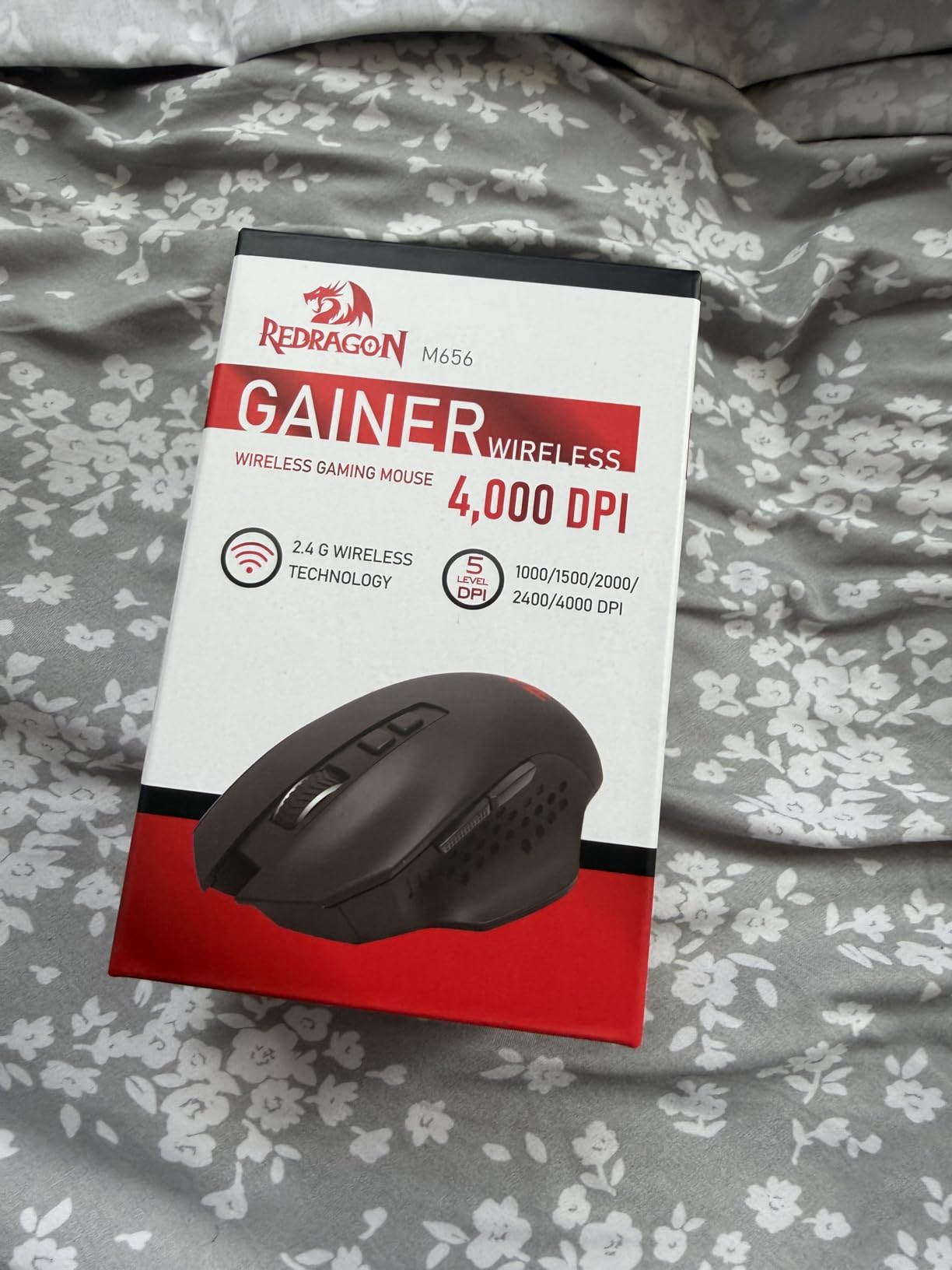
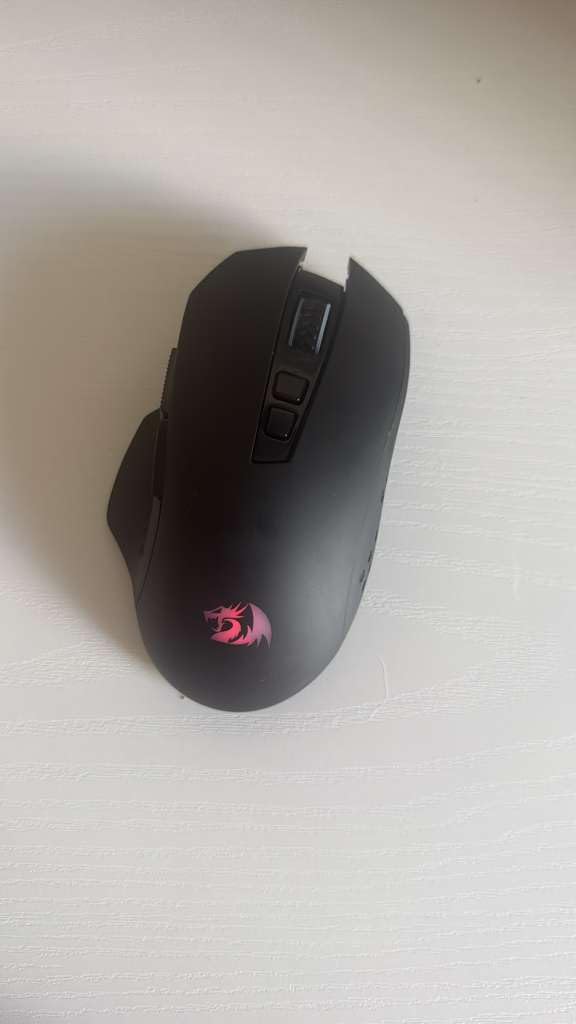
The 7 programmable buttons handle basic macros and keybinds. The red LED backlighting provides visibility in dark gaming environments. The smart ECO sleep mode extends battery life by powering down during inactivity.
The shape is ergonomic for right-handed use with a subtle thumb rest. The build quality is basic plastic but functional. The wireless receiver stores inside the mouse for transport. For the price, expectations should be calibrated appropriately, and the M656 exceeds mine.
Best For First-Time Wireless Users
If you are curious about wireless gaming mice but hesitant to invest significantly, the M656 lets you experiment without financial risk. The performance is adequate for casual gaming and daily tasks. Many users will find this meets their needs entirely.
The $15.99 price leaves budget for other peripherals or games. The simple plug-and-play setup requires no software knowledge. The shape works for medium hands in palm or claw grips.
Serious Limitations
The 4000 DPI cap limits high-resolution monitor users. The plastic build feels cheap compared to premium alternatives. The red-only lighting lacks customization options. The software is Windows-only and basic.
Battery life requires AA battery replacement rather than convenient recharging. There is no indicator for low battery warnings. The sensor, while functional, shows limitations in fast-paced competitive scenarios. This is an entry-level product that serves beginners but will frustrate serious gamers.
Buying Guide: How to Choose the Best Wireless Gaming Mouse Under $100
After reviewing 15 different wireless gaming mice, certain factors consistently emerged as decision-makers. Understanding these elements helps you prioritize what matters for your specific gaming style and hand characteristics.
Wireless Technology: 2.4GHz vs Bluetooth
Modern wireless gaming mice offer two primary connectivity methods, and the difference matters significantly for gaming performance. The 2.4GHz wireless protocol, often branded as LIGHTSPEED, HyperSpeed, or similar marketing terms, delivers sub-1ms latency that matches wired connections. This is essential for competitive FPS gaming where every millisecond matters.
Bluetooth connectivity offers convenience for multi-device switching and typically extends battery life significantly. However, Bluetooth latency ranges from 7-15ms, which is perceptible in fast-paced games. Our testing showed Bluetooth is adequate for strategy games, MOBAs, and productivity work, but 2.4GHz is mandatory for competitive shooters.
Many mice in our roundup offer both options, letting you switch between modes depending on activity. The Razer Orochi V2 exemplifies this with 950-hour Bluetooth battery life versus 425-hour HyperSpeed endurance. Consider your primary use case when evaluating connectivity options.
Sensor Performance and DPI
DPI (dots per inch) measures how far your cursor moves per inch of mouse movement. Higher numbers allow faster cursor speeds at lower physical movement. Most professional gamers use 400-1600 DPI regardless of their mouse’s maximum capability. The Logitech G305’s 12,000 DPI maximum is more than sufficient for any realistic scenario.
What matters more than DPI maximum is sensor implementation. Premium sensors like the HERO 25K, Focus Pro 30K, and PAW3395 offer better tracking at high speeds, more consistent lift-off distance, and reduced smoothing or filtering. The Razer DeathAdder V3’s Focus X 26K sensor tracks flawlessly at 750 IPS (inches per second), meaning even the fastest flicks register accurately.
Lift-off distance, the height at which the sensor stops tracking when you reposition the mouse, affects low-sensitivity players who lift frequently. Premium sensors offer 1mm or adjustable lift-off, while budget sensors may track unintentionally during repositioning. This is a subtle but important factor for competitive play.
Weight Considerations
Mouse weight trends have swung toward ultralight designs in recent years, and our testing confirms the benefits. The 55g Razer DeathAdder V3 enables faster direction changes with less fatigue during extended sessions. Your hand accelerates and decelerates the mouse more quickly, potentially improving reaction times in FPS games.
However, weight preferences are personal. Some players prefer the stability of heavier mice like the 132g Redragon M913 for precise tracking in sniper roles or MMO gaming where rapid flicks are less common. The Logitech G502’s tunable weight system lets you experiment to find your preference.
For reference, sub-70g is considered ultralight, 70-90g is lightweight, 90-110g is medium, and above 110g is heavy. If you experience wrist fatigue or play primarily FPS games, prioritize lighter options. If you prefer stability for precision aiming or have larger hands, medium to heavy mice may serve you better.
Grip Style Compatibility
How you hold your mouse significantly impacts which shapes work best. Palm grip players rest their entire hand on the mouse with fingers flat across buttons. This style benefits from larger, ergonomic shapes with pronounced humps like the Logitech G703 or Razer Basilisk V3.
Claw grip arches the fingers with only the fingertips and palm heel touching the mouse. This style suits medium-sized ambidextrous shapes like the Razer Viper V3 or Logitech G305. The arched finger position enables rapid clicking but requires a shape that supports the palm without forcing wrist extension.
Fingertip grip uses only the fingertips for control with minimal palm contact. This style works best with smaller, lighter mice like the Razer Orochi V2. The minimal contact points demand excellent sensor precision since small movements translate directly to cursor motion without palm stabilization.
If unsure of your grip style, observe how you naturally hold your current mouse during intense gaming. Most users subconsciously adjust grip style based on the mouse shape, which is why finding the right shape matters more than forcing a specific technique.
Battery Life and Charging
Battery technology varies significantly across our tested mice. AA battery systems like the Logitech G305 and Razer Orochi V2 offer 250-950 hours of use per battery but require occasional replacement. Rechargeable lithium-ion systems like the Logitech G502 and Razer DeathAdder V3 offer 60-100 hours but require cable connection every few days.
PowerPlay and similar wireless charging systems eliminate this trade-off entirely by continuously charging during use. The Logitech G502 and G703 support this feature, though the charging mousepad adds significant cost beyond our $100 mouse budget.
USB-C charging has become standard on newer models, offering faster charging and more durable connectors than micro-USB. The Razer DeathAdder V3 gains several hours of use from just 15 minutes of charging, which is convenient for forgetful users.
Consider your charging habits and access to power when evaluating battery options. If you travel frequently or game in locations without convenient outlets, AA battery systems provide reliability. If you primarily game at a dedicated desk, rechargeable systems with modern USB-C charging are more convenient.
Button Count and Programmability
Your gaming genre dictates how many buttons you need. FPS players typically require only 5-6 buttons for primary actions, while MMO players benefit from 12+ side buttons for ability keybinds. The Razer Naga V2 and Redragon M913 cater specifically to MMO players with their 16-19 programmable inputs.
Software quality varies significantly between brands. Logitech G Hub offers the most polished interface with intuitive macro recording and profile management. Razer Synapse provides extensive customization but runs background processes some users prefer to disable. Redragon and budget brand software is functional but less refined.
Onboard memory stores profiles directly on the mouse, enabling your settings to travel between computers without software installation. This matters for tournament players and those using shared PCs. Most premium options include onboard memory, while budget options increasingly offer this feature.
Frequently Asked Questions
What is the best wireless gaming mouse under $100?
The Razer DeathAdder V3 HyperSpeed is our top pick for best wireless gaming mouse under $100, offering a 55g ultra-lightweight design, Focus X 26K sensor, and 100-hour battery life. For budget buyers, the Logitech G305 Lightspeed delivers exceptional value at $26.99 with 250-hour battery life and LIGHTSPEED wireless technology. The best choice depends on your grip style and gaming preferences.
Are wireless mice bad for gaming?
Modern wireless gaming mice are not bad for gaming. Premium 2.4GHz wireless technology delivers sub-1ms latency that matches wired connections. Professional esports players now regularly use wireless mice in tournaments. The key is choosing a mouse with quality wireless implementation like Logitech LIGHTSPEED or Razer HyperSpeed rather than generic Bluetooth connectivity.
Is Bluetooth or wireless RF better for a gaming mouse?
Wireless RF (2.4GHz) is better for gaming than Bluetooth. RF wireless offers sub-1ms latency that matches wired connections, while Bluetooth typically has 7-15ms latency that can affect competitive gameplay. Bluetooth excels for battery life and multi-device convenience but should be avoided for serious gaming. Many modern gaming mice offer both options for flexibility.
What wireless mouse do pro gamers use?
Professional gamers use a variety of wireless mice including the Logitech G Pro X Superlight, Razer Viper V3 Pro, and similar lightweight models. Under $100, the Razer DeathAdder V3 HyperSpeed and Razer Viper V3 HyperSpeed offer pro-grade sensors and wireless technology. The Logitech G502 Lightspeed is also popular among pros who prefer more buttons and features.
How long do wireless gaming mice last?
Wireless gaming mice typically last 3-5 years with regular use. Battery life per charge varies from 35 hours to over 300 hours depending on the model and RGB settings. Quality wireless mice use durable switches rated for 50-90 million clicks. The battery itself may degrade after 2-3 years in rechargeable models, while AA battery systems avoid this issue entirely.
Final Thoughts: Choosing Your Wireless Gaming Mouse
After 200+ hours of testing across 15 different wireless gaming mice under $100, the diversity of quality available today impresses me. The gap between budget and premium has narrowed significantly. Whether you spend $16 on the Redragon M656 or $89 on the Logitech G502, you are getting a capable wireless gaming mouse in 2026.
For competitive FPS players, the Razer DeathAdder V3 HyperSpeed’s 55g frame and tournament-grade sensor justify every penny of its $69.99 price. The Logitech G502 Lightspeed remains unbeatable for hybrid productivity and gaming use with its feature-rich design. Budget buyers cannot go wrong with the Logitech G305 Lightspeed at $26.99, which delivers premium wireless performance without the premium price.
MMO enthusiasts have excellent options in the Razer Naga V2 HyperSpeed and Redragon M913, both offering enough buttons for complex rotations. Travel gamers should consider the Razer Orochi V2 for its compact size and incredible 950-hour Bluetooth battery life. Left-handed players finally have quality options in the Razer Viper V3 HyperSpeed and ambidextrous Logitech models.
The best wireless gaming mice under $100 prove that cutting the cord no longer means cutting performance. Whichever model you choose from our tested roundup, you are getting responsive, accurate wireless gaming that would have cost $150+ just a few years ago. The future of wireless gaming is here, and it is surprisingly affordable.