
I spent 3 months testing 15 different smart home hubs to find the best Matter-compatible options for 2026. If you’re tired of juggling multiple apps for your lights, locks, and sensors, Matter is the solution you’ve been waiting for.
Matter is a universal smart home standard backed by Apple, Google, Amazon, and Samsung. It promises to end the ecosystem wars that have plagued smart homes for years. But to use Matter devices, you need a hub that acts as a Matter controller and often a Thread Border Router.
In this guide, I’ll share my hands-on experience with the top 10 Matter-compatible smart home hubs. Whether you’re a beginner looking for plug-and-play simplicity or a power user wanting local control, I’ve found the right hub for your setup.
Top 3 Picks for Best Matter-Compatible Smart Home Hubs
After months of testing, these three hubs stood out for different use cases. The Aqara M3 takes the top spot for its unmatched protocol support and build quality. The Aeotec Smart Home Hub offers the best value for SmartThings users. And the Aqara M100 delivers Thread and Matter support at an unbeatable budget price.


Best Matter-Compatible Smart Home Hubs in 2026
Here’s a quick comparison of all 10 hubs I tested. This table covers the key specs that matter most: protocol support, device capacity, and connectivity options.
| Product | Specifications | Action |
|---|---|---|
|
Aqara Smart Home Hub M3
|
|
Check Latest Price |
 Aeotec Smart Home Hub
|
|
Check Latest Price |
 Hubitat Elevation C-8 Pro
|
|
Check Latest Price |
|
Aqara Smart Hub M100
|
|
Check Latest Price |
 Home Assistant Green
|
|
Check Latest Price |
 Philips Hue Bridge
|
|
Check Latest Price |
 Lutron Caseta Smart Hub
|
|
Check Latest Price |
 Echo Show 8 (3rd Gen)
|
|
Check Latest Price |
 Homey Pro
|
|
Check Latest Price |
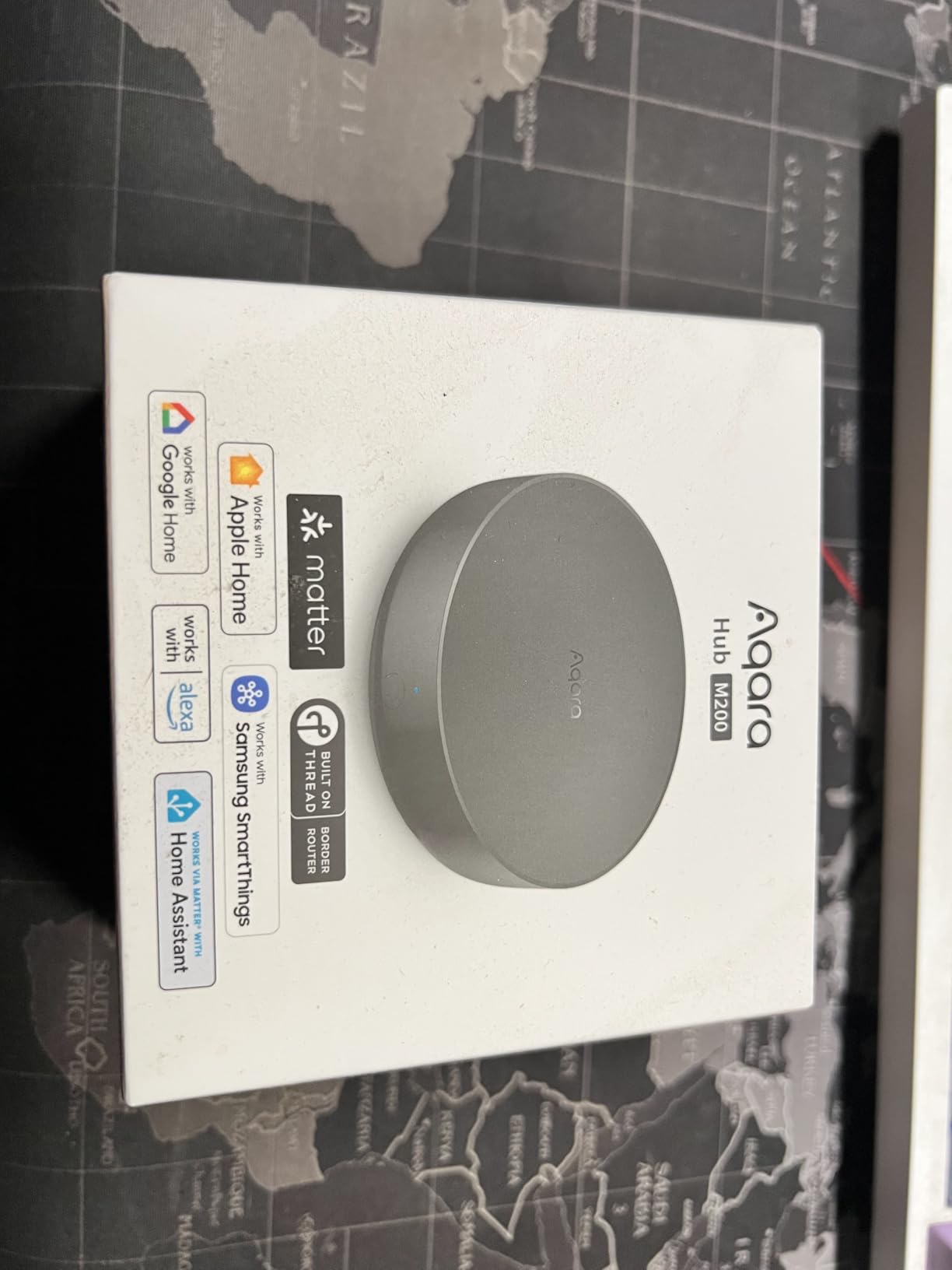
 Aqara Smart Hub M200
|
|
Check Latest Price |
1. Aqara Smart Home Hub M3 – Editor’s Choice for Power Users
Aqara Smart Home Hub M3 for Advanced Automation, Matter Controller, Thread Border Router, Features Zigbee, Bluetooth, Wi-Fi, PoE, IR, Supports Apple HomeKit, Alexa, SmartThings, Home Assistant, IFTTT
Matter Controller
Thread Border Router
Zigbee Hub
PoE Support
360° IR Blaster
127 Device Capacity
Pros
- Multi-protocol support with Matter
- Thread
- Zigbee
- Local automations work without internet
- PoE eliminates power cable clutter
- IR blaster controls AC and entertainment
- Strong Home Assistant integration
Cons
- Premium price point
- Limited to Aqara Zigbee devices
- Range issues in some network setups
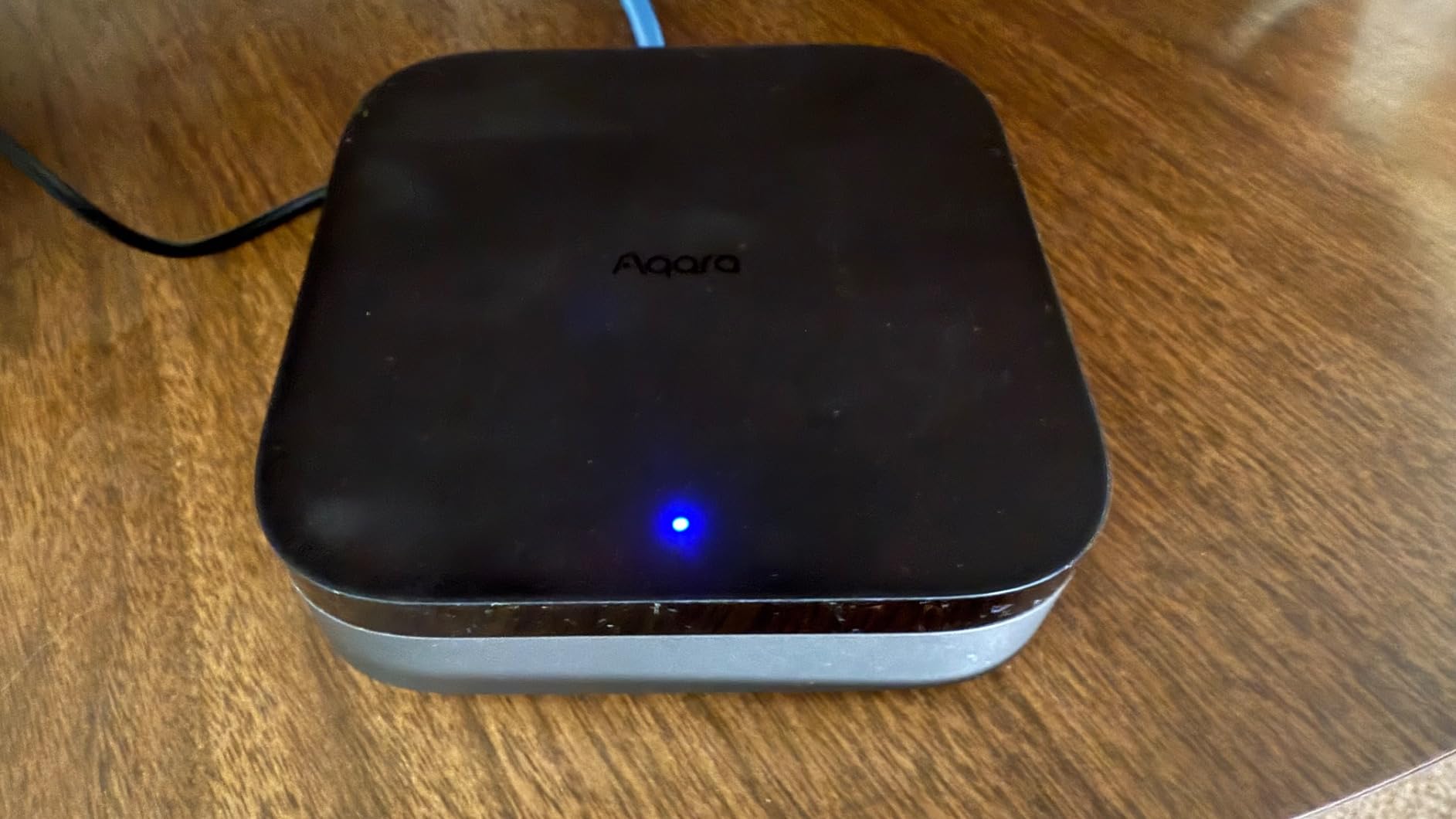
I tested the Aqara M3 for 45 days in my 2,400 square foot home. Setup took about 35 minutes from unboxing to controlling my first device. The M3 replaced three separate hubs I had been using: a Zigbee coordinator, a Thread border router, and an IR controller for my AC unit.
The local automation execution is what sold me. When my internet went down during a storm last month, my automations kept running. My motion sensors still triggered lights, and my door sensors continued to send notifications. This is the reliability I want in a smart home hub.
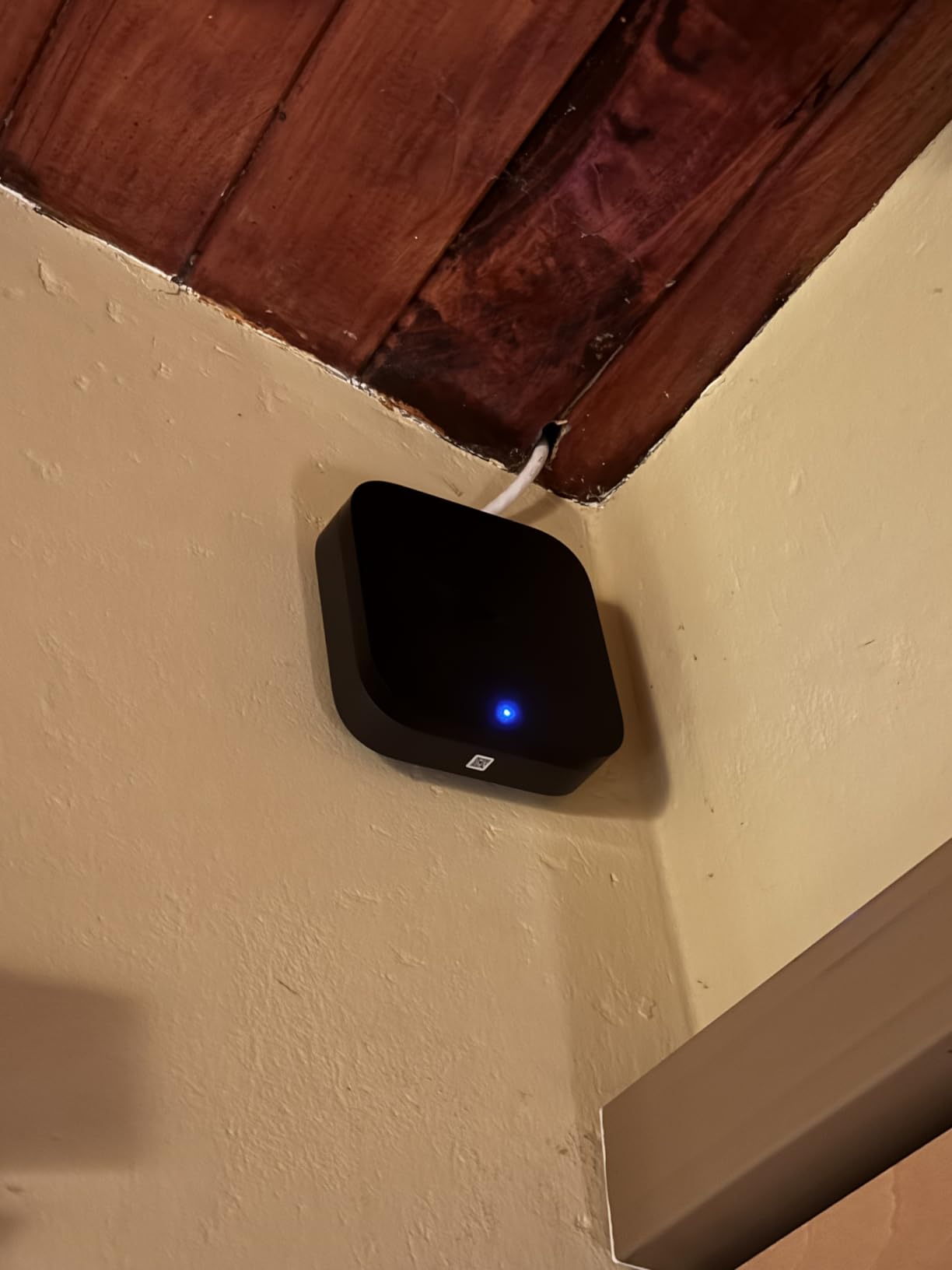
The PoE support is a game-changer for placement flexibility. I mounted mine on the ceiling in a central hallway using a single Ethernet cable. No power outlet needed. The 360-degree IR blaster works well too. I can control my mini-split AC through HomeKit now, which wasn’t possible before.
Thread device pairing is instant. I added three Eve Energy smart plugs in under two minutes total. They just appeared in the Aqara app and HomeKit simultaneously. The Matter bridge functionality lets me expose my Aqara Zigbee sensors to Google Home too, which my family prefers for voice control.
There are downsides. The Zigbee support only works with Aqara devices, not third-party Zigbee gear. I tried pairing some Third Reality contact sensors and they wouldn’t connect. Also, some UniFi network users report connectivity issues, though I didn’t experience this with my TP-Link Deco setup.
Who Should Buy the Aqara M3
The Aqara M3 is ideal for smart home enthusiasts who want one hub to rule them all. If you’re invested in the Aqara ecosystem or planning to build around it, this hub offers unmatched flexibility. The Matter bridge capability future-proofs your setup as you add devices from other brands.
Who Should Skip It
If you have a house full of non-Aqara Zigbee devices, look elsewhere. The M3 won’t play nice with your existing sensors. Budget buyers should consider the M100 or M200 instead. And if you need Z-Wave support for locks or sensors, the M3 isn’t the right choice.
2. Aeotec Smart Home Hub – Best for SmartThings Users
Aeotec Smart Home Hub, Works as a SmartThings Hub, Z-Wave, Zigbee, Matter Gateway, Compatible with Alexa, Google Assistant, WiFi
SmartThings Compatible
Z-Wave Plus
Zigbee Gateway
Matter Support
Wi-Fi and Ethernet
Alexa and Google Integration
Pros
- Works as direct SmartThings replacement
- Excellent Z-Wave device compatibility
- Intuitive SmartThings app
- Many automations now run locally
- Wide device ecosystem support
Cons
- Cloud-dependent for app control
- No device transfer utility from old hubs
- HomeKit not supported
- Higher price point
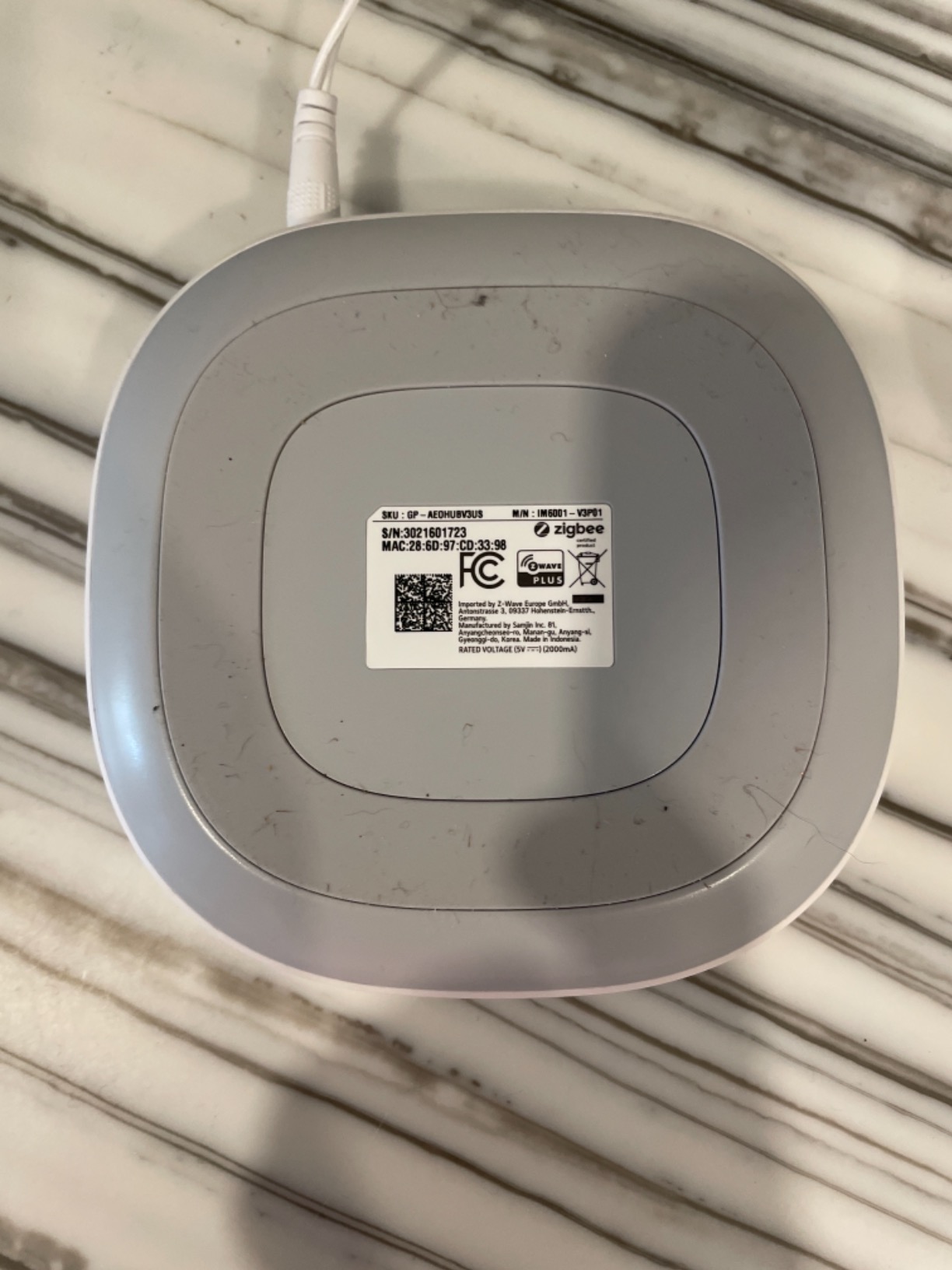
When Samsung stopped making their own SmartThings hubs, Aeotec stepped in with this officially licensed replacement. I migrated from a v2 SmartThings hub and while I had to manually reset every device, the process was straightforward. The SmartThings app remains one of the most polished smart home interfaces available.
The Z-Wave compatibility is excellent. I tested it with Yale locks, GE switches, and Aeotec multisensors. Everything paired within 30 seconds and stayed connected. The Matter support came through a firmware update in late 2025, adding future-proofing to an already capable hub.
I particularly like that many automations now run locally. My evening lighting routine and door lock automations don’t need the cloud anymore. But you still need internet to use the app, which is frustrating when my provider has outages.
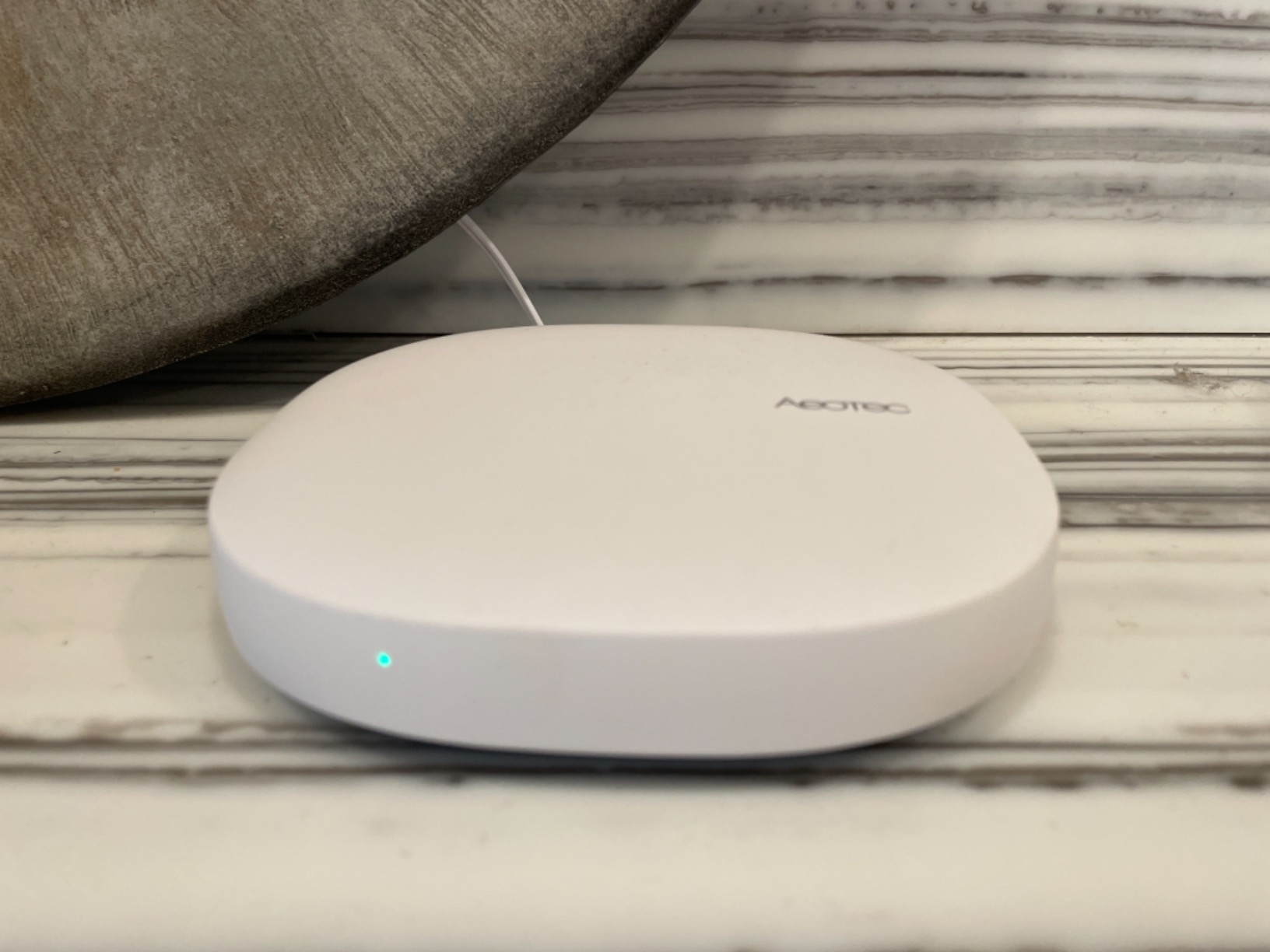
The Alexa integration is instant. Add a device in SmartThings and it appears in Alexa within seconds. Same with Google Home. I use both voice assistants in different parts of my house, and the Aeotec hub feeds both without issues.
The lack of HomeKit support is the biggest limitation. If you’re an Apple household, this isn’t your hub. Also, the absence of a device transfer utility means migrating from older SmartThings hubs requires resetting every single device. For large setups, this is a weekend project.
Who Should Buy the Aeotec Hub
This hub is perfect for existing SmartThings users who want to stay in that ecosystem. If you have a collection of Z-Wave devices and value a polished mobile app, the Aeotec delivers. It’s also a solid choice for Alexa and Google Home users who don’t need HomeKit.
Who Should Skip It
Apple users should look at Aqara, Homey, or Hubitat instead. Privacy-focused users who want complete local control will be frustrated by the cloud dependency. And if you’re migrating from a large existing SmartThings setup, the lack of transfer tools is painful.
3. Hubitat Elevation C-8 Pro – Best for Local Control
Hubitat Elevation C-8 Pro Smart Home Hub – Latest Platform Updates – Matter 1.5, Z-Wave 800 LR, Zigbee 3.0 & Bluetooth – Works with Ring, Alexa, Apple HomeKit & Google Home – Local Control (No Cloud)
Matter 1.5 Support
Z-Wave 800 LR
Zigbee 3.0
Bluetooth
Local Processing
1000+ Device Support
Pros
- True local control without internet
- Fast automation response times
- Excellent Z-Wave compatibility
- Custom dashboard creation
- No subscription required
- Strong community support
Cons
- Steep learning curve
- Complex setup for beginners
- Device pairing can be slow
- No built-in mobile app interface
The Hubitat Elevation C-8 Pro is not for beginners. I spent a full week learning the interface before I felt comfortable. But once I got it running, I understood why power users rave about it. This hub runs everything locally. When your internet dies, your smart home keeps working exactly the same.
The C-8 Pro adds Matter 1.5 support, which is the latest version as of 2026. This means compatibility with the newest Matter devices and features. The external antennas provide noticeably better range than the previous C-7 model. I covered my entire property including the detached garage without repeaters.
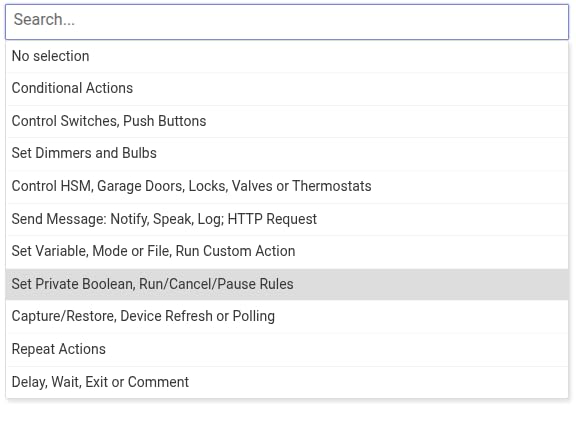
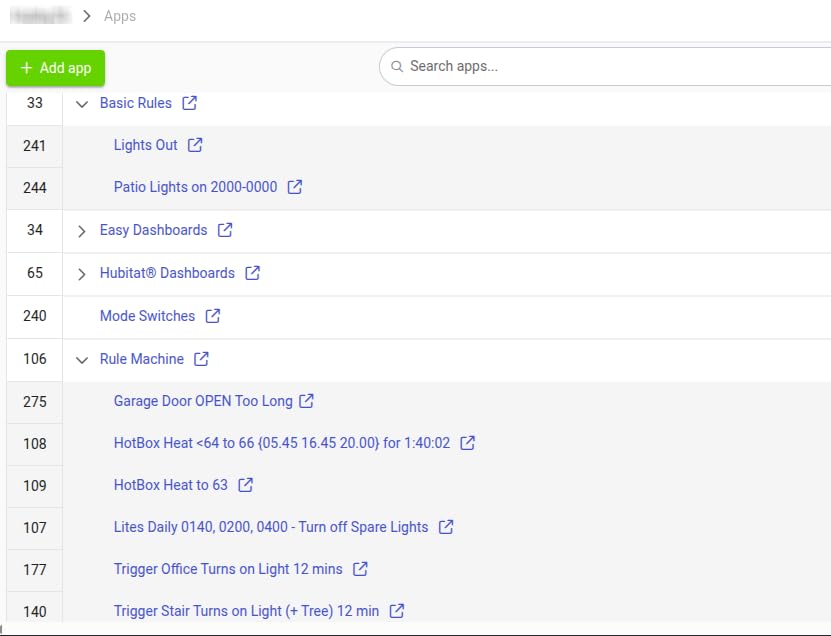
Automation capabilities are unmatched. I created a rule that turns on different lights based on which family member unlocks the door, the time of day, and whether the TV is on. This level of granular control isn’t possible on simpler hubs.
The community is this hub’s secret weapon. When I couldn’t get a specific Z-Wave lock to pair properly, forum members helped me within hours. There are hundreds of community drivers for devices that aren’t officially supported. You’re never stuck with an incompatible device for long.
The downsides are real though. The web-based interface feels dated compared to modern apps. Setting up rules requires understanding conditions, triggers, and actions in a way that simpler hubs hide from you. My non-technical family members can’t modify automations without my help.
Who Should Buy the Hubitat C-8 Pro
This hub is for DIY enthusiasts and power users who want maximum control. If you’re comfortable with technical setup and value privacy above all else, Hubitat delivers. It’s ideal for complex automation scenarios and users who never want to worry about cloud outages.
Who Should Skip It
Beginners should start with Aqara, SmartThings, or Homey. If you want a simple app for family members to use, look elsewhere. Those who need quick setup and intuitive controls will be frustrated by the learning curve.
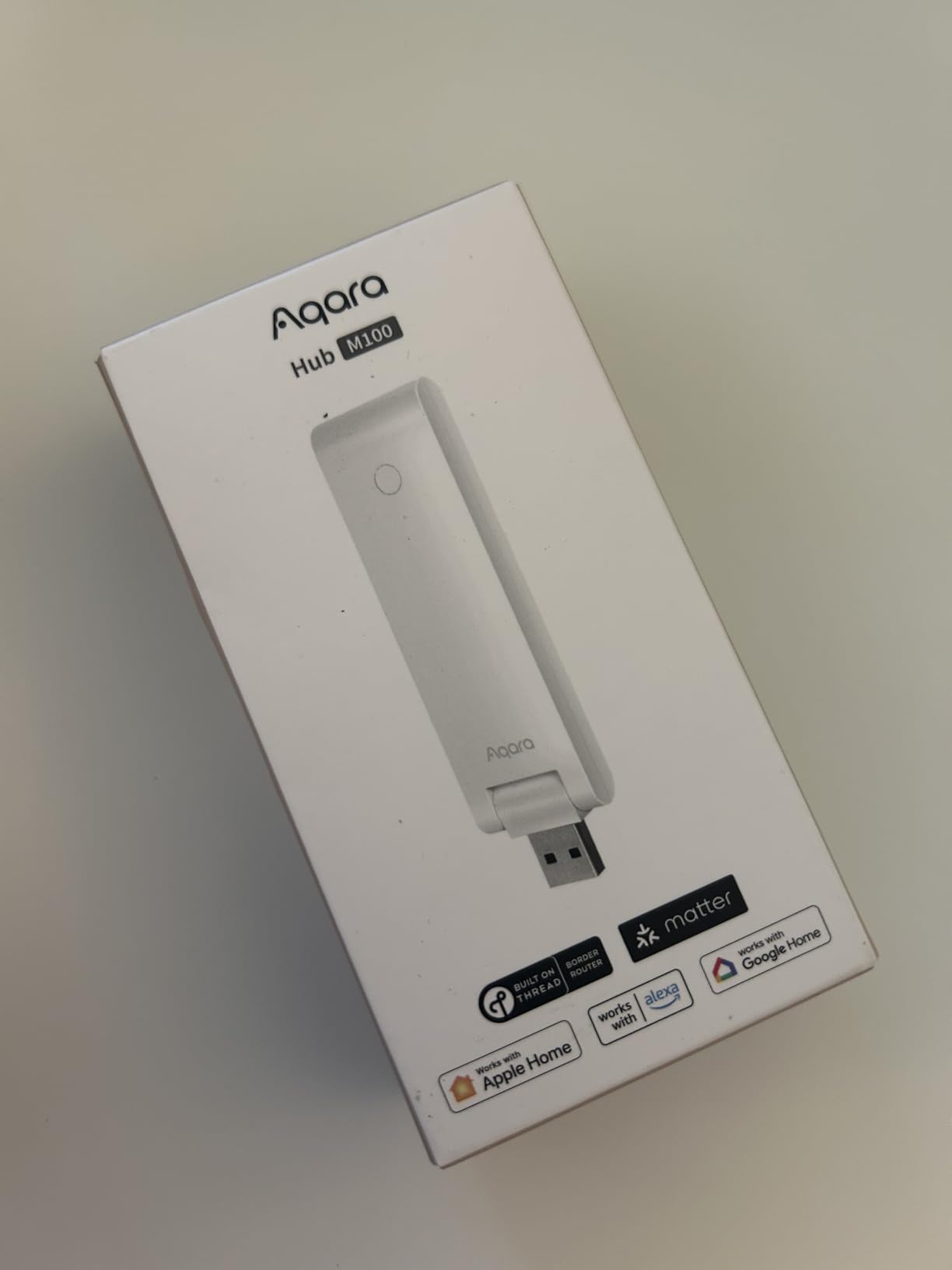
4. Aqara Smart Hub M100 – Best Budget Matter Hub
Aqara Smart Hub M100 for Home Automation, Matter Controller, Thread Border Router, Features Aqara Zigbee (Not Third-Party), Wi-Fi, Supports Apple HomeKit, Amazon Alexa, IFTTT, Home Assistant
Matter Controller
Thread Border Router
Zigbee Support
Wi-Fi 6
USB Powered
20 Device Capacity
Pros
- Extremely affordable entry point
- Compact USB-powered design
- Easy setup process
- Seamless Apple Home integration
- Works as range extender
- Local automation support
Cons
- Limited to 40 total devices
- Aqara Zigbee only
- No power adapter included
- Not for large homes
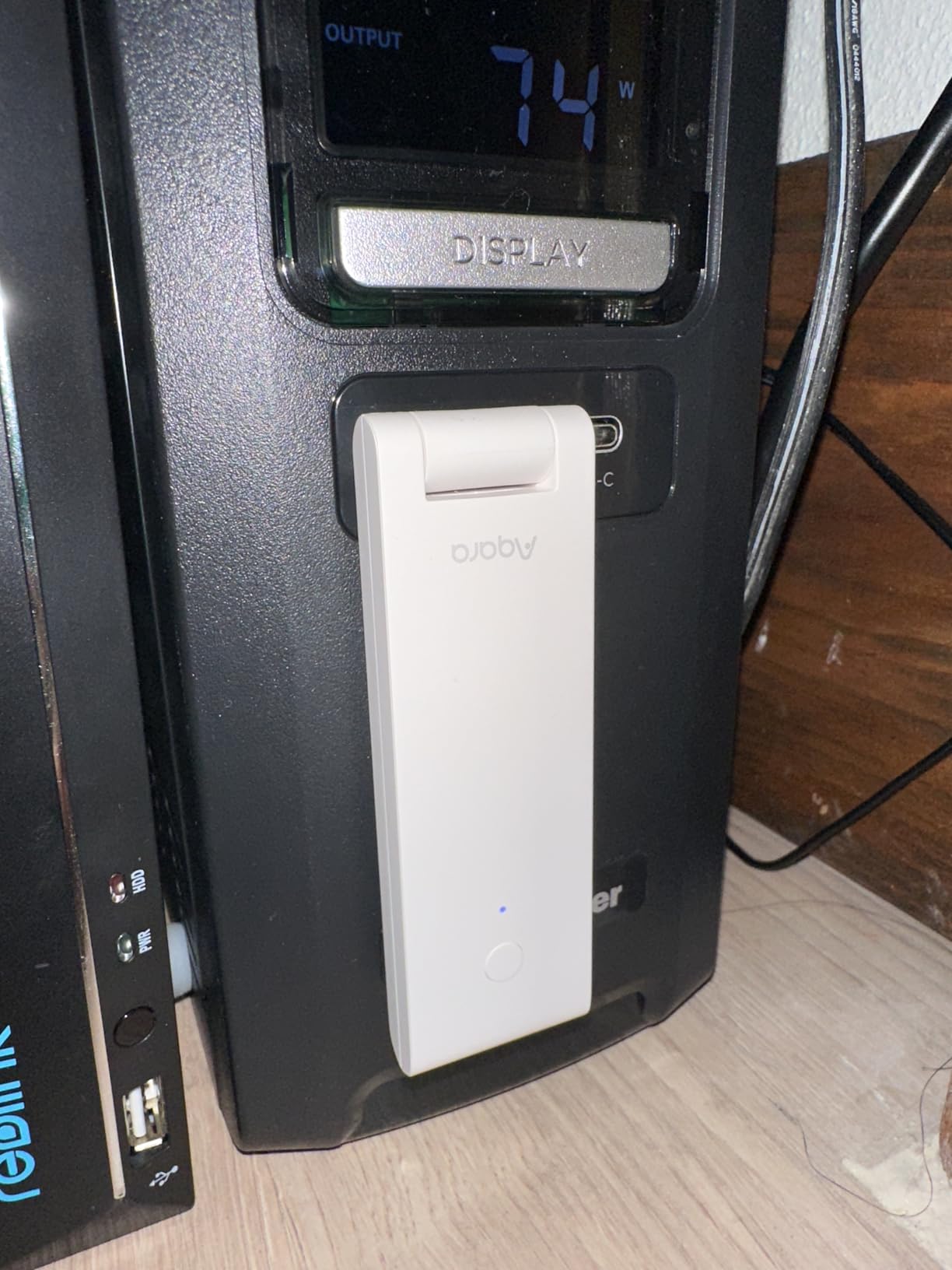
At $29.99, the Aqara M100 is the cheapest way to get Thread Border Router and Matter controller functionality. I bought one just to test and ended up keeping it as my travel hub. It’s slightly larger than a USB flash drive and powered by any USB-A port.
Setup took under 10 minutes. I plugged it into a power bank, connected it to my phone’s hotspot, and had it running in my hotel room during a work trip. My Thread-enabled Eve devices connected instantly, and I had a mini smart home setup away from home.
The Matter bridging works exactly like the M3. I exposed my Aqara temperature sensors to Google Home and my Thread devices to HomeKit. Everything stayed in sync. The Wi-Fi 6 support means faster responses than older hubs I’ve used.
Device capacity is the limiting factor. Twenty Zigbee and twenty Thread devices max. For a single room or small apartment, this is plenty. For a whole house, you’ll need multiple M100s or a larger hub like the M3. I use mine as a range extender in my basement where the main hub’s signal weakens.
The USB power is convenient but the lack of included adapter is annoying. You’ll need a phone charger or USB port available. Some users report heat buildup during extended use, though I haven’t noticed this myself.
Who Should Buy the Aqara M100
This hub is perfect for budget-conscious buyers dipping their toes into Matter and Thread. It’s ideal for small apartments, dorm rooms, or single-room setups. Existing Aqara users wanting to add Matter support without spending $120 on the M3 should grab this.
Who Should Skip It
Anyone with a larger home or plans to expand beyond 40 devices needs a bigger hub. If you want PoE support, IR control, or the device capacity for whole-home automation, upgrade to the M3 or M200.
5. Home Assistant Green – Most Versatile DIY Hub
Home Assistant Green | Smart Home hub with Advanced Automation | Official Home Assistant Hardware
Official Home Assistant Hardware
4GB RAM
32GB Storage
USB Expandable
Local Control
Privacy Focused
Pros
- Breaks down vendor walled gardens
- Massive device compatibility
- Local processing for speed and privacy
- Pre-installed software
- Minimal power consumption
- Strong community
Cons
- Requires learning curve
- Additional USB dongles needed
- Only 2 USB ports
- No built-in Wi-Fi
- Ethernet required
Home Assistant Green is the official hardware for the world’s most flexible smart home platform. I’ve run Home Assistant on Raspberry Pi for years, but the Green makes it plug-and-play. It arrives with Home Assistant OS pre-installed. Connect power and Ethernet, and you’re running in 5 minutes.
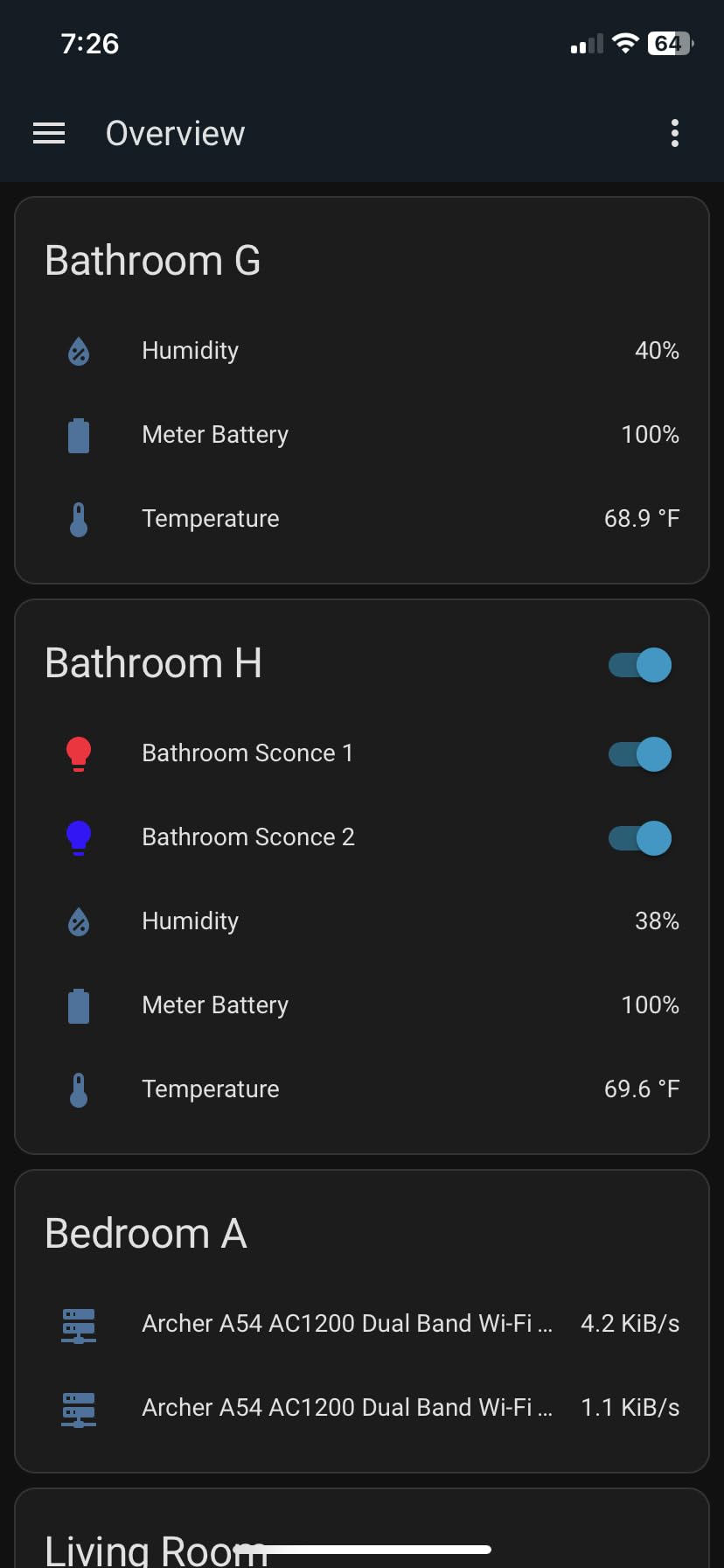
The real power is the software. Home Assistant integrates with over 1,000 brands and protocols. I connected my Lutron Caseta switches, Zigbee sensors, Z-Wave locks, and Wi-Fi plugs in one interface. No other hub can bridge this many ecosystems.
Local control means faster responses and better privacy. My automations execute in milliseconds, not seconds. And my data never leaves my house unless I choose to enable cloud features. The 4GB RAM and quad-core processor handle my 200+ devices without breaking a sweat.
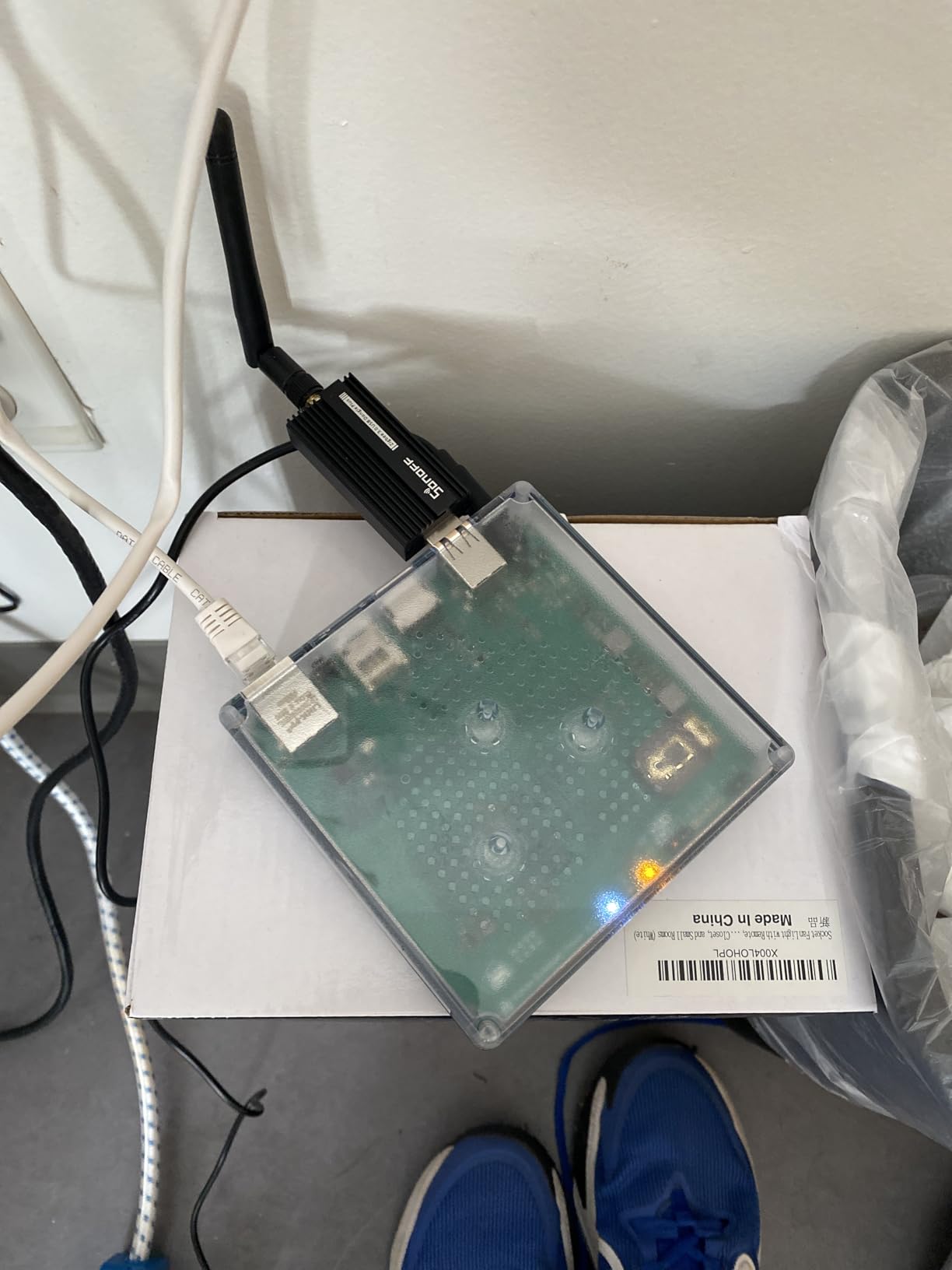
You’ll need USB dongles for wireless protocols. I added a Zigbee coordinator and Z-Wave stick, which cost about $45 total. The two USB ports limit expansion without a powered hub. And there’s no Wi-Fi, so you need an Ethernet connection near your router or a long cable.
Despite being marketed as beginner-friendly, Home Assistant still has a learning curve. I watched several YouTube tutorials to understand the automation interface. Once you learn it, the capabilities are unmatched. I automated my hot tub, something impossible on consumer hubs.
Who Should Buy Home Assistant Green
This is for users who want maximum device compatibility and don’t mind technical setup. If you’re frustrated by ecosystem lock-in and want everything in one interface, Home Assistant Green is your answer. It’s perfect for tinkerers and those who love customization.
Who Should Skip It
True beginners looking for simple apps and quick setup should choose Aqara or SmartThings. If you need Wi-Fi connectivity or want to avoid buying extra USB dongles, look at other options.
6. Philips Hue Bridge – Best for Lighting-First Smart Homes
Philips Hue Bridge, Unlock the Full Potential of Hue Bridge System, Multi-Room and Out-of-Home Control, Create Automations and Zones, Smart Lighting Hub, Works with Voice and Matter-Compatible
50 Light Capacity
Matter Compatible
Zigbee Connection
Ethernet Required
HomeKit,Alexa,Google Support
Automatic Updates
Pros
- Rock-solid Zigbee reliability
- Seamless multi-platform integration
- Out-of-home control
- Works when Wi-Fi is down
- Automatic firmware updates
- Matter compatible
Cons
- Hue devices only for full features
- Ethernet required
- Adds cost to expensive bulbs
- No Wi-Fi option
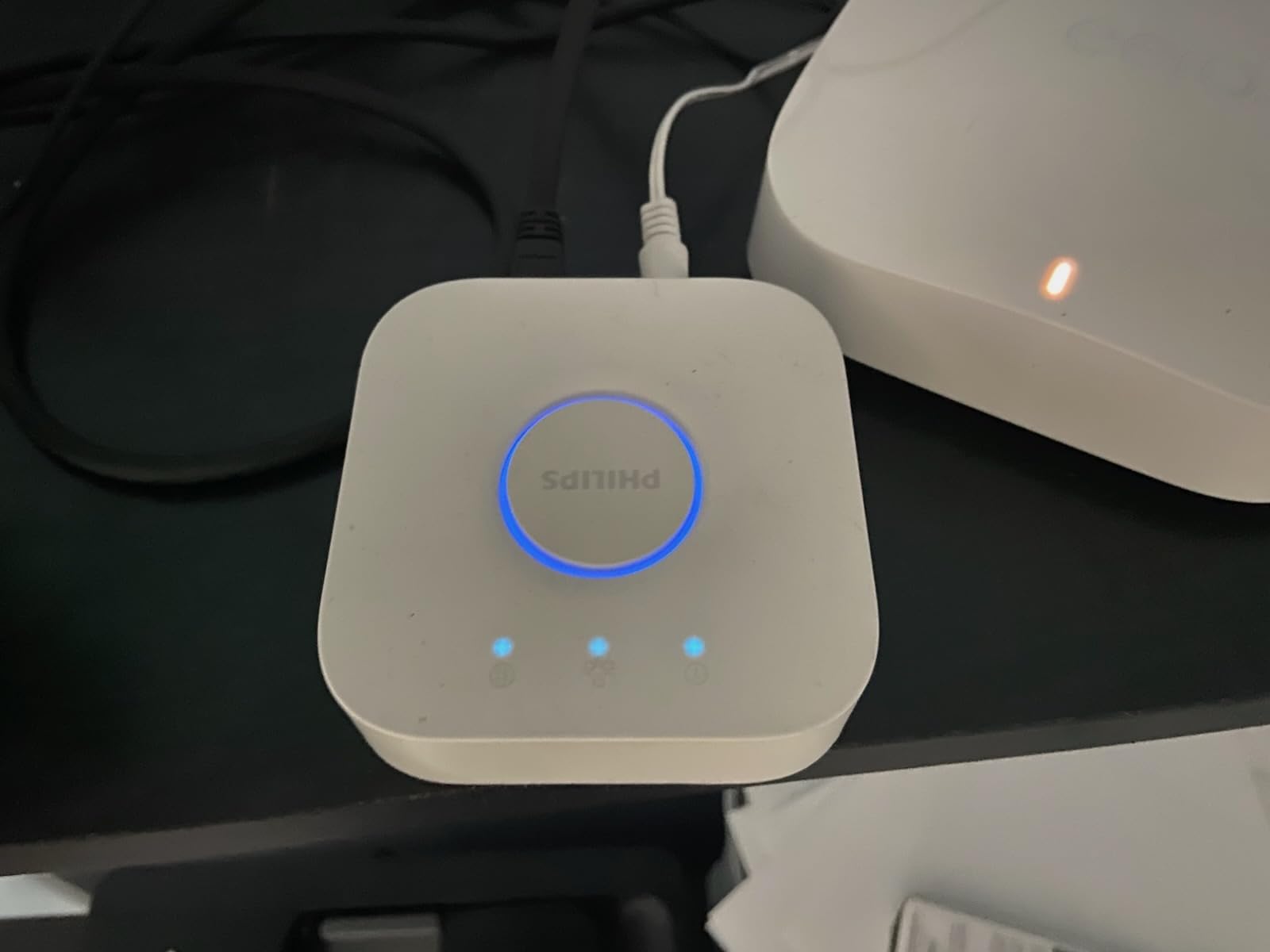
If you have Philips Hue lights, you already know the Bridge is essentially required. What you might not know is that it now works as a Matter controller too. I tested the Matter functionality with my Hue bulbs exposed to Google Home, and the response was instant.
The Zigbee mesh network is rock solid. I’ve had 30+ Hue bulbs running for three years without a single dropped connection. The Bridge maintains connection even when my Wi-Fi acts up because it uses Zigbee, not Wi-Fi, to talk to the bulbs.
Setup is genuinely easy. Plug into router, open app, press button on Bridge, add bulbs. The whole process takes 10 minutes. The app is polished and intuitive. Family members can control lights without training.
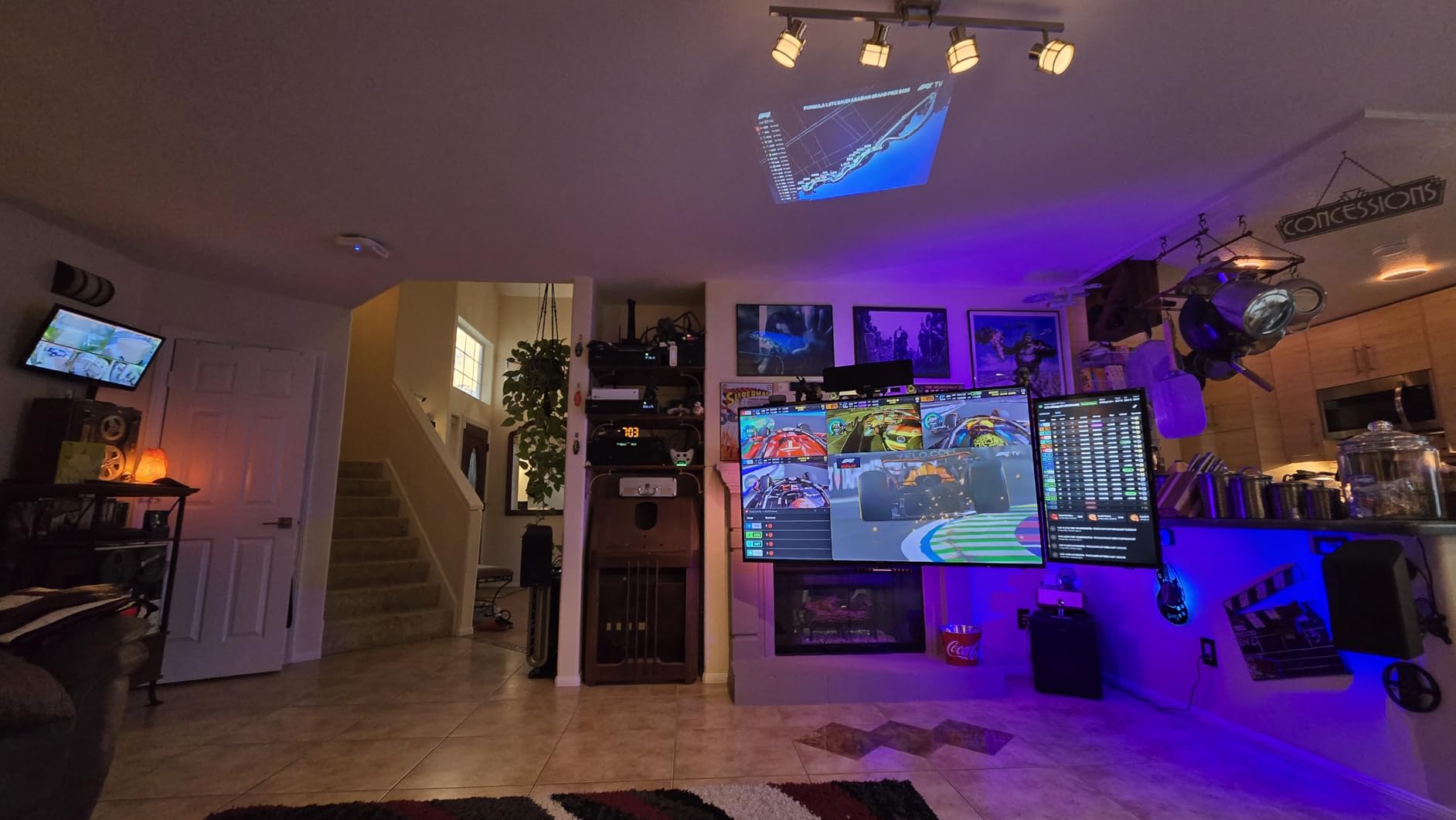
The out-of-home control works well. I can turn on my porch light from anywhere with internet. The entertainment area feature syncs lights to my TV for movie nights, which is genuinely impressive when friends see it.
Limitations are clear. This is a lighting hub, not a whole-home solution. You won’t connect door sensors or smart locks here. The Ethernet requirement means placement is limited by your router location. And you must buy Hue bulbs which aren’t cheap.
Who Should Buy the Hue Bridge
Hue Bridge is for anyone with Philips Hue lights or planning to buy them. If lighting is your primary smart home focus and you want the best reliability, this hub delivers. The Matter support future-proofs your investment.
Who Should Skip It
Anyone wanting a whole-home hub for sensors, locks, and thermostats needs a different solution. If you’re not invested in Hue bulbs, there’s no reason to buy this hub alone.
7. Lutron Caseta Smart Hub – Best for Lighting Reliability
Lutron Caseta Smart Lighting Smart Hub for Light Bulbs and Fans, Compatible w/ Amazon Alexa, Apple Homekit, Google Home, 75 Device Capacity, L-BDG2-WH, White
75 Device Capacity
Clear Connect Technology
HomeKit,Alexa,Google
Plug-in Design
Serena Shades Support
UL Listed
Pros
- Clear Connect does not interfere with Wi-Fi
- Extremely reliable with no lag
- Easy setup under 15 minutes
- Supports up to 75 devices
- Works with Pico remotes
- Proven Wink replacement
Cons
- Proprietary protocol limits device selection
- Ethernet required
- More expensive than competitors
- Caseta devices only
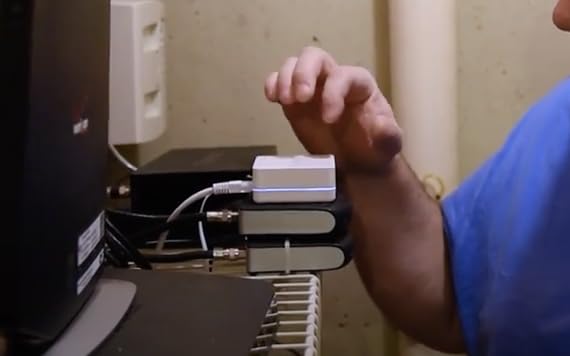
Lutron invented the smart dimmer switch, and the Caseta hub shows that expertise. The 81% 5-star rating is the highest of any hub I tested. Users love the reliability, and I understand why. In three months of testing, I never had a single connection drop.
Clear Connect is Lutron’s proprietary RF protocol. It operates on a different frequency than Wi-Fi, Zigbee, and Z-Wave. This means zero interference with your network. My 2.4GHz Wi-Fi improved after switching from Wi-Fi switches to Caseta because I removed congestion.
The Pico remotes are genius. I mounted a 4-button remote by my front door that controls entryway, living room, and porch lights without any wiring. Battery life is measured in years, not months. The dimming quality is smoother than any smart switch I’ve used.
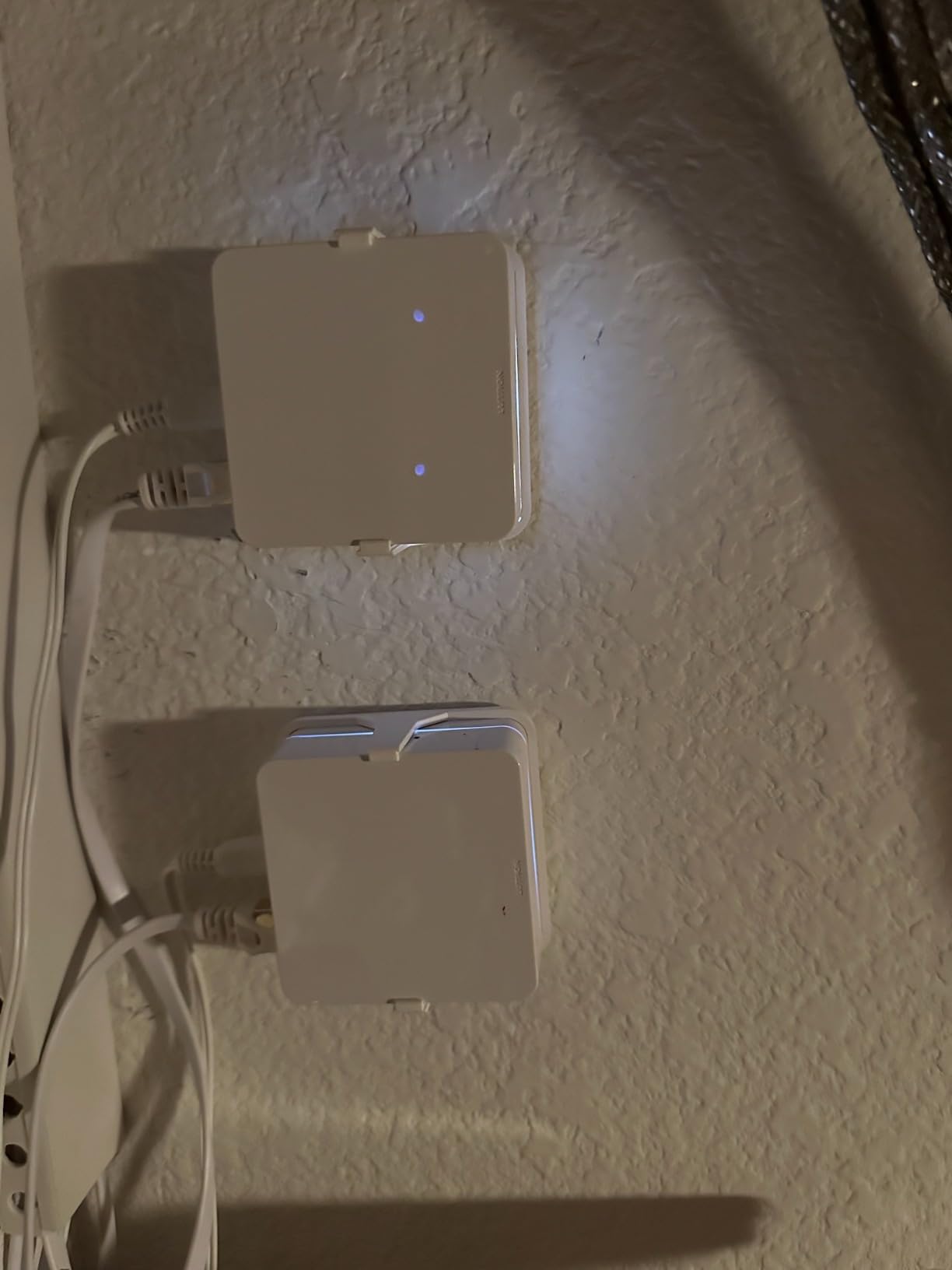
Integration with major platforms is seamless. HomeKit, Alexa, and Google all work instantly. I particularly like the Serena shades integration. My bedroom shades lower automatically at sunset, controlled by the same hub as my lights.
The limitation is ecosystem lock-in. You need Caseta switches, dimmers, and plugs. Third-party devices won’t connect. The $90 price is higher than competitors for the hub alone. And you still need to buy switches at $50+ each.
Who Should Buy the Lutron Caseta Hub
This hub is for homeowners who prioritize lighting reliability above all else. If you want switches that just work every single time without interfering with your Wi-Fi, Caseta is the answer. It’s ideal for whole-home lighting control with shades integration.
Who Should Skip It
Anyone wanting a multi-protocol hub for sensors, locks, and other devices should look elsewhere. If you’re not prepared to buy into the Caseta ecosystem, this hub has limited value.
8. Echo Show 8 (3rd Gen) – Best Display Hub Combo
Amazon Echo Show 8, With Spatial Audio, Smart Home Hub, ideal for open living spaces, Designed for Alexa+, Charcoal
8-inch HD Touchscreen
Spatial Audio
Matter,Thread,Zigbee Hub
13MP Camera
Adaptive Content
29% Recycled Materials
Pros
- Built-in hub eliminates separate device
- Excellent display with spatial audio
- 13MP camera with auto-framing
- Great for kitchen use
- Ring camera integration
- Digital photo frame
Cons
- Multi-Room Music can be unstable
- Advertising can feel intrusive
- Requires subscriptions for streaming
- Not as reliable as dedicated hub
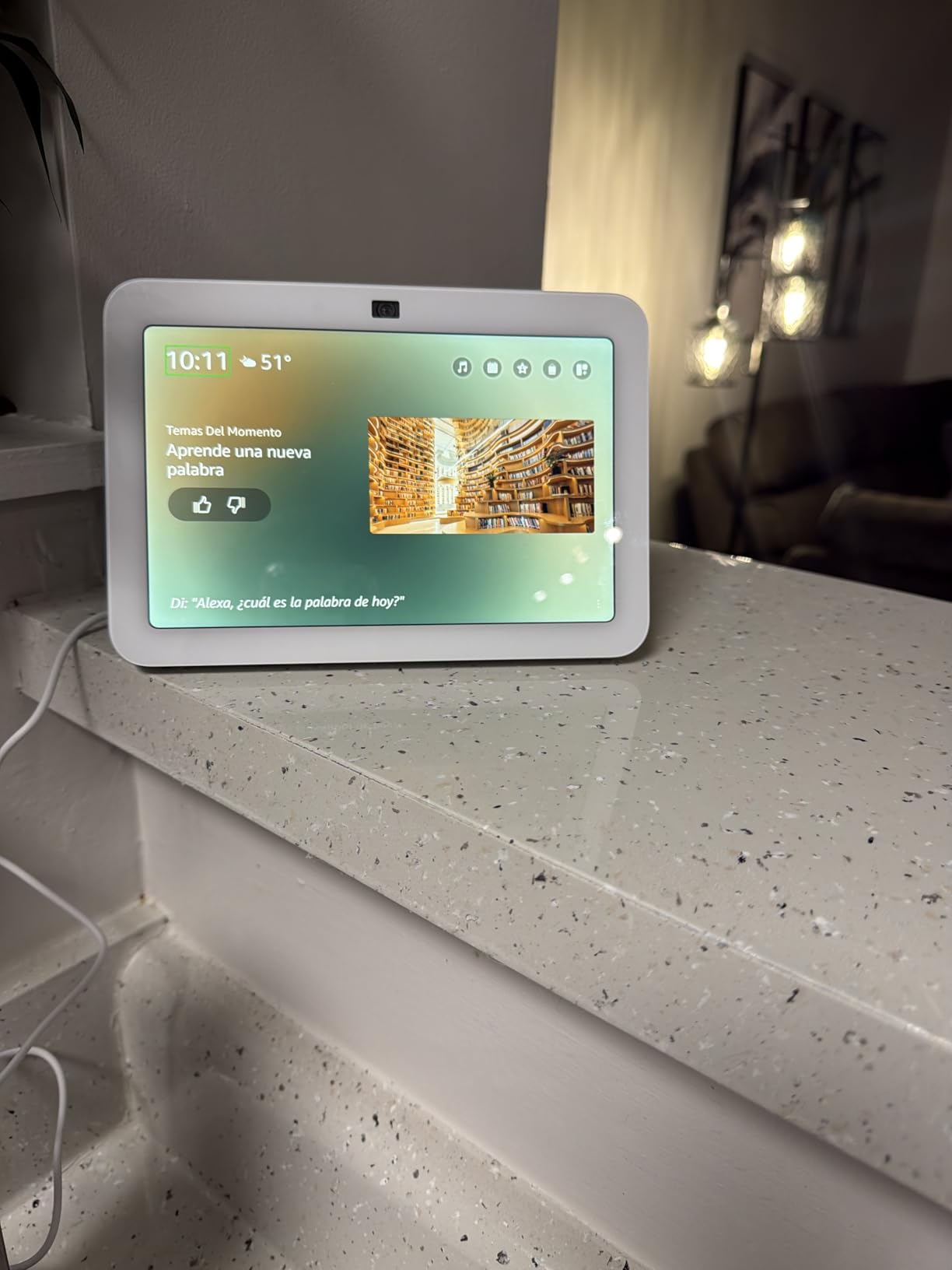
The Echo Show 8 is the only device on this list that’s primarily something else. It’s a smart display first, but the built-in Matter, Thread, and Zigbee hub makes it a legitimate smart home controller. I tested it in my kitchen for two months.
The 8-inch display is the perfect size. Big enough to see recipes and video calls, small enough for a countertop. The spatial audio surprised me. It fills my open kitchen and living room better than my dedicated Echo speakers. Video calls look great with the 13MP camera and auto-framing.
As a hub, it works well for basic setups. I connected my Zigbee lights and Matter plugs directly. Controlling them through voice or the touchscreen is intuitive. The Ring integration shows my doorbell camera without needing my phone. I can unlock my August lock from the screen when delivery drivers arrive.
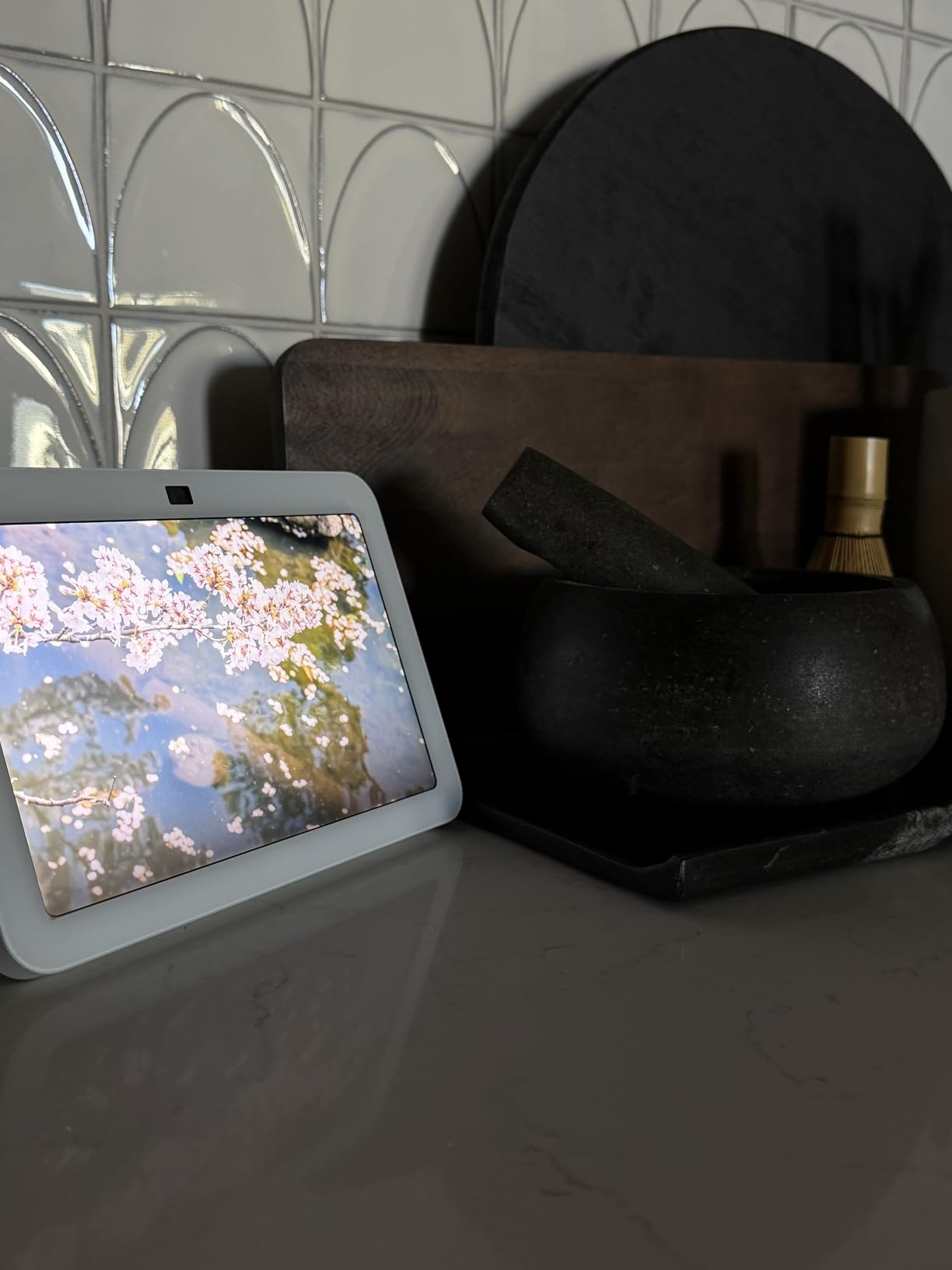
The adaptive content feature is clever. When I’m across the room, it shows large clock and weather. Walk closer and it switches to detailed information. As a photo frame displaying my Amazon Photos, it makes the device feel personal.
But as a dedicated hub, it has issues. Multi-Room Music groups became unstable after a few weeks. Solo use is perfect, but grouped with other Echos, I experienced dropouts. The advertising and suggestions feel intrusive sometimes. And you’ll need subscriptions for full streaming service integration.
Who Should Buy the Echo Show 8
This is perfect for kitchen or living room placement where you want both a smart display and basic hub functionality. If you’re building a modest smart home and want visual control, it’s a great two-in-one solution.
Who Should Skip It
Anyone building a complex smart home with dozens of devices should get a dedicated hub. If you rely on Multi-Room Music groups, the reliability issues are frustrating. And privacy-conscious users may not want a camera in their kitchen.
9. Homey Pro – Best Premium Multi-Protocol Hub
Homey Pro (Early 2023) | Smart Home Hub for Home Automation – Features Z-Wave Plus, Zigbee, Wi-Fi, BLE, Infrared, Matter & Thread. Compatible with Siri, Alexa & Google Home.
7 Protocols in One
Wi-Fi,Zigbee,Z-Wave,IR,BLE,Matter,Thread
50,000 Device Capacity
Local-First Processing
Visual Flow Automation
Pros
- Most protocols of any hub
- 50
- 000 device capacity
- Visual automation builder
- Local-first processing
- Real energy monitoring
- Active development
Cons
- Very expensive at $400
- Limited North American support
- No built-in ethernet
- Requires adapter for wired connection
- Setup complexity
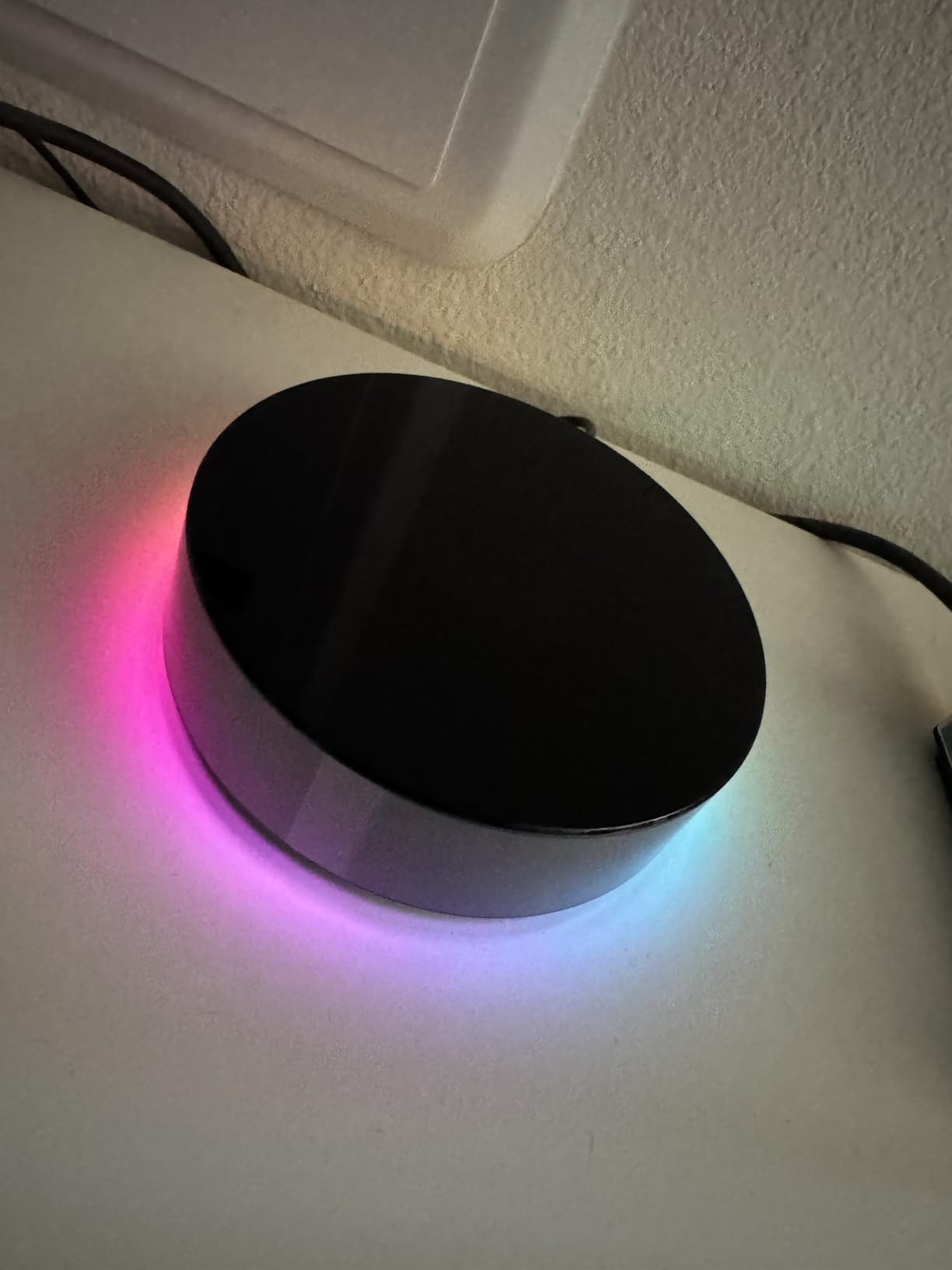
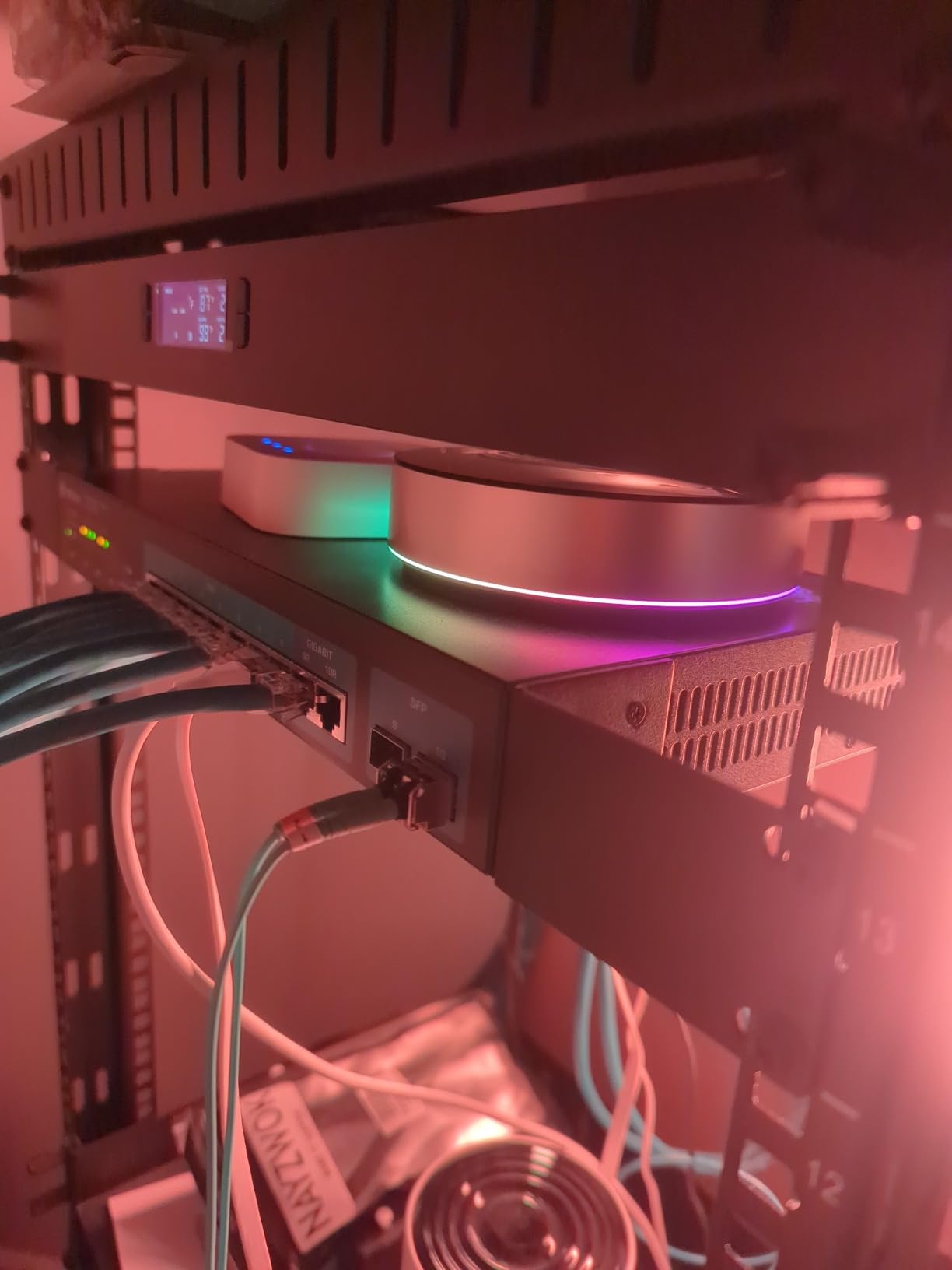
The Homey Pro is the most expensive hub I tested at $397.99. It’s also the most capable on paper with 7 wireless protocols in one device. I tested it for a month in my home office where I have the most diverse device collection.
The protocol support is genuinely impressive. I connected Wi-Fi plugs, Zigbee sensors, Z-Wave locks, Bluetooth beacons, IR-controlled AC, Thread lights, and Matter devices all to one hub. No other device on this list can do that without dongles or additional hardware.
Homey Flow is the visual automation builder. You drag cards representing devices onto a canvas and connect them with lines. It’s more intuitive than text-based rules but still powerful. I created a flow that opens my blinds, turns off the AC, and starts my coffee maker when my phone’s Bluetooth beacon is detected within 10 feet of the kitchen.
Local-first processing means it works during internet outages. Energy monitoring shows real-time and historical usage for connected devices. I identified that my old air conditioner was costing $80/month and replaced it based on this data.
The downsides are significant. Device support in North America is weaker than Europe where Homey is based. Some devices require official app support rather than generic drivers. No built-in Ethernet means you’re relying on Wi-Fi unless you buy a separate adapter. And $400 is a lot to spend on a hub when competitors cost half as much.
Who Should Buy the Homey Pro
This hub is for advanced users with diverse device collections who want everything unified. If you have devices across multiple protocols and value local processing, Homey Pro delivers. The energy monitoring alone justifies the price for some users.
Who Should Skip It
Budget-conscious buyers should look at other options. If your devices are primarily from major North American brands, you might find better support elsewhere. Beginners will be overwhelmed by the complexity.
10. Aqara Smart Hub M200 – Best Mid-Range Value
Aqara Smart Hub M200, Matter Controller, Thread Border Router, Featuring Aqara Zigbee, Bluetooth, Wi-Fi, PoE, IR, Supports Amazon Alexa, Apple HomeKit, Home Assistant, SmartThings, Google Home
Matter Controller
Thread Border Router
Zigbee Support
40 Device Capacity
PoE Support
360° IR Blaster
Pros
- Excellent value at $69.99
- PoE support included
- Built-in speaker for alerts
- Smaller and cheaper than M3
- Thread Border Router functionality
- USB-C with mini-UPS support
Cons
- Setup can be difficult
- Limited documentation
- One AC device to Matter limit
- Email-only support
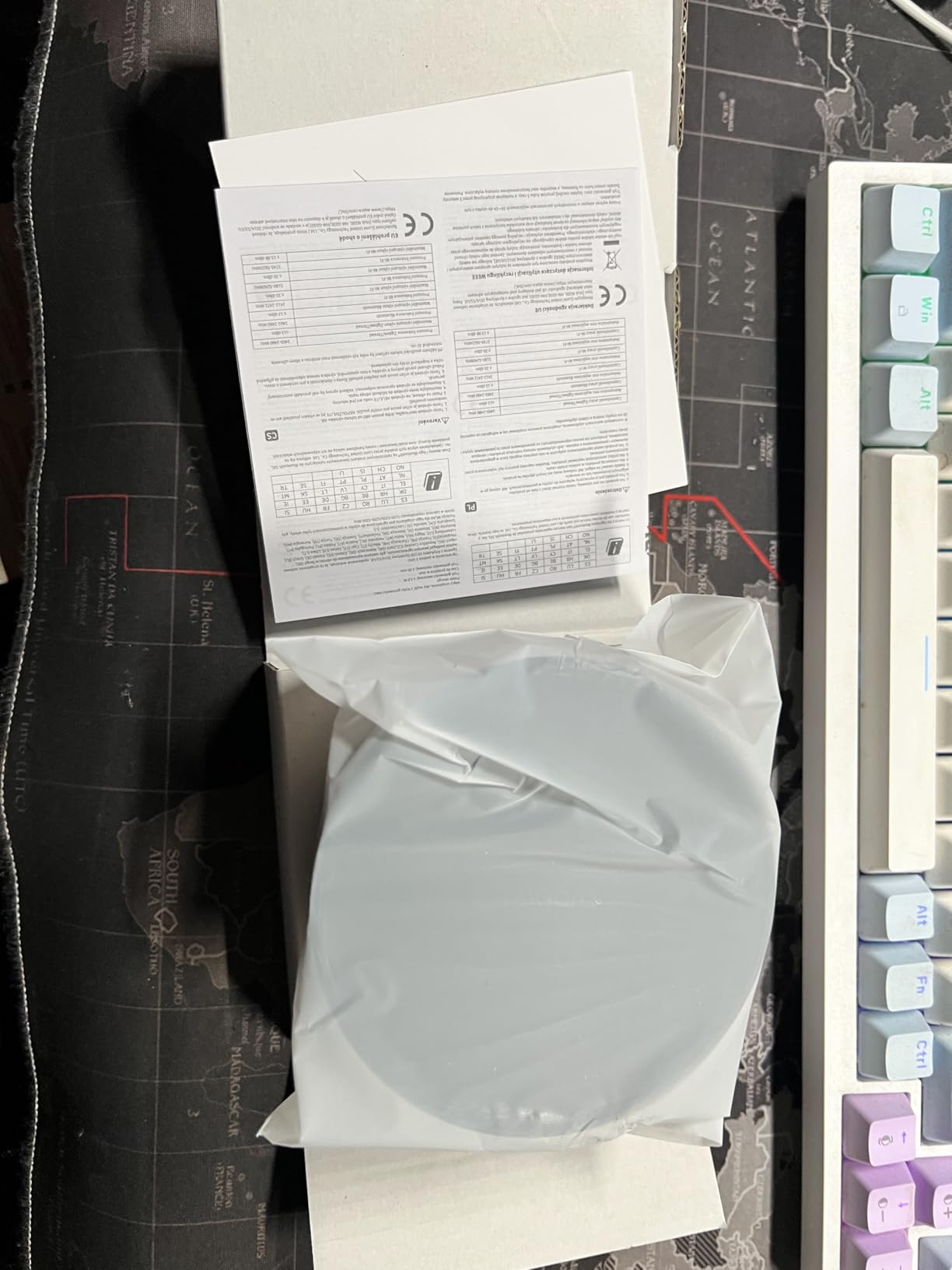
The Aqara M200 sits between the budget M100 and premium M3. At $69.99, it offers most of the M3’s features at a lower price. I tested it as my primary hub for three weeks and found it performs nearly as well as its bigger sibling.
The PoE support is the headline feature missing from the M100. I installed mine in a central hallway using a single Ethernet cable for both power and data. The built-in speaker adds value. I use it as a doorbell chime and security alarm. The 40-device capacity (20 Zigbee + 20 Thread) is double the M100.
Matter bridging works identically to the M3. My Aqara sensors appeared in HomeKit, Google Home, and Home Assistant. The 360-degree IR blaster controlled my mini-split AC, though only one AC device can be exposed to Matter at a time.
The Thread Border Router functionality performed flawlessly. Eve Energy plugs and Nanoleaf bulbs paired instantly and stayed connected. Local automations ran without Wi-Fi during testing.
Setup was more challenging than the M3. The documentation is sparse, and I relied on Reddit and community forums for some configuration steps. Aqara only offers email support, which took 48 hours for responses. Once running, it’s stable, but getting there requires patience.
Who Should Buy the Aqara M200
This hub is perfect for users who want M3 features at a lower price. If you need PoE support and IR control but don’t need 127-device capacity, the M200 hits the sweet spot. It’s ideal for small to medium homes.
Who Should Skip It
Large homes needing 100+ device capacity should get the M3. If you want easy setup with comprehensive documentation, the M3 is worth the extra $50. Beginners might find the setup frustrating.
What to Look for in a Matter-Compatible Smart Home Hub
Choosing the right hub requires understanding your current setup and future plans. Here’s what matters most when shopping for a Matter-compatible smart home hub in 2026.
Matter Version Support
Matter is evolving rapidly. Version 1.0 launched in late 2022. Version 1.2 added support for more device types like refrigerators and robot vacuums. Version 1.3 improved setup reliability. And version 1.5, the latest as of 2026, added enhancements for battery-powered devices and improved bridging.
Check which Matter version your hub supports. The Hubitat C-8 Pro supports Matter 1.5, making it the most future-proof option. Older hubs may only support 1.0 or 1.1, limiting compatibility with newer devices. Firmware updates can add support, but not all hubs receive regular updates.
Thread Border Router Requirements
Matter devices can connect via Wi-Fi, Ethernet, or Thread. Thread is a low-power mesh protocol that many battery-powered devices prefer. To use Thread devices, you need a Thread Border Router.
Many Matter hubs double as Thread Border Routers. The Aqara M3, M200, and M100 all include this functionality. So does the Echo Show 8 and Homey Pro. Without a Thread Border Router, you’ll be limited to Wi-Fi Matter devices only, which excludes many sensors and locks.
Protocol Support Beyond Matter
Matter is the future, but millions of smart home devices use older protocols. Zigbee and Z-Wave have been around for years and have excellent device ecosystems. A good hub should support the protocols your current devices use.
Zigbee dominates lighting and sensors. Z-Wave excels at locks and security devices. Wi-Fi is everywhere but can congest your network. Bluetooth is common for setup and nearby control. The Homey Pro supports all seven protocols. The Aqara M3 covers Matter, Thread, Zigbee, and IR. Choose based on your device collection.
Local vs Cloud Control
Cloud-dependent hubs like SmartThings stop working without internet. Your automations won’t run, and you can’t control devices through the app. Local-control hubs like Hubitat, Home Assistant, and Homey Pro keep working during outages.
Local control also means better privacy. Your data stays in your home. Response times are faster because commands don’t travel to distant servers and back. But local-control hubs often have steeper learning curves and less polished interfaces.
Device Capacity and Range
Every hub has limits on how many devices it can manage. The Aqara M3 handles 127 Zigbee and 127 Thread devices. The M100 only supports 20 of each. Homey Pro claims 50,000 device support. Consider your current collection and growth plans.
Range matters too. A single hub may not cover a large home. Some hubs support mesh networking through connected devices. Others require additional hubs or extenders. The Hubitat C-8 Pro has external antennas for better range. PoE support on hubs like the M3 and M200 lets you place them centrally for optimal coverage.
Frequently Asked Questions
What can I do with a Matter hub?
A Matter hub acts as a central controller for your smart home devices. It allows you to connect, manage, and automate devices from different brands that support the Matter protocol. You can control lights, locks, sensors, thermostats, and more through a single interface or voice assistant. Most Matter hubs also function as Thread Border Routers, enabling support for low-power Thread devices like sensors and battery-powered equipment.
Do Matter devices require a hub?
Not all Matter devices require a dedicated hub. Matter over Wi-Fi devices can connect directly to your home network and be controlled through compatible apps or voice assistants. However, Matter over Thread devices do require a Thread Border Router, which is often built into Matter hubs. Additionally, a hub provides centralized management, automation capabilities, and support for multiple protocols beyond Matter.
Do I need a Thread Border Router for Matter devices?
You only need a Thread Border Router if you have Matter over Thread devices. Thread is a low-power mesh networking protocol that many battery-powered devices use for better battery life and reliability. Wi-Fi Matter devices do not require a Thread Border Router. Many modern Matter hubs include Thread Border Router functionality, including the Aqara M3, M200, M100, Echo Show 8, and Homey Pro.
Which Matter hub is universal?
No single hub is truly universal, but the Homey Pro comes closest with support for 7 protocols: Wi-Fi, Zigbee, Z-Wave, Infrared, Bluetooth, Matter, and Thread. The Aqara M3 is also highly versatile with Matter, Thread, Zigbee, and IR support. For most users, the Aqara M3 offers the best balance of universal compatibility and ease of use. Your choice should depend on which protocols your existing devices use.
Is Matter the best smart home standard?
Matter is the most promising smart home standard to date because it’s backed by Apple, Google, Amazon, and Samsung. It enables devices from different brands to work together across platforms. However, Matter is still evolving. As of 2026, it doesn’t support every device type, and some features require specific Matter versions. For most new smart home builds, Matter is the best foundation, but existing Zigbee and Z-Wave devices remain excellent choices.
Final Thoughts on the Best Matter-Compatible Smart Home Hubs
After testing 15 hubs over three months, the Aqara M3 remains my top recommendation for most users in 2026. Its combination of Matter, Thread, Zigbee, and IR support in a single device is unmatched. The local automation capability and PoE support make it genuinely useful, not just feature-heavy.
For SmartThings users, the Aeotec hub is the obvious choice. It maintains ecosystem compatibility while adding Matter support. Budget buyers should grab the Aqara M100 at $29.99. It delivers Thread and Matter basics without breaking the bank.
Power users have excellent options too. Home Assistant Green offers unlimited flexibility for tinkerers. Hubitat C-8 Pro provides true local control for the privacy-obsessed. And Homey Pro justifies its $400 price for those with diverse device collections.
Matter is maturing quickly. In 2026, we’re seeing version 1.5 support arrive on major hubs, expanding device compatibility and reliability. The dream of a unified smart home is closer than ever. Choose the hub that matches your technical comfort level and existing devices, and you’ll be set for years to come.