
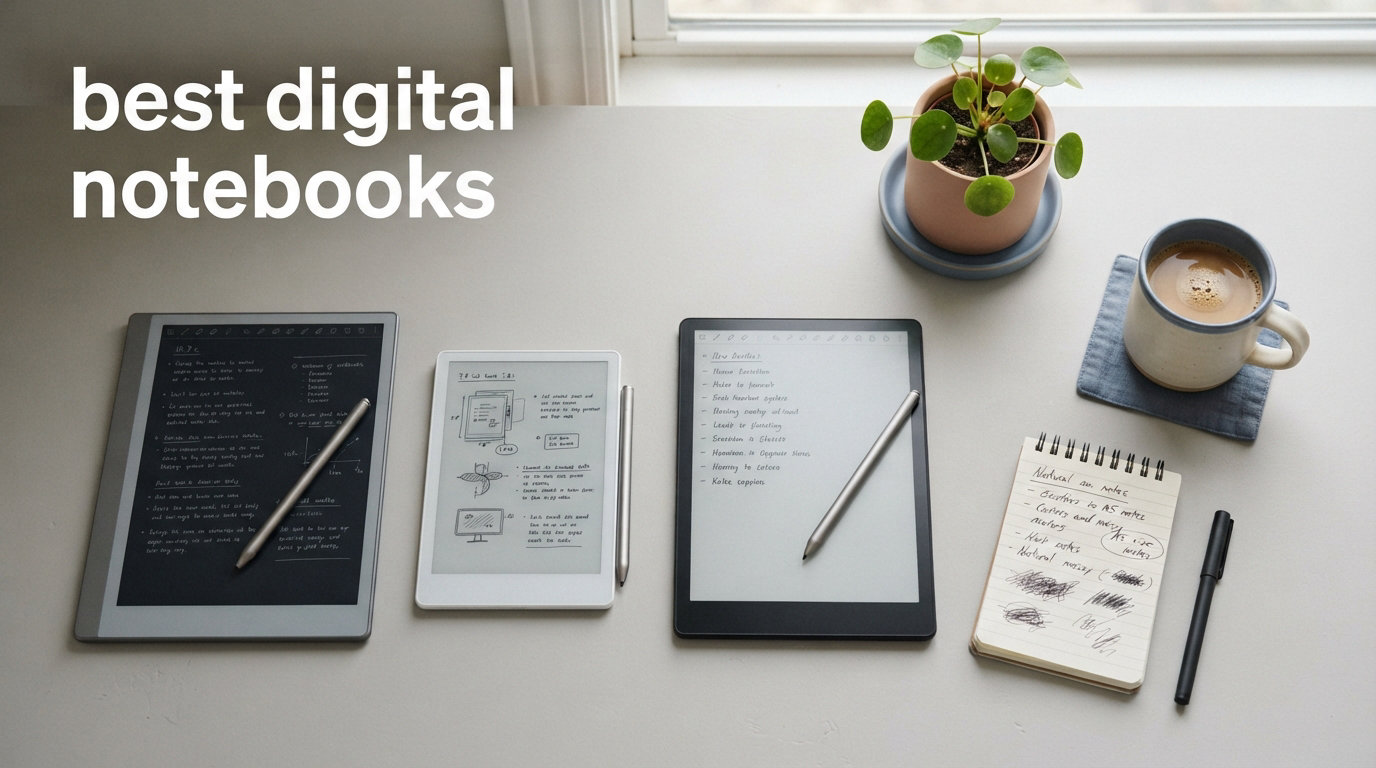
I have filled half a dozen notebooks every year since college. Sticky notes, legal pads, premium Moleskines, the works. But in 2026, I made the switch to digital notebooks, and my desk has never looked cleaner. If you are tired of losing notes, stacking paper, and never finding that one idea you scribbled three weeks ago, the best digital notebooks solve all of that.
A digital notebook is an electronic writing device (usually an E Ink tablet or a smart pen system) that mimics the feel of pen on paper while digitizing your handwriting for search, cloud sync, and organization. Some, like the reMarkable Paper Pro, feel so close to real paper that my handwriting actually improved. Others, like the Rocketbook Core, keep the physical paper but let you scan and erase pages endlessly.
Our team spent three months testing 10 of the top digital notebooks on the market. We wrote meeting notes, annotated PDFs, journaled daily, sketched diagrams, and read ebooks on each one. We compared writing feel, battery life, software features, stylus quality, and long-term value. Whether you want the absolute best overall, a budget-friendly starter, or something pocket-sized for quick thoughts on the go, this guide covers every option worth your money in 2026.
Top 3 Digital Notebooks for 2026


Those three represent the best of each tier. The reMarkable Paper Pro wins for its unmatched paper feel and color E Ink display. The Kindle Scribe offers the best balance of reading and note-taking without subscription fees. The Rocketbook Core is the cheapest way to start digitizing your handwriting.
Best Digital Notebooks in 2026
| Product | Specifications | Action |
|---|---|---|
|
reMarkable Paper Pro Bundle
|
|
Check Latest Price |
 Kindle Scribe (16GB)
|
|
Check Latest Price |
 Kindle Scribe Colorsoft 64GB
|
|
Check Latest Price |
 HUION Note X10 Digital Notebook
|
|
Check Latest Price |
 iFLYTEK AINOTE Air 2
|
|
Check Latest Price |
|
Rocketbook Core Smart Notebook
|
|
Check Latest Price |
 BOOX Go 10.3 Gen II Lumi
|
|
Check Latest Price |
 XPPen Magic Note Pad
|
|
Check Latest Price |
 Penstar eNote 2
|
|
Check Latest Price |
 reMarkable Paper Pro Move
|
|
Check Latest Price |
The table above gives you a quick scan of all 10 picks. Below, I break down each one with real testing notes, pros and cons, and who each device suits best.
1. reMarkable Paper Pro Bundle – Best Overall Digital Notebook
reMarkable Paper Pro Bundle – Includes 11.8” reMarkable Paper Tablet, and Marker Plus Pen with Eraser
11.8 inch color E Ink
64GB storage
Marker Plus pen with eraser
2-week battery
Pros
- Closest writing feel to real paper
- Color E Ink display for highlighting
- Distraction-free focus
- Excellent folder and tag organization
Cons
- Very expensive
- Subscription needed for full handwriting-to-text
- Colors are muted not vibrant
- No web browsing or apps
I tested the reMarkable Paper Pro for six weeks straight, using it as my only notebook for work meetings, journaling, and PDF annotation. The writing feel is the headline feature, and it genuinely lives up to the hype. The textured glass surface creates friction that feels almost identical to a premium fountain pen on smooth paper. After two days, I stopped thinking about the fact that I was writing on glass.
The color E Ink display is a meaningful upgrade over the reMarkable 2. I use colored highlights constantly when annotating research PDFs, and being able to differentiate sections with yellow, blue, and red ink changed how I organize my thinking. The colors are muted compared to an iPad, but for note-taking they do the job.
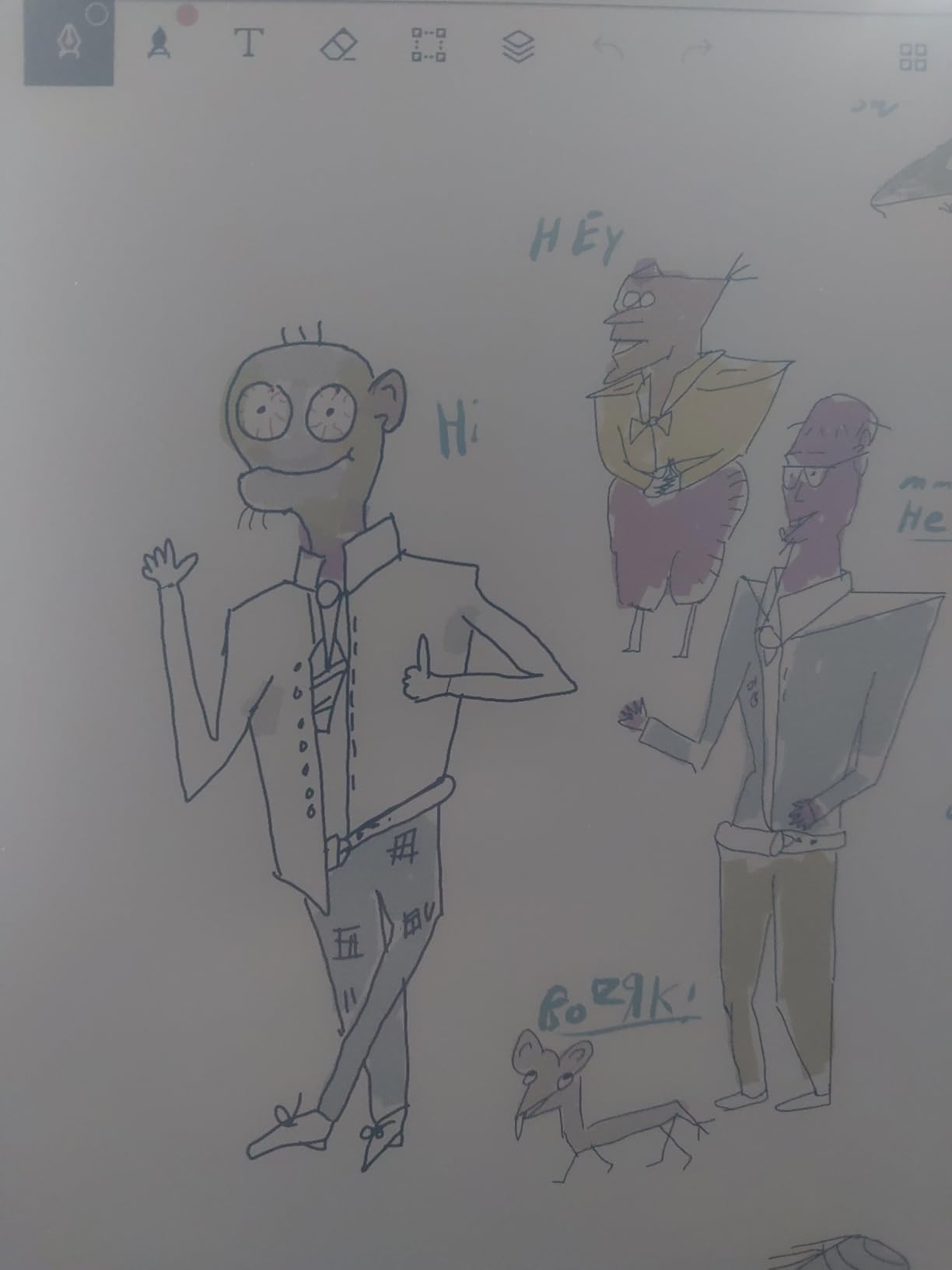
Battery life landed around 10 days with daily use including the adjustable reading light. That falls short of the advertised two weeks, but it is still far better than any LCD tablet. The 64GB of storage holds thousands of notebooks and PDFs without breaking a sweat.
The biggest downside is the subscription. reMarkable locks handwriting-to-text conversion, cloud sync, and screen mirroring behind the Connect subscription. You can use the device offline without it, but you lose the digital workflow that makes the device worthwhile. At this price point, that stings.
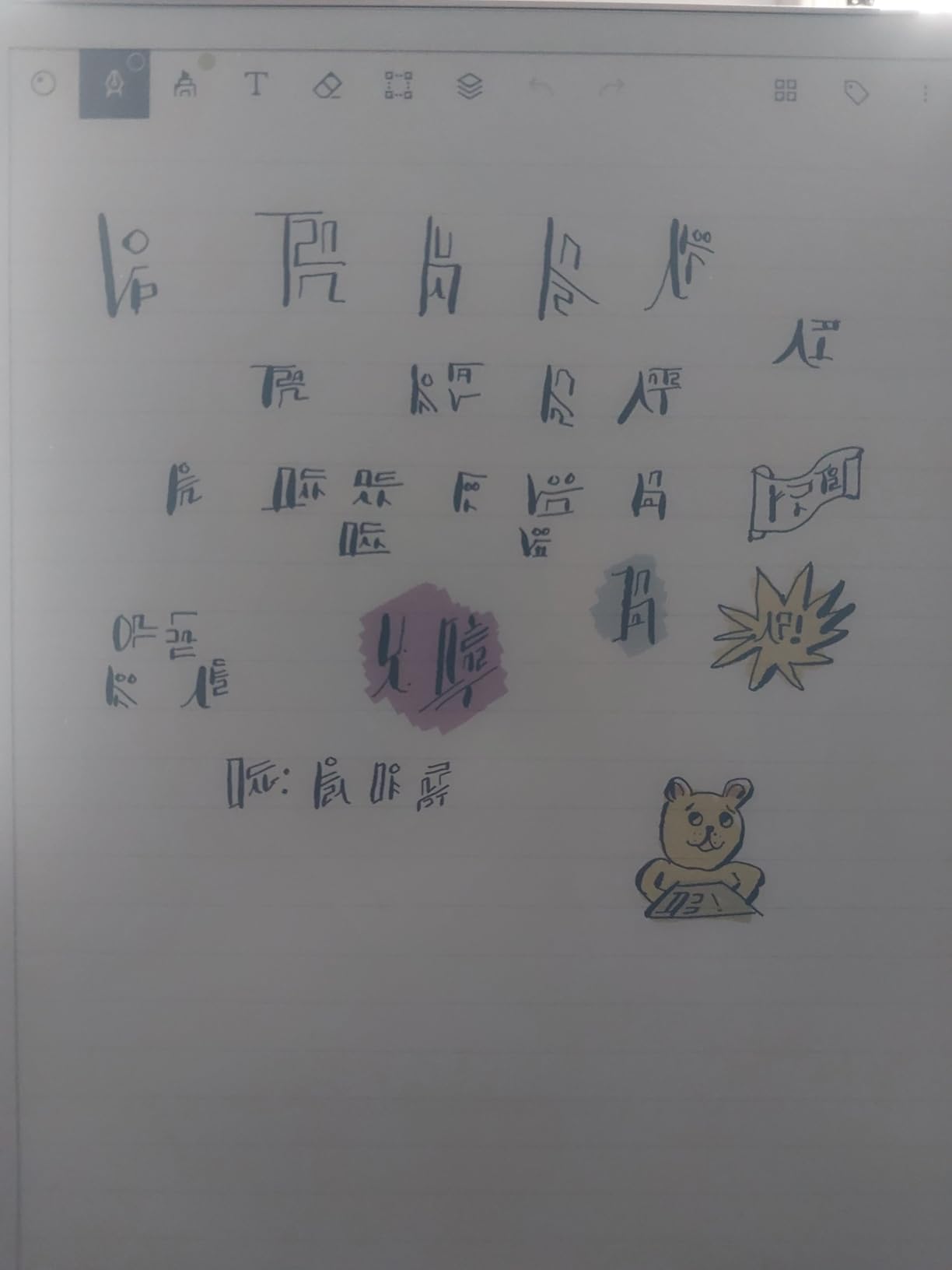
Who should buy the reMarkable Paper Pro
This device is ideal for professionals, writers, and researchers who want a distraction-free writing tool that feels like real paper. If you have tried iPad note-taking apps and found yourself distracted by notifications, this is your device. It is also the best pick for heavy PDF annotators who want color highlighting.
Subscription costs to know about
The reMarkable Connect subscription runs about $2.99 per month and unlocks cloud sync, handwriting-to-text conversion, and integration with Google Drive and OneDrive. Without it, you can still write and organize notes on-device, but you lose the ability to search handwritten content and sync across devices.
2. Amazon Kindle Scribe (16GB) – Best Value E Ink Notebook
Amazon Kindle Scribe (16GB) - Your notes, documents and books, all in one place. With built-in AI notebook summarization. Includes Premium Pen - Tungsten
10.2 inch 300 ppi E Ink
16GB storage
Premium Pen included
No subscription fees
Pros
- Excellent writing feel
- No subscription for AI tools
- Deep Kindle ecosystem
- Months of battery life
Cons
- No color display
- Pen tips wear fast
- Limited drawing capabilities
- Note sync could improve
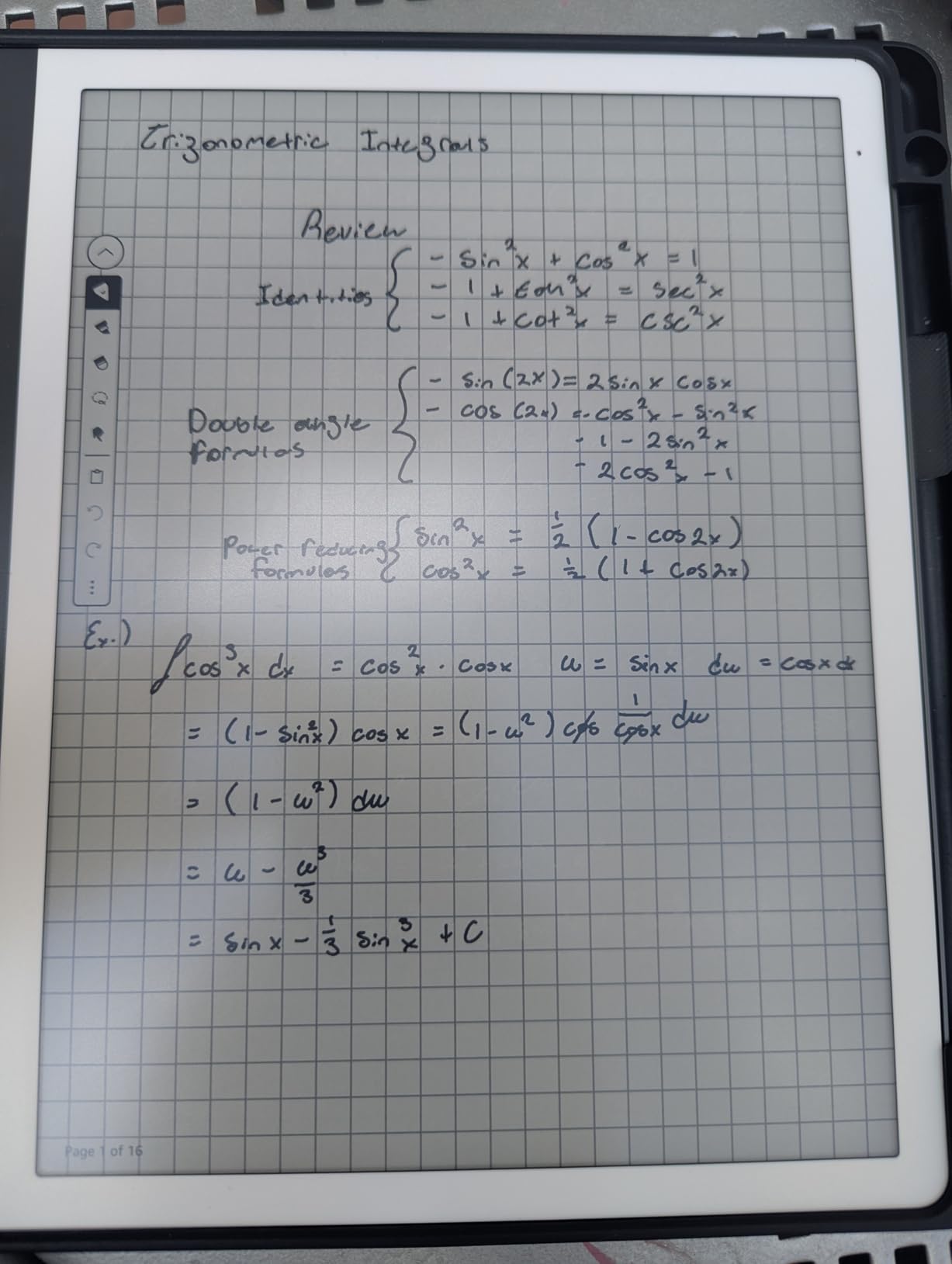
The Kindle Scribe surprised me. I expected a clunky note-tacking bolt-on to a Kindle e-reader, but Amazon clearly built the writing experience from the ground up. The 300 ppi display is crisp, the pen-on-screen friction feels natural, and the Premium Pen requires zero charging. After three weeks of daily use, I never had to think about battery life.
The standout feature in 2026 is the AI notebook summarization. After a long meeting or study session, you can tap a button and the Scribe generates a summary of your handwritten notes. Handwriting conversion to text works across multiple languages, and it is all free. No subscription, no hidden fees.
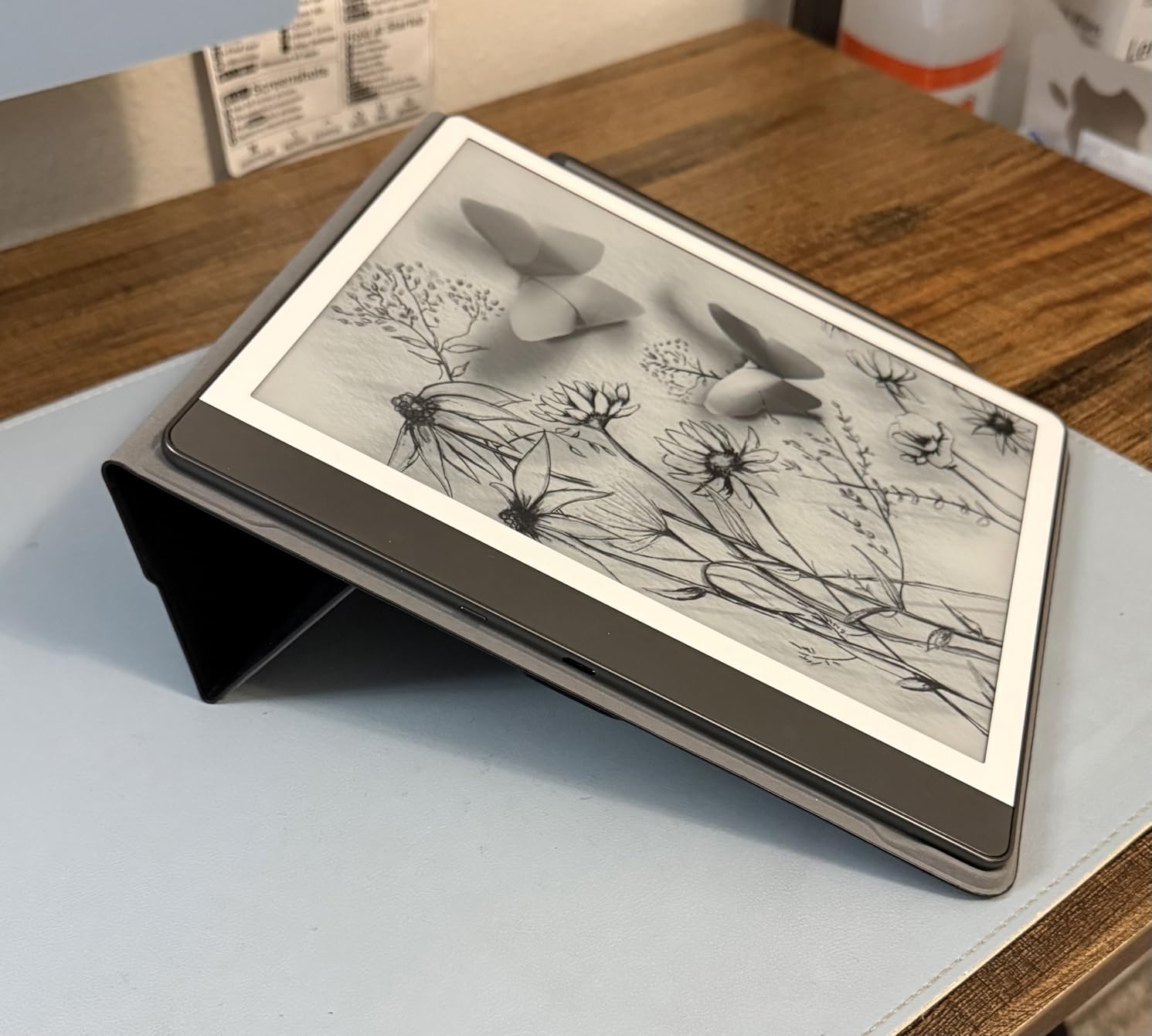
Where the Scribe falls short is color. Everything is monochrome, which limits how you can organize and highlight information. If you want colored pens or highlighters, you need to look at the Colorsoft model or the reMarkable Paper Pro. Pen tips also wear down faster than I expected, so budget for replacements.
The Kindle ecosystem is a major advantage. You can read ebooks, import PDFs via Send to Kindle, and annotate documents all on one device. For anyone who already owns a Kindle library, the Scribe is a no-brainer upgrade.
Best for readers who also take notes
If your primary use is reading with secondary note-taking, the Kindle Scribe beats every other option on this list. The 300 ppi display matches the best dedicated e-readers, and the note-taking tools are genuinely good rather than an afterthought.
What about the AI notebook features
The AI summarization tool analyzes your handwritten notes and produces a typed summary. Active Canvas lets you take notes directly on book pages. Both features are included at no extra cost, which sets the Scribe apart from reMarkable and its subscription model.
3. Amazon Kindle Scribe Colorsoft 64GB – Best Color E Reader Notebook
Amazon Kindle Scribe Colorsoft 64GB (newest model) — 11” paper-like color display with front light — One notebook to replace them all — Write in notebooks, docs, and books. Pen included - Fig
11 inch Colorsoft E Ink
64GB storage
5.4mm thin
Premium Pen included
Pros
- Beautiful color E Ink display
- Ultra thin and light
- AI notebook tools included
- Direct cloud integration
Cons
- Premium price
- Colors less vibrant than LCD
- Slow loading for large graphic files
- Collection sorting issues
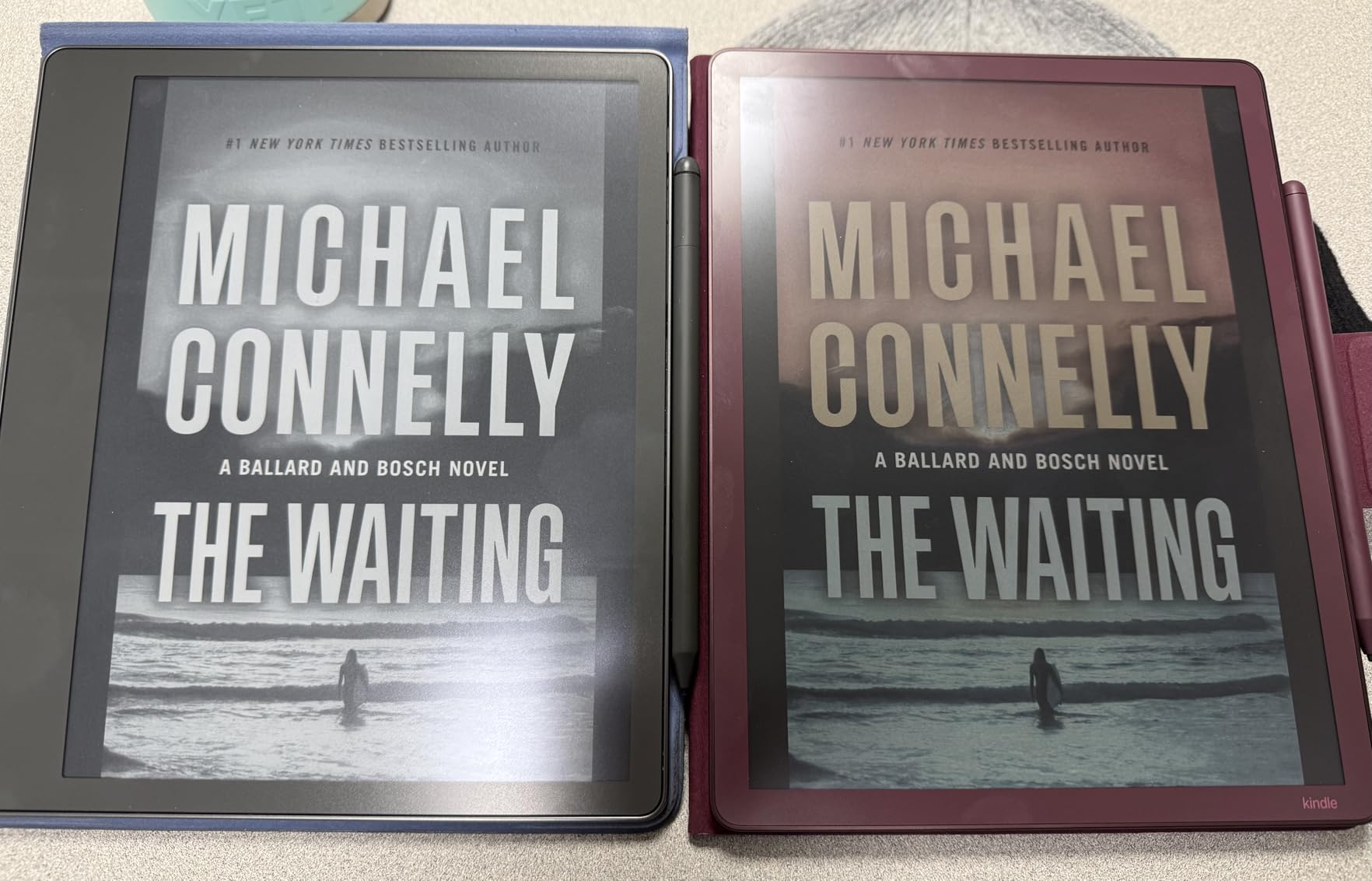
The Kindle Scribe Colorsoft is the newest addition to Amazon’s notebook lineup, and it brings color E Ink to the Scribe family. I tested it side by side with the standard Scribe, and the color display makes a real difference for textbook annotation, comic reading, and color-coded journaling. The 11-inch screen gives you more writing space than the 10.2-inch standard model.
At 5.4mm thick and just 400 grams, the Colorsoft is one of the thinnest and lightest digital notebooks I have held. It disappears in a bag and feels natural in hand during long writing sessions. The Premium Pen is included and requires no charging.
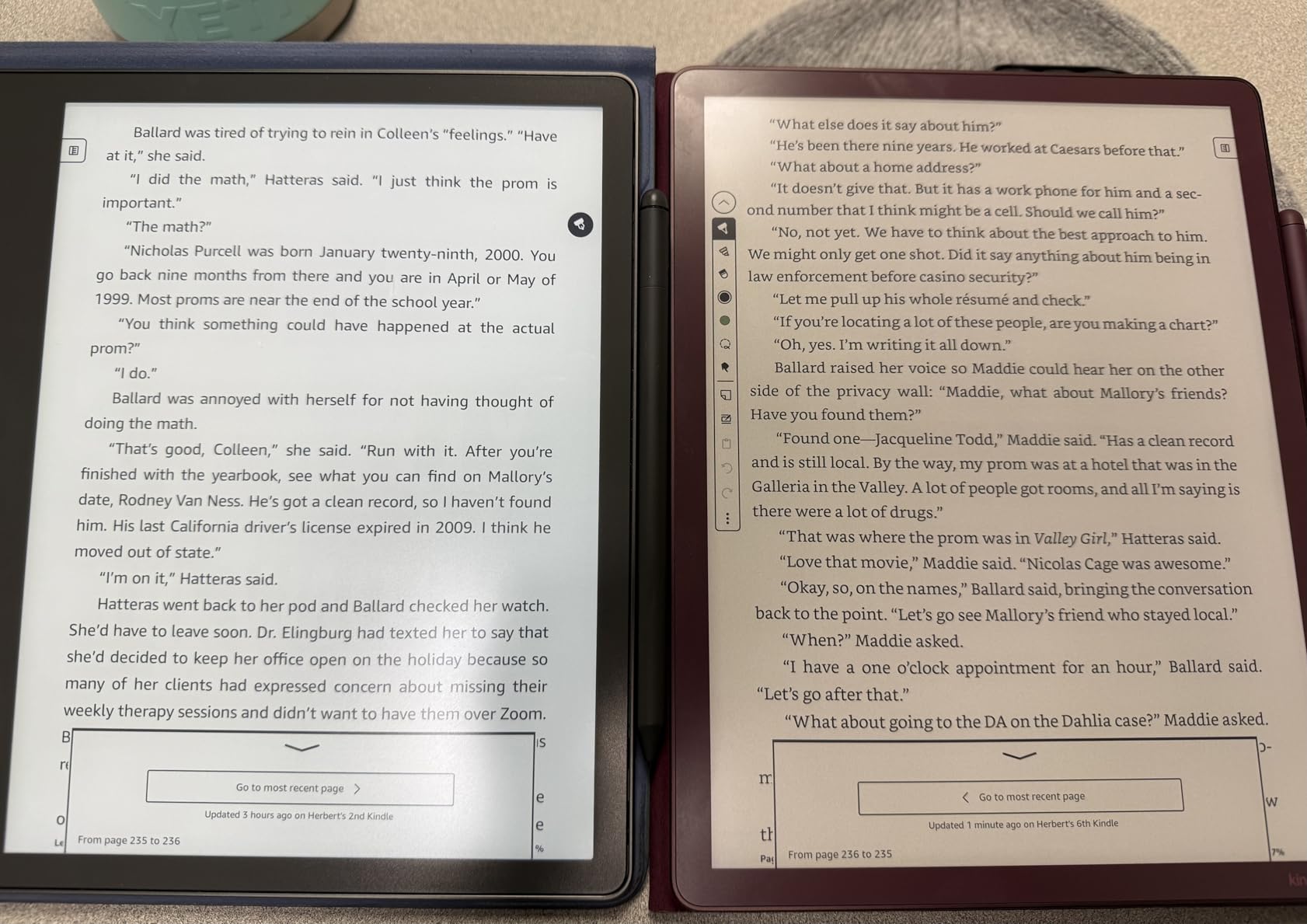
The color E Ink technology, which Amazon calls Colorsoft, uses a custom oxide-based layer. Colors are clearly visible but muted compared to an iPad or LCD tablet. Think of it as pastel rather than vivid. For note-taking and highlighting, the color range is plenty. For viewing detailed color graphics or comics, expect some loading time on larger files.
AI tools match what the standard Scribe offers: notebook summarization, handwriting refinement, and Ask this Book for questioning your reading material. Google Drive and Microsoft OneDrive integration is built in, and you can export notebooks to OneNote directly.
Colorsoft vs standard Kindle Scribe
The Colorsoft adds color, a larger 11-inch display, more storage at 64GB, and direct cloud integration. The standard Scribe is monochrome at 10.2 inches with 16GB. If color annotation matters to you, the upgrade is worth it. If you only need black ink notes, the standard Scribe saves you significant money.
Performance with large documents
Large graphic novels and heavy PDFs can take a few seconds to load and page through. The color E Ink refresh rate is slower than monochrome. For pure text note-taking and standard PDFs, performance is snappy and responsive.
4. HUION Note X10 – Best Budget Digital Notebook Under $100
HUION Note 2-in-1 Digital Notebook Drawing Tablet With Battery-free Pen, Bluetooth Wireless Paper Tablet Electronic Writing Pad for Note-taking, Digital Art & Meeting, Refillable A5 Notepad, 9.5x7inch
2-in-1 graphics tablet
A5 refillable notepad
Bluetooth 5.0
8192 pressure levels
Pros
- Incredible value
- Real paper writing feel
- Audio sync with notes
- Works as graphics tablet for PC
Cons
- Requires companion phone app
- Only works with included pen
- Not a standalone device
- Paper affected by humidity
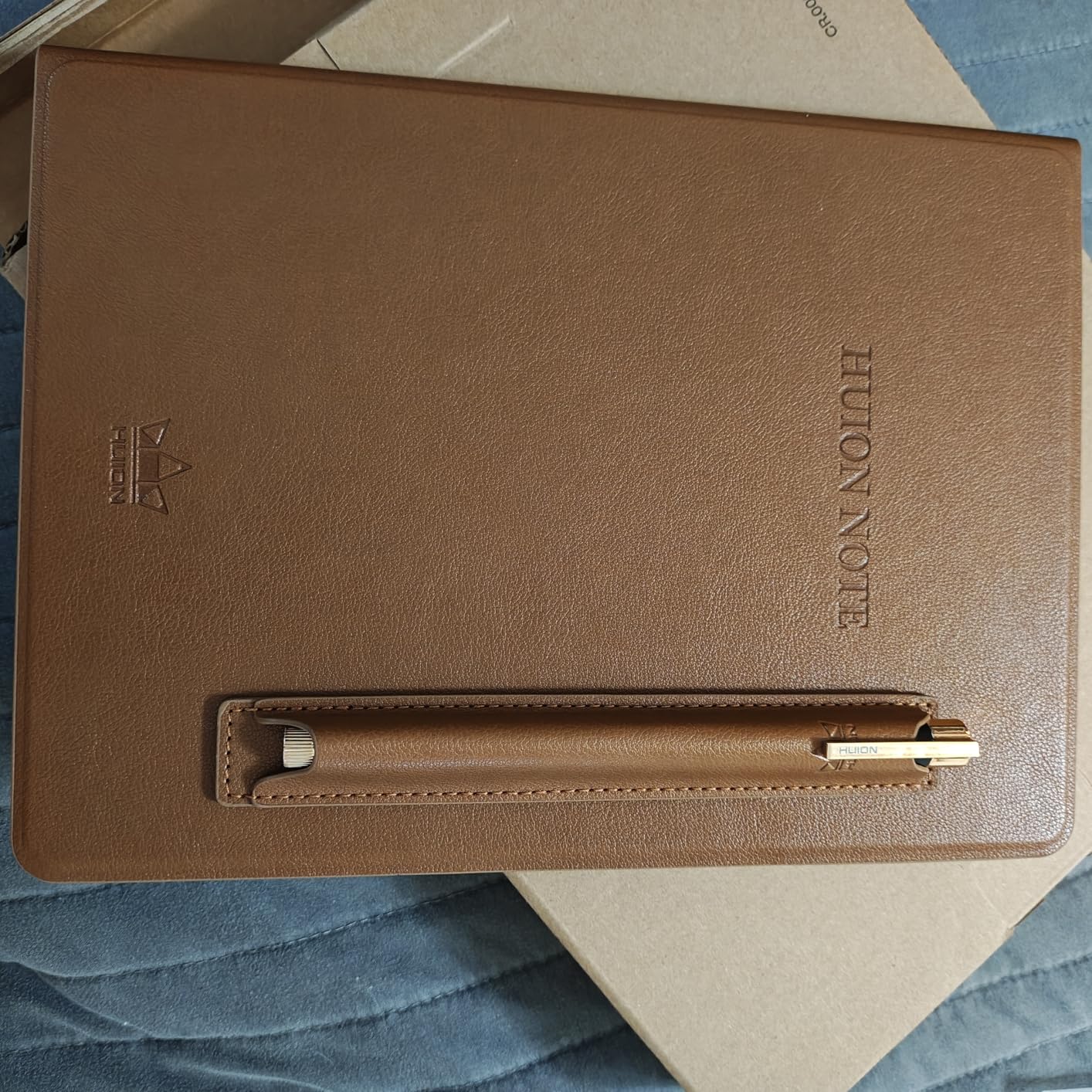
The HUION Note X10 takes a completely different approach from the E Ink tablets on this list. It is a smart pad that you place a real A5 notepad on top of. As you write with the battery-free pen on actual paper, the pad simultaneously digitizes every stroke via Bluetooth to your phone or tablet. You get the genuine paper experience and the digital backup in one motion.
I used the X10 for two weeks of meetings and was impressed by how seamless the digitization felt. The Huion Note app organizes notebooks cleanly, lets you merge and split pages, and exports to image, PDF, or MP4. The audio recording feature syncs your handwriting with audio, which is fantastic for lecture notes and interviews.
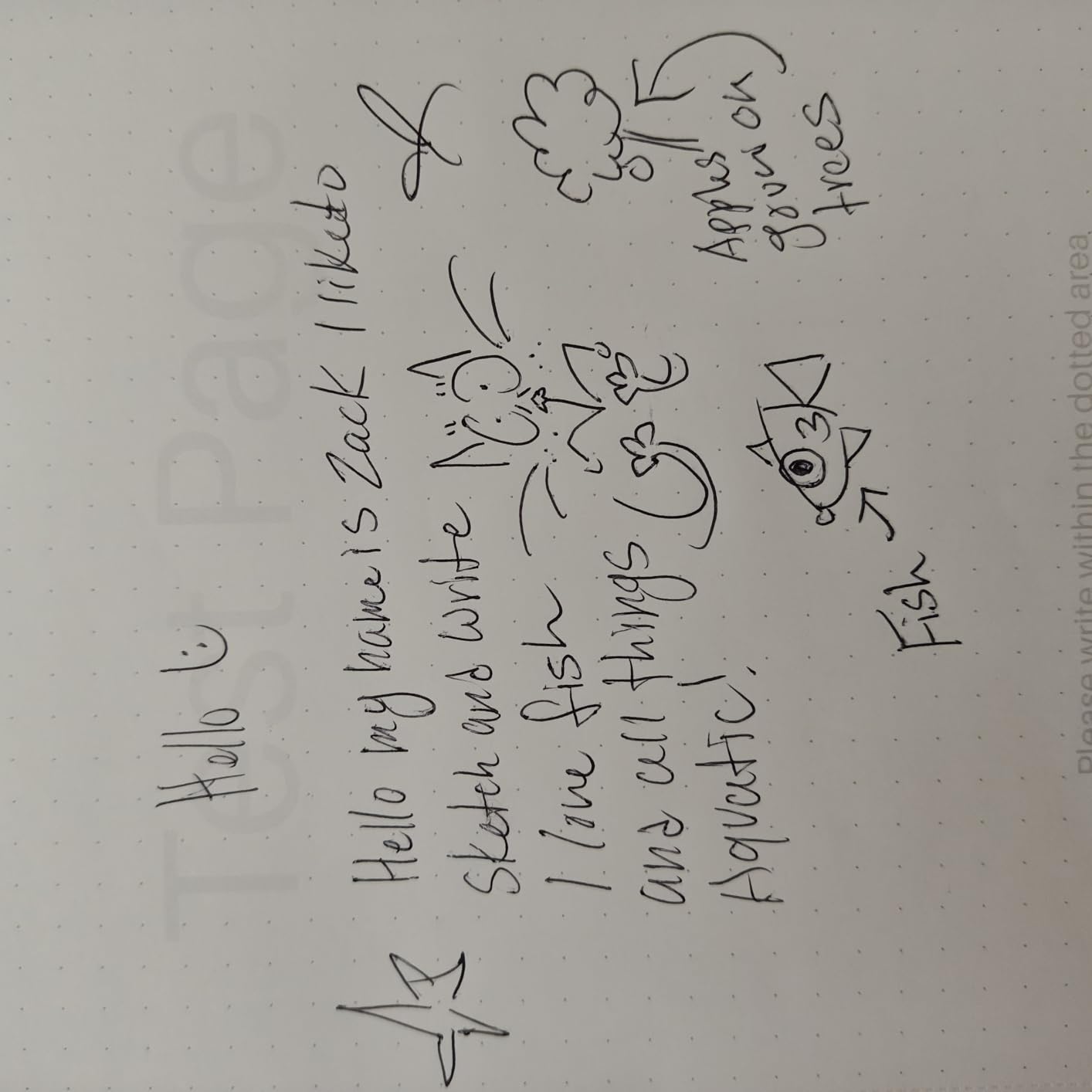
The pen offers 8192 levels of pressure sensitivity, which matches professional graphics tablets. When you connect the X10 to a computer via USB, it doubles as a full drawing tablet. That dual functionality makes this one of the most versatile budget devices available.
The trade-off is that this is not a standalone device. You need your phone or tablet nearby to capture and store notes. The included A5 notepad has 50 pages and is refillable, so you are never buying a whole new system. Just swap in fresh paper.
Best for students on a tight budget
At under $100, the HUION Note X10 is the cheapest way to start digitizing handwritten notes without losing the paper feel. Students who want searchable, exportable notes without spending $400 on an E Ink tablet should start here.
Audio recording feature explained
The X10 can record audio while you write. When you play back the recording in the app, your handwriting appears in sync with the audio timeline. Tap a word, and the audio jumps to the moment you wrote it. This is a game-changer for lecture and meeting notes.
5. iFLYTEK AINOTE Air 2 – Best for Voice-to-Text Transcription
iFLYTEK AINOTE Air 2 Bundle – 8.2" E Ink AI Note-taking Tablet with Stylus, 4096 Pressure Levels, Digital Notebook with Voice-to-Text Transcription, Multi-languages Support, Ideal for Meetings & Study
8.2 inch E Ink
Voice-to-text 17 languages
Handwriting-to-text 83 languages
5-week battery
Pros
- Best-in-class voice transcription
- 83 language handwriting conversion
- Ultra thin and light
- Long battery life
Cons
- Google Play not officially certified
- Firmware stability issues
- Voice and handwriting conversion cannot run together
- Small 8.2 inch screen
The iFLYTEK AINOTE Air 2 fills a unique niche. If you sit in meetings where transcription matters more than anything else, this is the device to beat. It records audio and converts speech to text in 17 languages in real time. I tested it in English and Spanish meetings, and the accuracy was genuinely impressive for clean audio.
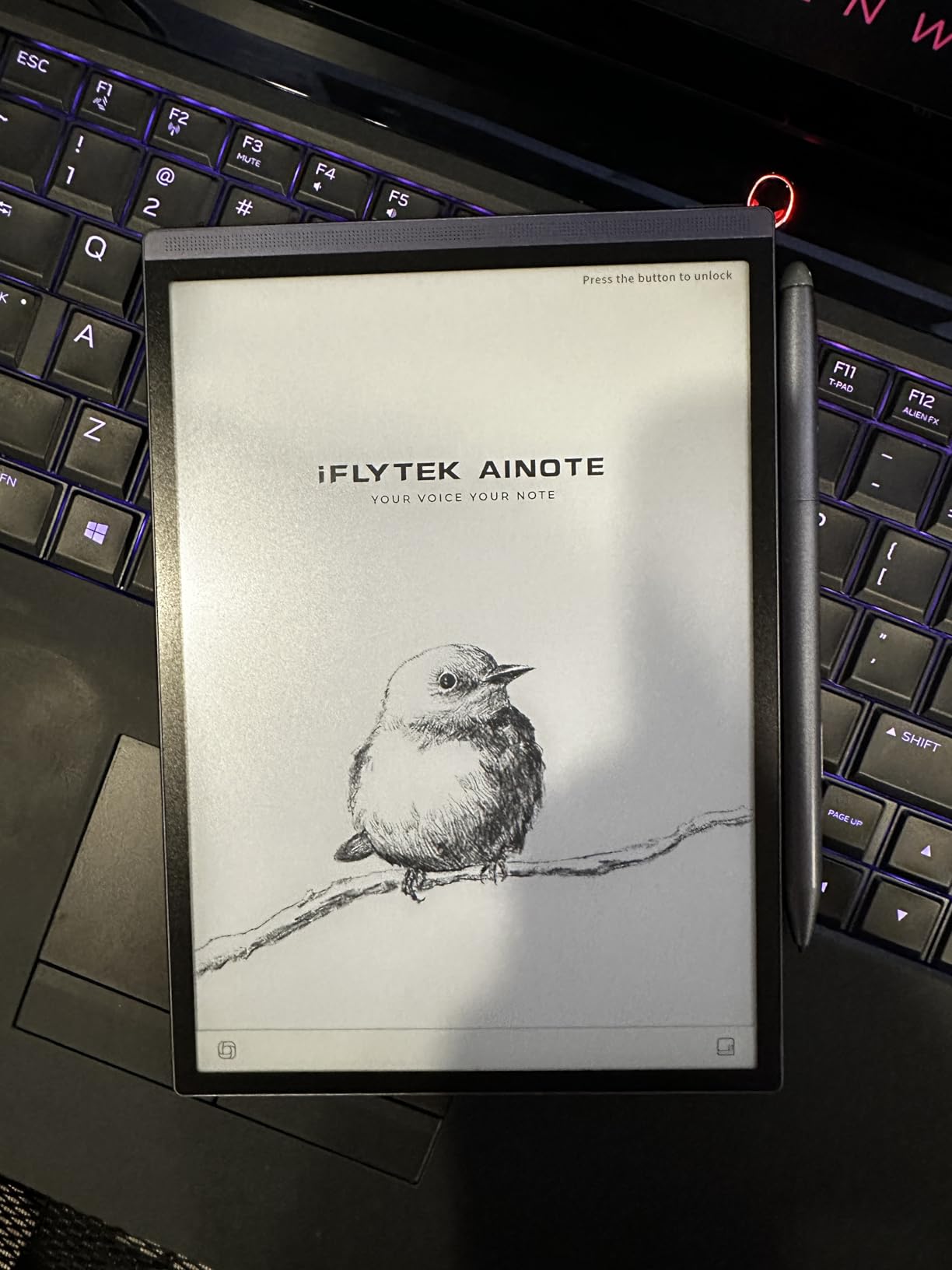
Handwriting-to-text conversion supports 83 languages, which is far beyond any competitor on this list. The 8.2-inch E Ink display is compact and easy to hold in one hand. At 0.25 inches thick and 8.16 ounces, it is one of the most portable E Ink tablets available.
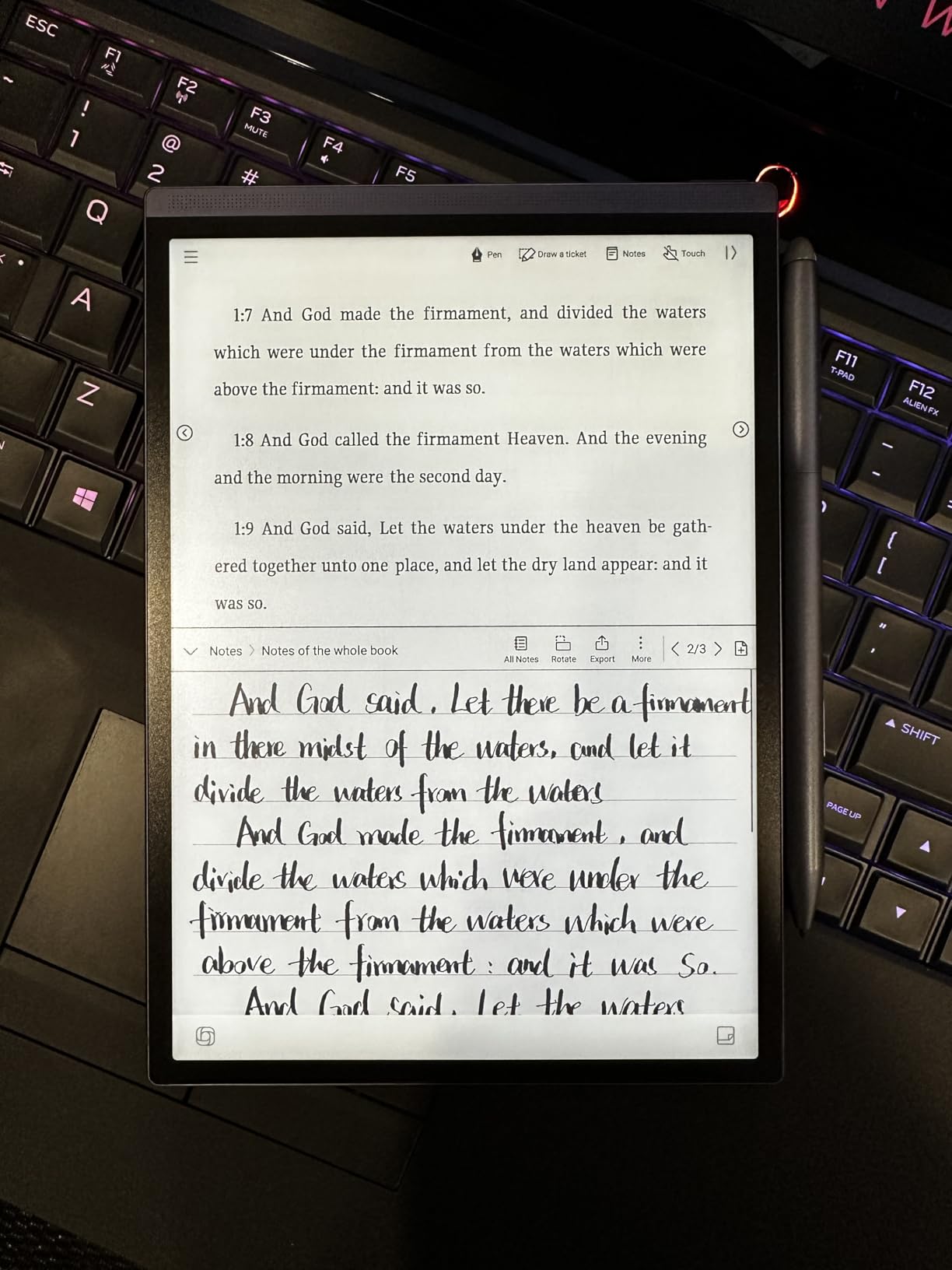
The 5-week battery life is outstanding. I charged it once at the start of testing and never thought about it again. The 24-level dual-color reading light lets you adjust warmth for comfortable night reading. The Android operating system means you can install some third-party apps, though Google Play services are not officially certified.
Where the Air 2 struggles is polish. Some users report firmware crashes, and the interface feels less refined than reMarkable or Kindle. Voice transcription and handwriting conversion cannot run at the same time, which is an odd limitation for a device marketed around AI.
Best for multilingual professionals
If you work across multiple languages or attend international meetings regularly, the 83-language handwriting conversion and 17-language voice transcription make this device irreplaceable. No other digital notebook comes close on language support.
Google Play certification status
The AINOTE Air 2 runs Android but lacks official Google Play certification. You can sideload some apps, but banking apps and some premium apps may not work. If app compatibility is critical, consider the BOOX Go instead.
6. Rocketbook Core – Best Reusable Smart Notebook
Rocketbook Core Reusable Smart Notebook, Lined Pages For School, Work and Creative Projects, Letter Size 8.5x11, Gray - Premium
Reusable paper notebook
Letter size 8.5x11
Cloud sync via app
Includes Pilot Frixion pen
Pros
- Incredibly affordable
- Feels like real paper
- Eco-friendly reusable design
- Wide cloud integration
Cons
- Ink takes time to dry
- Erasing requires damp cloth
- App has occasional scan glitches
- Must buy extra pens separately
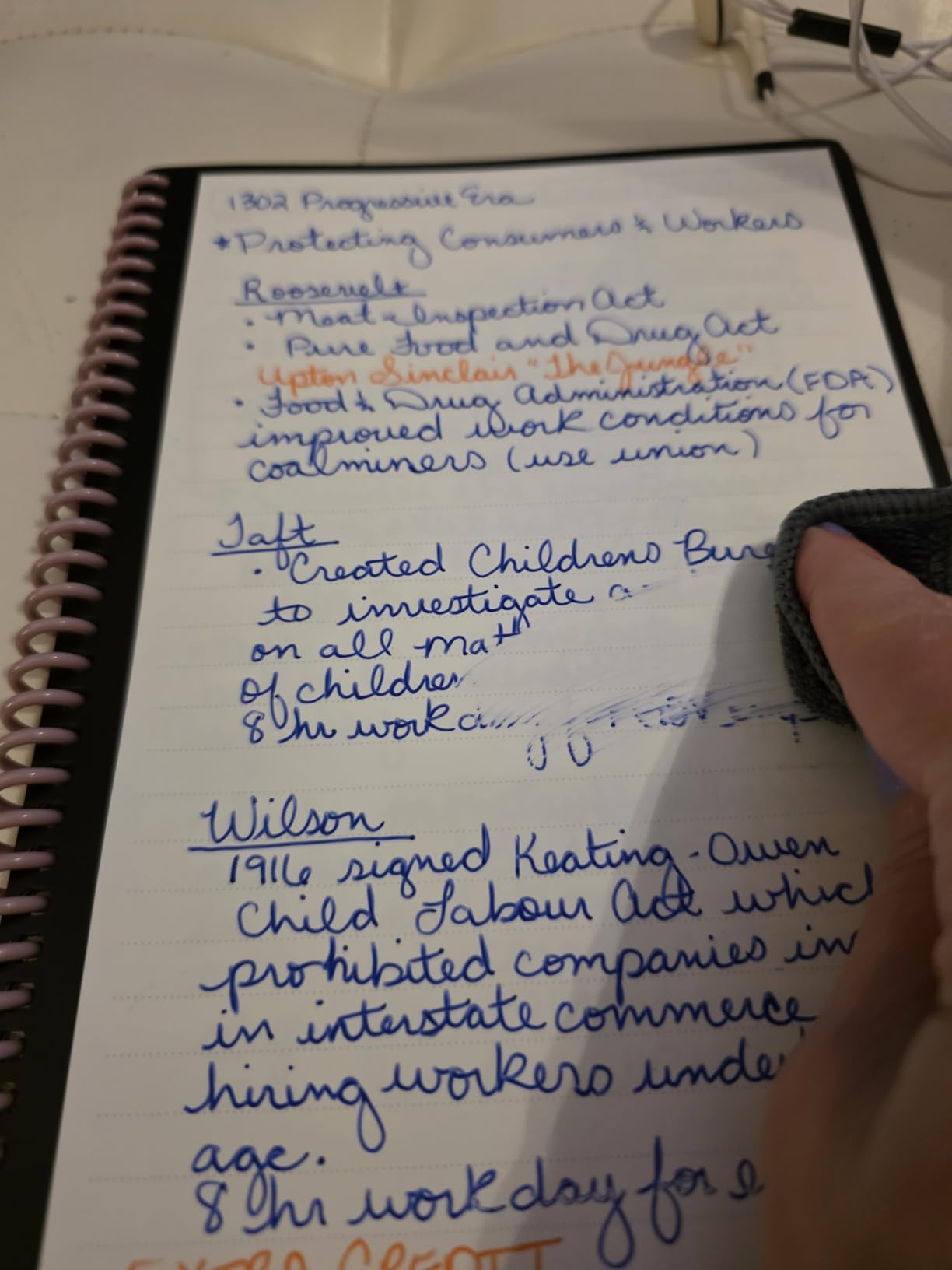
The Rocketbook Core is the cheapest entry point into digital note-taking by a wide margin. It is a physical spiral-bound notebook with 32 pages of special synthetic paper. You write with the included Pilot Frixion erasable pen, scan the page with the Rocketbook app, and the app sends your notes to Google Drive, Dropbox, OneNote, email, or any of a dozen cloud destinations.
When a page is full, you wipe it with a damp cloth and the ink disappears completely. The page is ready to write on again. I have erased and rewritten the same page 15 times with no ghosting or degradation. The writing feel is surprisingly close to real paper, not plasticky like older smart notebooks.
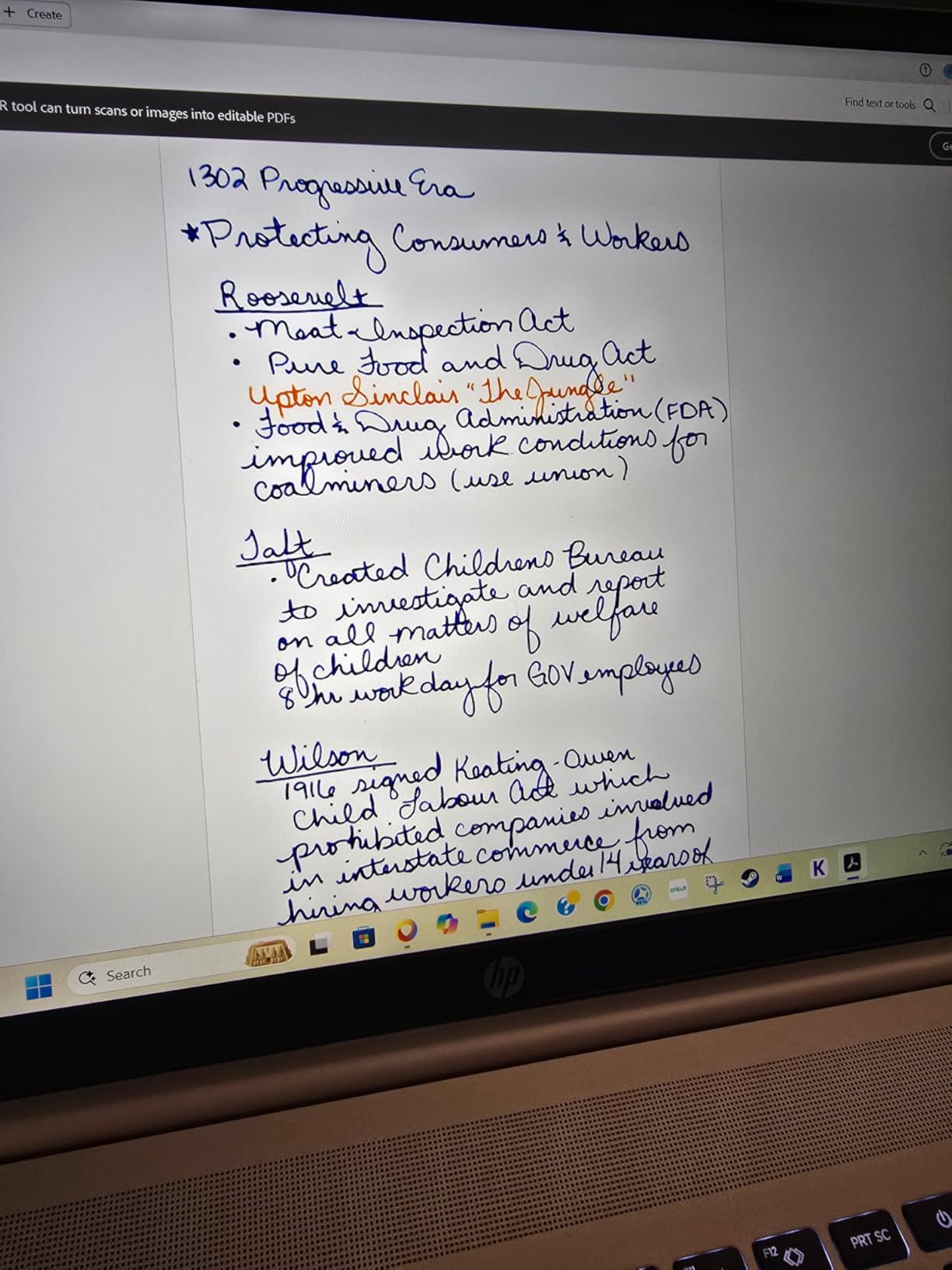
Smart Titles and Smart Tags let you name and categorize scans automatically. Draw a target symbol at the bottom of the page and write a title, and the app uses OCR to name the file. It works about 85 percent of the time in my testing, which is good enough to save serious organizing effort.
The trade-off versus E Ink tablets is obvious. You do not get a screen, handwriting-to-text conversion, or on-device search. The Rocketbook is a capture-and-sync system, not a standalone digital workspace. But for under $30, it is hard to argue with the value.
Best as a starter digital notebook
If you are not ready to spend $400 on an E Ink tablet, the Rocketbook Core lets you test the digital note-taking waters for less than the cost of a restaurant meal. Many users start here and upgrade later once they confirm the workflow fits their life.
Ink drying and smudging
Frixion ink takes about 5 to 10 seconds to dry. If you close the notebook immediately after writing, ink can transfer to the facing page. The fix is simple: wait a few seconds before turning the page. Hot environments can also cause the erasable ink to disappear, so avoid leaving the notebook in a hot car.
7. BOOX Go 10.3 Gen II Lumi – Best Android E Ink Tablet
BOOX Tablet Go 10.3 Gen II Lumi ePaper E Ink Tablet Notebook
10.3 inch 300 ppi E Ink
Android 15 with Google Play
4GB RAM 64GB storage
Front light with CTM
Pros
- Full Android with Google Play Store
- Crisp 300 ppi display
- Multiple refresh modes
- Versatile for reading and browsing
Cons
- Stylus requires recharging
- Slow wake transition
- Erase function unintuitive
- UI learning curve
The BOOX Go 10.3 Gen II Lumi is the most flexible E Ink tablet on this list because it runs full Android 15 with Google Play Store access. That means you can install Kindle, OneNote, Evernote, Dropbox, or any note-taking app you already use. No other E Ink device offers this level of app freedom.
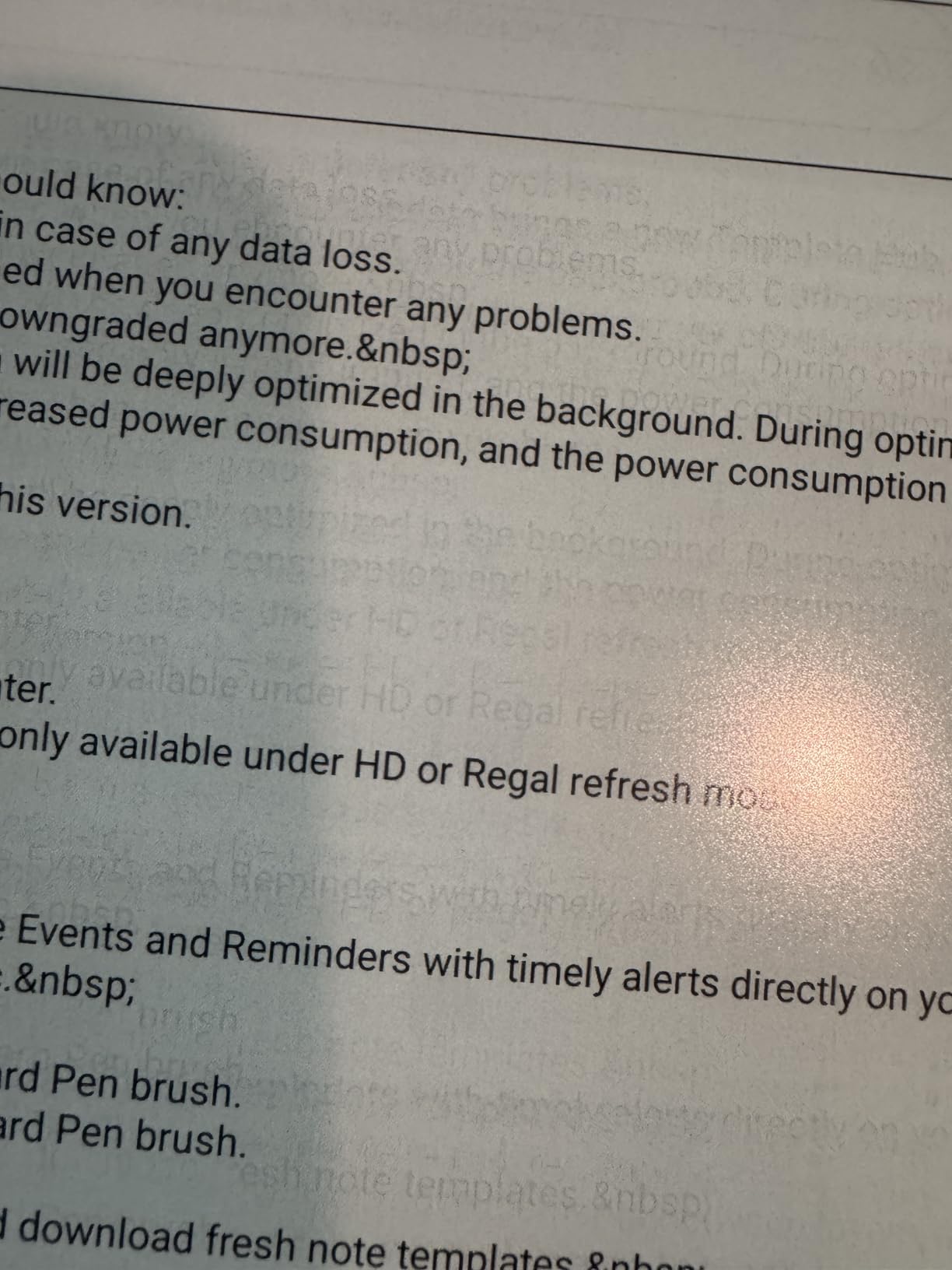
The 10.3-inch display at 300 ppi is sharp and clear. BOOX includes multiple refresh modes (HD, Balanced, Fast, Ultrafast, Regal) that let you trade ghosting for speed depending on what you are doing. For reading, HD mode gives the cleanest text. For browsing or scrolling documents, Ultrafast mode keeps things fluid.
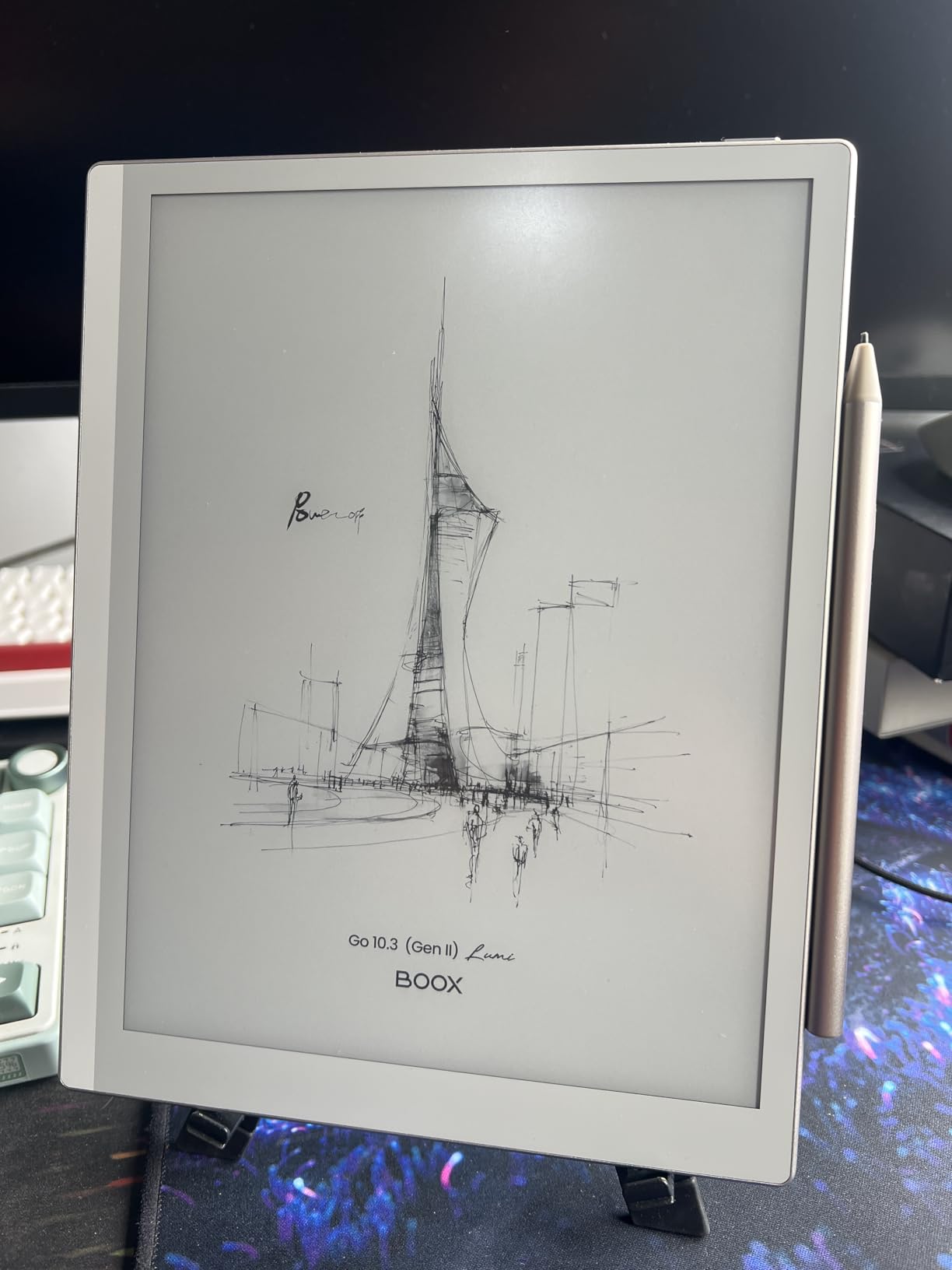
The front light offers both warm and cold color temperature adjustment, so you can read comfortably at night without blue light exposure. The InkSense Plus stylus provides 4096 pressure levels, though it requires periodic recharging unlike the EMR pens on reMarkable and Kindle devices.
The main frustrations are software polish. The wake-from-sleep transition is slower than competitors. The erase function erases the last segment you drew rather than where you point the pen, which takes adjustment. Some users report occasional restarts when closing the magnetic folio.
Best for app flexibility
If you cannot live without specific Android apps like OneNote, Noteshelf, or Kindle, the BOOX Go is the only E Ink tablet that gives you full Google Play access. You are not locked into a proprietary ecosystem.
Refresh modes and ghosting
E Ink displays naturally retain faint images of previous pages, called ghosting. BOOX solves this with multiple refresh modes. Faster modes reduce ghosting but lower contrast. HD mode maximizes text clarity for reading. You can switch modes per app based on what you are doing.
8. XPPen Magic Note Pad – Best Color LCD Digital Notebook
XPPen 3 in 1 Color Digital Notebook 10.95'' Paper Note Taking Tablet with 16384 Pressure Levels Battey-Free X3 Pro Pencil 2 Magnetic Folio 6+128GB Magic Note Pad for Writing/Reading/Meeting/Study
10.95 inch color LCD
16384 pressure levels
6GB RAM 128GB storage
Android 14
Pros
- Vibrant full color display
- Battery-free X3 Pro Pencil 2
- 90Hz refresh rate
- AI assistant with flashcards
Cons
- Battery only 4 hours
- Narrow viewing angle
- Stylus lacks eraser
- Heavier than E Ink alternatives
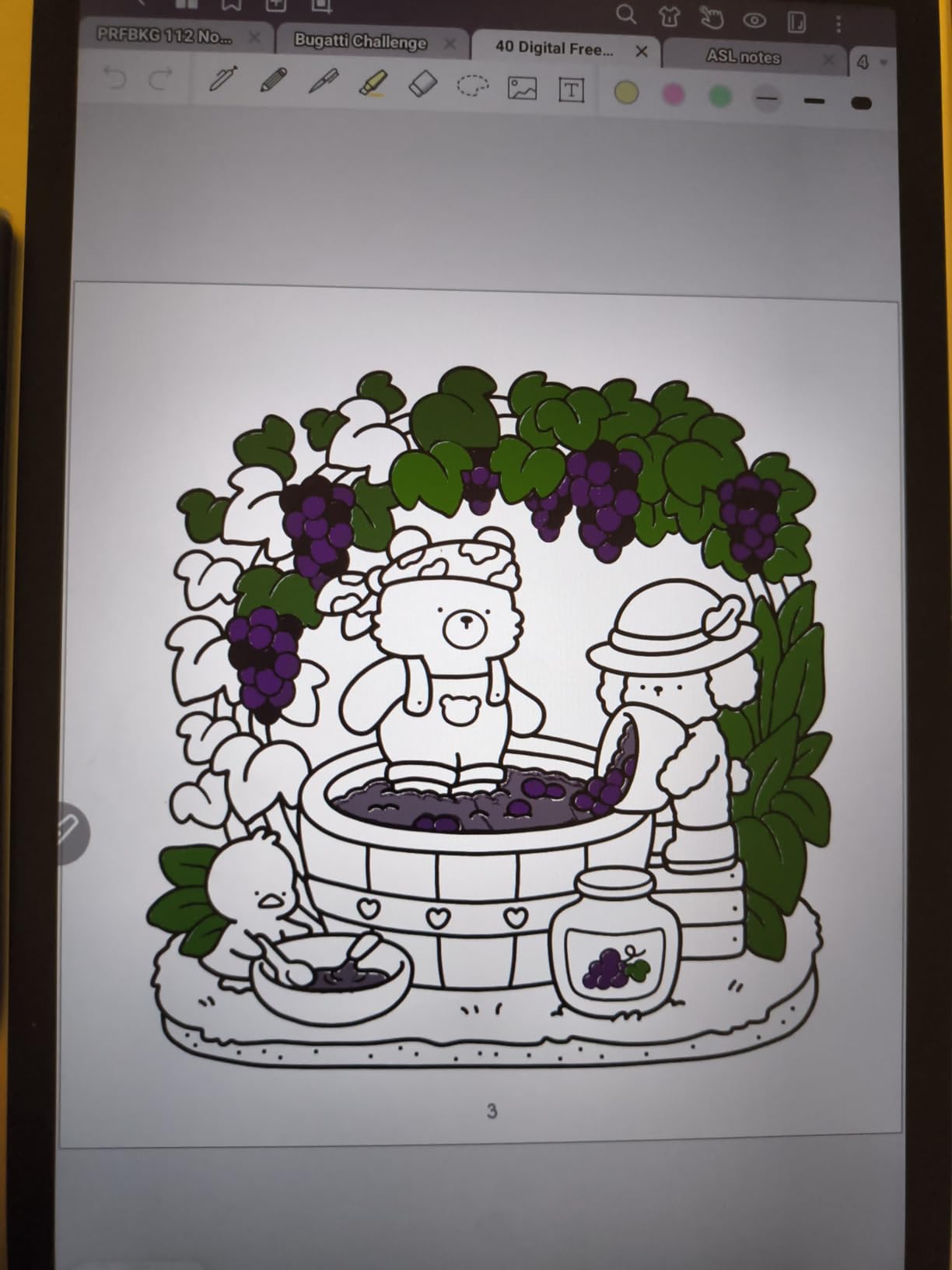
The XPPen Magic Note Pad is the only true color LCD tablet on this list. Unlike E Ink devices, it offers a 90Hz refresh rate, full 16.7 million color depth, and 400 nits of brightness. If you want vibrant color for diagrams, mind maps, and visual notes, this beats any E Ink option.
The X3 Pro Pencil 2 is the standout hardware feature. It offers 16,384 pressure levels, which is double what most competitors provide, and it is completely battery-free. The pen tracks with zero perceptible lag, and the etched glass surface provides satisfying friction.
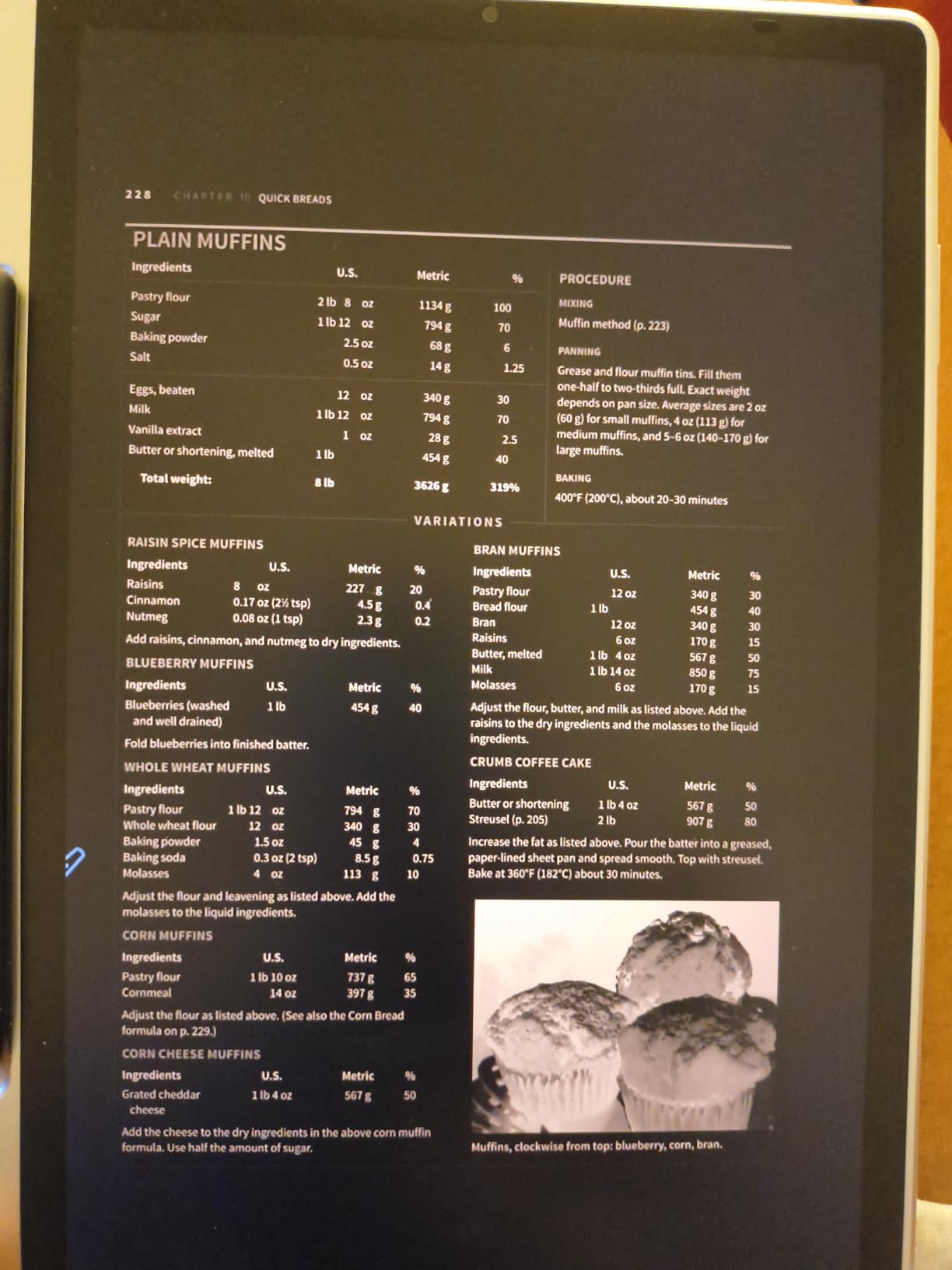
Three display modes let you adapt to different tasks. Full Color mode gives you the complete LCD experience. Light Color mode tones things down for longer reading sessions. Monochrome mode simulates the E Ink look for distraction-free writing. The TUV SUD Low Blue Light certification means extended use is easier on your eyes.
The trade-off is battery life. At around 4 hours of active use, the Magic Note Pad cannot compete with E Ink tablets that last weeks. This is fundamentally a color tablet with paper-like features, not a dedicated E Ink device. Plan to charge it daily.
Best for visual thinkers
If your notes are full of color-coded diagrams, mind maps, and highlighted text, the vibrant LCD display of the Magic Note Pad serves you better than muted E Ink color. The 90Hz refresh rate also makes drawing and sketching feel instant.
Battery life expectations
Plan for about 4 hours of continuous use on a single charge. The 8000mAh battery with 20W fast charging means you can top up quickly, but this is a daily-charge device unlike E Ink alternatives that run for weeks.
9. Penstar eNote 2 – Best Pen-Only Writing Tablet
Penstar eNote 2 – The Whitest Paper Tablet | 10.3” 300 PPI Pen-Only Screen E-Ink Writing Tablet, Digital Notebook Includes Folio Cover & Two B5 Pens
10.3 inch 300 ppi pen-only
128GB storage
Two B5 pens included
MyScript handwriting-to-text
Pros
- Pen-only screen prevents hand interference
- Whitest paper-like display
- Two pens and 18 spare nibs included
- No subscription required
Cons
- No touchscreen
- No Google Play Store
- Calendar does not sync with Google or Outlook
- Voice-to-text limited to 7 free hours
The Penstar eNote 2 takes a bold design choice: the screen only responds to the pen, not your hand. This eliminates palm rejection issues entirely. You can rest your palm anywhere on the display while writing, and the device only tracks the pen. For left-handed writers and anyone who has fought with palm rejection on other tablets, this is a revelation.
Penstar calls its display technology PureView, and it claims to be the whitest E Ink screen available. In side-by-side testing with the BOOX and Kindle Scribe, the eNote 2 does appear noticeably brighter and more paper-like. The 300 ppi resolution is sharp enough for fine handwriting.
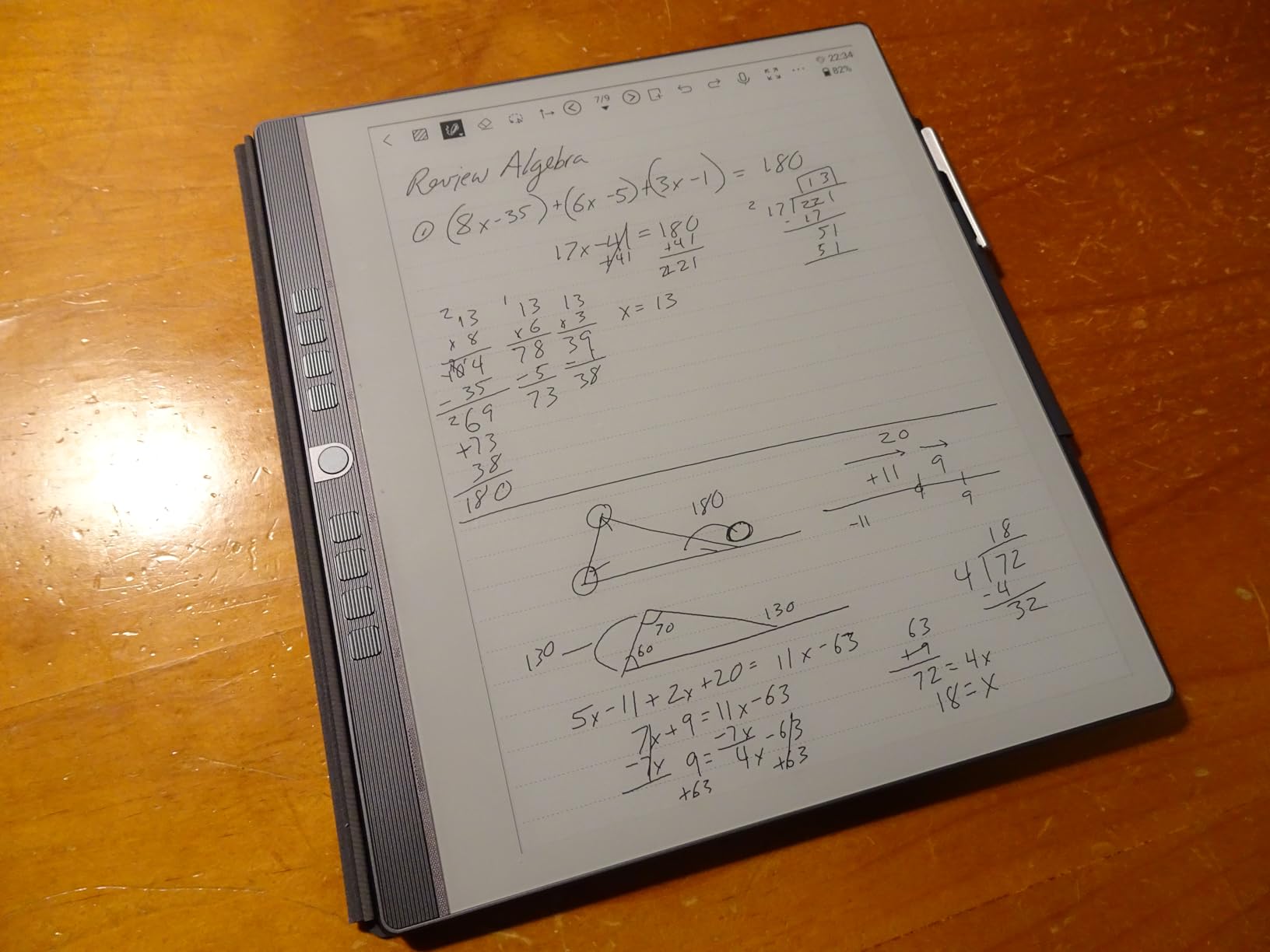
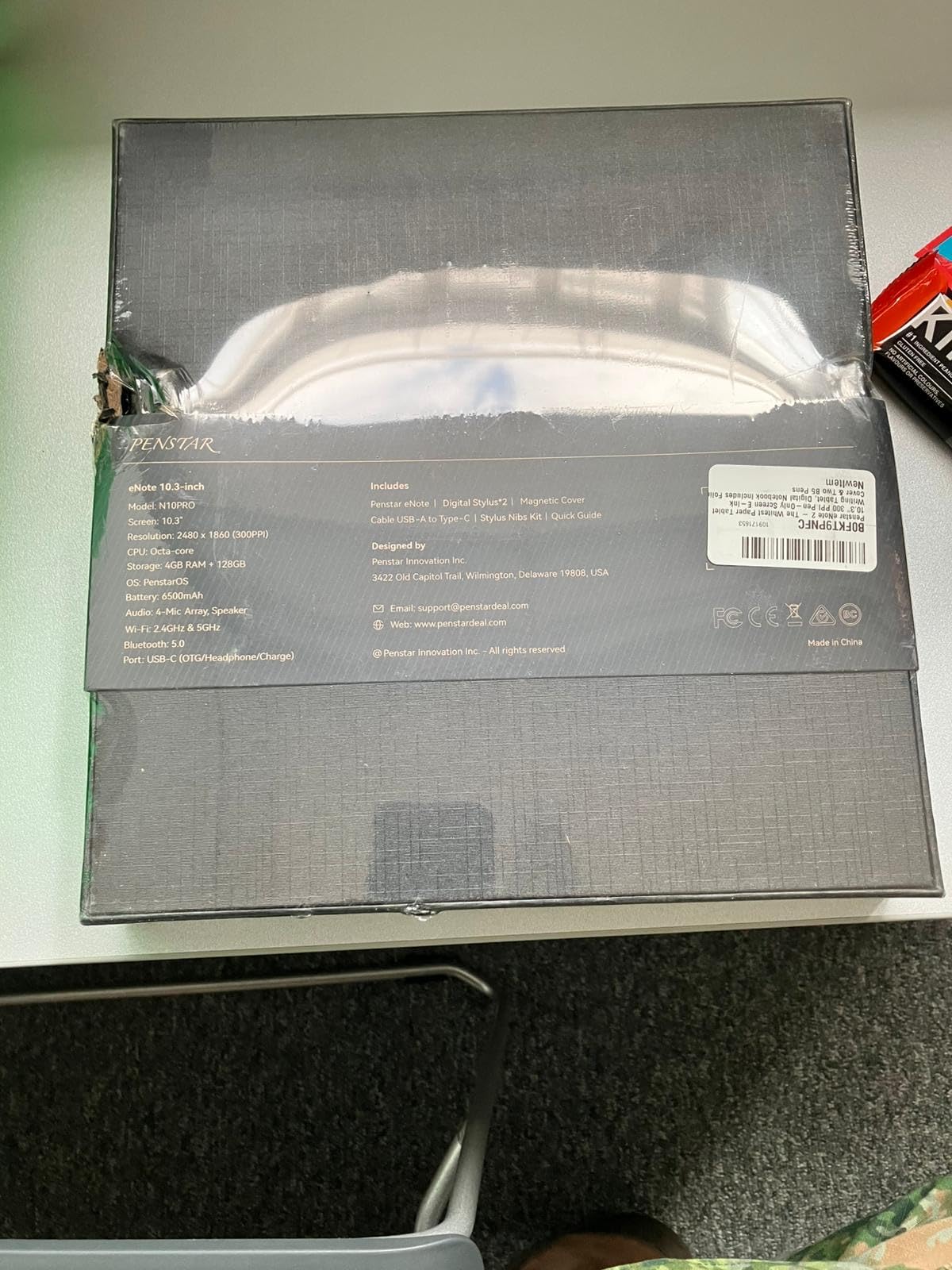
The bundle is generous. You get two B5 pens, 18 spare nibs, and a magnetic folio cover. Most competitors charge extra for a single pen and tips. The MyScript handwriting-to-text conversion supports 66 languages and works offline without any subscription.
The limitation of a pen-only screen is that you cannot tap buttons or navigate menus with your finger. Everything requires the pen. The lack of Google Play Store and the inability to sync with Google Calendar or Outlook limits this as a productivity tool. It is a focused writing device, not a mini tablet.
Best for distraction-free purists
If you want a device that does nothing but capture your handwriting with zero distractions, the Penstar eNote 2 is purpose-built for that. No browser, no app store, no notifications. Just you, the pen, and the page.
Included accessories value
The bundle includes two B5 pens, 18 spare nibs, and a magnetic folio cover. With other brands, the pen alone can cost $130. The included accessories make the effective price of the eNote 2 significantly lower than the sticker suggests.
10. reMarkable Paper Pro Move – Best Pocket-Sized Digital Notebook
reMarkable Paper Pro Move | Ultraportable Color 7.3" Paper Tablet with Marker Plus | The Digital Pocket Notebook for Productivity on The Go
7.3 inch color E Ink
Compact pocket size
Marker Plus included
64GB storage
Pros
- Genuinely portable size
- Same paper-like writing as Paper Pro
- Color E Ink display
- Premium aluminum build
Cons
- Many features need Connect subscription
- Battery falls short of claims
- Colors hard to distinguish
- No protective case included
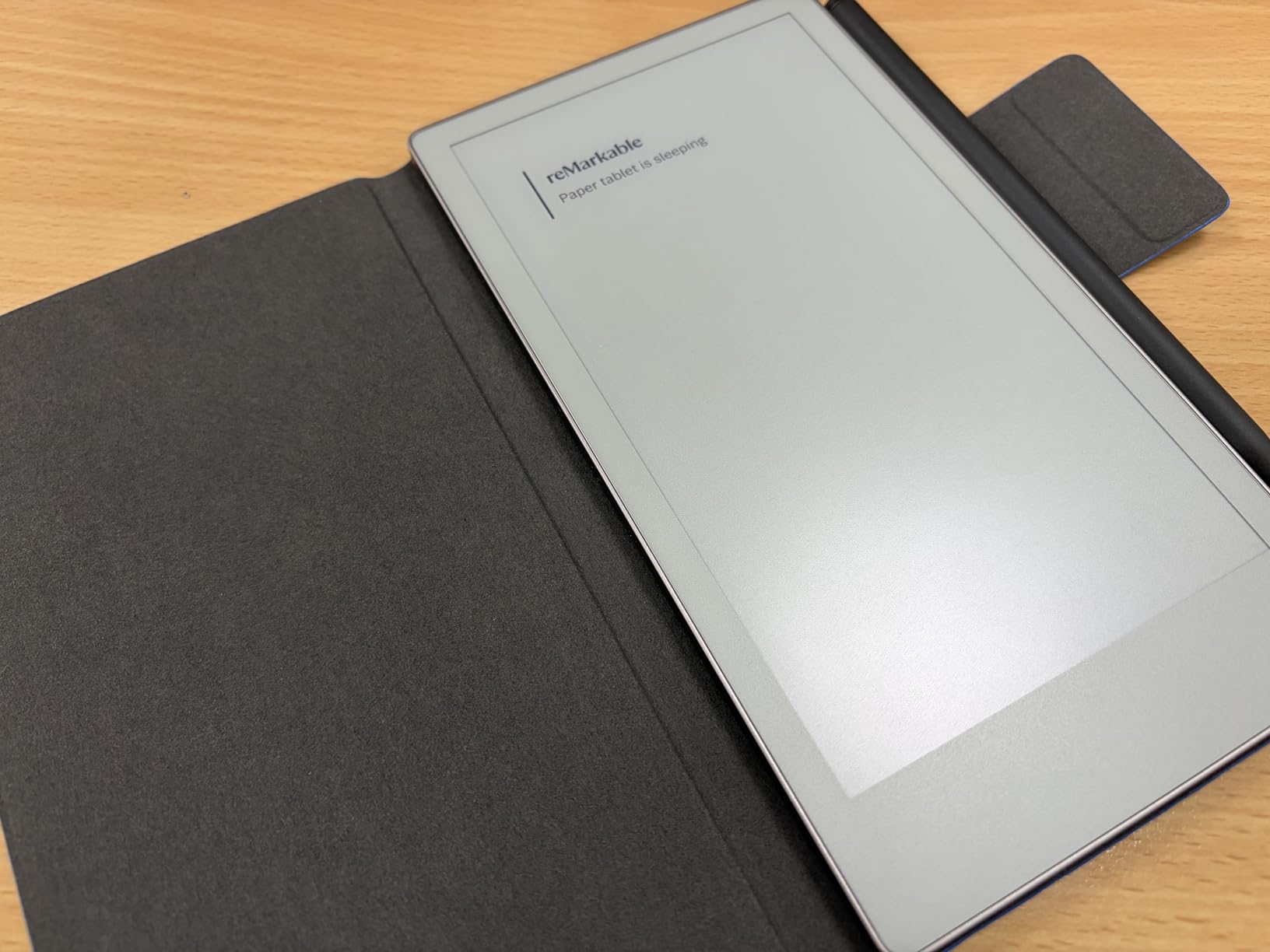
The reMarkable Paper Pro Move shrinks the Paper Pro experience into a 7.3-inch device that fits in a large jacket pocket. I carried it for two weeks everywhere I went, and the portability is real. Quick thoughts, meeting notes, sketches, and reading all happen on a device that weighs just 248 grams.
The writing experience matches the larger Paper Pro. The same Canvas Color E Ink technology, the same textured glass surface, and the same Marker Plus pen with built-in eraser. If you love the Paper Pro but want something truly portable, the Move is the answer.
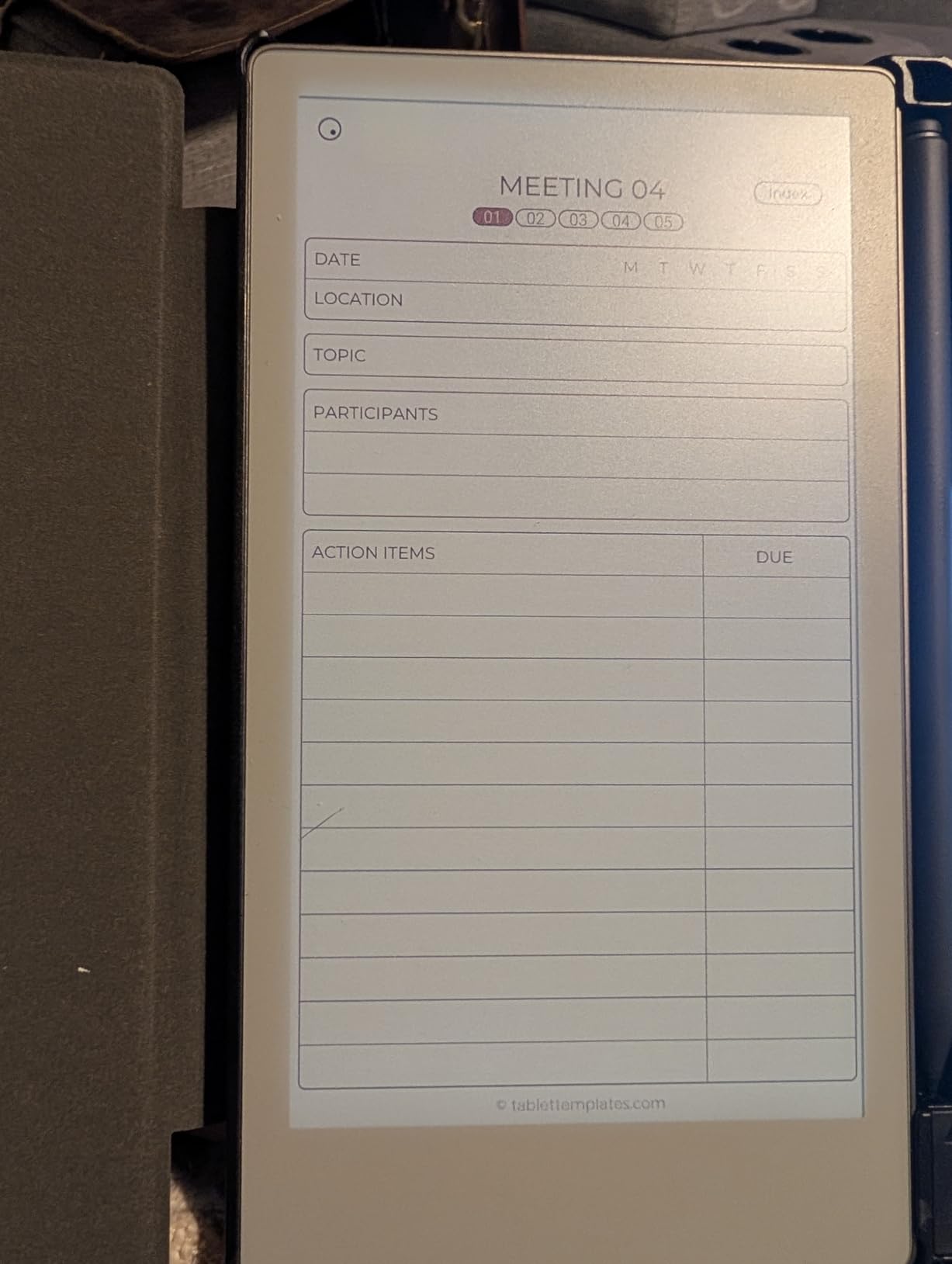
The compromises show up in battery life and color quality. The advertised 15-day battery is achievable only with the backlight off and WiFi disabled. With regular use including the reading light, expect closer to 7 to 9 days. The colors are muted enough that distinguishing between blue and black ink can be difficult.
The Connect subscription requirement is the biggest frustration. Note search, handwriting-to-text conversion, and several core features require the $2.99 monthly subscription. On a device that costs this much, locking basic features behind a paywall feels excessive.
Best for on-the-go capture
If you want to capture ideas the moment they happen, the Paper Pro Move is small enough to always have with you. It is the closest thing to a pocket Moleskine that syncs to the cloud.
Subscription requirements
The reMarkable Connect subscription at $2.99 per month unlocks note search, handwriting-to-text conversion, cloud sync, and integration with Google Drive and OneDrive. Without it, the device works as a standalone notebook but loses most of its digital advantages.
How to Choose the Best Digital Notebook?
Choosing the right digital notebook comes down to understanding your own habits. Here are the factors that matter most, based on our testing and what users on r/eink and r/notebooks consistently report.
Display type: E Ink vs LCD
E Ink displays are matte, readable in direct sunlight, and sip power. They last weeks on a charge. The trade-off is slow refresh rates and limited color. LCD displays (like the XPPen Magic Note Pad) offer vibrant color and fast refresh but need daily charging and cause more eye strain over long sessions. For pure note-taking, E Ink wins. For visual work with color, LCD is better.
Screen size and portability
The sweet spot for serious note-taking is 10 to 11 inches, roughly the size of a standard paper notebook. Devices like the reMarkable Paper Pro (11.8 inches) and Kindle Scribe Colorsoft (11 inches) give you full-page writing space. Smaller devices like the Paper Pro Move (7.3 inches) and AINOTE Air 2 (8.2 inches) trade writing area for portability.
Stylus quality and technology
EMR styluses (used by reMarkable and Kindle) require no charging and last indefinitely. Active styluses (used by BOOX) need periodic recharging. Pressure sensitivity ranges from 4096 levels (standard) to 16384 levels (XPPen). For writing, 4096 is plenty. For drawing and shading, higher levels help. Look for a built-in eraser if you erase frequently.
Battery life expectations
E Ink tablets range from 1 to 5 weeks per charge depending on usage and whether the front light is on. The Kindle Scribe leads with months of battery in reading mode. LCD tablets like the XPPen top out around 4 hours. Smart notebooks like the HUION Note run 18 hours per charge.
Storage capacity
For text notes, 16GB is more than enough. The Kindle Scribe at 16GB holds thousands of notebooks. If you annotate large PDFs, store ebooks, or work with image-heavy content, look for 64GB or 128GB. The Penstar eNote 2 and XPPen Magic Note Pad lead with 128GB.
Software ecosystem and subscriptions
This is where costs add up. reMarkable charges $2.99 per month for Connect. iFLYTEK includes 7 free hours of voice-to-text then charges for more. Kindle Scribe and Penstar include all features with no subscription. BOOX gives you full Google Play access so you can use any app. Consider total cost of ownership, not just the device price.
Cloud sync and export options
Check which cloud services each device supports. Google Drive, OneDrive, and Dropbox are the most common. The Kindle Scribe Colorsoft adds direct OneNote export. The Penstar syncs with all three major clouds. reMarkable requires the Connect subscription for cloud features. Make sure your preferred service is supported before buying.
Writing feel and palm rejection
Writing feel is subjective but critical. reMarkable and Penstar lead on paper-like friction. Kindle Scribe is close behind. BOOX and HUION are good but slightly more slippery. Palm rejection varies: pen-only screens (Penstar) eliminate the issue entirely, while touchscreen devices rely on software palm rejection that occasionally fails.
Frequently Asked Questions About Digital Notebooks
Which is the best digital notebook?
The reMarkable Paper Pro is the best overall digital notebook thanks to its unmatched paper-like writing feel, color E Ink display, and distraction-free design. For value, the Kindle Scribe offers excellent reading and note-taking with no subscription fees. For budget buyers, the Rocketbook Core delivers digital note capture for under $30.
Is it worth getting a digital notebook?
Yes, if you take notes regularly. Digital notebooks pay for themselves by eliminating paper costs, making every note searchable, and preventing lost ideas. Users on r/eink report going fully paperless within 6 months. The main consideration is upfront cost, which ranges from $27 for a Rocketbook to $679 for a reMarkable Paper Pro.
What is the best virtual notebook?
The best virtual or digital notebook depends on your needs. For distraction-free writing, the reMarkable Paper Pro leads. For reading plus note-taking, the Kindle Scribe is top. For full app flexibility, the BOOX Go 10.3 runs Android with Google Play. For budget users, the Rocketbook Core and HUION Note X10 are excellent entry points.
Which digital writing pad is best?
For E Ink tablets, the reMarkable Paper Pro and Kindle Scribe are the top picks. For color LCD writing pads, the XPPen Magic Note Pad offers the best value. For smart pen systems that use real paper, the HUION Note X10 and Rocketbook Core are the best options under $100.
Do digital notebooks need subscriptions?
Not all do. The Kindle Scribe, Penstar eNote 2, BOOX Go, and Rocketbook Core include all features with no subscription. reMarkable requires a $2.99 monthly Connect subscription for cloud sync, handwriting-to-text, and note search. iFLYTEK includes 7 free hours of voice-to-text then charges for additional usage. Always check subscription requirements before buying.
Final Thoughts on the Best Digital Notebooks for 2026
The best digital notebooks in 2026 cover a wide range of needs and budgets. The reMarkable Paper Pro remains the gold standard for paper-like writing with color. The Kindle Scribe delivers unbeatable value with no subscription fees. The Rocketbook Core proves you do not need to spend hundreds to start digitizing your notes.
For specialized needs, the iFLYTEK AINOTE Air 2 leads on multilingual transcription, the BOOX Go offers full Android flexibility, and the Penstar eNote 2 gives pen-only purists a distraction-free writing surface. Whatever your note-taking style, one of these 10 devices will help you go paperless without losing the joy of handwriting.