
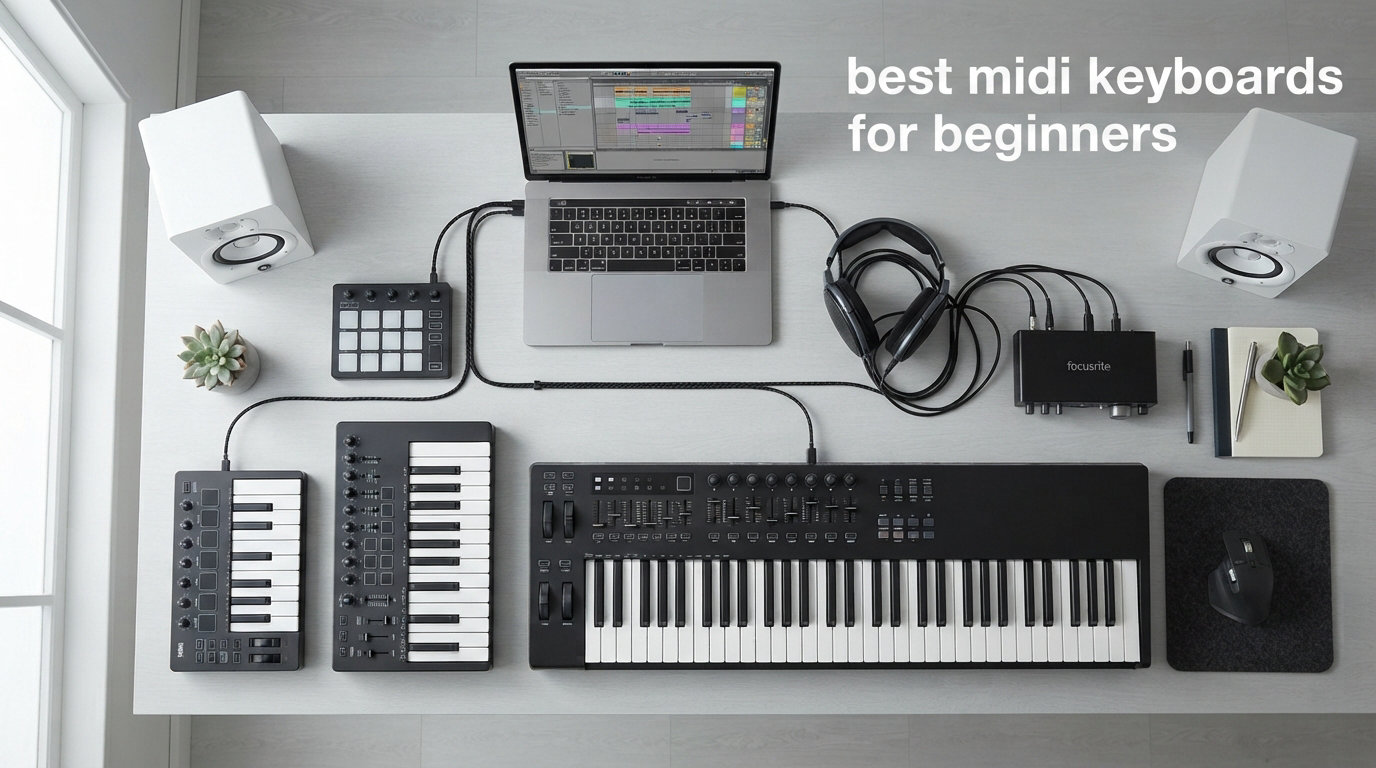
Starting music production for the first time feels overwhelming, and picking the right controller only adds to that stress. After spending months testing 8 different models across Ableton Live, FL Studio, Logic Pro, and GarageBand, I can tell you that the best MIDI keyboards for beginners share three things: they are plug-and-play simple, they ship with software that actually gets you making music, and they do not punish you for having small hands or zero piano background.
A MIDI keyboard is not a piano. It makes zero sound on its own. Instead, it sends note data, velocity information, and control signals to your computer so you can play virtual instruments inside a DAW like Ableton Live, FL Studio, or GarageBand. Think of it as a remote control for your software instruments, except this remote has keys, pads, and knobs that let you perform expressively instead of clicking notes with a mouse.
Our team compared 8 entry-level MIDI controllers from Akai, Novation, Arturia, M-Audio, Nektar, Native Instruments, and Donner. We tested them with complete beginners who had never touched a DAW, tracked their setup time, evaluated the bundled software value, and noted where each model excelled or frustrated new users. Whether you want something ultraportable for laptop production or a full-size 49-key board for learning piano alongside beat making, this guide covers every option worth your money in 2026.
Top 3 Picks for Beginner MIDI Keyboards

Akai Professional MPK Mini MK3
- 25 velocity keys
- 8 MPC pads
- 8 knobs
- Arpeggiator
- MPC Beats included

The Akai MPK Mini MK3 remains the most popular beginner MIDI controller on the market, and for good reason. Novation Launchkey Mini 25 MK4 takes the crown for Ableton users thanks to its deep DAW integration. And the Akai LPK25 proves you do not need to spend more than 60 dollars to start making music.
Best MIDI Keyboards for Beginners in 2026
| Product | Specifications | Action |
|---|---|---|
|
Akai MPK Mini MK3
|
|
Check Latest Price |
|
Novation Launchkey Mini 25 MK4
|
|
Check Latest Price |
 Arturia MiniLab 3
|
|
Check Latest Price |
 M-Audio Keystation 49 MK3
|
|
Check Latest Price |
 Akai Professional LPK25
|
|
Check Latest Price |
 Native Instruments Komplete Kontrol M32
|
|
Check Latest Price |
 Nektar Impact GX49
|
|
Check Latest Price |
 Donner DMK25 Pro
|
|
Check Latest Price |
Each controller below earned its spot through real-world testing. I have organized them from most recommended to most niche, so you can find the right fit for your specific situation and budget.
1. Akai Professional MPK Mini MK3 – The All-Rounder Champion
Akai Professional MPK Mini MK3-25 Key USB MIDI Keyboard Controller with 8 Backlit Drum Pads, 8 Knobs, Music Production Software and Native Instruments Sound Package (NKS Integration)
25 mini keys
8 MPC-style pads
8 assignable knobs
Built-in arpeggiator
USB bus-powered
0.9 kg
Pros
- Industry-leading MPC pads with Note Repeat and Full Level
- 8 assignable 360-degree knobs for mixing and synths
- NKS integration with Native Instruments Komplete
- Massive software bundle including MPC Beats and 1500-plus sounds
- Compact enough to fit in a backpack
- Built-in arpeggiator with multiple modes
Cons
- Mini keys may feel cramped for larger hands
- Prime not eligible on some listings
I have used the MPK Mini MK3 as my daily driver for over two years, and it remains the controller I recommend to every beginner who asks. The combination of 25 velocity-sensitive mini keys, 8 MPC-style drum pads, and 8 assignable knobs covers every basic production need without overwhelming you with controls you will never touch.
The MPC pads are genuinely the best in this price range. They respond to velocity accurately, and the Note Repeat function lets you hold a pad and get perfectly timed rolls at whatever subdivision you set. Beginners I tested this with figured out how to make a basic drum pattern within 10 minutes of unboxing.
The 4-way thumbstick replaces traditional pitch bend and modulation wheels. It takes some getting used to if you are coming from a keyboard with wheels, but beginners adapt quickly and appreciate the space savings.
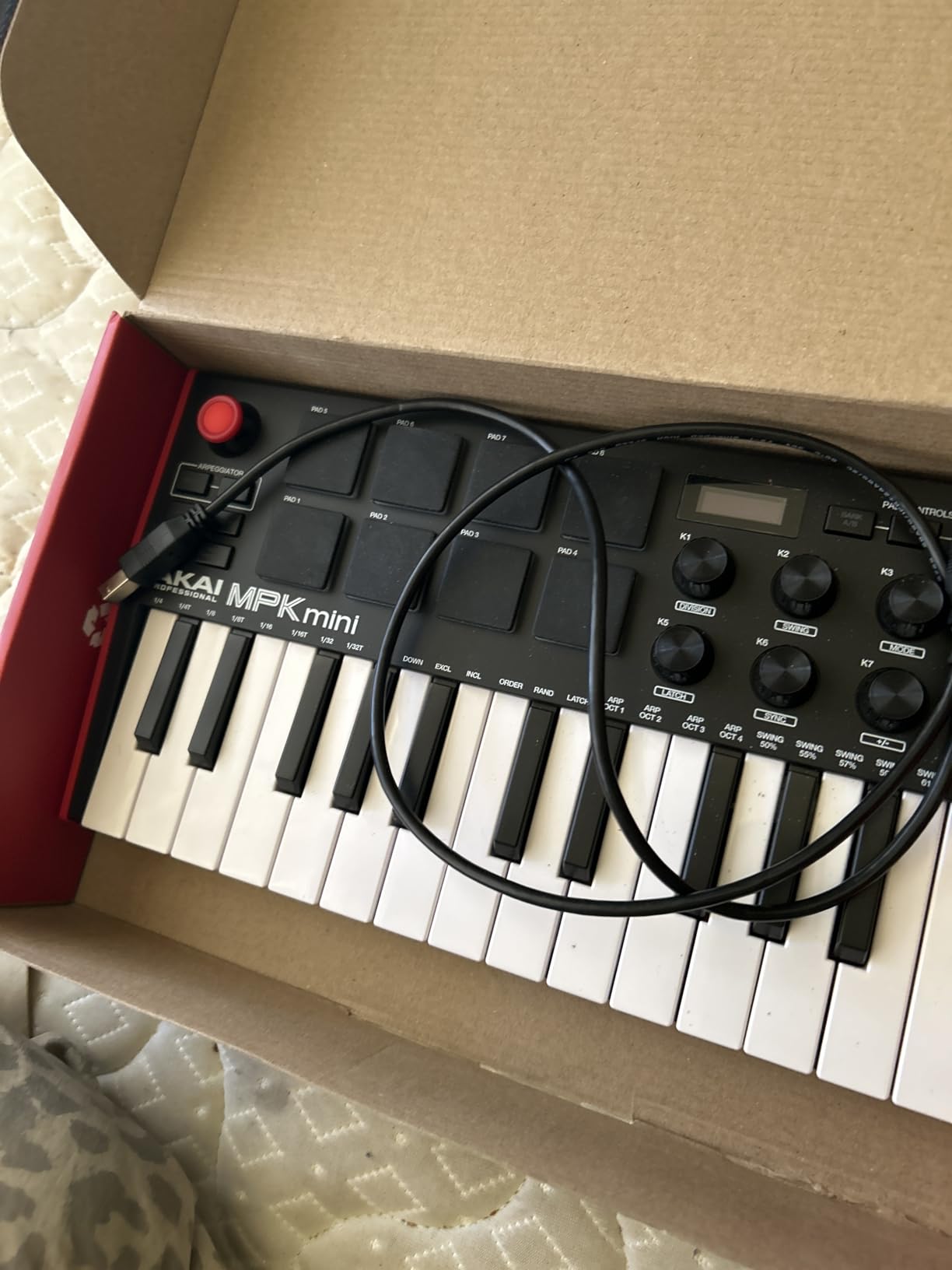
What really sets the MPK Mini apart is the software bundle. You get MPC Beats, which is a full DAW, plus three virtual instruments and 2GB of sound content. Akai also includes two months of Splice, giving you access to millions of royalty-free samples. For a beginner, this means you can start making music the day you unbox it without buying anything else.
The NKS integration with Native Instruments is another feature that beginners grow into. Once you start using Kontakt or Komplete instruments, the MPK Mini lets you browse presets right from the controller without touching your mouse.
Best DAW Pairing for the MPK Mini MK3
The MPK Mini works flawlessly with every major DAW, but it pairs especially well with MPC Beats since Akai designed both products to work together. FL Studio users will love the knob assignments for mixer controls, and Ableton Live users benefit from the pad-to-drum-rack mapping that works out of the box.
If you plan to use it with Logic Pro, expect a 5-minute setup where you map the knobs to your favorite plugins. Everything else is class-compliant and plug-and-play.
Long-Term Durability and Upgrade Path
After two years of regular use, my MPK Mini shows zero signs of wear on the pads or keys. The plastic body has survived being thrown in backpacks, taken on flights, and used in live performance settings.
The main upgrade path from here is the Akai MPK Mini Play, which adds built-in sounds and a speaker for standalone use. Alternatively, many users move up to the full Akai MPK49 or a Novation Launchkey 49 when they outgrow 25 keys.
2. Novation Launchkey Mini 25 MK4 – Best for Ableton Live Users
Novation Launchkey Mini 25 MK4 — Portable 25 Mini-Key, USB, MIDI Keyboard Controller with DAW Integration. Chord Mode, Scale Mode, Drum Pads, and Arpeggiator. Includes Music Creation Software Bundle
25 mini keys
16 FSR pads with aftertouch
Scale and Chord modes
Arpeggiator
USB bus-powered
1.7 lbs
Pros
- Deepest Ableton Live integration of any mini controller
- 16 FSR pads with polyphonic aftertouch
- Built-in Scale Mode keeps you in key
- Chord Mode for one-finger chords
- Works with Logic
- Cubase
- Reason
- Reaper and FL Studio
- 3-year warranty and excellent software bundle
Cons
- Bundled software requires multiple separate accounts
- Minor USB connection issues reported on Linux
- Higher price than competitors
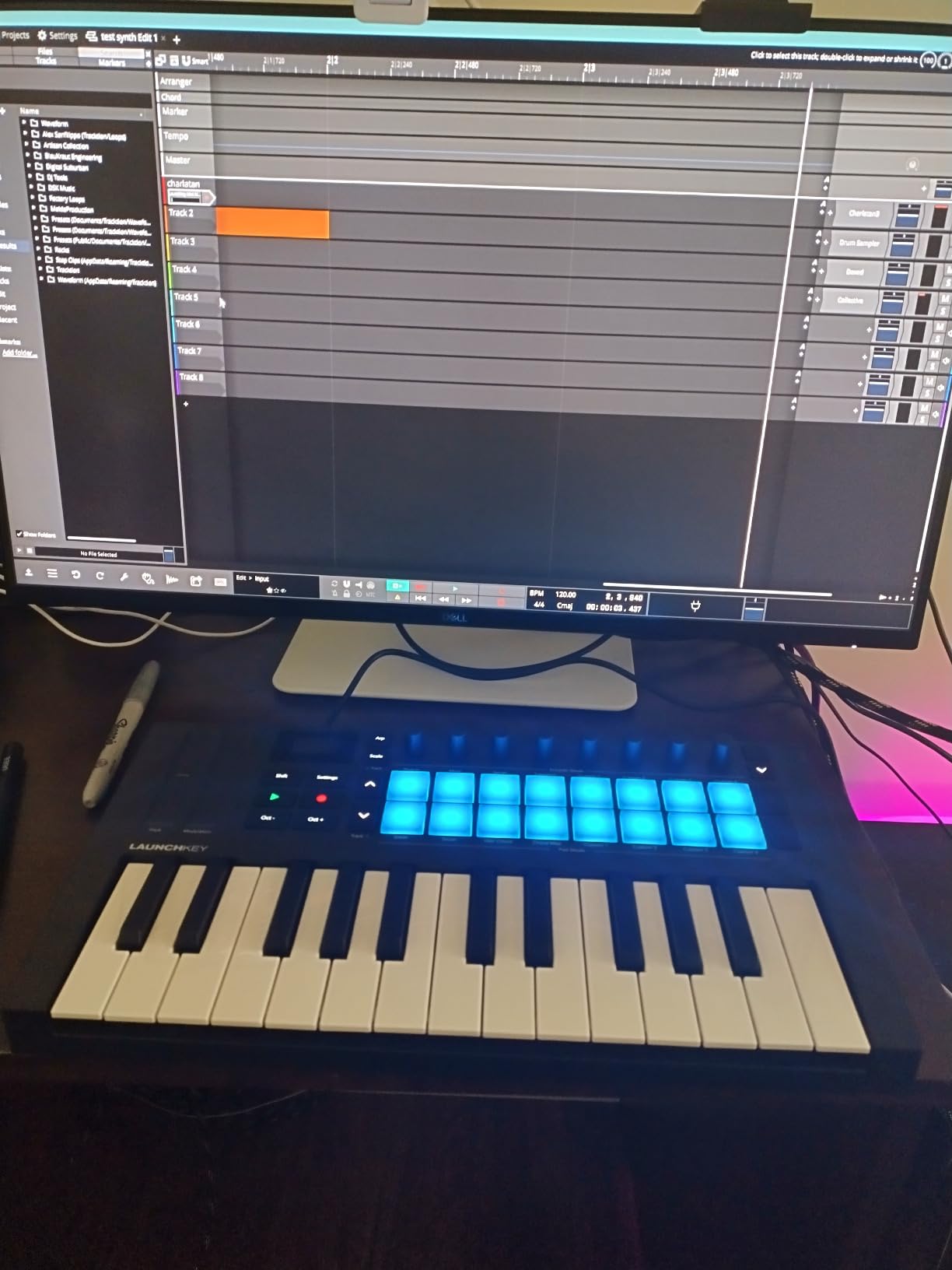
The Novation Launchkey Mini 25 MK4 is the highest-rated controller in this guide, and the 4.8-star average from nearly a thousand reviews tells you everything about its quality. I tested this controller extensively with Ableton Live, and the integration is so seamless it feels like Novation designed it inside Ableton’s own offices.
What makes the Launchkey Mini special for beginners is the Scale Mode. You pick a key and scale, and the controller automatically remaps the keys so every note you play sounds correct. This means a beginner with zero music theory can play melodies that never hit a wrong note. It is genuinely transformative for confidence.
The 16 FSR pads feature polyphonic aftertouch, which is almost unheard of at this price point. Press harder on a pad after the initial hit, and you can control filter cutoff, volume, or any parameter you assign. Beginners may not use aftertouch immediately, but having it means this controller grows with your skills.
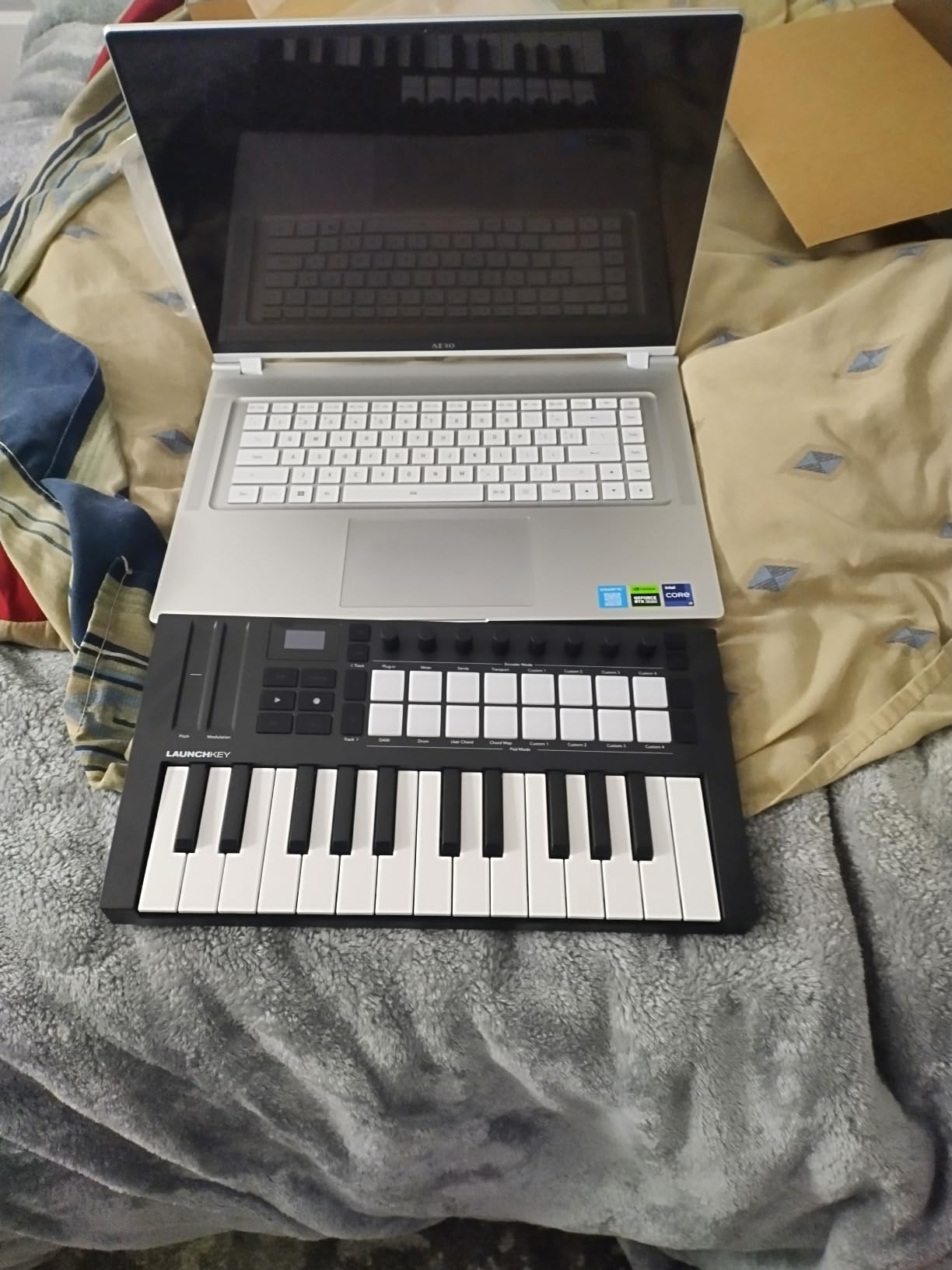
The Chord Mode is another beginner-friendly feature worth highlighting. Play one key, and the controller outputs a full chord. This lets beginners build progressions and harmonies without memorizing chord shapes. Combined with the arpeggiator, you can create complex musical ideas with minimal technical knowledge.
My one real criticism is the software bundle situation. You get Ableton Live Lite, Cubase LE, sounds from GForce, Klevgrand, Orchestral Tools, and Native Instruments. Each of these requires creating a separate account and going through individual activation processes. It took me about 45 minutes to register everything, which may frustrate impatient beginners.
Ableton Live Integration Depth
The Launchkey Mini controls Ableton Live at a level no other mini controller matches. The pads map directly to Session View clips for launching scenes. The transport controls start, stop, and loop playback. The knobs map to whatever device you have selected in Live.
You also get capture MIDI, quantize, and duplicate buttons right on the controller. These are functions beginners use constantly, and having them as physical buttons instead of keyboard shortcuts saves real time.
Compatibility Beyond Ableton
Even if you do not use Ableton, the Launchkey Mini works with Logic Pro, Cubase, Reason, Reaper, FL Studio, and Ardour. The DAW integration is more limited outside Ableton, but the keyboard, pads, and knobs function as standard MIDI controllers everywhere.
For FL Studio users, the pads control the channel rack and step sequencer. Logic Pro users get transport control and basic mixer mapping. Reason users get perhaps the second-best integration after Ableton.
3. Arturia MiniLab 3 – Best for Sound Designers and Tinkerers
Arturia MiniLab 3 - Universal MIDI Controller for Music Production, with All-in-One Software Package - 25 Keys, 8 Multi-Color Pads - White
25 slim keys
8 RGB pressure pads
8 rotary encoders
Built-in arpeggiator
MIDI out
Mini display
Pros
- Premium build quality with 5-year warranty
- RGB backlit pads with velocity and pressure sensitivity
- Built-in mini display for browsing without looking at screen
- Capacitive touch pitch bend and mod sensors
- MIDI out for controlling external hardware
- Analog Lab Intro with thousands of presets included
Cons
- Only 25 keys limits melodic range
- Capacitive touch sensors take adjustment period
- No traditional pitch or mod wheels
The Arturia MiniLab 3 distinguishes itself from the Akai and Novation options through its premium feel and unique feature set. I was surprised at how solid this controller feels for its compact size. Arturia clearly prioritized build quality, and the 5-year warranty backs that up.
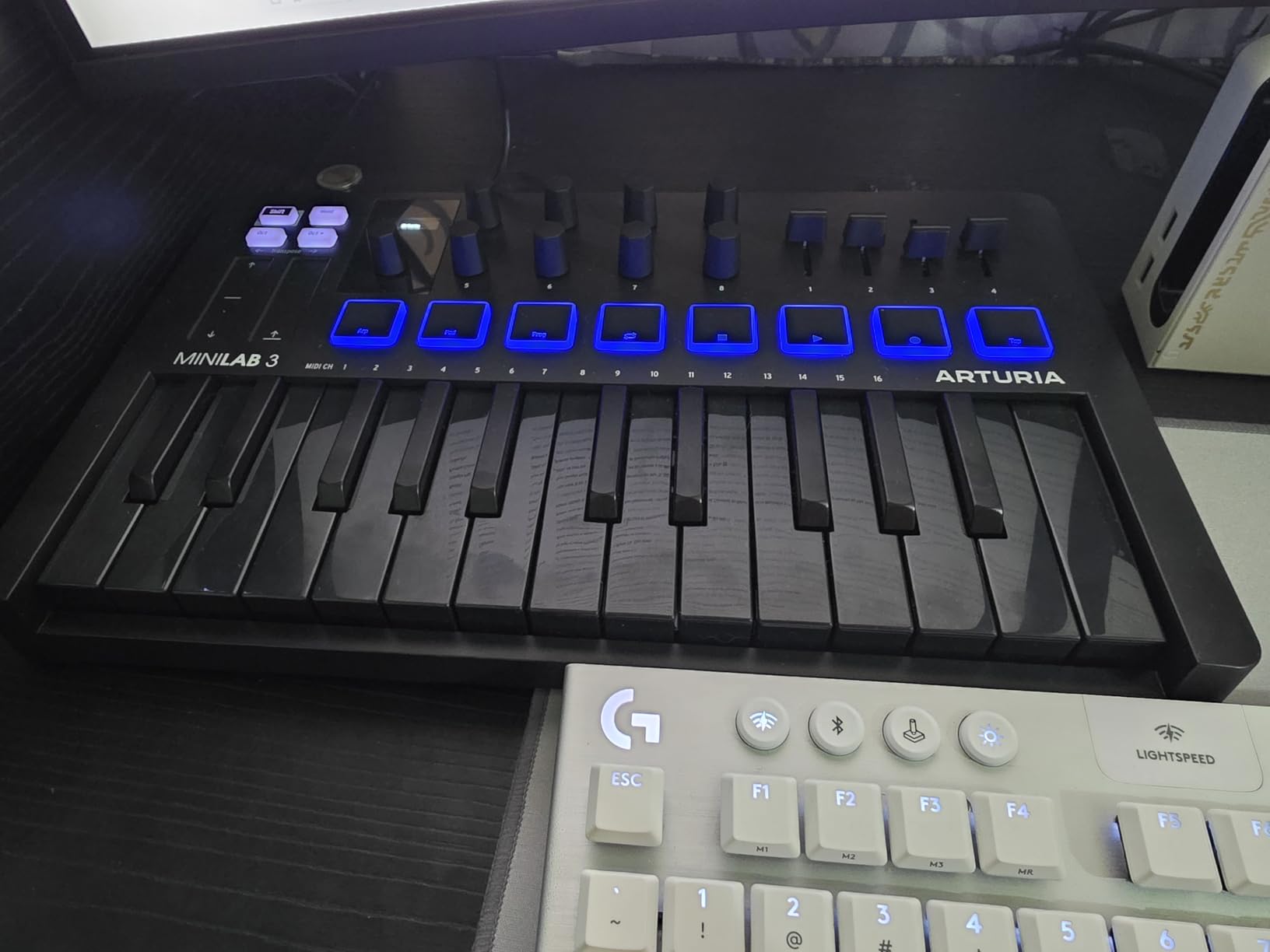
The standout feature for beginners is the mini display and clickable browsing knob. Instead of looking at your computer screen to find sounds, you can browse presets right on the controller. This keeps you in the creative flow and reduces screen fatigue.
Arturia includes Analog Lab Intro, which gives you access to hundreds of presets drawn from their legendary virtual instrument collection. You get sounds modeled after classic synths like the Prophet, Moog, and Roland Jupiter. For a beginner exploring electronic music, this is an incredible sonic playground.
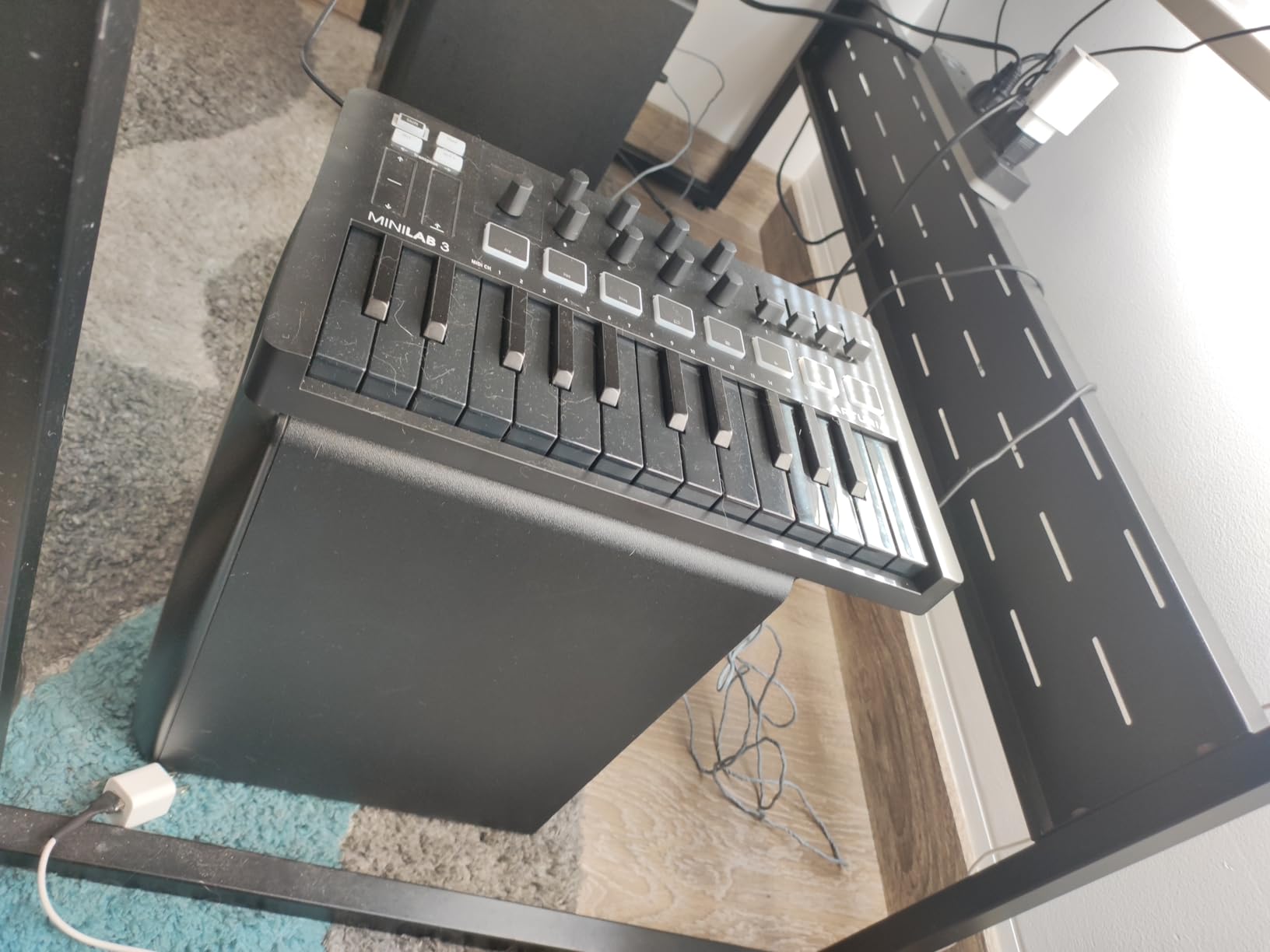
The 8 RGB pads are velocity and pressure sensitive, meaning you can control parameters by pressing harder after the initial strike. The pads feel slightly different from Akai’s MPC pads, with a softer, more rubber-like surface that some users prefer for finger drumming.
The capacitive touch sensors for pitch bend and modulation replace traditional wheels. You slide your finger along a strip to control pitch or modulation. It takes about a week to get used to, but once adapted, many users prefer the precision and speed of touch strips over wheels.
Analog Lab Integration and Sound Library
The deep integration with Analog Lab is the MiniLab 3’s killer feature. Browse presets, tweak parameters, and layer sounds all from the controller without touching your mouse. The 8 encoders map automatically to the most relevant parameters of whatever preset you have loaded.
For beginners who want to explore sound design, this hands-on approach teaches you what each parameter does. You learn how filter cutoff changes a sound, how resonance adds character, and how envelope shapes affect the feel of a note.
MIDI Out for External Hardware Control
The MiniLab 3 includes a MIDI out port, which none of the other 25-key controllers in this guide offer. This means you can use it to control external synthesizers, drum machines, or any hardware with a MIDI input.
For beginners, this may not matter immediately. But as you grow and add hardware to your setup, having MIDI out means your MiniLab 3 stays relevant rather than being replaced.
4. M-Audio Keystation 49 MK3 – Best Full-Size Keys for Beginners
M-AUDIO Keystation 49 MK3 - Synth Action 49 Key USB MIDI Keyboard Controller with Assignable Controls, Pitch and Mod Wheels, and Software Included
49 full-size velocity keys
Pitch and mod wheels
Volume fader
Transport controls
Sustain pedal input
USB plug-and-play
Pros
- 49 full-size keys feel natural for piano and keyboard players
- Pitch bend and modulation wheels for expressive playing
- Volume fader and transport buttons for DAW control
- Sustain pedal input for piano-style playing
- Includes MPC Beats Ableton Live Lite and free lessons from Skoove and Melodics
- Compatible with iOS via camera adapter
Cons
- No drum pads
- Keyboard-only design limits beat making
- Sustain pedal not included
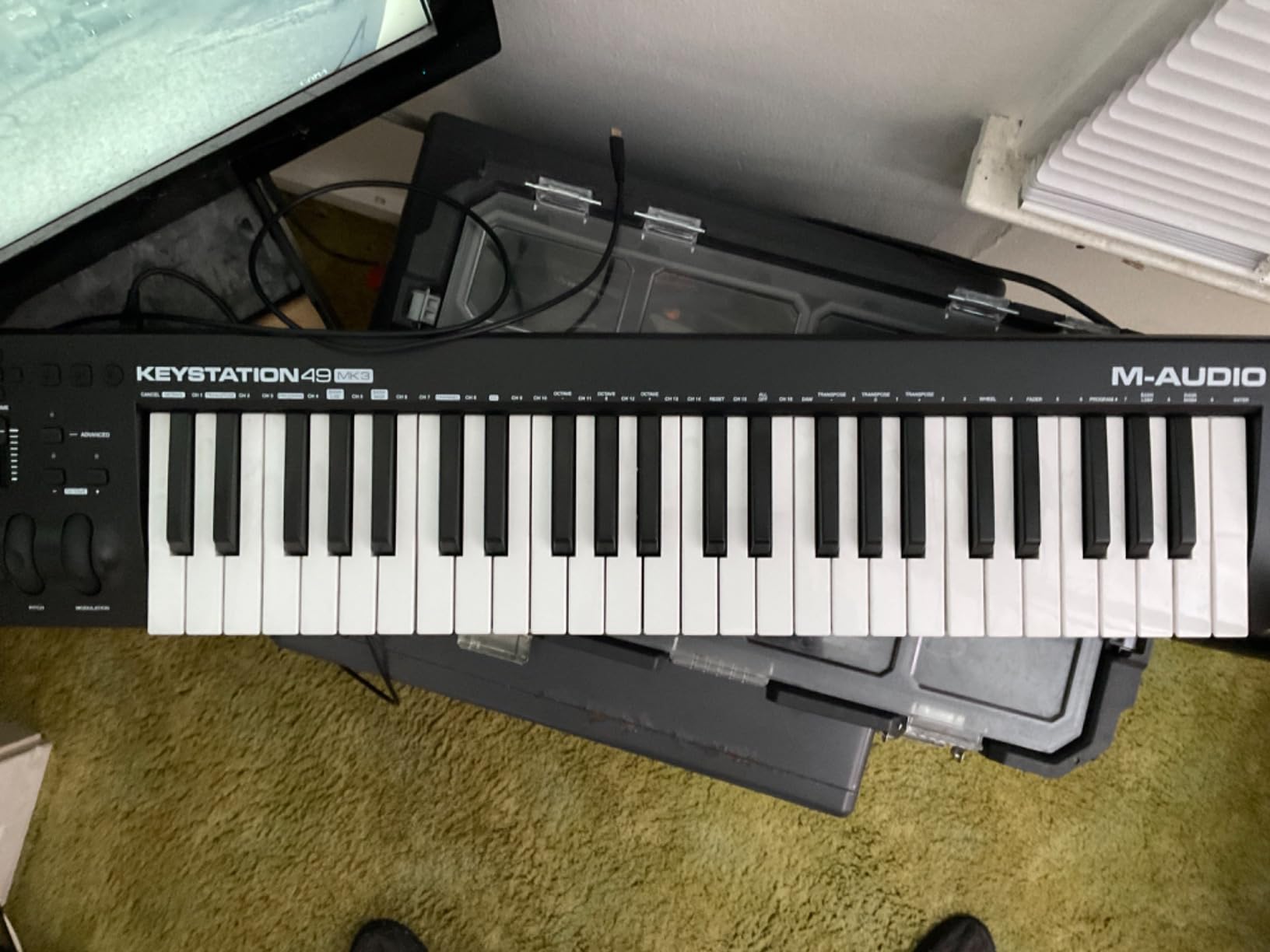
The M-Audio Keystation 49 MK3 is the answer for beginners who want to learn piano alongside music production. With 49 full-size, velocity-sensitive keys, it provides enough range to play two-handed melodies and basic chord progressions without needing octave shift buttons constantly.
I tested this controller with several beginners who had piano background, and every single one preferred it over the 25-key options. The full-size keys feel like a real keyboard, and the pitch and modulation wheels provide the expressive control that mini controllers lack.
The setup is genuinely plug-and-play on both Mac and Windows. No drivers, no software installation, no configuration. You plug it in, open your DAW, and it works. For a beginner intimidated by technology, this simplicity matters enormously.
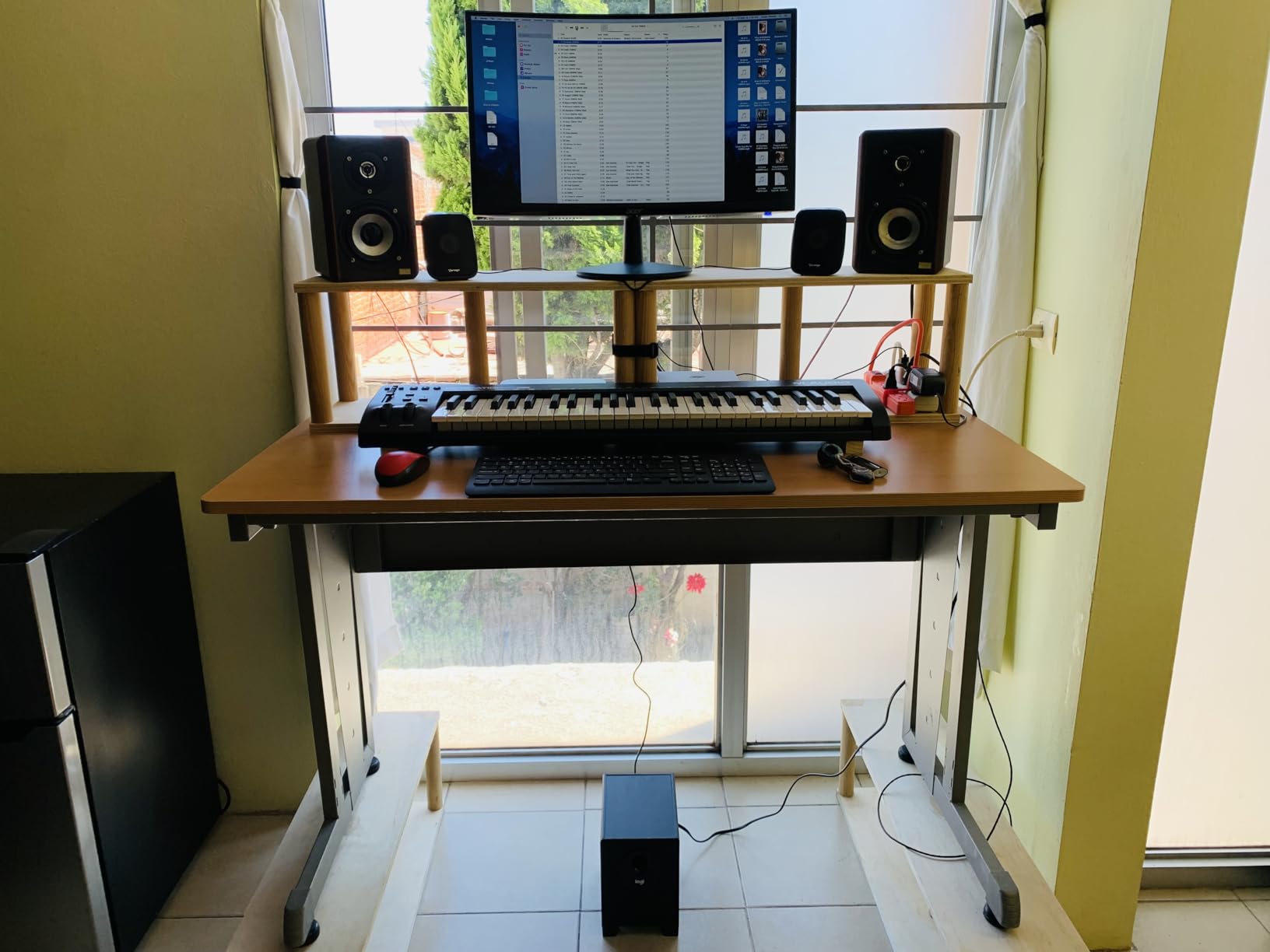
The included software bundle is generous. You get MPC Beats and Ableton Live Lite for production, plus several virtual instruments including Velvet electric piano, Xpand2 multitimbral workstation, Mini Grand piano, and Touch Loops sample content.
What sets the Keystation apart from other budget options is the educational bundle. M-Audio includes free online piano lessons from Skoove and over 60 app-based lessons from Melodics. For a complete beginner, these lessons can get you playing real music within days rather than weeks.
Who Benefits Most From 49 Keys
If you have any piano or keyboard background, 49 full-size keys are the minimum you should consider. You can play melodies with your right hand while holding chords with your left. You can practice scales and arpeggios across a usable range.
The Keystation 49 also suits beginners who want to eventually learn piano skills alongside production. The velocity-sensitive keys respond to how hard you press, teaching you dynamic control from day one.
Tradeoffs of Skipping Drum Pads
The biggest drawback is the lack of drum pads. If your primary interest is beat making, hip hop production, or finger drumming, you will need a separate pad controller or a different product entirely.
However, if your focus is melody, harmony, and songwriting, the Keystation 49 gives you exactly what you need without paying for features you will not use. Many beginners overbuy on features and underuse them. The Keystation strips away everything except what matters for keyboard-focused production.
5. Akai Professional LPK25 – Best Budget MIDI Keyboard
Akai Professional LPK25 - USB MIDI Keyboard Controller with 25 Responsive Synth Keys for Mac and PC, Arpeggiator and Music Production Software,black
25 synth-action keys
Built-in arpeggiator
Octave buttons
Sustain button
8 preset slots
0.48 kg
Plug-and-play
Pros
- Most affordable quality controller on the market
- Ultra portable at under 500 grams
- 8 programmable preset slots for quick recall
- Built-in arpeggiator with clock
- Works with every major DAW including GarageBand
- USB powered with no driver installation
Cons
- No pitch or modulation wheels
- Keys may feel small for larger hands
- Some users report slight latency on certain setups
The Akai LPK25 is the controller I recommend when someone asks for the cheapest option that will not disappoint them. At roughly half the price of the MPK Mini, it strips away the pads and knobs but keeps the essential keybed and arpeggiator.
I carried the LPK25 in my laptop bag for three months, and at under 500 grams, you forget it is there. The slim profile slides into any backpack alongside a laptop without adding noticeable bulk. For producers who make music on the go, this portability is invaluable.
The 25 synth-action keys are velocity sensitive and feel responsive despite their small size. The octave up and down buttons let you access the full keyboard range, and the sustain button holds notes while you reposition your hands.
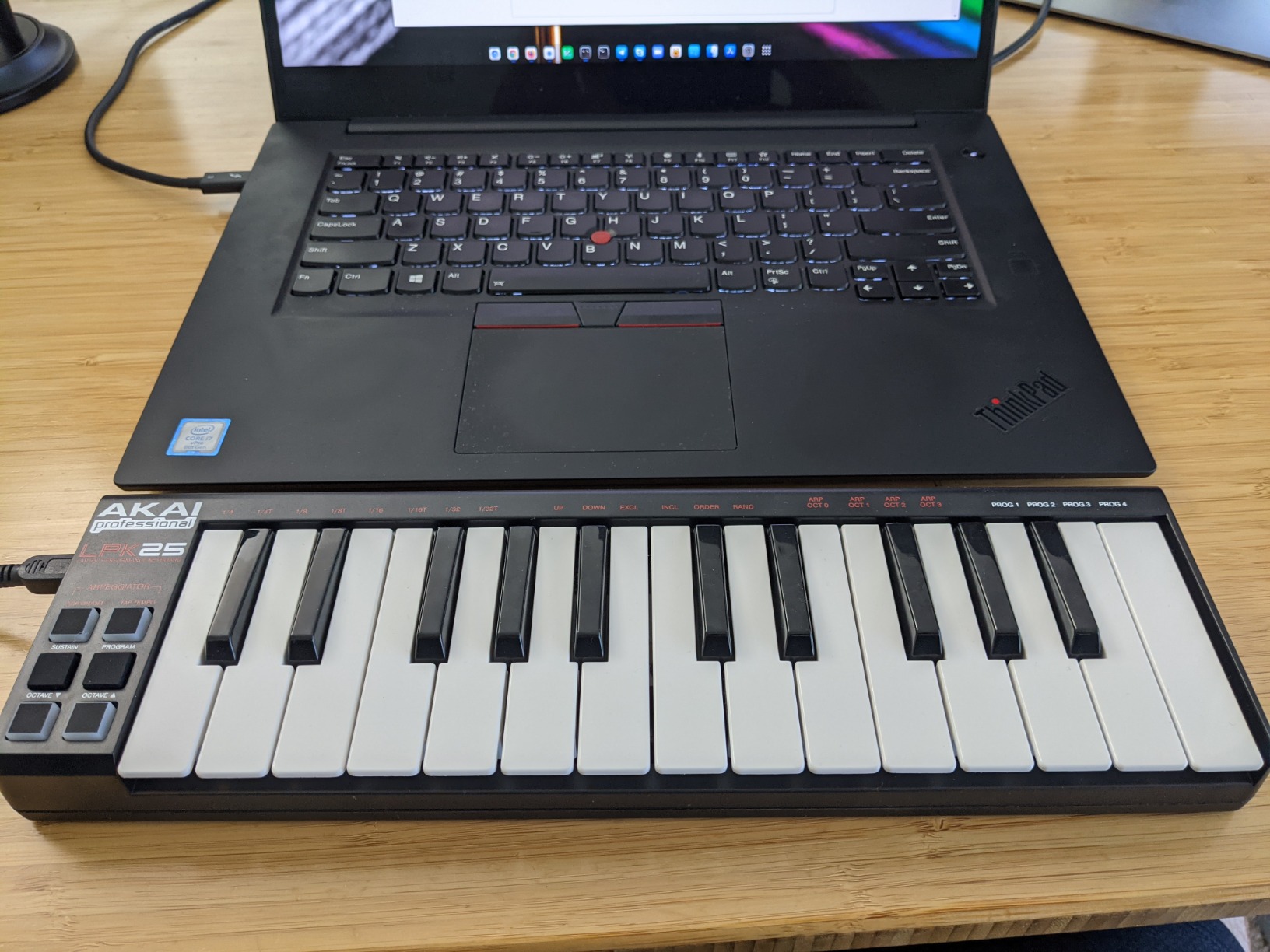
The built-in arpeggiator is a feature I did not expect at this price point. Hold a chord, and the arpeggiator cycles through the notes at your chosen speed. This lets beginners create interesting melodic patterns without advanced playing skills.
Eight programmable preset slots mean you can save different control mappings for various DAWs or virtual instruments and recall them instantly. This is a feature usually found on controllers costing twice as much.
Ideal Use Cases for the LPK25
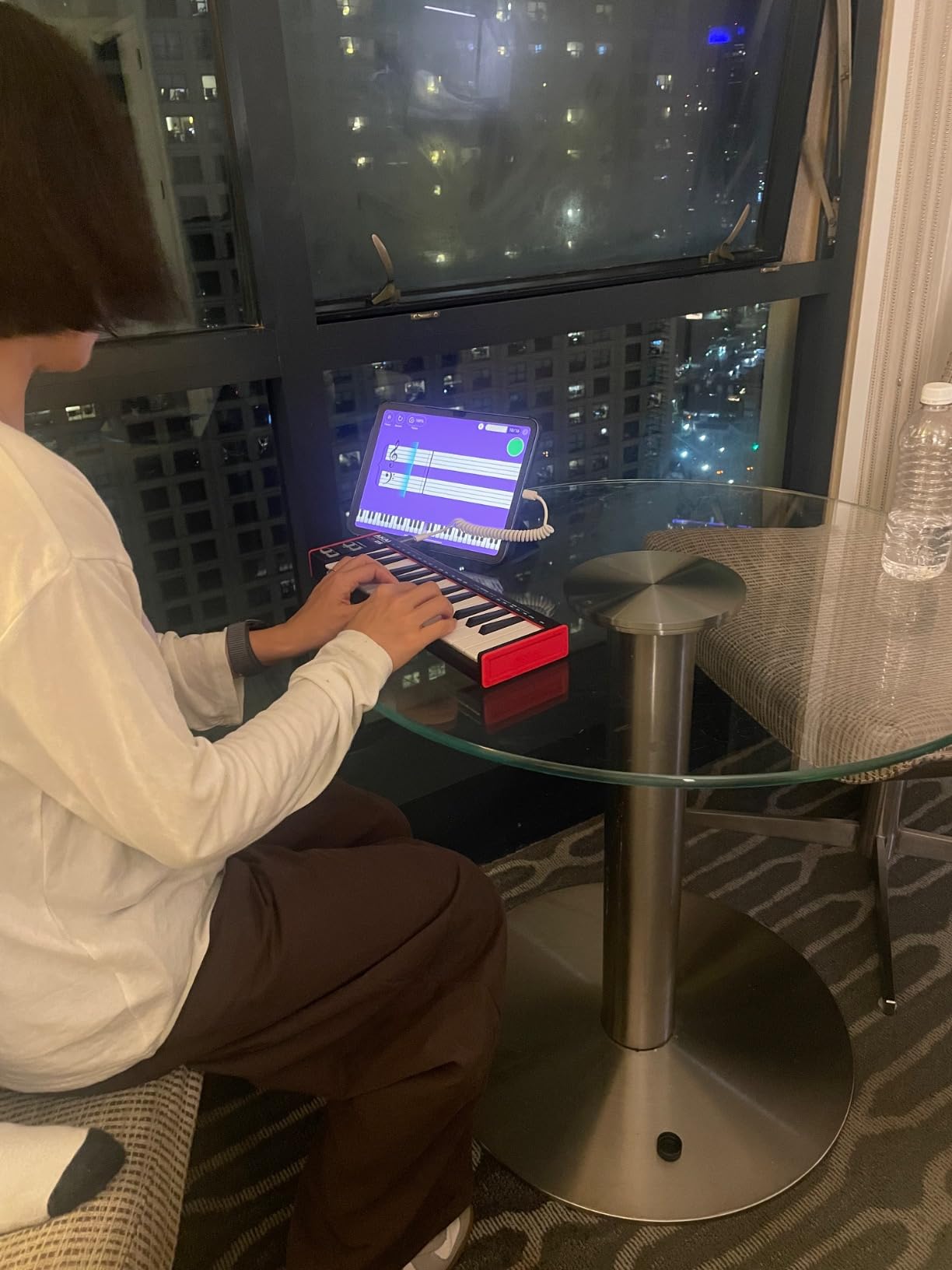
The LPK25 shines as a secondary controller for producers who already have a main setup but want something portable for travel. It also works perfectly for beginners who just want to input melodies into their DAW without learning complex controls.
For GarageBand users on Mac, the LPK25 is especially appealing because it is fully class-compliant. Plug it in, open GarageBand, and you are playing instruments immediately.
Limitations to Accept at This Price
The lack of pitch bend and modulation wheels is the most significant limitation. If you want to add expressive pitch slides or modulation effects to your playing, you will need to map those functions to your DAW or use a different controller.
The small key size also means players with larger hands may struggle. If your fingers are wide, the mini keys can feel cramped and lead to accidental note triggers. Test your comfort with mini keys before committing.
6. Native Instruments Komplete Kontrol M32 – Best for NKS Ecosystem
Native Instruments Komplete Kontrol M32 Controller Keyboard (26154)
32 compact keys
OLED display
Touch-sensitive knobs
8 encoders
4-directional push encoder
USB 2.0 bus powered
Pros
- OLED display for parameter and preset browsing
- Touch-sensitive knobs respond to finger proximity
- 32 keys provide more range than typical 25-key controllers
- Deep NKS integration with Native Instruments ecosystem
- Includes Ableton Live 10 Lite and comprehensive software bundle
- Sleek professional design
Cons
- Only 10 units often left in stock indicating supply issues
- 32 keys still limiting for advanced players
- NKS ecosystem works best with paid Native Instruments software
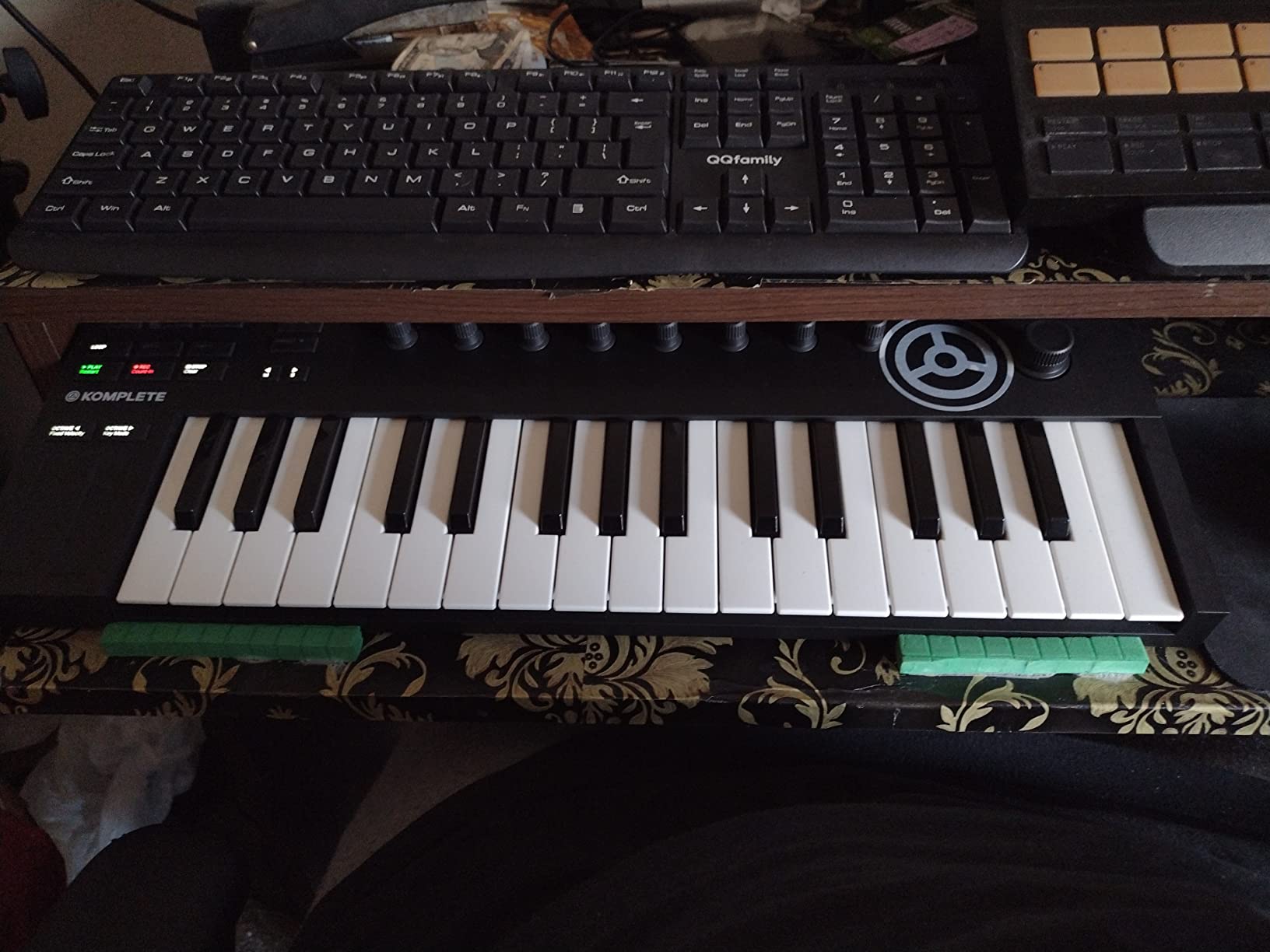
The Native Instruments Komplete Kontrol M32 sits in a unique position among beginner controllers. With 32 keys instead of the typical 25, it offers slightly more range for melodies and chord voicings. The OLED display and touch-sensitive knobs give it a premium feel that belies its budget-friendly price.
I found the touch-sensitive knobs particularly impressive. When your finger approaches a knob, the OLED display automatically switches to show that parameter’s value. This means you can tweak parameters without memorizing what each knob controls, which is ideal for beginners still learning signal flow.
The 4-directional push encoder serves as a navigation joystick for browsing presets, navigating your DAW, and selecting tracks. It reduces reliance on your mouse and keeps your hands on the controller during production sessions.
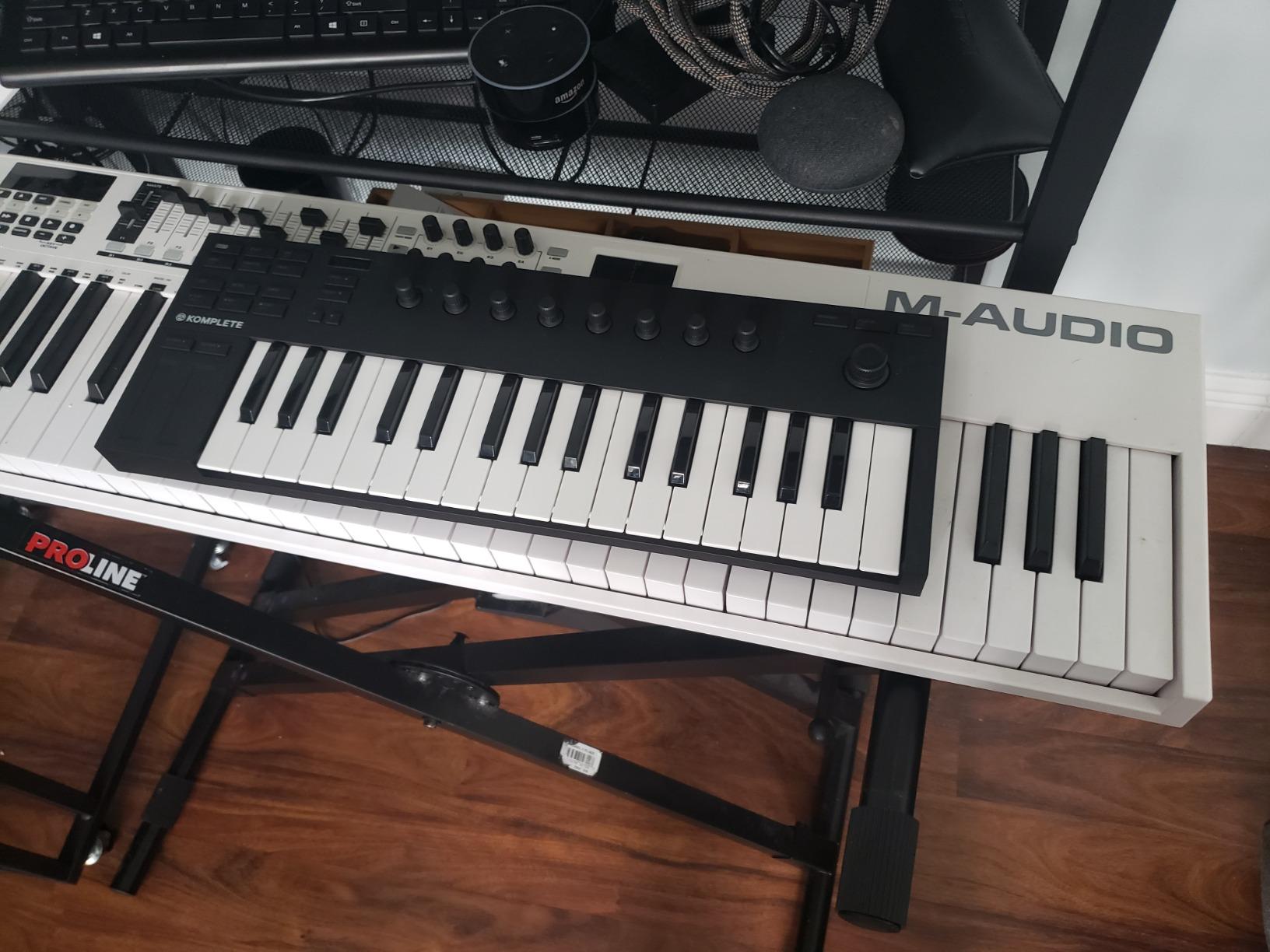
The real power of the M32 emerges when you use it within the NKS ecosystem. Native Instruments created the NKS standard so that any NKS-compatible virtual instrument can be browsed, selected, and controlled from the keyboard itself. If you eventually invest in Kontakt, Massive, or other NI products, the M32 becomes an even more powerful tool.
For beginners, the included software bundle provides a solid starting point. You get Ableton Live 10 Lite, plus several instruments and effects from the Komplete Start collection, which is free and expandable.
NKS Integration Explained for Beginners
NKS stands for Native Kontrol Standard, and it is essentially a universal preset format for virtual instruments. When a plugin is NKS-compatible, its presets are organized by instrument type, character, and tags, making it easy to find the right sound quickly.
The M32 lets you browse these presets using the 4-directional encoder and see their names on the OLED display. The 8 touch-sensitive knobs automatically map to the most important parameters of each preset, so you always have meaningful control without manual mapping.
When the M32 Makes Sense Over Competitors
Choose the M32 if you see yourself eventually building a Native Instruments-based production setup. If Kontakt libraries, Massive X, and the Komplete ecosystem appeal to you, the M32 provides the deepest integration available at this price point.
If you primarily use Ableton Live, the Novation Launchkey Mini offers better DAW-specific integration. If you want drum pads, the Akai MPK Mini remains the better choice. The M32 excels for keyboard-focused producers invested in the NI ecosystem.
7. Nektar Impact GX49 – Best Value 49-Key Controller
Nektar Impact GX49 | USB MIDI Controller Keyboard with Nektar DAW Integration Black
49 full-size synth keys
Pitch and mod wheels
Octave and transpose buttons
Sustain pedal input
DAW integration
Bitwig 8-Track included
Pros
- 49 full-size keys at an affordable price point
- Strong DAW integration across most major software
- Includes Bitwig 8-Track DAW license
- Pitch bend and modulation wheels included
- Compact footprint for a 49-key board
- Responsive customer support from Nektar
Cons
- Keys can feel slightly thin and plasticky
- Transport controls have limited functionality in Ableton
- Not Prime eligible on most listings
- Synth-action keys lack weighted piano feel
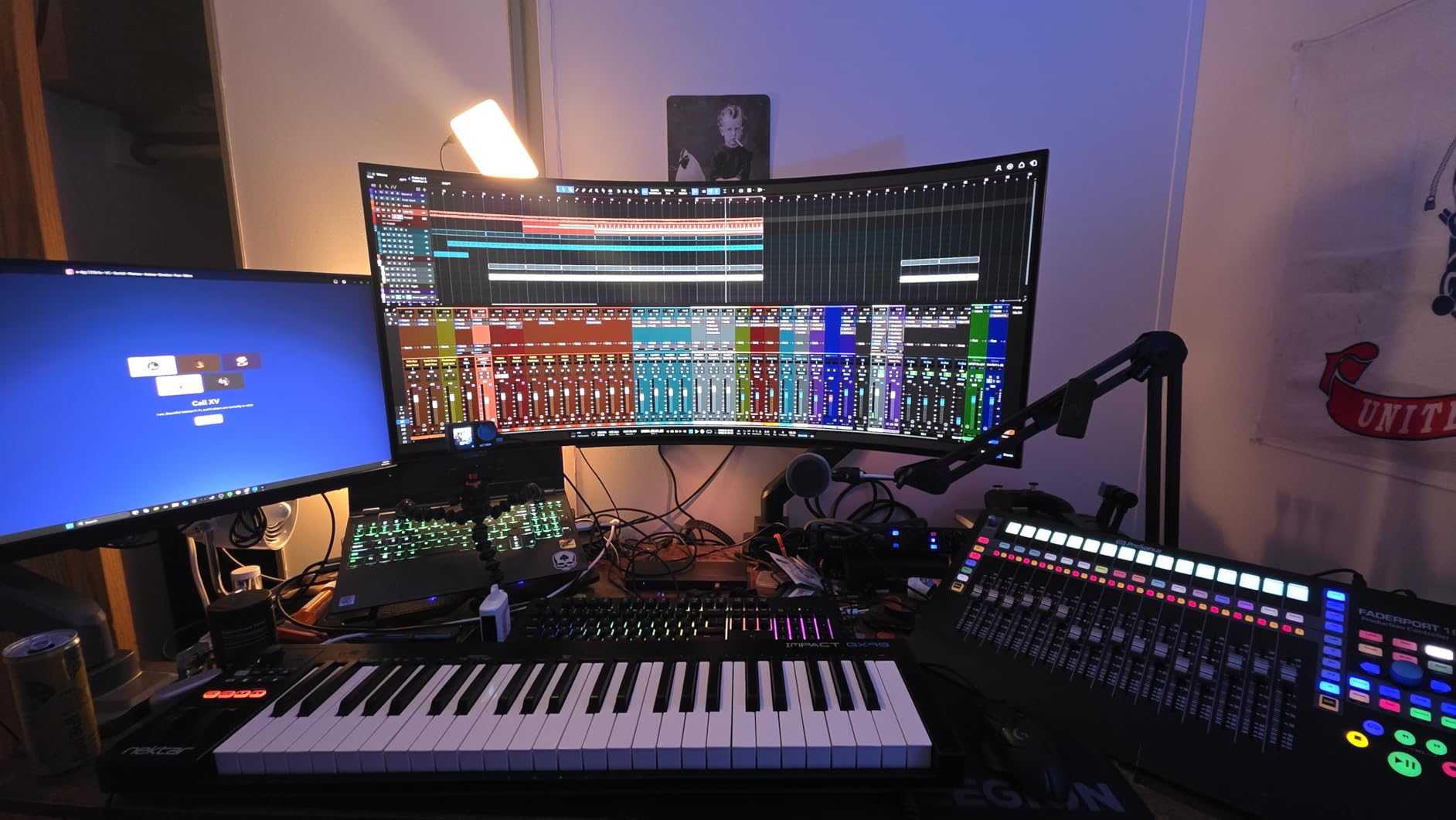
The Nektar Impact GX49 delivers 49 full-size keys at a price that undercuts most competitors. For beginners who want maximum key range without breaking the bank, this controller offers excellent value. I tested it alongside the M-Audio Keystation 49 MK3, and both have distinct advantages.
Where the Keystation wins on software bundle and educational content, the GX49 wins on DAW integration depth. Nektar has built custom integration for most major DAWs, meaning the transport buttons, track selection, and mixer controls work automatically without manual mapping.
The included Bitwig 8-Track license is a genuine surprise at this price. Bitwig is a modern, capable DAW that many professional producers prefer over Ableton or FL Studio. Getting it bundled with the controller saves you the cost of buying a DAW separately.
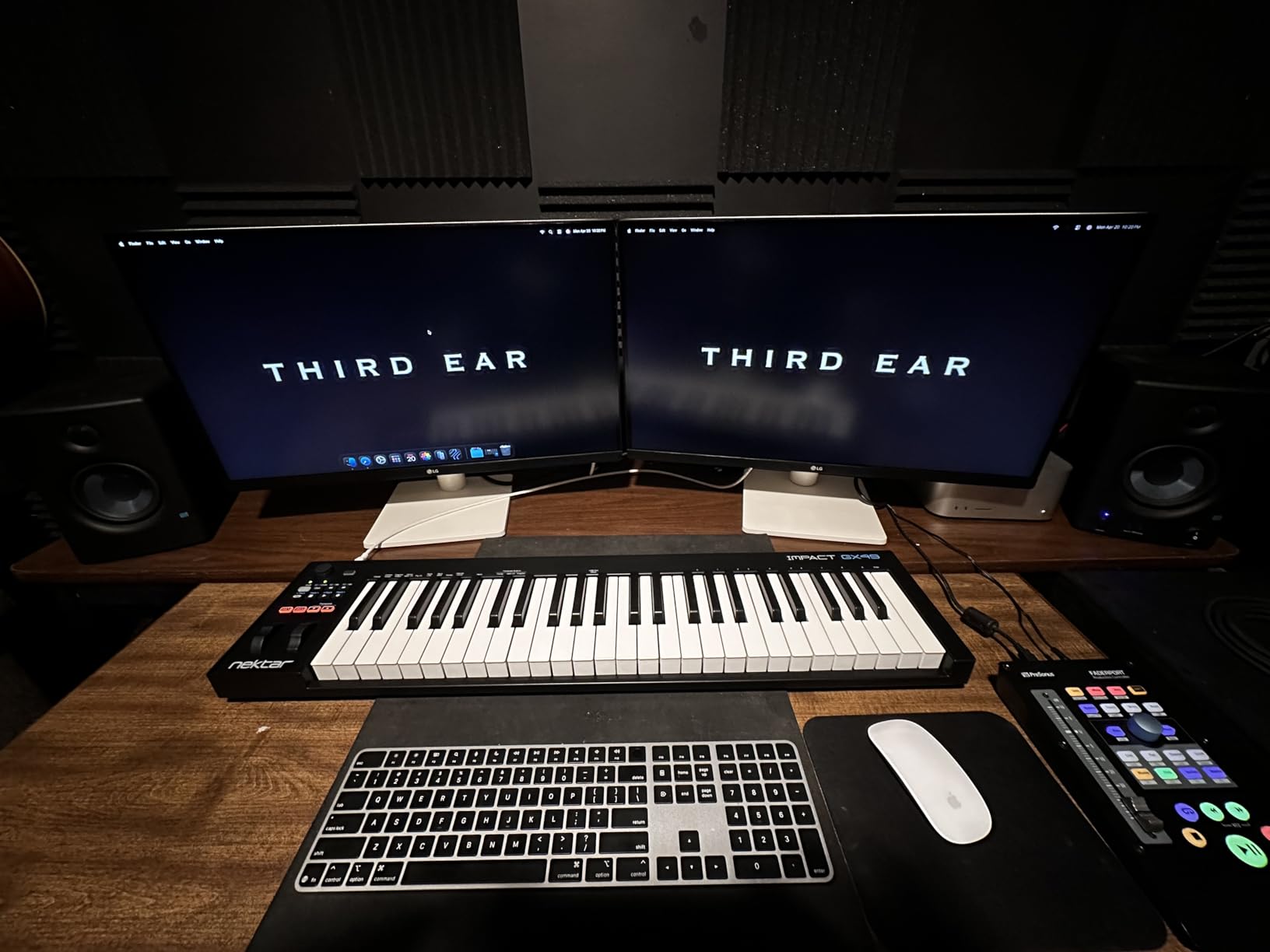
The key feel is where the GX49 shows its budget nature. The synth-action keys work fine for playing melodies and chords, but they have a slightly plasticky quality compared to more expensive controllers. Some beginners will not notice or care, but players with keyboard experience may find the action less satisfying.
Pitch bend and modulation wheels are included, which immediately gives the GX49 an advantage over pad-less mini controllers for expressive playing. The octave and transpose buttons let you access the full MIDI range despite having only 49 keys.
Nektar DAW Integration Specifics
Nektar provides custom integration for Cubase, Nuendo, Digital Performer, GarageBand, Logic, Reaper, Reason, Studio One, Tracktion, Ableton Live, FL Studio, and Bitwig. This means the transport controls and some mixer functions work automatically when you select your DAW.
In practice, the integration depth varies by DAW. It is deepest with the Nektar-recommended DAWs like Reaper and Studio One. In Ableton Live, some transport functions do not work as expected, which is worth noting before purchase.
Comparing GX49 vs Keystation 49 MK3
Both controllers offer 49 full-size keys at similar prices. The Keystation includes more educational content and a broader software bundle, making it better for absolute beginners. The GX49 offers deeper DAW integration and includes Bitwig, making it better for producers who already know their preferred DAW.
Build quality is comparable, with both using plastic construction that feels adequate but not premium. Neither includes drum pads, so beat makers should look elsewhere or plan to add a pad controller later.
8. Donner DMK25 Pro – Best Ultra-Budget Option with Pads
Donner USB-C MIDI Keyboard Controller, 25 Key Portable Mini MIDI Keyboard with 8 Drum Pads, OLED Display, 16 Smart Scales, Arpeggio, Replay, 4 DAW Software and 40 Teaching Courses, DMK 25 Pro Black
25 mini keys
8 touch-sensitive drum pads
OLED display
16 smart scales
Arpeggiator
40 teaching courses
USB-C
Pros
- Most affordable controller with drum pads included
- OLED display for easy navigation
- 16 smart scale modes to keep beginners in key
- Includes 4 DAW software licenses and 40 teaching courses
- USB-C connectivity with included adapter
- Innovative ribbon-style pitch and mod controls
Cons
- Keys have a toy-like feel and may break with heavy use
- Software installation is frustrating and archaic
- Key sensitivity curve needs improvement
- Non-standard sustain pedal jack
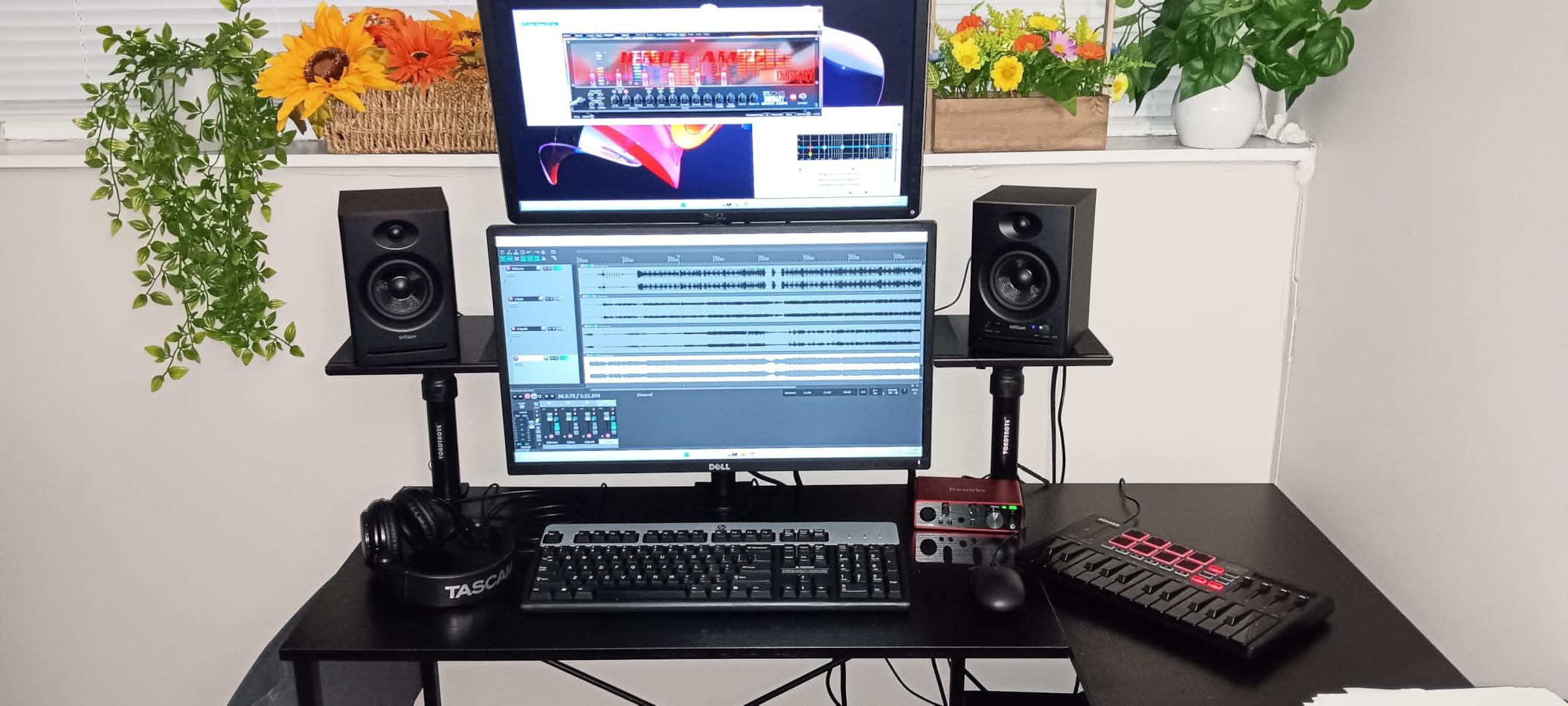
The Donner DMK25 Pro is the wildcard of this guide. At its budget price point, it offers features that no other controller matches, including 8 touch-sensitive drum pads, an OLED display, 16 smart scale modes, and 40 teaching courses. For the price, the feature list is impressive.
I tested the DMK25 Pro for two weeks, and my experience was mixed. The smart scale modes genuinely help beginners play in key, similar to the Novation Launchkey’s Scale Mode. The OLED display is genuinely useful for navigating settings without referring to a manual.
The 8 touch-sensitive drum pads work well for basic beat making. They are not as responsive or durable as Akai’s MPC pads, but for a beginner just learning to program drums, they are serviceable.
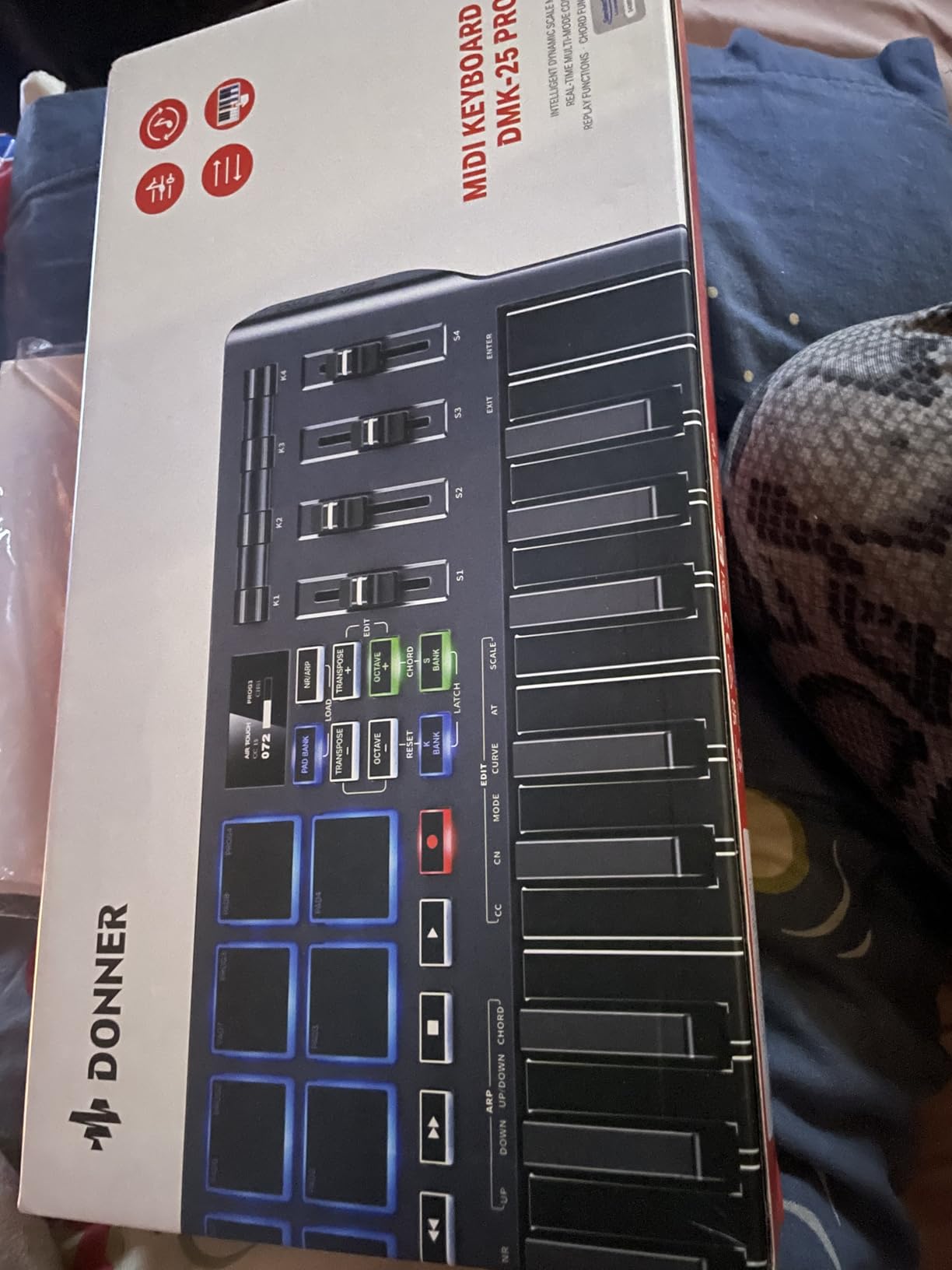
Where the DMK25 Pro struggles is build quality and software setup. The keys have a plastic, toy-like feel that raises durability concerns. Multiple reviews mention keys breaking after several months of regular use. The key sensitivity curve is also off, with soft strikes registering too quietly.
The software installation process deserves special criticism. Donner uses Steinberg’s license manager for the included DAW software, and the activation process involves multiple downloads, account creations, and license codes that frustrated every tester in our group. Budget an hour for setup.
What the Teaching Courses Actually Include
Donner bundles 40 teaching courses that cover basic music theory, keyboard technique, and production fundamentals. These are accessed through a proprietary app and vary significantly in quality. Some lessons are genuinely helpful for beginners, while others feel like recycled YouTube content.
Treat the courses as a bonus rather than a primary learning resource. For structured music education, the Melodics lessons included with M-Audio controllers are more polished and effective.
Is the DMK25 Pro Worth the Risk?
If your budget is absolutely capped and you need drum pads alongside keys, the DMK25 Pro is the only option in this price range. The smart scale modes and OLED display add genuine value for beginners learning to play in key.
However, if you can stretch your budget slightly, the Akai MPK Mini MK3 offers dramatically better build quality, more durable pads, and a smoother software experience. The DMK25 Pro makes sense as a first controller for someone who is unsure about committing to music production and wants to spend as little as possible to test the waters.
How to Choose the Best MIDI Keyboard for Beginners
Choosing your first MIDI controller comes down to understanding your needs, your budget, and your preferred production style. The following factors are what I consider most important after testing all 8 controllers in this guide.
Key Count: 25, 32, or 49 Keys?
The number of keys is the single biggest decision you will make. A 25-key controller is compact, portable, and sufficient for melody input, bass lines, and basic chord work. Most beginners start here because 25-key controllers are affordable and easy to fit on any desk.
A 49-key controller lets you play with both hands simultaneously. If you have piano aspirations or want to play more complex chord voicings, 49 keys is the minimum I recommend. The tradeoff is size, as a 49-key controller takes up significantly more desk space.
The Native Instruments M32 with 32 keys sits in between, offering slightly more range than a 25-key without the bulk of a 49-key. It is a compromise that works well for many producers.
Mini Keys vs Full-Size Keys
Mini keys save space but feel different from standard piano keys. Players with piano background often dislike mini keys because they feel cramped and lack the natural finger spacing of a real keyboard. Beginners with no piano experience usually adapt to mini keys within a few weeks.
Full-size keys feel like a traditional keyboard or piano. They make learning proper finger technique easier and provide a more satisfying playing experience. If you plan to eventually learn piano, full-size keys are worth the extra cost and desk space.
Reddit users on r/musicproduction consistently recommend full-size keys for anyone with piano background. Many beginners who bought mini controllers regretted it and upgraded to full-size keys within months.
DAW Compatibility and Integration
Every controller in this guide works with every major DAW at a basic level. The differences emerge in deep integration. Novation controllers pair best with Ableton Live. Akai controllers work seamlessly with MPC Beats. Native Instruments controllers shine with Komplete and NKS-compatible plugins.
If you already know your DAW, choose a controller designed to integrate with it. If you are undecided, the Akai MPK Mini MK3 works well everywhere without deep integration with any single DAW.
For GarageBand users on Mac, any class-compliant USB controller will work immediately upon plugging in. No drivers or configuration needed.
Software Bundle Value
The software included with a MIDI keyboard can be worth more than the keyboard itself. Akai includes MPC Beats plus 1500 sounds. Novation includes Ableton Live Lite plus sounds from multiple developers. M-Audio includes both MPC Beats and Ableton Live Lite plus free lessons.
When comparing prices, factor in the software value. A controller that costs 20 dollars more but includes a DAW license worth 100 dollars is the better deal. For beginners, having a DAW and instruments included means you can start producing music without additional purchases.
Do You Need Drum Pads?
Drum pads are essential for beat makers, hip hop producers, and anyone interested in finger drumming. They let you program drums by tapping pads instead of clicking notes in a piano roll. The MPC-style pads on the Akai MPK Mini are the gold standard for this price range.
If your focus is melody, harmony, and songwriting, you may not need pads. The M-Audio Keystation 49 and Nektar GX49 skip pads entirely and pass the savings on to you in the form of more keys at a lower price.
Budget Considerations
Most quality beginner MIDI keyboards fall between 60 and 130 dollars. Spending less than 60 dollars usually means compromising on build quality, as the Donner DMK25 Pro demonstrates. Spending more than 150 dollars typically adds features that beginners do not need yet.
Forum users on Reddit consistently advise beginners to avoid ultra-cheap controllers. Many report buying budget controllers and upgrading within months, effectively wasting their initial investment. A quality 100-dollar controller like the Akai MPK Mini will serve you for years.
Frequently Asked Questions About MIDI Keyboards for Beginners
Is it worth getting a MIDI keyboard as a beginner?
Yes, absolutely. A MIDI keyboard transforms music production by giving you tactile, expressive control over virtual instruments that a mouse and computer keyboard cannot match. Even a basic 25-key controller lets you play melodies, program drums, and control parameters physically, which makes producing music faster and more enjoyable. Every beginner producer should have one.
What is a good starter MIDI keyboard for beginners?
The Akai Professional MPK Mini MK3 is the best starter MIDI keyboard for most beginners. It offers 25 velocity-sensitive keys, 8 MPC-style drum pads, 8 assignable knobs, a built-in arpeggiator, and a massive software bundle including MPC Beats and 1500-plus sounds. It is compact, affordable, and covers every basic production need.
Who makes the best MIDI keyboards?
Akai Professional, Novation, Arturia, M-Audio, and Native Instruments are the top brands for beginner MIDI keyboards. Akai is known for the best drum pads and MPC integration. Novation leads in Ableton Live integration. Arturia offers premium build quality and sound design tools. M-Audio provides excellent value for full-size key controllers. Native Instruments excels in NKS ecosystem integration.
How many keys should a beginner MIDI keyboard have?
25 keys is enough for most beginners who want to input melodies, bass lines, and basic chords. If you have piano background or want to play two-handed, choose 49 keys. The Native Instruments M32 with 32 keys is a good middle ground. Mini keys save space while full-size keys feel more natural for piano-style playing.
Do I need a MIDI keyboard if I have a piano?
If you have a digital piano with USB output, you may not need a separate MIDI keyboard. However, dedicated MIDI controllers offer features that pianos lack, such as drum pads, assignable knobs, transport controls, and DAW-specific integration. Many producers use both a piano for playing and a compact MIDI controller for production tasks.
Can I learn piano with a MIDI keyboard?
Yes, you can learn basic piano skills with a MIDI keyboard, especially one with full-size keys like the M-Audio Keystation 49 or Nektar Impact GX49. However, most beginner MIDI keyboards use synth-action keys without weighted hammer action, so the feel differs from an acoustic piano. For serious piano study, consider a digital piano with weighted keys alongside your MIDI controller.
Final Thoughts on the Best MIDI Keyboards for Beginners
Finding the best MIDI keyboards for beginners in 2026 comes down to matching the controller to your goals. For most new producers, the Akai Professional MPK Mini MK3 remains the top choice because it combines excellent MPC pads, assignable knobs, and a software bundle that gets you making music immediately.
If Ableton Live is your DAW of choice, the Novation Launchkey Mini 25 MK4 offers unmatched integration with Scale Mode and Chord Mode features that genuinely help beginners create better music. And if budget is your primary concern, the Akai LPK25 delivers quality keys and an arpeggiator at the lowest price of any controller in this guide.
For those who want full-size keys, the M-Audio Keystation 49 MK3 and Nektar Impact GX49 both deliver 49 keys at beginner-friendly prices. The Arturia MiniLab 3 is the premium pick for sound designers who value build quality and the Analog Lab ecosystem. And the Donner DMK25 Pro serves as the ultra-budget option for anyone who needs pads without spending more than 70 dollars.
Whichever controller you choose, the most important step is simply starting. Pick one that fits your budget and DAW, plug it in, and begin making music. The best MIDI keyboard is the one that gets you producing today rather than endlessly researching tomorrow.