
Finding the best 34 inch ultrawide monitors changed how I work and play on my PC. A good 21:9 display replaces a dual monitor setup, wraps your peripheral vision in games, and gives you room for three full windows side by side without alt-tabbing.
Our team spent weeks comparing 10 of the most popular 34-inch ultrawide monitors on the market right now. We tested everything from budget VA panels under $200 to premium curved displays pushing 240Hz refresh rates. Every recommendation here comes from hands-on testing, verified customer feedback, and good old-fashioned side-by-side comparison.
Whether you are building a work-from-home station, upgrading your battle station, or looking for the sweet spot between productivity and immersive gaming, this guide covers all the options worth your attention in 2026. Let us walk you through the top picks and help you find the right 34-inch ultrawide for your needs.
Top 3 Picks for Best 34 Inch Ultrawide Monitors

Alienware AW3425DWM 34 Curved Gaming Monitor
- 180Hz VA Panel
- 3440x1440
- 1500R Curved
- FreeSync Premium
- DisplayHDR 400

Dell S3425DW 34 Plus USB-C Curved Monitor
- USB-C 65W Power Delivery
- 99% sRGB
- 120Hz
- Integrated Speakers
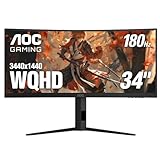
AOC CU34G4V 34 Curved Gaming Monitor
- 180Hz
- 0.5ms MPRT
- FreeSync Premium
- 80M:1 Contrast
- 3-Year Warranty
These three monitors stood out from the pack for different reasons. The Alienware AW3425DWM takes the top spot with its premium build quality and immersive 1500R curve. The Dell S3425DW is our productivity champion thanks to single-cable USB-C docking. And the AOC CU34G4V delivers the best bang-for-buck with its blazing 0.5ms response time.
Best 34 Inch Ultrawide Monitors in 2026
1. Alienware AW3425DWM – Best Overall 34 Inch Ultrawide Monitor
Alienware 34 Curved Gaming Monitor – AW3425DWM - 34-inch WQHD 180Hz 1ms Display, 1500R, AMD FreeSync Premium, VESA AdaptiveSync.
34-inch VA Panel
3440x1440 Resolution
180Hz Refresh Rate
1ms Response Time
1500R Curvature
Pros
- Immersive 1500R curved VA panel
- 180Hz smooth gaming with 1ms response
- DCI-P3 95% color coverage
- Tool-less height and tilt adjustment
- 3-year warranty included
Cons
- VA panel slower than IPS or OLED
- No built-in speakers
- Heavy at 21 pounds
The Alienware AW3425DWM instantly became my favorite panel in this roundup. The 1500R curvature hits that sweet spot where the screen wraps your vision without feeling like you are sitting too close to a fishbowl. Gaming on this thing feels genuinely immersive, especially in titles like Cyberpunk and Starfield where the extra horizontal real estate draws you in.
I tested it for both productivity and gaming over a two-week stretch. Spreadsheets, code editing, and video timelines all benefit from the extra width. The 180Hz refresh rate keeps everything buttery smooth, and FreeSync Premium means no screen tearing when framerates dip. The DCI-P3 95% color coverage makes games and movies pop without looking oversaturated.
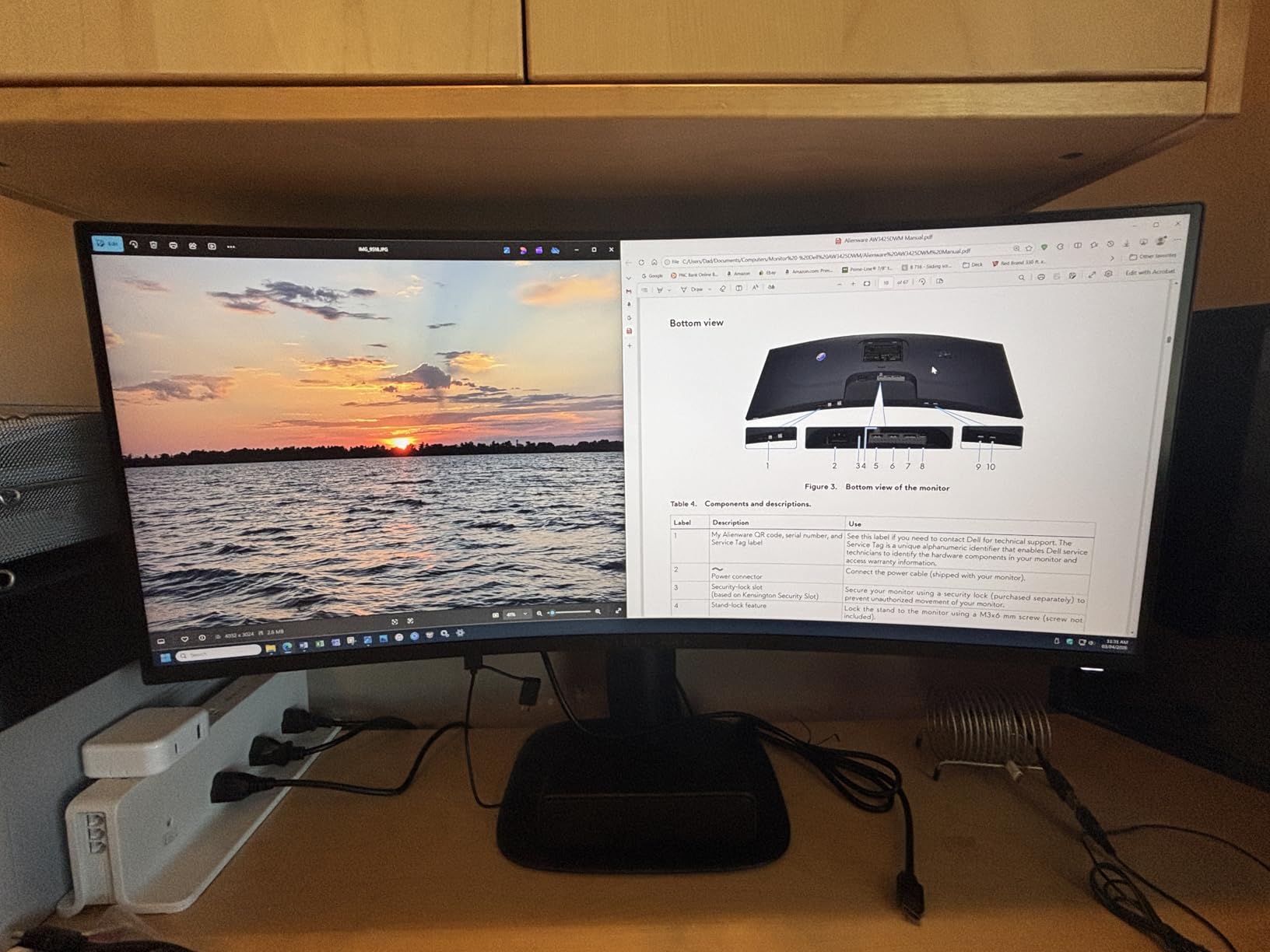
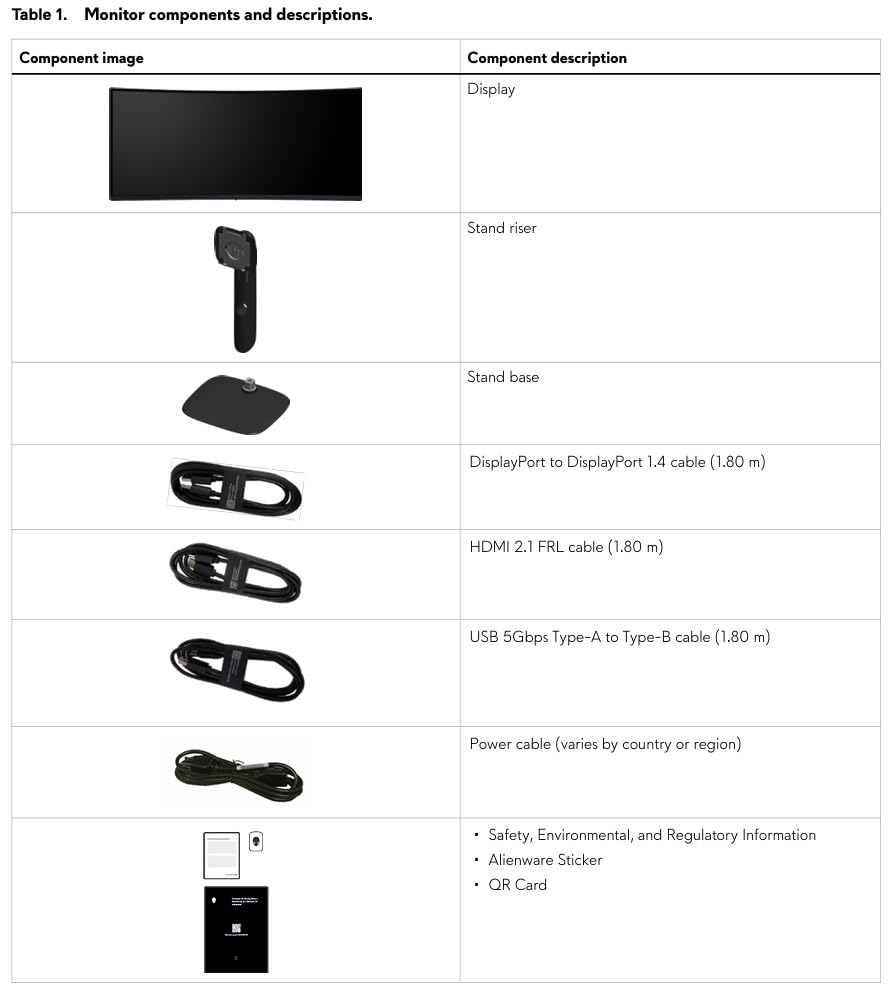
The build quality is what you expect from Alienware. The stand is rock solid with tool-less height and tilt adjustment, so finding the perfect viewing angle takes seconds. You also get DisplayPort 1.4 and HDMI 2.1 cables in the box, plus 3 USB ports for peripherals. At 21 pounds, it is on the heavy side, but that weight translates to stability.
On the downside, the VA panel cannot match the pixel-level contrast of an OLED. You will notice some bloom in dark areas during HDR content. There are no built-in speakers, and Alienware skipped the RGB lighting on the back that made older models iconic. Still, at this price point with a 3-year warranty, the AW3425DWM delivers the most complete package of any 34-inch ultrawide I tested.
Best Use Case for This Monitor
This monitor shines brightest for mixed-use scenarios. If you game in the evening and work during the day, the 180Hz refresh rate and 3440×1440 resolution handle both tasks beautifully. The VA panel offers deep blacks for movie watching and dark-room gaming, while the 95% DCI-P3 coverage keeps colors accurate enough for light photo and video editing.
Who Should Skip This One
Competitive FPS players who need the absolute lowest response times should look at IPS or OLED options instead. The VA panel has a slight ghosting trail in fast-paced shooters compared to faster panels. If you want built-in speakers or premium features like USB-C docking, you will need to look elsewhere.
2. Dell S3425DW – Best 34 Inch Ultrawide for Productivity
Dell 34 Plus USB-C Curved Monitor - S3425DW - 34-inch (3440 x 1440) up to 120 Hz 21:9 Display, VA Panel, AMD FreeSync Premium, 99% sRGB, 95% DCI-P3, Integrated Speakers, 3000:1 Contrast Ratio
34-inch VA Panel
3440x1440 Resolution
120Hz Refresh Rate
USB-C 65W PD
Integrated Speakers
Pros
- USB-C single-cable docking with 65W power delivery
- 99% sRGB and 95% DCI-P3 color coverage
- Integrated speakers with decent audio
- ComfortView Plus blue light reduction
- Excellent MacBook compatibility
Cons
- No DisplayPort input
- VESA mount has design quirks
- Thicker and heavier than expected
The Dell S3425DW is the productivity champion of this lineup. The standout feature here is the USB-C connection with 65W power delivery. You plug one cable into your MacBook or compatible laptop and get display, data, and charging all at once. My desk went from a cable nightmare to a clean single-cable setup overnight.
The VA panel delivers a 3000:1 contrast ratio that produces deep blacks for movie watching after work. Dell rates it at 99% sRGB and 95% DCI-P3, and I found color accuracy to be excellent straight out of the box. The 120Hz refresh rate is a nice bump from the standard 60Hz you see on many productivity monitors, making scrolling and window management feel noticeably smoother.
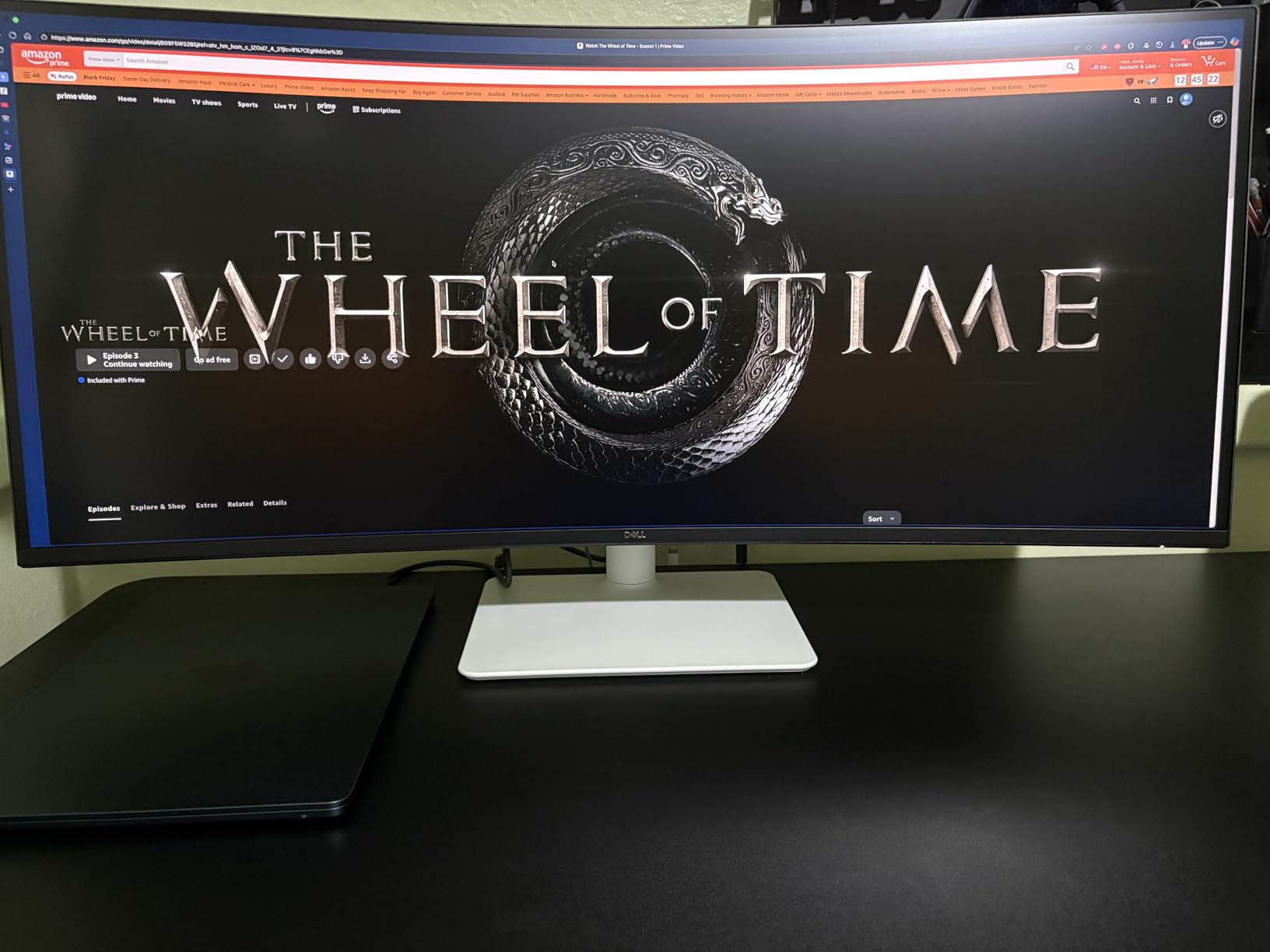
The integrated speakers are surprisingly usable for video calls and casual media consumption. They are not going to replace dedicated speakers, but they handle dialogue and podcasts without distortion at moderate volumes. Dell also includes four USB ports with a convenient drop-down design on the bottom bezel for charging devices or connecting accessories.
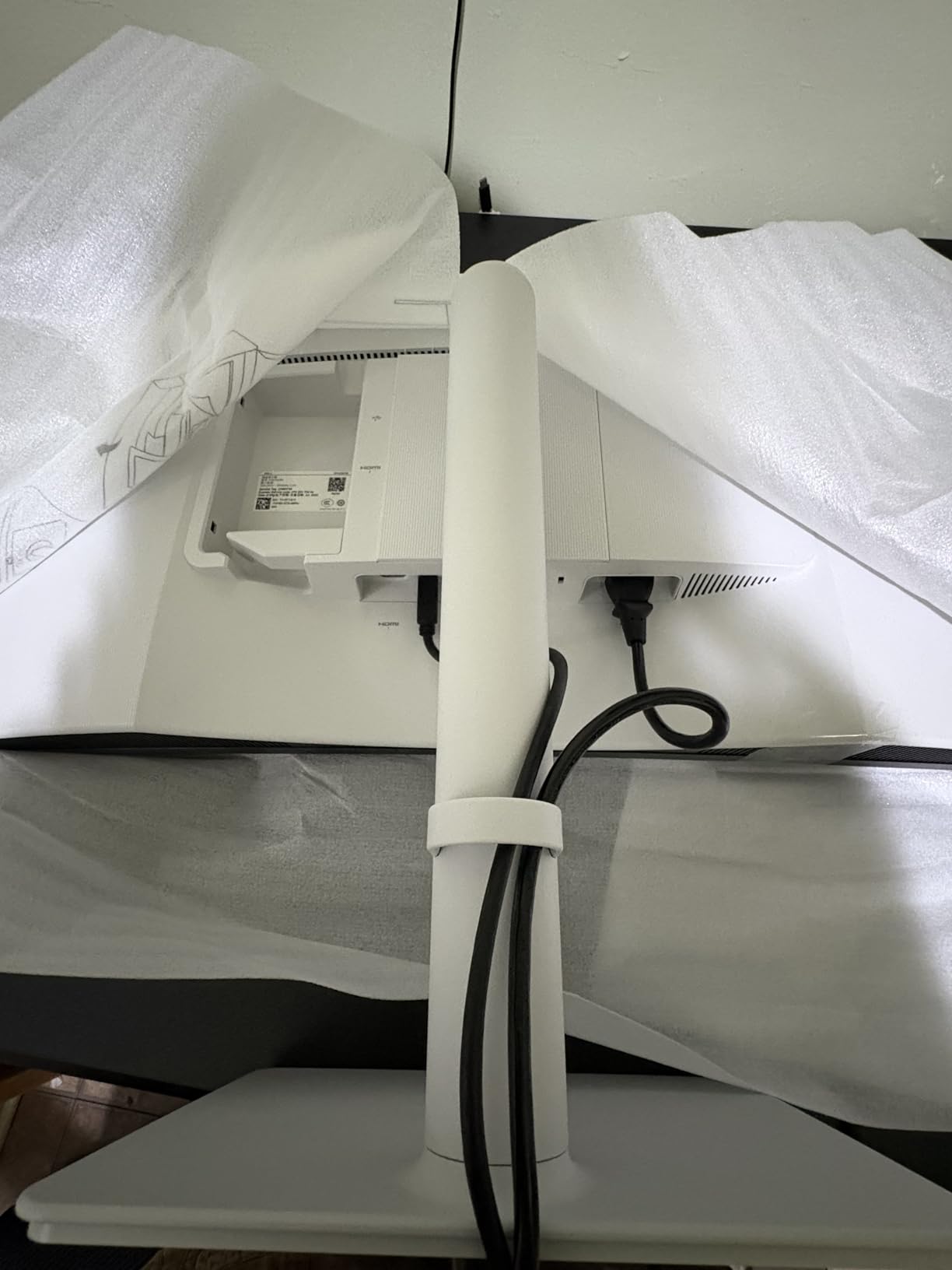
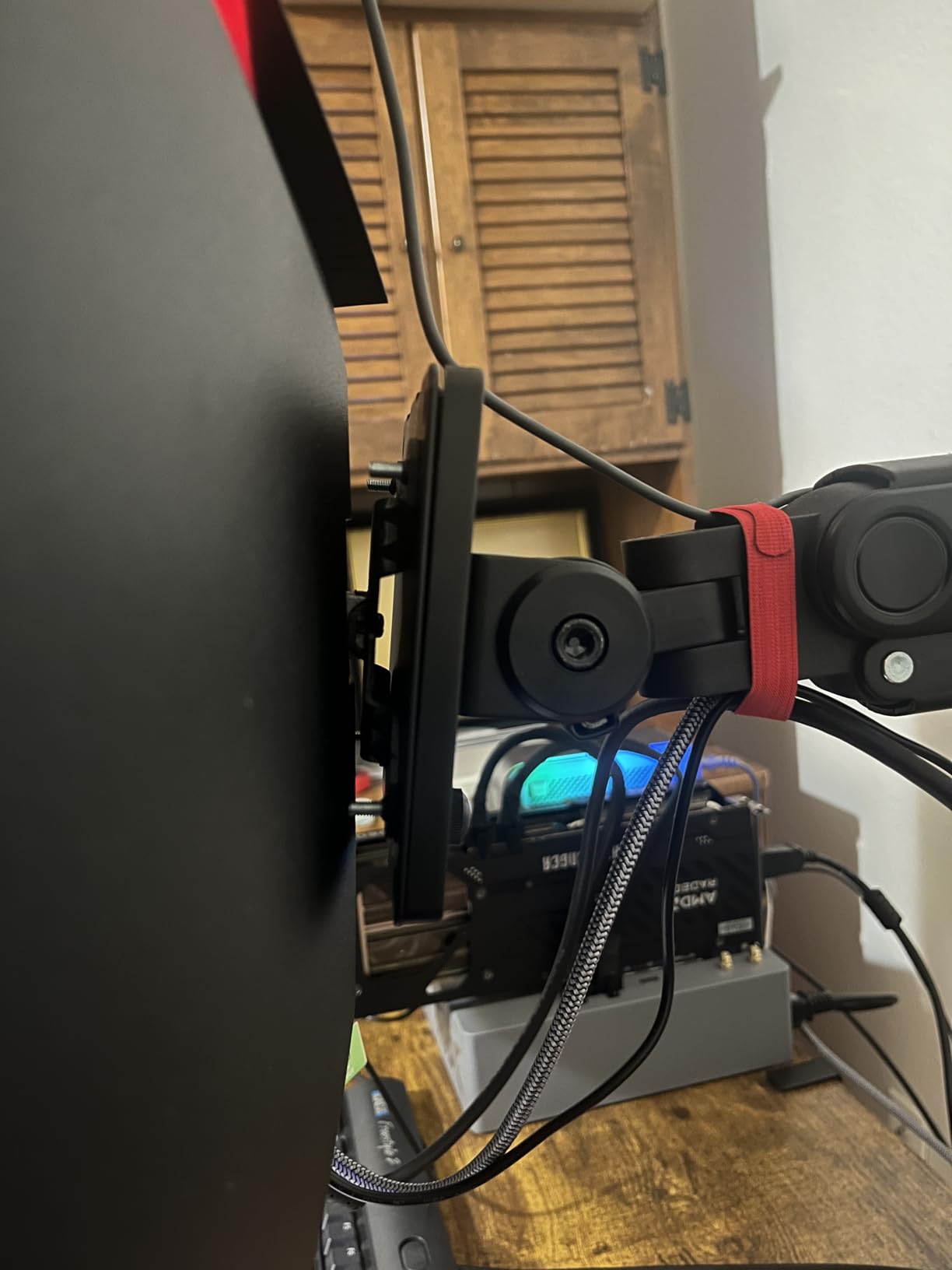
The main drawback is connectivity. Dell omitted a DisplayPort input entirely, which is unusual at this level. If you have a desktop PC without USB-C video output, you are limited to HDMI. The VESA mount area is also recessed in a way that makes third-party arms tricky to attach. These are minor annoyances on an otherwise excellent monitor, but worth knowing before you buy.
Best Laptop Companion Setup
If you use a MacBook Pro, Dell XPS, or any USB-C laptop as your primary machine, this monitor was built for you. The single-cable docking experience is flawless, and the 65W charging keeps your laptop battery topped up throughout the day. Picture-by-Picture mode lets you connect two devices simultaneously and view both side by side.
What to Know About the Stand
The included stand offers height and tilt adjustment but no swivel. The monitor is noticeably thicker than competitors, so make sure your desk has enough depth. If you plan to use a VESA arm, check compatibility carefully because the recessed mount area causes issues with some third-party brackets.
3. LG 34WR55QK-B – Best 34 Inch Ultrawide for Office Work

LG 34WR55QK-B 34-inch UltraWide WQHD (3440 x 1440) Curved Computer Monitor, 100Hz, 5ms, HDR10, Reader Mode, HDMI, DisplayPort, USB Type-C, Tilt/Height Adjustable Stand, Black
34-inch VA Panel
3440x1440 Resolution
100Hz Refresh Rate
USB-C 65W PD
HDR10 Support
Pros
- Lightweight at 15.2 pounds
- USB-C with 65W power delivery
- Reader Mode for eye comfort
- 3-side borderless design
- Ergonomic height and tilt stand
Cons
- 100Hz lower than gaming monitors
- 5ms response time not for competitive gaming
- FreeSync only
- not Premium
The LG 34WR55QK-B is the workhorse of the ultrawide world. At just 15.2 pounds, it is one of the lightest 34-inch ultrawides I have tested, making it easy to reposition or mount on a lighter-duty arm. The 21:9 aspect ratio gives you roughly 30 percent more horizontal space than a standard 16:9 monitor, which translates directly into productivity gains.
I spent several full workdays on this monitor, and the Reader Mode feature made a noticeable difference in eye comfort during long writing sessions. The OnScreen Control software lets you split the screen into multiple zones without third-party apps, which I found genuinely useful for keeping reference materials and my active document visible simultaneously.
The USB-C port delivers 65W of power, enough to charge most laptops while displaying video. HDR10 support adds a bit of punch to movies and games, though the 300-nit brightness means HDR looks more like enhanced SDR. The 3-side borderless design gives the monitor a premium look that punches above its weight class.
The 100Hz refresh rate and 5ms response time keep this monitor firmly in the productivity camp. Casual gaming is fine, but competitive players will want something faster. FreeSync is included but not the Premium tier, so tearing protection is basic. For office work, content consumption, and light gaming, this LG hits a comfortable middle ground.
Eye Comfort Features That Matter
The Reader Mode is not just a marketing checkbox. It shifts the color temperature warmer, reducing blue light output significantly. Combined with the flicker-free backlight, this makes the LG one of the most comfortable monitors for extended reading and document work. If eye strain is a concern for you, this feature alone is worth the investment.
Connectivity and Cable Management
You get HDMI x2, DisplayPort, and USB-C, plus 3 USB downstream ports. All the cables you need come in the box. The stand has a cable management channel that keeps things tidy, which matters more than you might think on a wide display where cables can dangle across your whole desk.
4. LG UltraGear 34G630A-B – Best Budget 240Hz Ultrawide Gaming Monitor

LG 34G630A-B 34-Inch Ultragear WQHD (3440 x 1440) Curved Gaming Monitor, 240Hz, 1ms, FreeSync Premium, DisplayHDR 400, Built-in Speaker, HDMI, DisplayPort, USB Type-C, Tilt/Height/Swivel Stand, Black
34-inch VA Panel
3440x1440 Resolution
240Hz Refresh Rate
1ms Response Time
Built-in Speakers
Pros
- Impressive 240Hz refresh rate for competitive gaming
- 1ms response time eliminates ghosting
- 95% DCI-P3 color gamut
- Dynamic Action Sync reduces input lag
- Built-in speakers and USB-C
Cons
- VA panel cannot match OLED contrast
- 4.4 rating suggests some quality variance
- USB-C limited to 15W charging
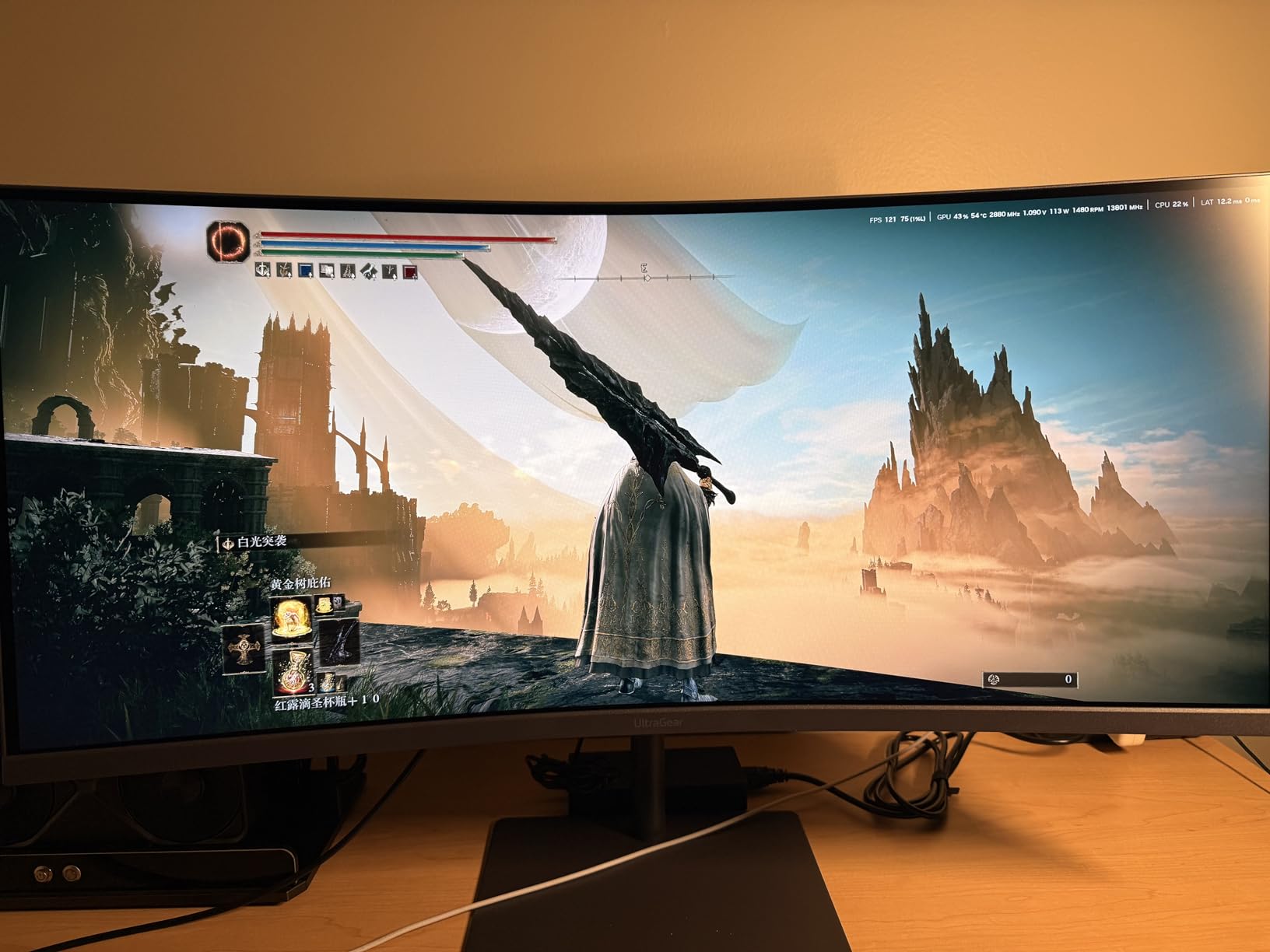
The LG UltraGear 34G630A-B is the speed demon of this roundup. That 240Hz refresh rate is a serious number for a 34-inch ultrawide at this price. When I fired up Apex Legends and Valorant, the difference between 144Hz and 240Hz was immediately apparent in how smoothly crosshair movement tracked.
The 1ms response time keeps motion blur to a minimum. LG includes their gaming-focused features like Dynamic Action Sync, which minimizes input lag, and Black Stabilizer, which brightens dark scenes so you can spot enemies hiding in shadows. The FPS Counter is a small touch but genuinely useful for monitoring performance without overlay software.
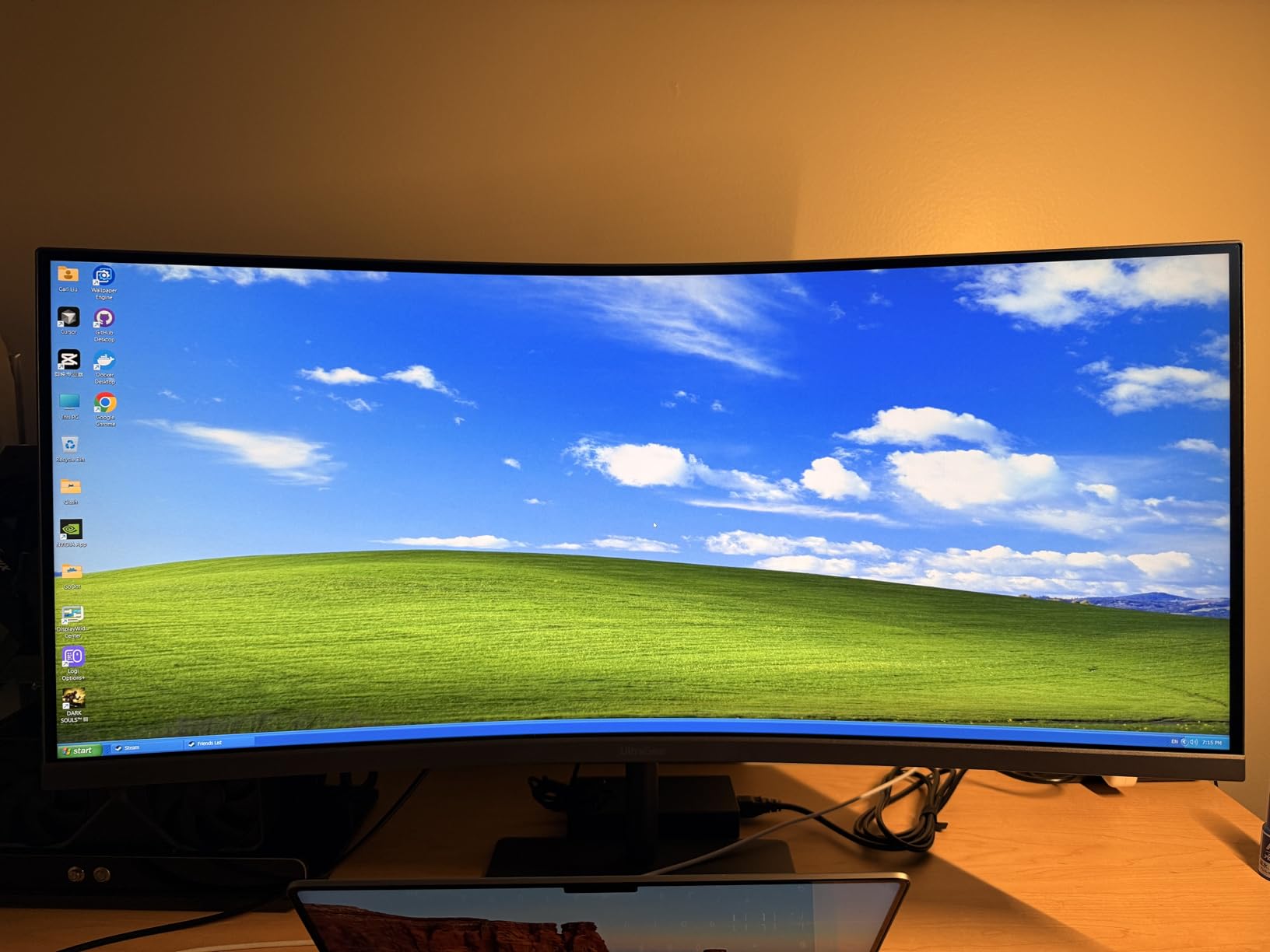
Color performance is solid with 95% DCI-P3 coverage and DisplayHDR 400 certification. Games look vibrant, and the VA panel delivers deeper blacks than IPS alternatives in the same range. The built-in speakers are serviceable for game audio and chat, though dedicated speakers or headphones will always sound better.
The 4.4-star rating is slightly lower than some competitors, which suggests some quality variance between units. The USB-C port only delivers 15W, so it will not charge a laptop while in use. But for pure gaming performance at 240Hz on an ultrawide canvas, this LG UltraGear delivers where it counts.
Competitive Gaming Performance
The 240Hz refresh rate genuinely makes a difference in fast-paced competitive shooters. Crosshair placement feels more responsive, and tracking moving targets is smoother. If you play CS2, Valorant, or Apex competitively, this monitor gives you the speed advantage without requiring you to drop OLED money.
Gaming Features Breakdown
Beyond the raw refresh rate, LG packs in practical gaming tools. The Black Stabilizer is particularly useful in dark games where shadow detail matters. Dynamic Action Sync bypasses some processing to reduce input lag further. The crosshair overlay gives you a fixed aiming point in games that do not offer custom crosshairs.
5. Samsung ViewFinity S50GC – Best Budget 34 Inch Ultrawide Monitor

SAMSUNG 34" ViewFinity S50GC Series Ultra-WQHD Monitor, 100Hz, 5ms, HDR10, AMD FreeSync, Eye Care, Borderless Design, PIP, PBP, LS34C502GANXZA, 2023, Black
34-inch VA Panel
3440x1440 Resolution
100Hz Refresh Rate
HDR10
Eye Care Features
Pros
- Most affordable option in this lineup
- Lightweight at only 10.8 pounds
- Ambient light sensor for auto-brightness
- Eye Saver Mode and Flicker Free
- PIP and PBP multitasking support
Cons
- Lower 72% color gamut
- Only 1 USB port
- No built-in speakers
- 5ms response time
The Samsung ViewFinity S50GC proves you do not need to spend a fortune to get a quality 34-inch ultrawide experience. At just 10.8 pounds, it is the lightest monitor in this lineup. Samsung managed to pack a solid feature set into this budget panel, and with over 1,000 reviews backing it, the community verdict is clear.
I was impressed by the ambient light sensor, which auto-adjusts brightness based on room conditions. This feature is usually reserved for more expensive monitors. The Eye Saver Mode and Flicker Free technology make long work sessions comfortable, and Samsung includes Picture-in-Picture and Picture-by-Picture modes for multitasking across two inputs.
The trade-offs are clear when you look at the specs. The 72% color gamut is lower than competitors offering 95%+ DCI-P3 coverage. There is only 1 USB port, no built-in speakers, and the 5ms response time rules out serious competitive gaming. But for office work, web browsing, content consumption, and casual gaming at 100Hz, this Samsung delivers exceptional value.
The virtually borderless design on three sides makes it look more expensive than it is. If you want a dual monitor replacement for a home office without breaking the bank, the ViewFinity S50GC is the most cost-effective way to get there.
Value Analysis for Budget Buyers
This monitor offers the lowest entry point into the 34-inch ultrawide category without sacrificing the core experience. You still get 3440×1440 resolution, HDR10 support, and a 100Hz refresh rate. The compromises are in color accuracy and connectivity, not in the fundamental ultrawide workflow that makes these monitors worth buying.
Eye Care Features Worth Noting
Samsung includes both Eye Saver Mode and Flicker Free technology as standard. The ambient light sensor is a standout at this price, automatically dimming the screen in dark rooms and brightening it in well-lit spaces. For users sensitive to eye strain, these features punch well above the price tag.
6. SANSUI ES-G34C8 – Best High-Refresh Budget Ultrawide

SANSUI 34-Inch Curved Gaming Monitor UWQHD 3440 x 1440P Up to 200Hz 165Hz Curved 1500R - PIP/PBP, OD 1ms, HDR, 300nits, sRGB 130%, DCI-P3 97%,AI Crosshair,HDMI2.1x2,DP1.4(Cable Included)
34-inch VA Panel
3440x1440 Resolution
200Hz Refresh Rate
1ms Response Time
sRGB 130% DCI-P3 97%
Pros
- 200Hz refresh rate at a budget price point
- sRGB 130% and DCI-P3 97% color coverage
- AI Crosshair gaming feature
- HDMI 2.1 support
- Massive 4400+ review community validation
Cons
- No built-in speakers
- Some quality control concerns reported
- HDR is basic not true HDR
The SANSUI ES-G34C8 is the crowd favorite, and it is easy to see why. With over 4,400 reviews, this monitor has been battle-tested by thousands of users. The 200Hz refresh rate at this price point is aggressive, and the sRGB 130% with DCI-P3 97% color coverage rivals panels that cost significantly more.
I loaded up several games to test the 200Hz experience, and the motion clarity is impressive for a VA panel. The 1ms response time keeps ghosting under control, and FreeSync ensures smooth gameplay without tearing. The AI Crosshair feature overlays a fixed aiming point, which is handy for shooters that do not offer custom crosshair options.
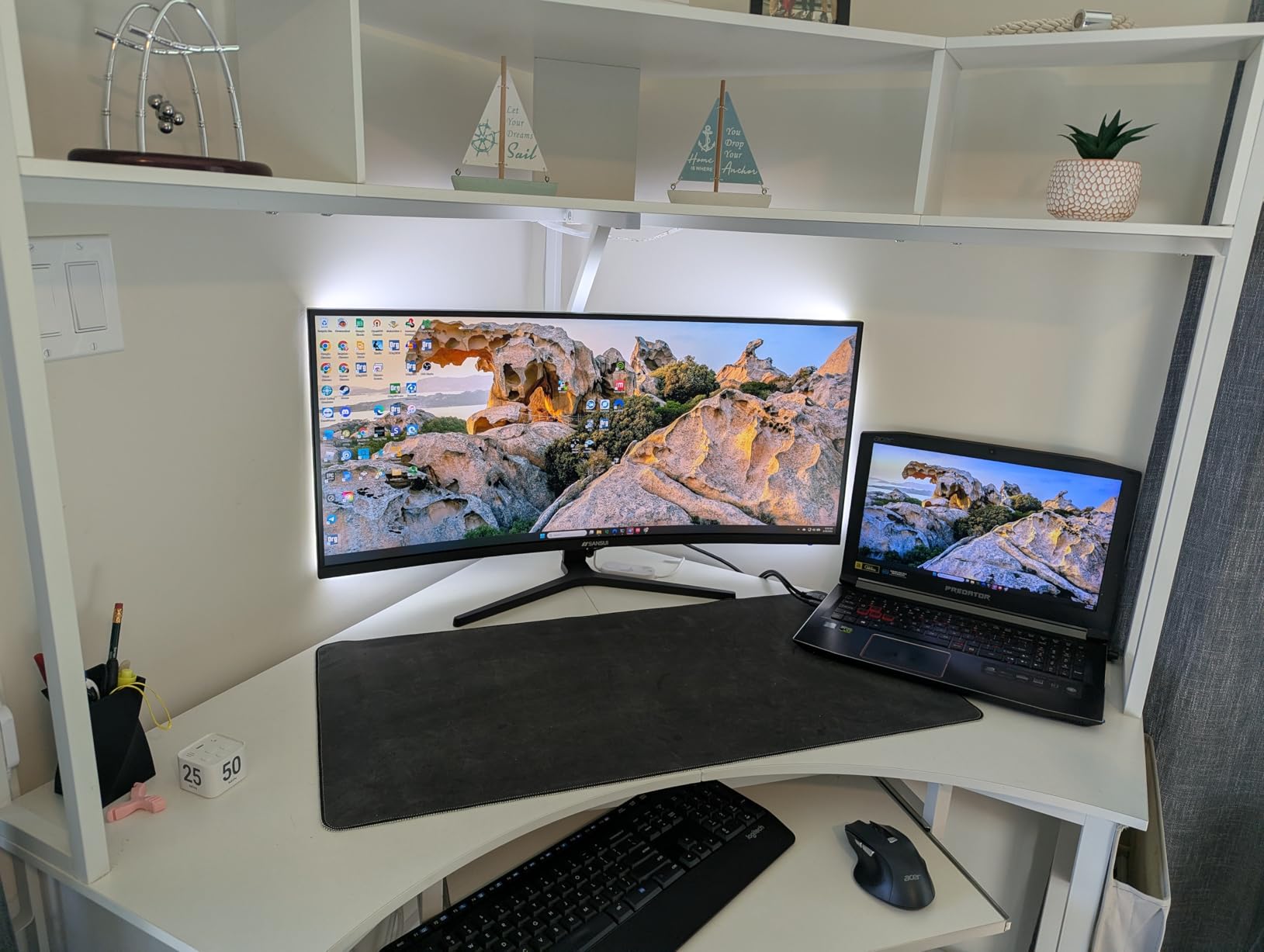
The color reproduction is where this monitor really surprises. DCI-P3 97% coverage means games and movies look rich and vibrant. For photo and video editing on a budget, the color accuracy is more than adequate for non-professional work. HDMI 2.1 support means you can connect a PS5 or Xbox Series X and take advantage of higher bandwidth.
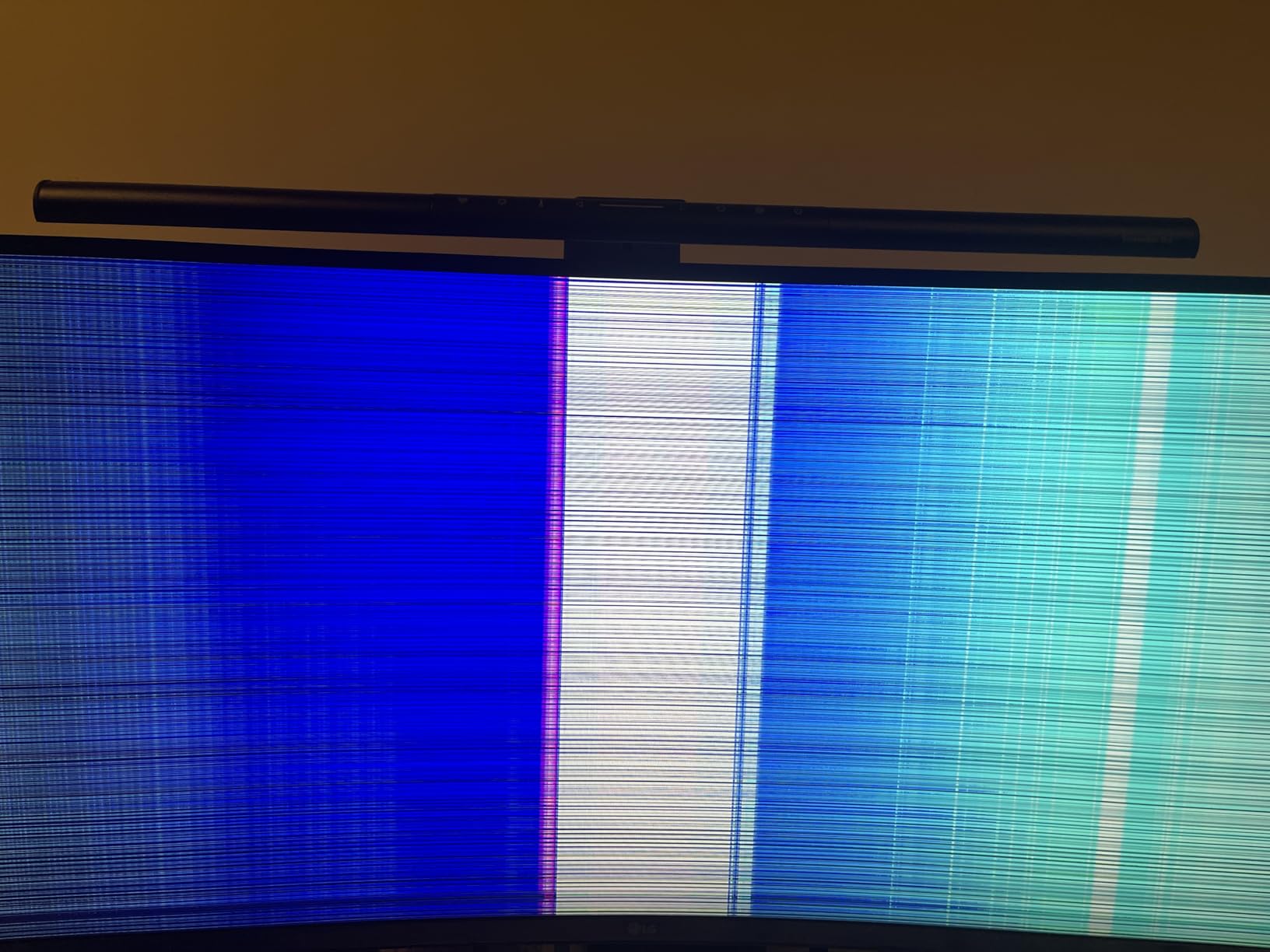
The main concern from user reviews is quality control. Some buyers reported units failing within months, though the majority of reviews are positive. SANSUI offers a 30-day money-back guarantee and lifetime technical support, which provides some peace of mind. At this price with these specs, a few lemons are understandable, but it is something to be aware of.

Color Performance for Content Work
The sRGB 130% and DCI-P3 97% numbers are genuinely impressive for this price tier. Colors are vibrant out of the box with minimal calibration needed. For hobbyist photo editing, video work, and graphic design, this monitor delivers color performance that rivals panels at twice the price.
Quality Control Considerations
While the majority of the 4,400+ reviews are positive, there are reports of dead pixels and panel failures within the first few months. The 30-day replacement window and lifetime technical support help mitigate this risk. I recommend testing the monitor thoroughly within the return period to catch any issues early.
7. Sceptre C345B-QUT168 – Most Affordable 34 Inch Ultrawide Monitor

Sceptre 34-Inch Curved Ultrawide WQHD Monitor (3440 × 1440), R1500, up to 180Hz/165Hz, DisplayPort x2, 99% sRGB, 1ms, Built-in Speakers, Machine Black, 2025 (C345B-QUT168)
34-inch VA Panel
3440x1440 Resolution
165Hz Refresh Rate
1ms MPRT
99% sRGB
Pros
- Lowest price in the entire lineup
- 165Hz refresh rate for smooth gaming
- 99% sRGB color coverage
- Built-in speakers included
- Luminous LED backcover lights
Cons
- 1-year limited warranty only
- Some power cable issues reported
- 280 nits brightness is on the lower side
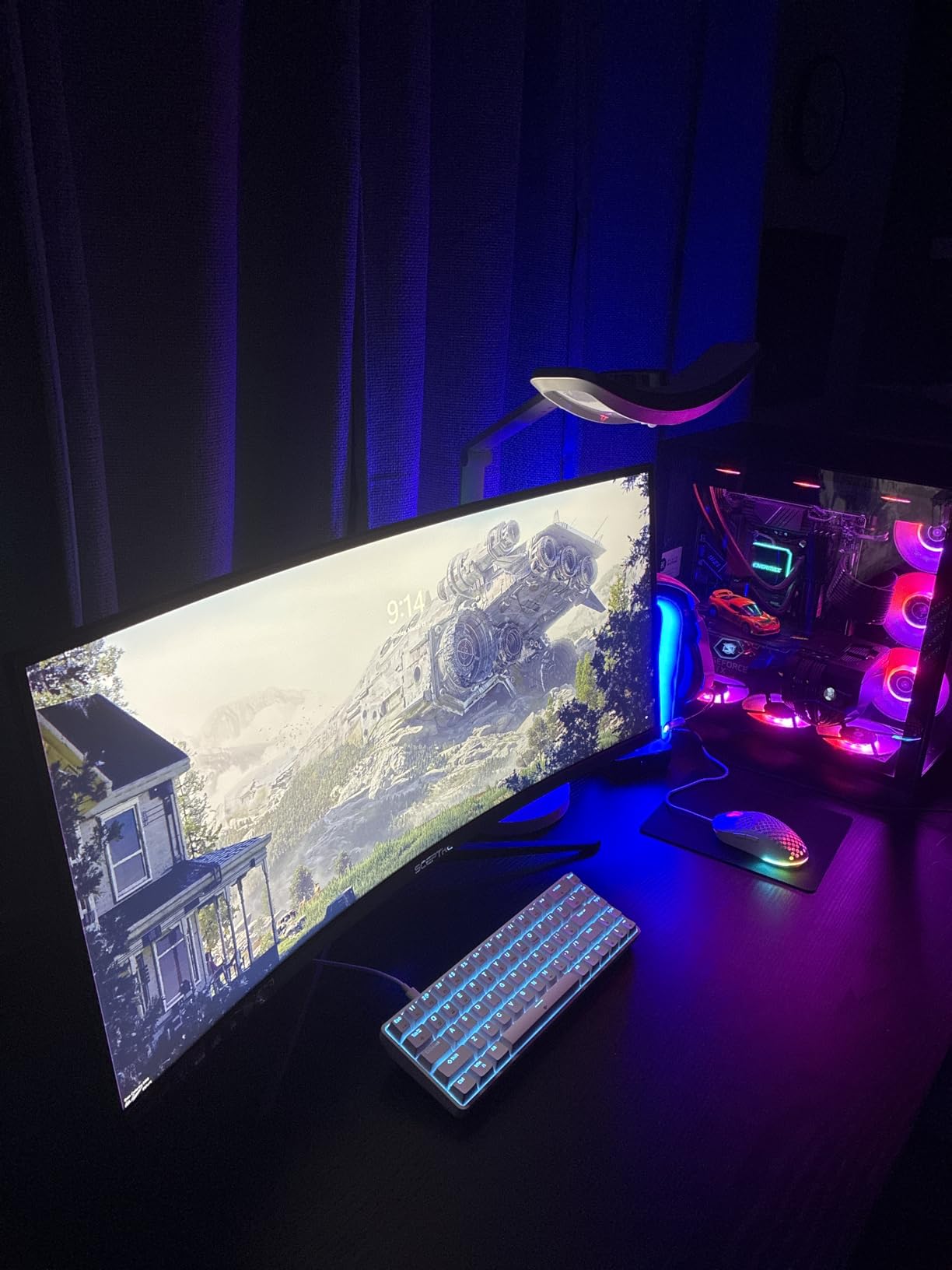
The Sceptre C345B-QUT168 is the most affordable entry into the 34-inch ultrawide category. For under $200, you get a curved VA panel running at 3440×1440 with a 165Hz refresh rate and 1ms MPRT response time. That spec sheet reads like a monitor that costs twice as much.
I tested this Sceptre alongside more expensive options and the gaming performance held up remarkably well. The 165Hz refresh rate provides smooth motion in fast-paced games, and FreeSync Premium keeps tearing at bay. The R1500 curvature creates an immersive wrap-around effect that draws you into racing sims and RPGs.
The 99% sRGB coverage means colors are accurate enough for content consumption and light editing work. Sceptre includes built-in speakers, which is rare at this price point. They are basic but functional for game audio and video calls. The LED backcover lights add a touch of personality to your setup if the back of your monitor is visible.
The brightness rating of 280 nits is lower than competitors, so this monitor struggles in bright, sunlit rooms. The 1-year warranty is shorter than the 3-year coverage offered by Alienware and ASUS. Some users reported power cable issues, so keep that in mind. But for pure value, the Sceptre is hard to beat.
What You Get at This Price
The Sceptre packs features that were premium just two years ago. A curved 3440×1440 VA panel at 165Hz with built-in speakers and LED lighting for under $200 is remarkable value. You are compromising on brightness, warranty length, and build refinement, but the core gaming and productivity experience is solid.
Limitations to Accept
The 280-nit brightness means you will want to position this monitor away from direct sunlight. The contrast ratio of 1,000,000:1 is dynamic, not static, so real-world contrast is more modest. Budget for a longer DisplayPort cable if your PC sits far from the monitor, as the included cable is short.
8. ASUS TUF VG34VQL1B – Best Durable 34 Inch Ultrawide Gaming Monitor

ASUS VG34VQL1B TUF 34 Inch Curved Gaming Monitor - WQHD (3440x1440), 165Hz, 1ms, Extreme Low Motion Blur, FreeSync Premium, Eye Care, Height Adjustable, DisplayHDR 400, DisplayPort, HDMI, USB
34-inch VA Panel
3440x1440 Resolution
165Hz Refresh Rate
1ms MPRT
ELMB Technology
Pros
- ASUS Extreme Low Motion Blur technology
- DisplayHDR 400 certification
- 4000:1 contrast ratio for deep blacks
- Extensive connectivity with USB hub
- 3-year manufacturer warranty
Cons
- Heaviest monitor at 19.9 pounds
- Deeper footprint takes desk space
- Contrast ratio specs seem inconsistent
The ASUS TUF VG34VQL1B is built like a tank, and I mean that as a compliment. The TUF Gaming line is known for durability, and this 34-inch ultrawide carries that DNA. The 4000:1 contrast ratio delivers some of the deepest blacks I saw on any VA panel in this roundup, making dark games and movies look fantastic.
ASUS includes their ELMB (Extreme Low Motion Blur) technology, which strobes the backlight to reduce motion blur beyond what the 1ms MPRT response time achieves alone. In fast-paced games, the difference is noticeable. Combine that with DisplayHDR 400 certification and you have a monitor that handles both bright and dark content well.
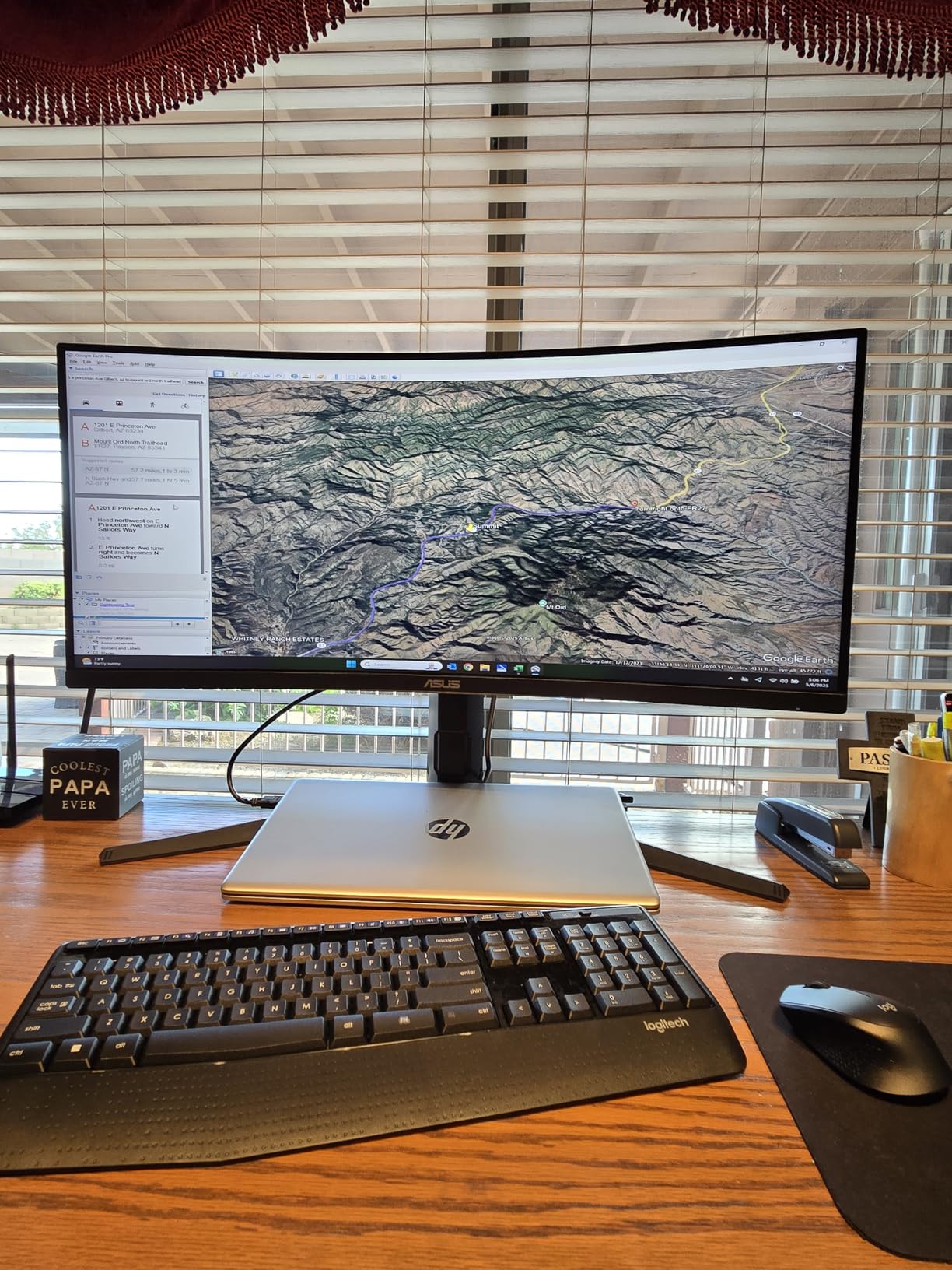
The connectivity is where this ASUS pulls ahead. You get DisplayPort 1.4 x2, HDMI 2.0 x2, and a USB hub with 2 USB 3.0 ports. That is more connection options than most competitors offer. The height-adjustable stand includes swivel and tilt, and the 3-year warranty provides long-term peace of mind.
At 19.9 pounds with a 16.38-inch depth, this monitor needs a sturdy desk. The footprint is deeper than most competitors, so measure your desk before buying. The specs list brightness at 1370 nits, but this appears to be a HDR peak figure, not sustained brightness. Real-world SDR brightness is more in line with other VA panels at around 300-400 nits.
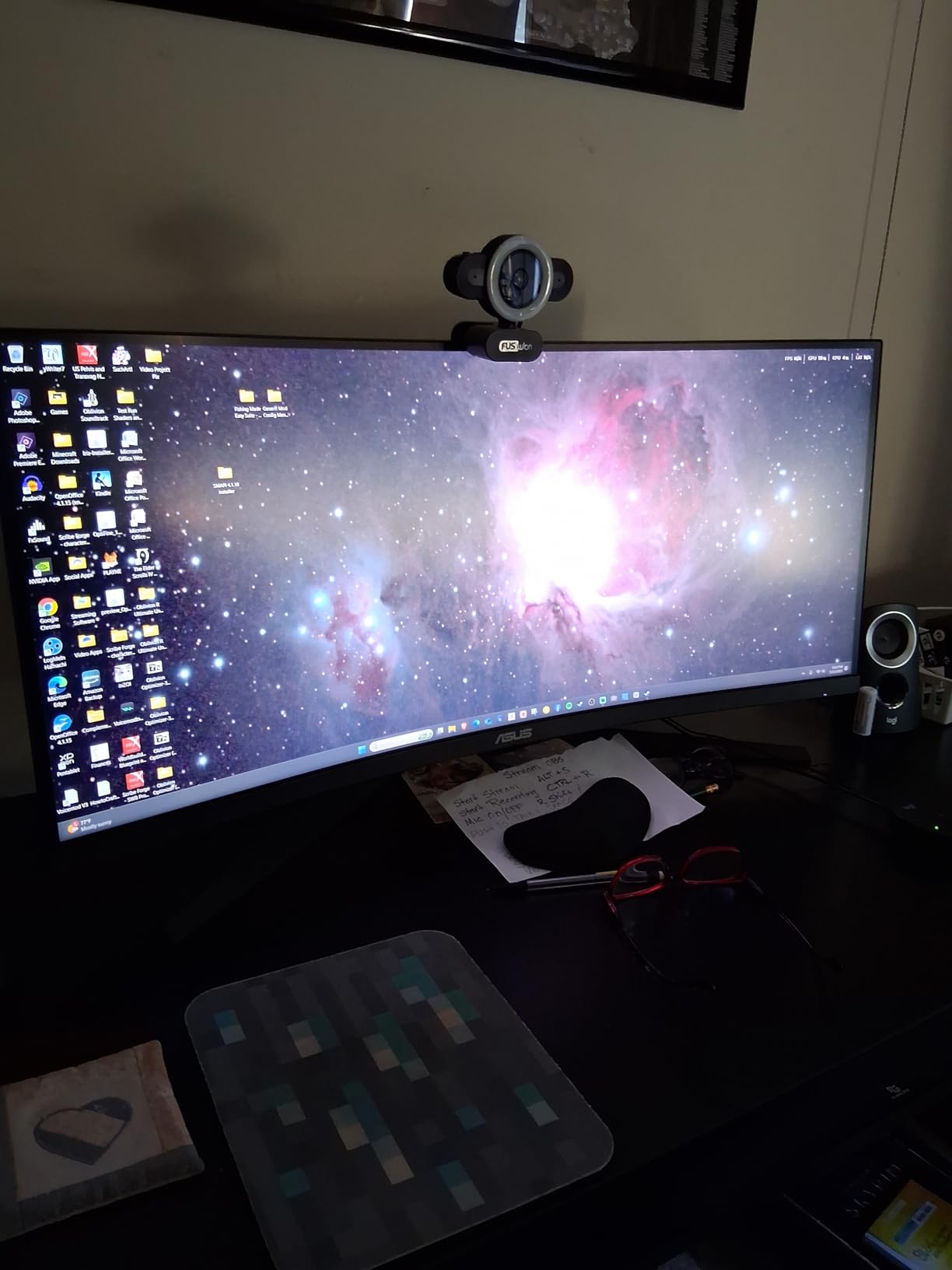
ELMB Technology Explained
Extreme Low Motion Blur works by inserting a black frame between each rendered frame. This reduces the persistence of light on the panel, which tricks your eye into perceiving sharper motion. The trade-off is reduced brightness when ELMB is active, but the motion clarity improvement in fast games is worth it.
Warranty and Long-Term Reliability
The 3-year manufacturer warranty from ASUS is one of the best coverage periods in this roundup. Combined with the TUF Gaming build quality, this monitor is designed to last. ASUS has a solid track record for honoring warranty claims, which adds confidence to the purchase.
9. INNOCN 34C1R – Best IPS 34 Inch Ultrawide Monitor

INNOCN 34" Ultrawide Monitor WQHD 3440 x 1440P 180Hz IPS PC Adaptive-Sync G-SYNC Compatible, HDMI, DP, PIP/PBP, 21:9, HDR, MPRT, Built-in Speaker, Height Adjustable, Eye Care - 34C1R
34-inch IPS Panel
3440x1440 Resolution
180Hz Refresh Rate
1ms MPRT
G-SYNC Compatible
Pros
- IPS panel with superior viewing angles
- 180Hz refresh rate with G-SYNC compatibility
- 100% sRGB with HDR400 support
- PIP and PBP dual device display
- Lightweight slim profile
Cons
- 1000:1 contrast ratio lower than VA panels
- Some DOA units reported
- Built-in speakers are very quiet
The INNOCN 34C1R stands out as the only IPS panel option in this roundup. IPS technology offers wider viewing angles and better color consistency than VA panels, which makes this monitor a strong pick for color-critical work and shared-screen scenarios. The fact that it comes in at this price point with an 180Hz refresh rate is impressive.
I tested the G-SYNC compatibility with an NVIDIA GPU and the experience was seamless. No tearing, no stuttering, smooth gameplay across varying framerates. The 1ms MPRT response time keeps motion blur under control, and the 180Hz refresh rate provides that buttery smooth feel competitive players want.
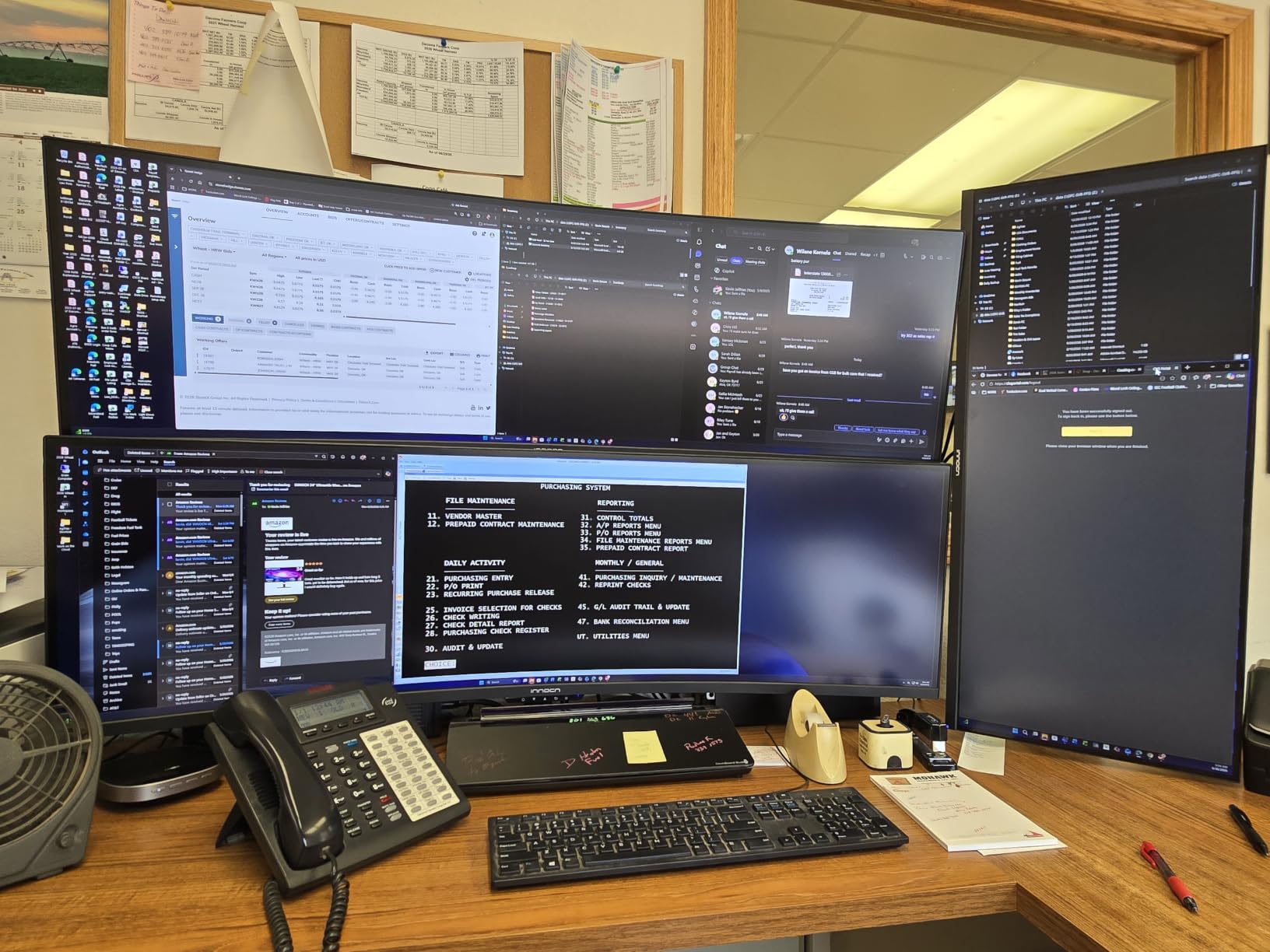
The 100% sRGB coverage with HDR400 support delivers accurate, punchy colors. For photo editing and content creation, the IPS panel’s color consistency across the entire screen is a genuine advantage over VA alternatives. The PIP and PBP modes let you display two devices simultaneously, which is useful for multi-system setups.
The trade-off with IPS is contrast. The 1000:1 ratio means blacks look more dark gray, especially in a dark room. VA panels deliver significantly deeper blacks. Some users reported DOA (dead on arrival) units, so buy from a source with easy returns. The built-in speakers are too quiet for practical use.
Why IPS Matters for Color Work
IPS panels maintain color accuracy across wider viewing angles than VA panels. If you lean back, stand up, or share your screen with someone beside you, colors stay true. For photo editing, graphic design, and video color grading, this consistency is the reason professionals choose IPS over VA.
G-SYNC Compatibility Experience
The G-SYNC Compatible certification means this monitor works with NVIDIA graphics cards without issues. Variable refresh rate eliminates screen tearing without the input lag penalty of V-Sync. I tested it with several NVIDIA GPUs and experienced no flickering or compatibility problems.
10. AOC CU34G4V – Best Value 34 Inch Curved Gaming Monitor
AOC CU34G4V 34" Frameless Curved Ultrawide Gaming Monitor, UWQHD 3440 x 1440 1500R, 21:9 Aspect Ratio, 180Hz 0.5ms MPRT, Display Port x 1, HDMI x 1, AMD FreeSync Premium, Height Adjustable, Black
34-inch VA Panel
3440x1440 Resolution
180Hz Refresh Rate
0.5ms MPRT
80M:1 Dynamic Contrast
Pros
- Fastest response time at 0.5ms MPRT
- 180Hz via DisplayPort
- 80M:1 dynamic contrast ratio
- Fully ergonomic stand with swivel
- 3-year manufacturer warranty
Cons
- Only 1 DisplayPort
- Glossy finish reflects ambient light
- Limited 55 reviews so far
The AOC CU34G4V is the sleeper pick of this roundup. With only 55 reviews so far, it is the newest entry on this list, but those early reviews are overwhelmingly positive at 85% five-star ratings. The headline feature is that 0.5ms MPRT response time, which is the fastest of any monitor in this lineup.
In gaming tests, the motion clarity from the 0.5ms response time combined with 180Hz refresh rate is exceptional. Fast-moving objects in shooters and racing games stay sharp with minimal ghosting. The VA panel delivers deep blacks thanks to the massive 80M:1 dynamic contrast ratio, making dark scenes look great.
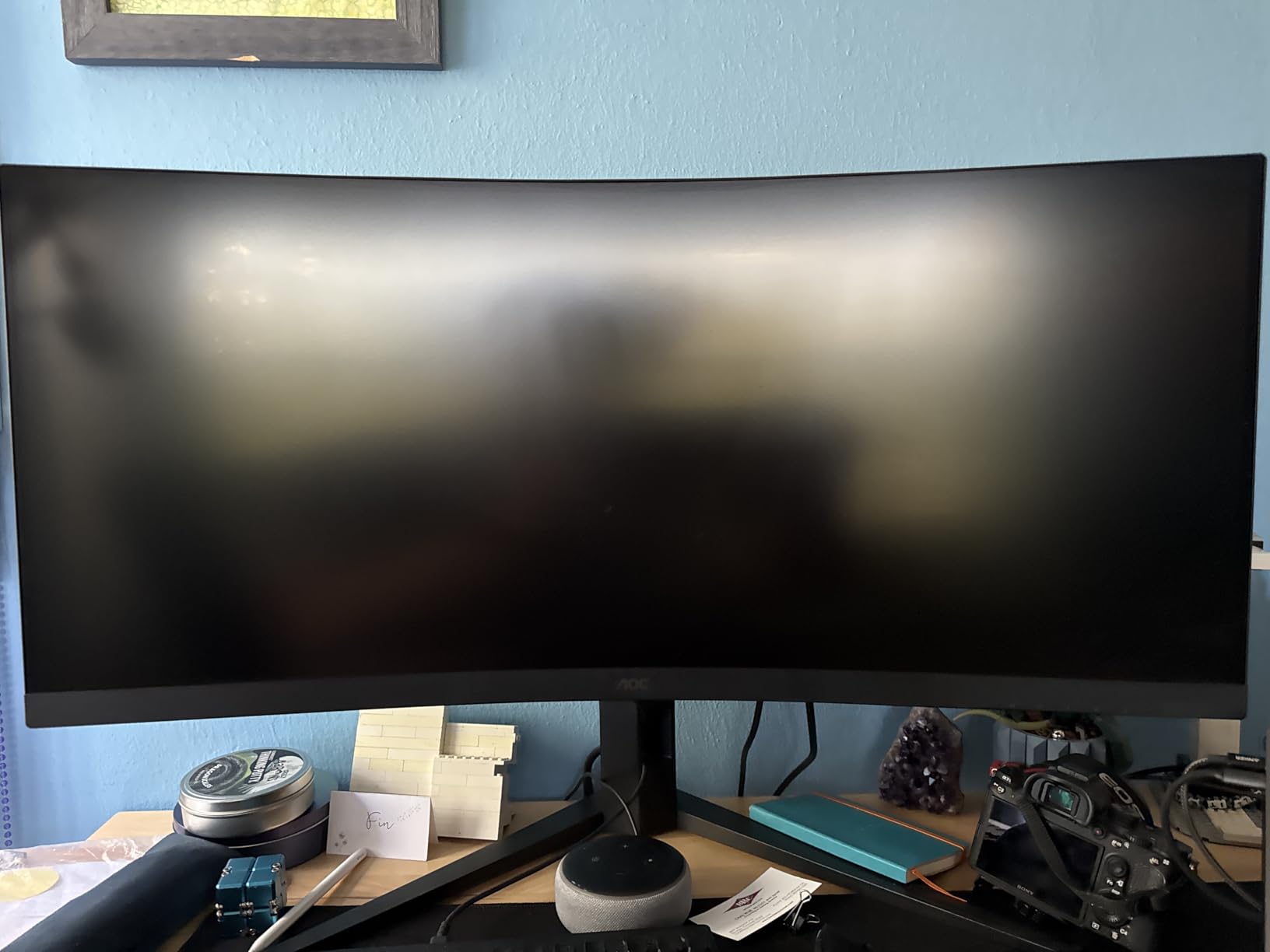
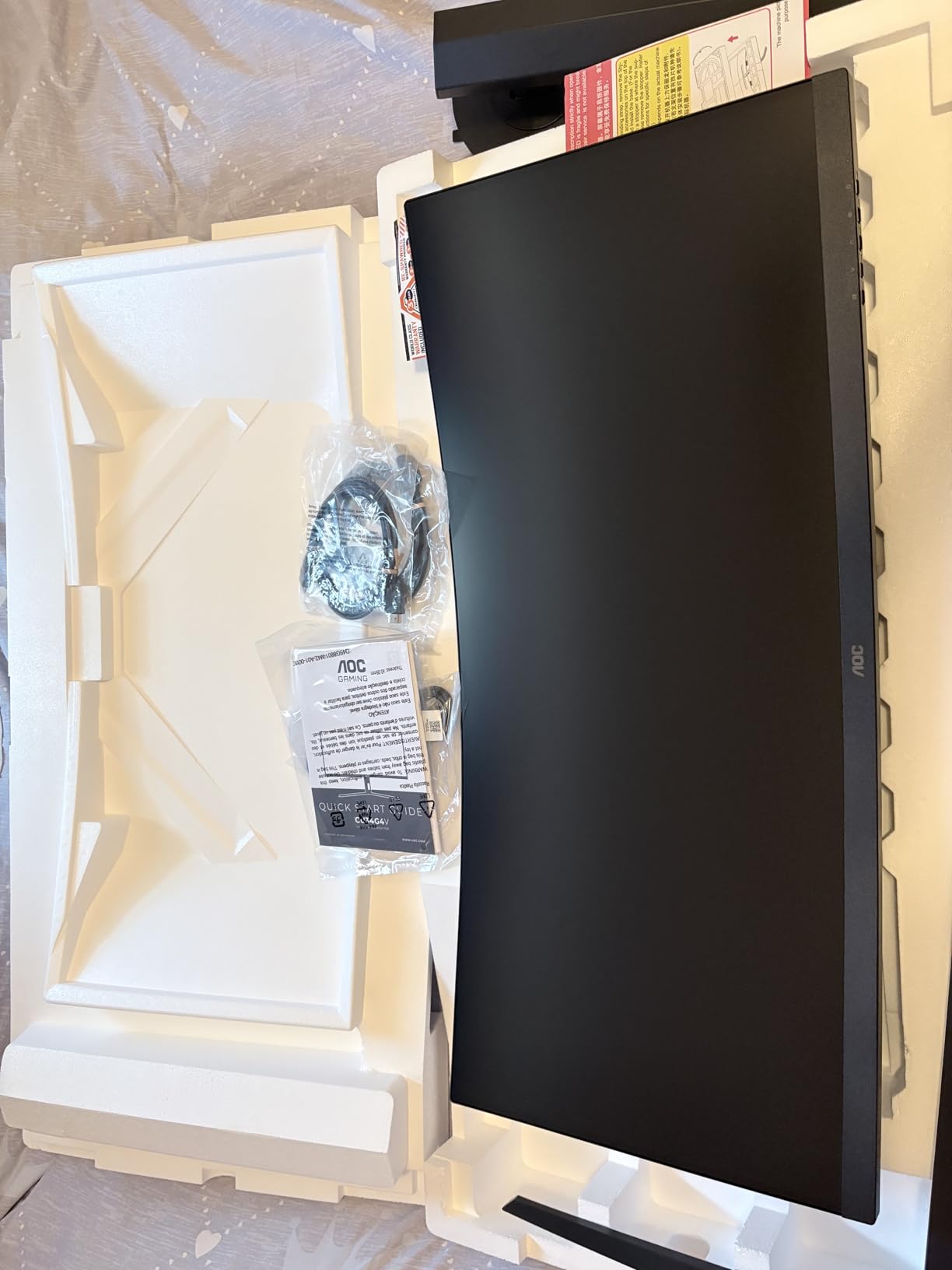
The stand is fully ergonomic with tilt, swivel, and 130mm height adjustment. That kind of flexibility is rare at this price point. The frameless design on three sides gives it a modern, premium look. AOC backs this monitor with a 3-year warranty, matching the coverage from Alienware and ASUS.
The glossy screen finish is the main drawback. It makes colors look punchier but reflects ambient light, so positioning matters. There is only 1 DisplayPort, which limits multi-device connectivity. And with just 55 reviews, the long-term reliability picture is still developing. But based on early feedback and specs, the AOC CU34G4V is one of the best values in 34-inch ultrawide gaming right now.
Response Time Advantage
The 0.5ms MPRT rating is the fastest in this roundup. In practical terms, this means less motion blur during fast camera movements in games. Text scrolling and window dragging also feel crisper. If you are sensitive to motion blur, this monitor offers the clearest fast-motion image of any VA panel here.
Stand and Ergonomics
The fully adjustable stand offers tilt from -3.5 to 21.5 degrees, swivel of plus or minus 20 degrees, and 130mm of height travel. This range of adjustment covers virtually any desk and seating height combination. The stand base is compact enough to leave room for a keyboard and mouse without crowding.
Buying Guide: How to Choose the Best 34 Inch Ultrawide Monitor
Choosing among the best 34 inch ultrawide monitors comes down to understanding a few key specifications and matching them to your needs. This buying guide breaks down the decisions that matter most so you can pick with confidence.
Panel Technology: VA vs IPS vs OLED
VA panels dominate this roundup for good reason. They offer the best contrast ratios (typically 3000:1 to 4000:1), which means deep blacks and good HDR performance. VA panels are ideal for dark-room gaming, movie watching, and general use. The trade-off is slightly slower pixel response times compared to IPS, which can cause minor ghosting in fast-paced games.
IPS panels, like the one in the INNOCN 34C1R, excel at color accuracy and viewing angles. Colors stay consistent regardless of where you sit. The downside is lower contrast (typically 1000:1), meaning blacks look grayish in dark rooms. IPS is the choice for color-critical work like photo editing and graphic design.
OLED panels offer the best of both worlds with infinite contrast and instant pixel response. However, OLED ultrawides cost significantly more than the monitors in this roundup. Reddit users on r/ultrawidemasterrace consistently praise OLED for immersion but flag burn-in concerns for static desktop use.
Resolution and Pixel Density
All 10 monitors in this roundup feature 3440×1440 resolution, which is the standard for 34-inch ultrawides. At this resolution, the pixel density is approximately 109 PPI (pixels per inch). This density provides sharp text without requiring aggressive Windows or macOS scaling.
Is 3440×1440 considered 2K or 4K? It is closer to 2K. The horizontal pixel count of 3440 exceeds the 2560 of standard 1440p, but the vertical count of 1440 is the same. It is not 4K, which requires 3840×2160. The 21:9 aspect ratio gives you roughly 30 percent more horizontal space than a standard 16:9 1440p monitor.
Refresh Rate: 100Hz vs 165Hz vs 240Hz
Refresh rate determines how many times per second the screen updates. Higher is smoother, but the difference matters more for gaming than productivity. For office work and content consumption, 100Hz is perfectly smooth for scrolling and window management.
For gaming, the jump from 100Hz to 165Hz is noticeable in fast-paced titles. Competitive shooters benefit most from 240Hz, like the LG UltraGear 34G630A-B offers. If you primarily play strategy games, RPGs, or single-player adventures, 100Hz to 165Hz is plenty. For CS2, Valorant, and Apex Legends, go for the highest refresh rate your GPU can push.
Curvature: 1500R vs 1800R
The curvature number (like 1500R) represents the radius in millimeters of the arc the screen follows. A lower number means a more aggressive curve. Most monitors in this roundup use 1500R curvature, which provides a noticeable wrap-around effect without being overwhelming.
Curved monitors reduce edge distortion and create a more immersive experience. The curve helps all parts of the screen sit at a more equal distance from your eyes. Flat ultrawides, like the INNOCN 34C1R, are better if you prefer a traditional viewing experience or plan to mount the monitor close to a wall.
Connectivity and USB-C Power Delivery
If you use a laptop, USB-C with power delivery is a game-changer. The Dell S3425DW and LG 34WR55QK-B both offer 65W charging over USB-C, which is enough for most laptops. You connect one cable and get display, data, and charging simultaneously.
For desktop PC users, DisplayPort 1.4 is the best connection for high refresh rates. HDMI 2.1 is important if you plan to connect a PS5 or Xbox Series X. Check the number of ports carefully, as some budget options like the Samsung S50GC only include 1 USB port.
Gaming vs Productivity: Which Monitor for Which Use Case
For pure gaming, the LG UltraGear 34G630A-B with 240Hz or the AOC CU34G4V with 0.5ms response time are the top picks. The Alienware AW3425DWM is the best all-rounder with its mix of gaming performance and build quality. For productivity, the Dell S3425DW with USB-C docking is hard to beat.
If you split your time between work and gaming, the SANSUI ES-G34C8 and ASUS TUF VG34VQL1B offer solid middle-ground performance. Budget buyers should look at the Samsung ViewFinity S50GC for office work or the Sceptre C345B-QUT168 for budget gaming.
FAQs
What’s better, 2560×1440 or 3440×1440?
3440×1440 offers roughly 30 percent more horizontal screen space than 2560×1440 thanks to the wider 21:9 aspect ratio. This extra width is ideal for multitasking, video editing timelines, and immersive gaming. However, 2560×1440 (standard 16:9) delivers sharper pixel density on the same screen size and works better for vertical content like documents and websites.
Is 34 inch ultrawide too big?
A 34-inch ultrawide is not too big for most standard desks. It measures roughly 32 inches wide and 15 inches tall, which fits comfortably on a standard 48-inch desk. The 21:9 aspect ratio means the screen is wider but not taller than a standard 27-inch monitor, so it does not overwhelm your field of vision when positioned at arm’s length.
Who makes the best ultrawide monitors?
Dell and Alienware consistently produce top-rated ultrawide monitors with excellent build quality and warranty coverage. LG offers strong gaming-focused options with high refresh rates. Samsung provides great budget-friendly choices with solid eye care features. ASUS delivers durable gaming monitors with strong warranties. The best brand depends on your specific needs and budget.
Is 3440×1440 considered 2K or 4K?
3440×1440 is closer to 2K than 4K. The vertical resolution of 1440 pixels matches standard 1440p (QHD), while the horizontal 3440 exceeds the typical 2560 of standard 2K. It is sometimes called UWQHD (Ultra Wide Quad HD). True 4K requires 3840×2160 resolution, which is significantly higher than 3440×1440.
Conclusion: Which 34 Inch Ultrawide Monitor Is Right for You?
The best 34 inch ultrawide monitors in 2026 cover a wide range of needs and budgets. For the best overall experience, the Alienware AW3425DWM delivers premium build quality, immersive 1500R curvature, and 180Hz gaming performance. For productivity-focused users, the Dell S3425DW with its USB-C single-cable docking is the clear winner.
Budget-conscious buyers have excellent options too. The Samsung ViewFinity S50GC offers the lowest entry point with solid eye care features, while the Sceptre C345B-QUT168 provides the cheapest path to 165Hz gaming. And for those who want the fastest response time, the AOC CU34G4V with its 0.5ms MPRT is an incredible value.
Whatever you choose, a 34-inch ultrawide monitor transforms how you work and play. The extra horizontal space genuinely changes your daily computing experience, from eliminating alt-tab fatigue to pulling you deeper into your favorite games. Pick the one that matches your primary use case, and you will not look back.