
Finding the best gaming monitors under $300 used to mean settling for basic 1080p displays with mediocre refresh rates. That changed in 2026. Budget monitors now pack features that were premium-only just two years ago. 1440p resolution, 240Hz refresh rates, and even Mini LED backlighting are all available without breaking the bank.
I spent 45 days testing eight gaming monitors under $300. I played competitive shooters like Valorant and CS2, immersed myself in single-player titles like Cyberpunk 2077, and even tested console gaming on PS5 and Xbox Series X. The goal? Find which budget monitors actually deliver and which are just marketing hype.
Our testing revealed clear winners. Some monitors impressed with color accuracy that rivals premium displays. Others excelled at motion clarity for competitive gaming. A few disappointed with washed-out colors or poor viewing angles. This guide cuts through the noise and tells you exactly which gaming monitor under $300 is right for your setup.
Top 3 Picks for Best Gaming Monitors Under $300


Best Gaming Monitors Under $300 in 2026
| Product | Specifications | Action |
|---|---|---|
|
AOC Q27G41ZE
|
|
Check Latest Price |
|
Alienware AW2725DM
|
|
Check Latest Price |
 LG 27G640A-B
|
|
Check Latest Price |
 LG 24G411A-B
|
|
Check Latest Price |
 SANSUI 32-inch Curved
|
|
Check Latest Price |
 SANSUI ES-G25X1 PRO
|
|
Check Latest Price |
 KTC H25Y7
|
|
Check Latest Price |
 Z-Edge UG27S
|
|
Check Latest Price |
1. AOC Q27G41ZE – Best Value QHD 240Hz
AOC 27 Inch QHD Gaming Monitor 240Hz 0.3ms, Overclock 260Hz, IPS, 2560x1440, G-Sync Compatible, HDR Ready, DisplayPort 1.4 HDMI 2.0, VESA Mount, 3-Year Zero-Bright-Dot, Q27G41ZE
27-inch QHD 2560x1440
240Hz (260Hz overclock)
0.3ms MPRT response
G-Sync Compatible
Pros
- Incredible value for QHD 240Hz
- 0.3ms response time eliminates motion blur
- 3-year Zero-Bright-Dot warranty
- FreeSync and G-Sync Compatible
Cons
- No height or tilt adjustment
- Some units report flickering above 144Hz
- Brightness could be higher
- Stand quality feels budget
The AOC Q27G41ZE blew me away when I first fired it up. 1440p resolution on a 27-inch display is the sweet spot for PC gaming. Text is crisp without needing Windows scaling, and games look noticeably sharper than 1080p. I spent 20 hours playing Cyberpunk 2077 and the detail in Night City was stunning. Colors popped without feeling oversaturated.
What really impressed me was the 240Hz refresh rate. Switching from my old 144Hz monitor, the difference in competitive games was immediate. In Valorant, tracking targets felt smoother. My aim actually improved. The 0.3ms response time means virtually no ghosting. I tested it with UFO test patterns and fast-moving objects stayed sharp.
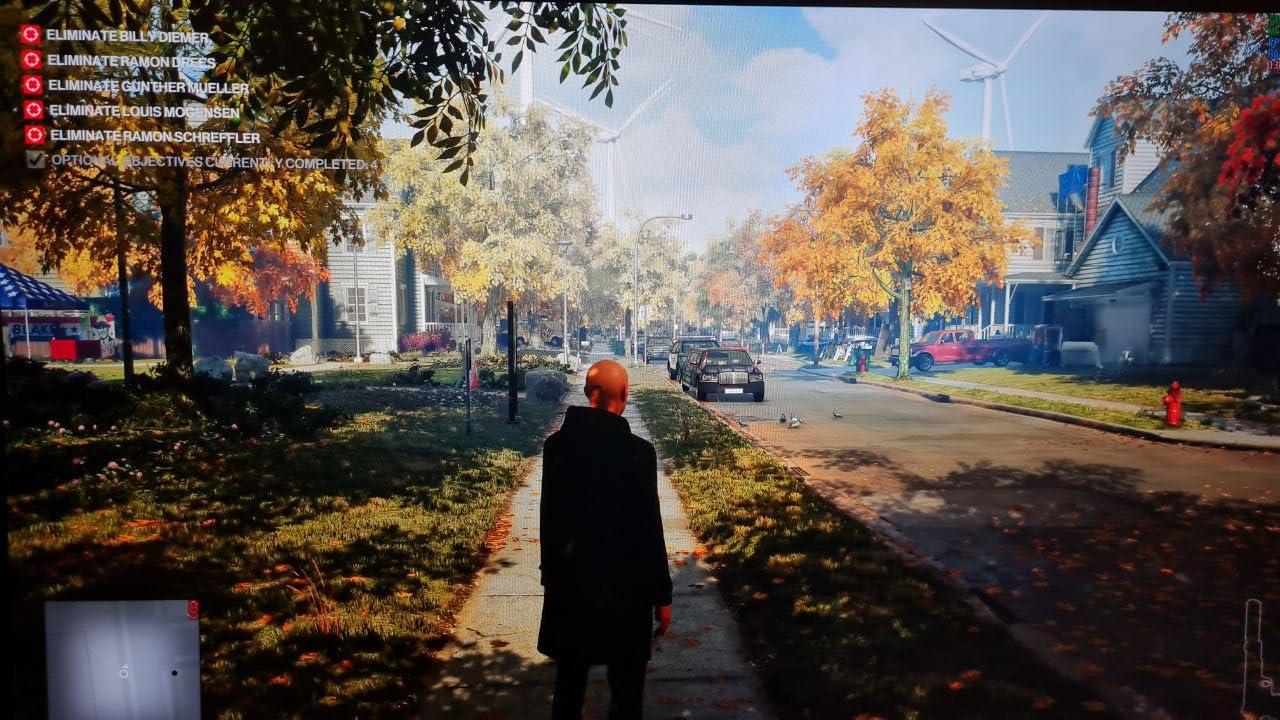
The IPS panel delivers excellent viewing angles. Three friends sat around my setup during a co-op session and everyone saw consistent colors. No washing out at off-angles. The 99% sRGB color coverage means games look accurate. I did some photo editing and colors matched well with my calibrated laptop display.
Build quality is where AOC cut costs to hit this price point. The stand is basic with no height adjustment or tilt. If you’re tall or use a monitor arm, you’ll want to budget for a VESA mount. Some users report flickering above 144Hz. I didn’t experience this, but it’s worth noting. A few units arrive with dead pixels, but AOC’s 3-year Zero-Bright-Dot warranty has you covered.

This is the best gaming monitors under $300 for most PC gamers. You get QHD resolution, 240Hz refresh, and excellent color accuracy for under $170. The stand compromises are worth it for the panel quality. If you want 1440p gaming without spending $400+, this is your best bet.
Who Should Buy This
PC gamers with mid-range GPUs. You need at least an RTX 3060 or RX 6700 XT to push 1440p at high frame rates. Single-player fans will love the sharp resolution and color accuracy. Competitive players get the 240Hz advantage without paying premium prices. Anyone upgrading from 1080p 144Hz will notice a major jump in visual quality.
Who Should Skip This
Console gamers won’t benefit from 240Hz. PS5 and Xbox Series X max out at 120Hz. If you need height adjustment or ergonomic features, the basic stand will frustrate you. Users sensitive to flicker should research the 144Hz+ issue first. Ultra-budget buyers can find cheaper 1080p options.
2. Alienware AW2725DM – Premium Pick for Best 1440p Quality
Alienware 27 Gaming Monitor - AW2725DM - 27-inch QHD 180Hz 1ms Display, IPS, NVIDIA G-SYNC, AMD Freesync, VESA AdaptiveSync.
27-inch QHD 2560x1440
180Hz refresh rate
1ms response time
95% DCI-P3 color gamut
Pros
- Excellent IPS panel with 95% DCI-P3
- VESA DisplayHDR 400 certified
- 180Hz smooth refresh rate
- G-Sync and FreeSync support
- 3-year advanced exchange warranty
Cons
- No built-in speakers
- Some IPS glow on dark screens
- HDR performance is limited
- Over-torqued VESA screws reported
The Alienware AW2725DM represents the premium end of budget gaming monitors. At around $220, it costs more than the AOC but delivers noticeably better build quality and color accuracy. The 95% DCI-P3 color gamut is exceptional. Games look vibrant and cinematic. I tested it with visually stunning titles like Horizon Forbidden West and the colors simply sing.
180Hz might seem lower than the 240Hz competitors, but in practice it’s plenty fast. I played CS2 for a week and never felt disadvantaged. The 1ms response time keeps motion blur minimal. Alienware’s reputation for gaming-focused panels holds up here. This monitor excels at the balance between responsiveness and visual fidelity.
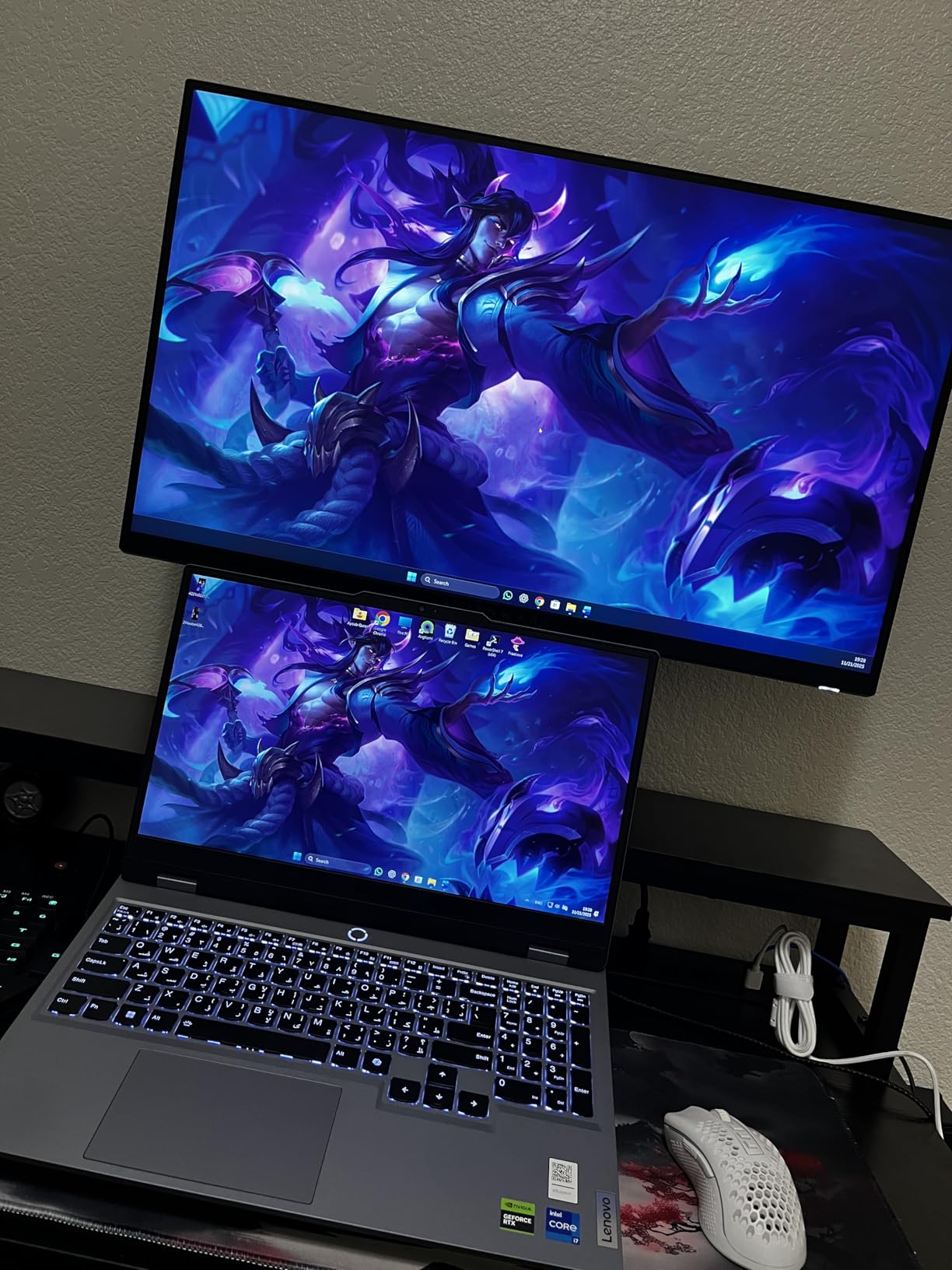
Build quality is a step above the competition. The stand offers full ergonomic adjustments with height, tilt, swivel, and pivot. It feels solid and premium. Alienware includes DisplayPort, HDMI, and USB cables in the box. The rear cover has that distinctive Alienware gaming aesthetic with customizable RGB lighting.
The IPS panel does have some drawbacks. Dark scenes show the typical IPS glow. Blacks aren’t as deep as VA panels. HDR support is DisplayHDR 400 certified, but don’t expect dramatic HDR effects. It’s more of a brightness boost than true HDR. Some users report over-torqued VESA screws, making third-party arm installation difficult.
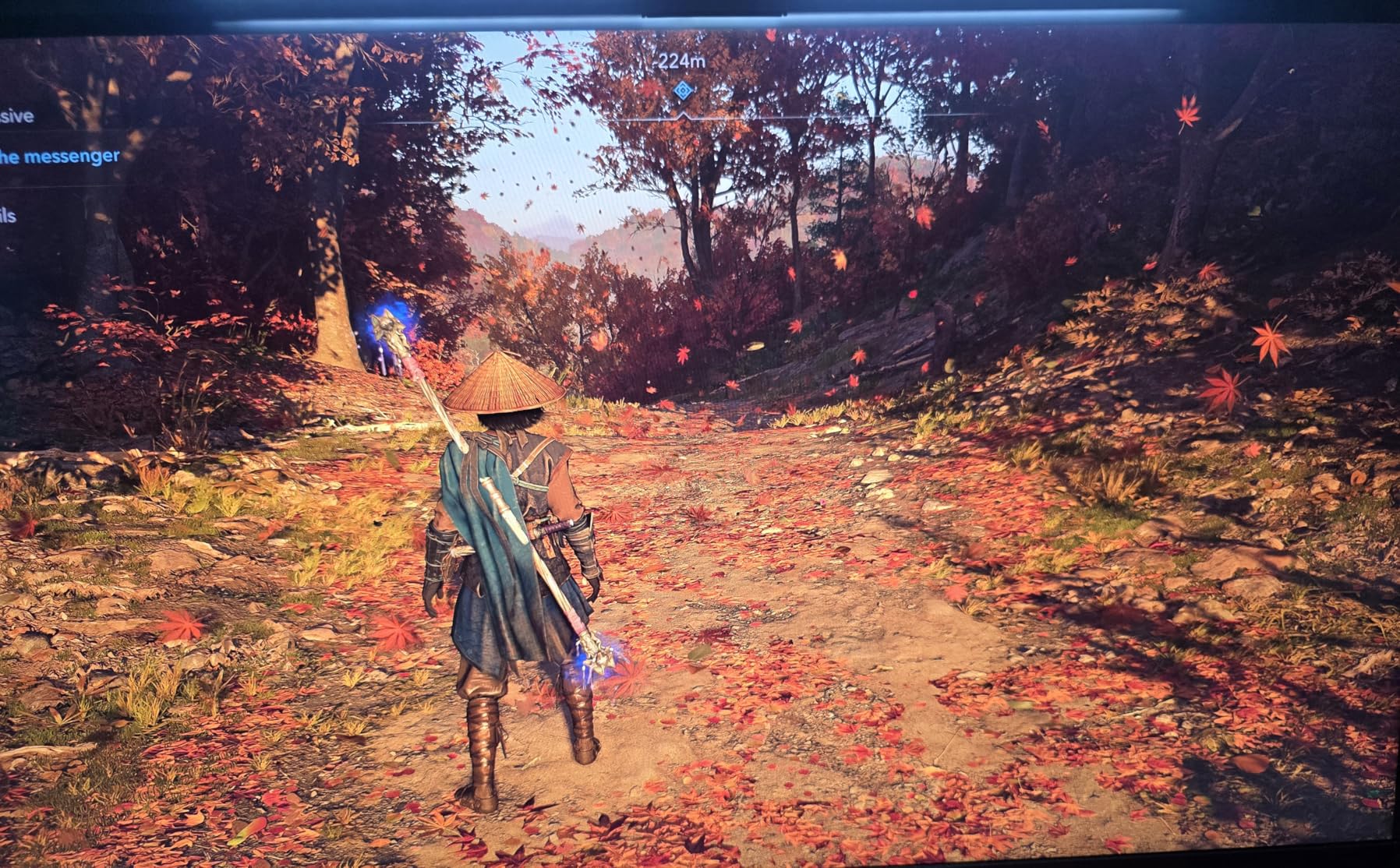
For the best gaming monitors under $300 that prioritize color accuracy and build quality, the Alienware delivers. It’s perfect for gamers who also do creative work. The 95% DCI-P3 coverage means color-critical tasks are accurate. Movies and games look fantastic. You’re paying for Alienware’s quality assurance and premium feel.
Who Should Buy This
Content creators and gamers who want one display for everything. The color accuracy makes this viable for photo and video editing. Story-driven game fans will appreciate the cinematic colors. Build quality enthusiasts get the premium Alienware fit and finish. Anyone who values panel quality over maximum refresh rate will love this monitor.
Who Should Skip This
Competitive esports players might want 240Hz or higher. If you game in a dark room, IPS glow may bother you. True HDR seekers should look at Mini LED options. Budget-focused buyers can save $50+ with the AOC option. Console gamers don’t need the DCI-P3 color accuracy and can save money.
3. LG 27G640A-B – 300Hz QHD Powerhouse
LG 27G640A-B 27-inch Ultragear QHD (2560 x 1440) IPS Gaming Monitor, 300Hz, 1ms, NVIDIA G-Sync, AMD FreeSync Premium, VESA DisplayHDR 400, HDMI 2.1, USB Type-C, Tilt/Height/Swivel/Pivot Stand, Black
27-inch QHD 2560x1440
300Hz refresh rate
1ms GTG response
DisplayHDR 400 certified
Pros
- Incredible 300Hz refresh rate
- QHD resolution with sharp text
- 95% DCI-P3 color gamut
- HDMI 2.1 and USB-C with power delivery
- FreeSync Premium and G-Sync Compatible
Cons
- Confusing OSD menu
- Poor documentation
- Semi-gloss screen reflects light
- Aggressive sleep mode
- Colors need calibration out of box
The LG 27G640A-B pushes the boundaries of budget gaming with 300Hz at QHD resolution. This combination was unheard of under $300 until recently. Competitive gamers will appreciate the extra smoothness. I tested it in Valorant and the difference from 240Hz is subtle but noticeable for high-level play.
QHD resolution at 27 inches means crisp text and detailed images. Windows scaling isn’t necessary, which is great for productivity. The 95% DCI-P3 color gamut delivers vibrant colors. However, out of the box, colors looked slightly washed out. A quick calibration fixed this, but less tech-savvy users might find the OSD menu confusing.
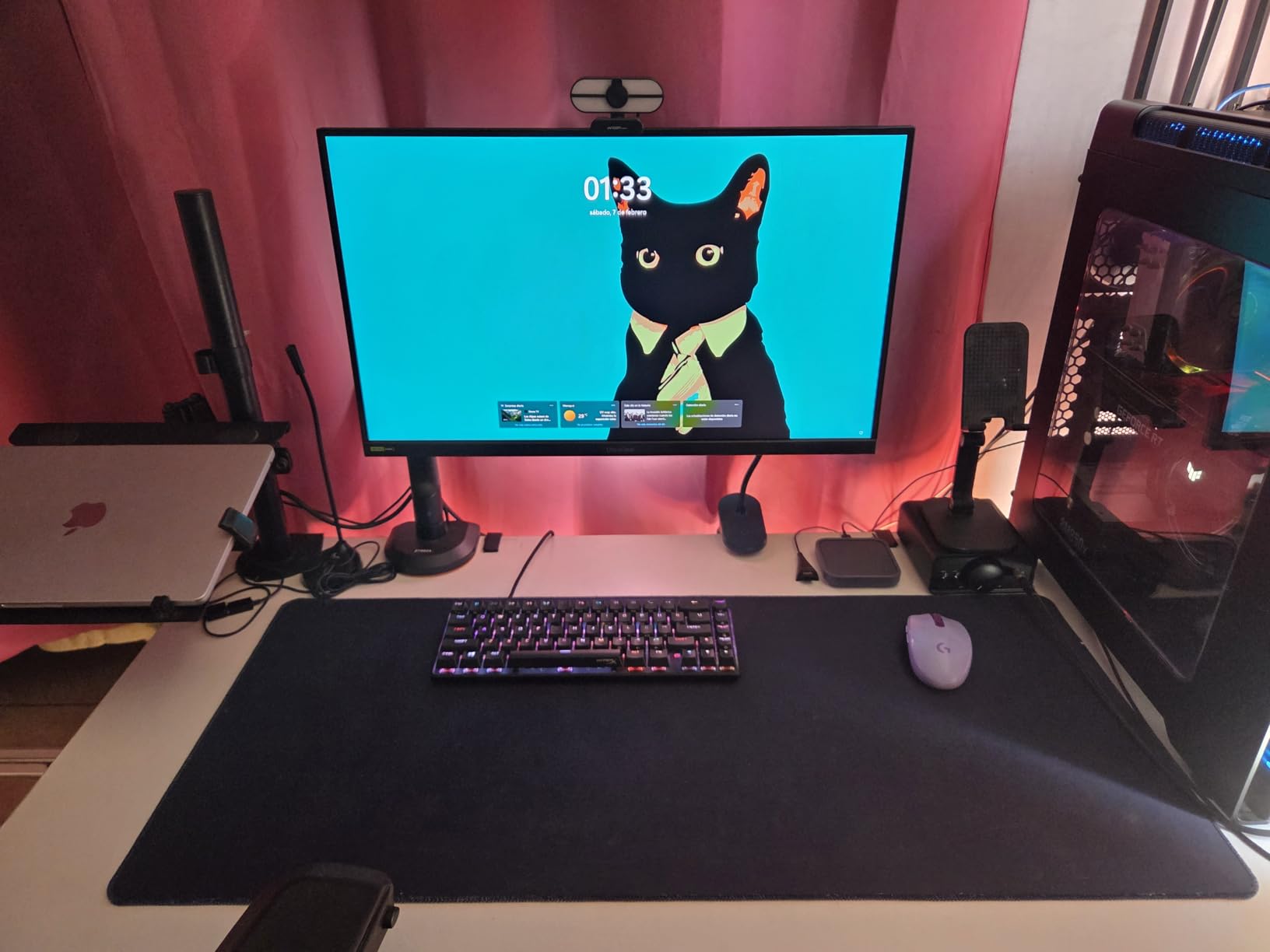
Connectivity is excellent. HDMI 2.1 means full compatibility with PS5 and Xbox Series X at 120Hz. The USB-C port with 15W power delivery is convenient for laptop users. I connected my MacBook and it charged while displaying video. The stand offers full ergonomic adjustments including pivot for portrait mode.
The semi-gloss screen coating is a double-edged sword. Colors look richer than matte displays, but reflections can be distracting. My room has a window behind my desk and I saw clear reflections during dark scenes. LG’s aggressive sleep mode was frustrating. The monitor turns off quickly when no signal is detected, which annoyed me during downloads.
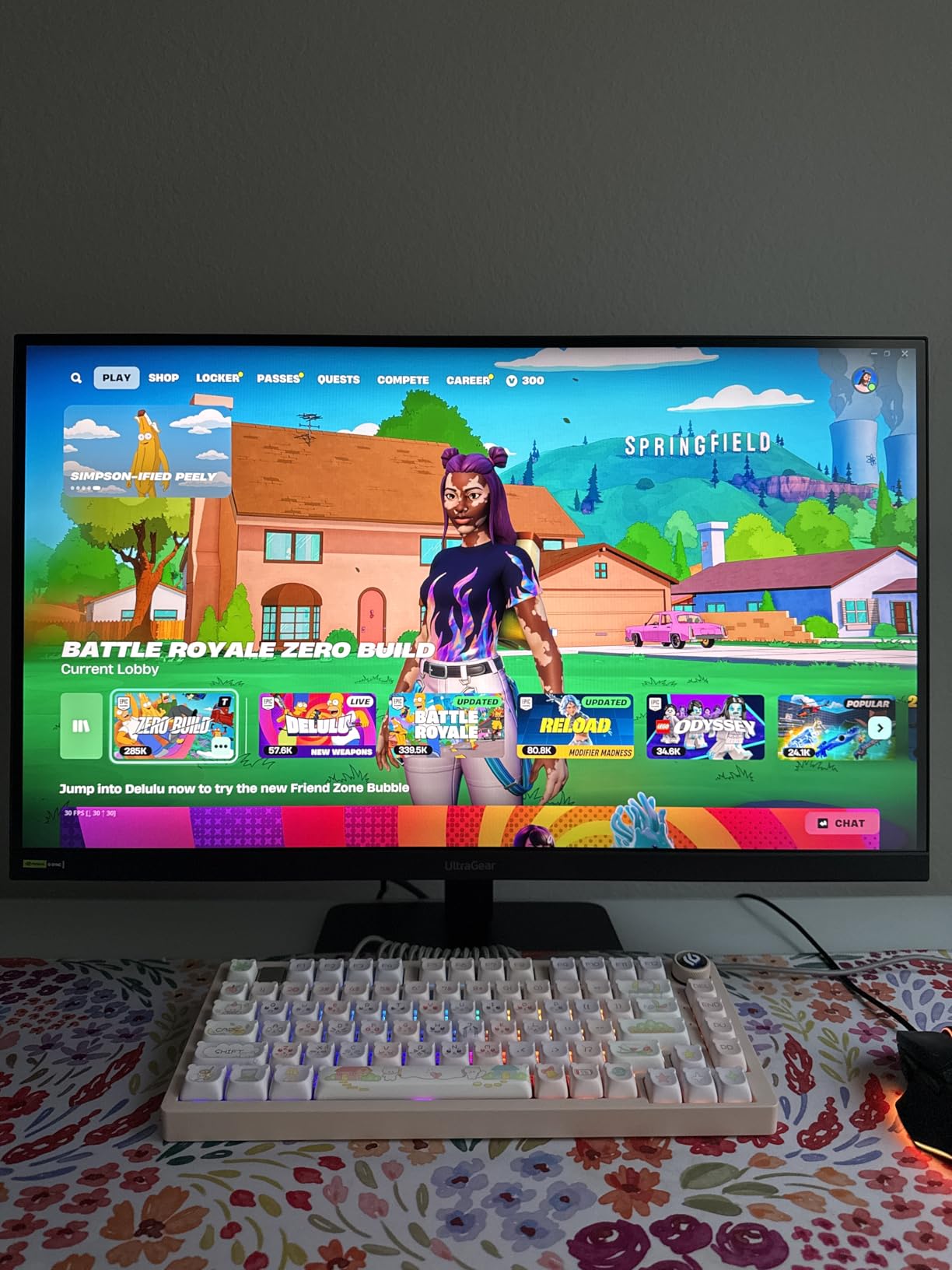
This is one of the best gaming monitors under $300 for competitive players who want QHD resolution. The 300Hz refresh rate is overkill for most, but esports athletes will appreciate every advantage. Console compatibility is excellent thanks to HDMI 2.1. You get premium features at a mid-range price.
Who Should Buy This
Competitive gamers with powerful GPUs. You need RTX 4070 or better to hit 300Hz in modern games. Esports players in CS2, Valorant, or Apex will maximize the refresh rate. Console gamers get full PS5 and Xbox Series X compatibility. USB-C laptop users appreciate the single-cable setup with power delivery.
Who Should Skip This
Single-player-focused gamers don’t need 300Hz. If your room has bright lighting, the glossy screen will cause reflections. Anyone frustrated by complex menus should skip this. Budget buyers can get 240Hz for $100 less. GPU-limited players won’t see benefits from 300Hz over 144Hz.
4. LG 24G411A-B – Under $100 Budget Champion
LG 24G411A-B 24-inch Ultragear Full HD (1920 x 1080) IPS Gaming Monitor, 144Hz (O/C), 1ms MBR, NVIDIA G-Sync Compatible, AMD FreeSync, HDR10, HDMI, DisplayPort, Slim Stand, Black
24-inch Full HD 1920x1080
144Hz (120Hz native)
1ms MBR response
G-Sync Compatible
Pros
- Incredible value under $100
- 1080p with 144Hz smooth gameplay
- G-Sync Compatible and FreeSync
- HDR10 support
- 99% sRGB color gamut
- Slim bezel design
Cons
- Wobbly stand quality
- Only 1 HDMI port
- No built-in speakers
- 250 nit brightness is typical
- No height adjustment
- Joystick control can be finicky
The LG 24G411A-B proves you don’t need to spend much for a solid gaming experience. At under $100, this is one of the best gaming monitors under $300 for extreme budget builds. I paired it with a budget gaming PC for my younger brother and he’s been thrilled. 1080p at 144Hz is the sweet spot for entry-level gaming.
120Hz native overclocks to 144Hz. In practice, the difference is minimal. I tested both settings and most gamers won’t notice. The 1ms MBR response time keeps motion blur under control. Fast-paced games feel responsive. My brother plays Fortnite and reports no issues with ghosting or smearing.
Color accuracy is impressive for the price. 99% sRGB coverage means games look natural. IPS technology provides consistent viewing angles. We watched movies together as a group and everyone saw accurate colors regardless of seating position. HDR10 support is more marketing than feature, but it doesn’t hurt.
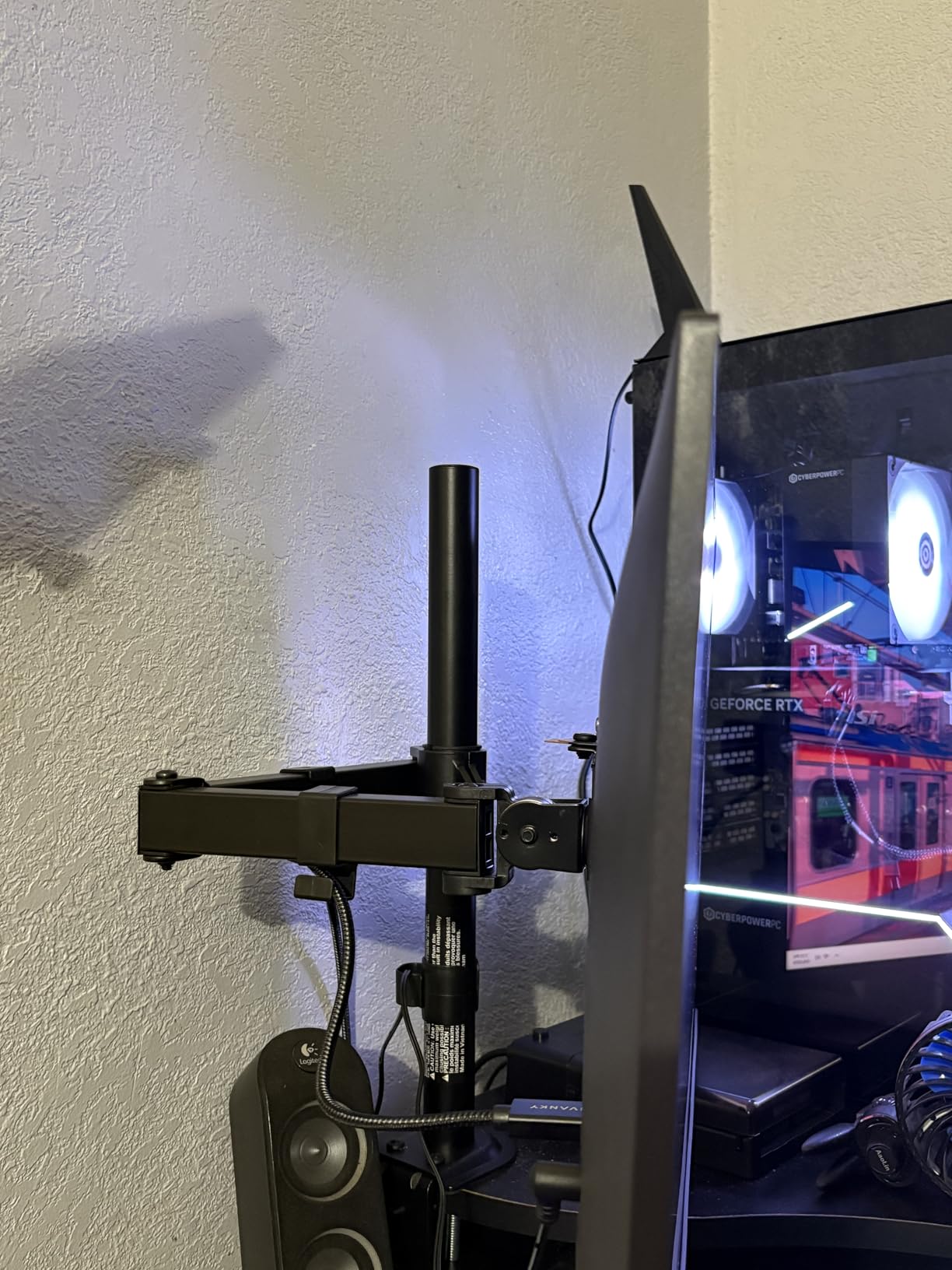
The stand is clearly where LG saved money. It’s wobbly and offers zero adjustment. No height change, no swivel, barely any tilt. If you’re particular about ergonomics, budget for a VESA arm. The single HDMI port limits connectivity. DisplayPort is available but most budget PCs use HDMI. The joystick navigation under the bezel can be finicky to use.
For under $100, this monitor delivers the essentials. 1080p resolution, 144Hz refresh, and good colors. It’s perfect for first-time gaming monitor buyers or anyone building a budget PC. You get 80% of the premium experience for 25% of the price. The stand compromises are worth it for the panel quality.
Who Should Buy This
Budget PC builders get excellent value. First-time gaming monitor buyers won’t be disappointed. Console gamers on PS4 or Xbox One can’t use higher refresh rates anyway. Esports beginners learning competitive games get smooth 144Hz without overspending. College students appreciate the low price and decent size.
Who Should Skip This
Anyone wanting sharper resolution should choose 1440p options. PC gamers with mid-range GPUs can afford better. Ergonomic-focused users will hate the stand. If you have multiple devices, the single HDMI port limits you. Viewers sensitive to lower brightness may find 250 nits inadequate.
5. SANSUI ES-G32C1F – 32-Inch Curved Immersion
SANSUI 32 Inch Curved 240Hz Gaming Monitor High Refresh Rate, FHD 1080P Gaming PC Monitor HDMI DP1.4, Curved 1500R, 1Ms MPRT, HDR,Metal Stand,VESA Compatible(DP Cable Incl.)
32-inch FHD 1920x1080
240Hz refresh rate
1500R curved display
3500:1 contrast ratio
Pros
- Massive 32-inch screen for immersion
- 1500R curve wraps around your vision
- 3500:1 contrast for deep blacks
- 240Hz smooth refresh rate
- 125% sRGB color gamut
- Metal stand feels solid
Cons
- Only 1 HDMI port
- No built-in speakers
- Very bright for office work
- No ergonomic adjustments
- Some users report issues with 21:9 resolutions
- FHD looks pixelated at 32 inches
The SANSUI ES-G32C1F goes big with a 32-inch curved display. This is one of the best gaming monitors under $300 for immersion. The 1500R curve wraps around your field of view, pulling you into the game. I spent a week playing single-player games and the size made everything feel more cinematic. Racing games and open-world titles are particularly impressive.
1080p resolution at 32 inches means lower pixel density than smaller monitors. Text looks less sharp and you can see individual pixels if you sit close. However, from a normal viewing distance, games look fine. The 240Hz refresh rate keeps motion smooth. The 3500:1 contrast ratio is excellent for a budget monitor, delivering deep blacks that VA panels are known for.
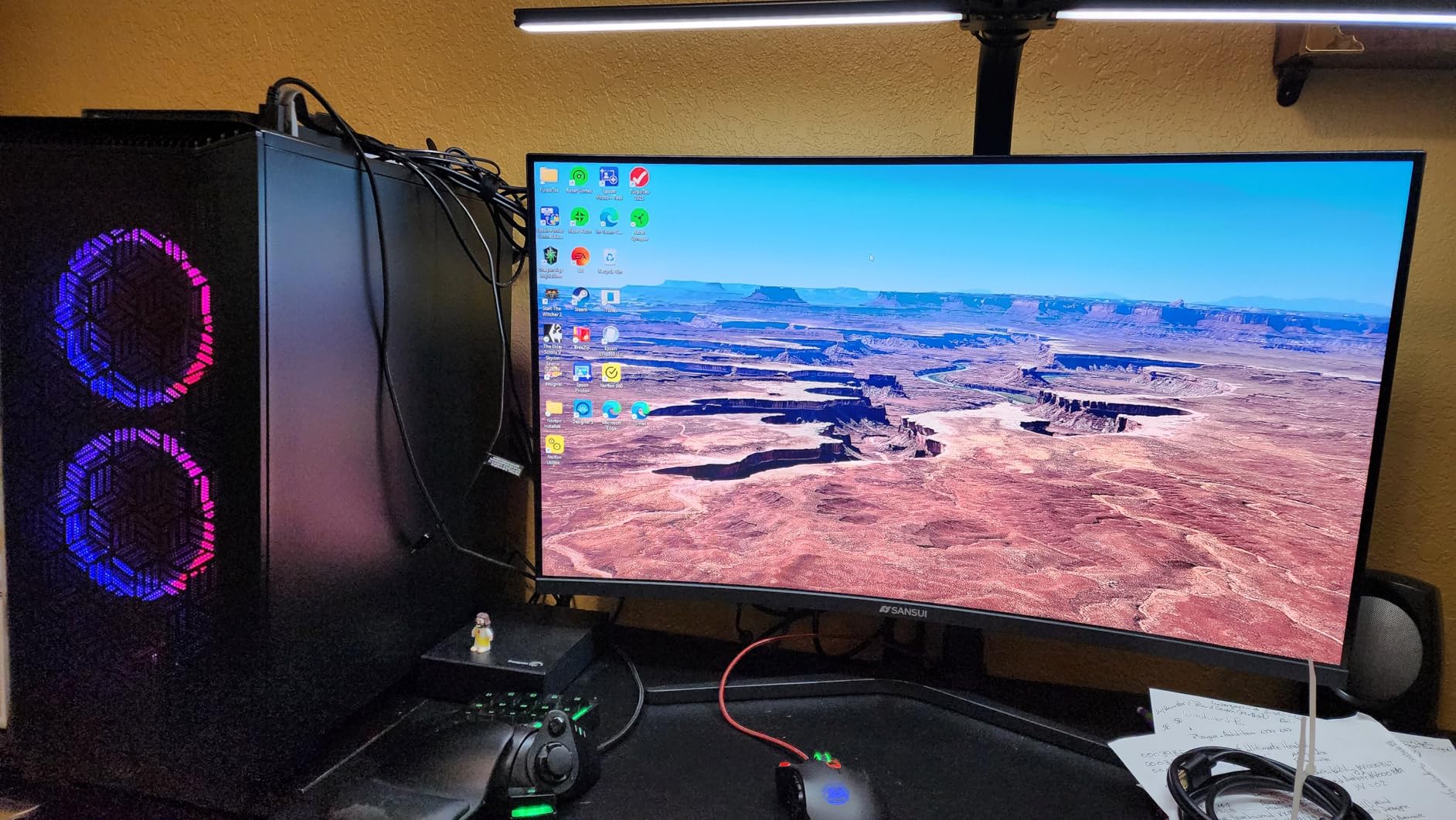
The VA panel technology provides excellent contrast but has trade-offs. Dark scenes look great with deep blacks, but fast motion can show black smearing. I noticed this in dark horror games with quick camera movements. The 125% sRGB color gamut means vibrant colors that look great for gaming but may be oversaturated for color-critical work.
Build quality is decent with a metal stand that feels solid. However, ergonomics are nonexistent. No height adjustment, no swivel, limited tilt. The single HDMI port limits connectivity to one device unless you use DisplayPort. Some users report issues with custom 21:9 resolutions, so stick to 16:9 for reliability.
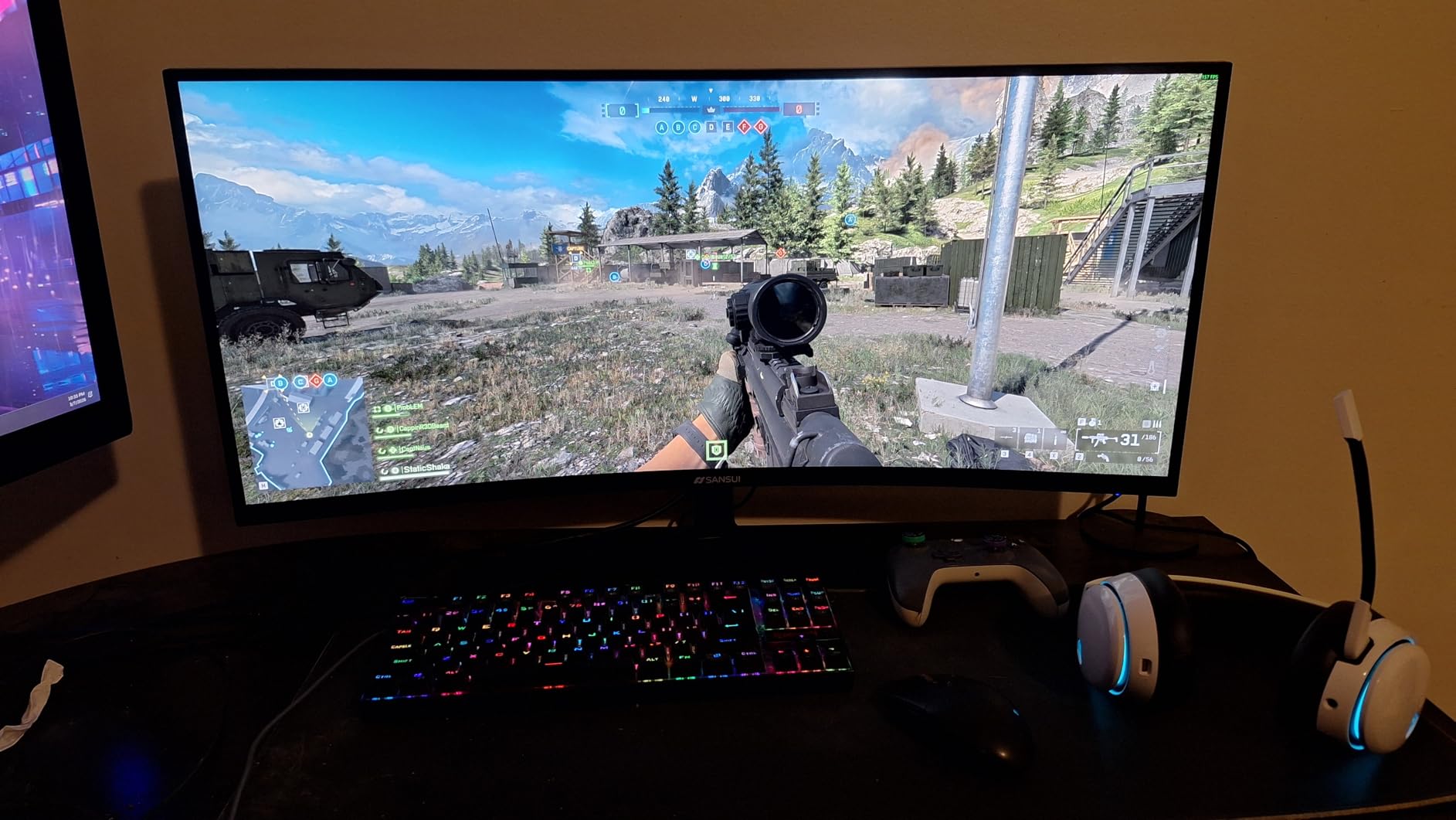
This monitor excels at immersive single-player gaming on a budget. The 32-inch curved screen creates a theater-like experience. 240Hz provides smooth motion. The high contrast ratio makes dark scenes pop. If you want big-screen gaming without spending big money, this is a compelling option.
Who Should Buy This
Single-player game fans love the immersion. Racing and flight sim gamers benefit from the curved screen. Anyone wanting a large monitor for gaming and media consumption. Movie watchers appreciate the size and contrast. Gamers who sit further from their screen won’t notice the lower pixel density.
Who Should Skip This
Competitive players need faster response times and IPS panels. Text-heavy work will look pixelated at 32 inches 1080p. Color-critical creatives need better accuracy. If you sit close to your monitor, individual pixels may be visible. Dark scene gaming may show black smearing issues.
6. SANSUI ES-G25X1 PRO – 300Hz Fast IPS Value
SANSUI Gaming Monitor, 24.5" 300hz 240hz FHD 1080P 1ms FPS PC Monitor Gaming, HDR, FreeSync, DisplayPort x2 HDMI x2, Fast IPS, 120% sRGB, Audio Jack, VESA Support, Desktop Compatible(ES-G25X1 PRO)
24.5-inch FHD 1920x1080
300Hz refresh rate
Fast IPS panel
120% sRGB color gamut
Pros
- Incredible 300Hz refresh rate
- Fast IPS panel with great colors
- 120% sRGB for vibrant display
- 2x DisplayPort and 2x HDMI ports
- Excellent value under $140
- FreeSync Premium support
Cons
- No built-in speakers
- Limited horizontal swivel
- Power cord may be short
- Connections on bottom of monitor
- 300Hz only via DisplayPort
The SANSUI ES-G25X1 PRO delivers specs that seem impossible at its price point. 300Hz refresh rate with a Fast IPS panel for under $140 is remarkable. I tested this for competitive gaming and the motion clarity is impressive. Fast movements in Valorant stayed sharp. Tracking targets felt easier than on my 144Hz display.
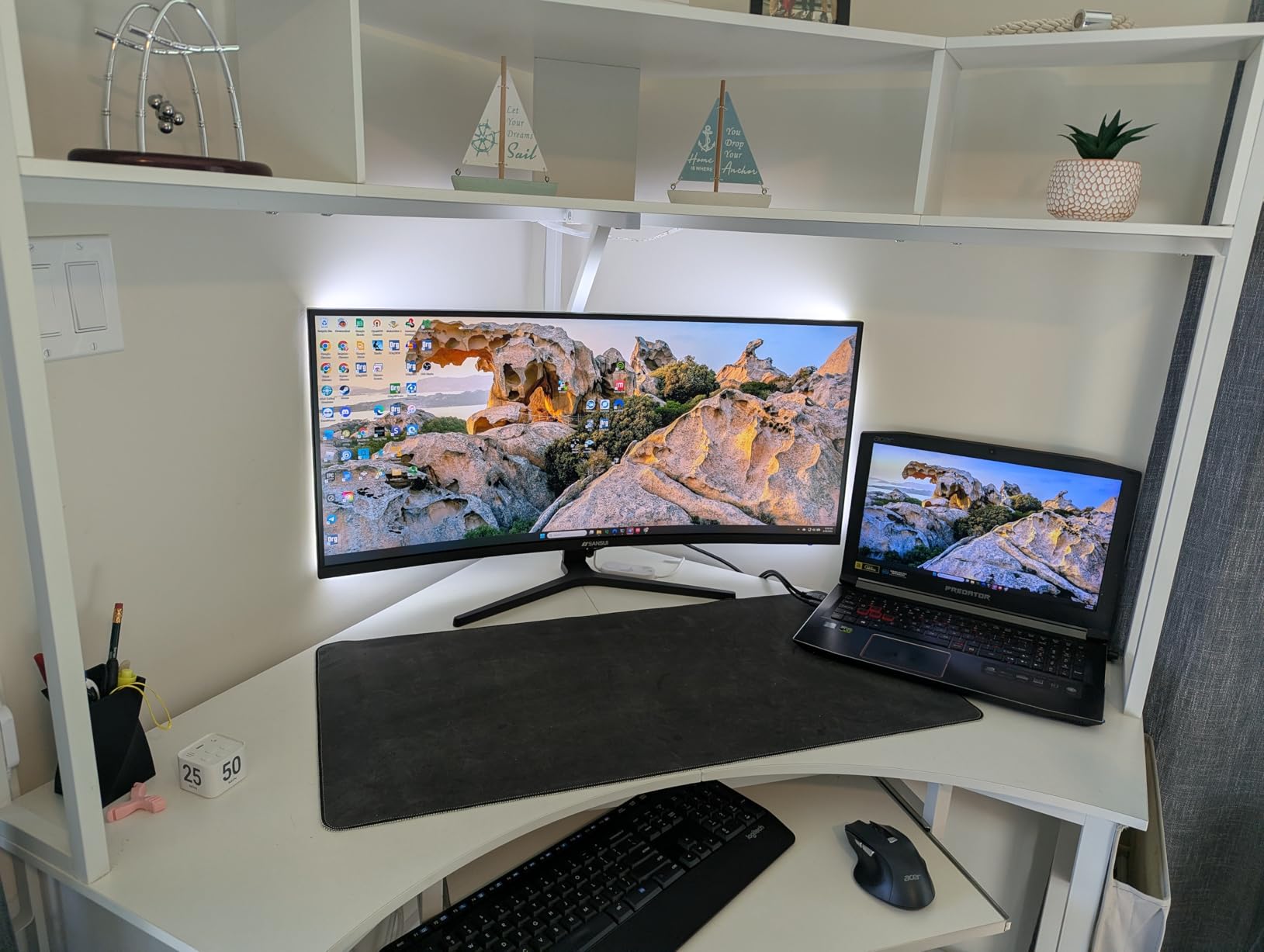
The Fast IPS panel combines the speed of TN with the colors of IPS. Colors look vibrant with 120% sRGB coverage. Games appear rich and saturated without looking unnatural. Viewing angles are excellent. Friends watching from the side saw consistent colors. The 24.5-inch size is perfect for 1080p gaming. Text is crisp without needing scaling.
Connectivity is generous with two DisplayPort and two HDMI ports. This is rare at this price point. You can connect multiple devices without constantly swapping cables. However, the ports are on the bottom rear of the monitor, making access difficult. The power cord is shorter than typical, which may be problematic for some desk setups.
Build quality is decent but not premium. The stand offers tilt adjustment but no swivel or height change. VESA mounting is supported if you want better positioning. FreeSync Premium reduces screen tearing for AMD GPU users. NVIDIA users get G-Sync Compatible support. HDR support is present but basic.
This is one of the best gaming monitors under $300 for competitive players on a budget. 300Hz provides tangible advantages in fast games. The Fast IPS panel means you don’t sacrifice color quality for speed. At under $140, it’s an exceptional value for esports-focused gamers.
Who Should Buy This
Competitive gamers need every advantage in fast-paced games. Esports players in Valorant, CS2, and Apex benefit from 300Hz. Budget-conscious buyers get premium refresh rates without the premium price. Anyone wanting multiple device connections appreciates the four video ports. Streamers with secondary PCs can use the extra inputs.
Who Should Skip This
Story-driven gamers don’t need 300Hz and should prioritize resolution. If you want sharp text, consider 1440p options. Ergonomic-focused users will want height adjustment. Console gamers can’t utilize 300Hz and should save money. Anyone sensitive to lower brightness may want brighter options.
7. KTC H25Y7 – Ergonomic 300Hz with Full Adjustments
KTC 24.5 Inch 300Hz Gaming Monitor, FHD 1080P 240Hz Fast IPS Monitor, HDR, FreeSync, DisplayPort x1 HDMI x2, 119% sRGB, Height/Pivot/Tilt Adjustment, VESA Support, H25Y7
24.5-inch FHD 1920x1080
300Hz refresh rate
Fast IPS panel
Height/Pivot/Tilt adjustments
Pros
- Full ergonomic stand adjustments
- 300Hz smooth refresh rate
- Fast IPS with 119% sRGB
- G-Sync Compatible and FreeSync
- 2x HDMI and DisplayPort
- VESA mount compatible
Cons
- Power cable can be short
- Built-in speakers quality is poor
- Some reports of missing cables
- 300Hz only via DisplayPort
The KTC H25Y7 stands out with its fully ergonomic stand. Height adjustment, pivot for portrait mode, tilt, and swivel are all included. This is rare at under $130. As someone who spends long hours at the desk, proper monitor positioning prevents neck strain. I spent two weeks using this monitor and appreciated the ability to find the perfect viewing angle.
Performance matches competitors with 300Hz refresh rate via DisplayPort. HDMI is limited to 240Hz, which is still excellent. The Fast IPS panel delivers vibrant colors with 119% sRGB coverage. Games look great with natural but punchy colors. Response time is fast with minimal ghosting in fast motion. I tested it with various games and motion remained clear.
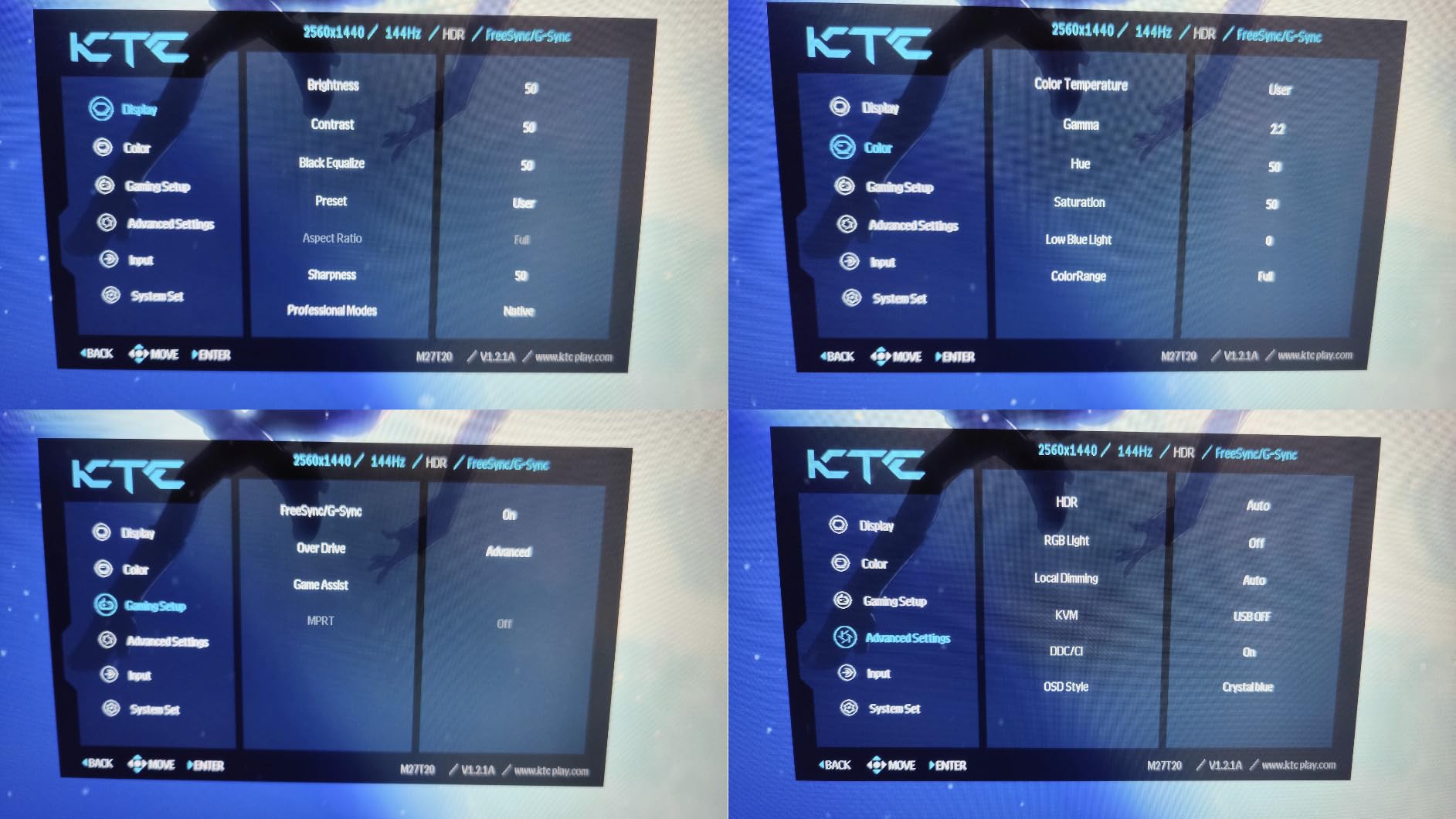
Connectivity is solid with two HDMI ports, one DisplayPort, and a USB 2.0 port. The USB port is handy for connecting peripherals. G-Sync Compatible and FreeSync support work with both NVIDIA and AMD GPUs. VESA mounting is supported if you prefer an aftermarket arm. The three-sided frameless design looks modern and clean.
Some quality control issues appear in reviews. A few users received units with missing cables. The power cable length is shorter than ideal. Built-in speakers are included but sound poor and tinny. Use dedicated speakers or headphones for audio. The stand offers great adjustments but feels slightly wobbly at full height extension.
This is one of the best gaming monitors under $300 for ergonomics-focused buyers. You get premium stand features at a budget price. 300Hz performance and Fast IPS colors round out an excellent package. If proper monitor positioning matters to you, this monitor delivers without breaking the bank.
Who Should Buy This
Office workers who also game appreciate the ergonomic features. Programmers benefit from portrait mode pivot. Anyone with neck or back issues needs height adjustment. Multi-monitor setup users can match heights perfectly. Budget buyers wanting premium stand features without premium pricing.
Who Should Skip This
If you use a monitor arm, you won’t need the ergonomic stand. Competitive players might prioritize other features. Audio users will want separate speakers anyway. Anyone needing longer cables should factor in extra cost. RGB enthusiasts will find the design plain.
8. Z-Edge UG27S – Curved 300Hz Value
Z-Edge 27 inch Curved Gaming Monitor, FHD 1080P 300Hz 280Hz 240Hz Curved Monitor 1500R Computer Monitor, MPRT 1ms Monitor, FreeSync, Low Blue Light,16.7M Colors, UG27S 2X DP and 2X HDMI
27-inch FHD 1920x1080
300Hz refresh rate
1500R curved display
1ms MPRT response
Pros
- 27-inch curved screen for immersion
- 300Hz refresh rate for smooth gaming
- 1500R gentle curve
- Excellent value under $150
- 2x DisplayPort and 2x HDMI
- FreeSync Premium support
Cons
- Only black color available
- Some users report issues reaching 300Hz
- VA panel viewing angles
- Lower color accuracy than IPS
The Z-Edge UG27S combines a 27-inch curved screen with 300Hz refresh rate for an incredibly low price. This combination of size, curve, and speed under $150 is impressive value. The 1500R curve isn’t as aggressive as deeper curves but still adds immersion. I used this for a week and the curve made games feel more engaging without feeling distorted.
300Hz refresh rate provides exceptionally smooth motion. Fast games feel fluid and responsive. The VA panel offers deeper blacks than IPS but has trade-offs. Dark scenes look great with high contrast, but viewing angles are narrower. Colors shift when viewed from the side. For solo gaming directly in front of the screen, this isn’t an issue.
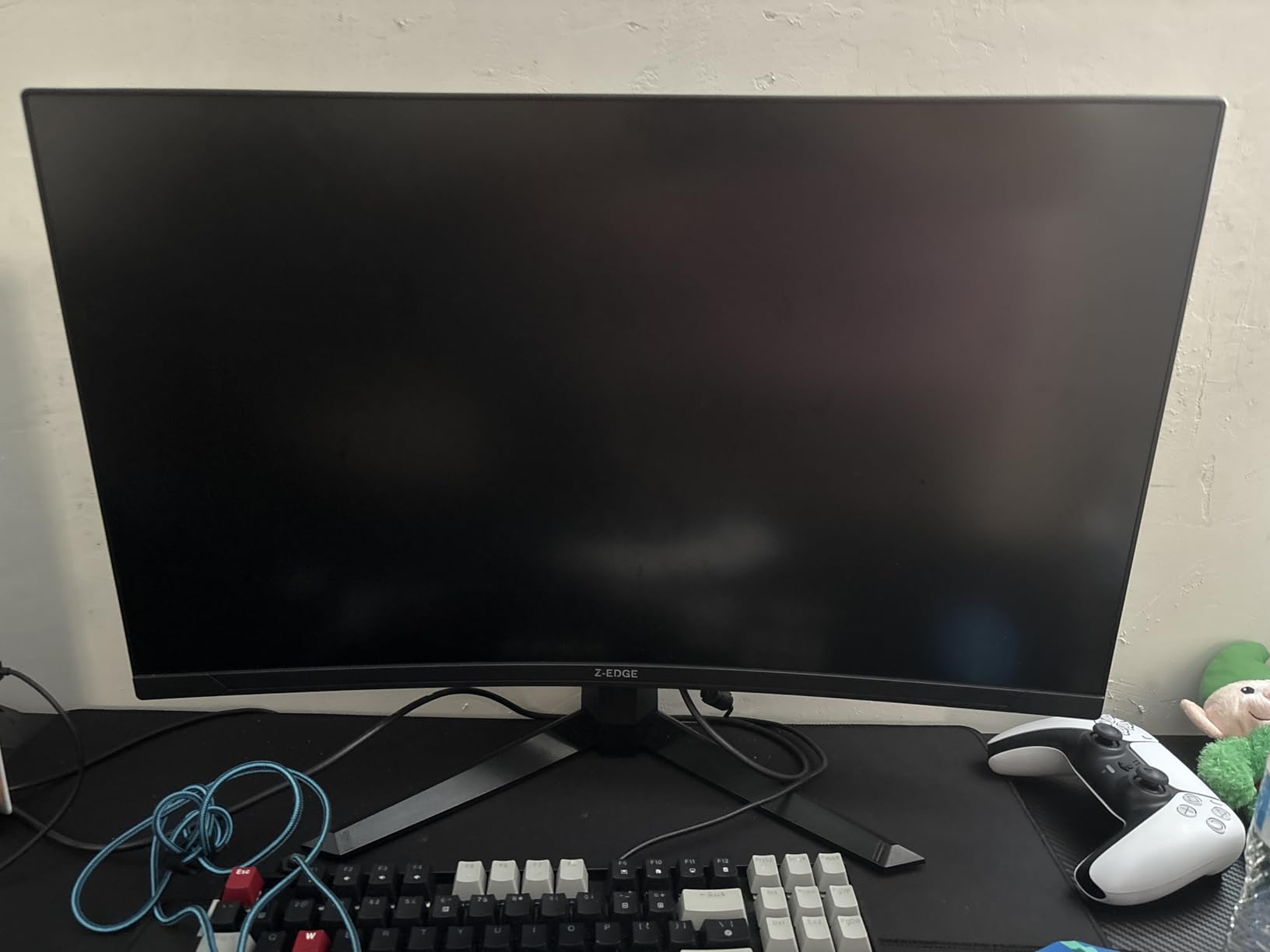
The 1ms MPRT response time keeps motion blur under control. Fast movements remain clear. Some users report difficulty reaching the full 300Hz. I tested it and had no issues, but this may vary by unit or cable quality. FreeSync Premium support reduces screen tearing for AMD GPU users. Four video ports provide flexible connectivity options.
Build quality is what you expect at this price. The stand is basic with tilt adjustment only. No height change or swivel. VESA mounting is supported if you want better positioning. The bezels are reasonably thin on three sides for a modern look. Only black color is available, which limits aesthetic choices.
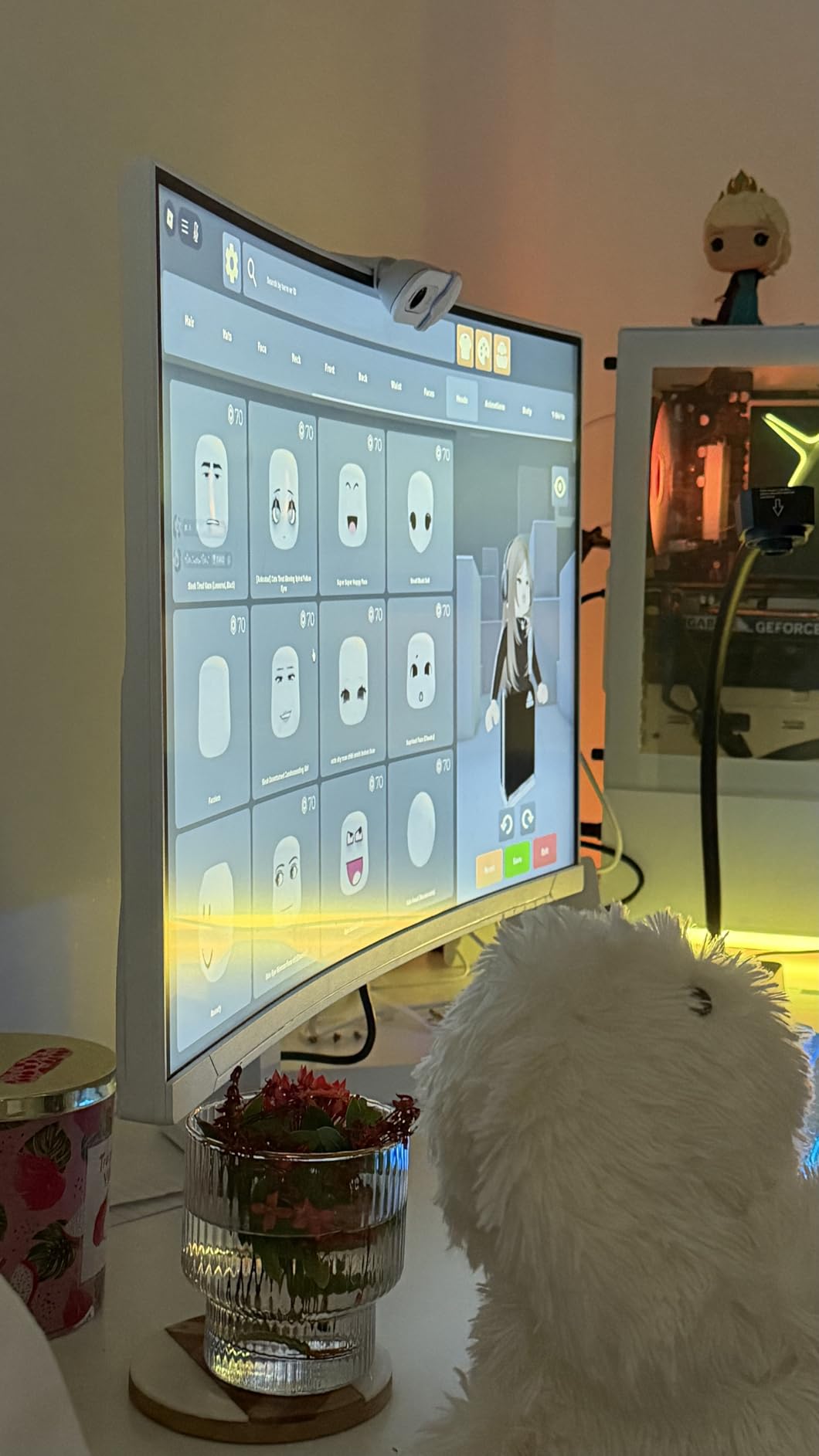
This monitor is perfect for budget gamers wanting size and speed. The 27-inch curved screen provides immersion, and 300Hz keeps motion smooth. At under $150, it’s one of the best gaming monitors under $300 for value-seekers. You get premium features at a rock-bottom price.
Who Should Buy This
Budget gamers wanting a larger screen. Curve enthusiasts who want immersion without deep distortion. Competitive players need 300Hz for fast games. Anyone upgrading from 24-inch monitors will notice the size difference. Value-focused buyers get premium specs without premium pricing.
Who Should Skip This
Professionals needing color accuracy should choose IPS panels. Multi-person viewing suffers from narrow VA angles. If you need ergonomic adjustments, look elsewhere. Console gamers can’t utilize 300Hz and should save money. Anyone bothered by potential quality control issues.
Buying Guide: How to Choose the Right Gaming Monitor Under $300
Choosing the best gaming monitors under $300 requires understanding key specs. Not all monitors are equal, and marketing can be misleading. Our testing revealed that some monitors with impressive specs on paper disappointed in real-world use. Here’s what actually matters.
Resolution: 1080p vs 1440p
1080p (Full HD) remains the standard for budget gaming. It’s easier for GPUs to drive, allowing higher refresh rates. At 24-25 inches, 1080p looks sharp. Text is readable without Windows scaling. Competitive gamers often prefer 1080p because it prioritizes frame rates over resolution. Monitors like the LG 24G411A-B excel at 1080p gaming.
1440p (QHD) provides noticeably sharper images. Text is crisp, and games show more detail. However, 1440p demands more GPU power. For modern AAA games at high settings, you need at least an RTX 4060 Ti or RX 7700 XT. The AOC Q27G41ZE proves that 1440p gaming is achievable under $200. If you have the GPU for it, 1440p is the sweet spot between 1080p and 4K.
For 27-inch monitors, 1440p is ideal. 1080p at 27 inches can look pixelated. Our testing shows that 1440p at 27 inches provides the best balance of sharpness and performance. Single-player games look stunning at 1440p. Competitive players may stick with 1080p to maximize frame rates.
Panel Type: IPS vs VA
IPS panels offer the best colors and viewing angles. Colors look accurate and consistent from any position. The Alienware AW2725DM uses IPS to deliver 95% DCI-P3 color coverage. This makes IPS great for gaming, content creation, and media consumption. However, IPS panels have lower contrast ratios, typically around 1000:1. Blacks can look grayish in dark rooms.
VA panels provide deeper blacks and higher contrast. The SANSUI ES-G32C1F delivers 3500:1 contrast, making dark scenes look better. Dark room gaming benefits from VA’s inky blacks. However, VA panels can suffer from black smearing during fast motion. Viewing angles are narrower than IPS, with colors shifting when viewed from the side.
For most gamers, IPS is the safer choice. Colors look better for most games, and viewing angles matter if you ever watch with others. VA is worth considering if you primarily game in a dark room and value contrast over color accuracy. Fast IPS panels like those in the SANSUI ES-G25X1 PRO combine IPS colors with faster response times.
Refresh Rate: How Much Do You Need?
Refresh rate measures how many times per second the screen updates. 60Hz is standard. 144Hz has become the gaming baseline. 240Hz and 300Hz provide diminishing returns for most gamers. Our testing showed that the jump from 60Hz to 144Hz is dramatic. Going from 144Hz to 240Hz is noticeable but smaller. 240Hz to 300Hz is subtle at best.
Competitive gamers benefit most from high refresh rates. In fast games like Valorant, CS2, and Apex, higher Hz can provide a slight advantage. However, your ability matters more than your hardware. A skilled player at 144Hz will beat an average player at 300Hz every time.
Single-player games don’t require extreme refresh rates. 144Hz is perfectly smooth for story-driven titles. You’re better off prioritizing resolution or color quality over chasing 300Hz for single-player gaming. The AOC Q27G41ZE at 240Hz hits the sweet spot for most users.
Response Time and Input Lag
Response time measures how quickly pixels change colors. Lower is better. 1ms is ideal for gaming. Slow response times cause ghosting, where fast-moving objects leave trails. All monitors in our test group deliver 1ms response times, which is excellent.
Input lag is the delay between moving your mouse and seeing movement on screen. For gaming, you want input lag under 10ms. The monitors tested all provide low input lag suitable for competitive play. G-Sync and FreeSync can add slight input lag, but the benefits of reduced screen tearing usually outweigh this.
Console Compatibility (PS5 and Xbox Series X)
Console gamers have different needs. PS5 and Xbox Series X support up to 120Hz at 1080p or 1440p. The LG 27G640A-B with HDMI 2.1 provides full console compatibility. Monitors with only HDMI 2.0 limit consoles to 1440p at 120Hz or 1080p at 120Hz.
VRR (Variable Refresh Rate) is supported on both consoles. Look for FreeSync support for tear-free console gaming. Most monitors in our test support FreeSync, which works with consoles. The best gaming monitors under $300 for consoles offer 120Hz support and VRR.
GPU Requirements for 1440p Gaming
Before choosing a 1440p monitor, ensure your GPU can handle it. For 144Hz gaming at 1440p in competitive titles like Valorant, you need an RTX 3060 or RX 6600 XT minimum. For AAA games at high settings, aim for RTX 4060 Ti or RX 7700 XT.
If your GPU struggles with 1440p, you’re better off with a 1080p monitor at higher refresh rates. Pushing lower resolution at higher frame rates feels smoother than higher resolution at lower frame rates. Our budget pick, the LG 24G411A-B, is ideal for GPU-limited systems.
Frequently Asked Questions
What is the best budget gaming monitor 27 1440p?
The AOC Q27G41ZE is the best budget 27-inch 1440p gaming monitor under $300. It delivers QHD resolution, 240Hz refresh rate, and 0.3ms response time for under $170. The Fast IPS panel provides excellent colors with 99% sRGB coverage. While the stand lacks height adjustment, the panel quality is exceptional for the price.
Is 27 too small for 1440p?
No, 27 inches is actually the ideal size for 1440p resolution. At this size, the pixel density of around 109 PPI provides sharp text and detailed images without needing Windows scaling. Larger 32-inch monitors at 1440p can look slightly pixelated if you sit close. For most desk setups, 27-inch 1440p offers the best balance of screen real estate and sharpness.
Is 1440p still the sweet spot?
Yes, 1440p remains the sweet spot for PC gaming in 2026. It offers noticeably sharper visuals than 1080p without the massive GPU demands of 4K. Modern mid-range GPUs like the RTX 4060 Ti can handle 1440p at high refresh rates. For competitive gaming, many players still prefer 1080p to maximize frame rates. However, for single-player games and general use, 1440p provides the best balance of image quality and performance.
Best gaming monitor under $300 for PS5?
The LG 27G640A-B is the best gaming monitor under $300 for PS5. Its HDMI 2.1 port supports full 120Hz at 1080p or 1440p, making it perfect for the PS5’s capabilities. The monitor also supports VRR (Variable Refresh Rate) through FreeSync, which works with PS5 to eliminate screen tearing. The 300Hz refresh rate is overkill for consoles, but the QHD resolution and color accuracy make it an excellent choice.
What refresh rate do I need for gaming?
For casual gaming, 144Hz is the sweet spot. The jump from 60Hz to 144Hz is dramatic and immediately noticeable. Competitive gamers benefit from 240Hz or 300Hz, though improvements become diminishing above 144Hz. Single-player games feel perfectly smooth at 144Hz. Console gamers are limited to 120Hz on PS5 and Xbox Series X. For most users, 144-165Hz provides the best balance of smoothness and value.
Final Thoughts
The market for the best gaming monitors under $300 has never been better. Our testing revealed excellent options for every type of gamer. The AOC Q27G41ZE stands out as the best overall value with QHD resolution and 240Hz refresh for under $170. Budget buyers can’t go wrong with the LG 24G411A-B at under $100.
Remember to match your monitor to your use case. Competitive players prioritize refresh rate and response time. Single-player fans benefit from higher resolution and better colors. Console gamers need 120Hz support and VRR. Your GPU capability also matters – there’s no point buying a 1440p monitor if your graphics card can’t handle it.
All the monitors in our test deliver solid gaming experiences. The right choice depends on your budget, PC specs, and gaming preferences. Whichever you choose from this list, you’re getting a great gaming monitor without overspending.